
Android digital signage: the screen becomes the player
Your Android display already has everything it needs. The EMITY app installs straight onto it, just like on a phone: no computer to budget for, no tower to hide behind the cabinet. iiyama, Philips, Sony, TCL, MAXHUB, ViewSonic: there is a step-by-step guide for every brand.
Embedded system
What the Android system changes for your screens
For a long time, showing content on a screen meant a dedicated computer left switched on permanently. Android displays moved that constraint: three concrete changes.
No computer to budget for
The display’s own system runs the app. There is no tower to install, no Windows session to maintain and no antivirus to renew at every point of broadcast.
Updates that arrive on their own
The app updates itself from the platform, across the whole estate. Your screens stay current without anyone going on site.
Less hardware, less energy
An embedded system draws the display’s power, with no separate unit and no fan. A point of broadcast comes down to a socket and a network connection.
E-SOFT
The app installs directly onto the display
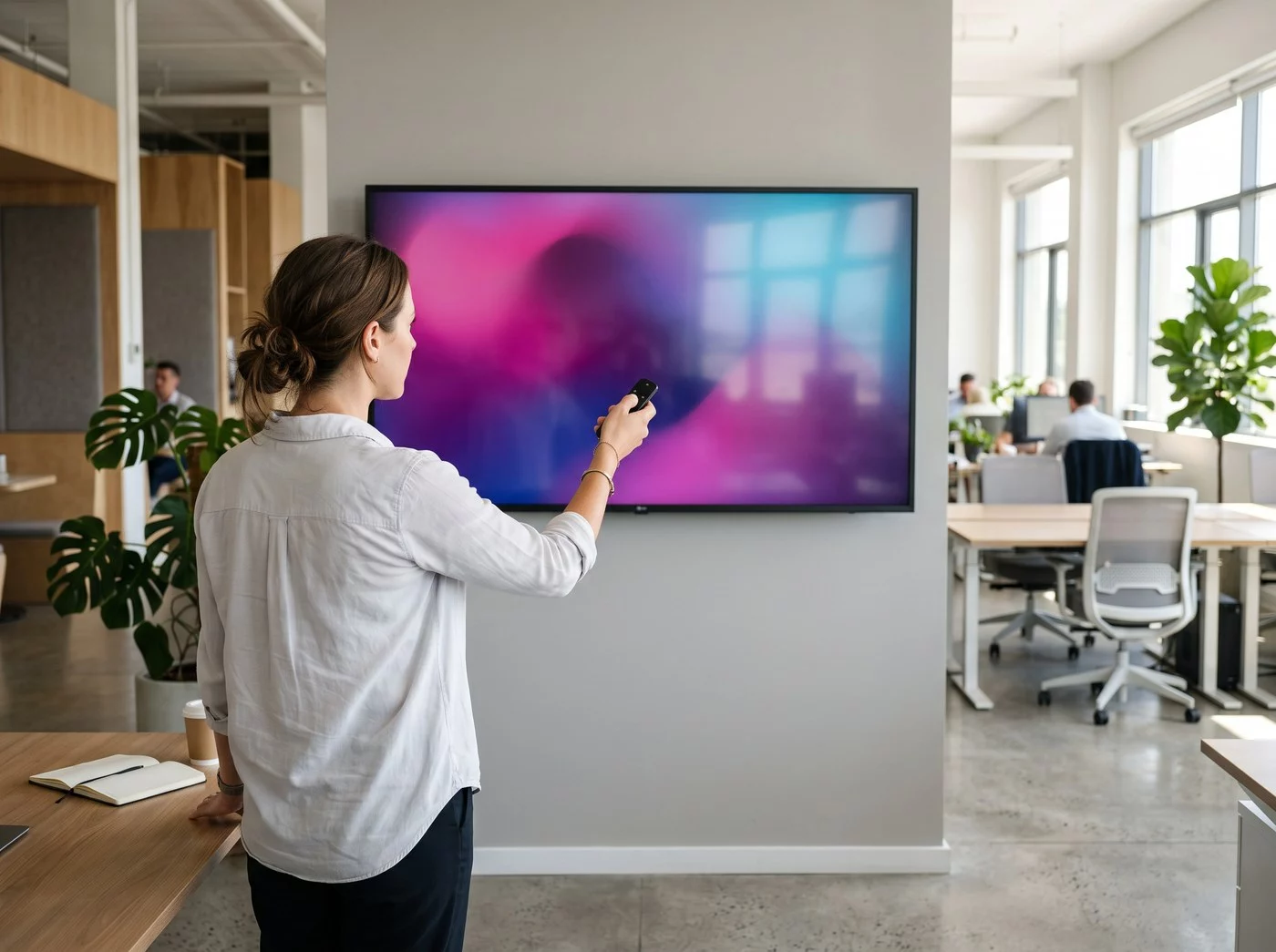
It follows the same logic as a smartphone: the screen downloads its app, then broadcasts.
Download, pair, broadcast
The E-SOFT app is downloaded and installed on the display itself:
- ✓From the display’s own app store, or by installing the file we provide
- ✓A code appears on screen: you enter it in your E-MANAGER account
- ✓The display shows up in the console and receives its playlist
- ✓No extra hardware, no additional cabling, no machine to find room for
Allow a few minutes per screen. Your certified reseller can also deliver displays already paired with your account.
Compatibility
Compatible Android displays, brand by brand
Each brand has its own installation guide, documented and available. Pick yours:
iiyama monitors and large-format Android displays, from the reception area to the meeting room.
The Philips professional range, with a generic installation procedure that covers every model.
Sony professional displays and televisions, including the BRAVIA models, which run on Android.
MAXHUB interactive displays, designed for meeting rooms and collaborative spaces.
ViewSonic displays, with a generic procedure that covers the main references.
One console
Several display brands, a single console
This is the most useful consequence: the brand of the display stops being a blocking purchase criterion.
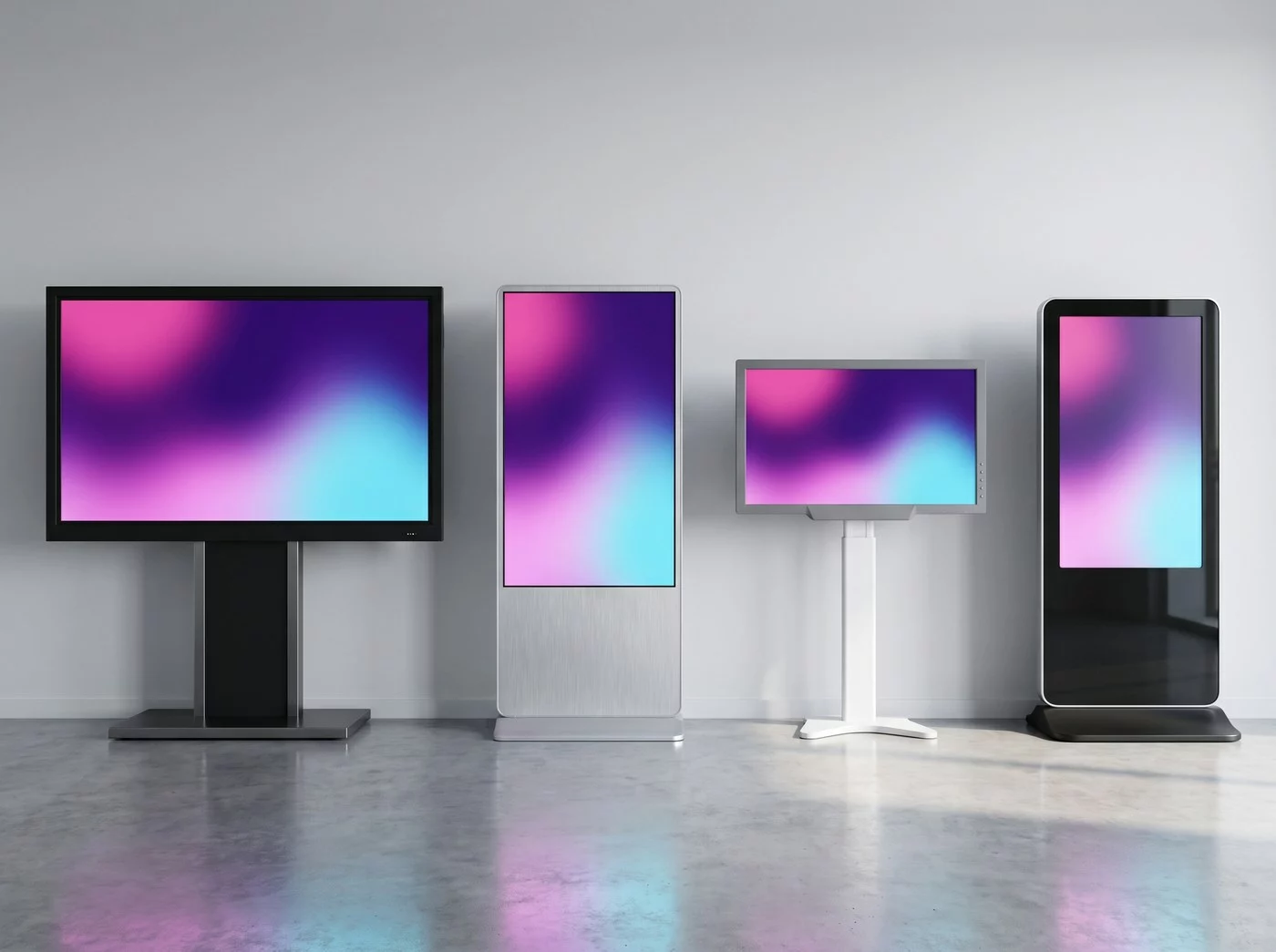
A real estate is built in stages, from different suppliers. All these brands live side by side in the same console:
- ✓An iiyama display in the lobby and a Philips in the break room, on the same playlist
- ✓A Sony totem and an older ViewSonic, side by side
- ✓Landscape and portrait formats mixed, each with its own content
- ✓One contract, one training session, one point of contact
Compared with a manufacturer’s own software, which only drives that manufacturer’s screens, this is what saves you from rebuilding the estate every time a reference changes.
Comparison
Android display or computer: how to decide
Both work. They simply do not cost the same to run over time.
| Criterion | Android display | Display + dedicated computer |
|---|---|---|
| Hardware to budget for | The display on its own | One separate unit per point of broadcast, to house and to ventilate |
| Maintenance | The app updates remotely, across the whole estate | Operating system, drivers and antivirus to follow machine by machine |
| Power draw | That of the display, with no separate unit | That of the display, plus a computer left switched on |
| Restart after an outage | Automatic: broadcasting resumes on its own | Depends on how the workstation is configured, sometimes a visit on site |
| Where a computer still wins | — | A heavy line-of-business application to display, a specific peripheral to drive, or a constraint set by your IT department |
Interactivity
Adding touch to an Android display
The embedded system is not only there to broadcast: it also runs the interactive journeys.
Touch is an option, not another tool
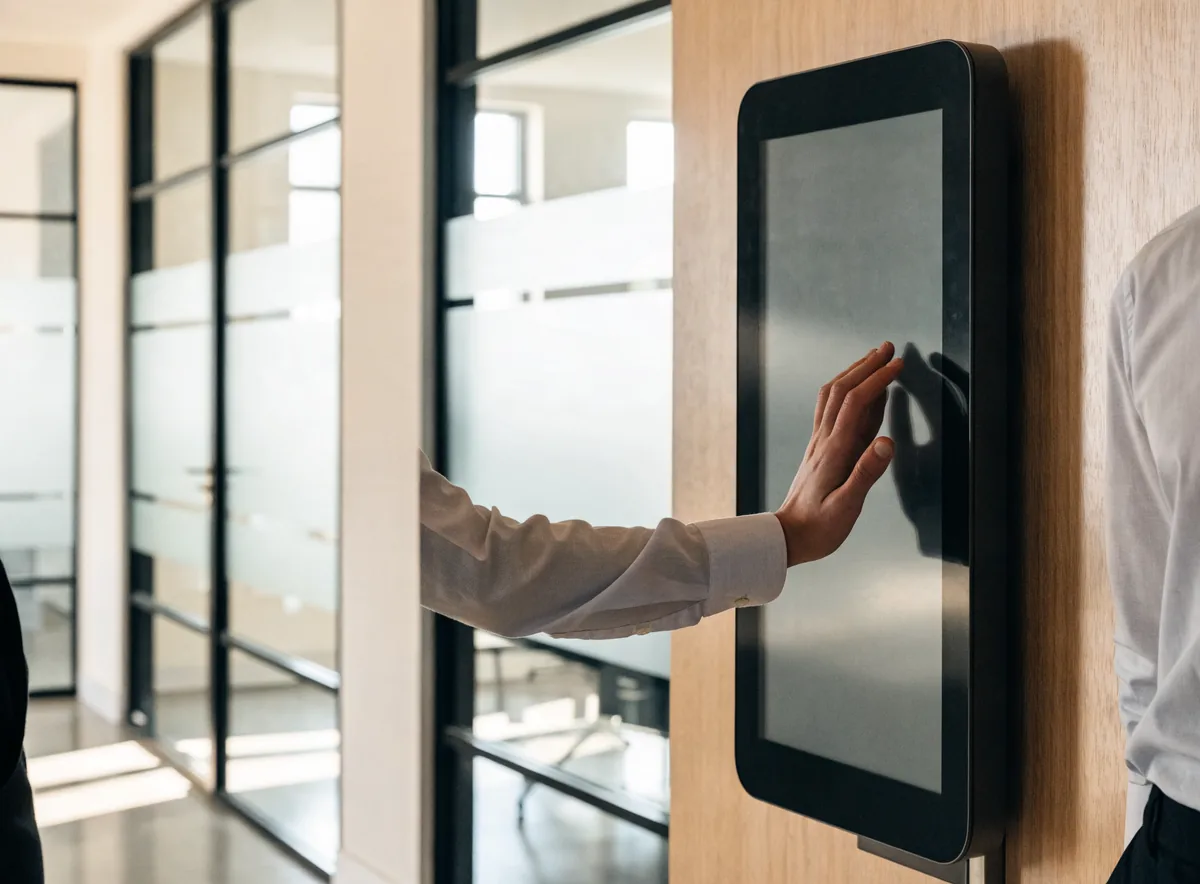
An Android display becomes interactive as soon as its panel is a touch panel. The E-CLICK module then adds the navigation journeys: floor plan, directory, catalogue, welcome form, ticket dispensing.
It is the same account, the same console and the same editor as for your passive screens: touch is an option on the estate, not a second system to learn.
To go further: E-CLICK, the interactive kiosk software covers the features, and our page on touch screen kiosks combined with digital signage presents the hardware and the sector use cases.
FAQ

