

The context
Three screens to inform a whole town
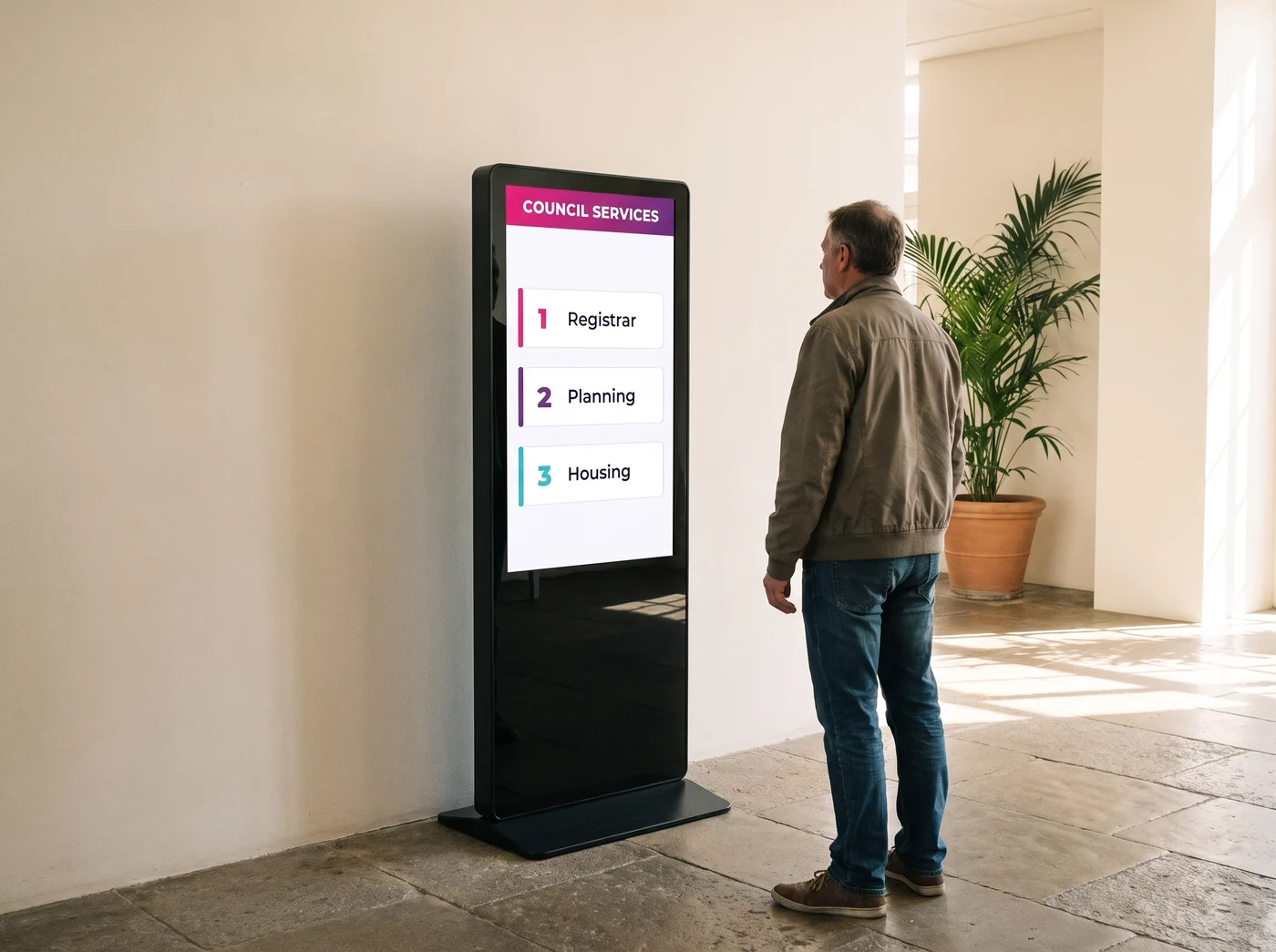
Aulnay-sous-Bois is a French town on the north-eastern edge of Paris, with 86,360 residents (2022 census, INSEE — the French national statistics office). Its communications team serves two audiences at once: residents walking into the town hall, and council staff.
In 2020 the council brought three connected screens into service, run on EMITY across different council buildings, on the Premium plan. The idea is simple: compose a notice in a browser and watch it reach all three screens, with no travel and no trip to the printer.
What makes the case worth reading is the scale. Three screens for a town of more than 86,000 people is not a large digital programme — it is a start, placed where people actually pass. That is what makes it transferable to almost any local authority.
The need
What a council’s communications actually demand
Informing a town is not like informing a company. Four constraints shape the project.
Print arrives after the event
Artwork, sign-off, printer, putting it up: a poster takes days. A rescheduled council meeting, a closed service desk, a burst water main or a weather warning will not wait that long.
Several audiences in the same lobby
A resident waiting for the registrar, a member of staff walking through, a community group dropping off a form: the same screen has to carry different messages depending on the hour and the building.
Nobody on the team is a designer
In a council, one small team looks after the newsletter, the website, social media and the notice boards. The tool has to be usable without page-layout software and without an outside agency.
Statutory notices still have to be displayed
Orders, council minutes, planning applications: some information has to stay available to the public. That is the subject of digital statutory display, which runs from the same platform.
The answer
What EMITY brings to the council
Six building blocks, all of them in use on this deployment.
Day to day
Three screens from one browser
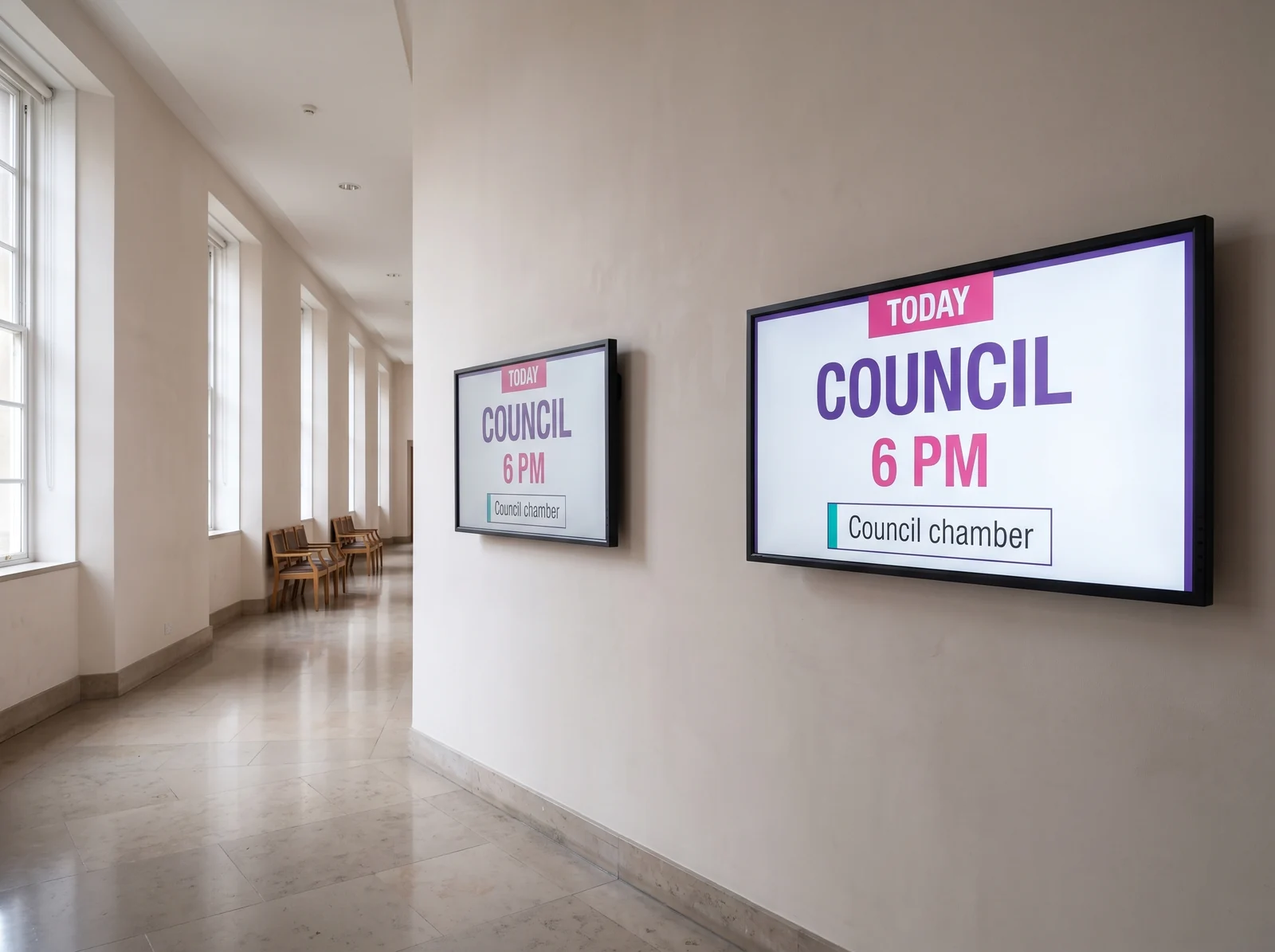
Everything happens in a browser. The communications team composes a notice, schedules it against a time slot and sends it to one screen or to all three. No travel, no USB stick carried from one building to the next, no supplier to ring up just to change a date.
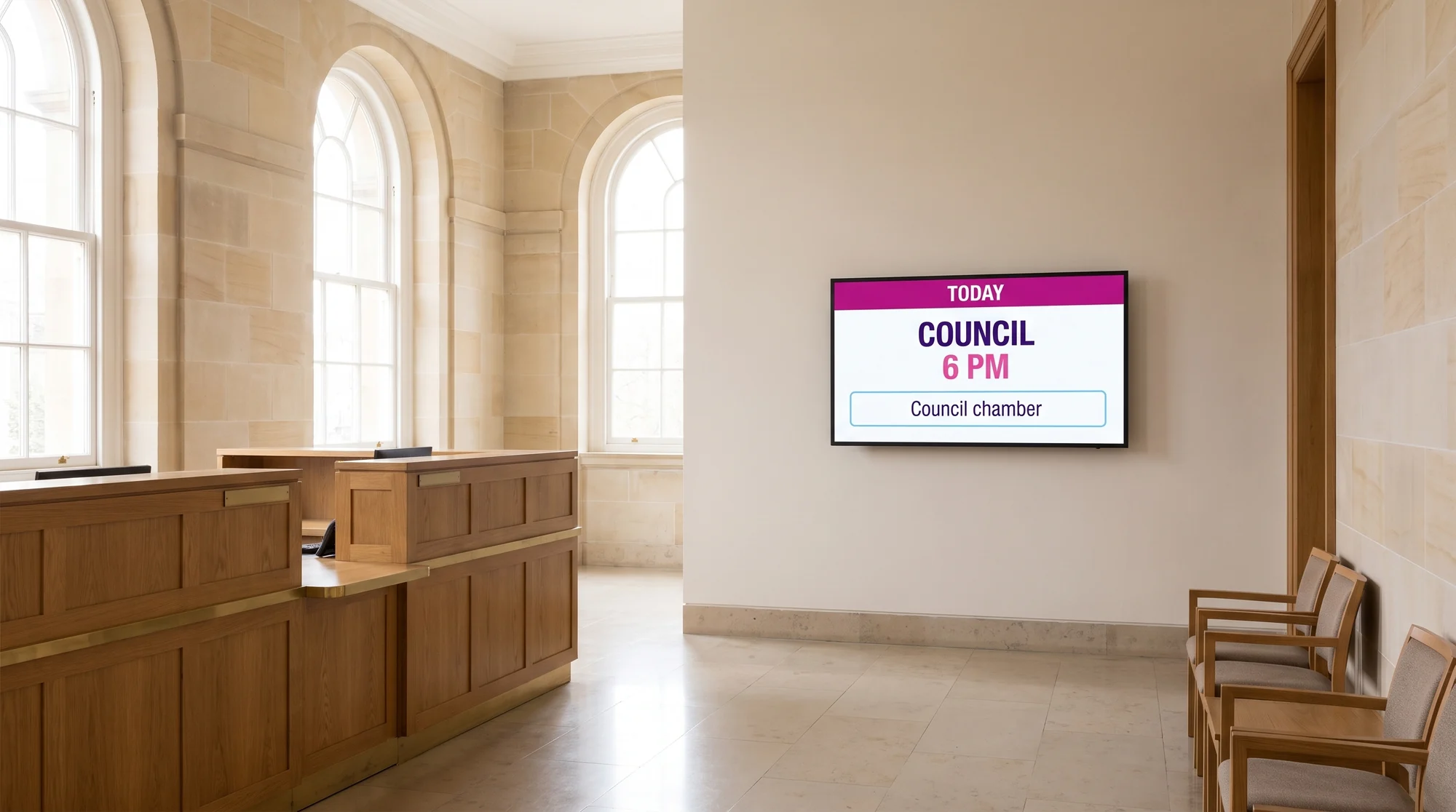
That is what changes the relationship with time. Something decided in the morning is on screen by the afternoon; a notice that has expired clears itself on the date it was given.
In practice
How a rollout runs
Four steps, the same for three screens and for thirty.
The screen goes in
In the reception hall, on a totem in the middle of the footfall, or outdoors on the forecourt. Format follows the spot: portrait for a totem, landscape for a wall.
It connects to the platform
On a connected display (Android TV, Tizen, webOS), the E-SOFT app installs straight onto the screen. On a display that is not connected, an E-BOX media player takes over. So the player is not systematic.
The communications team composes
In the built-in editor: a background, a headline in large type, one line of information, a weather widget. Templates carry over from one campaign to the next.
The estate is run remotely
Groups, time slots, swapping a visual, checking how the screens are doing: it all goes through E-MANAGER, from any desk in the building.
The effects
What the screen actually changes

In the council’s words
What the communications team says
“It is about responsiveness, time saved and cost. As an investment it could well pay for itself in the end.”
Communications team, Aulnay-sous-Bois town hall (translated from French)
“It shows we are rather ahead of the curve, and that is a good thing.”
Communications team, Aulnay-sous-Bois town hall (translated from French)
The takeaway
Starting with three screens
Plenty of councils put the subject off because they picture a heavy programme: a network of screens, a capital budget, a tender. Aulnay-sous-Bois shows the opposite — three screens are enough to start, and the estate grows afterwards at the pace of the need.
- ✓The first screen goes where the footfall is heaviest — almost always the reception hall.
- ✓Running costs do not move as the estate grows: the same person runs three screens or thirty.
- ✓Staff learn on one screen before managing ten; the pace follows the team, not the supplier.
- ✓Every new site reuses templates that already exist, instead of starting from a blank page.
Frequently asked
What councils ask
Going further
Other deployments
Every case study published on this site states the sector, the year and the size of the estate installed.
- ✓GLS France — 111 screens at the end of every dock at the Paris Sud hub, wired to their yard management software.
- ✓Europcar — 360 screens and tablets across rental branches, run from one central interface.
- ✓Schindler — close to a hundred screens inside lift cars, at a manufacturer that resells the service to its own customers.


