Hotel digital signage: a screen that earns its place at every stage of the stay

A guest walks past your frontage, checks in at reception, goes up to the room, comes back down for breakfast, looks for their seminar room. At each of those moments, the right information in the right place saves them a question — and saves your team an interruption.

1,000+customer accounts
7,000+connected screens
3 monthsfree trial

The principle

One platform, a different message in every space

A hotel does not have one signage need: it has seven or eight, and they look nothing alike.

In context

A guest’s journey, from the frontage to the terrace

From the street to check-out, each screen answers a different question — and the last one is no longer for them, but for your staff.
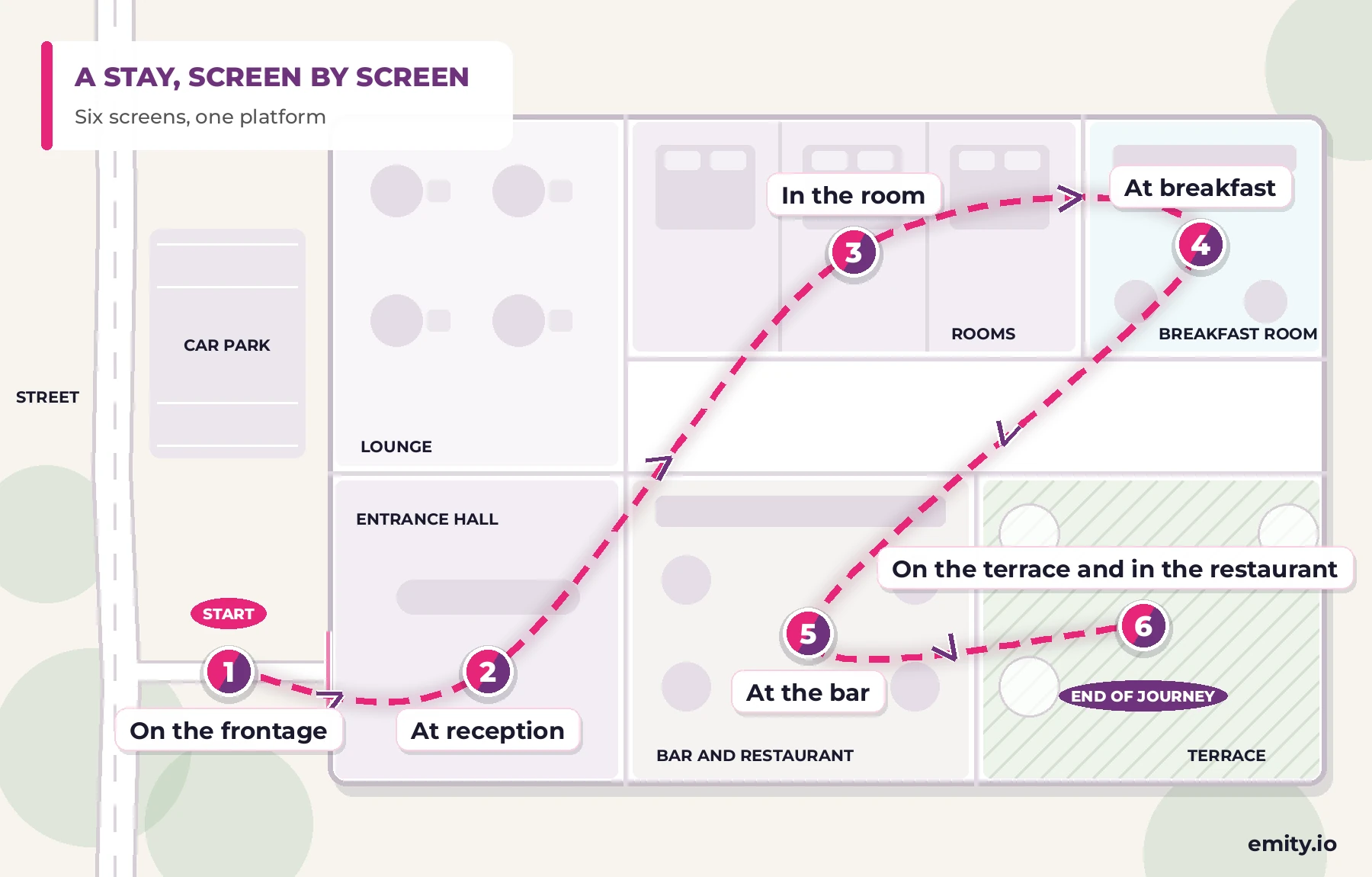
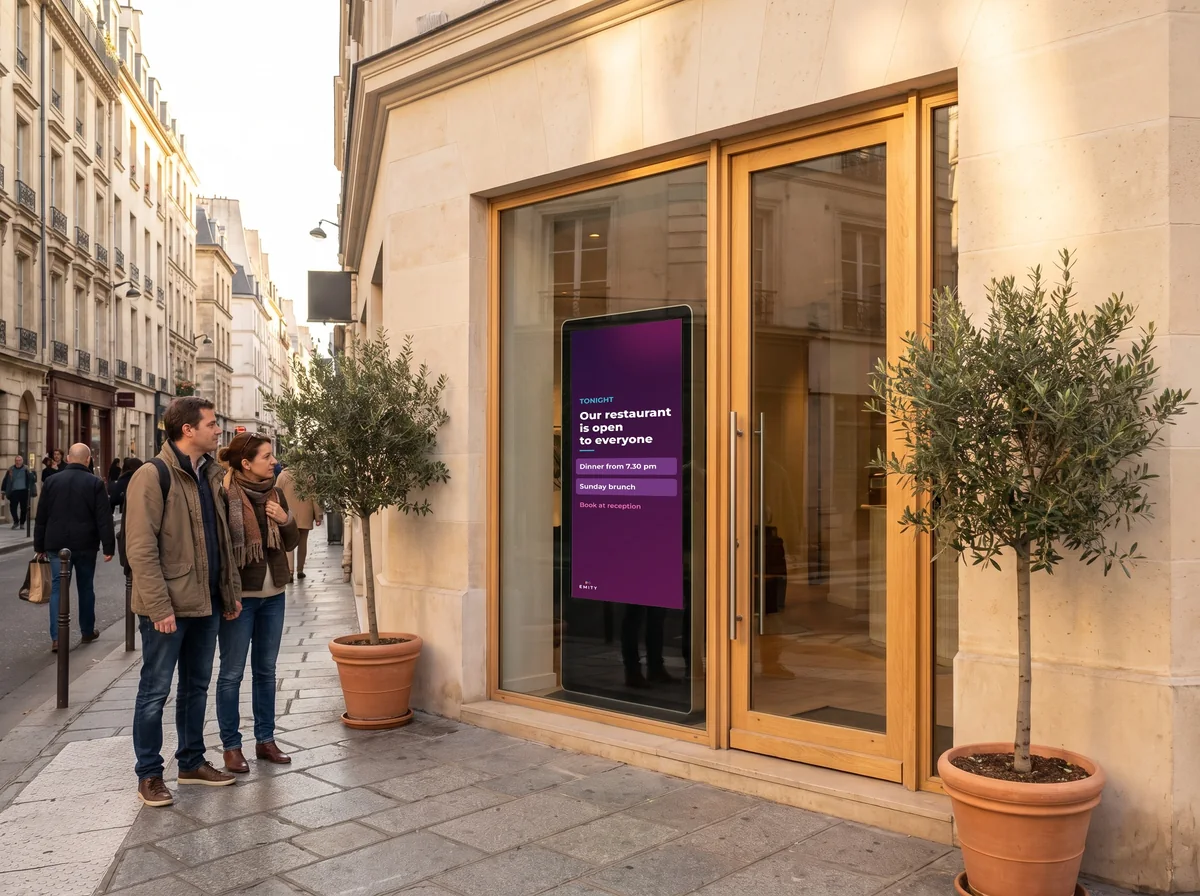
Diagram of a guest’s journey in six linked steps: frontage, reception, room, breakfast, bar and terrace

Digital screen in a hotel frontage at night, showing opening hours to passers-by

On the frontage

A screen visible from the street says what is happening inside: the restaurant open to non-residents, Sunday brunch, an event. At night it switches to opening hours and the reception number. More on interactive screens.

  • Restaurant open to non-residents
  • This week’s events
  • Opening hours and contact at night
  • Scheduled switch-off
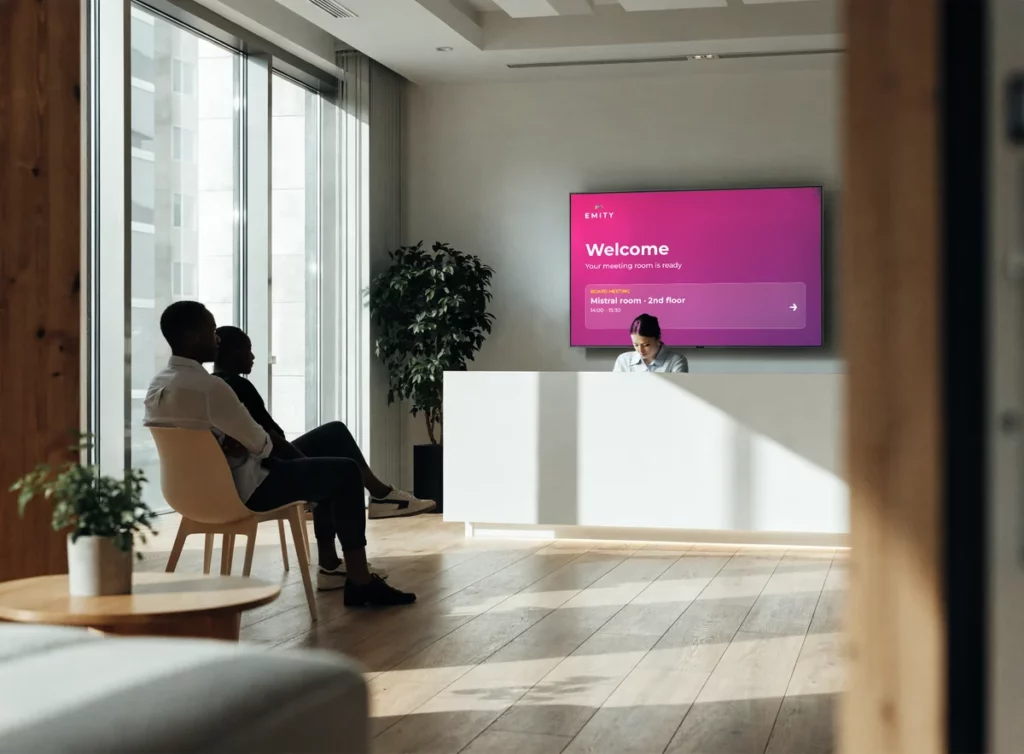
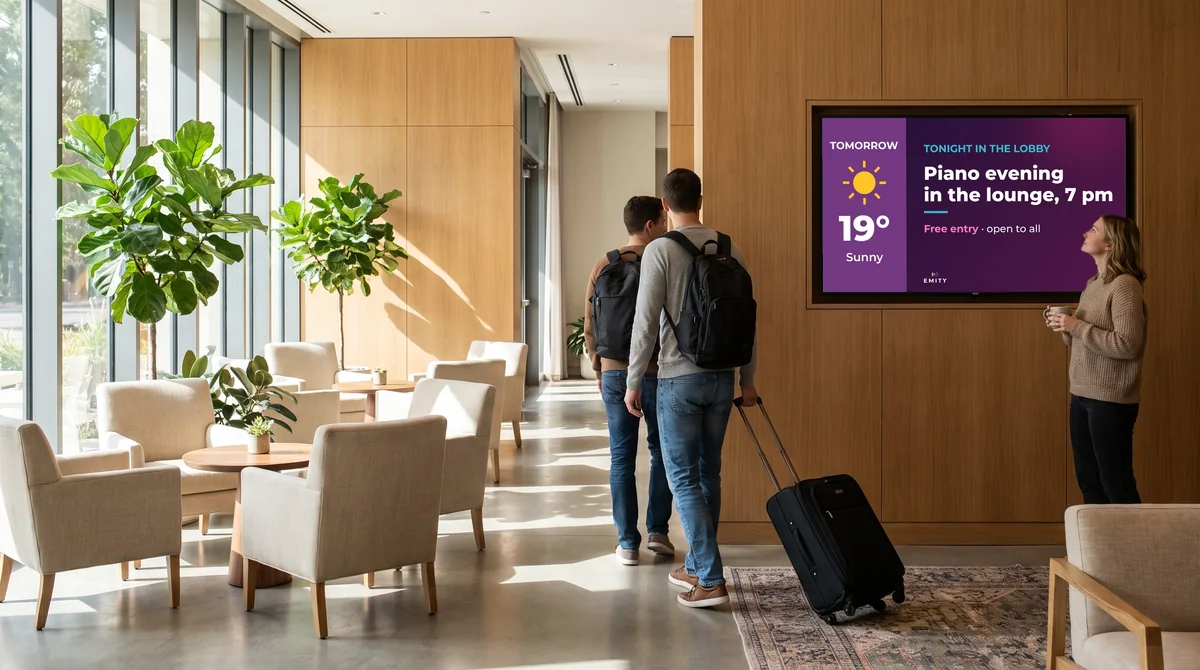
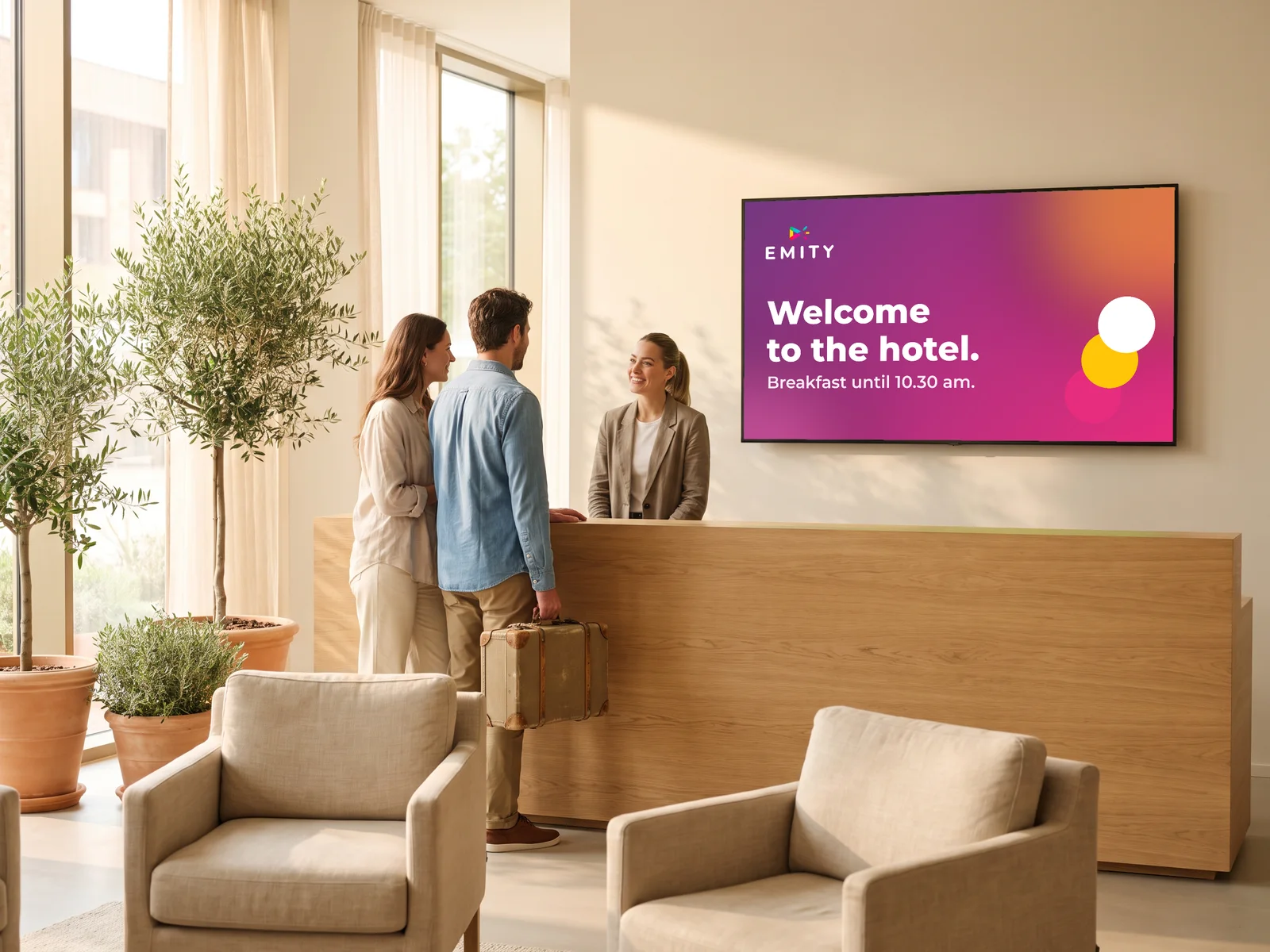
Welcome screen behind a reception desk showing a room and floor to two waiting guests

At reception

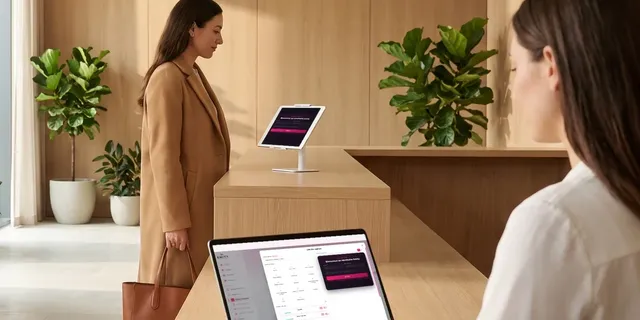
The guest arrives, their name appears, along with their room and floor. The groups expected that day are listed, which clears the queue at the counter during check-in peaks.

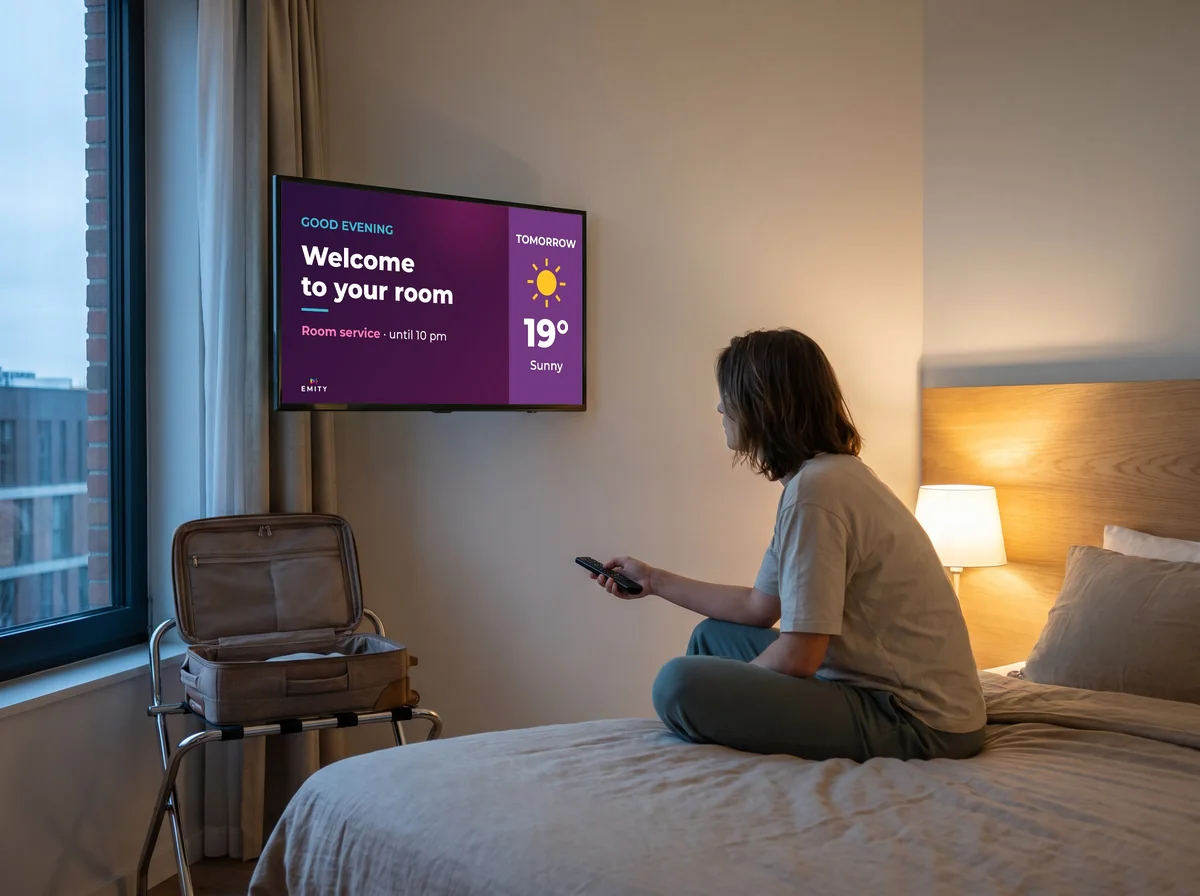
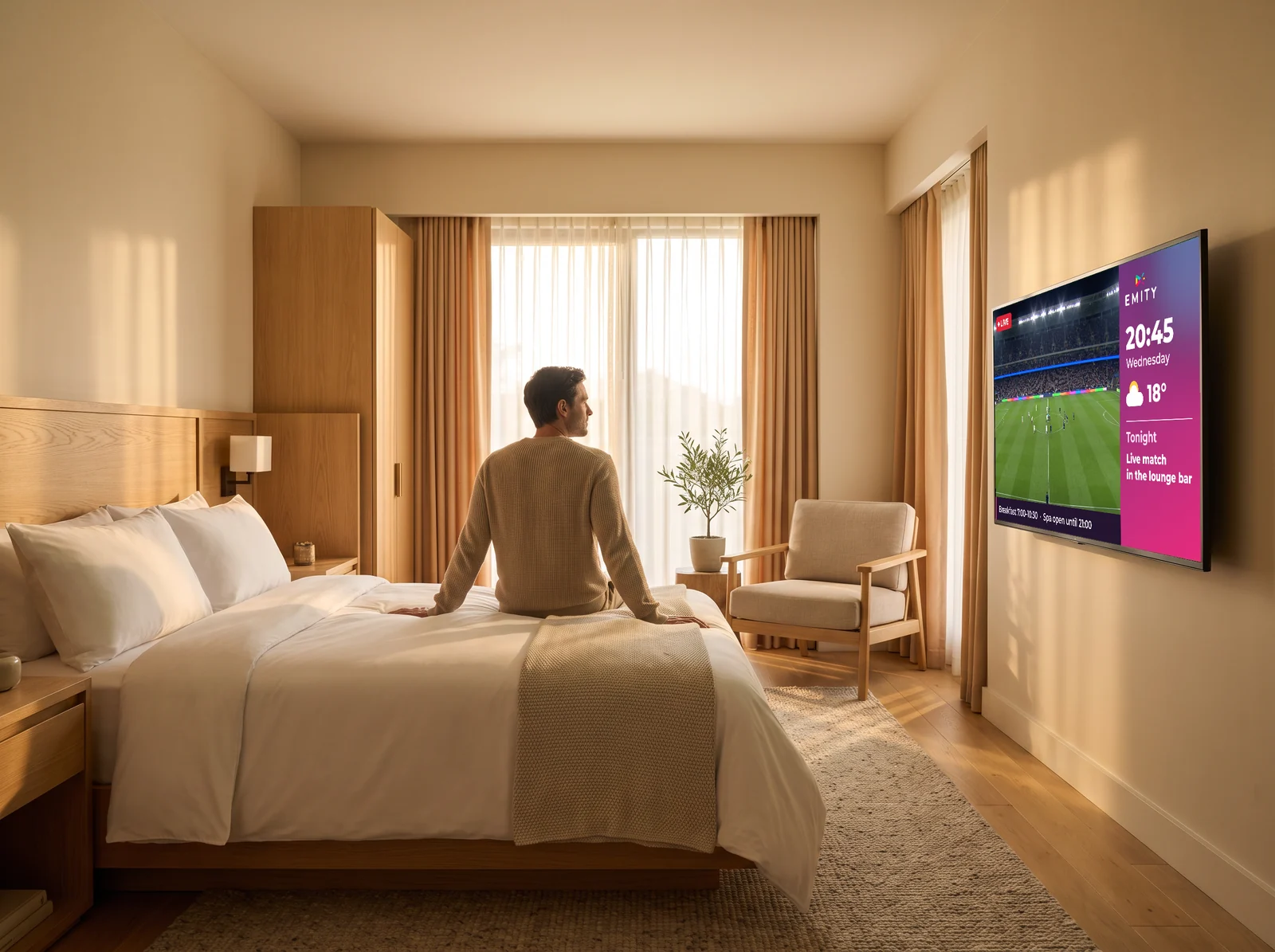
Television on in a hotel room, playing content managed from the platform

In the room

The television becomes a channel of its own: broadcast TV, a welcome message, hotel services, weather, breakfast times. See digital signage and IPTV.

  • Personalised welcome on switch-on
  • Broadcast channels and IPTV streams
  • Room service menu
  • Practical information for the stay
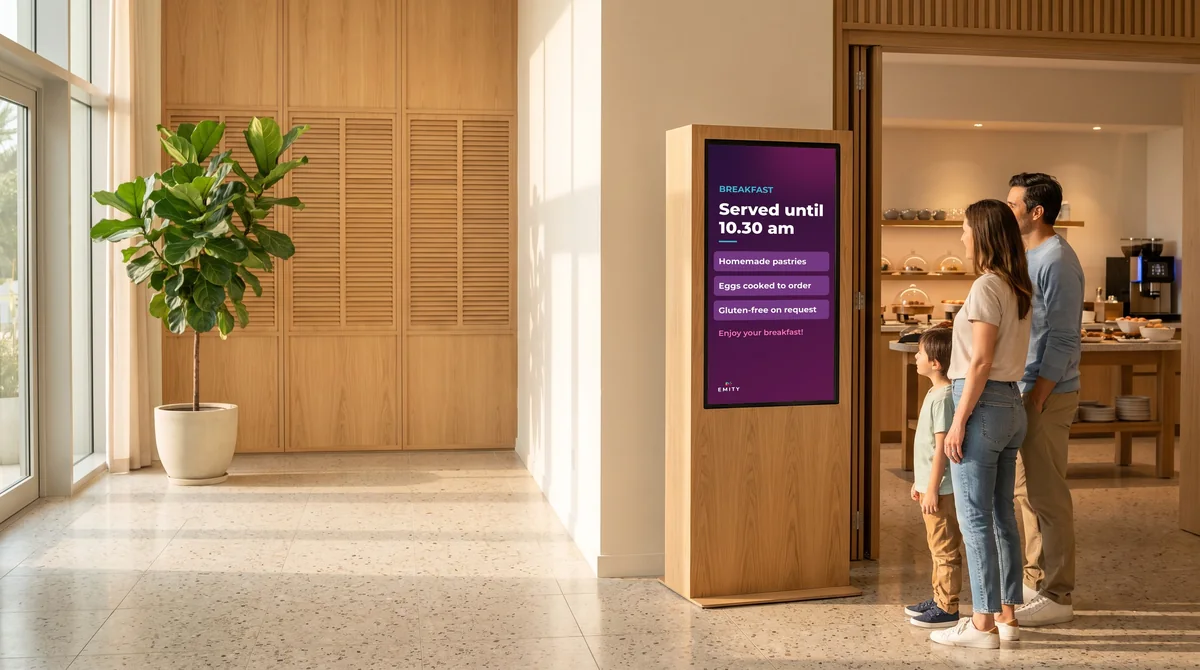
Screen above a pastry counter at breakfast service

At breakfast

Above the buffet: what is in each dish, the allergens, and when service ends. Breakfast closes without a member of staff having to repeat it table by table.

  • Ingredients and allergens
  • End of service time
  • Packages and extras
  • Display switched at 10:30
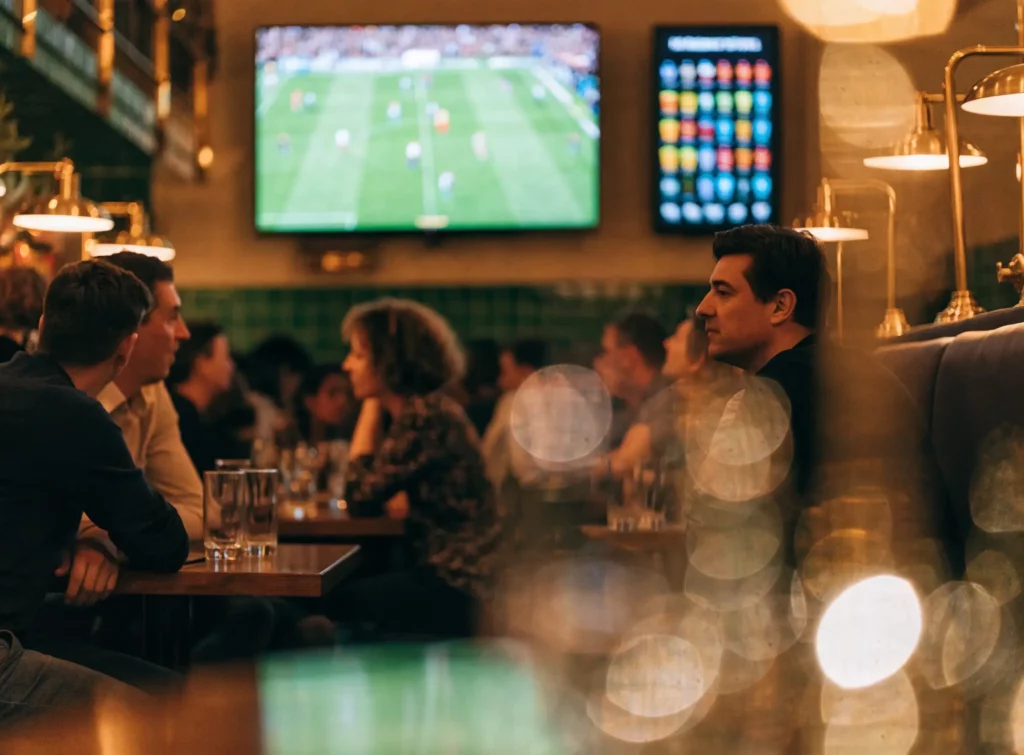
Screens in a hotel bar showing a live match and the drinks list

At the bar

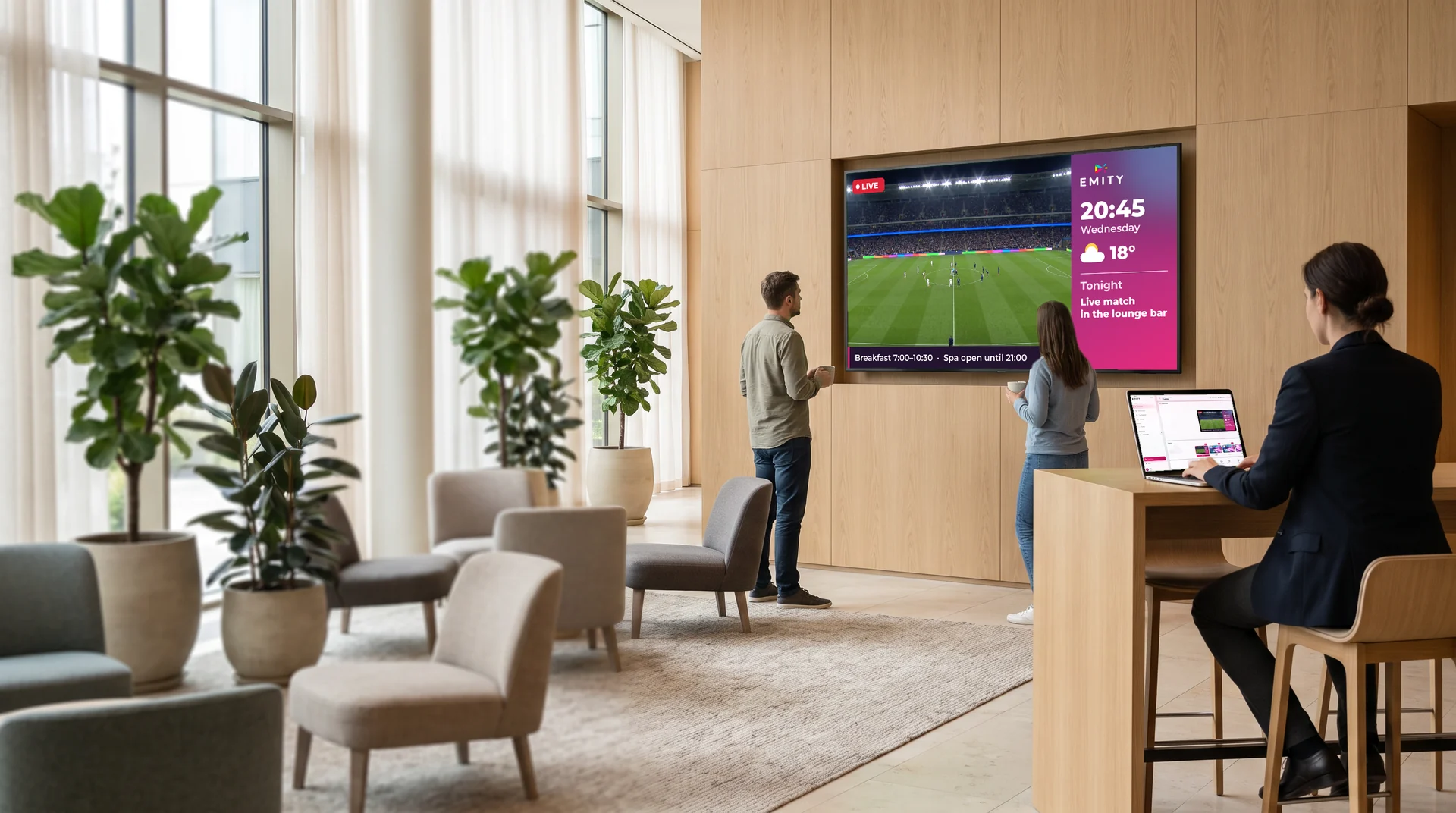
The drinks list, tonight’s cocktails, and the match to keep guests in after dinner. The screens move from menu to live broadcast, then back again.

  • List and evening suggestions
  • Scheduled menu board
  • Live sport
  • Automatic return to the menu
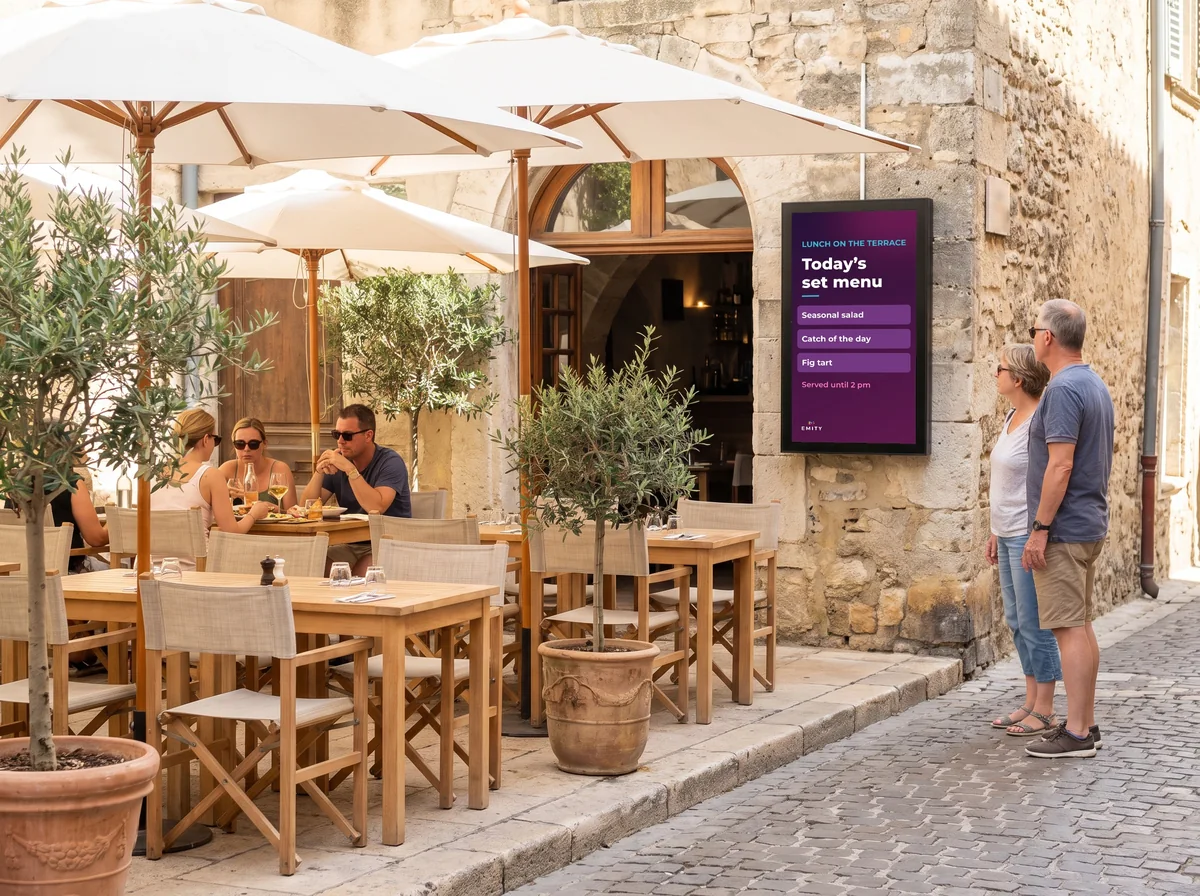
Outdoor screen readable in daylight at the entrance to a restaurant terrace

On the terrace and in the restaurant

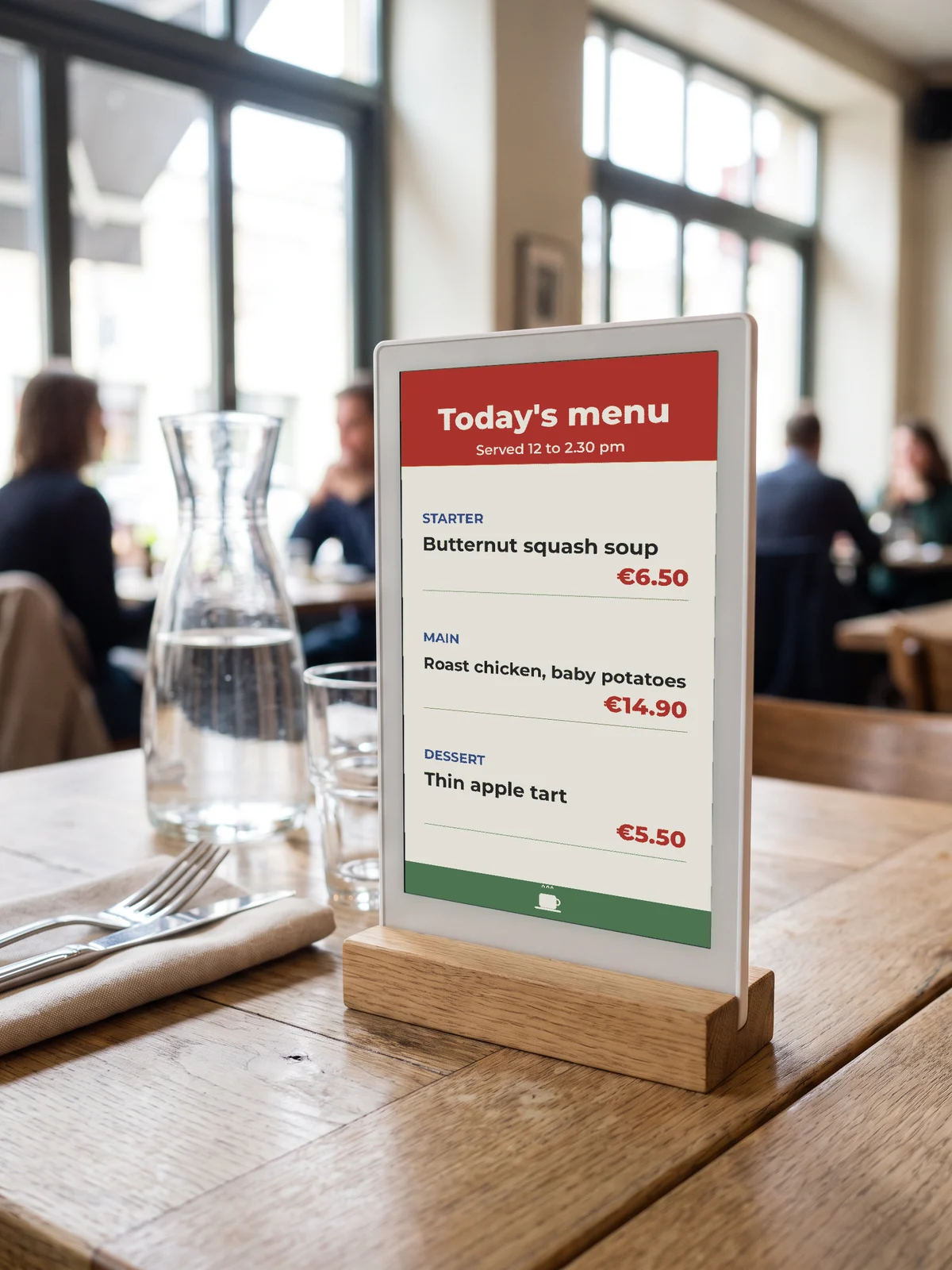
A screen readable in full daylight shows the lunch set menu street-side, and the evening carte once it gets dark. An e-paper panel holds up in direct sun and draws nothing while the display sits still.

  • Lunch menu street-side
  • Evening carte
  • Readable in direct sun
  • Updated from a phone

Seminar rooms

The seventh step deserves its own section

Letting rooms means hosting several groups on the same day, with timings that move. That is where signage earns the most — and it is the part most often left out.
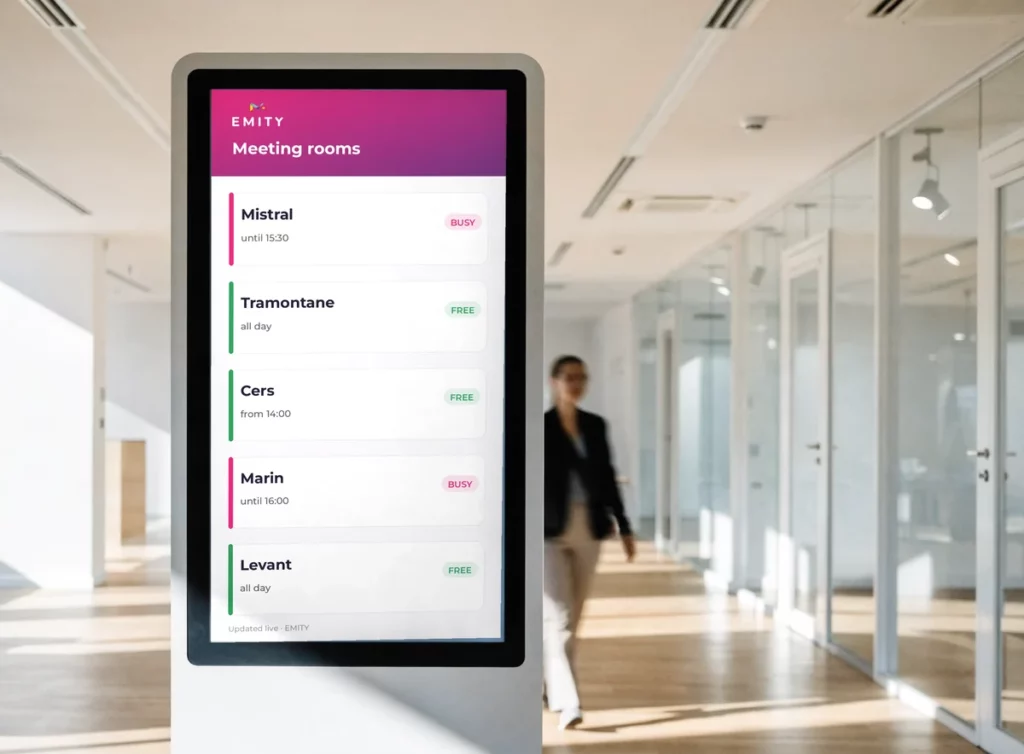
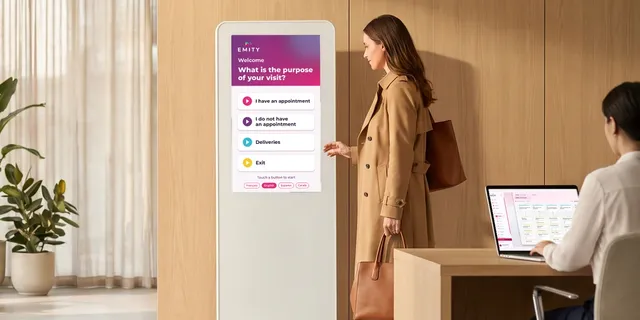
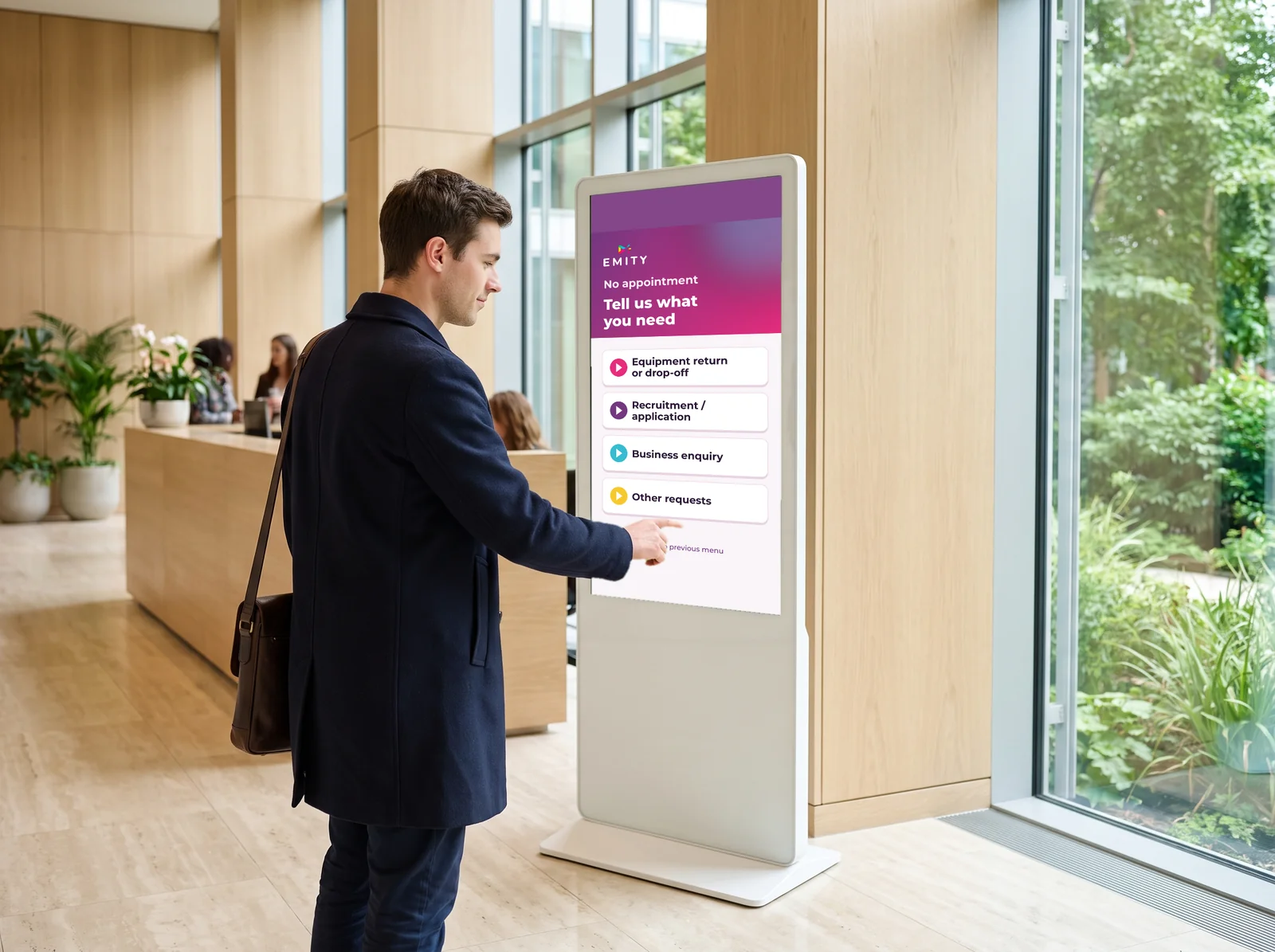
Totem listing a hotel’s meeting rooms with their availability, marked busy or free

One totem at the entrance, and nobody knocks on the wrong door

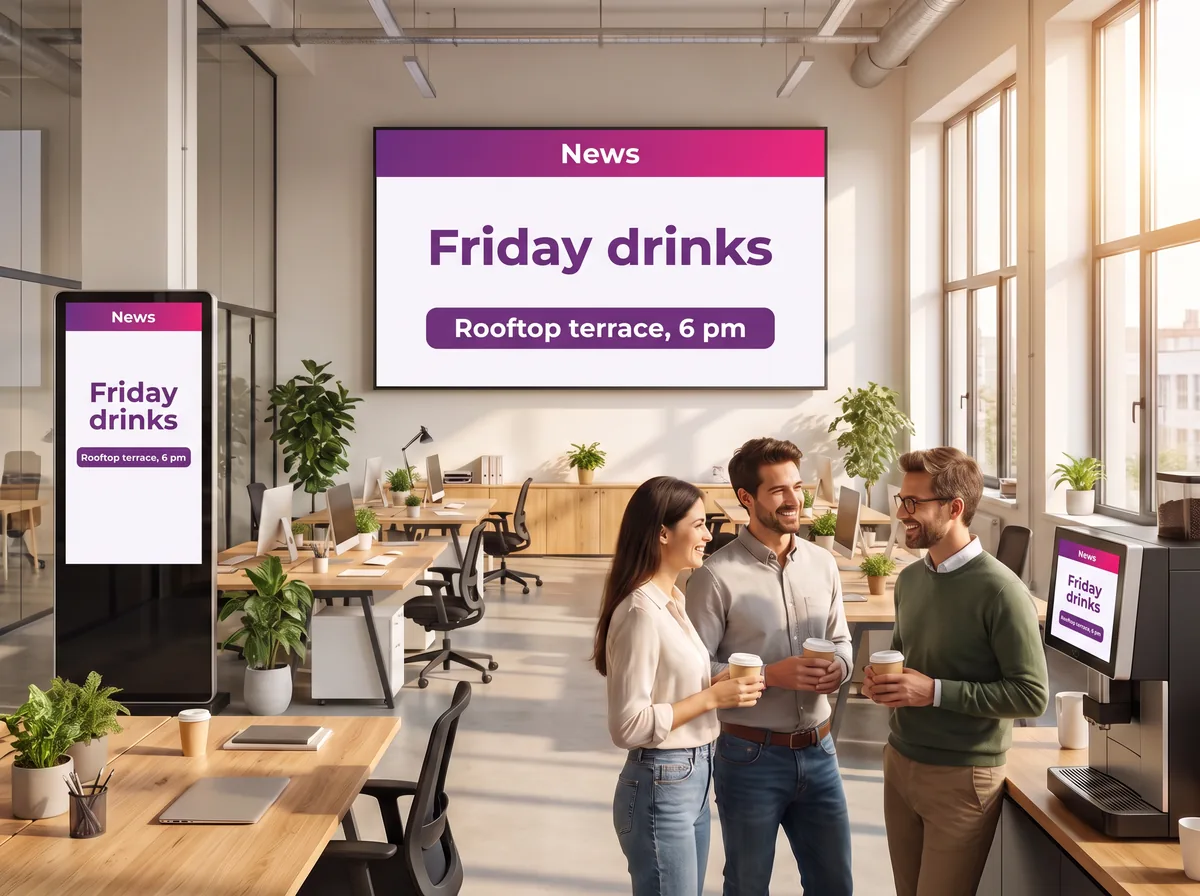
On the morning of a seminar, thirty people arrive at once looking for the same thing: which room am I in. A screen listing the rooms, the groups and the time slots answers all of them at once.

  • Group name, room and floor
  • The day’s slots, breaks included
  • A last-minute change pushed out in seconds
  • The client’s logo on screen for the length of their event
Panel beside a glazed meeting room door showing the room status

On each room door

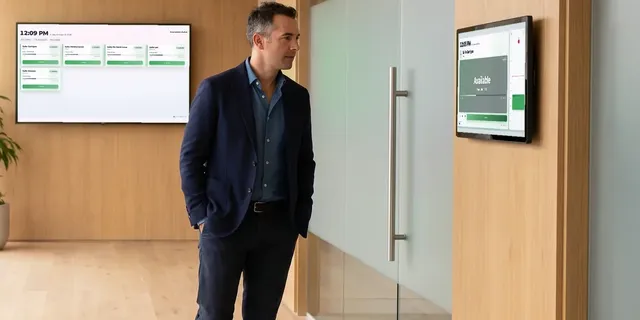
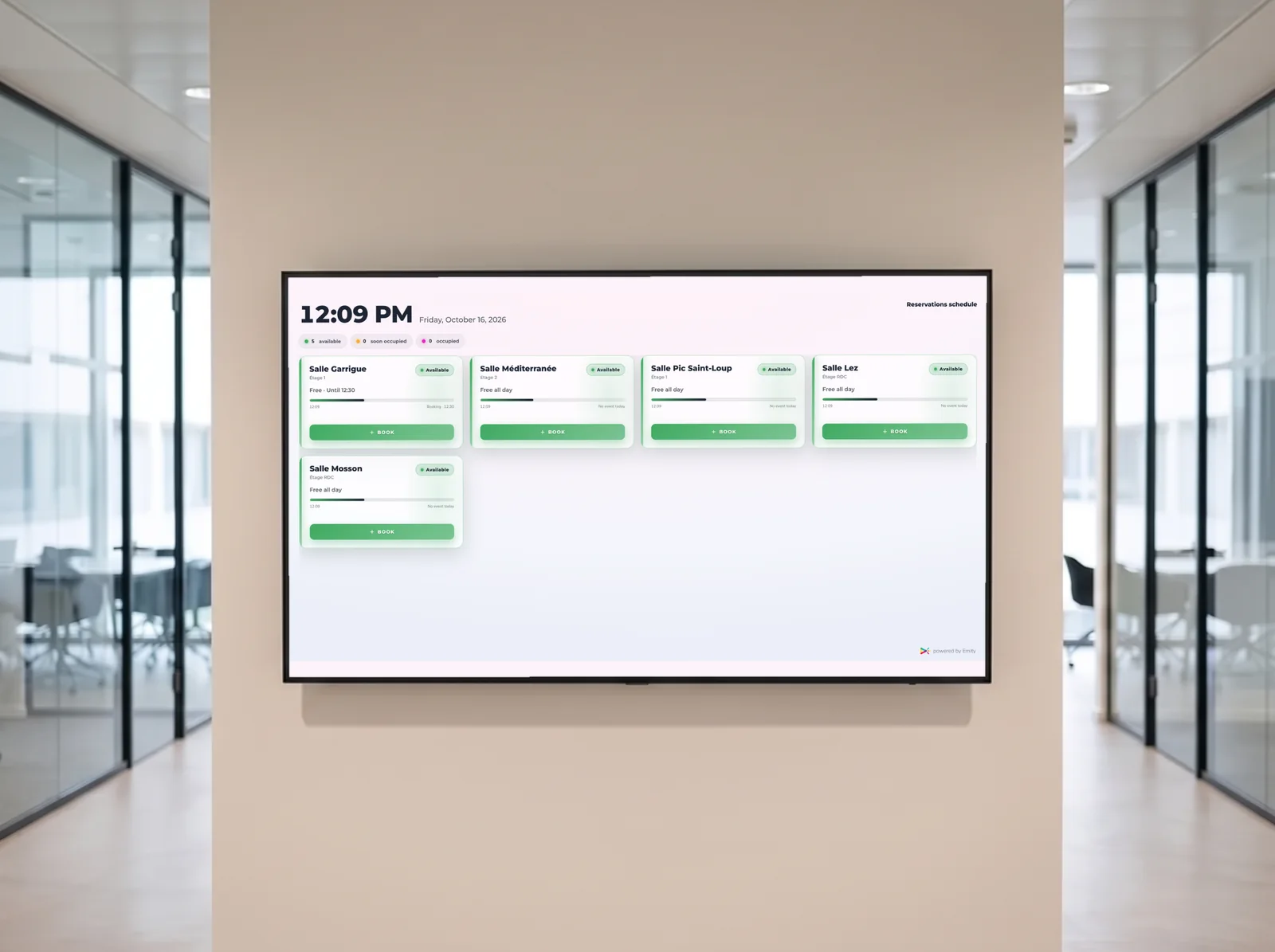
A panel shows whether the room is free or busy, who has it and until when. No more doors opened in the middle of a session.

  • Free or busy, readable from a distance
  • Group name and time slot
  • Overrun flagged on the spot
  • Ties into room booking
Electronic ink signage mounted on a glass partition in a corridor

As e-paper signage

An electronic ink panel draws nothing while the display sits still, runs about five years on battery and mounts without pulling a cable. Handy in a listed corridor or on a glass partition.

  • No cable to pull
  • Zero consumption on a static display
  • Around five years of battery life
  • EMITY and electronic ink
Feedback tablet on a marble counter at the exit of an event

After the event

A tablet by the exit collects feedback from participants while the day is still fresh in their minds. Answers arrive timestamped and sorted by room.

  • Two taps and it is done
  • Survey module
  • Results by room and by group
  • A documented reason to call the client back

The EMITY suite

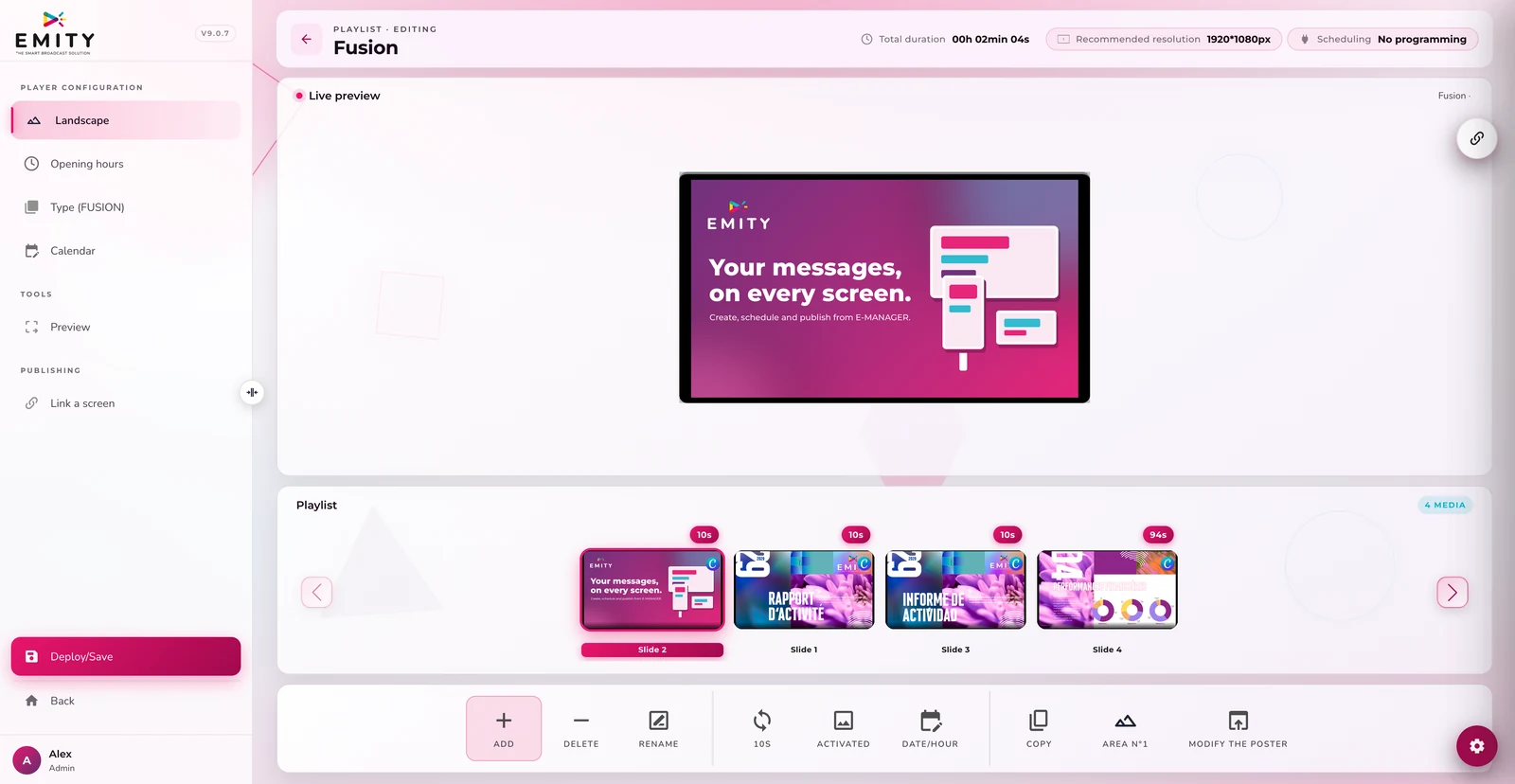
The modules a hotel actually switches on

One account, one point of contact. Each module comes in when the need appears, not before.
What it changes

Three effects you can measure

Nothing spectacular: time given back, fewer questions, a brand held together.
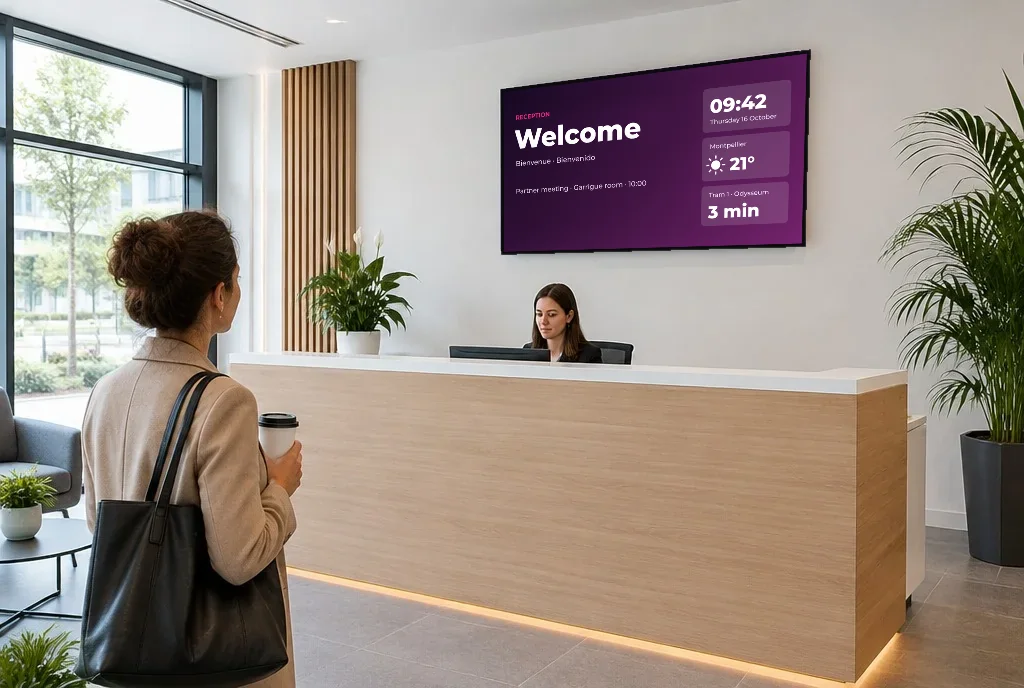
Reception gets room to breathe

Routine questions find their answer before the counter. The team keeps its time for the requests that deserve a conversation.

Nothing left to reprint

A carte that changes, a time that shifts, a group name: the correction leaves one desk and lands everywhere. The printed easel disappears.

One brand across every space

The same guidelines from the frontage to the seminar room, whatever the screen and whoever publishes.

In practice

From delivery to the first display

Allow half a day for a first screen, with no particular IT skills.
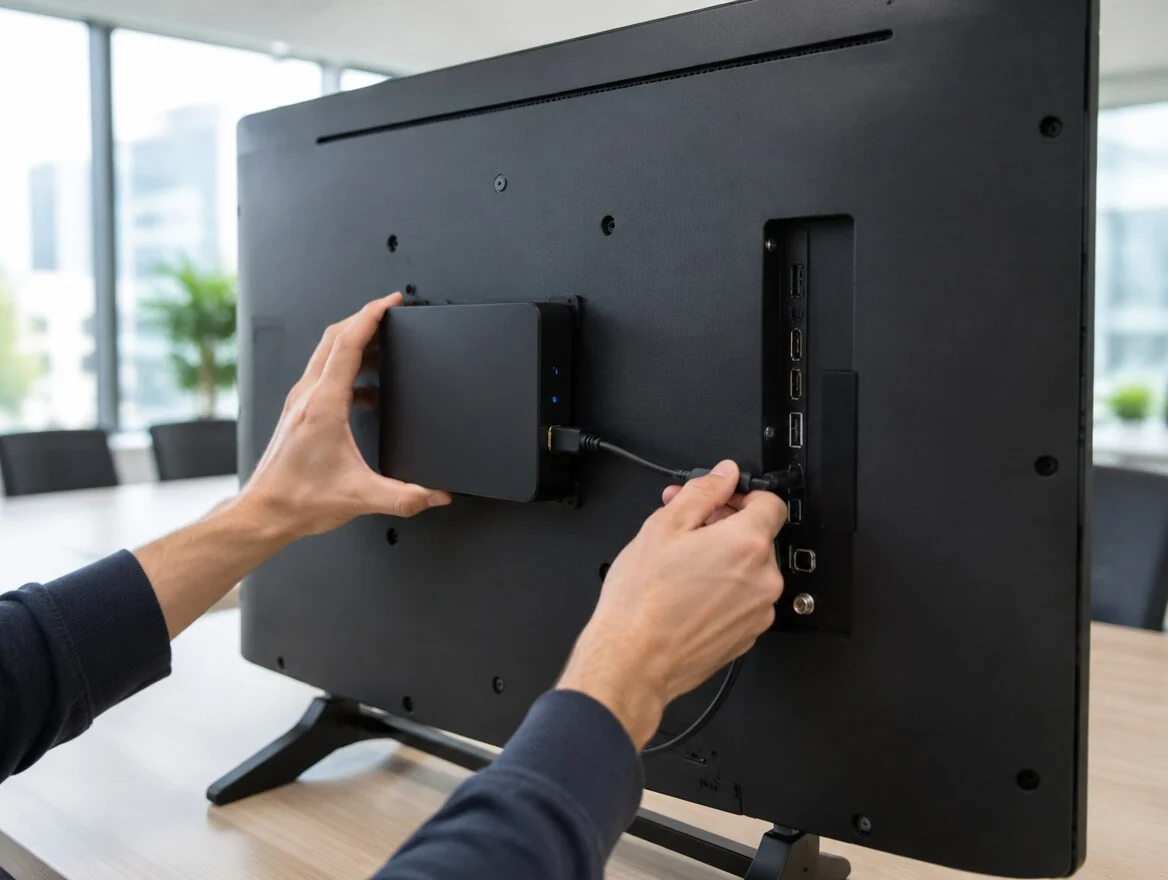
1

Plug it in

A socket and a network connection. The screen boots and announces itself in the platform.

2

Register it

You name it after where it stands — « bar », « lobby », « Mistral room » — and file it by zone.

3

Compose

The artwork goes together in the built-in editor, to your brand guidelines, in whichever languages matter.

4

Schedule

Each screen gets its own timetable: morning, service, evening. After that it runs on its own.

Content and hardware

Creating the artwork, and keeping your screens
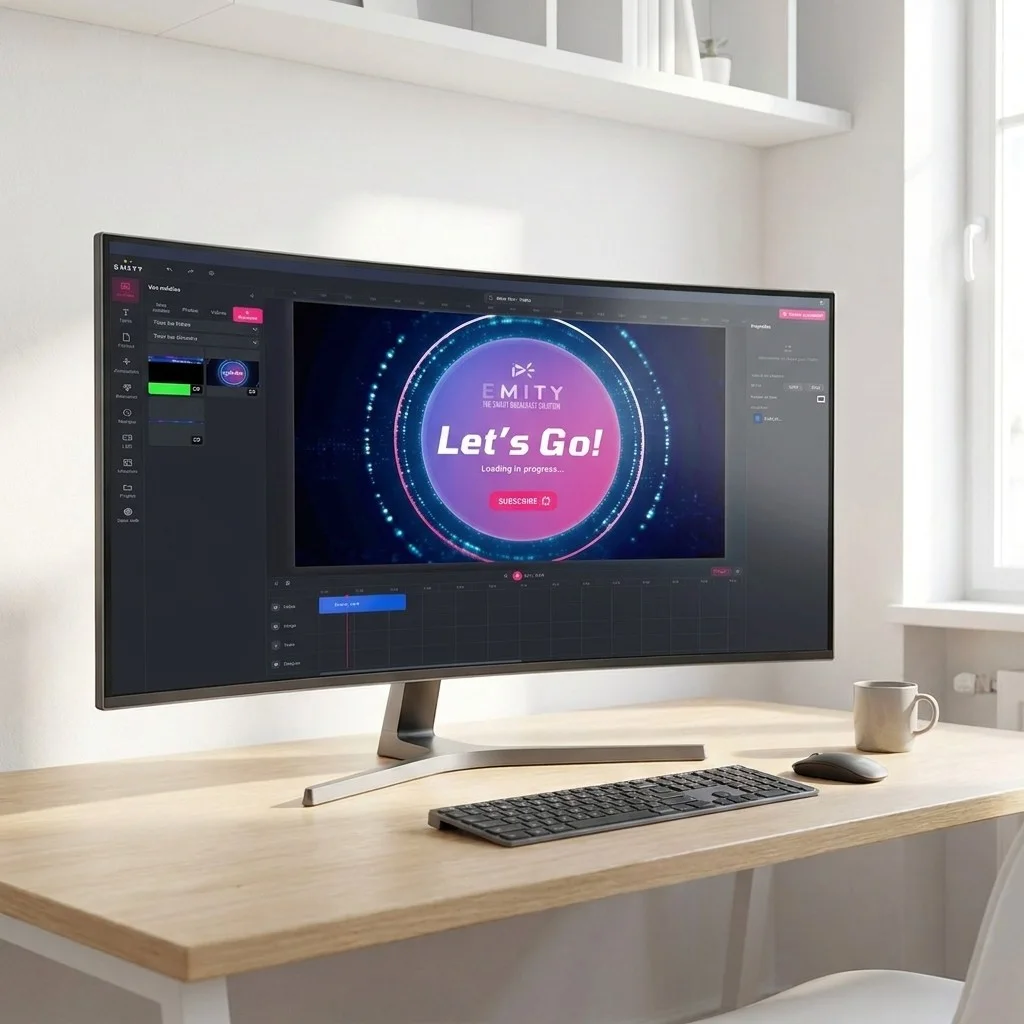
Design without a third-party tool

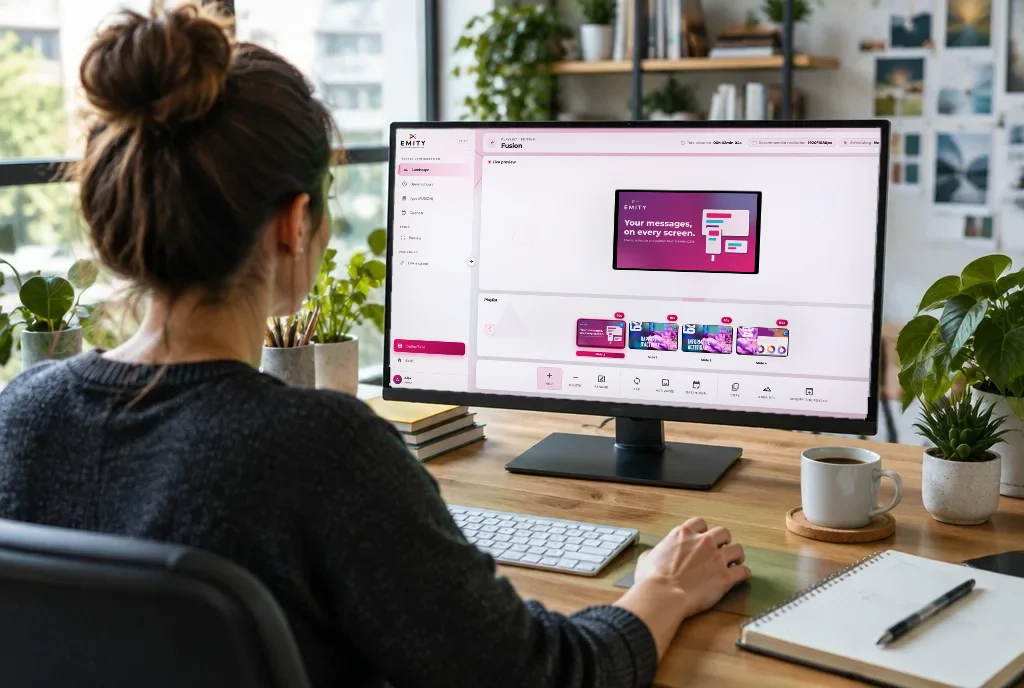
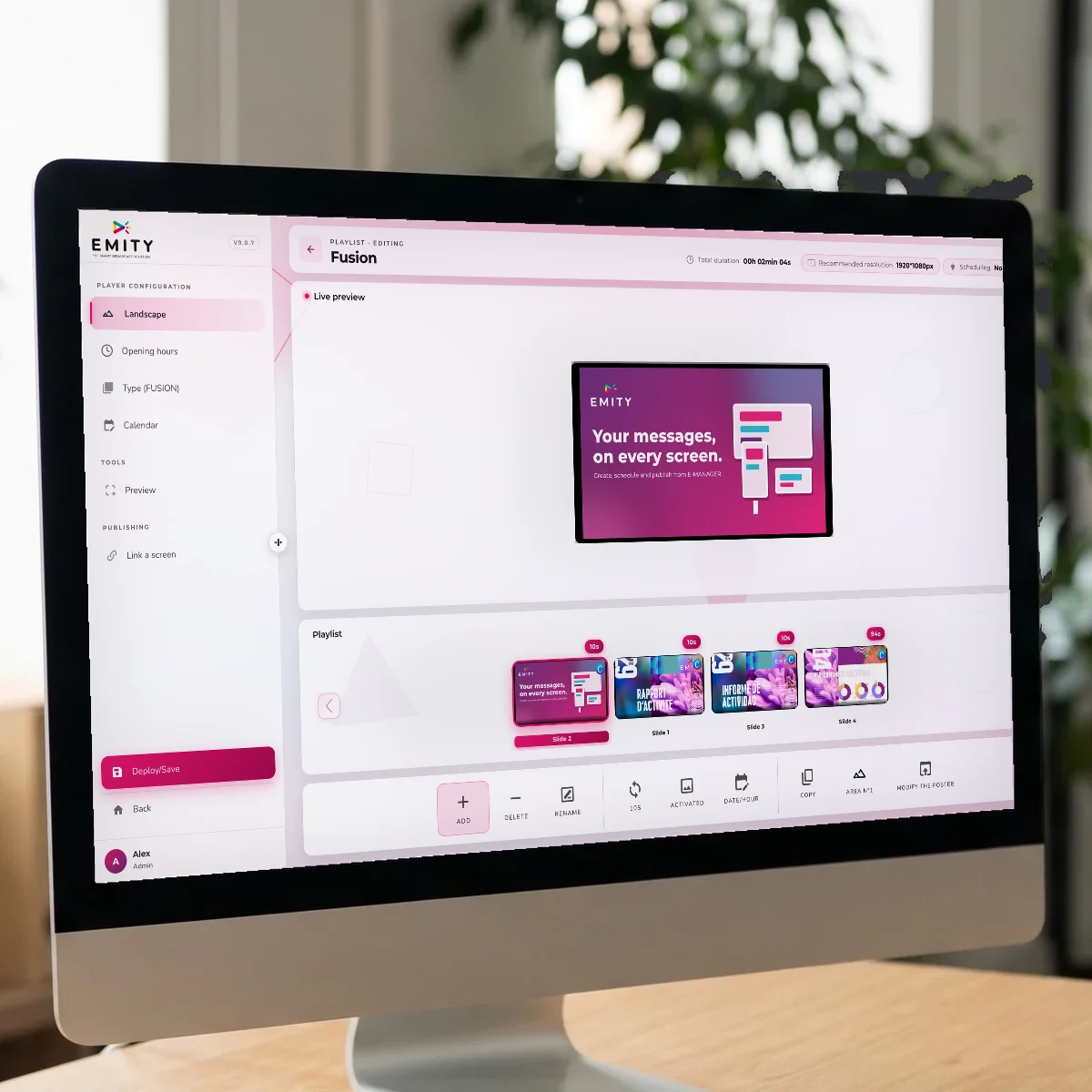
EMITY’s built-in editor lives inside E-MANAGER: a carte, a poster, a welcome message are composed straight in the platform, with no export and no extra account. In most cases, that is enough.

If your teams already work with Canva or Adobe Express, both connect as well: the visuals arrive in the media library without a download step in between.

Your existing screens keep working

EMITY stays compatible with every manufacturer. An estate already installed — including the televisions in the rooms — does not have to be replaced to change software.

  • E-SOFT installs on the screen itself: Tizen (Samsung), webOS (LG) or Android
  • E-BOX takes over when the screen cannot host anything — the media player
  • Compatible screens and e-paper panels are covered separately
  • Taking over an estate run by another vendor’s software: that is a supported case

Trusted by

Estates of 1 to 1,000 screens, in more than 20 countries

1,000+

customer accounts

7,000+

connected screens

130+

reseller partners

20+

countries

Distribution runs through a network of certified resellers across France and Europe: installation, training and support come from someone close to your property. Neighbouring sectors have their own pages — tourism, menu board management — and the technical groundwork is described on E-MANAGER.

Frequently asked questions

What hoteliers ask before they commit

Three concrete things. The right information in the right place — breakfast times, which room a seminar is in, the bar list — which removes that many questions from reception. The end of reprinting: a carte that changes is corrected from one desk. And brand guidelines held across every space, from the frontage to the room.

One is enough, and it is often the right way in: the reception screen or the breakfast one. An EMITY account covers 1 to 1,000 screens, so an installation can grow without changing tool or contract. Most properties add the bar next, then the rooms.

With two displays that work together. A totem at the entrance lists the rooms, the groups and the day’s slots; a panel on each door shows whether the room is free or busy, who has it and until when. Both tie into the same calendar, so a last-minute change propagates in one move. The module is described on the meeting room reservations page.

Yes. The television carries broadcast channels and, on top of that, a welcome message, hotel services or the room service menu. How it works is set out on the digital signage and IPTV page. Depending on the model, the E-SOFT application installs directly on the screen (Tizen, webOS or Android) or the E-BOX takes over.

For outdoors or an exposed window, the panel has to be bright enough or the display disappears in sunlight. Two routes: a high-brightness screen built for window use, or an e-paper panel, matt and readable in full daylight, which draws nothing while the display sits still. Models are listed on screens.

Your teams, each within their own scope: the restaurant manager changes the carte, reception handles the groups, management keeps control of the brand guidelines. Access is divided by user, so nobody edits another department’s display by accident.

Yes, in two ways. A passive display can alternate languages inside its loop. And on an interactive kiosk, the guest picks their own on the first tap. Both run from the same account, without duplicating the artwork.

Two separate lines. Hardware — screens, players, mounts — is bought once and stays yours. Software is a monthly subscription based on the plan and the number of screens: Standard, Premium or Excellence. A quote is prepared case by case, and the 3-month trial lets you judge before committing.

Content is stored locally on the player: the display keeps running and resynchronises as soon as the network is back. An hour’s outage does not leave a black screen in front of your guests.

Rarely. It needs a socket and a network connection — wired or Wi-Fi. For a corridor where pulling a cable would be a problem, e-paper signage runs on battery for years. The nearest certified reseller can handle the mounting.

Next step

Try it on one screen in your hotel

A demonstration takes twenty minutes: we put up the breakfast menu, schedule the bar, display a seminar. If something is missing for your property, we will tell you.