Older people

Digital signage for care homes, nursing homes and senior living

What day is it, what’s for lunch, who is coming this afternoon? These are the questions that come back most often in a care home, and the ones that wear a team down. A screen in the right place answers them all day, in large type, without anyone reprinting a thing.

+7,000connected screens

+1,000customer accounts

+20countries

+130partners

The starting point

The same information, asked for twenty times a day

In a care home, information travels mostly by word of mouth. A resident asks what day it is, a family looks for visiting hours, a carer sticks a notice back on the wall. None of it matters much on its own — but added together it takes hours away from the time spent with residents.

The day’s reference point

The date, the menu, the activity: what everyone asks about

What a screen does first: give people the date

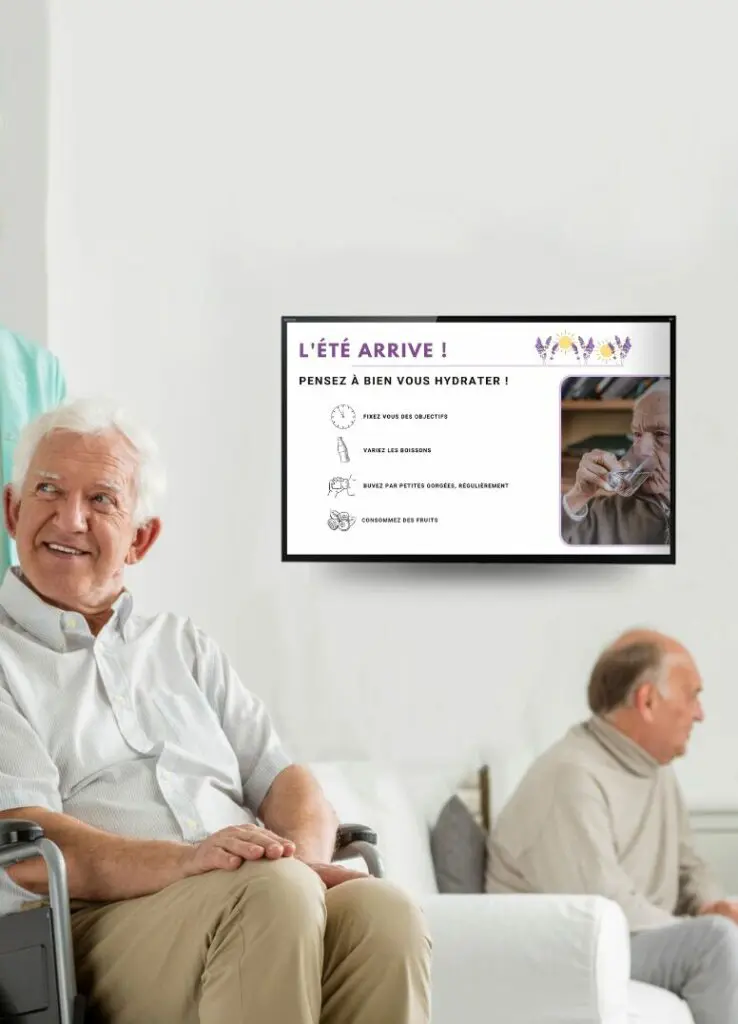
In the entrance hall and in the day rooms, the screen shows the date in very large type first, then the weather and the day’s activities. This is not a layout detail: for someone who is disoriented, a permanent time marker means never having to ask, and so never feeling awkward.

  • The day, date and season, readable from several metres away
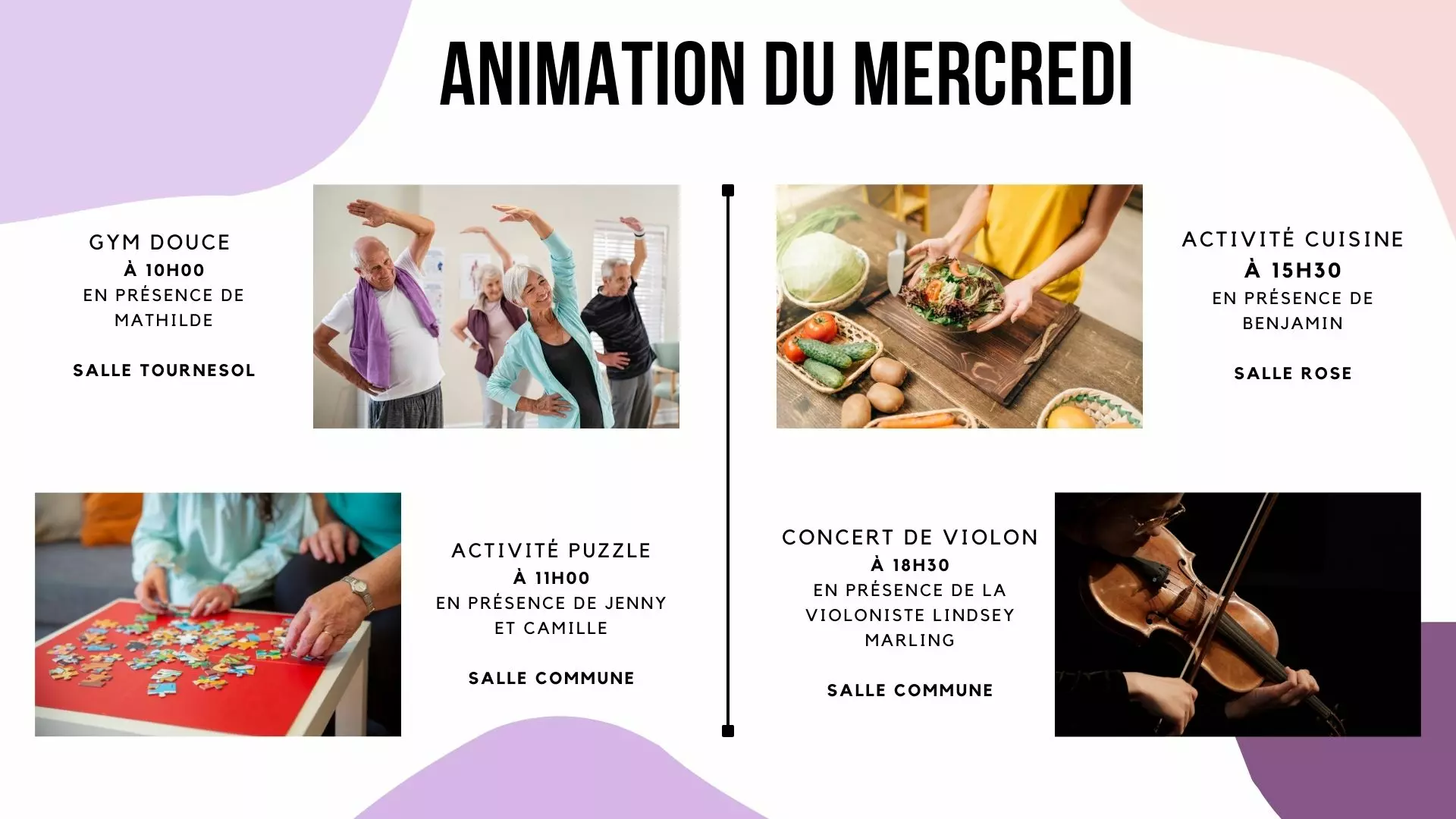
  • The activities programme for the day and for the week
  • The weather, which helps with choosing clothes and going out
  • Photographs of past activities, which families and residents stop to look at
  • Service information: hairdresser, chiropodist, chaplaincy, shop trip

The activities coordinator prepares the week once, from a browser. The screen moves from one day to the next on its own: no notice to redo on Monday morning.

Digital signage screen in a care home dining room showing the lunch menu in large type

The journey

A day in the home, room by room

A care home does not need screens everywhere. Here are the six places where a screen does something real — for the resident, for the family and for the team. All six run from the same platform.

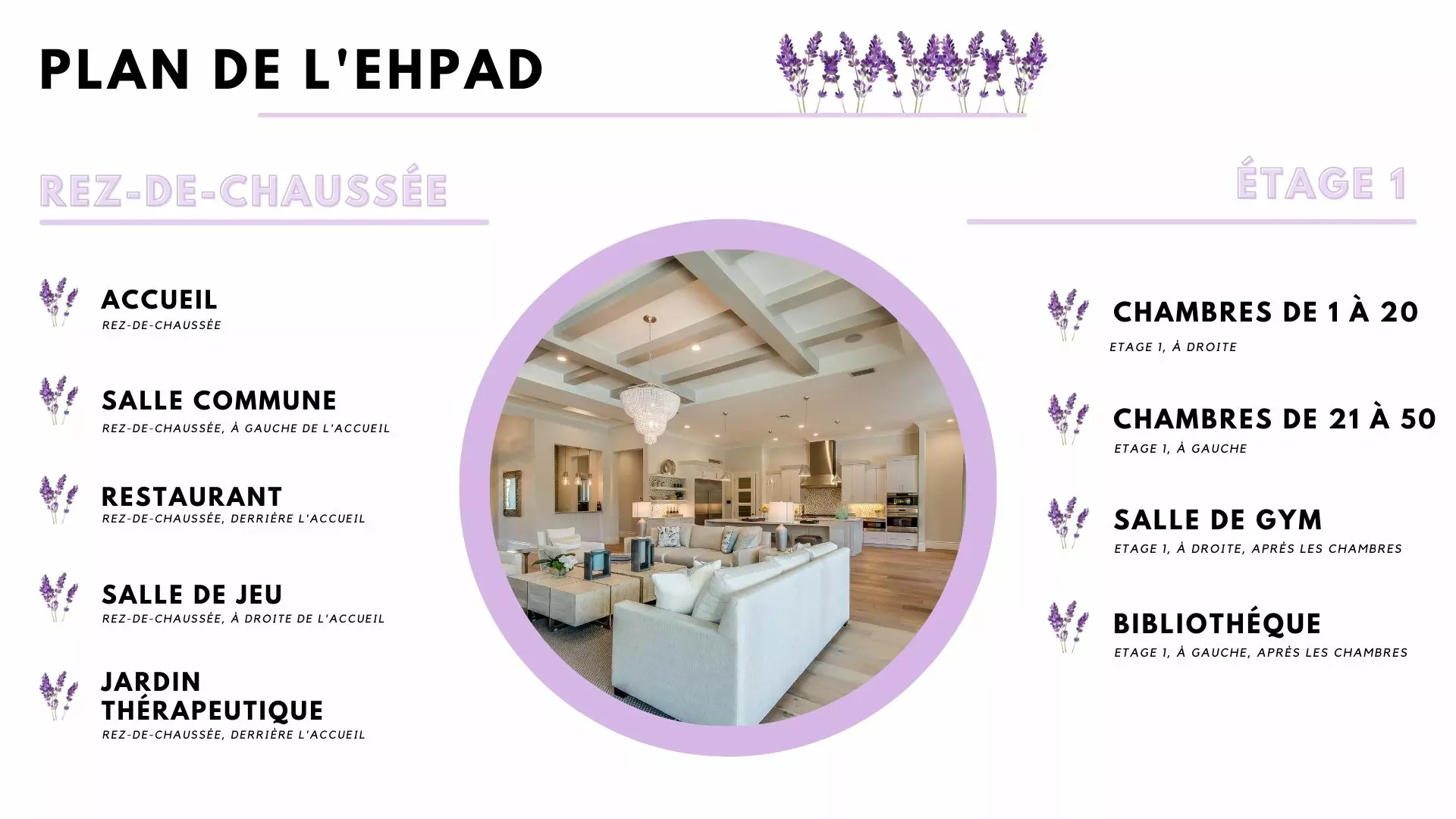
Floor plan of a care home showing six numbered digital signage points linked by a route, from the reception hall to the staff room

Digital signage screen beside the reception desk of a care home, showing the day’s date and activities1

The reception hall

The date in large type, the weather, the day’s activities. Families see straight away what is going on, and visitors sign in on a kiosk rather than in a paper book.

Residents seated in a care home lounge in front of a screen announcing the afternoon choir2

The lounge

Where residents spend most of their time: photographs of outings, the next activity, this month’s birthdays. The screen feeds the conversation instead of replacing it.

Wayfinding screen at a care home corridor junction, pointing to the lounge, the dining room and the garden3

The corridor

A wayfinding screen at the junctions: where the dining room is, where the lounge is. Large symbols, plain arrows, strong contrast.

Care assistant reading the e-paper panel beside a resident’s bedroom door before knocking4

The bedroom door

A small e-paper panel shows the room number and the day’s appointments — physio, hairdresser, an expected visit. It draws no power and updates remotely.

Table laid in a care home dining room below a screen showing the lunch menu5

The dining room

The lunch menu in very large type, pudding included. It is the most looked-at screen in the building, and the one that saves the most questions.

Screen in a care home staff room showing the handover time, training and the team meeting6

The staff room

Rotas, the day’s instructions, notices and the documents kept available to residents and families: see digital legal display. The incoming shift reads what matters on the way in.

Readability

A screen for older eyes is not set up like any other

This is where a badly thought-out screen fails: it shows a lot, quickly, and too high up. Here is what changes when your audience is 85.

Large type, and few words

A line of text has to be readable from three metres. In practice: a handful of words per screen, never a dense table.

Contrast, not shades

Dark text on a light background, or the other way round. Mid greys and pale colours disappear for an ageing eye.

A slow rhythm

A piece of information stays on screen long enough to be read twice. Fast transitions tire people and lose them.

At eye level, seated

A screen hung too high is not read by someone in a wheelchair. The height is decided from a chair, not standing up.

No sound imposed on anyone

Background sound is intrusive and masks conversation. The screen informs in silence; sound stays reserved for a chosen use.

Pictures that say something

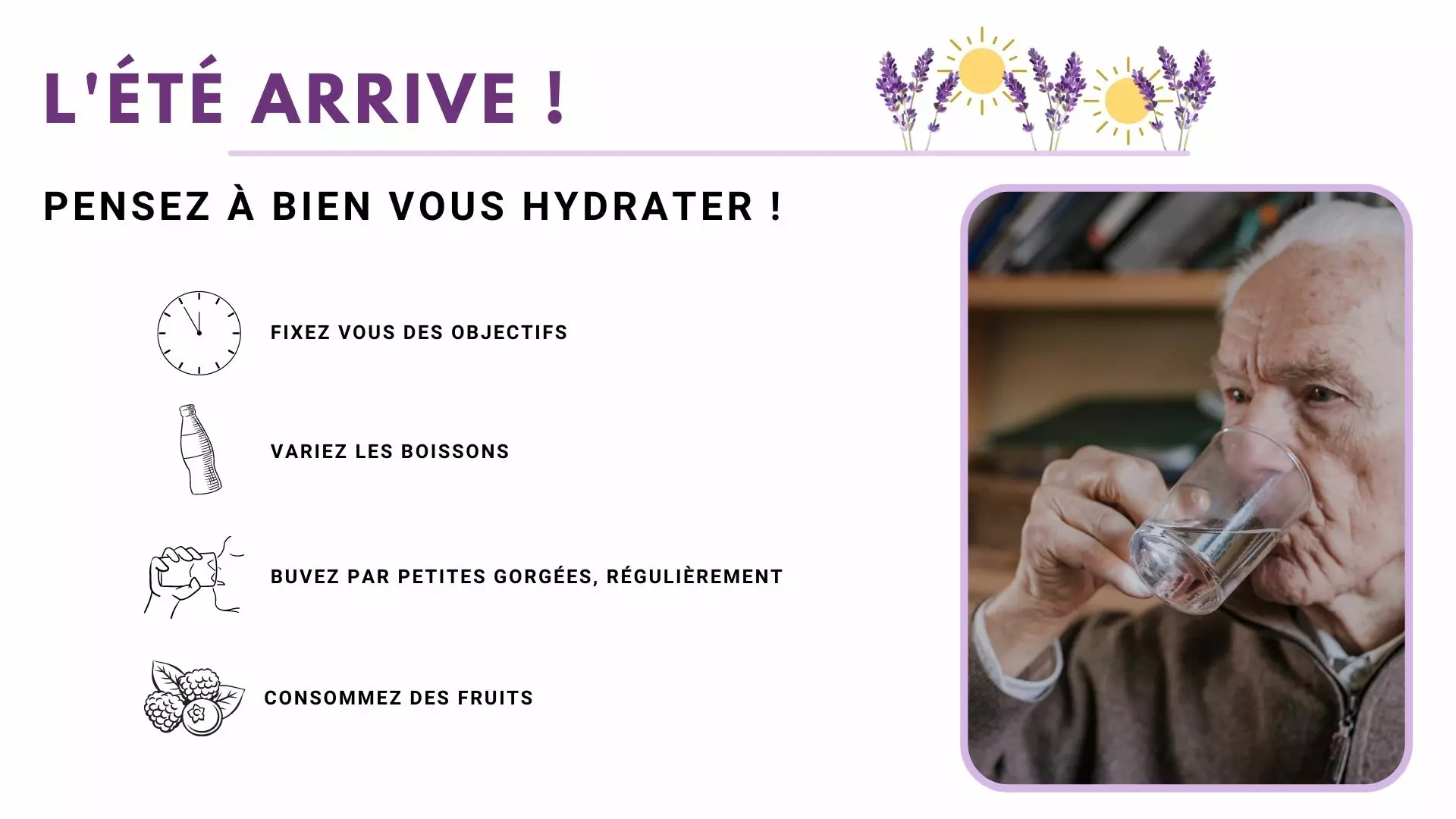
A photograph of last week’s outing starts more conversations than a paragraph. It is also a memory prompt.

The bedroom

An e-paper panel at the door, updated remotely

E-paper panel beside a care home bedroom door showing the room number and the day’s appointments

The bedroom door, with no cable and no battery to change

An electronic paper panel draws no power as long as the display does not change. Fixed beside a door, it lasts several years on a battery and updates remotely, from the same dashboard as every other screen.

  • The room number and the unit
  • The day’s appointments: physio, hairdresser, an expected visit
  • A precaution symbol where your protocol calls for one
  • No cable to run: fitted in minutes, with no building work
  • Readable without a backlight, so no light in the corridor at night

What the panel shows stays your decision: many homes prefer the room number and the appointments to the resident’s name, out of respect for their privacy. The technology is covered in detail on the e-paper page.

Around the resident

Families and teams gain from it too

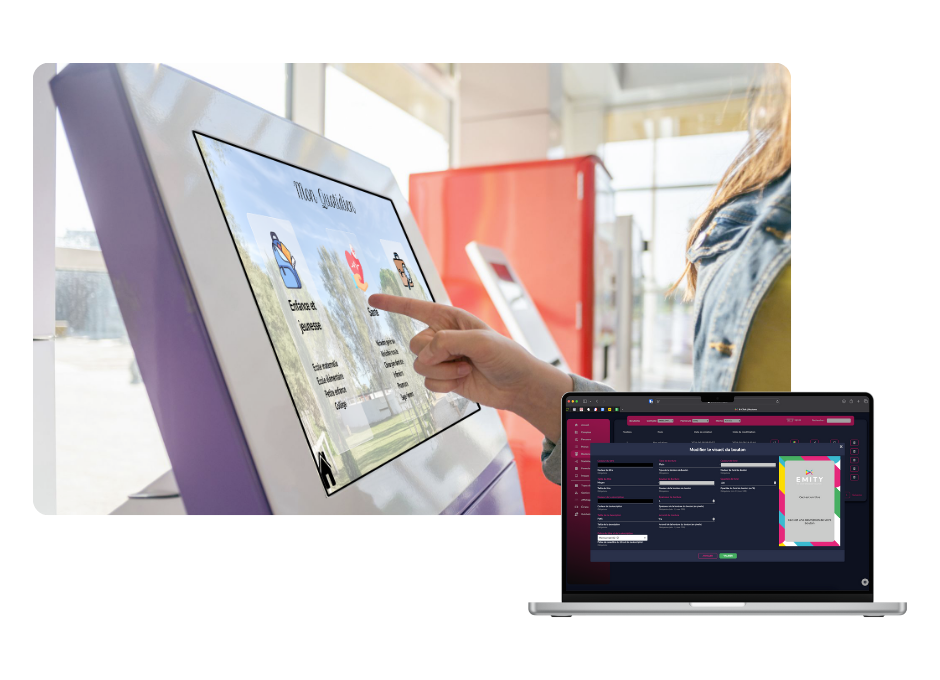
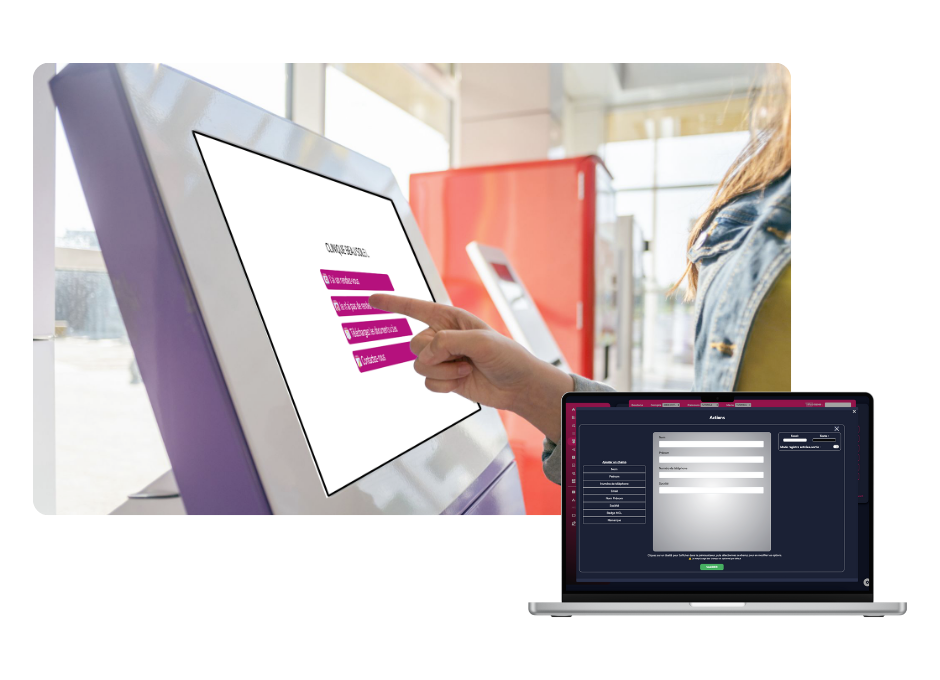
Visitor sign-in kiosk in the entrance of a care home, inviting visitors to sign in on the touch screen

Visits, without a book on the desk

At the entrance, a kiosk records a relative’s arrival, prints a badge if you want one and lets the unit know. The register is kept properly, without anyone copying it out: the visitor book.

Sign-in

Family visiting a resident in a care home beside a screen showing visiting hours and the next residents’ meeting

What families are trying to find out

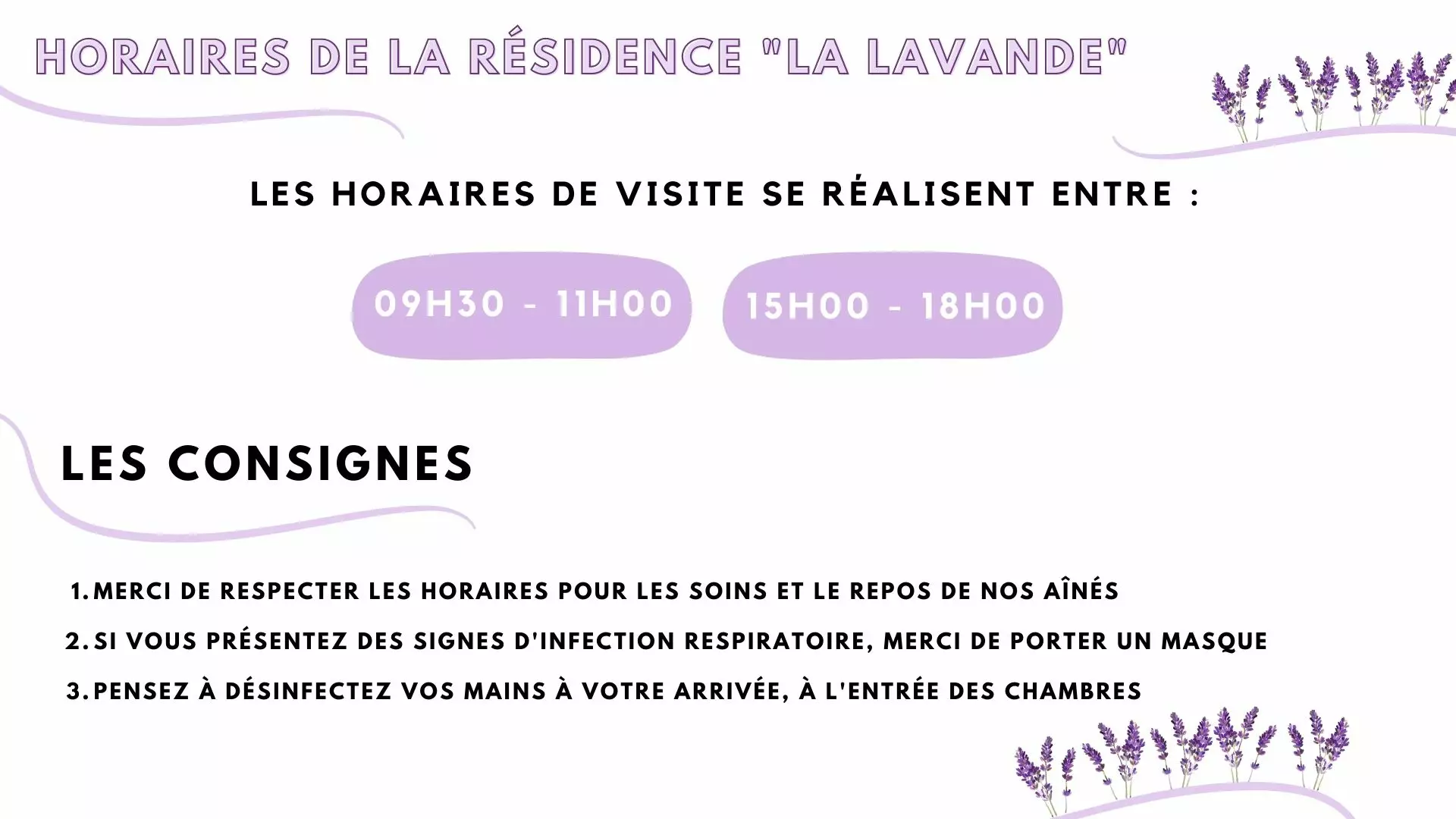
Visiting hours, any protocol in force, who to speak to, the date of the next residents’ meeting. Shown in the hall, this saves as many phone calls as questions in passing.

Families

Screen in a care home staff room showing the handover time, training and the team meeting

The incoming shift reads what matters

In the staff room, a screen carries the day’s instructions, the rotas and the notices. The information no longer depends on a sticky note on a cupboard.

Teams

Screen near a care home entrance listing the documents available to residents and their families

The documents kept available

Residents’ guide, fees and charges, complaints procedure, visiting policy: all of it updates from the platform. See digital legal display.

Documents

In practice

How a home gets set up

Four steps, and the first screen is showing something the same day.

EMITY at a glance

A French software house, with a reseller network across France and Europe

+7,000

connected screens

+1,000

customer accounts

+130

reseller partners

+20

countries

EMITY writes its software suite in Montpellier and distributes it through a network of certified resellers. One account runs anything from a single screen to a thousand: a standalone home as easily as a group.

Frequently asked questions

What managers ask before they fit anything

It means showing information that changes on its own — the date, the menu, the activities programme, photographs, instructions for the team — on screens around the building: the hall, the lounge, the dining room, the corridors, the bedroom doors. Everything runs from one web dashboard, E-MANAGER, without touching each screen.

Yes. The needs look much the same in a retirement home, a senior living scheme or a nursing home: the sense of the day, activities, catering, information for families. What changes is the balance — a senior living scheme leans towards social life and services, a nursing unit towards wayfinding and reassurance. The platform is the same; only the content differs.

The working rule: a line has to be readable from three metres, seated. In practice that means few words per screen and very large type — a menu fits in three lines, not in a table. Contrast matters as much as size: dark text on a light background, with no mid grey and no pale colour.

Three settings are enough: a slow rhythm (each item stays up long enough to be read twice), no fast animation, and no sound imposed on anyone. A screen that talks to itself disturbs conversation; a silent screen is looked at when someone feels like it.

The people who already hold the information. The activities coordinator prepares the week, the catering team enters the menus, reception publishes what families need. Each account sees only what concerns it, and a week prepared in advance then runs by itself.

Yes, with a small e-paper panel. It draws no power as long as the display does not change, lasts several years on a battery and is fitted without running a cable. What it shows stays your decision: many homes prefer the room number and the day’s appointments to the resident’s name, out of respect for their privacy. See e-paper.

Two are enough: one in the hall, which serves residents and families at the same time, and one in the dining room for the menu. The lounge, the corridors and the bedroom doors come afterwards, as the budget allows. One EMITY account handles anything from one screen to a thousand: a single home and a group are run from the same place.

Yes. The documents a home keeps available to residents and families — the residents’ guide, fees and charges, the complaints procedure, the visiting policy — are published from the same platform and updated without reprinting anything. Which documents apply, and in what form, depends on the regulator in your country: check that first. The subject is covered on the digital legal display page.

Nearby

Three pages that go with this one

The visitor book

Welcoming families and keeping track of arrivals: the digital visitor book.

Healthcare facilities

Hospitals, clinics and treatment centres: screens in healthcare facilities.

The platform, in detail

What E-MANAGER does beyond older people’s care: digital signage.

Let’s make it practical

Start with the hall and the dining room

The trial opens the full platform on the Excellence plan for 3 months, up to 3 screens, with no card details and no commitment. Enough to run a real week of activities and hear what residents make of it.