Digital signage and interactive displays: illuminate your communication
EMITY builds complete, intuitive and enjoyable digital signage software to publish all your content on your screens and touch kiosks. Create, schedule and publish your media to capture your audience’s attention.
Our software suite
One software suite for every part of your business
A single environment to run your displays, your reception, your bookings and much more. Picture yourself in each use case.
They trust us
More than 1,000 companies worldwide
From small businesses to large groups, EMITY supports more than 1,000 customer accounts in over 20 countries.
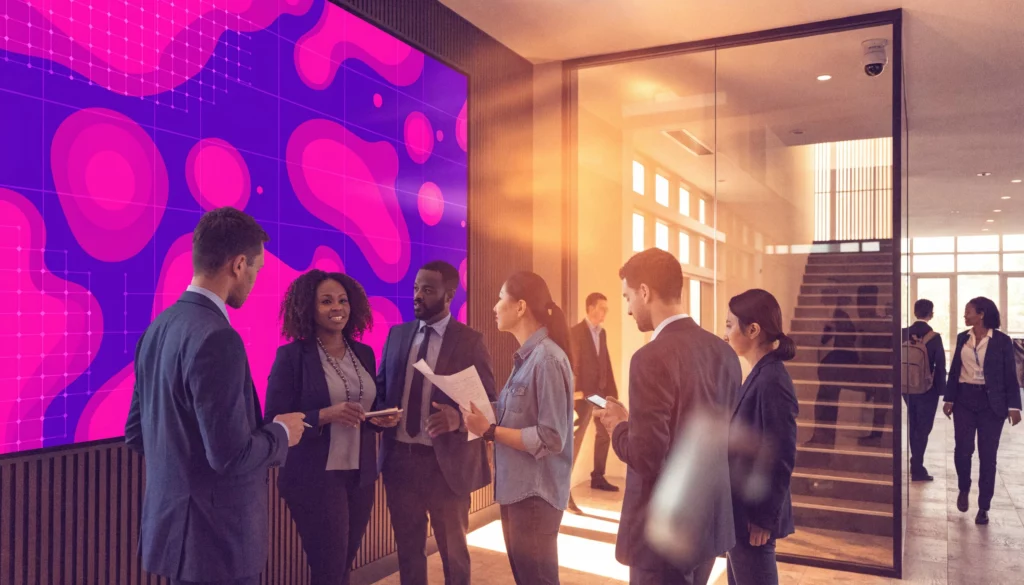
They use EMITY every day











Digital signage
Publish the right message, on the right screen, at the right moment
Whether you are bringing a lobby, a break room or a shop window to life, it all starts in the same place: E-MANAGER, the web dashboard of the EMITY suite.
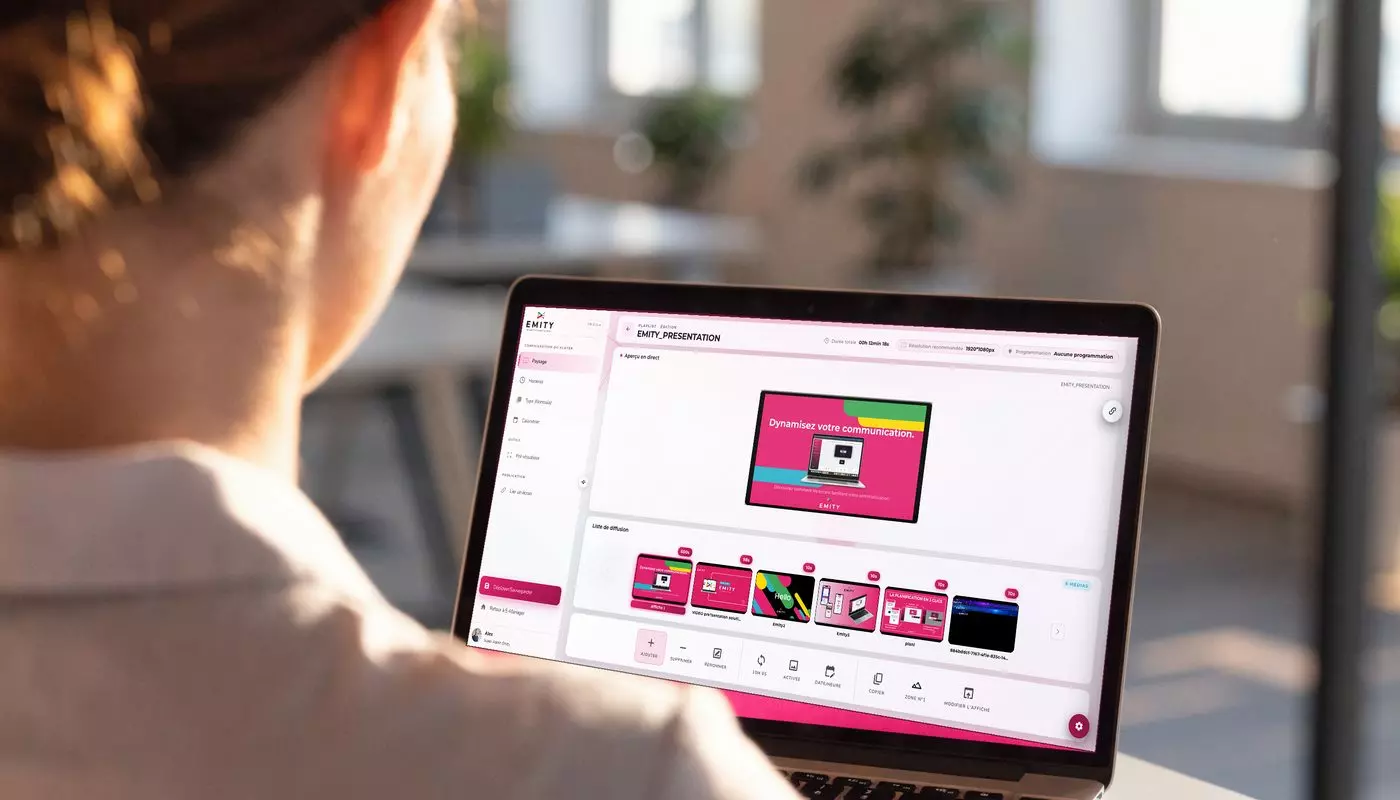
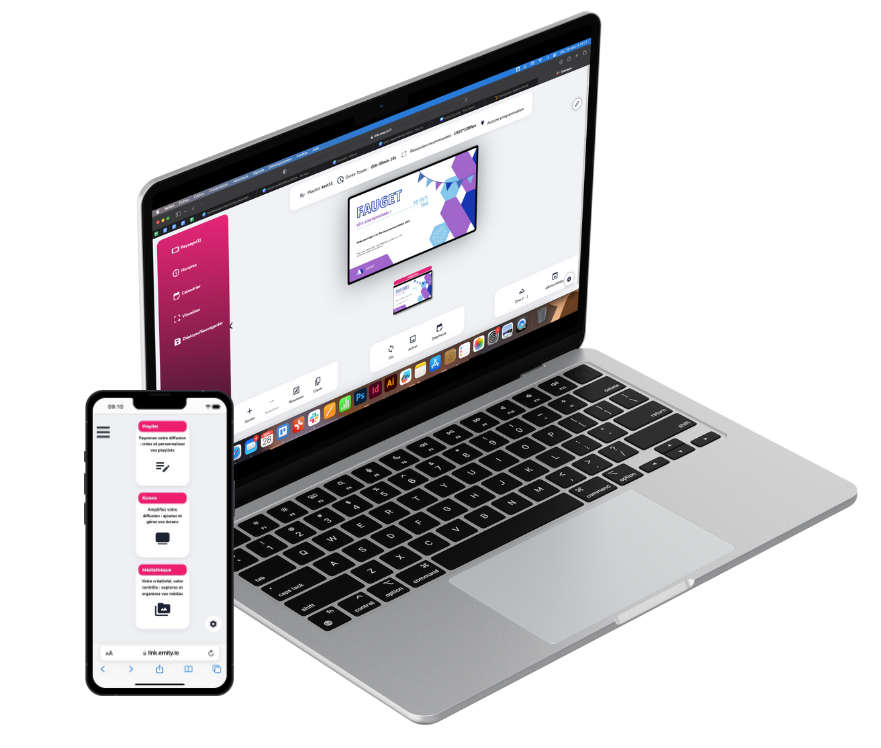
E-MANAGER — create, schedule, publish
From your browser, you prepare your visuals, organize your playlists and plan what goes out on every screen in your network. In practice, a campaign is prepared once and lands wherever it needs to, in real time.
- ✓Content creation on your own
- ✓Real-time publishing, across sites
- ✓Scheduling of times and campaigns
- ✓Close to 20 connected widgets (weather, RSS, social media…)
- ✓Central management from one single account
Interactive journeys
Turn every touch screen into a point of contact
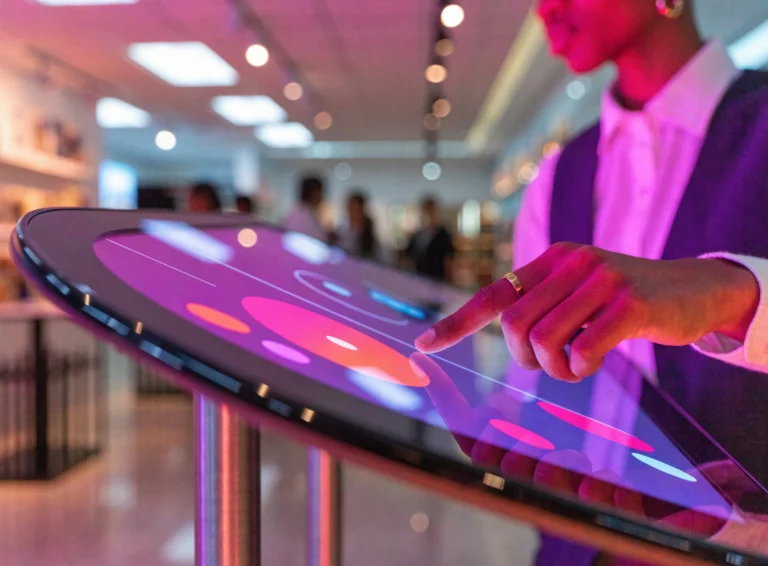
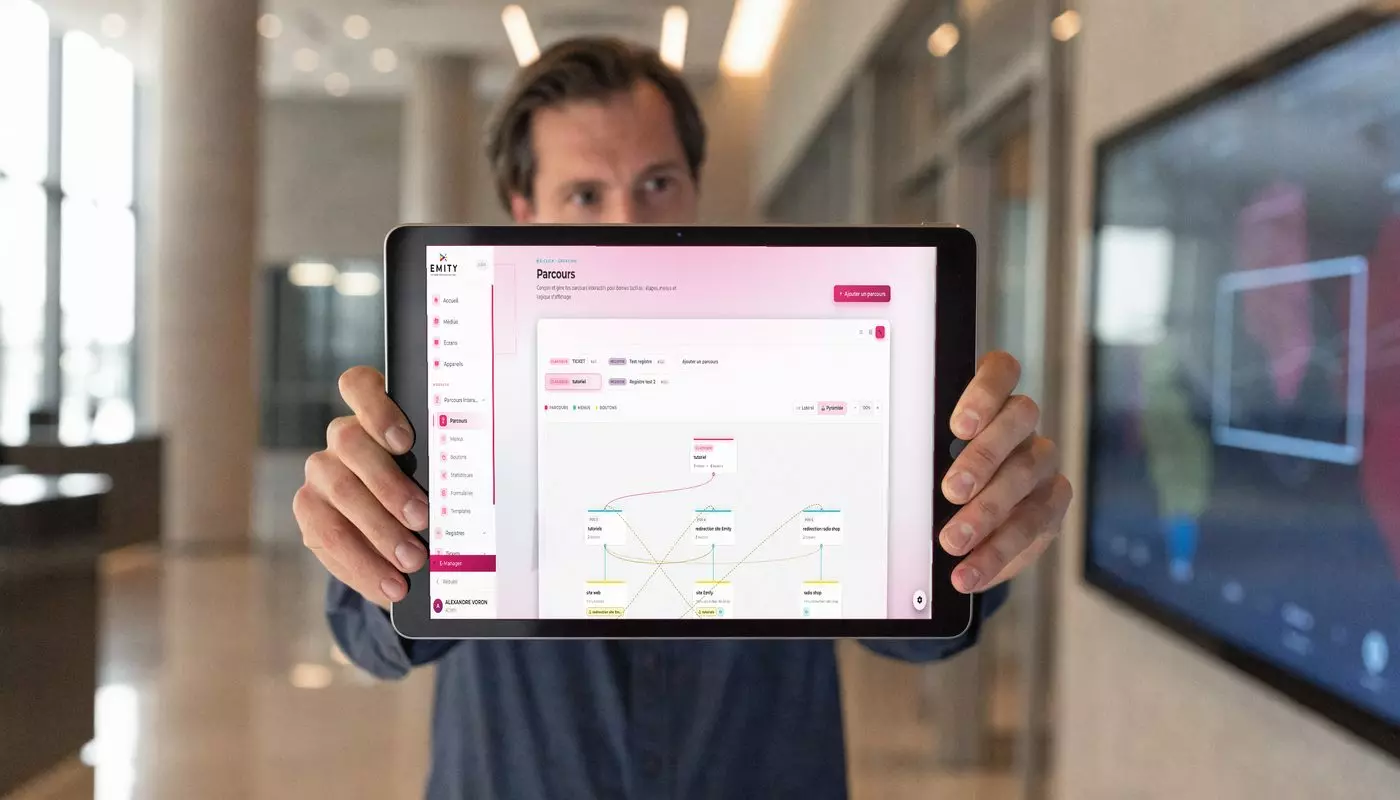
When a visitor touches the screen, the experience begins. With E-CLICK, you design tailor-made interactive journeys without writing a single line of code.
E-CLICK — touch, made simple
Wayfinding, catalog, survey or digital menu: you link your screens together and guide the visitor with a simple gesture. The idea is to make information reachable exactly when it is needed.
- ✓A visual journey editor, no code
- ✓Kiosks and touch screens
- ✓Surveys and information gathering
- ✓Central administration of content
- ✓Instant updates on every point of contact
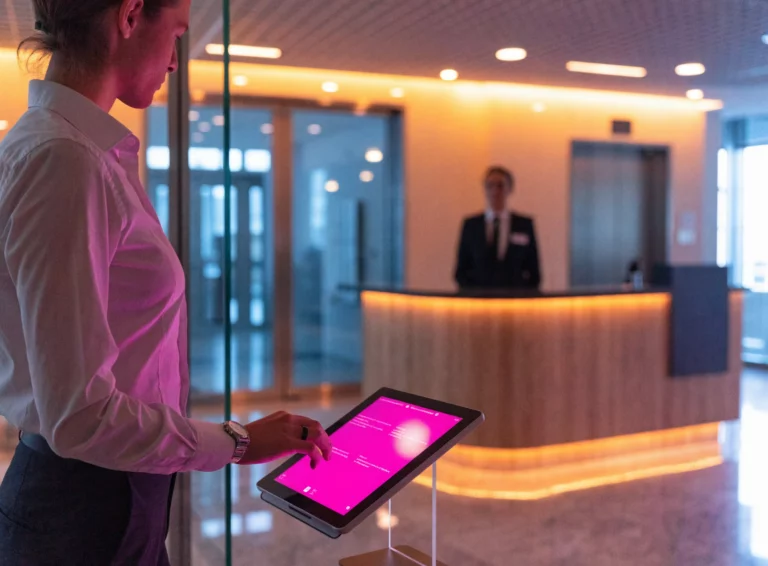
Check-in / check-out log
Visitor reception that is smooth and secure
To know who comes in and who goes out, without a paper register.
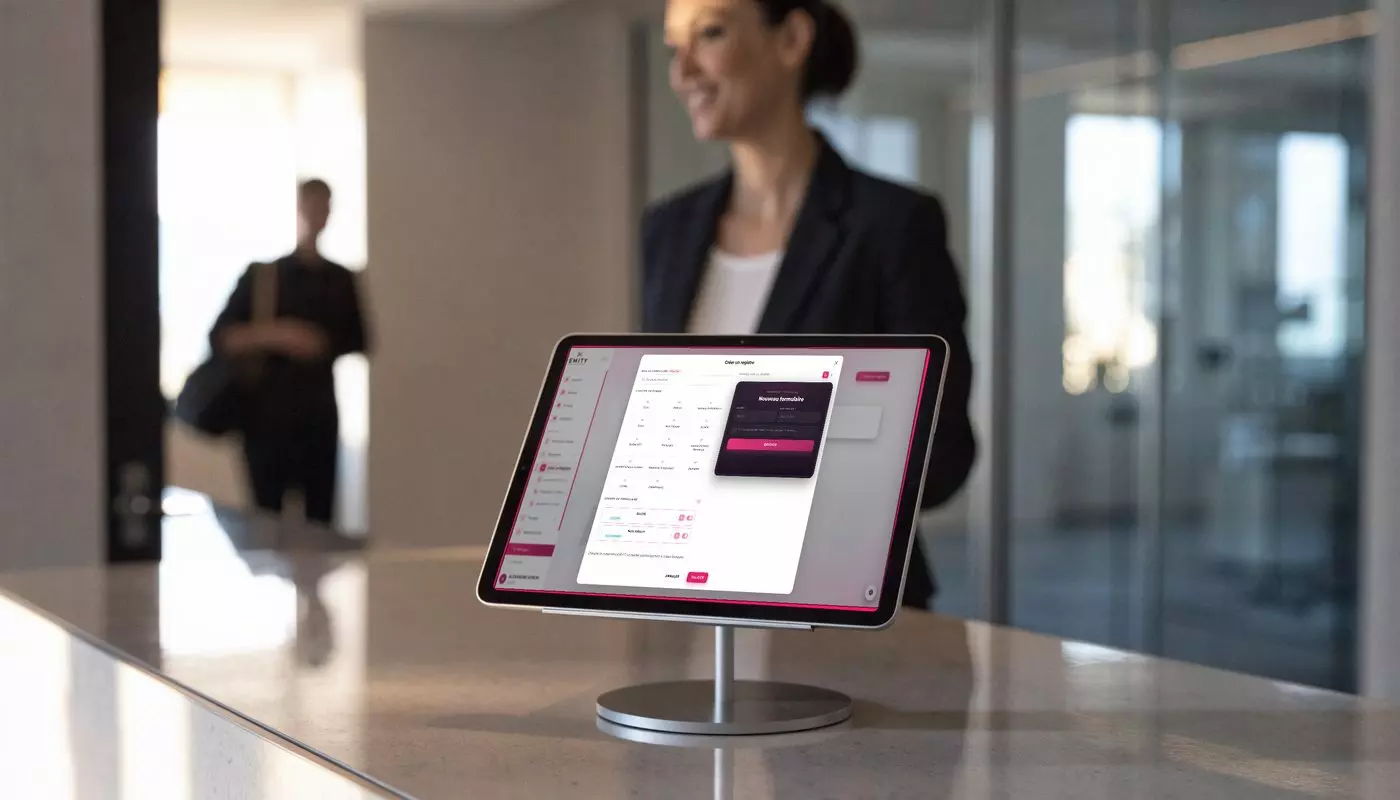
Visitor reception log
The visitor checks in within seconds, the person they came to see is notified automatically, and you keep a clear record of who is on site. In practice, reception gains in calm and your building in security.
- ✓Self-service visitor check-in
- ✓Automatic notification of the host
- ✓Real-time tracking of who is present
- ✓Visitor badges and respect for privacy
- ✓Stronger building security
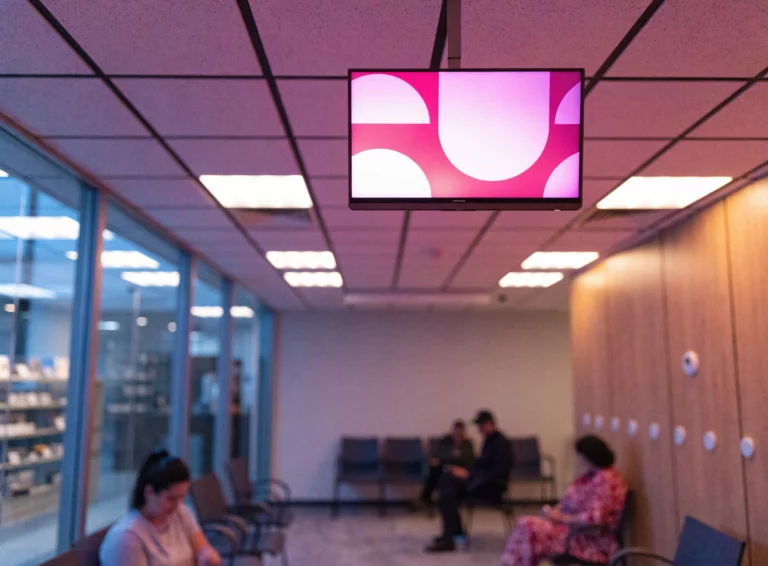
Queue management
Shorter queues, calmer visitors
When footfall rises, waiting quickly becomes painful. Handing out tickets and showing whose turn it is calms reception straight away.
Queue management
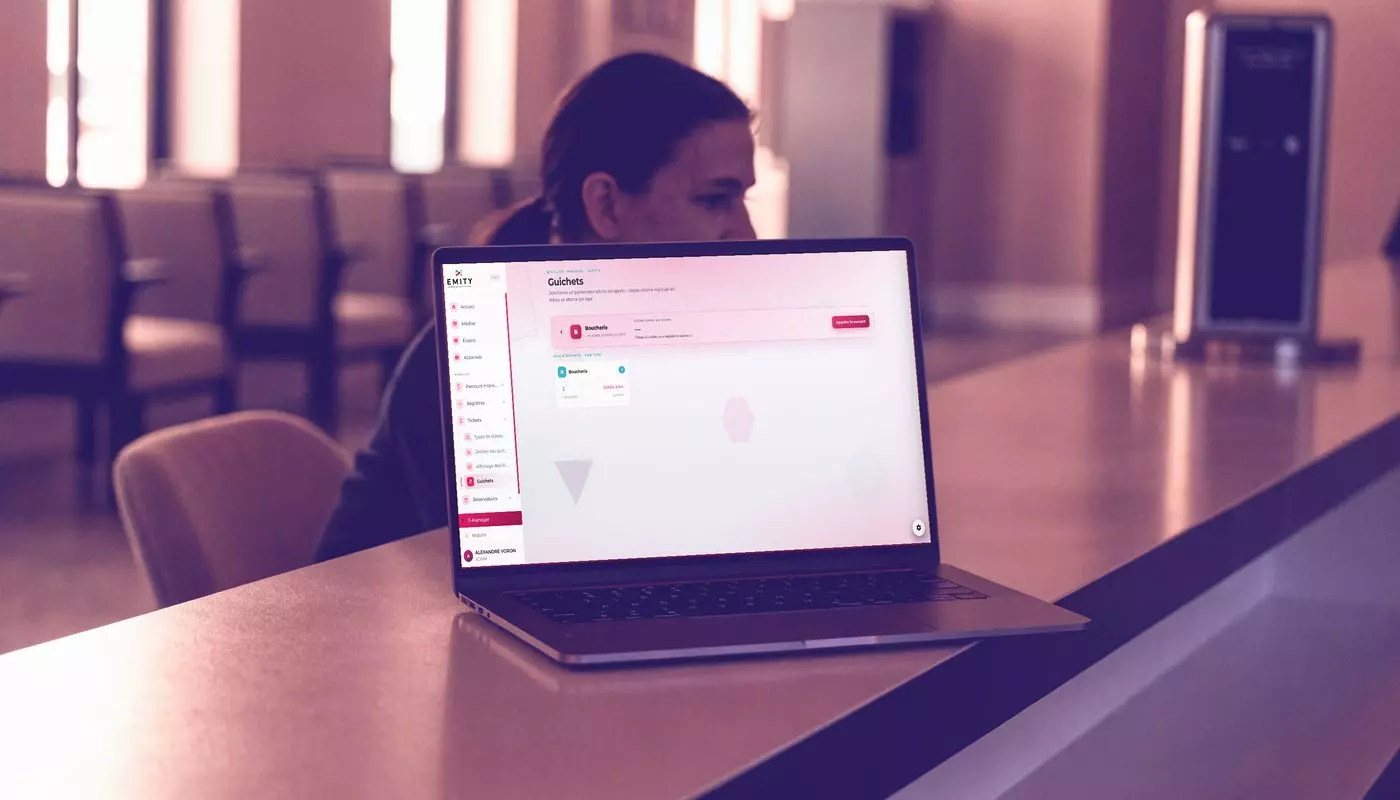
Each visitor or patient receives a number, follows their progress on the screen and knows when their turn comes. Your teams, meanwhile, run the counters at a glance.
- ✓Issuing and managing waiting tickets
- ✓Whose turn it is, shown on screen
- ✓Live management of the counters
- ✓Footfall statistics
- ✓Reception that flows and feels calmer
Bookings
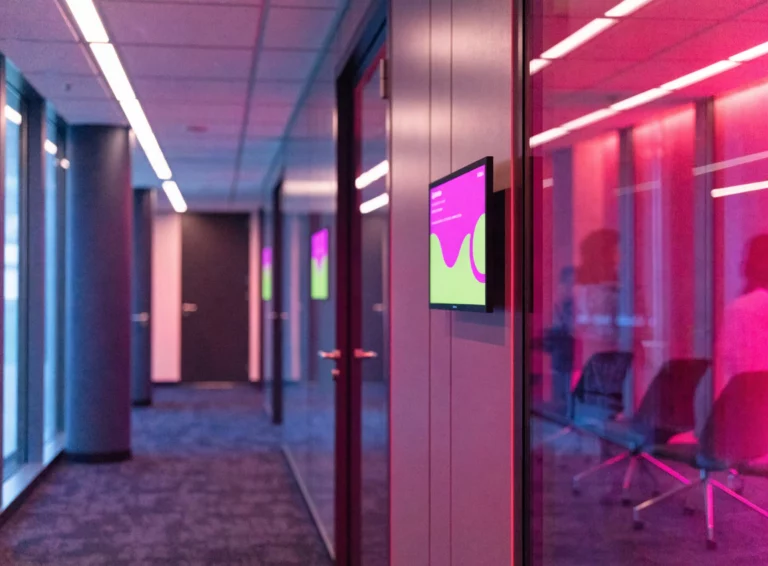
The status of your rooms, shown in real time
Outside every meeting room, a display shows at a glance whether it is free or occupied — no more doors pushed for nothing.
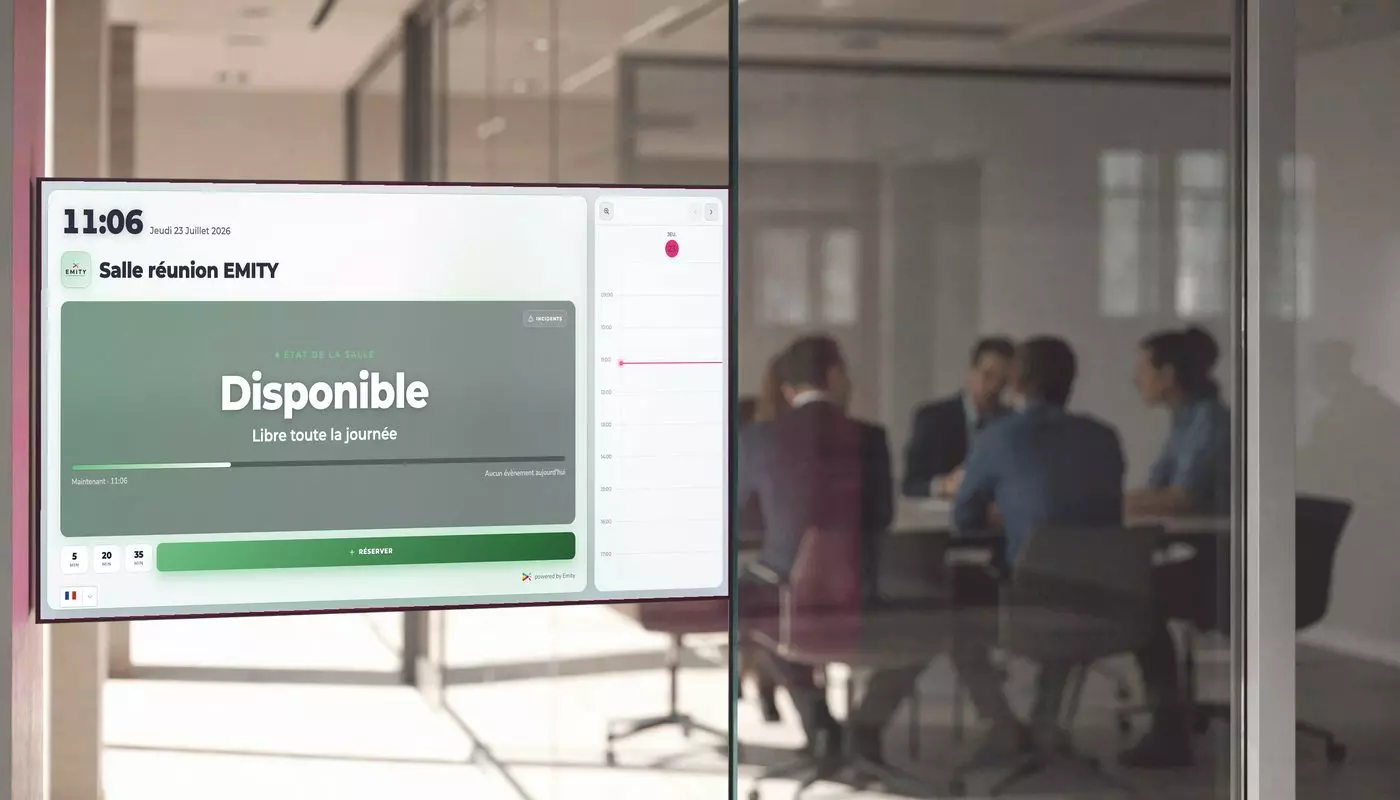
Room and space booking
Book a room, a desk or a parking space from your calendar, and the information appears straight away on the display concerned and across the building. In practice, everyone finds their place without the slightest friction.
- ✓Free / occupied shown live
- ✓Booking from the display or from your calendar
- ✓Meeting rooms, desks and parking spaces
- ✓An overview of the whole building
- ✓Immediate sync of availability
Matches & Scoring
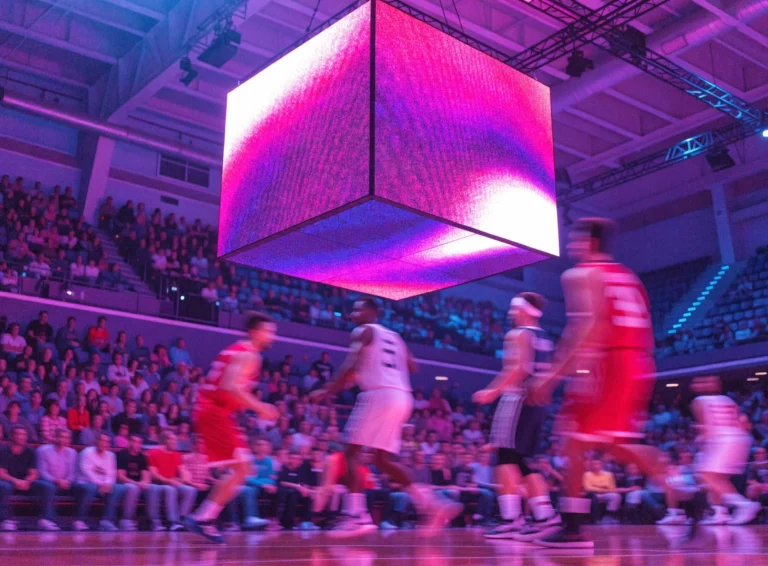
The score live, on all your screens
In a sports venue, every second counts. To show the score with no lag at all, everything is run from one single station.
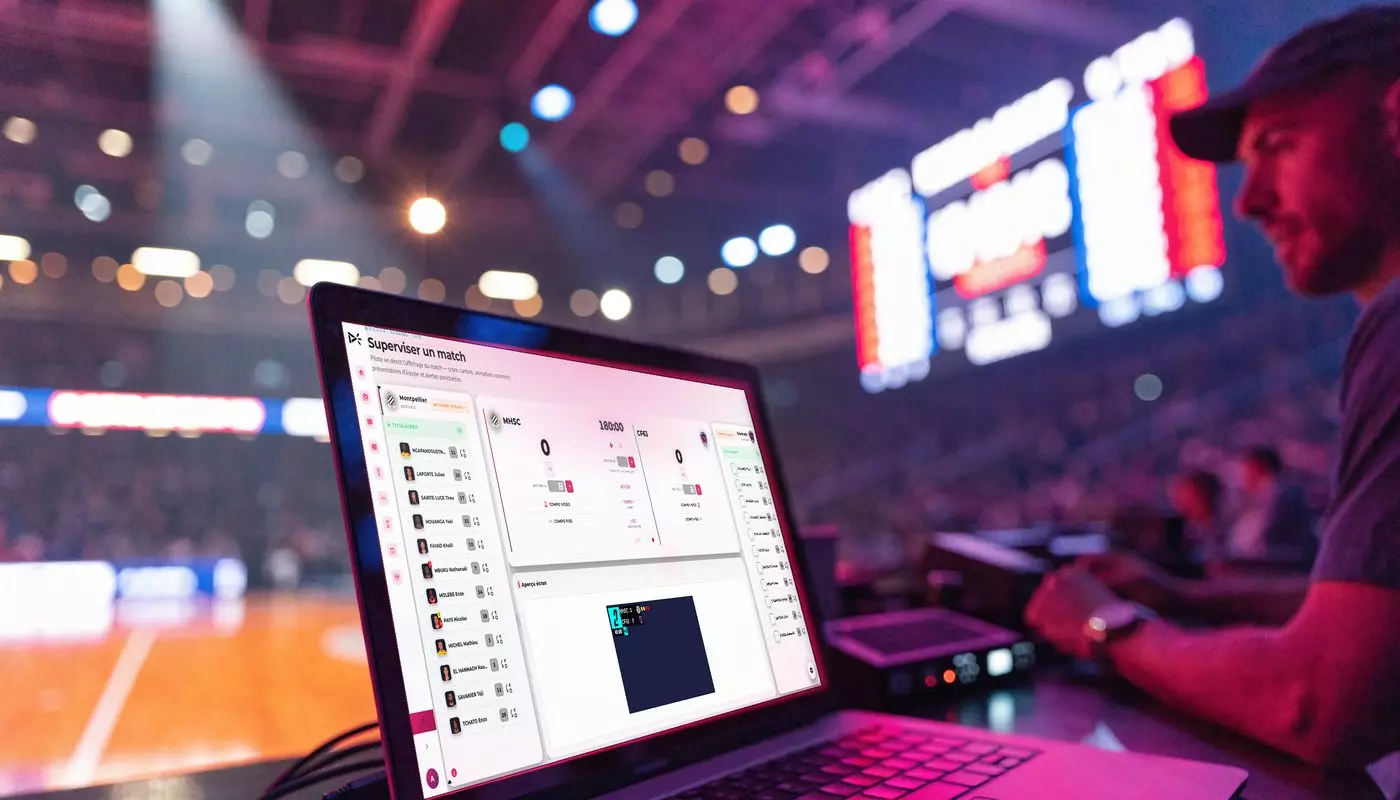
Multi-sport live scoring
You follow the match, update the score and the animations in real time, and the display refreshes instantly on the stadium screens. Being multi-sport, it fits basketball, handball, futsal and many other disciplines.
- ✓Score and clock in real time
- ✓Multi-sport compatible
- ✓Animations and sponsor space on screen
- ✓Run from one single station
- ✓Several screens kept in sync
Integrations
Design within everyone’s reach
To dress up your screens you do not need to be a designer: from EMITY, you create your visuals with Canva, Adobe Express or our own built-in editor.
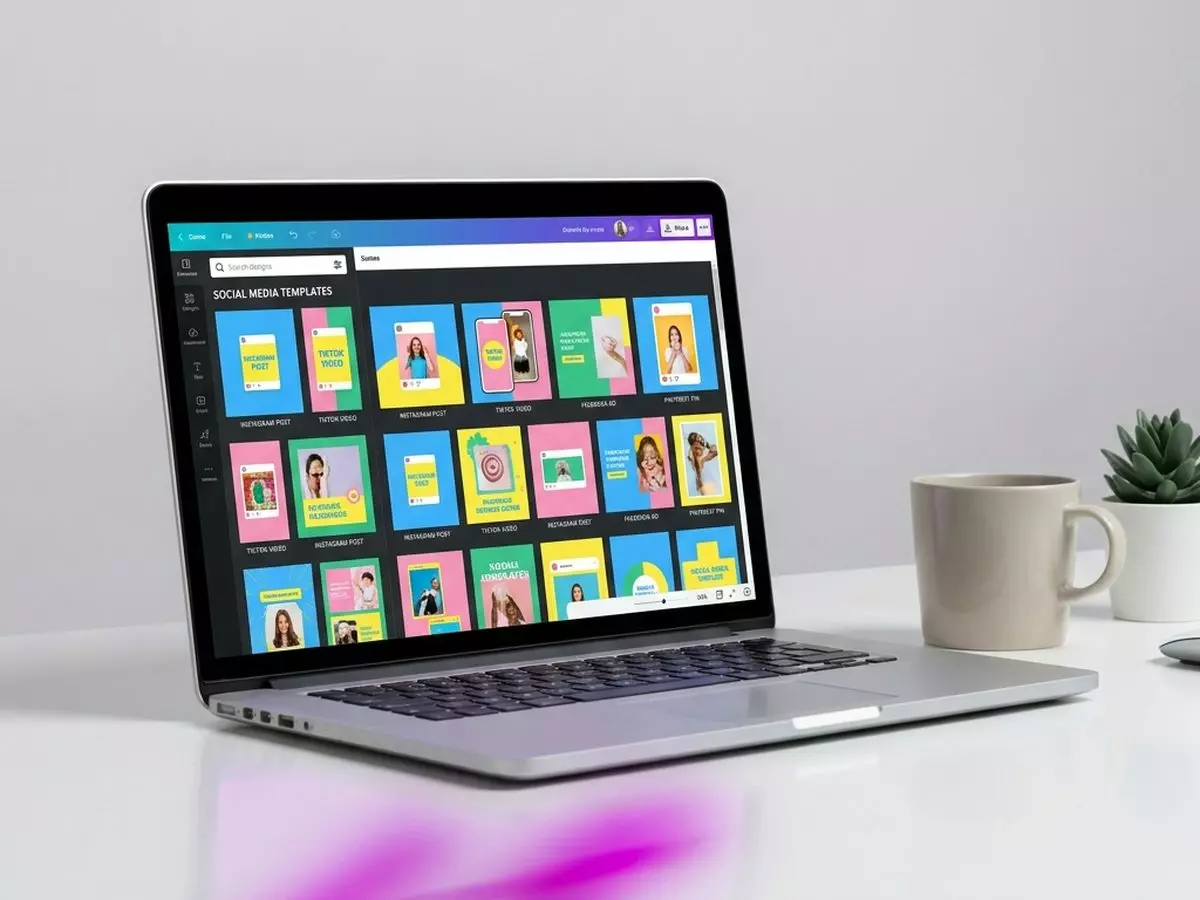
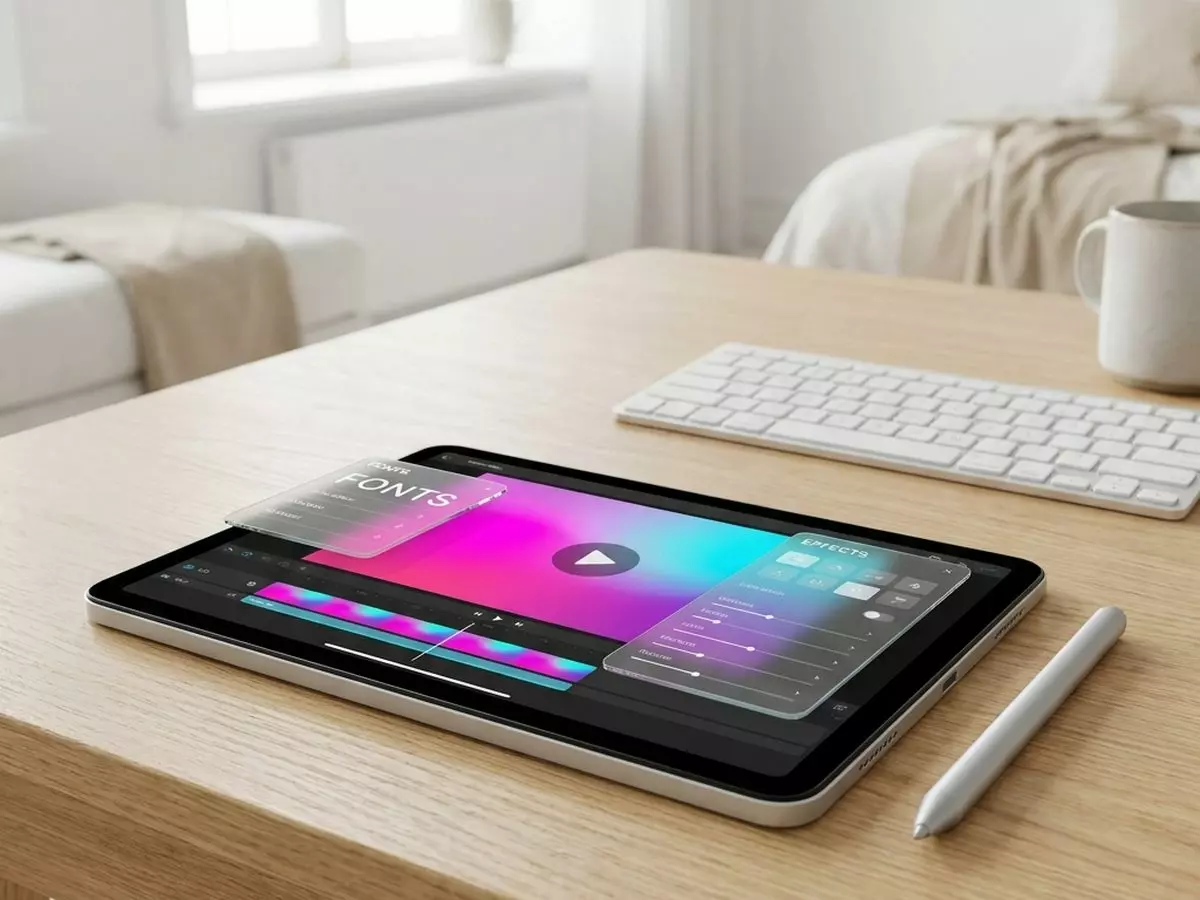

Compatibility
The solution for every screen
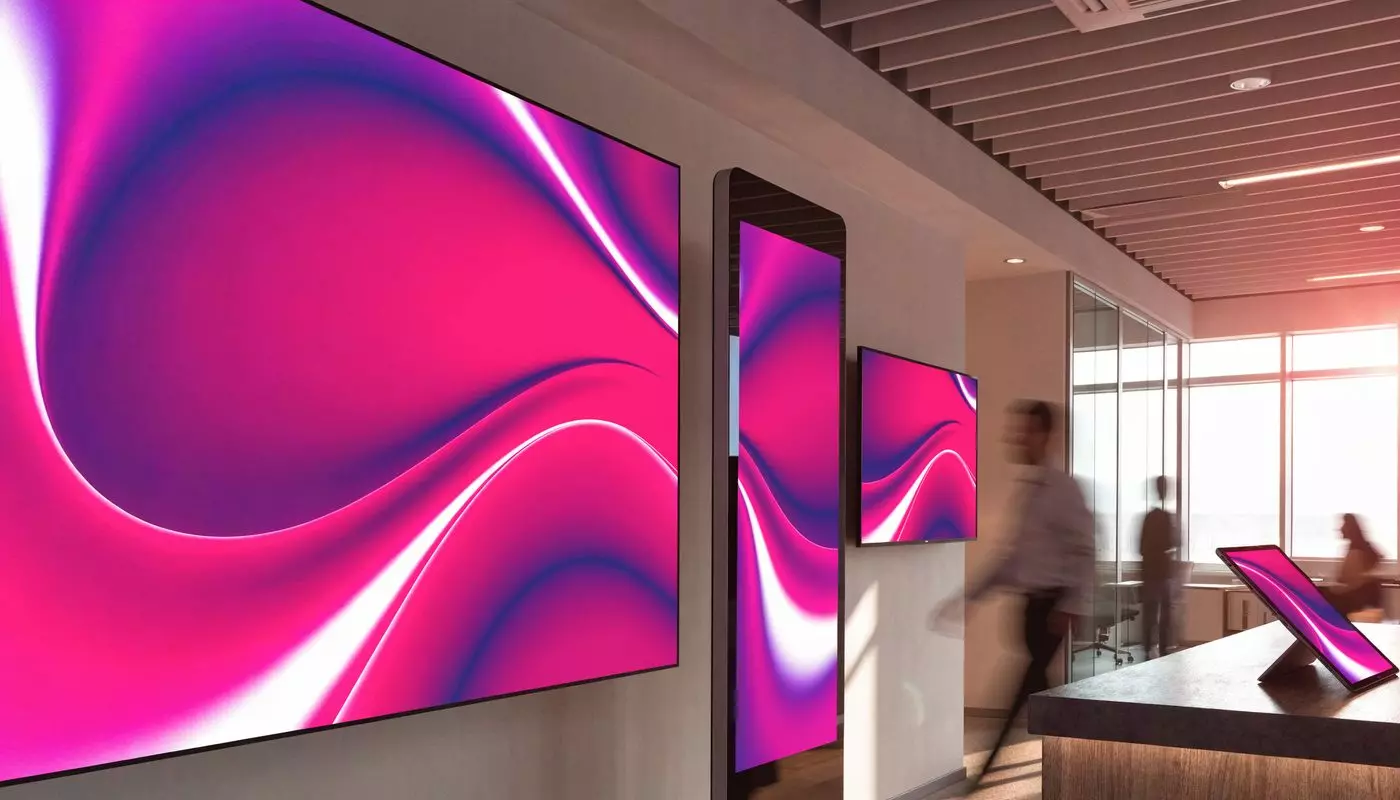
Run your screen network, whatever the number of locations or the size of your estate. A turnkey solution for central management and remote publishing.
Compatible operating systems
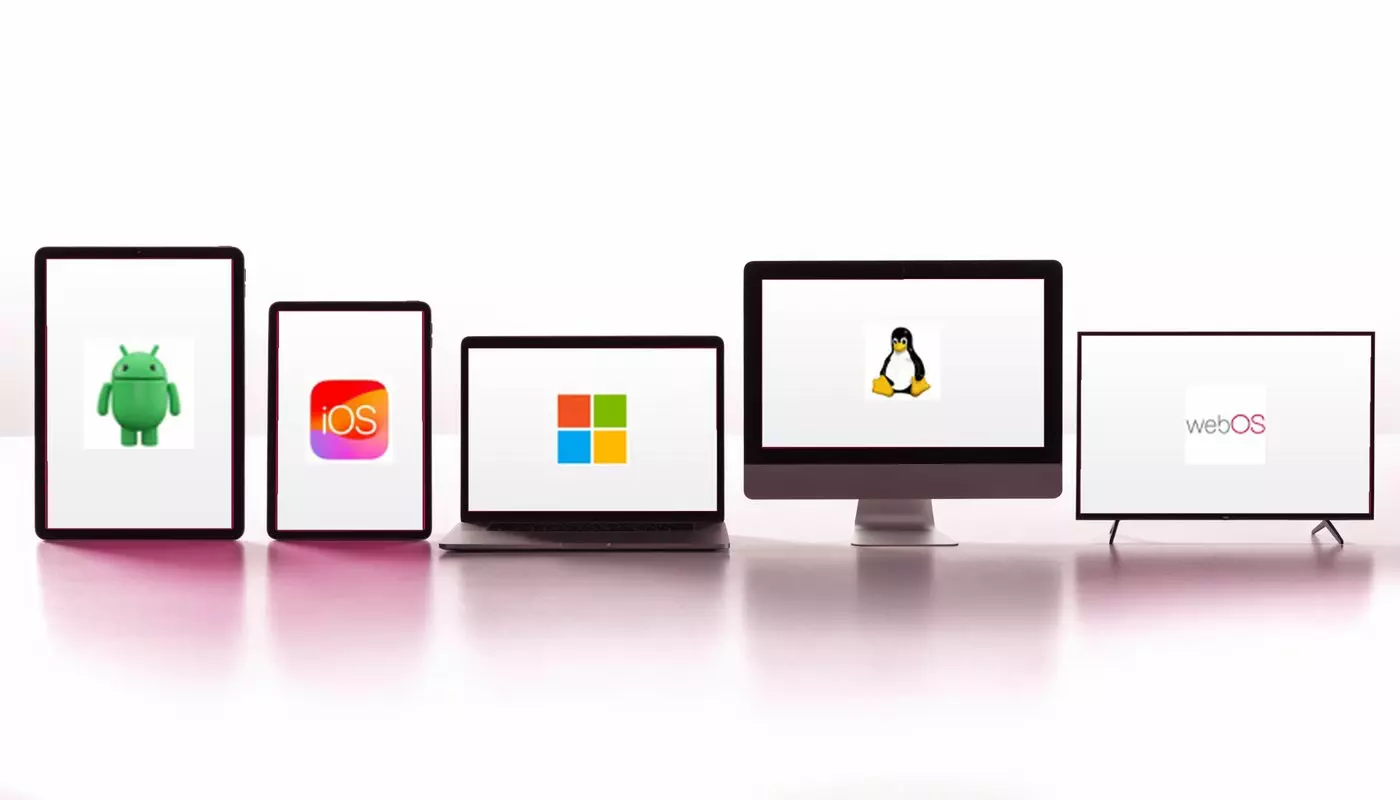
Android · iOS · Linux · Ubuntu · WebOS · Tizen · Windows · ChromeOS
Compatible screen brands
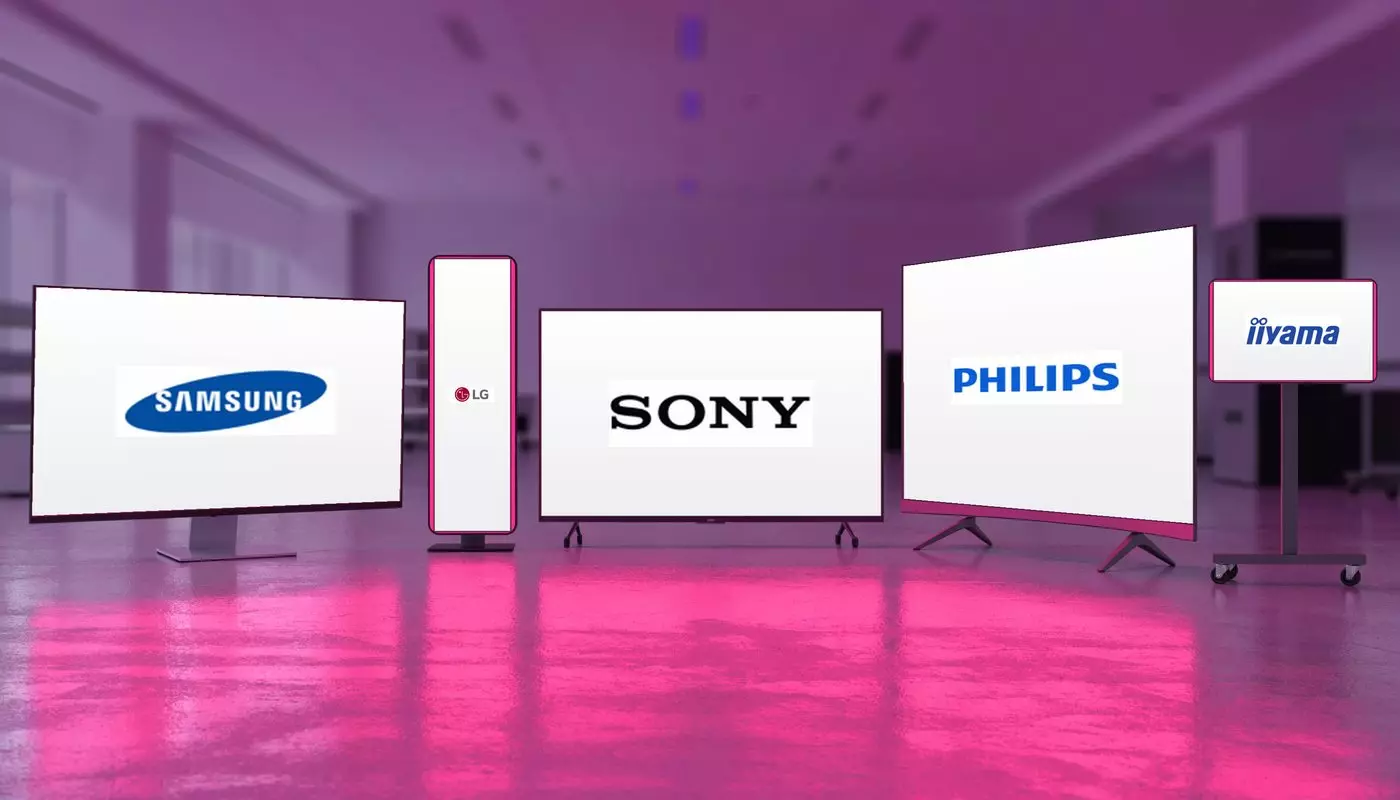
Samsung · LG · Philips · Sony · iiyama · Vestel · ViewSonic · Google…
In the SOC version, our software is compatible with most brands: LG, IIYAMA, SAMSUNG, PHILIPS, SONY, VESTEL and ANDROID screens. Smart TVs with a WebTV URL are supported too.
Method
How does a digital signage system work?
A web interface, a player connected to the internet, your screens.
Commitments
Support, Innovation, Quality
Today, EMITY is recognized by its customers for the value of its commitments.



Why EMITY
Why choose EMITY?
A complete, intuitive solution to manage your screen network with real ease.
With EMITY you get a complete, intuitive solution that lets you manage your screen network with real ease. Whether you run one screen or several hundred, our platform adapts to your needs. We offer a broad range of players compatible with Windows, Android, Linux and iOS.
Our expertise, built over more than 15 years in embedded systems, gives you maximum reliability and keeps the content you publish secure. Our solutions are also scalable and customizable, to answer the specific requests of your organization.
EMITY is far more than a simple digital signage solution: it is a genuine partner in digitizing your retail spaces, your offices, or any place that welcomes the public.
Understanding
Digital display, or digital signage
Everything about digital signage: definition, examples of content and common mistakes.
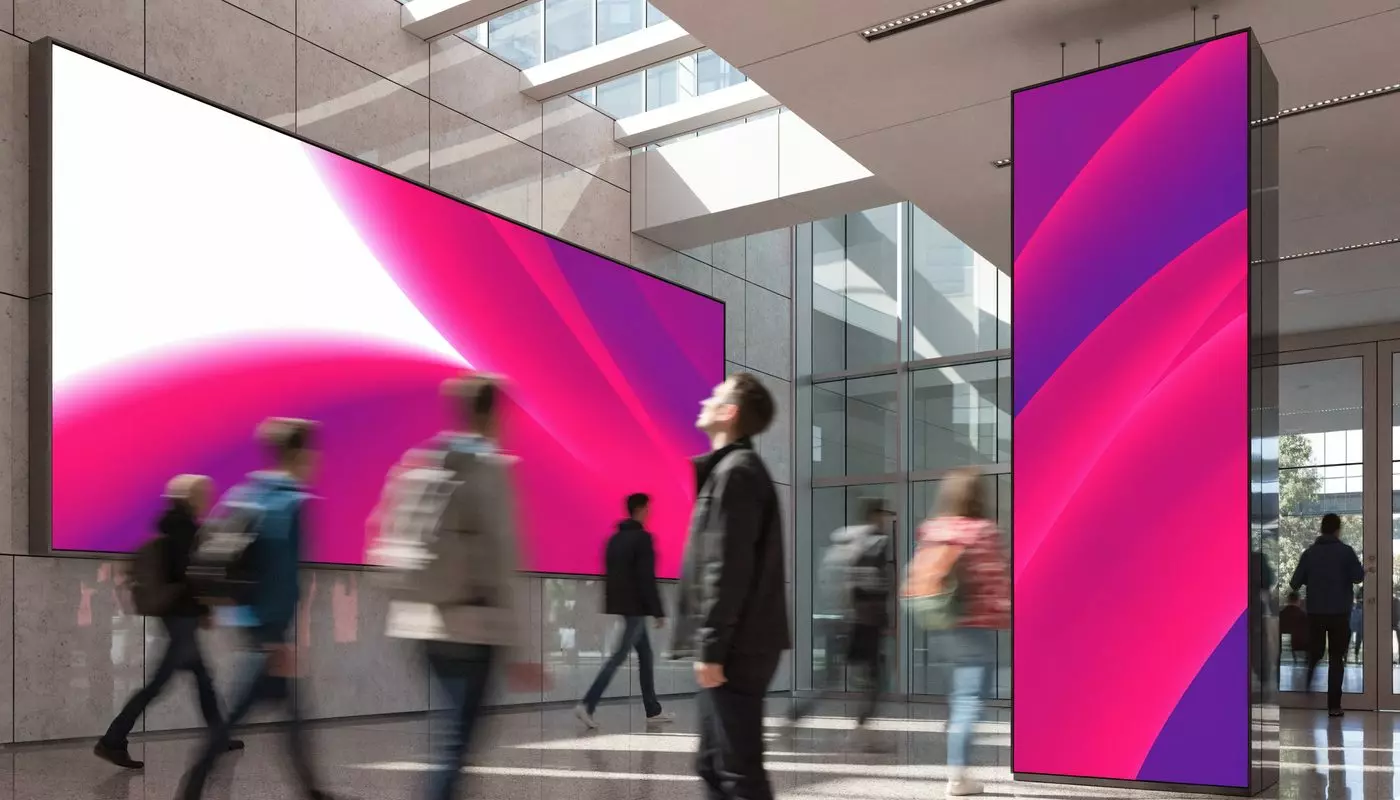
Definition
Digital display is a visual communication solution that plays dynamic media on screen to inform, promote or guide. It makes every message more engaging, internally as well as in a place of sale.
Examples of content
- ✓Promotions and advertising campaigns
- ✓Announcements, alerts and practical information
- ✓Menus, prices and offers in the room or at reception
- ✓Events and news
- ✓Performance indicators (KPIs)