
Guide · Professional screens
Digital signage screen: how to choose the right one
A badly chosen screen cannot be rescued by software.
Too small and nobody reads it, not bright enough and it vanishes in the sun, not rugged enough and it dies within a year. Four parameters are enough to settle it — viewing distance, light, opening hours and content. Here is how to set them, with the figures behind each one.
The experiences involved
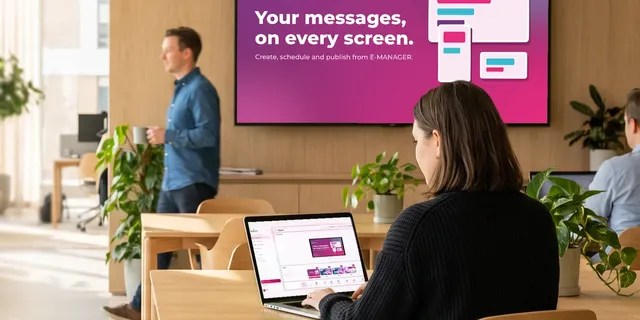
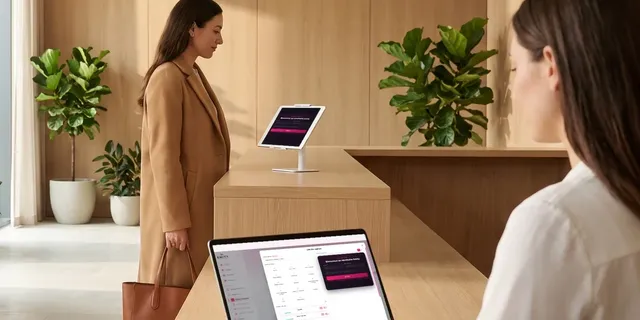
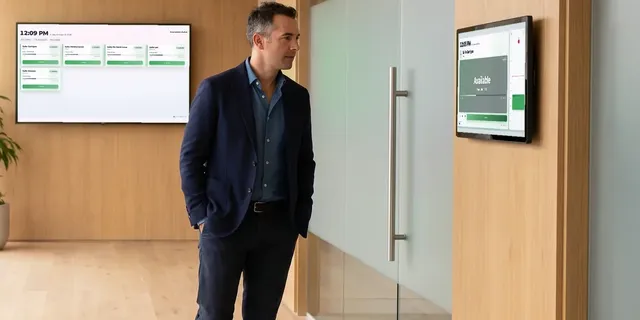
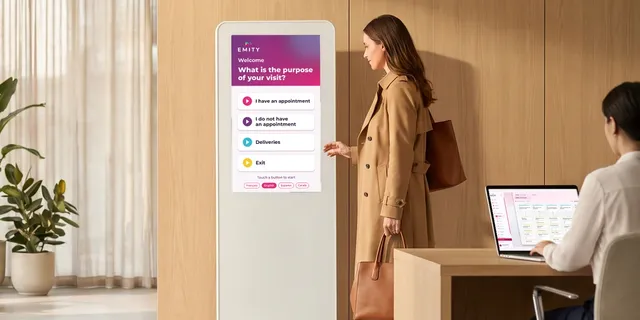
Six EMITY experiences, one platform for all your screens.
01Definition
What is a digital signage screen?
A digital signage screen is a screen built to show remotely managed content — images, video, information that keeps updating — rather than to receive television or have a computer plugged into it. It also goes by digital signage display, digital display screen, or simply digital signage. Technically it is not a category of panel: it is a screen, usually a professional one, paired with a player and with software that decides what appears and when.
Four parts, always the same
- ✓a panel sized for the viewing distance and the light of the room — that is what this page is about;
- ✓a player: the screen’s own built-in system, or an external box;
- ✓a software platform that schedules the content — here, the E-MANAGER platform;
- ✓a connection so the screen receives its updates.
Many customers arrive with this question
“Which screen do I need?” almost always comes before “which software?”. That order makes sense: the screen is visible, it has a price tag, it can be picked in a shop. The software only becomes real once the screen is on the wall — and yet it is the software that decides whether the estate stays easy to run when it grows from one screen to thirty. This page answers the first question first, honestly; the second one comes at the end.
02The method
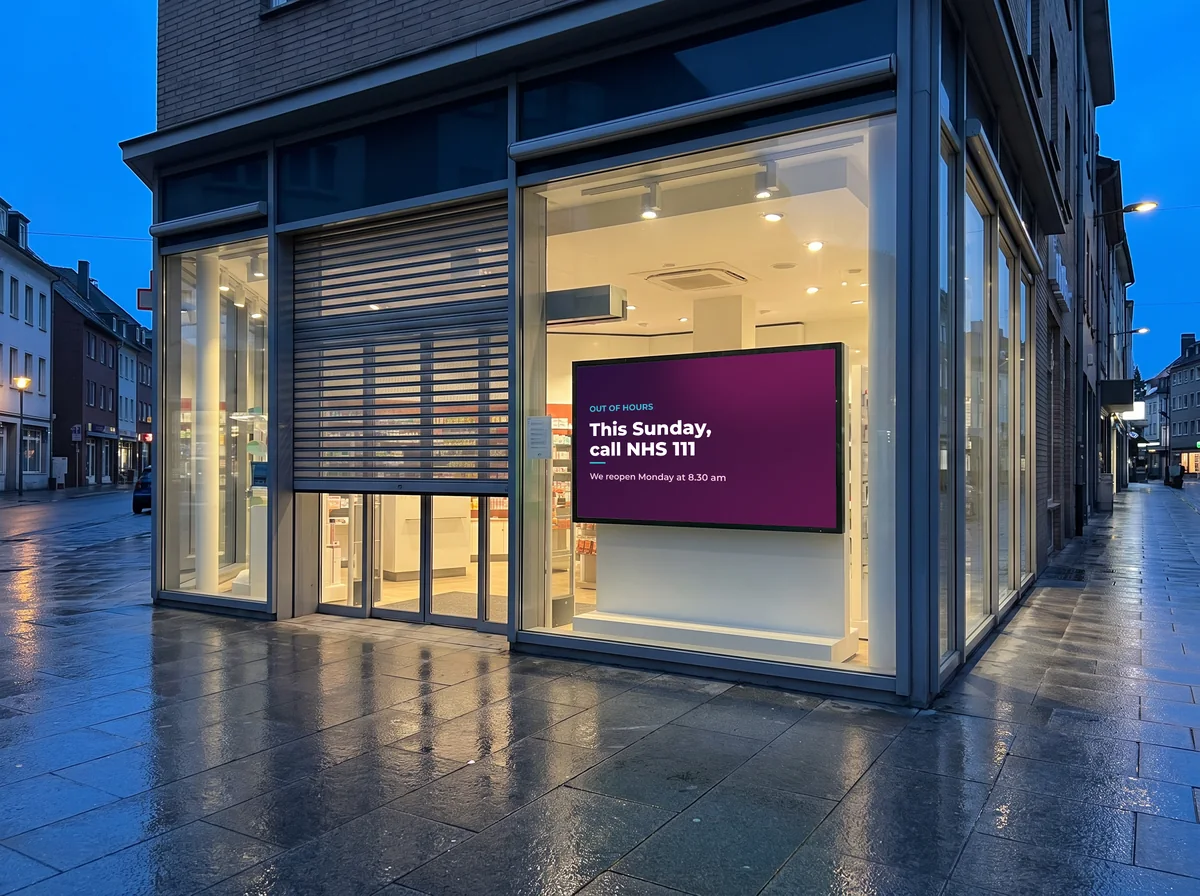
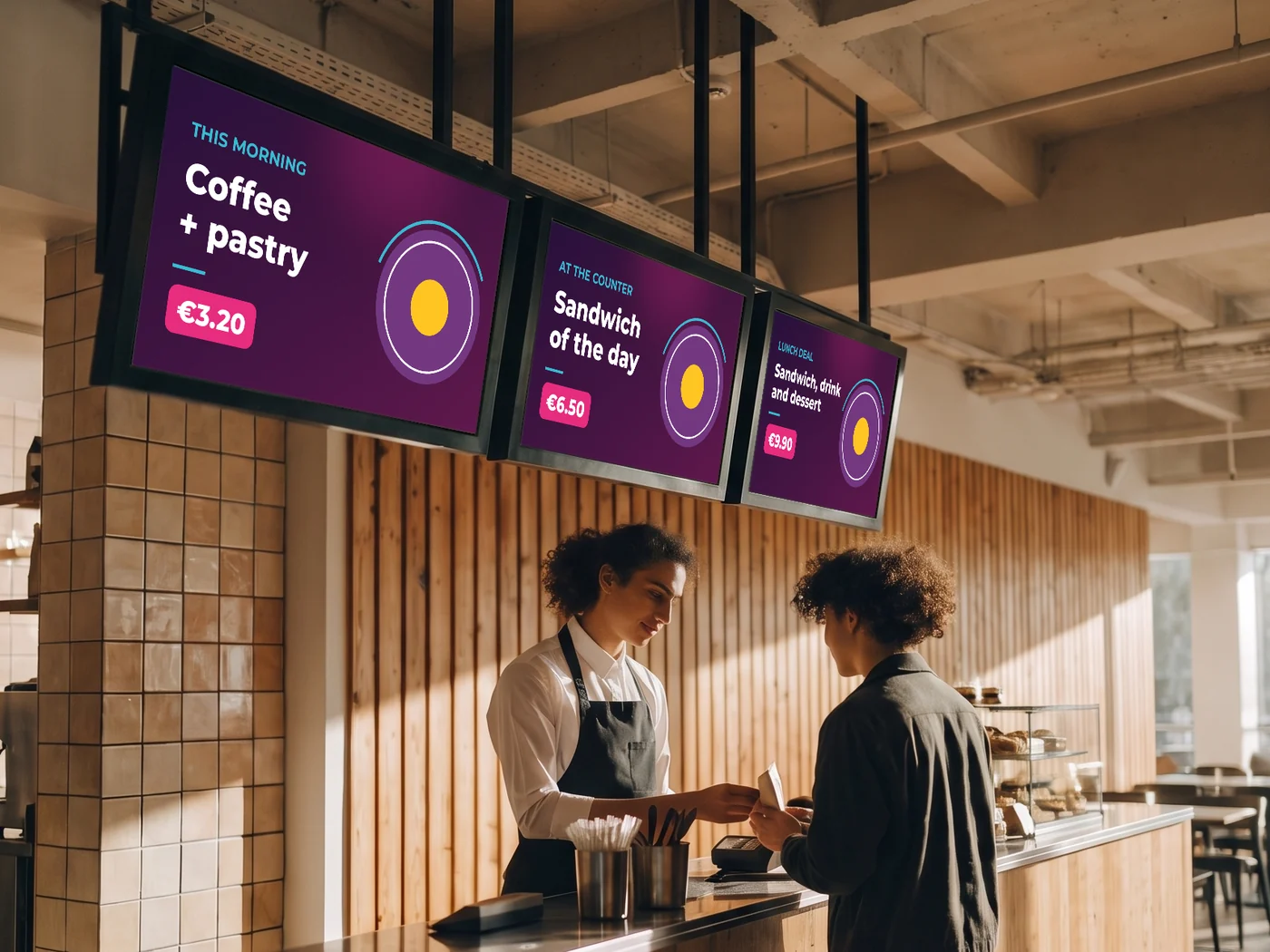
Four questions, in this order
The hardware follows from the answers. Taken the other way round — “I saw a screen on offer” — the same four questions come back six months later, and cost more.
03Your case
Size, letter height and brightness calculator
Three settings, and you get the diagonal range, the minimum letter height and the brightness to insist on. The rules used are shown under the result: a calculator that hides its assumptions is worth nothing.
Distance: 4 m
Diagonal to aim for
65 à 86 inches
Minimum letter height
4 cm
Brightness needed
400 à 700 cd/m²
A consumer television often tops out around 300 cd/m².
On the EMITY side
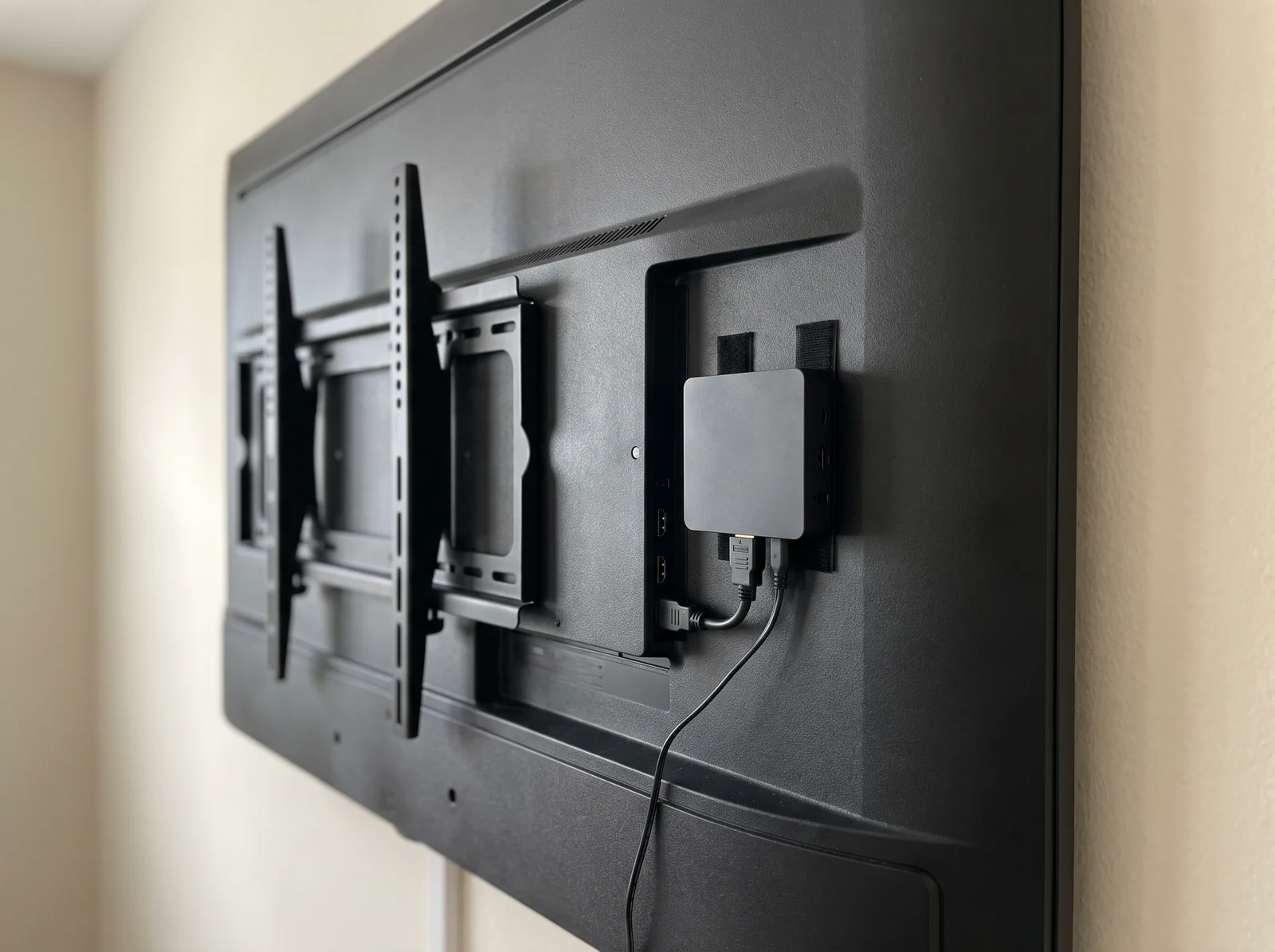
A screen running Tizen, webOS or Android receives the app directly; otherwise an E-BOX player connects over HDMI.
The rules used, so the result stays checkable: diagonal = viewing distance × 4, 6 or 8 depending on how dense the content is (the trade rule known as “4-6-8”, expressed in feet and inches); letter height = 25 mm per 3 m of viewing distance, rounded up to the centimetre; brightness from AVIXA recommendations and the manufacturers’ professional ranges. These are orders of magnitude to frame a conversation — the final number is measured on site, light meter in hand.
04Size
Viewing distance sets the diagonal, not the space on the wall
This is the most common mistake: the screen gets chosen to fit the available space, when it should follow from the distance of the furthest viewer. A screen chosen to fit the gap is almost always too small.
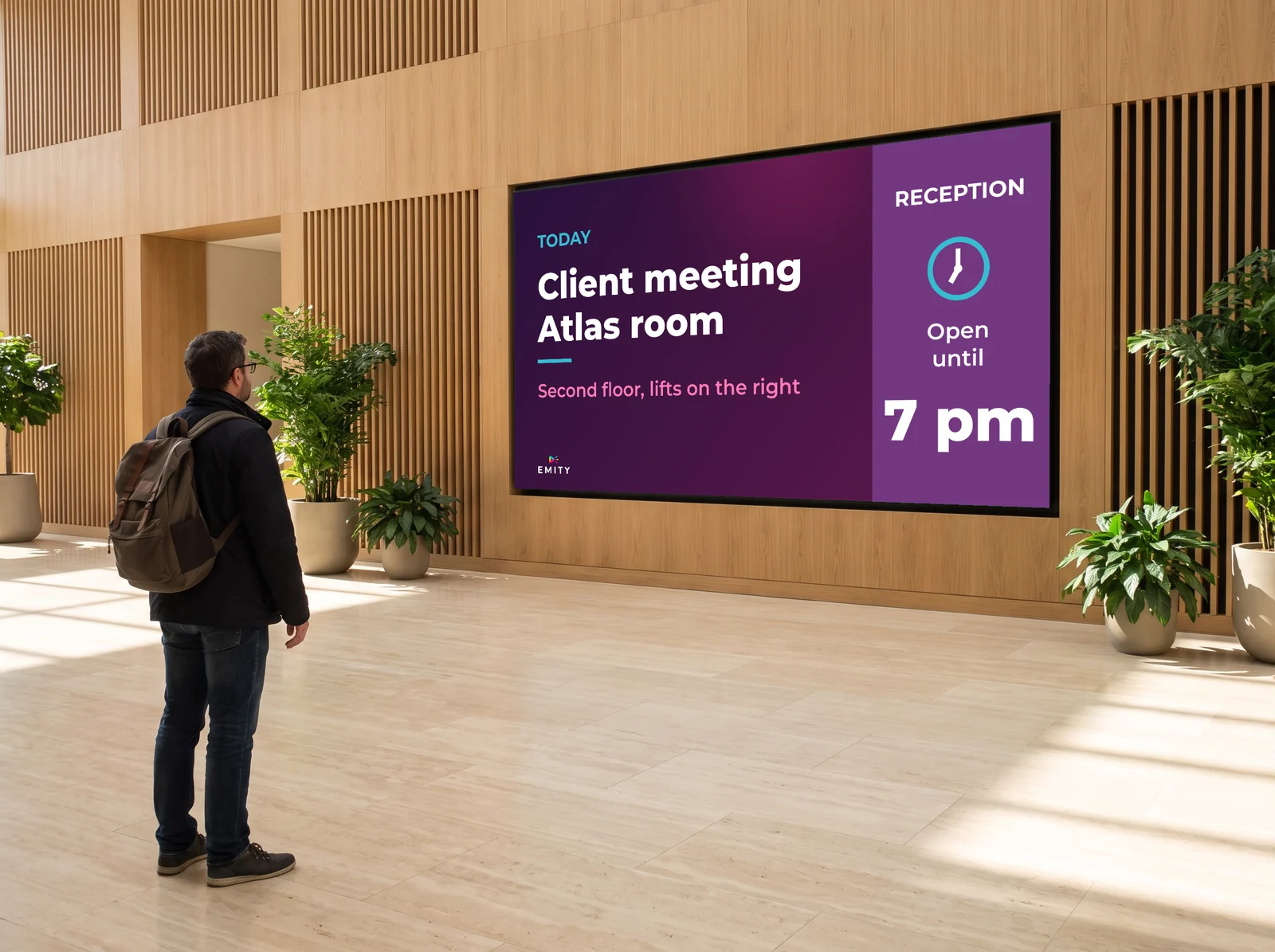
The rule of thumb in the trade is called “4-6-8”: multiply the viewing distance by 4, 6 or 8 depending on how dense the content is, and you get a diagonal. The denser the content, the bigger the screen.
The letter-height check
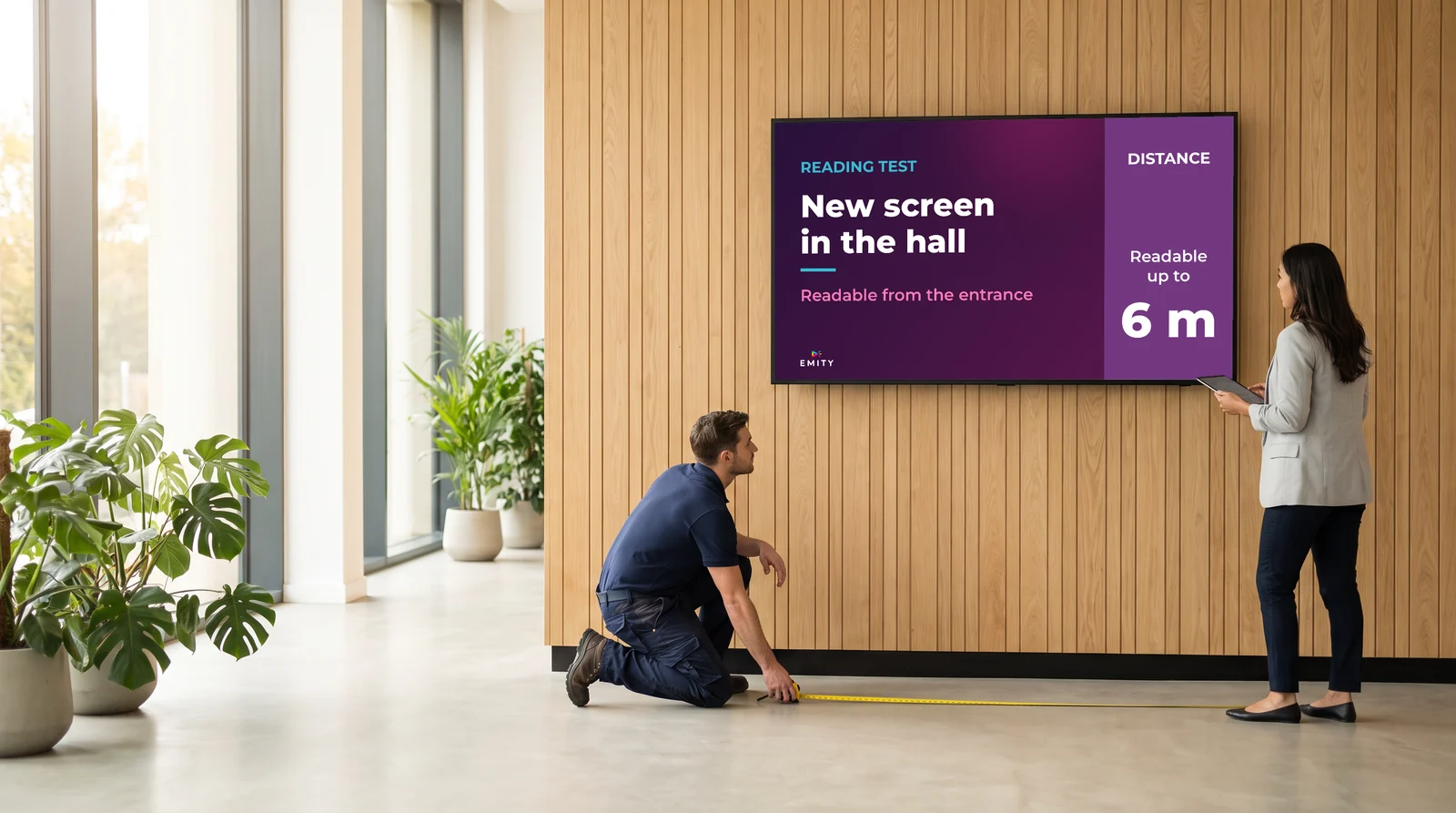
A character is legible if it is at least 25 mm tall for every 3 m of viewing distance. Rounded to the centimetre, that comes to roughly 1 cm of letter height per metre. This is the most useful check of all: you run it on the mock-up, before ordering the screen — not standing in front of the wall once it is up.
| Viewing distance | Images and video | Image + short text | Dense text | Letter height |
|---|---|---|---|---|
| 2 m | 32 to 43 inches | 43 to 55 inches | 55 to 65 inches | 2 cm |
| 4 m | 50 to 55 inches | 65 to 75 inches | 86 to 98 inches | 4 cm |
| 6 m | 75 inches | 98 inches | 110 inches or a video wall | 5 cm |
| 10 m | 110 inches | video wall | video wall or LED | 9 cm |
| 20 m and over | LED | LED | LED | 17 cm |
Measure the distance to the furthest viewer, not the nearest: that viewer is the one who sets the size. The calculator above does the arithmetic for your own case.
05Brightness
Candelas, not lumens
This is the parameter most often got wrong, and the only one that can make a screen unusable. Brightness is measured in candelas per square metre (cd/m²), also called nits. A living-room television often tops out around 300 cd/m²: comfortable in a living room, invisible behind glass.
⚠️ A very common mix-up of units
The lumen measures the total output of a light source: it is the unit for a projector or a bulb. A screen is rated in cd/m² — an intensity per unit of surface. A supplier quoting “2,000 lumens” for a panel is not talking about the right quantity: ask for the value in cd/m², it appears on every datasheet.
Lobby, corridor, break room. An entry-level professional panel is enough here — the Philips P-Line quotes 500 cd/m².
Daylight doubles the requirement, even with no direct sun.
The screen faces the sun head-on. Dedicated ranges only.
The Samsung OHA-S quotes 3,500 cd/m² typical and the LG XE4F 4,000, both IP56-rated and built to run 24/7.
Lower figures: AVIXA recommendations. Upper figures: values quoted by the manufacturers’ outdoor ranges. Both stand up — the right number is the one measured on site.
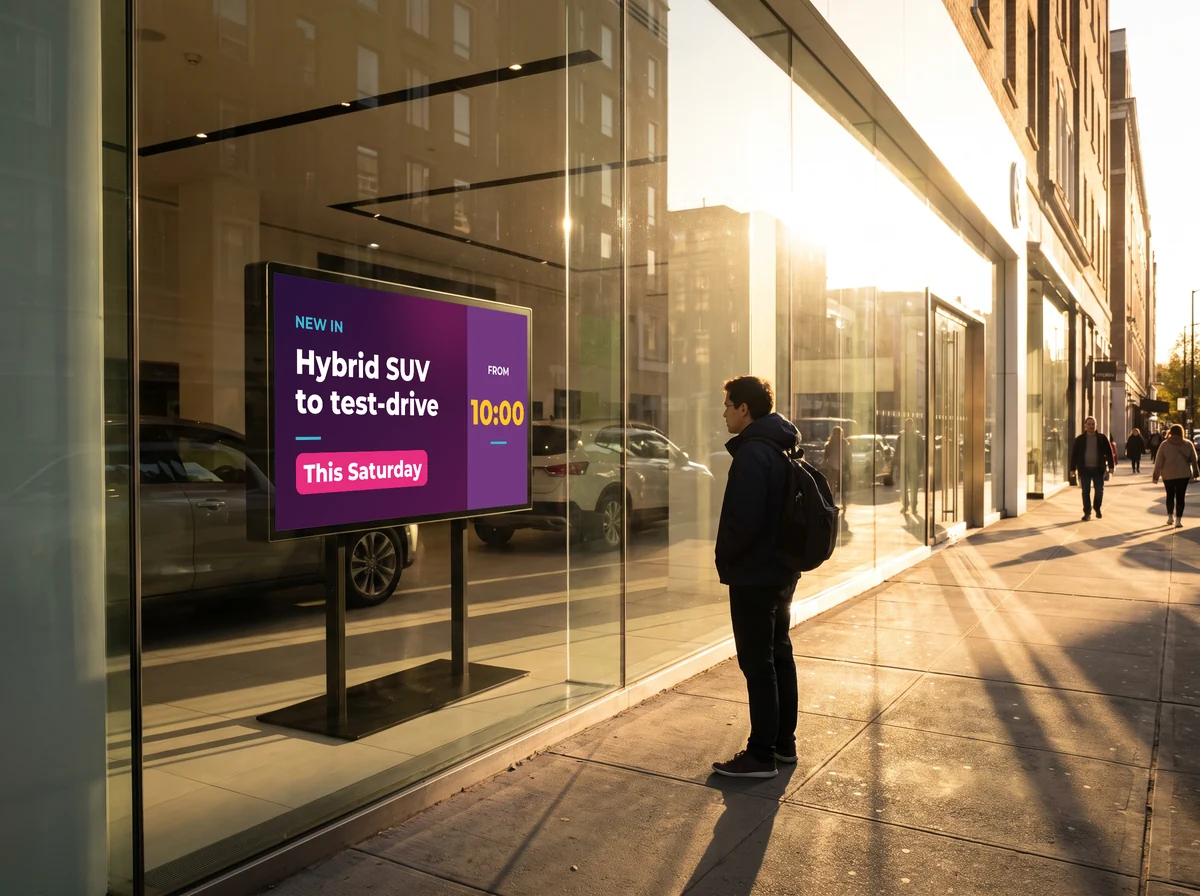
For a shop window there is another route than chasing candelas: digital ink. An E-PAPER screen reads in daylight the way paper does, draws no power for as long as the display does not change, and lasts up to five years on battery. The advertising window case is covered in detail on the window display screen.
06Operating hours
A television is not designed to stay on
This is the least visible difference in the shop and the most expensive one in use. It is written in black and white on the datasheet, under “operating hours”.
| Consumer | Professional 18/7 | Professional 24/7 | |
|---|---|---|---|
| Hours per day by design | 4 à 8 h | 18/7 | 24/7 |
| What it is | Consumer television | Standard professional range | High-end professional range, or outdoor |
| Portrait orientation | Rarely supported | Supported | Supported |
| Typical warranty | 1 year, often void in commercial use | 2 to 3 years | 2 to 3 years, on site |
| Example ranges | — | iiyama ProLite 18/7 | iiyama ProLite 24/7, Philips P-Line, Samsung OHA-S |
The calculation that matters is not the purchase price
A television pushed beyond its rating degrades within about eighteen months; a professional panel specified for the real load runs for tens of thousands of hours. The gap in purchase price is roughly a factor of two, and it reverses the moment you count the first replacement, the labour and the black screen during the outage. If you are unsure which range to go for, a demonstration on your own setup settles it faster than comparing datasheets.
07Resolution
Full HD or 4K: you don’t always need 4K
A Full HD screen that is big enough and bright enough beats a 4K screen that is too small to read.
Resolution is the most debated parameter and the one that counts least in digital signage. The reason is arithmetic: on a 55-inch Full HD screen the usable width is about 1,218 mm for 1,920 pixels, so a pitch of 0.63 mm. By the same rule as for LED, individual pixels stop being distinguishable beyond about 60 cm. And nobody reads a counter menu from 60 cm away.
- ✓Full HD (1,920 × 1,080) is enough in the large majority of cases: lobby, corridor, waiting room, counter;
- ✓4K is worth it at short range: interactive kiosk, a screen viewed from under a metre, a very dense map or table;
- ✓4K is also worth it on very large diagonals, where the pixel pitch becomes coarse again;
- ✓on a video wall it is synchronisation that matters more than resolution: without it, the panels drift apart at every change of image.
- ✓the E-BOX player comes in HD, 4K and 8K: resolution is chosen on the player side too, not only on the screen.

08Touch
Touchscreens have rules of their own
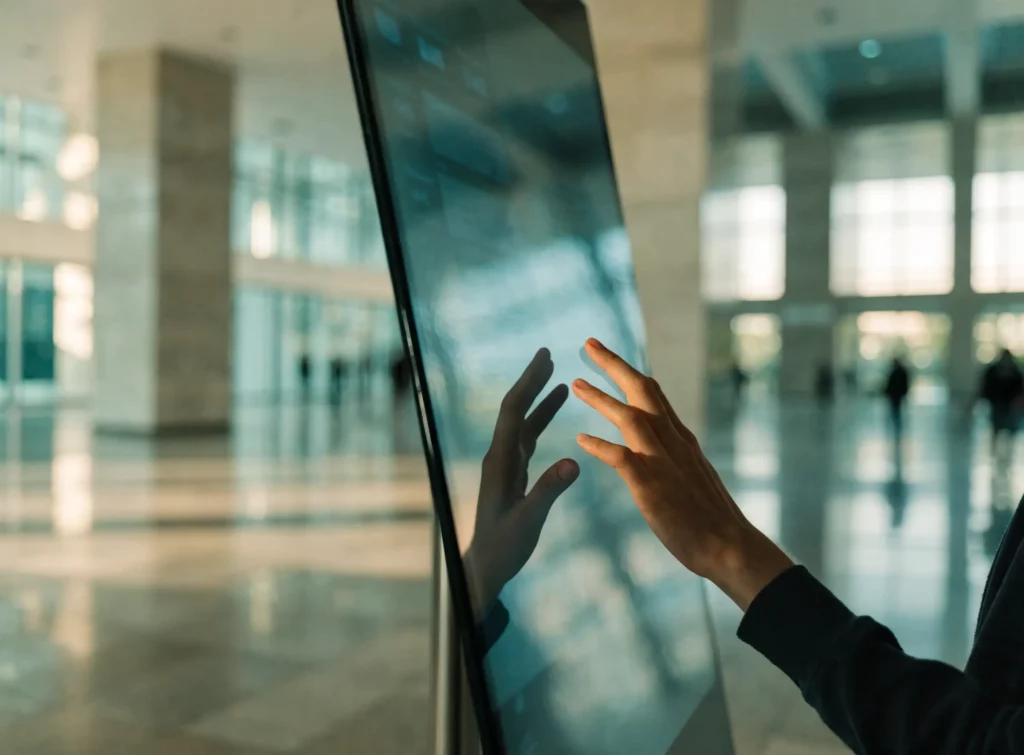
As soon as visitors have to look something up themselves — a floor plan, a directory, a menu filtered by allergen, an order to put together — a passive screen is no longer enough. And three constraints appear that have no equivalent elsewhere on this page.
The three constraints: the visitor looks from very close, so resolution becomes a real subject again; the visitor touches, so the panel technology depends on where it stands; and mounting height is a matter of regulation, not of comfort. The rest of the reasoning — distance, brightness, hours — still holds.
- ✓under a metre of viewing distance, 4K is more justified here than anywhere else on this page;
- ✓the number of simultaneous touch points matters as soon as two people can use the screen at once;
- ✓an anti-glare glass becomes useful: the visitor leans over the screen, and sees the ceiling in it;
- ✓the enclosure — totem, wall-mounted, recessed — is chosen before the screen, because it constrains the format;
- ✓and the software that goes with it: E-CLICK runs the interactive journeys, unlocked by the Excellence plan.
Two panel technologies, two kinds of site
| Capacitive (PCAP) | Infrared | |
|---|---|---|
| How it senses | The conductivity of a finger disturbs an electric field under the glass | A grid of infrared beams, in a frame around the panel |
| With gloves | Depends on the model — check before ordering | Yes, and with a stylus, an object, or a wet hand |
| In direct sunlight | Unaffected | ⚠️ Direct light disturbs the beams |
| Dust and splashes | Sealed glass surface, easy to clean | ⚠️ Debris caught in the frame triggers false touches |
| Ruggedness | Tempered glass, anti-vandal and sealed versions | Protruding frame, more exposed to knocks |
| Best suited to | Public spaces, shop windows, outdoors, heavy footfall | Large formats indoors, meeting rooms, schools |
⚠️ Mounting height is a legal requirement, not a comfort choice
In France, in a building open to the public, equipment usable from a seated position and its controls must sit between 0.90 m and 1.30 m from the floor, and more than 0.40 m from an inside corner so a wheelchair can come alongside (order of 20 April 2017). Figures differ from one country to the next, but the principle does not: a kiosk mounted too high is unusable for part of your audience. Settle this before choosing the screen format, not after.
09LED screens
How an LED screen works, and when it becomes the only option
This is the technology that takes over where panels stop: beyond about a hundred inches, beyond twenty metres of viewing distance, or when the format you need simply is not sold.
An LED screen is not one big panel: it is an assembly of modules covered in diodes that emit the light themselves. There is no backlight and no frame between modules — hence two properties no panel can offer: a continuous bezel-free surface, and a size that is no longer limited by a catalogue.
- ✓the pixel pitch is the distance between two diodes, in millimetres. It is THE figure to ask for;
- ✓simple rule: the minimum viewing distance in metres is roughly equal to the pitch in millimetres. A 4 mm pitch works from 4 m, and comfortably at 8 or 12 m;
- ✓closer than that, the diodes become visible one by one;
- ✓brightness climbs very high — our transparent LED screens quote 4,000 cd/m² and more, which puts them straight at shop-window level;
- ✓the shape is free: a very elongated ribbon, a corner, a curve, or a transparent surface in front of a window.
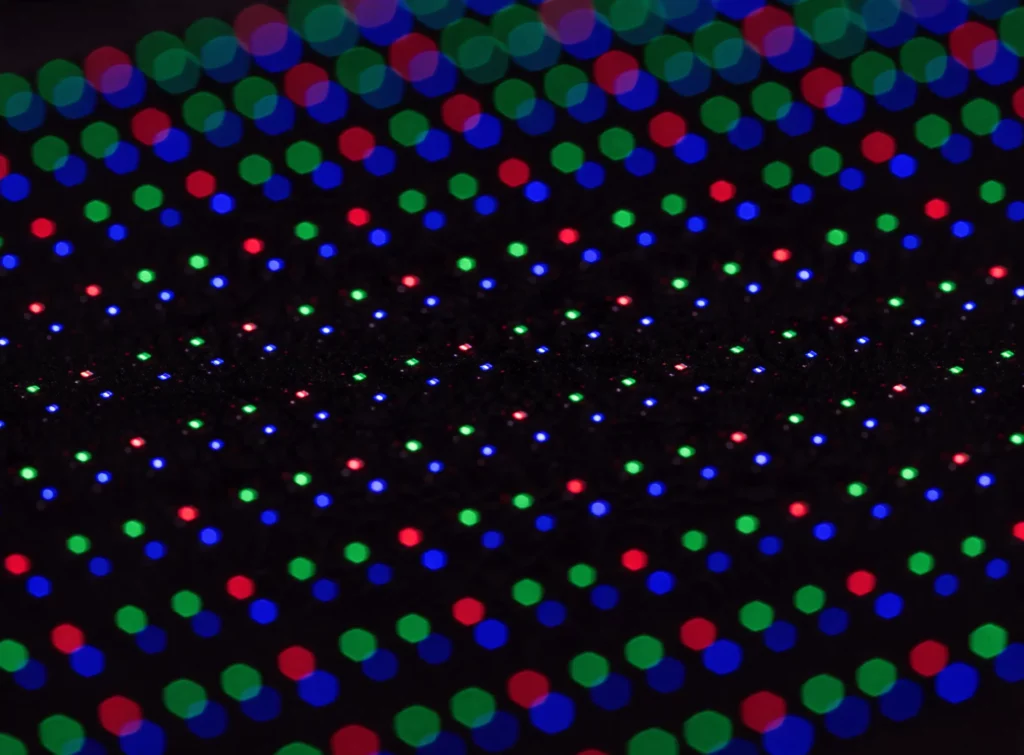
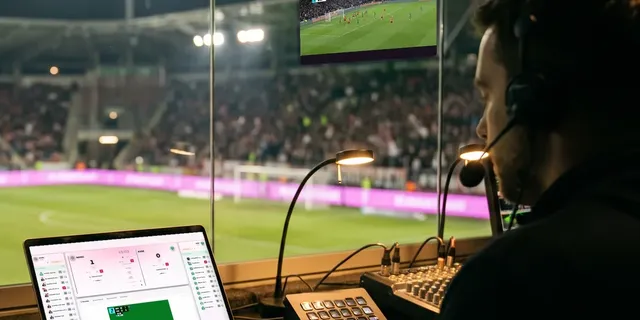
The specific case of the transparent shop window — spaced diodes you can see through — is covered on the transparent LED screen. For a stadium ribbon board, see also live scoring, which appears on that same ribbon between two animations.
10Every device, one account
Which EMITY hardware for which case
The platform is the same in every case: E-MANAGER does the driving, from a browser. Only the player changes.
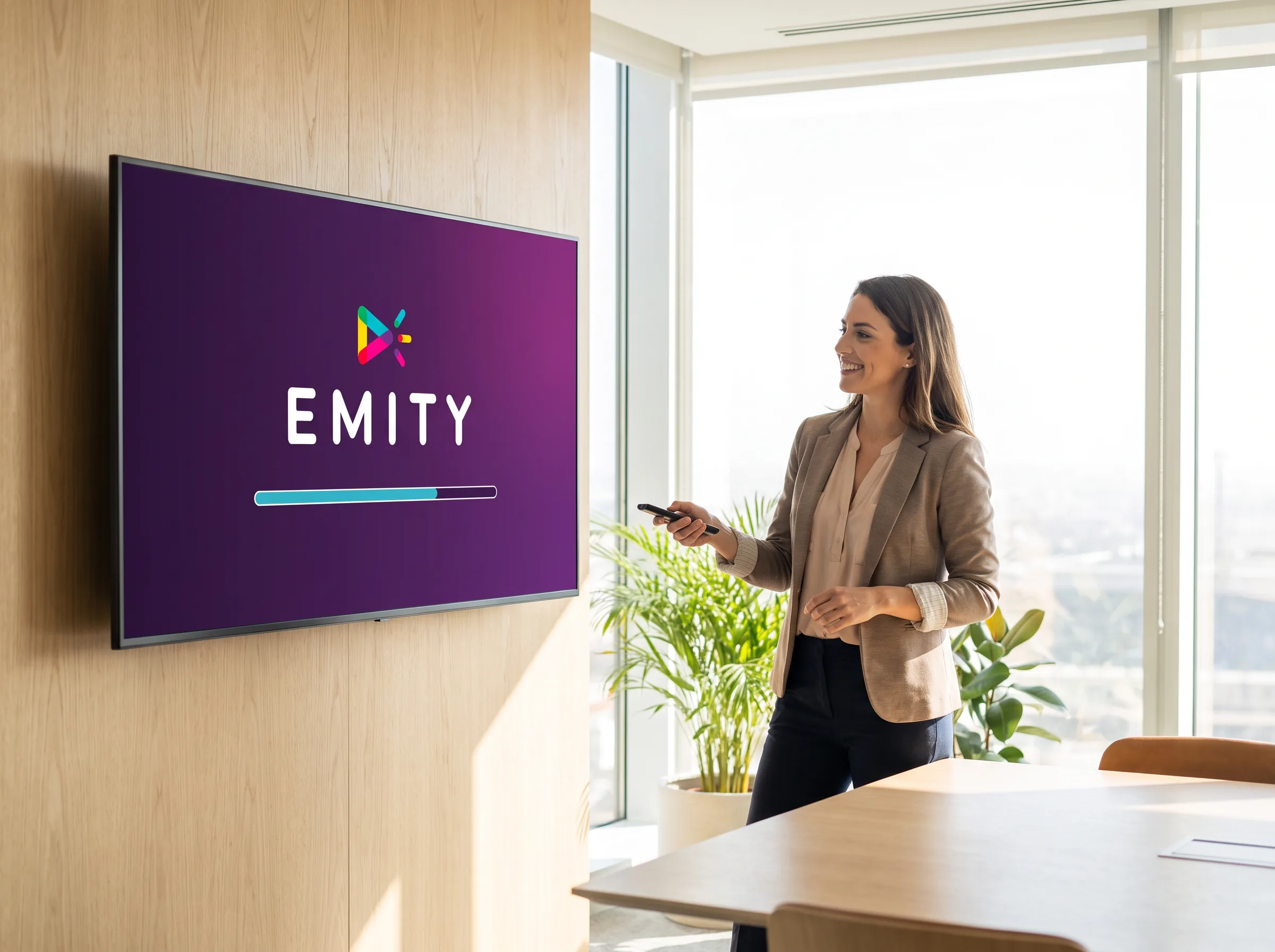
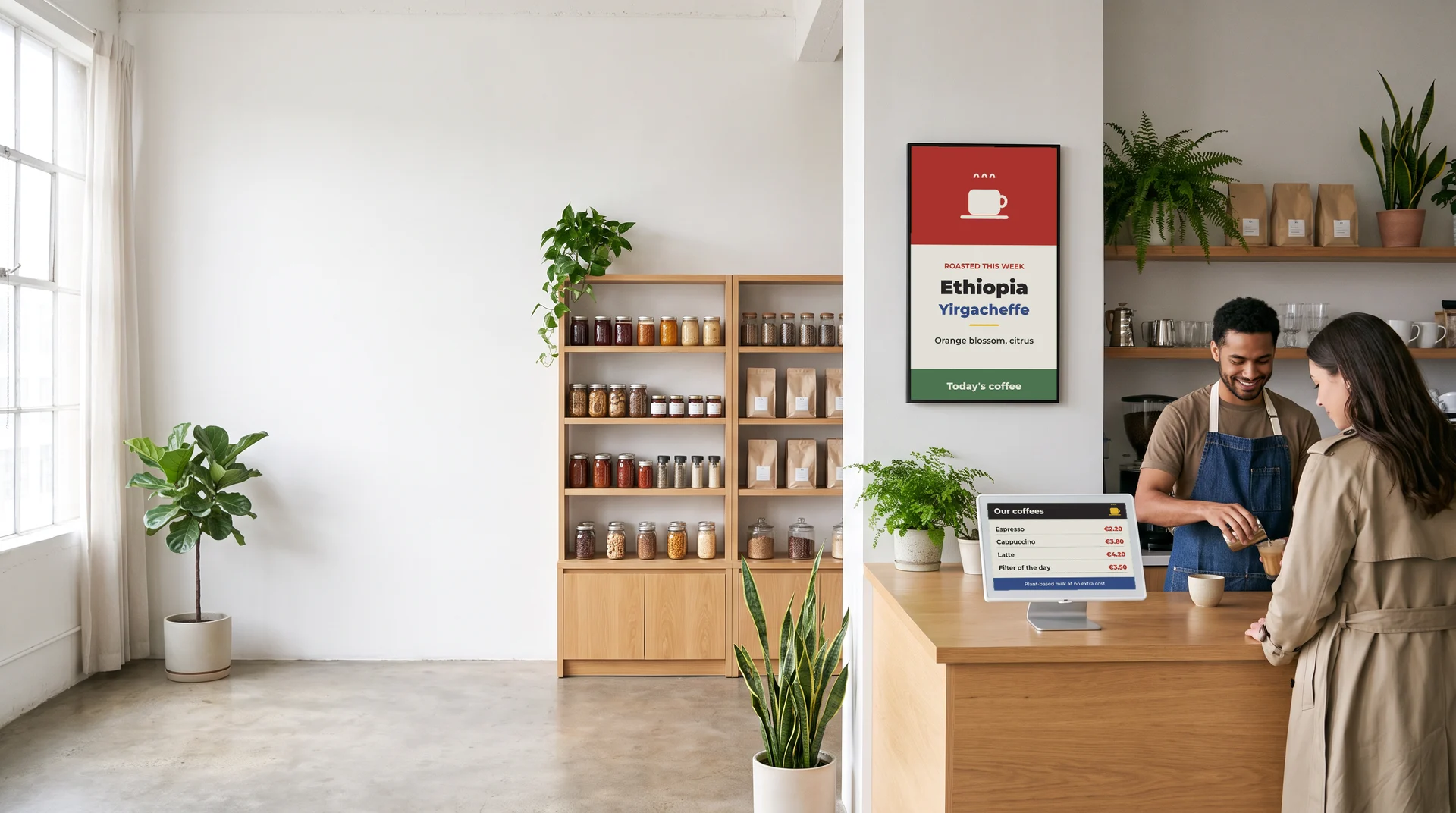
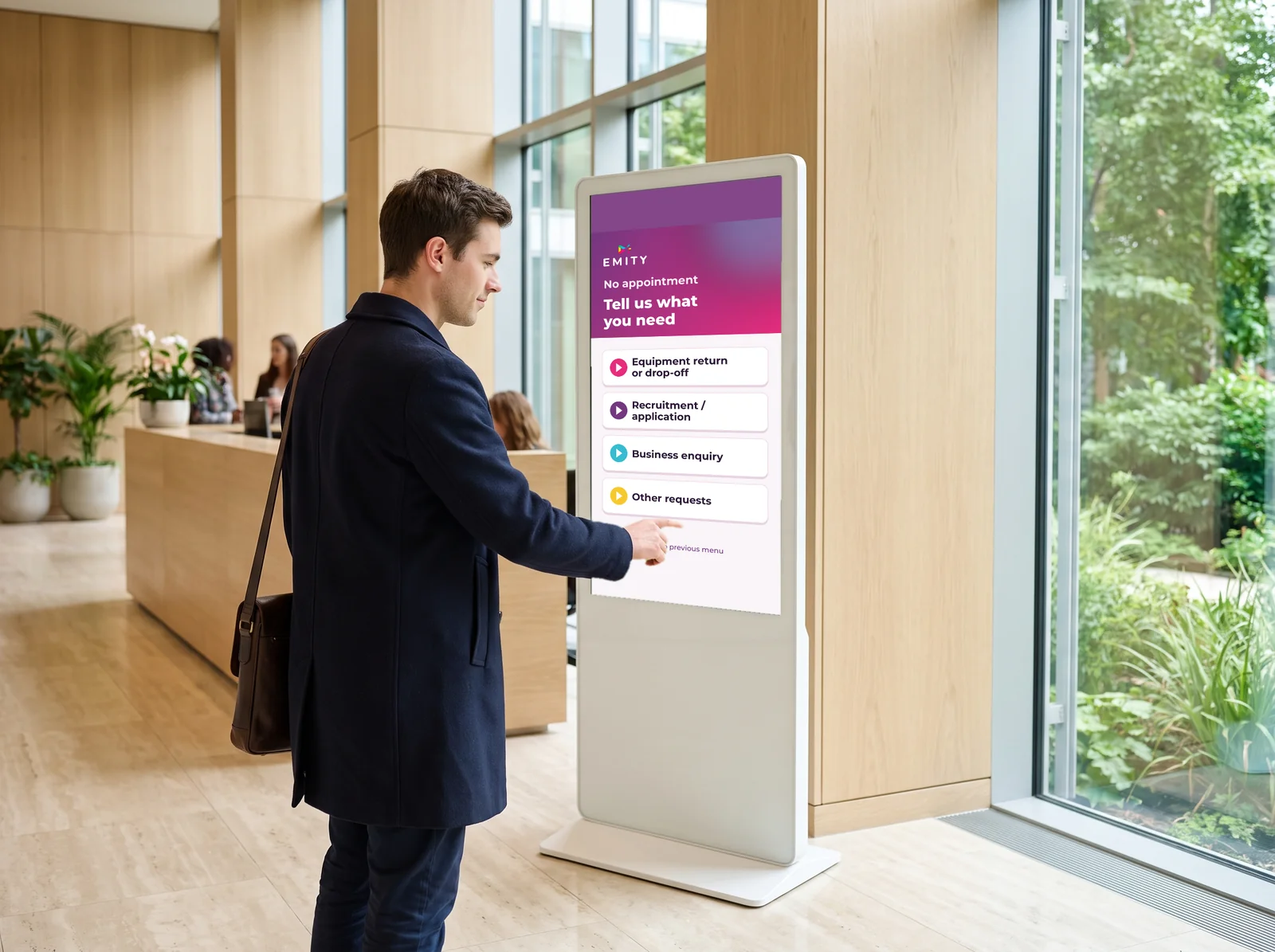
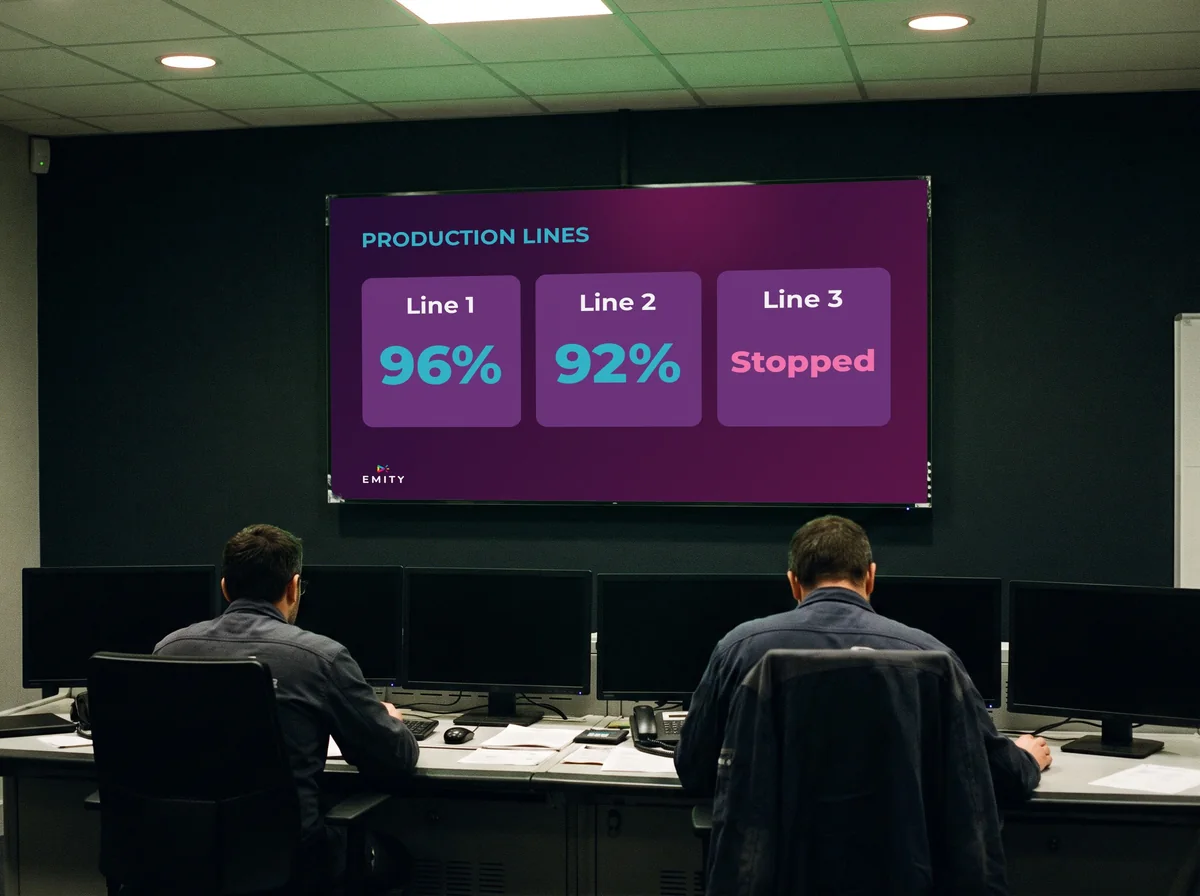
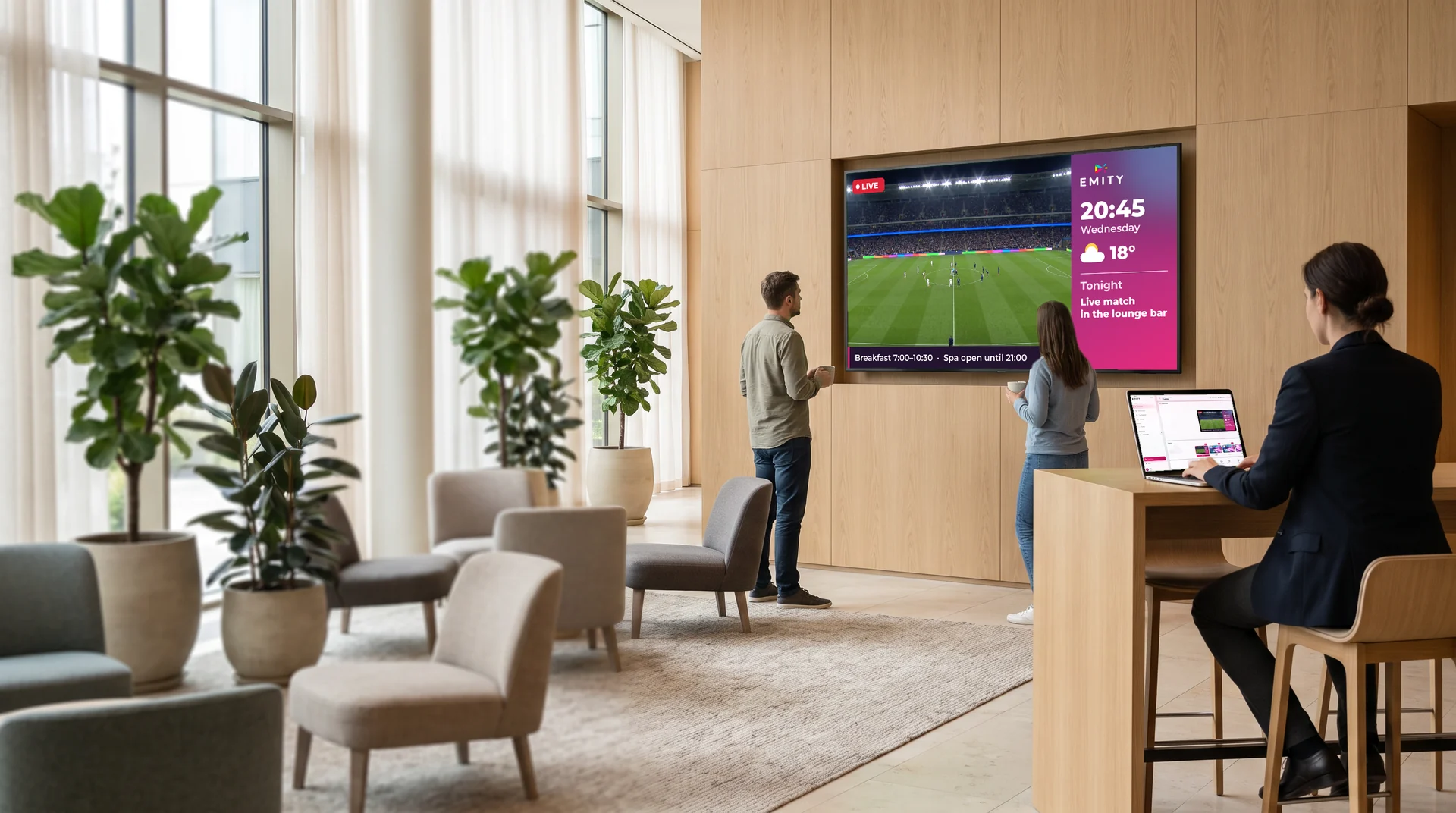
The full tour of the platform is on the digital signage page, and the detail of the three plans on our plans.
11Compatibility
Every manufacturer, and a vendor that keeps up with the formats
A buyer’s first question is rarely about the software. It is about what will need replacing — and the answer is: nothing.
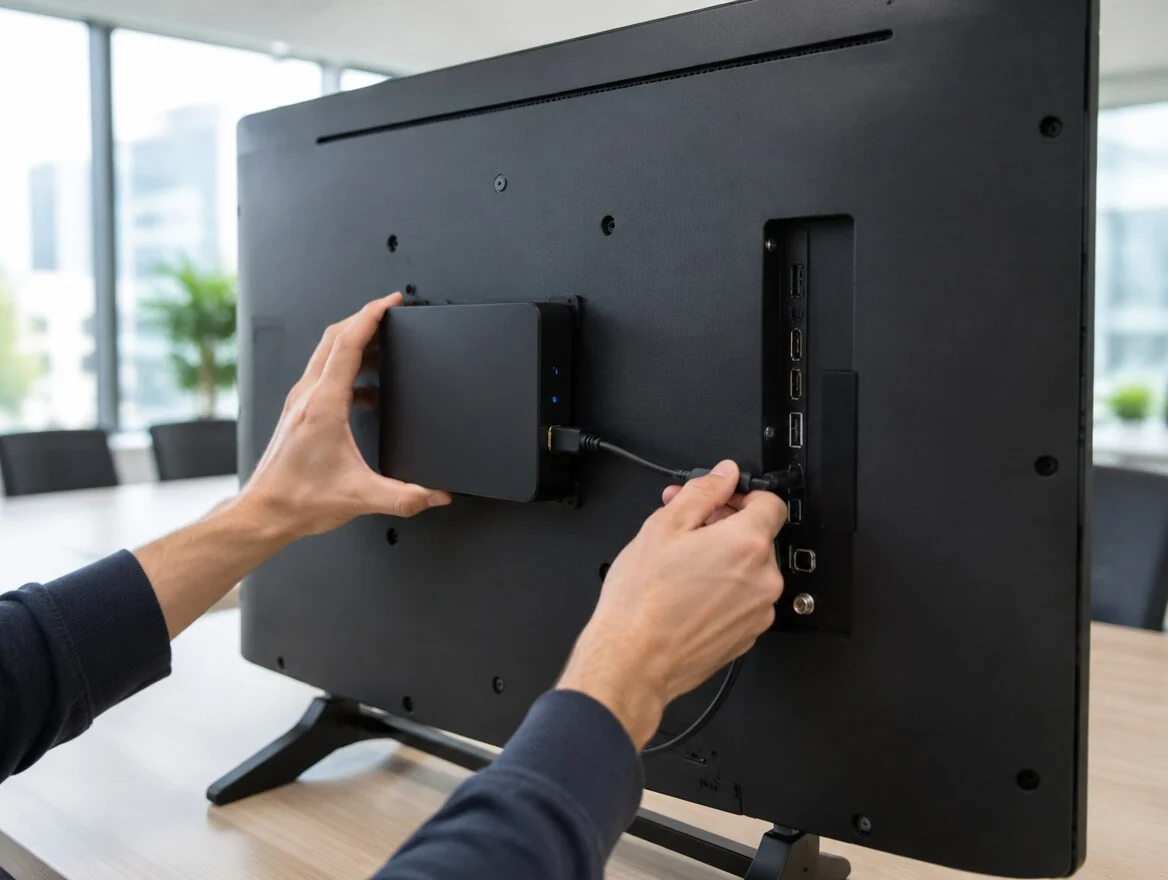
The player behind the panel, or the app inside
A screen already installed does not need replacing to join the platform. If it has a video input, an E-BOX player fixes behind it and connects it in a minute. If it has its own memory, the E-SOFT app installs directly on it.
Your current estate is not obsolete: it becomes the starting point.
- ✓E-BOX : the HD, 4K or 8K player, connected behind the screen in a minute
- ✓E-SOFT : the app built into Android TV, Tizen and webOS
- ✓Replay label : takeover of existing estates, whatever the original vendor
- ✓Automatic updates : less maintenance, fewer site visits
Screen manufacturers
Systems and players
EMITY does not sell screens and imposes no brand. That is our most concrete difference: the platform drives the professional ranges from LG, Samsung, Philips or iiyama the same way it drives anyone else’s, and mixes them in one building without trouble. A manufacturer’s own software locks you into its catalogue.
Choosing the right size counts for nothing if the content is not composed at that size. EMITY’s built-in editor works at the real dimensions of each screen: a 55-inch in portrait, a wall of four panels, an interactive kiosk — and right up to extreme formats such as a stadium ribbon board, very elongated, where a visual designed in 16:9 would make no sense at all. You compose once, at the right format, and the screen receives exactly the artwork you drew.
12Frequently asked questions


