
Official partner · E-MANAGER
Canva and digital signage:
from design to screen, without the detour
Your posters, notices and menus are designed first in the EMITY built-in editor, with no extra software. And if your teams already work with Canva, the EMITY × Canva partnership connects the two: the finished design goes straight into your playlists, with nothing to download and no file to pass around.
First things first
Designing a visual without leaving E-MANAGER
One question comes before all the others: do you need design software to feed your screens? No. The EMITY built-in editor ships inside E-MANAGER, and it is enough for the vast majority of cases.
An editor already in the platform
Heading, image, colours, logo: the visual is composed directly in E-MANAGER, at the right screen size, then dropped into a playlist. Nothing to install, no extra account to open.
Changed in seconds
A time moves, a room changes: the visual is reopened in the editor and the new version goes out to the screens concerned. Nothing passes through anyone’s desktop.
Your templates stay yours
The layouts you build live in your EMITY account. Someone joining the team starts from an existing template instead of a blank page.
 Official EMITY × Canva partnership
The partner
What Canva adds to your digital signage
Canva is an online design tool, launched in 2013 and now one of the most widely used in the world. Many teams already use it for their social posts or internal documents: those visuals may as well reach the screens too.
Straightforward from the first session
Canva was built for people whose job is not graphic design. A receptionist, a shop supervisor or a site manager produces a decent poster the first time they open it.
A library of ready-made templates
Posters, notices, menus, presentations: the layouts are already built and change with the text. That is what saves the most time when a message has to go out the same day.
Photos and illustrations included
Canva’s image library saves hunting for a visual elsewhere, along with the licensing question that comes with it. The content arrives with its usage rights.
Your brand, saved once
Canva’s Brand Kit keeps your fonts, logos and colours a click away inside the editor. When five people design across three sites, that is what prevents five versions of the same logo.
Working as a team
Several people work on the same visual and follow each other’s changes. A message gets read before it goes out, which avoids the full-wall typo.
Direct import into E-MANAGER
This is what the partnership adds: the finished design lands in your EMITY media library without going through anyone’s downloads folder, then slots into a playlist.
Three capabilities
Image, video and AI, and what each changes on a screen
Three things separate a screen from a printed poster: it accepts today’s retouched photo, it can move, and it can be corrected. Here is what Canva brings to each.
Image: a presentable visual without a photo studio
A phone snap taken in the stockroom has no business on a two-metre screen. Canva’s photo editor cuts out the subject, generates a new background and rescues the lighting: the product becomes presentable without reshooting it.
Photo editor
Video: movement holds attention longer
In a busy space a still image is noticed once. A short animated loop holds the eye far longer — and that is precisely what a screen does and a printed poster cannot. Canva also generates subtitles, which matter because a signage screen is almost always muted.
Video editor
AI: a proofreader before the visual goes out
A design that works on a desktop monitor can be unreadable from three metres away. Canva’s built-in assistant reviews the layout and suggests corrections — heading hierarchy, contrast, alignment — before anything reaches the screens.
Assistant
In practice
From design to screen, in three steps
What matters is not the design tool: it is what happens between the moment a visual is ready and the moment it appears. That is where most organisations lose time.
You design
In the EMITY editor, or in Canva if your teams already have their habits and brand templates there.
The visual reaches E-MANAGER
The integration drops the design into your EMITY media library. Nobody exports a file, renames it or hunts for it on a desktop.
You choose where and when
The visual goes into a playlist, on one screen, a group of screens or the whole estate, with a start and end date if it is a time-limited campaign.
The detail that changes everything: updating
A printed poster lives with its mistake until it is reprinted. A displayed visual can be corrected: the new version replaces the old one on every screen it was scheduled on, across several sites at once.
It is also what makes scheduling worth having: a campaign stops by itself on the planned date, without anyone having to think about it on a Sunday evening.
- ✓The same visual on one screen or across the whole estate
- ✓A start and end date for each piece of content
- ✓A correction out within minutes
- ✓A record of what has been displayed
In situ
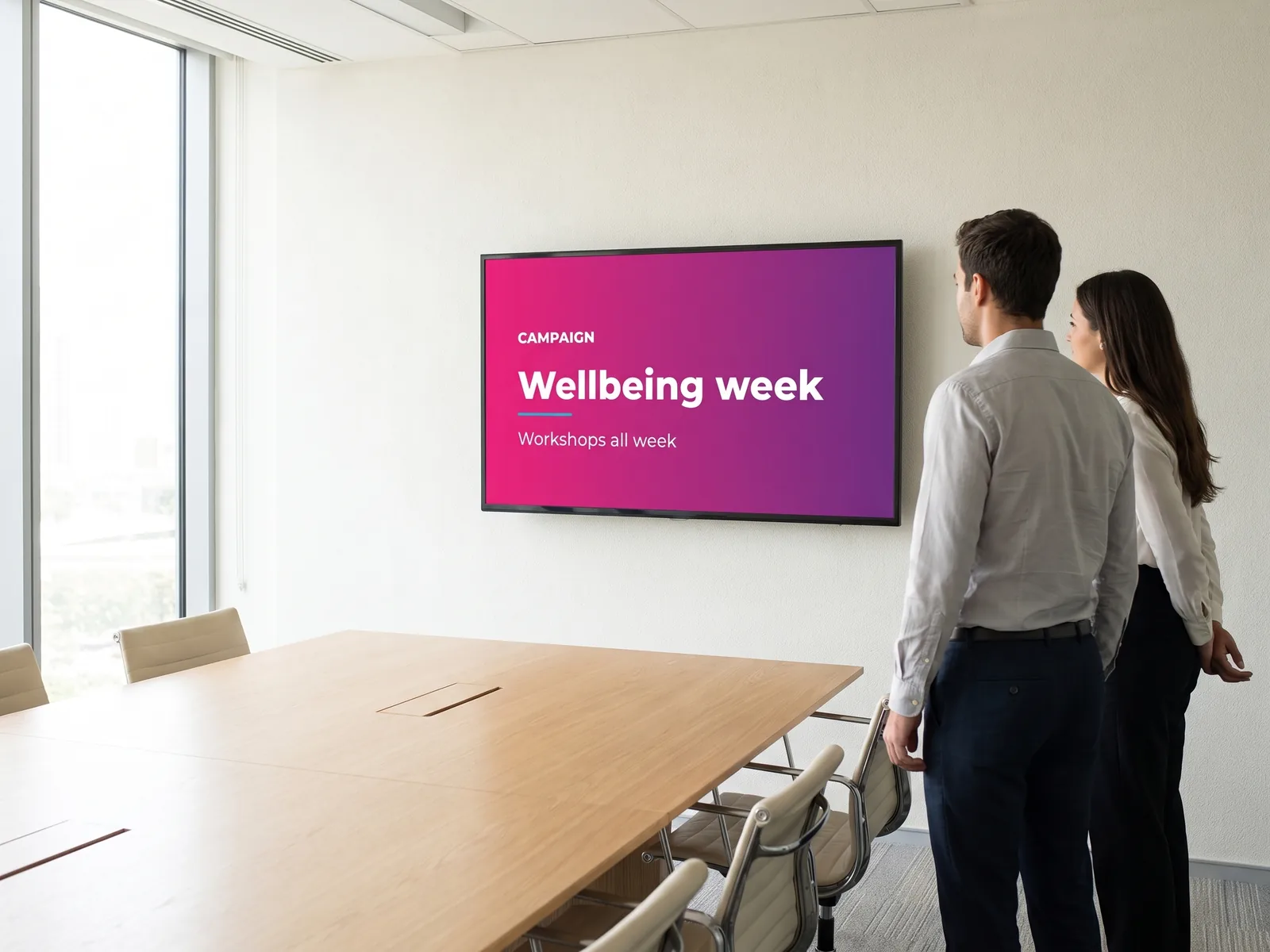
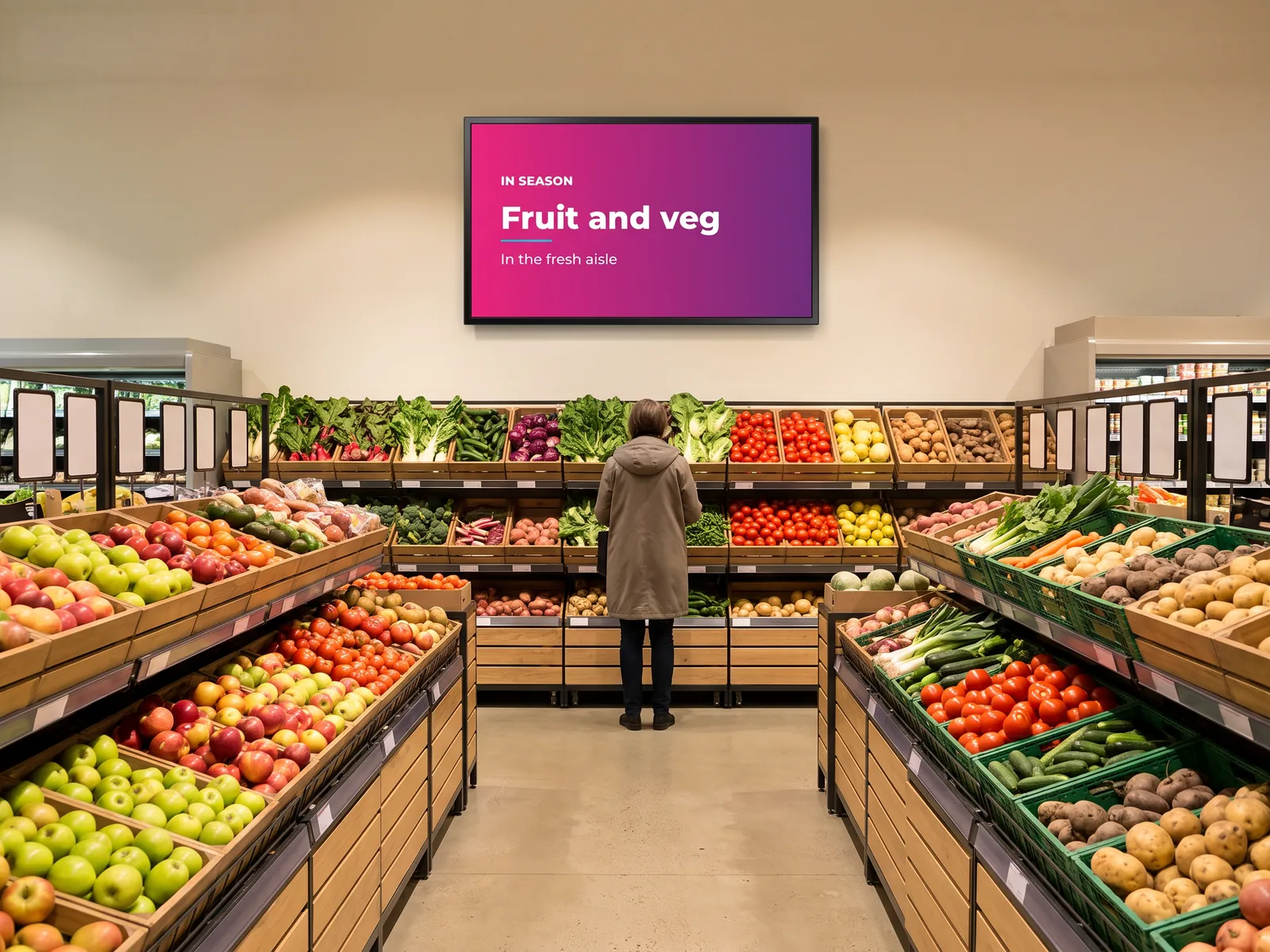
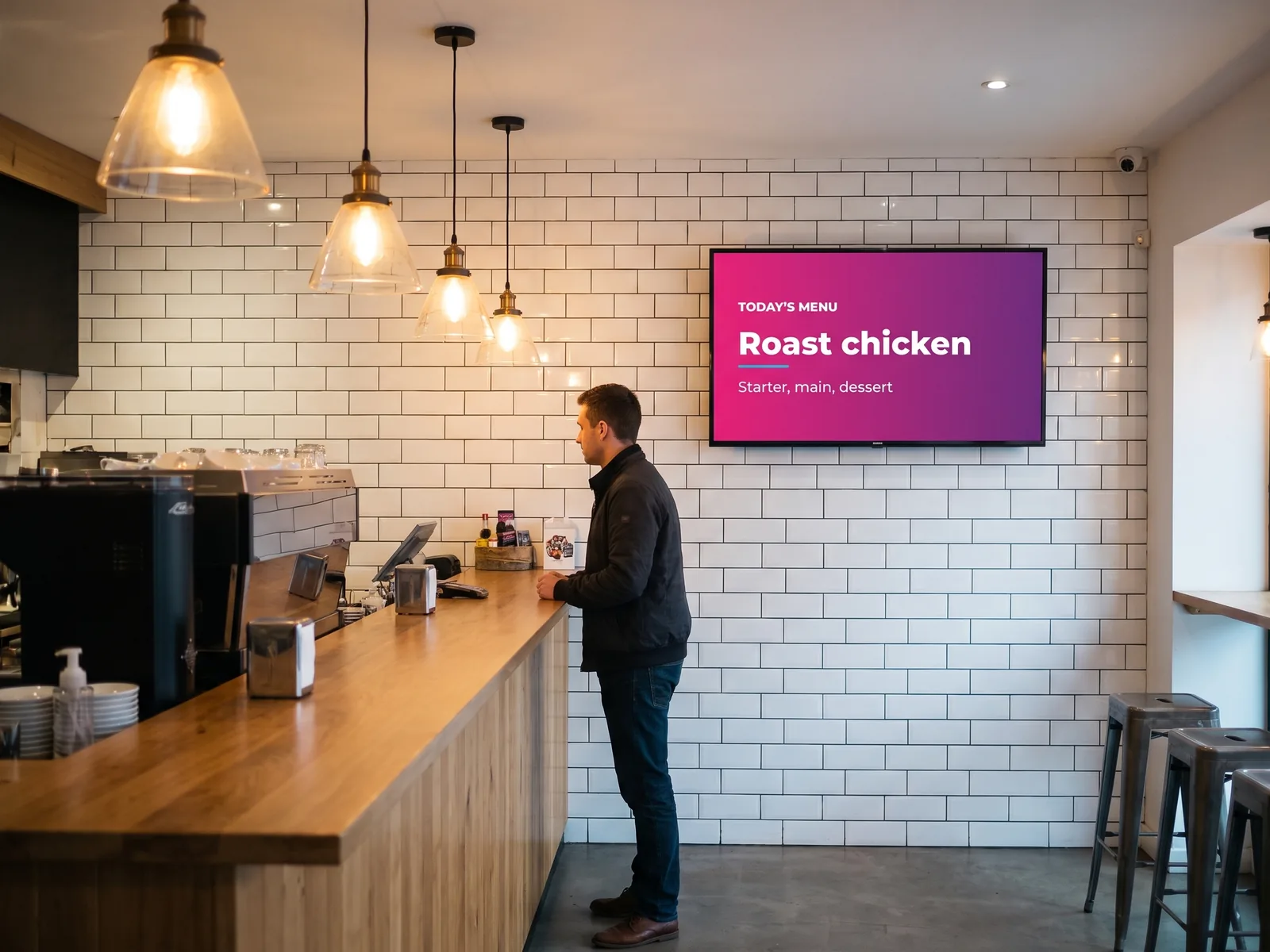
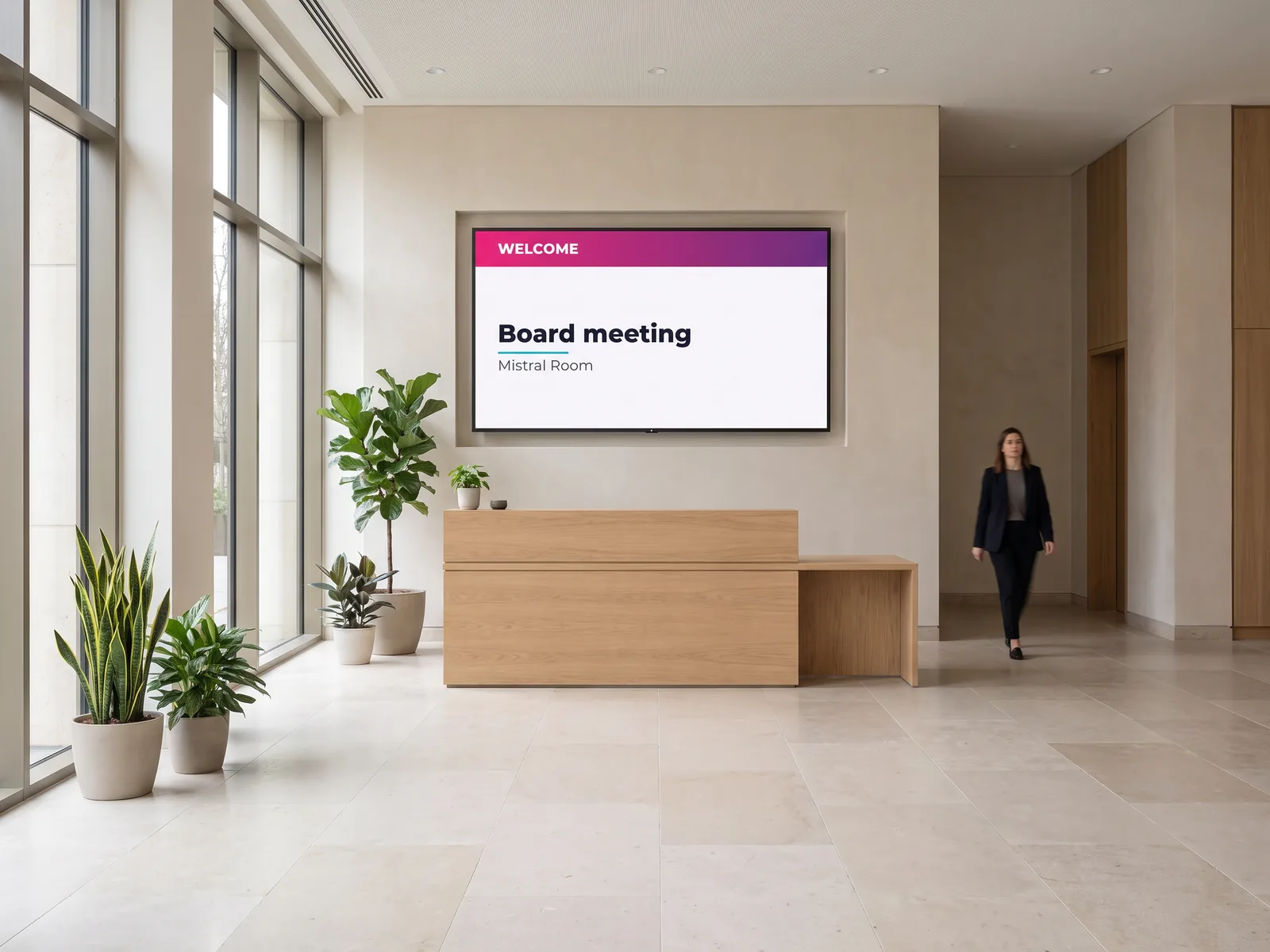
What a designed visual looks like on a screen
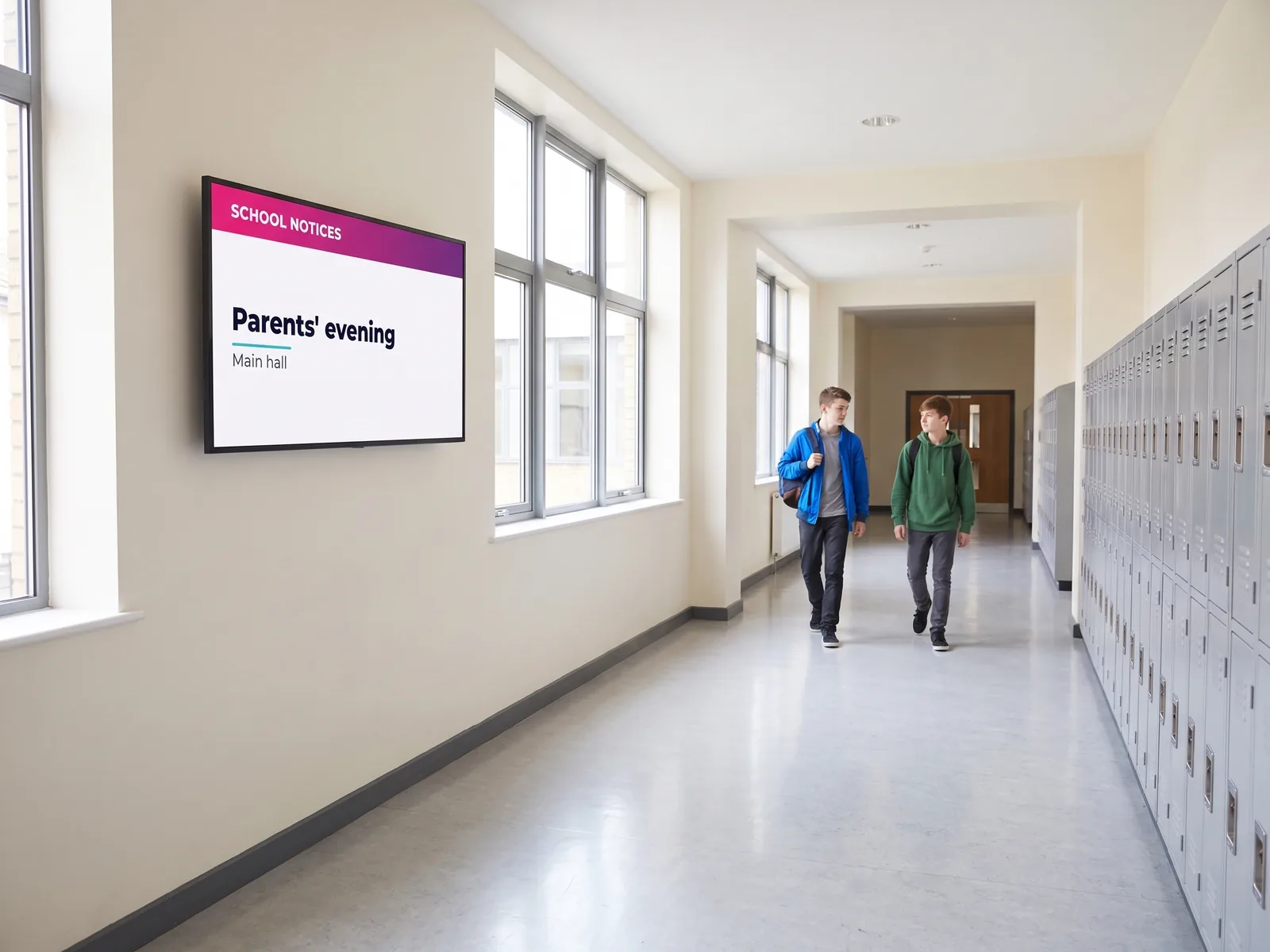
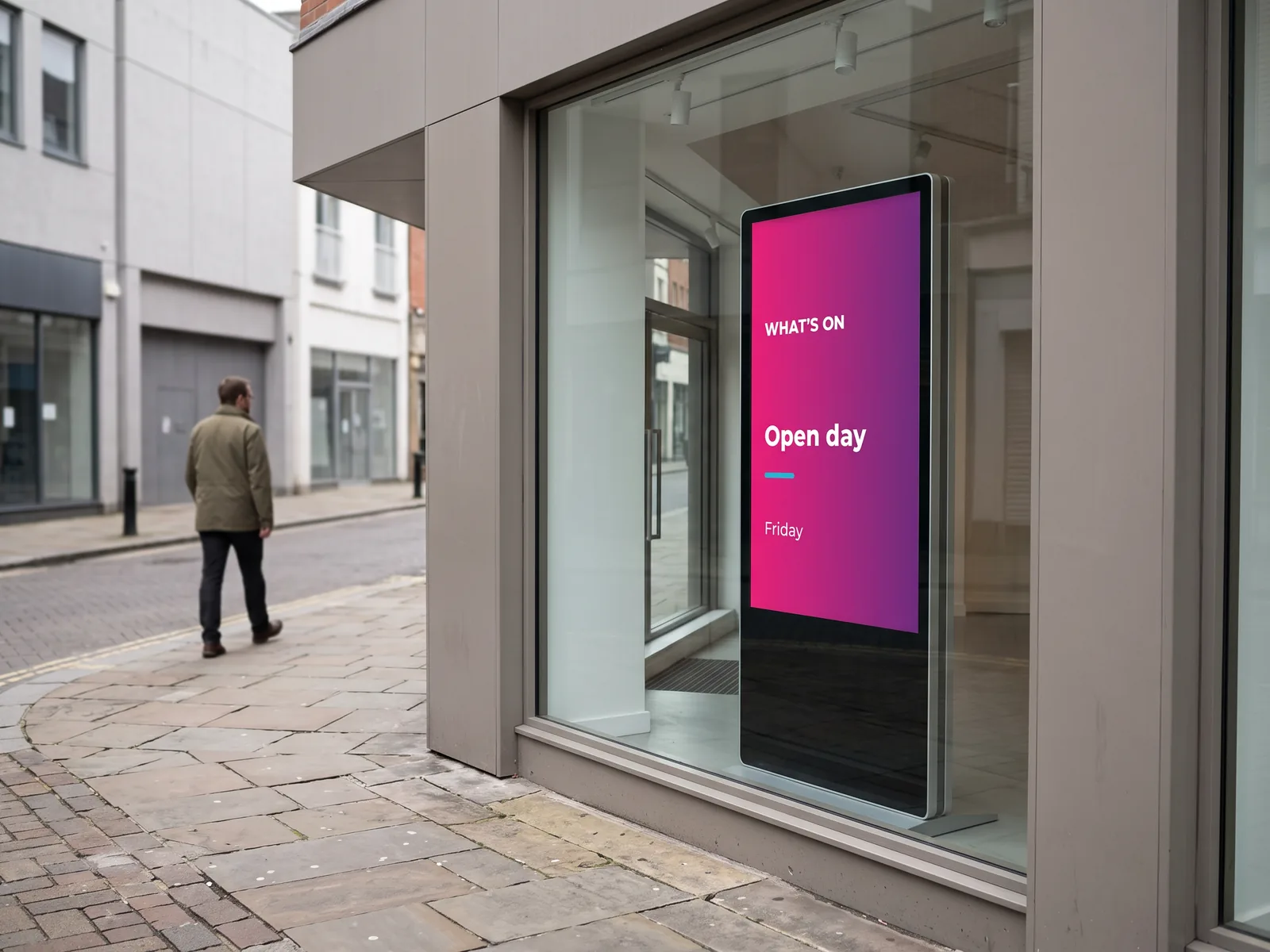
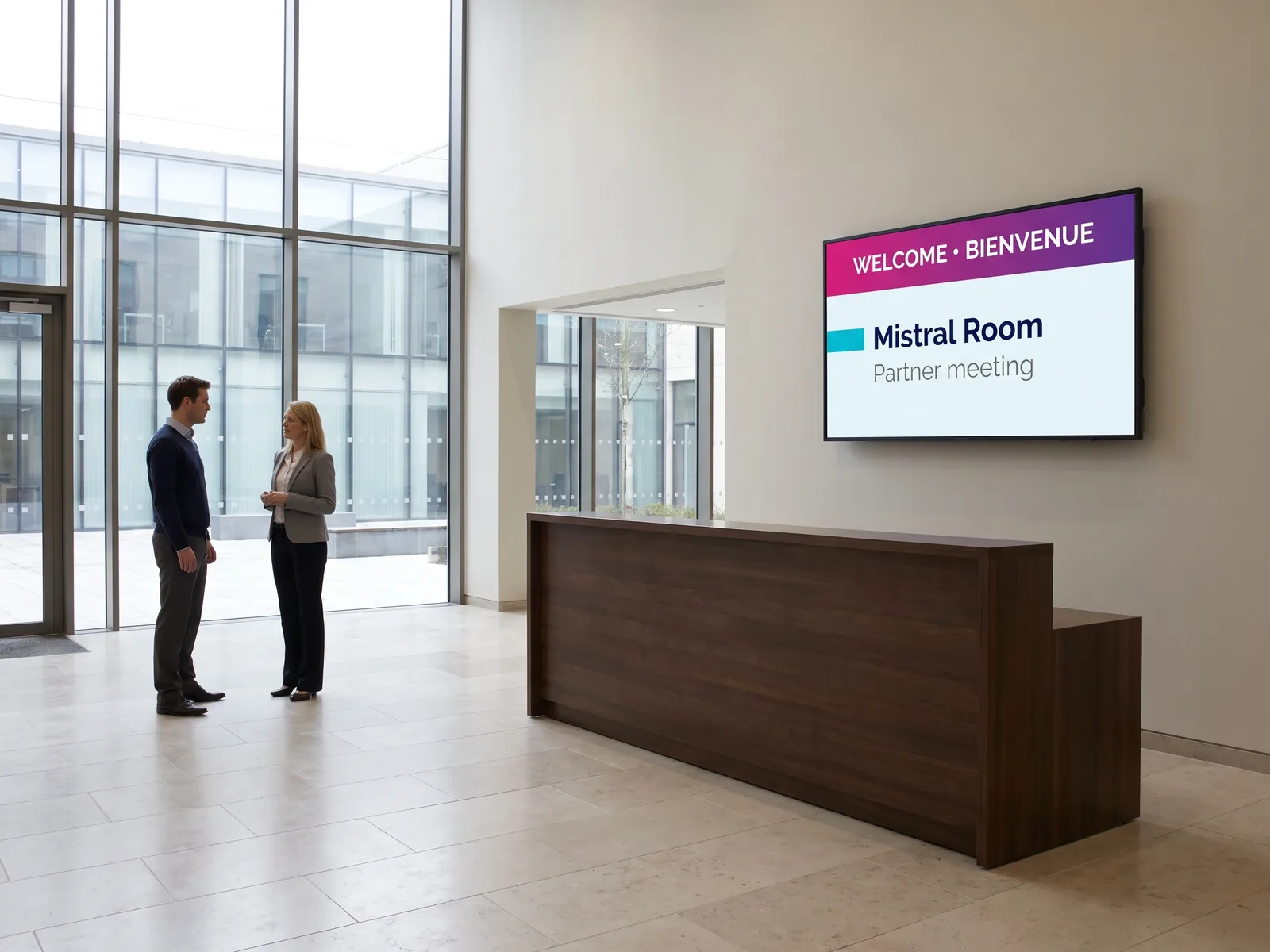
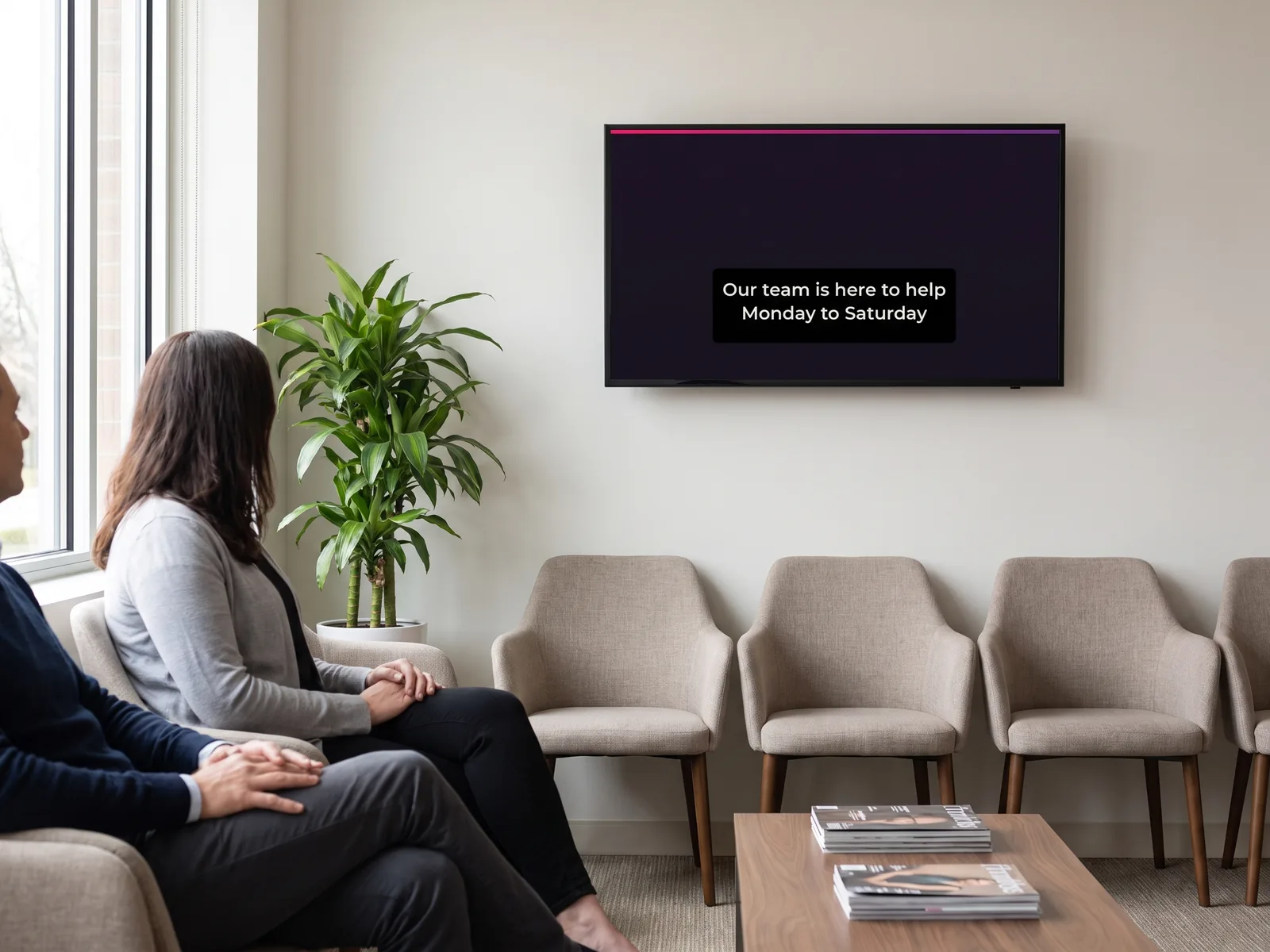
A visual only exists through what it does once it is displayed. Here are four situations where a digital notice replaces a printed one — and does something the printed one could not.
The right reflex
Design for the screen, not for the page
This is the most common mistake when a team moves from print to screen: reusing an A4 layout. A screen is not read at the same distance, nor the same way round.
| Type of screen | Format | Where it sits | What to design |
|---|---|---|---|
| Standard wall screen | Landscape, 16:9 | Reception, waiting room, corridor, break room | The most common format. A short heading and one supporting line are enough: the screen is read from a distance, on the move. |
| Totem or window display | Portrait, 9:16 | Shop window, busy walkway, information point | The visual is rebuilt upright: a stretched landscape layout leaves two black bands and loses half its impact. |
| Video wall | Bespoke | Corporate reception, showroom, event space | A single visual is spread across several synchronised panels: the layout is thought out at the size of the wall, not of one panel. |
| Electronic paper display | E-PAPER | Door signage, statutory notices, shelf labels | The panel is matt and has no backlight: sharp contrast and few dark areas give the best result. |
What Canva adds
One visual designed once, adapted to every screen
A screen estate is rarely uniform: a landscape panel on the wall, a portrait totem in the window, an audience that does not all share a language, and sound nobody hears. Three Canva features answer those three situations.
Ready to display
Templates already built, by sector
Starting from a blank page is the surest way never to start at all. EMITY provides templates already built for the most common uses: the text, the colours and the logo are swapped, the rest already stands up.
- ✓Retail — Seasonal offers, new lines, opening hours, service reminders at the till and in the aisle.
- ✓Hospitality — Daily menus, set meals, drinks lists, allergens, digital menu boards.
- ✓Corporate — Visitor welcome, internal communications, team indicators, safety notices.
- ✓Education — School notices, room changes, events, open days, canteen menus.
Every template is built at the right screen size and is personalised in minutes: your logo, your colours, your wording. Once adapted it becomes your template: the next message starts from there.
And if nobody on the team has time for it, our staff and our certified resellers build the first few visuals with you during onboarding.
- ✓Templates by sector, landscape and portrait
- ✓Your colours and logo applied once and for all
- ✓Support through the first weeks
A catalogue covering every screen use
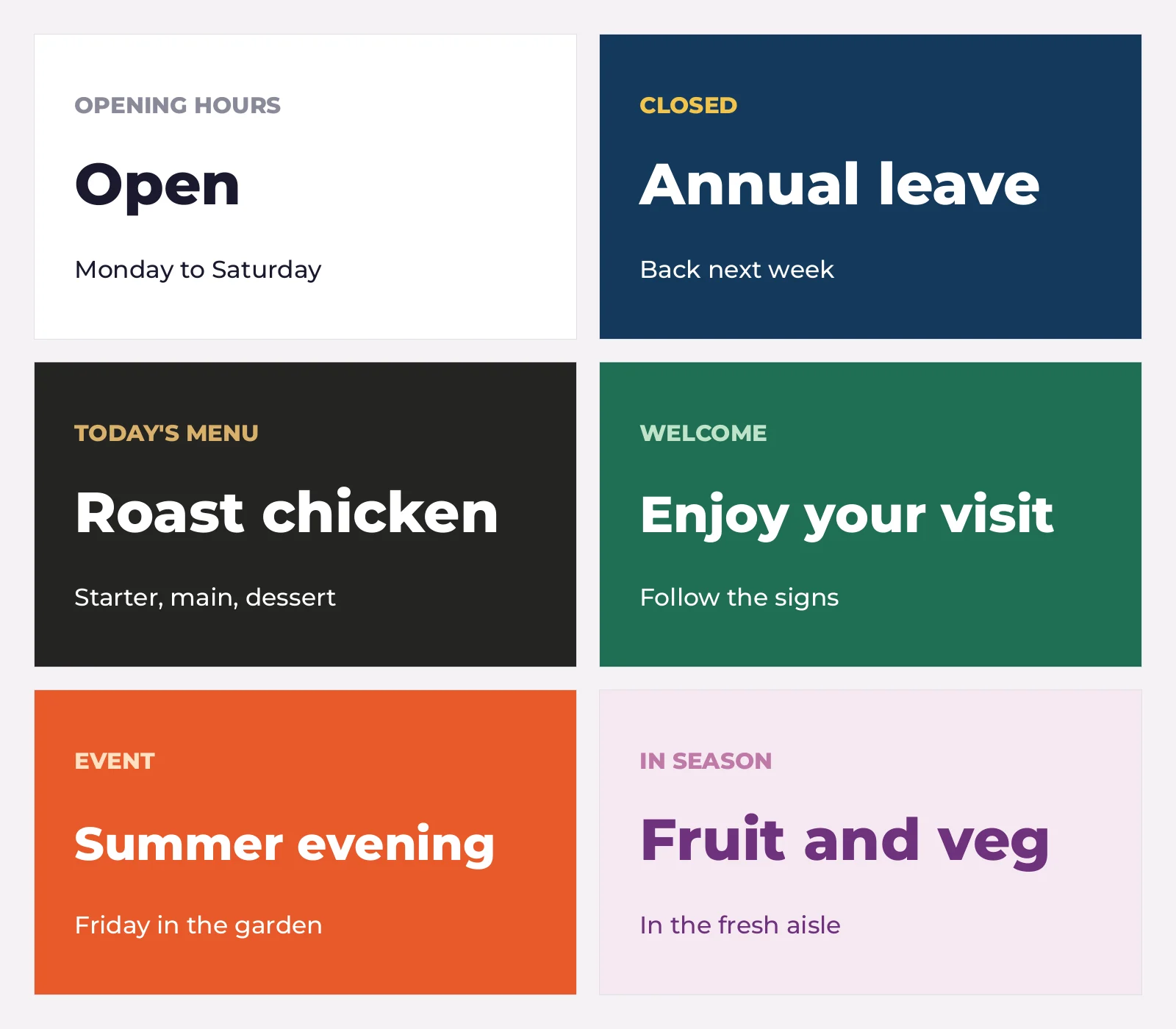
This is Canva’s real strength: for the poster format alone its catalogue lists more than 4,700 personalisable templates, and the categories that matter here are all there — posters, menus, presentations, certificates, calendars, and even a landscape video category, which is exactly the shape of a wall screen.
Sorting is by use rather than by style: a welcome screen, an unplanned closure, a daily menu, a seasonal campaign. Each template is edited by drag and drop, then joins your EMITY media library.
- ✓A starting point for every common screen use
- ✓Landscape and portrait handled separately
- ✓Your colours and logo applied to the template you keep
The ecosystem
Canva is not the only route to your screens
A designed visual does not cover everything: some information changes too often to be redrawn each time. E-MANAGER therefore also connects to the tools where that information already lives.
Canva
Designing visuals, short videos and animations, with direct import into your EMITY media library.
Design

Adobe Express
The other built-in design tool, for teams already working in the Adobe world.
Design
Google Drive
Your shared visuals and documents become a content source: a file dropped in the folder appears on screen.
Files

Microsoft Teams
Notices and rotas shared in Teams reach the screens in your shared spaces.
Internal comms

Power BI
Your dashboards appear as they are, kept up to date by the source: the living counterpart to a designed visual.
Data
The right tool at the right moment
The EMITY editor, Canva or a widget?
All three live side by side in the same playlist, and the choice is made case by case. Here is how our customers split them in practice.
| What you want to display | The most direct tool | Why |
|---|---|---|
| A one-off poster, a welcome message, a notice | The EMITY editor | The shortest route: everything happens in E-MANAGER, at the right size, and the visual joins the playlist straight away. |
| A visual following a brand system built elsewhere | Canva | Your brand templates, fonts and colours already exist in the communications team’s account: they may as well be reused. |
| An animated sequence or a short video | Canva | The animation and short-edit tools are there, with no editing software to install. |
| Information that changes daily or hourly | A widget or an integration | Weather, news, rotas, indicators: the source is read directly and nobody redraws anything. |
| A message reviewed by several people before it goes out | Canva, then E-MANAGER | The review happens in Canva, the scheduling in E-MANAGER: everyone stays in their own tool. |
Frequently asked questions
What teams ask before they start
From idea to screen
Tell us what your screens should be showing and which tools your teams work with: we will walk you through the whole path, from designing the visual to displaying it, on your own case.


