
Making a visual
The built-in EMITY editor covers most of what you need
E-MANAGER carries its own editor: you build a visual, a card or a poster inside the platform, with no third-party software, no export and no extra account. The Canva templates on this page are for teams who already work with Canva day to day.
In practice
From template to screen, in three steps
None of these templates asks you to be a designer. The work is replacing some text and two or three images.
Open a copy
The button opens Canva on a copy: the original stays untouched and you work on yours.
Make it yours
Text, photographs, logo, palette. Keep the large type: a screen is read from two metres away, not from thirty centimetres.
Send it to the screen
Export and import into E-MANAGER, or go straight through the Canva integration. Scheduling then happens in the playlist.
By trade
167 templates across 16 sectors
119 still designs and 48 animated ones. Animated previews start on click: the page downloads nothing until you ask it to.
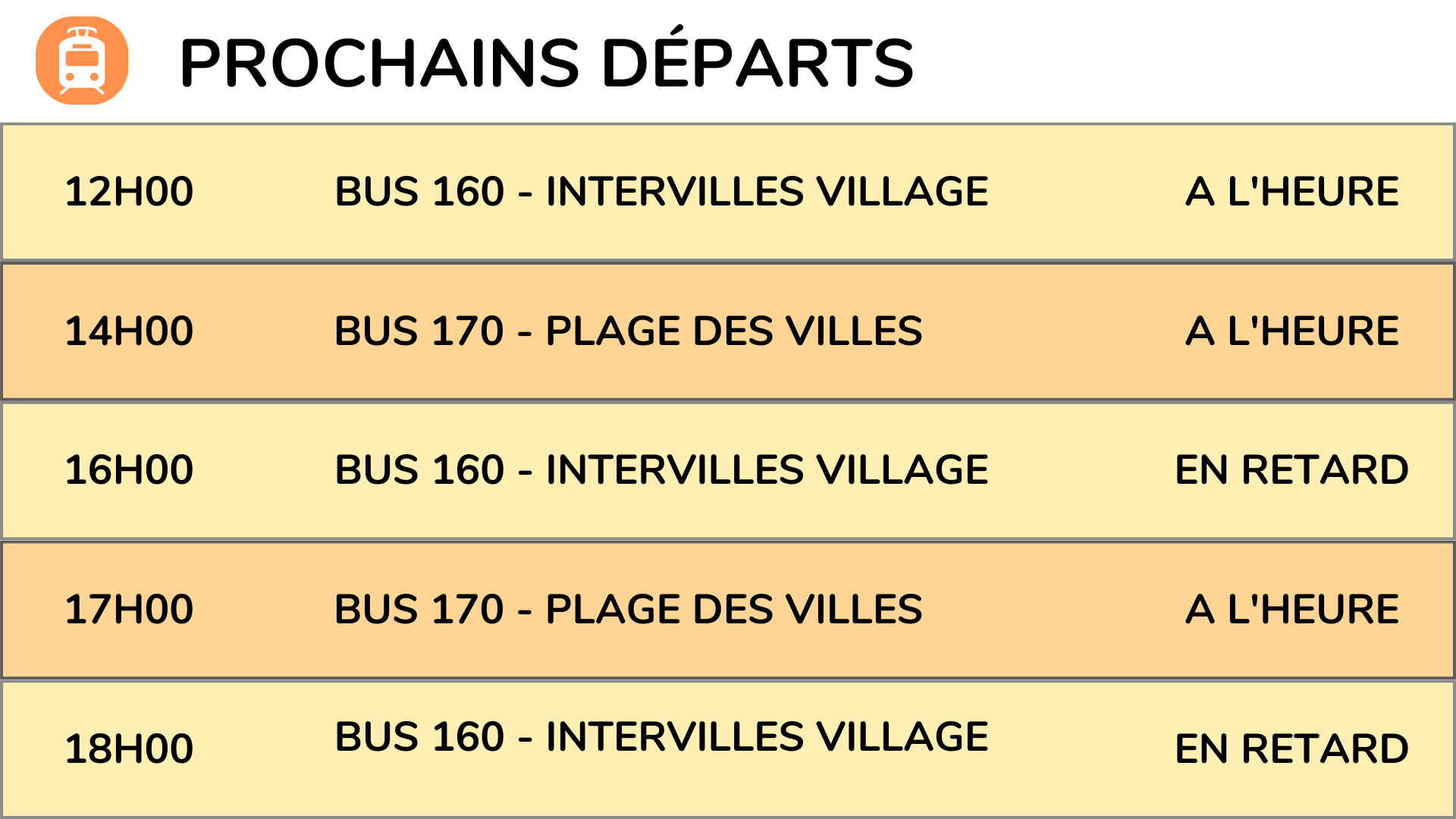
Transport
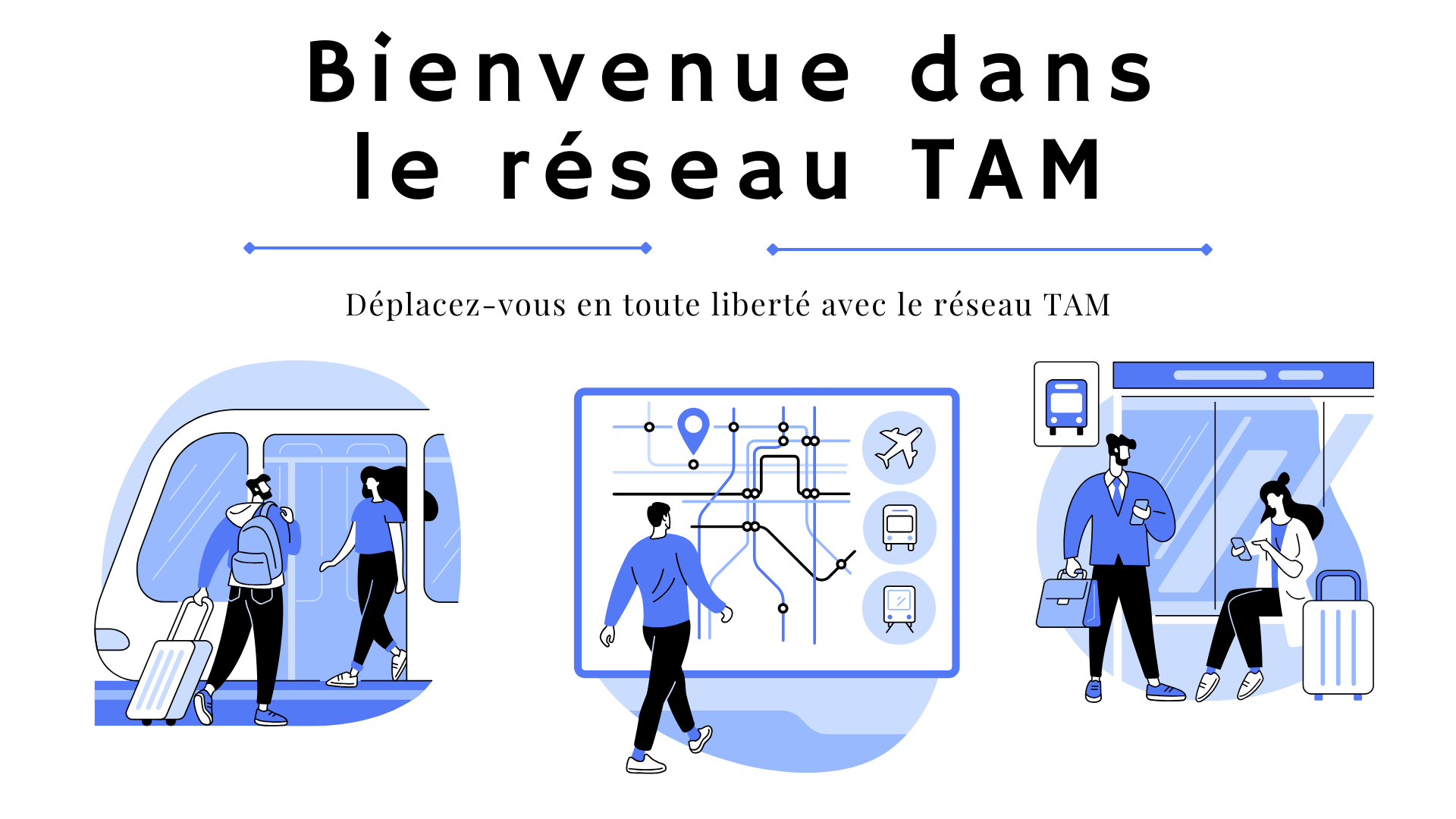
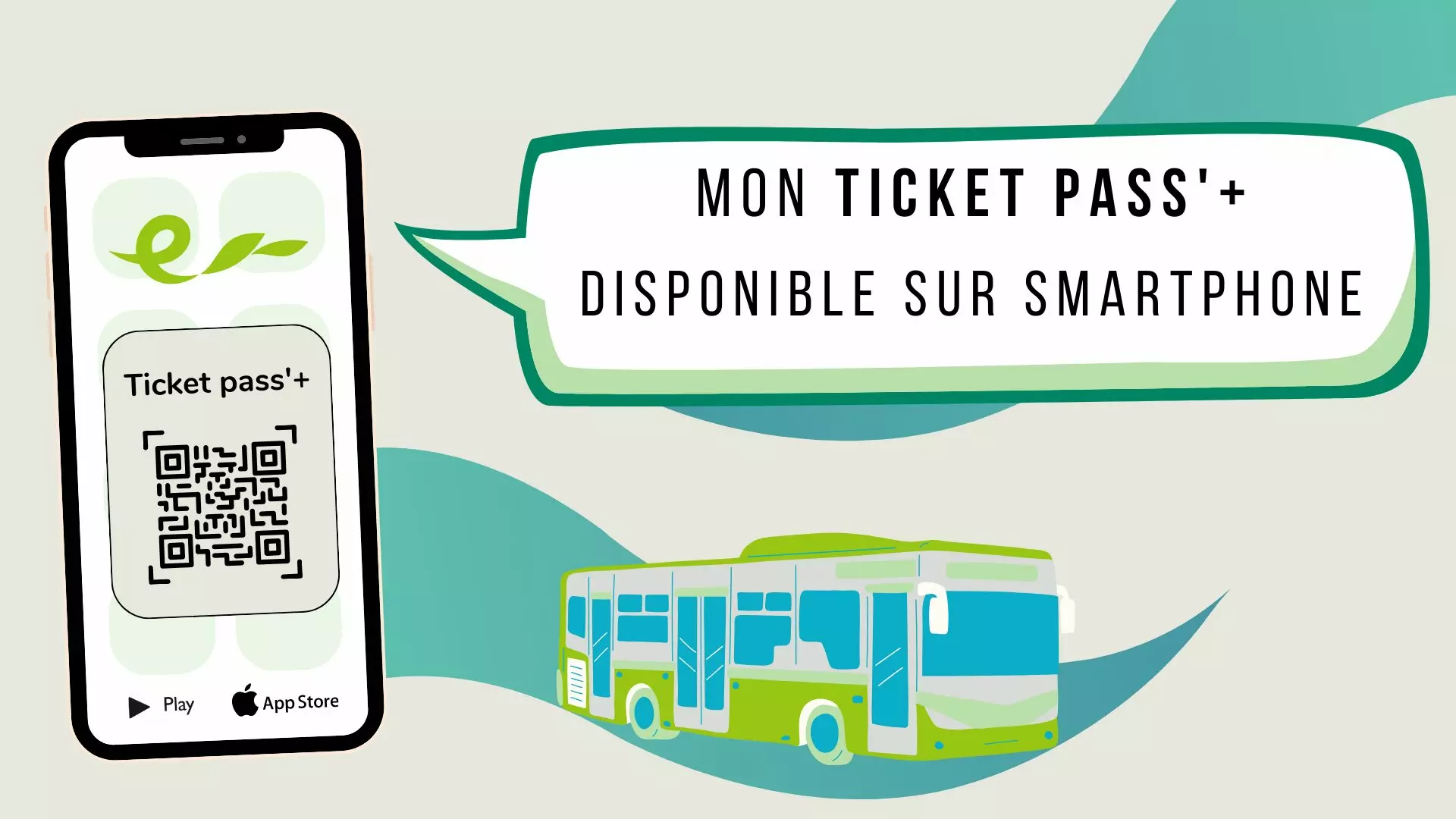
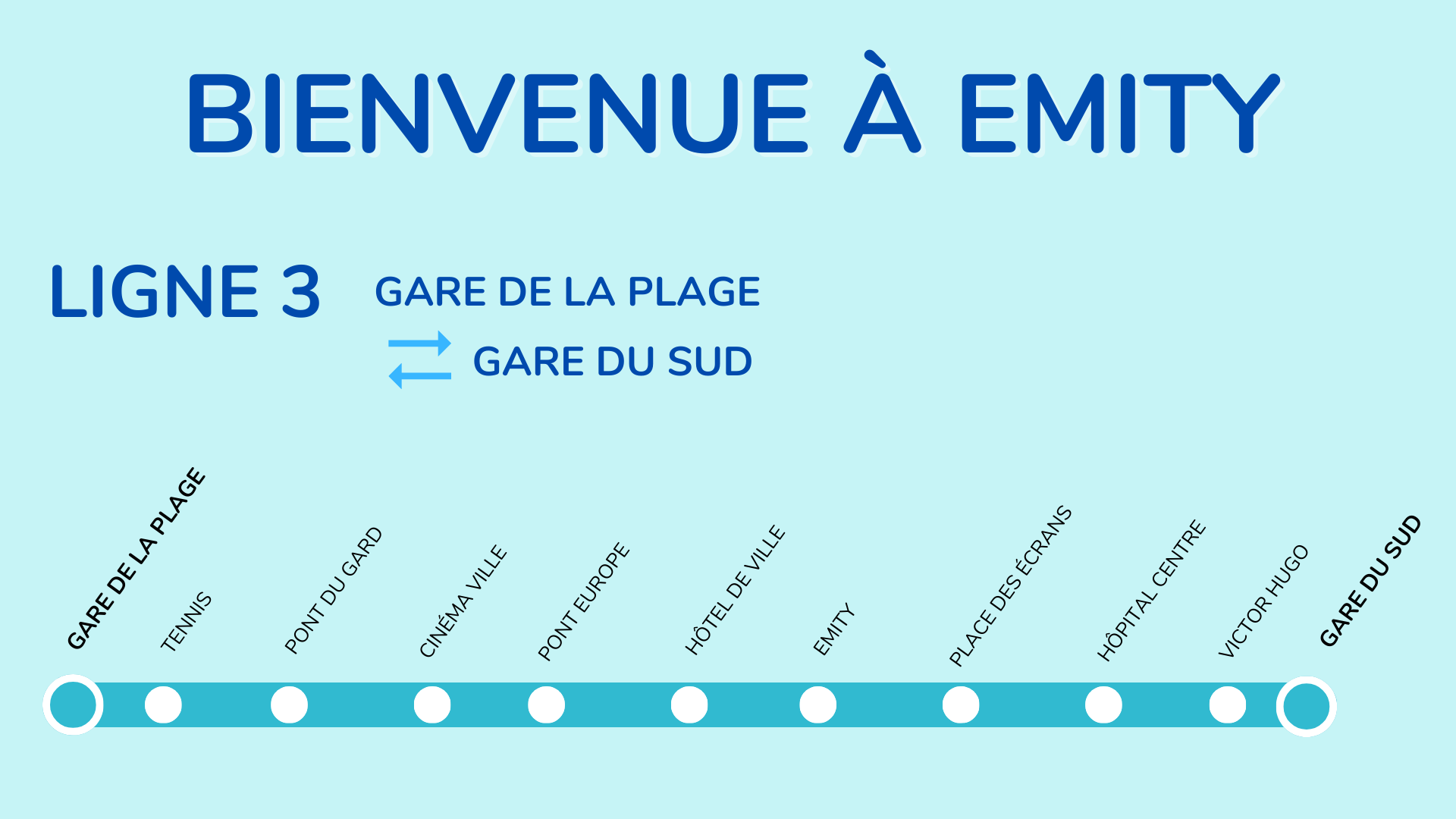
Next departures, service disruptions, ticketing: the information changes by the minute and has to be read from a distance. 6 templates, 1 of them animated.
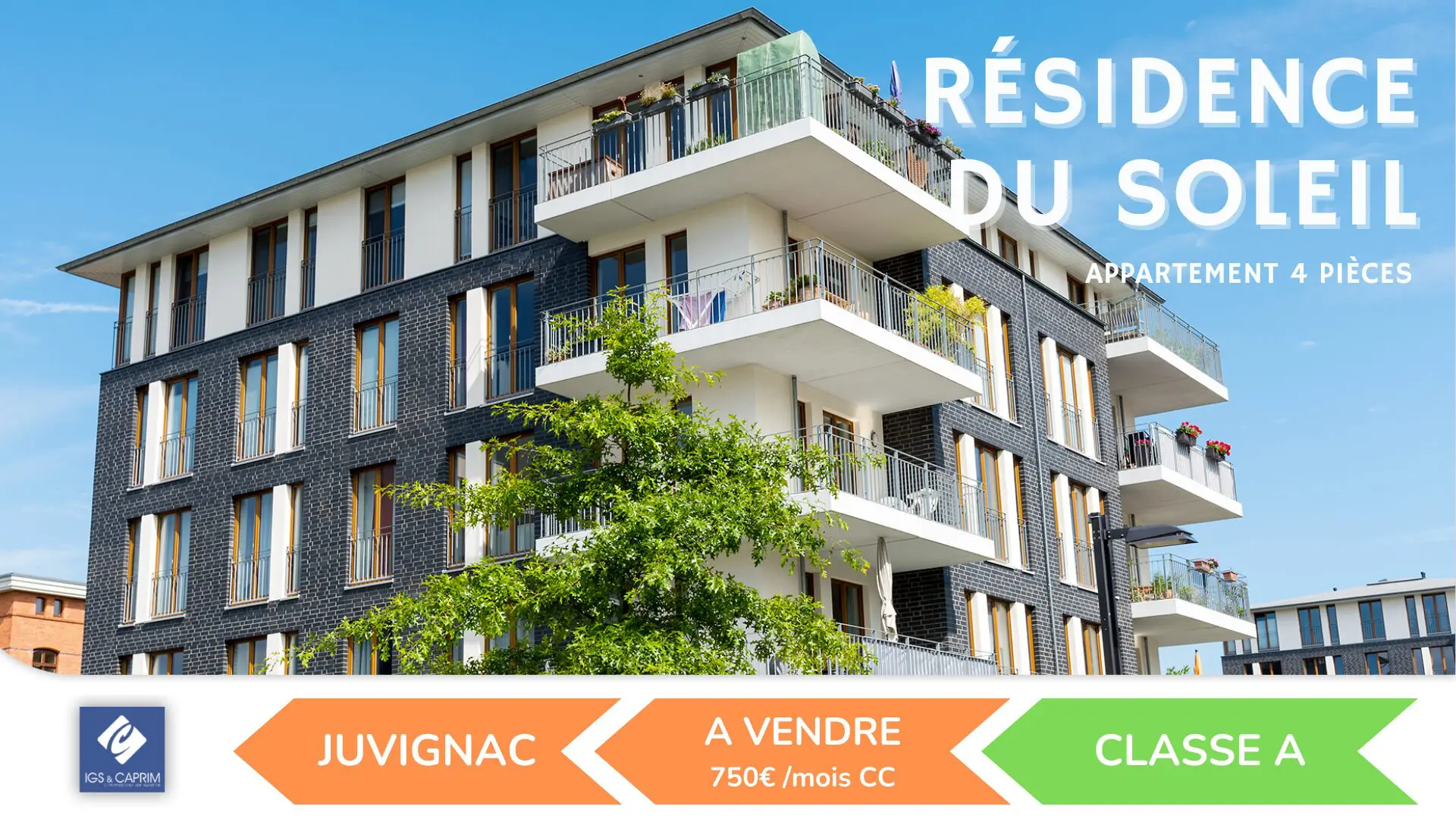
Estate agency
Listings run in the window, including when the branch is shut. A property that goes under offer comes off the screen in seconds. 12 templates, 3 of them animated.








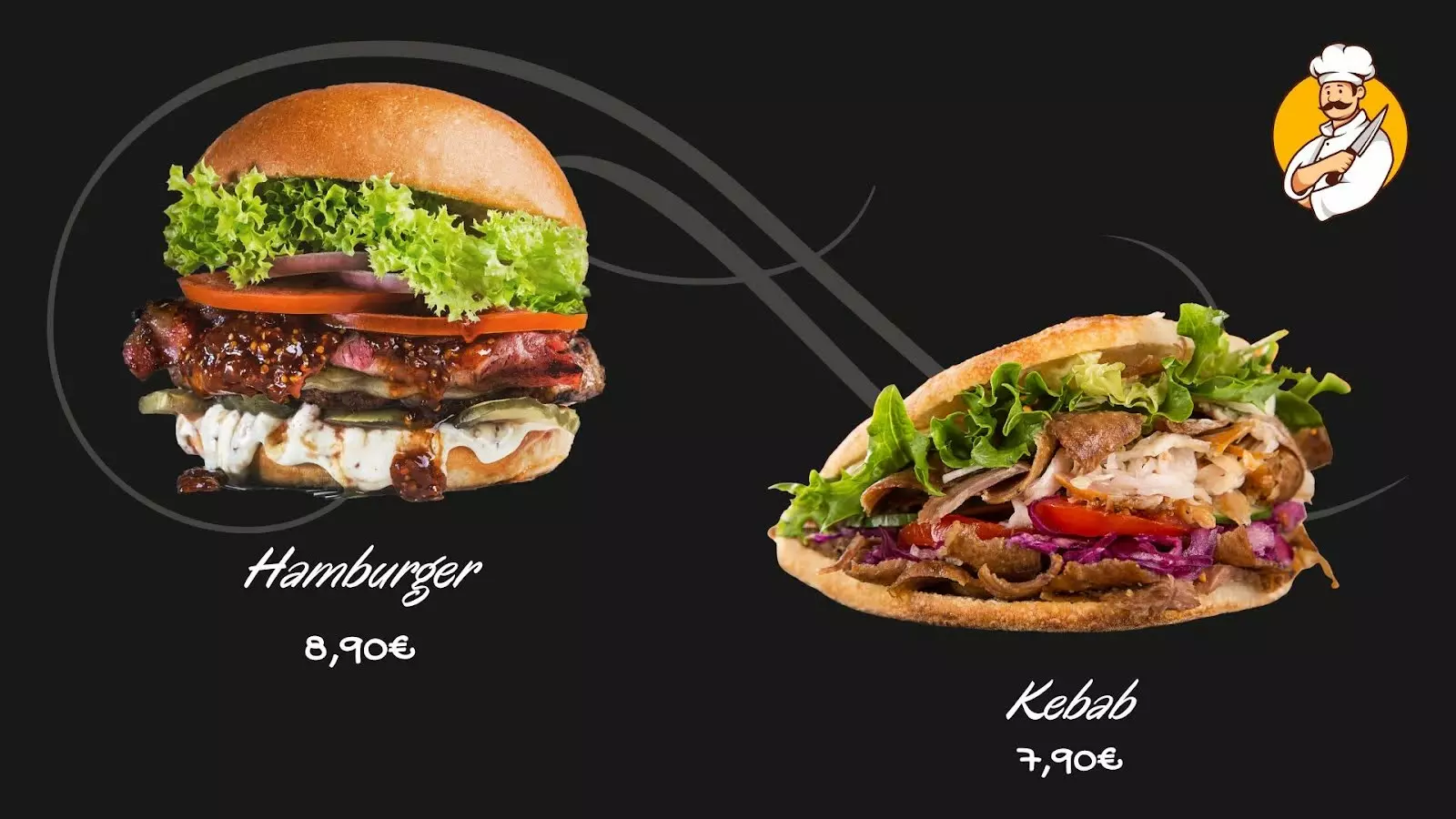
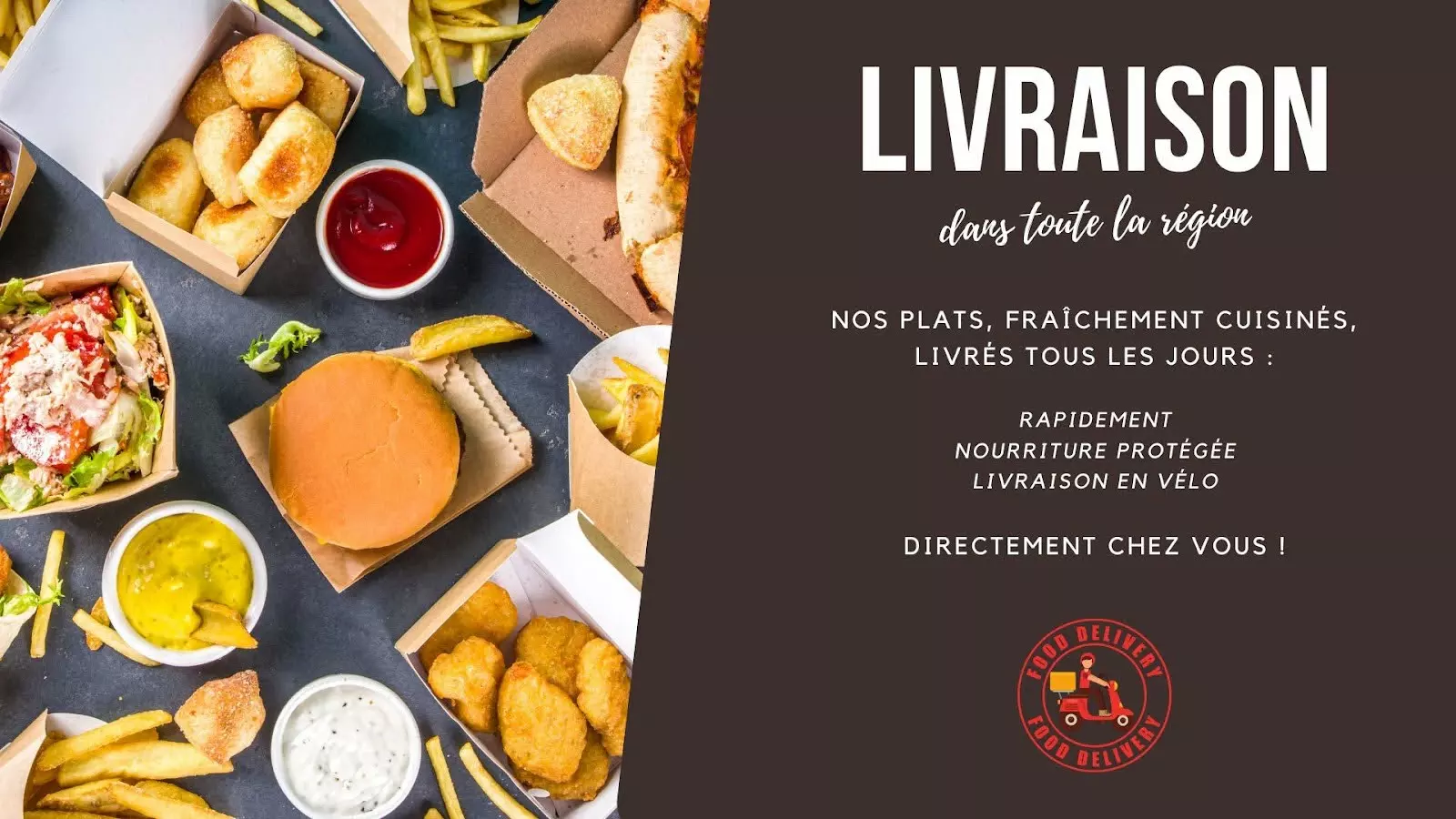
Restaurants and cafés
Daily specials, set menus, allergens: the menu is updated without reprinting anything. 12 templates, 3 of them animated.
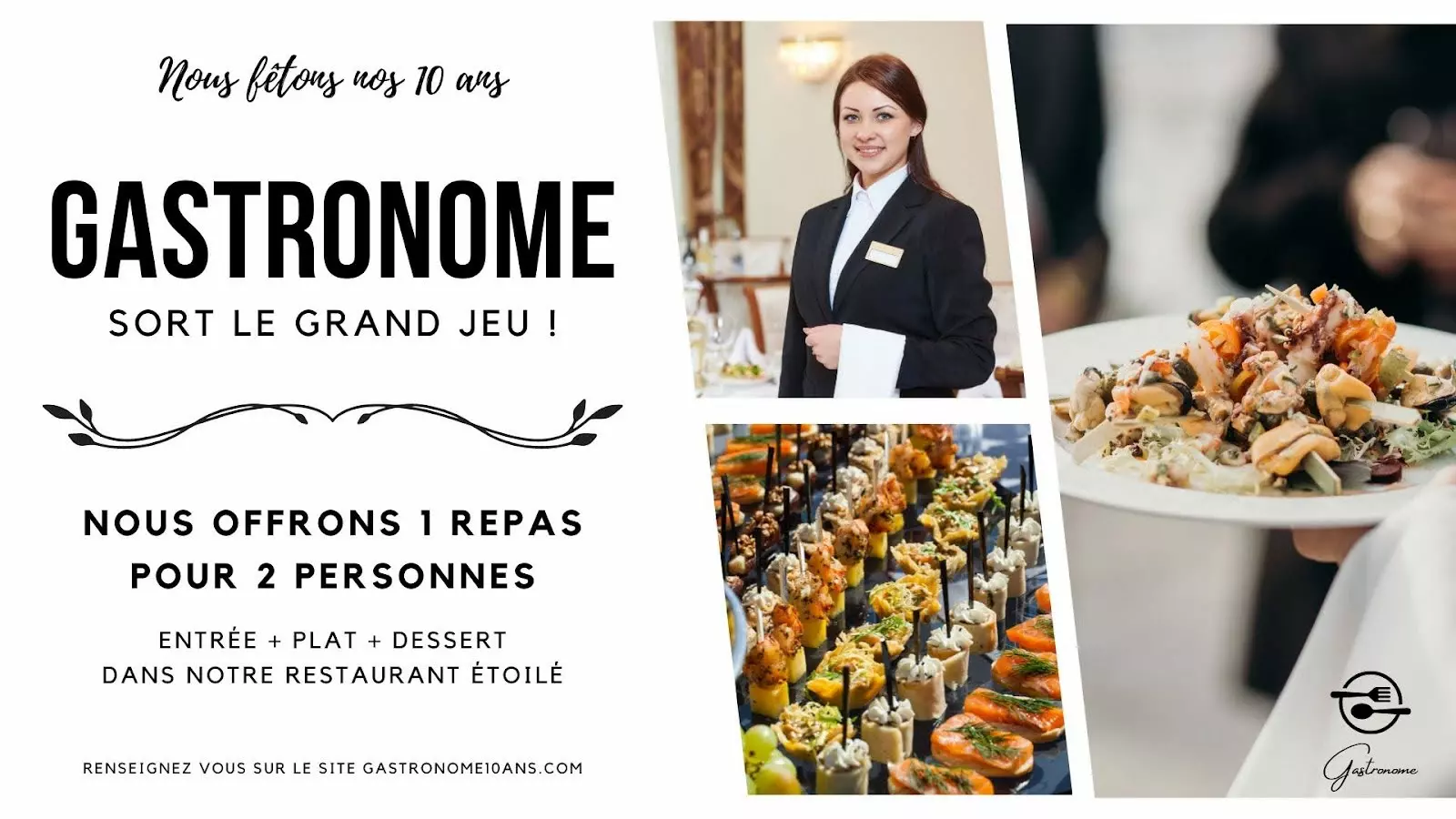

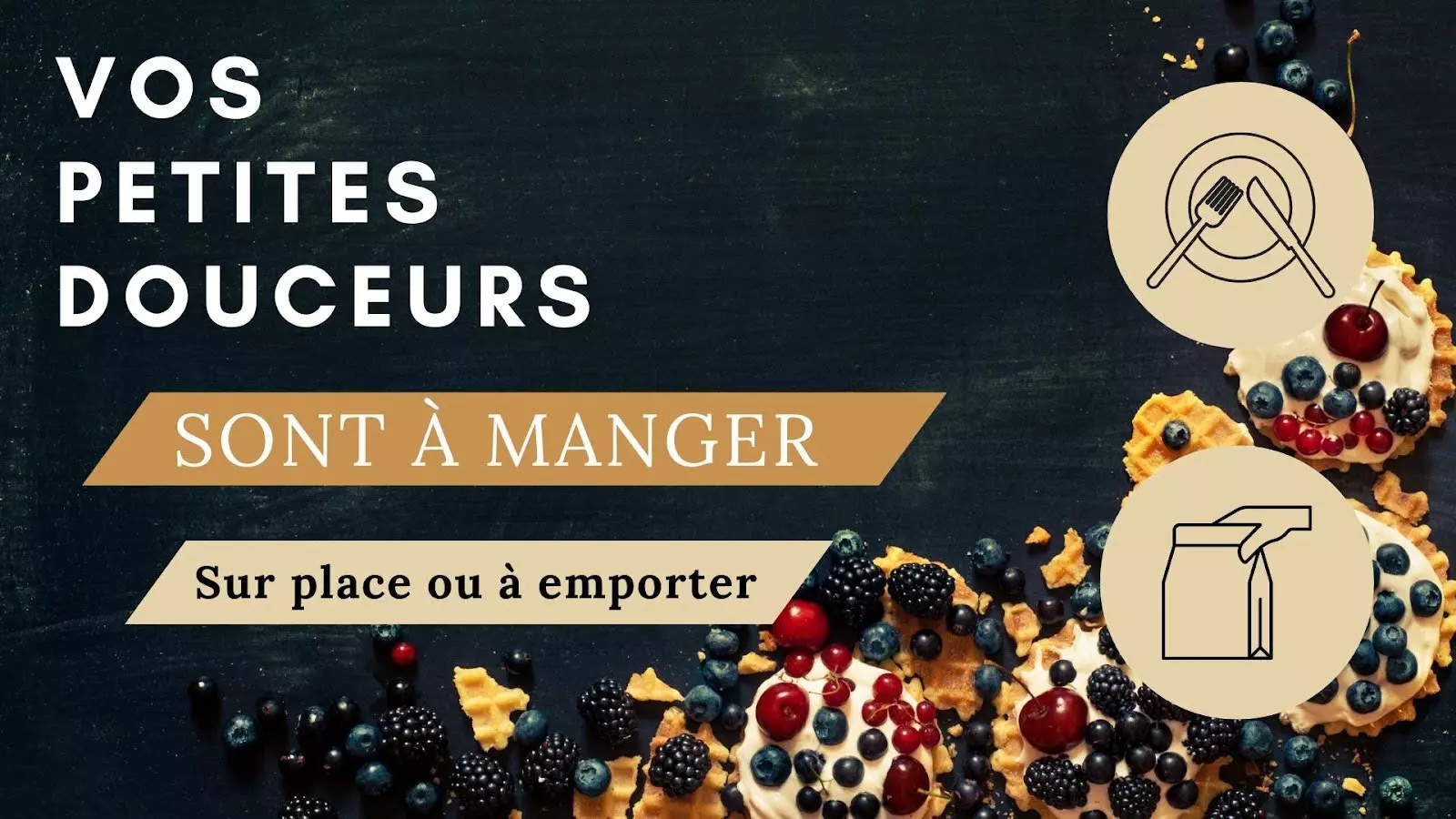
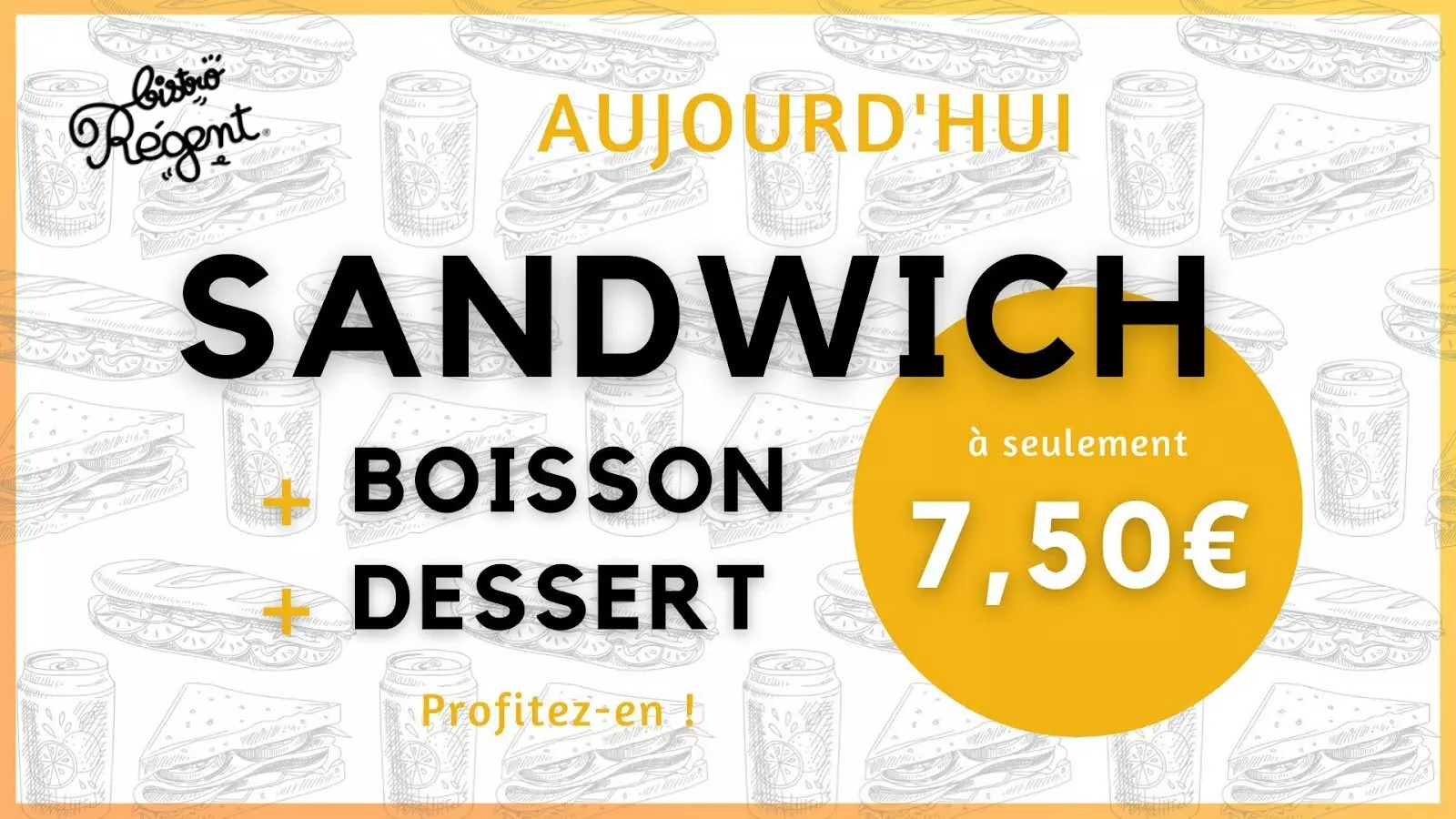
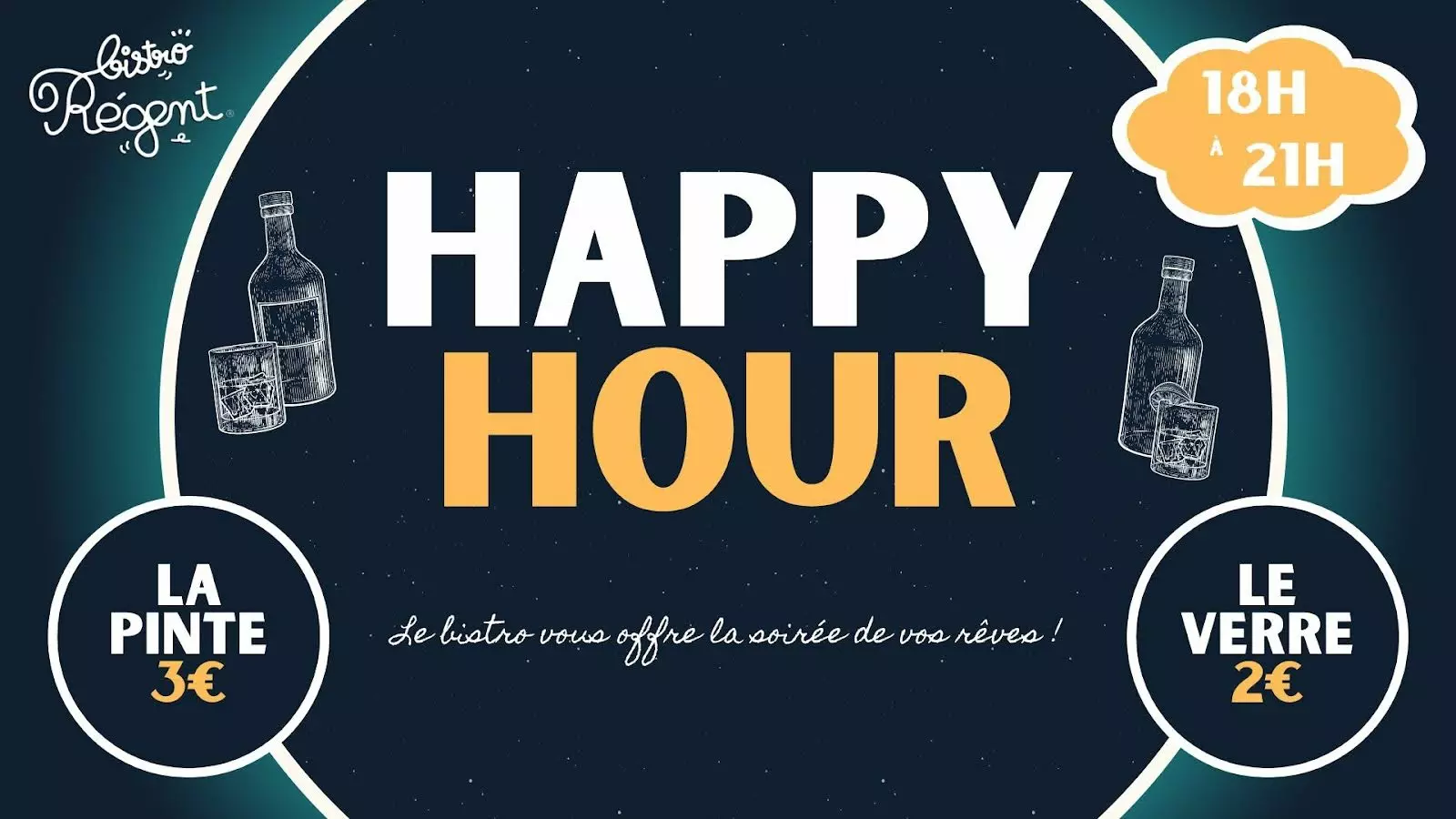
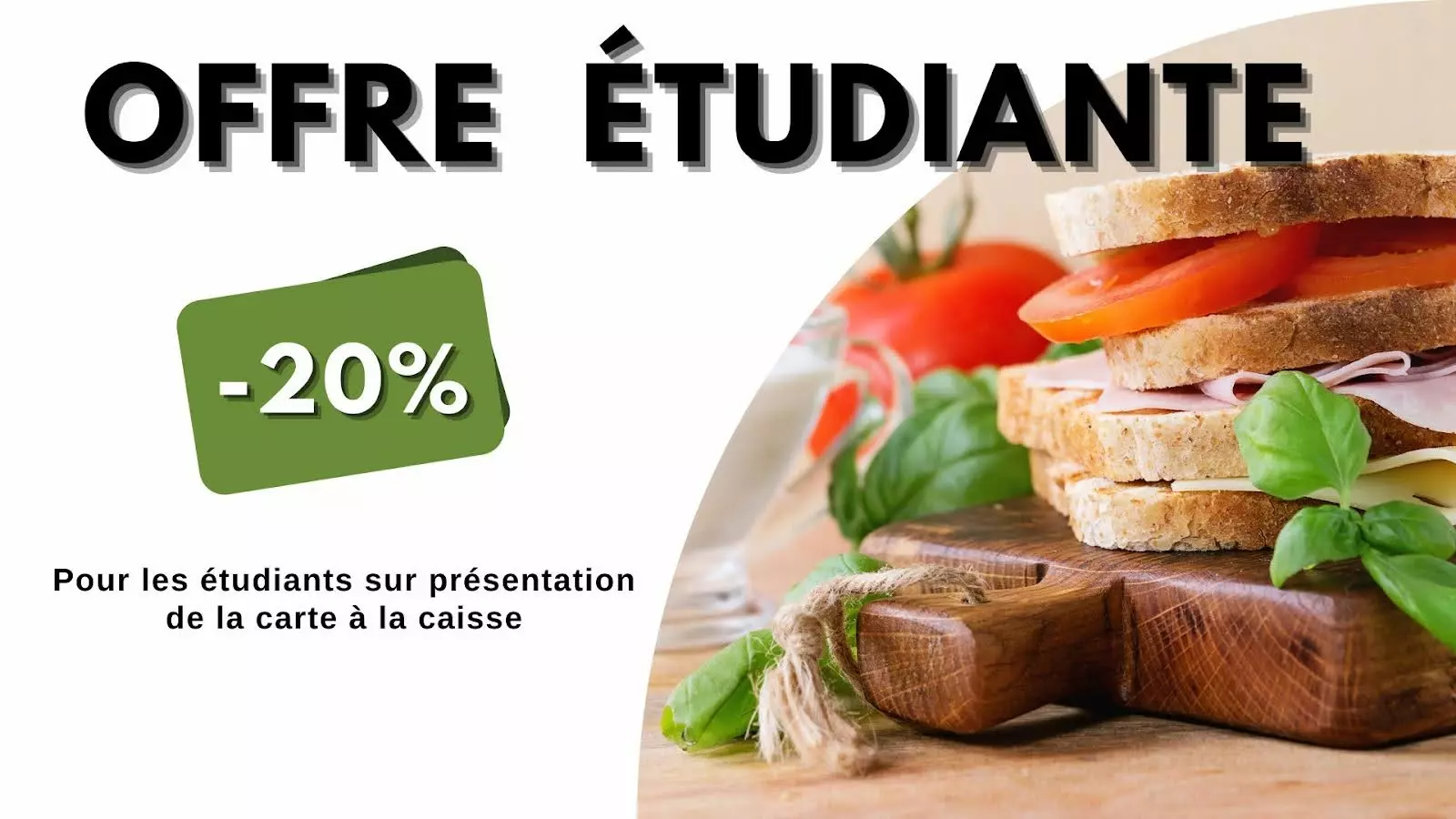
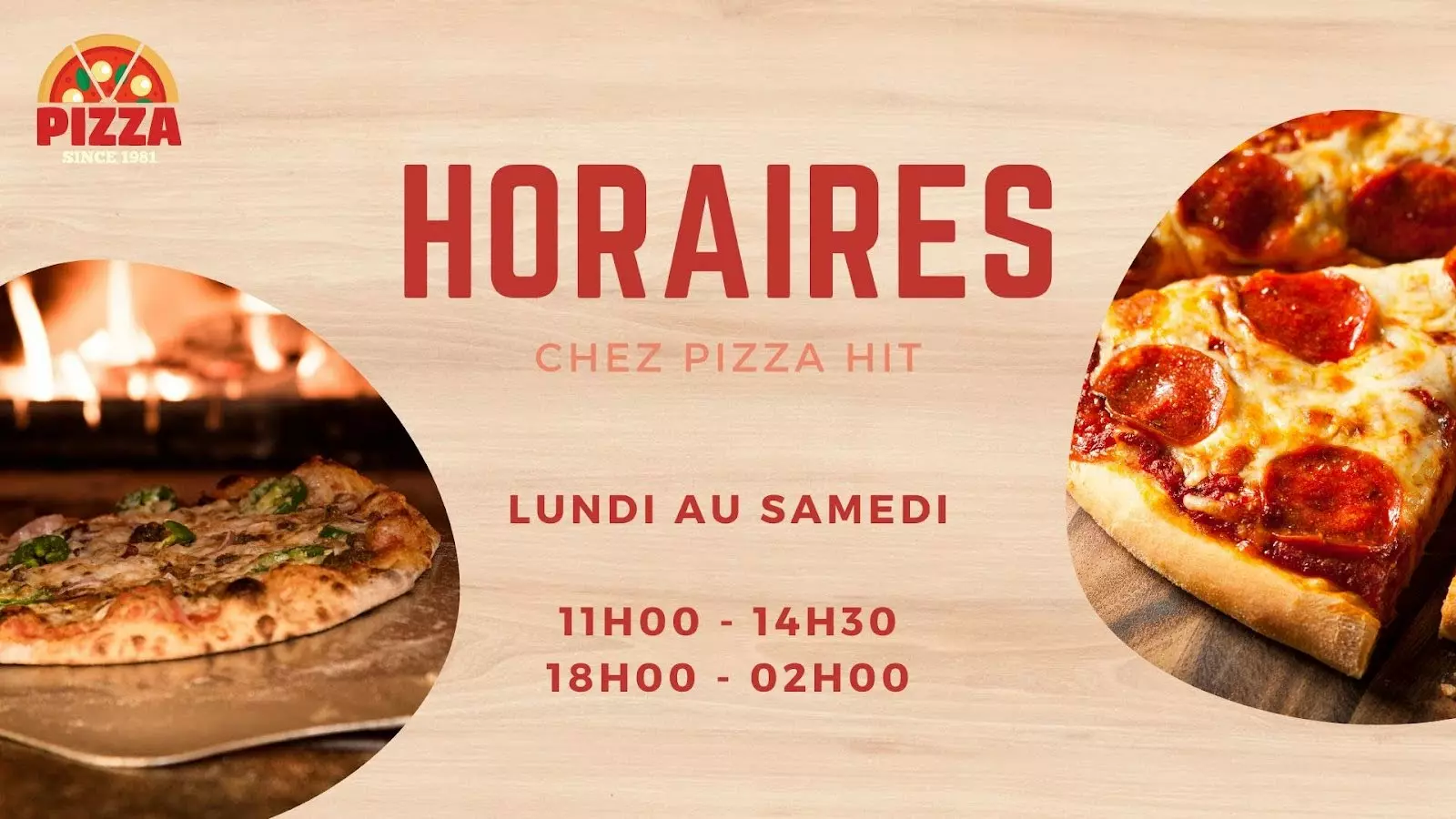
Offices and business
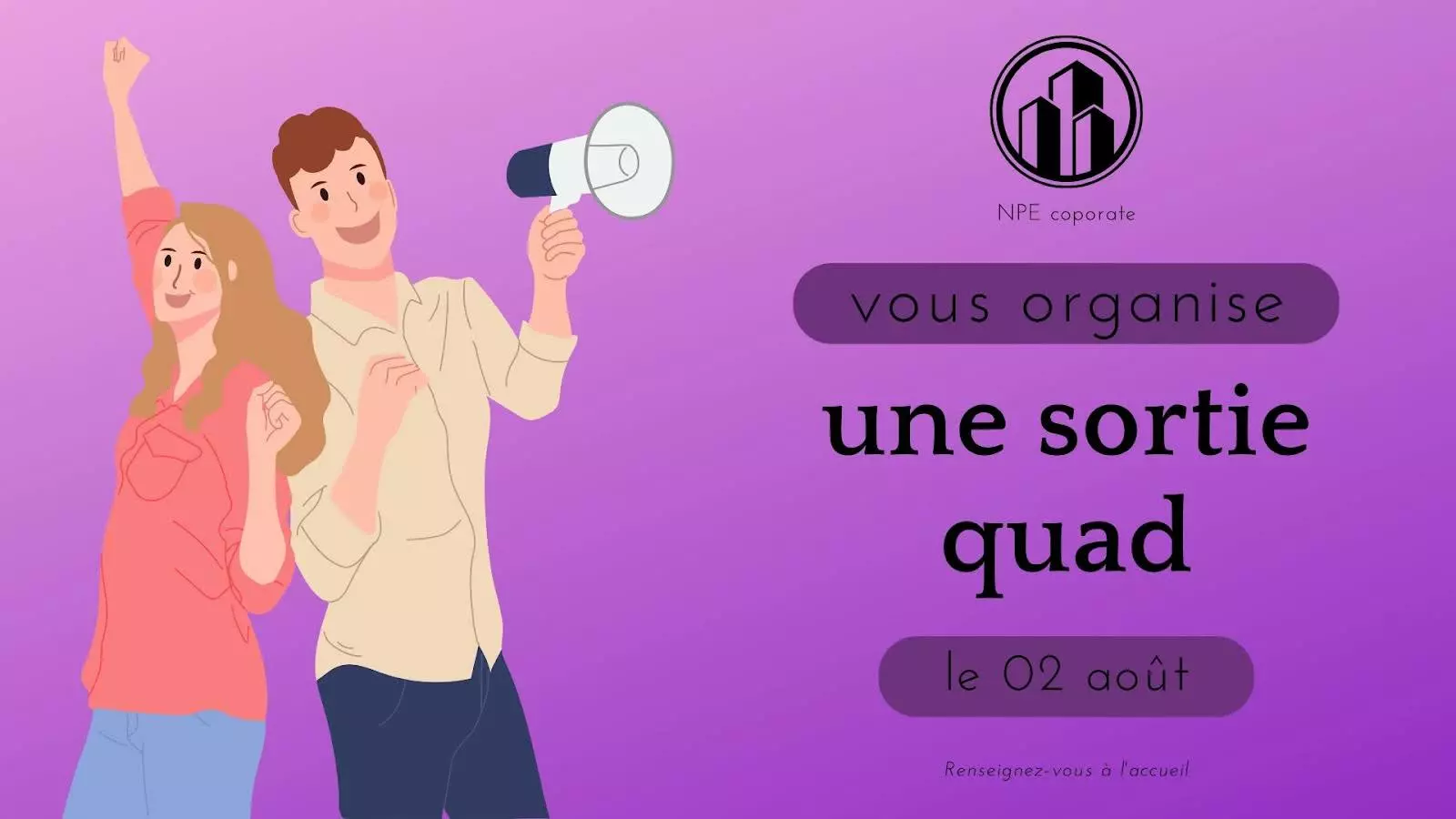
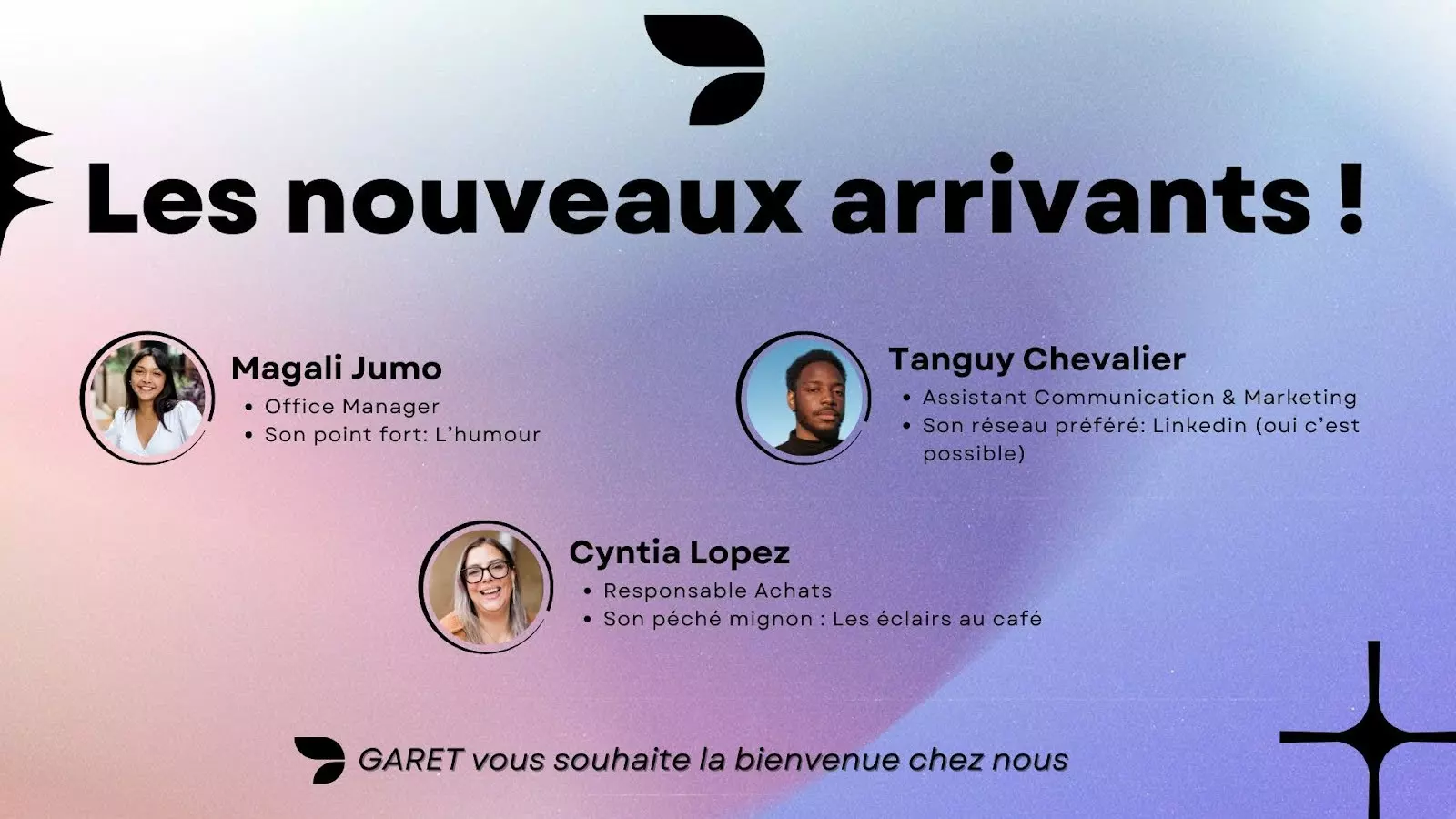
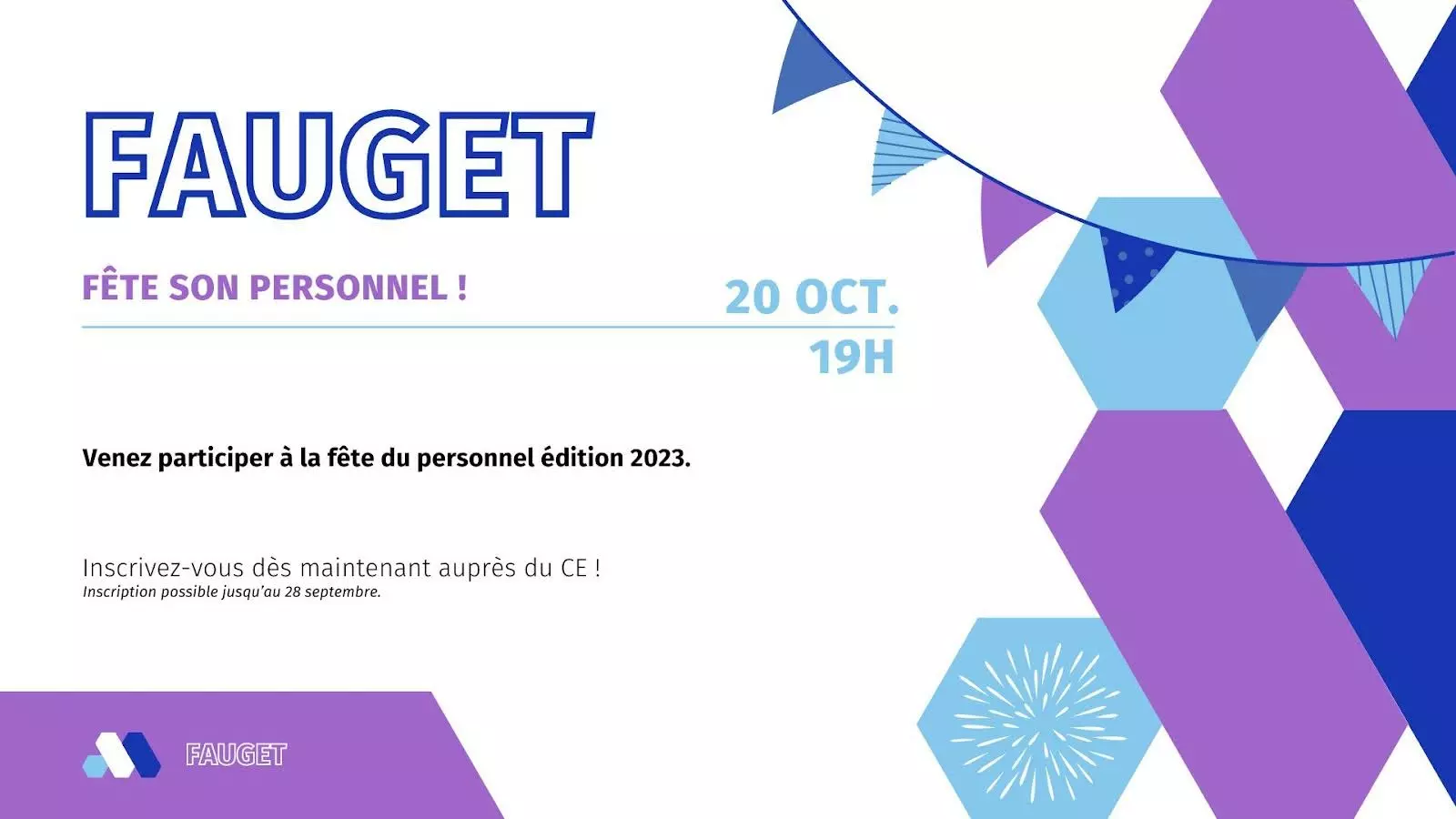
Visitor welcome, team figures, safety, internal news — the screen replaces the notice on the wall. 12 templates, 2 of them animated.
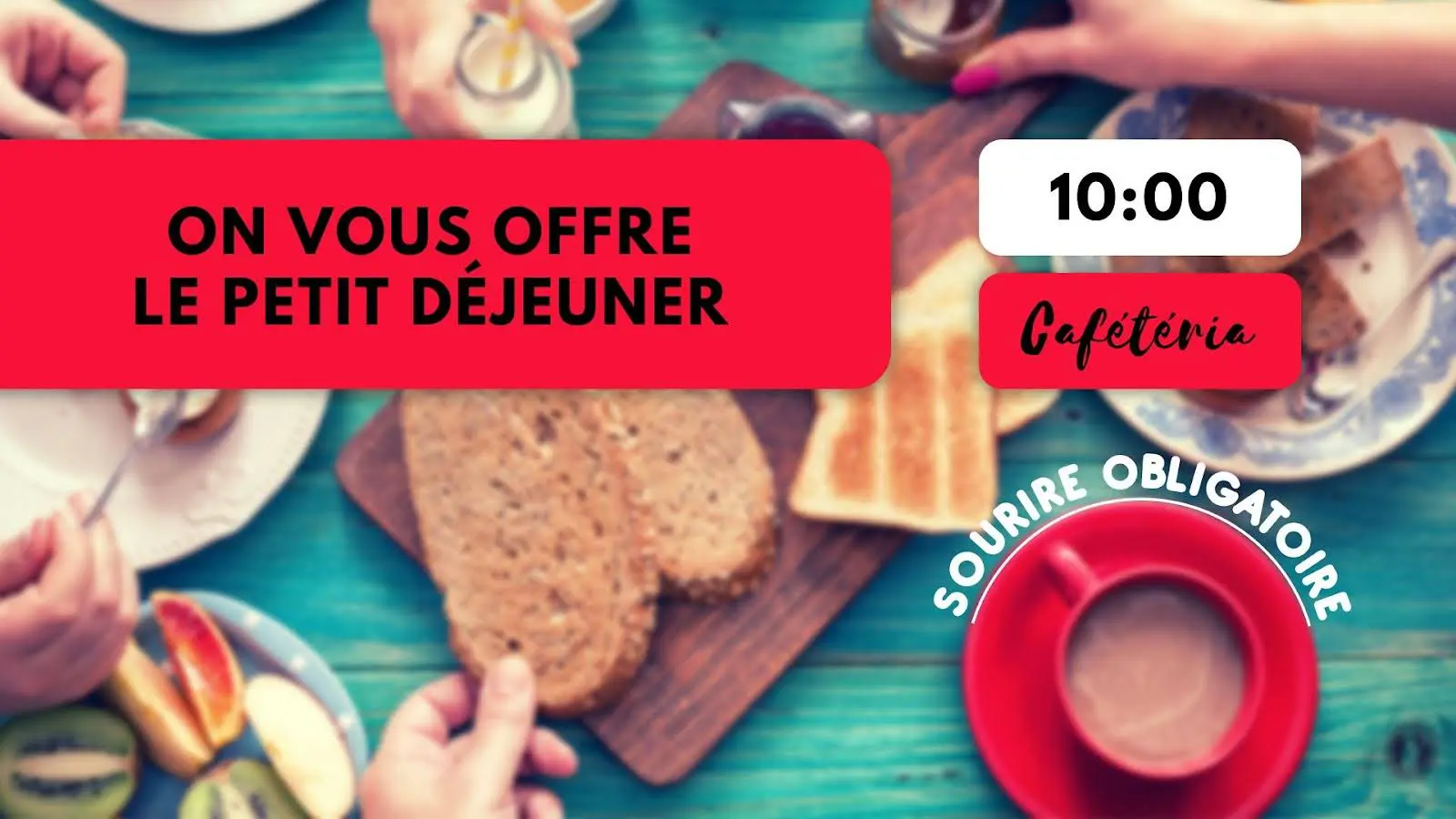

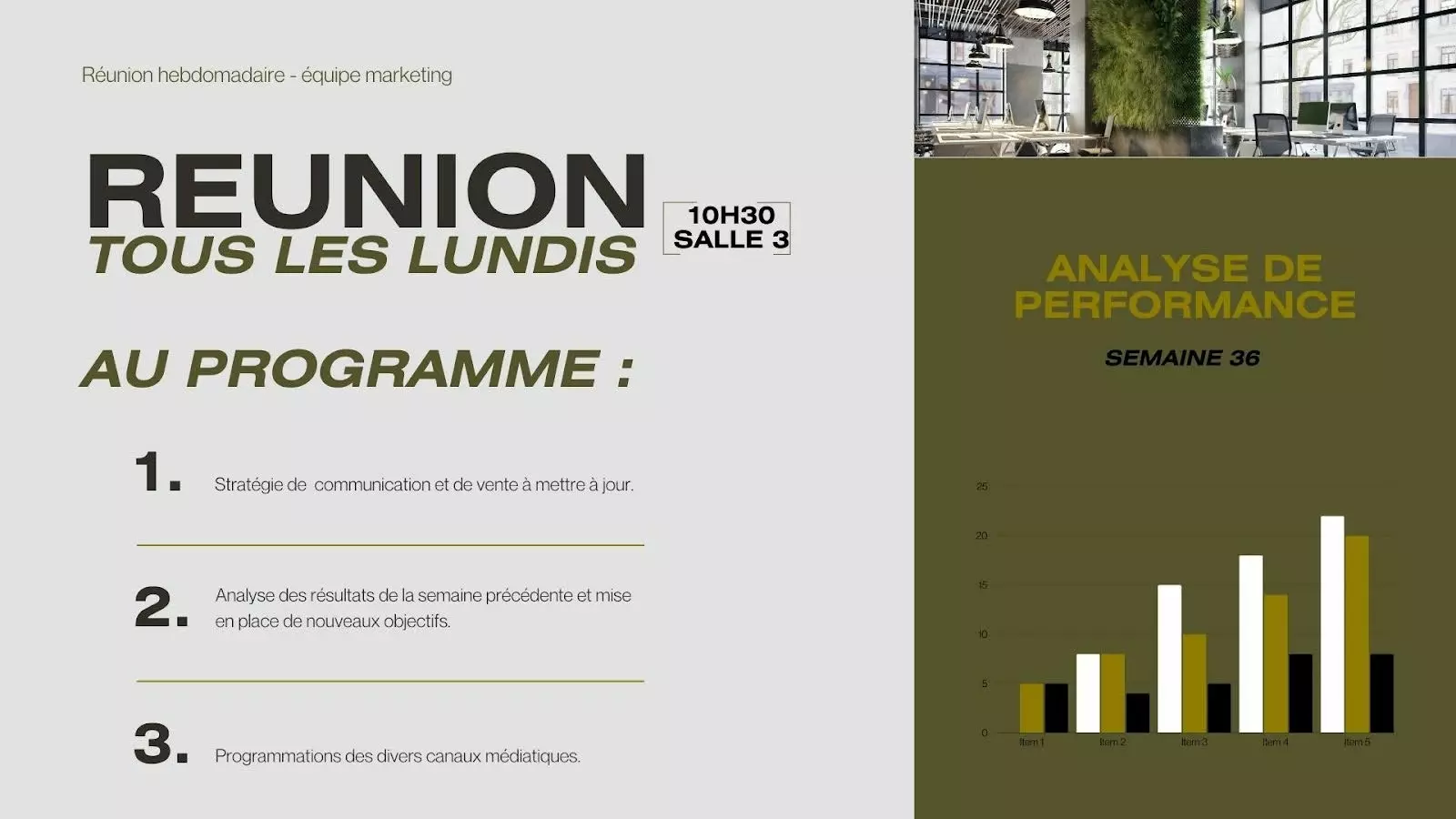

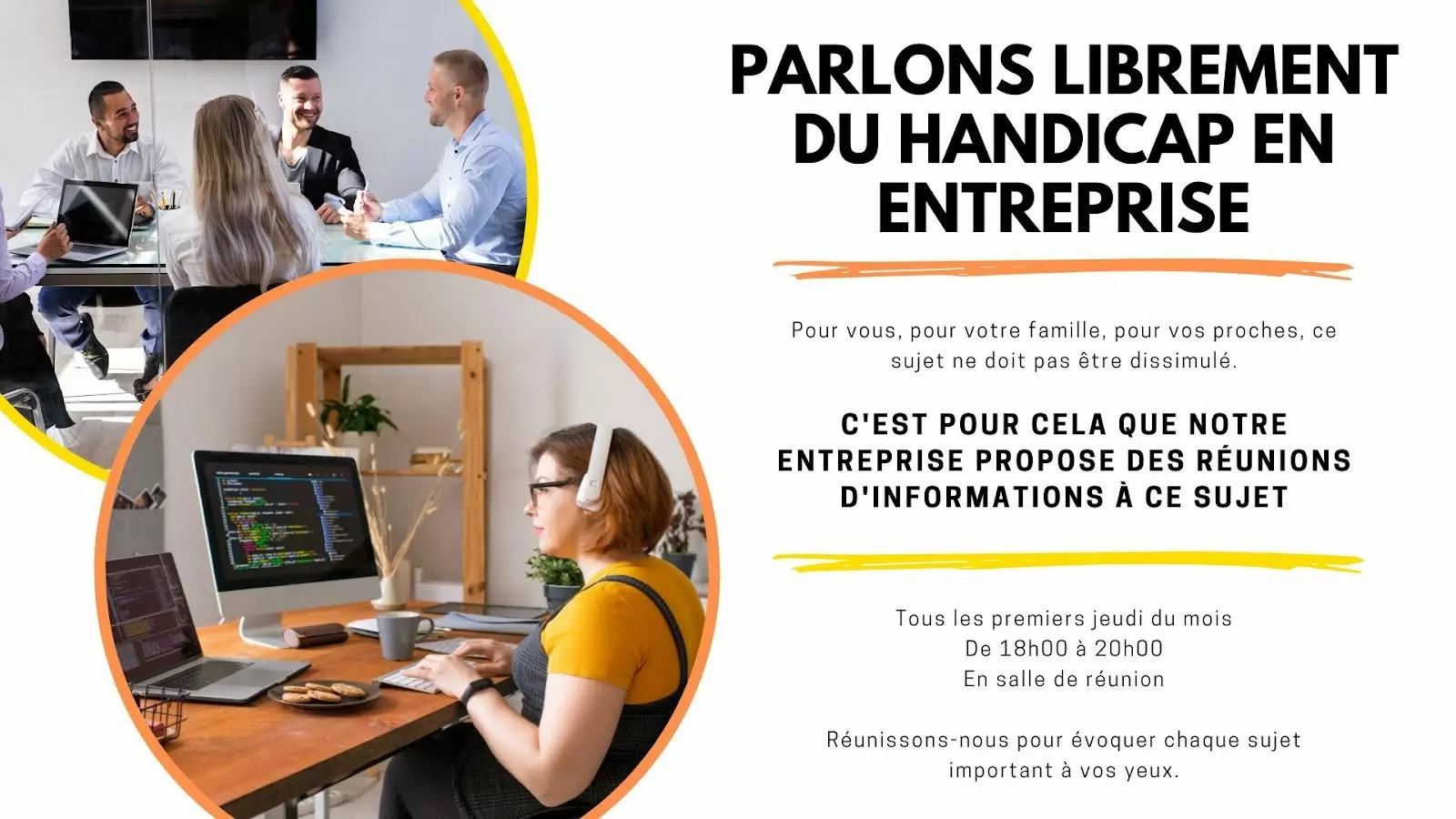
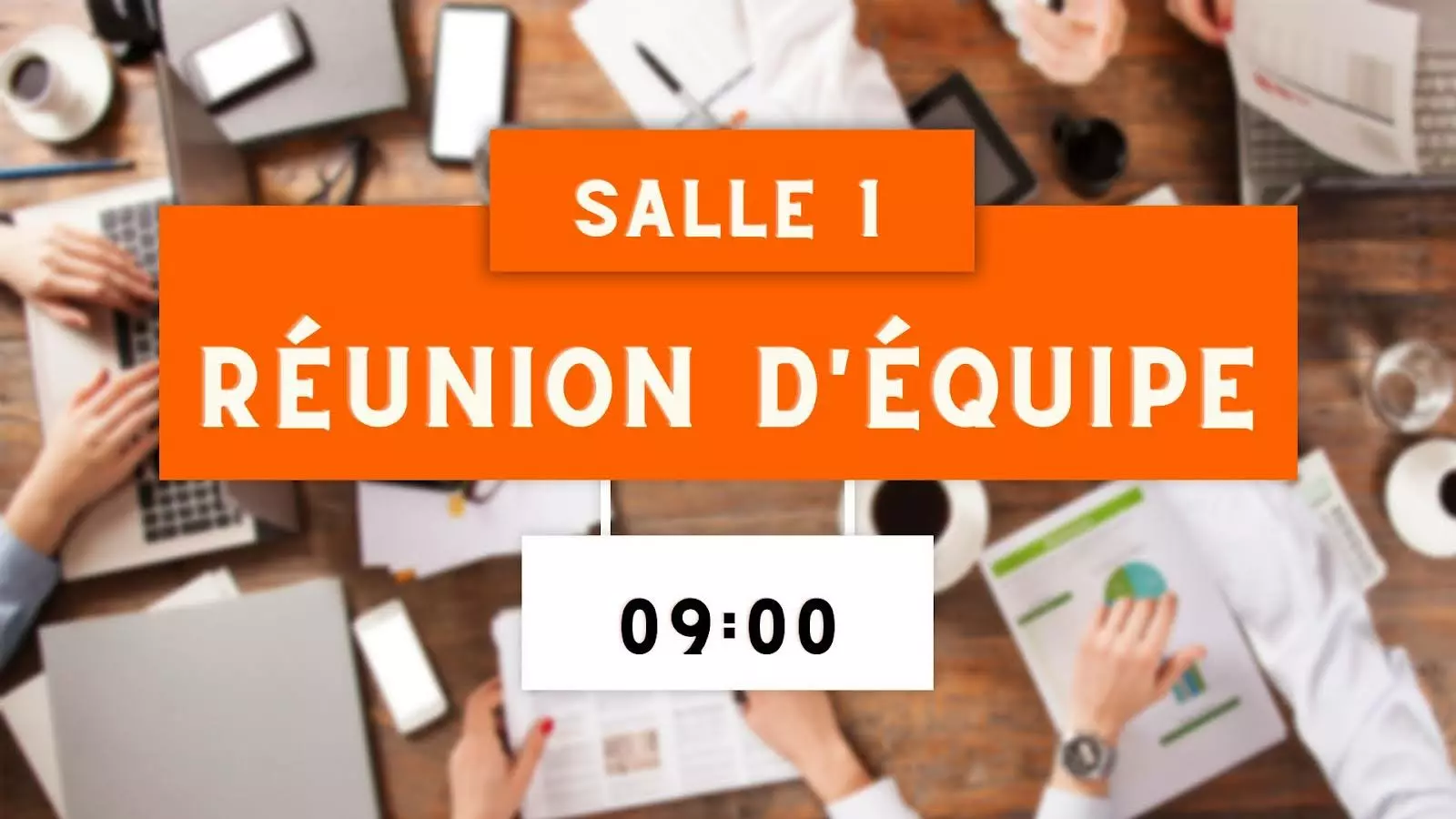
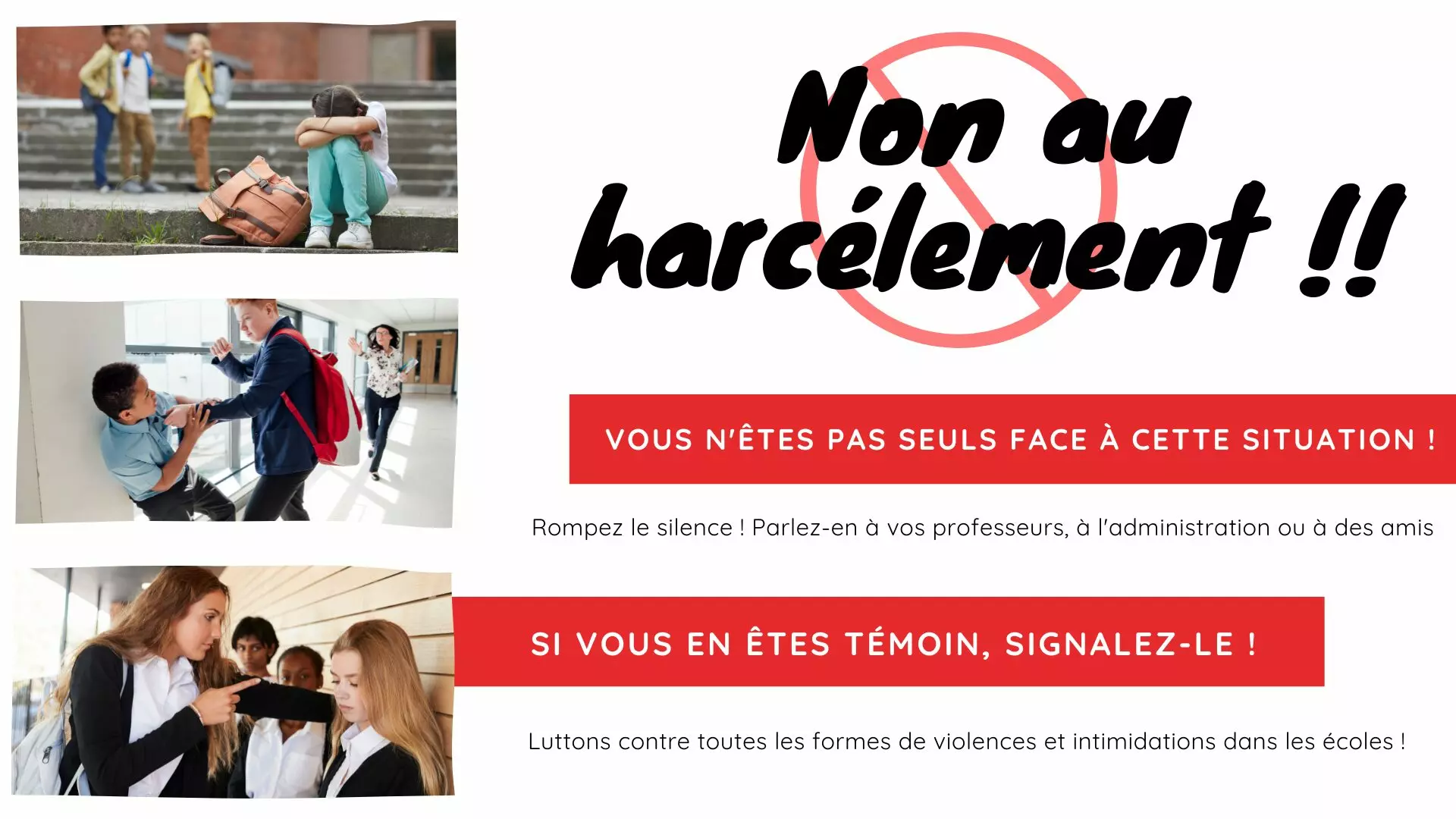
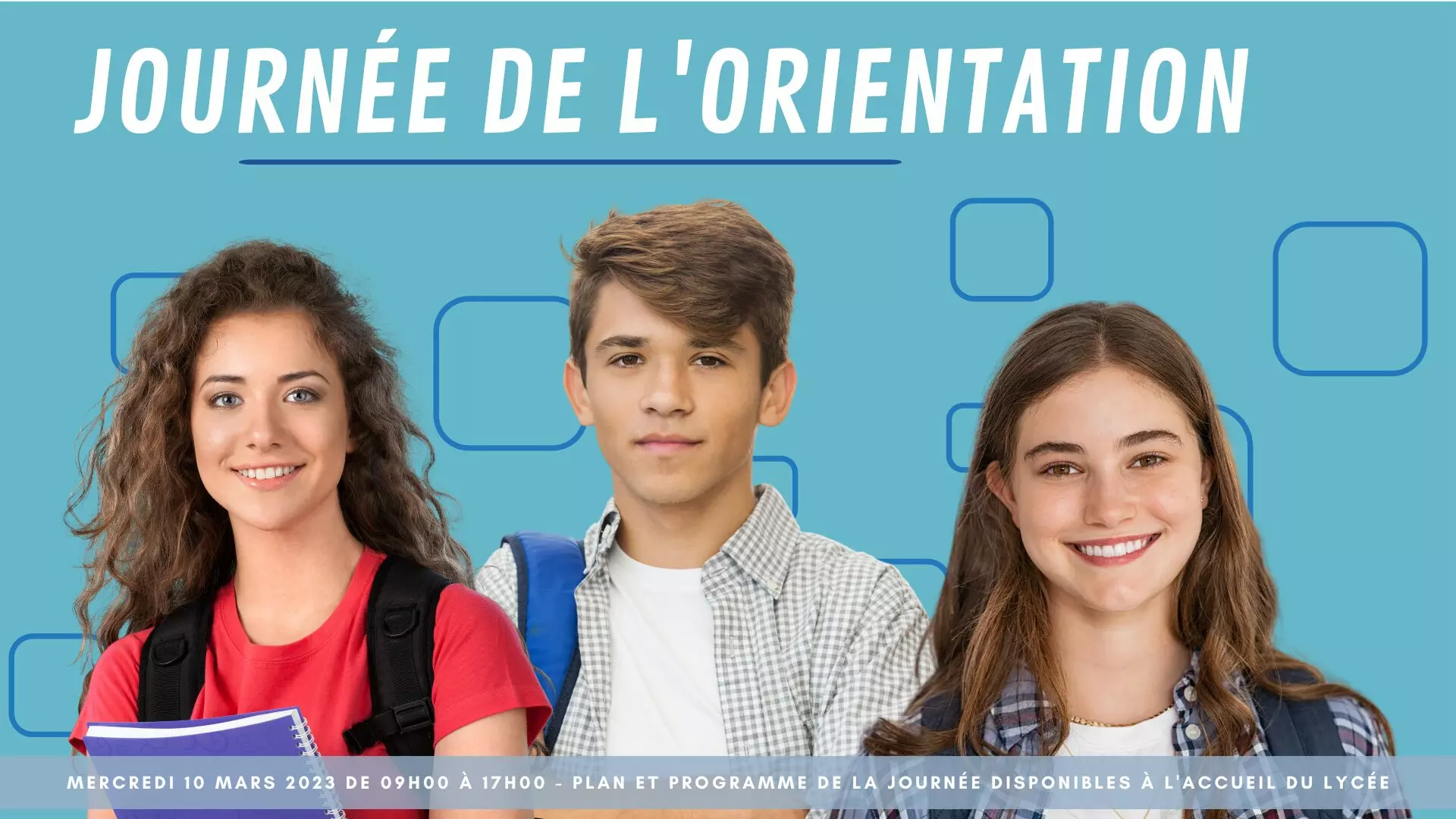
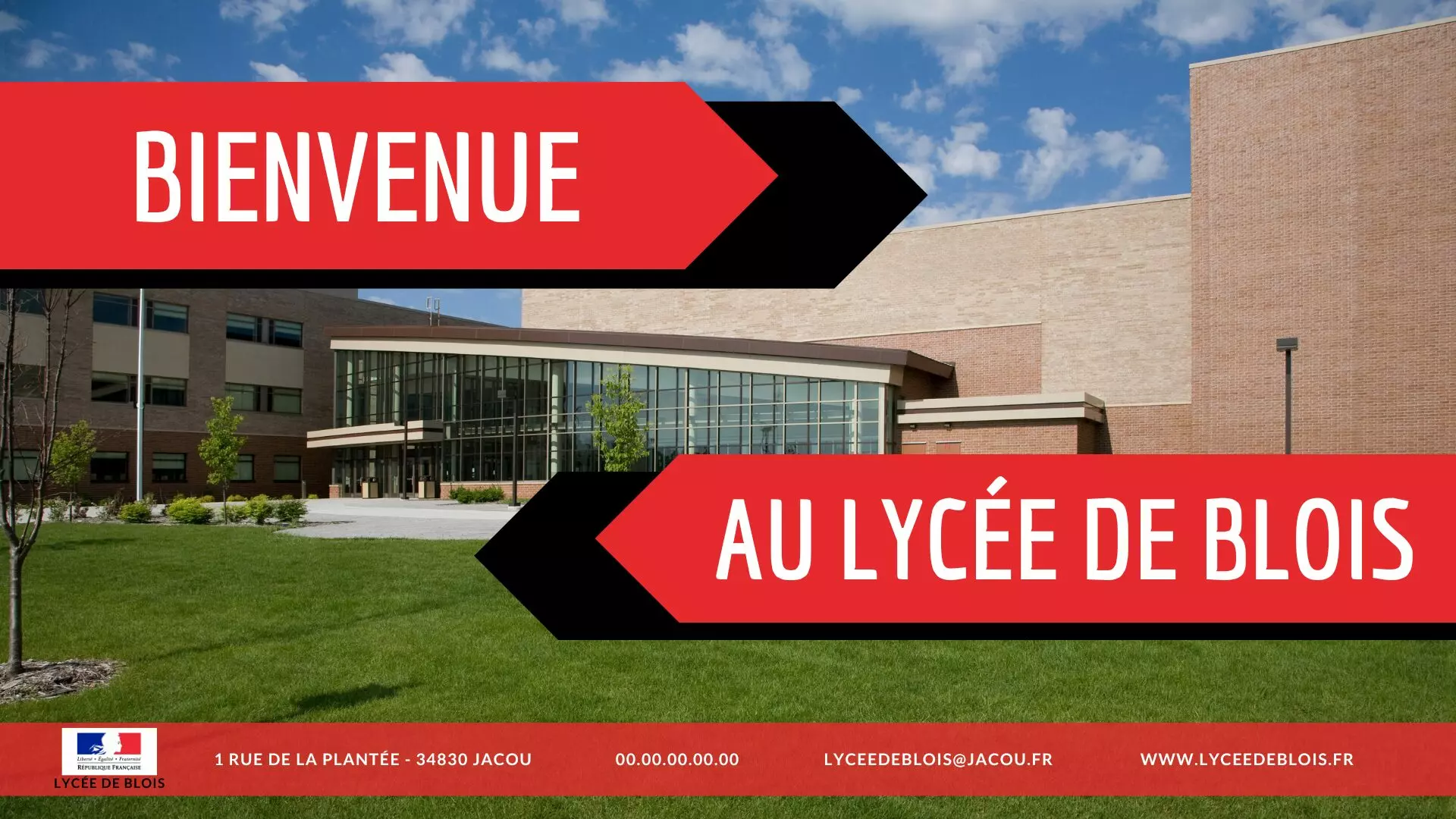
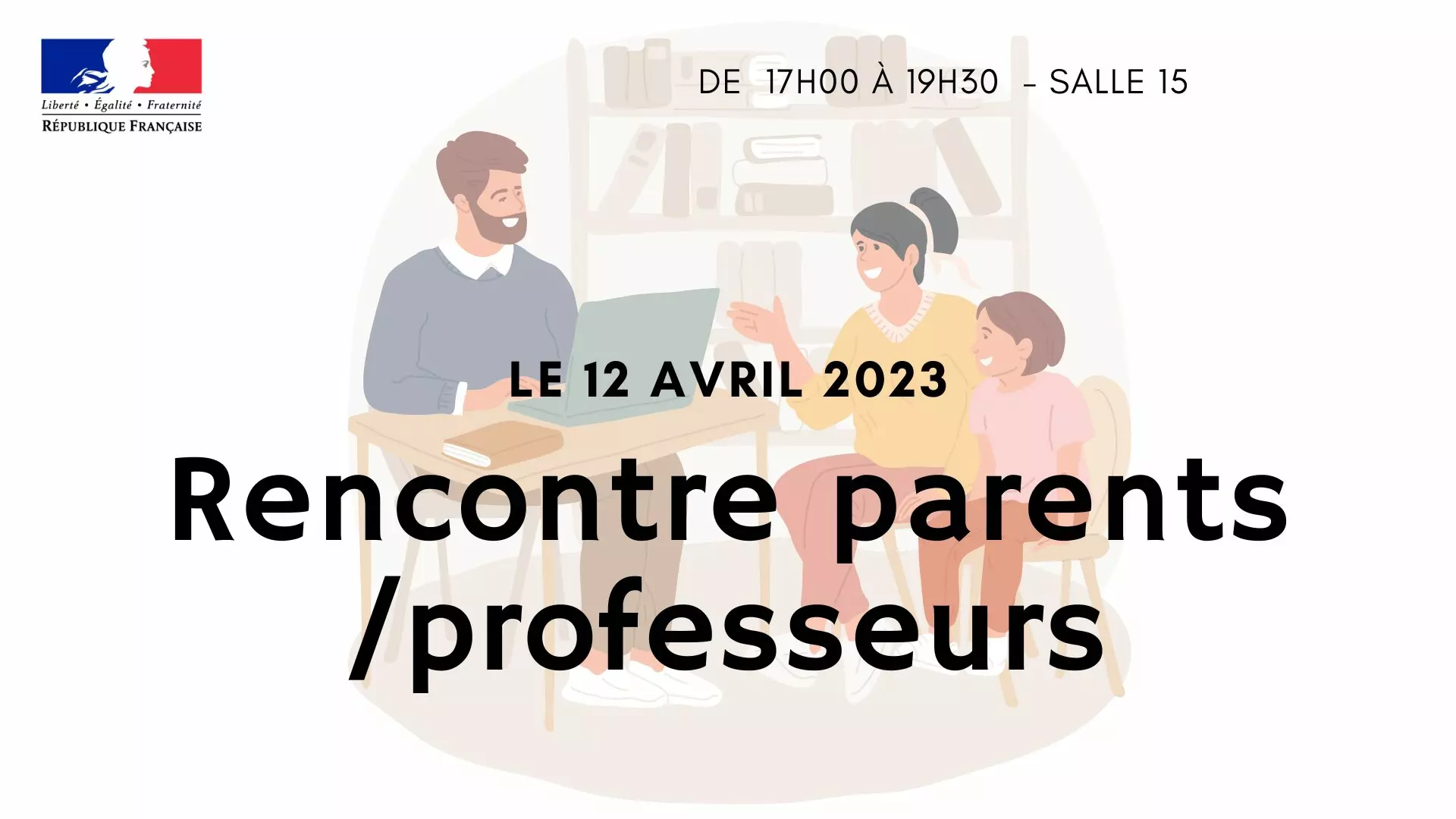
Education
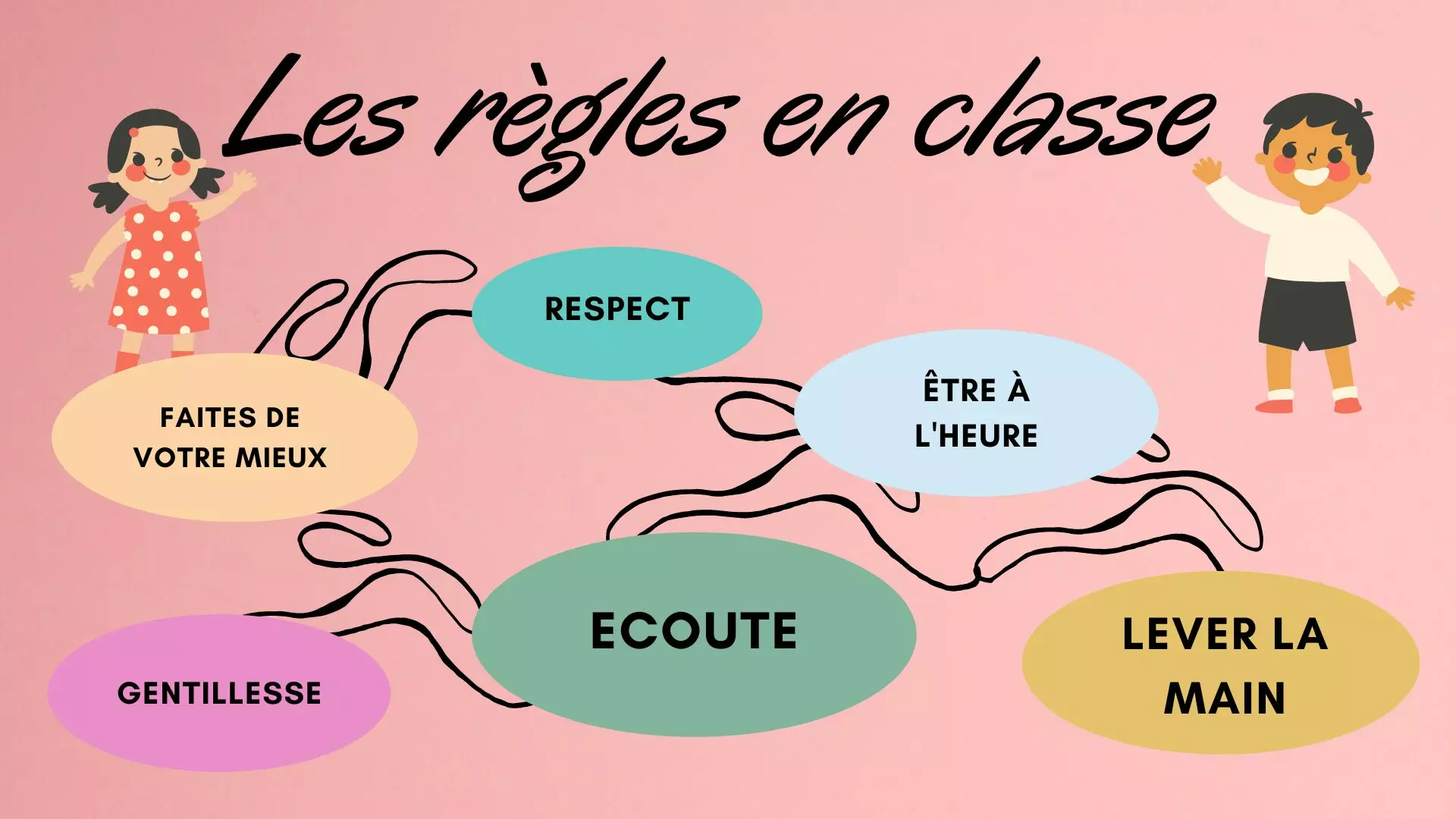
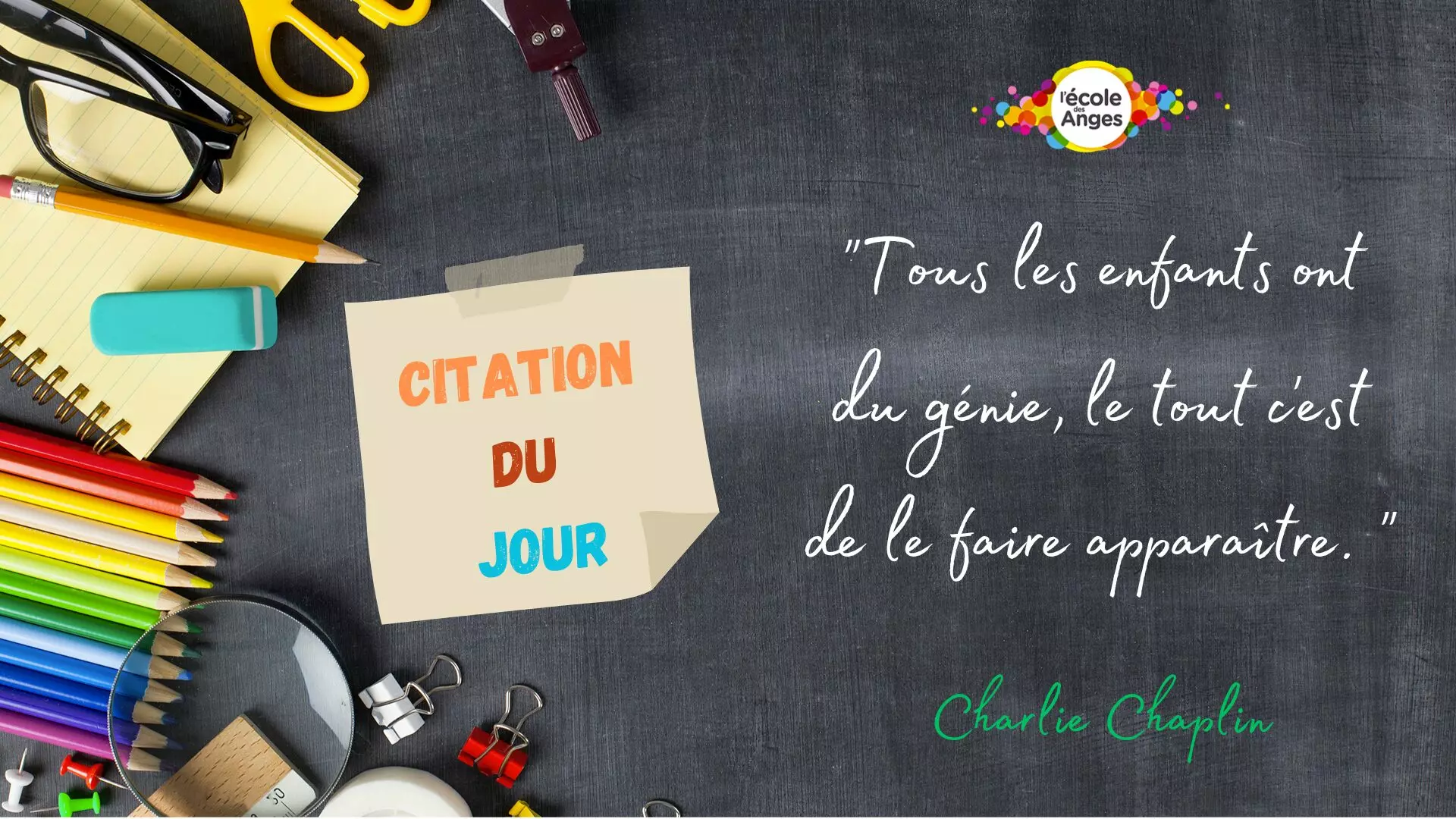
Timetables, canteen menus, room changes, open days: school information moves every day. 12 templates, 2 of them animated.


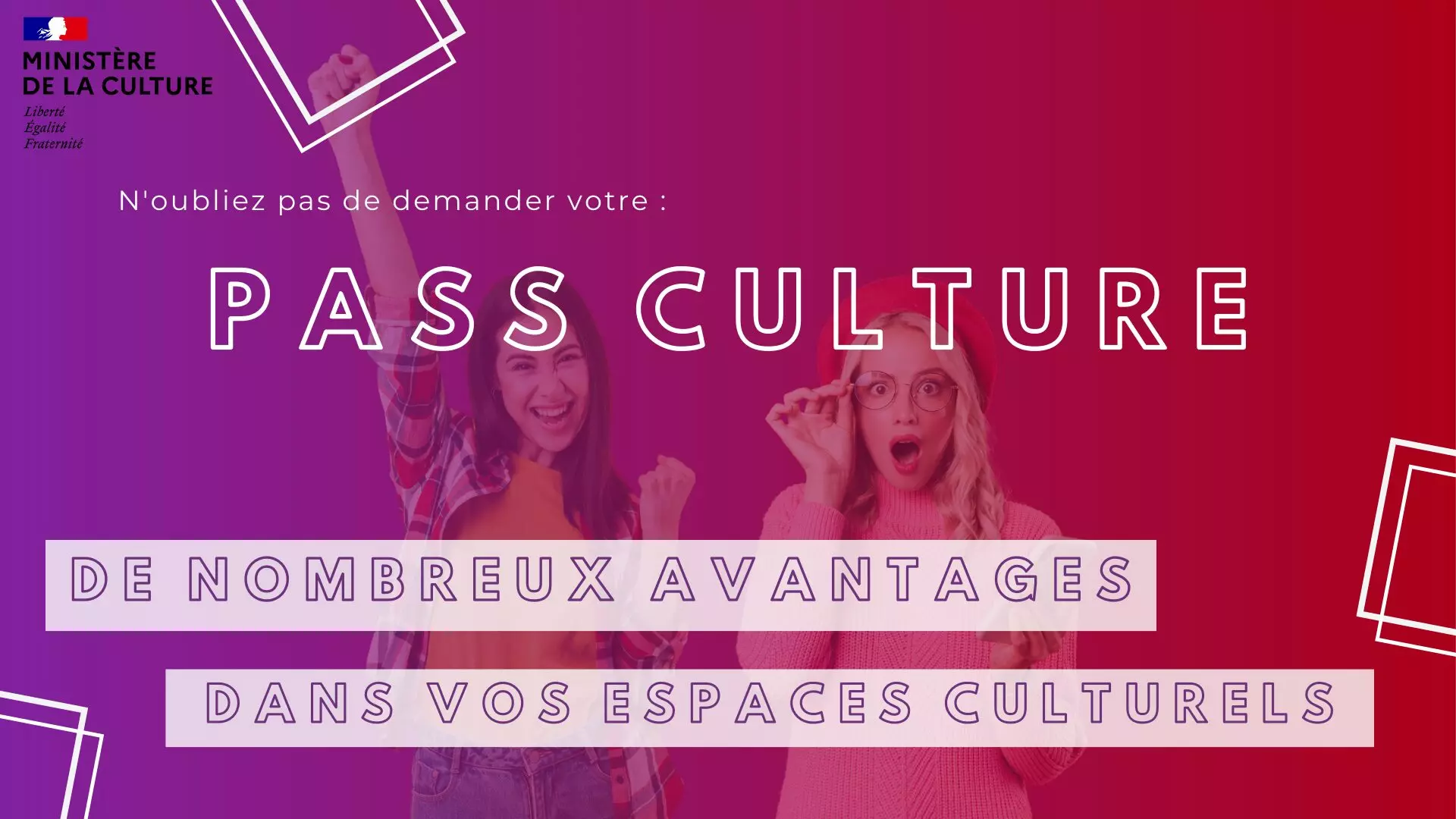
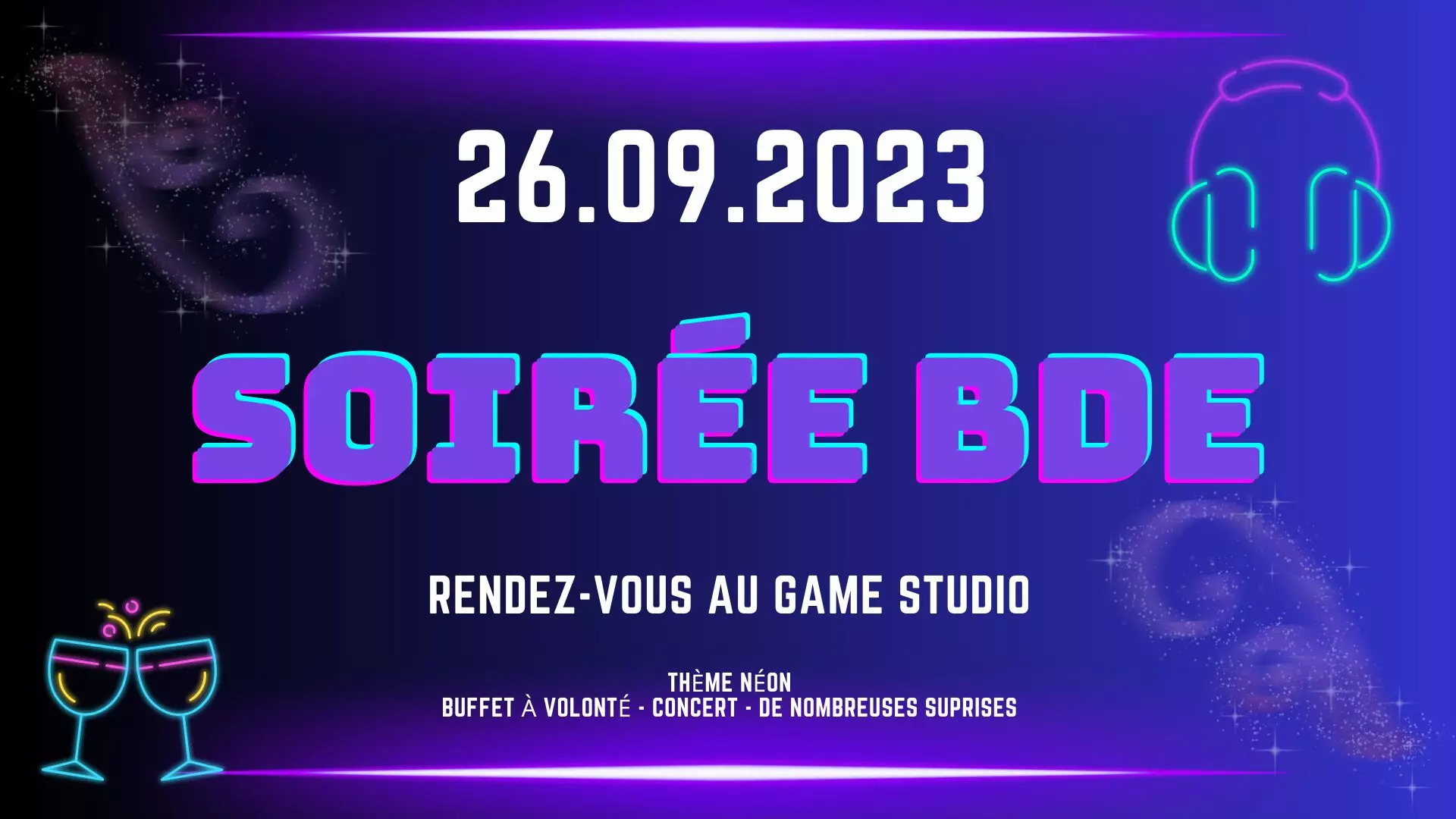
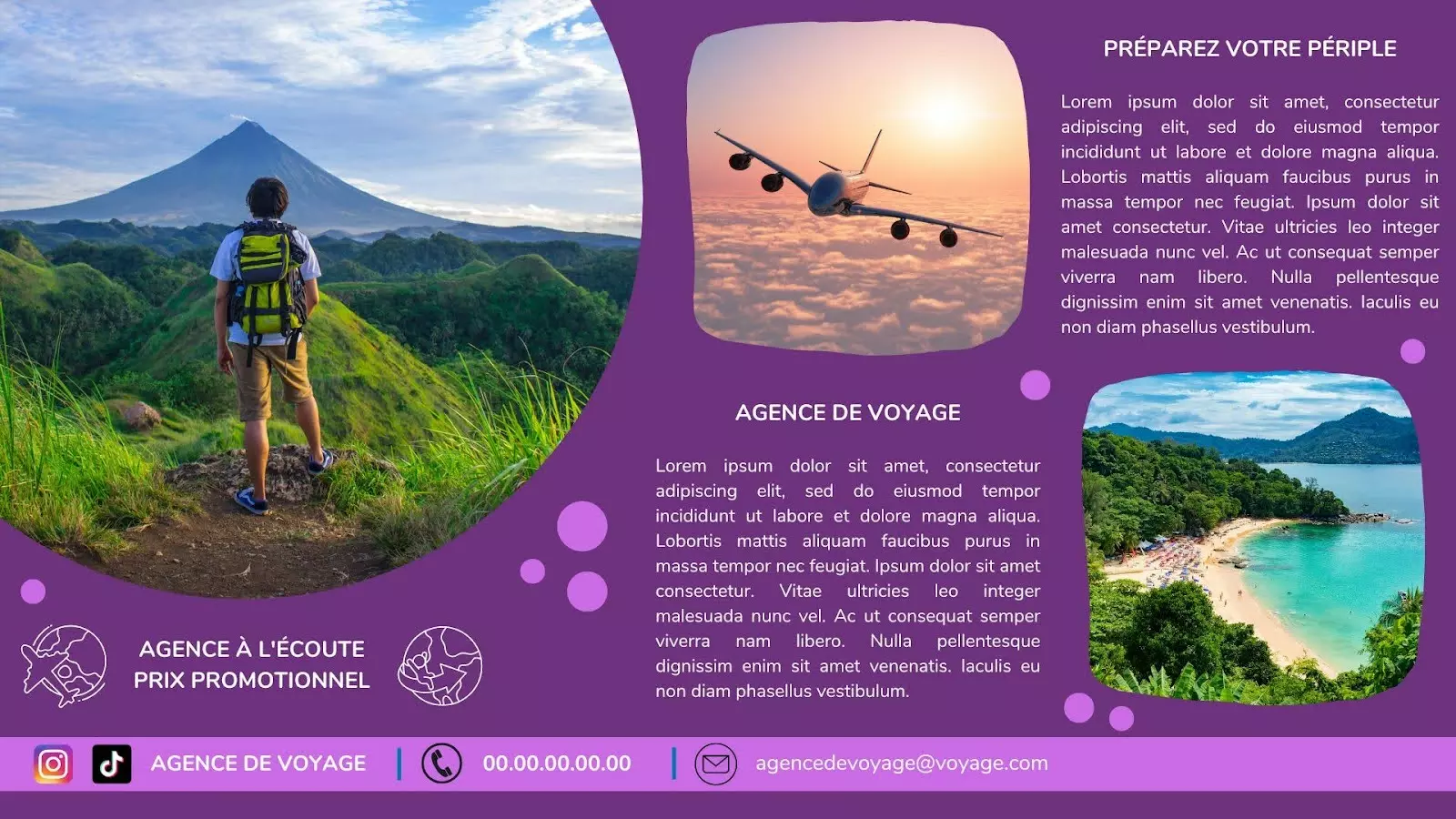
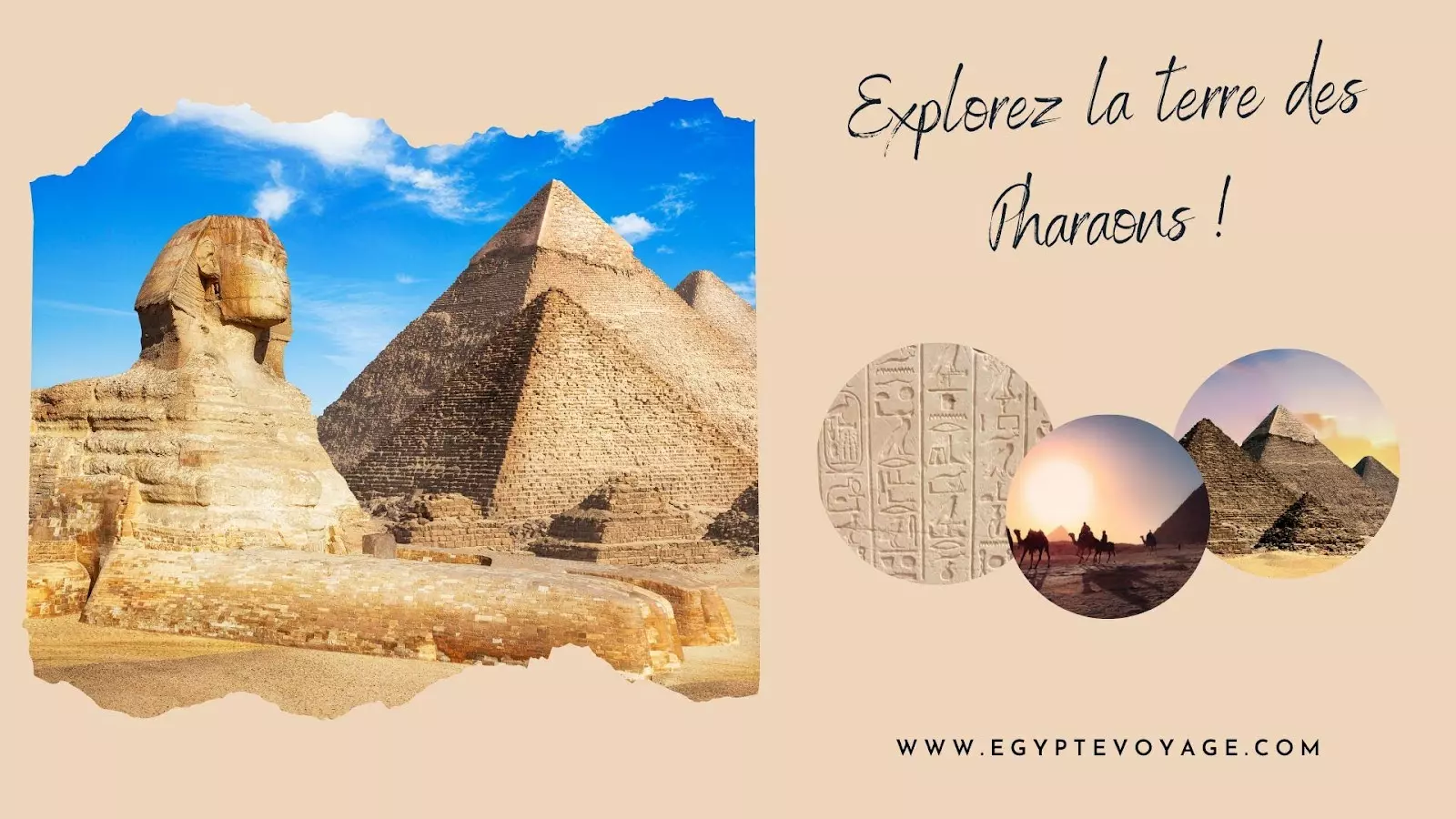
Tourism
What is on today, the weather, places to stay, events: visitors want to know what is happening now. 12 templates, 3 of them animated.
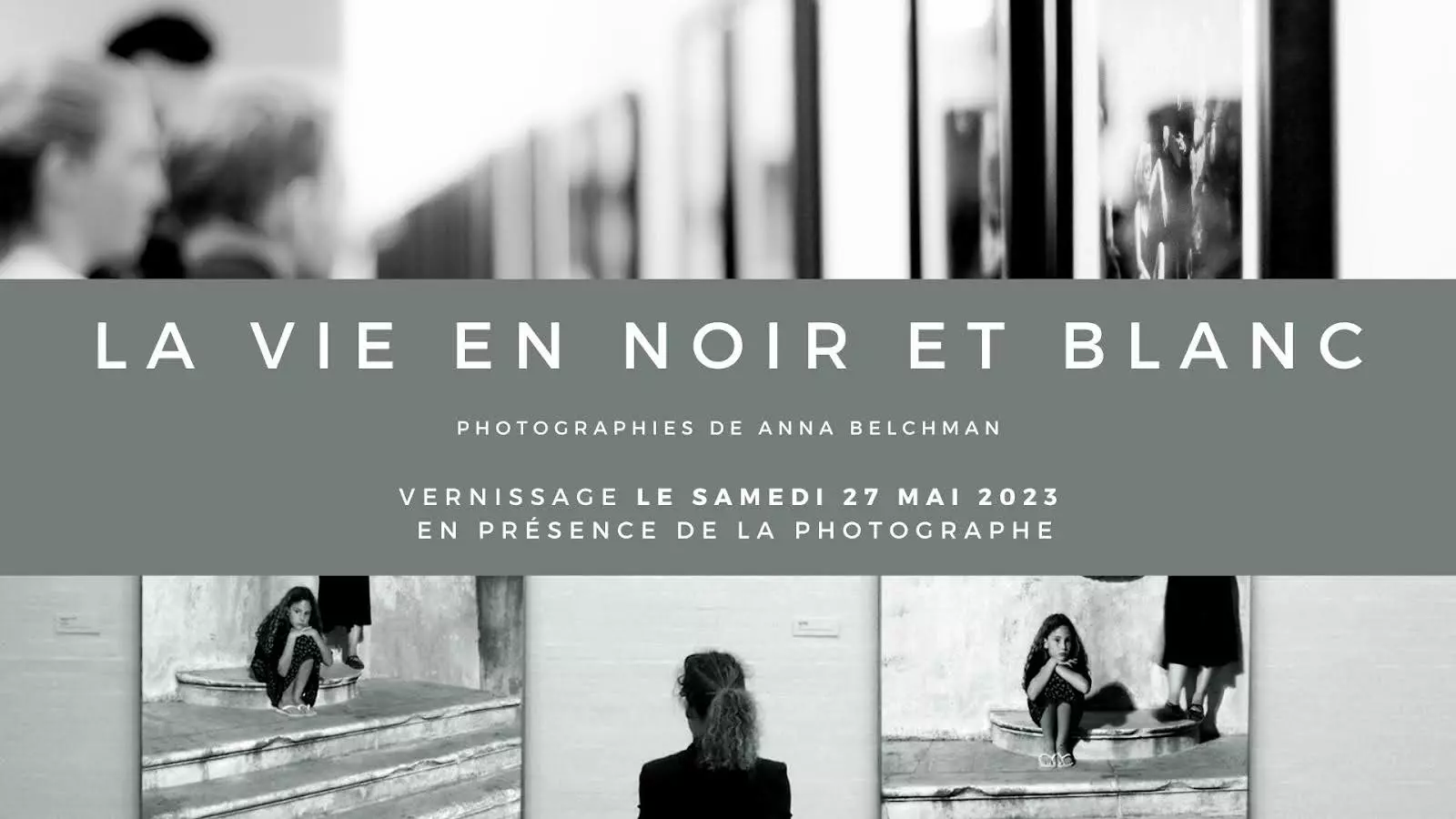
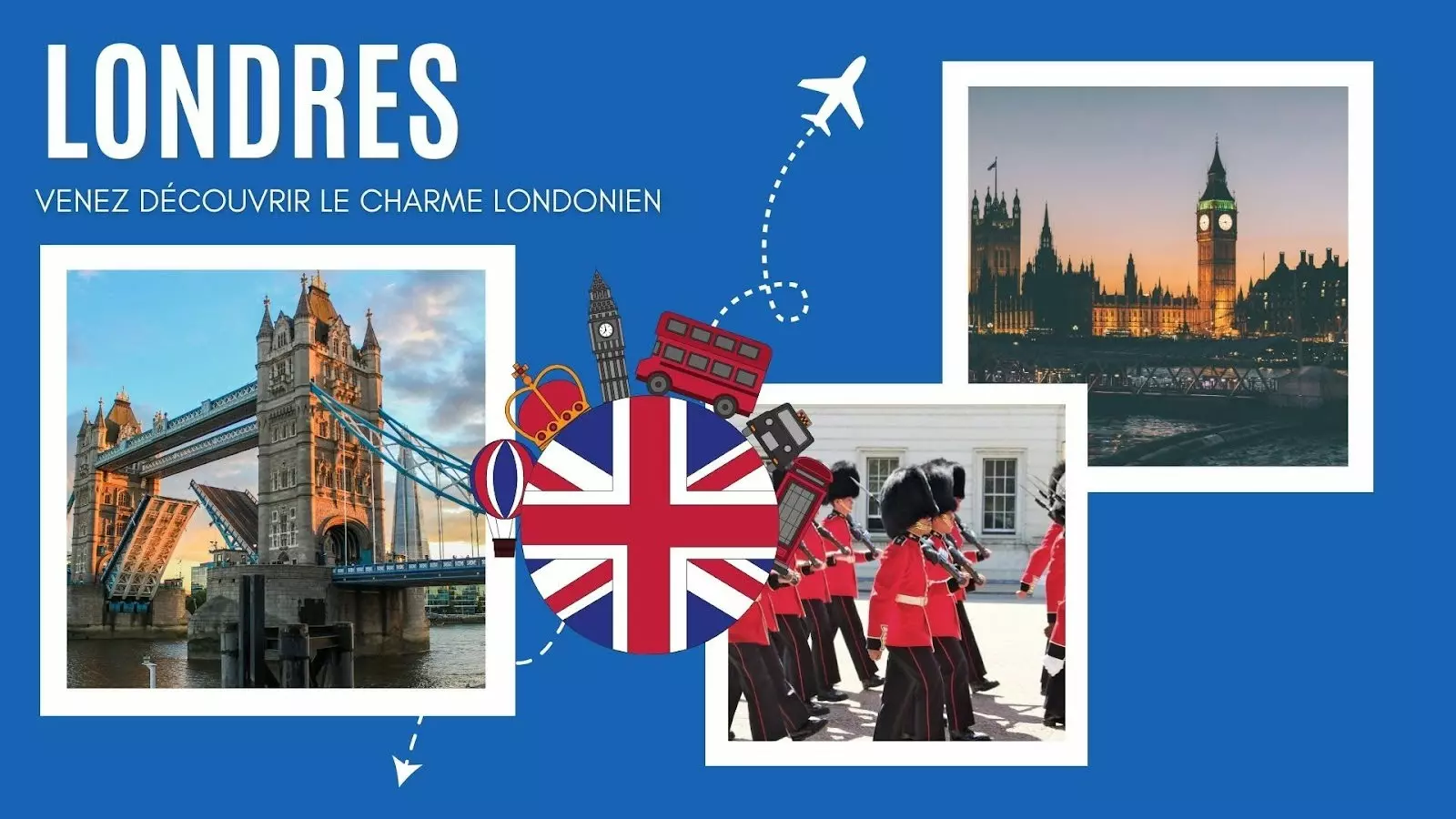
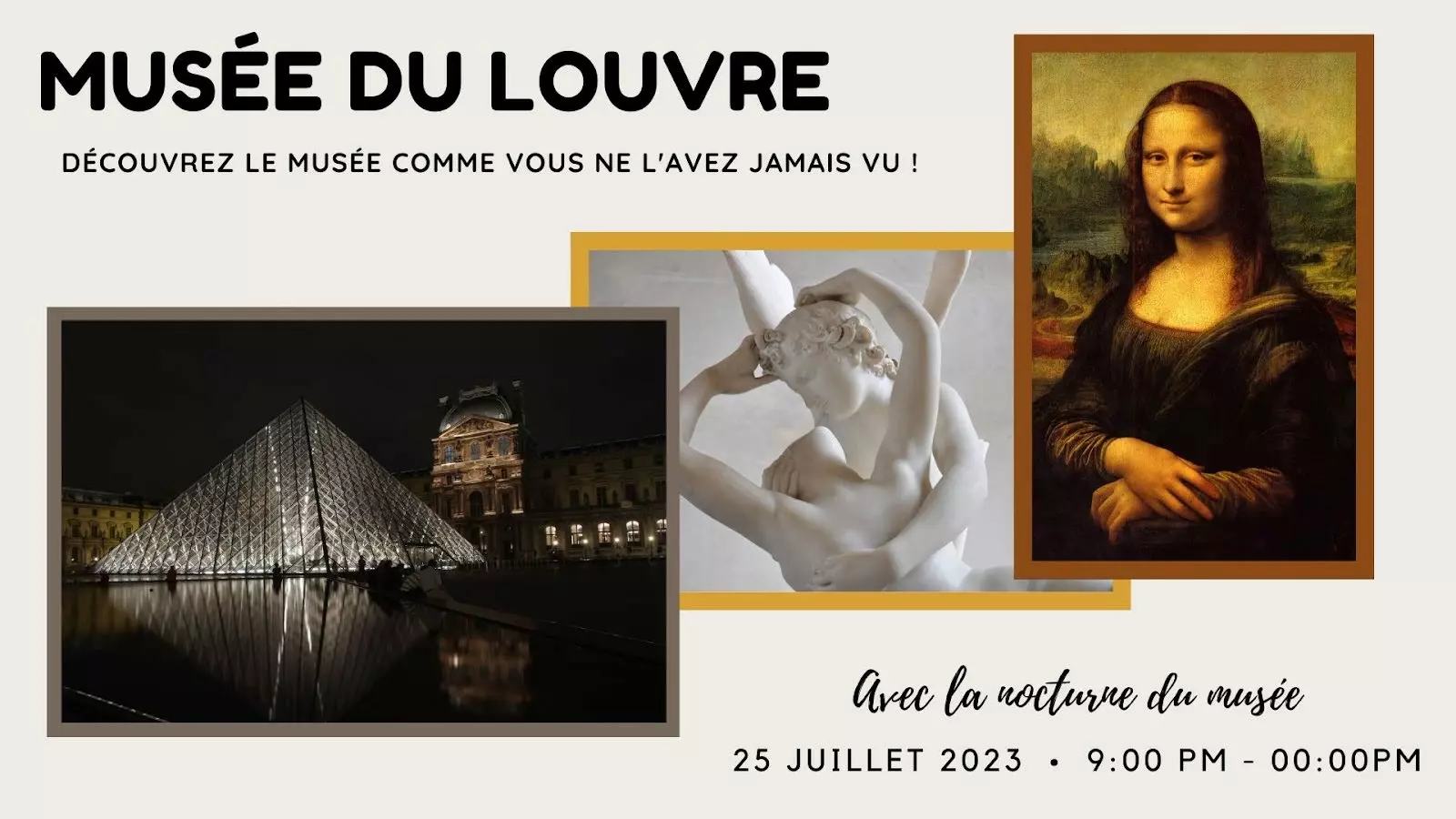
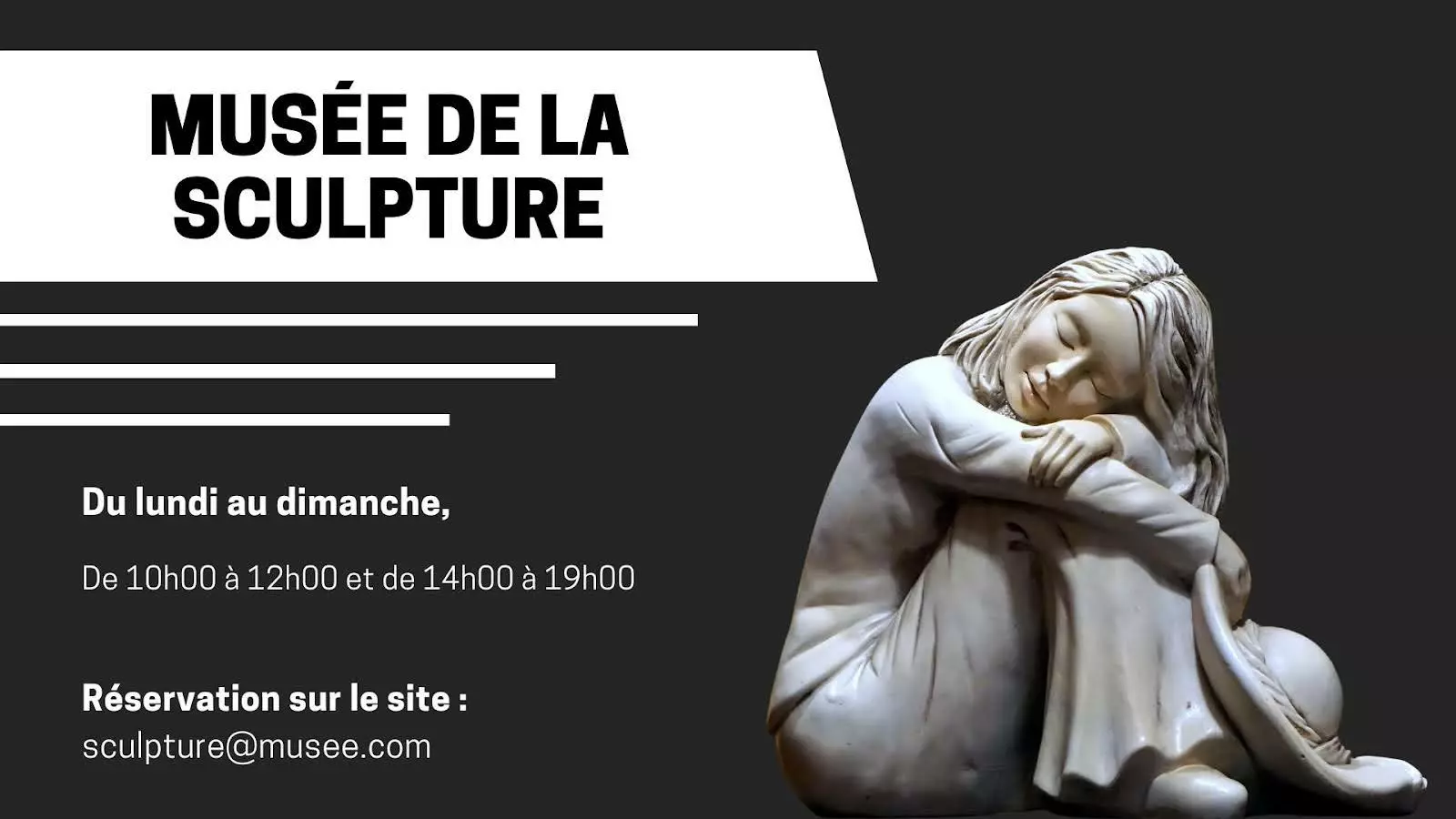
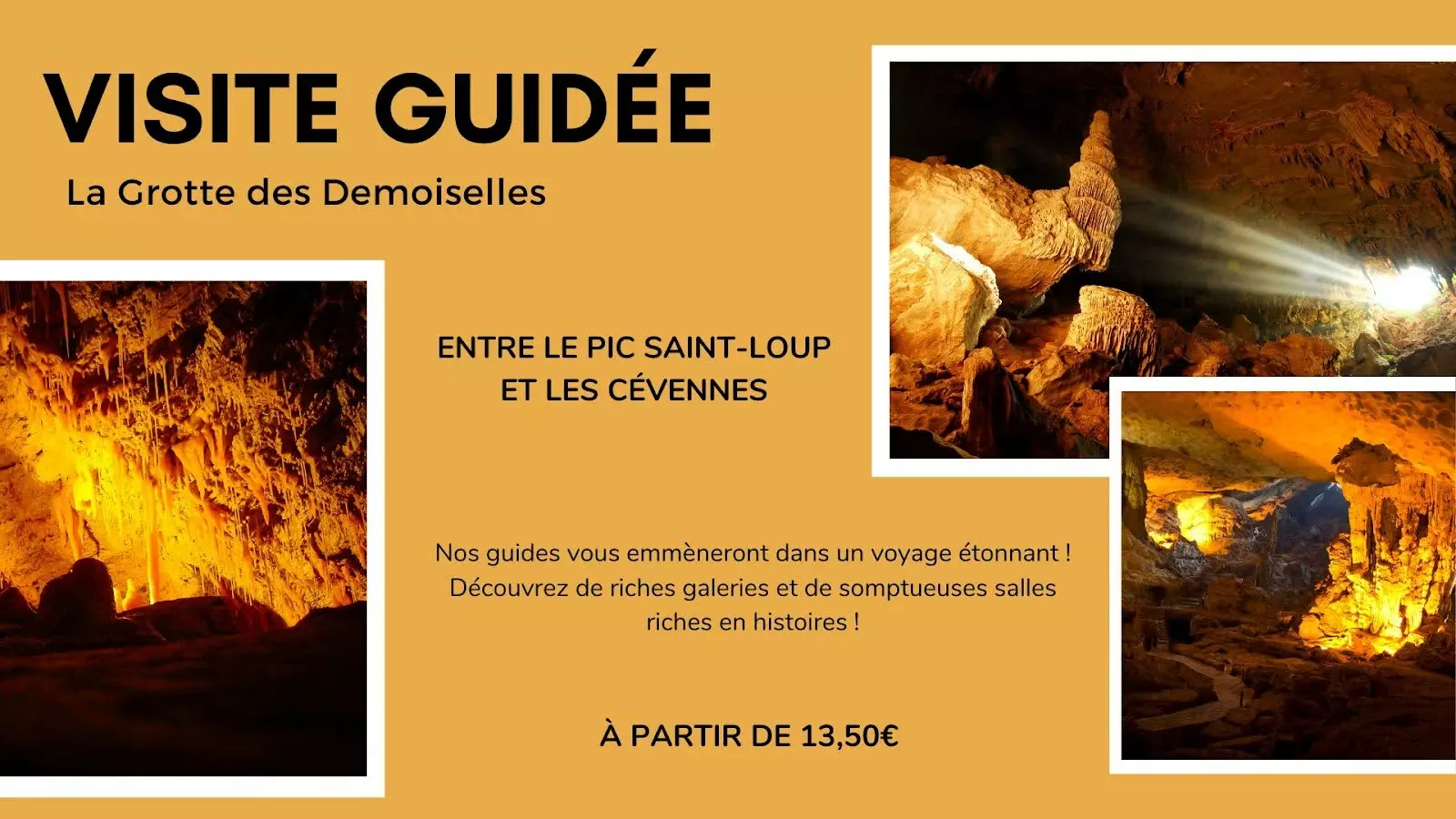

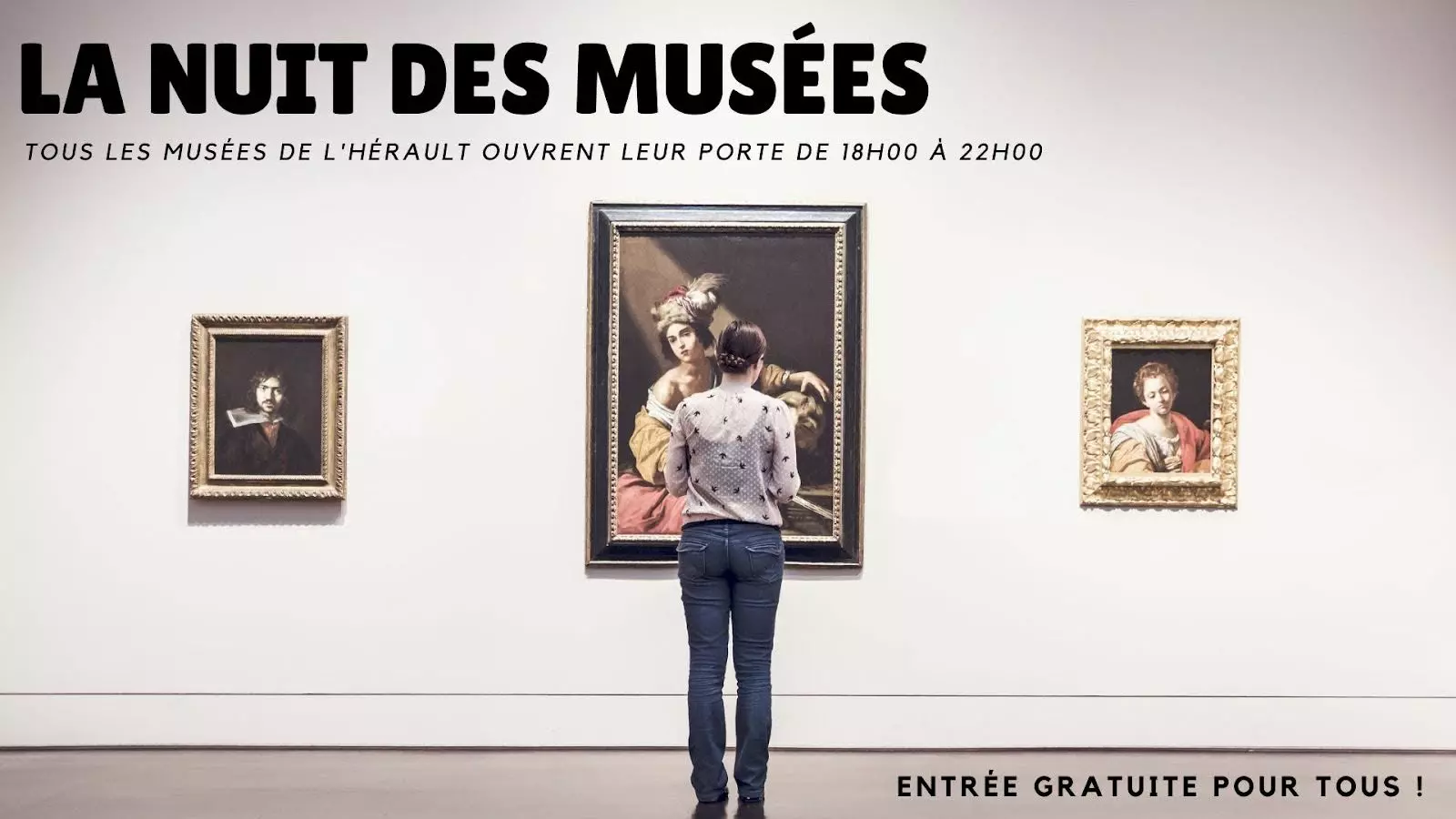
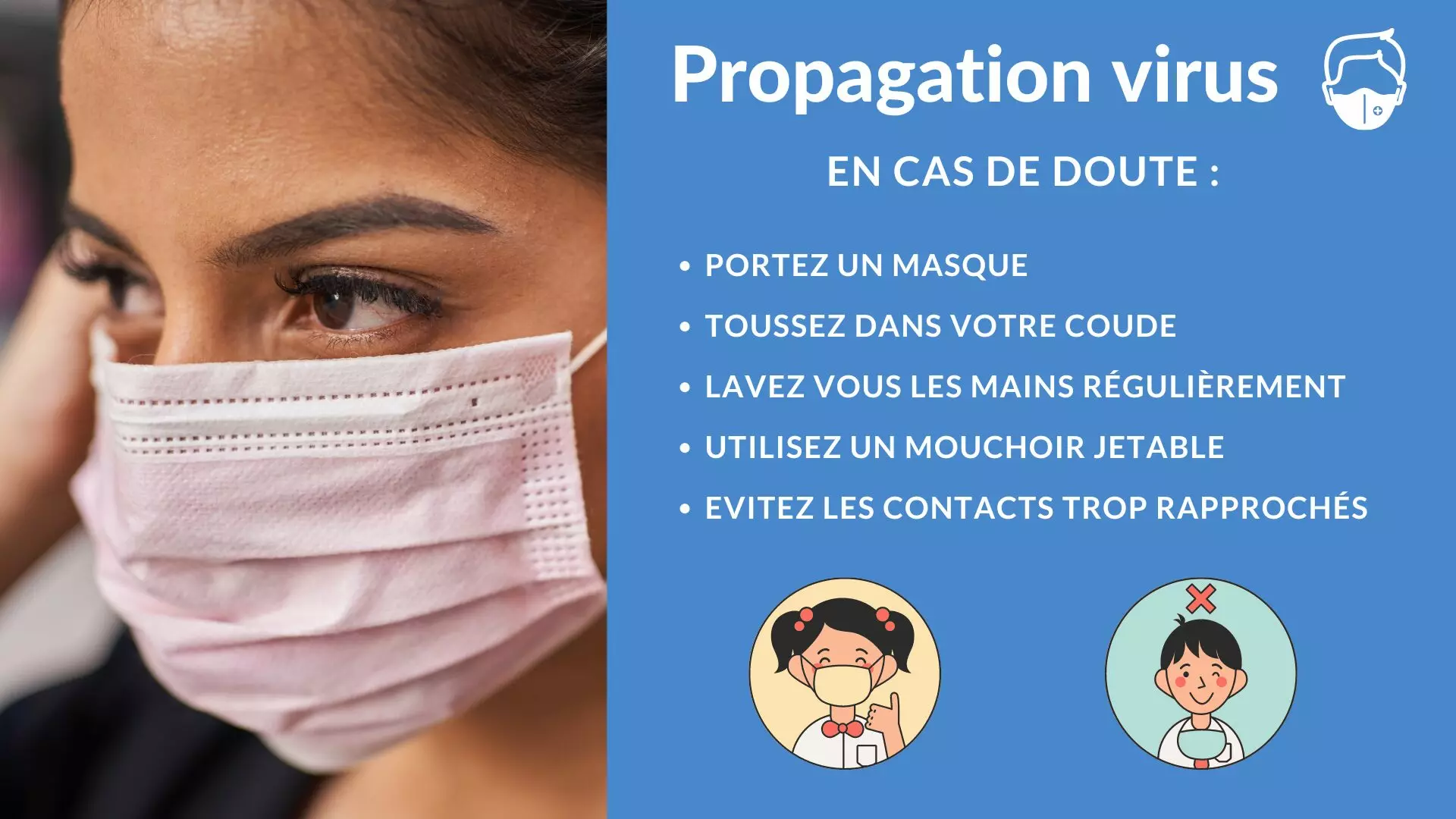
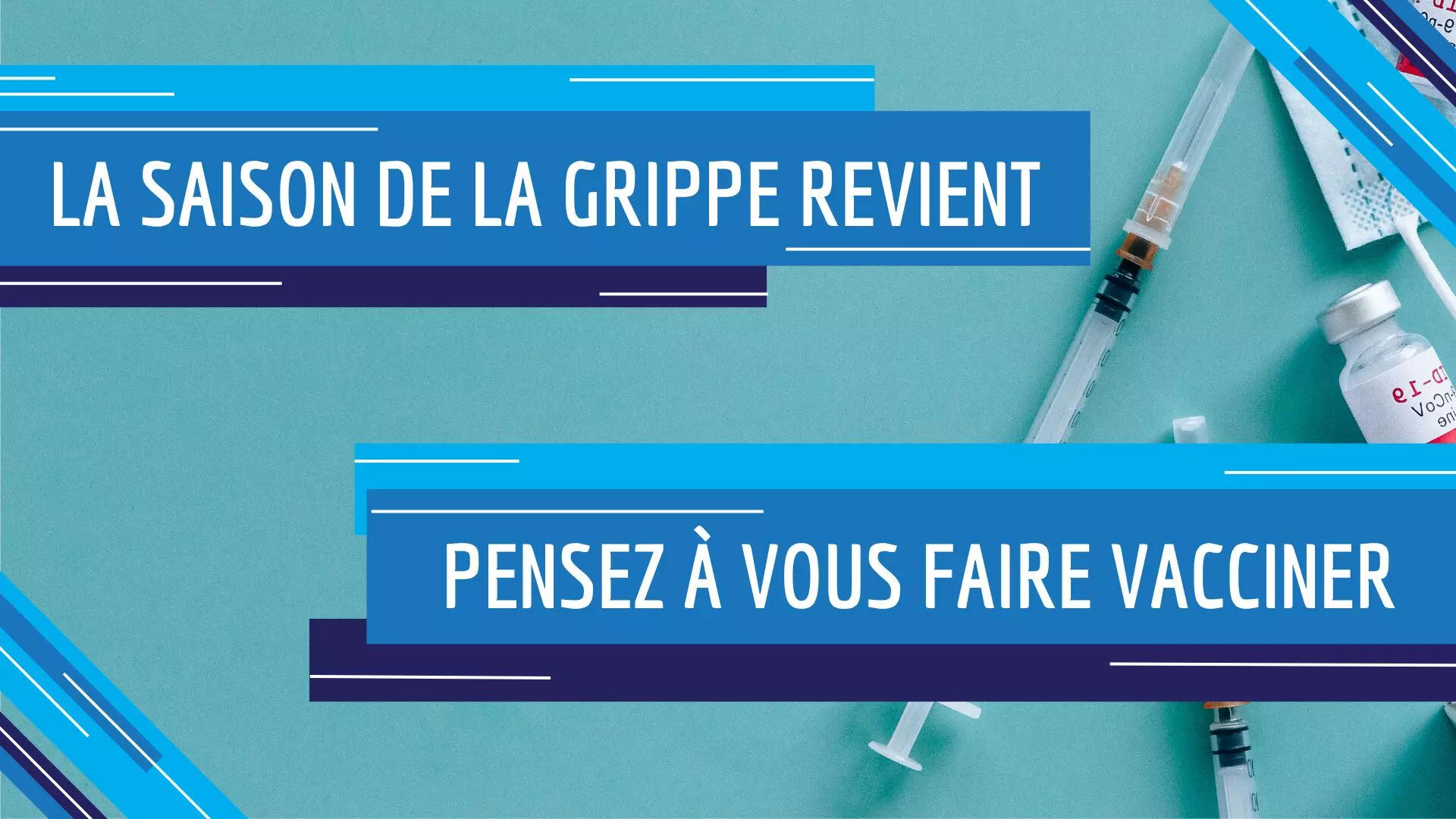
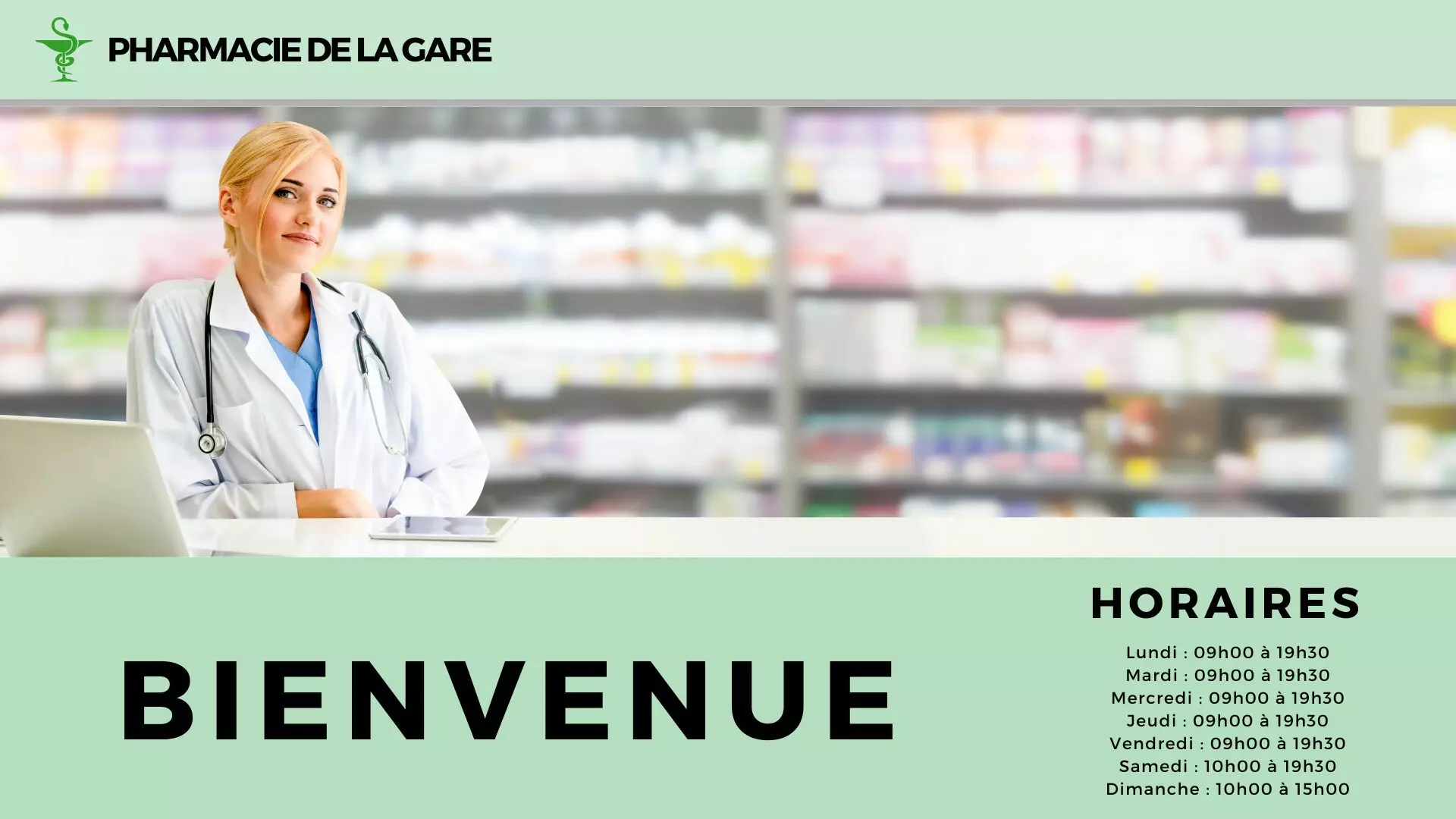
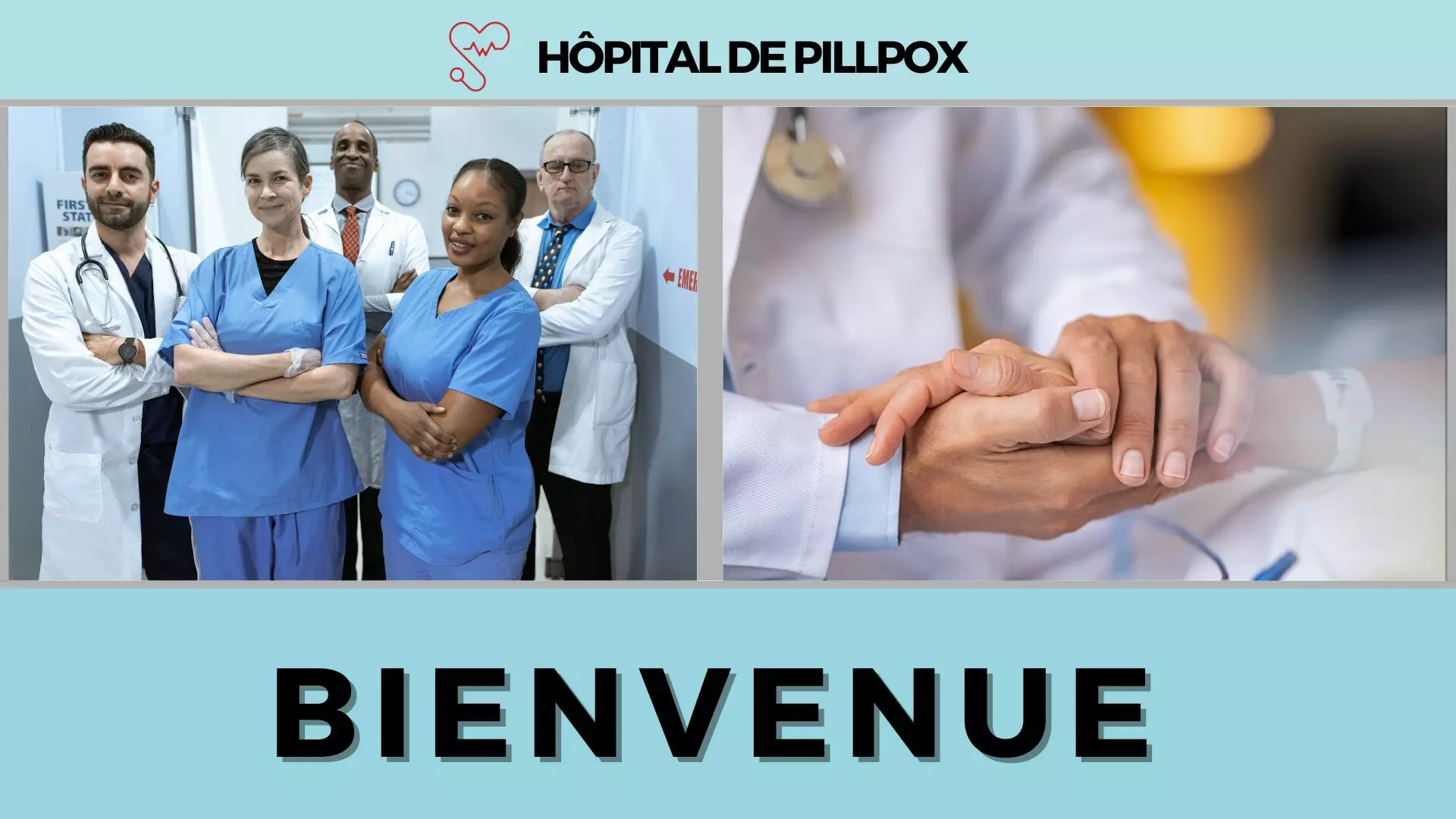
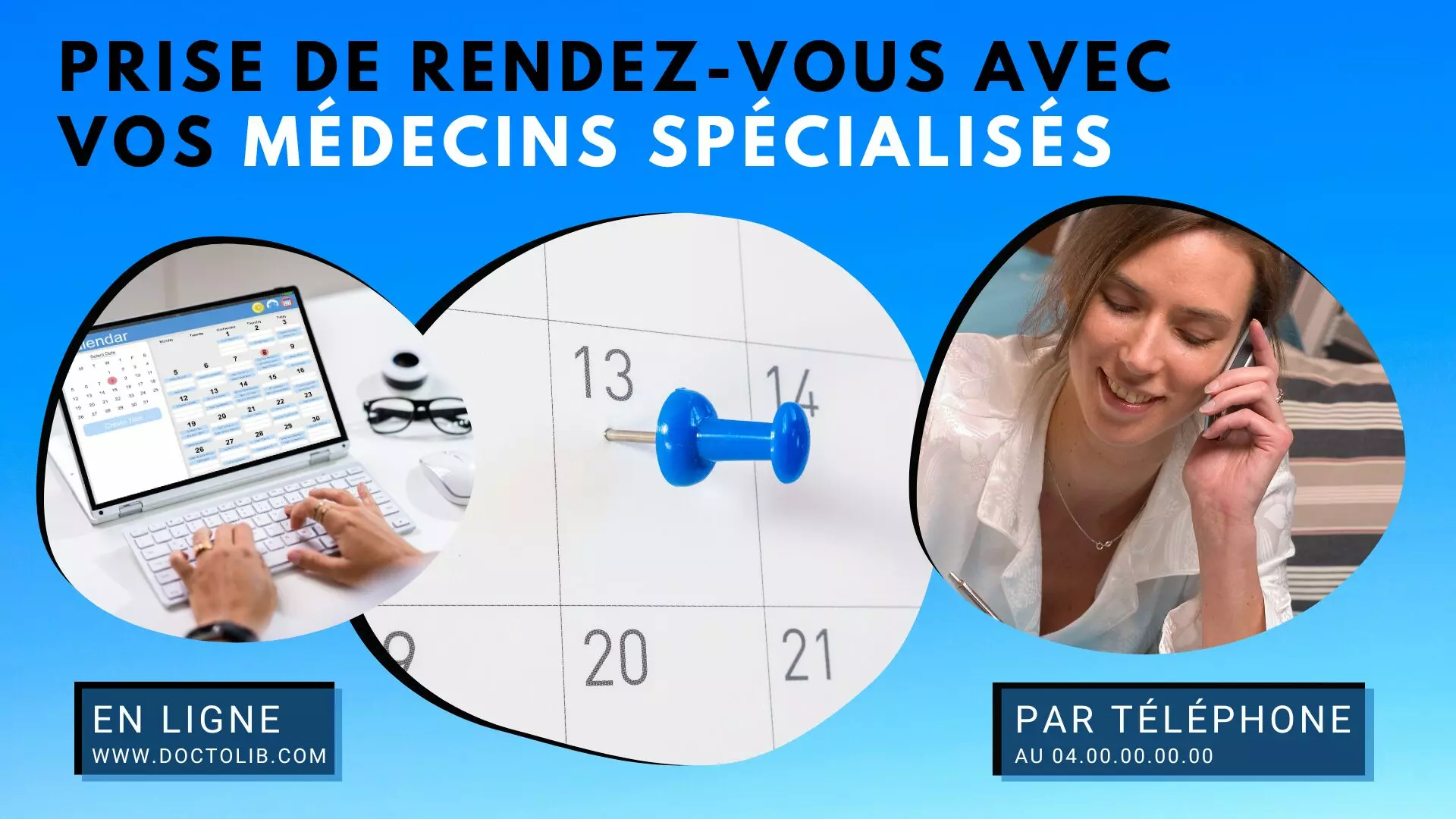
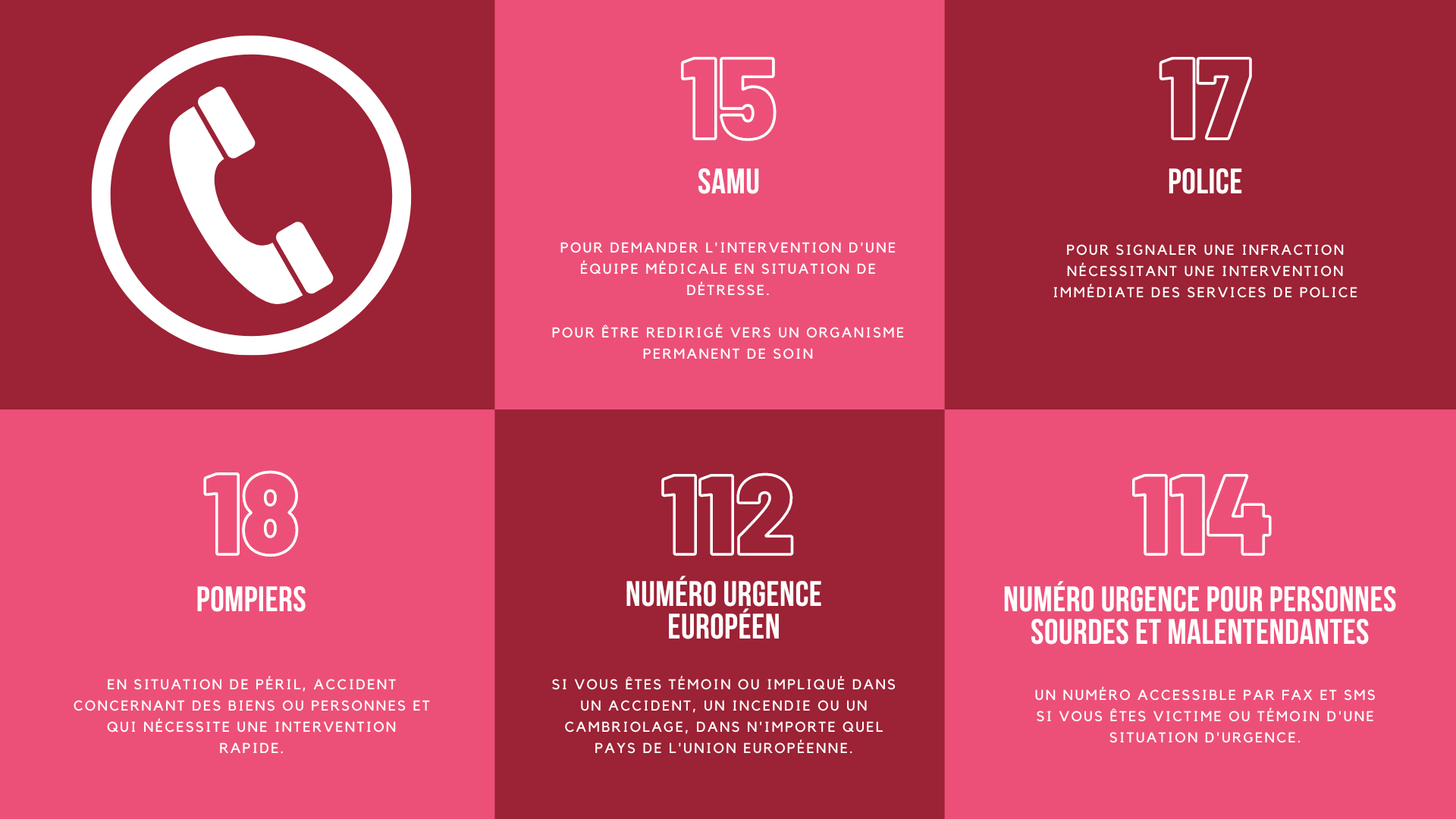
Healthcare and pharmacy
Waiting room, prevention, out-of-hours cover, pharmacy offers: a plain, legible register. 12 templates, 4 of them animated.


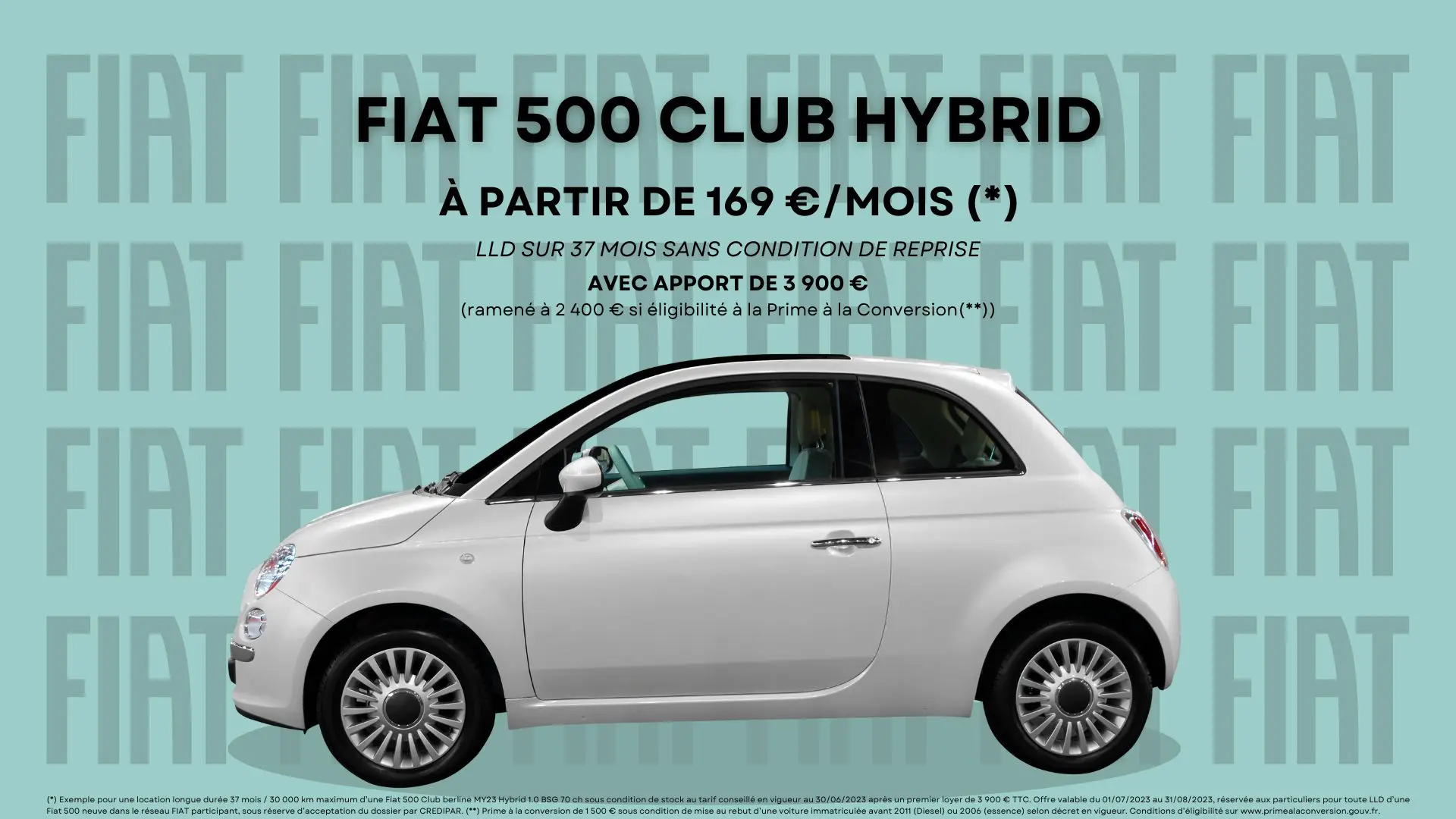
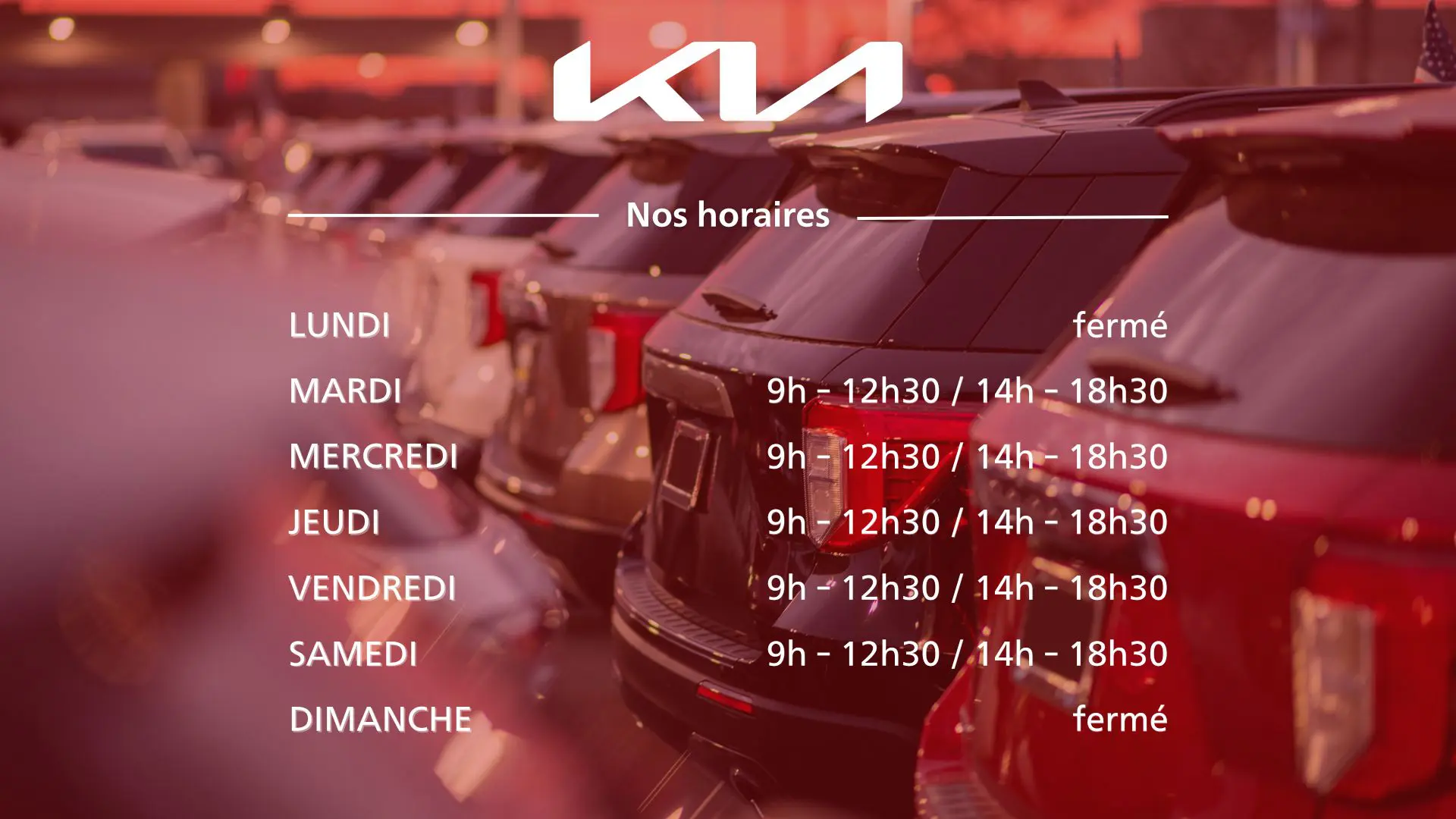
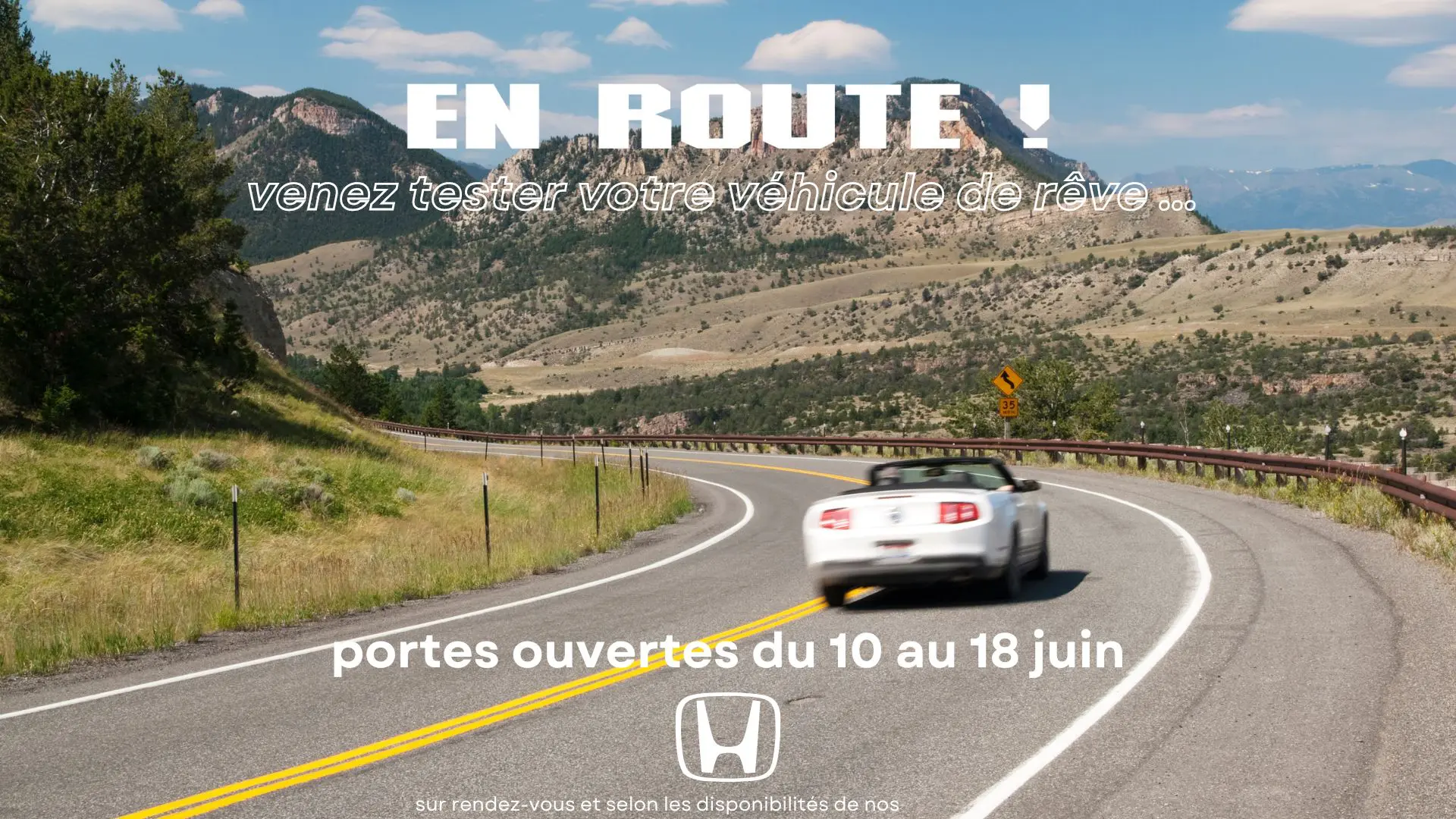
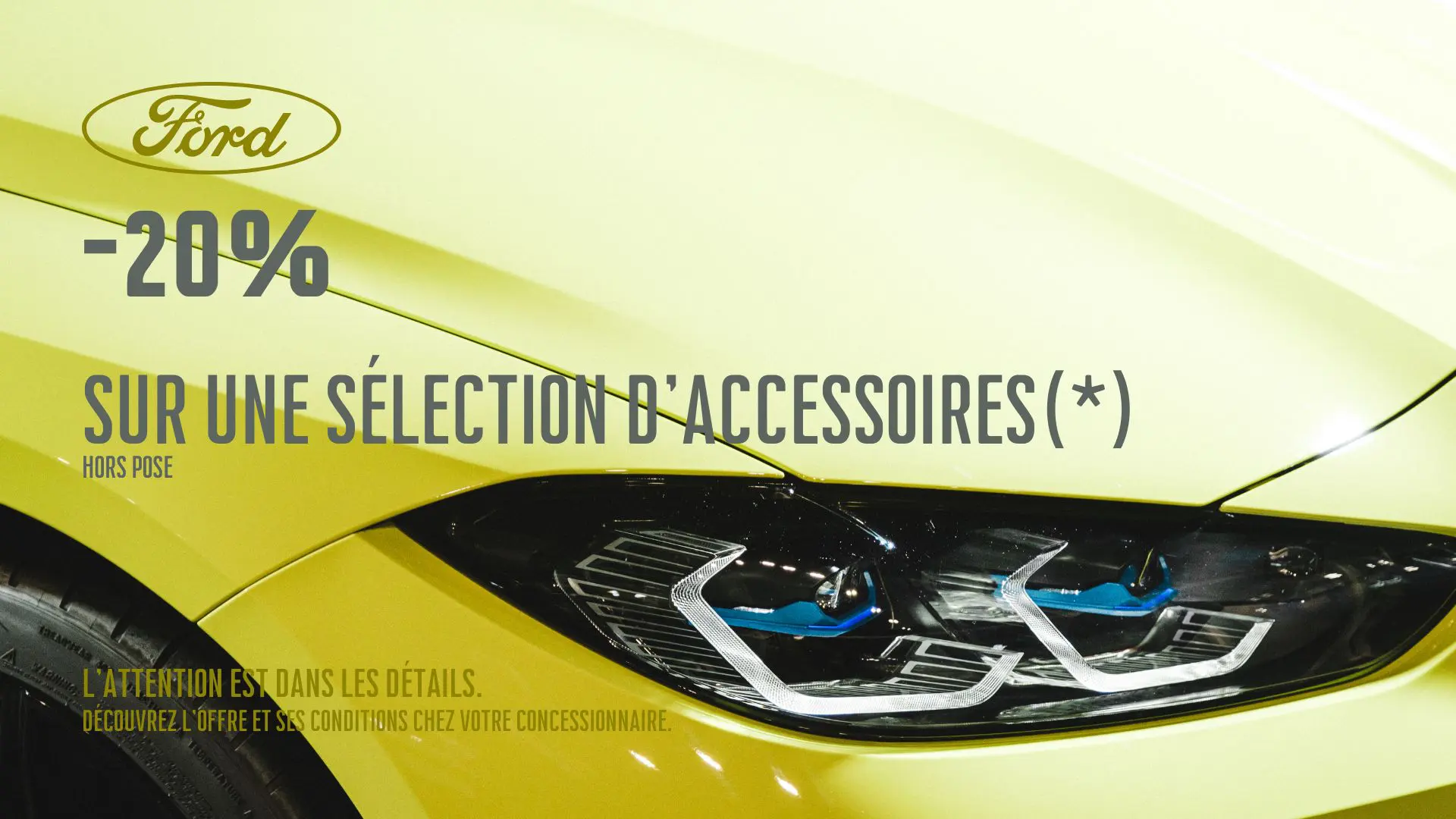
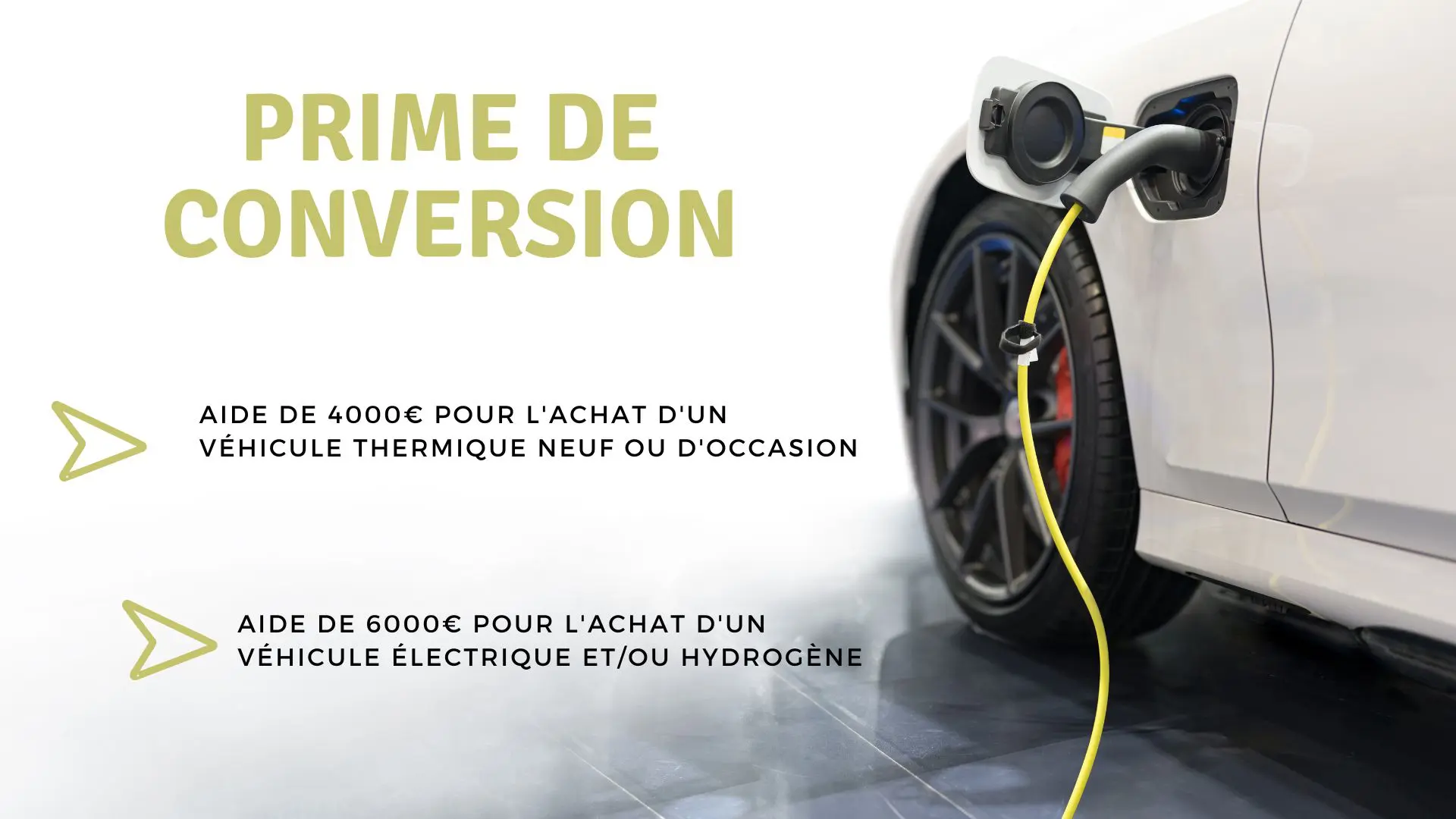
Automotive
Vehicles in stock, finance offers, the workshop: a showroom refreshes its message every week. 9 templates, 3 of them animated.

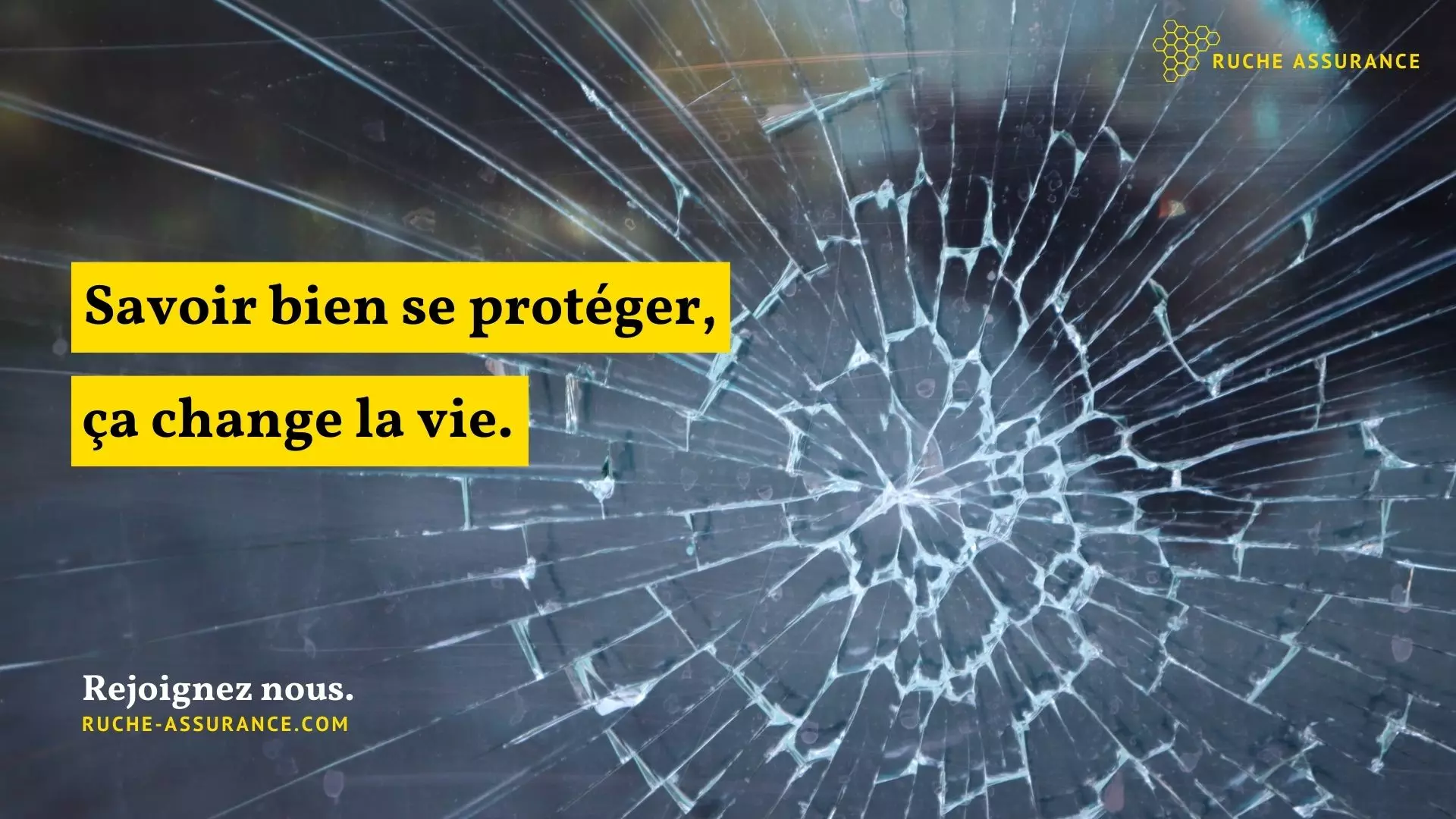
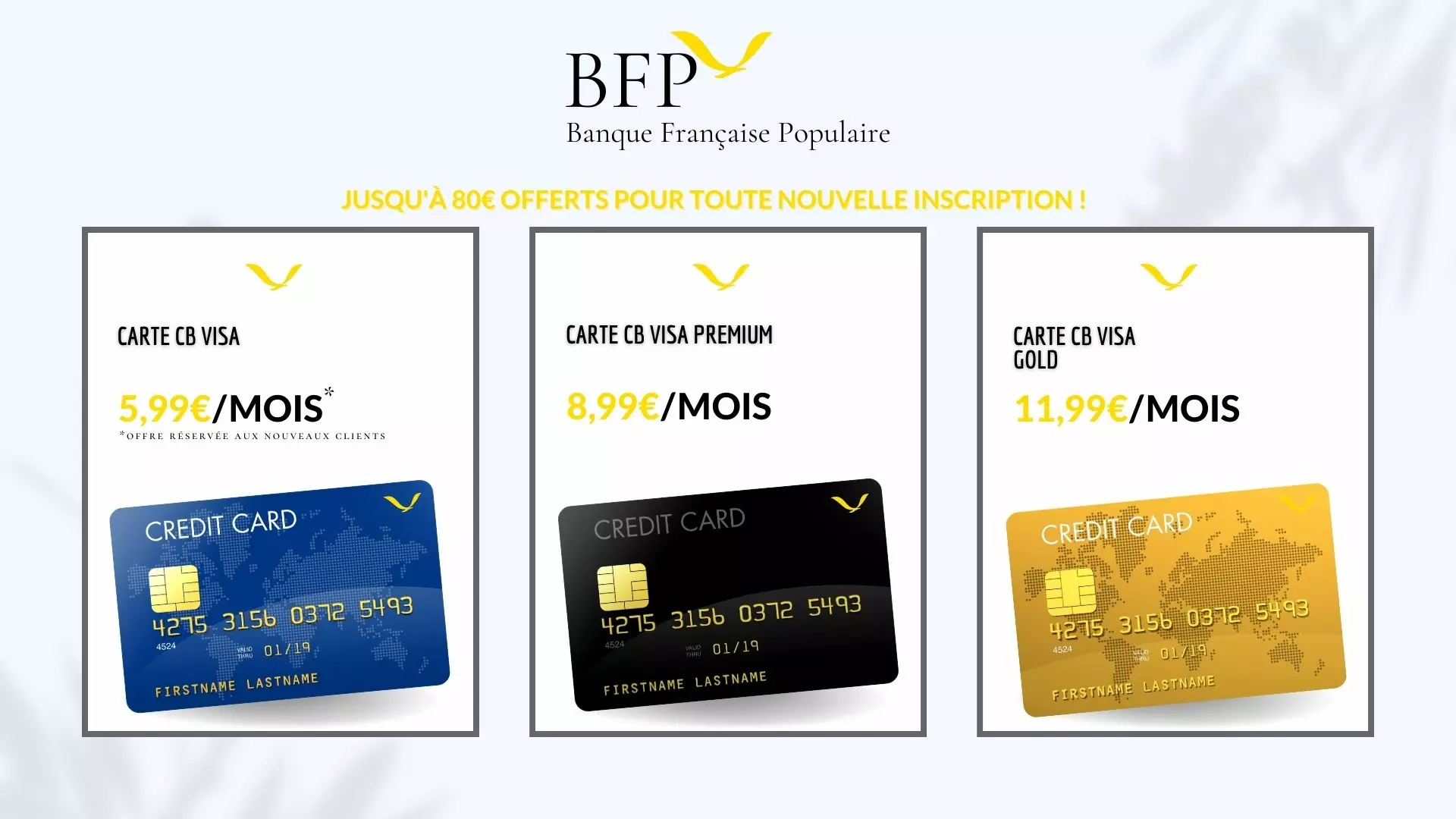
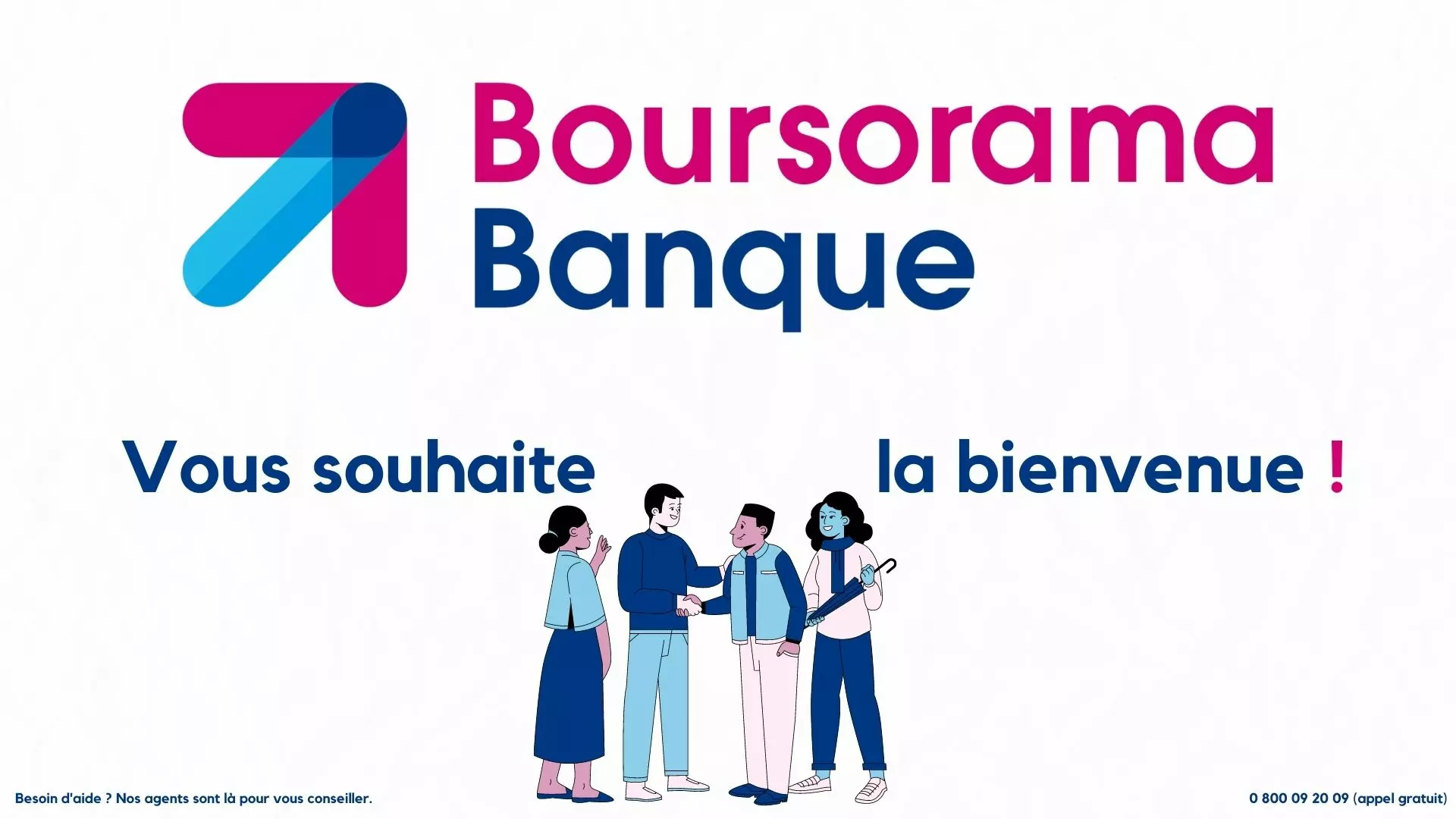
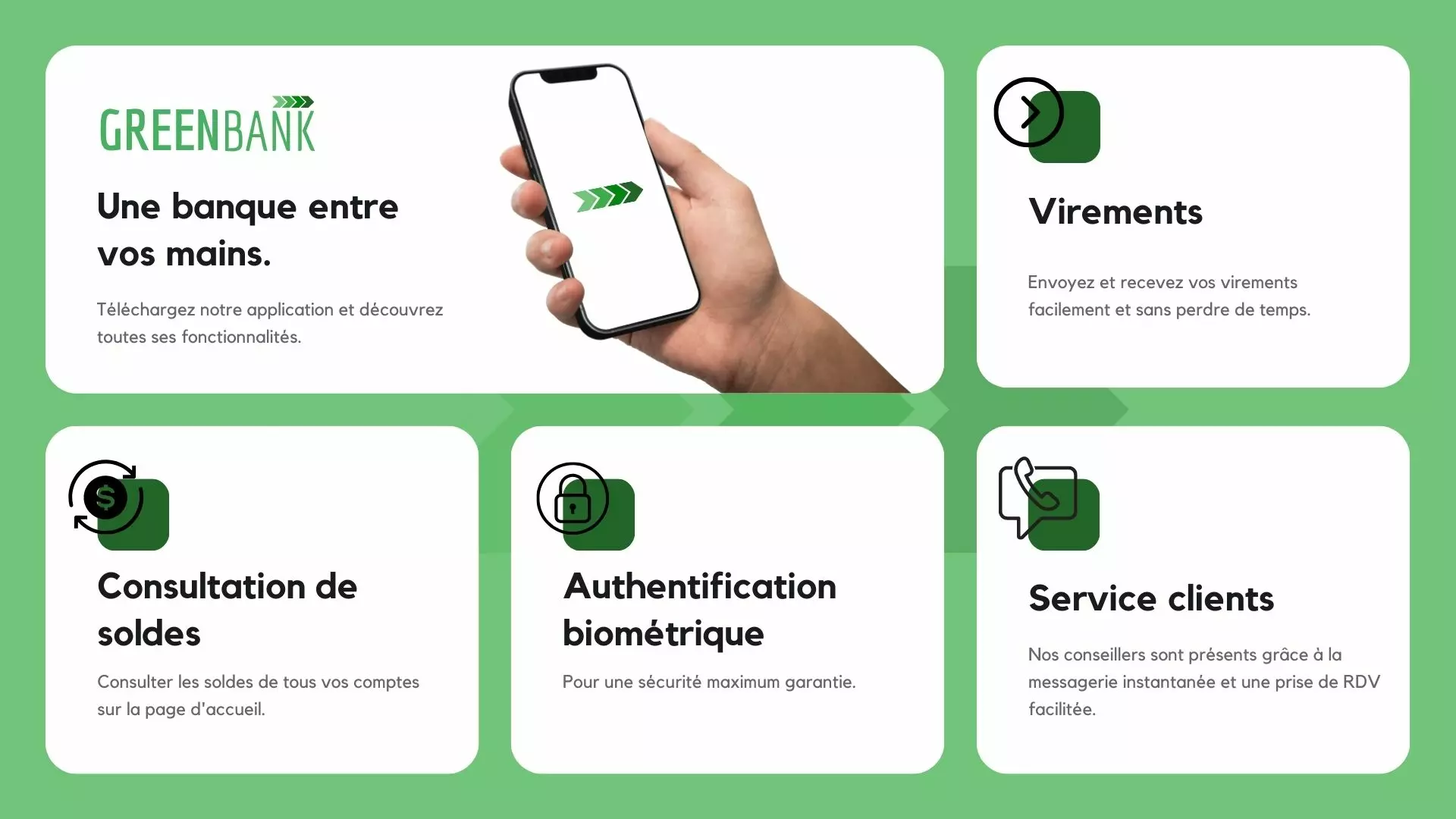
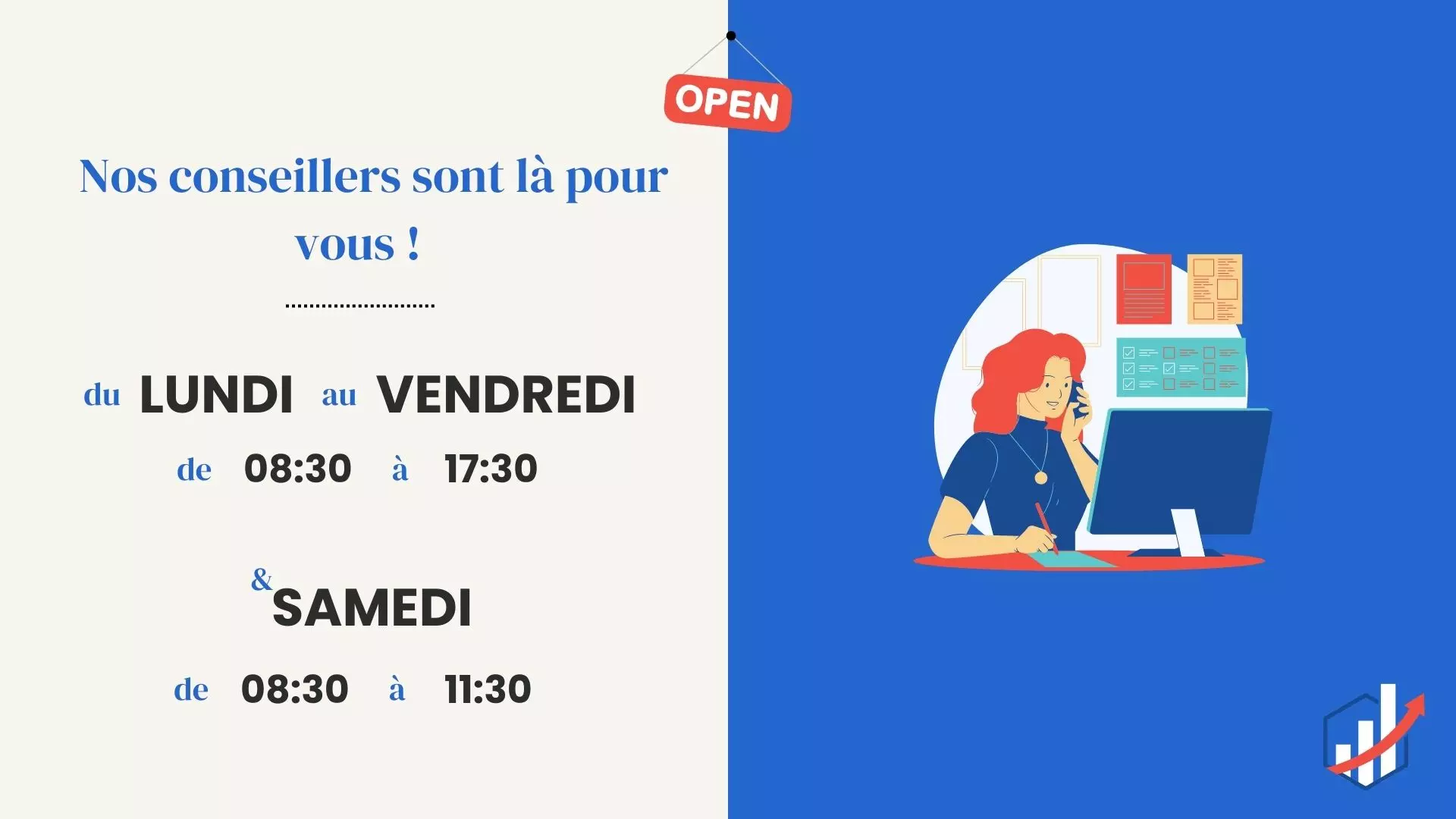
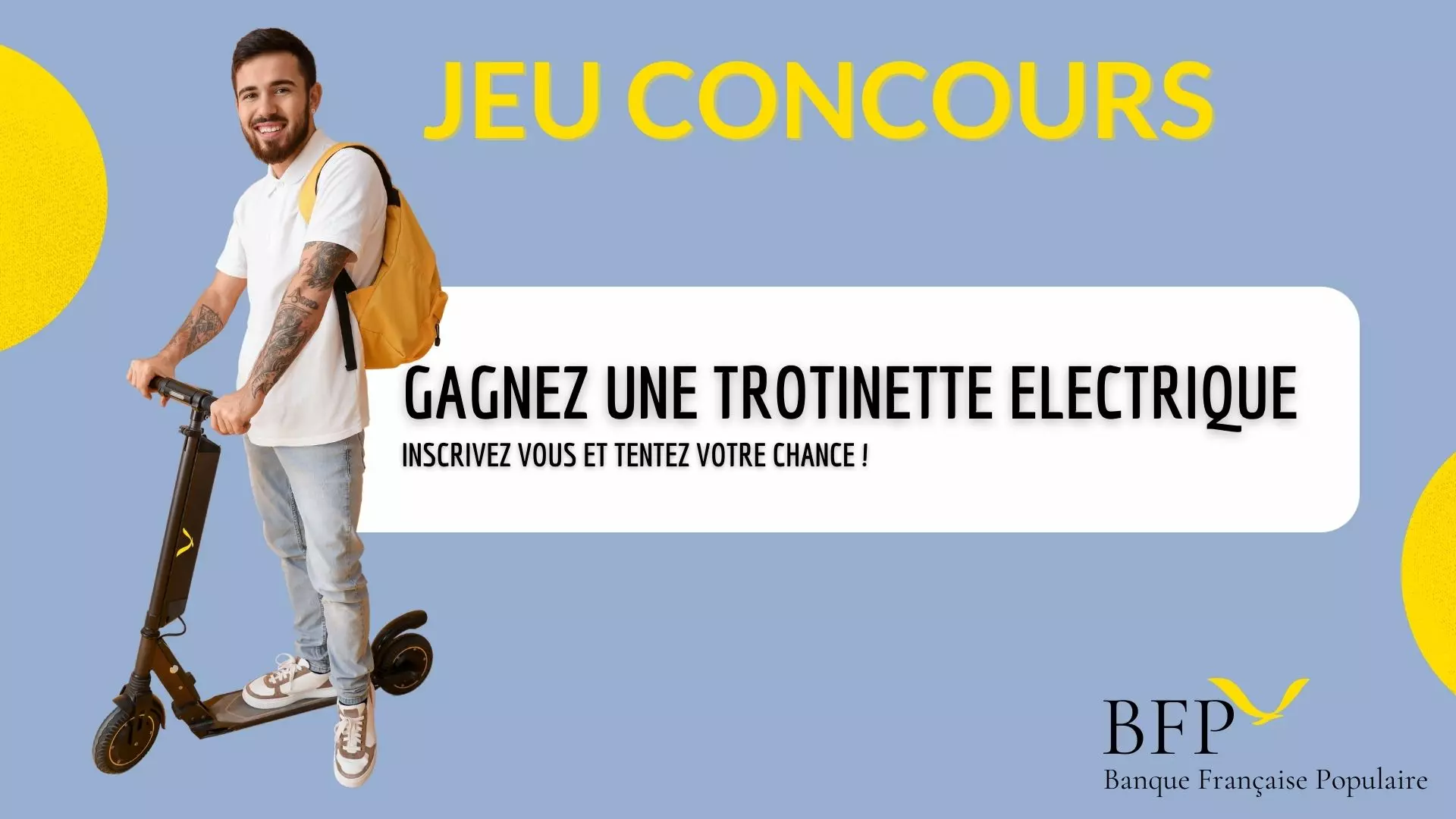
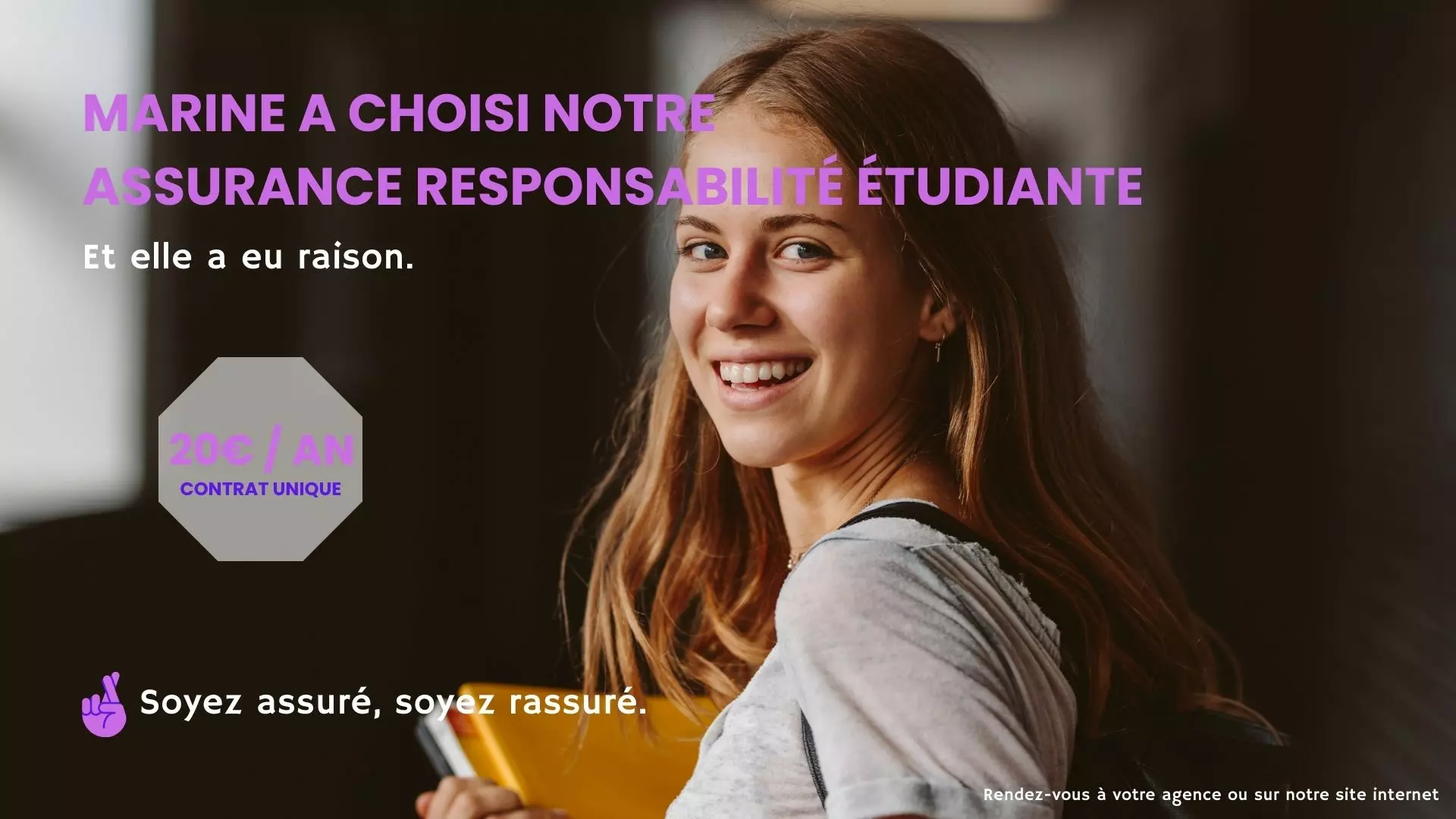
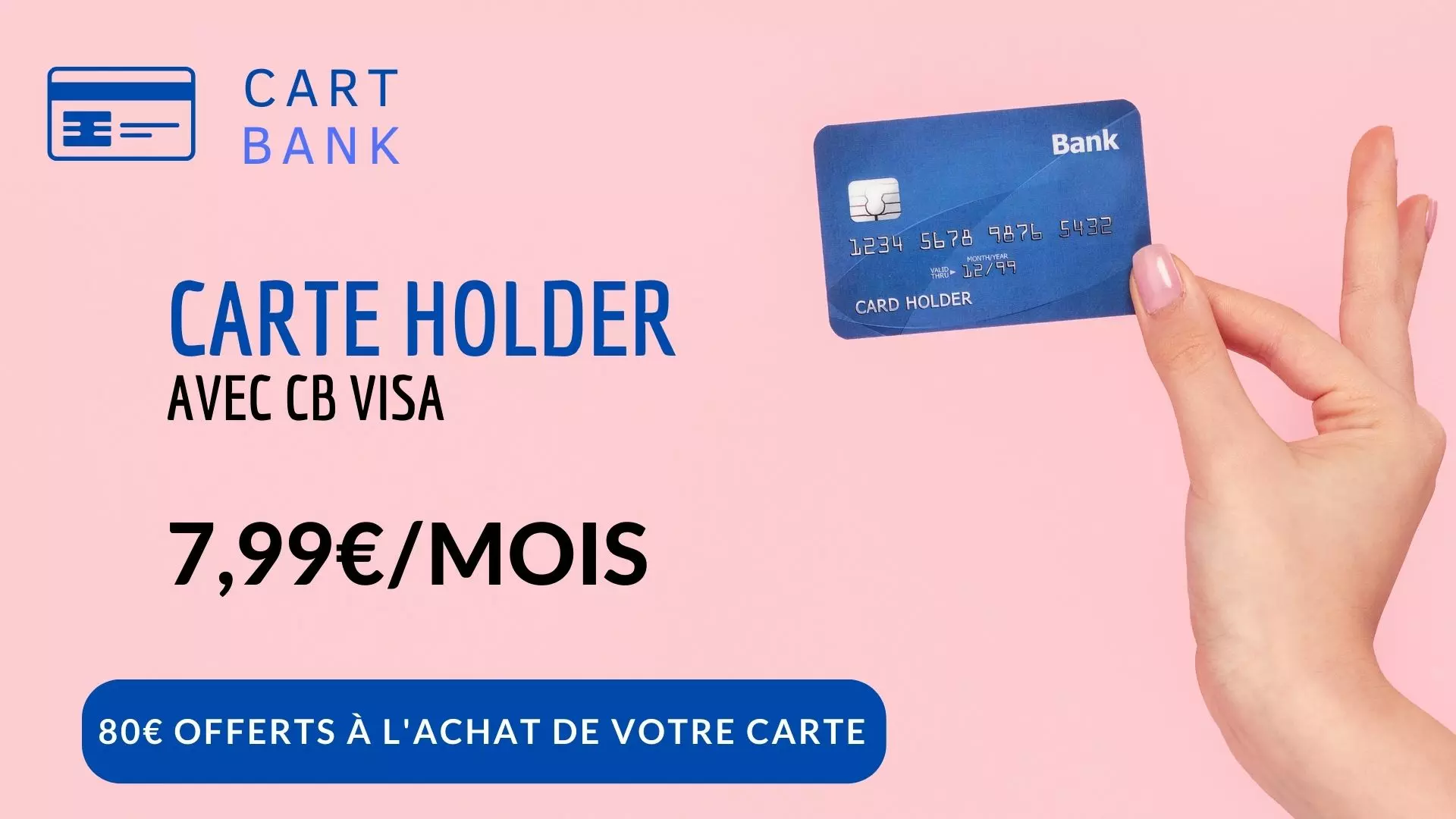
Banking and insurance
Rates, products, booking an appointment: a measured tone, accurate figures, no promise of returns. 12 templates, 2 of them animated.


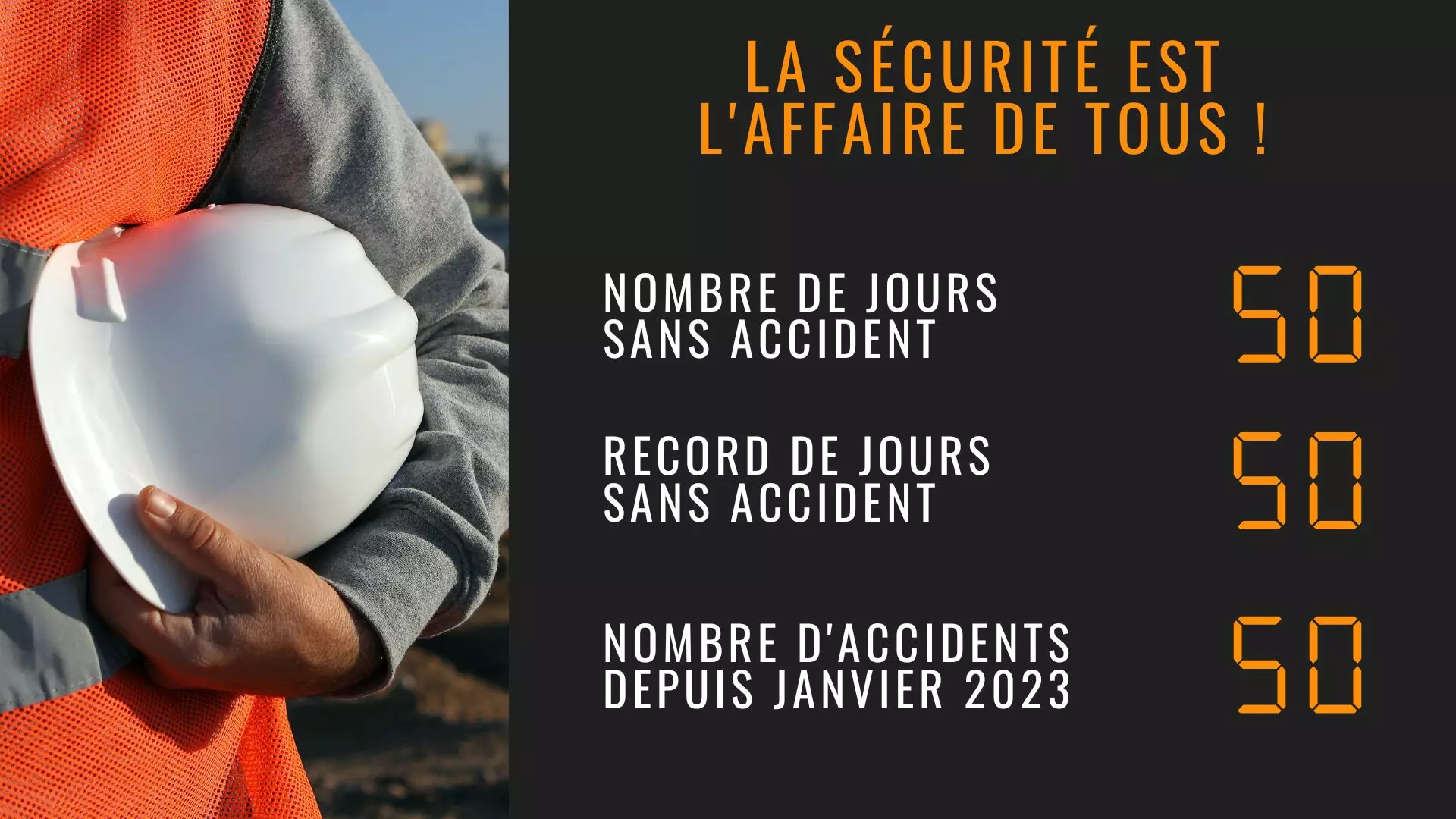
Construction and industry
Safety instructions, days without an accident, output figures: a shop-floor screen is read on the move. 4 templates, 1 of them animated.


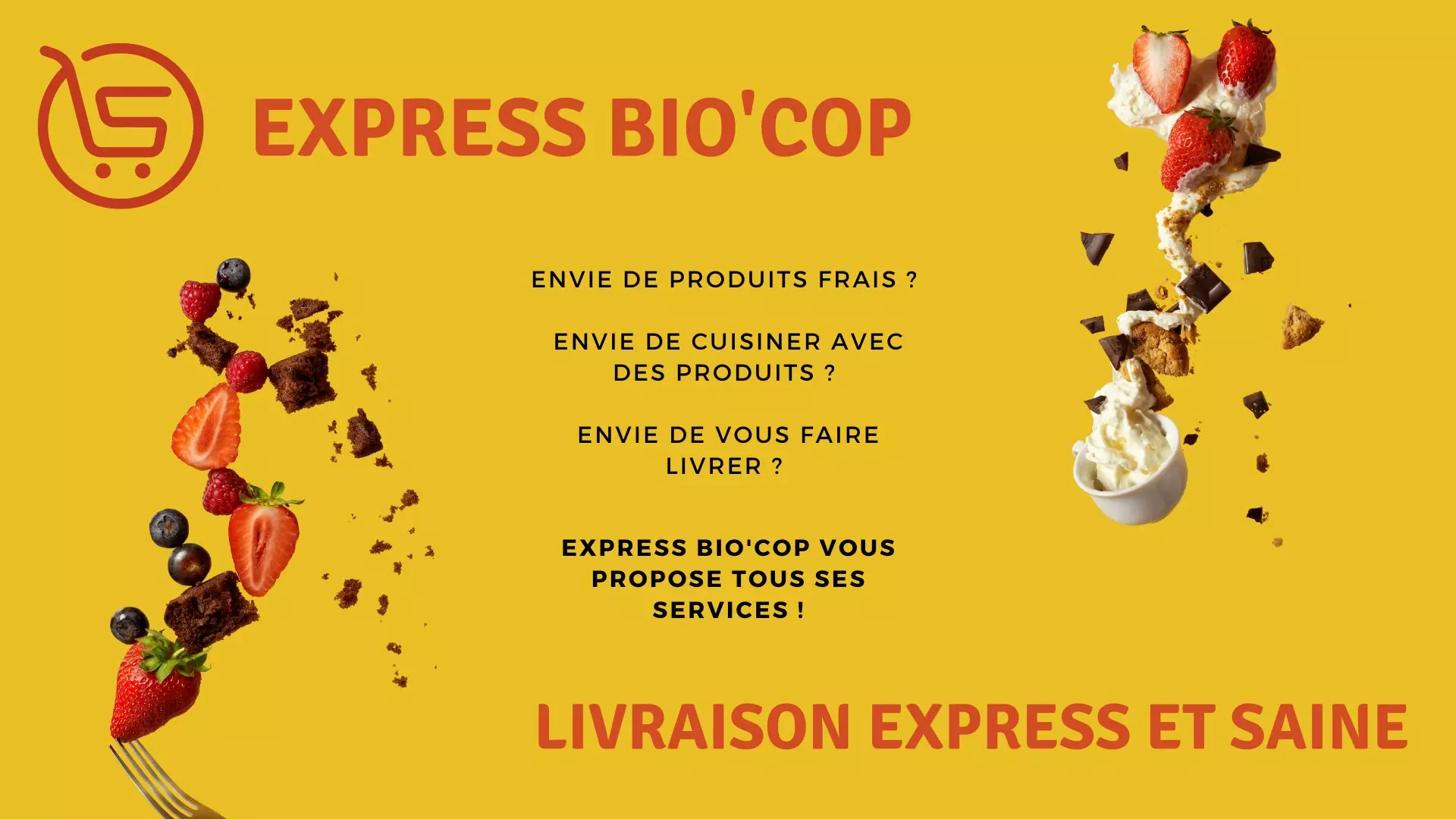
Retail
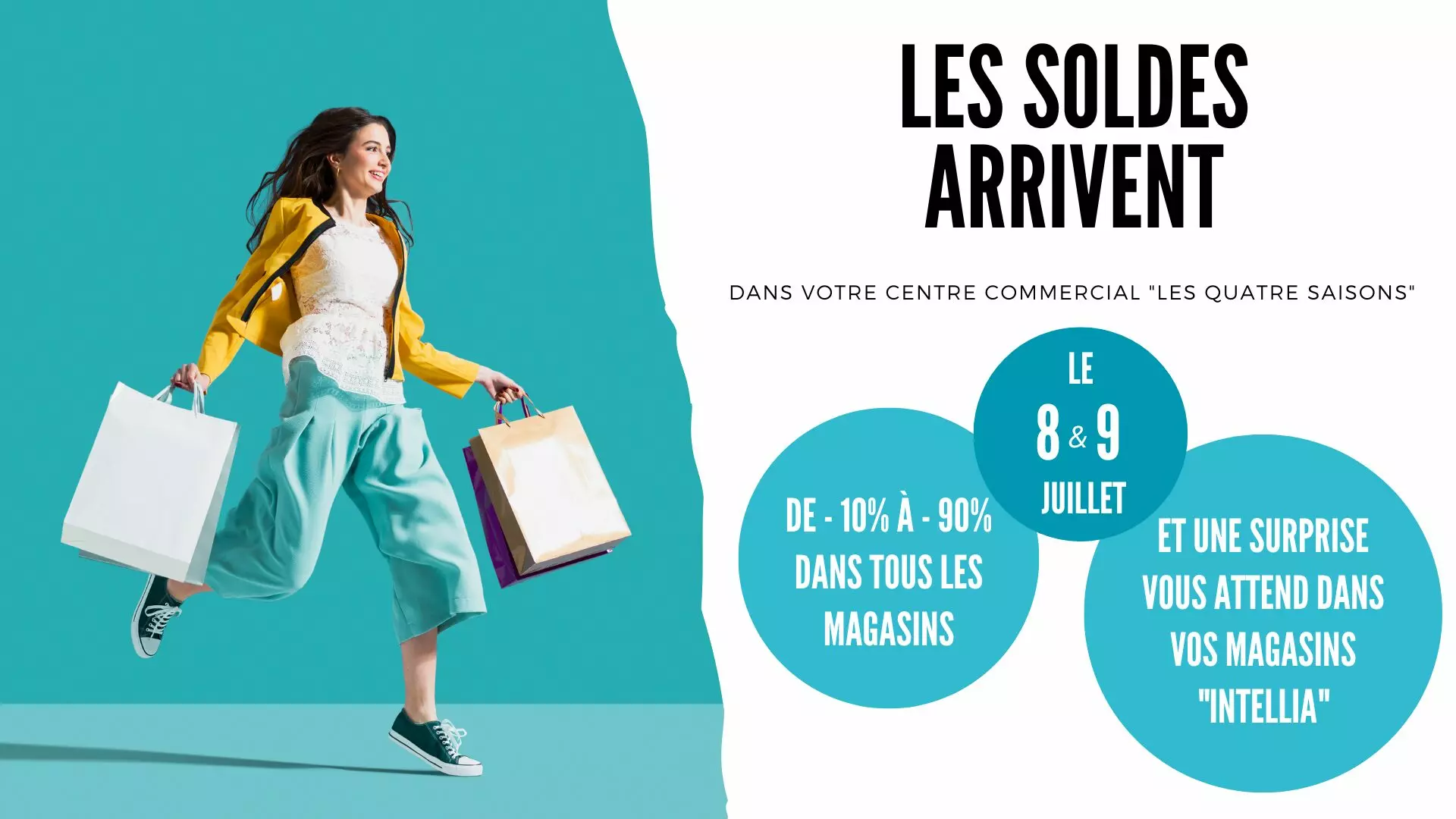
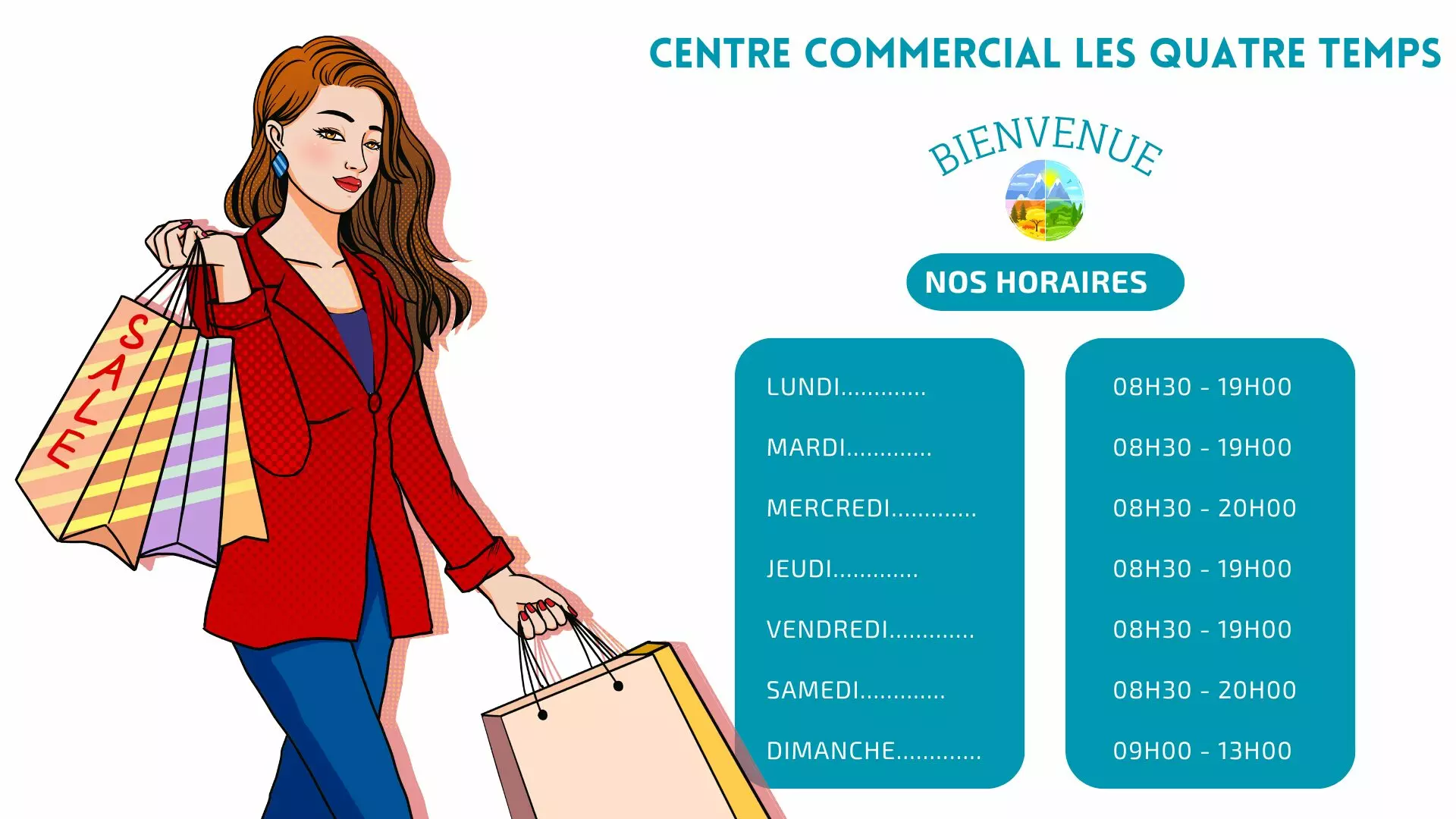
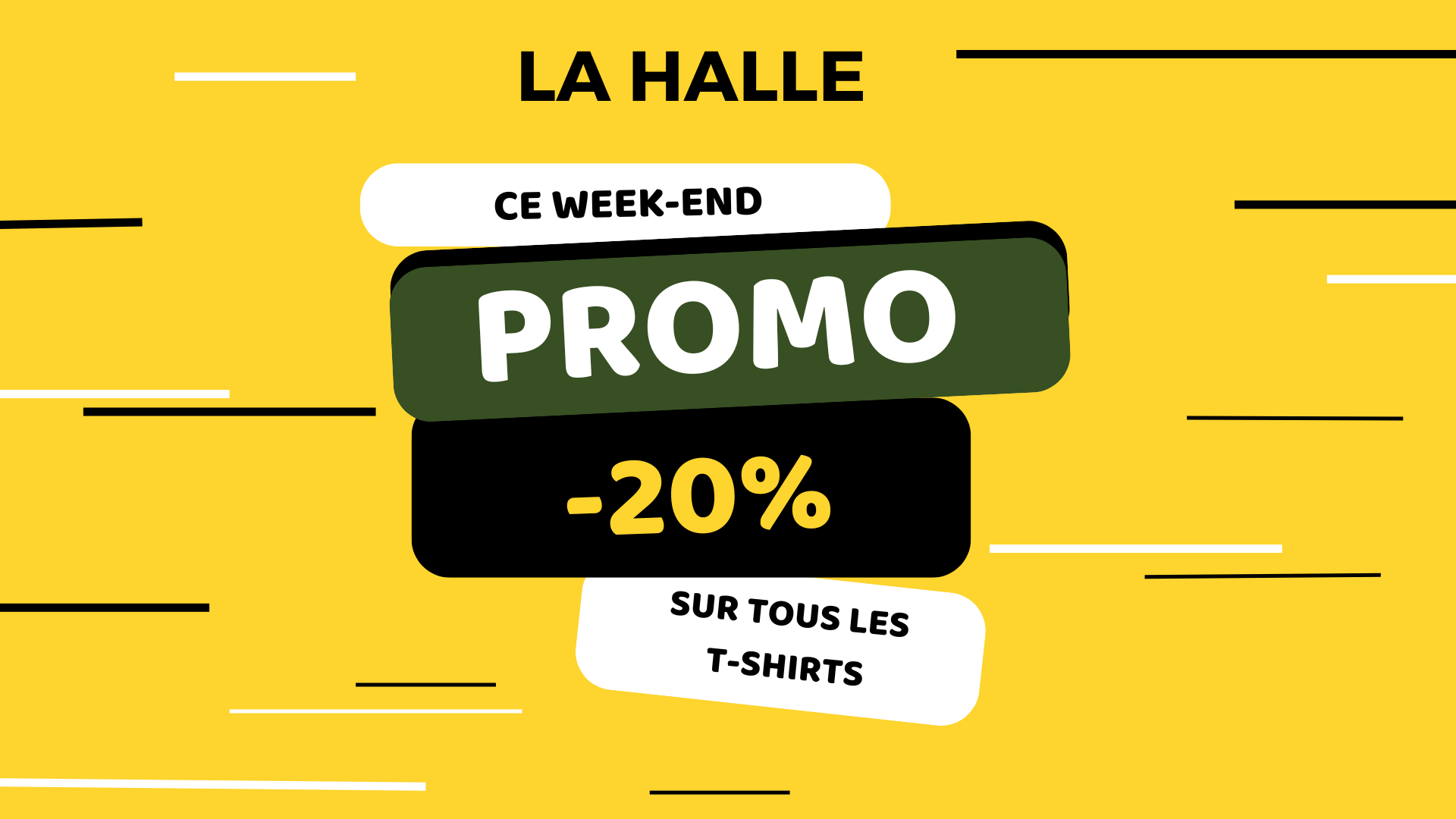
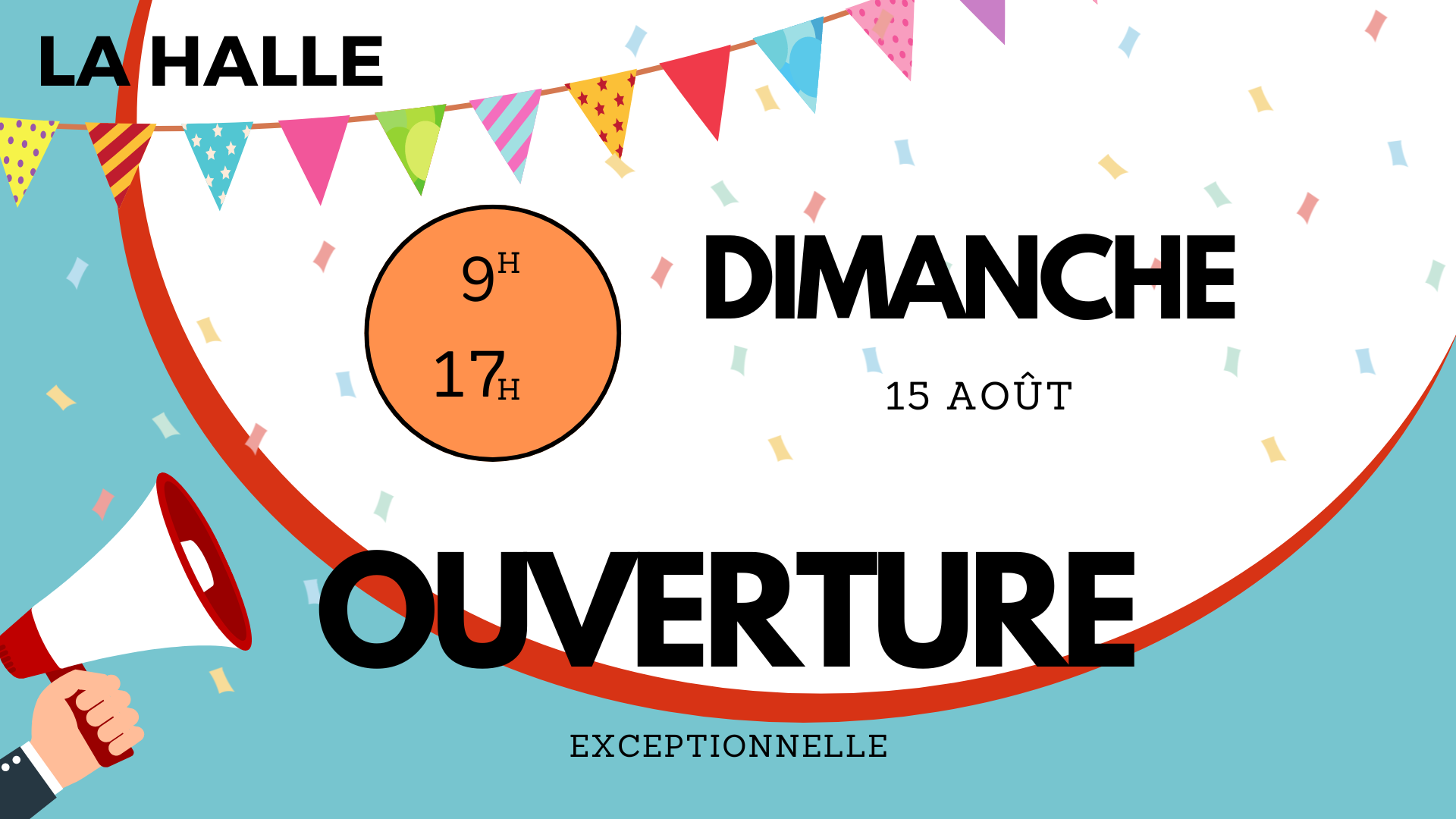
Promotions, new lines, the shop window: the message follows the trading calendar. 12 templates, 3 of them animated.

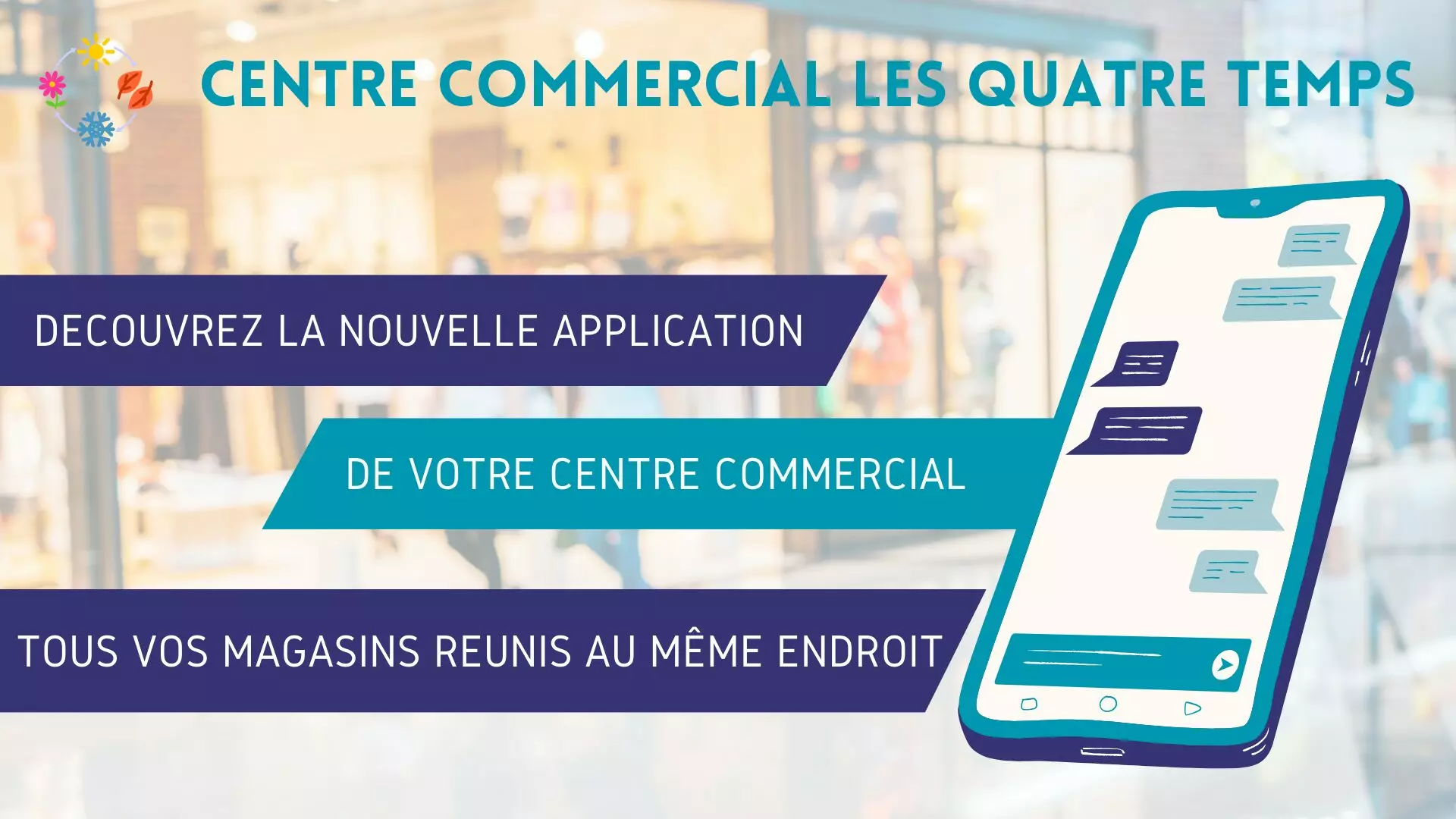

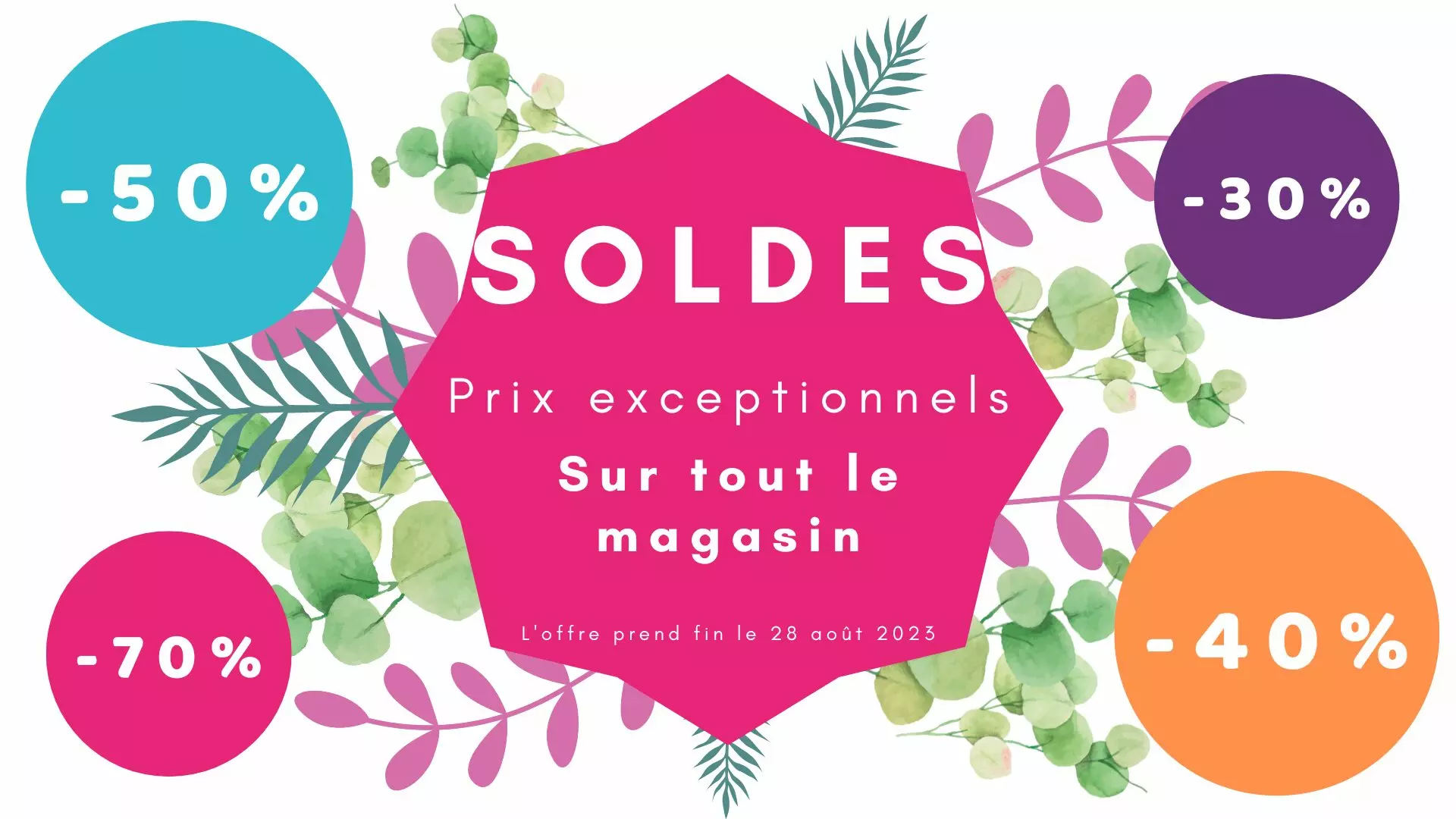
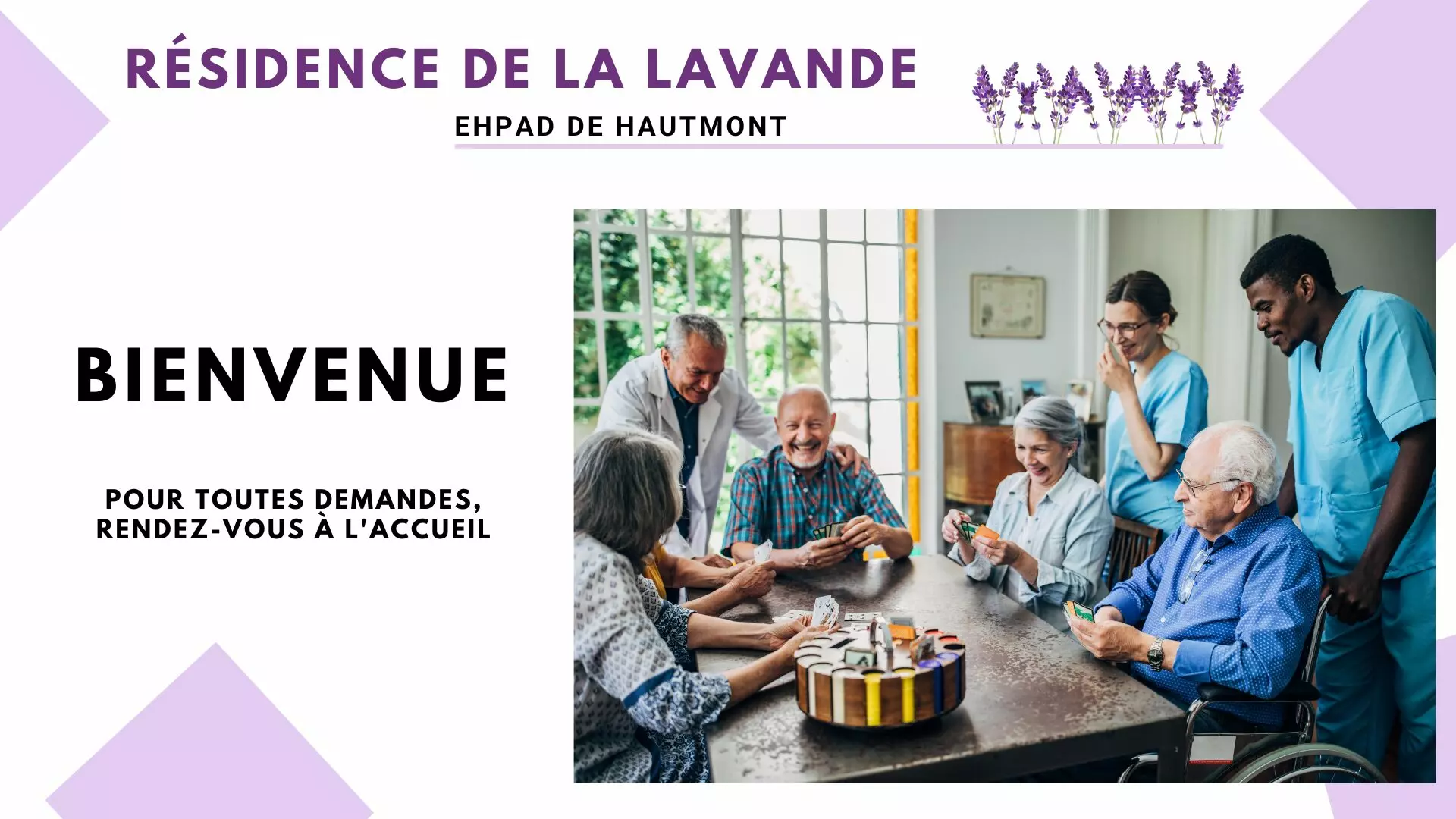
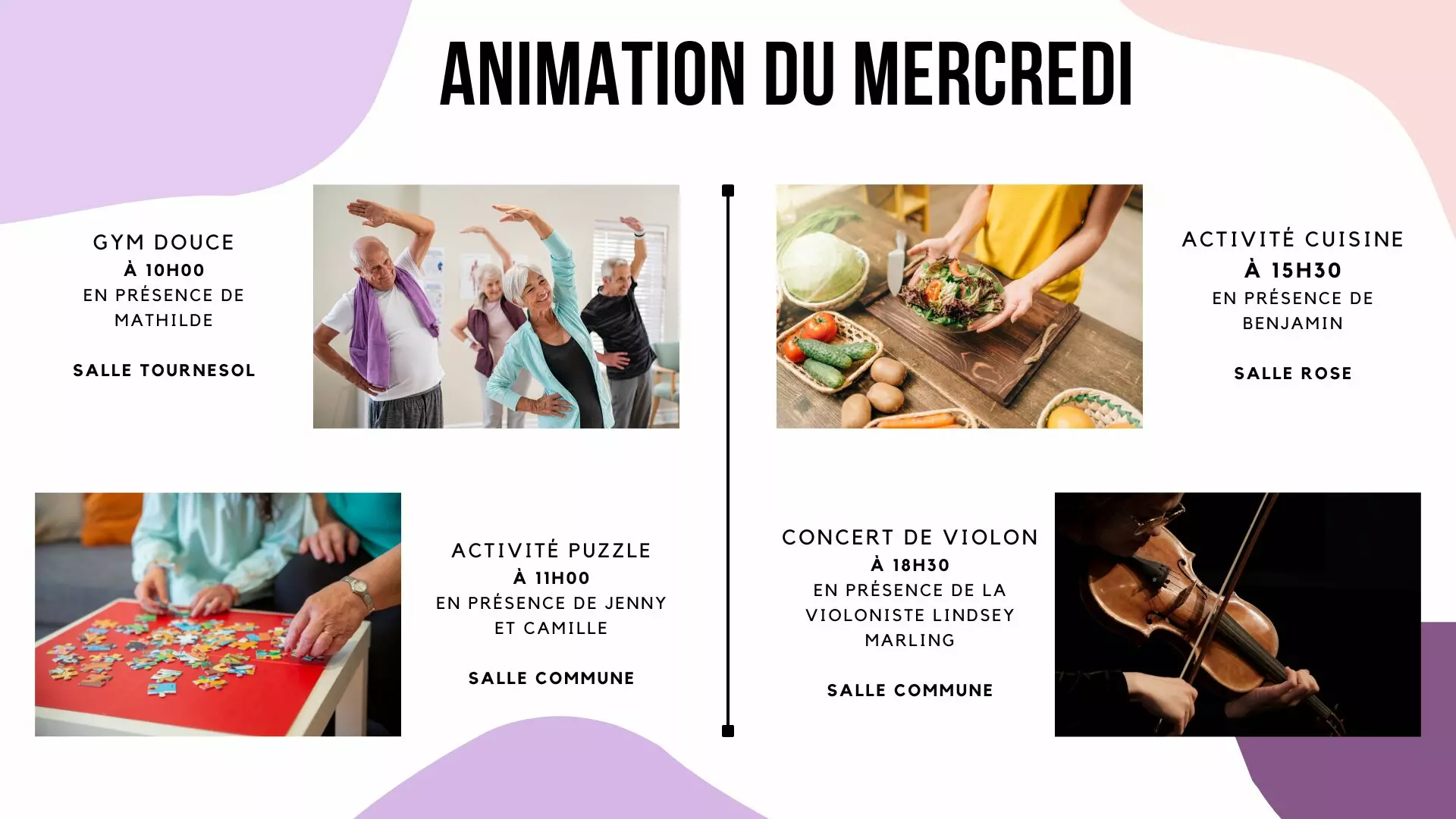
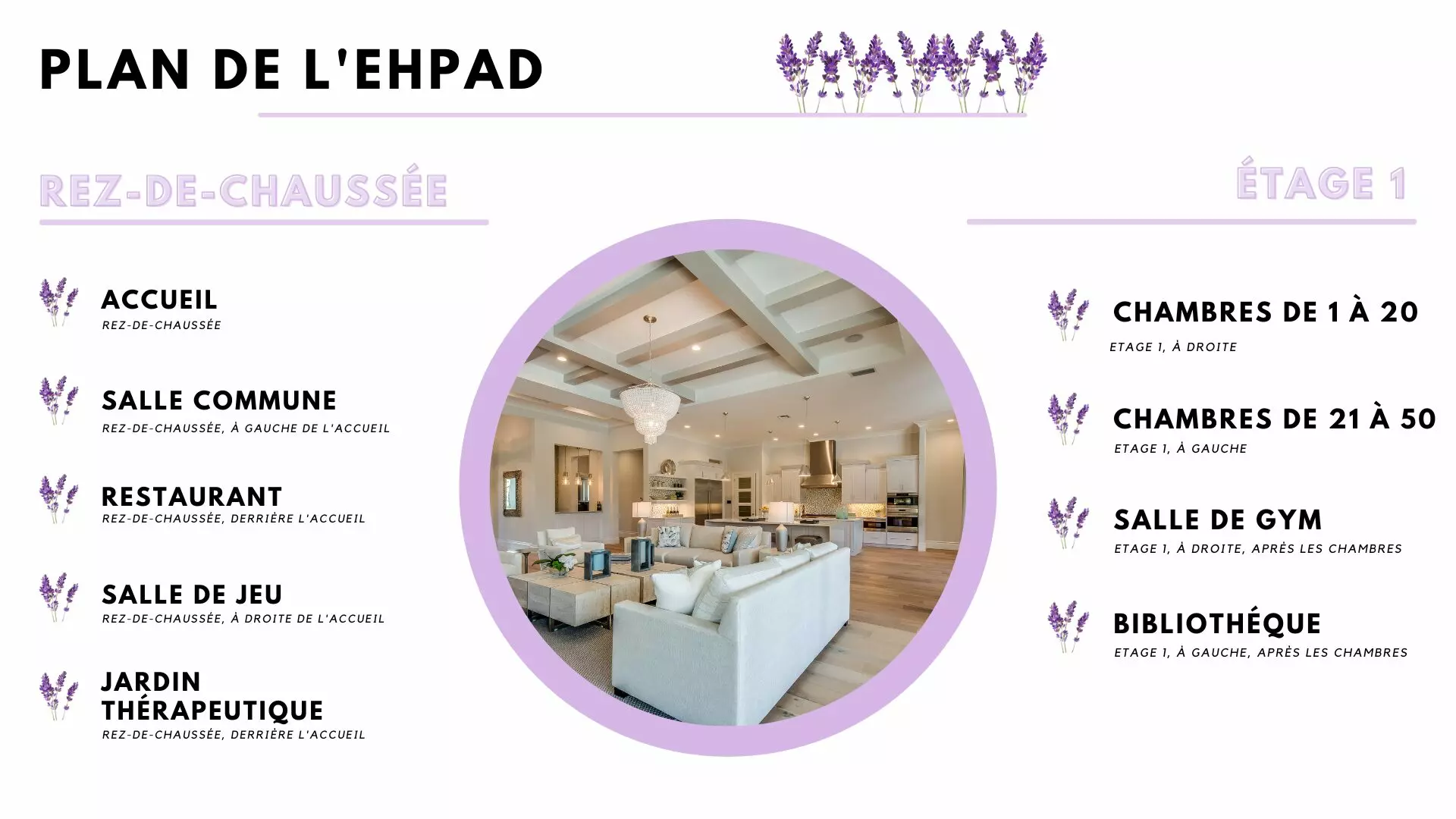
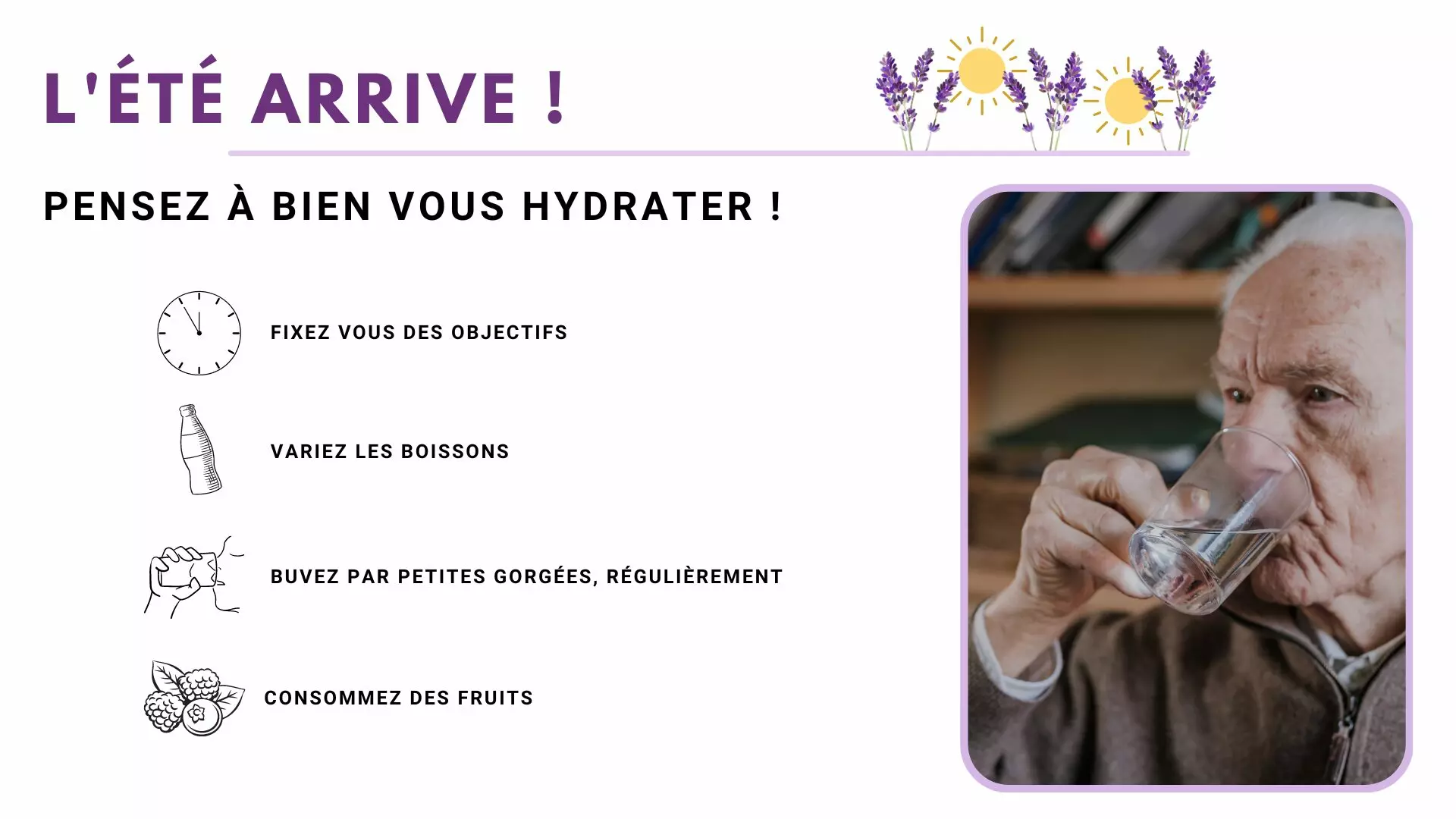
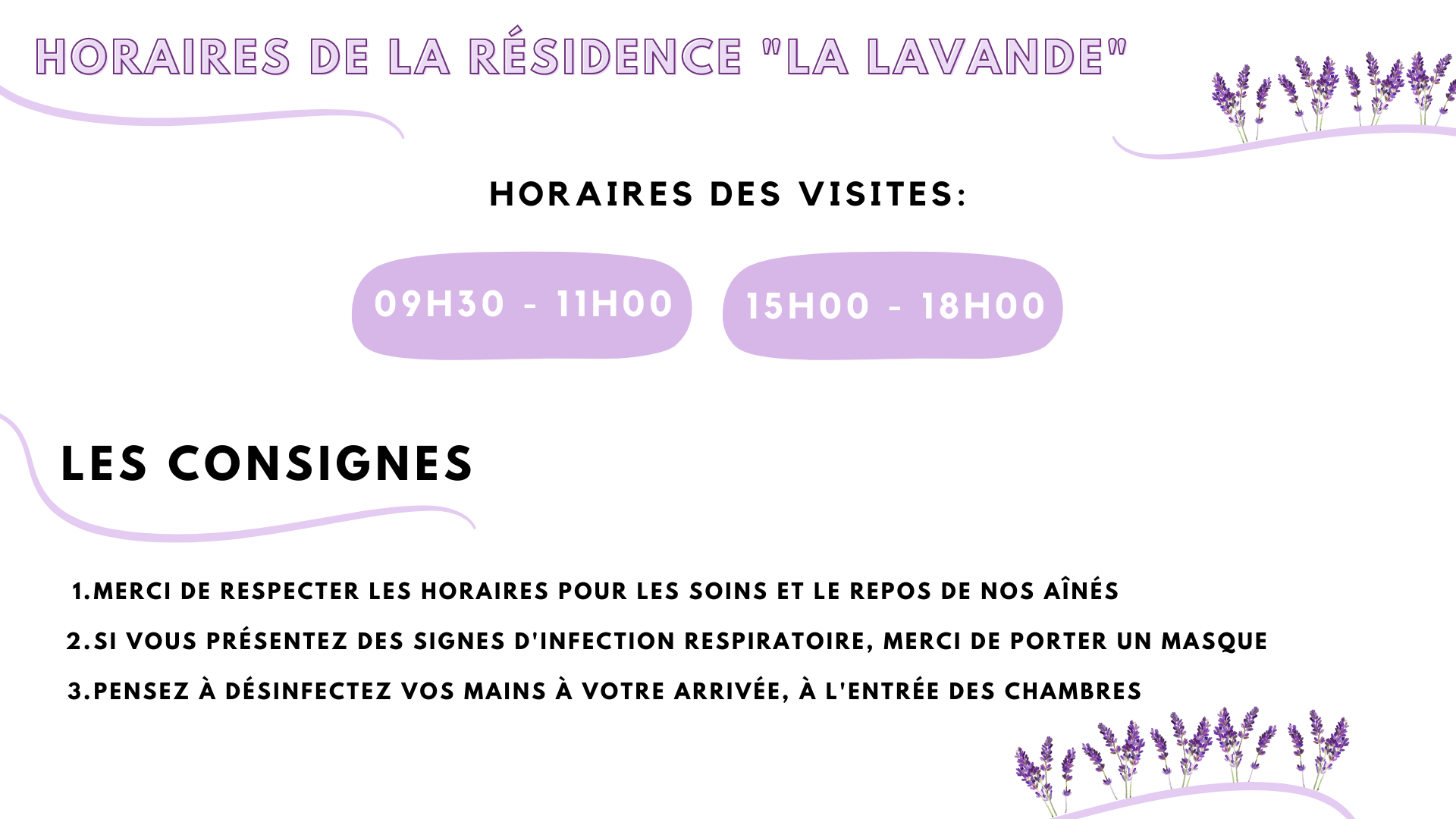
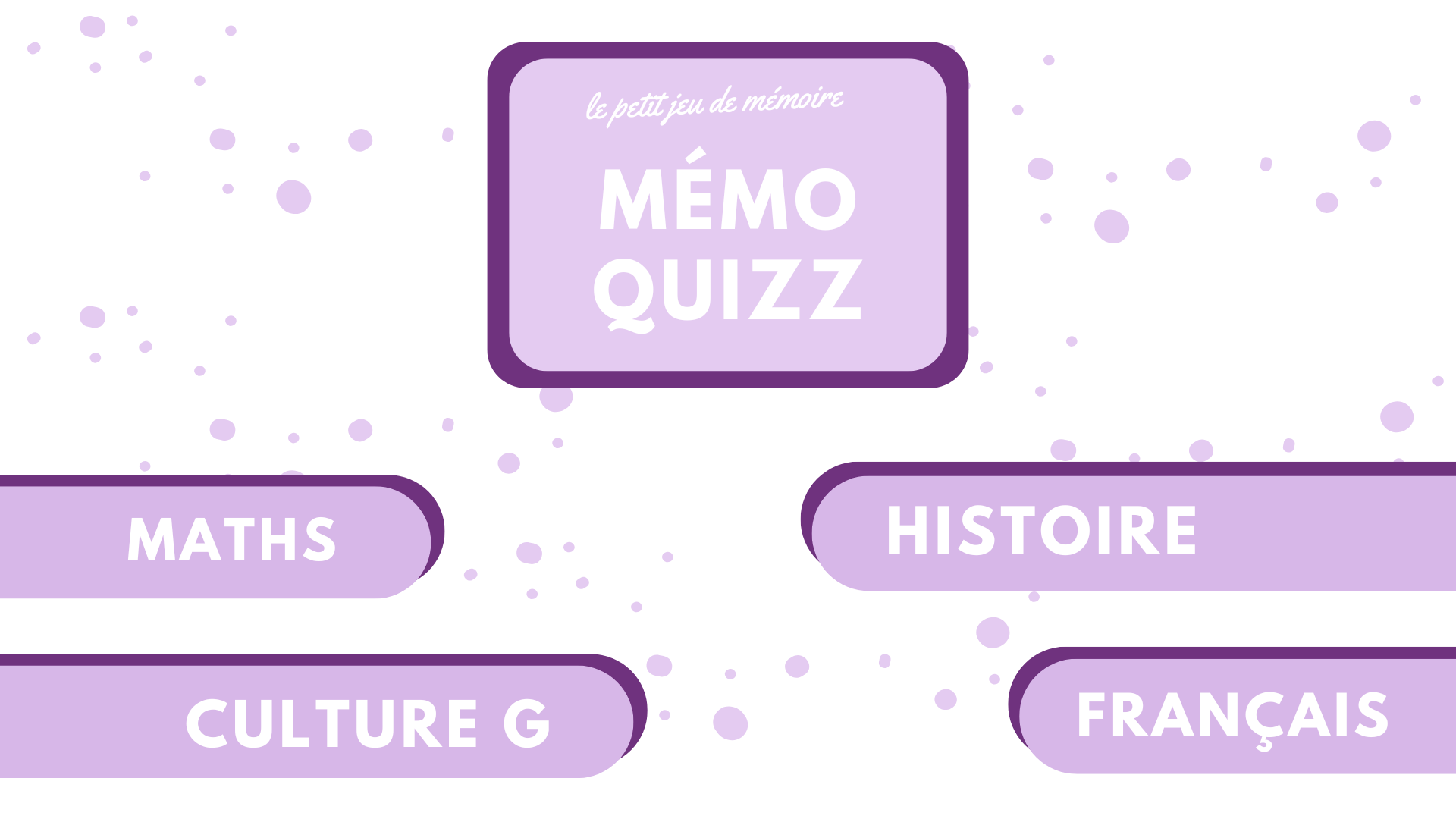
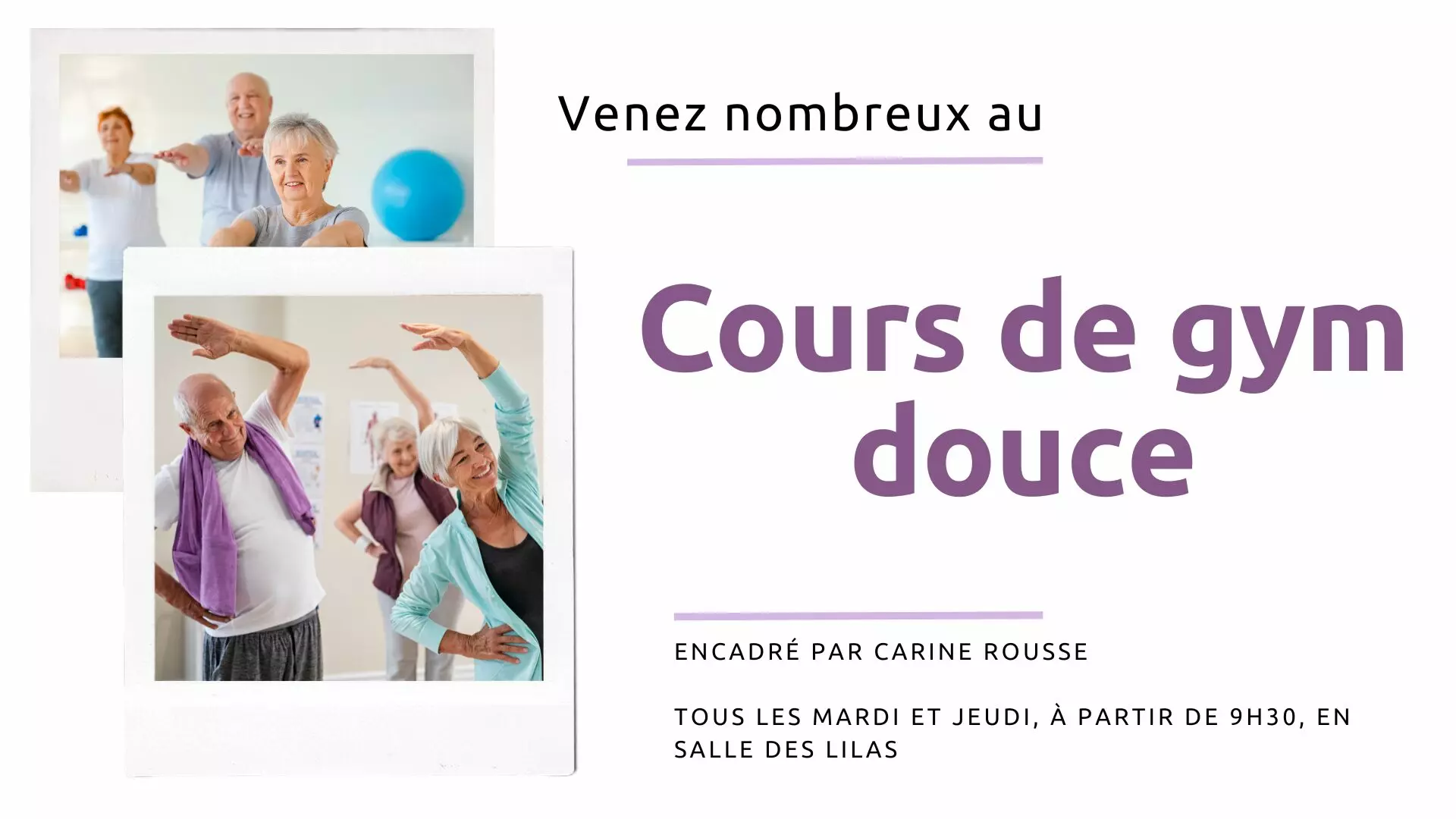
Care homes
Menus, activities, the weather, birthdays: large type and strong contrast. 10 templates, 3 of them animated.
Supermarkets and superstores
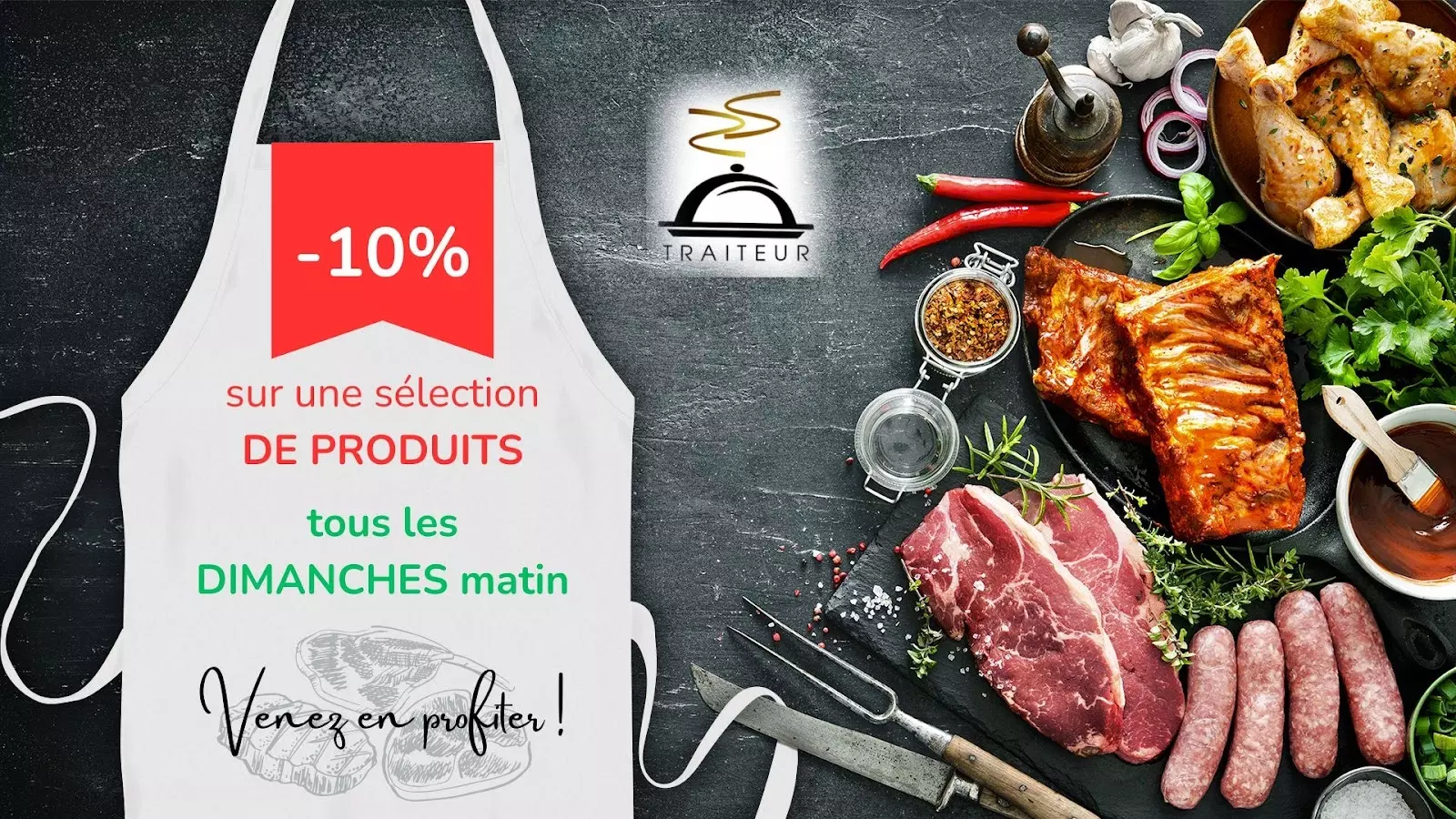
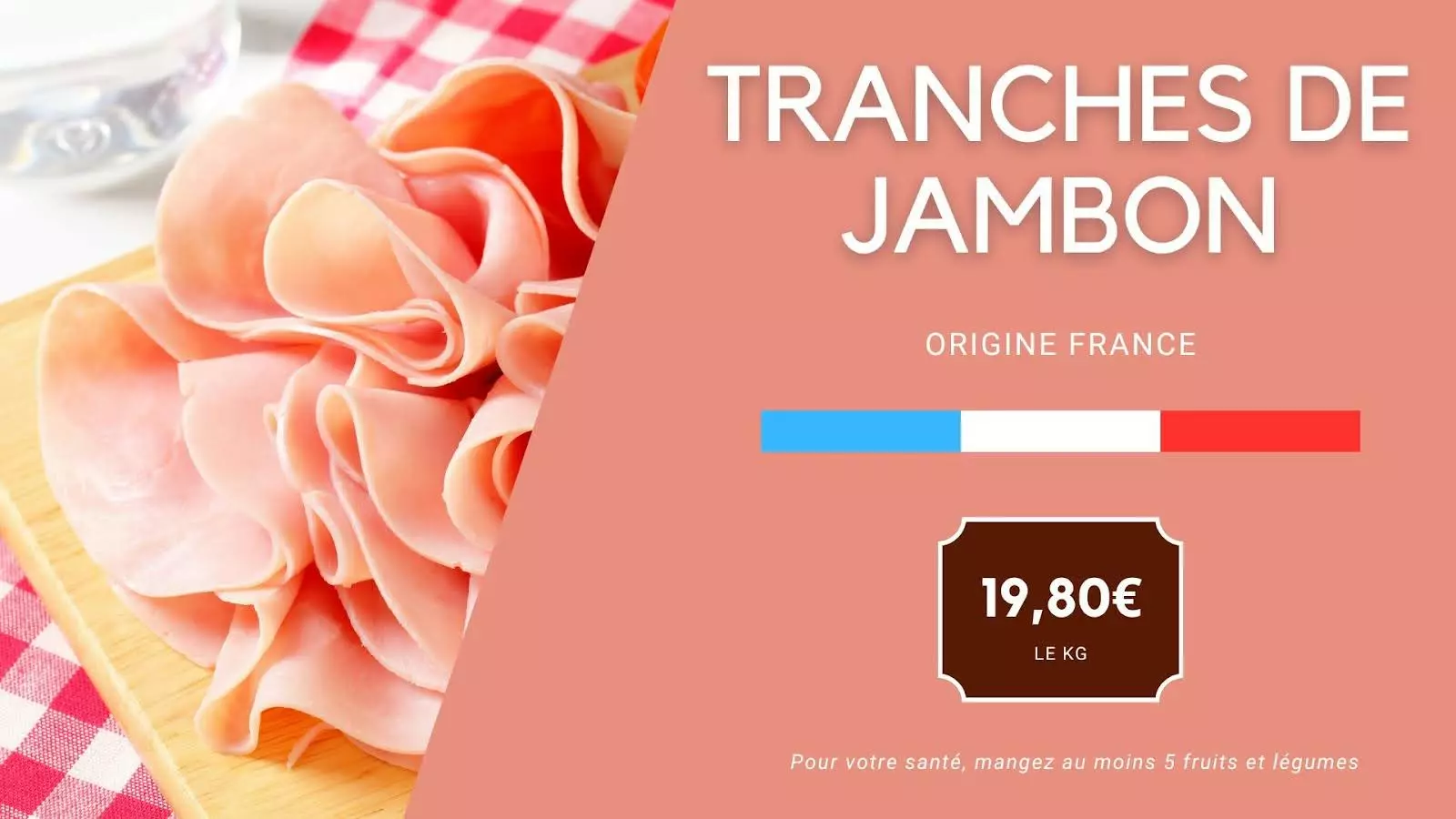
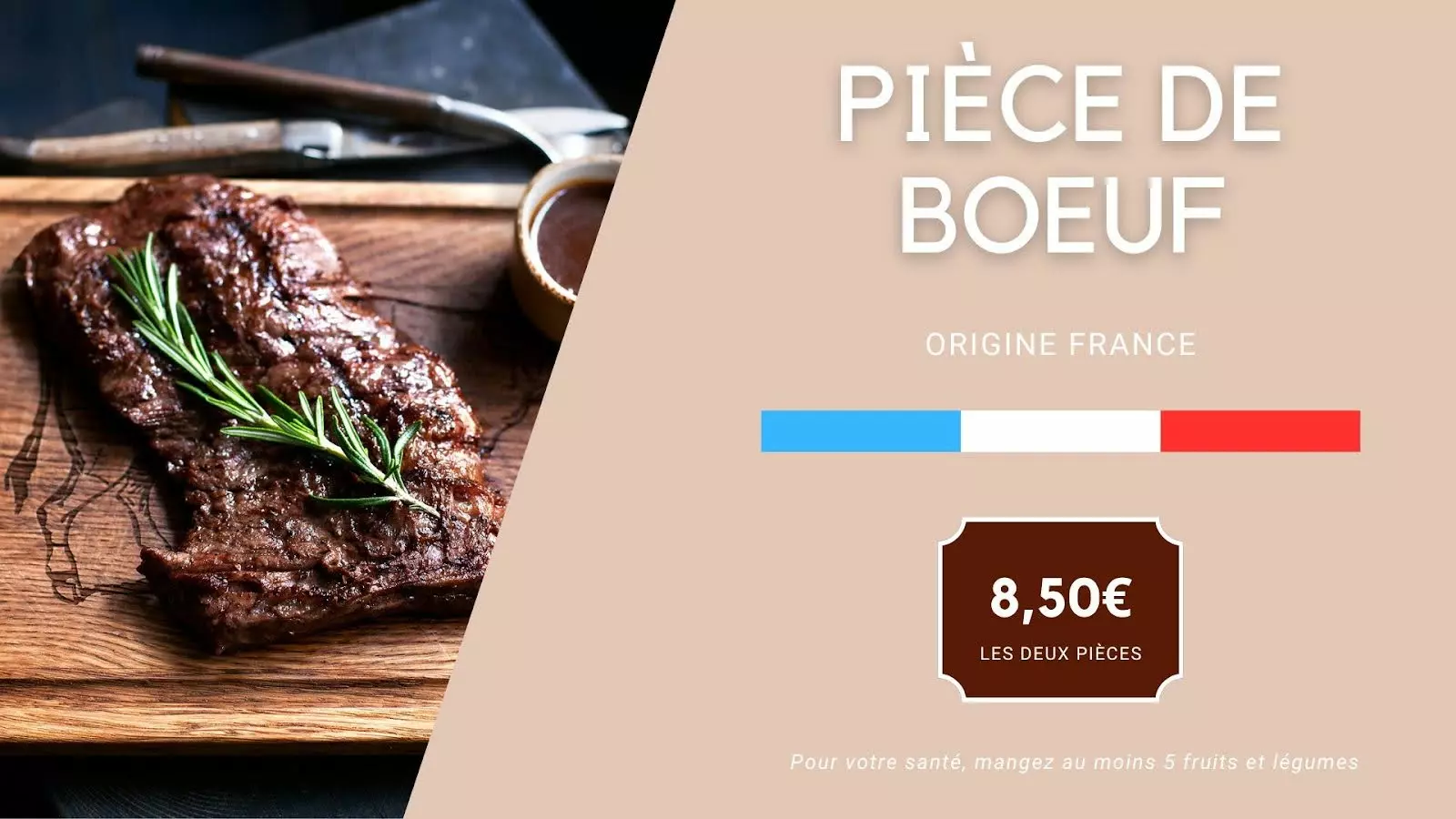
Aisles, promotions, welcome kiosks: the message changes by store and by hour. 12 templates, 3 of them animated.



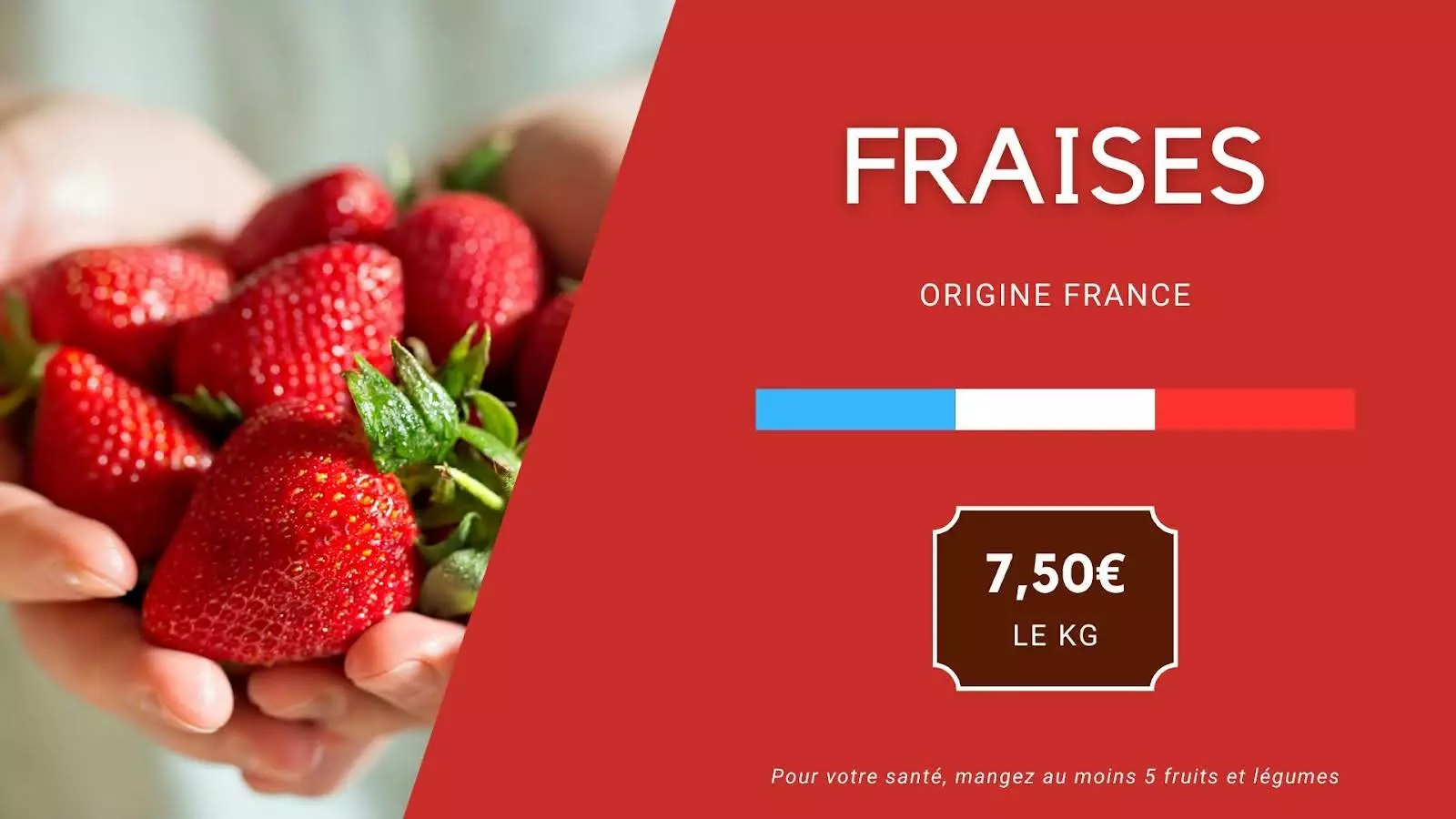
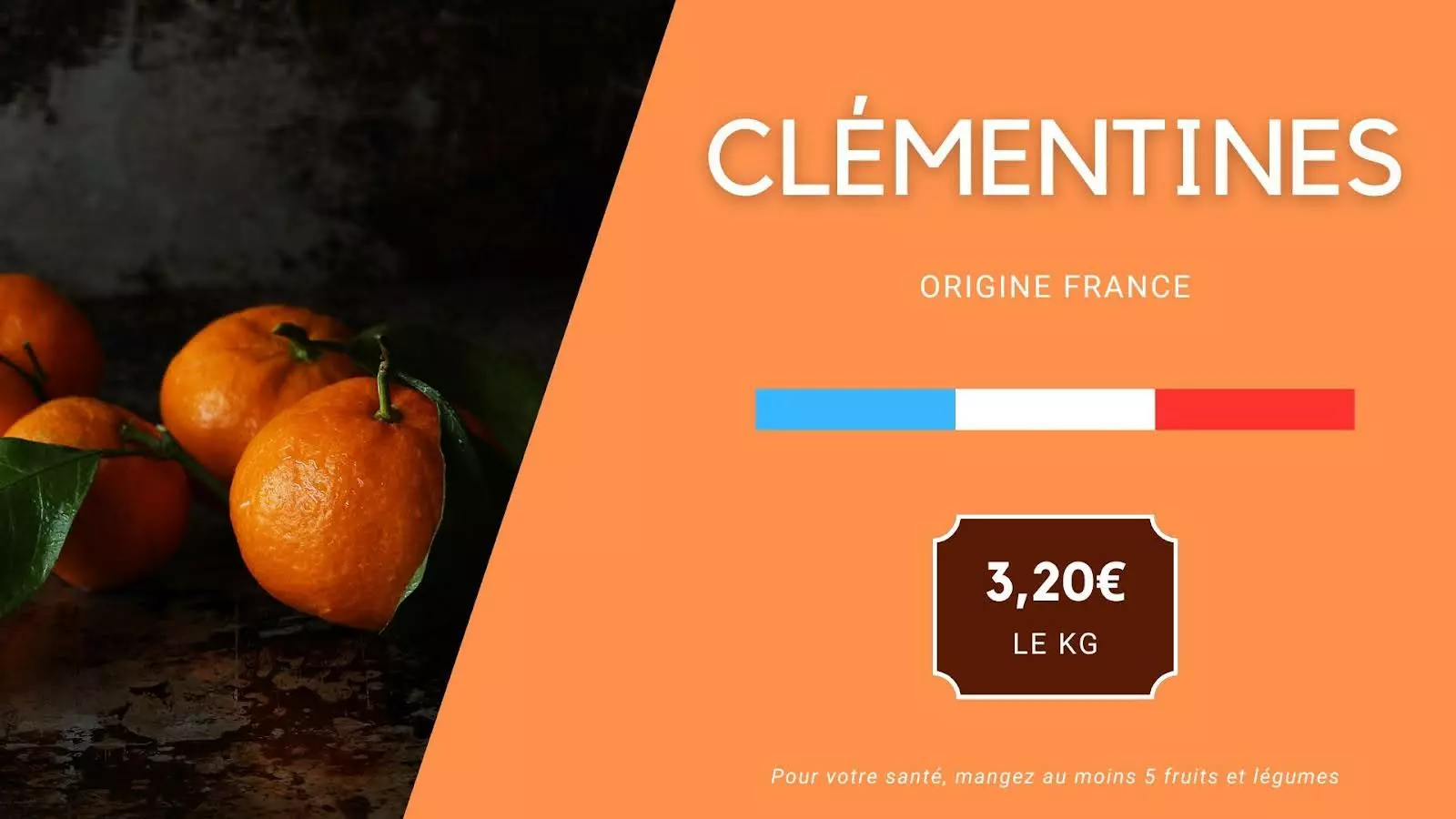
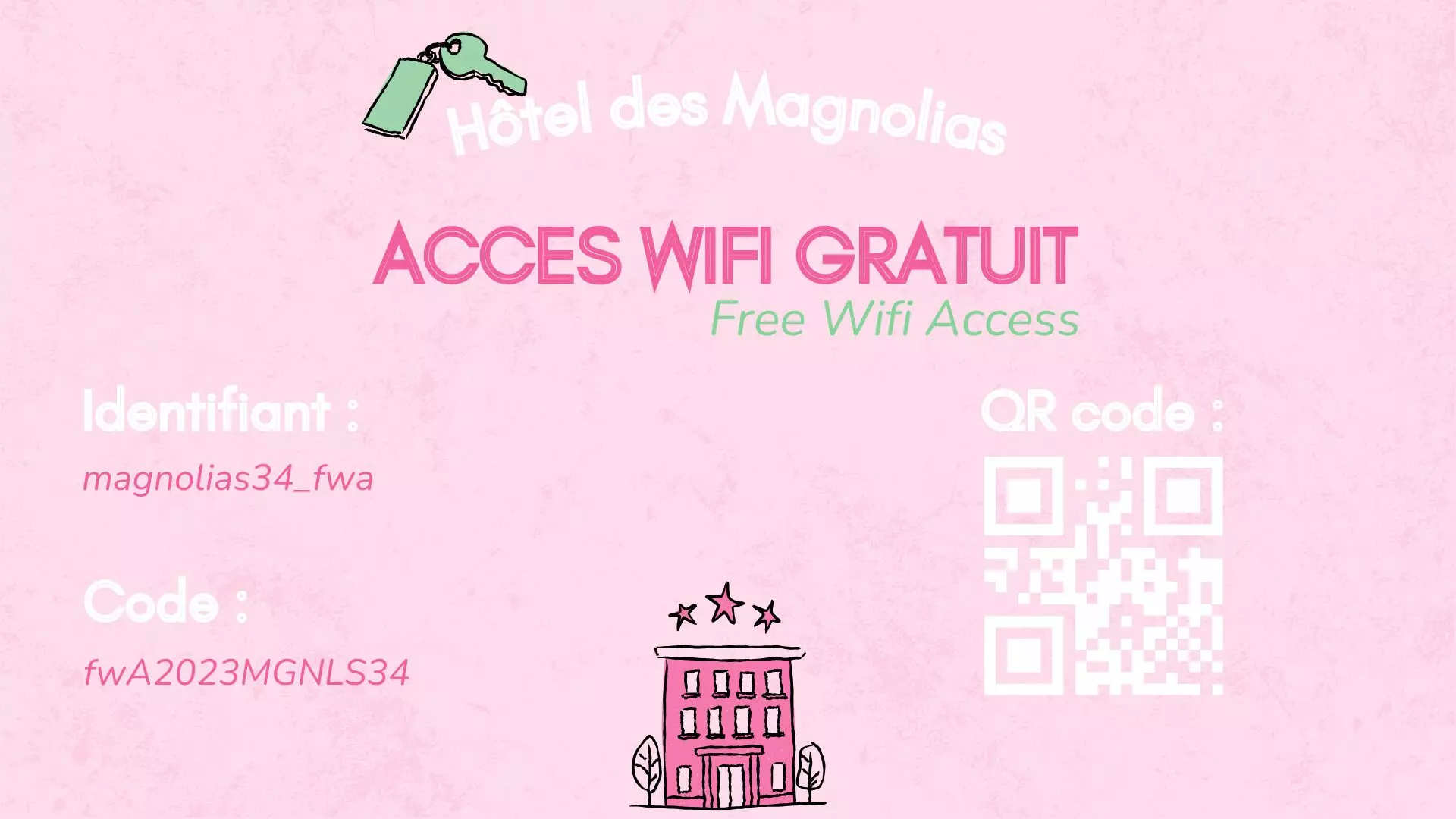
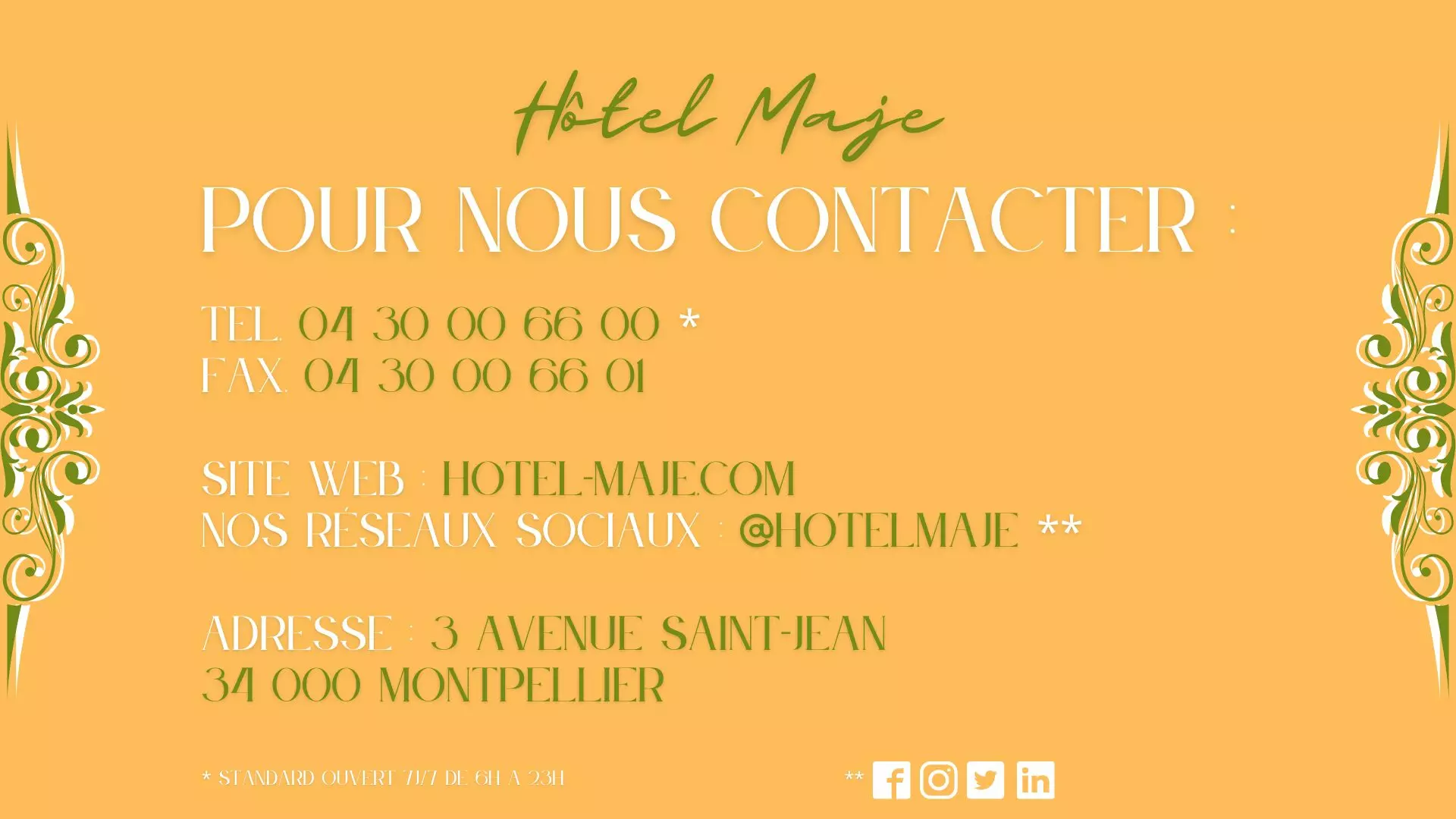
Hotels
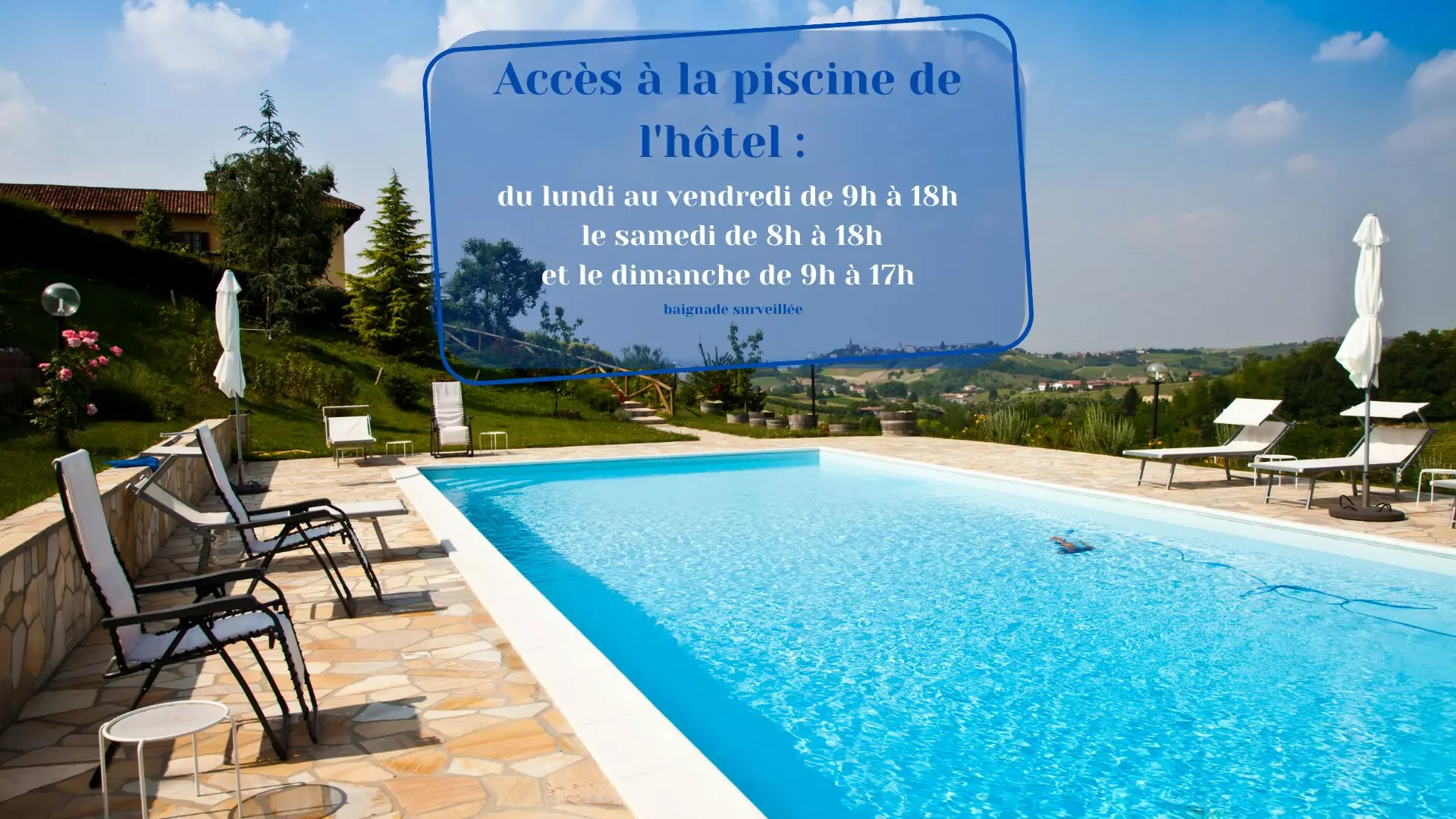
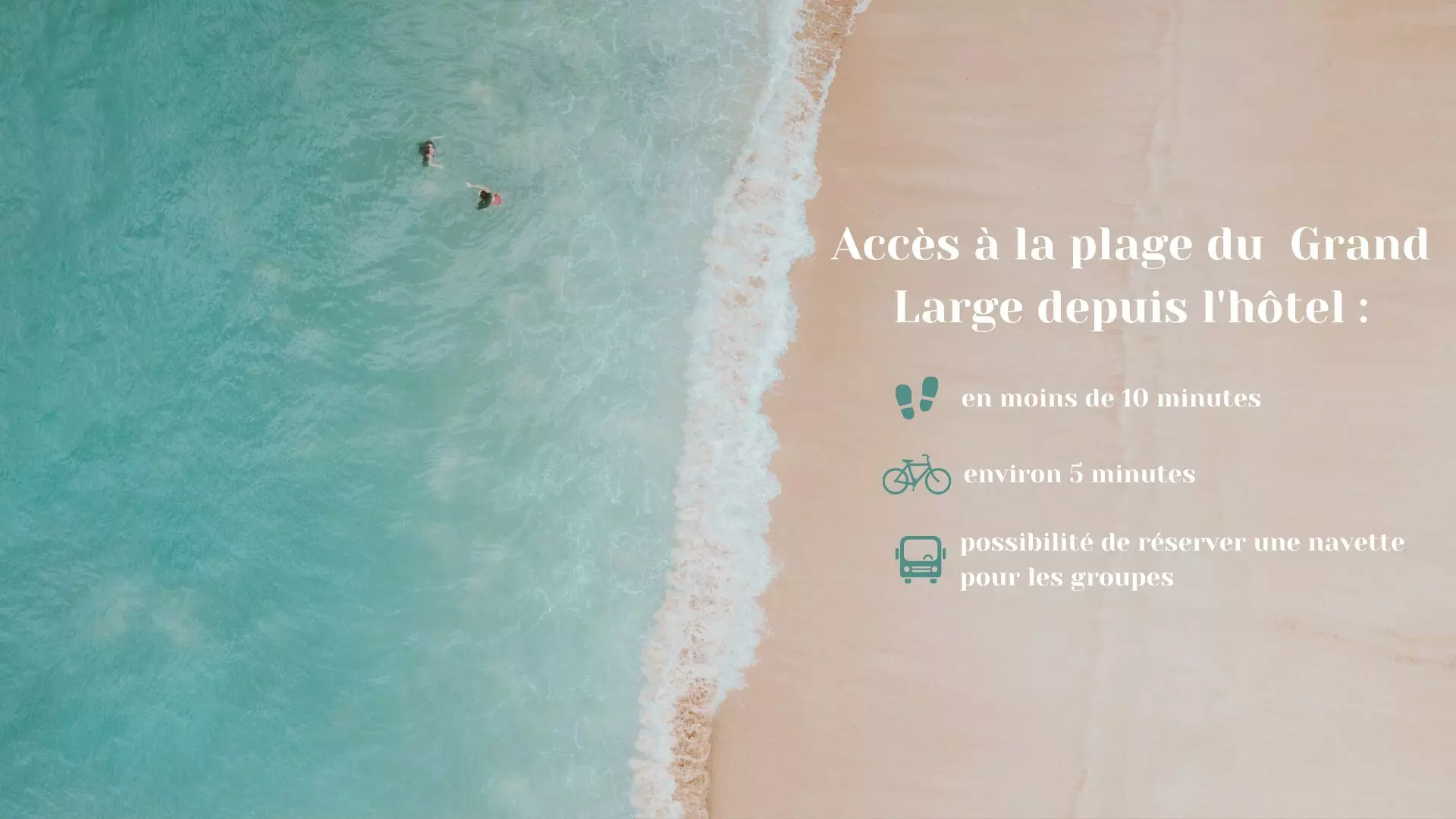
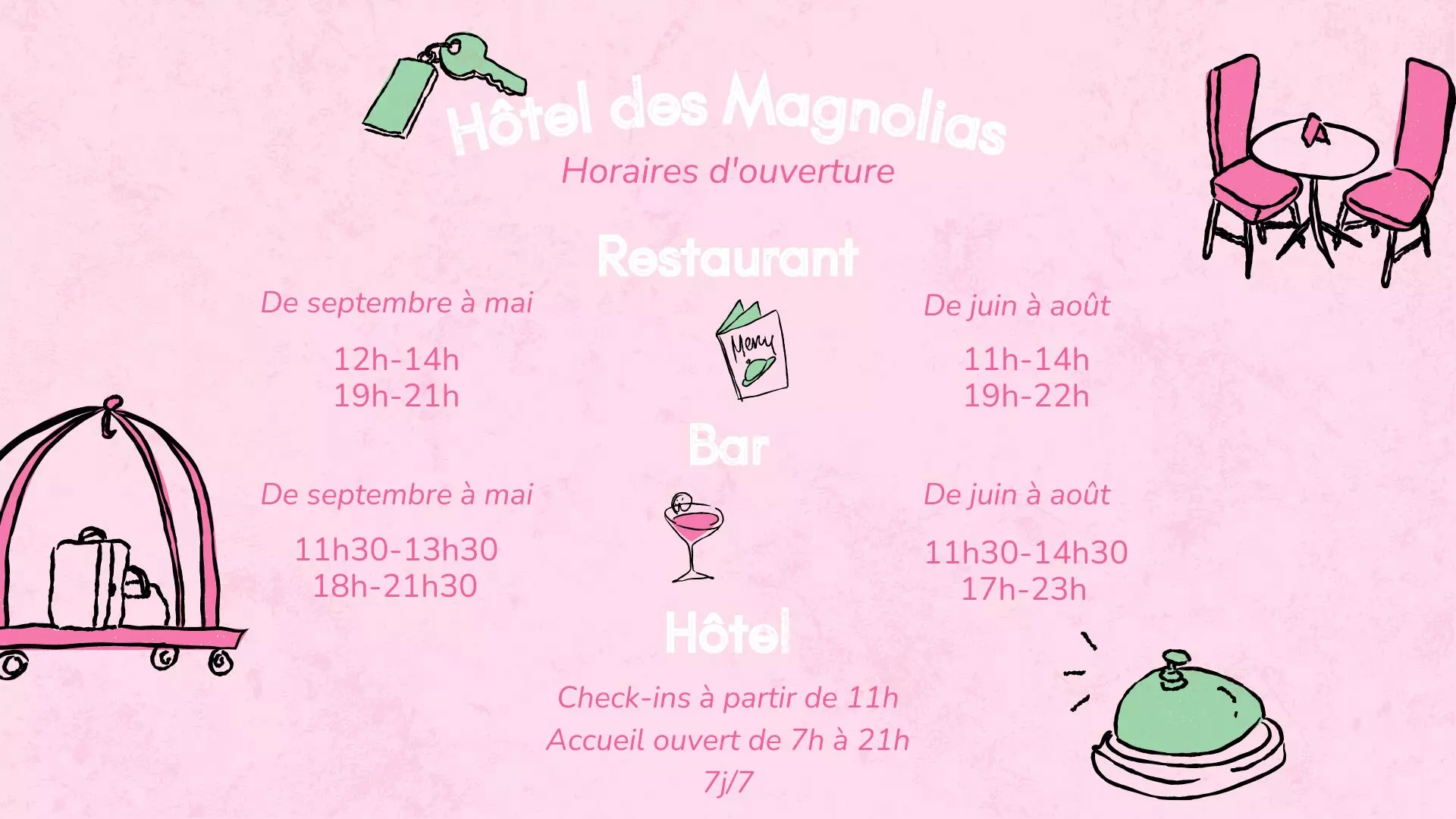
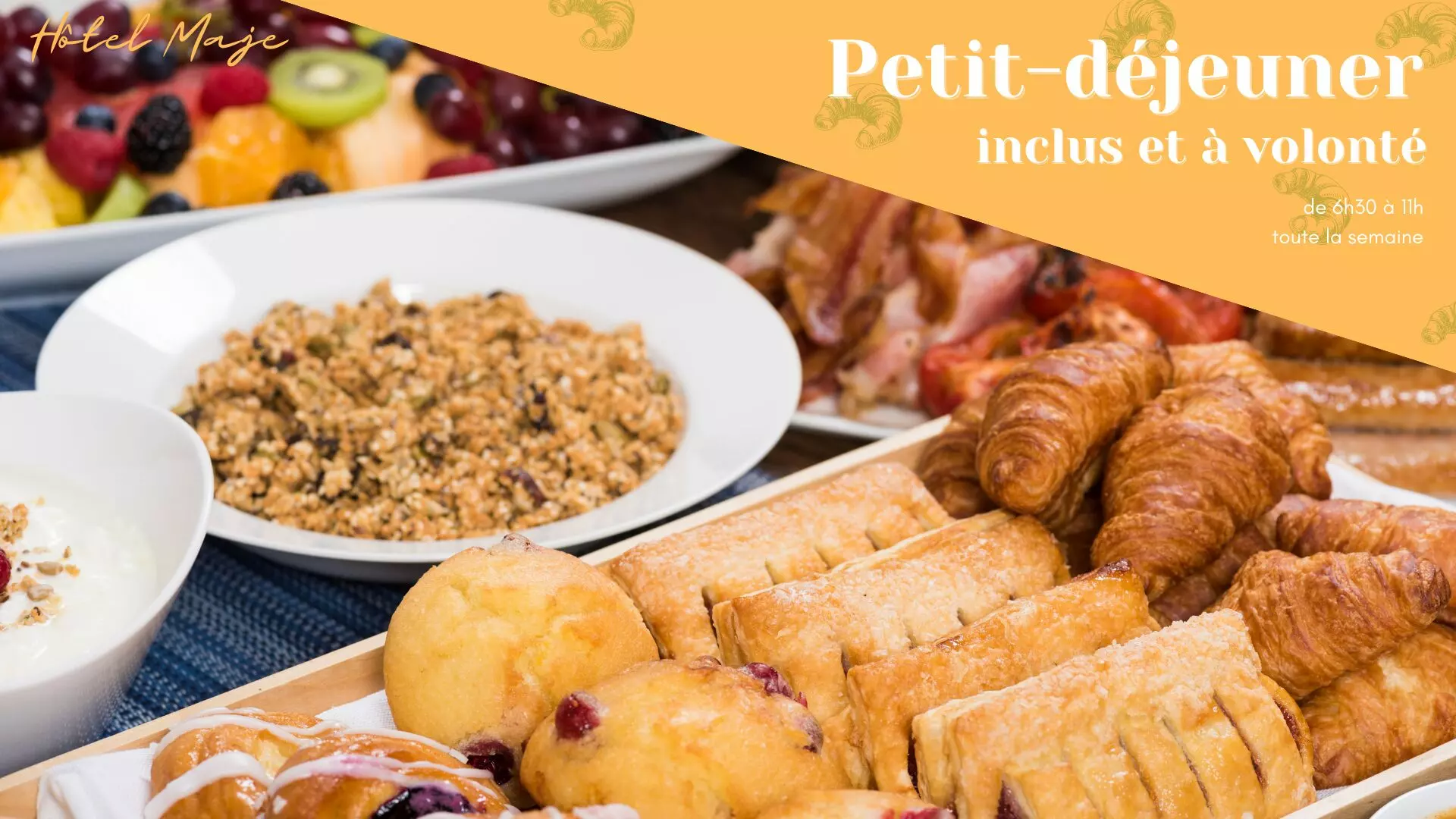
Personalised welcome, meeting rooms, services, the spa: the lobby speaks before reception does. 12 templates, 5 of them animated.
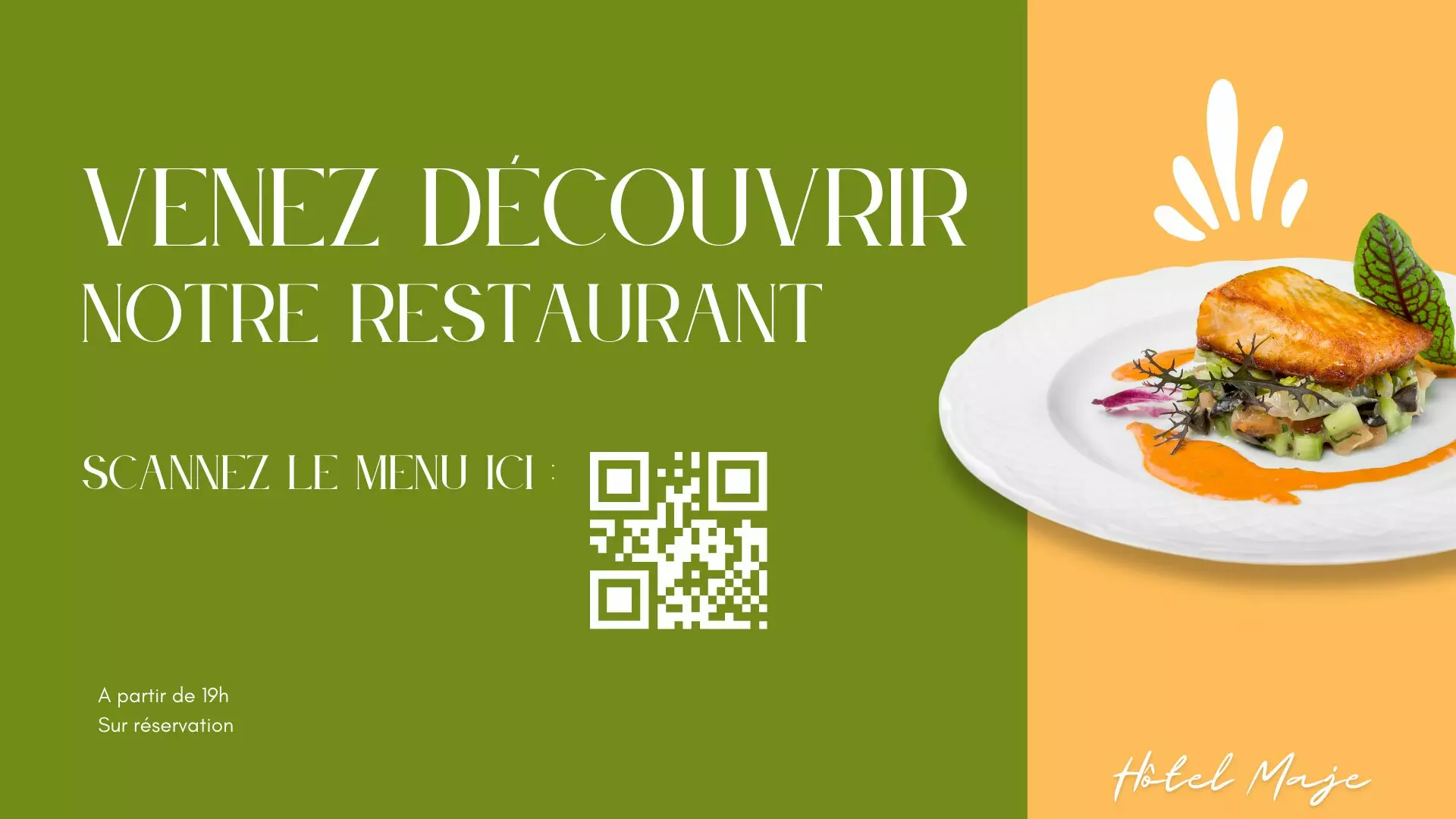
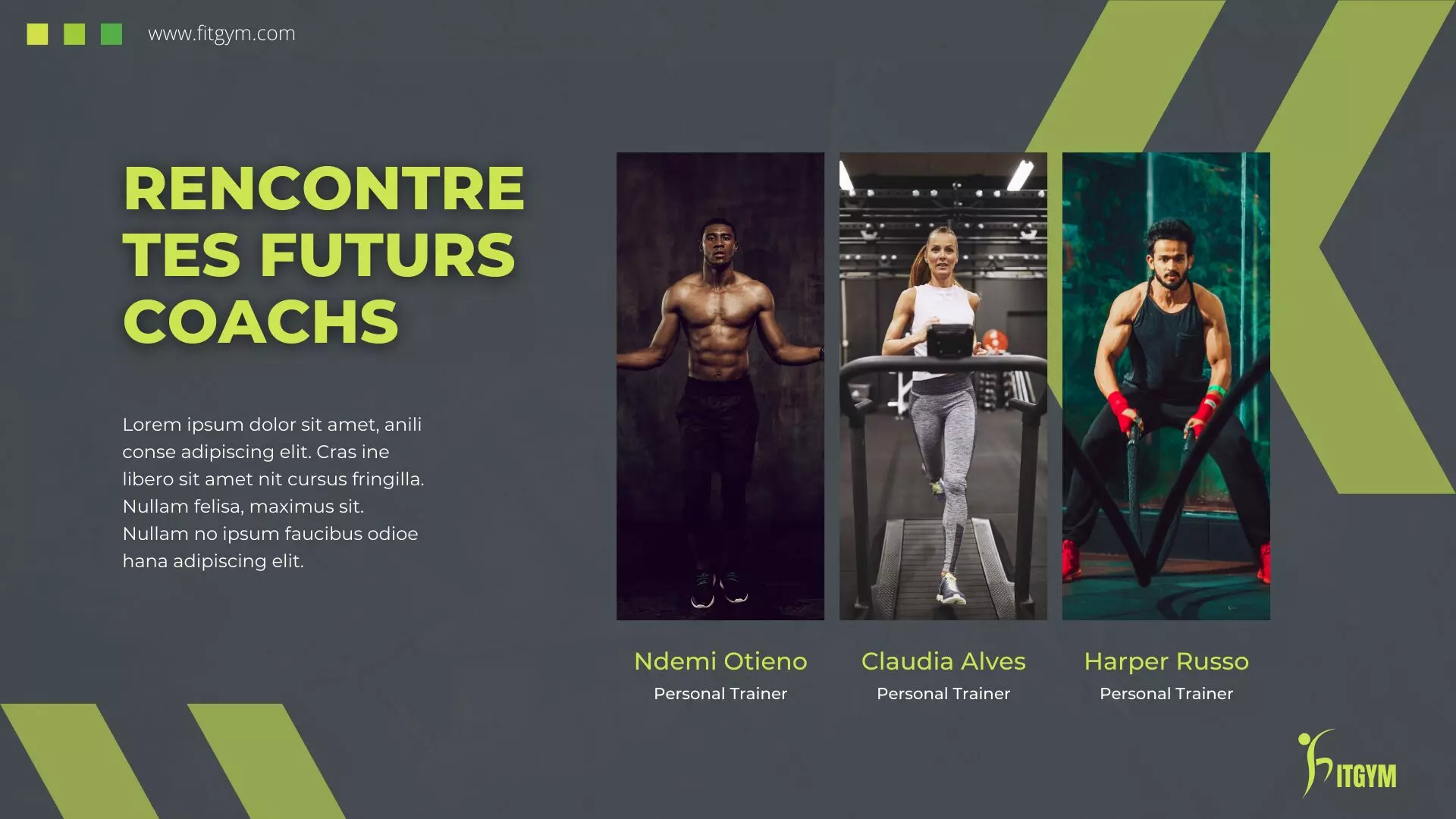
Sport and fitness
Class timetables, coaches, exercise tips: the screen stays with the member through the session. 6 templates, 5 of them animated.
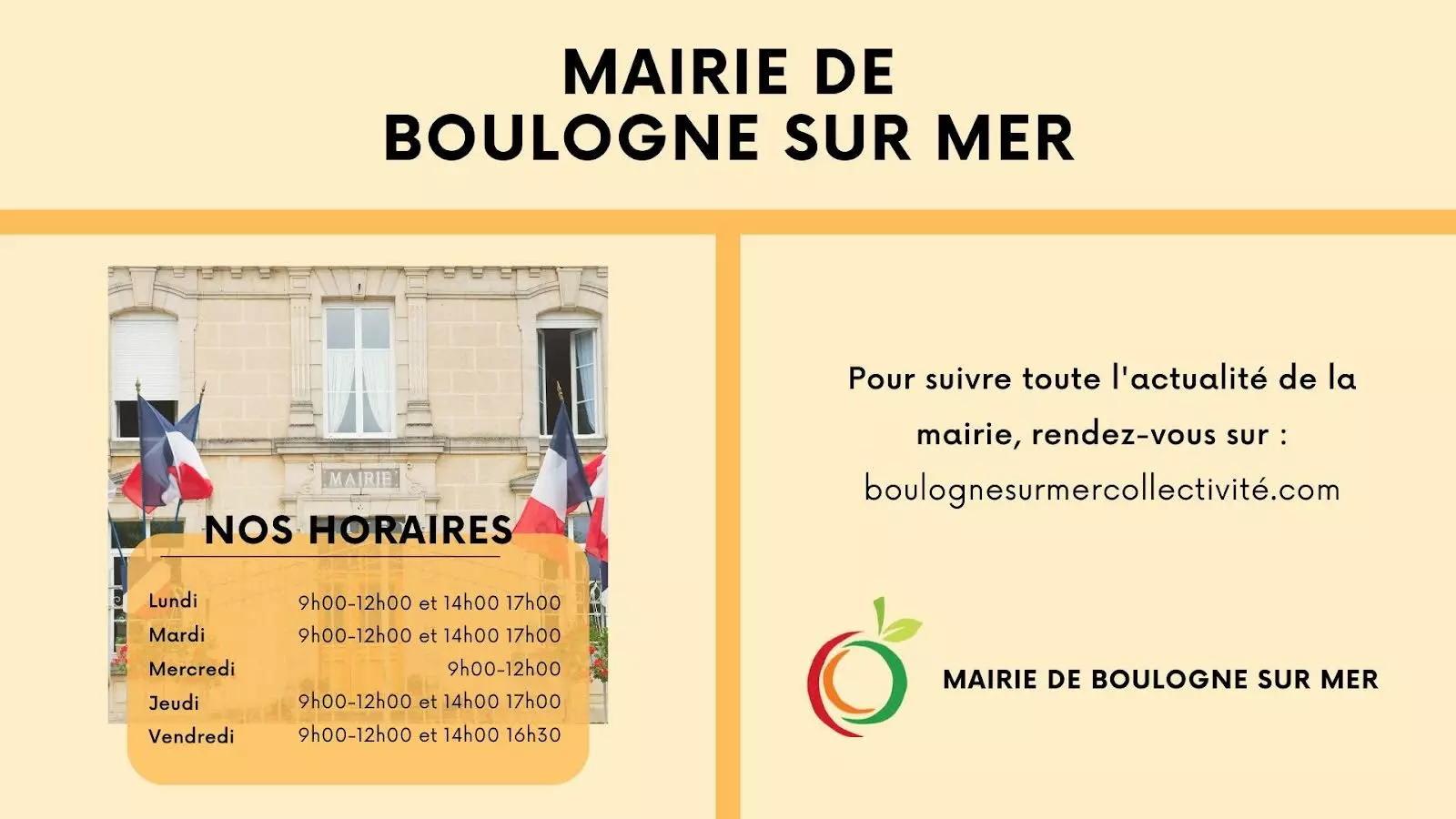
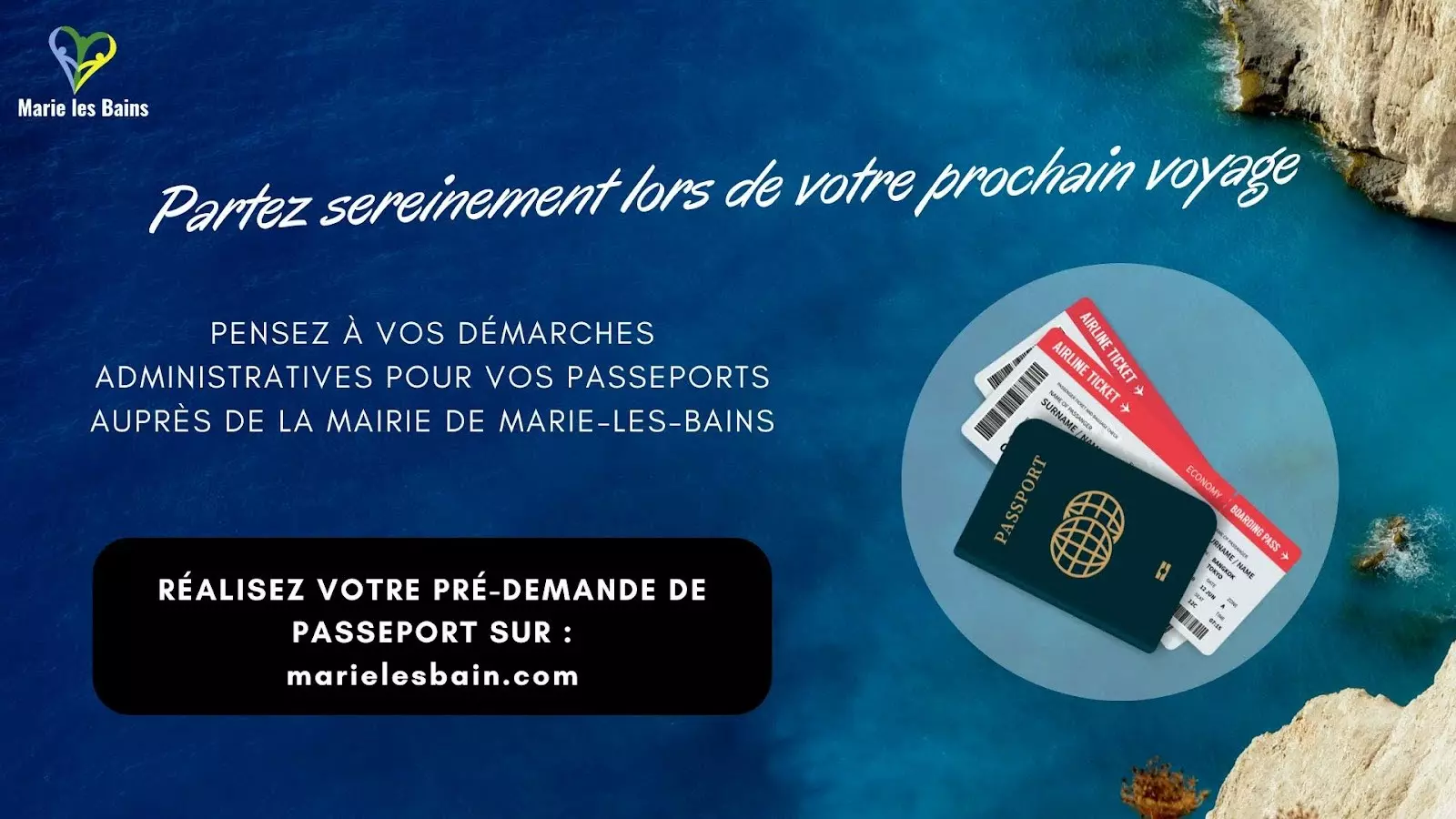
Local government
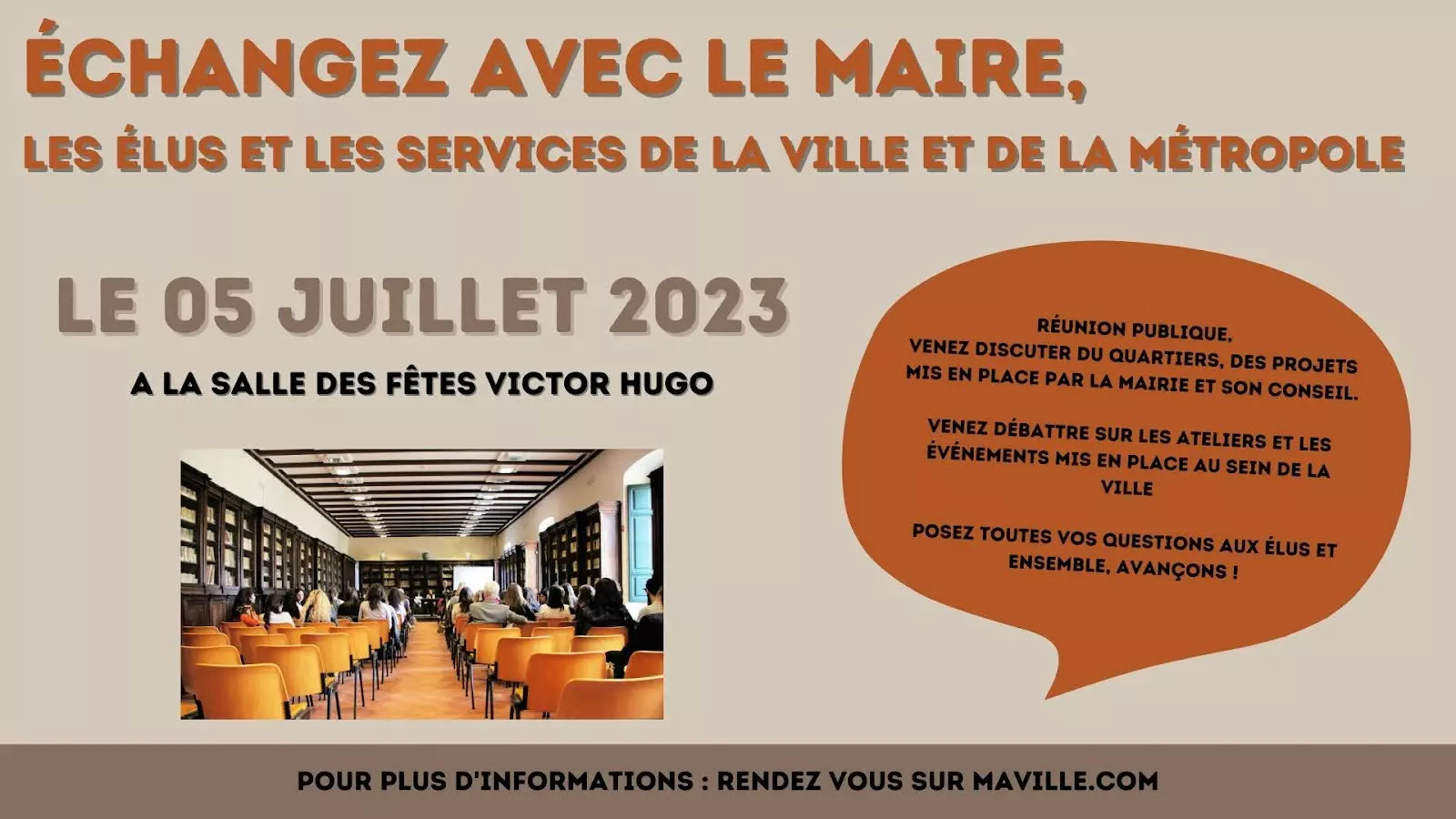
Council meetings, clubs and societies, roadworks, statutory notices: public information where people actually are. 12 templates, 5 of them animated.


Frequently asked questions

