
Funeral directors · Chapels of rest · Crematoria
Digital signage for funeral directors: the right information, without having to ask for it
A family arriving at your premises should not have to look for the right chapel of rest, or ask again what time the service begins. Screens linked to a single platform carry that information in the window, in reception, outside the chapel and on to the crematorium — and you can correct it in seconds when a time changes.
The starting point
In this profession, getting the information wrong is not a small matter
Being sent to the wrong chapel of rest, arriving after a service has started, failing to find the crematorium entrance: these are moments that cannot be put right afterwards. That is where this page starts — not from a need to look modern.
The same question, all day long
“Is this the right place?”, “what time?”, “which chapel?”. Answering is part of the job, but a well-placed screen answers before the question is asked.
The sheet printed that morning
A service moved, a chapel changed at the last minute: the taped-up notice stays where it is. It says one thing while your staff say another.
Several families on the same day
Three chapels of rest, two services, mourners arriving at different times: the directions must be right for each of them, without one family seeing another family’s details.
What the family has entrusted to you
Photographs, a reading, a chosen piece of music. This material often arrives the day before and has to be ready, with nothing to sort out during the service itself.
The journey
From the window to the crematorium: six moments worth equipping
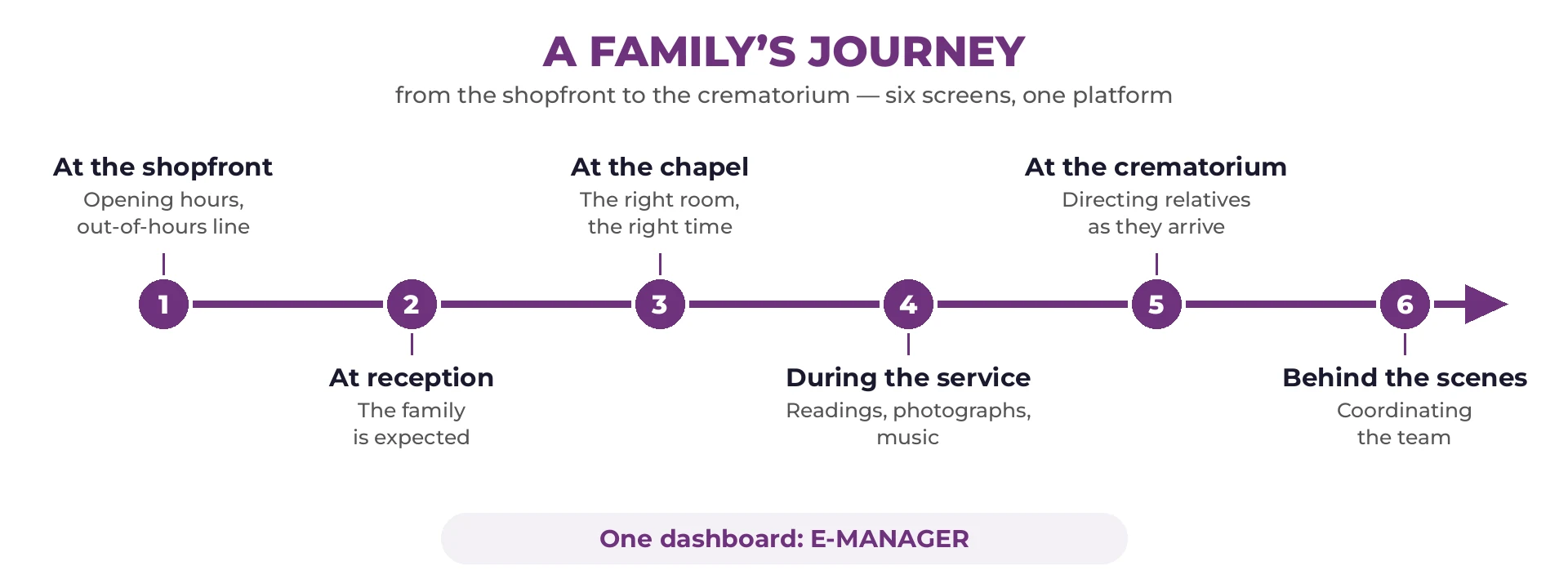
Here is a family’s journey, followed as they live it: they walk past your premises, they are received, they spend time in the chapel of rest, the service takes place, mourners make their way to the crematorium. At every step the screen answers one precise question — and the last one is no longer for the family, but for your own staff.



E-SPEECH: the service prepared in advance
This is the module built for this profession. A family entrusts you with photographs, a reading, a piece of music; those elements are put together the day before, in the order they asked for, and run on the day without anyone having to go looking for a file.
- ✓Readings, images, video and music in a single running order.
- ✓Prepared in advance, and reviewed with the family if they wish.
- ✓Started with one tap at the right moment, from a tablet.
- ✓Only what the family has chosen — nothing else appears.
The E-SPEECH page sets out how the running order is built, screen by screen.
The content
What your screens actually show
Three families of information cover most of it. They are not meant for the same people, and that is what decides which screen they appear on.
For families and mourners
- ✓The chapel of rest and the way to it
- ✓The visiting times
- ✓The time and place of the service
- ✓How to reach the crematorium or the cemetery
- ✓The formalities and the useful documents
During the service
- ✓The photographs entrusted by the family
- ✓A reading, shown or spoken
- ✓A chosen piece of music
- ✓A tribute video
- ✓Nothing beyond what was asked for
For your staff
- ✓Which chapels of rest are in use
- ✓The day’s services and cortèges
- ✓Arrivals and preparation
- ✓Internal instructions
- ✓The notices you are required to display to staff
In practice
What matters in a funeral director’s premises
The constraints are not those of a shop: discretion comes before visibility, and the hardware has to go unnoticed.
A screen that does not impose itself
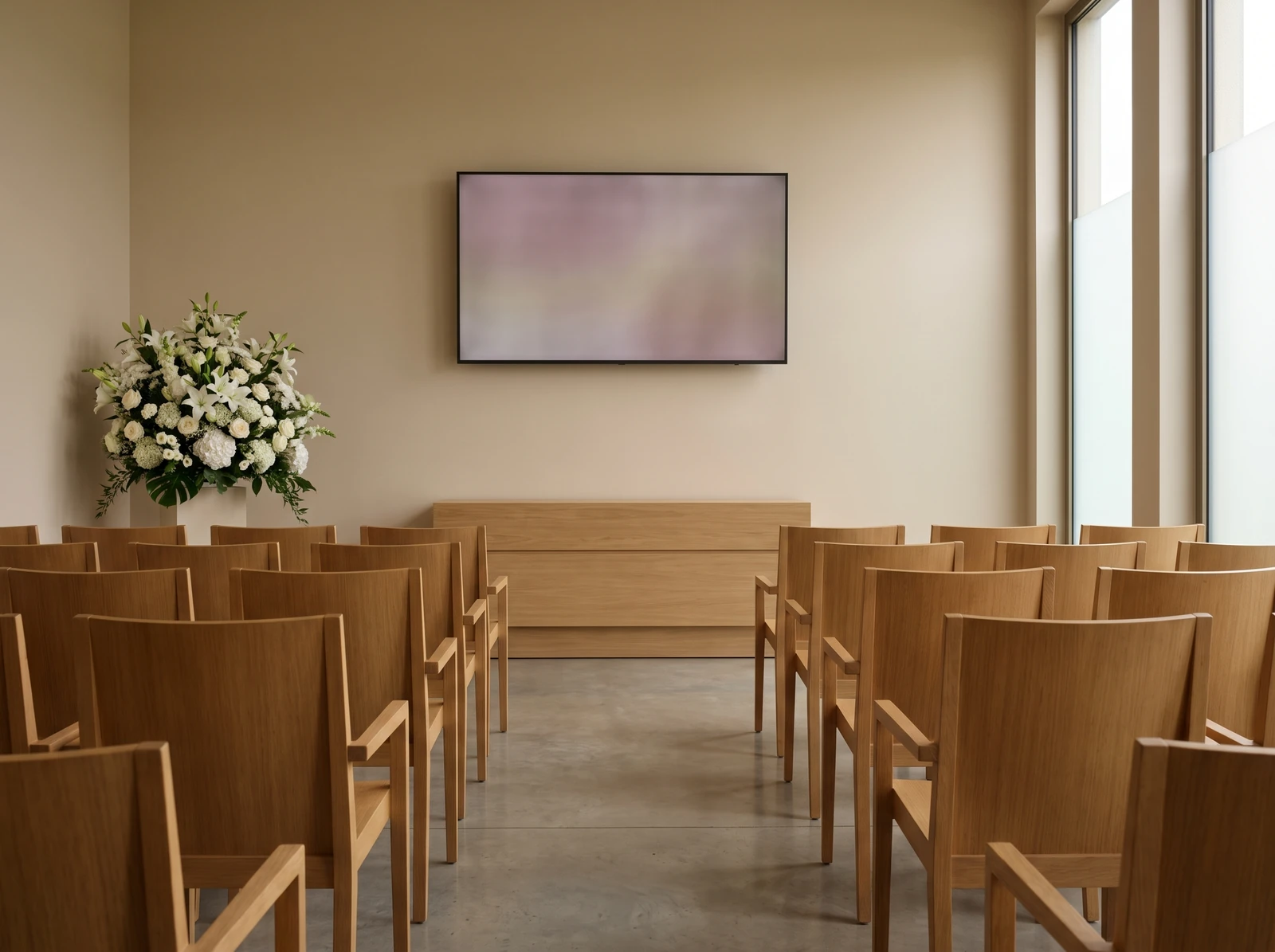
A measured size, a plain frame, reduced brightness: in a chapel of rest, a screen that is too large or too bright draws more attention than the information it carries. The hardware is chosen room by room — see the compatible equipment.
An entrance with no power supply
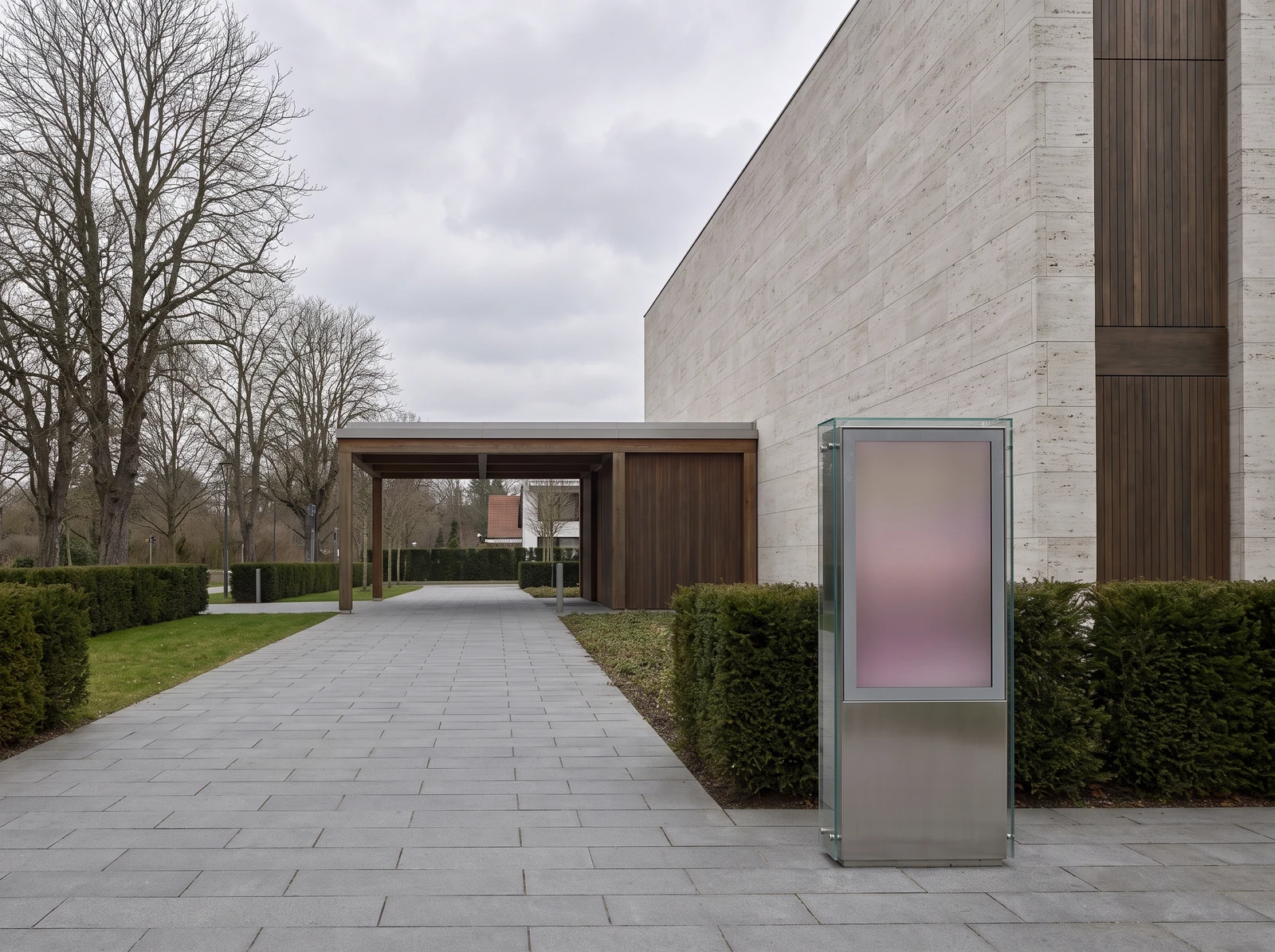
A forecourt, a cemetery path, a crematorium entrance: digital ink (e-paper) draws nothing at all while the image stays the same, runs for up to five years on battery and stays readable in broad daylight.
A correction in seconds
A time that moves, a chapel that changes: the change is made from a phone and applies to every screen concerned. That is what stops an out-of-date notice contradicting your staff.
Reading up without having to ask
A touch kiosk lets visitors go through the formalities, the paperwork or the services on their own — useful for people who would rather read before they speak.
Rights held per user
Who may change what a chapel screen shows, who prepares a service, who only sees the diary: every profile has its own scope, and access is protected by two-factor authentication.
More than one site
A group running several branches and a crematorium can send shared instructions in one move, and still let each site manage its own chapels of rest. From 1 to 1,000 screens per account.
How it works
How a screen comes to show the right information
Four steps, with no technical skills required. Getting the first screen running usually takes less than half a day.
You prepare
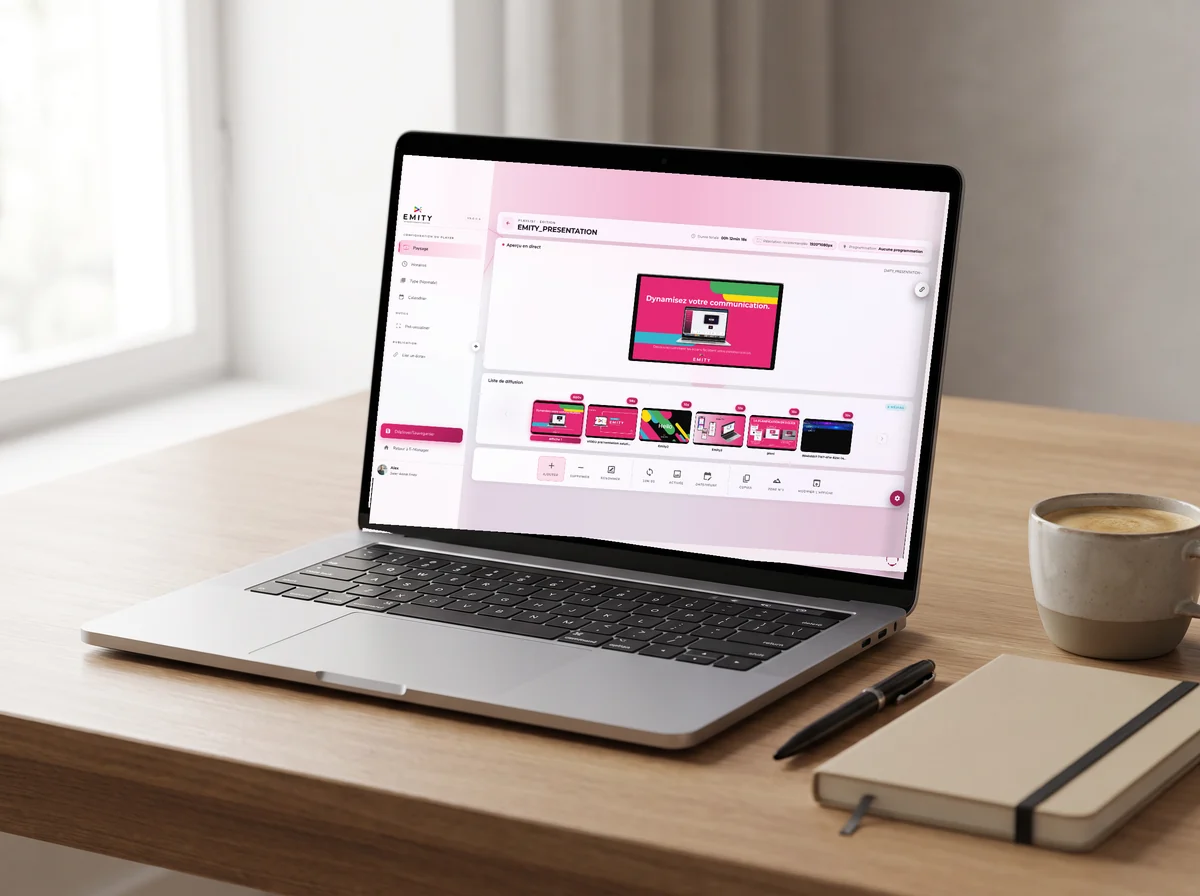
In EMITY’s built-in editor, you put together a chapel display or a page of visiting times from a template, directly inside the platform. If your staff already use Canva or Adobe Express, both connect to it as well.
You assign
Each screen receives what concerns it: the window its opening hours, the corridor outside chapel 2 its visiting times, the office its diary for the day. Nothing gets mixed up.
The screen plays
An E-BOX player plugs in behind the screen, or E-SOFT installs directly on professional Android, Tizen and webOS screens. Playback is local: a network outage will not leave a black screen in your reception.
You correct
A change of time is made from a phone and goes out immediately. E-MANAGER shows what each screen is displaying, so nobody has to walk round and check.
EMITY is sold through a network of certified resellers: an installer near you can take on the project, from choosing the screens to fitting them. The platform itself is described on the E-MANAGER page.
EMITY
A French software publisher, with a network of installers
+7,000
connected screens
+1,000
customer accounts
+130
distribution partners
+20
countries
Frequently asked questions
What funeral directors ask before they fit screens
Alongside this
Three pages that go with this one
Digital ink
For a forecourt or a path with no power supply: e-paper, and our subscriptions for what each plan includes.


