
Integrations · E-MANAGER
Digital signage integrations:
your business software on your screens
Your rotas, your listings, your dashboards already exist somewhere — in a management system, a CRM, a reporting tool. An integration connects that tool to E-MANAGER so your screens draw on it directly, with nobody keying anything in twice.
The principle
Keyed in once, shown everywhere
The question is never whether a screen can display a dashboard — it can. The question is who keeps it up to date. An integration answers that one: nobody.
A connection, not an export
Your screens read the tool where the information is already entered. No more file exported on Monday, forgotten on Tuesday and out of date by Wednesday.
The display follows reality
A listing withdrawn from the CRM disappears from the window. A rota changed in the morning is on screen straight away. The screen stops being one more thing to maintain.
Your teams change nothing
Nobody learns a new system: everyone carries on working in the tool they know. It is the screen that comes to fetch the information, not the other way round.
In practice
Three steps, then you leave it alone
Setup happens in E-MANAGER, the EMITY dashboard. It calls for no bespoke development and no work on your servers.
Connect your tool
Choose the integration in E-MANAGER and enter your credentials or access key. The connection is guided, screen by screen.
Choose what appears
Dashboard, rota, property list, news feed: you decide what goes to the screen and how it is laid out, in your own brand colours.
Let it run
The screen updates on its own. A change made in your tool reaches the display without any further handling — on one screen or on a hundred.
Productivity & collaboration
Your everyday tools, on the walls of your building
Company figures already live in your office tools. Bringing them to a screen saves the screenshot pasted into a slide deck, which is out of date the following day.
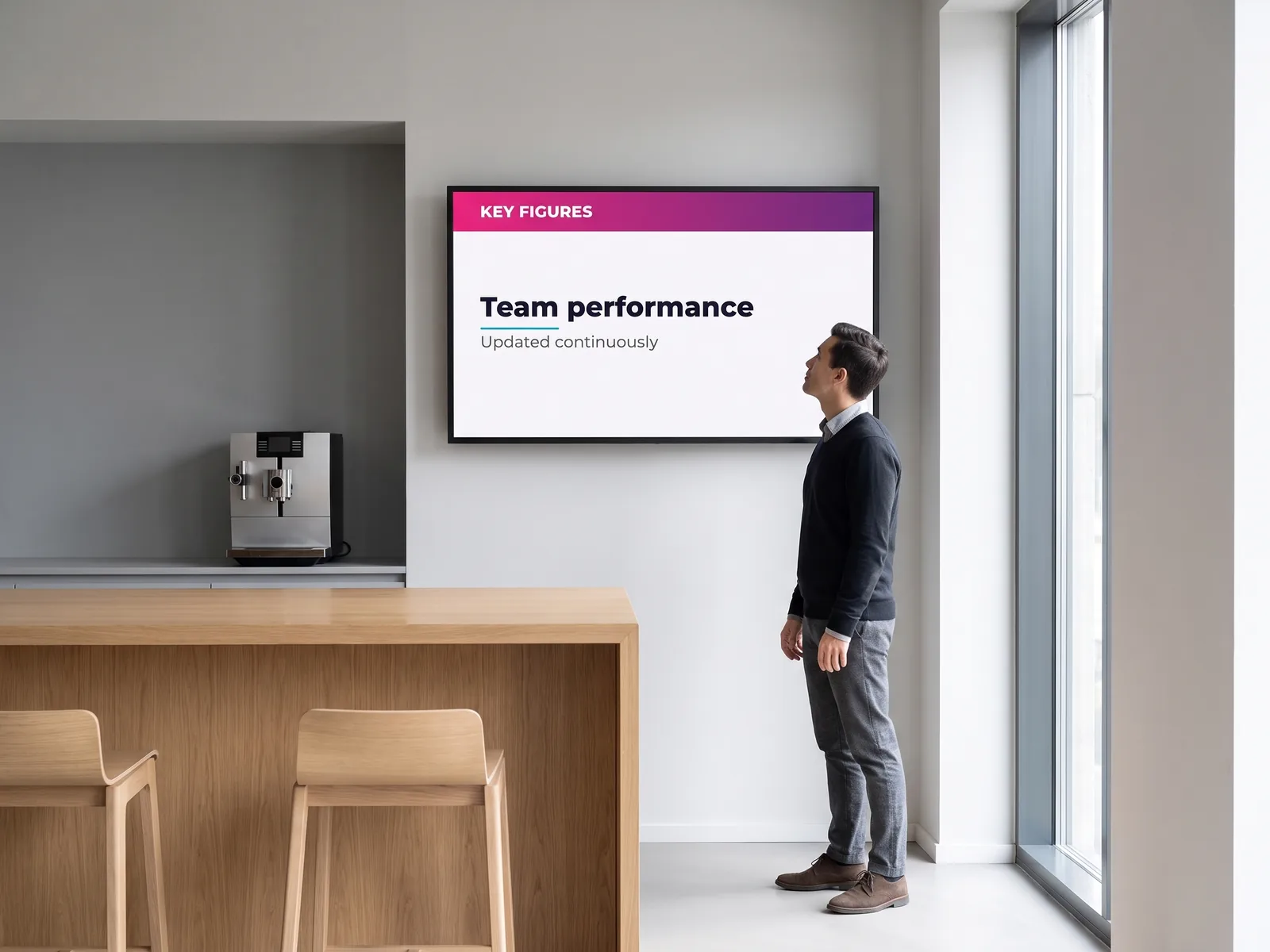
What appears, in practice
A screen placed where people pass — a corridor, a coffee area, an open-plan floor — circulates information nobody would go looking for in a shared drive.
- ✓A Power BI report shown as it is, with its own refreshes
- ✓Team announcements and alerts coming from Teams
- ✓Documents and artwork stored in Google Drive, with no download step
- ✓A separate display per site, per building or per department

Power BI
Microsoft’s dashboard tool. Your reports go to the screen with their own refreshes — no export, no screenshot to redo every week.
Dashboards

Microsoft Teams
Microsoft’s collaboration workspace. Team messages and company announcements can be carried onto the screens in your building, reaching the people who are not sat at a desk.
Internal comms

Google Drive
Google’s storage service. Artwork, a slide deck or a document dropped into a watched folder goes straight to the display: updating the file is enough to change what is shown.
Shared media
Design & creation
Compose a visual, then put it on screen
The EMITY built-in editor covers most needs: you compose a poster, a card or a message directly in E-MANAGER, with no third-party software and no export. And if your teams already work in Canva or Adobe Express, what they create joins the display without a detour.
From artwork to screen
A visual composed in the morning can be on screen by lunchtime. That matters most for what changes often: an announcement, a reminder, a welcome message.
- ✓The EMITY editor: composing inside the platform, with no extra account
- ✓Your own templates, reusable by the whole team
- ✓Canva and Adobe Express artwork picked up with no intermediate export
- ✓A change to the source visual that reaches the display on its own
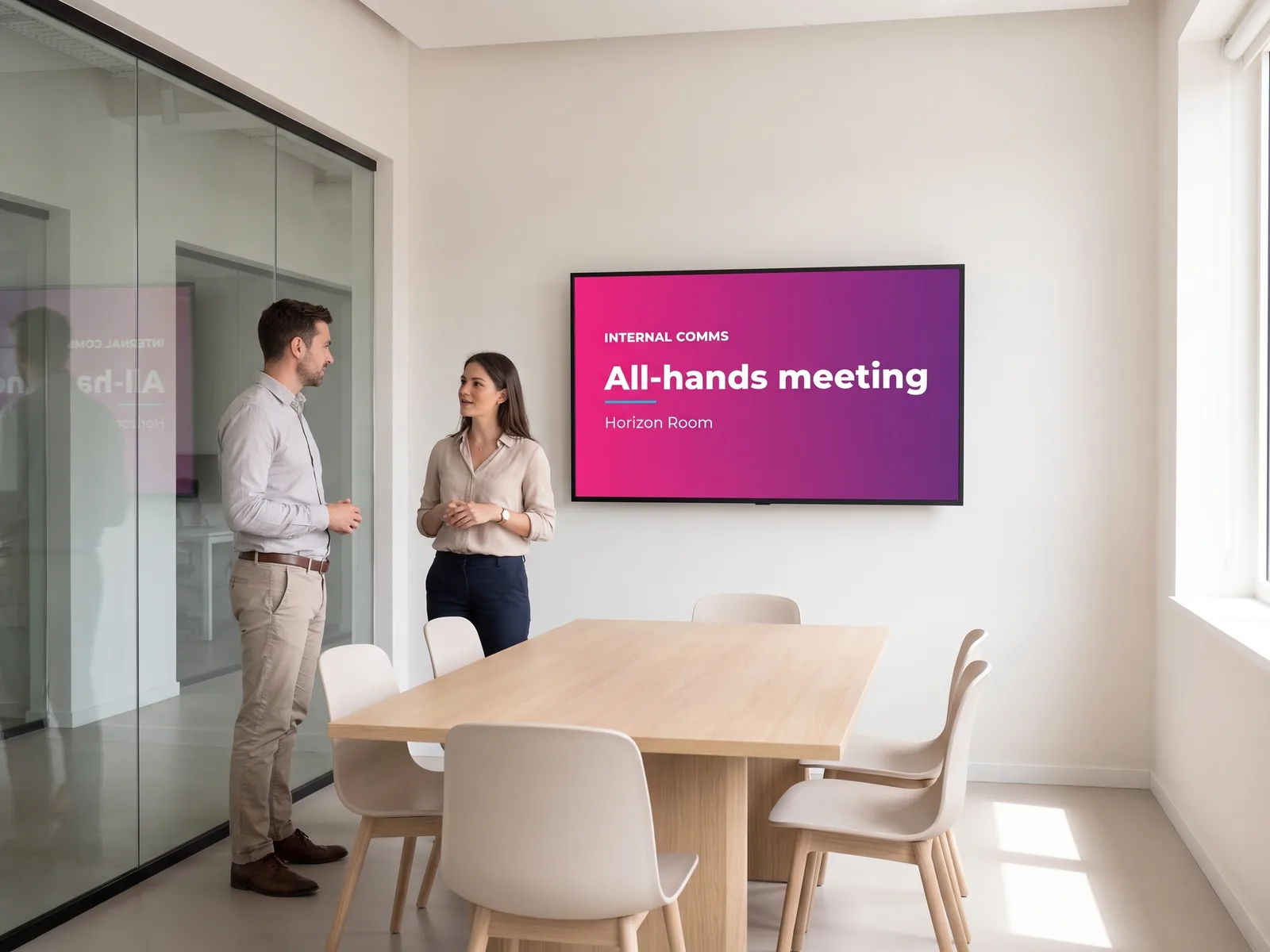
The EMITY editor
Built into E-MANAGER: you compose a visual, a card or a poster directly in the platform — no third-party software, no export, no extra account.
Included in E-MANAGER
Canva
The online design tool, usable without graphic design training. If your teams already work in it, their artwork joins the display without a download step.
Complementary integration

Adobe Express
The online, simplified side of the Adobe suite. Same principle: your still or animated artwork goes to the screen from the tool it was created in.
Complementary integration
HR & finance
Rotas and figures, in front of the right people
A rota on a corridor wall saves a question to whoever maintains it — provided it is up to date. That is exactly what a connection to the HR system settles.
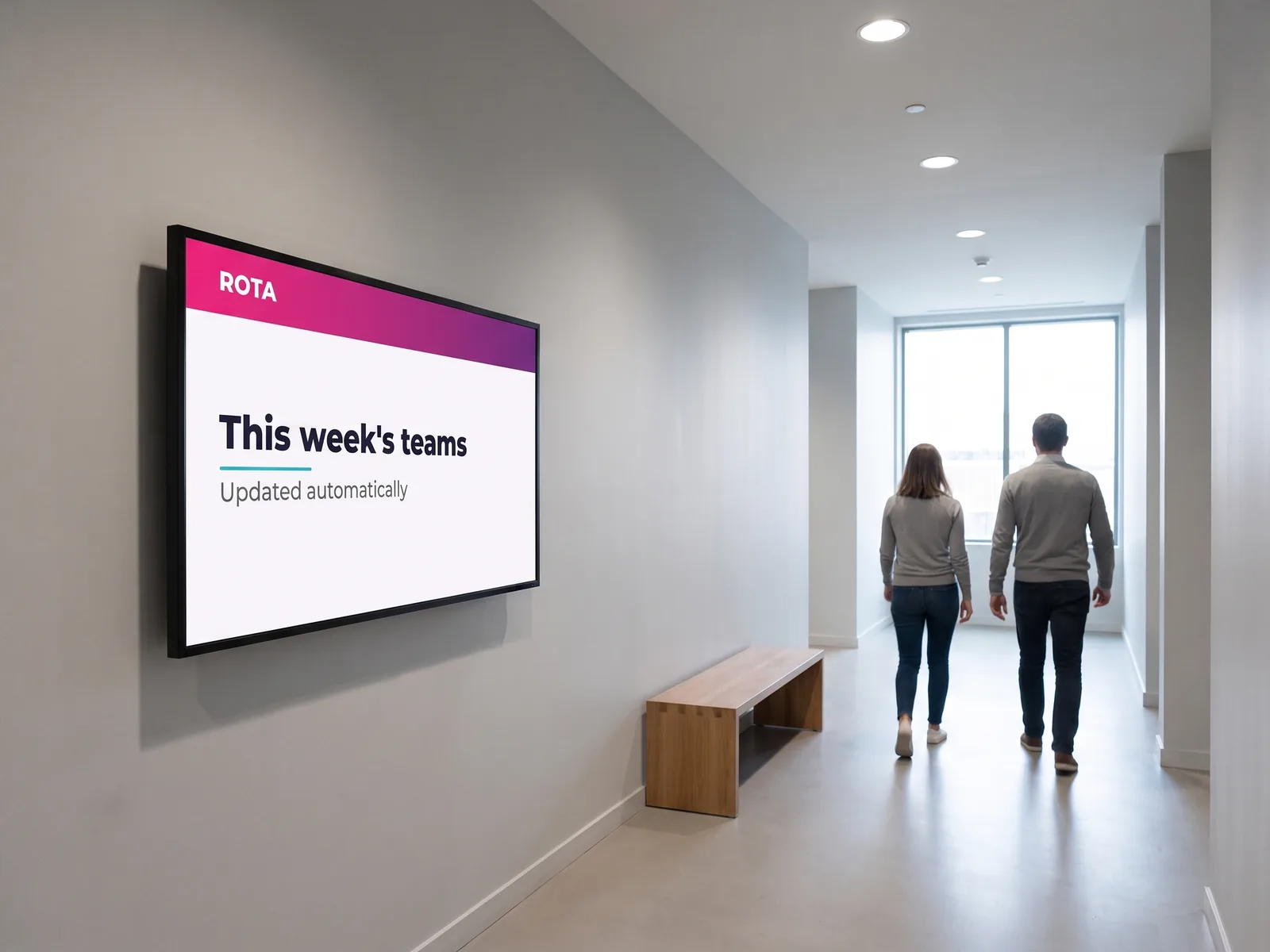
What teams find there
The point of a screen here is to make visible what would otherwise sit inside a system not everyone has access to.
- ✓Team rotas, absences and shift patterns
- ✓Performance indicators and management figures
- ✓A targeted display: each department sees what concerns it
- ✓No export to redo every time something changes

Veolys
Human resources and scheduling software. Rotas, absences and staff activity reach the screens in your building.
Rotas & HR

Cegid
Administrative and financial management suite — accounting, payroll, finance. Its indicators can be shown on screen for a visual read on the business.
Finance & admin

MyReport
Reporting and custom dashboard tool. What was already designed to be read carries over naturally onto a departmental screen.
Reporting
Local government & tourism
Local information, without keying it in twice
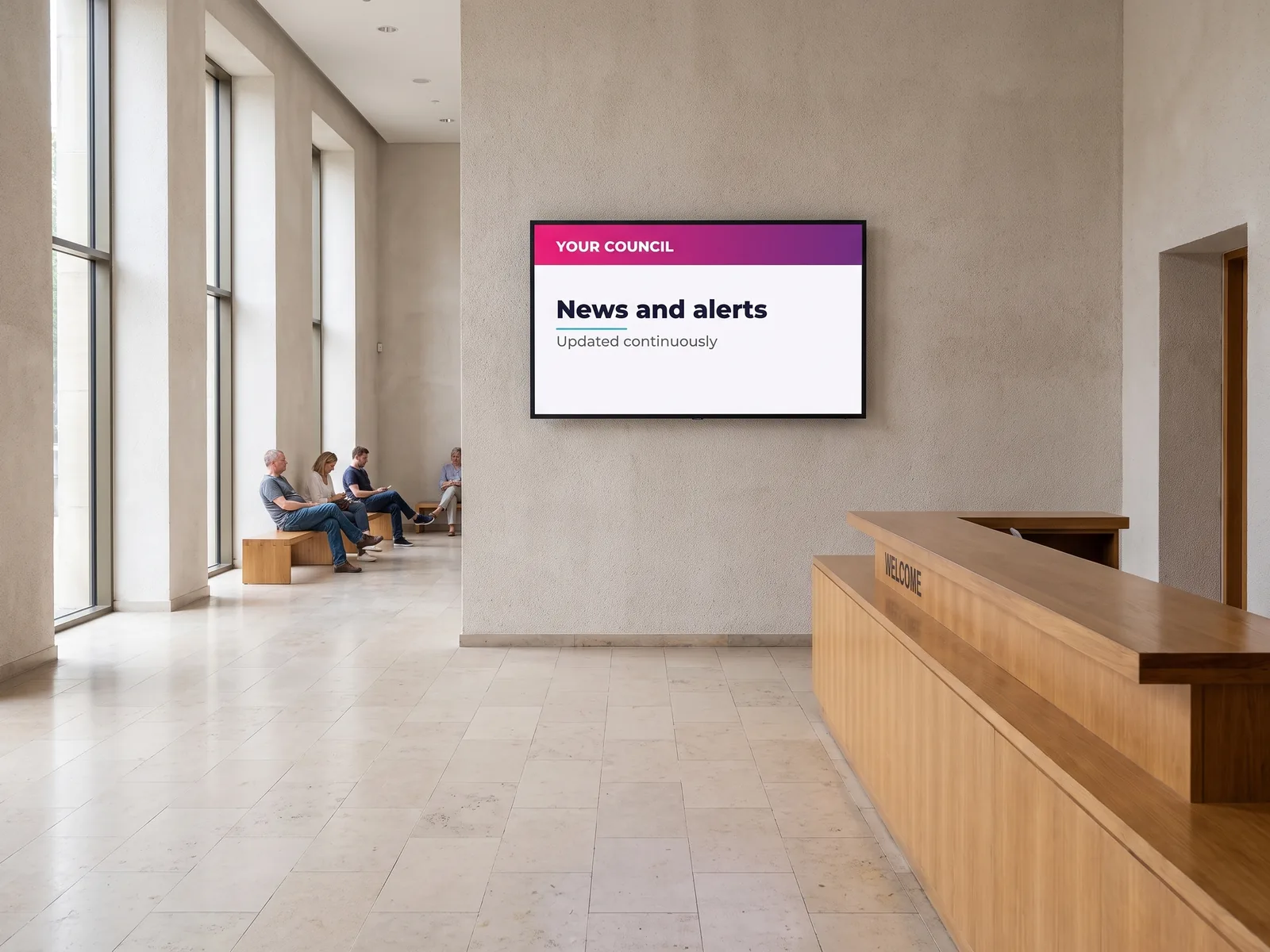
A council already publishes its news in a resident app; a tourist information centre already maintains its events database. Connecting those tools to the screens saves re-entering everything — and, above all, saves a screen still showing last week’s event.
What reaches the public screens
Council reception, library, tourist information centre, outdoor totem: the same body of information reaches the places where residents actually pass.
- ✓Alerts and council announcements, published once
- ✓Events and activities across the area
- ✓Tourism listings, accommodation and places to visit
- ✓Updates driven by the teams who already produce them

Intramuros
A local communication app used by many councils to publish alerts, news and practical services. What is posted there can feed the public screens.
Local communication

Panneau Pocket
An instant information app widely used by local authorities. Urgent messages and local notices carry over to the screens across the area.
Resident alerts

Apidae
A collaborative tourism information system, among the most widely used in France. Local listings and tourist information reach the screen automatically.
Tourism data

Tourinsoft
A tourism information management tool: accommodation, events, places to visit. Its database becomes the source for the display.
Tourist information centres
An RSS feed from your website
Beyond the dedicated tools, a news feed published by your own website can drive a screen — often the simplest way to start.
News feed
Widgets for the area
Weather, air quality, transport times: these need no integration at all, as they are supplied by the E-MANAGER widgets.
No integration needed
Property
The window updates itself
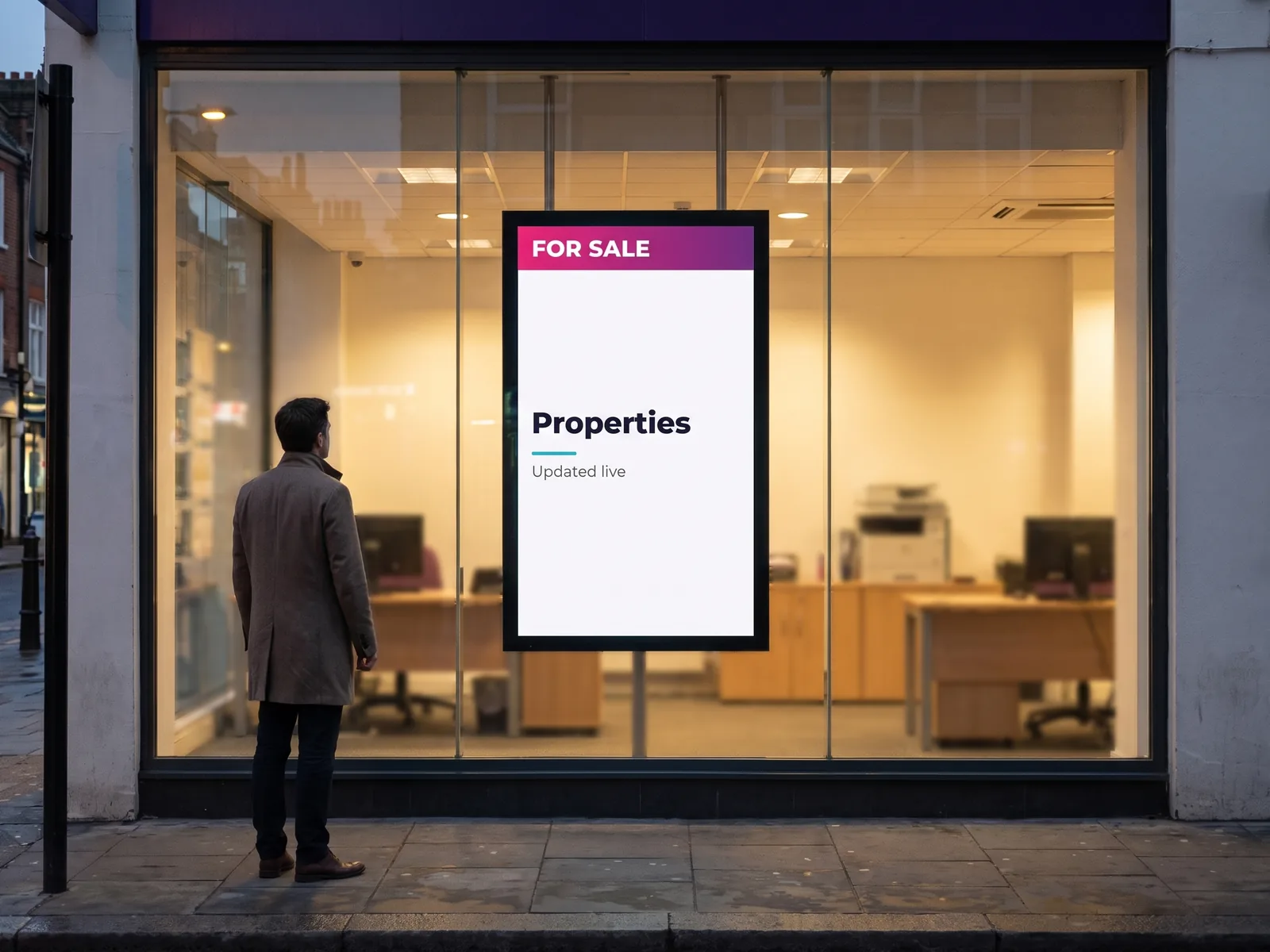
This is where an integration shows most plainly: a property that has sold stays in the window until somebody takes it down. Connected to the agency software, the screen follows the portfolio on its own.
What the passer-by sees
The window becomes an extension of the agency software: what is published inside is outside, and what comes off the books disappears from the screen.
- ✓Properties from your portfolio, with photographs, floor areas and details
- ✓Instant removal once a property is no longer available
- ✓A selection by property type, by area or by price bracket
- ✓A window that carries on working after the agency has closed
La Boîte Immo
A French software house specialising in tools for estate agents. Listings published in the system feed the window screens directly.
Property CRM

Netty
A combined CRM, agency website and communication toolkit. Properties entered once appear on the website and on the agency screens alike.
Property CRM
AC3
One of the long-standing names in digital tools for estate agents. Connecting it to E-MANAGER gives a fully automated window display.
Property CRM
Apimo
A multilingual property software package with marketing tools built in. Properties reach the window in the language and layout you choose.
Property CRM

Century 21
The network provides its franchisees with a complete toolset. E-MANAGER fits into it for an automated window display that respects the network’s brand rules.
Agency network
Adapt Immo
Property CRM software designed to stay within reach of agencies of every size. Listings sync to the window with no handling.
Property CRM
ERP & manufacturing
Production figures, where they are of use
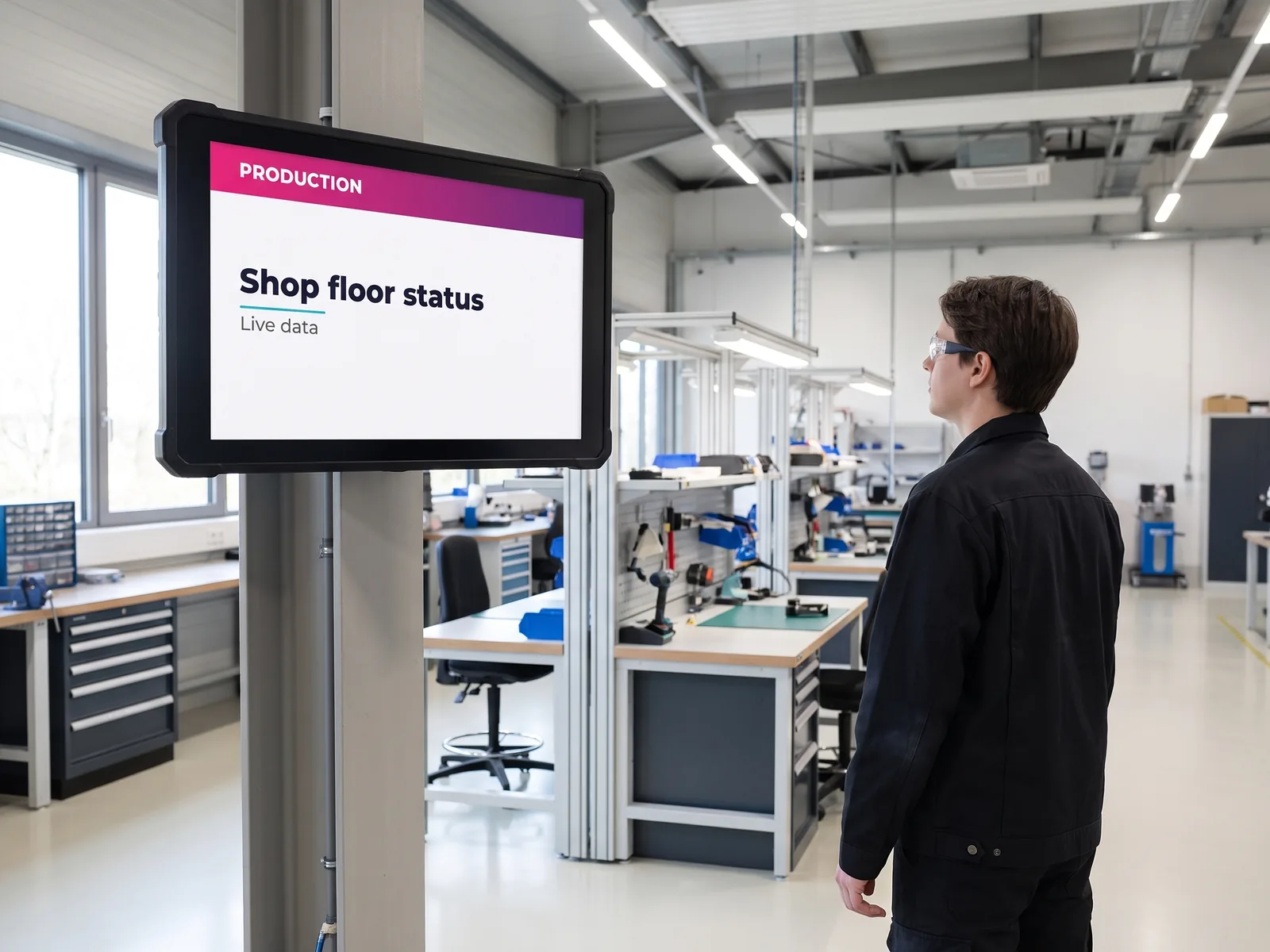
On a shop floor, useful information is not looked up: it is glanced at in passing. A screen connected to the ERP shows the real state of production to the people running it.
What can be read from the workstation
The shop floor screen replaces the whiteboard rewritten every morning, with the advantage of never lagging behind what is actually happening.
- ✓Production progress, output rates and line status
- ✓Quality indicators and performance figures
- ✓Safety notices and messages shown alongside
- ✓Screens suited to an industrial environment

SAP Cloud
One of the most widely used enterprise resource planning suites. Its core data — production, stock, financial indicators — can be displayed on the shop floor as readily as in the offices.
ERP
Your in-house ERP
Many manufacturers run an in-house or little-known ERP. A bespoke connection is looked at case by case — which is what the next section is about.
On request
Screens for the site
A workshop has different constraints from a foyer: brightness, temperature, dust. The hardware is chosen to suit the location, independently of the integration.
Hardware
Going further
What if your system is not on the list?
A connection looked at case by case
The list of integrations grows with what our customers and our reseller partners ask for. If your system is not on it yet, two routes remain: a bespoke connection, which our teams look at case by case, or a standard feed your tool already knows how to produce — a news feed, a regular export, a web page.
Either way, the first question is not a technical one: it is what your screens ought to be showing. The rest follows from that.
Beyond integrations: the widgets
Part of what makes a screen feel alive needs no integration at all: weather, time, air quality, transport times, a news feed, social media. Those are the E-MANAGER widgets — more than twenty of them, switched on in a few clicks.
Put another way: widgets bring the context, integrations bring your data. Most screens in service combine the two.
Frequently asked
What teams ask before connecting a system
Connect your tools to your screens
Tell us which tools you run and what your screens ought to show from them: our teams will tell you what connects directly, and what calls for a closer look.


