
Sector · Estate agencies and networks
Real estate digital signage: your listings update themselves
Your window keeps pace with your listings.
Your properties change every week. Your printed cards do not. Connect your screens to the software your team already uses and the window keeps itself current — on a Sunday, on one branch or on thirty.
The experiences involved
Five EMITY experiences, one platform for the whole agency.

01The starting point
A window that never changes stops being read
A branch window is the first conversation an estate agent has with a seller or a buyer — often the only one before the door opens. The weak point is not the printed card. It is the gap between the moment a property moves and the moment the window finds out. The property software we connect to is listed on the integrations page.
02Placements
Each zone of a branch calls for a different screen
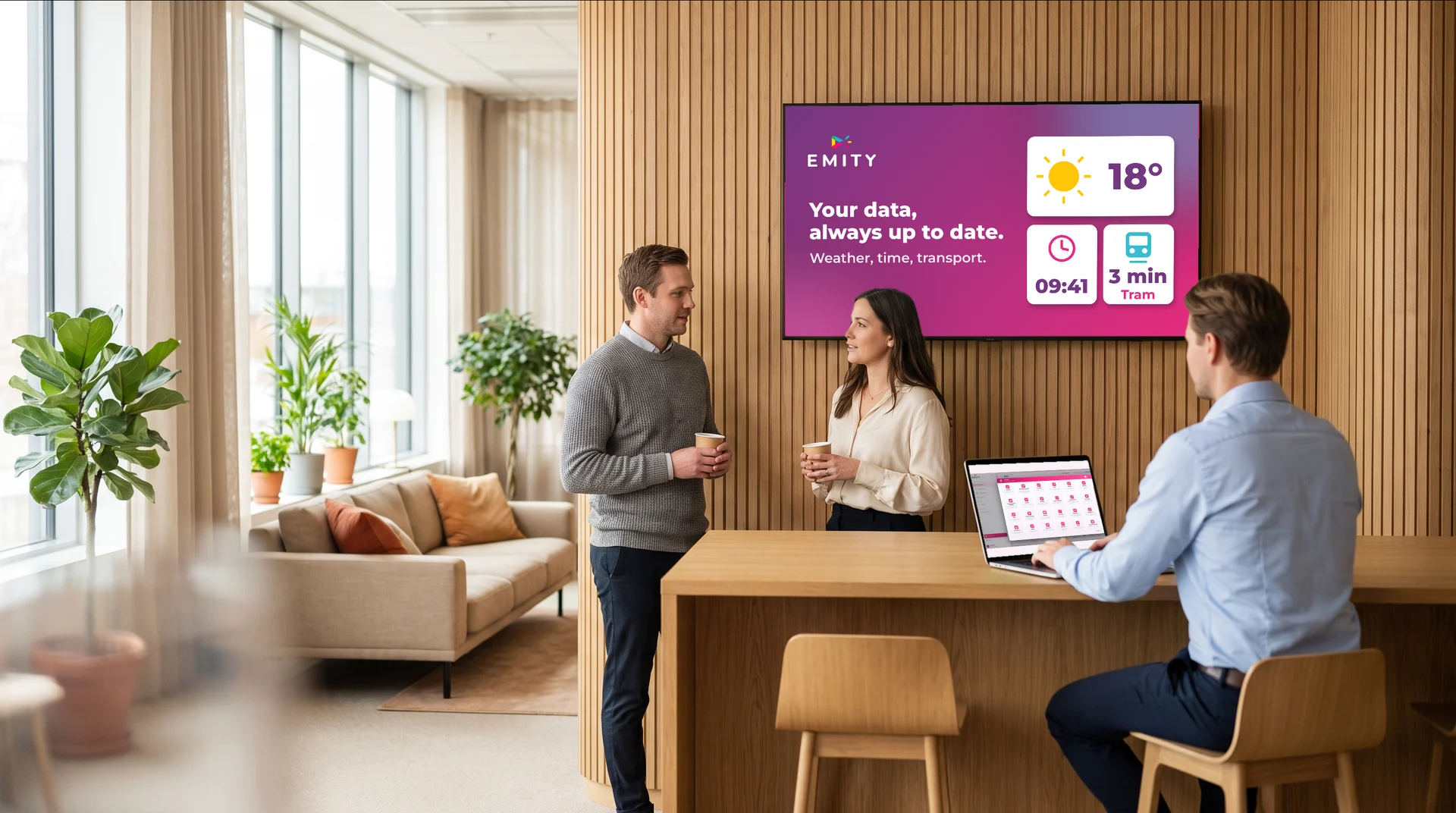
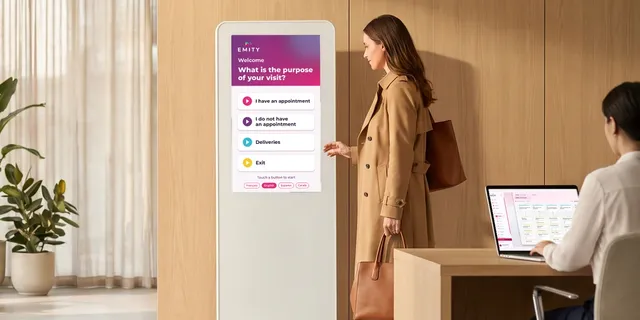
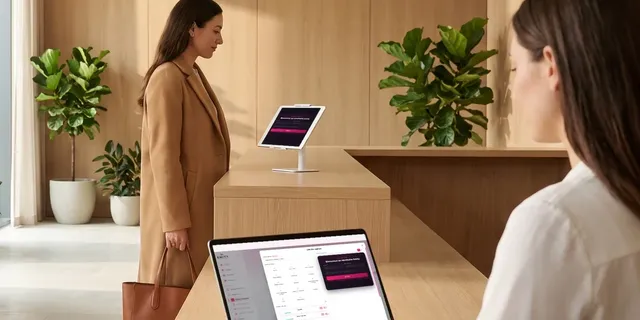
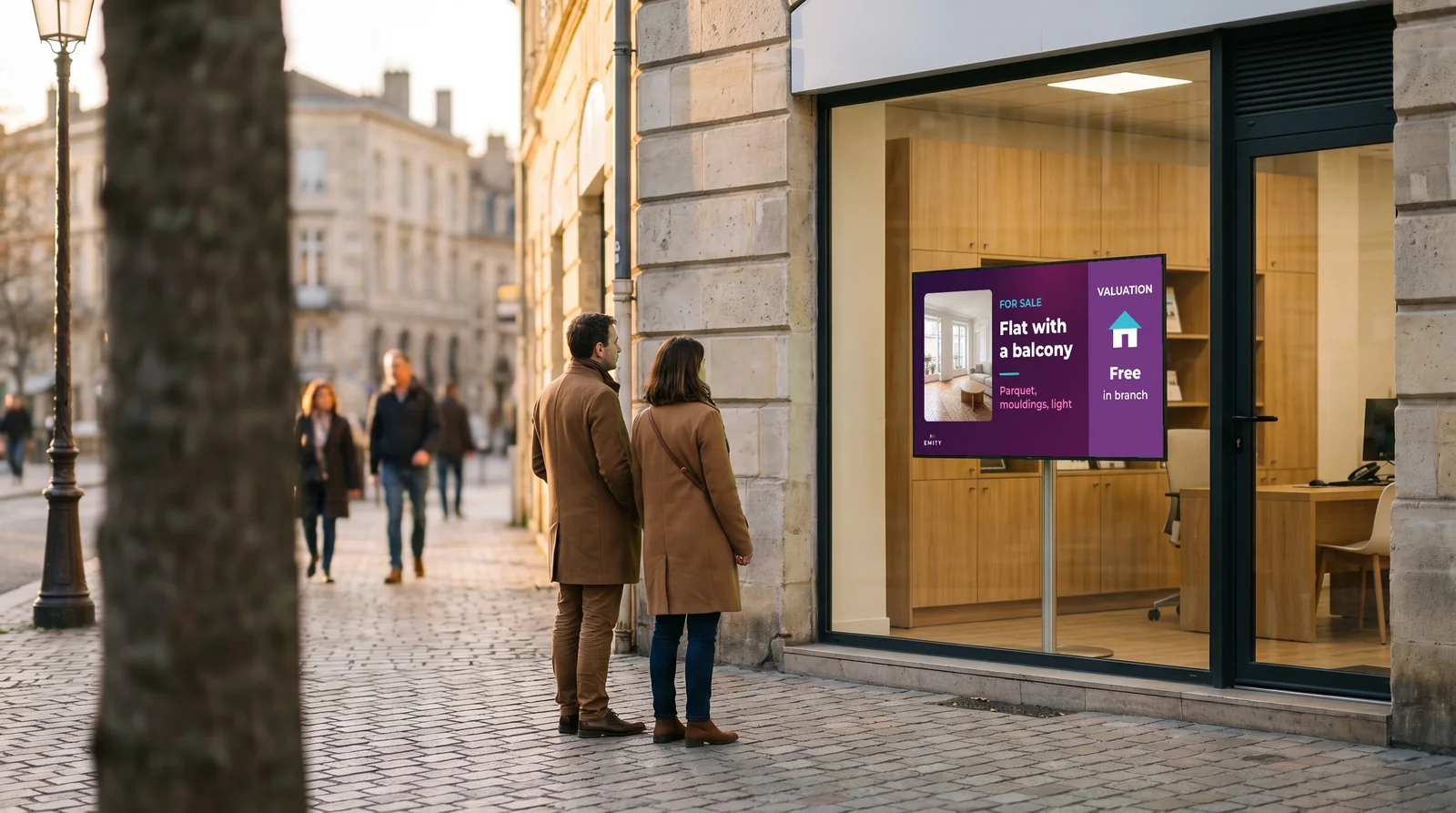
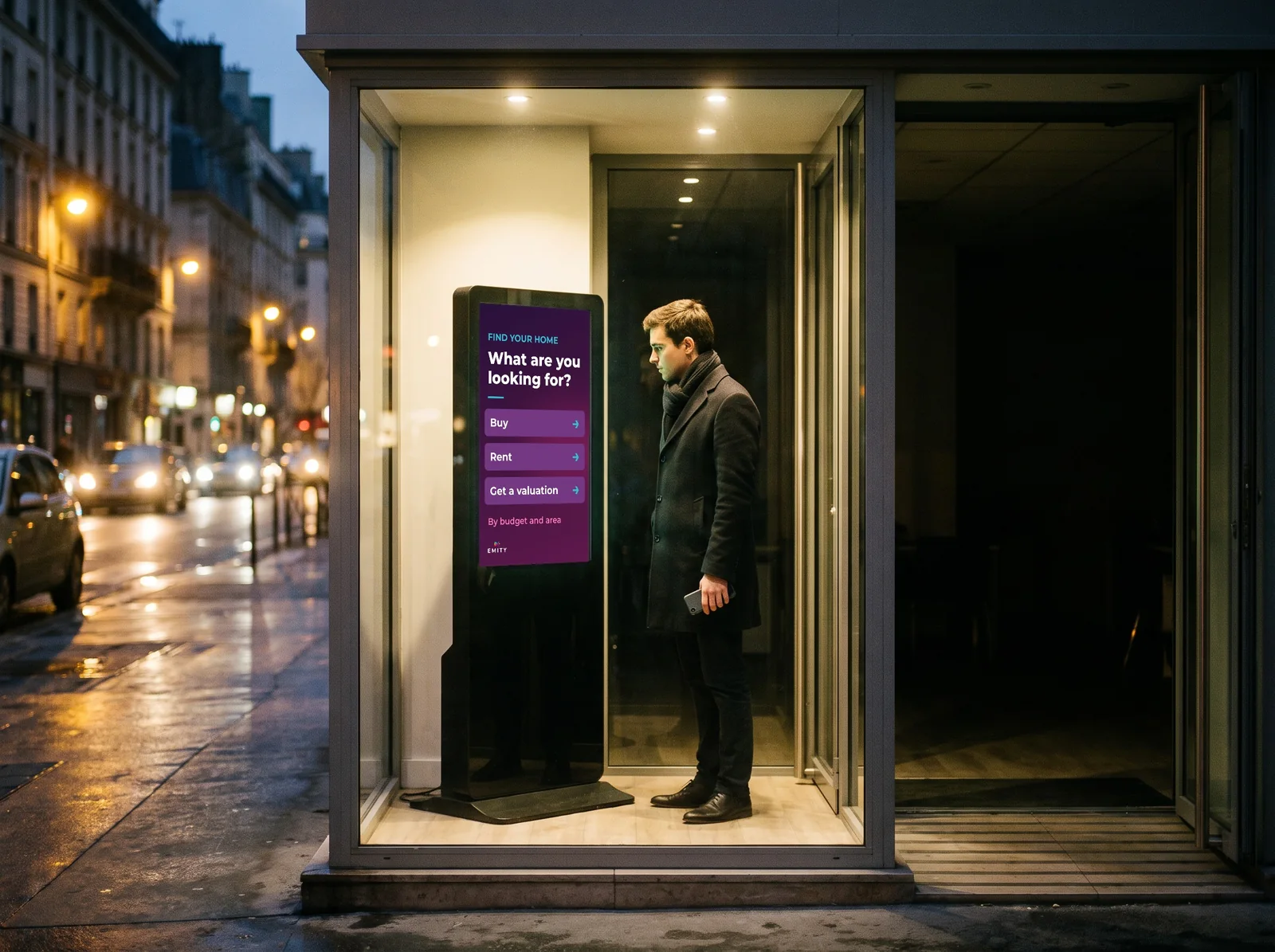
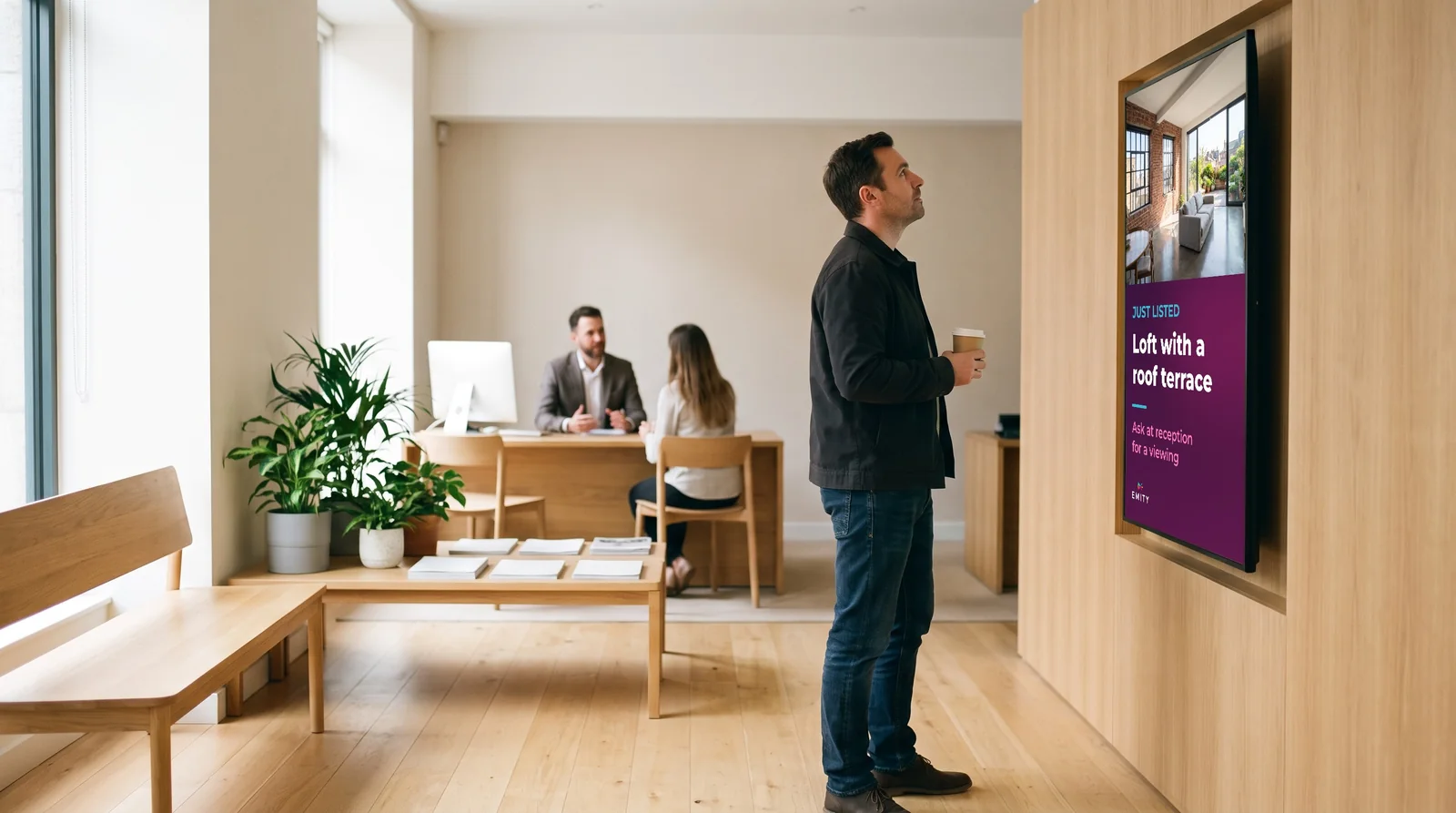
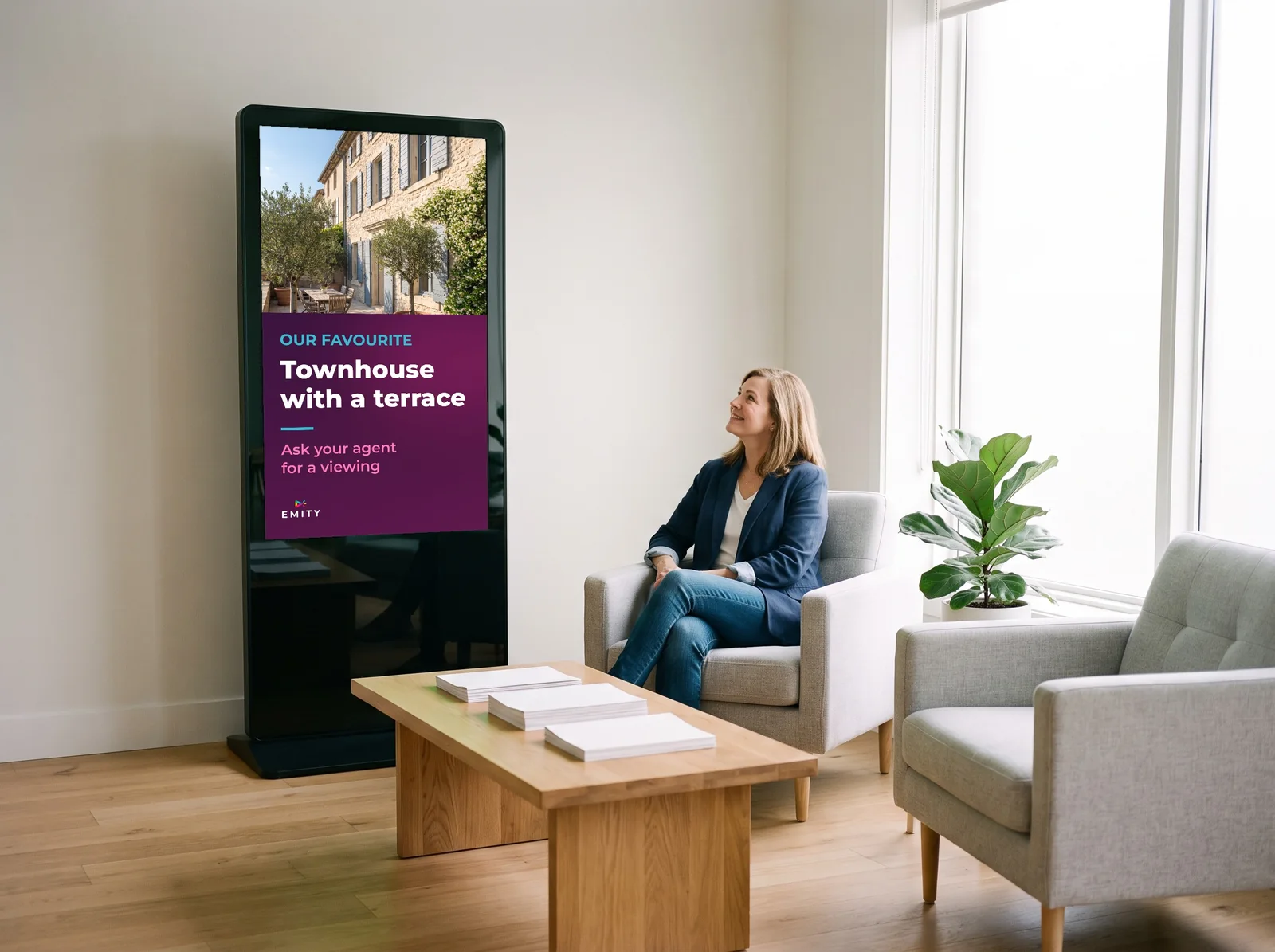
A window is not driven like a reception display, and a touch totem serves a different moment of the visit. These four placements come up most often.

03What changes
Listings come from your software,
not from a USB stick.
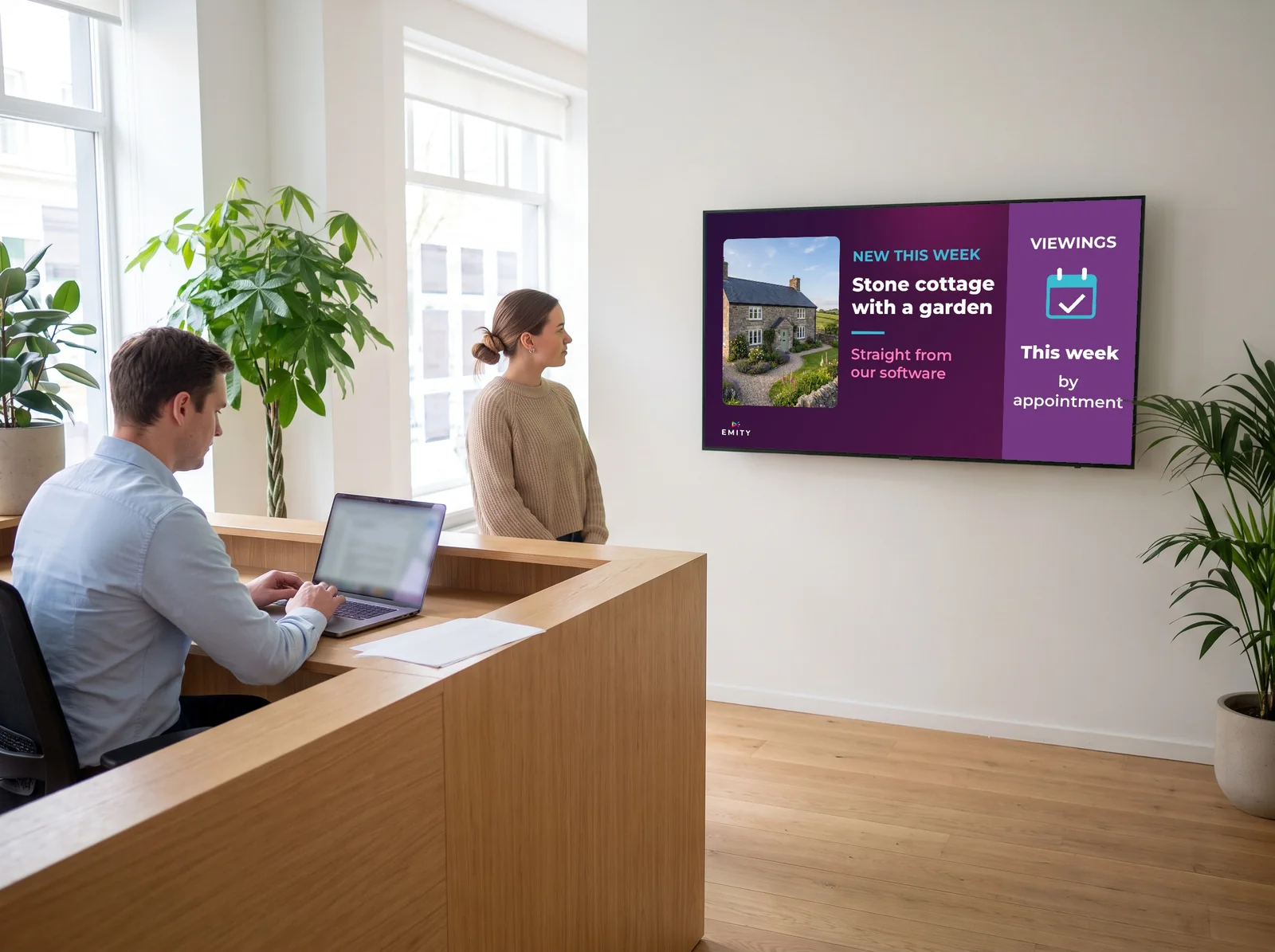
A listing entered once, shown across the whole branch.
The screen reads the portfolio your negotiators already maintain. Nobody exports anything, nobody walks a memory stick to the window, and the team carries on working in the system it knows.
- ✓Passers-by stop: Movement catches the eye where a static card blends into the street. Large photographs, price, floor area, town, and a QR code so the details leave with the viewer.
- ✓The visit continues indoors: The property spotted in the window reappears at reception, on a screen or a tablet, while the visitor waits for a negotiator. Part of the conversation has already happened.
- ✓The portfolio stays alive: A property is instructed, it appears. It completes, it disappears. No handling in branch, weekends included, across every window at once.
04The connection
Three settings, then you stop thinking about it
How the connection works
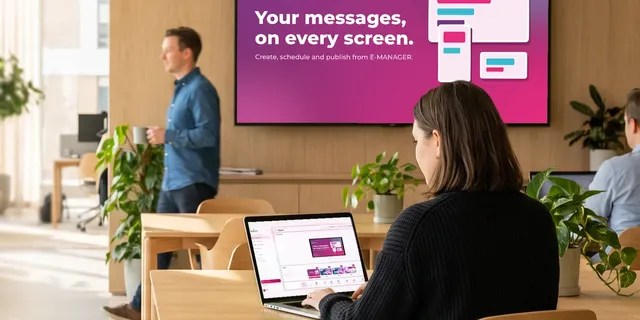
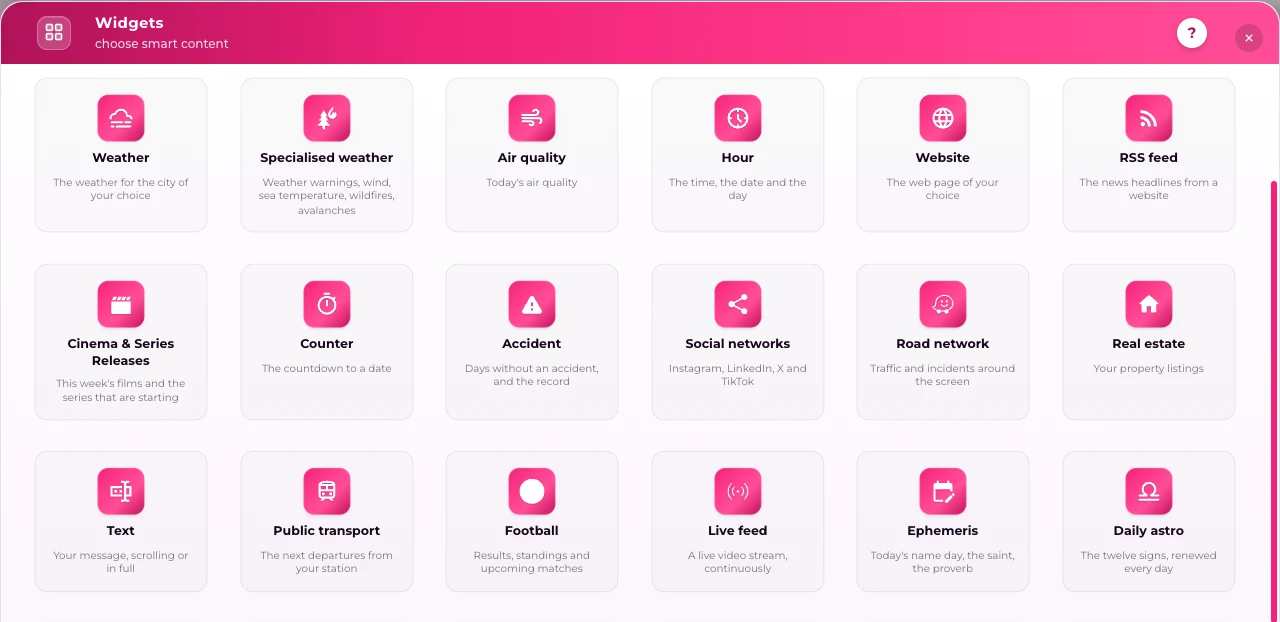
Everything is driven from E-MANAGER, the EMITY web dashboard. For property professionals it carries a dedicated widget, E-IMMO, which reads the listings where your team already keys them in — so the window is never a second place to update.
About integrations, plainly: E-IMMO already connects to the main platforms of the French market — AC3, Adaptimmo, Hektor, Netty. If your agency runs something else, send us the name of your system and we will tell you what an integration involves before you commit to anything. We would rather say « not yet » than sell you a connector that does not exist.
- ✓Enable the E-IMMO widget inside E-MANAGER.
- ✓Enter the security code our team sends you.
- ✓Choose what goes out: property type, price bracket, area, sole agency instructions.
- ✓From then on the window follows your portfolio, with nothing left to do.
A shopfront with no cabling, readable in direct sunlight.
EMITY is the first French vendor to support electronic paper (e-paper). For a window of listings it is an unusually good fit: the image draws no power between updates, stays readable in direct sunlight, and a panel runs for around five years on battery. No cabling to pull through the shopfront.
05Choosing the hardware
What decides is brightness, ahead of resolution
| Placement | Brightness to aim for | Common size | Why |
|---|---|---|---|
| Window in direct sun | 2,500 to 5,000 cd/m² | 43 to 75 in. | A living-room television (300 to 400 cd/m²) turns grey behind exposed glass. |
| Shaded window, narrow street | 1,500 to 2,500 cd/m² | 43 to 65 in. | Reflection on the glass matters as much as direct light; an anti-glare treatment is sometimes enough. |
| Reception, waiting area | 350 to 700 cd/m² | 43 to 55 in. | A commercial panel is built for 12 to 16 hours a day, where a consumer model is rated for 4 to 6. |
| E-paper window (prices, instructions) | No backlight | 13 to 32 in. | Readable in full sun, no power draw between updates, and it mounts without a supply. |
These are the orders of magnitude of the commercial display market, not an EMITY price list: EMITY publishes the software and works through a network of certified resellers who quote and install the hardware suited to your shopfront. On the software side, E-MANAGER works with screens from every manufacturer — including the ones already on your walls.
06Getting started
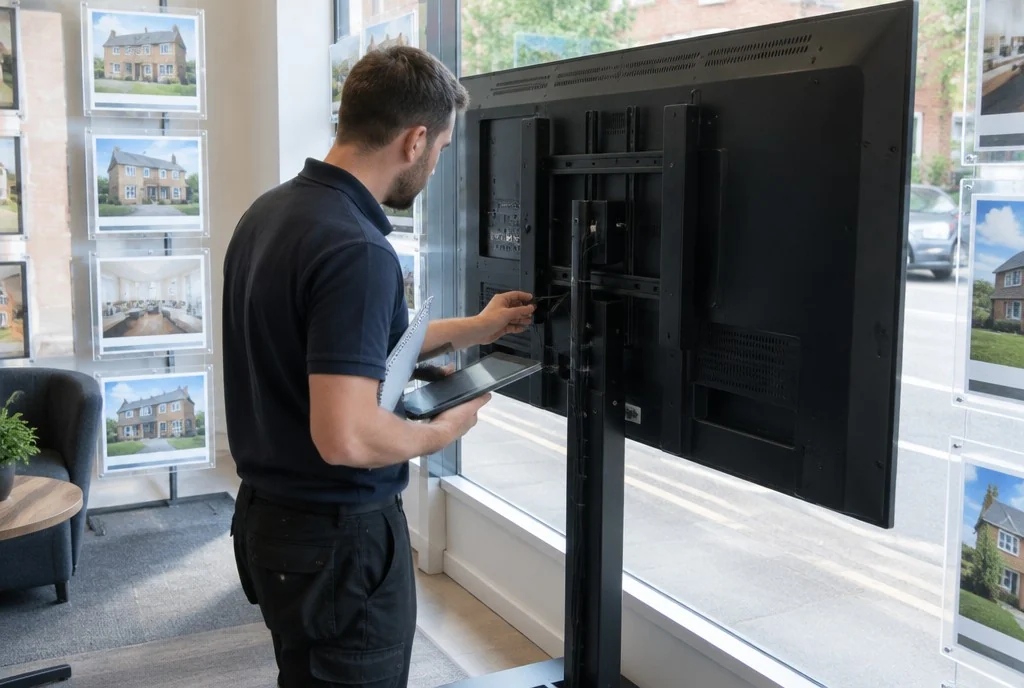
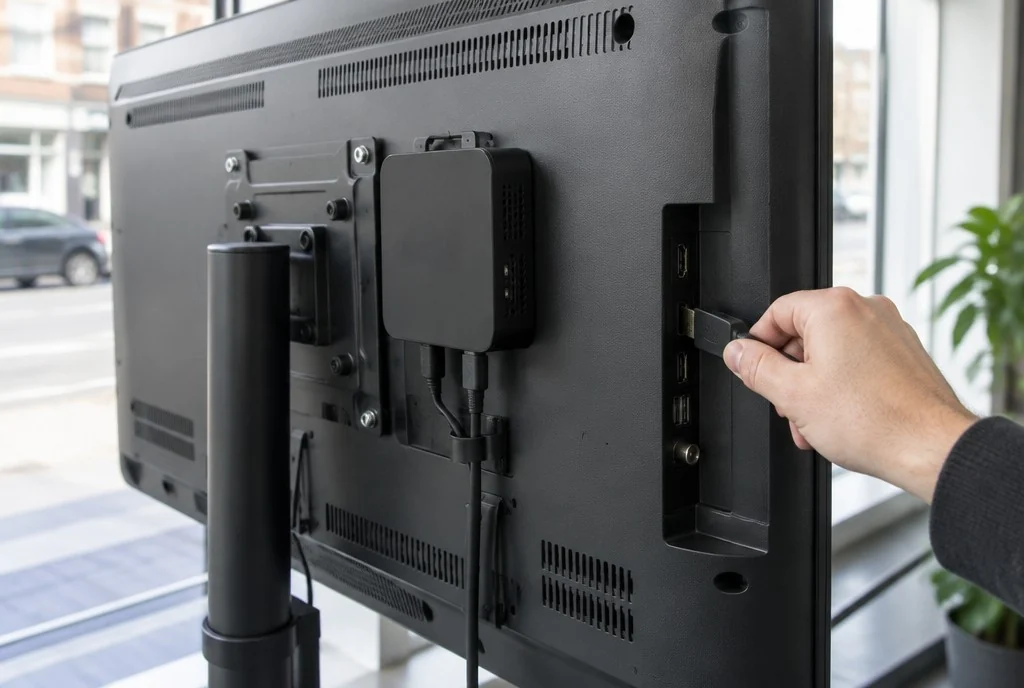
From the order to the first listing on screen

07The wider picture
An established platform, and a network to fit it
EMITY equips independent agencies and branded networks alike, with the same E-MANAGER and the same E-IMMO widget. The interface is web-based: it opens from any desk, with nothing to install.
+7,000
screens connected worldwide
+1,000
customer accounts
+130
certified resellers
+20
countries
Already running a competitor’s screens? They can often be taken over (our Replay scheme) rather than replaced while still in good order. Worth raising with your reseller, or see our offers and our subscriptions.
08Common questions
What agencies ask before they fit anything
09Nearby
Three pages that go further
Window screens, all retail
The same subject from a shopkeeper’s point of view: digital window displays.
Digital signage across property
The wider sector, developers and property managers included: the real estate sector.


