
Digital legal notices: your display obligations on screen
Since 1st July 2022, electronic publication has become the standard form of publicity for local authority acts. And the French Labour Code requires every company to display a series of documents. The Legal notices module in E-CLICK carries this information on a screen, a touch kiosk or a totem — in a town hall, in a company as well as in an apartment building.
UNDERSTANDING IT
Digital legal notices, a simple definition
Before we talk about equipment, let us put the words back in their place. The subject concerns three very different audiences, with obligations that have little in common.
What are digital legal notices?
Digital legal notices means carrying on an electronic medium the information an organization is required to make public: administrative acts for a town, documents from the French Labour Code for a company, management information for an apartment building. In other words, what used to be pinned on a cork board now appears on a screen, a touch kiosk or a totem.
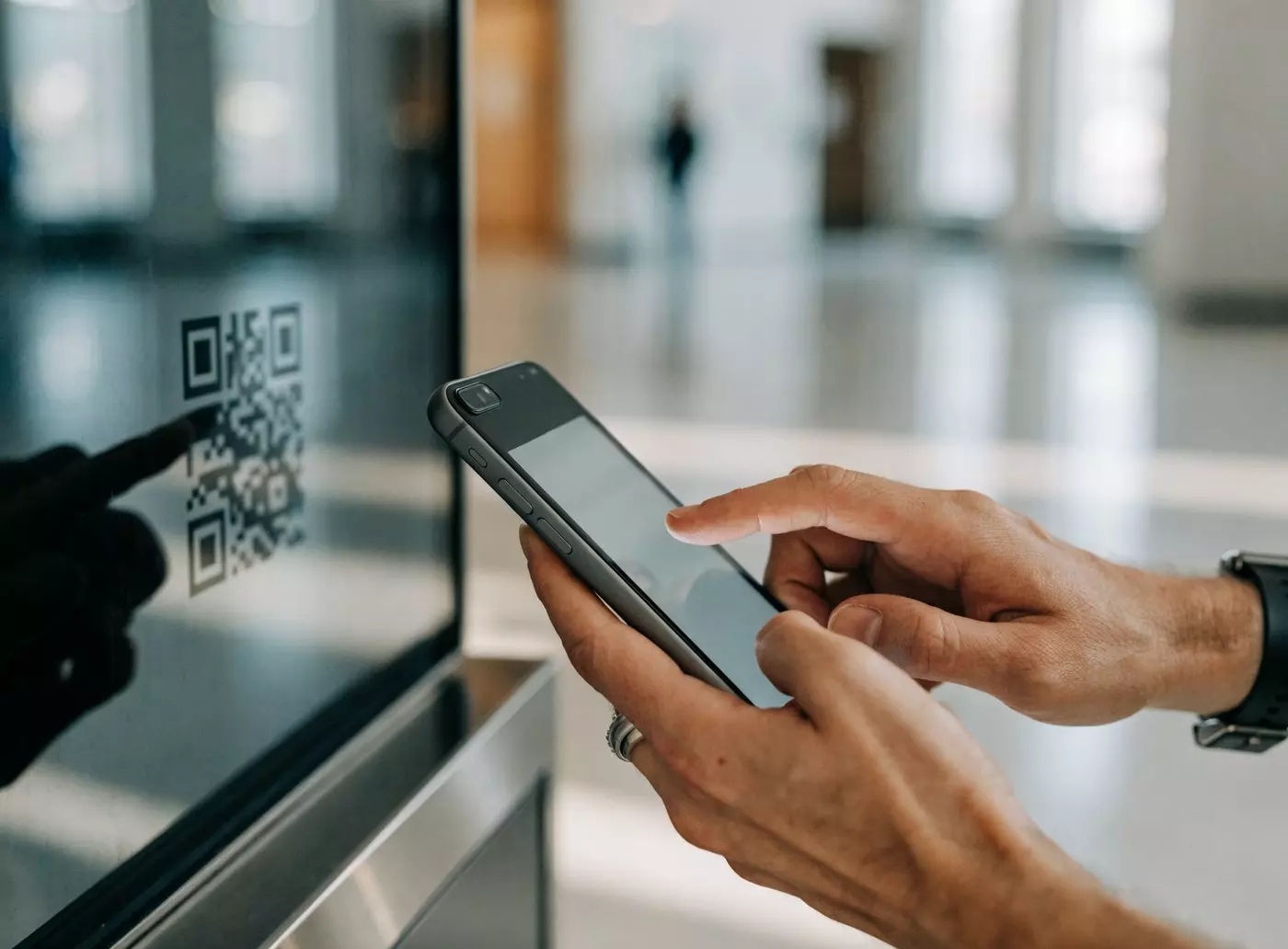
The benefit goes beyond reading comfort: a digital document is updated from a dashboard, downloaded by QR code and stays available when the offices are closed.
- ✓On site — reception hall, break area, common areas
- ✓On the move — QR code on the screen, document retrieved on the phone
- ✓Up to date — one change, one click, every screen follows
- ✓Accessible — wheelchair-accessible height, adjustable contrast and text sizes
REGULATORY FRAMEWORK
What the law says for local authorities
The 2021 reform changed the hierarchy of media. Here are the four points to keep in mind before choosing equipment.
One reform, two texts
Ordinance no. 2021-1310 and decree no. 2021-1311 of 7 October 2021 reformed the rules on publicity, entry into force and preservation of local authority acts. They have applied since 1st July 2022.
Electronic publication becomes the rule
Since that date, publication in electronic form on the local authority’s website is the standard form of publicity for acts. Paper display is no longer the principle.
No alternative above the threshold
Towns with more than 3,500 inhabitants and their groupings, like departments and regions, must publish electronically. The choice of medium is not left to them.
Three options, by resolution
Towns with fewer than 3,500 inhabitants, joint authorities and mixed syndicates keep the choice between display, paper publication and electronic publication. That choice is formalized by an express council resolution.
IN A TOWN HALL
The acts to bring to residents’ attention
Council resolutions, municipal orders, planning: going digital starts with knowing what has to be published.

Which documents should a town hall publish?
The list depends on the life of the town, but you almost always find the same families of documents. An inventory drawn up at the start avoids omissions and lets you size the equipment to the real volumes.
- ✓Municipal council resolutions and minutes of meetings
- ✓Municipal orders (roads, traffic, use of public space)
- ✓Planning documents: the local urban plan and its revisions, building permits, prior declarations
- ✓Consultation and public inquiry notices, with their deadlines
- ✓Local regulatory decisions and service information
Every document stays available as a PDF, downloadable in one move from the screen thanks to the QR code.
IN A COMPANY
Company display screen: nine pieces of information to keep visible
A yellowed board in the corridor or a readable screen in the break area: the obligation is the same, the result is not.
What the French Labour Code requires you to display
The French Labour Code requires several pieces of information to be accessible to all employees, in a place where they can consult them freely. A screen in the reception hall or the break area brings all of it together in one place — and can be corrected in seconds when a contact detail changes.
- 1Contact details for the occupational health service and the labour inspectorate
- 2The applicable collective bargaining agreement and how to consult it
- 3Emergency numbers (fire service, ambulance, police)
- 4Measures against moral and sexual harassment
- 5Professional equality between women and men
- 6Fire safety instructions and evacuation plan
- 7Working hours, weekly rest and working time
- 8Contact details for employee representatives and the works council (CSE)
- 9How to access the workplace risk assessment document (DUERP)

MULTI-SITE
When the display has to follow the teams
A mandatory display is only worth something if it is up to date everywhere, including on the most remote sites.
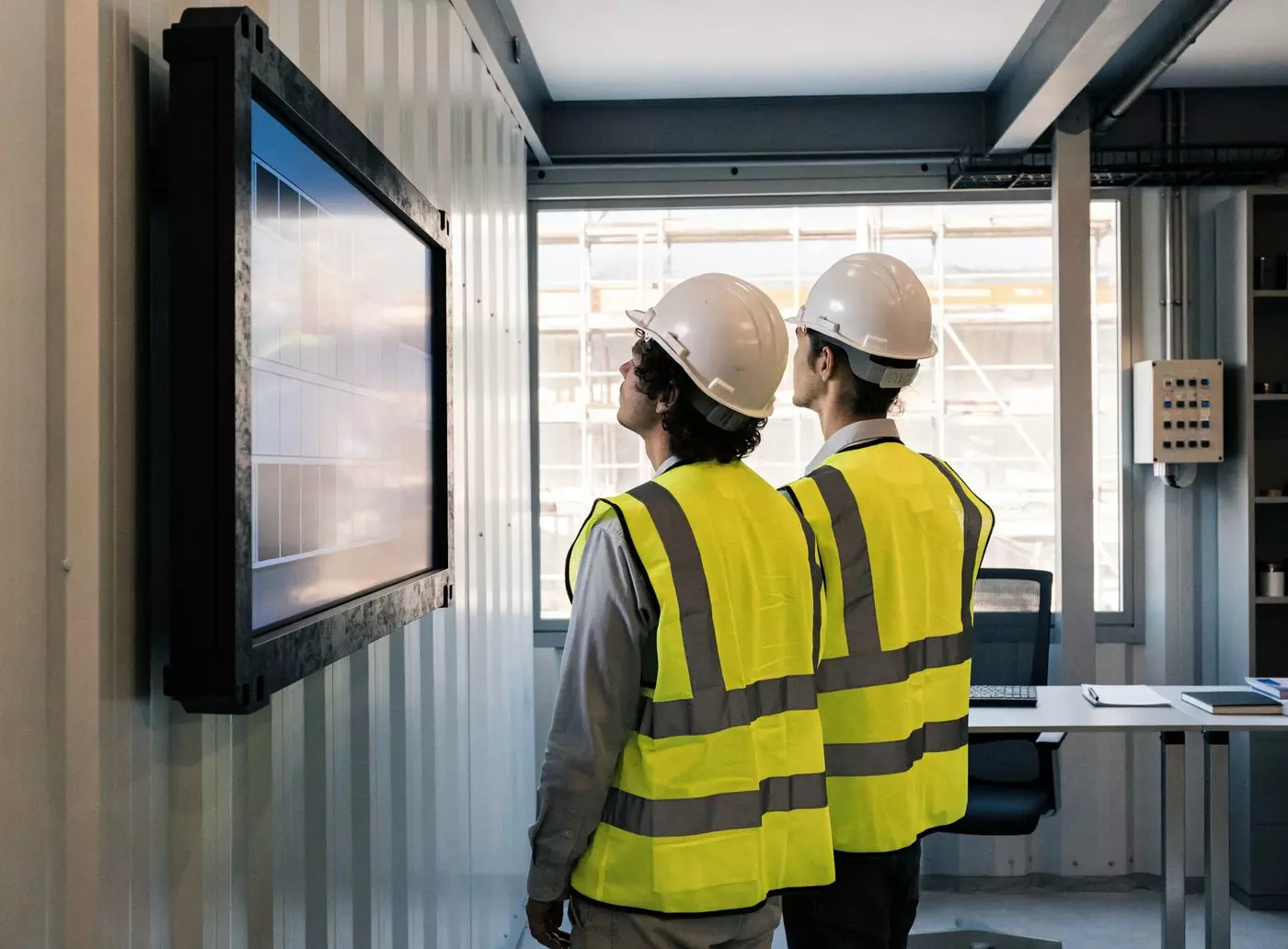
Building sites, workshops, multiple locations
In construction and industry, the difficulty is not knowing what to display: it is keeping the same display up to date across sites that open, move and close. Managing the screens remotely avoids update rounds.
- ✓One equipped site cabin, and the display fills itself from head office
- ✓Safety instructions and emergency numbers specific to each site
- ✓Shared documents sent out in one go across the whole fleet
- ✓Rugged screens for a workshop, a warehouse or a site cabin
IN AN APARTMENT BUILDING
Mandatory display in a multi-unit building
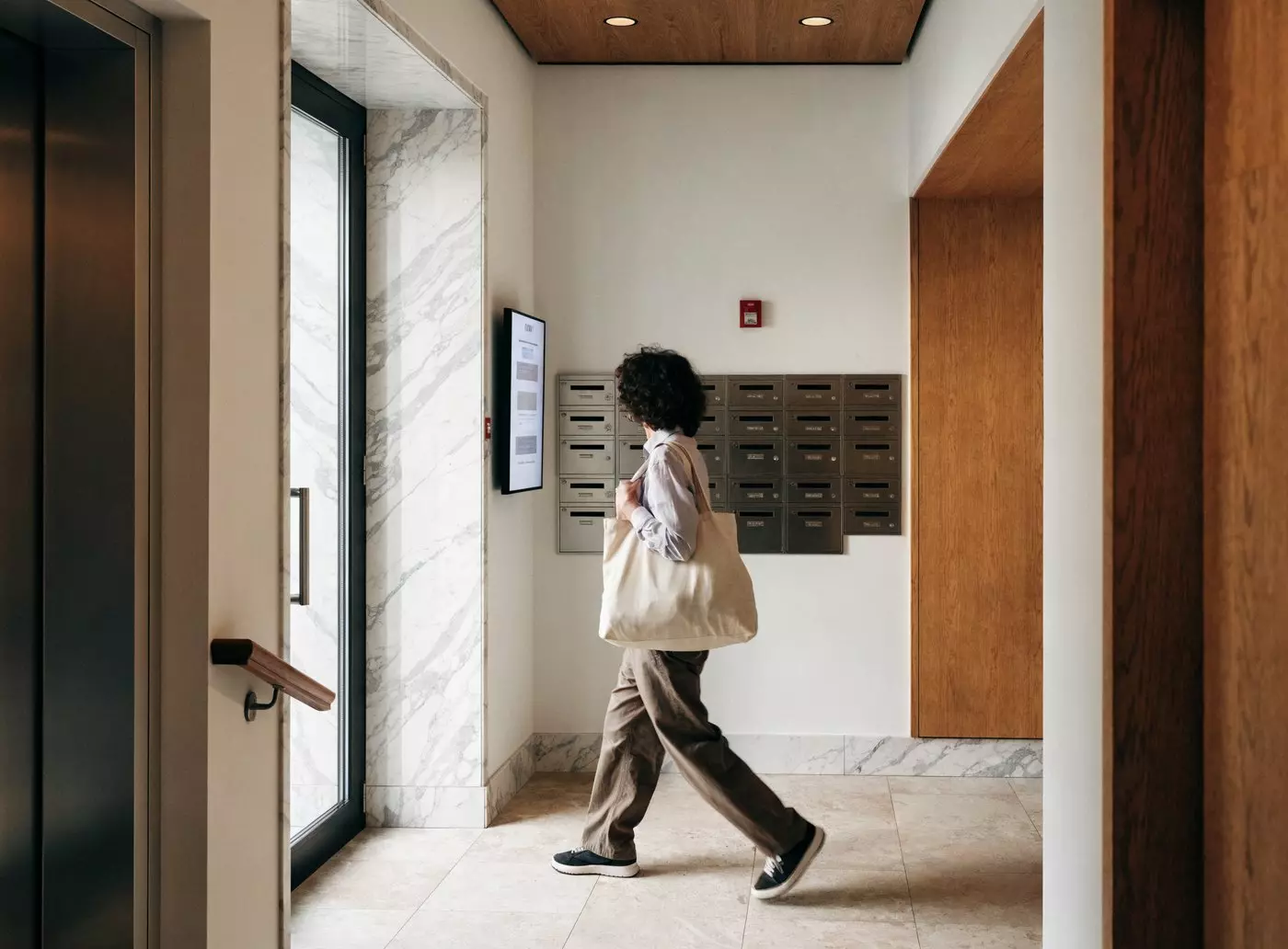
Managing agents and social landlords often look after dozens of entrance halls. The glazed board on the ground floor can be managed remotely too.
What goes up in the common areas
The entrance hall remains the place where information really reaches the occupants. Some notices even have a regulatory basis: under article 9 of decree no. 67-223 of 17 March 1967, the managing agent indicates by display in the common areas the date of the next general meeting and the option for co-owners to have questions added to the agenda.
- ✓Date of the next general meeting and how to add questions to the agenda
- ✓Contact details for the managing agent, office hours and the on-call number
- ✓House rules and waste sorting instructions
- ✓Works in progress, water or power cuts, bulky waste collection
- ✓Fire safety instructions and emergency numbers
Good to know: this display is not prescribed on pain of nullity of the general meeting — it remains an obligation of the managing agent nonetheless.
BENEFITS
What moving to a screen changes
Beyond compliance, three effects show up in the first few weeks.
One update, every screen
A paper display means printing, travelling and putting it up, board by board. A digital document is replaced from the dashboard, and the change reaches every screen at the same time.
Readable by everyone, even with the doors closed
A kiosk in the hall or a totem on the frontage keeps the information available outside opening hours. Installed at a wheelchair-accessible height, with suitable contrast and text sizes, it fits into an accessibility approach (French RGAA 4.1 standard).
Less paper, a CSR argument
Every update avoided is ink and paper saved. The saving depends on the number of boards and the publishing rhythm; it also gives you a concrete argument for your environmental transition files.
COMPARISON
Website, dedicated kiosk or multi-purpose screen?
Each medium answers a different need. The table below puts them back in their place.
Read this before comparing. These three columns do not play the same role. Electronic publication of acts happens on the local authority’s website: that is what fulfils the regulatory obligation. A kiosk or a totem does not replace it — it complements the setup, by making the information accessible on site to those who would not look it up online.
So the question is not « website or kiosk? » but « how do we also reach the residents who never visit the website? »
| Criterion | Website alone | Dedicated single-purpose kiosk | Screen + E-CLICK |
|---|---|---|---|
| Role in the eyes of the law | The medium for publishing acts — this is what fulfils the obligation | Complement for consultation on site | Complement for consultation on site |
| Residents with no internet access | ✗ Out of reach | ✓ Free consultation in the hall | ✓ In the hall and outdoors |
| Wheelchair accessibility | Depends on the resident’s own device | ✓ Suitable screen height | ✓ Suitable height, RGAA 4.1 contrast |
| Availability outside opening hours | ✓ If the person is online | Depends on the location (indoors) | ✓ Outdoor totem, 24/7 |
| Communication for the local authority | ✗ Another channel needed | ✗ Legal use only | ✓ Digital signage included |
| Indicative cost | Website hosting and maintenance | Dedicated equipment budget | Subscription + screen, 3-month free trial |
| Time to go live | A few hours if the website exists | Several weeks (installation) | A few days, with a certified reseller on site |
SETTING IT UP
Three steps to start with peace of mind
The project is simpler than it looks: most of it happens before you buy the hardware.
Take stock of your obligations
First check which side of the 3,500-inhabitant threshold your town sits on — or, in a company, which documents the French Labour Code requires of you. Then draw up an inventory of what has to be published, and how often.
Choose the location, then the screen
The location decides the hardware, not the other way round. A touch kiosk suits the reception hall, an outdoor totem extends consultation beyond opening hours, a wall screen is enough in a break area. An EMITY certified reseller takes care of the installation.
Look for available funding
For a local authority, several schemes can lighten the investment. Multi-purpose equipment, used both for legal notices and for municipal communication, generally makes a stronger case in a grant application than a single-purpose kiosk.
FUNDING
The schemes a local authority can draw on
A digital legal notices project can fit into several grant frameworks. Criteria and rates change: the thing to do is to confirm them with your prefecture.
DETR — equipment grant for rural areas
Supports investment by rural towns and small towns, digital equipment included.
Rural towns
DSIL — local investment support grant
Supports the modernization of local public services, with attention paid to digital projects.
Public services
Fonds Vert — environmental transition for local areas
Covers projects that combine digital modernization with a smaller environmental footprint.
CSR angle
Local schemes — region, department, inter-municipal body
Complementary schemes exist depending on the area. Your prefecture remains the most reliable source for the criteria in force.
To be checked locally
OUR ANSWER
E-CLICK: the Legal notices module in E-MANAGER
E-CLICK is the interactive display module of the E-MANAGER suite, the web platform from which EMITY runs all of its screen uses. Its Legal notices module brings together in one place the documents to publish, the screens that carry them and the scheduling that keeps them rotating.
EMITY has more than 1,000 customer accounts in France and Europe, with a network of more than 130 distribution partners who handle installation and follow-up close to the ground. It is that network which supports local authorities, from the first kiosk to a complete fleet.
Straightforward to use
Officers publish with no technical training: you drop in the document, you choose the screen.
In your brand style
Colors, logo and layout follow the identity of the town or the company.
Every format
PDF, images, videos: documents go out as they are, with no prior conversion.
Download by QR code
The visitor scans, the document lands on their phone. They leave with it, not just with the memory of it.
Your website on the screen
The kiosk can display the local authority’s website directly, where the acts are published.
Consultation statistics
You see which documents are really consulted, and which ones deserve a better place.
Time scheduling
The screen changes content depending on the day and the hour, with no intervention.
One fleet, one dashboard
From one screen to several hundred, management stays centralized in E-MANAGER.
DUAL USE
One screen, two missions
This is the point that sets a multi-purpose screen apart from a dedicated kiosk: the same equipment carries legal notices during the useful hours, then the local authority’s communication the rest of the time. The switch follows your scheduling, with no manual intervention.
Legal notices mode
- ✓Opening hours — council resolutions as PDFs, with a QR code
- ✓Continuously — orders, consultation notices, administrative acts
- ✓On the frontage — documents available even when the town hall is closed
Communication mode
- ✓In the evening — town news, cultural calendar
- ✓At weekends — events, services open, weather alerts
- ✓During the holidays — office hours, useful contacts, emergency numbers
CSR ARGUMENT
Legal notices and E-PAPER: a good match
On content that barely moves, digital ink changes the energy equation — and adds weight to an environmental transition file.
Going further with digital ink
A legal document rarely changes from one hour to the next: it stays on display for days, sometimes weeks. That is exactly the ground of E-PAPER, digital ink: the screen only draws power when it changes image. The Legal notices module in E-CLICK is compatible with this technology, which EMITY is the first French software company to support.
- ✓0 W to keep a document on display
- ✓Up to 200 days of battery life (Samsung EM32DX)
- ✓Readable in full sunlight, with no glare and no backlight
- ✓-40 % CO₂ in manufacturing (Samsung EM13DX, bio-resin)

GOING FURTHER
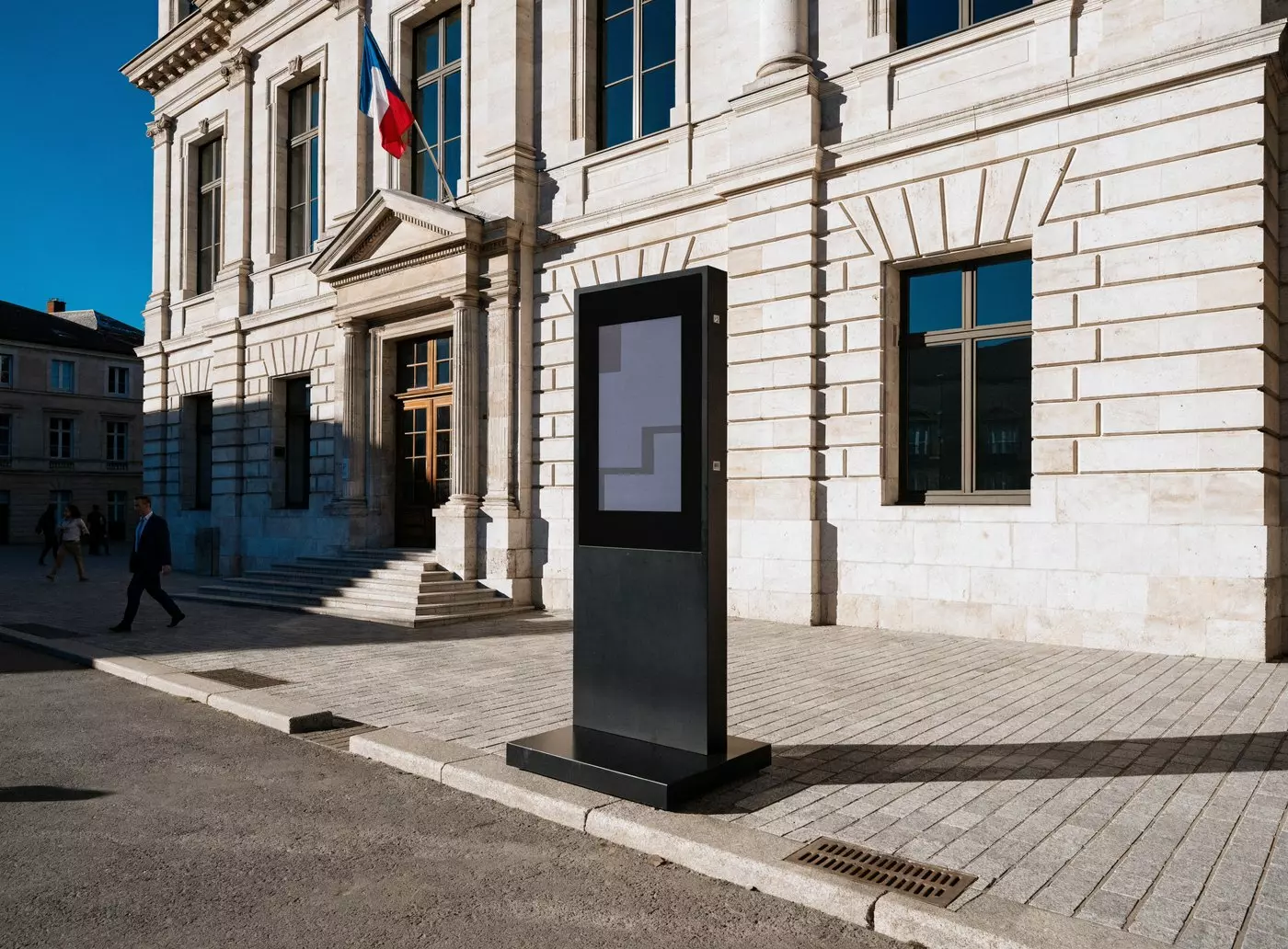
A totem on the frontage, for the hours when everything is closed
It is often in the evening or at the weekend that people look for administrative information. An outdoor totem takes over when the doors are closed.
The E-CLICK brochure
Detailed features, available hardware, subscription plans and customer feedback: the brochure covers all of it, enough to prepare a committee meeting or a grant application.
- ✓The hardware: kiosk, indoor and outdoor totem, wall screen
- ✓The Standard, Premium and Premium+ plans
- ✓The installation steps with a certified reseller
FAQ
Frequently asked questions about digital legal notices
The points local authorities, companies and managing agents ask us about most often.

