
Digital menu boards: your menus on screen, up to date at every service
Changing a price, pulling a dish that has run out, switching from the lunch menu to the evening one: on a printed board, each of those costs a reprint. On a digital menu board, it is one change in a browser — and the screens above the counter follow straight away.
The definition
What is a digital menu board?
A digital menu board is a screen — or a set of screens — that shows a venue’s menu instead of a printed board. The content comes from digital signage software: you change a price, a dish or a photo from a browser, and the screen updates on its own. You will also hear them called digital menu displays, menu boards or, more simply, menu screens.
What a menu board shows
- ✓the full menu, or just the dish of the day;
- ✓the price, the allergens, where a product comes from;
- ✓a photo of the dish, or a short video;
- ✓an offer limited to one time slot — happy hour, the Wednesday children’s menu;
- ✓and, by omission, whatever is no longer available: a dish that has run out simply disappears from the display.
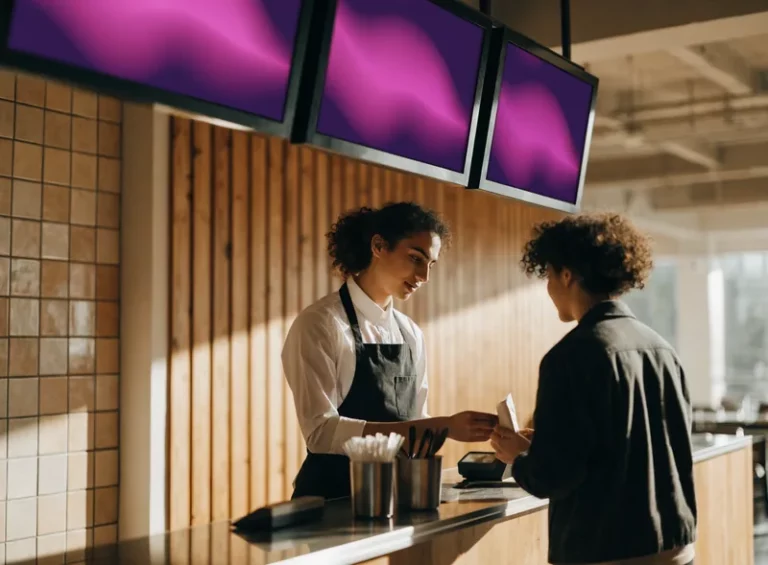
Menu board, digital menu board, menu display: the same thing
All three describe the same object: a screen showing a menu. “Menu board” comes from fast food and has stuck; “digital” or “dynamic” simply stress that the content changes by itself. At EMITY it is not a separate product: it is one use of the digital signage platform, in the same way as a video wall in a reception area.
Side by side
Printed board or screen: what changes day to day
Point by point, on the things you actually do in the dining room — not on brochure arguments.
| What you want to do | Printed board | Digital menu board |
|---|---|---|
| Change the price of a dish | Reprint, trim, put back up | One change in the browser, the screen follows |
| Pull a dish that has run out, mid-service | A sticker over the top — or nothing at all | The dish leaves the display within seconds |
| Switch from the lunch menu to the evening one | Two sets of posters to swap by hand | The switch happens at the scheduled time, on its own |
| Show the dish rather than describe it | A printed photo, fixed until the next print run | Photos and short videos, changed whenever you like |
| Keep several venues up to date | One print job per outlet | One change, every venue concerned |
| What it costs | Printing, every time something changes | A screen, a subscription, and the electricity |
A printed board uses no power, never breaks down and is paid for once. On a menu that does not move all year, it is hard to beat. A menu board earns its place as soon as the menu changes: by service, by season, or from one venue to the next.
In practice
How does a digital menu board work?
Four elements, three of which are set up once. Day to day, everything else happens in a browser.
A screen, where the customer is looking
Above the counter, in the dining room, or behind the window. A consumer television is fine in many cases; a professional display copes better with long opening hours and daylight.
A player behind the screen
If the screen has its own operating system — Tizen on Samsung, webOS on LG, Android on Sony, Philips or iiyama — the EMITY app installs straight onto it. If not, an E-BOX player plugs in over HDMI and takes over. EMITY works with every screen manufacturer: the equipment you already own does not go in the bin.
E-MANAGER, from any browser
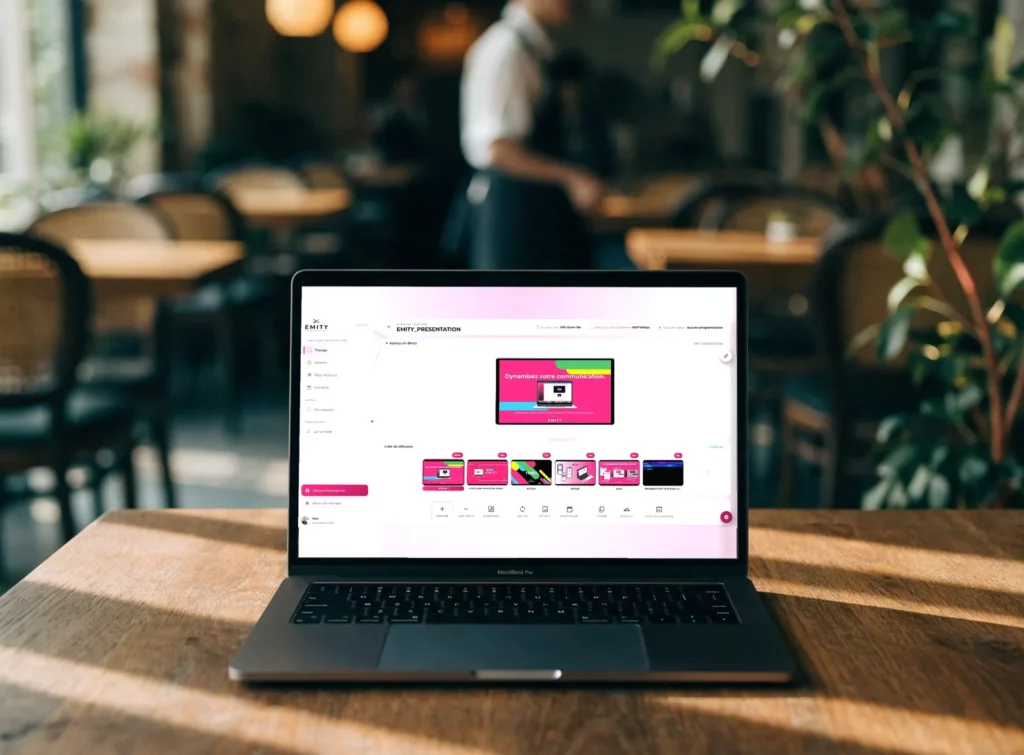
This is the dashboard where you upload your visuals, lay out the menu and choose which screen it goes to. Nothing to install on your computer, and nothing to plug in on site.
The scheduling, once and for all
You describe your typical day once. From then on the screen moves from one service to the next every day, without anyone having to think about it.

The E-BOX player plugs in over HDMI behind a screen that runs none of those systems. It is the player that shows the menu, and the player that receives the updates.
Scheduling
Lunch, dinner, happy hour: the screen follows the service
A restaurant does not serve the same thing at 8am and at 8pm, and nobody wants to turn panels around between services. In E-MANAGER, each menu is given a time slot and the days it applies to. The screen does the rest.
- ✓a different menu per service, and per day of the week;
- ✓a promotion that appears and stops on its own, on the date you set;
- ✓a dish brought forward at the hour it sells best;
- ✓the same calendar applied in one go to several venues;
- ✓a last-minute change, taken into account without waiting for the next service.
Beyond the menu
What the screen can show besides the menu
Once the screen is up and connected, it no longer only shows the menu. That is where a menu board becomes a communication tool for the venue.
Live television
A match, a stage of the Tour, a news channel: the programme appears next to the menu, without replacing it. That is the subject of the next section.
Your social feeds
The venue’s Instagram or Facebook feed, picked up on screen. It is one of the twenty widgets opened by the Excellence plan.
Calling out orders
In fast food, the order number appears next to the menu: fewer people crowding the counter, and nobody asking where their food has got to.
Practical information
Opening hours, Wi-Fi code, access, allergens, ways to pay. All questions your staff get asked, answered on screen.
Your current offers
Happy hour, the student deal, Sunday brunch: an offer that shows during its slot and disappears by itself afterwards.
Your job openings
The trade is short of staff, and your customers are sometimes your best candidates. An advert in the dining room costs no more than the time it takes to write it.
Television
Live television on the same screen as your menu
On a match night the room fills up — and the screen above the counter carries on showing the menu. It does not have to choose. IPTV is television carried over the computer network rather than by aerial or satellite: a channel becomes a simple address, which you add in E-MANAGER just as you would add a poster. The programme and your menu then share the same wall.
- ✓the screen splits into zones: the match takes the largest one, the menu stays readable right beside it;
- ✓the switch is scheduled — the channel at kick-off, the menu coming back on its own at the final whistle;
- ✓up to 16 channels, in HD or 4K, on the screens you already manage;
- ✓no second interface: the stream is handled like any other item in the playlist;
- ✓a screen that is not compatible connects over HDMI with an E-BOX player.
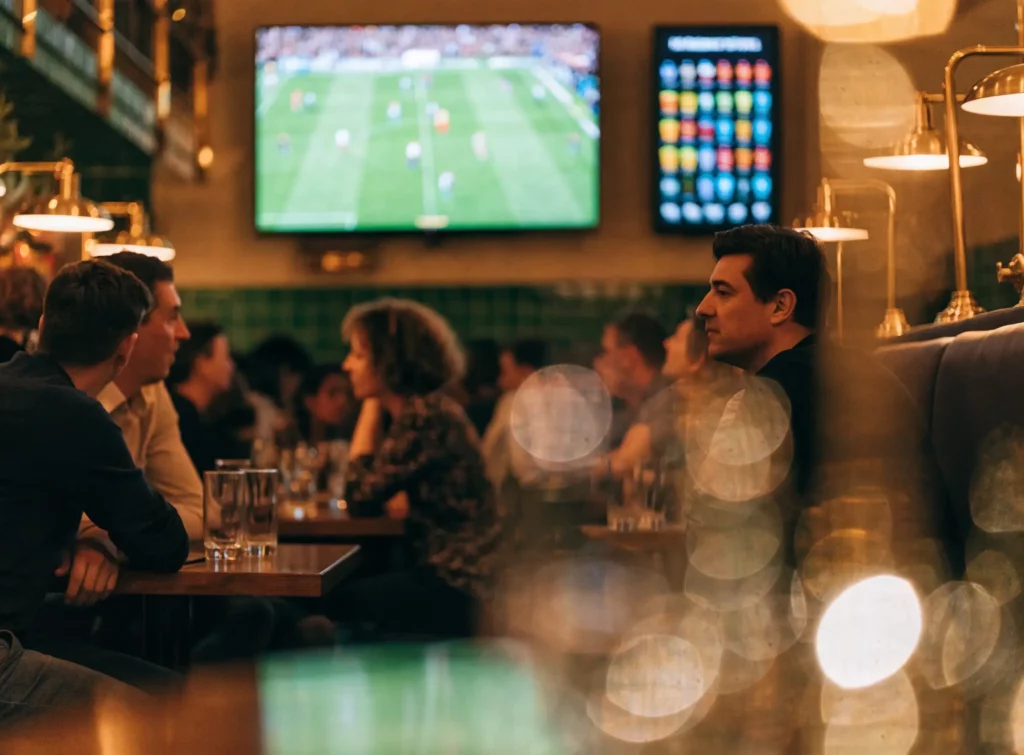
EMITY carries the stream, not the channels
The programmes stay yours: they come from your operator box, a professional package or a network already installed in the venue. EMITY broadcasts and schedules the stream, and resells no channel. Do check with your provider that your rights cover showing them in a public place — that is a matter of contract, not of technology. On the platform side, IPTV is opened by the Excellence plan, and the full set-up is described on the IPTV digital signage.
Depending on your venue
What a menu board changes, trade by trade
The constraint is not the same when you serve forty covers or four hundred. The equipment, though, is the same.


The full tour of the sector is on the digital signage for restaurants.
Where to put them
Where to place the screens, and which ones to choose
The right screen depends above all on the light it receives — far more than on the size of the room.


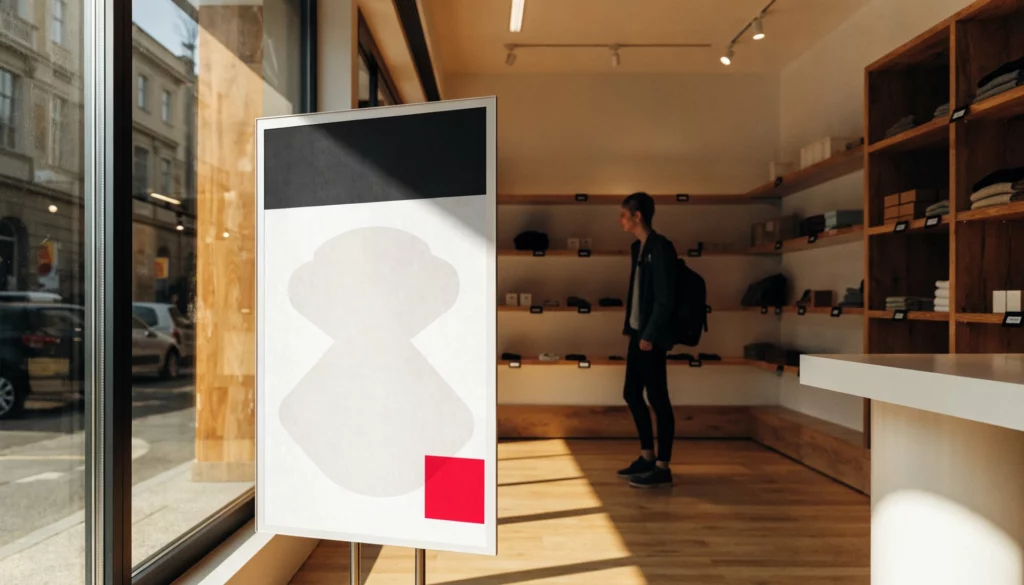
The shop-window case
A menu readable in full sun, with no reflection and no overheating
Behind a south-facing window, an ordinary screen fights the sun: you turn the brightness up, it heats up, it draws power, and it is still hard to read. Electronic ink works the other way round — it is read by daylight, like paper, and draws nothing at all as long as the display does not change. EMITY is the first French software publisher to support it.
- ✓readable in full sun, with no reflection and no glare;
- ✓no power drawn as long as the menu stays on screen;
- ✓up to five years of battery life;
- ✓from large formats in the window to small price labels on the shelf;
- ✓managed from the same E-MANAGER as your counter screens.

The same e-paper screen, in the shade and in full sun. It is the ambient light that lights it: the more there is, the better it reads.
Creating them
Creating your menus without being a designer
This is the real obstacle, long before the hardware: nobody in a kitchen has time to open a page-layout program. So the platform carries its own editor, and templates already sized for your screens. Nothing to install, nothing to export.
- ✓the EMITY editor, built into E-MANAGER: you lay the menu out inside the platform, with no third-party software and no extra account;
- ✓menu templates ready to fill in, at the dimensions of your screens;
- ✓if your teams already use it, Canva is integrated into the platform;
- ✓the same goes for Adobe Express, on the Adobe side;
- ✓your colours, your logo and your typefaces, carried from one screen to the next;
- ✓photos of dishes uploaded straight from a phone, without going near a computer.
Getting started
What you need to gather, and what it costs
In most restaurants the screen is already there: it is the player and the software that are missing.
The essentials
- ✓A screen, new or already in place: television, professional display, totem or window unit — any manufacturer;
- ✓a player: the EMITY app if the screen runs Tizen, webOS or Android, otherwise an E-BOX player over HDMI;
- ✓an internet connection, wired or Wi-Fi, to receive the updates;
- ✓a subscription to the platform, sized to the number of screens;
- ✓your menu, exactly as it stands today: we start from your prices and your photos.
Depending on what you need
- ✓Several screens side by side forming a single menu, synchronised with no lag;
- ✓an E-PAPER screen for the window or the terrace;
- ✓a touch kiosk if the customer needs to browse the menu themselves;
- ✓several venues managed from a single account, with per-site permissions;
- ✓a reseller near you for installation and wall mounting.
How much does a digital menu board cost?
EMITY does not sell direct: the solution is distributed by a network of certified resellers, in France and across Europe. The price depends on the number of screens, the plan you choose and the equipment already in place — so there is no public price list on this page. The comparison of the three plans, Standard, Premium and Excellence, is on the Our subscriptions page, and a reseller can price your particular case.
Around the menu board
The rest of the platform
A menu board does not live on its own: it runs on the same platform and the same dashboard as all your other screens.
Digital signage
The full platform: playlists, widgets, scheduling, video walls. The menu board is one use among others.
Restaurants
What screens change beyond the menu itself: queue management, calling out orders, communication in the dining room.
E-PAPER
Electronic ink for the window, the terrace and price labels: readable in the sun, drawing no power while it is displayed.
Touch kiosks
When the customer needs to browse the menu themselves, filter by allergen or build their own order: that is where E-CLICK takes over.
Frequently asked questions

