
Schools, colleges, universities
Educational digital signage: the right information, in the right place
A timetable that changes, a canteen opening early, a room moved, an open day on Saturday. The same questions come back every day, and they wear the office down. A well-placed screen answers them on its own — at the entrance, at the canteen, outside the room, in the staff room.
7,000+connected screens
1,000+customer accounts
20+countries
130+partners
Definition
What is digital signage in a school?
Digital signage is a network of connected screens driven remotely from a single piece of software. In education it takes over from the noticeboard in the entrance hall, the sheets taped to classroom doors and the printed notices nobody reads twice.
Three things change compared with printed notices:
- ✓Information is updated remotely: a room change entered at 8 am is visible everywhere within the minute.
- ✓Every area carries its own message: the entrance hall welcomes families, the canteen shows the menu, the corridor lists the day’s lessons.
- ✓Publishing is scheduled ahead: exams in June, the open day in March, safeguarding notices all year round.

Timetables
Today’s timetable and room changes, on screen
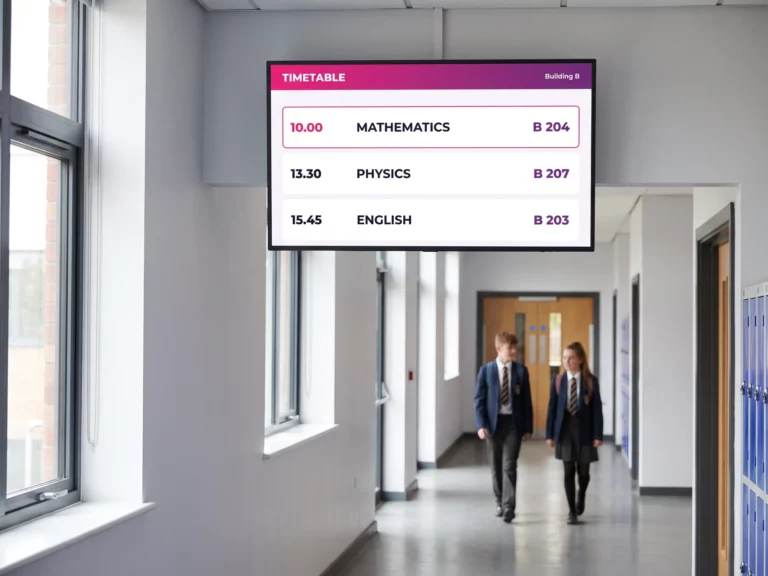
A teacher off sick, a room double-booked, an exam moved: in a school the timetable shifts every day. Shown in the entrance hall and along the corridors, it saves the crowd gathering at the school office window and the pupils hunting for their room.
The timetable is updated from E-MANAGER, and the current lesson is highlighted automatically. You can enter the periods by hand or connect your existing MIS — SIMS, Arbor, Bromcom and the like — so the data flows through on its own, with no double entry.
- ✓The current lesson highlighted, the next ones announced.
- ✓Today’s changes flagged along the bottom of the screen.
- ✓A view per building or per floor: each screen shows only what concerns its own area.
E-PAPER
At the classroom door: e-paper and attendance by QR code
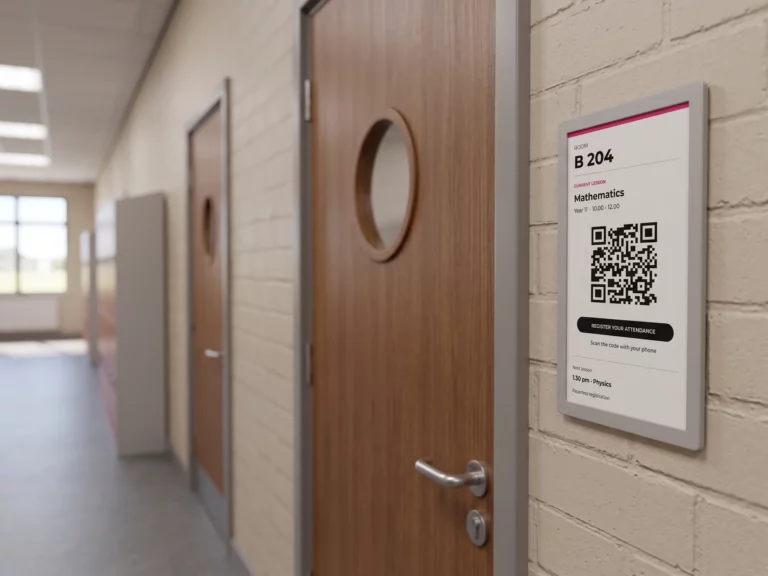
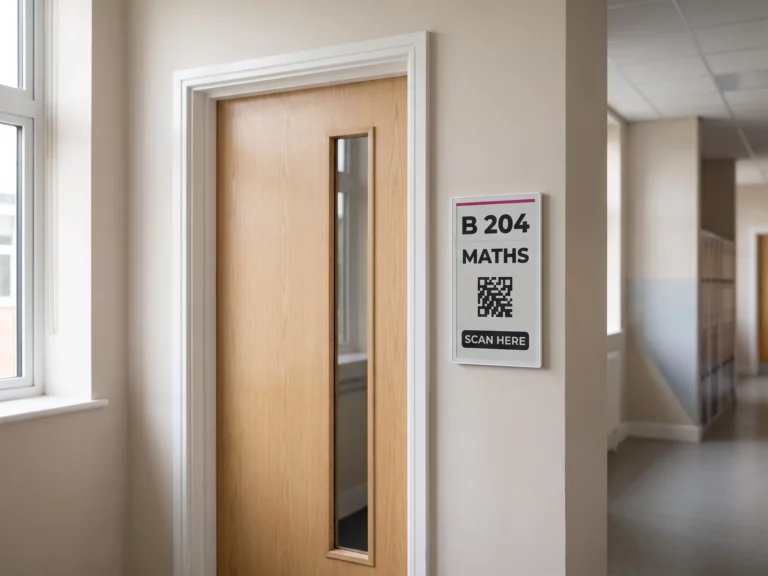
Outside each room, an E-PAPER electronic ink panel shows the lesson in progress, the class and the time — and carries a QR code that students scan to register their attendance. The paper register that travels along the rows, goes missing and then gets typed up by hand simply disappears.
Electronic ink suits this job particularly well: it draws no power while the display stays the same, runs up to five years on a charge and reads without glare in a lit corridor. No cable to pull to every classroom — the panel goes up like a picture frame.
- ✓Time-stamped attendance: each scan is dated and the register fills itself in.
- ✓The panel follows the timetable: at the change of period, the display follows.
- ✓EMITY is the first French publisher to support electronic ink, with SOLUM and SAMSUNG.
The journey
Where do screens earn their place in a school?
The principle fits in one line: the right information, in the right place, at the right time. A school does not need more screens, it needs each screen to say what matters where it hangs. These are the five places that come up everywhere, from the front gate to the staff room.
At the entrance
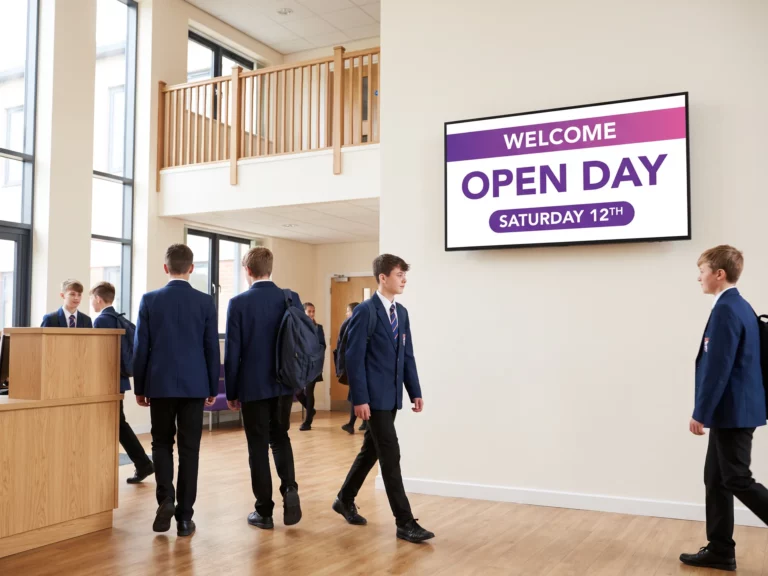
What’s on today, wayfinding, pupil and visitor badges
→
At the canteen
Today’s menu, allergens and diets, live queue length
→
Outside the room
Lesson in progress, room free or busy, attendance by QR code
→
Inside the room
Lesson slides, live streaming, room house rules
→
In the staff room
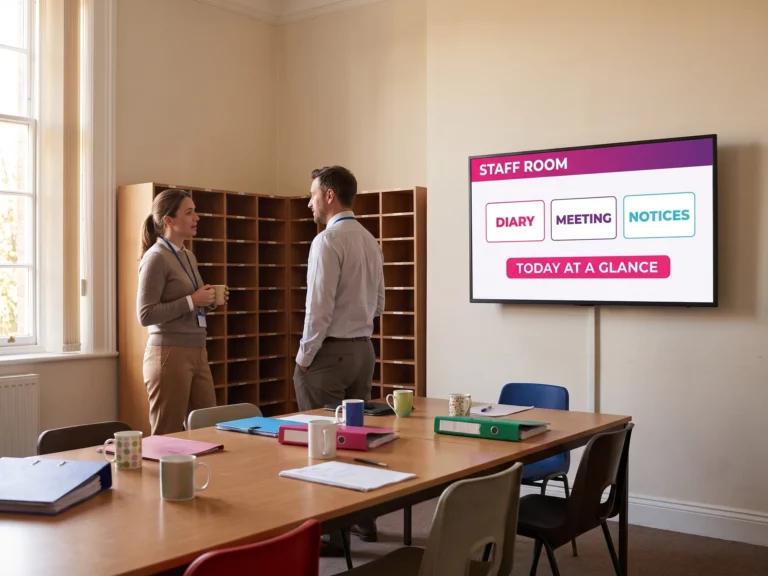
School diary, today’s meeting, statutory notices
A day on site
One school day, five screens
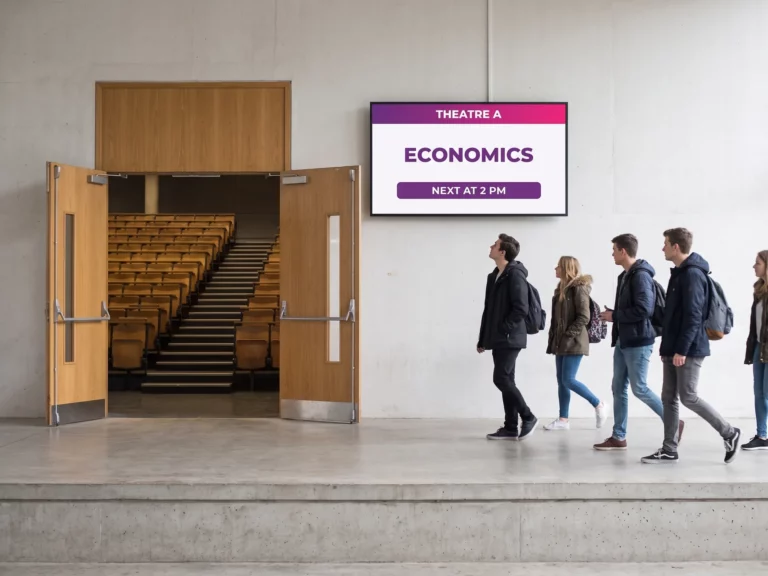
The same network, five places, five jobs. Follow an ordinary Tuesday from the front gate to the staff room — each screen says only what matters where it hangs.

Uses
What do screens actually do in a school or college?
Six situations schools meet all year round — from the safety drill to enrolment day. One piece of software covers them all, with different content on each screen.


What to look for
What to expect from educational digital signage
A school is not an office: budgets are tight, staff wear several hats and the calendar follows the academic year. These six points are what make the difference once the screens are up.
| Topic | The question to ask | How EMITY answers |
|---|---|---|
| A school budget | Do we have to invest before knowing it works? | A free three-month trial on the Excellence plan, up to 3 screens, lets you prove it on one entrance hall before going further. |
| Existing screens | Do we need to replace the hardware? | Compatibility with every manufacturer: the E-SOFT app installs inside the screen (Samsung Tizen, LG webOS, Android), otherwise an E-BOX player plugs in over HDMI. |
| Timetables | Do lessons have to be retyped? | Periods are entered in E-MANAGER or pulled from your MIS through the API. |
| Attendance | How do we take the register without paper? | An E-PAPER panel at the door shows a QR code: the student scans it and attendance is time-stamped. |
| Safeguarding | How do we alert the whole site at once? | An alert playlist takes over every screen in one click, from a computer or a phone. |
| Support | Who installs it and trains the staff? | More than 130 certified distribution partners across France and Europe, with an engineering team for multi-building projects. |
How it works
How does a screen network fit into a school?
A screen network rests on three parts. The software — E-MANAGER — is the dashboard everything is driven from, in a plain browser. The player feeds the screen: the E-BOX box over HDMI, or the E-SOFT app installed inside the screen where it supports it. Then the screen itself: a display in the hall, a totem, an E-CLICK touch kiosk or an E-PAPER electronic ink panel at the classroom door.
Track record
Screen networks already running on EMITY
From a single-site school to a multi-building campus, the support scales with the size of the estate.
7,000+
connected screens worldwide
1,000+
customer accounts, from 1 to 1,000 screens
130+
certified distribution partners
FAQ


