
EMITY×ADOBE EXPRESS
Partner · Graphic design
Adobe Express and digital signage: from design to your screens, with no export
Designed in Adobe Express, published on your screens.
Adobe Express designs the poster, the short video or the campaign visual. Connected to E-MANAGER, it sends them straight to your playlists: no download, no re-upload, and your screens update right away.
Adobe Express · design
The visual, designed in minutes
Templates, Adobe fonts, Adobe Stock, photo editing, Firefly generative AI and short video, from a browser or a phone.
EMITY · the screen
Display, managed in one place
E-MANAGER files the visual in your media library, adds it to a playlist and schedules it on one screen, one site or your whole network.
Adobe ExpressThe question that brings you here
Adobe Express,
what is it, and what is it for?
Many visitors arrive here simply looking for what Adobe Express is. Here is the answer, then what this tool changes when you display content on screens.
Adobe Express is Adobe’s online graphic design app. It runs in a browser or on a phone, without installing the Creative Cloud suite, and starts from ready-to-customise templates. Where Photoshop or Illustrator are aimed at designers, Express is built for marketing, communication or retail teams who need to produce fast. It gives access to Adobe fonts, the Adobe Stock image library and Firefly generative AI, which Adobe says is trained on licensed content.
Connected to E-MANAGER, the digital signage software from French publisher EMITY, Adobe Express becomes a gateway: the images and videos designed there go straight back into your playlists, and out to your screens.
Design without drawing skills
You start from a template, swap the text and images, adjust the colours: a clean visual in minutes, with no design skills.
Edit a photo simply
Remove a background, crop, fix the lighting, erase a distracting element. On a screen, a cut-out photo on a brand-colour background reads far better from three metres than a raw photo.
Adapt a visual to every format
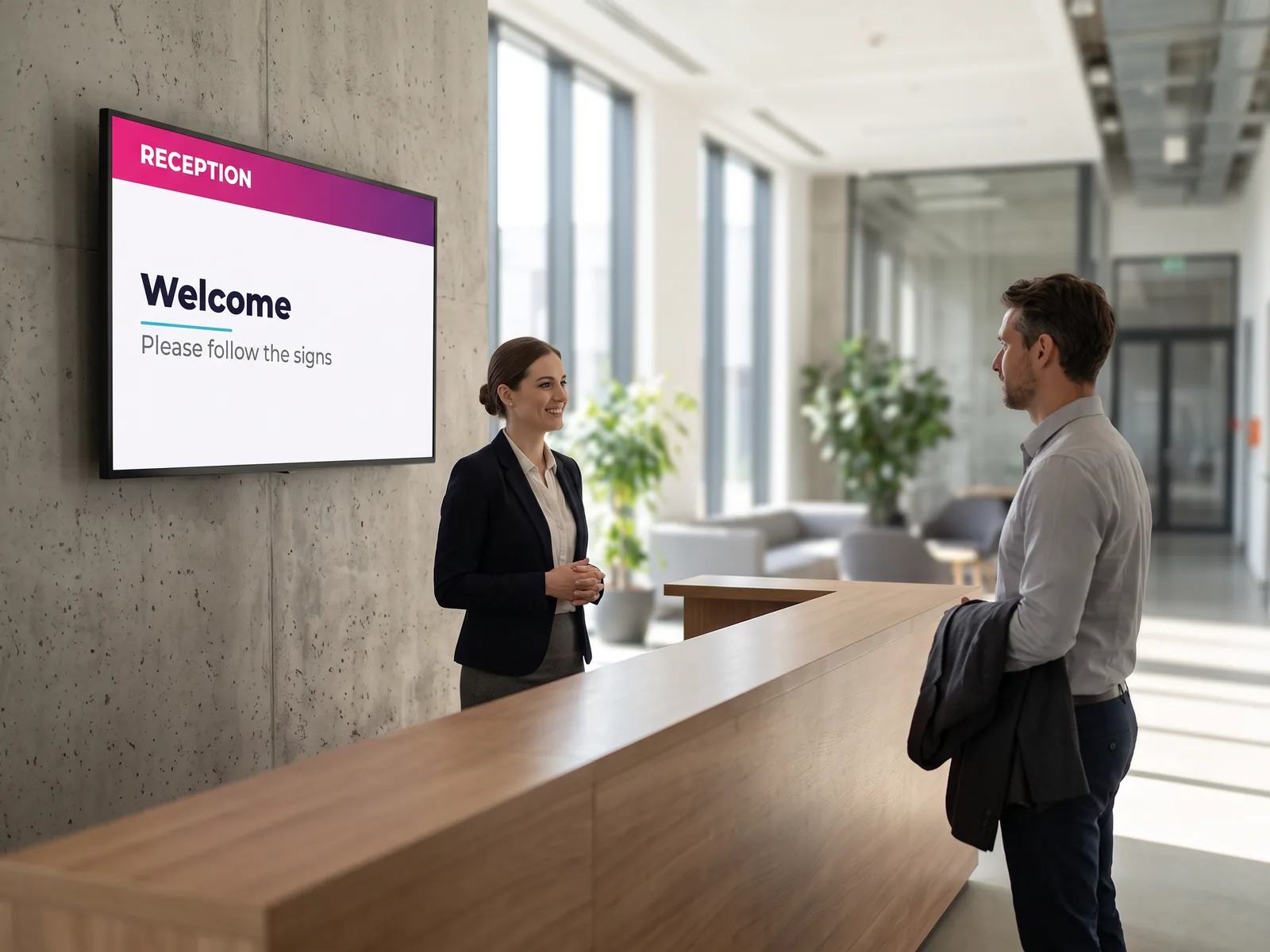
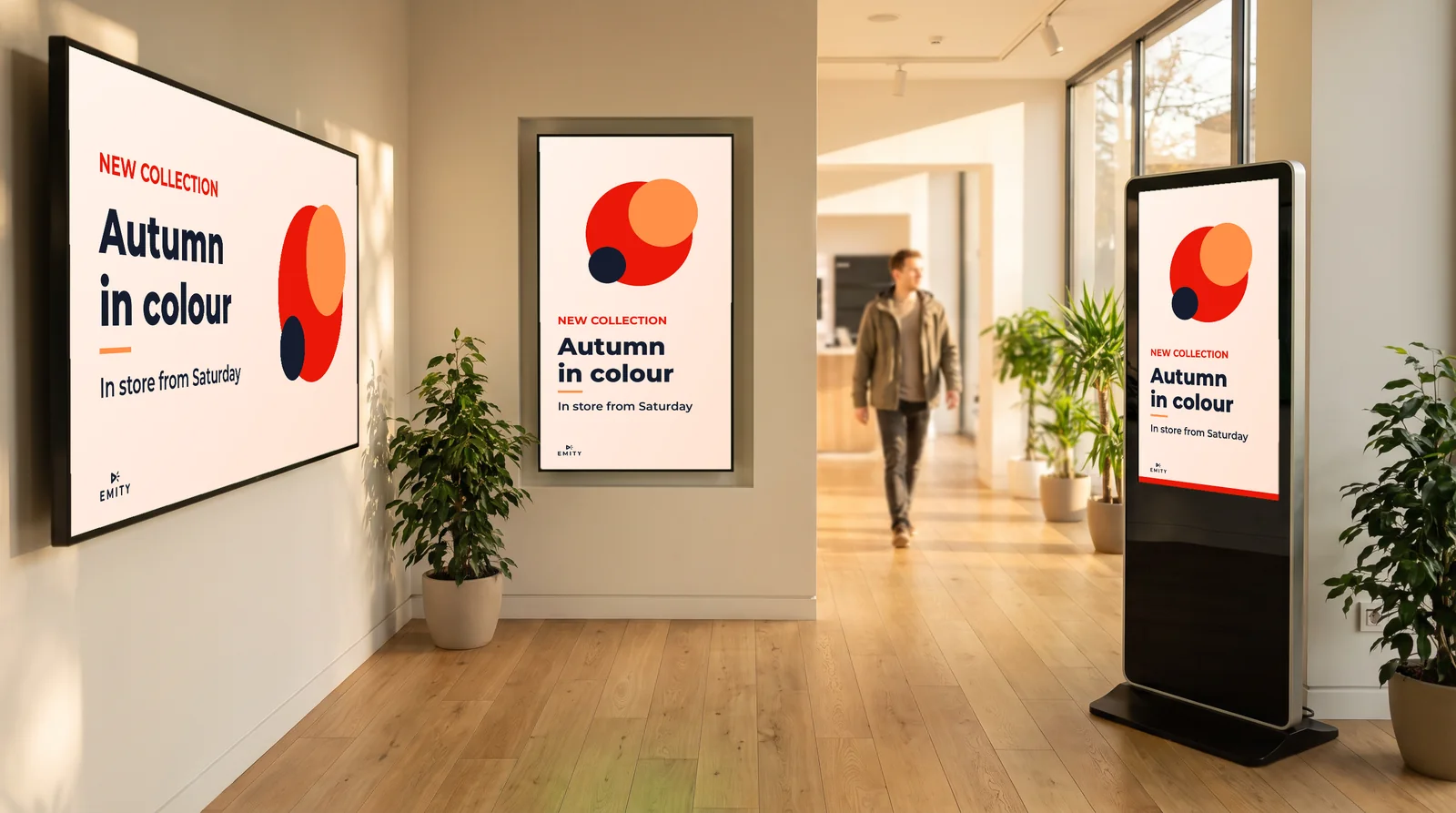
The same content is reworked for landscape, portrait or totem format, without redesigning everything for each location.
EMITYBefore going further
An editor is already included
in E-MANAGER
To design a poster, a menu or a message, you need no third-party tool: the EMITY built-in editor is enough in the vast majority of cases. Canva and Adobe Express come on top, for teams who already use them.
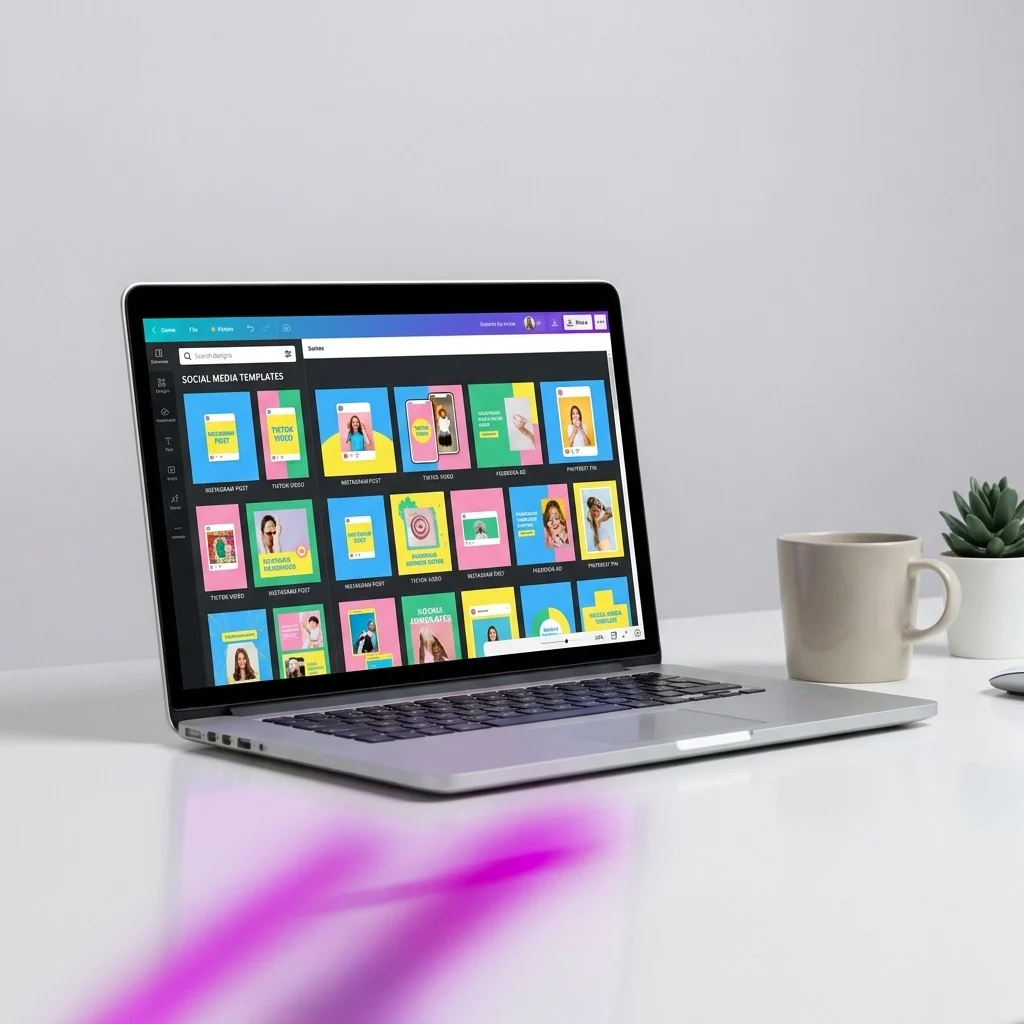

All three, depending on the content. The built-in editor covers what changes often: an announcement, a reminder, a welcome message. Adobe Express takes over when a visual needs more: in-depth editing, a particular typeface, a short video. Either way, display goes through E-MANAGER, and nothing has to be exported from one tool to another.
TogetherProof in pictures
What you design
ends up on a screen
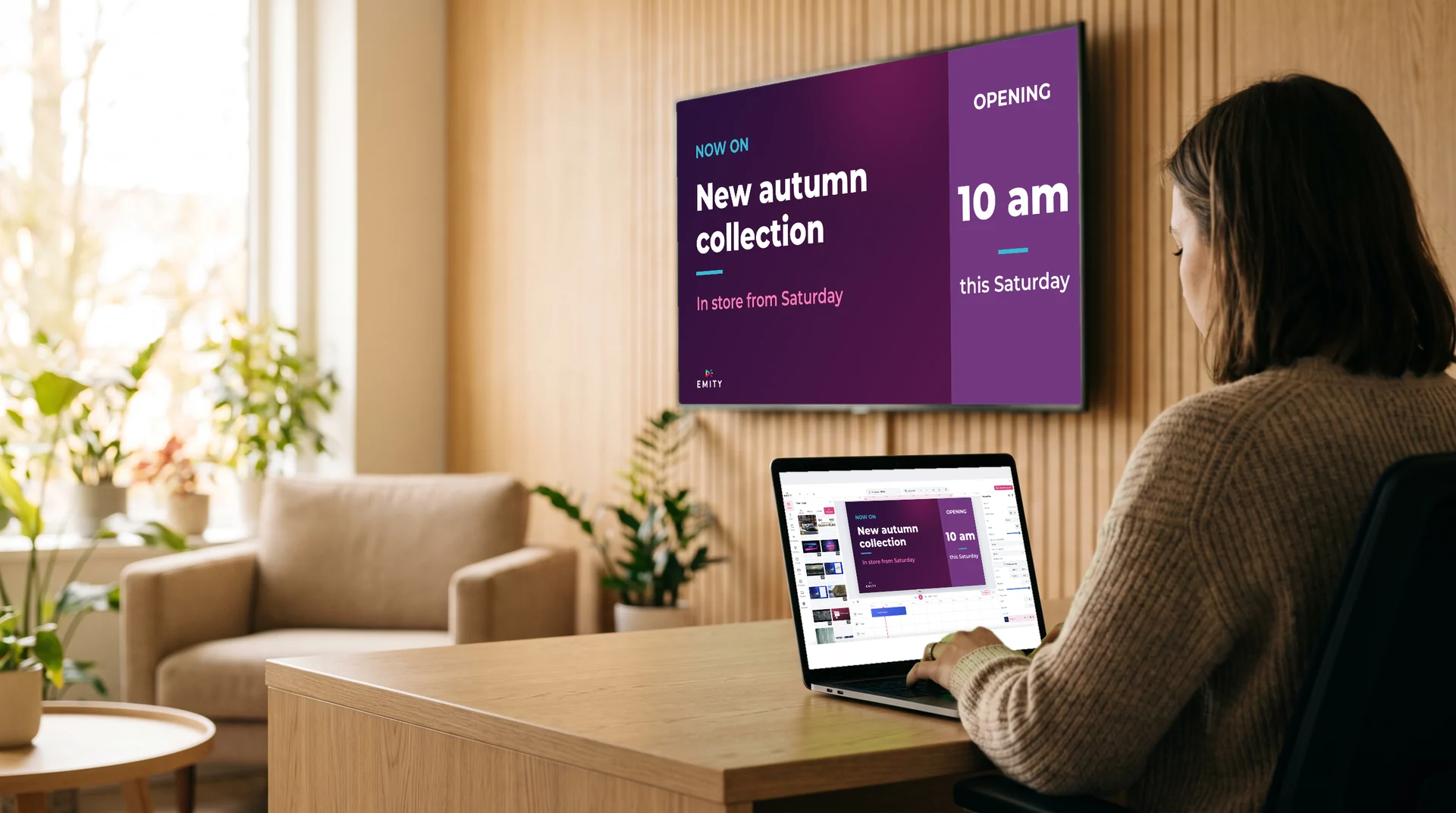
That is the whole point of the connection: the visual does not sit in a folder. Once it is ready in Adobe Express, it joins your EMITY media library and goes out to your screens.

Adobe and Adobe Express are registered trademarks of Adobe in the United States and/or other countries.
The E-MANAGER import button
When EMITY is connected, the Adobe Express editor shows a button to send your design to E-MANAGER. One click and the visual is in your EMITY media library: no download, no file to track down, no re-upload.
From there, it joins a playlist and goes out to the screens you choose: a shop window, a lobby, a totem, or your whole network at once. A shop window does not have the same format as a lobby screen, nor the same reading time: resizing by format saves you redoing each version by hand.
- ✓One visual in landscape, portrait and totem formats
- ✓An update to the source visual that carries through to display
- ✓Templates in your brand colours, reusable by the whole team
- ✓Display per screen, per site or per group of screens
TogetherIn practice
From the first image
to the screen
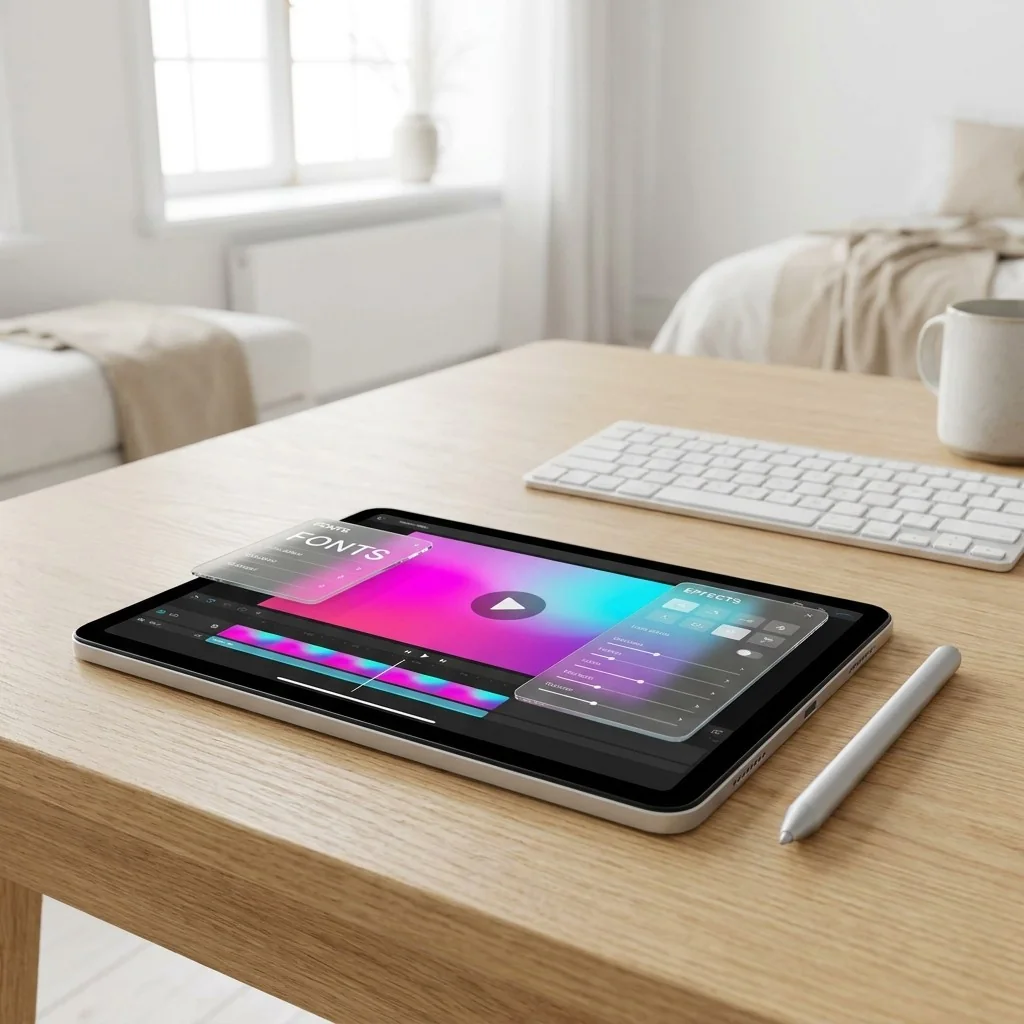
The journey looks like any other short video. It is the last step that changes: the video does not go to a sharing platform, it goes to your screens.

Adobe ExpressThe features that make the difference
What Adobe Express
adds
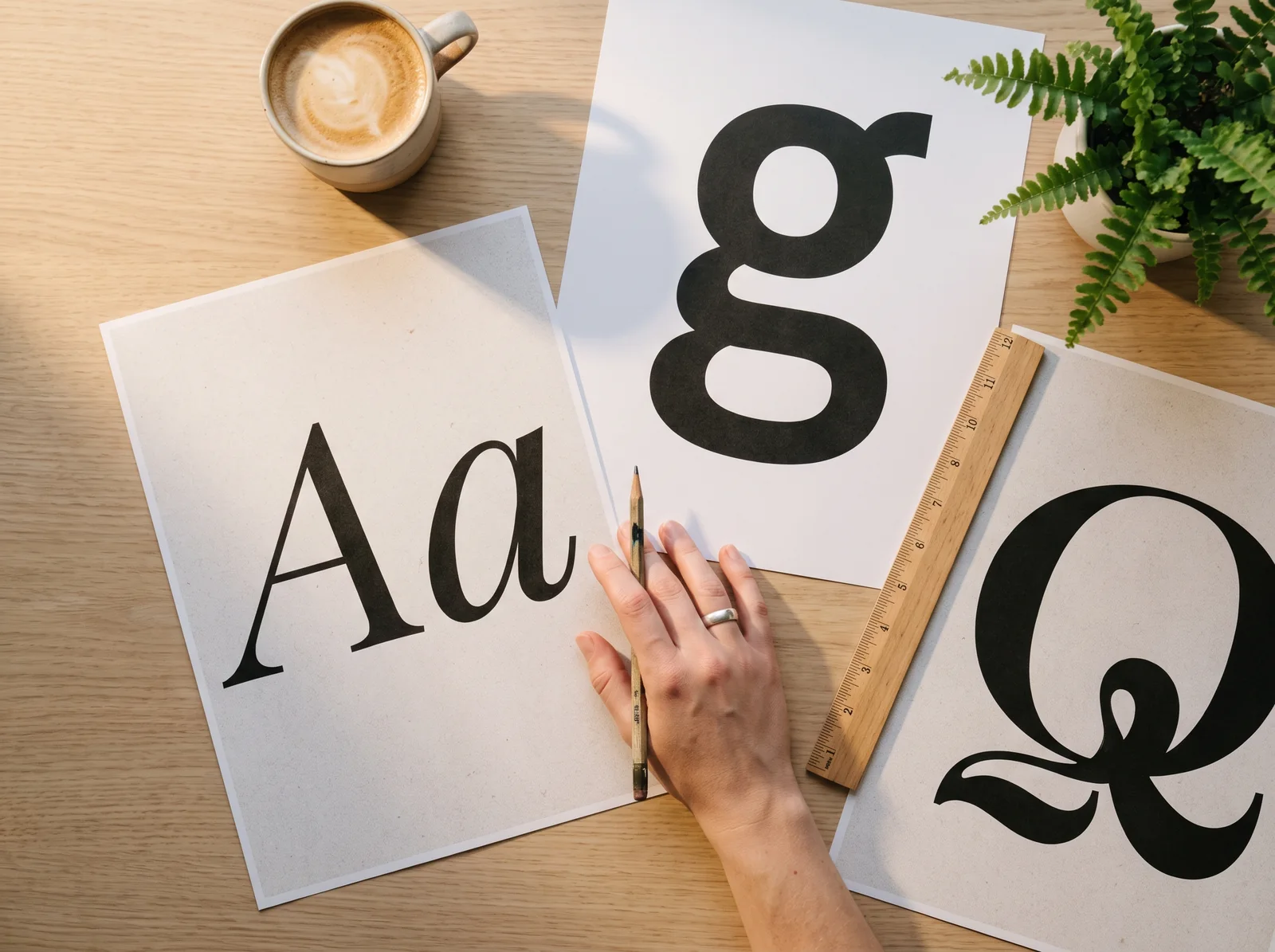
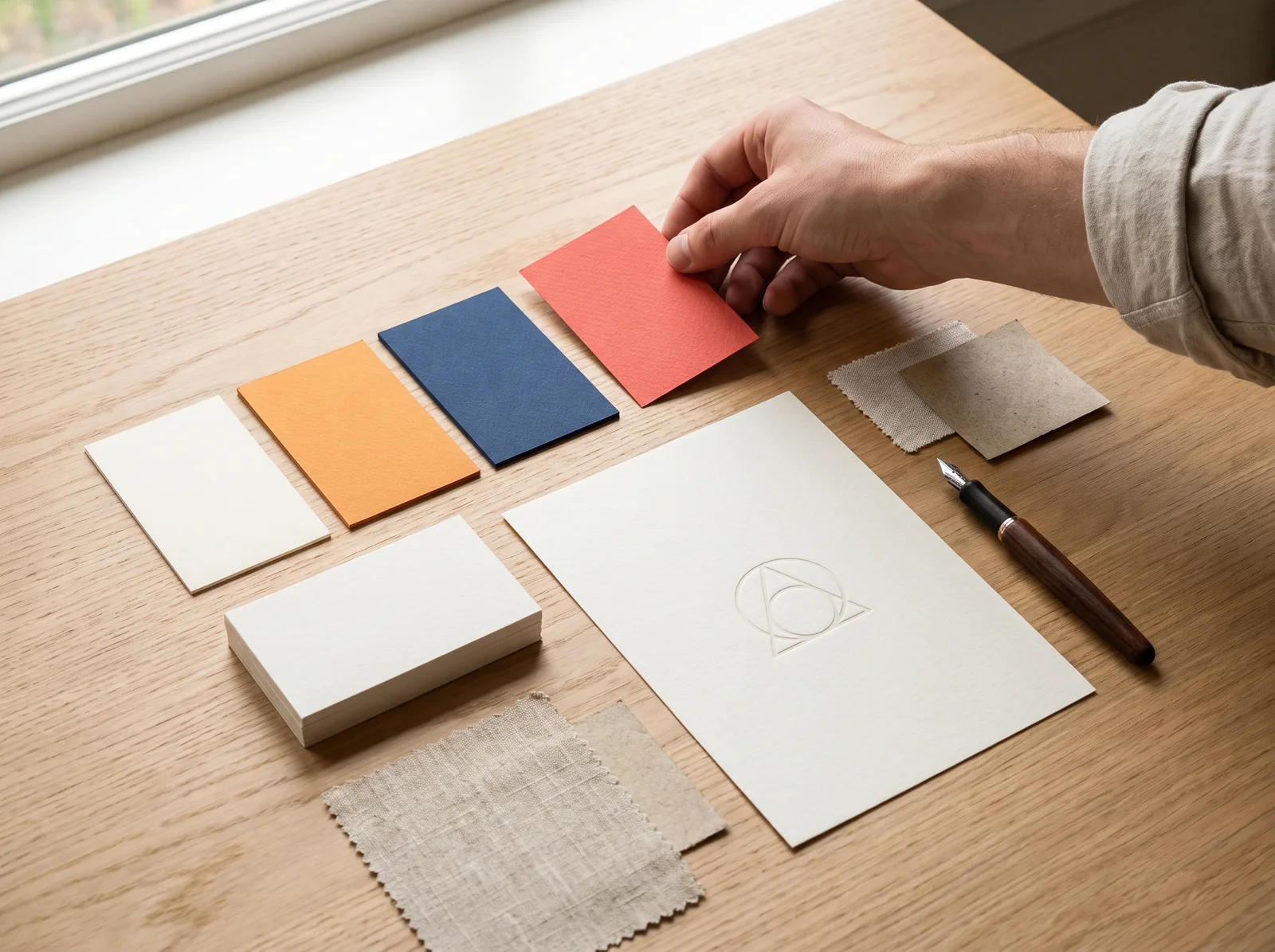
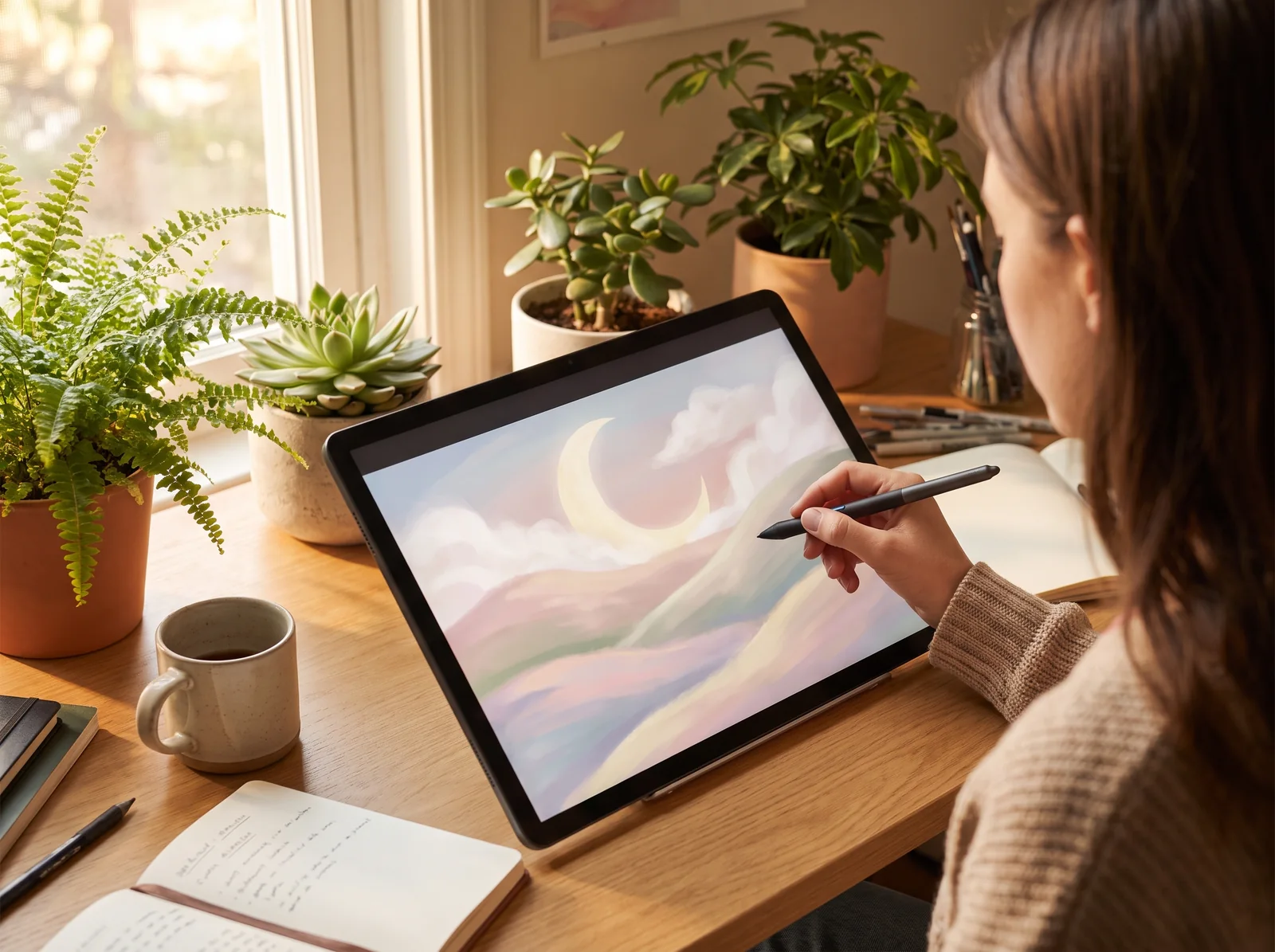
These features are Adobe’s: they do not replace the EMITY editor, they extend what you can design before display.


TogetherUseful formats
What you can design
for your screens
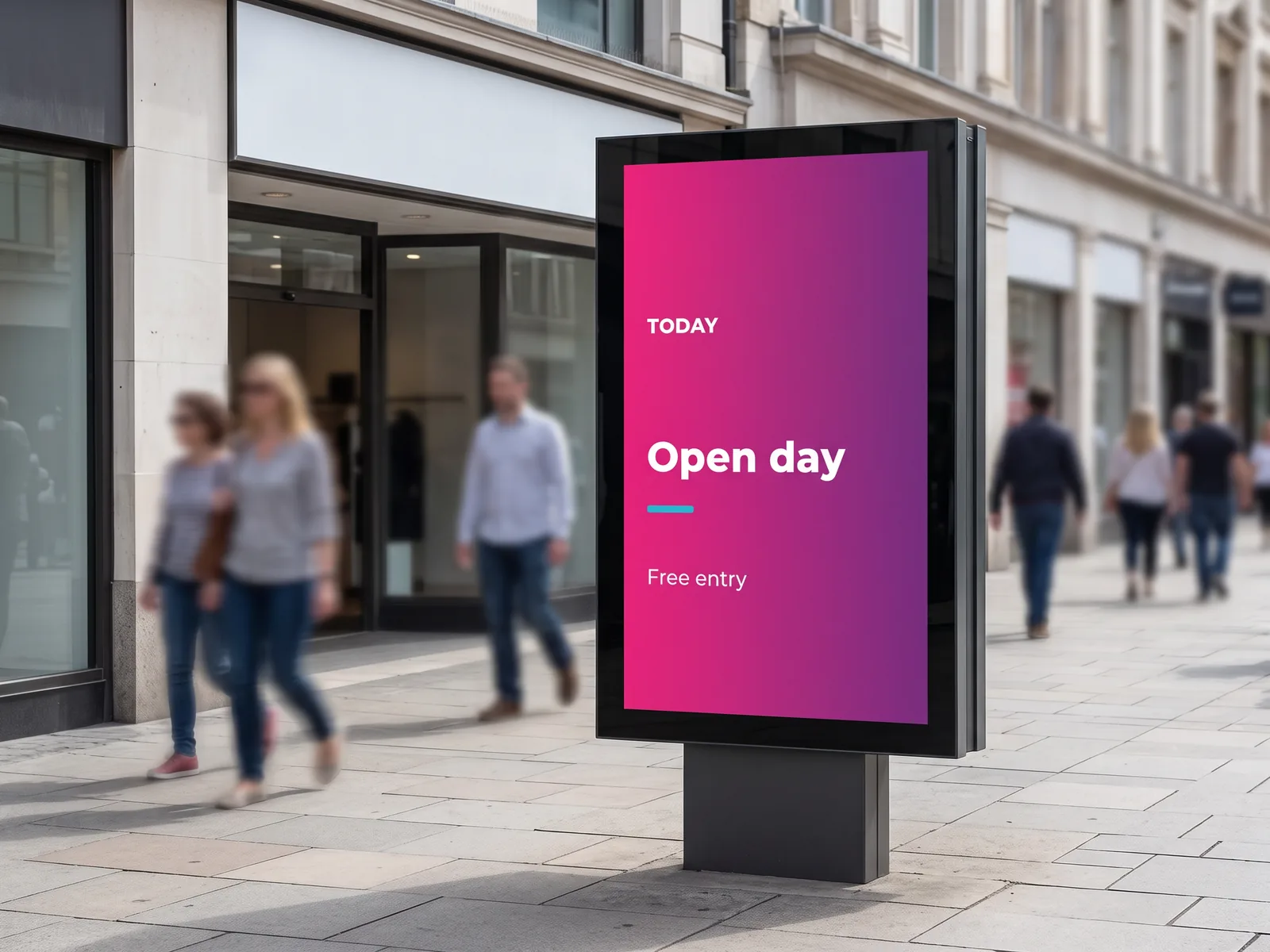
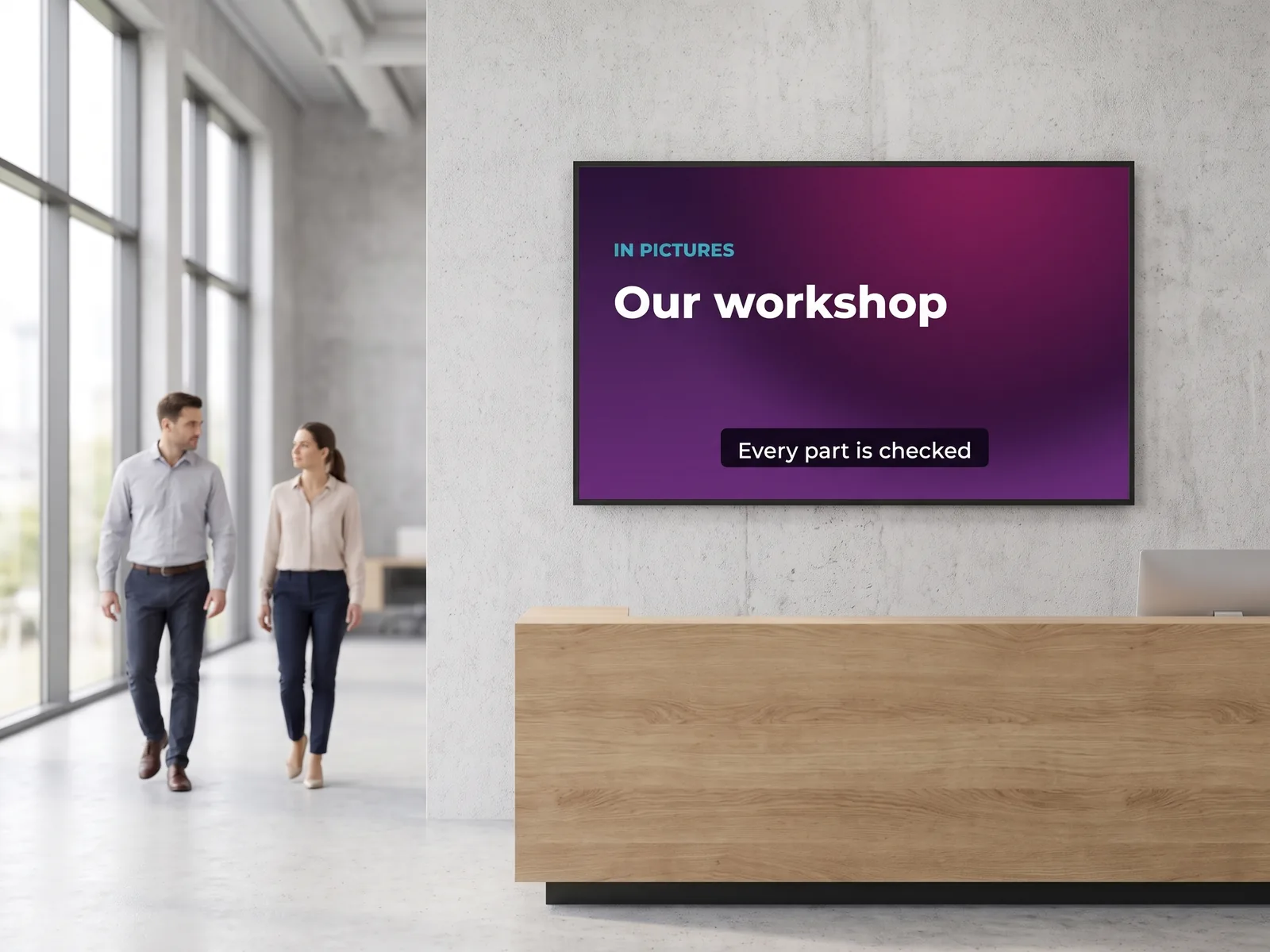
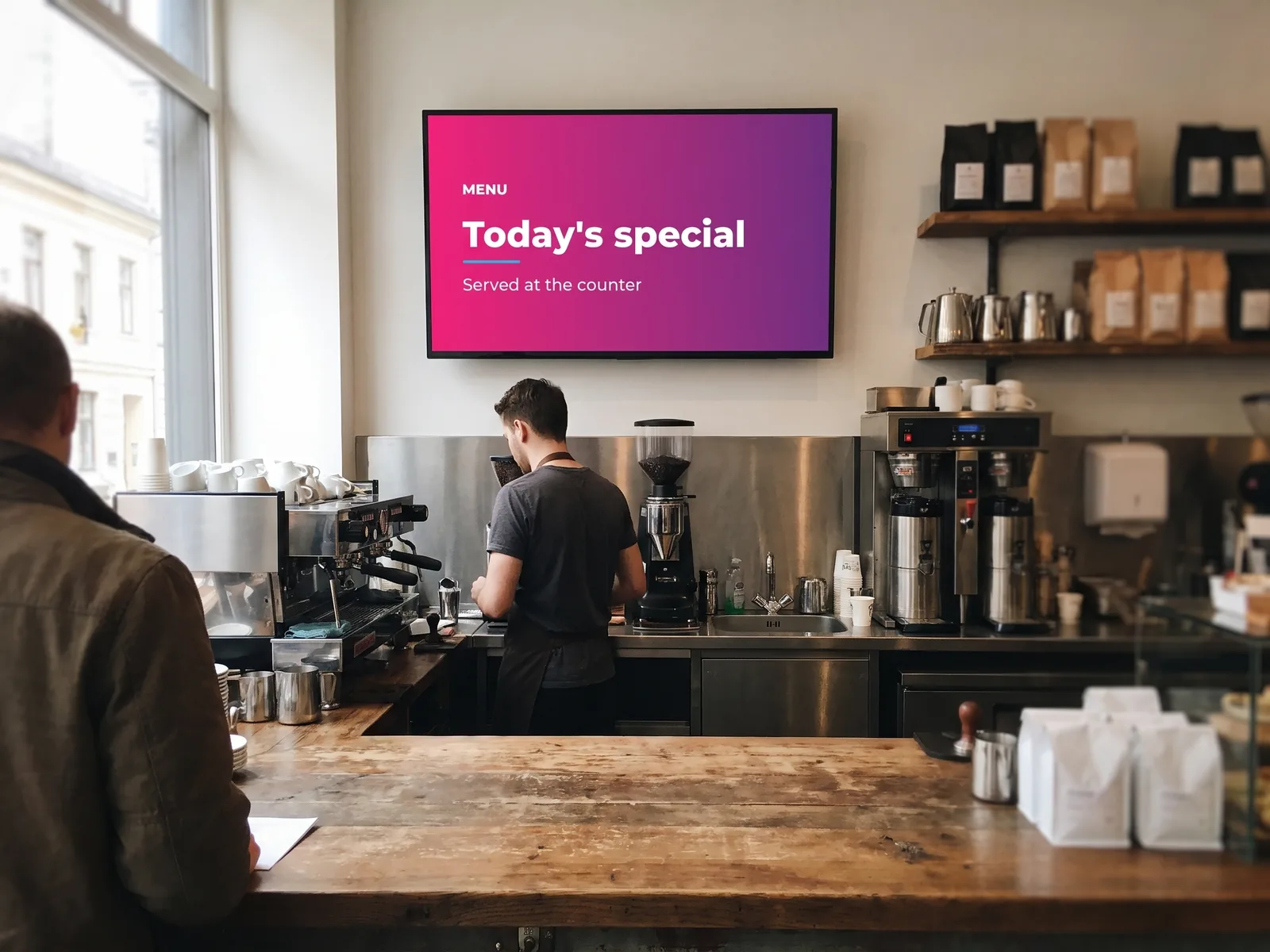
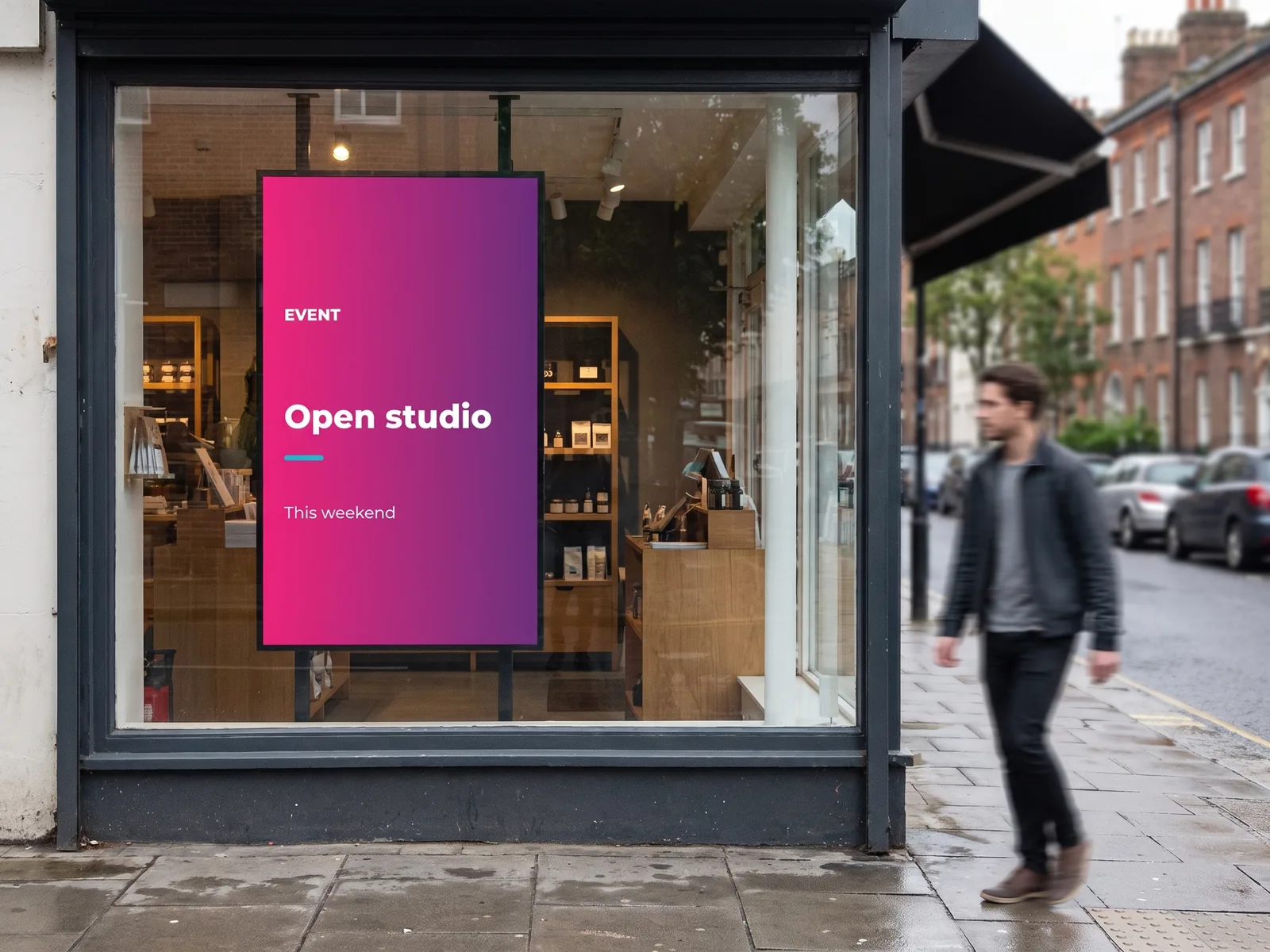
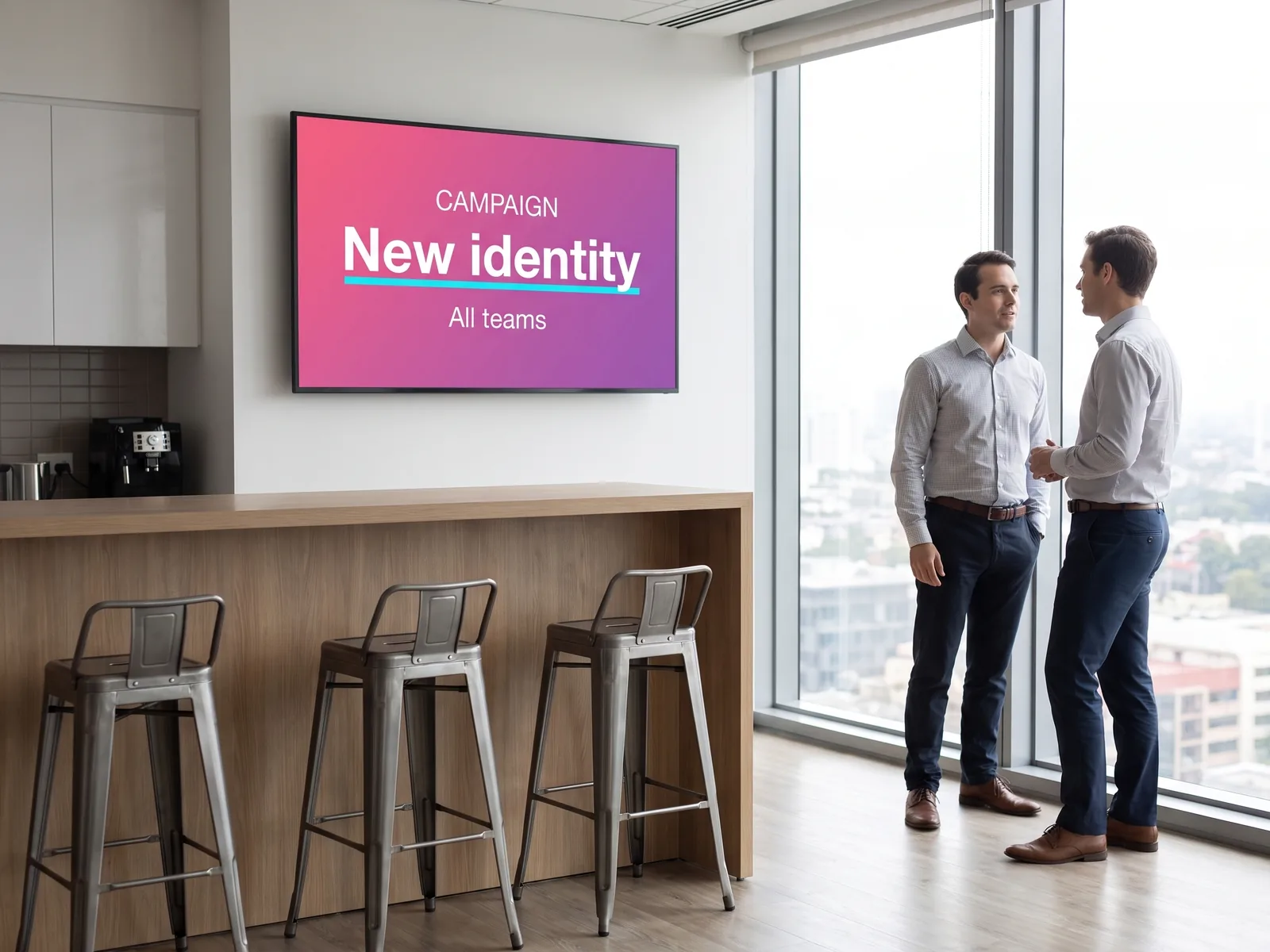
Adobe Express produces images, short videos, posters and social media visuals. Here is what that looks like once it is on a screen.
Adobe ExpressVideo
Create a short video
for your screens
What changes here is the destination: the video does not go to a sharing platform, it loops on a screen, watched in fragments, rarely from start to finish.
What editing lets you do
A still image informs; a few seconds of animation stop the eye. Adobe Express edits in the browser, with no post-production software. The features that matter for a screen come down to a few moves:
- ✓Cut and reorder the shots, set the length of each
- ✓Animate text: a title that appears catches the eye better than a static one
- ✓Add subtitles: the feature that changes the most on a screen
- ✓Play with speed: condense a long edit, stress a gesture in slow motion
- ✓Work together on the same project, via a share link
Good to know
No sound
in most lobbies and shops
Everything that matters must be readable
This is the most concrete difference from a video made for an online platform. In a lobby, a shop or a corridor, the sound is off: nobody would hear it, and it would disturb. Subtitles, on-screen text and pictograms carry the information; the soundtrack helps the rhythm of the edit, never the message.
TogetherThe question of cost
Is Adobe Express free,
and what do you need on the EMITY side?
Yes, there is a free version, and teams often start there. Paid plans mainly open up Adobe resources and teamwork. The terms and prices are Adobe’s, and they change.
| Adobe plan | What it opens up | When it makes sense |
|---|---|---|
| Adobe Express Free | Templates, photo editing, basic formats | To try it out, or for a one-off need |
| Adobe Express Premium | Extended Adobe fonts, Adobe Stock, broader AI features | For regular visual production |
| Adobe Express Teams / Enterprise | Shared brand kits, collaboration, access management | When several people design for the same network |
On the EMITY side, the Adobe Express integration is included from the Premium plan. Displaying on your screens comes under your E-MANAGER subscription, not your Adobe plan; the Adobe plan only determines what you can access while designing: fonts, image library, AI features. And if you would rather not add anything, the EMITY built-in editor is included in every plan. Compare EMITY plans.
TogetherFrequently asked questions
What visitors ask
about Adobe Express
EMITY × ADOBE EXPRESS
From design to screen
Whether your teams design in the EMITY editor, in Canva or in Adobe Express, display is managed in one place. Our team can walk you through the whole journey on +33 4 30 00 66 00, throughour contact form or during a demonstration.


