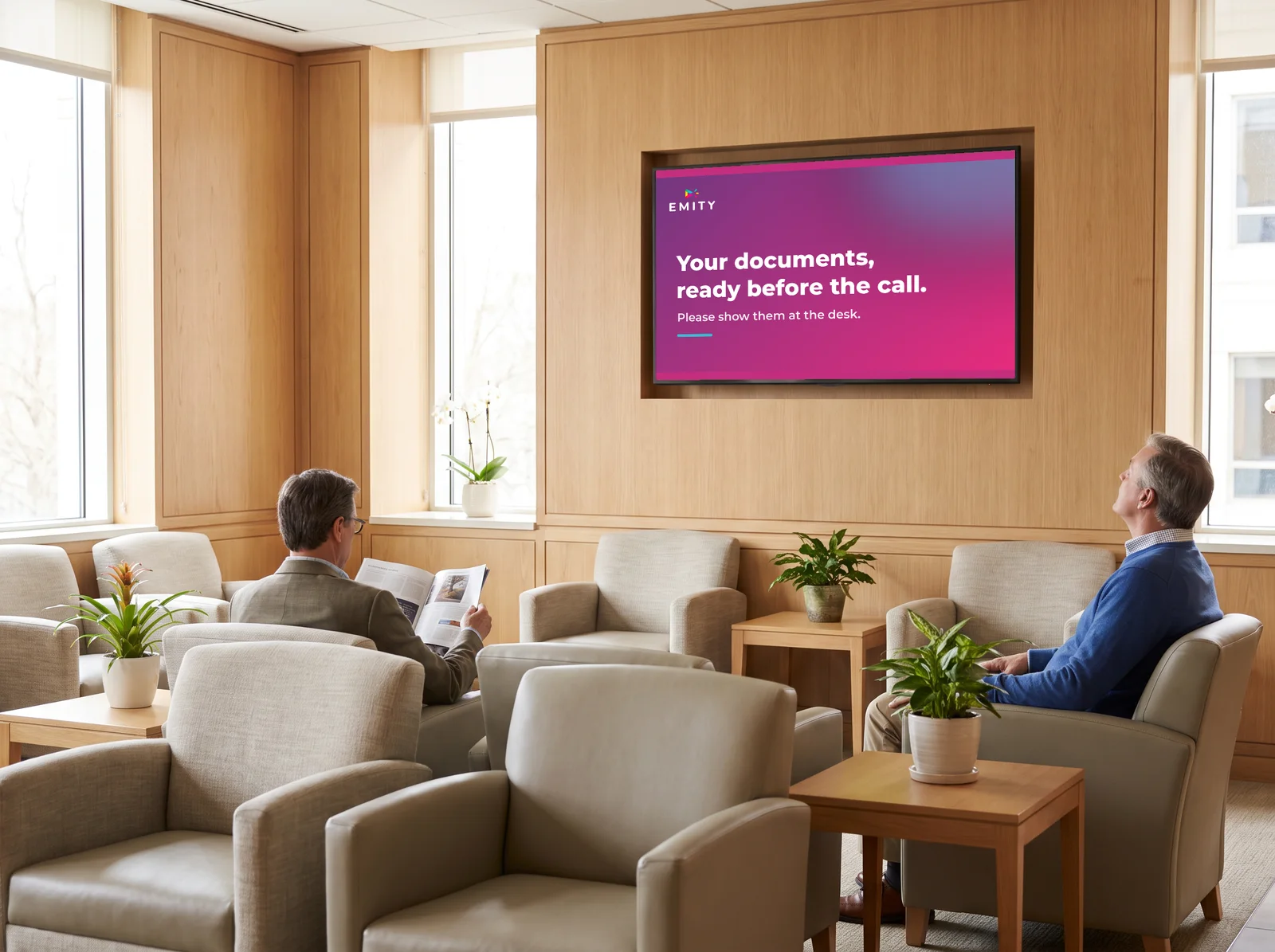
Queue management: the software that cuts waiting time and smooths your reception

EMITY’s QUEUE MANAGEMENT module organizes how you welcome visitors, with tickets, kiosks and a virtual queue. Everyone is directed to the right counter, waiting becomes readable, and you manage it all from a single platform.

-40 %less waiting time
+31 %more customer satisfaction
+1 000EMITY customer accounts

At a glance

The QUEUE MANAGEMENT module in 6 promises

Hover over each tile to see the detail.

Simple

Survolez pour le détail

Simple

An intuitive platform: up and running in a few hours, you publish information and tickets instantly.

Complete

Survolez pour le détail

Complete

Create your counters, customize your tickets. Your data stays secure and the system updates itself.

Targeted

Survolez pour le détail

Targeted

A set of actions tailored to your sector, to guide every visitor in a few clicks and strengthen your organization.

Who it’s for

Survolez pour le détail

Who it’s for

For every sector that welcomes the public: healthcare, local government, banks, supermarkets, food retail.

How it works

Survolez pour le détail

How it works

Compatible with every type of screen: kiosks, tablets, totems. Ideal in a reception area as well as a waiting room.

Why it matters

Survolez pour le détail

Why it matters

For the public, waiting happens calmly. For your team, the order of service takes priorities into account.

Understanding

Queue management: definition and what is at stake

Organizing how you welcome visitors means acting on two things at once: the actual waiting time, and the way it is experienced.
What is queue management?

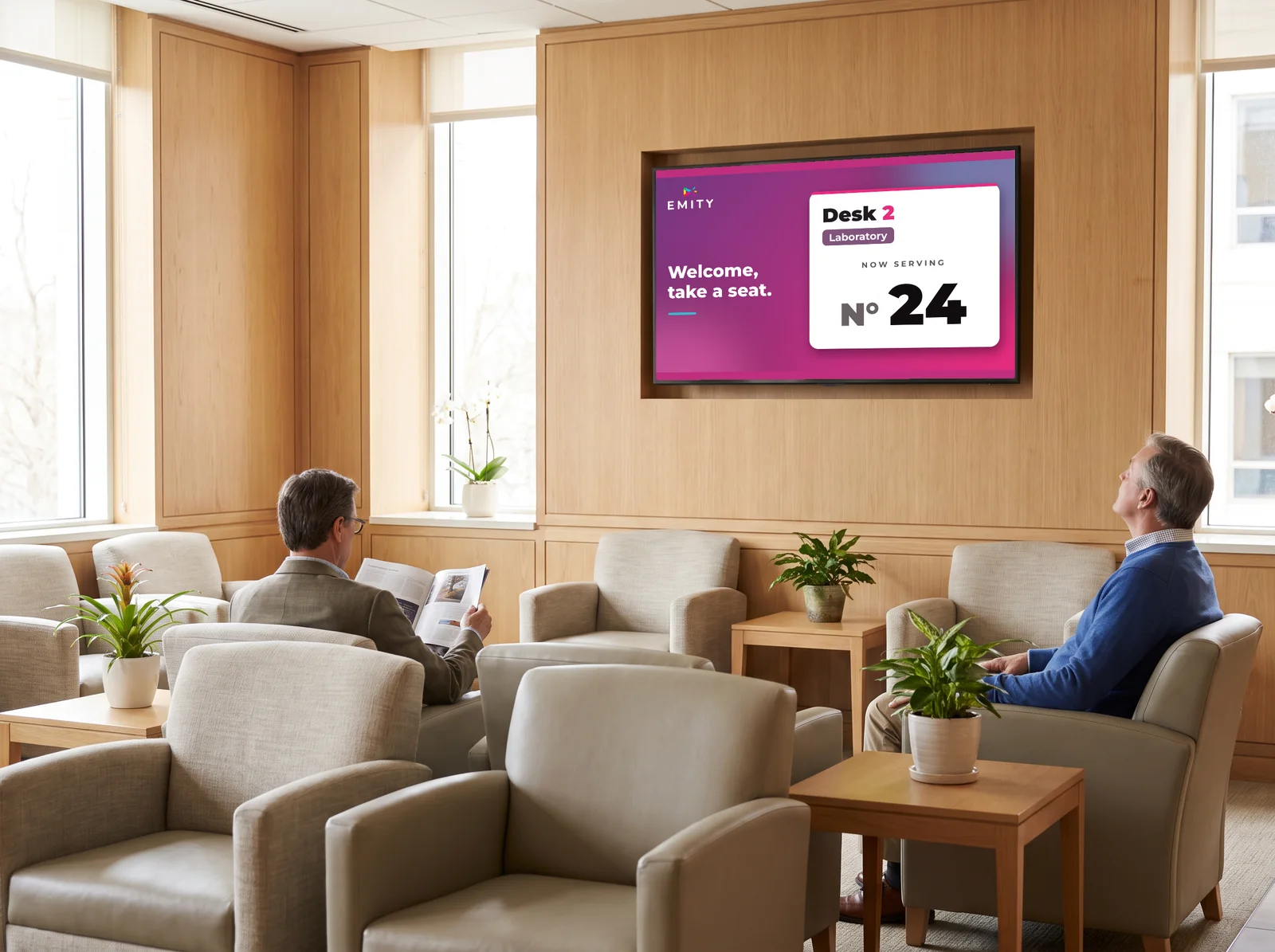
By definition, queue management means organizing visitors who are waiting for a service. A system assigns a number to each person according to their arrival order or their reason for visit, then calls them to the counter that frees up. Ticket, counter, kiosk, display: every element is coordinated automatically, for a reception that stays orderly and predictable.

  • One number per visitor, by arrival or by reason
  • Automatic call to the available counter
  • Estimated waiting time shown on your screens
  • History and footfall statistics

Why waiting weighs on the experience

Perceived waiting always lasts longer than the real thing. With no information on how the queue is moving, your visitors feel forgotten: satisfaction drops as soon as uncertainty sets in.

The measured impact on your business

75% of customers give up after 10 minutes of waiting. Satisfaction falls by 67% beyond 15 minutes, and 89% are less likely to come back after a poor experience.

Solutions

Queue management techniques

From the paper ticket to the virtual queue: each approach answers a specific need, depending on your sector, your visitor volume and how digital your setup already is.

Paper ticket dispenser

The visitor takes a number and waits to be called. Simple and inexpensive, but with no real-time information and no virtual queue.

Low volumes
Interactive kiosk

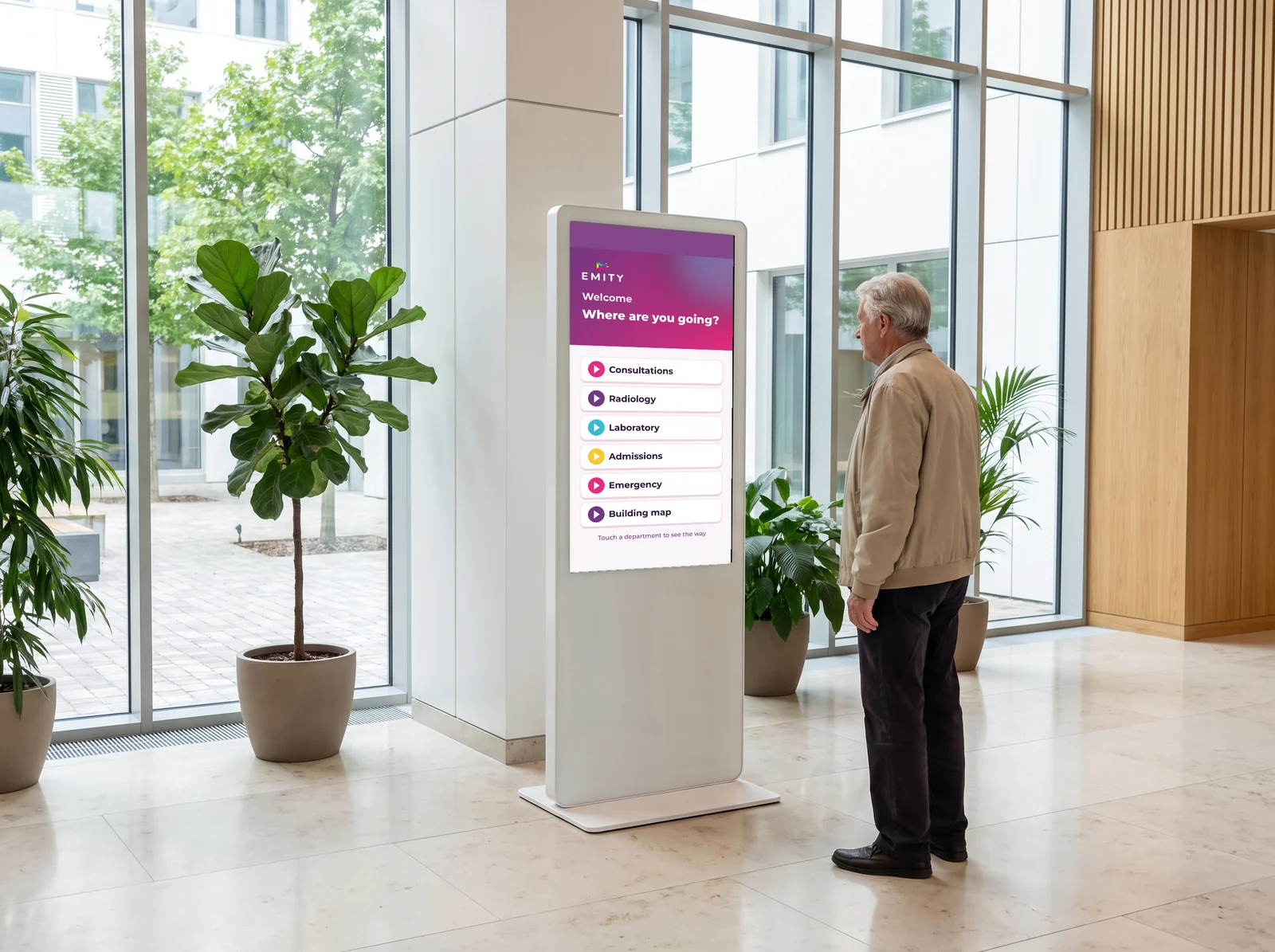
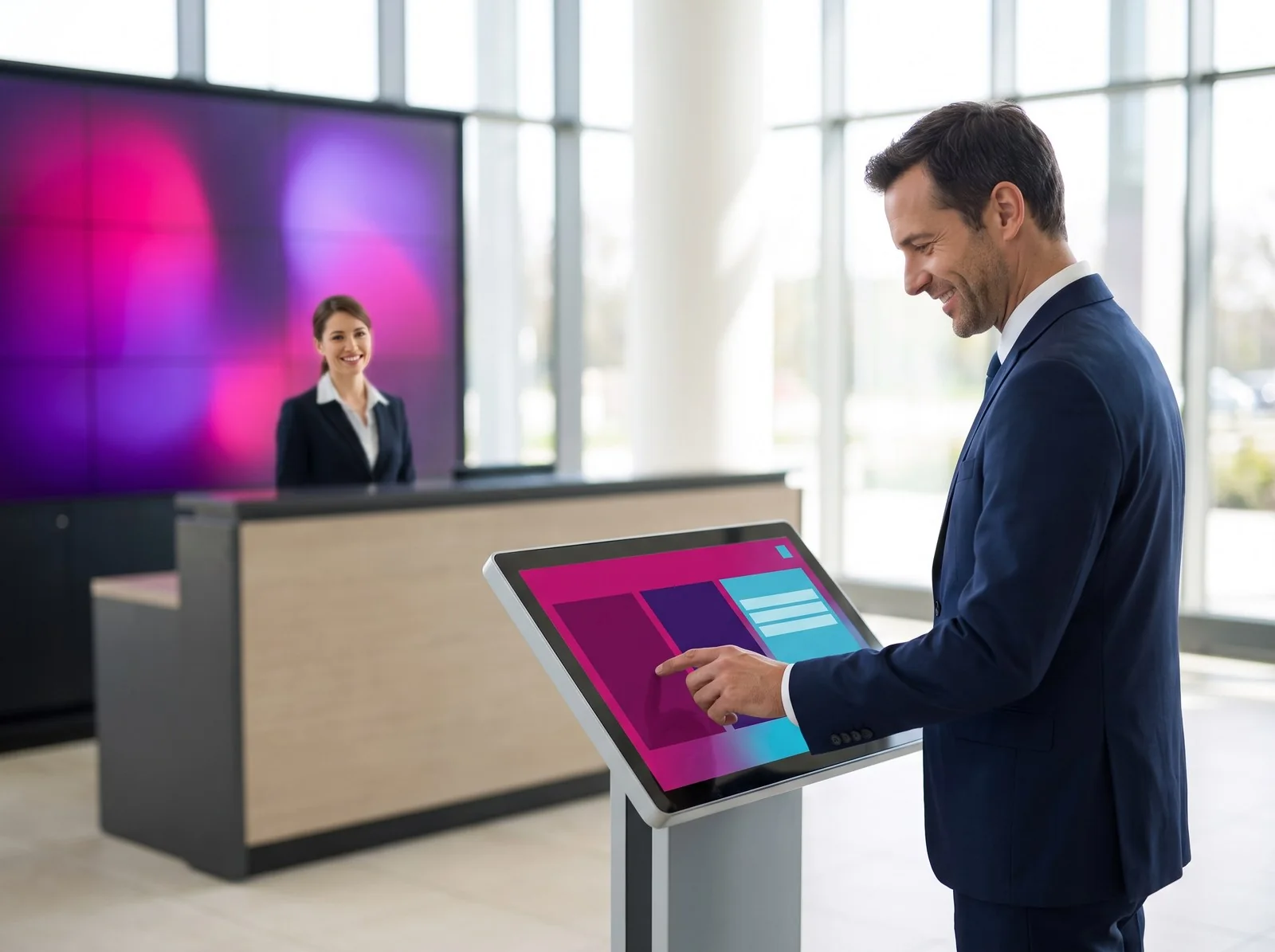
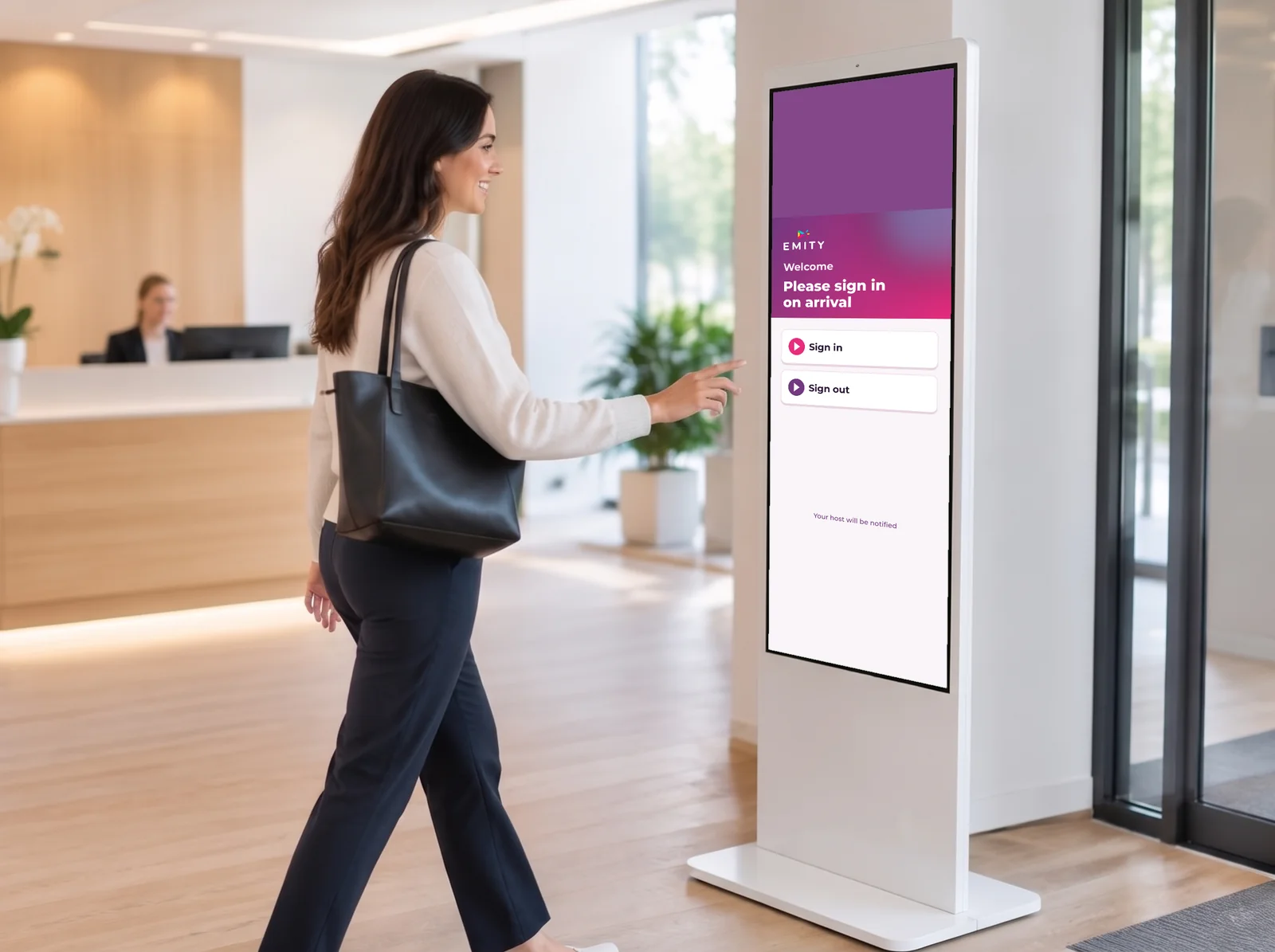
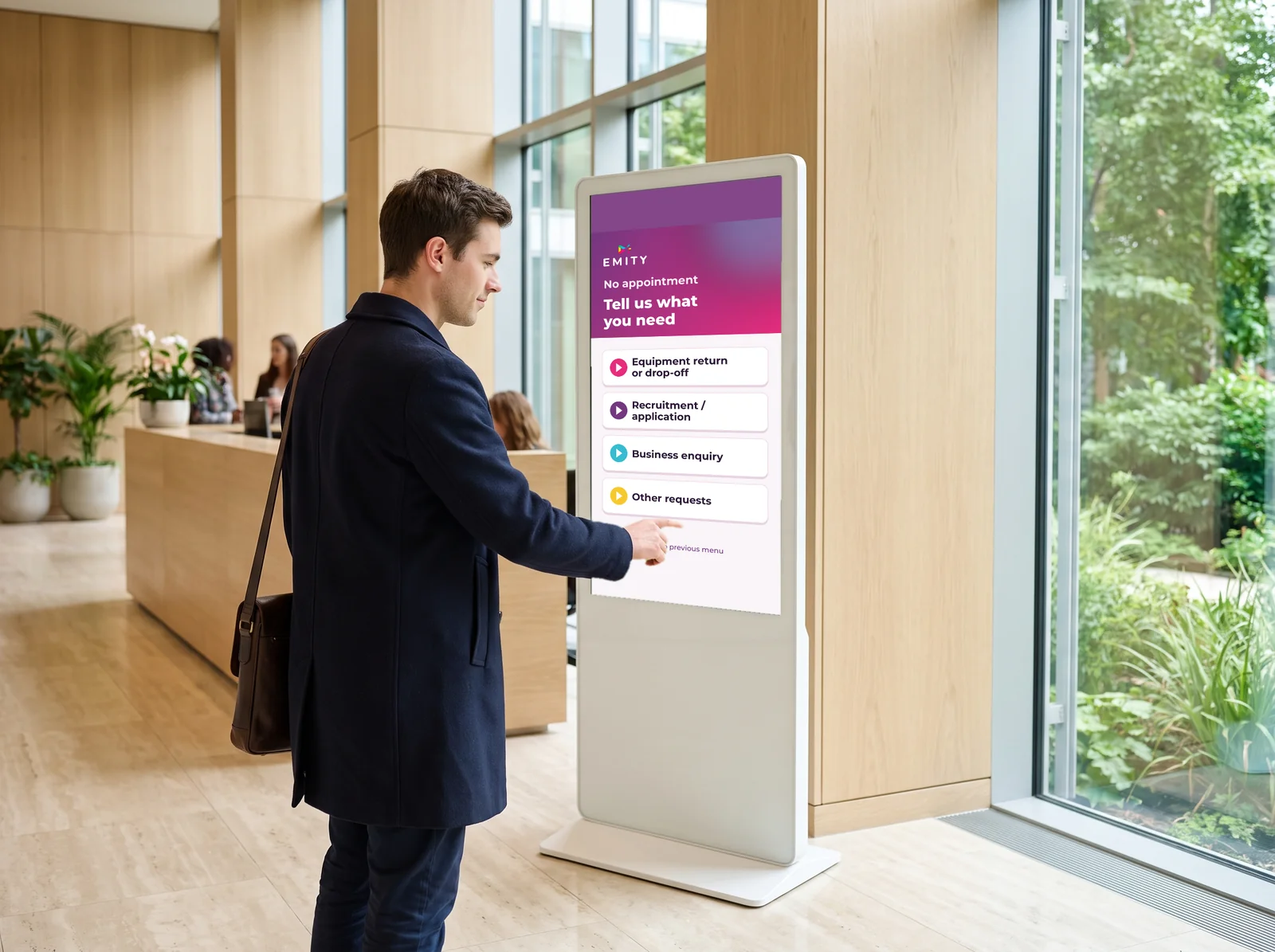
A standalone touch interface that replaces the paper ticket: the visitor picks their reason for visit and receives a digital ticket.

Routing by reason

Virtual queue

Ticket taken by mobile or QR code, with a notification when their turn approaches. Crowding in the lobby drops noticeably.

Wait elsewhere

Online appointment booking

The visitor books a slot from the web or from their phone and joins the queue at the scheduled time. Peaks in footfall even out.

Flow smoothed upstream

Comparison

Which queue management system should you choose?

Four approaches, compared on the criteria that really weigh in the decision.

Solution Recommended sectors Waiting time reduction Investment Digital level
Paper ticket dispenser Small shops, bakeries, low volumes -10 %
basic organization
Low None
Interactive kiosk Healthcare, local government, banks, public administration -25 %
automatic routing
Medium Partial
EMITY virtual queue Retail, healthcare, public services, every sector -40 %
waiting off site possible
Medium Complete
Online appointment booking Doctors, public administration, slot-based services -50 %
flow smoothed upstream
Variable Total

Source: 2024 sector study conducted across 5,000 organizations.

Getting started

How to set up good queue management

From flow analysis to data-driven management: four steps to transform your reception.

1

Analyze your flows

Measure the number of visitors per hour, your peak times and the reasons for visit. The dashboard gives you the footfall information you need to size your reception.

2

Choose your solution

Visitor volume is the first criterion. Beyond 50 visitors an hour, an interactive kiosk and a virtual queue complement each other. Our team confirms the right setup in 30 minutes.

3

Deploy and train

The interface is mastered in a few hours: you configure your counters, customize the display and set up the reasons for visit.

4

Measure and optimize

Track average waiting time and satisfaction from your dashboard. Staff gain 22% in productivity within six months of going live.

Benefits

The advantages of good queue management

Satisfaction, productivity, data and brand image: four concrete levers for your organization.

Customer satisfaction

Customer satisfaction

Displaying the estimated time reduces abandonment by 31%. Perceived waiting goes down even when the real time does not change.

Team productivity

Team productivity

No more juggling priorities by hand: the system calls tickets and directs visitors. Your teams focus on the quality of the conversation.

Footfall data

Footfall data

Every ticket produces a usable indicator. The data you accumulate reveals your real activity peaks.

Brand image

Brand image

An organized reception projects a modern image. 64% of customers do not come back after badly managed waiting of more than 30 minutes.

Our solution

EMITY’s QUEUE MANAGEMENT solution

A complete, intuitive and connected module, built into the E-CLICK platform. It covers the whole reception cycle: from taking a ticket to analyzing your flows.

+1 000customer accountsfrom the local bakery to Colissimo
-40 %less waiting timeaverage reduction observed
3 monthsof free trialno commitment
< 1 hto go liveinstallation and training

Interface

Managing your EMITY counter

For your team as much as for the public, everything is managed from the same platform.

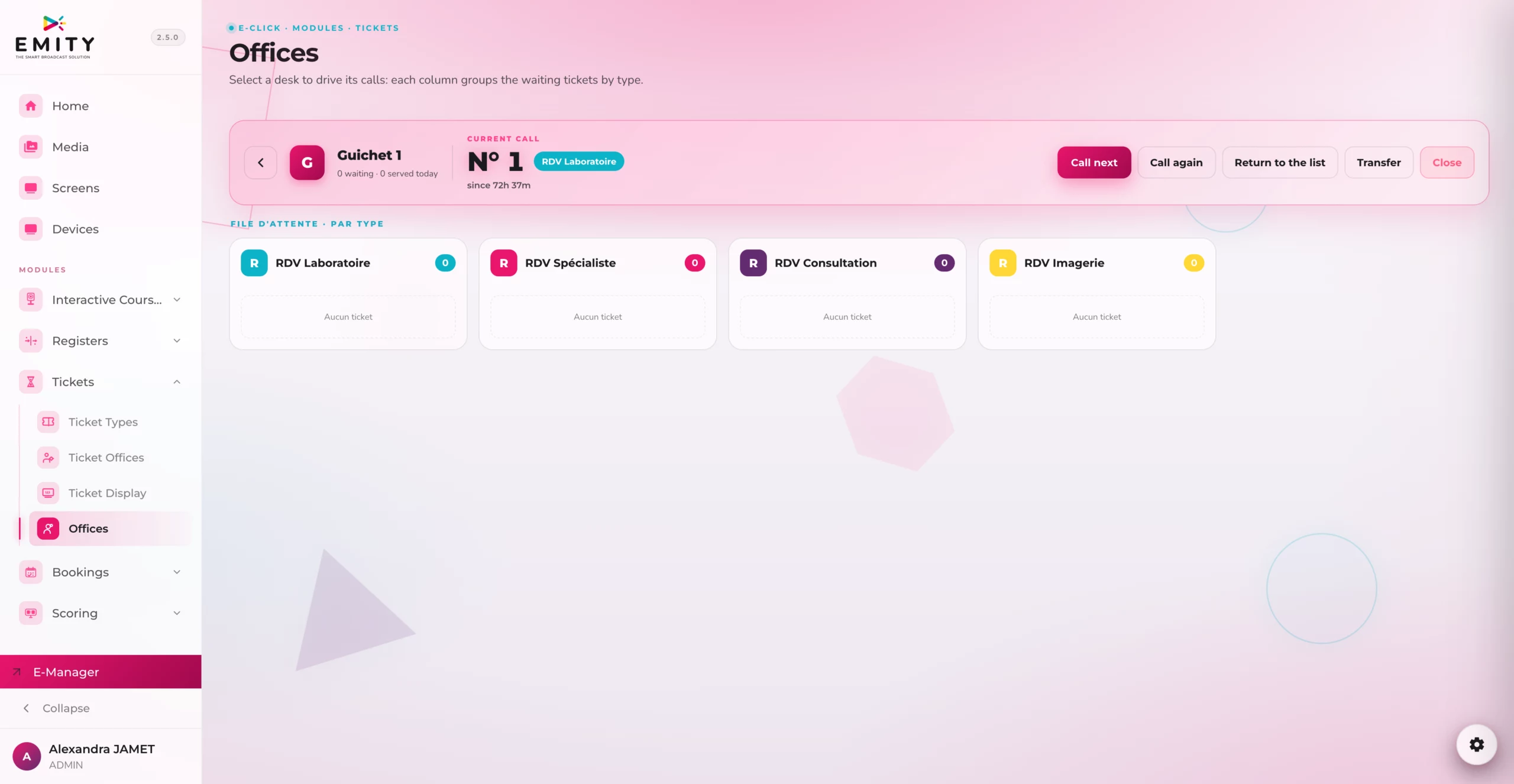
Managing your counters

Managing your counters

Manager view: counters, live queues and waiting tickets.

Actions available on a ticket

Actions available on a ticket

Call, requeue, transfer or close a ticket in one click.

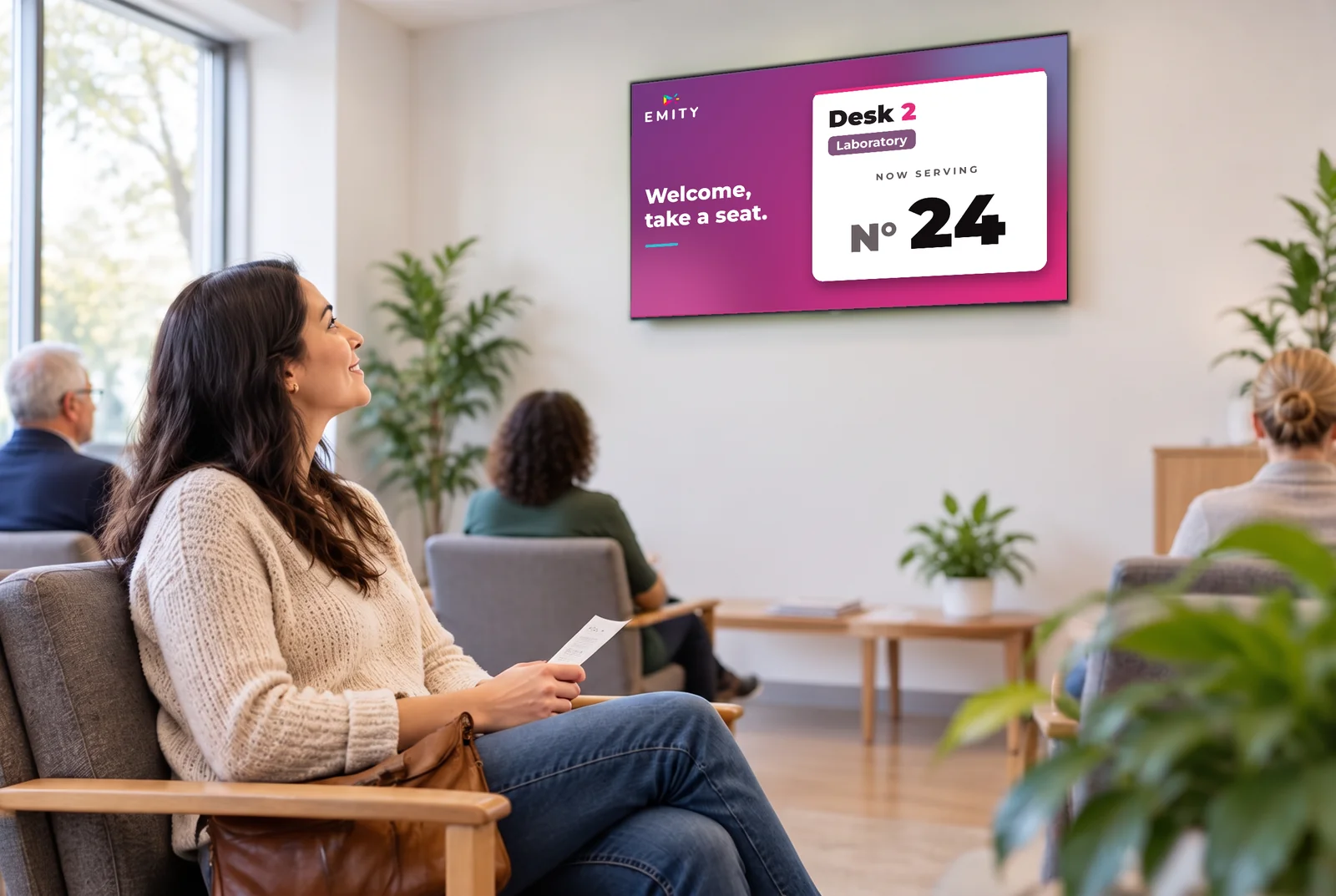
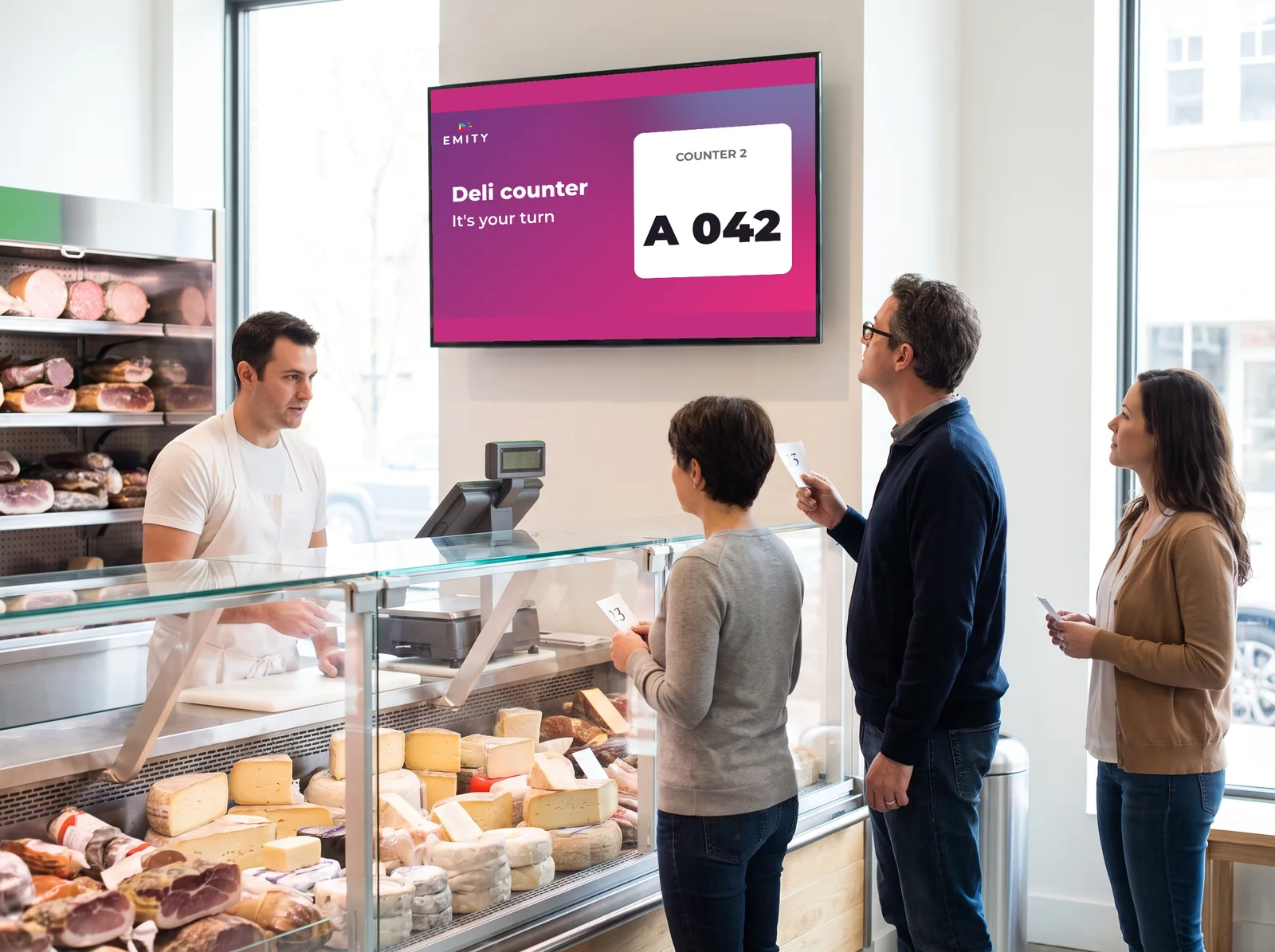
The ticket called on your screen

The ticket called on your screen

What the public sees: number called, counter and estimated time.

New

Discover the single queue

One line for all your counters: the first to arrive is called to the first counter that frees up. Waiting becomes fairer, reception smoother — and no more feeling of having picked the wrong line.

Compatibility

From touch screen to NFC wristband: four ways to take a ticket

EMITY adapts to every reception context, thanks to four complementary ways of taking a ticket.
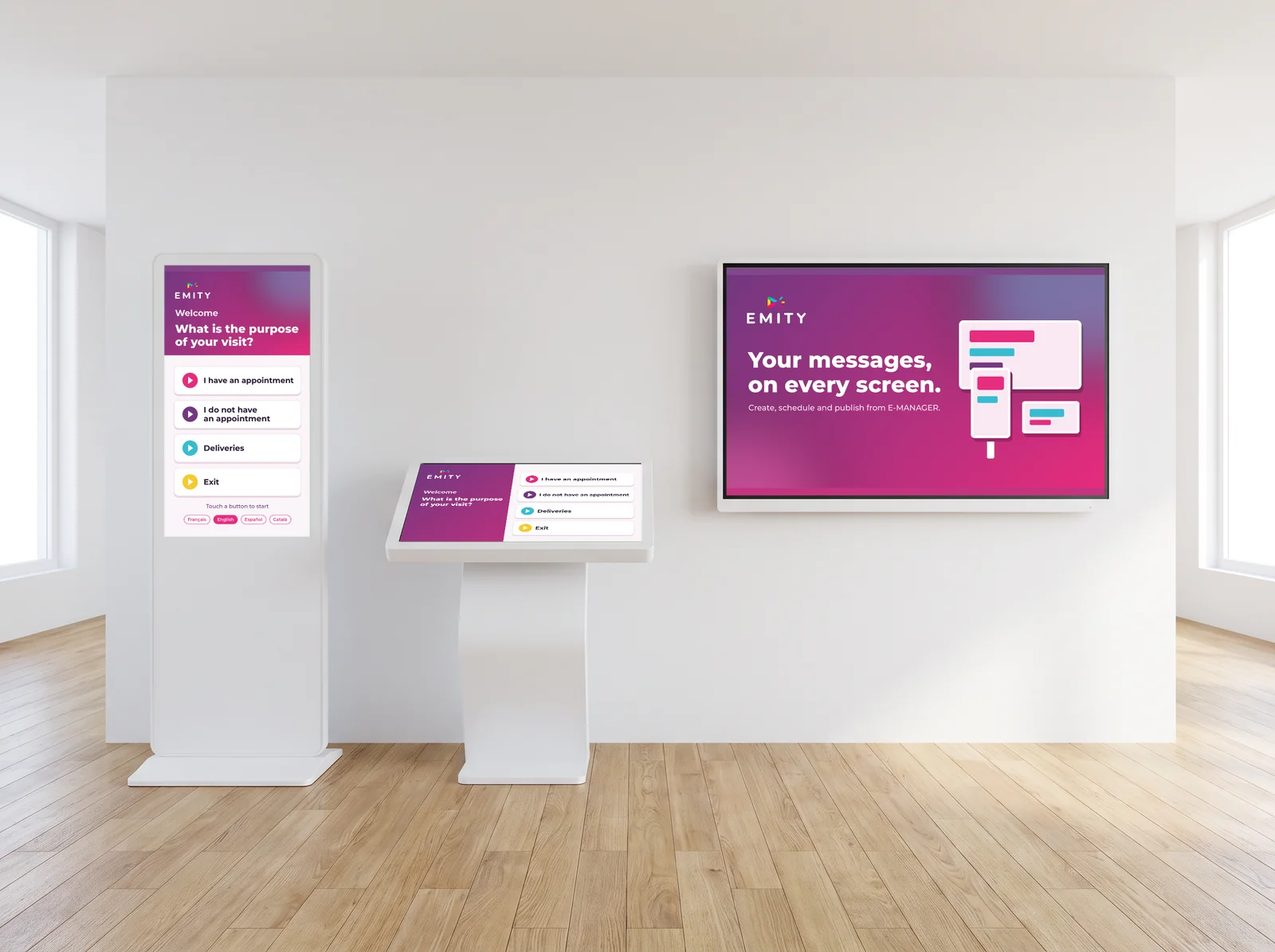
Touch screens and kiosks

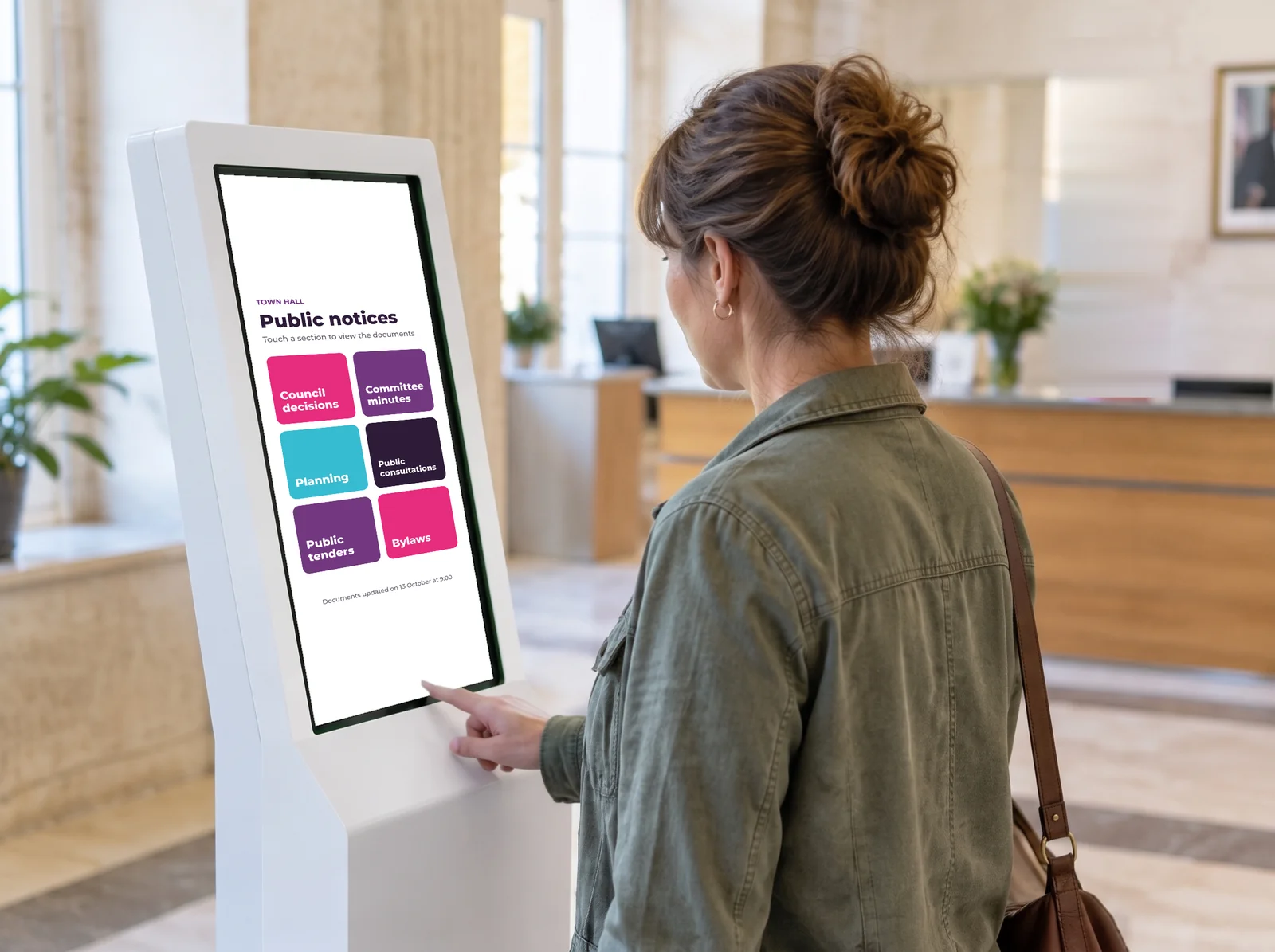
In a reception area, a waiting room or a point of sale. The visitor takes their ticket in seconds, on an interface in your own colors.

Lobby, waiting room
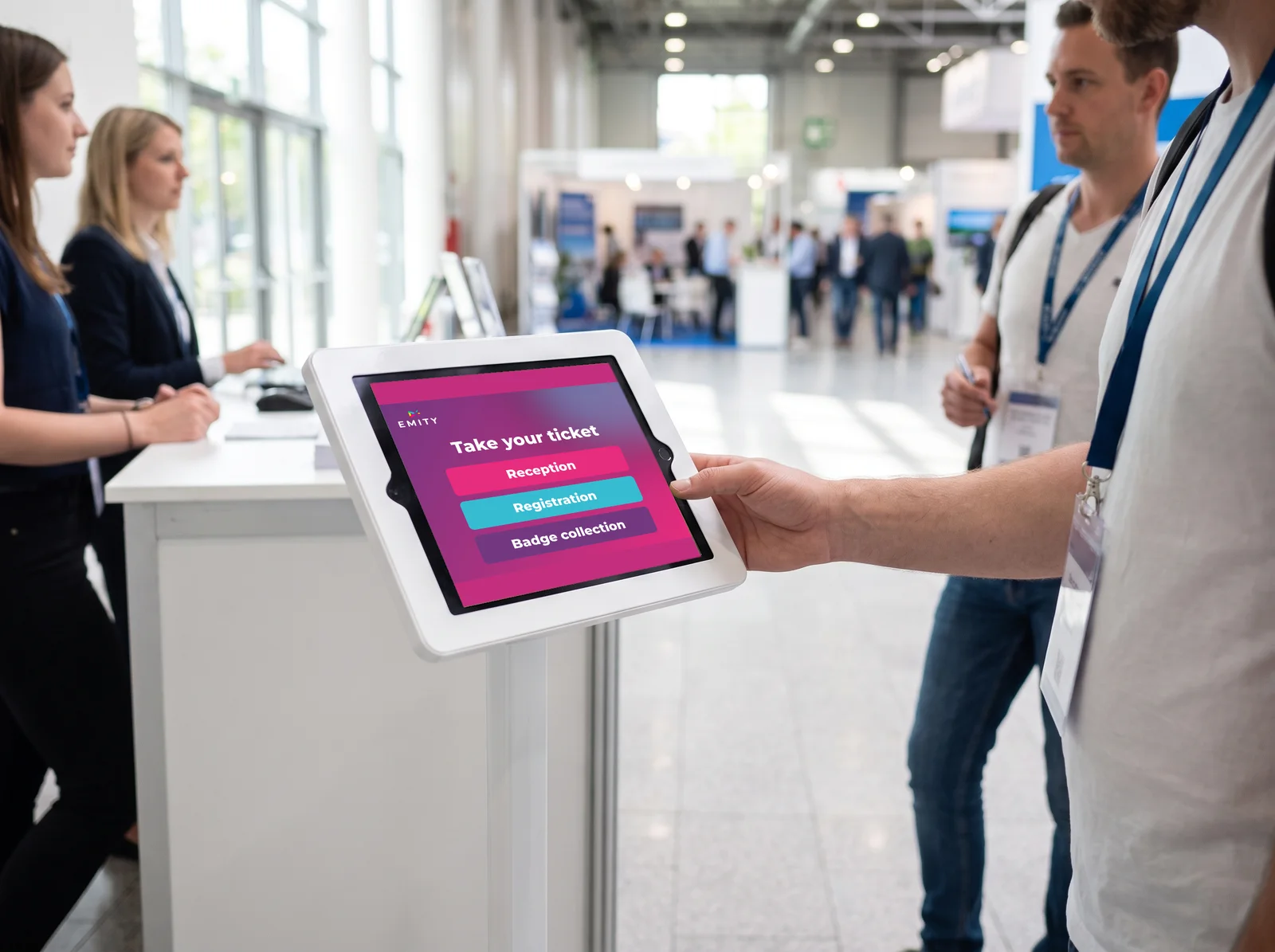
Tablets

For mobile deployments and temporary counters: one-off events, trade shows, wherever fixed infrastructure is missing.

Temporary counters

NFC wristbands

Contactless ticket calling with the software. Designed for trades where hands are busy: butcher, cheesemonger, fishmonger, caterer.

Hands free
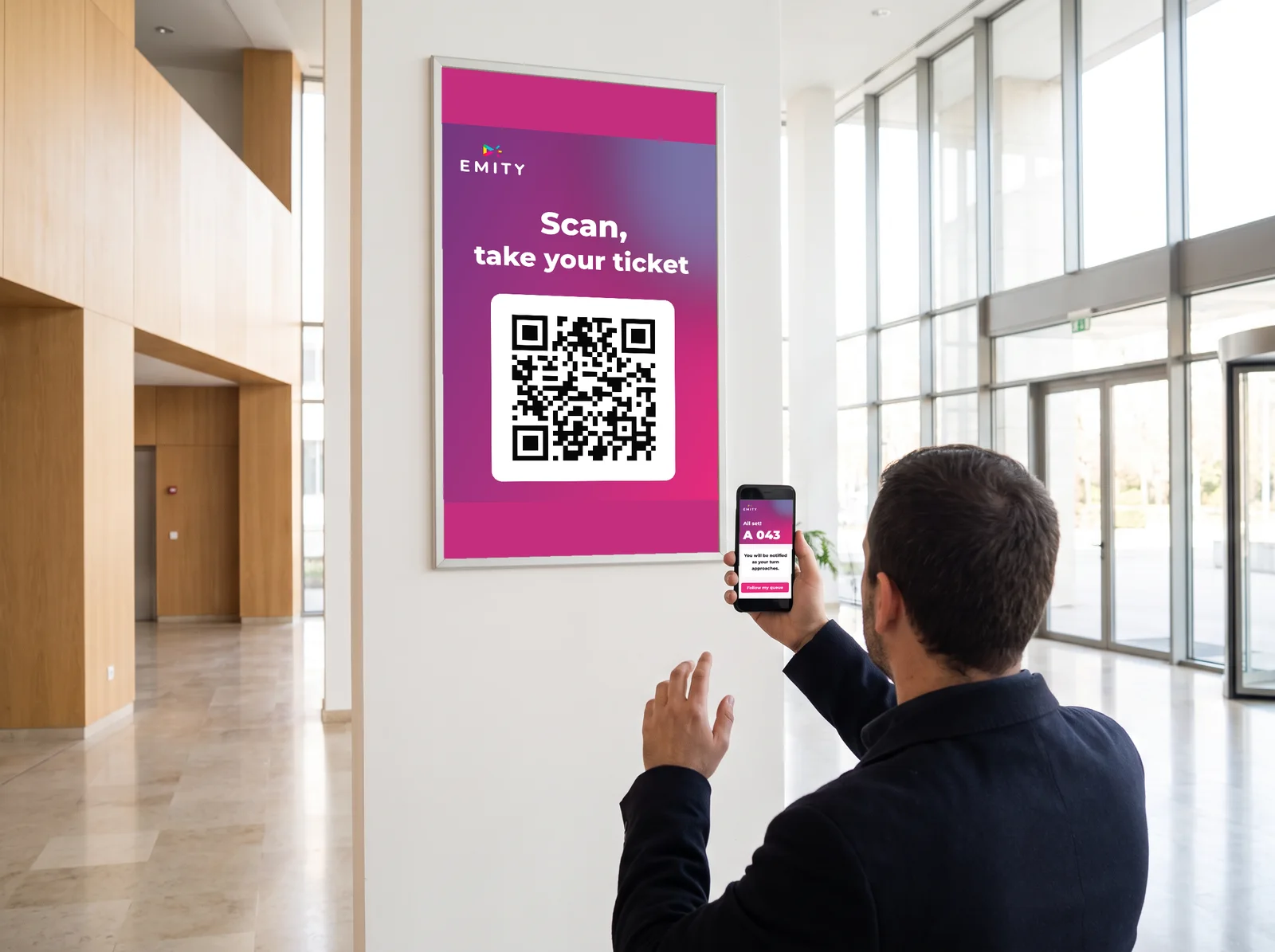
The visitor’s smartphone

Virtual queue by QR code: the visitor scans, receives their number and is notified as their turn approaches. Nothing to install on their side.

Virtual queue

Sectors

A solution suited to every sector

From the medical practice to the neighborhood butcher, the queue adapts to the constraints of each environment.

Healthcare and medical

Healthcare and medical

Manage priorities between emergencies and scheduled appointments. Patients take their ticket at the kiosk and follow their progress on the screens.

  • Emergency and appointment priorities
  • Kiosk ticket and on-screen tracking
  • A smoother patient journey
Local government and public services

Local government and public services

Manage several counters with varied purposes (civil registry, planning, social services). Reception is organized by type of request.

  • Queues by type of request
  • Numbers displayed on screens
  • Inclusive, step-free reception
Retail and large-format stores

Retail and large-format stores

75% of customers leave the queue after 10 minutes: that is lost revenue. Displaying the estimated time pushes abandonment back.

  • Estimated waiting time displayed
  • Customer routing by smartphone
  • 340% ROI in the first year
Food retail and grocery

Food retail and grocery

Butcher, cheesemonger, fishmonger, caterer, bakery: the NFC wristband frees your teams from touching a screen and speeds up service.

  • NFC wristband, hands free
  • Ticket on arrival, browse the shop
  • Faster service at the counter

Simulator

Calculate your time and satisfaction gains

A few details about your organization are enough to estimate what the EMITY queue can save you.

Calculate your gain with EMITY QUEUE MANAGEMENT

Estimate the reduction in waiting time and the return on investment for your organization.

Reduction in waiting time 
Gain in customer satisfactionEstimated NPS score
Estimated annual ROIFrom the first year
Minutes given back per dayAcross all visitors

Your simulation is ready. Request a demo to validate these projections with the EMITY team.
Request a demo

Projections based on 2024 sector data (5,000 organizations). Results are indicative.

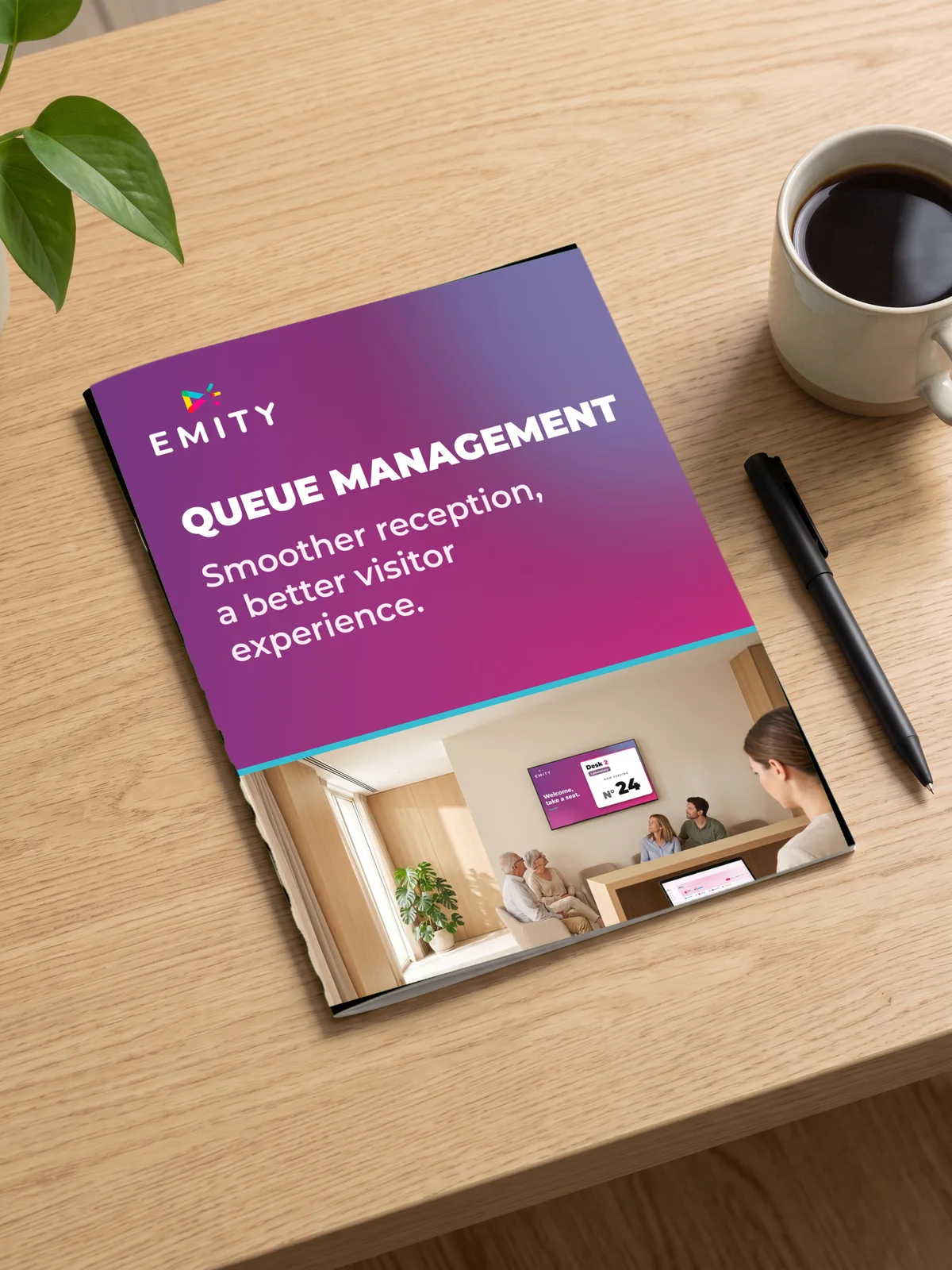
EMITY E-CLICK brochure presenting the QUEUE MANAGEMENT module

Download the QUEUE MANAGEMENT brochure

Every feature of the module, the use cases by sector and the customization options, gathered in one document you can share internally.

FAQ

Frequently asked questions about queue management

Queue management means organizing the flow of visitors waiting for a service with a dedicated system: kiosk, software, ticket. A number is assigned to each visitor, then the calls to the counters are coordinated by arrival order or by reason for visit.

Four approaches dominate: the paper ticket dispenser, the interactive kiosk, the virtual queue by smartphone, and online appointment booking. The choice depends on your sector, your visitor volume and how digital you want to be.

In four steps: analyze your flows and your busiest times, choose the solution suited to your organization, deploy the system and train your teams, then measure the results to adjust. EMITY’s QUEUE MANAGEMENT module is up and running in under an hour.

A well-managed queue improves satisfaction (31% of abandonment avoided), cuts average waiting time by 40% and frees your teams from organizing by hand. It also produces usable flow data and strengthens the image of your reception.

A virtual queue lets the visitor take their ticket from their smartphone or via a QR code, then wait elsewhere. They receive a notification as their turn approaches: both perceived waiting and crowding in the lobby go down.

By separating priorities: emergencies come before scheduled appointments, each reason for visit has its own queue, and patients follow their progress on the waiting room screens. Tickets are taken at the kiosk, on a tablet or from a smartphone.

It is one line for all your counters: the first to arrive is called to the first counter that frees up, which spreads waiting more fairly. How it works is detailed on our single queue page.

Put your visitors at the heart of your organization

With the QUEUE MANAGEMENT module, waiting becomes readable and service at the till or the counter happens without friction. Our team configures your solution in under an hour and supports you at every step.

✓ 3-month trial, full Excellence version   ✓ Up and running in under an hour   ✓ No commitment, no credit card