Automotive digital signage for car dealerships

Changing a price should not mean reprinting a card. Digital signage — screens whose content updates itself from a browser — carries your stock on the forecourt, your prices on the cars and your workshop progress in the waiting area. You build it once, and it reaches every site in the group.

+7,000screens connected
+1,000customer accounts
+130partners
+20countries

The need

What a screen changes in a dealership

Automotive digital signage is not there to modernise a showroom. It answers three precise moments where your customer is waiting for information and nobody is free to give it to them.
The journey

One visit to a dealership, screen by screen

Here is the path of a customer who spots a car on the forecourt, comes in, compares, buys and comes back for the first service. Six moments, six different screens — and one place to run all of them.
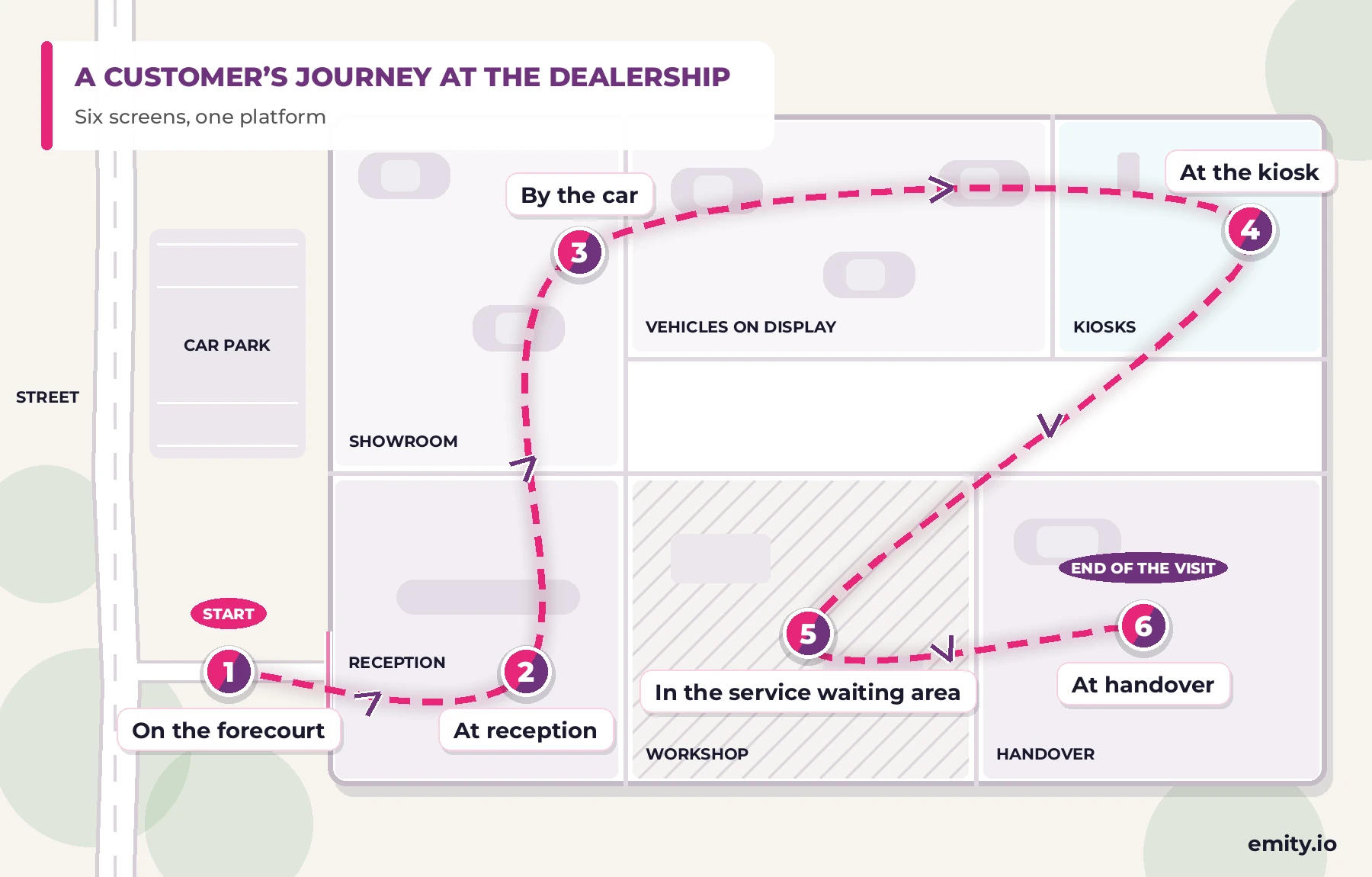
Diagram of the customer journey through a dealership in six steps: forecourt, reception, by the car, touch kiosk, workshop, handover

A couple looking at the screen of a closed car dealership from the pavement in the evening

1

On the forecourt, before opening

Saturday, 7pm, the showroom is shut. A screen facing the street runs the cars in stock, the prices and the current offers. Somebody walking past spots one and comes back on Monday.

A sales adviser welcoming a customer at a dealership reception desk in front of an information screen

2

At reception

The showroom announces what has just arrived, which cars are available to drive and current lead times. The notices you have to display sit there too, without cluttering a cork board.

A customer reading an electronic paper price label beside a car in a dealership showroom

3

By the car

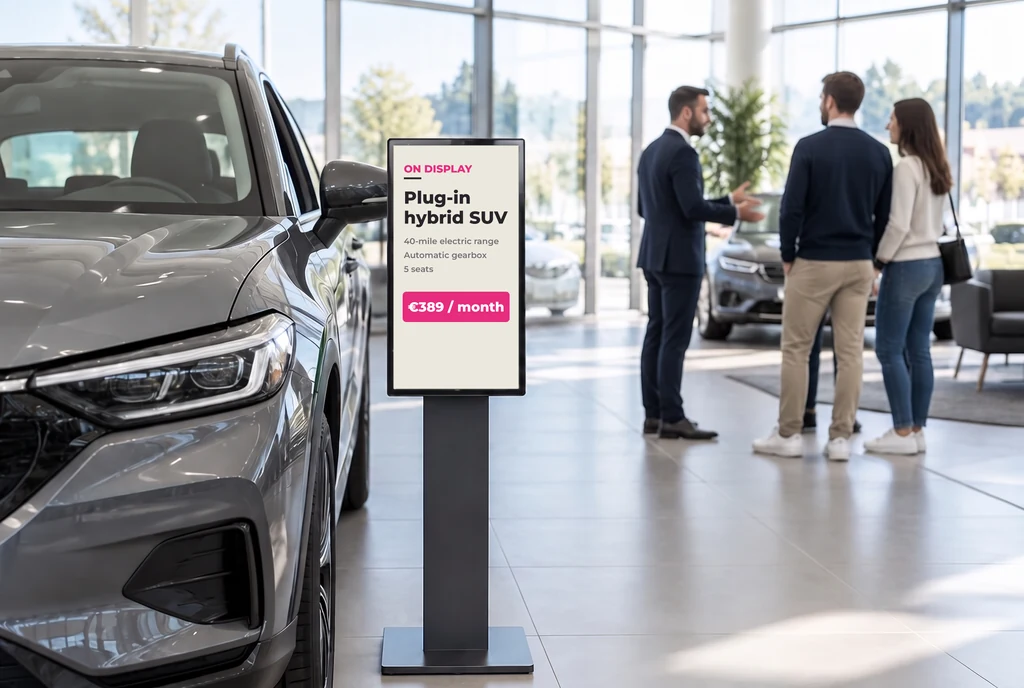
An electronic paper label carries the price, the year and the mileage. You drop a price from the office and all forty labels on the pitch change — no reprinting, no re-laminating, nobody walking round with a stack of cards.

A customer using a touch kiosk to build a specification in a car dealership showroom

4

At the kiosk

On a touch kiosk or a touch table, the customer works through the range, compares trim levels and reads the specifications. They reach the sales desk already knowing what they want.

Two customers in a service centre waiting area looking at the job progress screen

5

In the service waiting area

The waiting-area screen shows progress by registration and the time each car will be ready. The service desk stops answering the same question twenty times.

A sales adviser handing car keys to a customer in a dealership in front of a handover screen

6

At handover

Keys handed over, first service explained, aftersales cover set out. The last screen of the journey is also the one the customer remembers.

On site

Four places, four jobs

Digital signage in a dealership is not one screen but several, and a showroom screen, a price label and a workshop screen are not doing the same work. Here is what each one asks for, and what it gives back.

Digital signage screen in the window of a British car dealership, seen from the pavement in the evening

Facing the forecourt

A screen turned towards the street works when the showroom is shut. Cars in stock, current offers and test drives run in a loop, in the evening and on a Sunday.

  • Cars in stock and today’s offers
  • Runs outside opening hours, facing the street
  • Required notices built into the same loop
Electronic paper price label beside a car windscreen showing the price and specification

On the car: the e-paper label

An electronic paper panel replaces the printed card under the windscreen. It reads like paper, runs around five years on a battery, and its price changes from the office.

  • Price changed remotely, with no reprinting
  • Readable in bright daylight, with no backlight
  • Fitted with no cable and no power supply
Touch kiosk in a car dealership showroom offering to build a specification

At the kiosk or the touch table

The full range, the trim levels and the specifications, there to be browsed. The customer makes progress on their own while your sales team is busy elsewhere.

  • Range and comparison, self-service
  • Build by engine, trim and options
  • Fewer repeat questions at the desk
Screen in a car service centre waiting area showing job progress for each vehicle

In the service waiting area

Progress by registration and the time the car will be ready, between two pieces of waiting-room content. The customer knows where things stand without coming to ask.

  • Job progress by vehicle
  • MOT and service, with a time to collect
  • Aftersales and service reminders

The content

What goes on your screens

A dealership rarely shows just one thing. Here are the six families of content that share the day, from the forecourt to the workshop — and what each one looks like on screen.

Price and specification

Price and specification

Price, year, mileage, engine, warranty. The data comes from your stock system; the label follows on its own.

New arrivals

New arrivals

New models, approved used cars that came in this week, run-out editions. A photo, a price, a line — and the content changes when the stock changes.

Offers and finance

Offers and finance

Offers of the month, part exchange allowances, finance terms with the representative APR. An offer that ends removes itself on the date you set, on every screen.

Workshop progress

Workshop progress

Job progress, time to collect, service and MOT reminders. What the customer comes to the desk to ask appears before they stand up.

Required notices

Required notices

Labour rates, service pricing, and the fuel economy and CO₂ information that sits with a new car on display. What has to be shown is shown, and stays current without a reprint.

Staff communication

Staff communication

Sales targets, workshop rotas, health and safety — on screens kept for the team and never seen from the customer side.

Getting started

How your screens are run

Four steps to put digital signage in place, and nothing to install on your sales team’s machines.
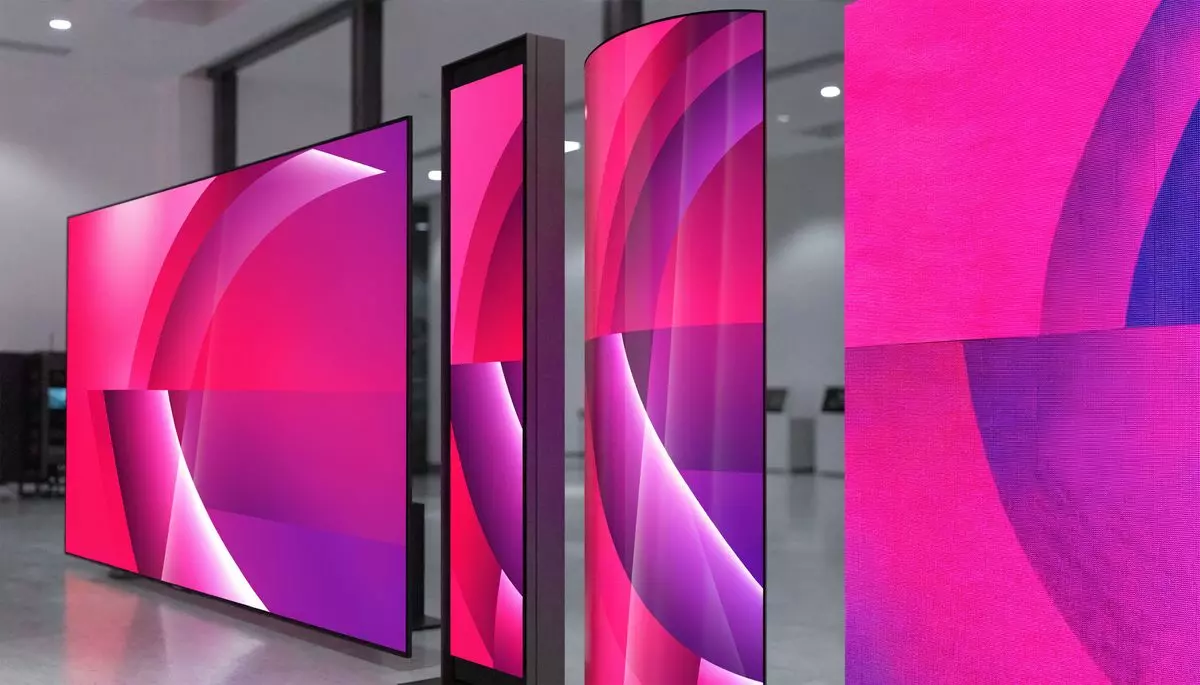
1

Your screens, whatever they are

Screens already fitted or new ones, any manufacturer, plus electronic paper labels. That is our difference: we do not tie you to one brand of hardware.
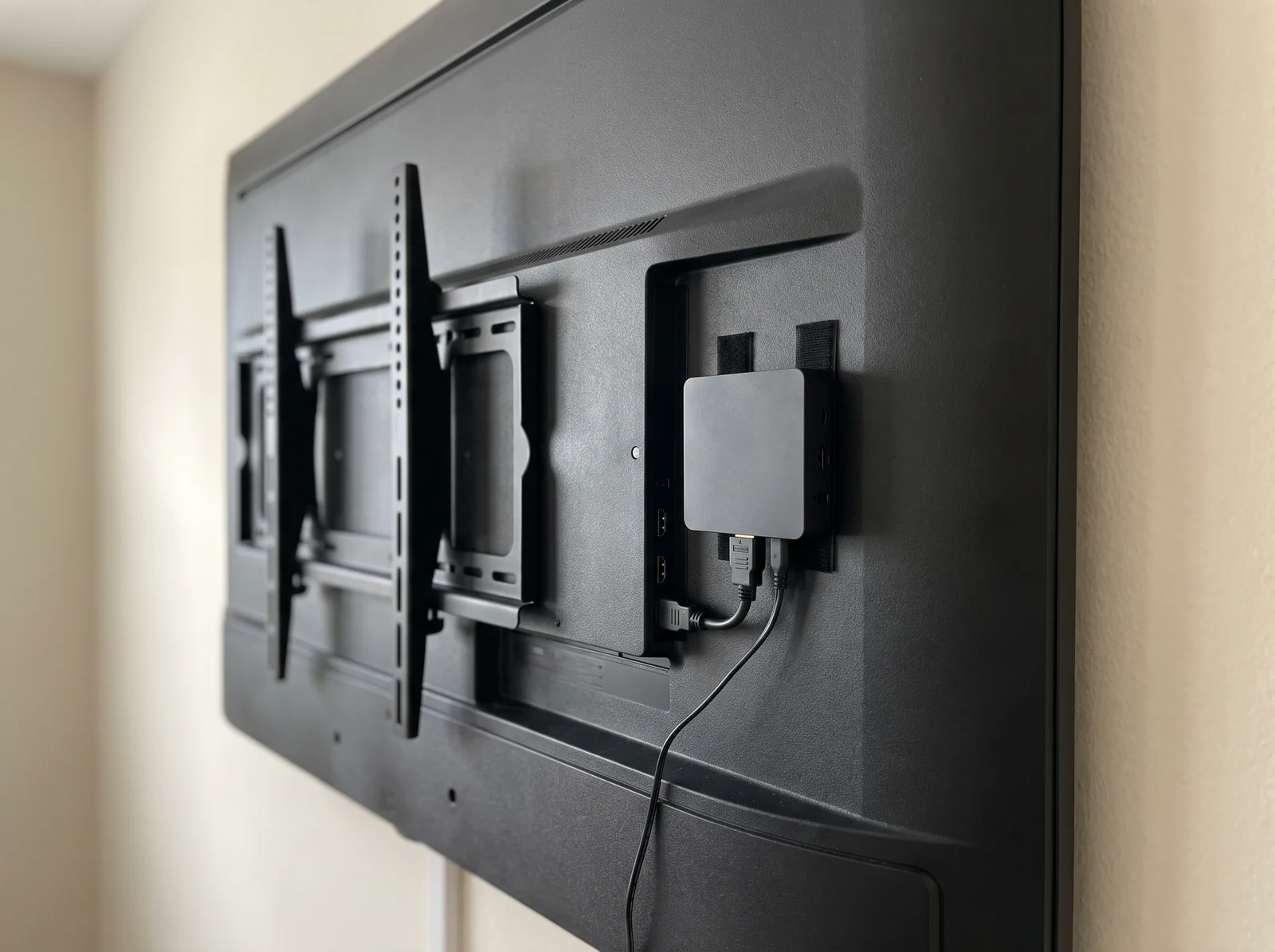
2

A player, or nothing at all

E-BOX plugs in behind the screen. If your screen is a smart one (Android, Samsung Tizen, LG webOS), E-SOFT installs straight onto it with no box at all.
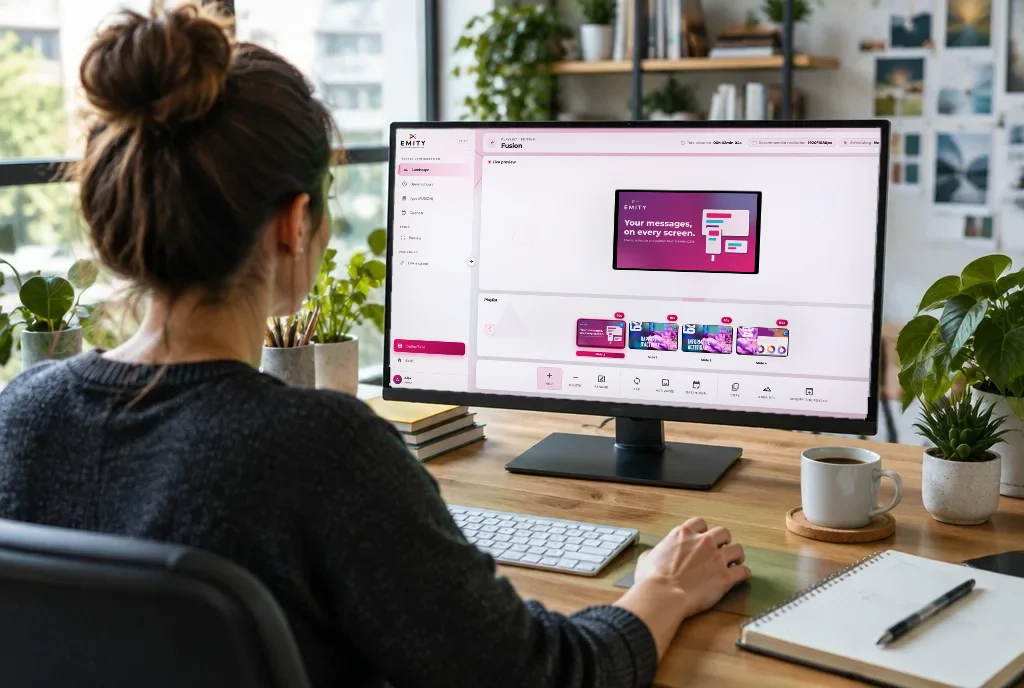
3

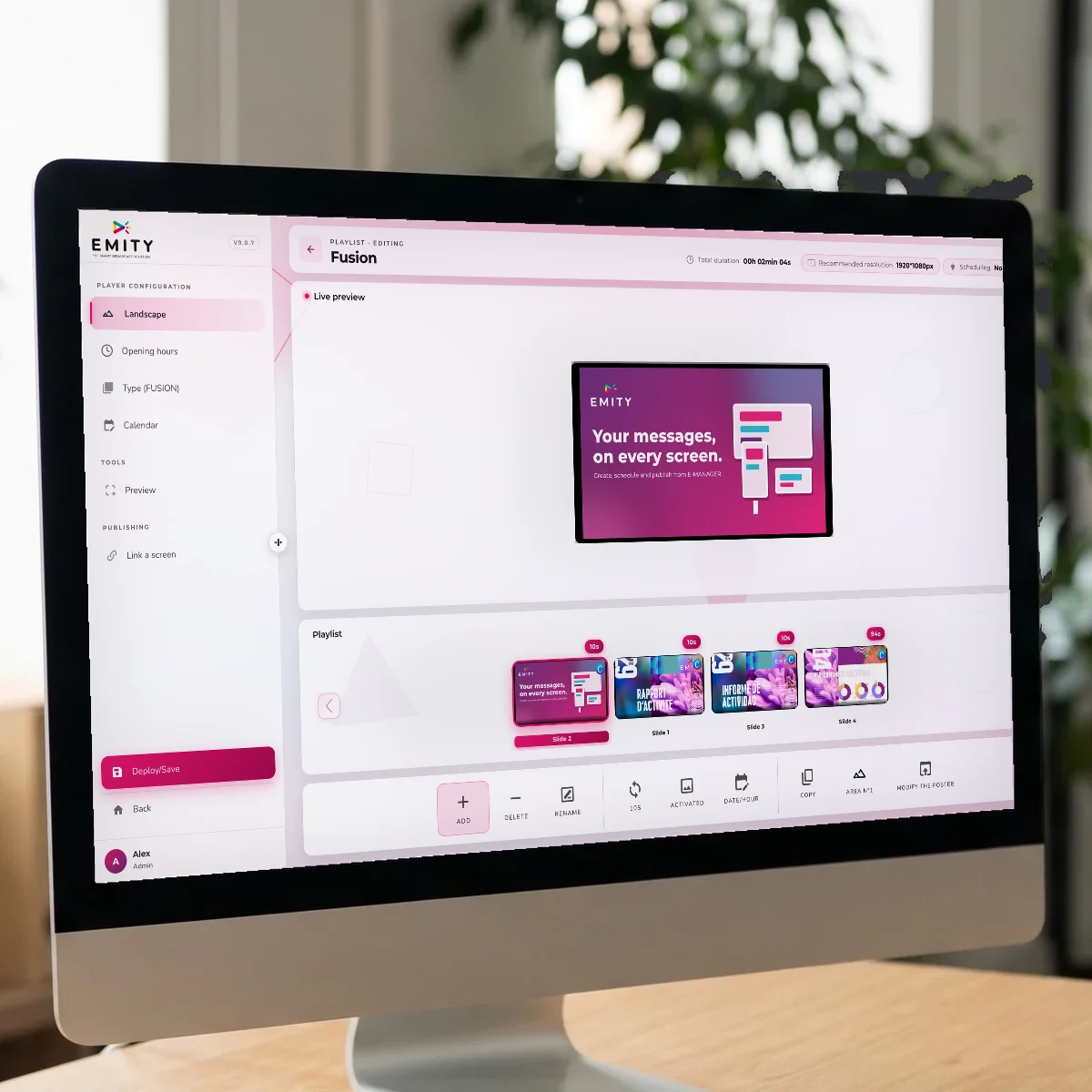
The content, in the built-in editor

You build your artwork in EMITY’s own editor, with no third-party software. And — if your team already works in them — Canva and Adobe Express connect to it.
4

Publishing, from E-MANAGER

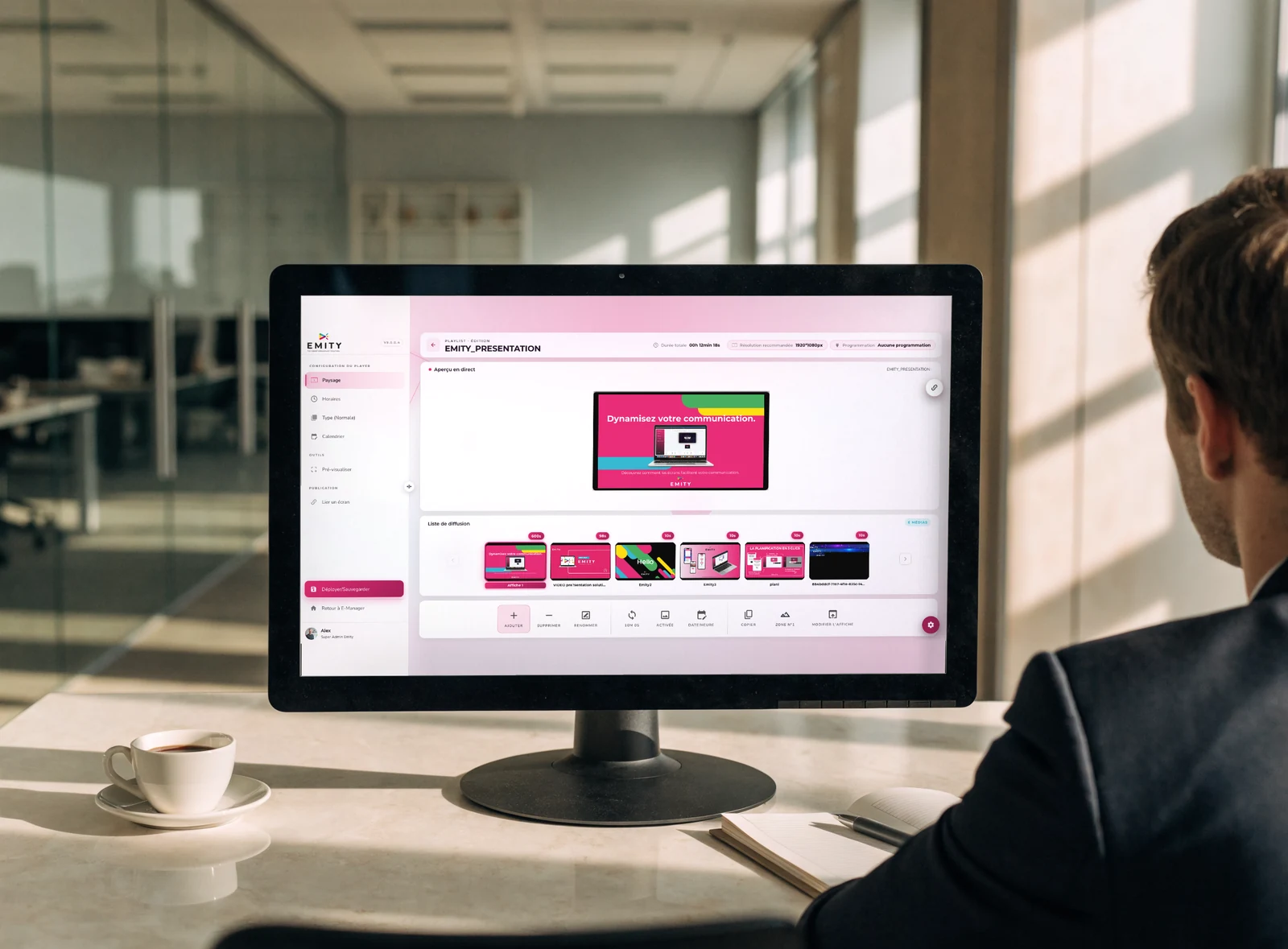
You choose which content goes to which screen, at what time and at which site. A browser is all you need; two-factor authentication protects the login.

One dashboard, every site in the group

A dealer group is not run screen by screen. In E-MANAGER your screens sit in groups — one site, one showroom, one workshop, every site carrying the same franchise — and a single send covers the whole group.

  • Screen groups by site, area or type
  • Scheduling by time and by day
  • Offers that stop on the date you set
  • The state of every screen, remotely
  • Two-factor authentication at login

The constraints

What a dealership asks of a screen

Between a south-facing window, stock that changes daily and a dusty workshop, the conditions are nothing alike. Here are the six difficulties automotive digital signage runs into most often.
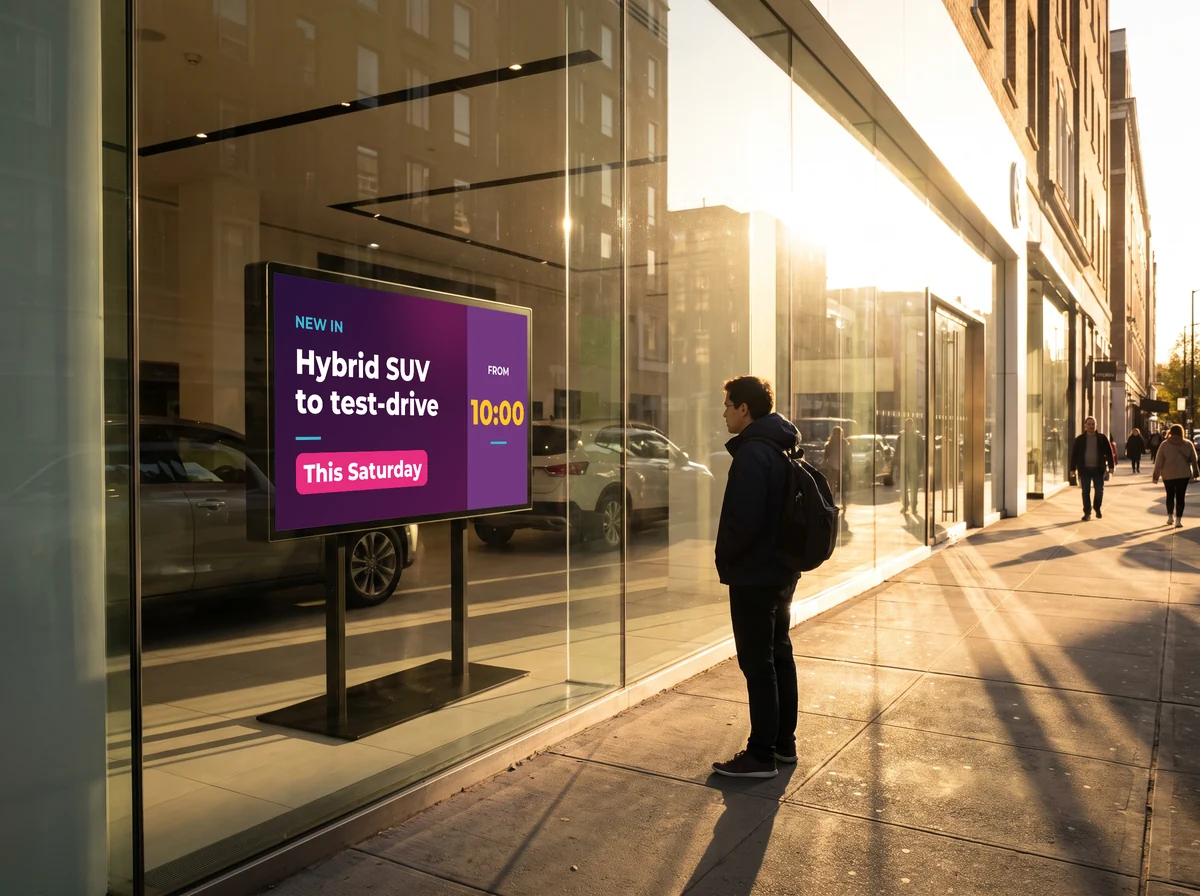
A south-facing window

Full sun washes out an ordinary screen. High-brightness panels stay readable from the pavement, even against the light.

Forecourt

Stock that moves every day

Cars come in, go out and change price. The labels follow automatically once your stock system is connected.

Used stock

Several sites, one team

A group running six dealerships does not have six people changing posters. Screen groups settle that from one desk. That is what Europcar does across 360 screens.

Multi-site

The workshop is not the showroom

Dust, noise, harsh lighting. A workshop screen is chosen for where it goes, and what it shows has nothing to do with the showroom.

Workshop

The line goes down

The player keeps its schedule in memory. If the connection drops, the screen carries on showing what was planned.

Continuity

A mixed estate

Your screens came from several projects and several manufacturers. Working with every brand means you do not replace the lot to change software.

Existing estate

Further reading

The pages that go with this one

Digital signage reaches beyond the showroom wall: electronic paper on the cars, touch kiosks on the floor, and the notices you are required to show.

E-paper screens

Electronic ink: no power draw while the image holds, around five years of battery life, readable in daylight.

E-CLICK, kiosks and touch tables

Range, specification builder and data sheets, self-service in the showroom.

Interactive kiosks

Models, uses and management of information kiosks.

Required notices

Rates, charges and the notices you have to display, kept current without a reprint.

Common questions

What dealers ask us most often

Three things are enough: a screen, a player to drive it (the E-BOX box, or the E-SOFT application installed straight onto a smart screen) and the E-MANAGER platform, where you build and schedule the content from a browser. Electronic paper price labels are run from the same place.

By replacing the printed card with an electronic paper label. You change the price in E-MANAGER and the label updates; if it is a reduction across a whole range, every label concerned changes together. The panel only draws power at the moment the image changes, which is what gives it around five years on a battery.

Yes, and it is the most comfortable way to run it: price, year and mileage come from your DMS, and the screens follow with no second data entry. Most dealerships run something like Keyloop, Pinewood or Gemini, or a system built in house. What can be automated depends on what yours exposes — describe your set-up and we will tell you what is possible.

Yes, in the great majority of cases. Working with every manufacturer is one of our differences: a mixed estate — several brands, several generations — runs from the same platform. Our Replay scheme also lets us take over an estate fitted by a competitor.

Your screens sit in groups: one site, one showroom, one workshop, or the whole group. A single send covers the group, and the offer stops on its own at the date you set. Each dealership can still keep its own local screens alongside.

An ordinary screen will not — it washes out against the light. High-brightness panels are built for it and stay readable from the pavement. For something that only changes now and then, electronic paper is more comfortable still: it reads like paper, with no glare.

The cost depends on how many screens, where they go (showroom, window, workshop, price labels) and which plan you choose — Standard, Premium or Excellence. Our accounts run from 1 to 1,000 screens. The simplest thing is to describe your site: we will come back with a figure and the equipment to match.

A trial account opens immediately and you can publish to a first screen the same day. For a full digital signage rollout, the timescale depends mostly on fitting the screens and the connections; the software side is ready as soon as the account exists.

What next

Try it on one screen in your showroom

The trial opens a full account for 3 months: plug in the showroom screen, build an offer, schedule it to the end of the month. If something is missing for your site, we will tell you.