
The complete guide
Digital signage:
definition, how it works, examples
Digital signage shows content — images, video, live information — on digital displays managed remotely from a piece of software. Also called digital displays, electronic signage or digital media signage.
This page explains what it is, what it is for, how it works — with a worked example for each kind of setting.
Definition
What is digital signage?
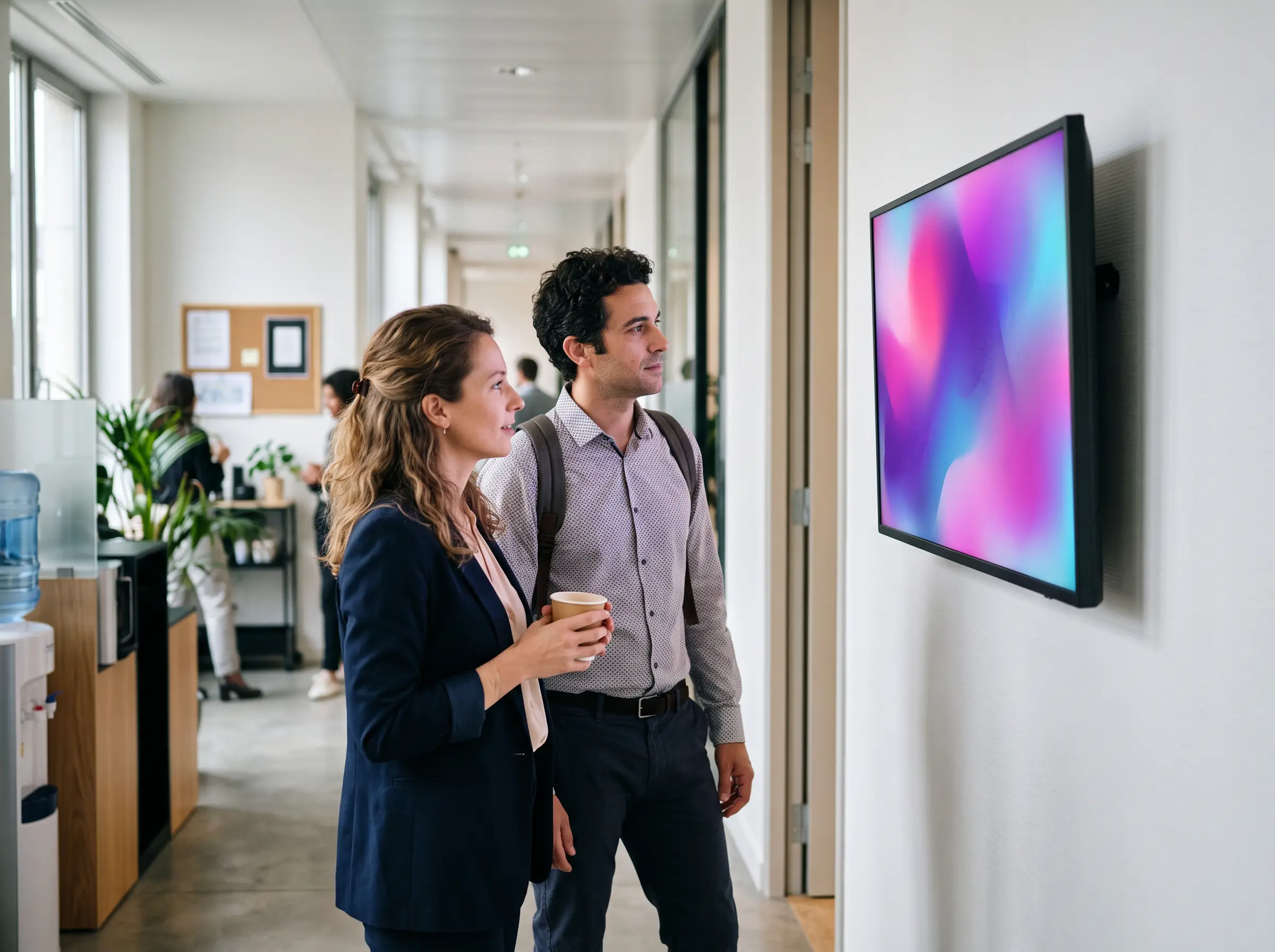
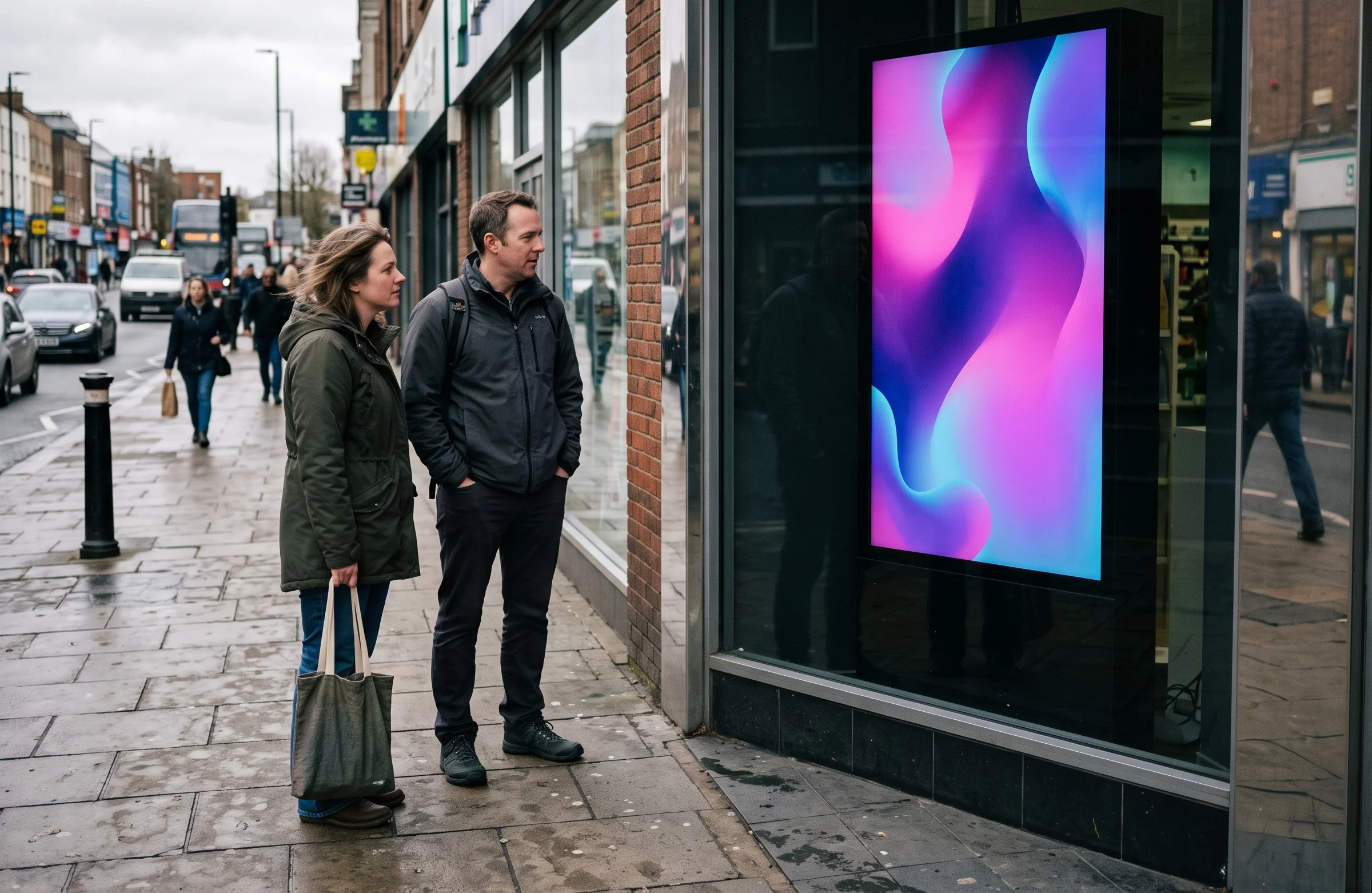
Definition — digital signage is a communication tool that shows visual, moving content on digital displays, managed remotely from a piece of software. It speaks to people inside the organization (your teams) as much as outside it (customers, visitors, passers-by). Think of it as a poster you can rewrite in seconds: the message changes in a few clicks, with no reprinting and no trip to the site.
Several words describe the same thing, depending on the industry and the habit: digital displays, electronic signage, digital media signage, information displays, or simply digital screens. Whatever you call it, a digital signage solution always brings together the same parts — a display, a way to feed it, and content management software.
Uses
What are digital displays used for?
What a digital display is good for comes down to four jobs — often handled by the same display, at different times of day.
How
How does digital signage work?
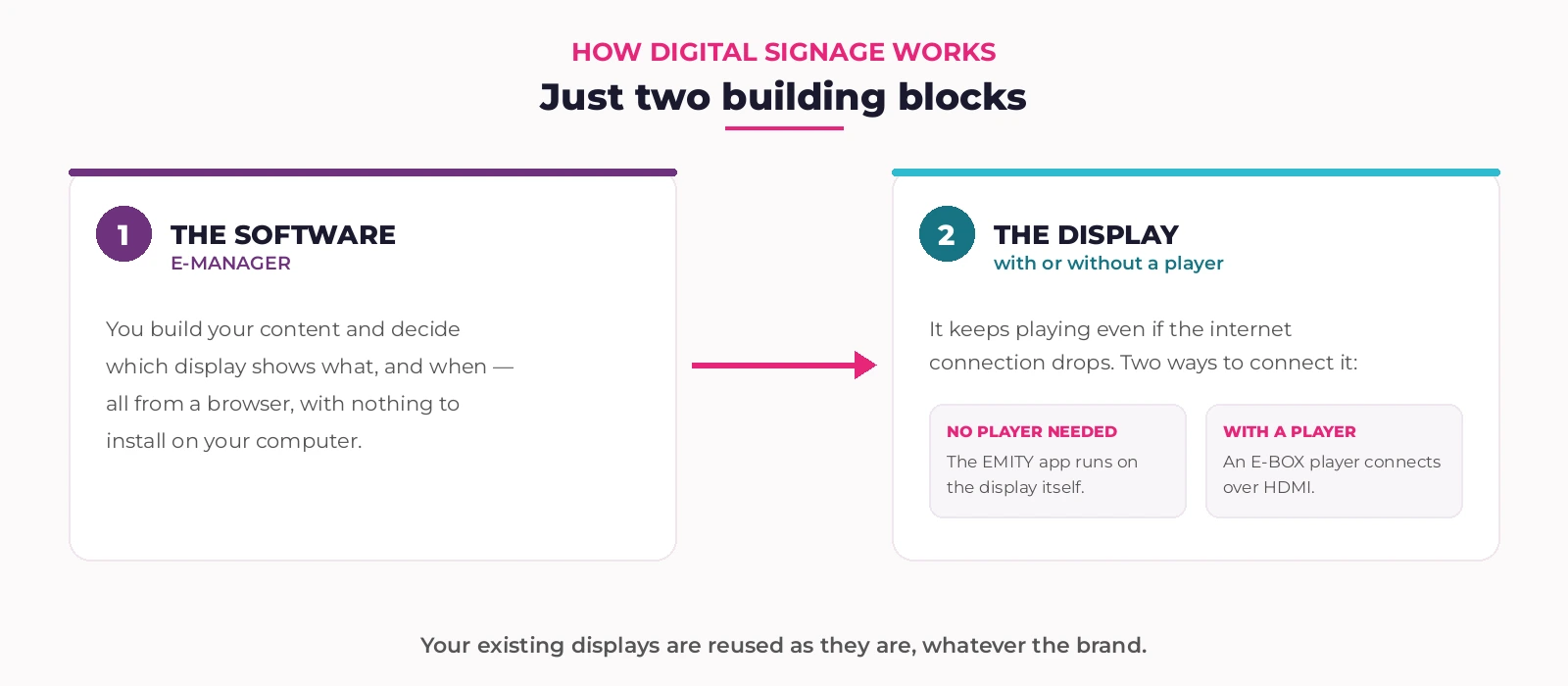
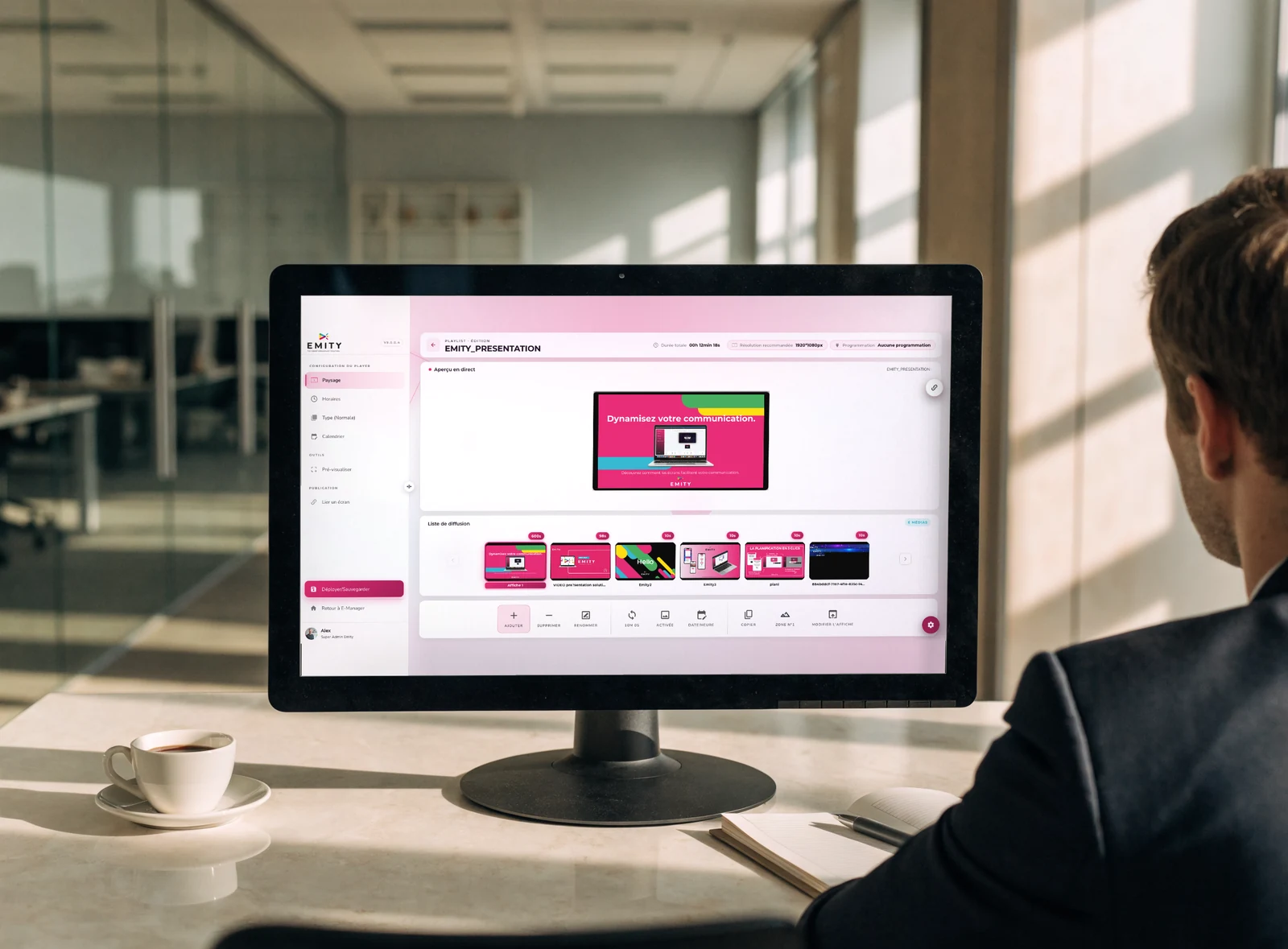
A digital signage system comes down to two building blocks, and the chain always reads the same way: you build in the software, the display shows it.
That leaves the question of how the two are connected, and it is answered in one of two ways. Either the display can run on its own — the EMITY app installs straight onto it, which is the case for professional Android TV, Tizen (Samsung) and webOS (LG) displays. Or it needs a player, a small box that plugs in over HDMI and does the work for it. So the player is not an extra building block: it is one of the two ways to connect the display.
Either way, content is held locally. If the internet connection drops, the display keeps showing what it already received — the outage never reaches the waiting room.
The software
Digital content management, in plain terms
What the software does has a name: digital content management. It covers three simple moves — gathering your files in one media library, arranging them into playlists, then deciding which display shows what, and when.
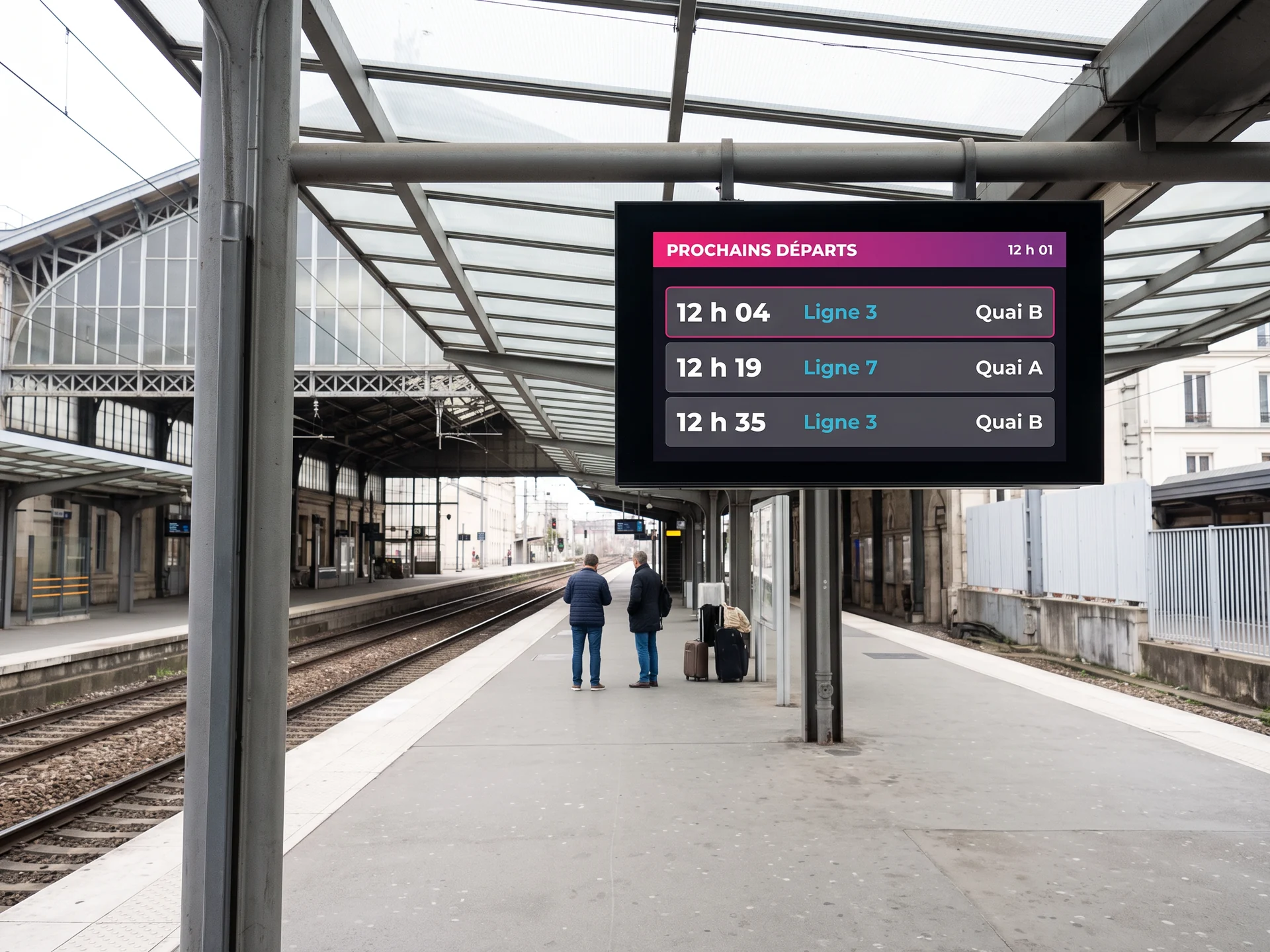
What separates a fixed visual from genuinely dynamic content is the refresh: the second kind updates on its own, with nobody touching it. A weather widget, a news feed, a production dashboard, a schedule pulled from your calendar, the next departures on a transport network — content that stays alive once it is plugged in.
Examples
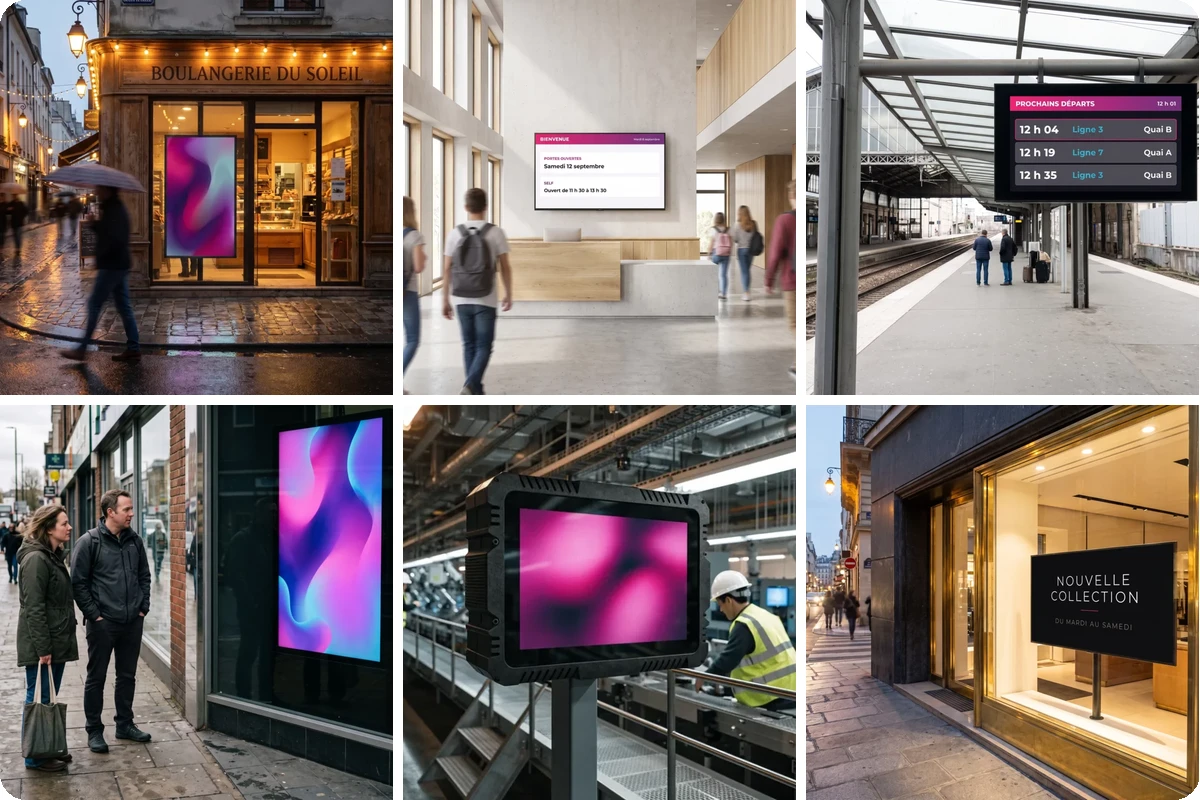
Six digital signage examples
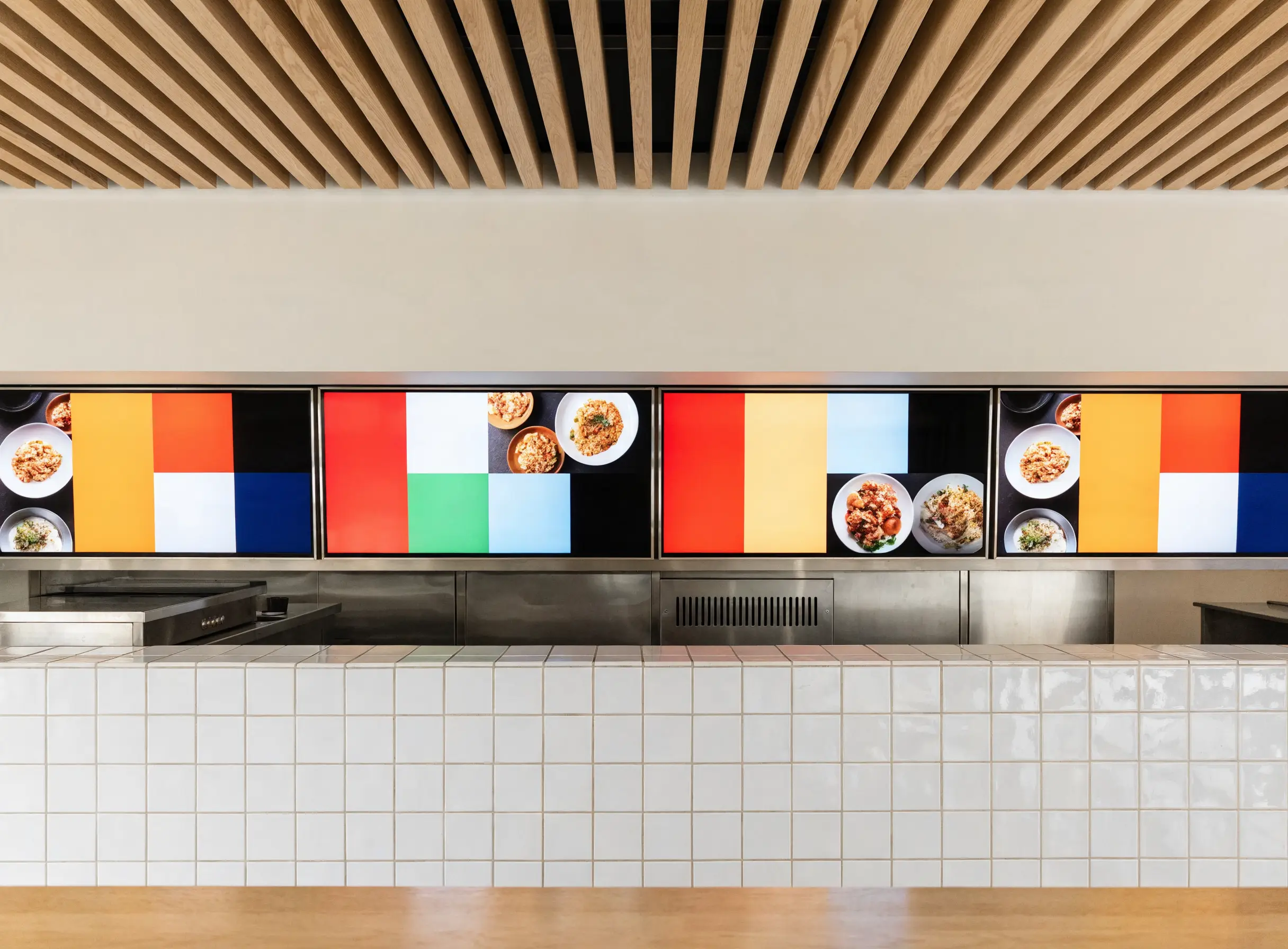
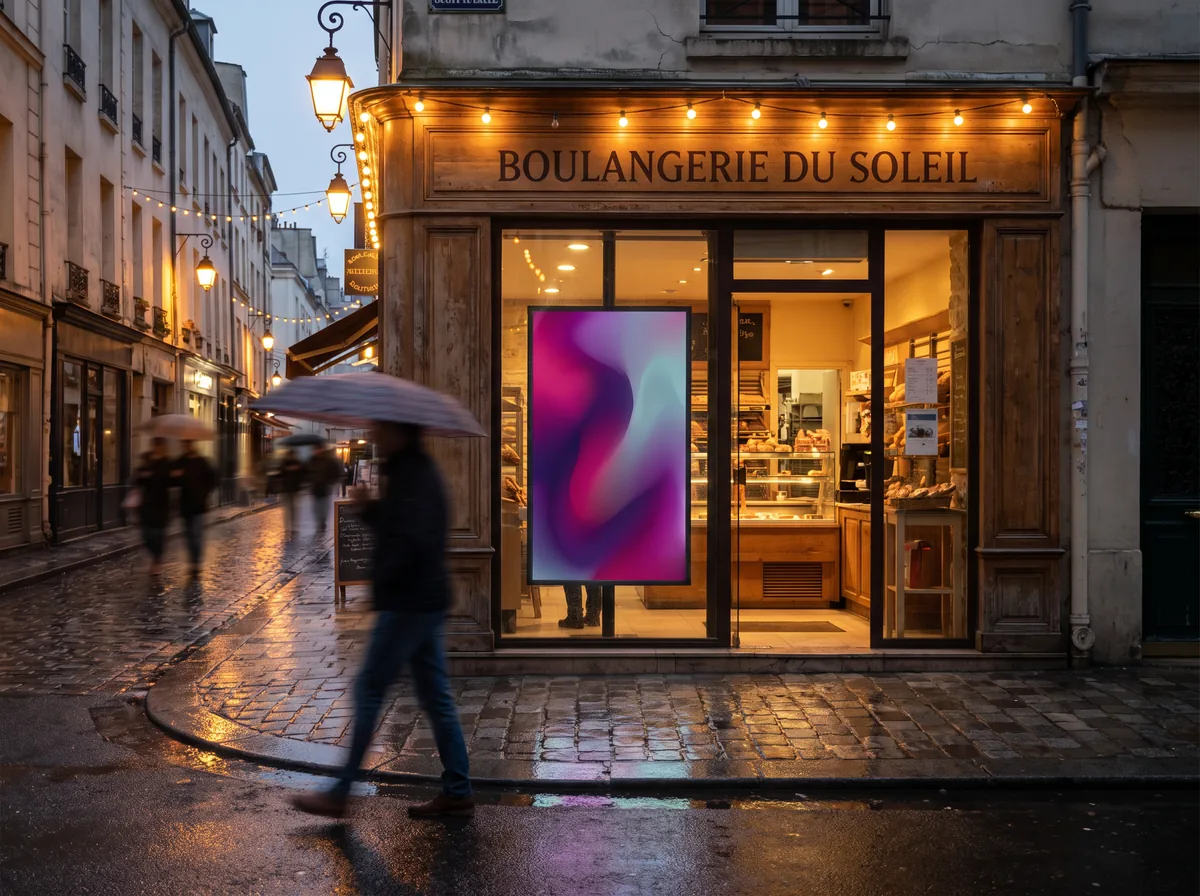
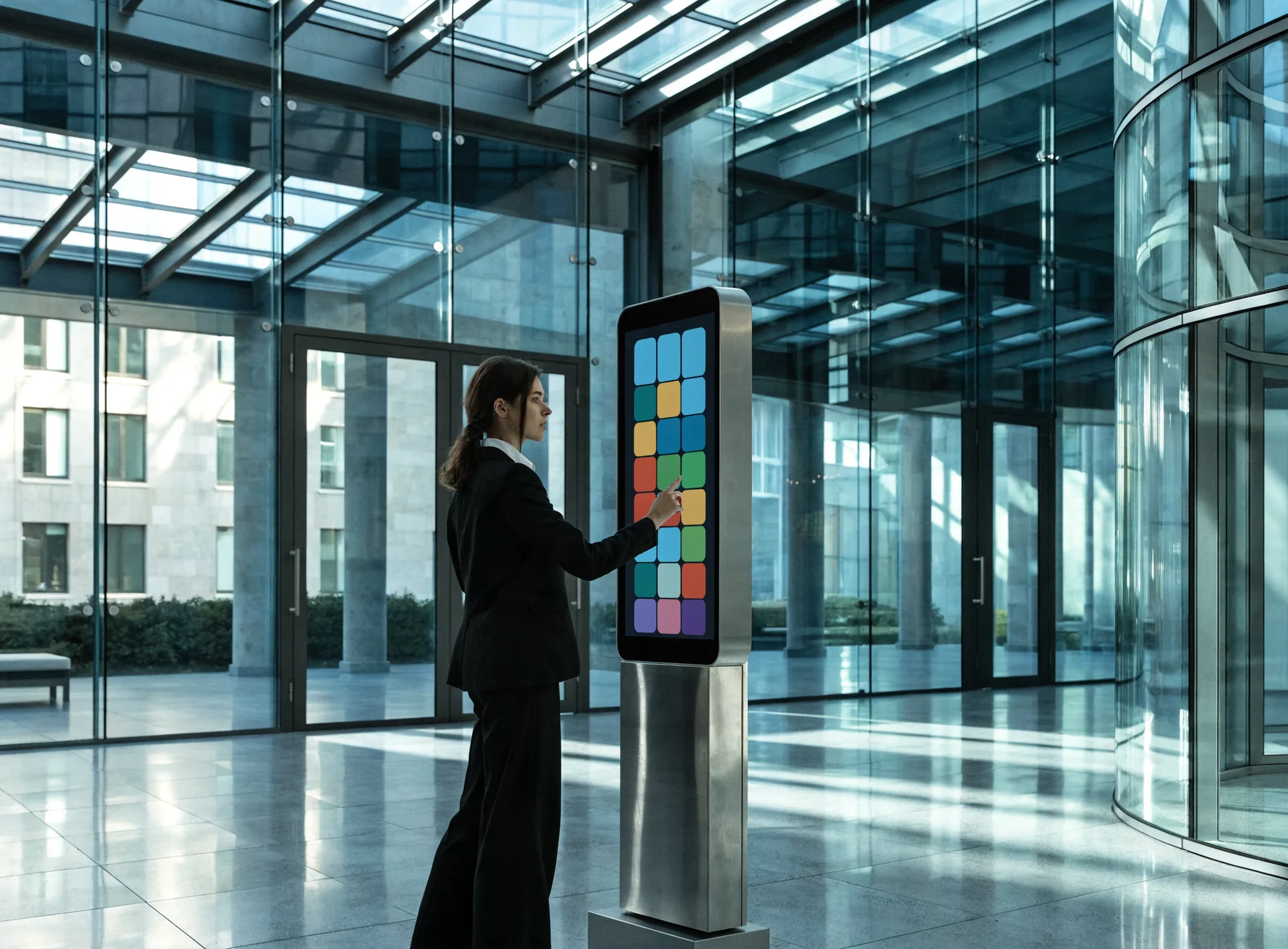
The quickest way to understand it is to look. Here are six digital display installations, in six different settings.

Comparison
Digital signage or printed signage?
Print has not gone away, and it still has its uses. The split comes down to one question: how often does the message change?
Printed signage
- ✕Printed and fixed: every change means a reprint.
- ✕One message at a time, with no motion and no video.
- ✕Someone has to travel to the site to swap the poster.
- ✕Low cost per unit, which climbs fast when the message changes often.
Digital signage
- ✓Updated remotely, in a few clicks, across every display at once.
- ✓Several items in rotation, video, and interactivity.
- ✓Targeting display by display: the right message, in the right place, at the right hour.
- ✓An up-front investment, then an update cost close to zero.
By industry
Digital signage in your sector
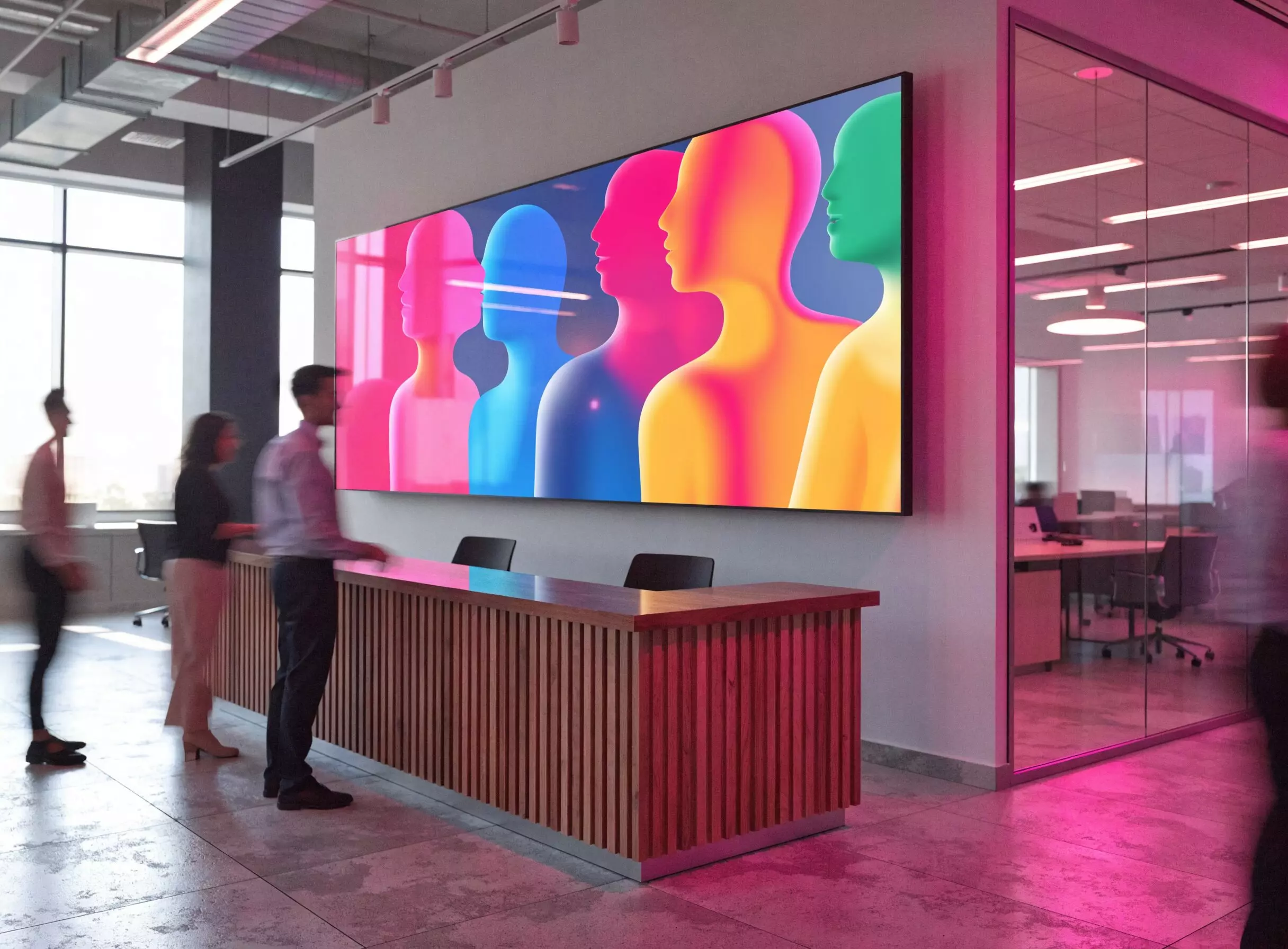
What the displays do changes from one line of work to the next. Each page sets out its own use cases, with an example for every setting.


FAQ

