E-PAPER SCREEN

E-paper screen: the ultra-low-power, connected display for your business

200 days of battery life, zero watts to keep content on screen in broad daylight: e-paper screens redefine the real cost of your visual communication. Available in color or black and white, these low-power screens are managed from E-MANAGER, the EMITY display solution compatible with Samsung, Philips and Sharp.

200 days
Battery
life
0 W
Static image
-40% CO2
Manufacturing
footprint

EMITY LIVE DEAL OF THE DAY – 30 % 200 d E-INK SPECTRA 6 0 W – 40% CO₂

TECHNOLOGY

What is an e-paper screen? The technology explained

E-ink technology: how do ink microcapsules work?

An e-paper screen is built from a thin film of microcapsules – each as thick as a human hair (Good Display, 2024). These electronic ink microcapsules contain charged particles suspended in a transparent fluid. Under an electric field, they migrate to form the image shown by this e-ink screen. This e-ink display reproduces the look of electronic paper with a sharp resolution. Every type of e-paper screen – large format or compact, black and white or color – uses the same e-ink technology principle without consuming any energy to keep the image on display.

E-ink microcapsules
Charged particles
Electronic paper
Crisp render, no backlight
0 power on standby
Image held without current
Bistability
Image stable without power
Battery operation
No permanent wiring

Bistability and low power: what makes e-paper unique

Bistability is the core property of e-paper. An electronic ink screen only consumes energy when its content changes: the image stays on display even powered off, with no electrical supply. This autonomous battery operation makes installation completely free of permanent wiring. A content update takes a few seconds from your management software.

Did you know?

An e-paper screen only draws power when its content changes. A static image stays on display even powered off – with no electrical current at all.

Color or black and white e-paper screen: what’s the difference?

E-paper screens come in two families with different characteristics depending on the use case:

  • Black and white e-paper: maximum contrast, accessible cost, ideal for text information, schedules and directional signage
  • Color e-paper (E Ink Spectra 6): 6 vivid colors, output close to printed paper, recommended for retail, restaurants and real-estate windows

The choice depends on the type of content you want to display and your budget.

E-paper vs LCD screen: the essential differences

A backlit LCD screen consumes between 30 and 60 watts of energy in continuous operation. E-paper draws nothing to maintain a static image.

E-paper uses ambient light just like printed paper: perfectly readable next to a sunny window or outdoors. The LCD digital display remains relevant for video and motion content.

E-paper is the optimal and different solution for low-change content in very bright environments.

BENEFITS

The benefits of e-paper screens for your communication

Near-zero energy consumption, even without continuous power

With near-zero energy consumption for static images, the e-paper screen is the most energy-efficient option on the market. The Samsung EM32DX runs 200 days on battery without recharging (Samsung/Officeeasy, 2025). In practice, a network of 10 e-paper screens replaces 10 LCD displays without mains cabling and without recurring electricity costs. This low energy consumption shows directly on your annual bill and your carbon footprint. It is the foundation of a sustainably sober professional display.

0 W on standby
No draw on a static image
200 days of battery
Samsung EM32DX
Zero cabling
No electricity costs
Ambient light
Works by reflection
High contrast
Printed-paper feel

Readable in any condition, even in bright sunlight

Unlike a backlit screen, e-paper works by reflecting ambient light. Its readability stays perfect under strong brightness, next to a window or on a sunny terrace. A high contrast equivalent to a printed page guarantees instant reading without strain. In a shop window, at reception, or down a sun-drenched smart building hallway, your e-paper screens deliver effective different communication for every context – sunshine glare never alters the rendering.

Wire-free installation: no permanent power cable

Wire-free installation is one of the most concrete strengths of e-paper screens. The Samsung EM32DX is just 17.9 mm thick and weighs 2.4 kg (Samsung, 2025). The Samsung EM13DX drops to 0.9 kg (Samsung news, 2026). No wall cabling, no complex technical work. A built-in battery is enough for several months of operation. Your screens go wherever you want them – meeting room door, hallway or reception – without drilling or wiring. No electrician required.

An eco-responsible and durable display

Durability is intrinsic to e-paper technology. The lack of backlight extends the device’s lifespan. The Samsung EM13DX uses 45% recycled plastic and 10% phytoplankton bio-resin, cutting manufacturing CO2 by more than 40% (Samsung news, 2026). An eco-responsible choice that aligns directly with your CSR commitments and sustainable procurement criteria.

Expert tip

For a coherent CSR rollout, prioritize models whose chassis include at least 45% recycled materials. The Samsung EM13DX meets this criterion with 45% recycled plastic and 10% phytoplankton bio-resin (Samsung news, 2026).

Built-in recycling
45% recycled plastic
-40% CO2
Manufacturing footprint
CSR-aligned
Phytoplankton bio-resin

A real alternative to paper posters and backlit screens

Each update of a printed poster costs between 2 and 15 euros depending on the format – print, logistics and posting included. An e-paper screen wipes out those recurring costs from the first update. It replaces paper holders in A3/A2, window posters and price chalkboards. Your update cost drops to zero. The calculator below tells you your annual savings.

Comparison table: e-paper, LCD and paper signage in figures

No competitor offers this comparison with real-world data. Find the key figures below to compare e-paper, LCD screen and printed paper signage on the decisive criteria.

Display technology comparison: e-paper vs LCD vs paper poster

Managed from E-MANAGER, EMITY’s hardware-agnostic display CMS

Criteria E-paper screen LCD screen Paper poster
Power consumption 0 W on standby 30 – 60 W continuous 0 W (external lighting)
Battery life Up to 200 days Mains power required Not applicable
Update cost €0 (OTA / Wi-Fi) €0 (network) €3 – 15 per poster
Manufacturing CO2 footprint -40% vs LCD Reference Paper + chemical inks
Sunlight readability Excellent (reflection) Reduced (glare) Good (lit)
Thickness / weight 17.9 mm – 2.4 kg 60 – 120 mm, heavy enclosure Frame (format-dependent)
Display lifespan +1 million cycles 5 – 7 years (backlight) Single use
Sources: E Ink Holdings 2024 – Samsung EMDX datasheets – ADEME 2023

The comparison table above shows the absolute advantage of e-paper on energy consumption: 0 W for a static image, against 30 to 60 W continuously for an LCD. Battery life reaches 200 days for the Samsung EM32DX (Samsung, 2025). The manufacturing CO2 footprint is reduced by more than 40% CO2 on the Samsung EM13DX (Samsung news, 2026). These figures come from official datasheets and the Good Display study (2024). To estimate your own savings, use our calculator in the section below.

FORMATS

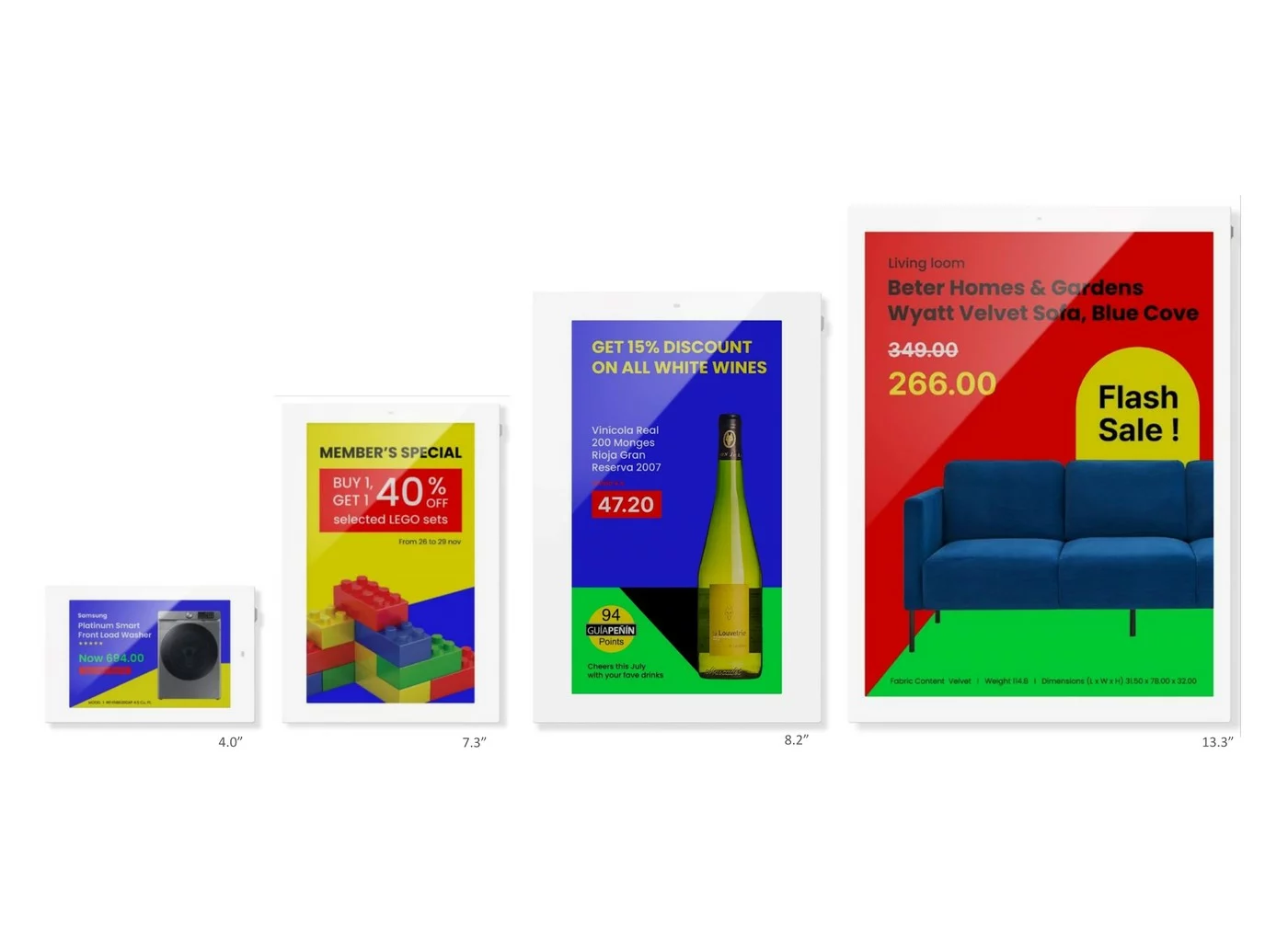
Types and formats of e-paper screens available

13 inches

Samsung EMDX EM13DX. Door signage, meeting-room panel, compact display.

25.3 inches

Sharp EP-C251. Customer information, lobby reception, mid-range use.

32 inches

Samsung EMDX EM32DX, Philips 32BDL5150I. Shop window, meeting room, digital display.

42 inches

ES France ELD4202-E. Large entrance hall, directional signage.

Choose the diagonal suited to your space and your use case: the different needs of each display zone determine the right format.

E Ink Spectra 6 technology: the new generation of color e-paper

E Ink Spectra 6 technology is the state of the art in color e-paper. It delivers 6 distinct colors – red, green, blue, yellow, white and black – for a color rendering close to printed paper. The resolution of 150 to 200 pixels per inch reaches a level on par with offset printing. It includes 8 GB of internal memory and WPA3 Wi-Fi security (plv-expo.com, 2025). The result: a premium color resolution ideal for high-end retail and food service.


Samsung

36.2% market share in Q3 2025. Smart Signage EMDX line – EM32DX and EM13DX – the most widely deployed product in business.

Philips

32BDL5150I for retail environments. Professional solution suited to in-store promotional display.

Sharp

Mid-range segment with the EP-C131 and EP-C251. Natively compatible with EMITY via E-MANAGER.

INDUSTRIES

Use cases: where to deploy e-paper screens?

Offices and meeting rooms

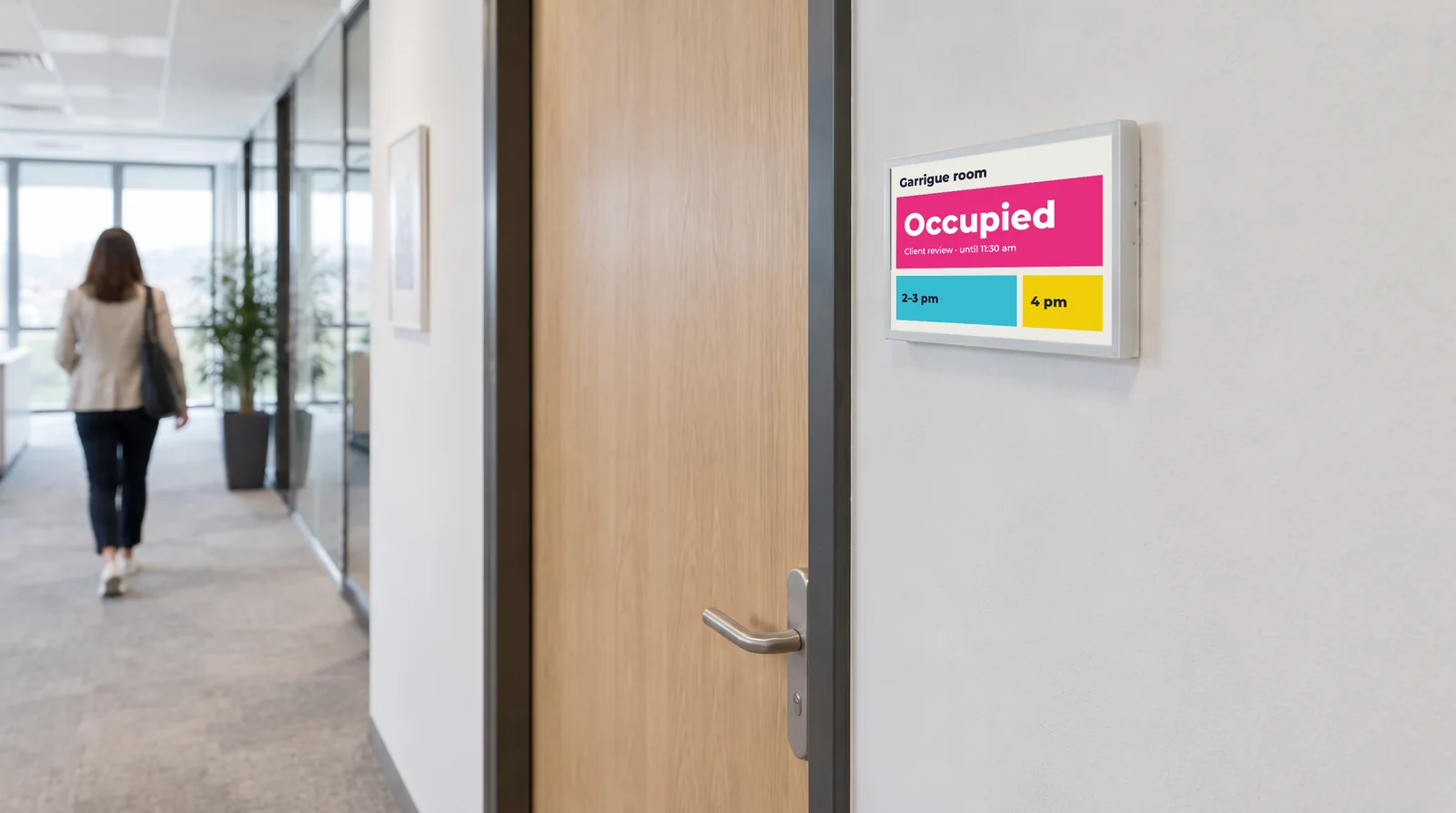
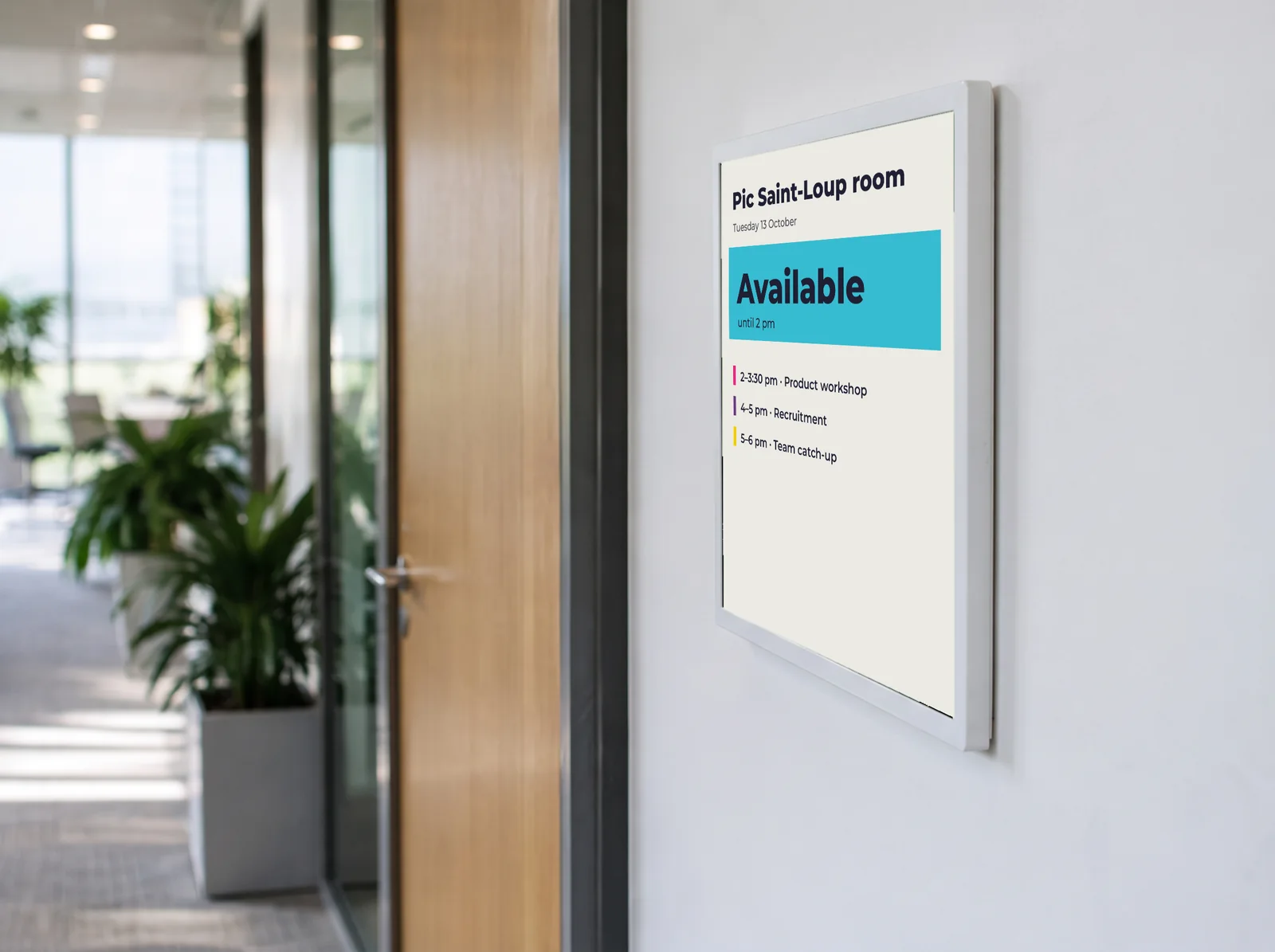
In a smart building environment, meeting rooms need always-up-to-date signage. An e-paper screen mounted on the door shows the live booking schedule. No power cable, no IT intervention required. Updates are pushed via the E-MANAGER remote management system. Your door panels become digital communication tools. Content management is centralized in a single interface, accessible from any connected workstation.

Retail and large stores

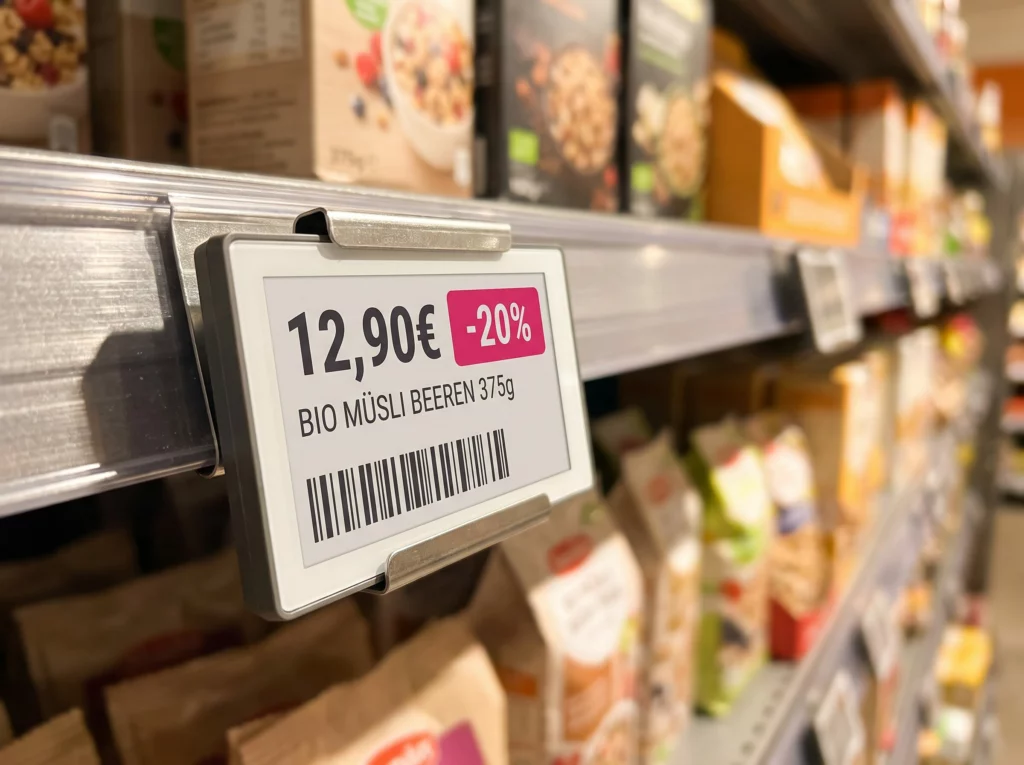
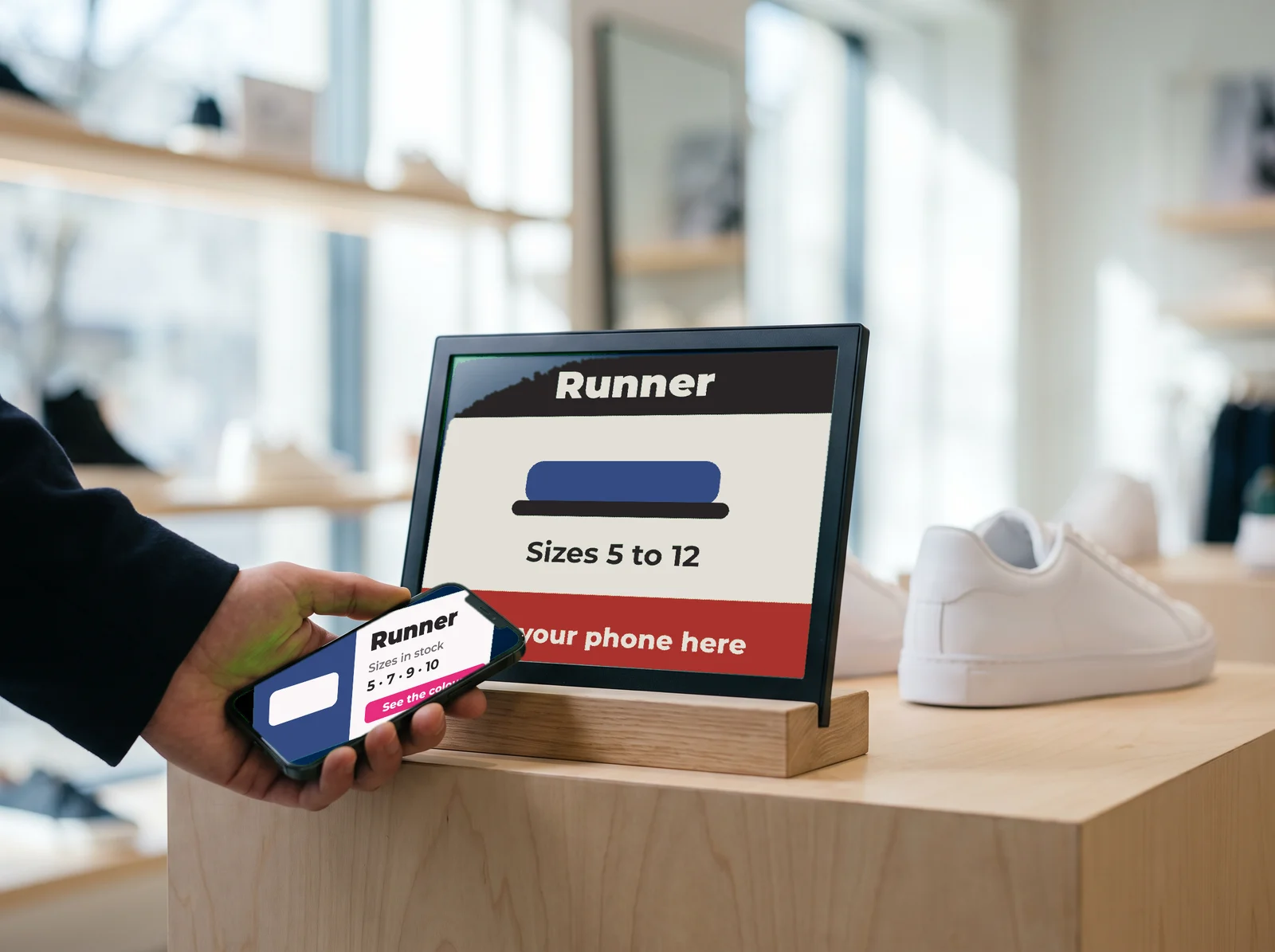
In smart retail, digital labelling and promotion display are daily concerns. An e-paper screen in the aisles lets you change prices in real time from E-MANAGER, without printing or sticking a single label. A promotion update happens in seconds across the entire screen network. No more gaps between checkout price and shelf signage. Your promotional content is always accurate and up to date.

Restaurants

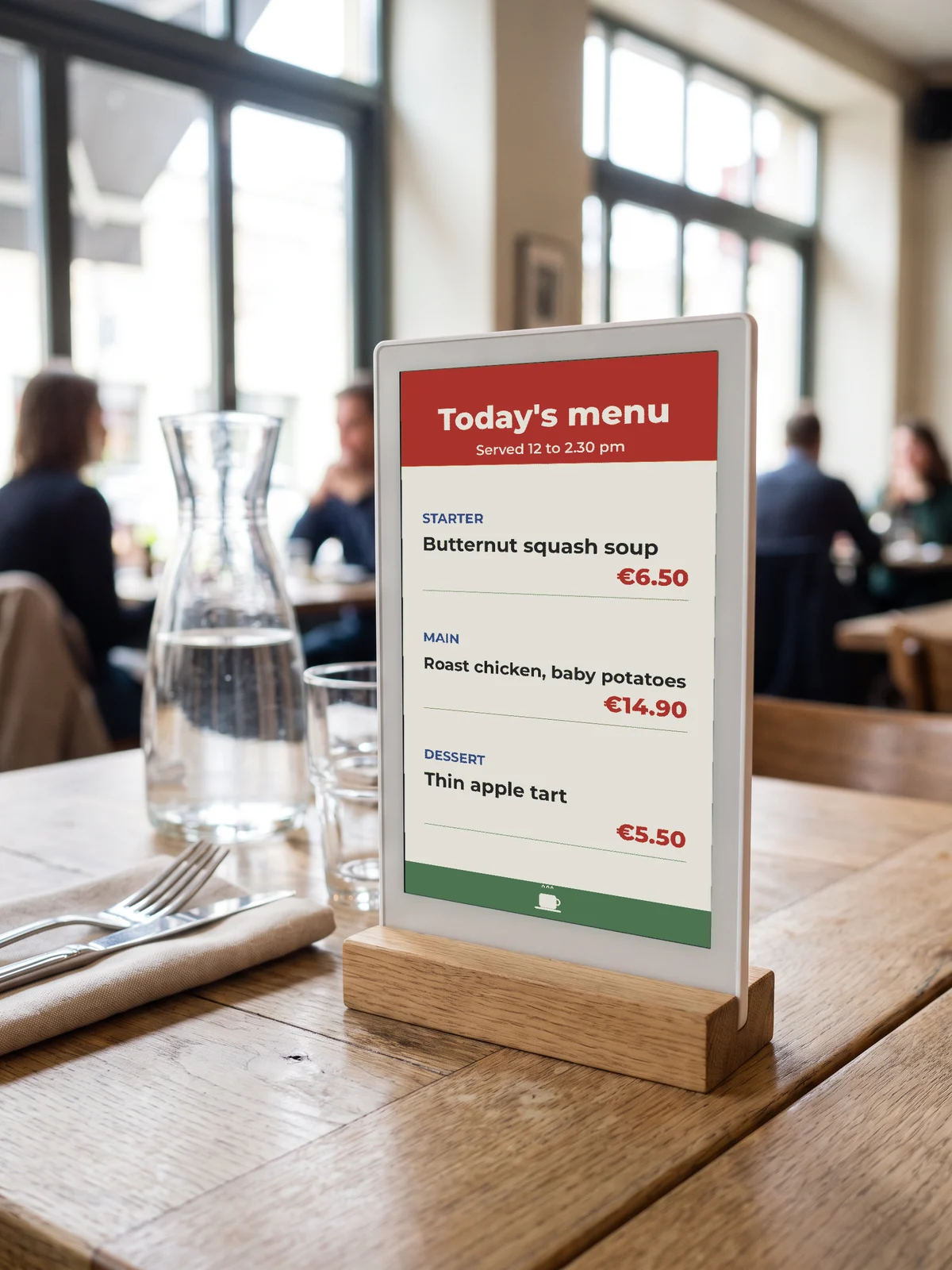
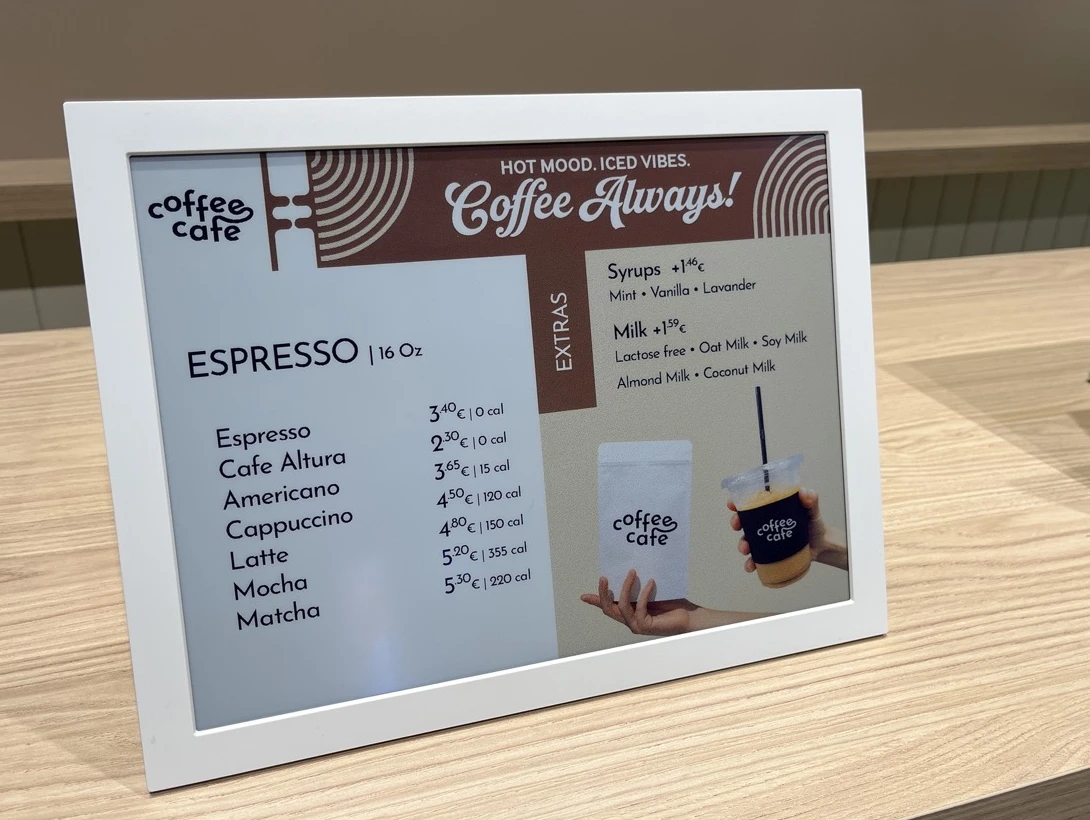
Restaurants are one of the sectors where e-paper adds the most value. Your menus change every day: digital menus updated in one click from E-MANAGER, digital chalkboards readable in direct sunlight on the terrace, daily specials swapped in seconds. E-paper runs on battery with no visible mains cable – no wiring required. An evening menu change happens from your smartphone, without leaving your spot.

Real estate

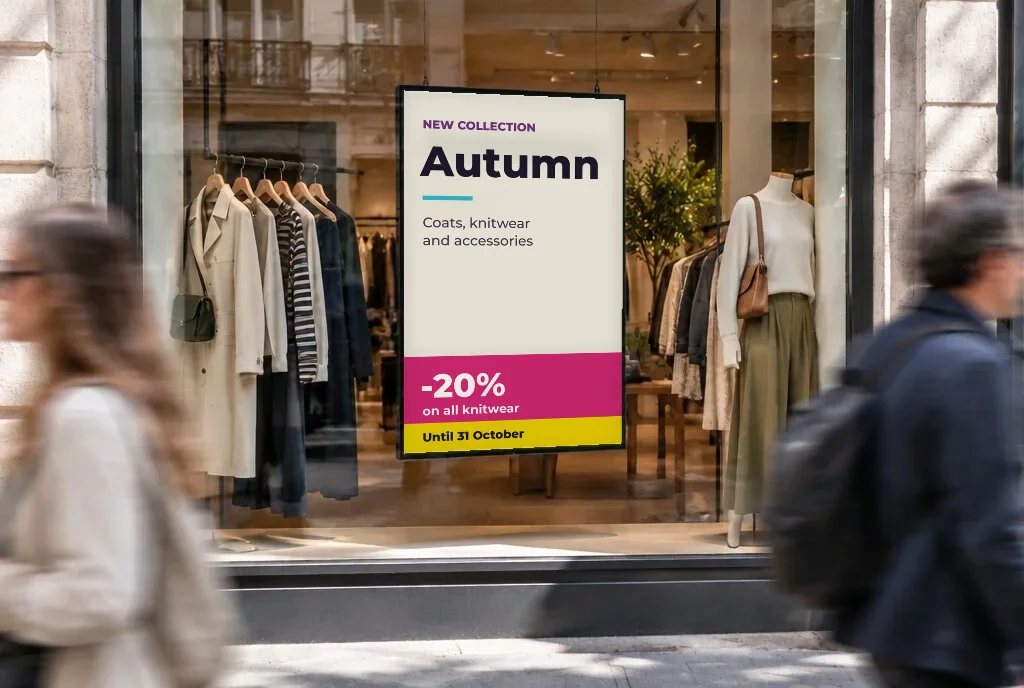
For a real-estate agency, the window is the first communication channel. An e-paper screen in the window displays all your listings up to date, visible day and night – on battery, with no mains cable. Unlike a lightbox, the e-paper static display draws nothing between updates. Update your real-estate window in 30 seconds from E-MANAGER, wherever you are.

Reception and signage

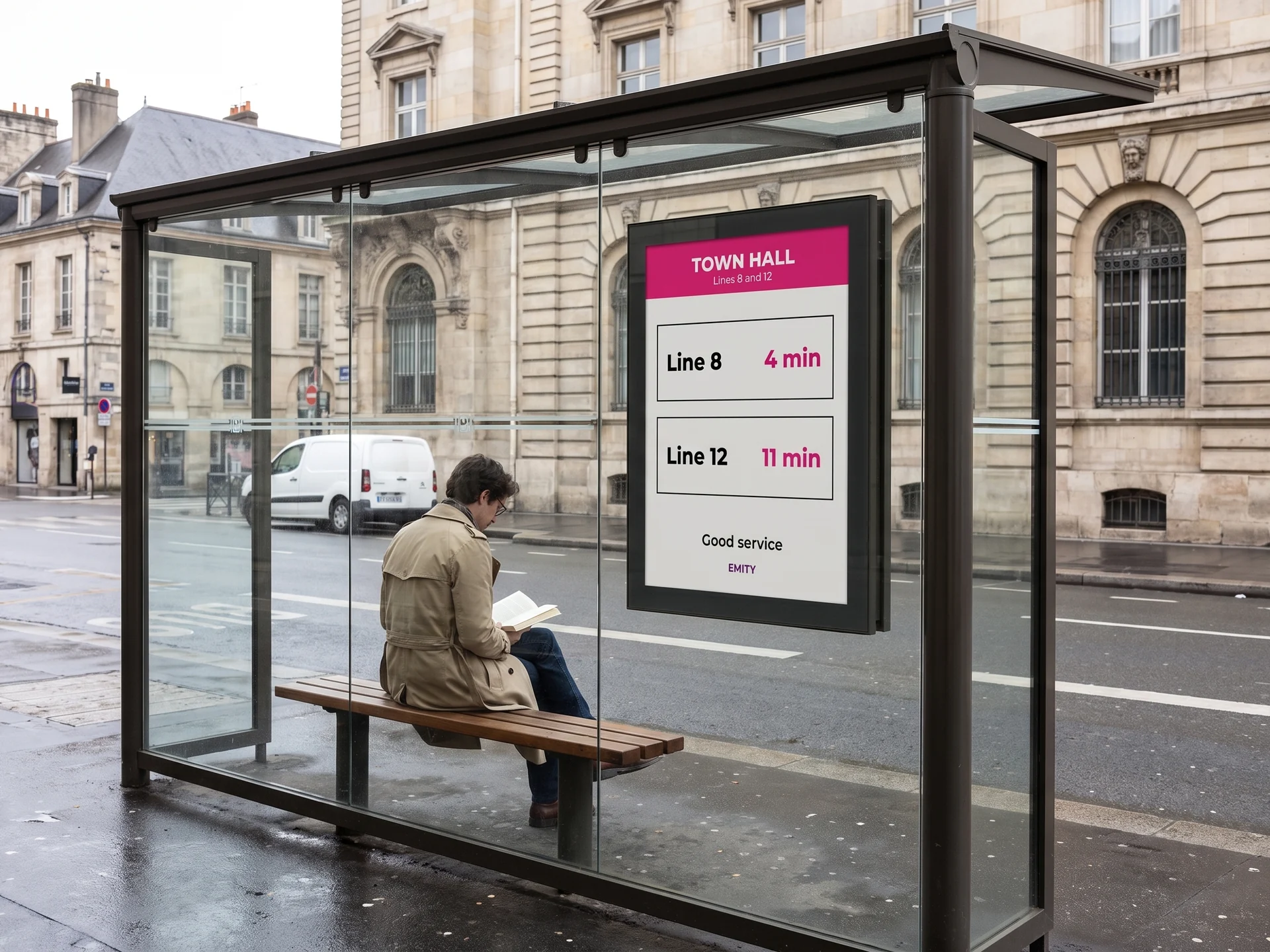
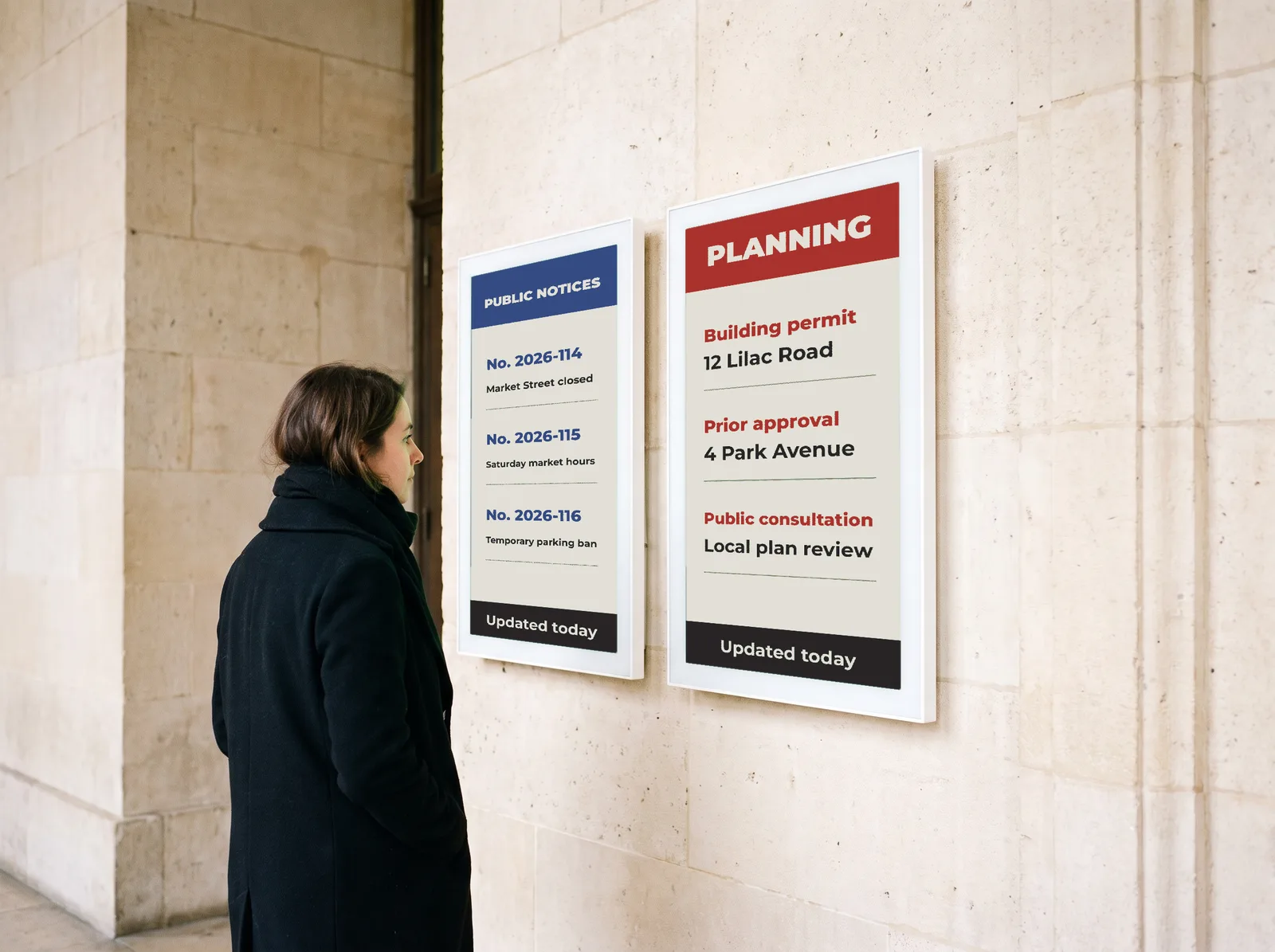
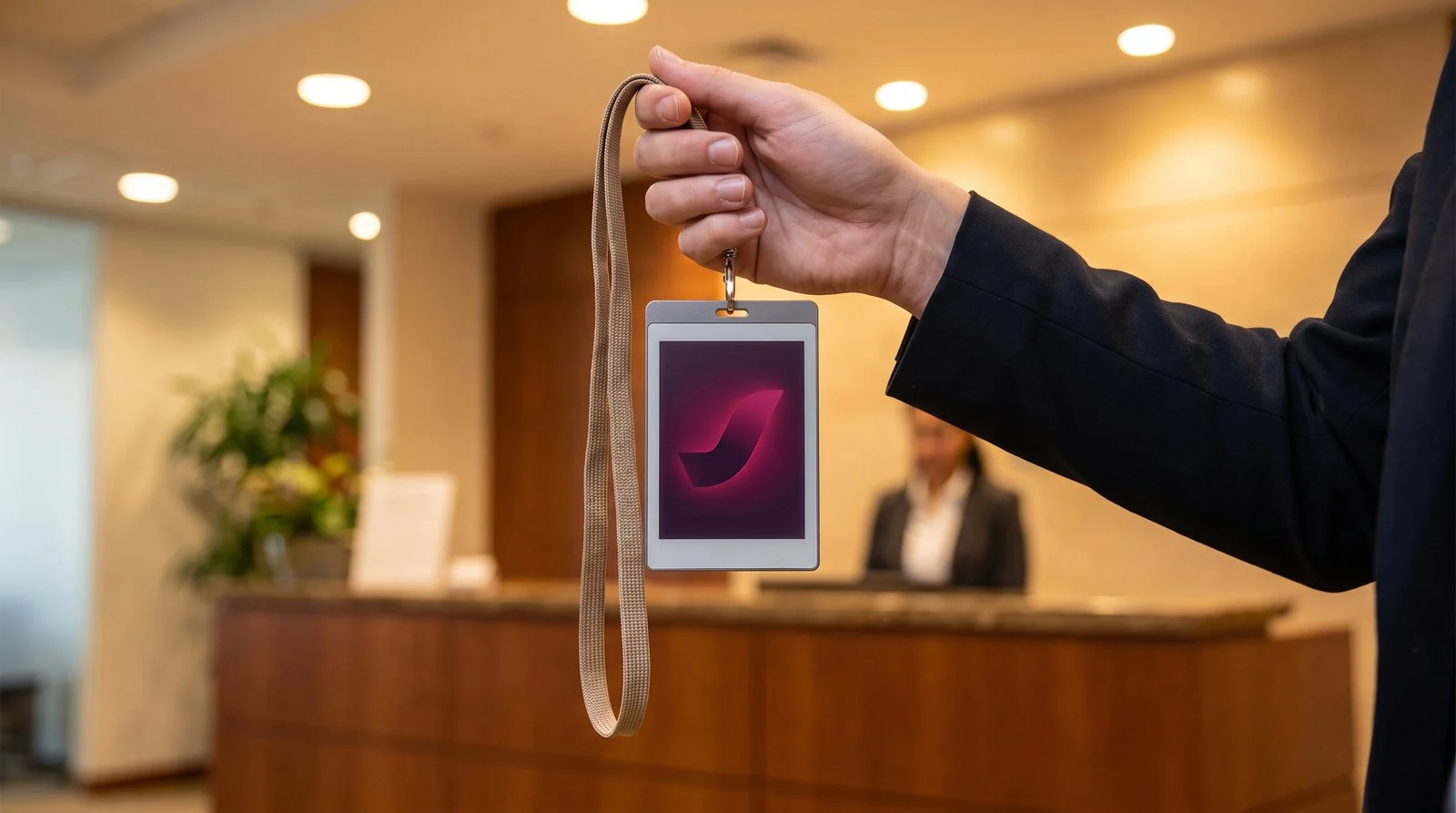
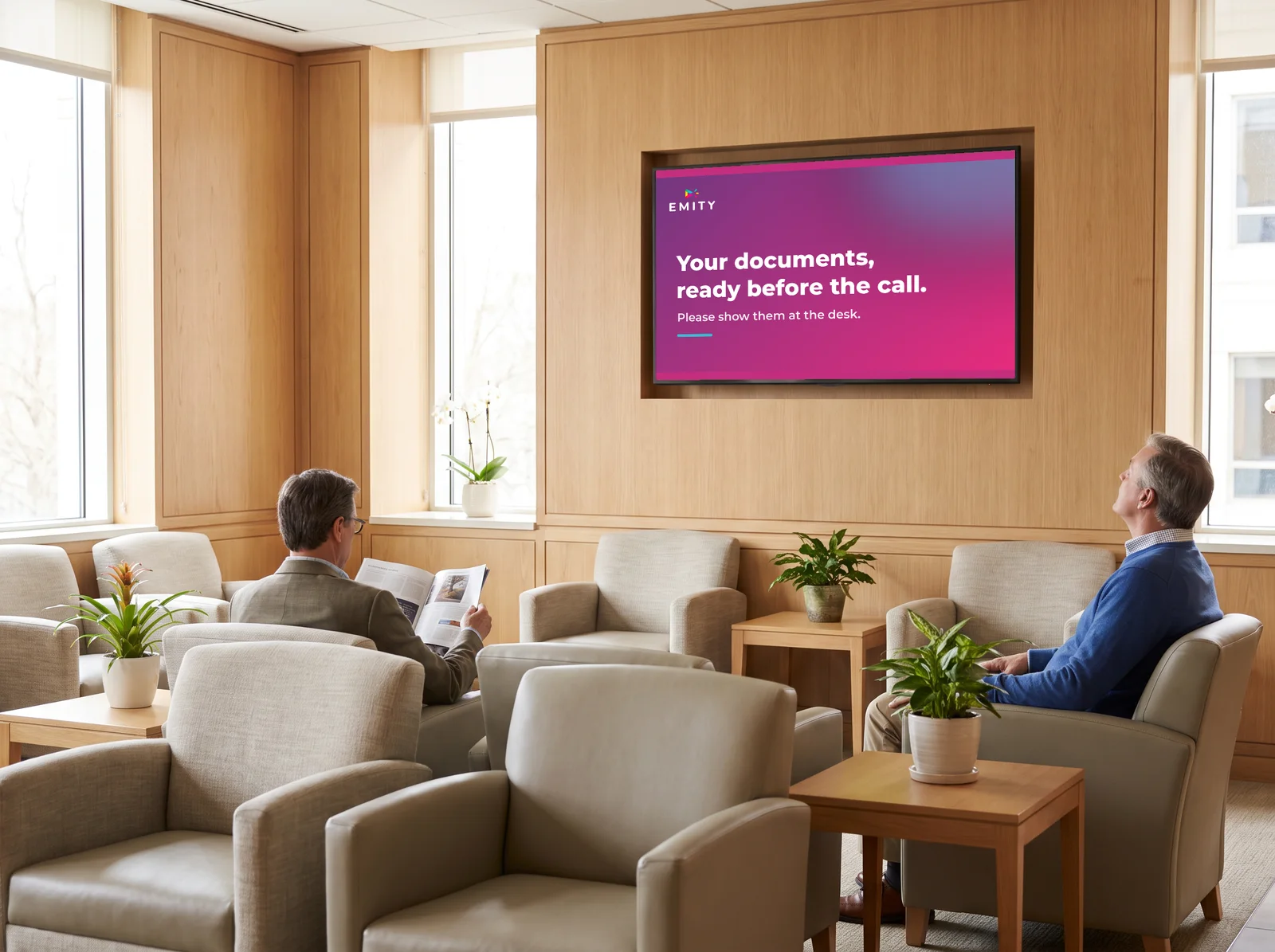
Your reception space turns into a living communication window thanks to e-paper screens. A smart e-paper panel signals available rooms, expected visitors or schedules, in real time. Information updates from E-MANAGER, with no on-site technician or IT service involved. Smart display without works, suited to modern open spaces and renovated areas, from 13 inches diagonal upwards.

Calculator: how much do you save vs paper posters?

Cutting print and posting costs is often the first argument for a communication manager. Our calculator below quantifies your savings versus your current paper-poster spend, precisely.

Calculate your savings with e-paper screens

Estimate your return on investment in seconds

Total screens across your network

Monthly content changes

Print + finishing + posting

Hardware + installation + E-MANAGER
Annual savings
4,320
€ / year
Return on investment
9.7
months

Depending on the number of screens, the update frequency and your current print cost, the e-paper return on investment typically lands between 12 and 24 months. E-paper components withstand up to 1 million display cycles (Digital Displays, 2024) – a lifespan unmatched among conventional display solutions. To go further, request a personalized demo of the EMITY E-PAPER offering tailored to your industry and to the size of your screen network.

Deploy your e-paper screen network in 3 steps

Operational rollout from E-MANAGER – the EMITY CMS compatible with Samsung, Philips, Sharp

1
Step 1
Connect
Hook up your screens to Wi-Fi or Ethernet. E-MANAGER detects them automatically.
  • 2.4 / 5 GHz Wi-Fi connection
  • Automatic screen detection
  • Compatible with Samsung EMDX, Philips, Sharp
  • No driver or local software

2
Step 2
Create
Build your visual content from the E-MANAGER web interface. Ready-to-use templates included.
  • Drag-and-drop editor
  • Template library
  • Color and black-and-white formats
  • Built-in time scheduling

3
Step 3
Broadcast
Push your content to one screen, a group or the entire network in one click.
  • Individual or grouped broadcasting
  • Instant OTA updates
  • Multi-site dashboard
  • Real-time broadcast report

EMITY SOLUTION

Manage your e-paper screens with EMITY

E-PAPER inside E-MANAGER: centralized management and multi-site control

The E-PAPER module is built directly into E-MANAGER, EMITY’s SaaS digital signage platform. You access a single interface to manage your e-paper screens, your LCD screens and your touch devices from one dashboard. Centralized management covers multi-site control: branches, stores, production sites or franchises in different countries. EMITY is trusted by more than 900 businesses worldwide for their visual content management. It is a hardware-agnostic display solution, compatible with Samsung, Philips and Sharp. Remote management is available 24/7 from a single management window. A dedicated support team accompanies every rollout. Unlike proprietary software like VXT, E-MANAGER imposes no hardware lock-in.

Step 1 – Connect your e-paper screens

  • Scan the QR code shown on the screen
  • Secure WPA2/WPA3 Wi-Fi connection
  • Automatic detection in E-MANAGER
  • No driver or software agent required

Step 2 – Create and schedule your content

  • Industry-specific ready-to-use templates
  • Native Canva and Adobe Express integration
  • Automated time scheduling
  • Image optimized for the e-paper format

Step 3 – Broadcast and manage remotely, from anywhere

Broadcasting is fully cloud-driven from E-MANAGER. Trigger a simultaneous update across all your e-paper screens, regardless of count or geography. This remote management covers multi-site setups: a branch in Paris and a site in Lyon receive the same content in seconds. The broadcast system runs 24/7. You broadcast in real time from anywhere, without delegating to your IT team or mobilizing technical resources.

Compatible with Samsung, Philips, Sharp: a multi-brand, agnostic solution

EMITY’s strength lies in its multi-brand compatibility. Unlike proprietary software Samsung VXT or NeoScreen, locked to their respective brands, E-MANAGER manages e-paper screens from Samsung, Philips and Sharp without hardware lock-in. Your fleet can grow freely: add screens from a different brand without changing platform. Samsung holds 36.2% of the professional display market in Q3 2025 (Samsung news, 2026) – its EMITY compatibility is a decisive asset. Our E-MANAGER offering is the reliable, agnostic CMS that multi-brand display managers look for, where VXT or NeoScreen impose their proprietary hardware.

Free 3-month trial: try the E-PAPER module with no commitment

Try the E-PAPER module risk-free: EMITY offers a free 3-month trial on the Excellence edition, up to 3 screens, with no commitment. Activate your account in minutes and roll out your first e-paper screens the same day. A personalized demo is available for multi-site display solutions. Our support service guides you at every step – from connecting your first screen to broadcasting across your full fleet. Open a window onto an efficient, sober e-paper display network.

FREQUENTLY ASKED QUESTIONS

FAQ – Frequently asked questions about e-paper screens

What are the benefits of e-paper screens?

E-paper screens are energy-efficient (0 W on a static image), readable in direct sunlight, can be installed without cabling and last for the long haul. Their low energy consumption and low power draw make wire-free deployment possible, with no electrical infrastructure. A smart choice to cut your energy footprint.

How does an e-paper screen work?

E-paper uses e-ink technology: microcapsules of charged particles form the image under an electric field. Bistability keeps the electronic ink on display without current. An update only consumes a few seconds of energy.

How long does an e-paper screen last?

The lifespan of an e-paper screen reaches up to 1 million cycles (Digital Displays, 2024). Battery life exceeds 200 days for the Samsung EM32DX. Reduced energy consumption limits component wear and extends battery operation.

What types of e-paper screens are available?

E-paper screens exist in panel type black and white and color screen (E Ink Spectra 6). Formats range from 13 to 42 inches. Each type matches different uses: text signage or vivid color promotional display.

How do you install an e-paper screen?

Connect your e-paper screen to Wi-Fi and scan the QR code: it is operational in E-MANAGER within minutes. No technical installation or mains cable required. No VXT setup or proprietary software involved. Content management starts with the first connection in your software interface.

What are the use cases for e-paper screens?

E-paper digital signage covers office signageinformation panels and door plates – retail for prices, restaurants for menus and reception areas. Remote management via E-MANAGER drives all these uses from a single interface.

Where do you buy an e-paper screen?

Samsung, Philips and Sharp e-paper screens are sold by professional display distributors, with fast delivery in France and Europe. EMITY offers a display solution offering with E-MANAGER and a 3-month free trial. Check our software to identify compatible models and roll out your e-paper screen network.

Take action

Switch your displays to e-paper with EMITY

Request a personalized demo or test E-MANAGER for 3 months with no commitment – guided onboarding included.

No commitmentCompatible with Samsung, Philips, SharpDedicated support included

Full Excellence edition – up to 3 screens – no commitment