
Interactive survey on screen: collect feedback in real time
To find out what your visitors or your teams think, the simplest way is still to ask them where they already are. The SURVEYS module turns your screens and touch kiosks into a listening tool: stars, smileys, multiple choice, free text, live quizzes or word clouds. Answers land in your E-MANAGER workspace right away.
The definition first
Interactive survey, kiosk questionnaire: what are we talking about?
A short definition, then the part you really came for: how to ask your questions at the right moment and make use of the answers.
An interactive survey:
what exactly is it?
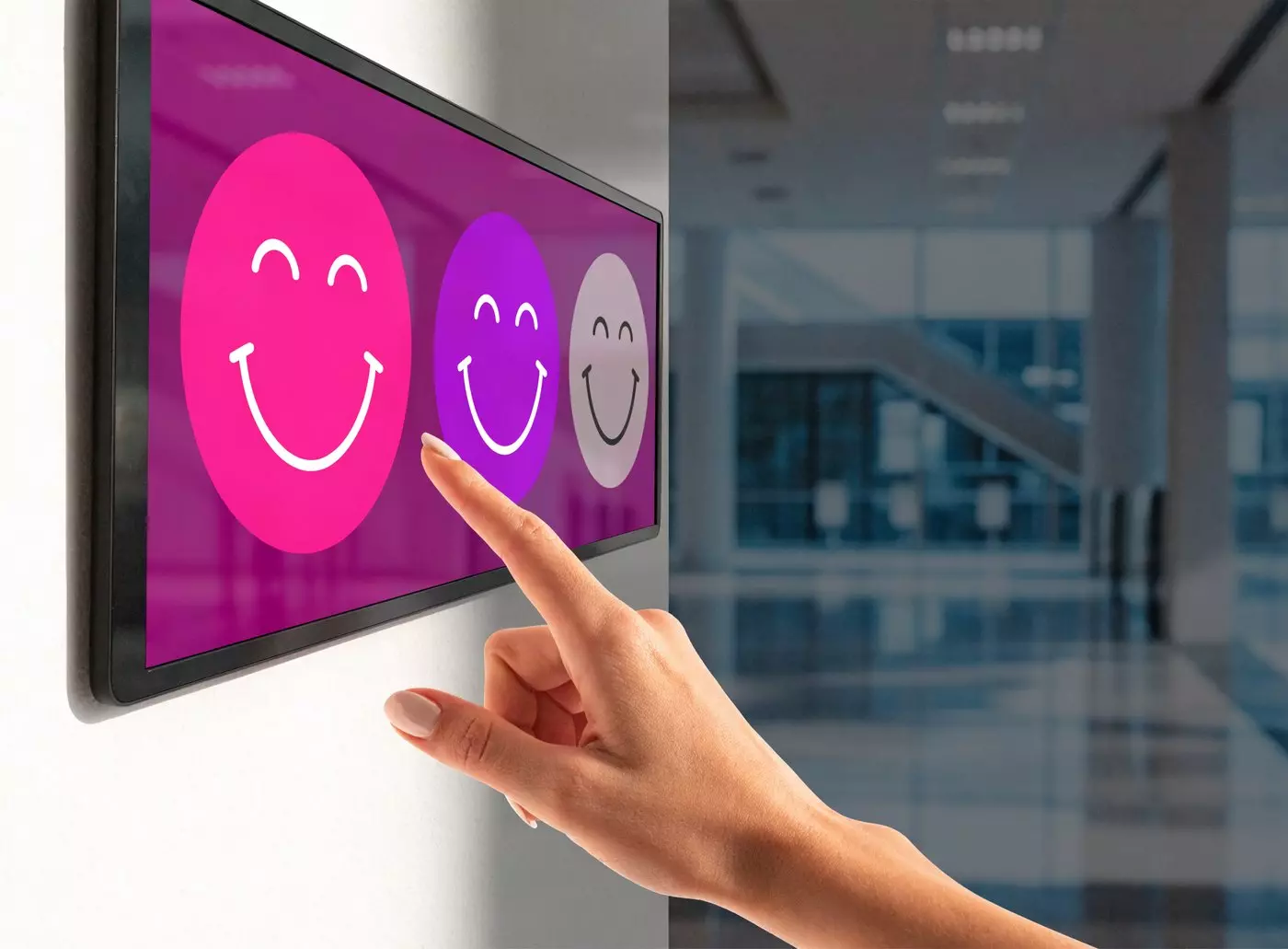
An interactive survey is a questionnaire displayed directly on a screen or a touch kiosk. People answer on the spot, with a single tap — or from their phone by scanning a QR code. Every answer lands immediately in a central dashboard.
- ✓A short questionnaire, displayed on a screen or a kiosk
- ✓An answer by touch: stars, smileys, multiple choice, free text
- ✓No app to install, no account to create
- ✓Results you can read live, question by question
In other words: where a questionnaire sent by email arrives two days later, an on-screen survey captures the feeling at the moment it forms. That is the whole difference between a memory and an impression.
The module at a glance
Simple, complete, targeted
Hover over each tile for the details.
Simple
Hover for detailsSimple
A survey takes a few minutes to build in E-MANAGER, then goes out to the kiosks you choose. No technical skills required.
Complete
Hover for detailsComplete
Stars, smileys, single or multiple choice, free text, quizzes with a leaderboard, word clouds: six ready-to-use formats you can combine freely.
Targeted
Hover for detailsTargeted
You choose which screens are involved, the broadcast time slots, and the automatic rotation with your other communication content.
Who it is for
Hover for detailsWho it is for
Retail, hospitality, healthcare and senior care, human resources, training, events, local government: anywhere direct feedback is useful.
How it works
Hover for detailsHow it works
On a touch screen, a totem or a tablet, and by QR code for those who prefer to answer from their smartphone. No app needed.
Why it works
Hover for detailsWhy it works
Because a question asked in the right place gets a spontaneous answer, and your decisions then rest on fresh data.
Two uses, one module
Pulse survey or live survey: which one should you choose?
Both terms come up often, and they do not mean the same thing. Here is how to tell them apart — and why you do not have to pick just one.
The pulse survey
Two or three questions, asked at a regular interval — every Monday morning, every end of month. You follow a trend over time rather than a single snapshot. This is the format that suits internal climate and everyday satisfaction.
The live survey
One question asked during a specific moment: a meeting, a training session, a trade show. Answers appear on screen as they come in, as a leaderboard or a word cloud, and feed the conversation in the room.
Both, in the same place
No need for two tools. The same module handles the weekly ritual and the animation of an event, with a single history of results and a single interface to learn.
Why put a survey on your screens
Three uses that keep coming up with our customers
Listening to customers, taking the pulse of your teams, animating a collective moment: the same module, three different intentions.
Measuring customer satisfaction at the point of contact
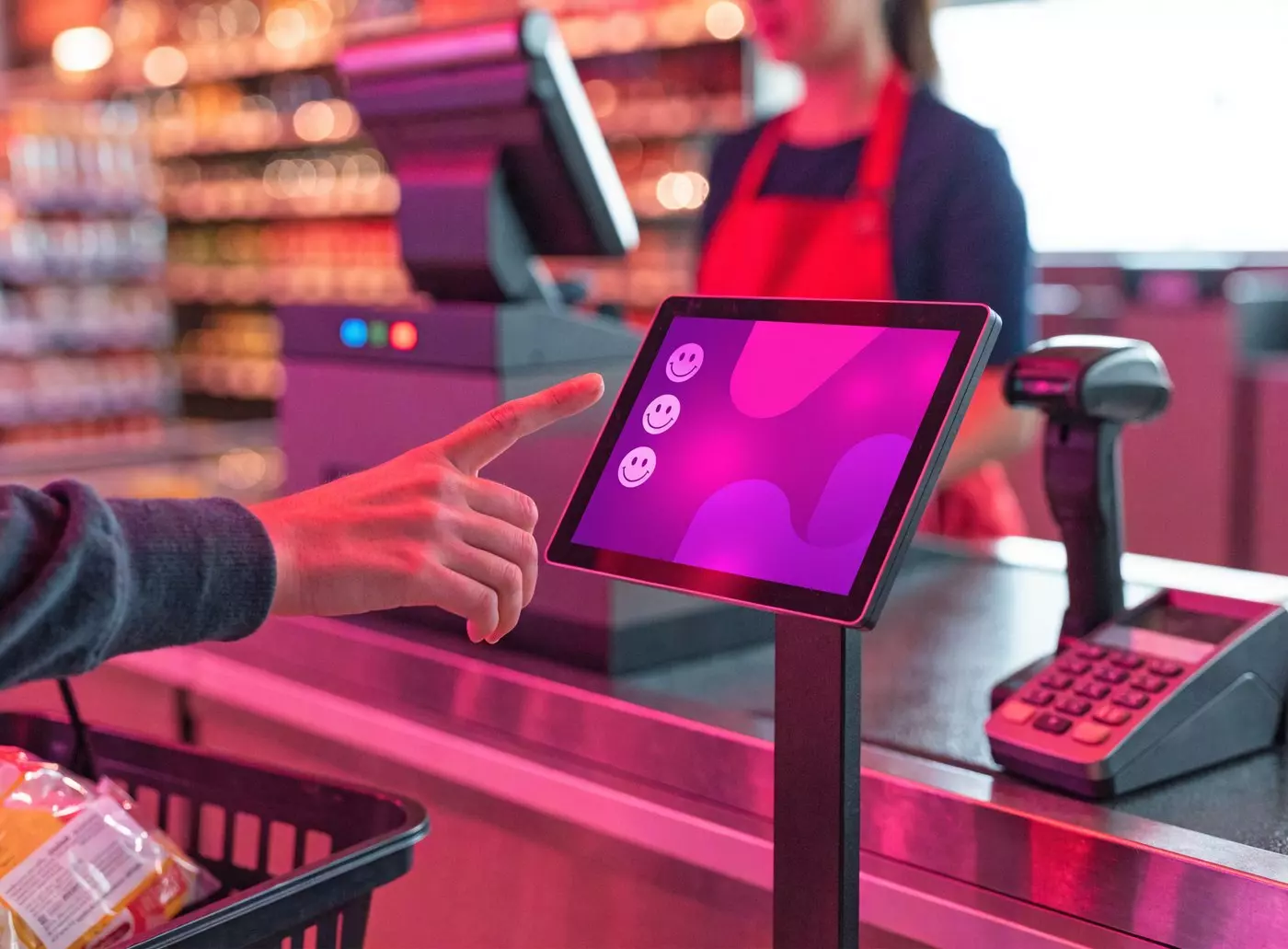
A kiosk placed at the checkout exit, at a hotel front desk or at the end of a visitor journey collects reactions while the experience is still fresh. People answer because they are there, not because someone sent them a reminder.
- ✓One tap is enough: a star rating or a smiley
- ✓The feeling is captured in the very place of the experience
- ✓Dissatisfaction shows up the same day, before the public review
- ✓The survey alternates with your other content on the same screen
In practice, it is also a way to qualify a complaint quickly and answer it while it can still be fixed.
Listening to your teams without adding to their workload
A screen in the break room becomes a quiet HR tool. You ask two short questions, let the week go by, and watch the internal climate change month after month.
- ✓The anonymous mode encourages people to speak freely and limits polite, non-committal answers
- ✓Questions appear according to a schedule set in E-MANAGER
- ✓A regular ritual beats one large annual survey
- ✓Useful at the end of a meeting or a training session too
The idea is not to multiply questionnaires, but to make the question so simple that answering it costs nothing.


Animating a training session or an event
In the room, a live quiz wakes attention up: everyone answers, the leaderboard appears, the discussion starts again. The word cloud plays the same role in a brainstorm: ideas appear on screen as they come.
- ✓Quiz with a live leaderboard to check what has been learned
- ✓Word cloud to open a workshop or start a conversation
- ✓An end-of-session survey measures the progress people felt
- ✓The same interface for a seminar, a trade show or a convention
For a trainer, it is a simple way to check what has been understood — before the end of the day, not after.
Where to install it
The survey kiosk: placing it well changes everything
Response rates depend far less on the question than on where and when it is asked.
What we call a survey kiosk
A survey kiosk is simply a touch screen dedicated to collecting feedback: a floor totem, a wall screen or a counter tablet. It is not a separate piece of hardware — it is one of your existing screens, running a questionnaire.
- ✓Touch totem, wall screen or tablet: the format fits the place
- ✓The same screen handles your communication the rest of the time
- ✓Compatible with every screen manufacturer
- ✓Remote control from E-MANAGER, with no trip on site
That is also why a survey kiosk rarely costs much: it reuses a screen that is already in place.
Checkout exit
The passage is short: one question, one tap, and the customer moves on.
Reception and front desk
As a customer or a visitor leaves, the moment is right for an overall rating.
Waiting area
The time available allows two or three questions, or even free text.
Break room
On the internal side: team climate, organization, life on site.
Training room
A live quiz during the session, an immediate evaluation at the end.
Trade show booth and event space
At a trade show, the kiosk qualifies visitors and brings the booth to life.
Choosing the right format
Six ways to ask a question
Before you build your survey, one question to ask yourself: are you looking for a rating, a detailed opinion or collective participation?
Stars (1 to 5)
Satisfaction in one tap. The fastest format, and the one that collects the most answers on a short passage.
Smileys
The same logic as stars, with a warmer tone. Well suited to the general public and to everyday places.
Single or multiple choice
The classic multiple-choice question, to compare preferences or check knowledge.
Free text
To let in what you would not have thought to ask: suggestions, remarks, ideas.
Interactive quiz
Chained questions and a live leaderboard. The format that gets a whole room involved.
Word cloud
Each answer feeds a collective visual. Ideal to open a workshop or a brainstorm.
Setting it up
A survey broadcast in four steps
In E-MANAGER, creation and broadcasting happen in the same place — with no service provider in between.
Creation
You build the questionnaire: questions, answer options, display duration.
Targeting
You select the screens involved in your fleet, one or a hundred.
Scheduling
You choose how it goes out: immediately, or scheduled on time slots.
Collection
You start the collection. Participants answer, the results come in.
Touch or QR code: both at once
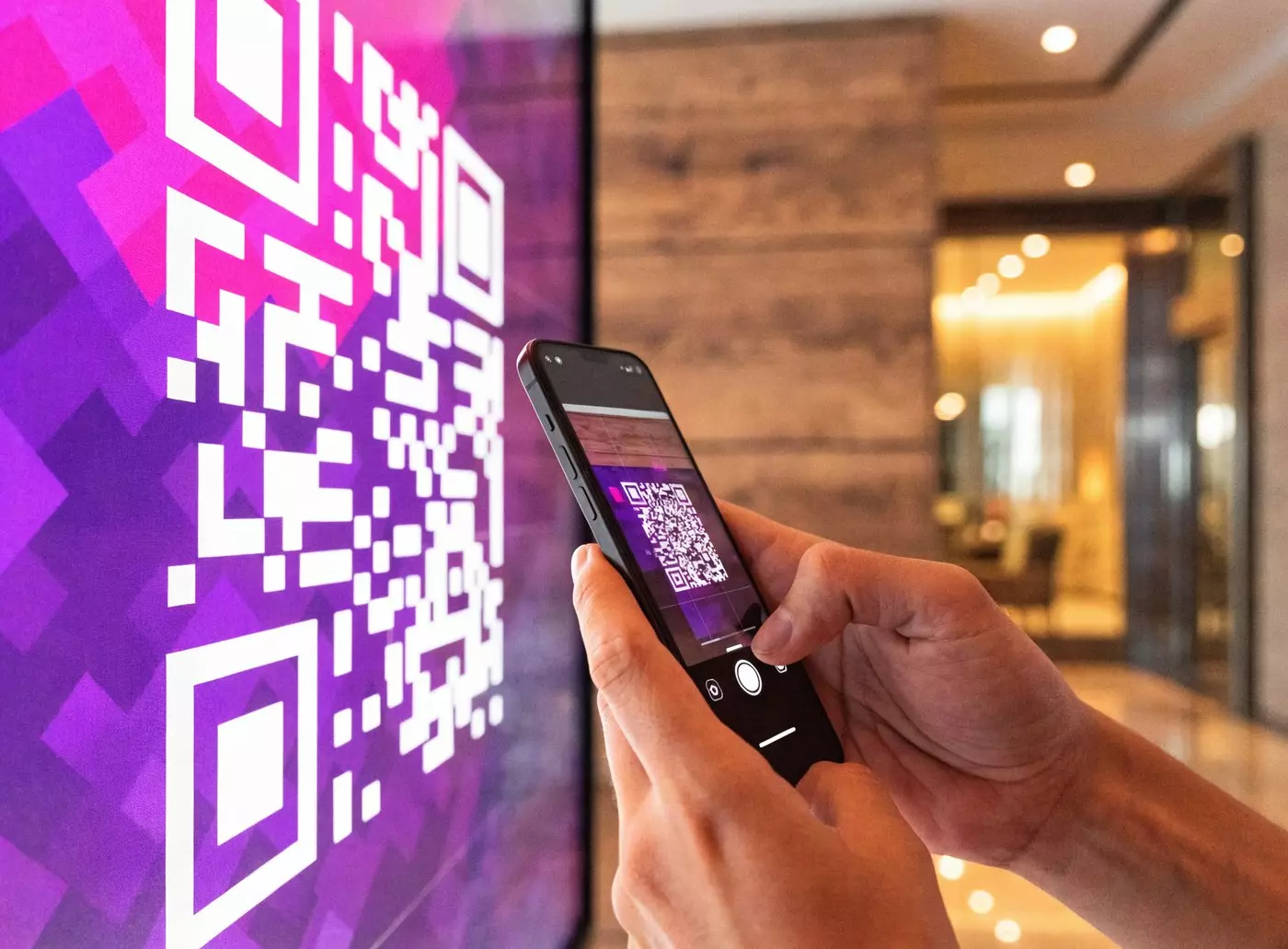
Some people touch the screen without hesitating, others prefer their phone. So the module displays a QR code next to the question: you scan it, you answer on your mobile, with no app to install.
- ✓A direct answer by touch, for the widest audience
- ✓Mobile access by QR code, for those who prefer their own screen
- ✓No app and no account creation required
- ✓Both channels feed the same statistics
The result: nobody is left out, and the survey stays accessible even during a rush.
Compare before choosing
Kiosk, online questionnaire or simple smiley box?
The three devices do not target the same context. This table helps you place yours.
| Criterion | EMITY kiosk survey | Online questionnaire | Simple smiley box |
|---|---|---|---|
| Observed response rate | High (spontaneous answer on site) | Low (depends on the message being opened) | High but on a single question |
| Depth of data | ✓ Several questions per survey | ✓ Several questions | ✗ One rating, without context |
| Device required | ✓ None: the screen is enough | ~ Smartphone or computer | ✓ None |
| Real-time results | ✓ Yes, in E-MANAGER | ✓ Yes | ~ Depends on the model |
| Question types | 6 formats (stars, multiple choice, free text, quiz, word cloud…) | Several formats | 1 format (smiley or button) |
| Best-suited context | Reception, retail, corporate space, training room | Remote meeting, existing contact list | Fast exit, dense flow |
| Anonymous mode | ✓ Native | ~ Depends on the tool | ✓ By default |
| Integration with digital signage | ✓ Native: the survey alternates with your content | ✗ No | ✗ No |
How to read this: ✓ native capability, ~ varies with the tool or the model, ✗ not covered. Functional comparison, based on the capabilities of the three families of devices.
Analyze and use
Readable results, available right away
Collecting is pointless if nobody looks. So the statistics sit in the same place as the rest of your communication.
Reading your results, then doing something with them
Answers sync into your E-MANAGER workspace as they come in. You will find charts per question, changes over time and the completion rate — with no manual export and no spreadsheet to rebuild.
- ✓Distribution of answers, question by question
- ✓Week-by-week changes, to follow a trend
- ✓Completion rate: knowing whether the survey is too long
- ✓A view per screen, to compare two sites or two locations
That is the point of a short loop: a drop in rating spotted in the morning can be handled the same day, not next quarter.

Features
Everything the SURVEYS module can do
Nine capabilities included as standard, with no extra module to buy.
Star or smiley rating
One tap, one answer. For satisfaction as the experience ends.
Single or multiple choice
To collect preferences or check knowledge.
Free answer
To gather suggestions and comments in your respondents’ own words.
Quiz with a live leaderboard
For training, event animation and seminars.
Anonymous mode
To encourage people to speak freely, especially on employee feedback.
Built-in QR code
Dual access by touch and smartphone, so nobody is left out.
Canva customization
Dressing the survey in your brand colors, through the Canva integration.
Multi-screen broadcasting
The same survey on one screen or on a hundred, from the same interface.
Real-time statistics
Charts by question, by period and by screen, in E-MANAGER.
Sectors
A module that fits your line of work
Retail, hospitality, healthcare, human resources, training, events, local government: the use changes, the tool stays the same.


Why they trust us
SURVEYS by EMITY
From the reception kiosk to the video wall, more than a thousand customer accounts already run their communication with EMITY. Asking their visitors a question happens in the same place, in the same interface.

A French software company based in Montpellier, a technical team you can reach, and a three-month trial to test SURVEYS in your real conditions — on your screens, with your questions.
They already broadcast on their screens with EMITY












French Tech label
Montpellier

Award winner
Réseau Entreprendre 2019

Native integration
Canva

Native integration
Adobe Express
FAQ


