
Digital window display: reach passers-by, even when you are closed
A printed poster fades, peels and only changes at the next print run. A screen behind your shop window shows today’s offer, stays readable in direct sunlight and keeps talking to passers-by once the shutter is down. You change the message from your browser, in minutes.
Window display
What a screen changes in a shop window
A shop window is a retailer’s first salesperson: it works around the clock, unpaid. It just has to say something current.
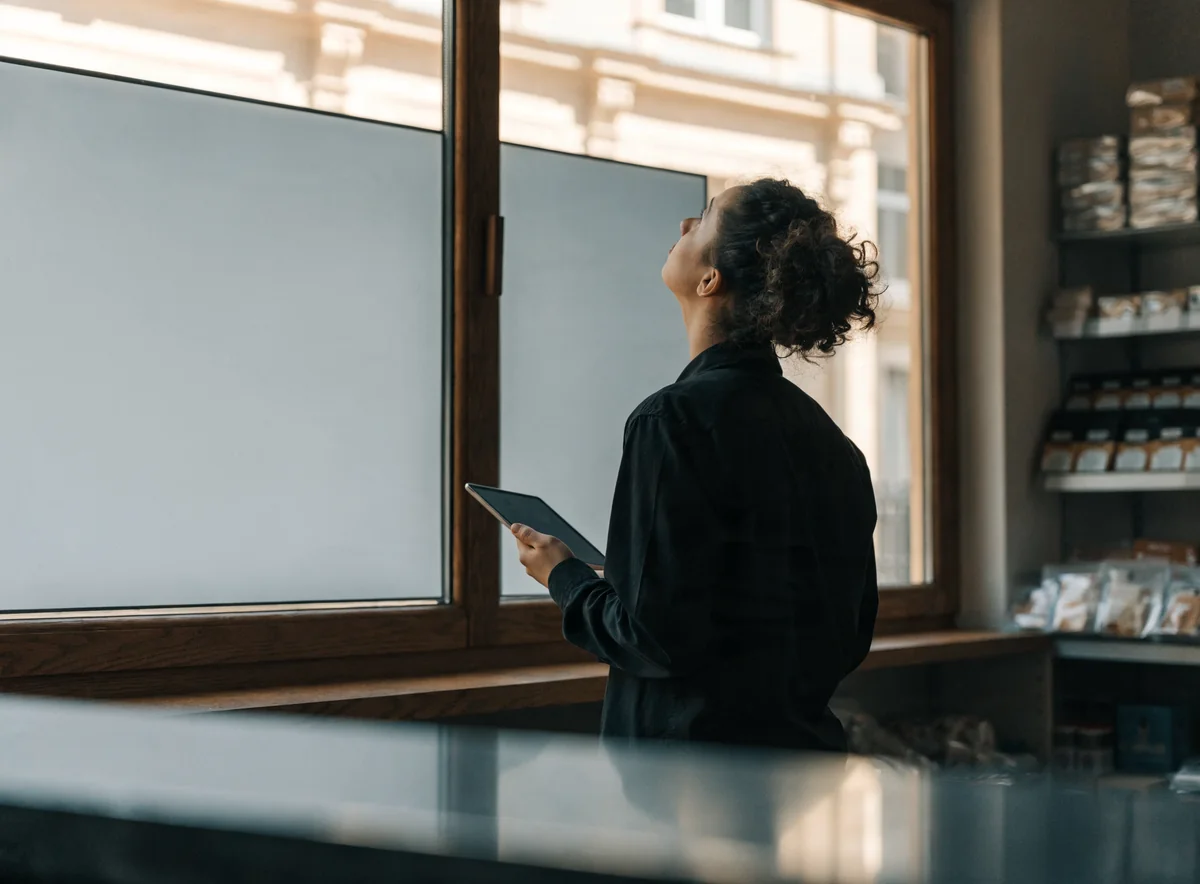
Digital window displays, in practice
A digital window display is a professional screen placed behind the glass and connected to an online platform. You upload your visuals, you decide when each one runs, and the display updates remotely — no reprinting, no ladder.
- ✓Your current offer, changed in a few minutes
- ✓A display that stays readable in daylight, even facing south
- ✓A message that carries on at night, shutter down
- ✓Video, a carousel or a still visual, depending on the moment
It all runs from E-MANAGER, our digital signage platform: one dashboard, whether you have one window or thirty.


Choosing the hardware
Which screen for which window?
The deciding factor is not size, it is brightness, measured in candelas per square metre (cd/m²). A living-room TV tops out around 300: behind sunlit glass it turns into a black mirror. The full range is on the screens page.
| Window situation | Brightness to aim for | Type of screen | What to know |
|---|---|---|---|
| Shaded window, narrow street | 700 to 1,000 cd/m² | Standard professional display | Cheapest option, fine if the sun never hits the glass |
| Window exposed part of the day | 1,500 to 2,500 cd/m² | High-brightness display | The most common choice on a high street |
| South-facing, direct sunlight | 3,000 cd/m² and above | Dedicated high-brightness window display | Reinforced anti-reflective treatment and cooling |
| Large facade, read from afar | LED panel | Indoor or outdoor LED wall | Sized by pixel pitch, not by inches |
| Static content, very low power | Electronic ink | E-PAPER display | Draws no power while the image stays unchanged |
Content
What you show in your window
You build the visuals in the EMITY built-in editor — and, if your teams already use them, in Canva or Adobe Express.
Your offers and promotions
The visual for the campaign that is running, replaced as soon as the campaign changes. No more out-of-date poster in the window.
Your practical information
Opening hours, closing days, payment methods, out-of-hours number: what passers-by look for when the shop is shut.
Your products and prices
A selection, a price, availability. On a restaurant front, the screen replaces the chalkboard and the laminated menu.
A short video
A few seconds of movement catch the eye far better than a still image. The platform takes your videos as readily as your visuals.
Different content per window
With several outlets, each window can carry its own message, or the whole network the same one, from a single dashboard.
A display that does not drift
The screen restarts on its own after a power cut, and the platform flags a window that has gone quiet. You do not hear about the fault from a customer.
Sectors
What retailers do with it
The use changes with the trade — and often a whole page is devoted to it.
Retail
New arrivals, sales, loyalty schemes. The window becomes a campaign medium that keeps pace with the collections.
Estate agency
Properties for sale run in the window and update straight from the agency software, with no printed card to replace.
Restaurants
The day’s menu, set meals, allergens. A change of dish shows in the window and inside at the same time.
Getting started
How it goes in
A first window takes half a day, installation included. The ones after that are duplicated from the platform.
The right screen, in the right place
A high-brightness display in portrait or landscape, floor-standing or suspended against the glass. EMITY is compatible with every manufacturer, so a screen already in place can stay.
The player, or the app
An E-BOX player plugs in behind the screen. If your screen is a connected model — Samsung Tizen, LG webOS or Android — the E-SOFT app installs on it directly, with no box.
Your visuals, once
You build them in the editor, or import what you already have. A template gets reused: only the text and the price change from one week to the next.
Schedule it, then leave it alone
You decide which content runs at which hour, and on which days. The window follows the calendar on its own, including switching off overnight.
Trusted by
EMITY in a few figures
A French software company since 2018, sold through a network of certified resellers across France and Europe.
+7,000
screens connected
+1,000
customer accounts
+130
reseller partners
+20
countries
FAQ


