
Digital signage in the waiting room: turn waiting into an experience
A screen in the waiting room changes how time feels: visitors wait more calmly, and your messages reach them at the right moment. With EMITY, content is prepared once and displayed on one screen or a thousand — medical practice, garage, hotel or town hall.
Wait marketing
Why install a screen in your waiting room?
Wait marketing starts from a simple observation: someone who is waiting is available to receive a message. The screen still needs to show the right content, at the right pace. Three effects combine.
Entertain
Slideshows, videos and news make the perceived wait shorter: eyes settle on the screen and time seems to pass faster.
Inform
Prevention messages, team presentation, opening hours, instructions: visitors find answers before they even ask.
Enhance
A well-kept screen sets the tone from the reception area: your establishment looks modern, organised and attentive to its visitors.
Content
What should you display on your waiting room screen?
A screen is only as good as what it shows. In practice, a balanced playlist alternates useful information, ambient content and your own messages.
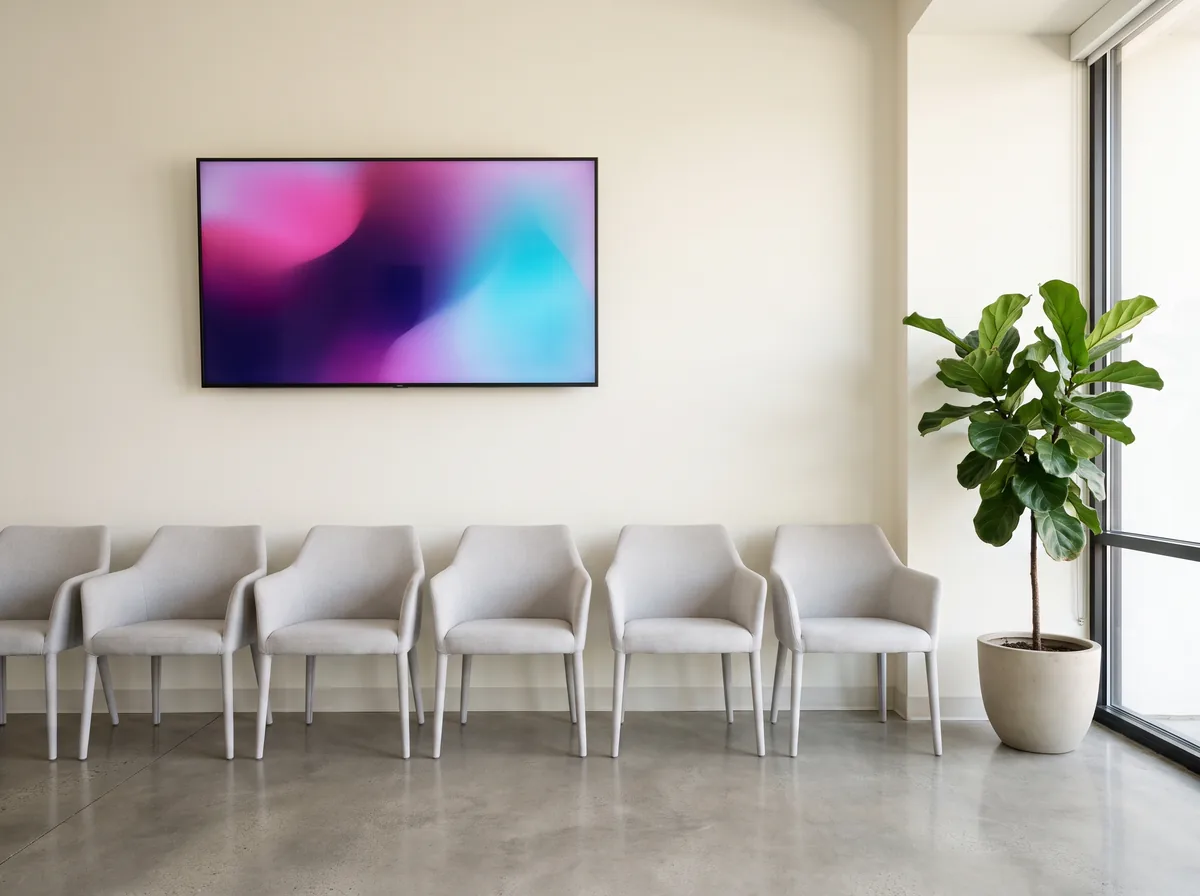
A playlist that paces the wait
The content that works best in a waiting room:
- ✓Your news, services and team presentation
- ✓Prevention messages and practical tips
- ✓Weather, local information and news feeds
- ✓Your photos, videos and slideshows
- ✓Mandatory notices, with the LEGAL DISPLAY module
- ✓The number being called, when a ticket organises the queue
Visuals are designed directly in EMITY’s built-in editor, with no third-party software — and, if your teams already use them, the Canva and Adobe Express integrations remain available.
TV or screen?
TV or digital signage: which one for your waiting room?
The question comes up often: why not simply plug in a TV set? The two approaches do not provide the same service.
Both worlds on a single platform: digital signage and IPTV.
Regulations
Legal display and obligations in the waiting room
Medical practices and healthcare facilities, but also garages, salons and law firms: depending on the profession, some information must stay on display at all times.
To go further: our page dedicated to legal display.
Sectors
Every waiting room has its screen
Healthcare comes to mind first, but any organisation that keeps people waiting — private or public — can benefit. The content changes; the mechanics stay the same.
On the public side — town halls, prefectures, service centres — the screen guides citizens through procedures, the agenda and local regulations.
In practice
How does EMITY digital signage work?
Three steps are enough, with no technical skills required — and your certified EMITY reseller supports you from installation to daily use.
Design, schedule, display
From designing a visual to putting it on screen:
- ✓Design: create your visuals in EMITY’s built-in editor, starting from ready-to-use templates
- ✓Schedule: organise playlists and time slots in E-MANAGER, the web interface available from any browser
- ✓Display: the E-SOFT app installs on professional Samsung (Tizen), LG (webOS) or Android TV screens; for a screen or TV already in place, the E-BOX player plugs straight into it
A poorly positioned screen goes unnoticed: place it in the natural line of sight of seated visitors, at eye level. Our team advises you on placement as well as hardware.
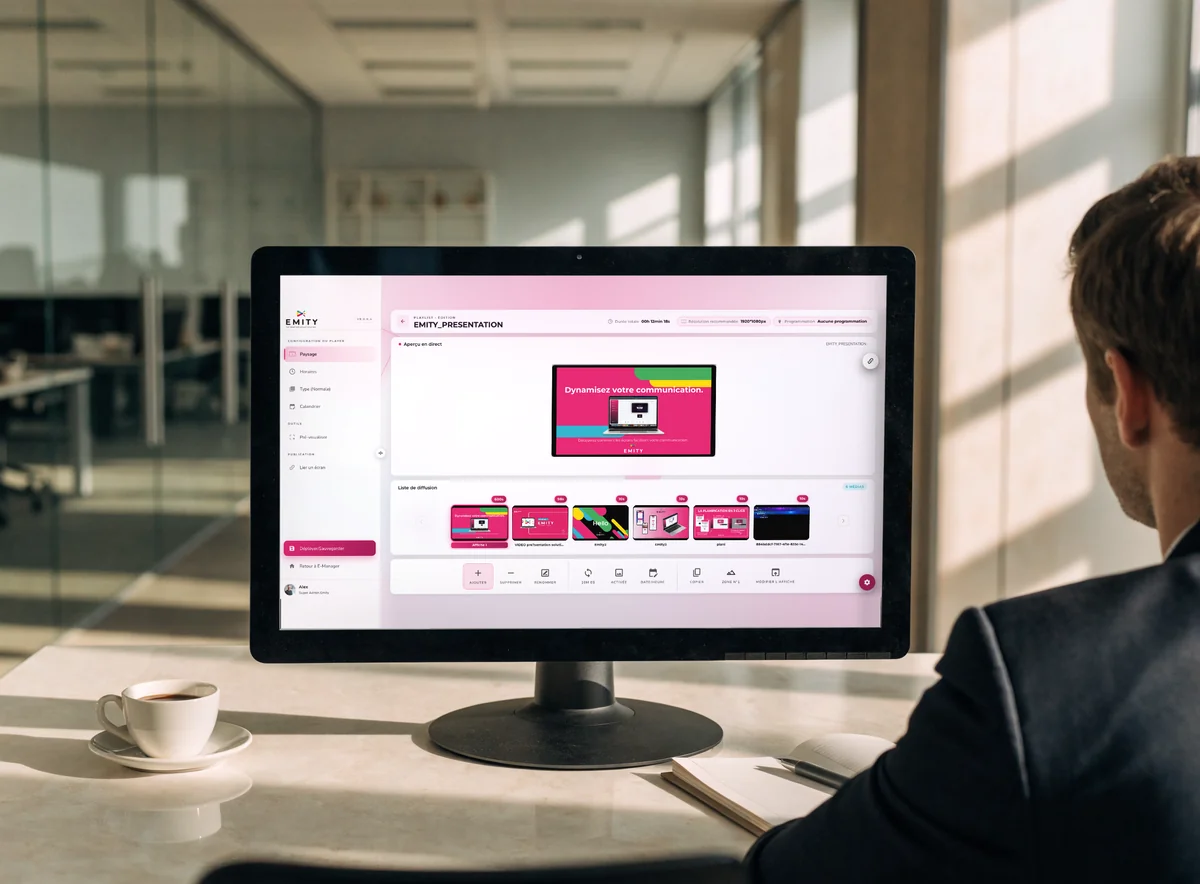
Going further
When the flow needs organising, the queue goes on screen too
Laboratory, pharmacy, public service: as soon as several people wait for the same counter, a ticket usefully completes the screen.
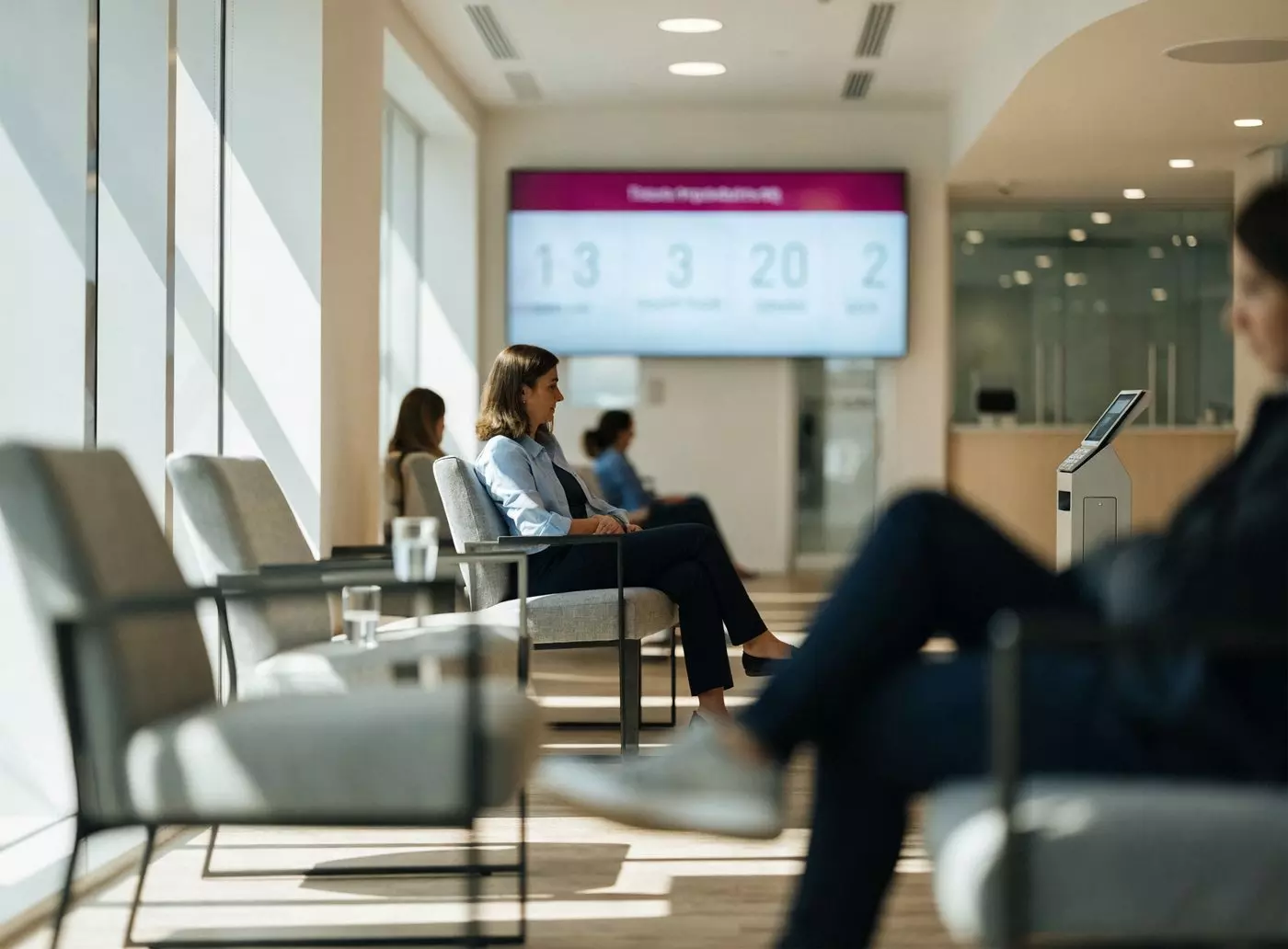
The ticket that smooths reception
The QUEUE MANAGEMENT module adds ticket dispensing and on-screen calling: everyone knows their turn, the reception area breathes, and the wait becomes readable. Everything is managed from the same E-MANAGER as your digital signage — one contract, one training session, one contact.
“A very efficient system — I have been using it for several years without any problem. I recommend this reliable solution.” — Dimitri Briquet, Le Coup de Fourchette, EMITY customer.
FAQ

