
Sector · Tourism, culture and leisure
Digital signage for tourism and visitor attractions
Your destination keeps informing, even with the door shut.
Visitors rarely arrive during opening hours. The window screen takes over at night, the kiosk answers the everyday questions, and the events listing updates itself from the database your destination already maintains. You enter it once; it appears everywhere.
The experiences involved
Five EMITY experiences, one platform for the whole destination.
01The starting point
Information rarely arrives
at the right moment
A tourist information centre closes in the evening, on Sundays, and often for part of the winter. Yet the evening someone arrives is exactly when they are looking for somewhere to eat, what is on tomorrow and which trail to take. Meanwhile the programme has changed, the printed poster is out of date, and nobody is there to say so.
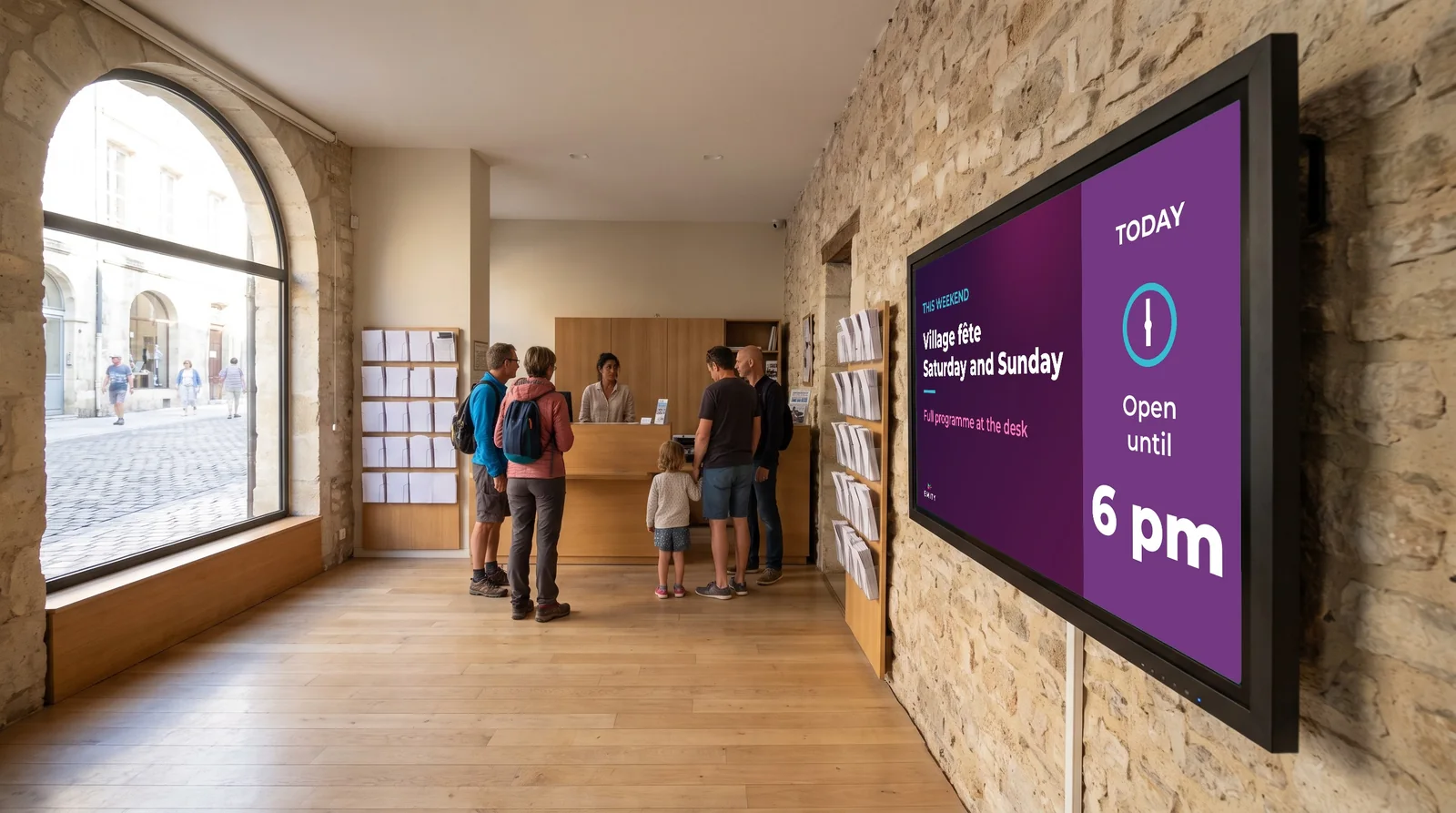
Visitors look for answers when the centre is closed.
Evenings, Sundays, the off-season: the screen keeps the door open, and it updates from the same account.
- ✓Opening hours that do not match: Visitors arrive on Friday evening and leave on Sunday. Your opening hours cover a fraction of their stay.
- ✓Information that ages quickly: Events, weather, trail closures, accommodation availability: all of it changes from one day to the next. Print struggles to keep up.
- ✓The same entry, several times over: The event is already recorded in your regional database. Re-entering it on a poster, a screen and then the website costs time and creates discrepancies.
02The journey
A visitor’s stay,
point by point
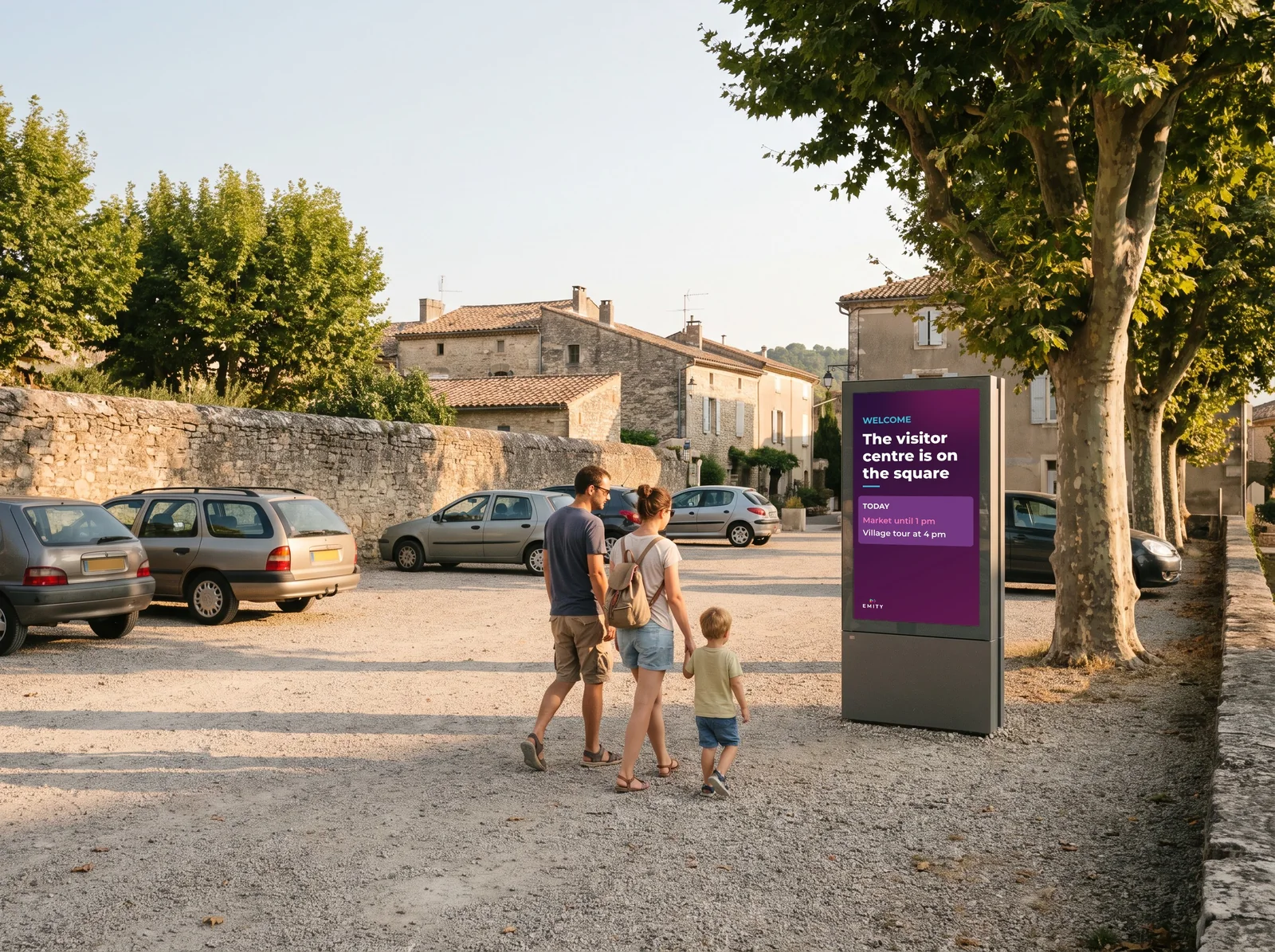
A visitor does not stop at the welcome desk: they move through the destination. Here are the six places where a screen answers them, from the car park to the attraction they came to see. All of them are managed from the same platform.
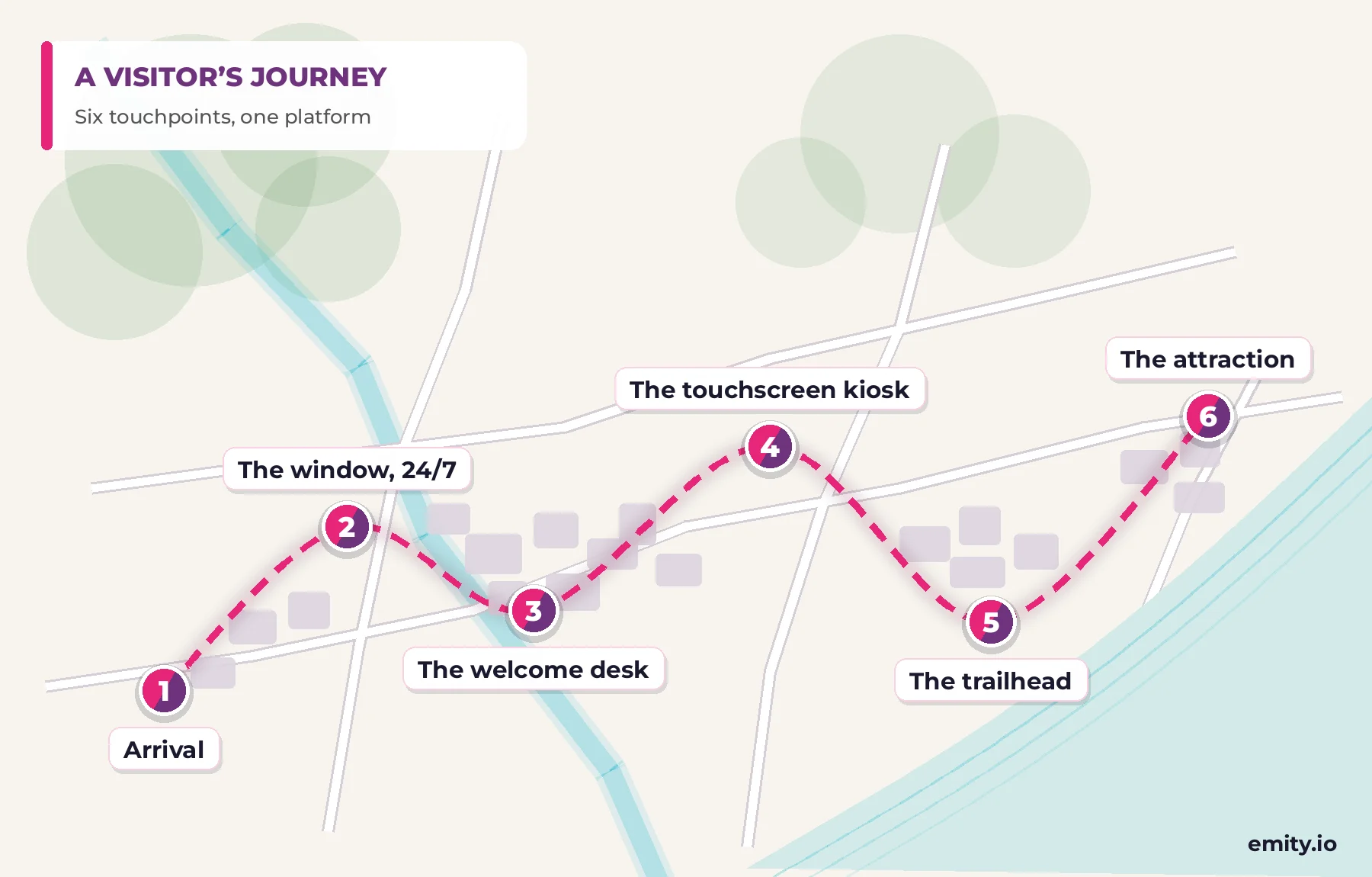
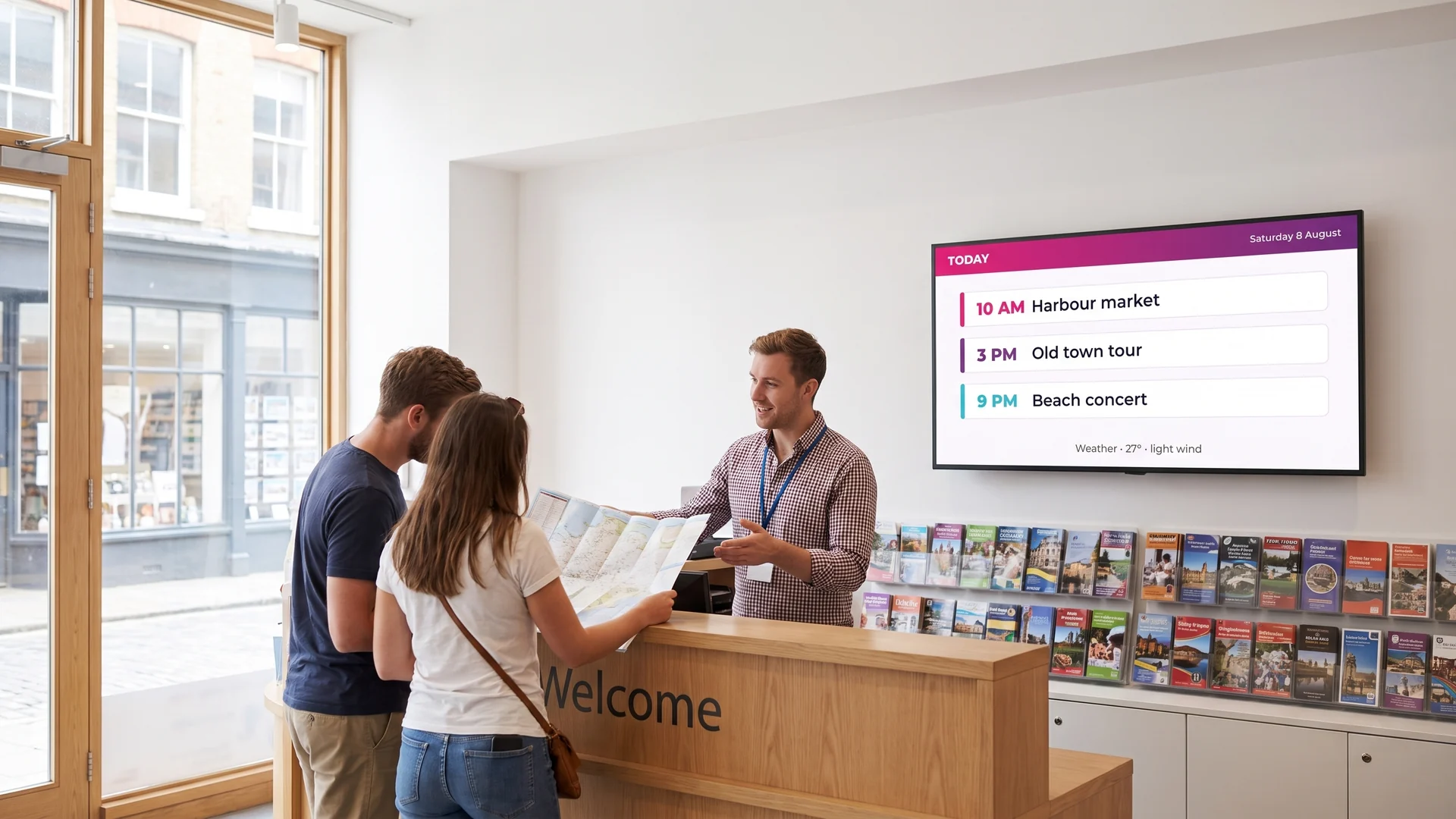
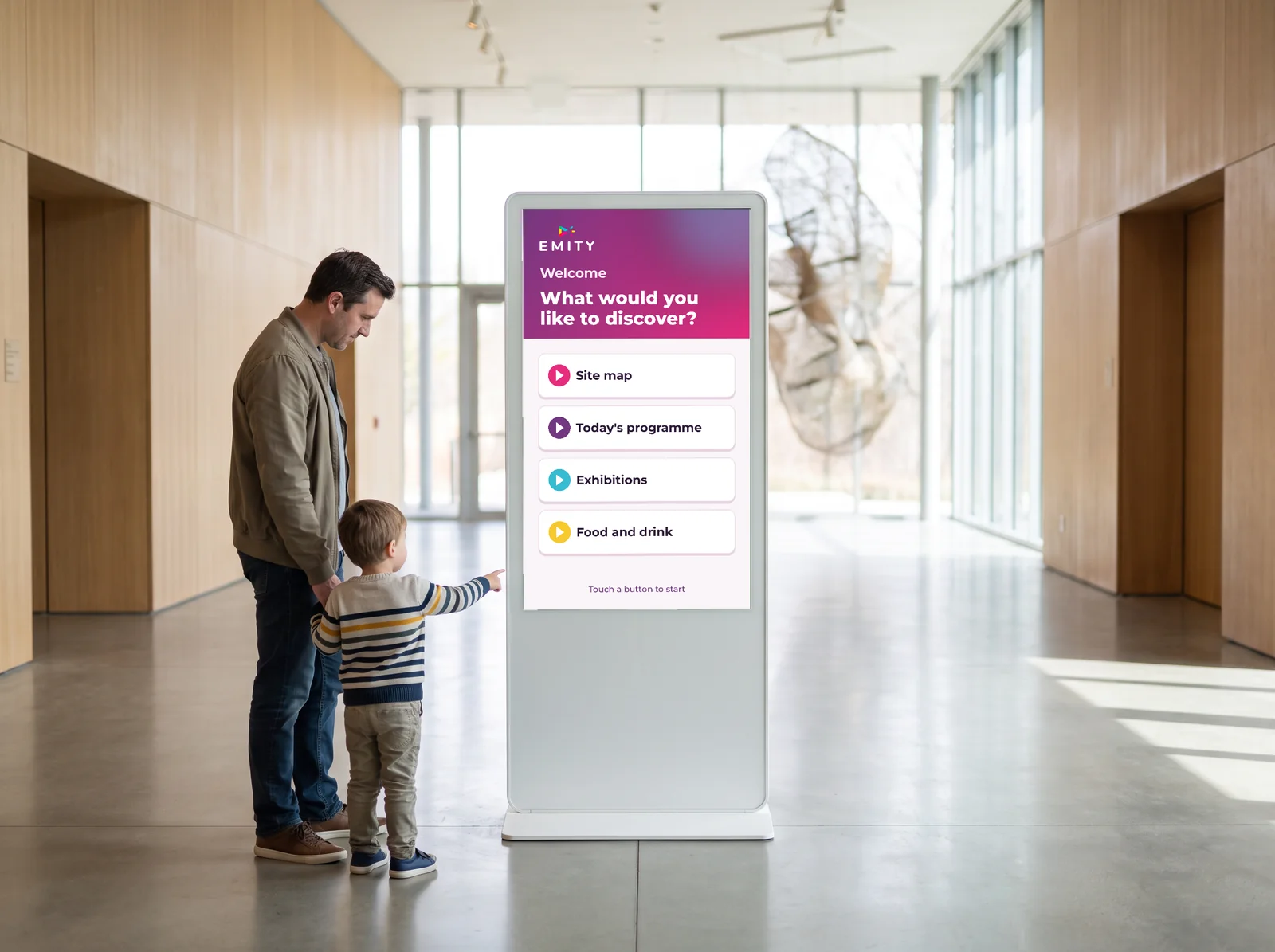
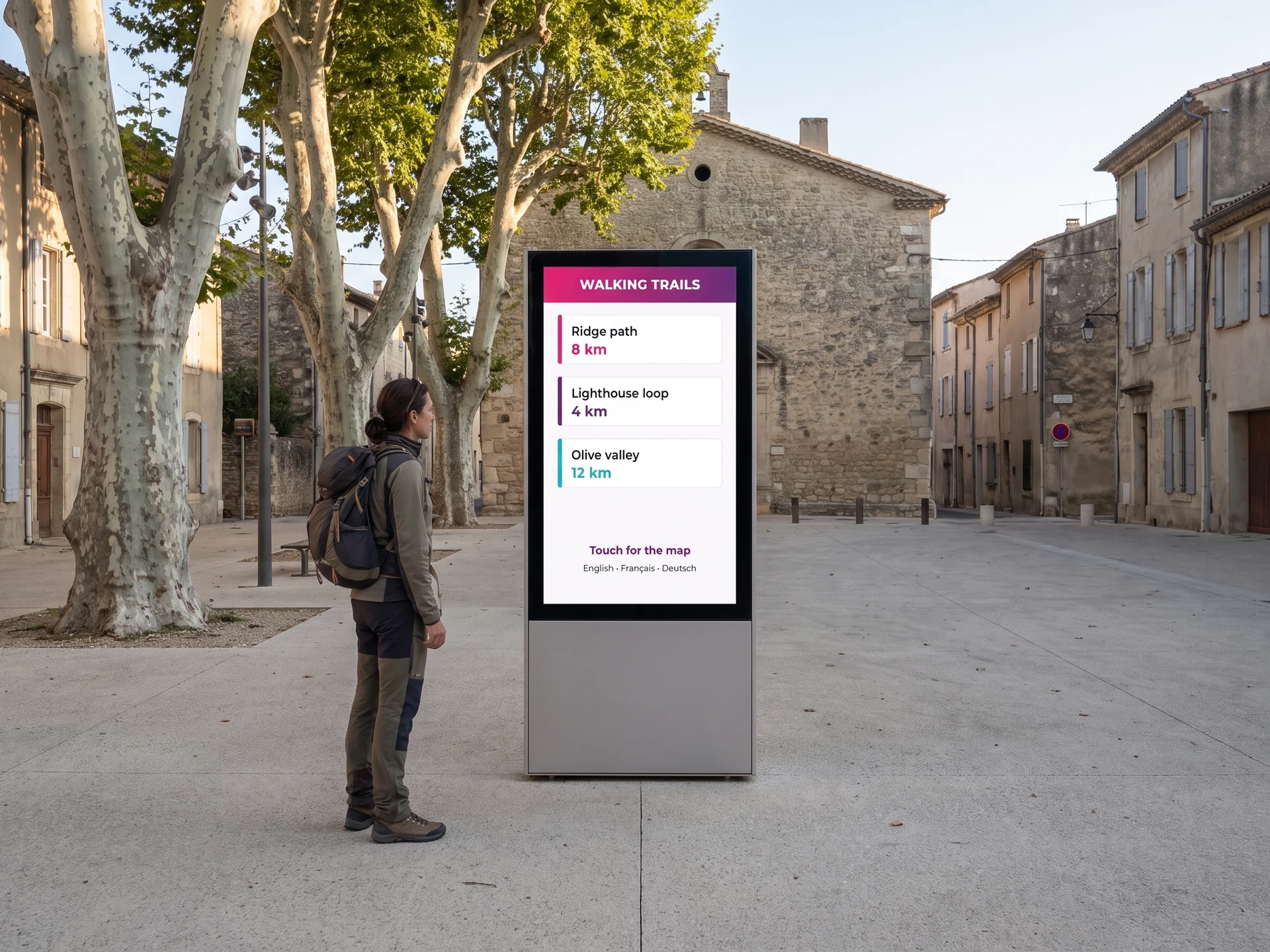
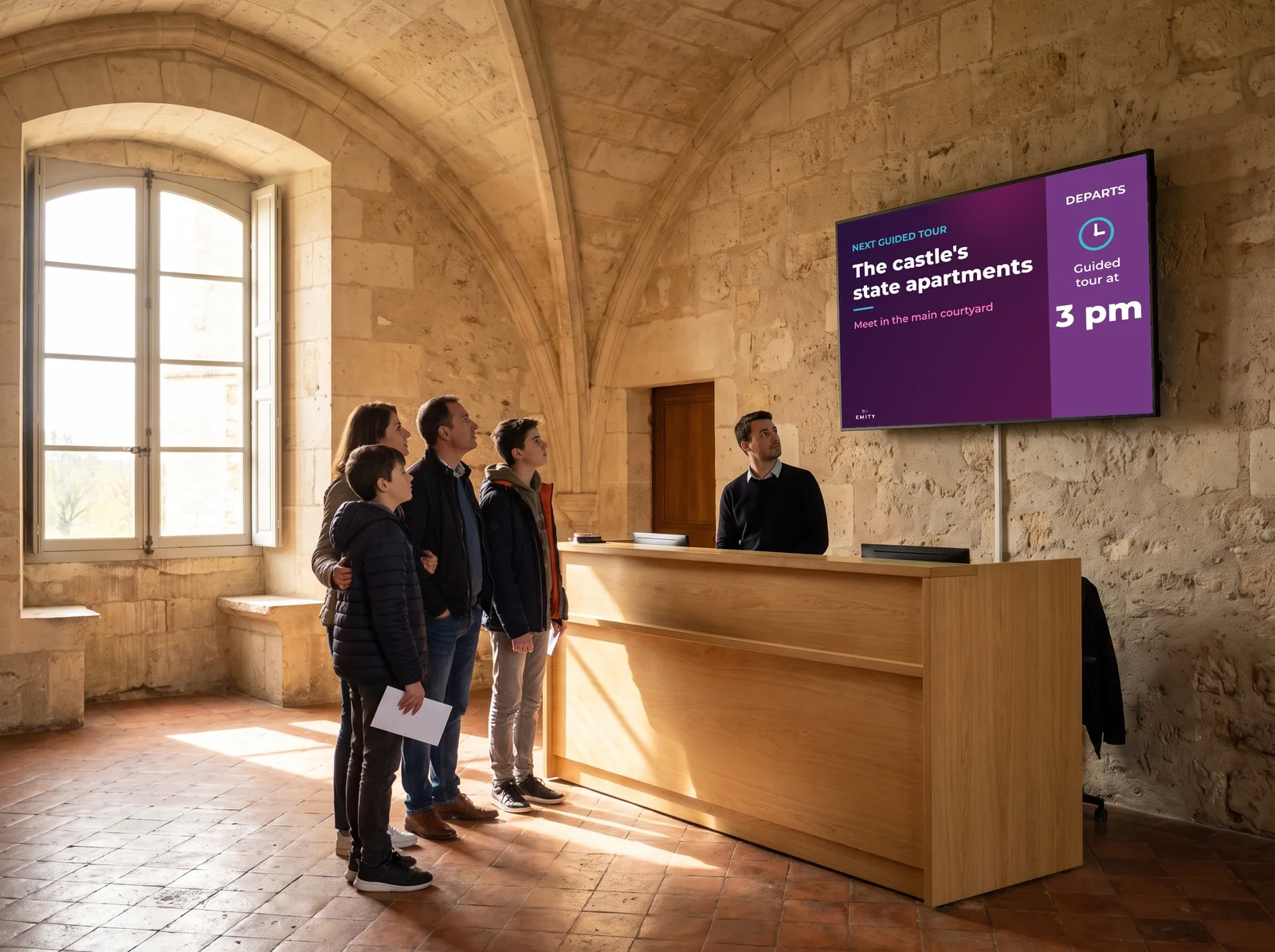
The same content, six locations.
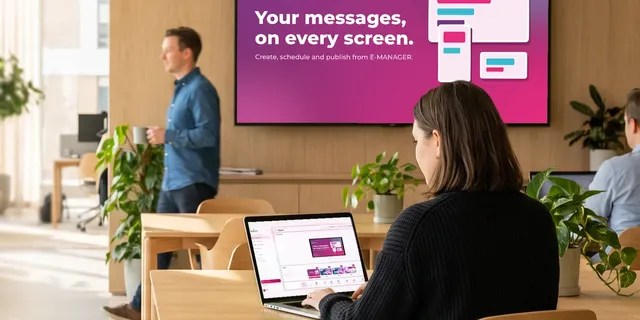
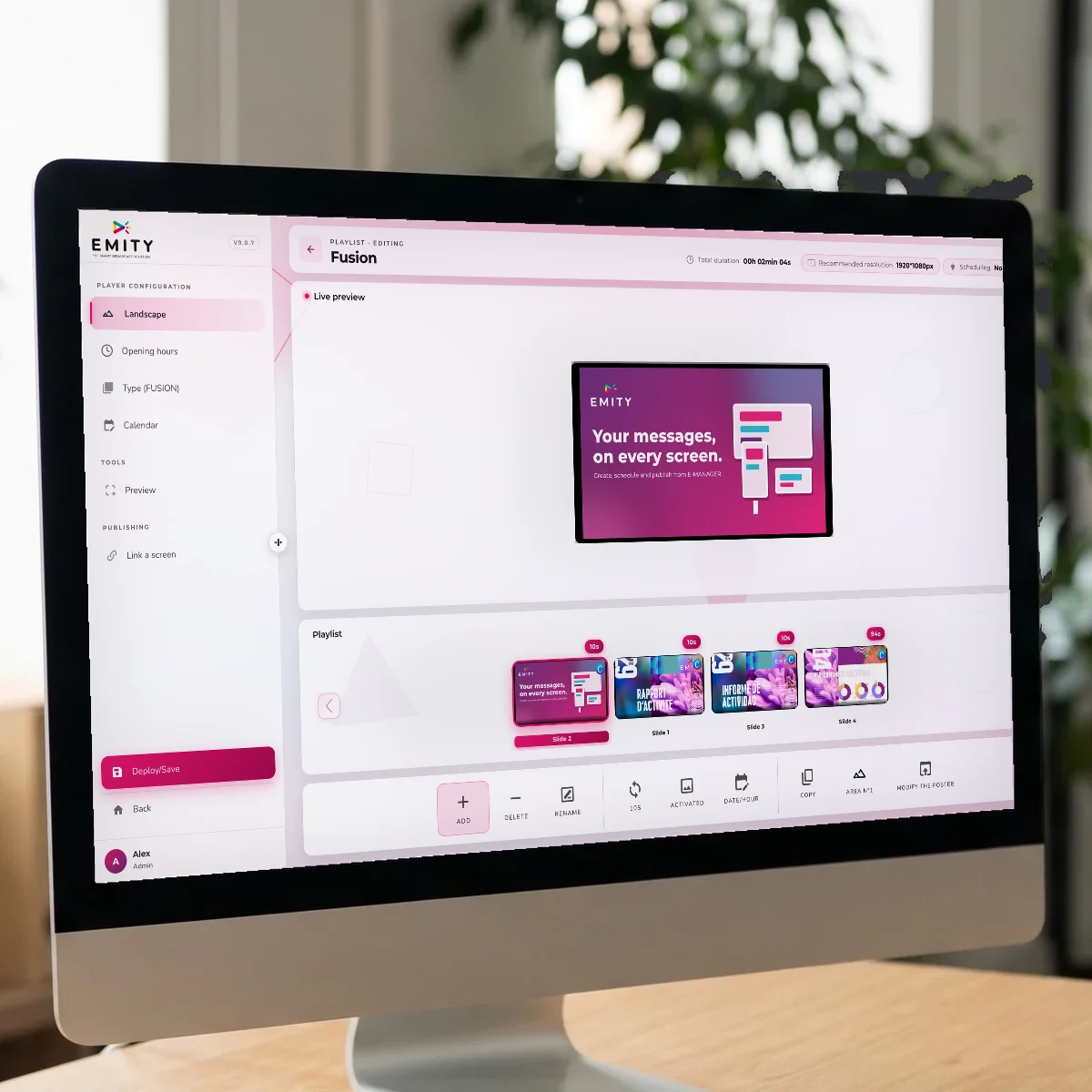
These six screens do not call for six tools. An event entered once goes to the window, the welcome desk and the kiosk, each with its own layout. That is the principle behind digital signage managed from E-MANAGER.
03The window
The window screen that informs around the clock
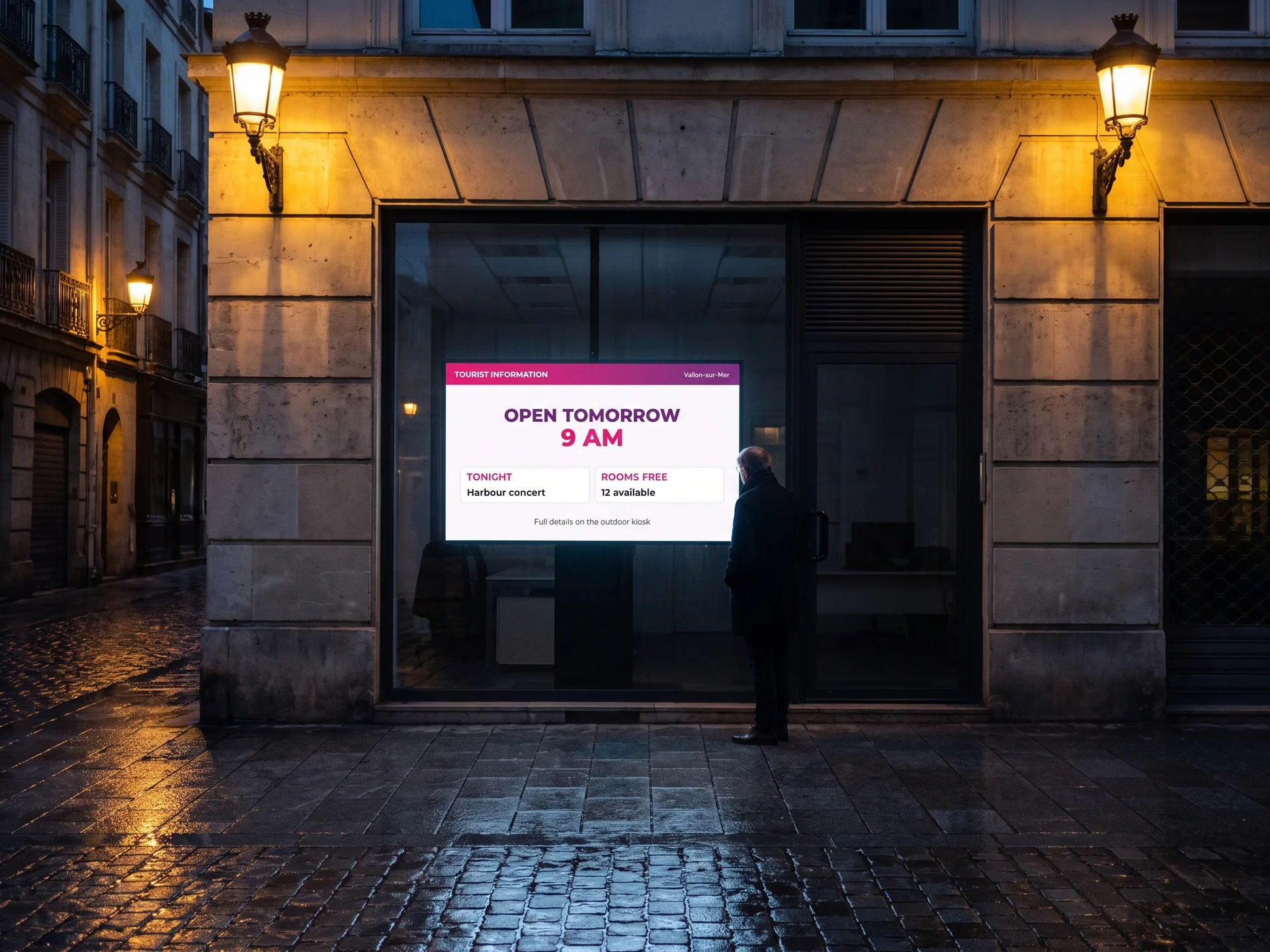
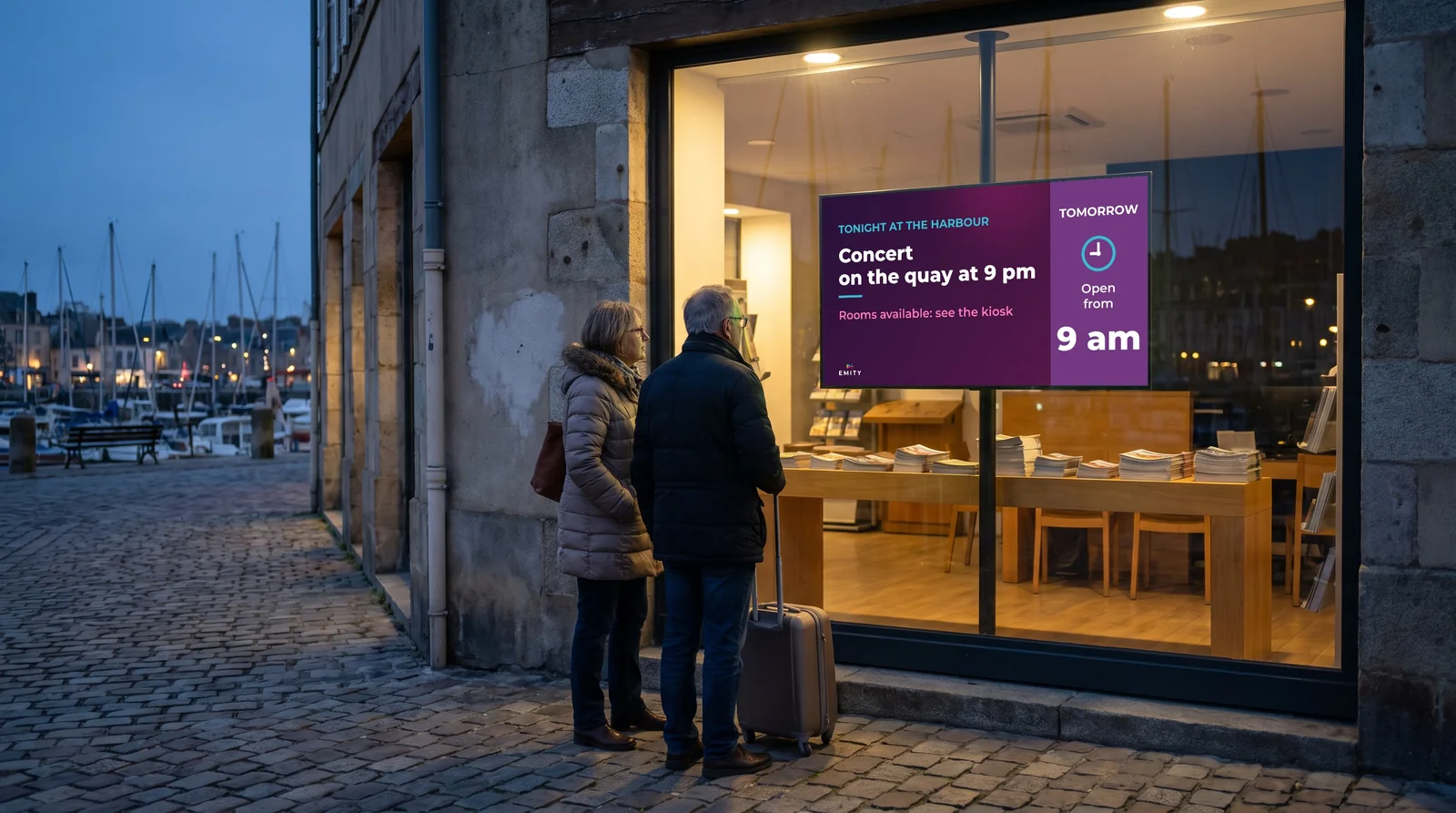
The window becomes your out-of-hours desk
A screen placed behind the glass stays readable from the pavement, including when the office is closed. It is the most productive touchpoint a visitor centre has: it works precisely the hours nobody is there.
- ✓Tomorrow’s opening hours and the seasonal calendar
- ✓Tonight’s and this weekend’s events, updated on their own
- ✓Accommodation still available
- ✓Weather, road conditions and trail status
- ✓A QR code that puts the map in the visitor’s phone
On the hardware side, a south-facing window needs a high-brightness panel: a consumer television washes out in direct sunlight and shuts itself down in the heat. Formats and specifications are covered on the digital window display page.
04Your data
What is already recorded appears on its own
Most destinations already maintain a tourism information system — a shared database of events, accommodation and points of interest. E-MANAGER connects to it and pulls that content onto the screens. No re-entry, and no discrepancy between the screen, the website and the printed guide.


More sources, and dedicated connectors.
In France, EMITY connects to Apidae and Tourinsoft, the two systems most destinations use. Elsewhere, the platform reads RSS feeds, an embedded web page or an exported calendar — and if your system is not on the list, our engineering team builds a dedicated connector.
05Self-service
The touchscreen kiosk, for the questions that recur
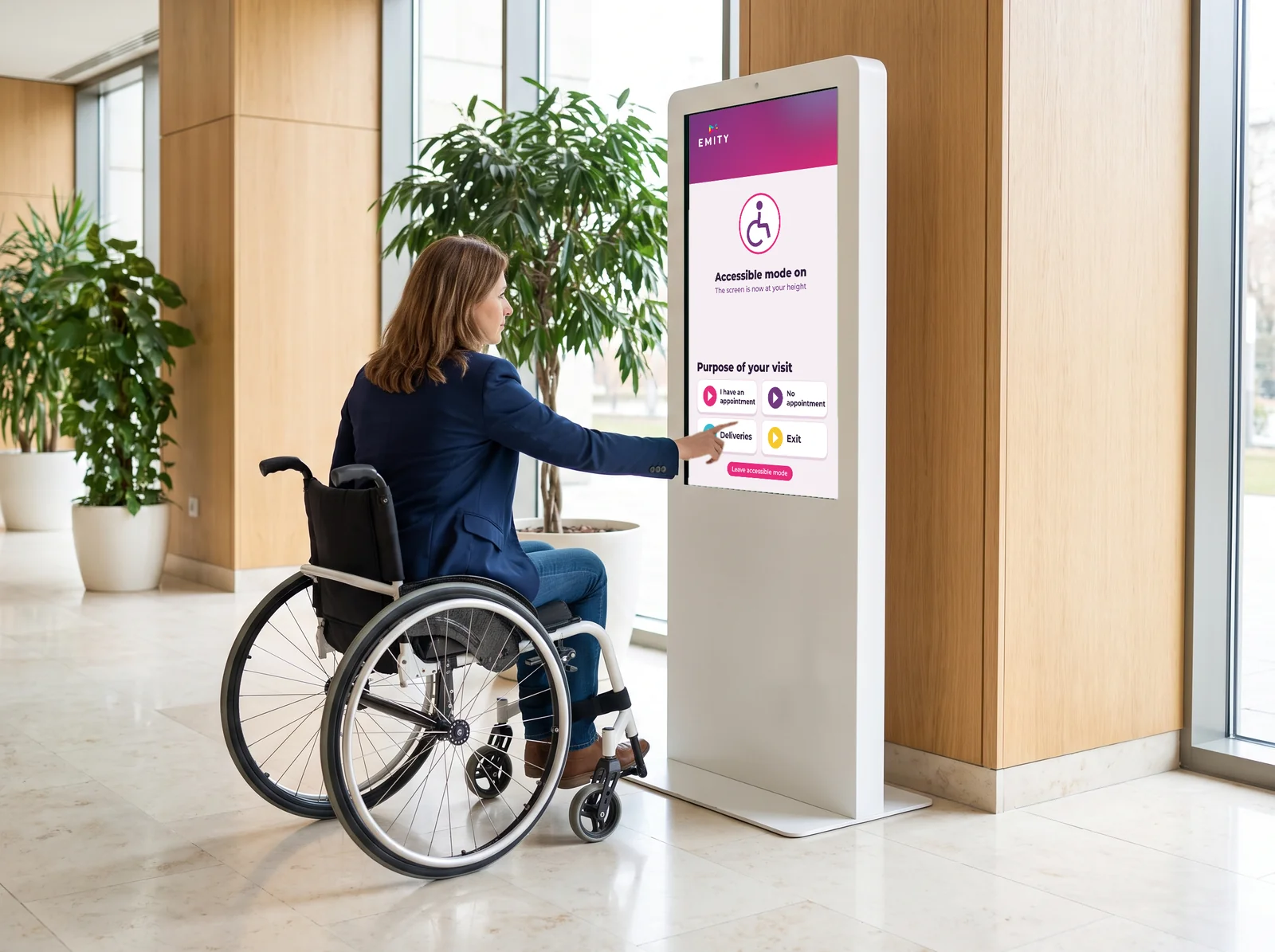
The kiosk answers while you advise
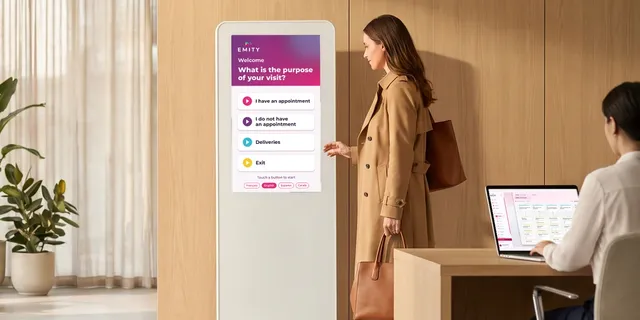
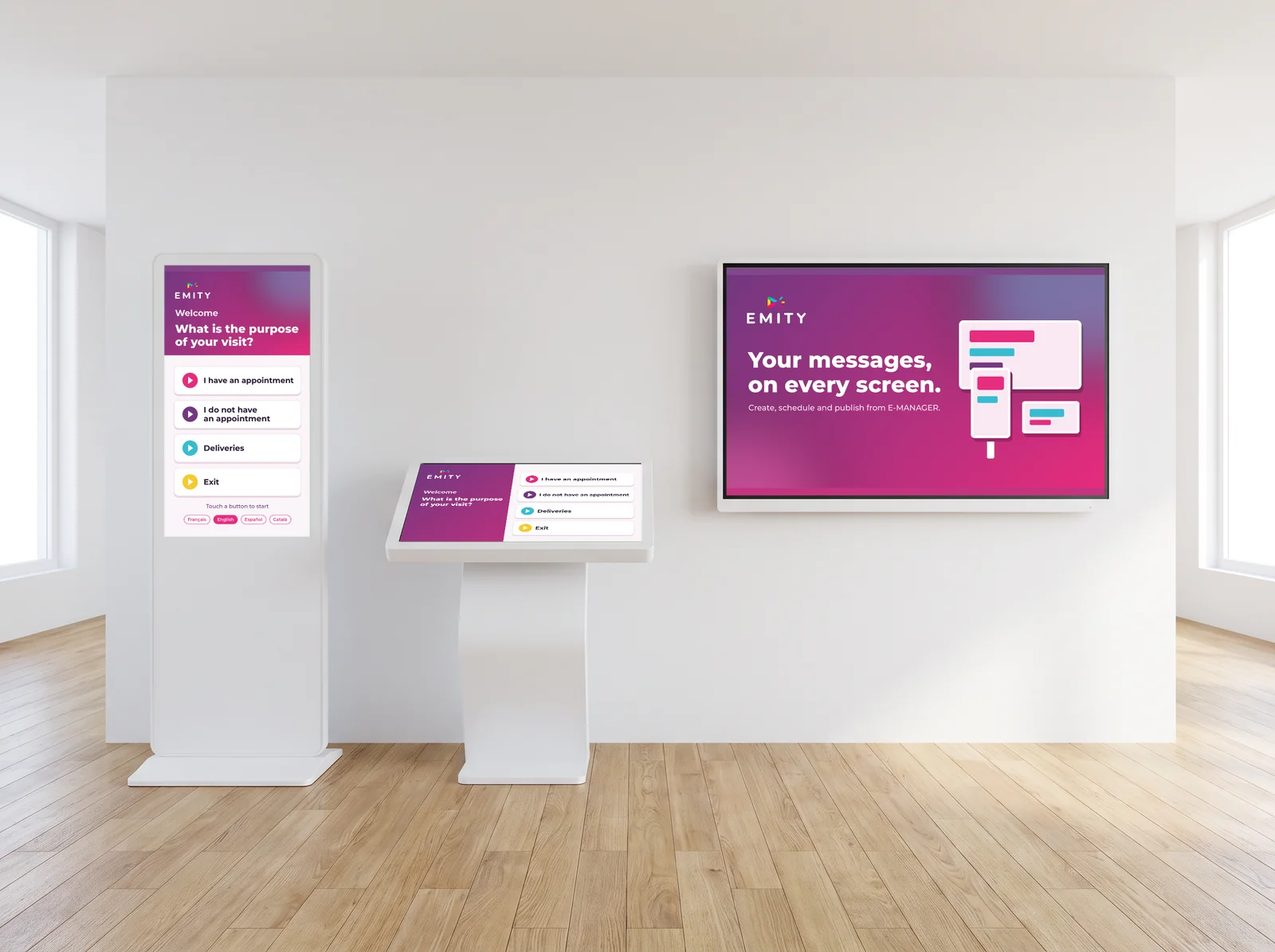
Three quarters of the questions asked at a counter are the same ones: where are the toilets, what time does the castle close, which trail takes about two hours. A kiosk answers them in self-service, and your team keeps its time for the conversations that genuinely call for advice.
- ✓Interactive map of the town and its points of interest
- ✓Walking trails: distance, duration, ascent
- ✓Multilingual — visitors pick their language with one touch
- ✓Partners and accommodation, sorted by category
- ✓Reachable seated or standing, on a kiosk at an accessible height
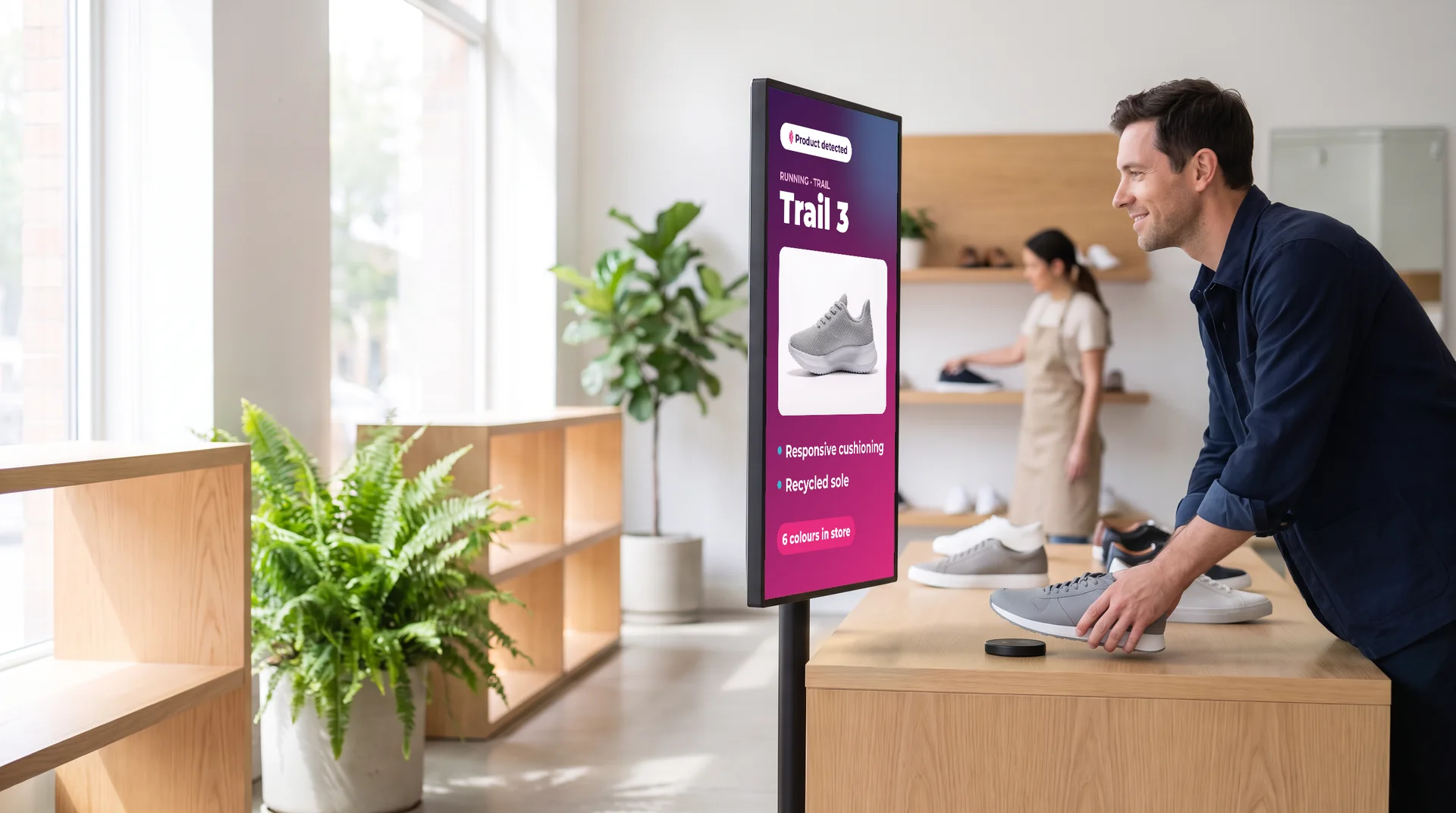
These interactive journeys run on E-CLICK: see the touchscreen kiosks. And an NFC tag triggers content the moment a phone touches it, with no app to install.
06The places
Tourism does not stop
at the information centre
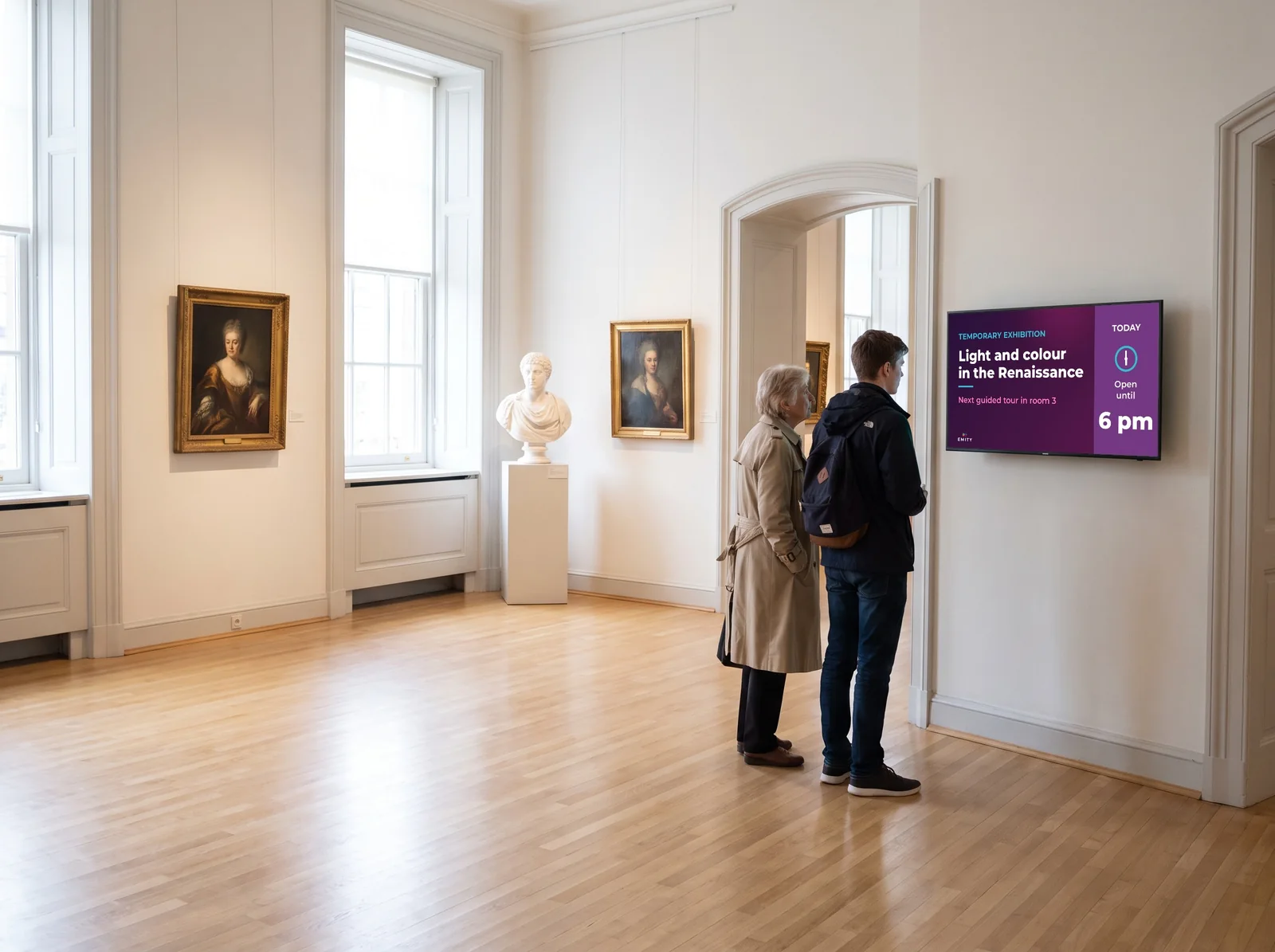
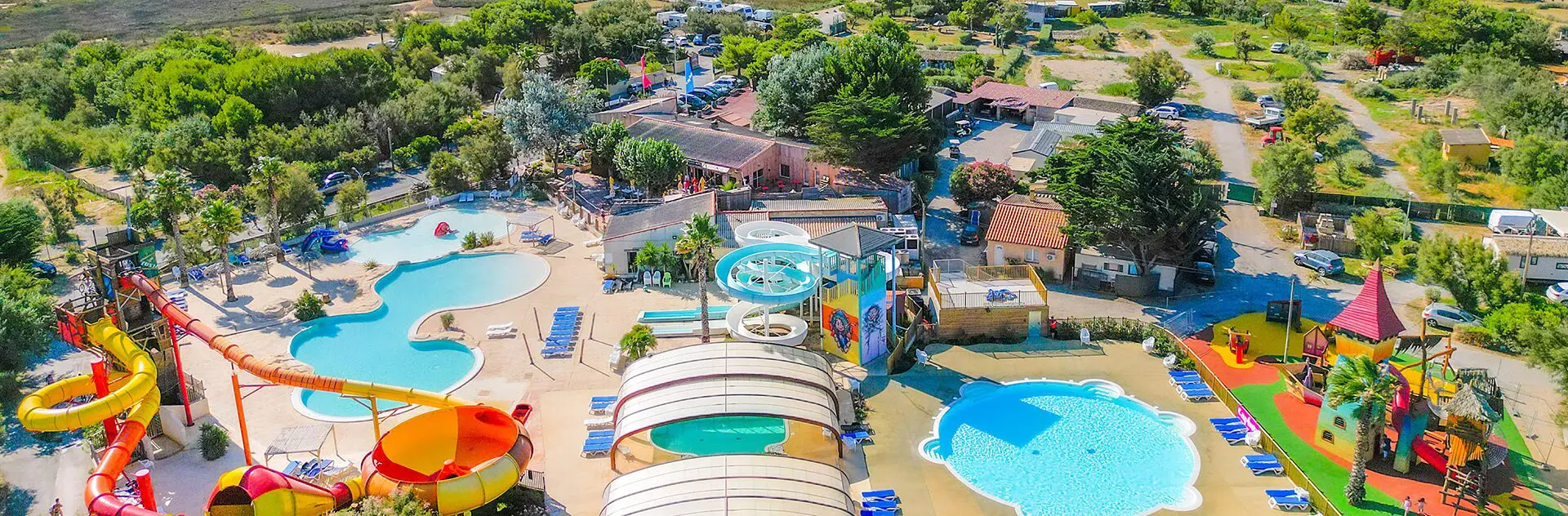
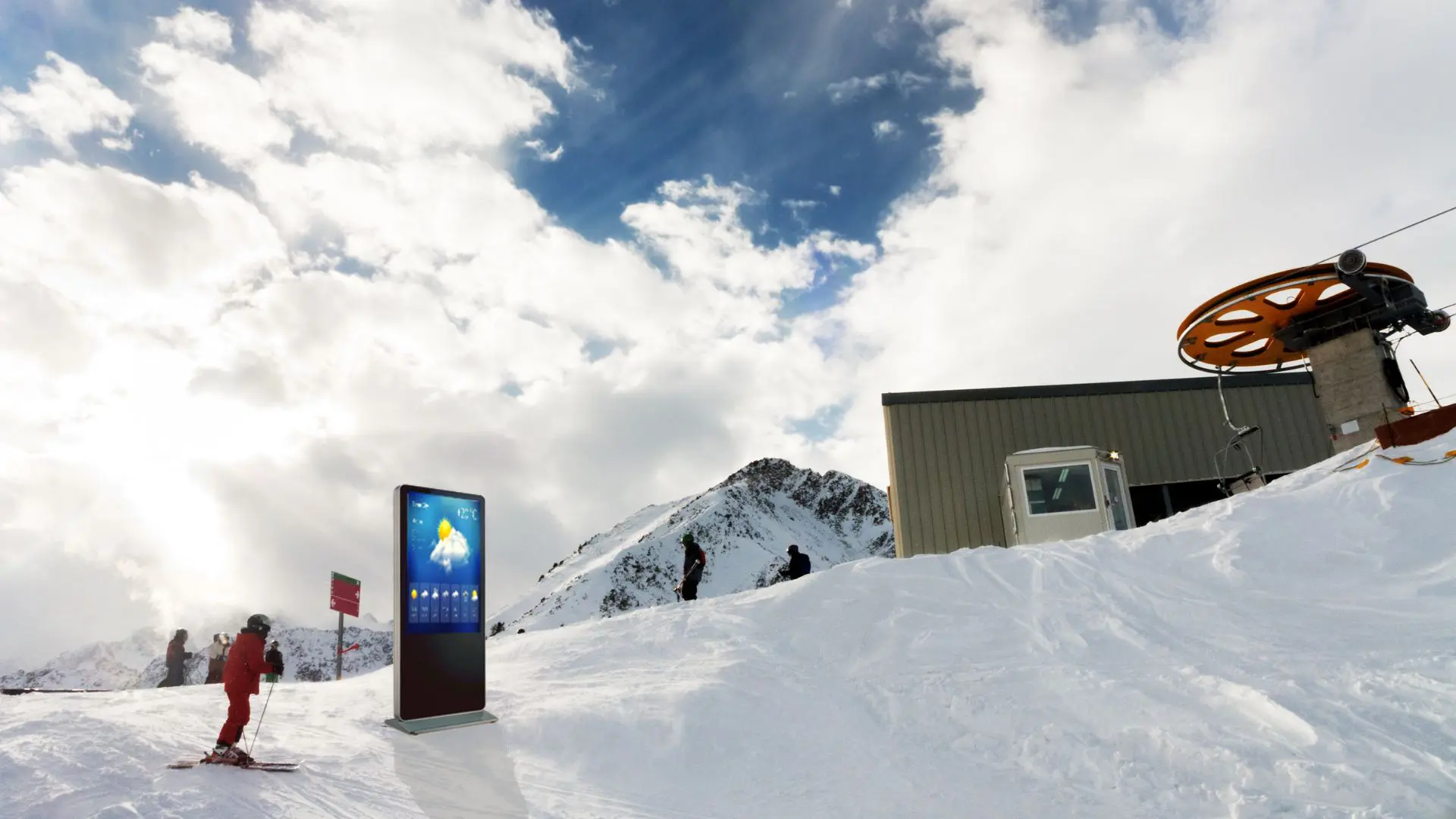
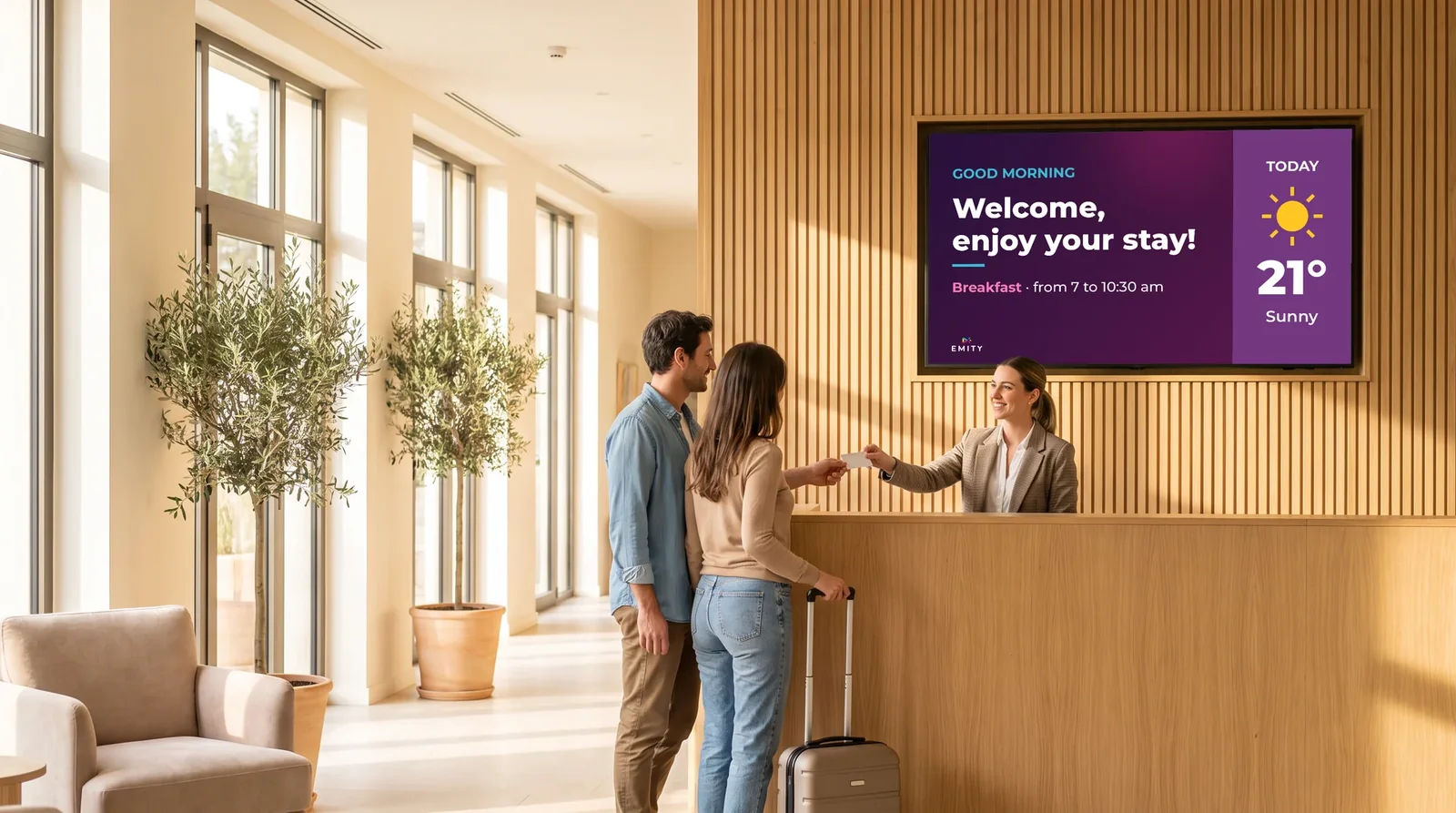
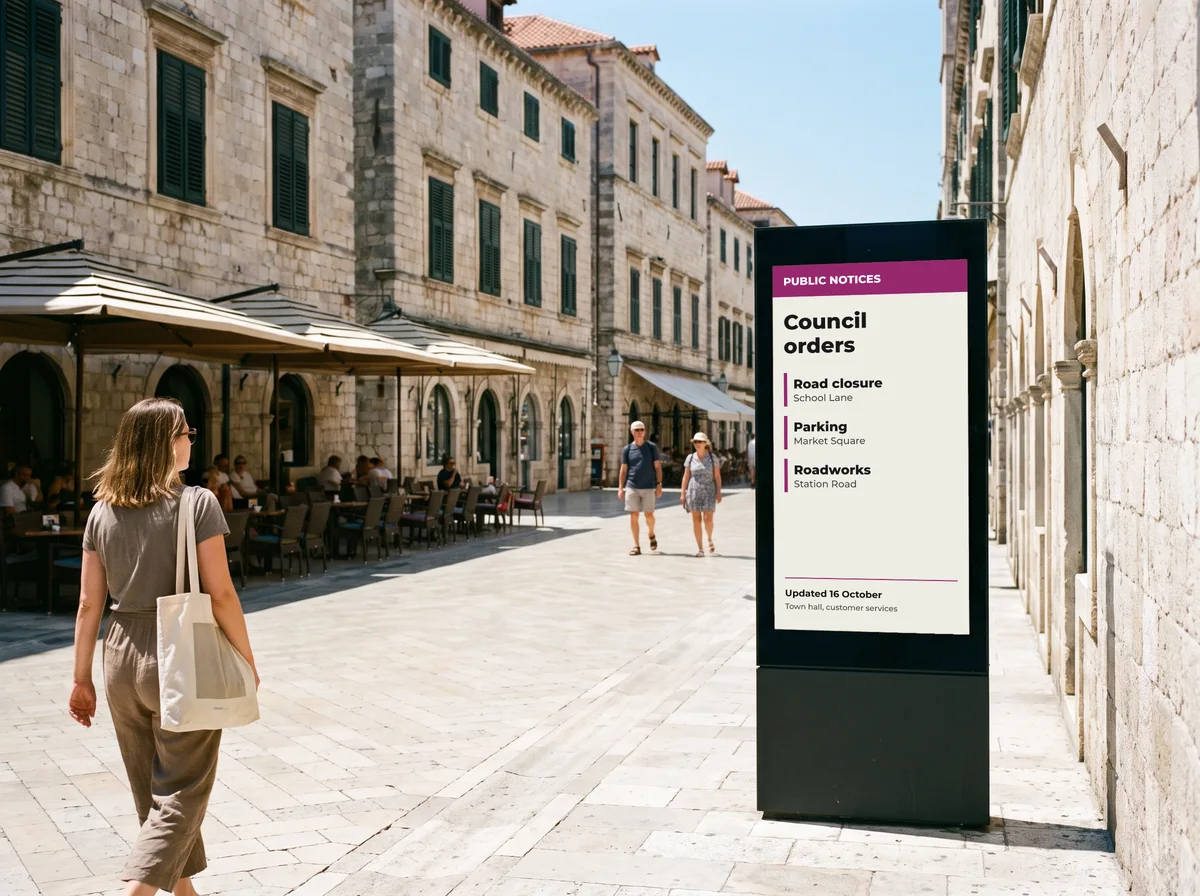
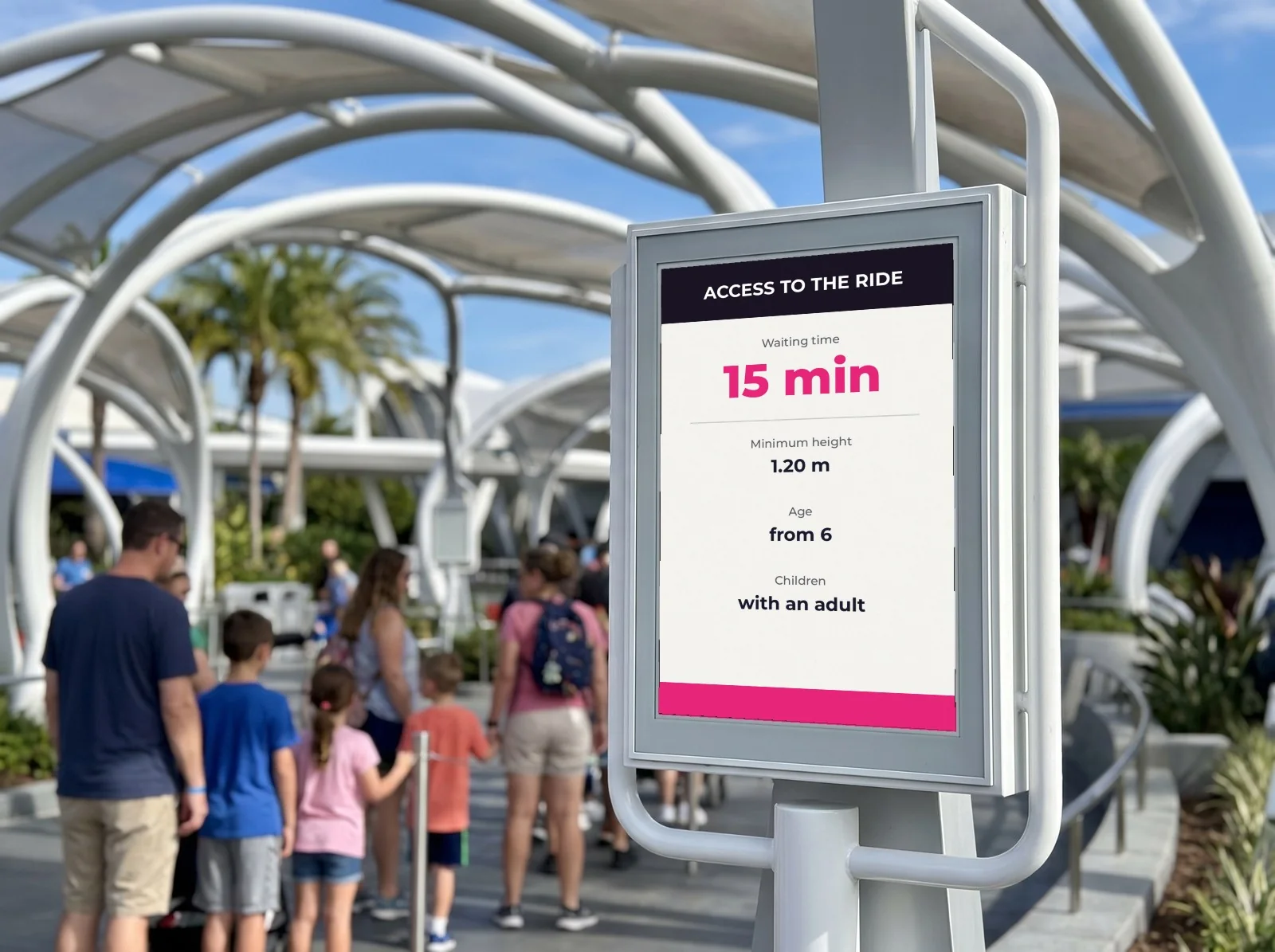
A destination is experienced in several places, and each has its own constraints.
07In practice
How a visitor centre gets equipped
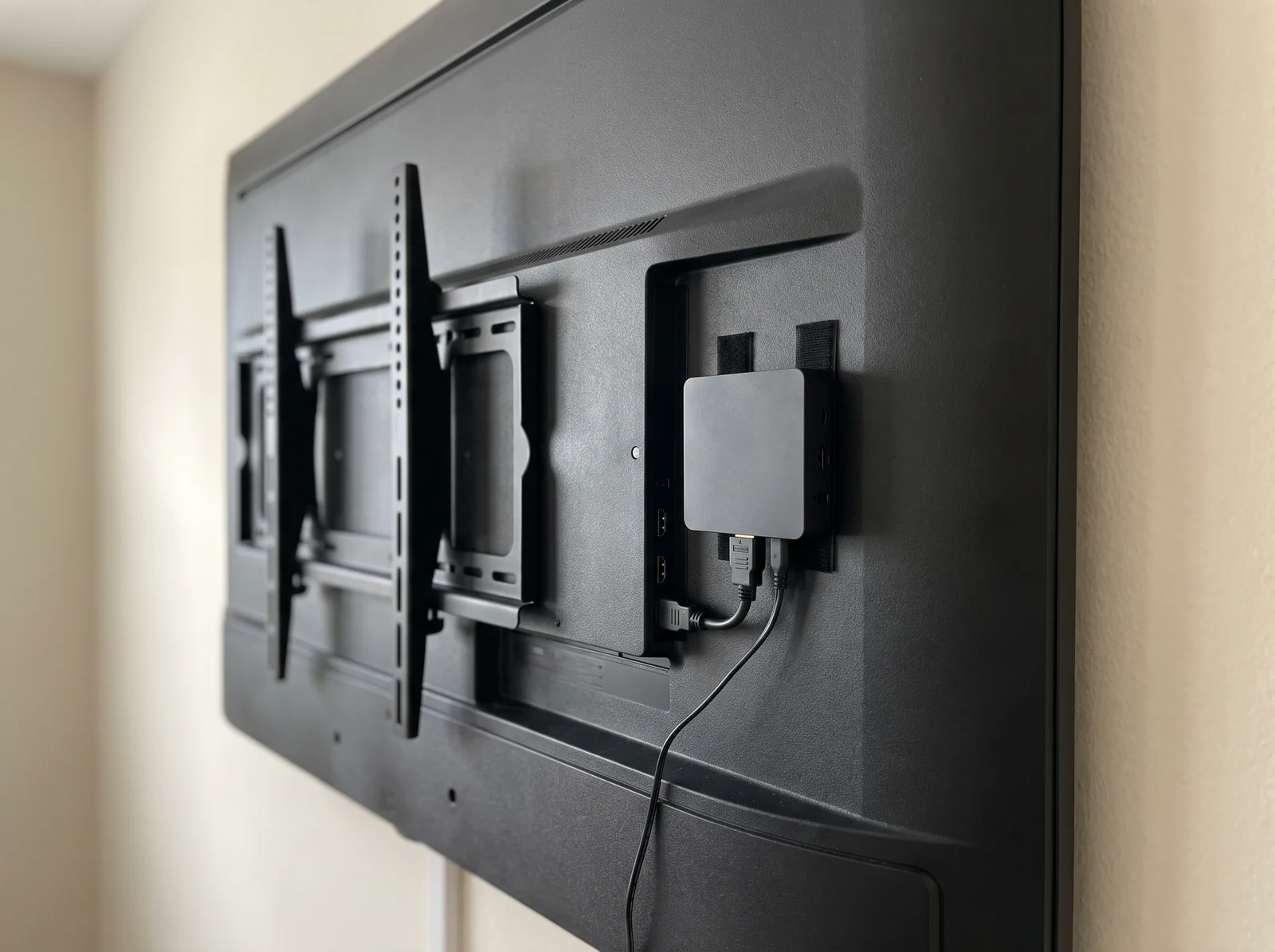
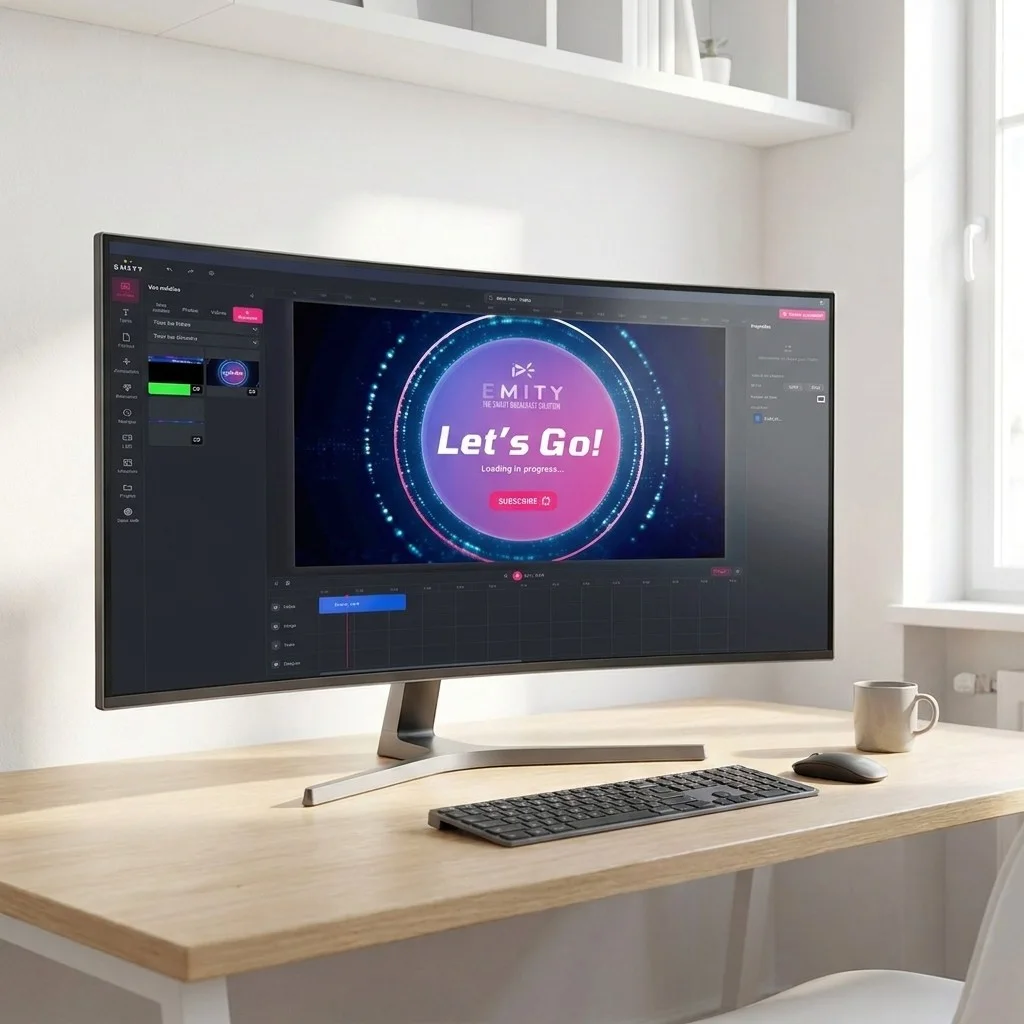
Four steps, and the first screen is broadcasting the same day.
EMITY at a glance
A French software company, a network of certified resellers
+7,000
screens connected
+1,000
customer accounts
+130
reseller partners
+20
countries
EMITY develops its software suite in Montpellier, France, and distributes it through a network of certified resellers. One account can run anything from a single screen to a thousand: a seasonal information point as easily as a regional network.
08Frequently asked questions
What visitor centres ask before they invest
Let us make it concrete
Try it on the window before equipping the whole destination
The trial opens the full platform with every feature included, for 3 months, on one screen, with no card details and no commitment. Enough to connect your events feed, schedule a week of high season and judge for yourself.


