
Touch screen kiosk: the models, the uses, and the software that runs them
A touch screen kiosk in a lobby or a store earns its place under one condition: what it shows has to be accurate, up to date, and built for the person walking up to it. Here is what a kiosk is made of, what it changes in your spaces, and how to stay in control of its content.
Definition
What is a touch screen kiosk?
Three parts, and nothing more complicated than that.
A touch screen kiosk is therefore a self-service terminal: visitors find what they came for on their own — an opening time, a floor plan, a form, an order — without taking up anyone’s time. What separates it from a plain digital signage screen is that exchange: a signage screen broadcasts, a kiosk answers.
The models
Six families of kiosks, six jobs
Pick the model from the gesture you expect of the visitor, not from the datasheet.
Information kiosk
Opening times, maps, prices, what is on today. Visitors look, find, and move on.
Councils, stations, museums
Welcome kiosk
Visitors announce themselves, the host is notified, a badge prints. The visitor book keeps itself.
Office lobbies, industrial sites
Ordering kiosk
The catalogue gets browsed, the order gets built, the queue at the till melts away.
Food service, retail
Payment kiosk
Self-service payment with a card reader. Going through a till becomes optional.
Shops, car parks, service desks
Feedback kiosk
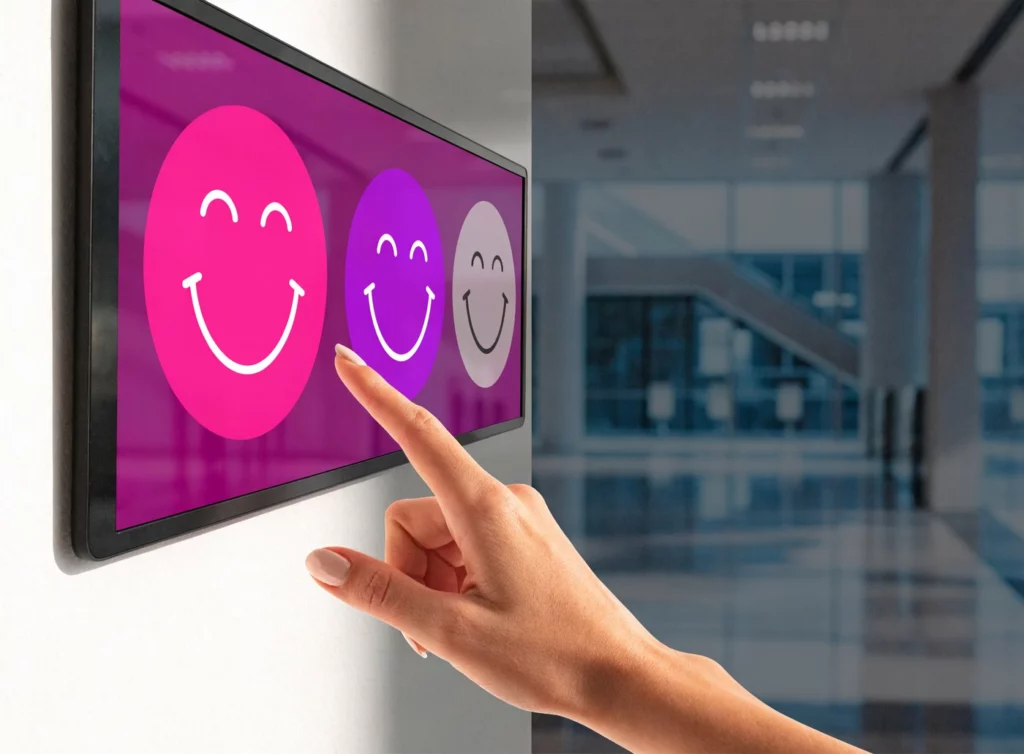
Two taps on a smiling face and the rating is in. More detail on the survey management page.
Reception, healthcare, hotels
Interactive table
Same idea, laid flat and open to several hands at once: content gets viewed together, annotated, compared.
Showrooms, meeting rooms
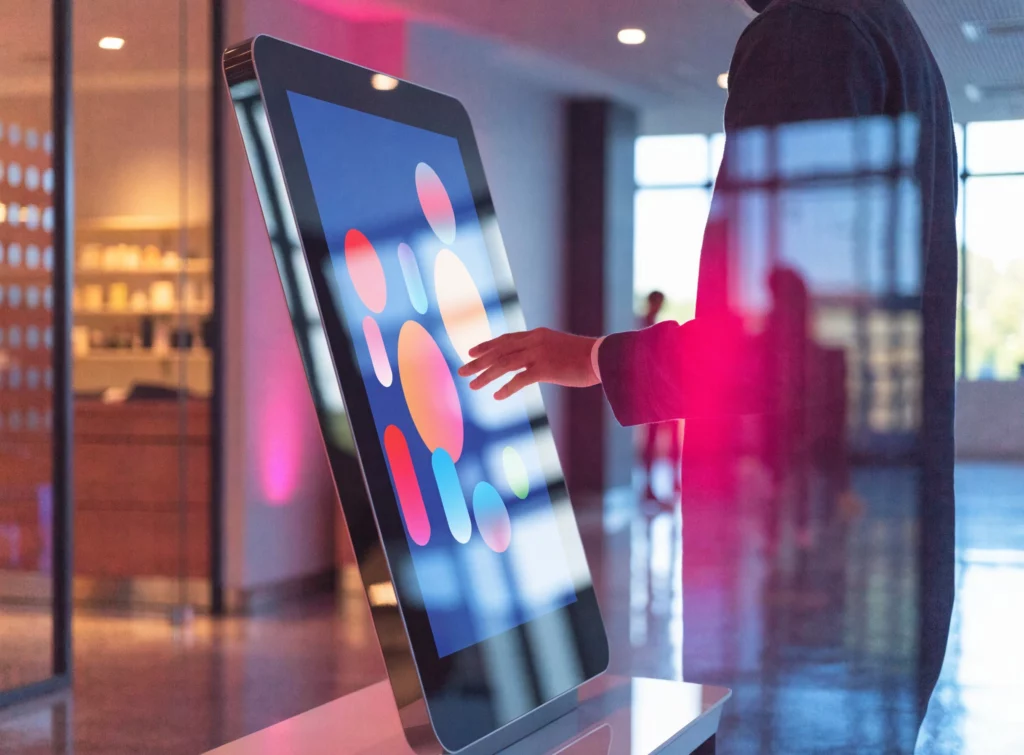
One menu, a few taps, and the visitor is self-sufficient
A kiosk journey has to read in a second: four to six choices, plain words, large icons. Everything else — the sub-menus, the documents, the forms — unfolds behind that first screen. This is what separates a kiosk people use from a kiosk people walk past.
The market agrees: interactive kiosks account for USD 37.7 billion in 2026 and are forecast to reach 46.8 billion by 2031, a 4.4 % compound annual growth rate (Mordor Intelligence, 2026). Retail alone holds 31.6 % of that revenue.
What it changes
Three effects, visible in the first week
A kiosk replaces nobody: it takes over the repetitive gestures and gives time back to the people who welcome visitors.


Sectors
Where touch screen kiosks earn their keep
The hardware barely changes from one sector to the next. What changes is the journey you offer the visitor.
In context
Three places, three journeys
The same software building blocks, assembled differently.


Accessibility
An accessible kiosk is no longer optional
Since 28 June 2025, self-service terminals fall within the scope of European accessibility law. Worth knowing before you buy.
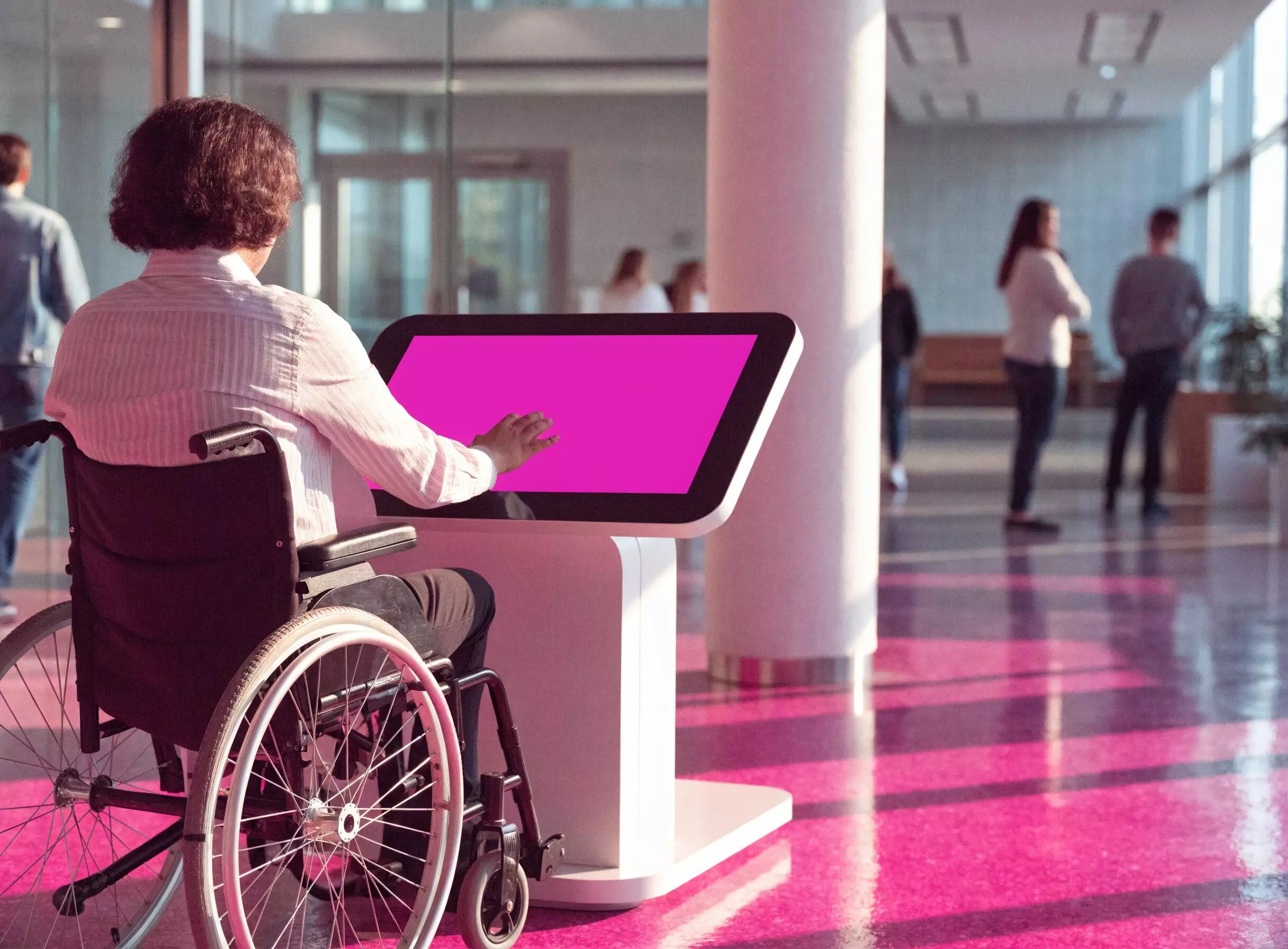
What the European framework says
Directive (EU) 2019/882, known as the European Accessibility Act, has applied since 28 June 2025. Its Annex I names interactive self-service terminals explicitly, alongside transport ticket machines and queue ticket dispensers. It binds anyone placing such a terminal on the EU market, wherever the company itself is based.
- ✓Technical reference: EN 301 549
- ✓Web portion of the journey: WCAG 2.1 level AA
- ✓In French public-access buildings, the accessibility rules of the order of 20 April 2017 apply on top
- ✓Reach height, contrast, touch target size, and a journey usable without fine eyesight
Control
Staying in charge of what the kiosk shows
The software is what separates a kiosk estate you run from a kiosk estate that runs you.
E-CLICK, inside E-MANAGER
E-MANAGER is EMITY’s web dashboard; E-CLICK is its interactive side. You build the menus for your kiosks there, choose what shows at which time and on which site, and publish. The kiosks update themselves, wherever they stand.
One account covers one kiosk or a thousand, and access can be divided up: a site team edits its own content without touching anyone else’s. Full feature list on the E-CLICK page.
One place for everything
Content, schedules and permissions live in the same interface, however many kiosks and sites you run.
Updates from anywhere
A visual corrected at 9 am is live at 9:01 on every kiosk concerned. No more trips on site to change a poster.
Modules to assemble
Queue management, visitor book, surveys, room booking, speech synthesis: each kiosk gets what its location needs.
Permissions per person
Every user sees their own scope and nothing else. It matters as soon as several sites publish in parallel.
In practice
From delivery to the first visitor
Allow half a day for a first kiosk, with no particular IT skills.
Plug it in
A power socket and a network connection — wired or Wi-Fi. The kiosk boots and announces itself.
Register it
The kiosk appears in E-MANAGER: you name it, give it a location and a time zone.
Build the journey
The menus, content, languages and modules that suit this place get assembled in the editor.
Publish
One click and the kiosk shows the journey. Later corrections travel the same way, without going back on site.
Content and hardware
Creating the visuals, and keeping your screens
Design without a third-party tool
EMITY’s built-in editor lives inside E-MANAGER: a visual, a card or a poster is composed straight in the platform, with no export and no extra account. In most cases, that is enough.
If your teams already work with Canva or Adobe Express, both connect as well: the visuals arrive in the media library without a download step.
Your existing kiosks keep working
EMITY stays compatible with every manufacturer — LG, Samsung, iiyama, Philips, Sony, Vestel, ViewSonic, ChromeOS. An estate already installed does not have to be replaced to change software.
- ✓E-SOFT installs on the screen itself: Tizen (Samsung), webOS (LG) or Android
- ✓E-BOX takes over when the screen cannot host anything — the media player
- ✓Compatible screens and e-paper panels are covered separately
- ✓Taking over an estate run by another vendor’s software: that is a supported case
Trusted by
Estates of 1 to 1,000 screens, in more than 20 countries
1,000+
customer accounts
7,000+
connected screens
130+
reseller partners
20+
countries
At Colissimo, 300 screens keep logistics teams informed. At Europcar, 360 screens and touch tablets are installed across the French branches. At Schindler, more than 100 lift cars carry useful information for passengers.
Distribution runs through a network of certified resellers across France and Europe: installation, training and support come from someone close to you.
Comparison
Central software, or one kiosk at a time
The table starts to matter with the second kiosk. Past five, the gap is measured in hours every month.
| One kiosk at a time | With E-CLICK | |
|---|---|---|
| Updating a piece of content | Walk to each kiosk, USB stick in hand | Publish once from E-MANAGER; every kiosk follows |
| Scheduling ahead | Remember to do it, on the day | Set the days and times; the playout starts on its own |
| Adding a function (queue, visitor book, survey) | Find a separate tool, and one more contract | Switch the module on inside the platform |
| Changing screen brand | Start again with the manufacturer’s software | Every manufacturer is supported; the estate can be mixed |
| Handing control to a local team | Share one login between several people | Create a user with their own scope |
| Creating the visuals | A separate design tool, then an export | EMITY’s built-in editor, plus Canva or Adobe Express if needed |
Frequently asked questions

