
Customer case · Flexible workspace
Digital signage for coworking
spaces: Bureaux & Co
Bureaux & Co designs flexible workspaces: private offices, coworking and meeting rooms. Since 2021, 16 screens driven by EMITY have guided visitors, announced what is happening on site and given visibility to the services at each location, in France and in Spain.

The case in brief
Selling square metres is easy, making the services visible is not
A flexible workspace sells two things: square metres and services. The square metres are there to be seen; the services are not. A free meeting room, a members’ breakfast, a new registered-address offer: without something to carry them, they stay in a newsletter nobody opens.
That is the problem Bureaux & Co chose to solve with screens. From 2021 the operator rolled out 16 screens driven by EMITY across its spaces: private offices, coworking and meeting rooms. Not to decorate a lobby, but to keep members informed, announce events and give visibility to the businesses based on site.
16
screens driven by EMITY
2021
first year of the roll-out
2
countries on the same account
1
dashboard for every site
Who the client is
A network of flexible workspaces, in France and in Spain
Bureaux & Co designs and runs flexible workspaces: private offices, bespoke offices, coworking, meeting rooms, registered addresses and event spaces. The model rests on shared premises where the facilities are pooled and where business owners cross paths.
Figures taken from bureauxandco.fr on 13 August 2026: the operator reports more than 180 coworking spaces and more than 40,000 members and coworkers welcomed. It has sites in Montpellier, Béziers, Perpignan, Marseille, Aix-en-Provence, Nantes, Rennes, Lyon, Deauville and Malakoff, as well as Girona in Spain, and offers its model as a franchise.
Those figures are the client’s own, at the date shown; the scope fitted out by EMITY is the one described on this page: 16 screens, since 2021.
- ✓Private offices and bespoke offices
- ✓Coworking by the day or by the year
- ✓Meeting rooms and event spaces
- ✓Registered addresses and business addresses
- ✓A franchise network, France and Spain
The starting point
Three constraints specific to a shared workspace
Before talking about screens, here is what the operator of a flexible workspace actually has to solve.
The people on site change every day
A member on an annual contract, a coworker passing through, a visitor here for a one-hour meeting: none of the three reads an internal memo. The information has to reach them where they walk, without asking them to go looking for it.
The services are invisible
A free room, a registered-address slot, an evening event, a new offer: what is not seen is not used. That is revenue already sitting on site, waiting only to be announced.
Several sites, one team
Around ten locations and two countries: repeating the same poster site by site does not scale. You compose once, choose where the information goes, and let each site keep its own messages.
On site
What the 16 screens show, position by position
Three positions, three uses that have nothing in common: that is what separates a network of screens from a notice board.
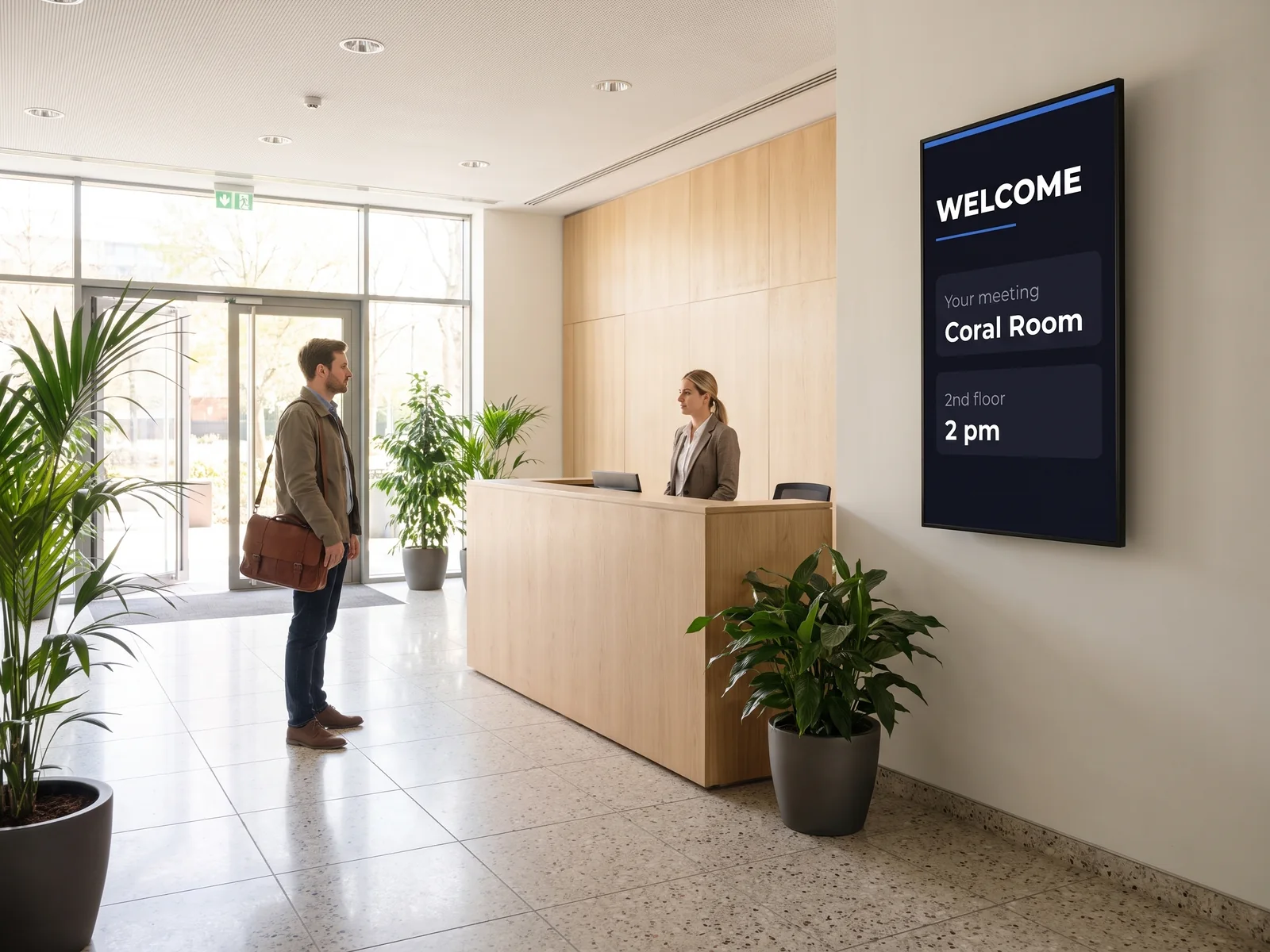
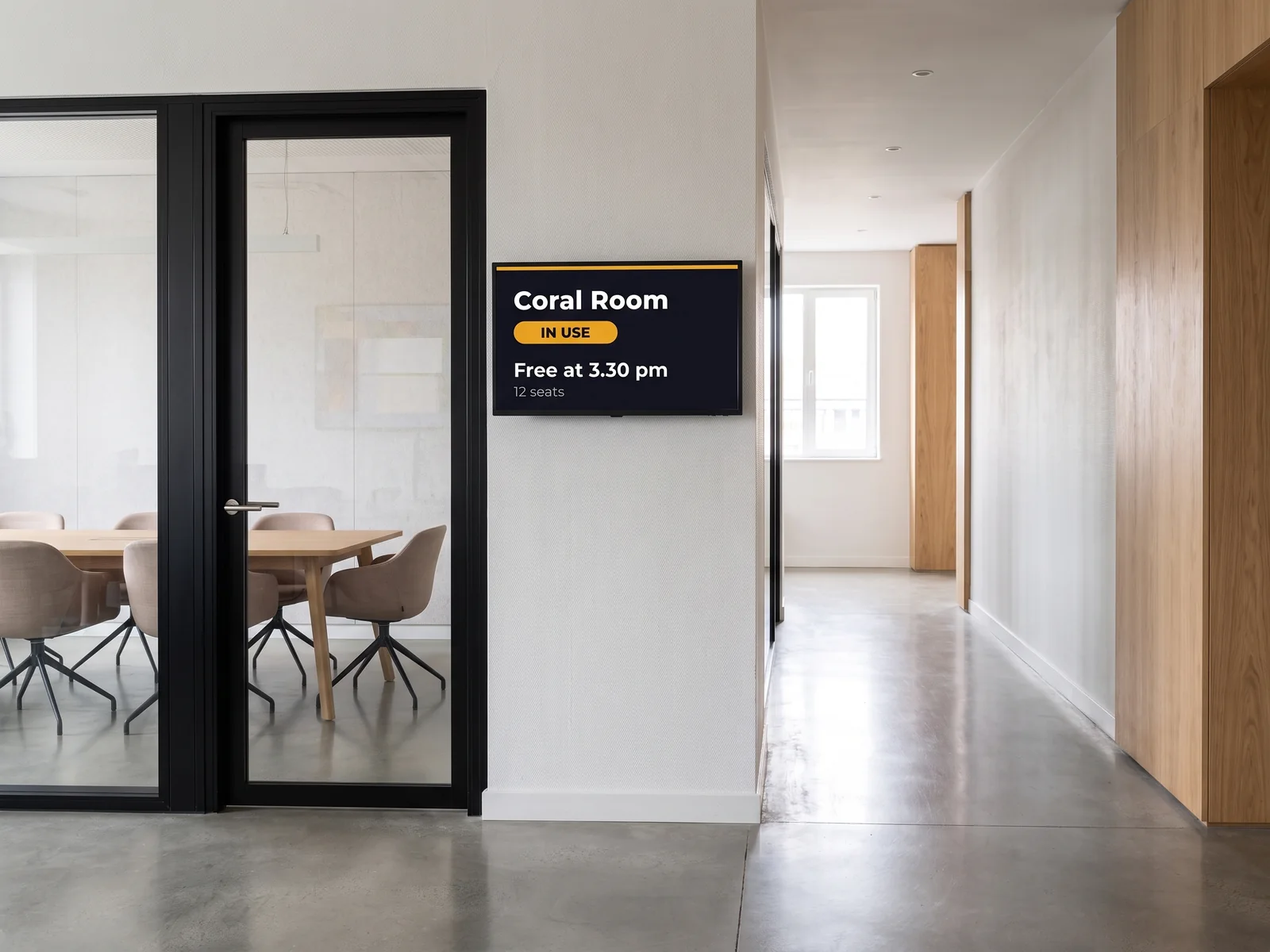
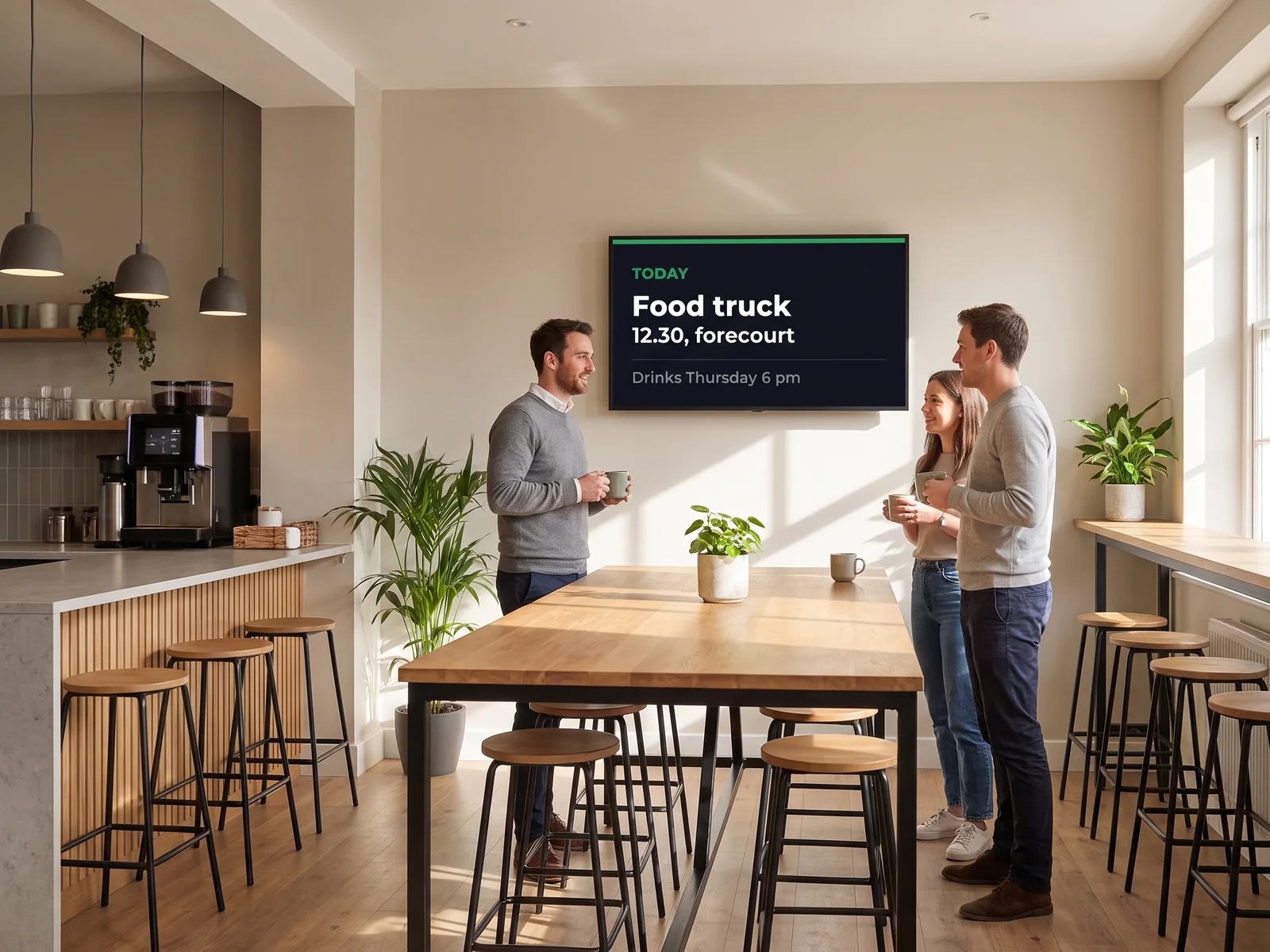
Photographs of the roll-out
Two screens in service, photographed on site
These two photographs have accompanied the case since it was published. They are not staged: they are the screens as installed.
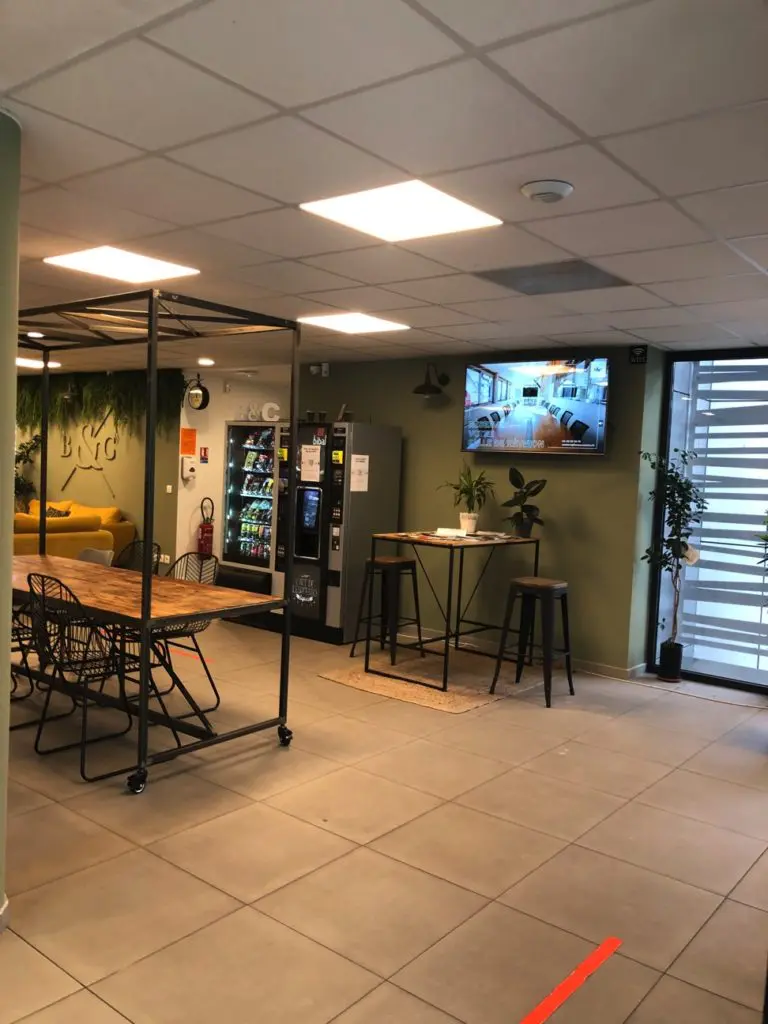
A shared area at Bureaux & Co: high table, breakout corner and a wall-mounted screen, below the operator’s monogram.
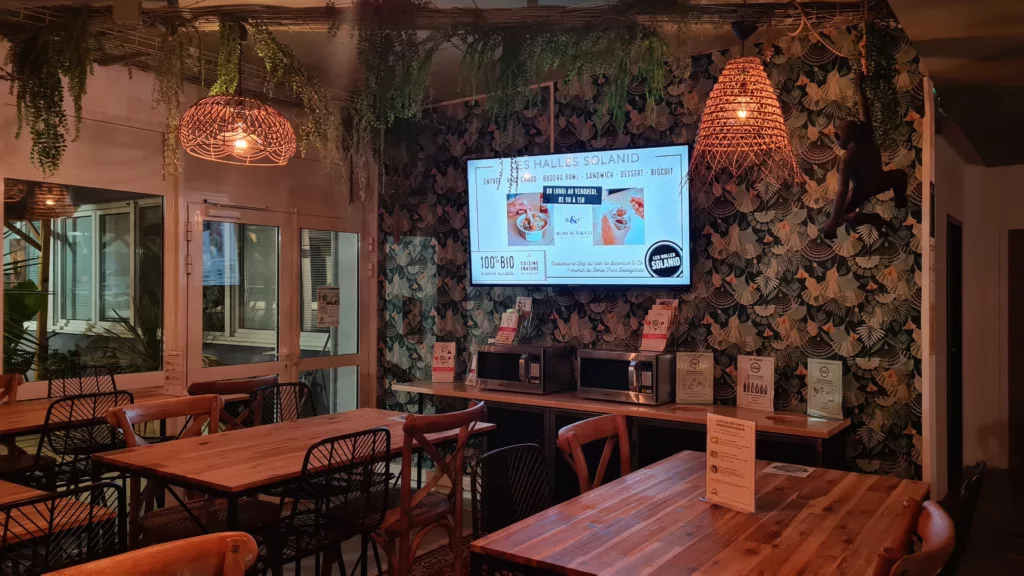
A screen in a catering area on site, announcing the day’s offer and its opening hours. The site is in France, so the screen is in French.
The client’s words
What Bureaux & Co says about it
Two quotes from Hicham, head of digital strategy, reported as they were given.
“We didn’t master the subject, but EMITY gave us great advice and was able to answer our questions.”
“We are very satisfied (…). The EMITY solution is deployed in all our spaces (…) and we know that with EMITY’s developments, we can go even further.”
The argument to keep
When the screen becomes a service sold to members
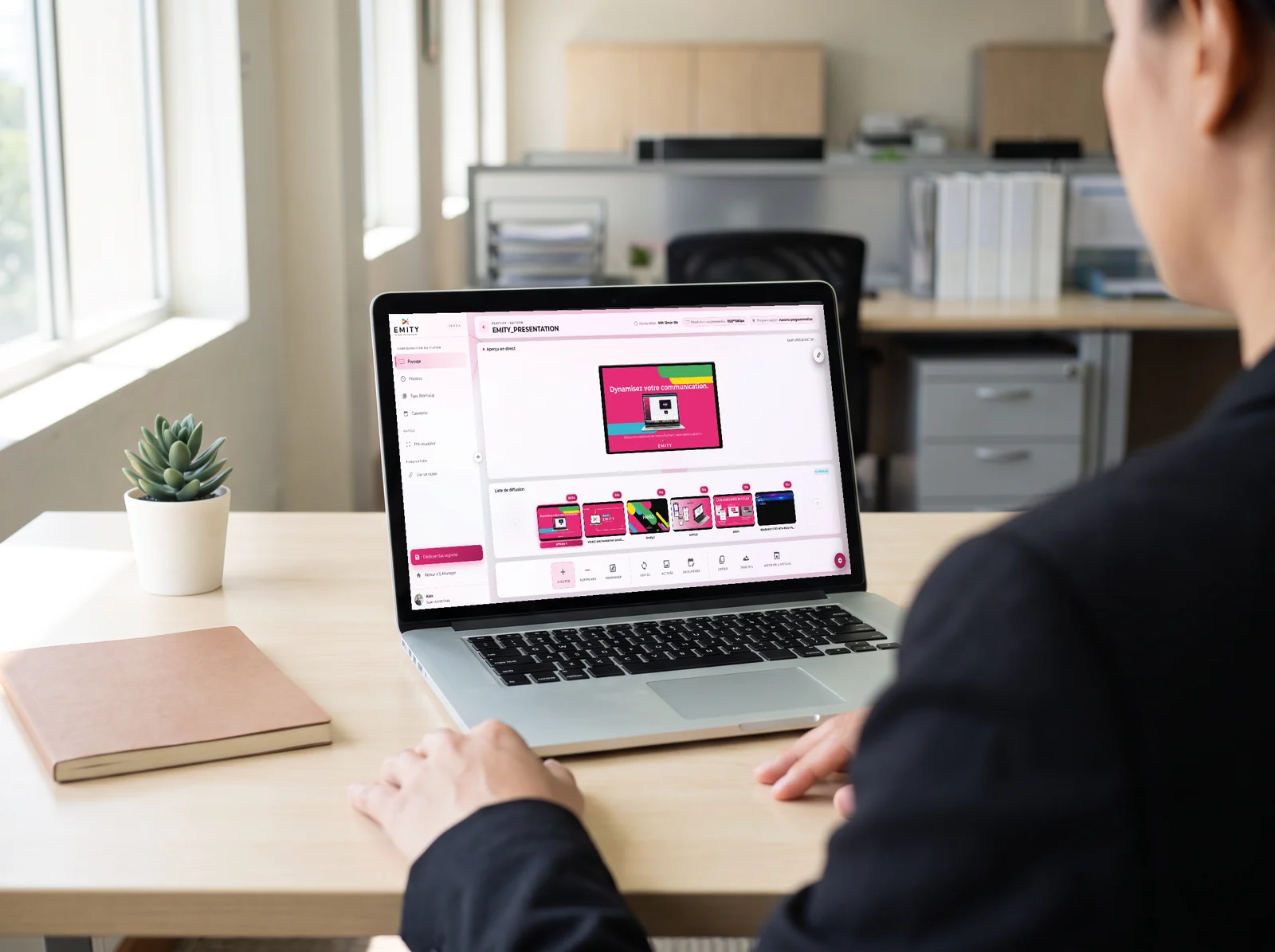
- ✓Visibility sold to members, on a screen that is already installed
- ✓Scheduled slots by site, by screen and by time of day
- ✓Artwork composed in the EMITY built-in editor — and, if your teams already use them, in Canva or Adobe Express
- ✓Live content slotted between messages: news, weather, social media
- ✓The operator keeps control of the scheduling, from the first screen to the last
How it unfolded
From a press article to 16 screens
Found through a press article
The Bureaux & Co team came across EMITY — then Wepub — in an article about the company’s history. No cold call, no trade show: a read.
Testing the software and the player
The setup was tried before any commitment: E-MANAGER to drive the screens remotely, E-BOX to connect them on site. It was the advice and the answers to the technical questions that settled the choice.
16 screens across the spaces
The screens went in where people walk: reception, meeting rooms, shared areas. The roll-out followed the operator’s growth, in France and then abroad.
In-house advertising and live content
Once the display was running smoothly the use widened: resident businesses given prominence, live information, event announcements. The screen became a channel in its own right.
The comparison
What the screen changes in a shared workspace
The subject is not the technology: it is the difference between information that goes out of date and information that updates itself.
| With a notice board | With a managed network of screens | |
|---|---|---|
| A room that frees up | Nobody knows until they open the door | The door screen shows the status and the time it frees up |
| A community event | A poster to print, put up, then take down | A dated schedule that removes itself |
| One notice across ten sites | Ten sendings, ten print runs, ten put-ups | One message composed once, sent by group of sites |
| A little-known service | A mention in a newsletter | A regular reminder where members stop |
| A resident business to promote | Nothing in place | An advertising slot, scheduled by screen and by time |
And for you
What this case says to operators of shared premises
A business centre, a coworking space, an office building, a head office shared by several subsidiaries: the same question comes up as soon as a building hosts people who do not all work for the same organisation.
Across the whole estate, EMITY now connects more than 7,000 screens for more than 1,000 customer accounts, in more than 20 countries, supported by more than 130 certified distribution partners.
Digital signage for companies
Internal communication, reception, meeting rooms: the company case, and the platform that drives the screens.
Meeting rooms and visitors
The two modules a flexible workspace uses most: meeting room booking and the visitor guest book.
Buildings and other customer cases
The same subject at building scale: digital signage in buildings, and the other customer cases.
Frequently asked questions


