
Customer case · Bakery and patisserie
Digital signage in a bakery:
the Atelier Banette case
Fifteen screens installed since 2020, in the shop window and behind the counter, all driven remotely by the chain’s marketing manager. Here is what was fitted, what the screens show as the day goes on, and how much time it takes the team.
The rollout
Fifteen screens, five ranges, one person at the controls
Atelier Banette
Bakery · patisserie · snack
Shops across France
Fitted by EMITY since 2020
Atelier Banette is a French bakery, patisserie and snack chain with shops across France. It brings together five ranges — bread, patisserie, sandwiches, pizzas and tarts — and they do not all sell at the same time of day.
That is precisely what led the chain to digital signage in 2020: to be more visible from the street and to show its products off inside the shop, without adding to the workload at the counter. Fifteen screens were installed, all driven from E-MANAGER, the dashboard that opens in a browser.
15
screens fitted, in the window and in the shop
2020
year the screens went live
5
ranges to keep alive on the same screens
1
person drives the whole estate, remotely
Before the screens
What a bakery window has to show, and where paper struggles to keep up
A bakery does not sell the same thing at 7 in the morning and at 5 in the afternoon. It is that rhythm, more than the number of products, that puts printed signage under strain. Three situations kept coming back.
The fit-out
Two building blocks: the software, and the screen
Digital signage comes down to two things. The rest — how the screen connects, what size the panels are — is settled during the site visit, shop by shop.
On the ground
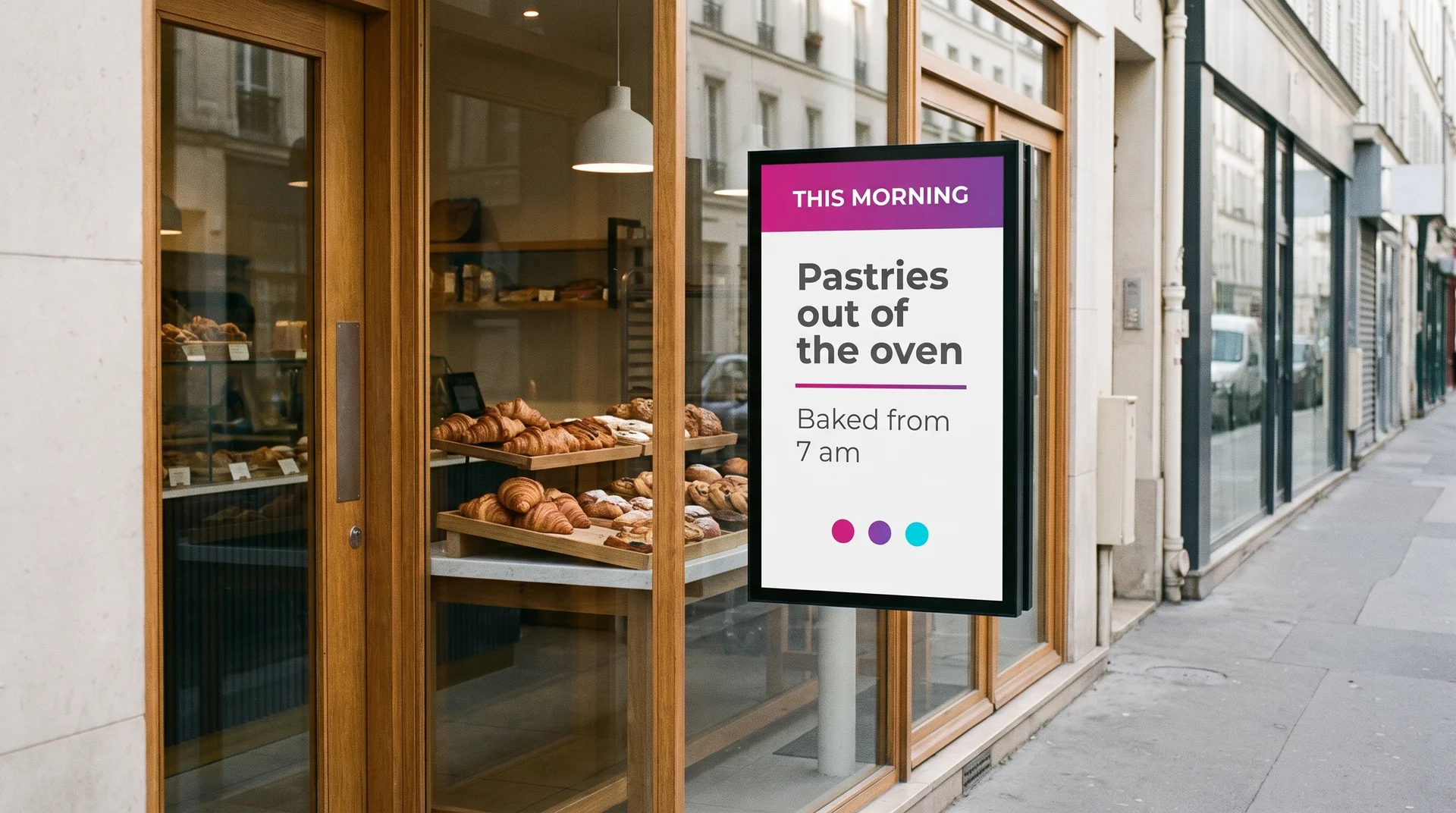
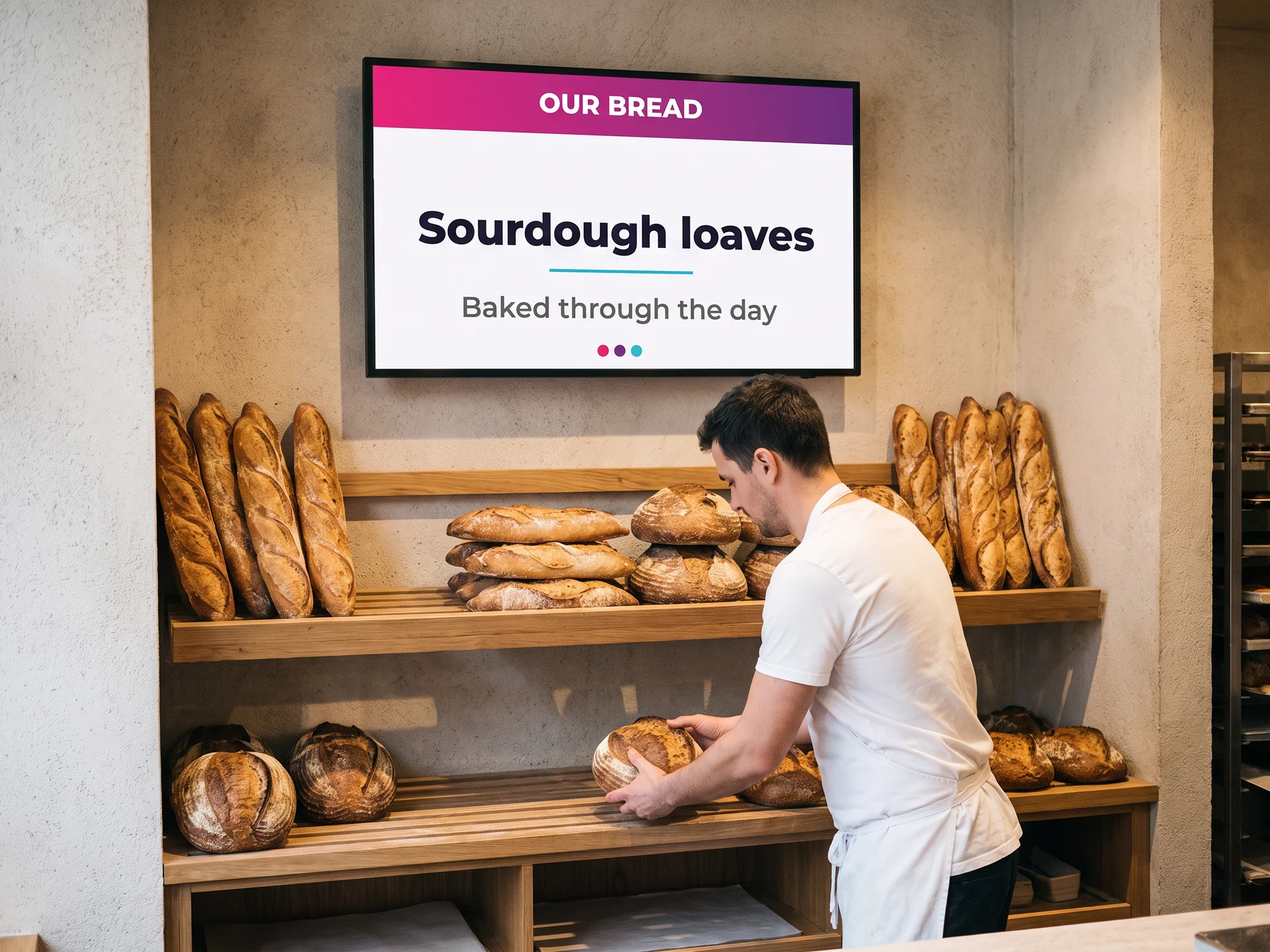
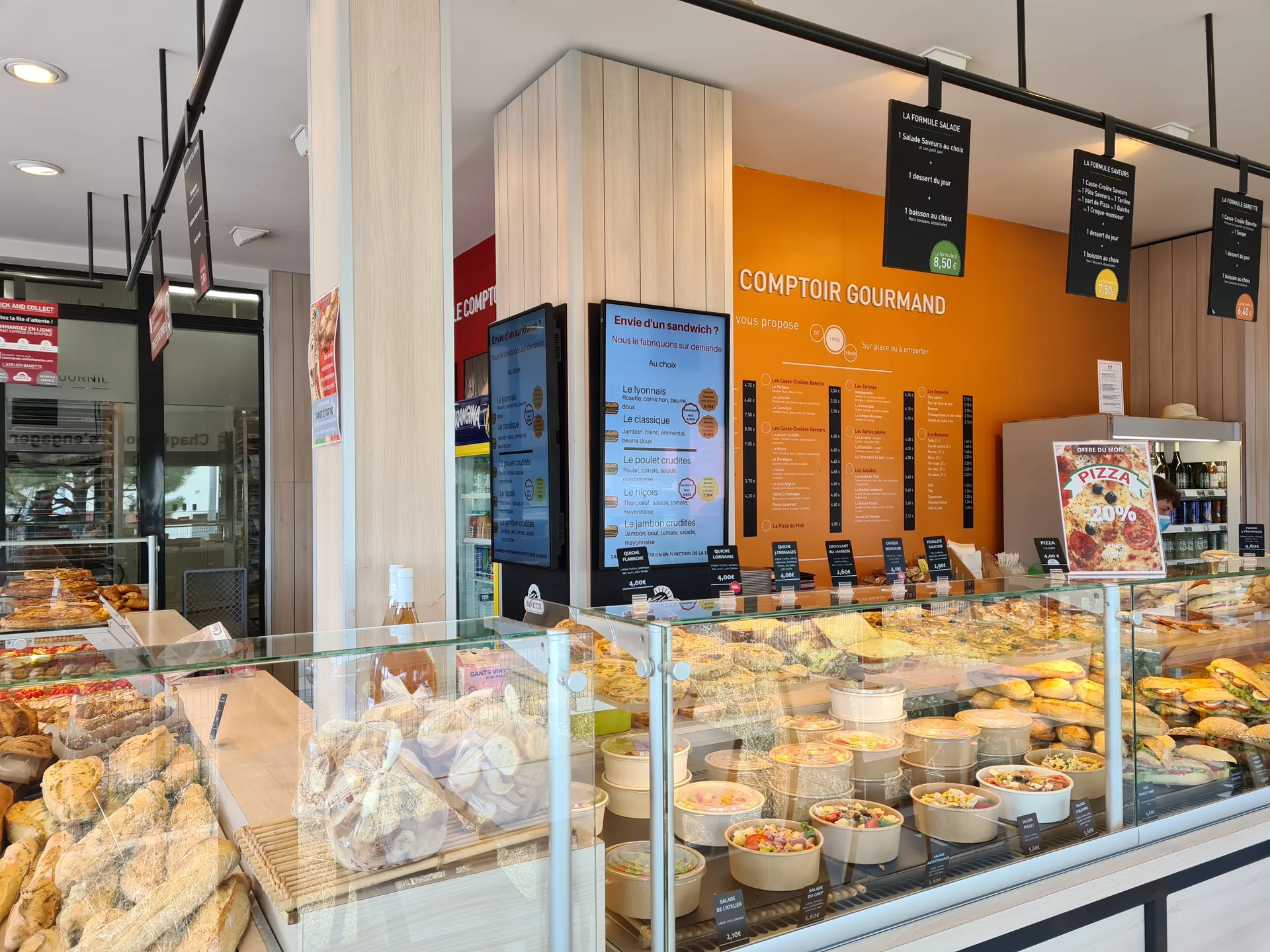
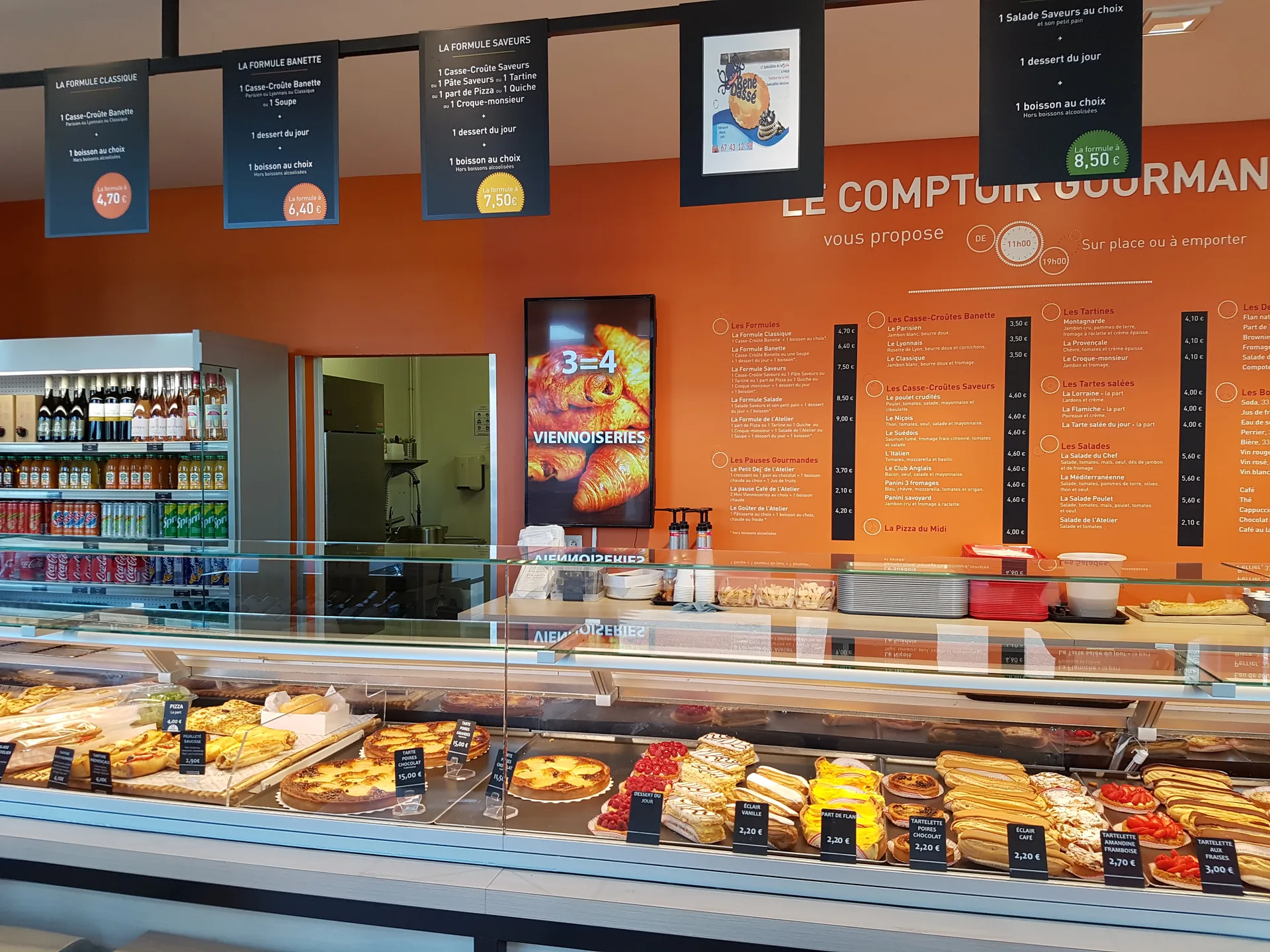
Four positions, four different messages
A screen does not say the same thing in the window and above the sandwich counter. The position decides the content, and the time of day decides the rest.
Day to day
What the team actually gains
The benefit is not measured in grand claims: it is counted in small jobs that drop out of the day.
The day is set up once and for all
Every piece of content gets a time slot: pastries until 11, the lunch deal until 3, cakes from 4. The screens switch over on their own at the right moment, seven days a week, without anyone at the counter having to think about it.
A visual gets made without a designer
EMITY’s built-in editor offers templates to fill in: a heading, a photograph, a note. The marketing manager puts the visual together and publishes it straight away — which is exactly what she describes below.
The network speaks with one voice
Screens are grouped by shop and by position. A national campaign is pushed to a whole group — every shop window in the network, for instance — while each shop keeps control of its own local content.
Mandatory notices travel the same way
In France, a bakery has to display its prices including tax so they can be read from outside (arrêté du 3 décembre 1987) and to make allergen information available for food sold unpackaged (décret n° 2015-447, applying EU Regulation 1169/2011). A screen can carry those notices just as it carries everything else: they are corrected in the same place as the visuals, on the day a recipe changes.
The sequence
From the first visit to running it alone
The site visit
The EMITY design team walks the shop and notes where people already look: the window, the counter, the queue. That visit decides how many screens there are, what size they are and how high they go.
Fitting and connecting
Screens mounted, connections checked, screens declared in the platform and grouped by position: window, bread, sandwiches, cakes.
Getting to grips, in one session
The marketing manager learns to put a visual together, give it a time slot and send it to a group of screens. The rest is learnt by doing.
Running it alone
The marketing team creates and publishes without technical help. A season’s visuals are reloaded the following year instead of being made again.
The same platform runs the back of house
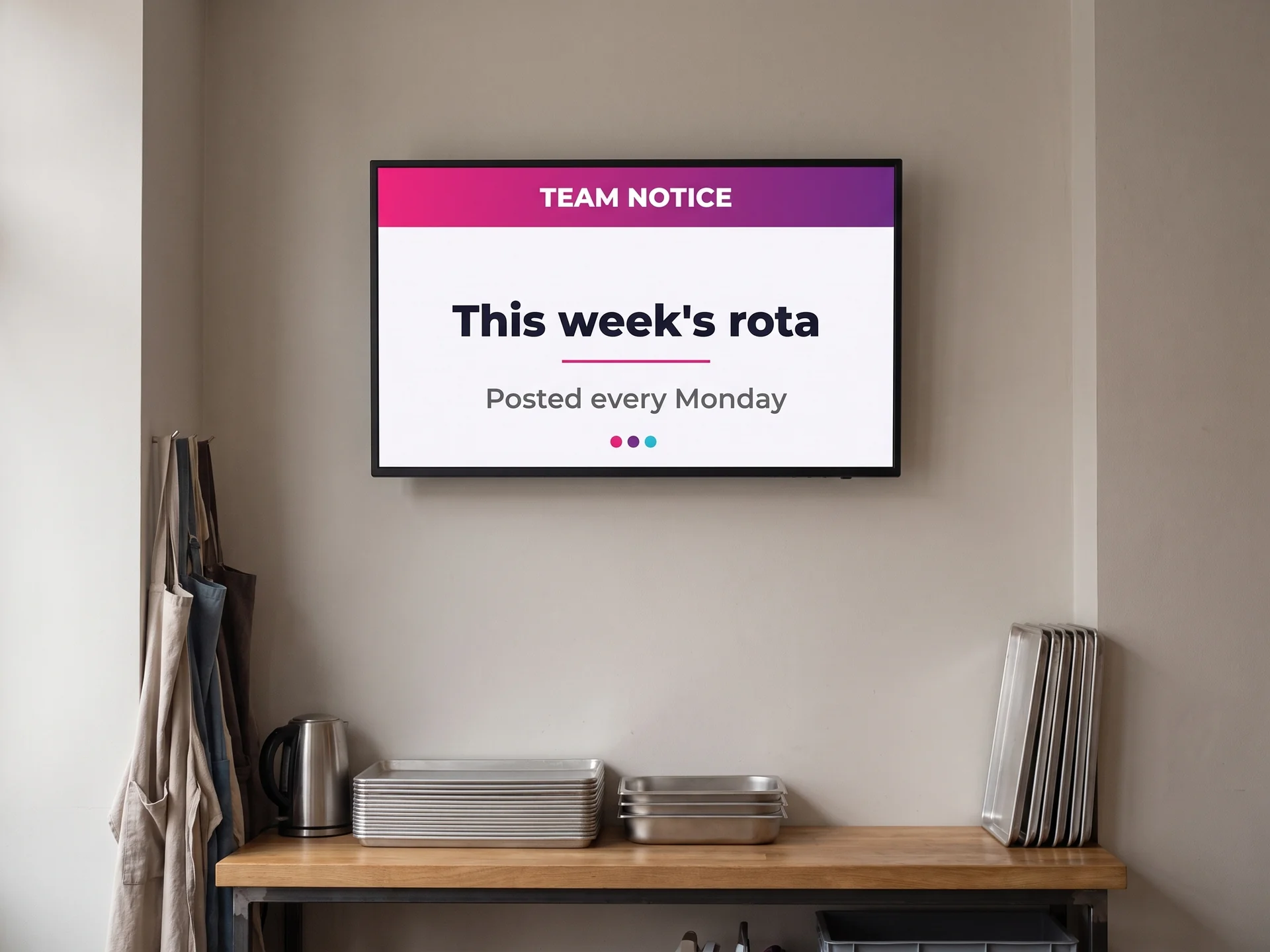
Screens are not only for customers. One fitted in the staff area carries the rota, the delivery plan and the campaigns coming up — the same E-MANAGER account, simply another group of screens. When a visual needs making, the platform offers EMITY’s built-in editor — and, for teams already using them, Canva and Adobe Express.
- ✓Screens grouped by position: window, bread, sandwiches, cakes
- ✓Scheduling set in advance, with a start and end time
- ✓The state of every screen in the network, visible from the office
- ✓A season’s visuals reusable the following year
In the client’s words
“What is good about it is having that remote control, and being able to create straight away with an editor built into the tool. It really is good — it is a very fine tool.”
The questions that come up
What bakeries ask before fitting screens
Read on


