Pharmacy digital signage: the screen answers, you advise

Opening times, where to find the paracetamol, which services you offer: your team answers the same questions fifty times a day. In the window and over the counter, a screen takes that load — and counter time goes back to being advice.

+7,000screens connected
+1,000customer accounts
+6applications

The starting point

A pharmacy spends its day repeating itself

The problem is not a lack of information. It is that the information only travels by voice, one person at a time, exactly when the queue is building.

The EMITY suite

Five uses, one dashboard

A pharmacy does not need five contracts or five training sessions: everything is driven from E-MANAGER, with one login per member of staff.
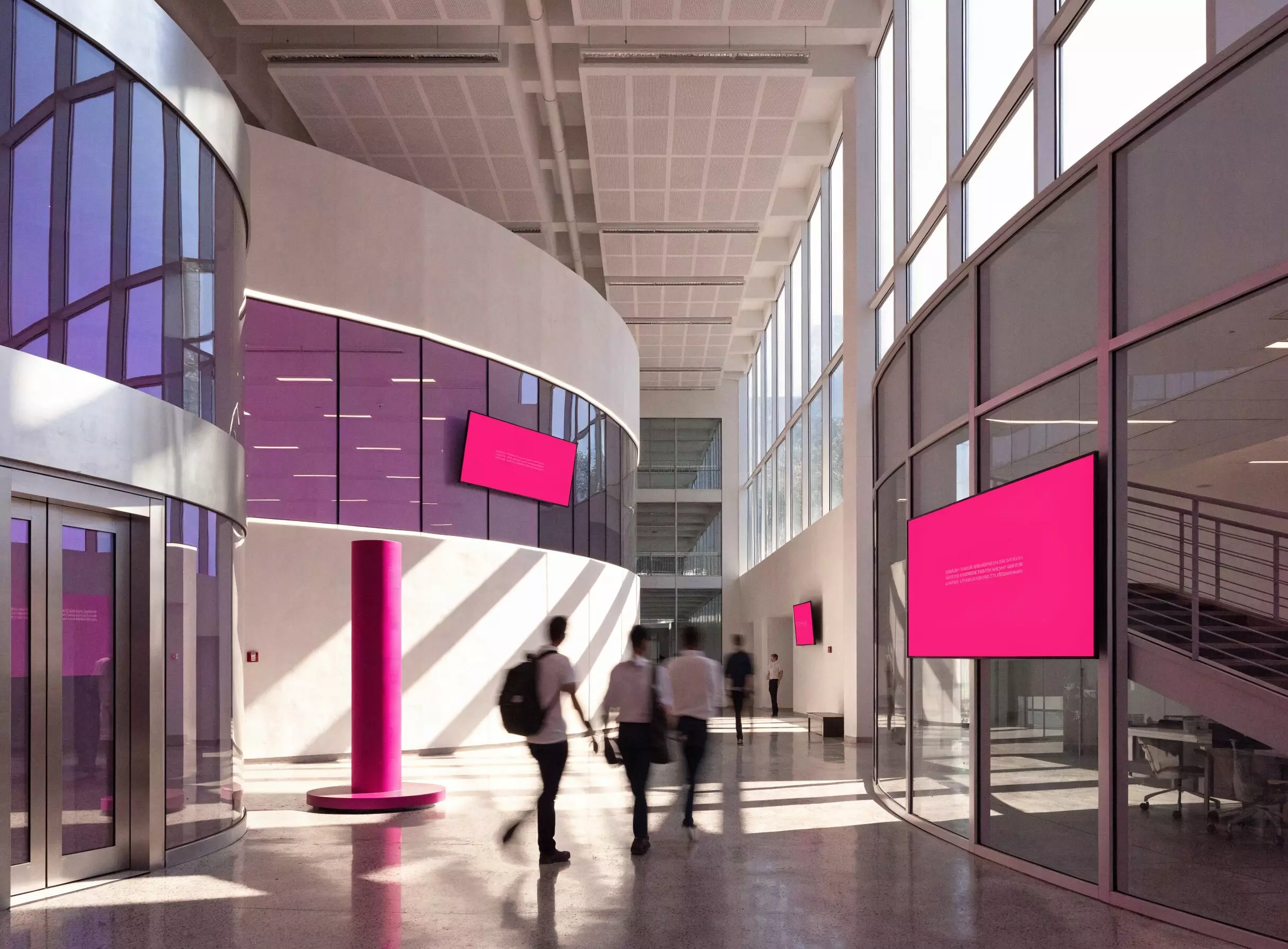
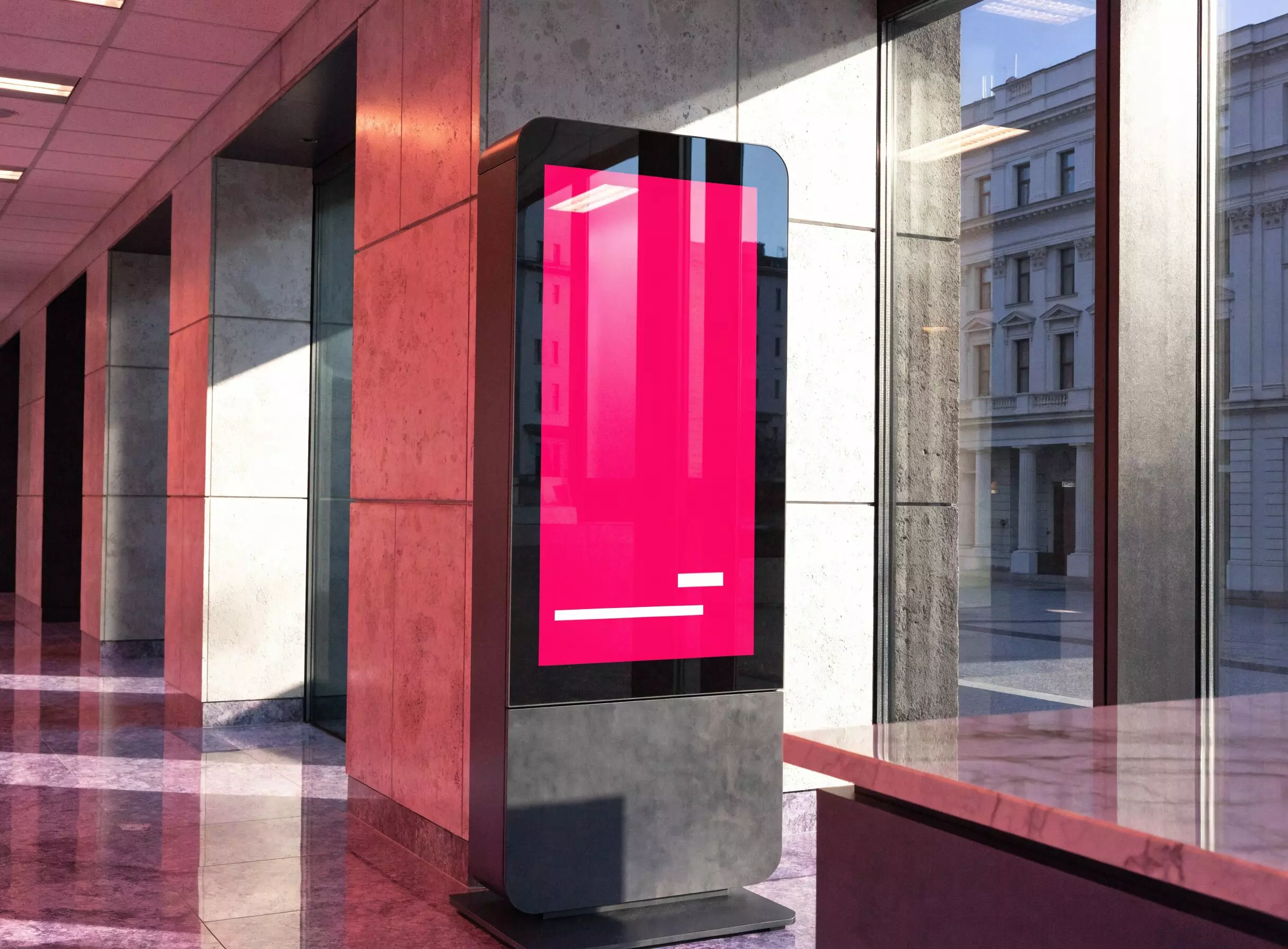
Digital signage screens in a reception area

Digital signage

Broadcast to the screens in the pharmacy: build a visual, schedule it around your opening hours, drive one screen or several remotely.

Every screen

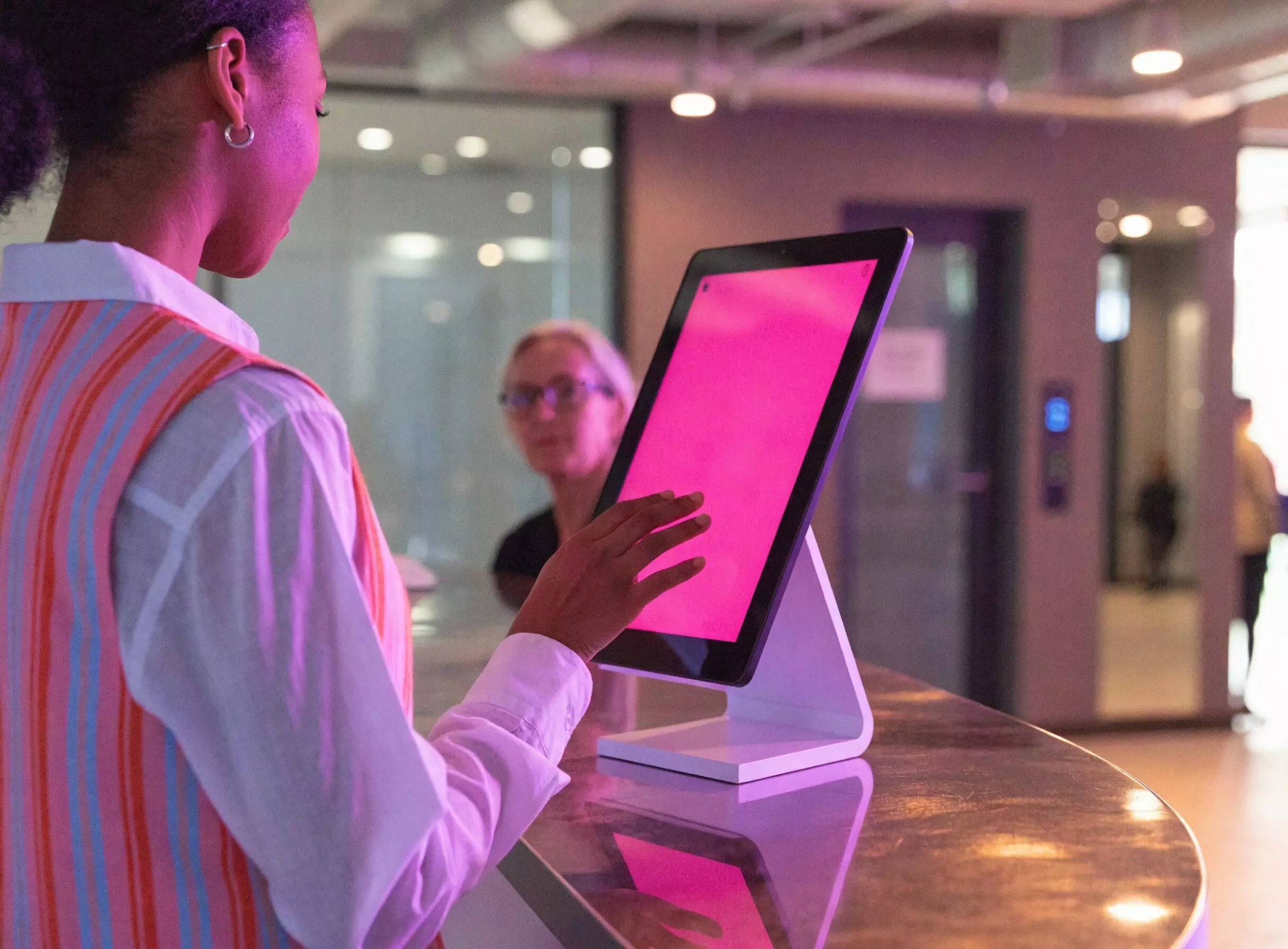
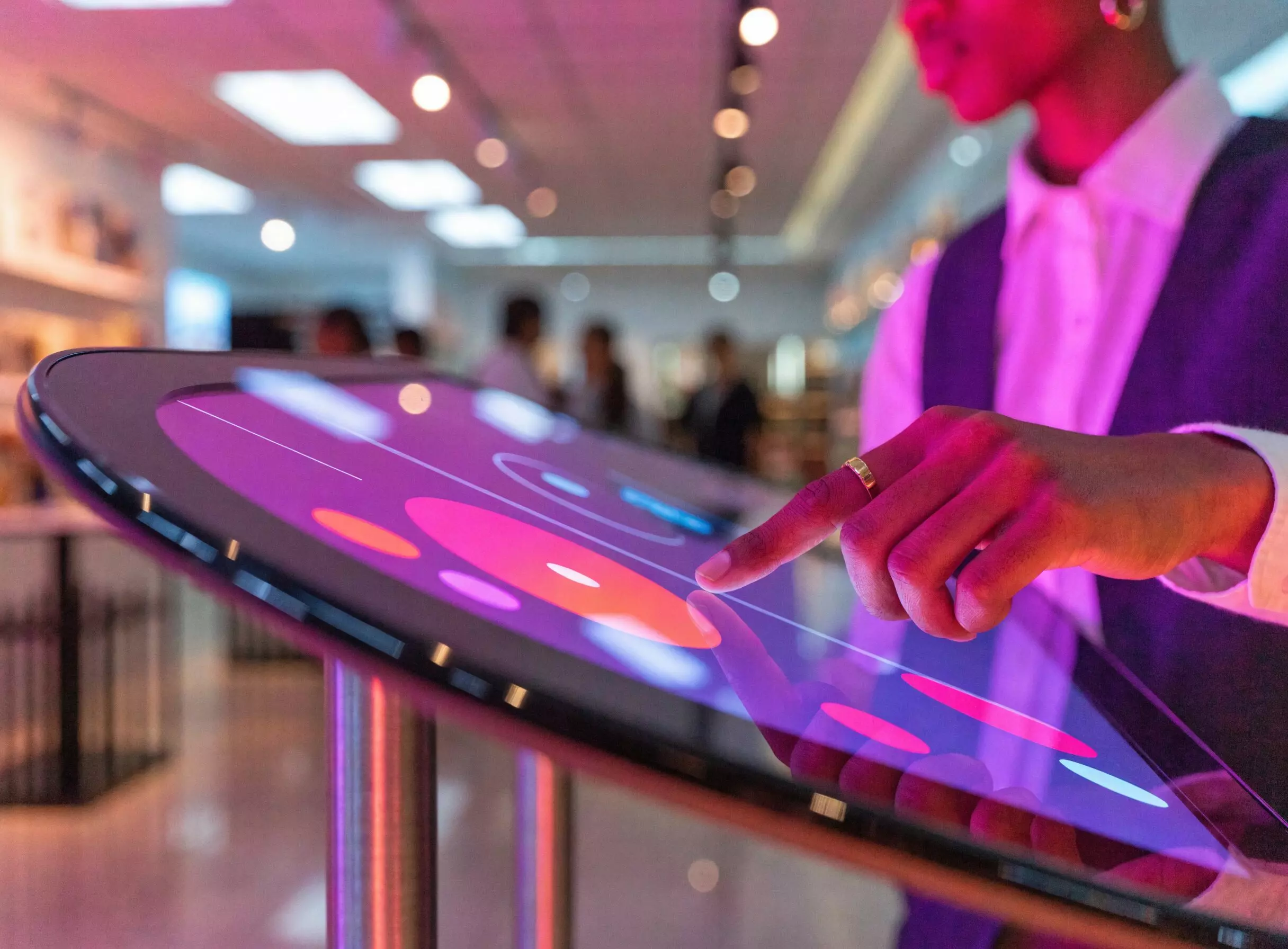
Interactive touch kiosk used in self-service

Interactive display

A touch journey for the health and beauty aisle: customers browse by need or by brand. Included from the Excellence plan upwards.

Health & beauty

Kiosk for consulting the documents on display

Regulatory display

The notices and documents you are required to display, digitised and updated without reprinting.

Counter · window

Ticket kiosk and customer call screen

Queue management

Tickets and an on-screen call to smooth the counter at peak hours and during vaccination campaigns.

Counter

Tablet for recording arrivals and departures

Visitor register

The arrivals and departures of staff, temporary cover and delivery drivers, kept digitally.

Stockroom

What changes

Three moments, three screens, one place to drive them
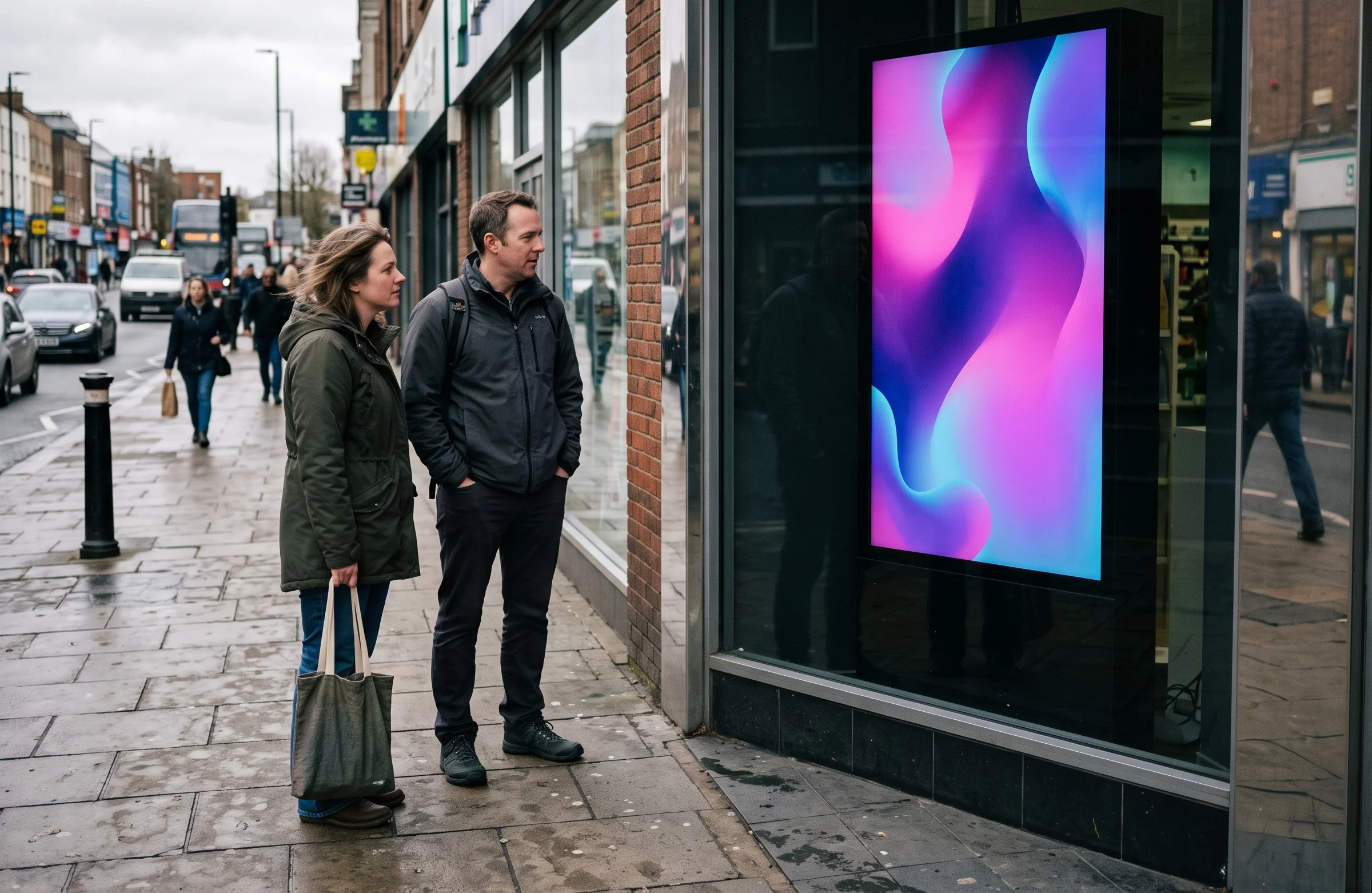
Passers-by in front of the digital screen in a pharmacy window

In the window, before they come in

Your services, seasonal advice and health and beauty offers, visible from the pavement. The frontage keeps working while the door is shut.

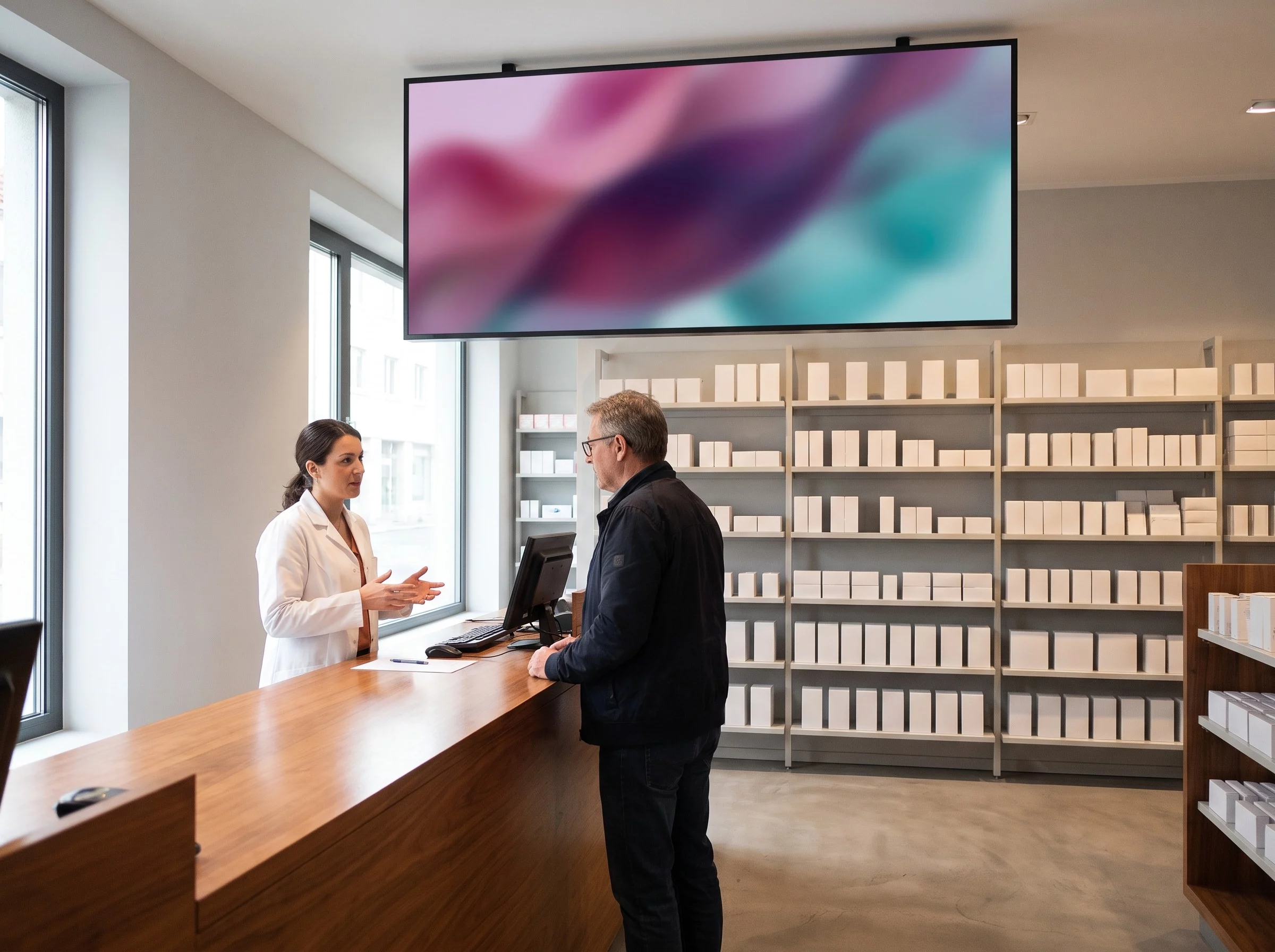
Wall-mounted screen above a pharmacy counter during a consultation

Over the counter, during the advice

The pharmacist explains, the screen shows: how to take it, how to use the device, which campaign is running. The message stays after the sentence ends.

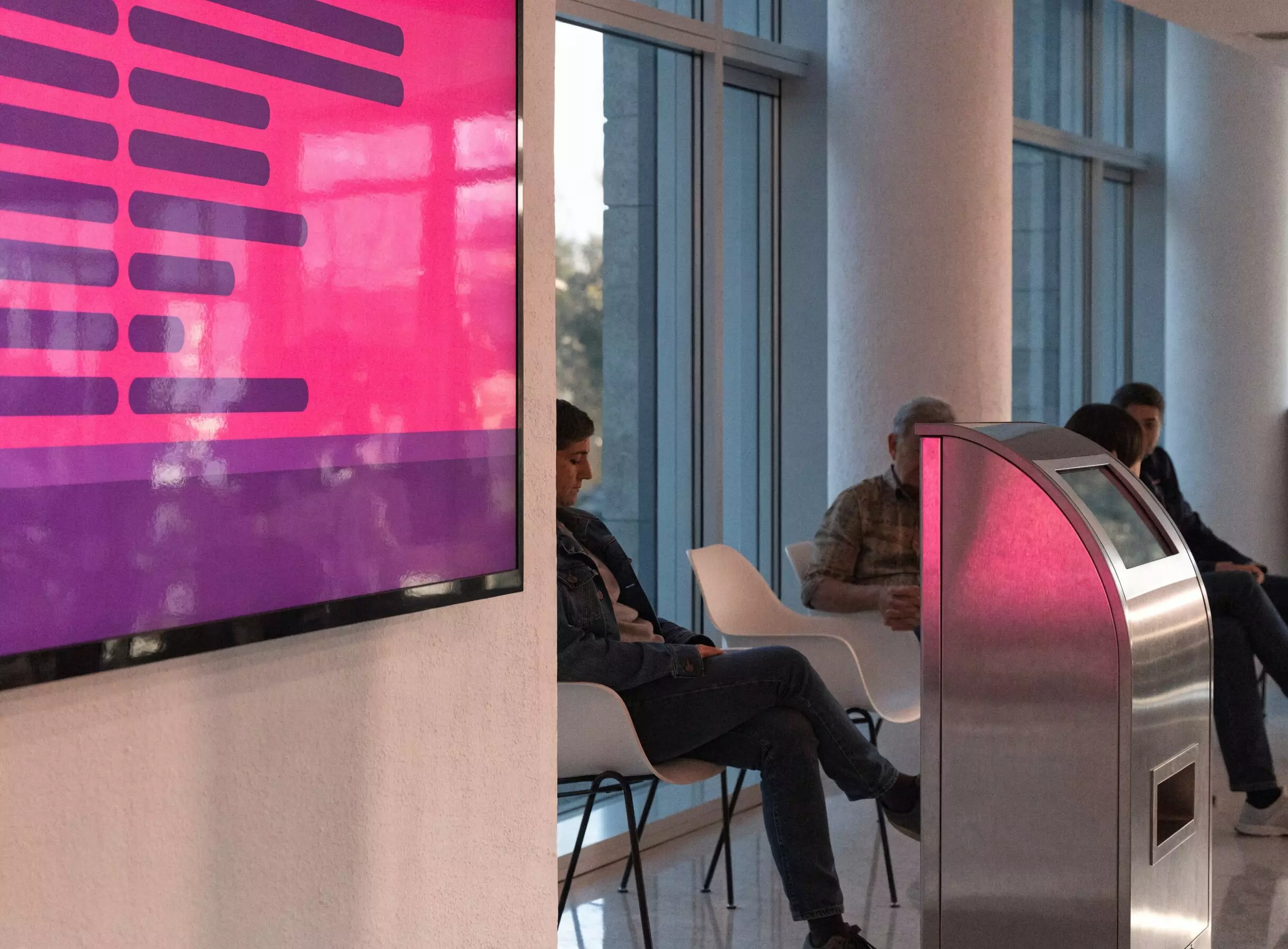
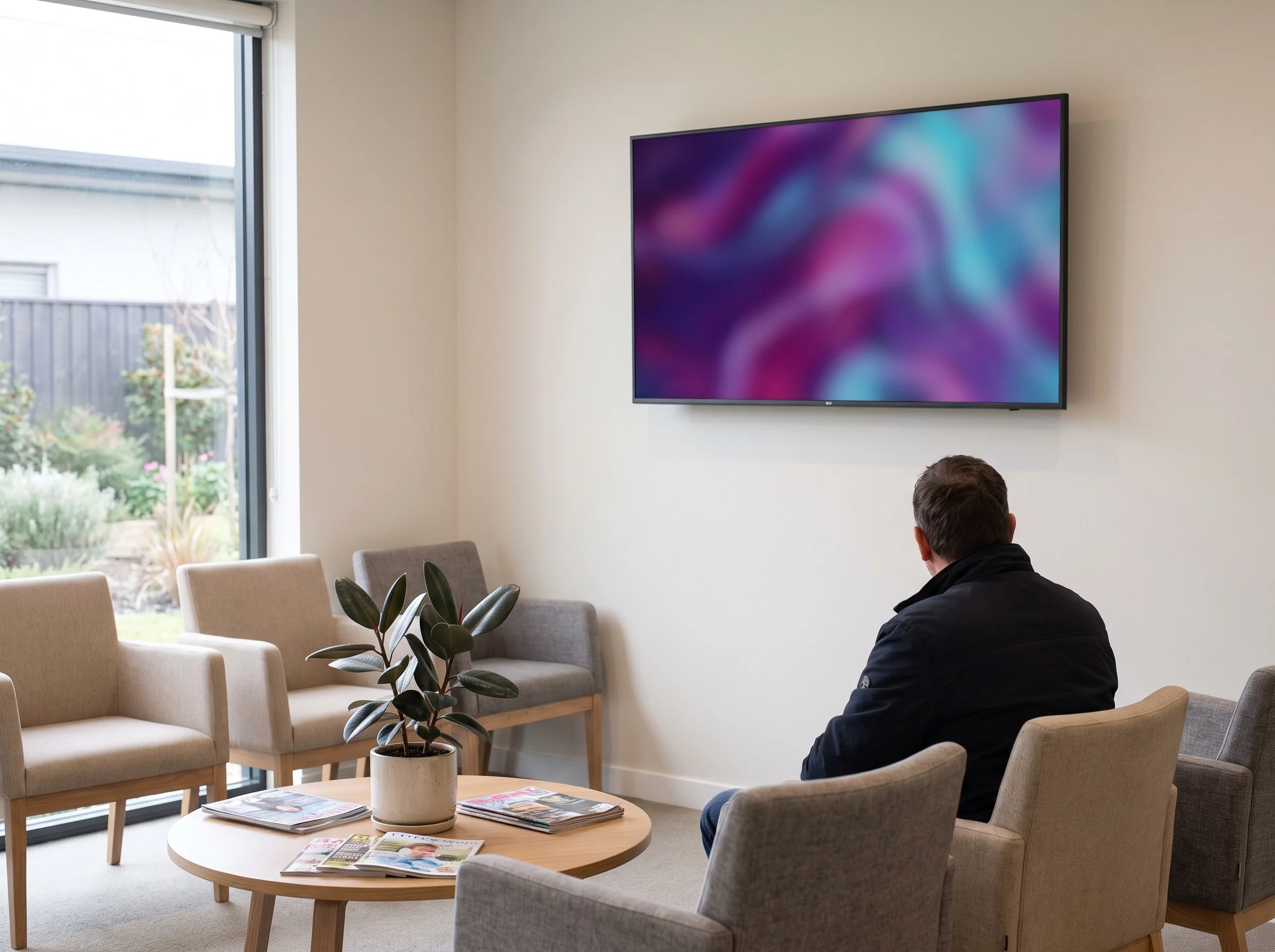
Screen in the waiting area of a pharmacy

In the waiting area, without the impatience

Five minutes pass faster with something to look at — and that is exactly when somebody discovers a service they did not know you offered.

Out of hours

A screen that works at night too

What the window says once the shutters are down

That is when a frontage is most useful, and most often silent. A window screen stays readable with the shutters down, scheduled well in advance:

  • Which pharmacy is open tonight, on Sunday and on public holidays — and where it is.
  • Your real opening hours, lunchtime closing and holidays included.
  • The number to call in an emergency.
  • The services available as soon as you reopen.

A whole period is scheduled in one sitting, instead of printing a fresh sheet every week.

The journey

From the window to the dispensary: six moments worth equipping

Here is a patient’s journey, followed as they live it: they walk past the pharmacy, they come through the door, they look for an aisle, they wait their turn, they reach the counter. At every step the screen answers one precise question — and the last one is no longer for them, but for your team.
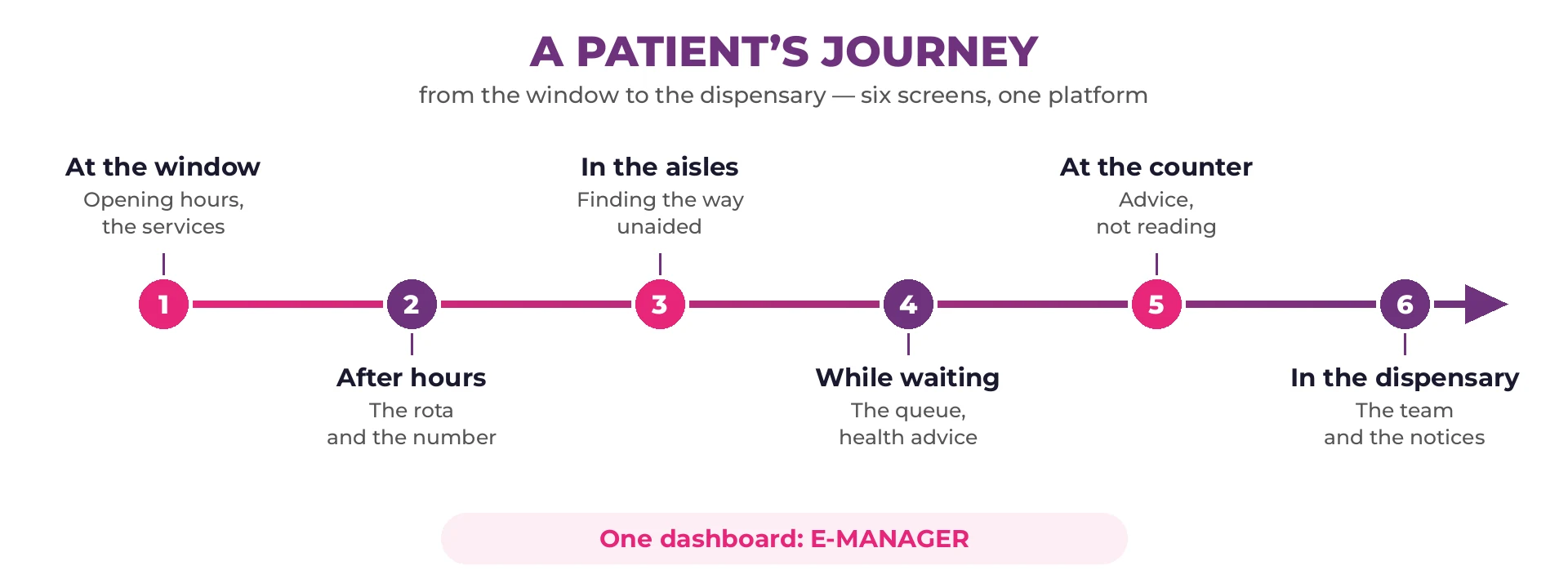
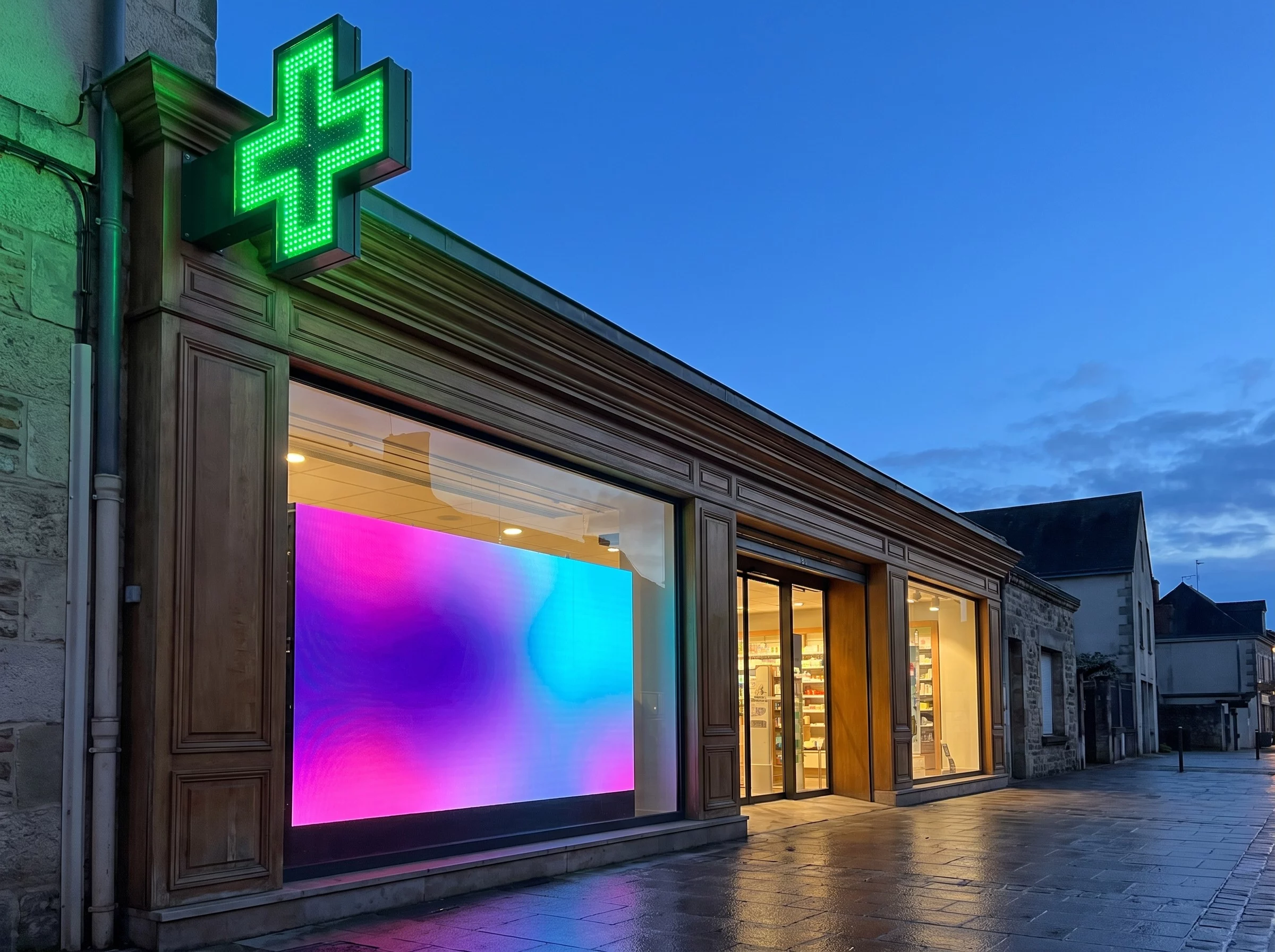
Diagram of a patient’s journey in six linked steps: window, after hours, aisles, waiting, counter and dispensary

Screen in a pharmacy window, seen from the pavement

1 · At the window

A passer-by looks at a window for three seconds. Opening hours, the services you offer, this season’s vaccinations: the screen says it without their having to come in, and it is corrected in seconds when an hour changes.

Inform

Pharmacy window lit at night with an information screen visible

2 · After hours

This is when the information is worth the most. The duty rota, the number to call, the nearest branch: the screen stays readable with the shutter down. Outdoors with no mains supply, digital ink takes over.

Direct

Screen at the end of a pharmacy aisle in the health and beauty section

3 · In the aisles

Looking for an aisle without wanting to ask is the most common situation, and the quietest. A screen at the end of the shelving gives the aisle, and a touch kiosk lets people go through the health and beauty range on their own.

Guide

Waiting area in a pharmacy with an information screen

4 · While waiting

Two minutes feel long in front of a busy counter. A displayed queue number takes the uncertainty away, and the screen carries seasonal health messages rather than a yellowing poster.

Fill the wait

Screen above a pharmacy counter during a consultation

5 · At the counter

This is where your team adds the most. A screen above the counter carries what gets repeated fifty times a day — hours, services, paperwork — and the time saved goes back into advice.

Give the time back to advice

Screen in a pharmacy dispensary showing the day’s tasks for the team

6 · In the dispensary

The one screen that is not for patients: the day’s deliveries, internal instructions, the notices you are required to display to staff. It is all prepared in E-MANAGER, across several branches if need be.

Co-ordinate

The six screens do not all arrive at once. Most pharmacies start with the window — the only one that works at night too — then add the counter and the waiting area. The platform is the same from the first screen to the last.

Choosing the hardware

What decides is brightness, ahead of resolution

Placement Brightness to aim for Common size Why
Window in direct sun 2,500 to 5,000 cd/m² 43 to 65 in. A living-room television (300 to 400 cd/m²) turns grey behind glass in daylight.
Shaded window, narrow street 1,500 to 2,500 cd/m² 43 to 55 in. Reflection on the glass matters as much as direct light; an anti-glare treatment is sometimes enough.
Counter, waiting area 350 to 700 cd/m² 43 to 55 in. A commercial panel is built for 12 to 16 hours a day, where a consumer model is rated for 4 to 6.
Shelf labels and tariffs (e-paper) No backlight 13 to 32 in. Readable in full sun, no power draw between updates, mounts without a supply.

These are the orders of magnitude of the commercial display market, not an EMITY price list: EMITY publishes the software and works through a network of certified resellers who quote and install the hardware suited to your frontage. On the software side, E-MANAGER works with screens from every manufacturer — including the ones already in the pharmacy.

Getting started

From the order to the first thing on screen

1

A connection that leaves your dispensing system alone

The screen reaches the internet without sitting inside the network of your dispensing software. Everything is driven from a browser.

2

The screen, with or without a player

A screen running Android, Tizen (Samsung) or webOS (LG) takes the E-SOFT application directly. Otherwise an E-BOX player sits behind any screen.

3

Your first visuals, without a designer

EMITY’s built-in editor composes a poster inside the platform — and if your team already works in them, Canva and Adobe Express connect too.

4

Scheduling, once for the season

Broadcasts aligned to your opening hours, your out-of-hours cover and seasonal campaigns. Every member of staff gets their own login.

A different need

Looking for signage for pharmaceutical production?

If you arrived here for a manufacturing site rather than a retail pharmacy — production lines, warehouses, quality and safety information on the shop floor — that is a different brief, with different constraints. It is covered on our industry and production plants page. And if you are equipping a hospital or a clinic, start with digital signage in the medical sector.

The wider picture

An established platform, and a network to fit it

EMITY equips independent pharmacies and groups alike, with the same E-MANAGER. The interface is web-based: it opens from any desk, with nothing to install. Health-sector projects are collected on our healthcare work.

+7,000

screens connected worldwide

+1,000

customer accounts

+130

certified resellers

+20

countries

Screens already installed and driven by another platform? They can often be taken over (our Replay scheme) rather than replaced while still in good order. Worth raising with your reseller, or see our offers and our subscriptions.

Common questions

What pharmacists ask before they fit anything

No. E-MANAGER is driven from a web interface, with no particular technical skill: your team builds a visual in the built-in editor, picks the screens and schedules the broadcast. Day to day, nobody from outside needs to step in. The hardware installation itself is done by your EMITY reseller.

The budget splits in two. The hardware — screen, mount, installation — is quoted by a certified reseller and depends on size, on the brightness the position needs, and on how many screens you are fitting. The software is an E-MANAGER subscription; the plans are set out on our subscriptions. A single window and a pharmacy fitted with window, counter and kiosk are not the same project, so a quote on your own case is the only useful number.

Brightness is the first criterion, ahead of resolution. For a window in direct sun the commercial display market sits between 2,500 and 5,000 cd/m²; in shade or in a narrow street, 1,500 to 2,500 cd/m² is enough. A consumer television peaks around 300 to 400 cd/m² and turns grey behind the glass. Your reseller measures the position on site, because the orientation of the frontage changes the answer.

What goes on the screens — services, seasonal advice, required notices — carries no named patient data. On the technical side, the screen reaches the internet without sitting inside the network of your dispensing software, which avoids opening another door onto health data. For a specific use — calling a customer by ticket number, for instance — we look at the case with you before putting it in place.

Your services first, because they are the least known: vaccination, testing, medication reviews, equipment hire. Then seasonal advice (allergies, sun, winter viruses), prevention campaigns, health and beauty offers, and — with the shutters down — which pharmacy is open and your real hours. Visuals are composed in EMITY’s built-in editor, and in Canva or Adobe Express if your team already works in them.

In most cases, yes. E-MANAGER works with screens from every manufacturer: the E-SOFT application installs directly onto an Android, Tizen (Samsung) or webOS (LG) screen; otherwise an E-BOX player goes behind it. A fleet driven by another platform can often be taken over under our Replay scheme. One caveat: a living-room panel in a sunlit window will stay hard to read whatever the software.

On the software side, a few hours: create the account, compose the first visuals, schedule them around your hours. The real lead time depends on the hardware and the installation, planned with your reseller — drilling, power, mounting in the window. The simplest route is to start the free trial on a screen you already have, then fit the window afterwards.

Yes, and the uses overlap heavily: informing patients, guiding them through the building, managing the queue, displaying required notices. What changes is the emphasis — a practice leans on the waiting room and on how to prepare for an examination, a clinic on guiding people between departments. See screens in the waiting room for that case, or the medical sector more broadly.

Nearby

Three pages that go further

Screens in the waiting room

The subject seen from the waiting time, practices and clinics included: waiting room.

Regulatory display, digitised

The documents and notices you must display, without reprinting: legal digital signage.

The platform in detail

What E-MANAGER does beyond the pharmacy: the E-MANAGER.

Let’s make it concrete

Try it on a screen you already have

The trial opens the full platform in the Excellence version for 3 months, up to 3 screens, with no card details and no commitment. Enough to build a real broadcast loop and judge it on the evidence.