Sector · Retail, shops, store networks

Retail digital signage: one screen for each step of the journey

The poster that changes before the shop opens.

A customer does not look at the same thing on the pavement, in the aisle and at the checkout. So each screen carries its own message — and every one of them is driven from a single dashboard, including the one in the stockroom that only your staff will read.

+7,000screens connected
+1,000customer accounts
+20countries
+130certified partners

The experiences involved

Six EMITY experiences, one platform from the pavement to the stockroom.
01The starting point

The problem is not the poster,
it is the lag.

A promotion decided on Monday reaches the shop floor on Friday, if it reaches it at all. And the more branches a network has, the wider the gap grows between what head office decided and what is actually on display in the aisle.
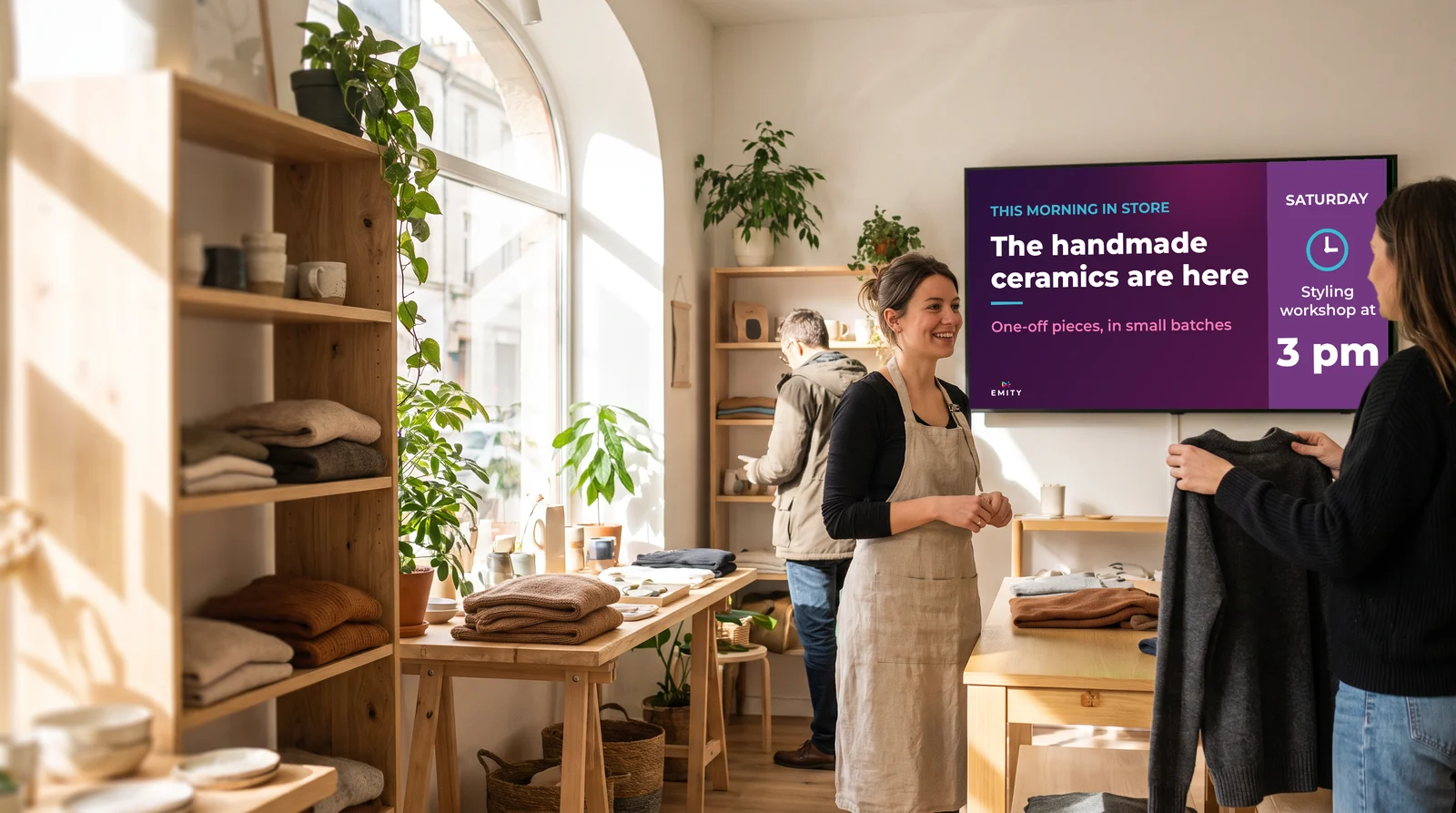
Light-wood concept store: the sales assistant advises a customer under a screen announcing the arrival of handmade ceramics and a Saturday workshop

A printed promotion always arrives after the decision.

With digital signage, prices, offers and featured products change from a web browser, in one shop or across the whole network, in seconds. Head office keeps control of execution, and each store publishes what concerns it.

  • ✓The promotion ends, the poster stays: the sale finishes on Tuesday, the banner hangs until Saturday. The customer compares the price on display with the price at the till, and it is your staff who explain.
  • ✓Thirty stores, thirty interpretations: every branch prints what it can, when it can. Brand consistency then depends on each store individually, and nobody ever sees the whole picture.
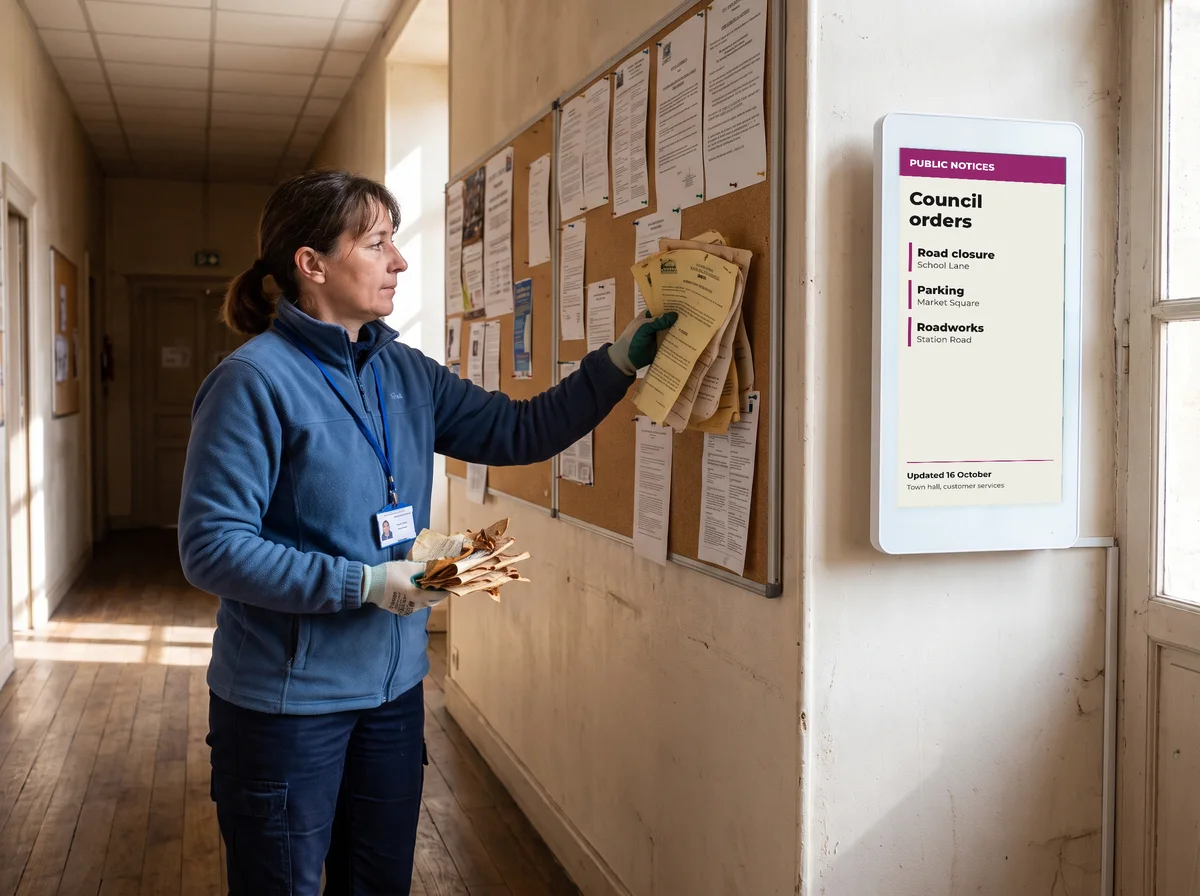
  • ✓The team finds out last: instructions, rotas, required notices: the information meant for staff lives on a cork board, behind a door, under three other sheets of paper.

02The journey

From the street to the stockroom, six moments to equip

Here is one customer’s route through a store that is fully equipped, from the pavement to the stockroom door. Each screen answers a different question — and the last one is not speaking to the customer at all, but to your team.
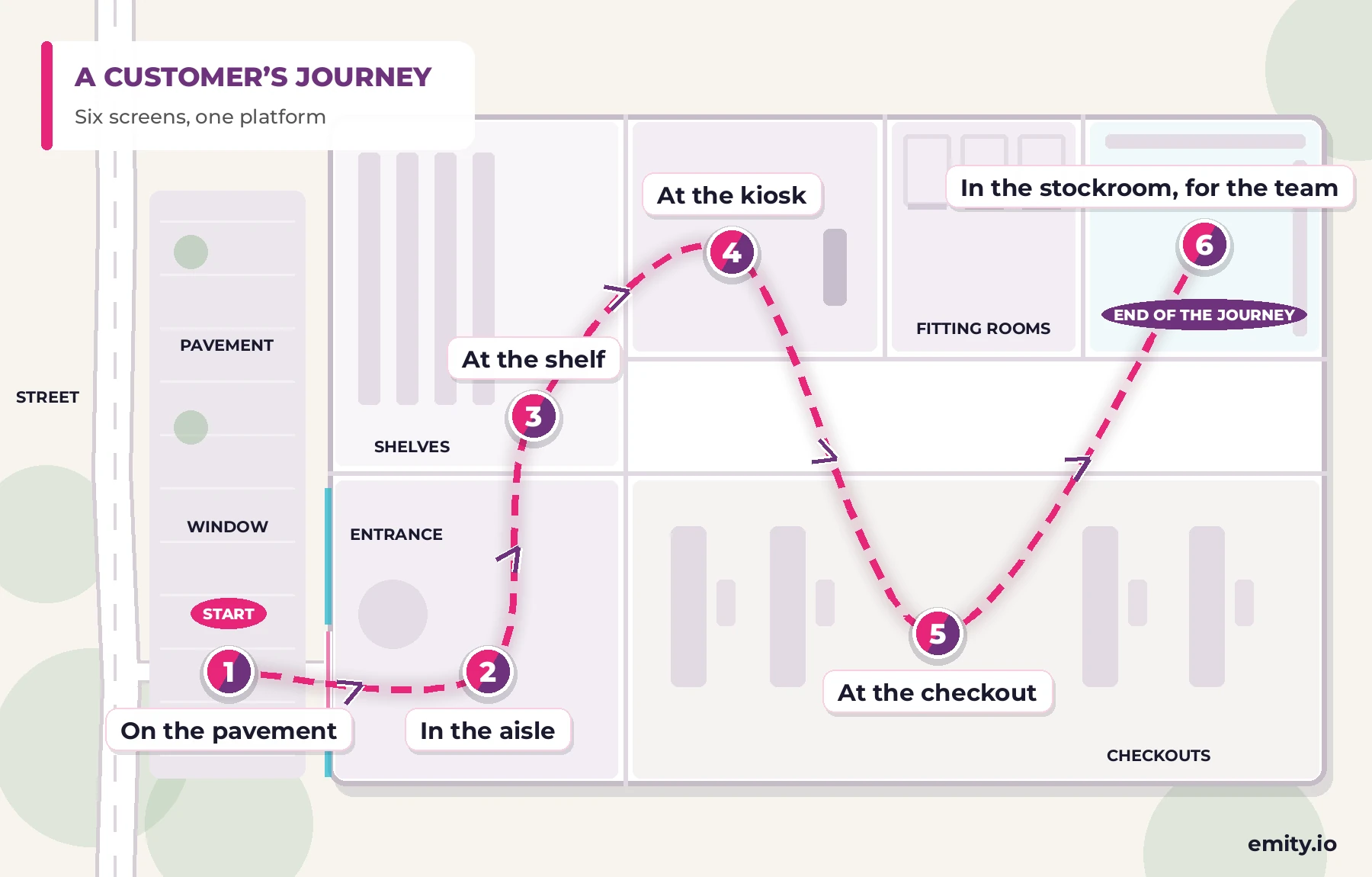
Top-down plan of a shop and the customer journey in six steps: on the pavement, in the aisle, at the shelf, at the kiosk, at the checkout, then in the stockroom for the team

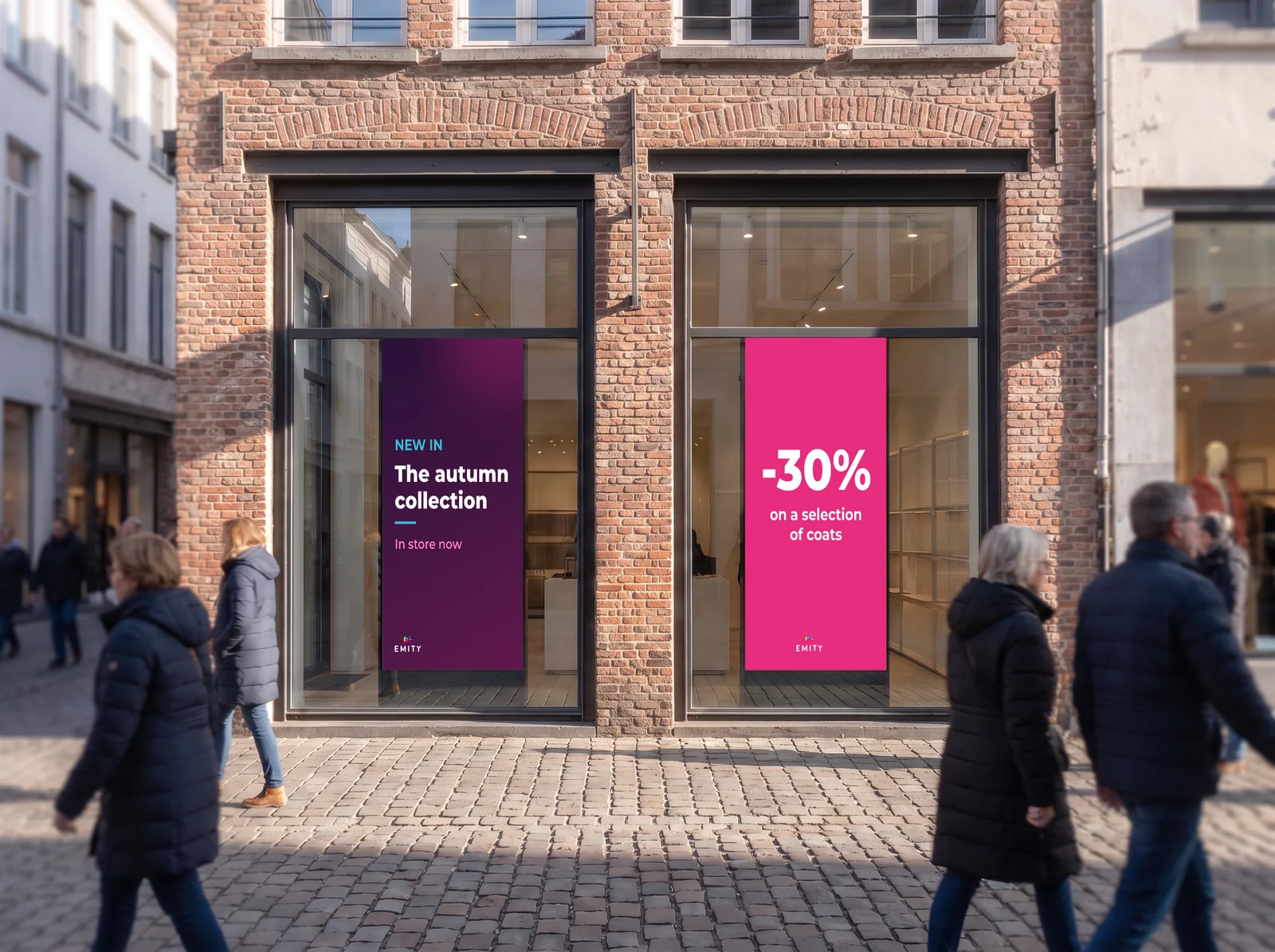
Passers-by outside a shop whose two window screens announce the autumn collection and a selection of coats1 · On the pavementAttractThey walk past with no intention of coming in. The window screen shows the offer of the moment, visible by day and by night — and with the shutters down it still shows your opening hours.
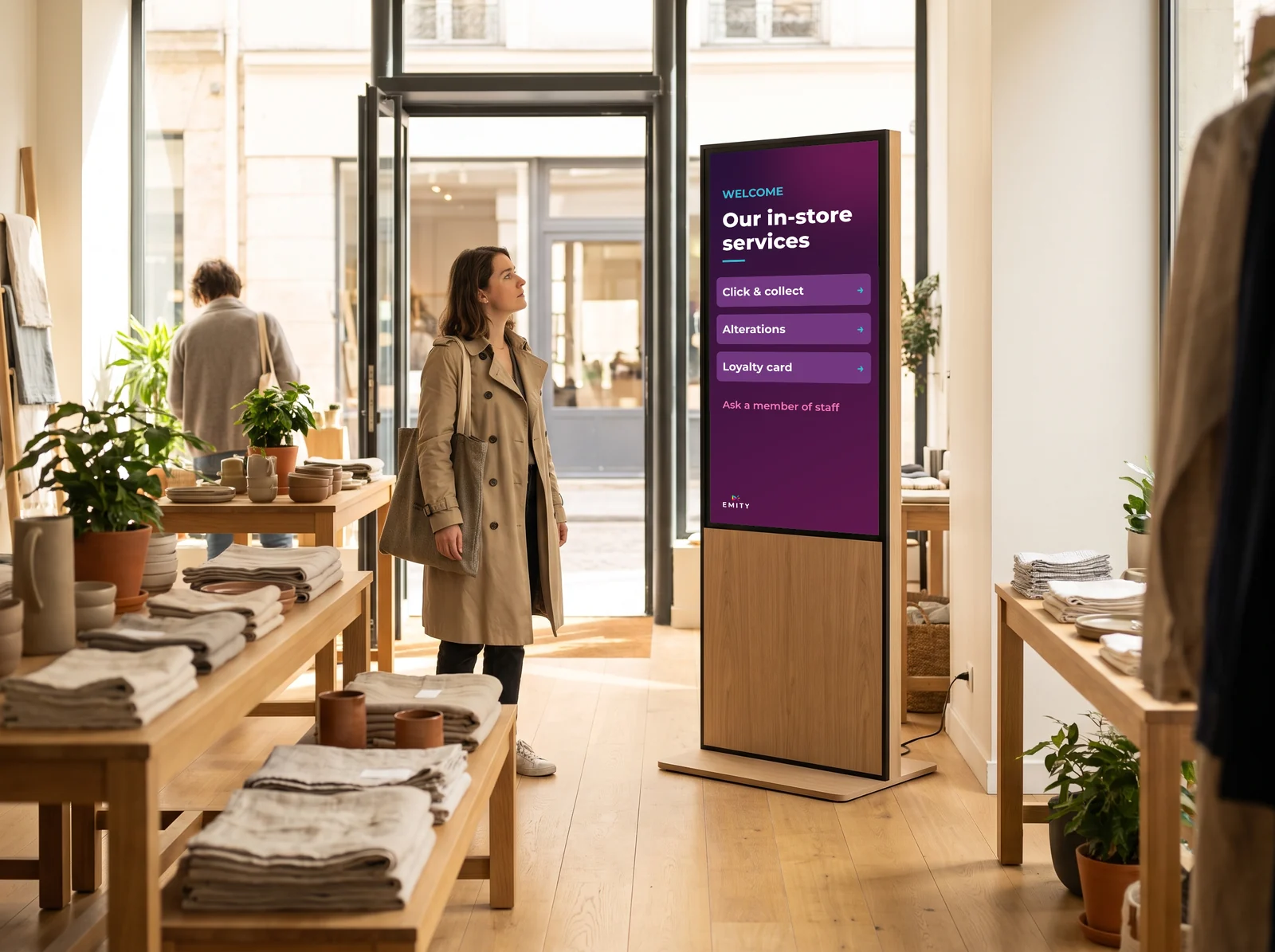
Customer who has just come in reading the welcome totem: click & collect, alterations, loyalty card2 · In the aisleGuideThey come in, and start looking. A totem at the entrance announces the departments, the promotion running now and the services on offer: click and collect, alterations, loyalty card.
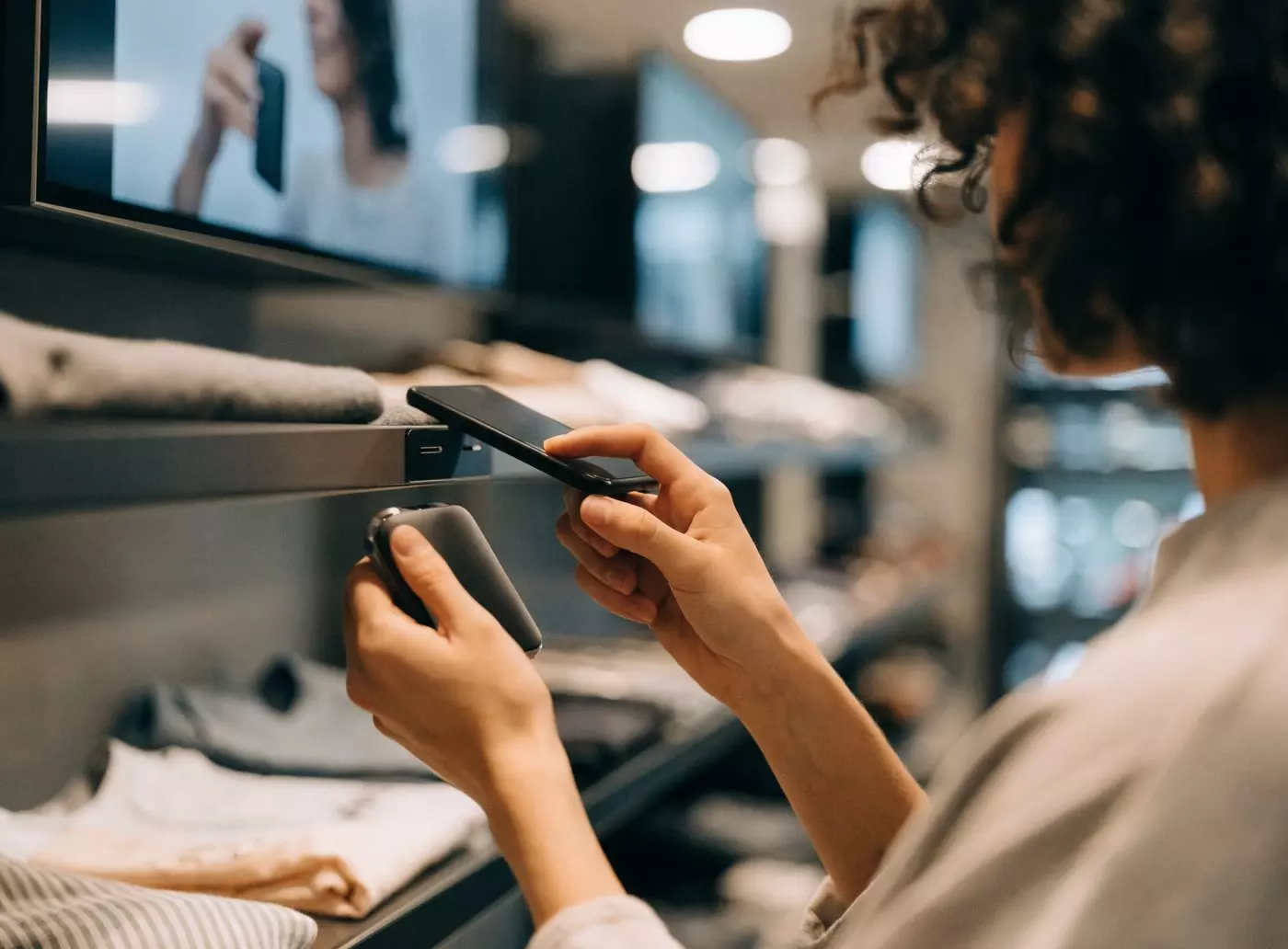
Shopper holding her smartphone to an NFC tag on the shelf, with a screen playing the product demo video3 · At the shelfConvinceStanding in front of the product, they hesitate. The shelf screen compares two references, shows the product in use, displays the average rating. An NFC tag triggers the right message when they hold up their phone.
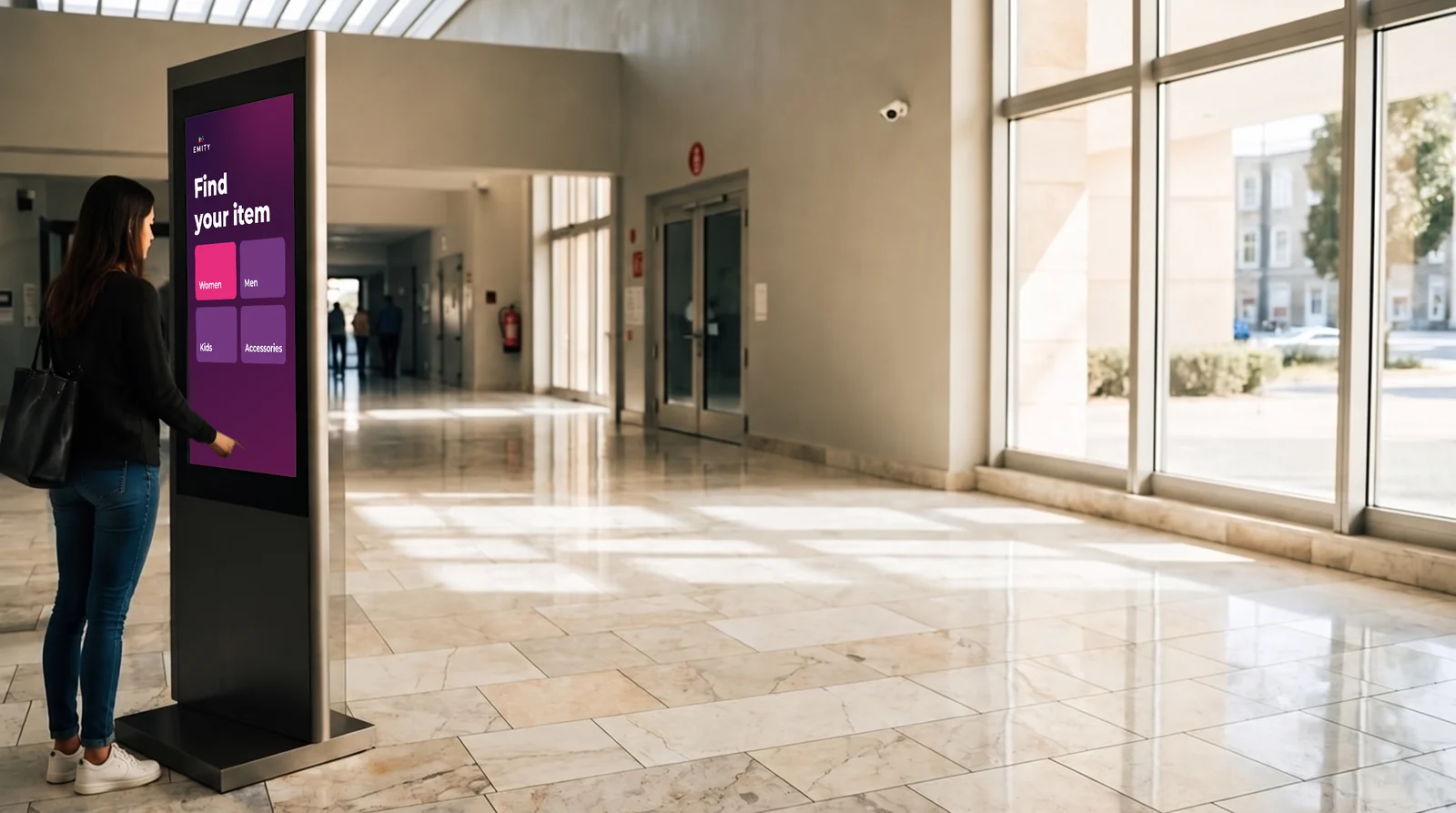
Customer browsing the E-CLICK kiosk “Find your item”: women, men, kids, accessories4 · At the kioskLet them browseThey would rather find it themselves. An interactive kiosk opens the full catalogue, including what is not on the shelf, and checks availability in your other stores.
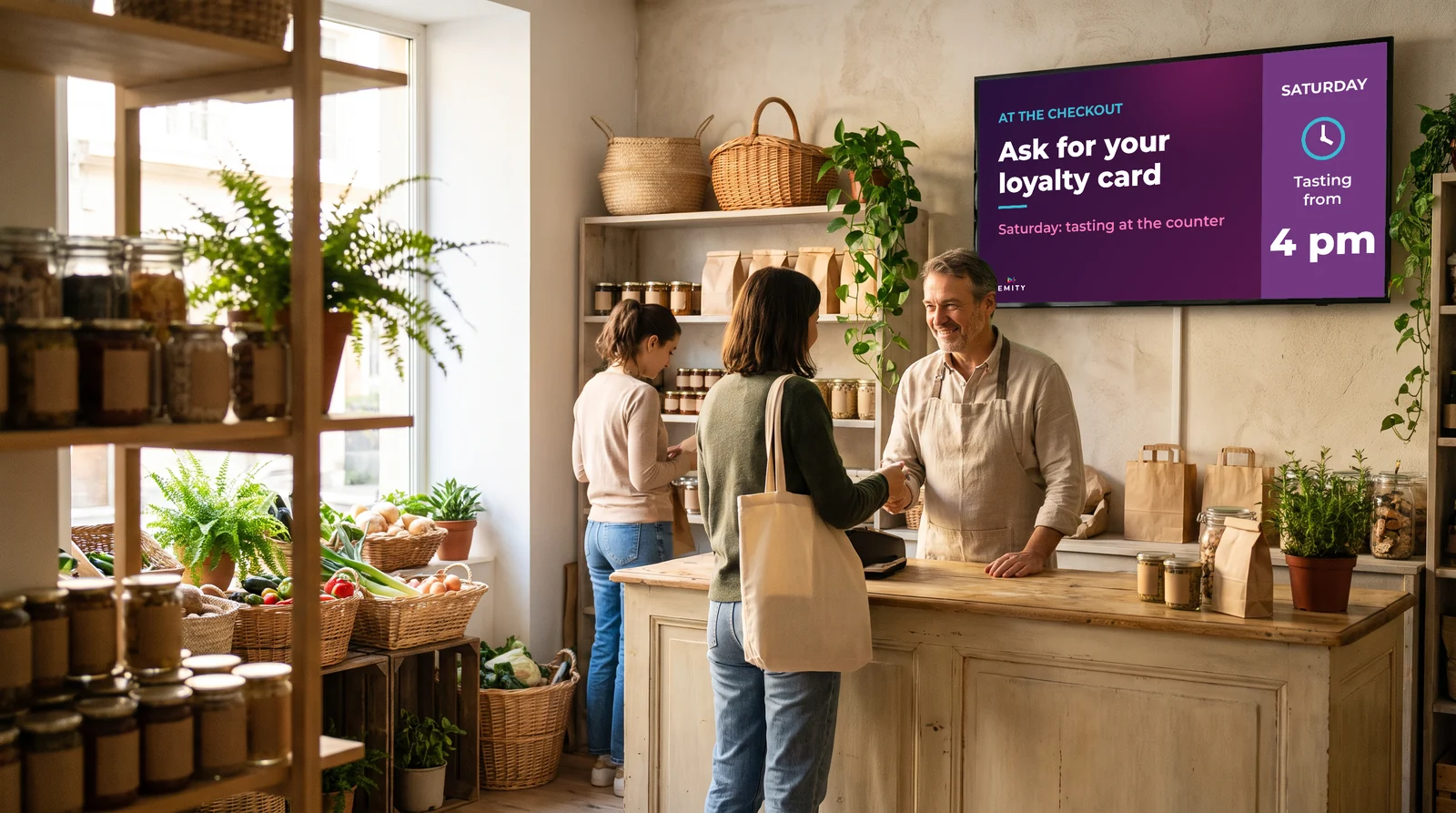
Grocery counter: above the shopkeeper, the screen invites customers to ask for a loyalty card and announces a Saturday tasting5 · At the checkoutFill the waitTwo minutes of queueing, eyes looking up. This is the moment for the add-on product, the loyalty scheme and the next promotion. E-MANAGER’s Checkout module is built for this zone — it is the one deployed at ORCHESTRA.
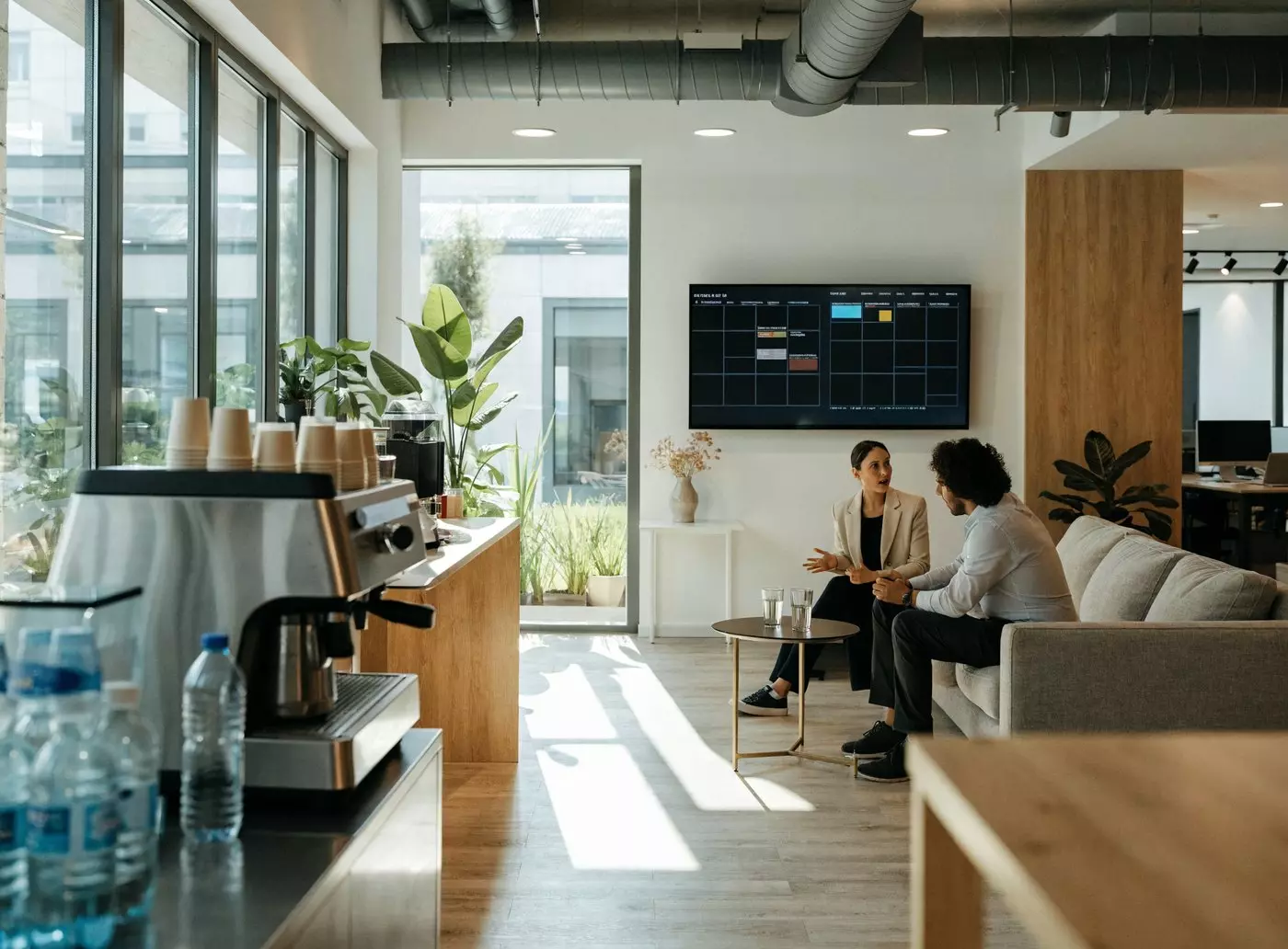
Staff break area: wall screen with the day's rotas and instructions above the coffee machine6 · In the stockroom, for the teamInform staffThe last screen, and the only one that does not address the customer: in the break area it carries the day’s instructions, the rotas and the regulatory notices — required documents kept up to date with no reprinting and no drawing pins.

03The network

Push content to thirty stores, not to thirty screens

One head office, thirty stores, one screen to drive them

This is the question that comes up most often: how to broadcast to every screen in a network without going through each store. In E-MANAGER, content is pushed to a group of screens, never to a single screen.

  • ✓National content goes out from head office to every store at once.
  • ✓Local content stays with the store: extra staff on shift, an out-of-stock line, a neighbourhood event.
  • ✓Rights per user decide who may publish what, and where.
  • ✓Scheduling follows each store’s own opening hours, late nights and Sundays included.

The interface is web-based: it opens at head office and in the back office alike, with nothing to install.
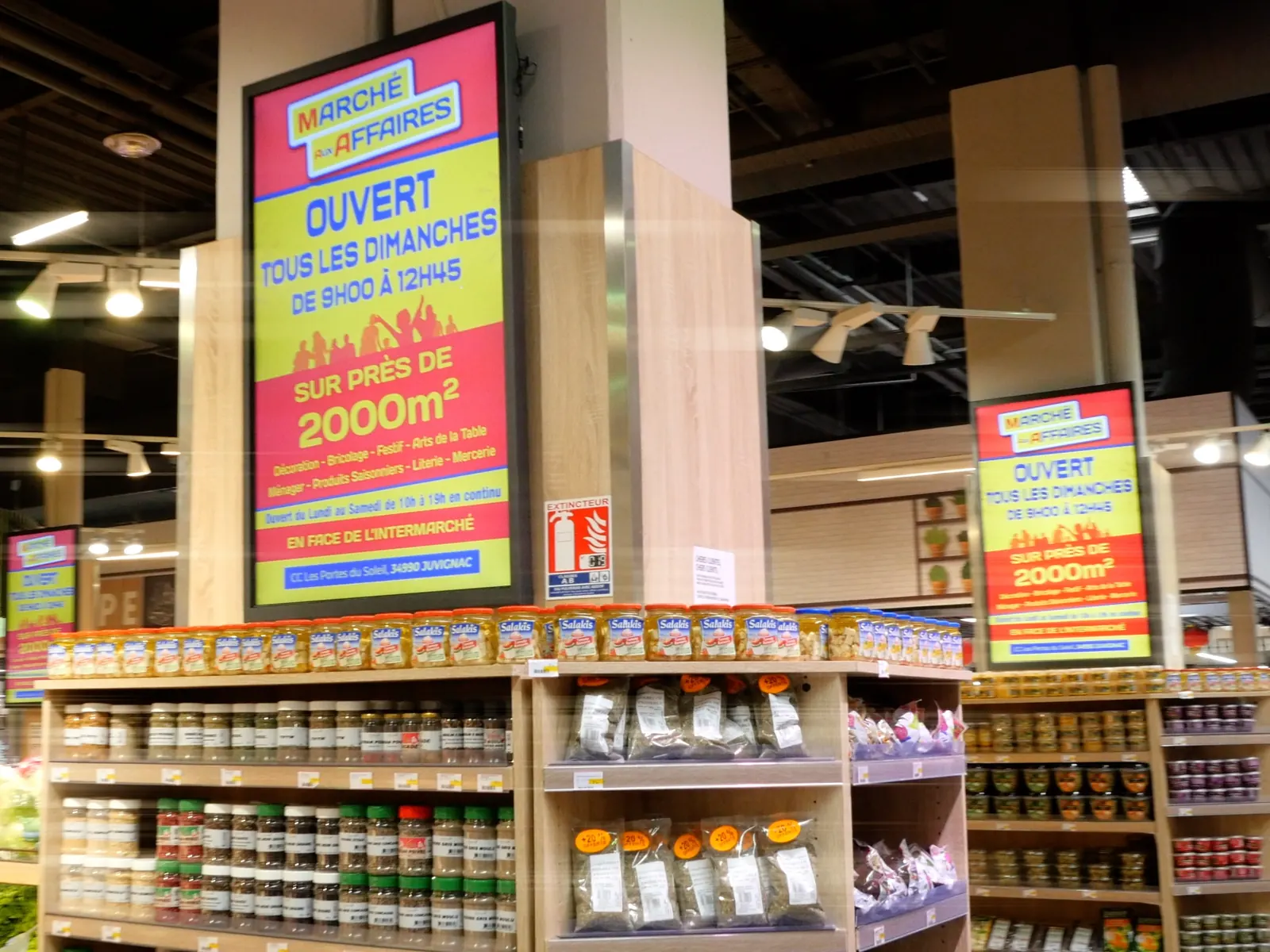
Two digital signage screens showing the same offer at the end of the grocery aisle in the Intermarché store in Juvignac

04On the shelf

Prices change
without reprinting.
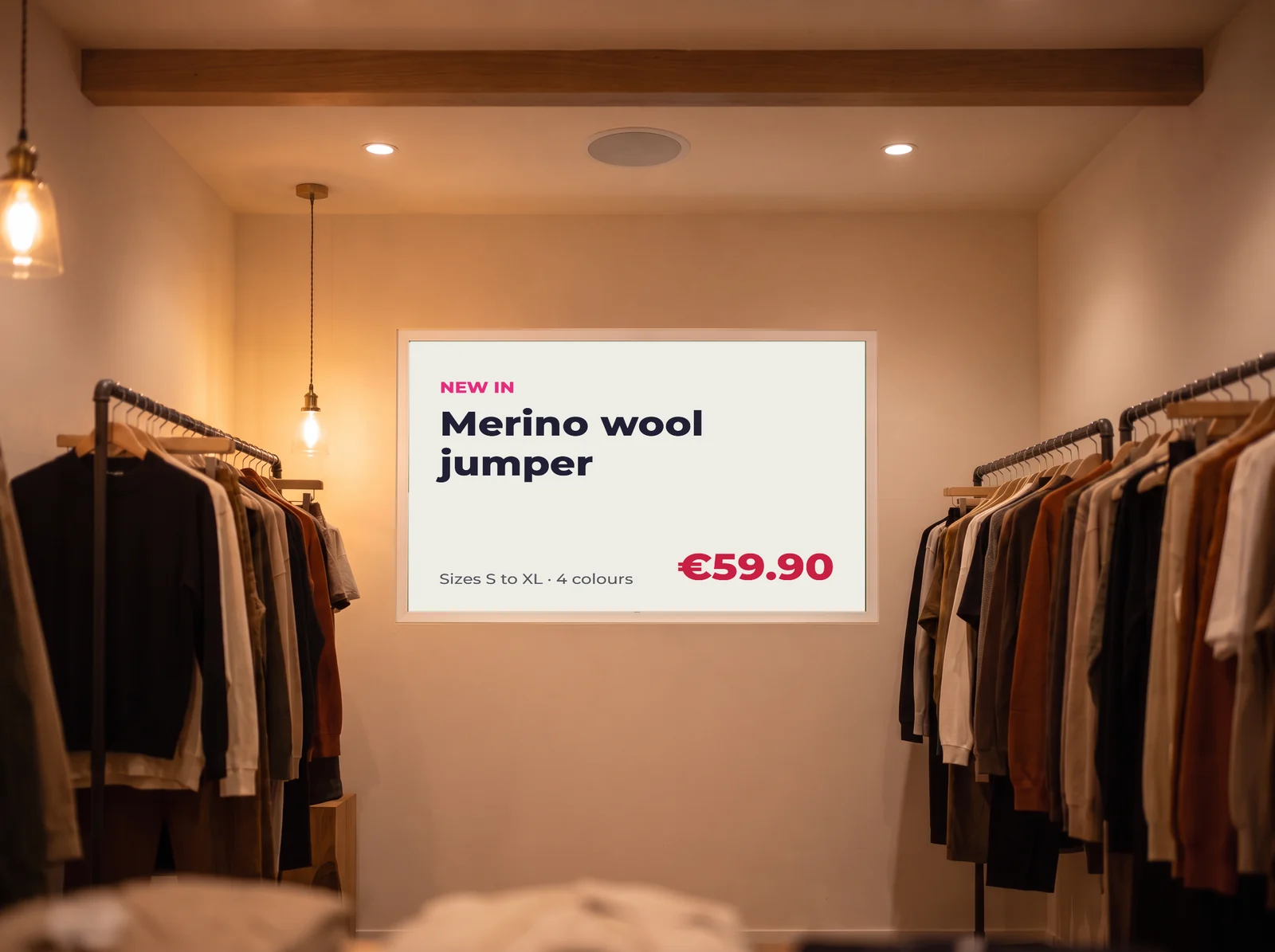
Digital-ink poster between two clothing rails: new in, merino wool jumper and its price

Digital-ink labels, with no cables or charging.

For shelf-edge prices and tariff notices, electronic paper (e-paper) is often the right medium: no power drawn between updates, readable in direct sunlight in a window, and around five years on battery. EMITY is the first French vendor to support it.

05The EMITY suite

Four uses, one dashboard

The EMITY suite1point of contact

One contract, one training session, one point of contact.

Every module is driven from E-MANAGER, with one login per member of staff. And for sound, our partner Radioshop composes the music played in your shop and its announcements, on the same calendar as your screens.
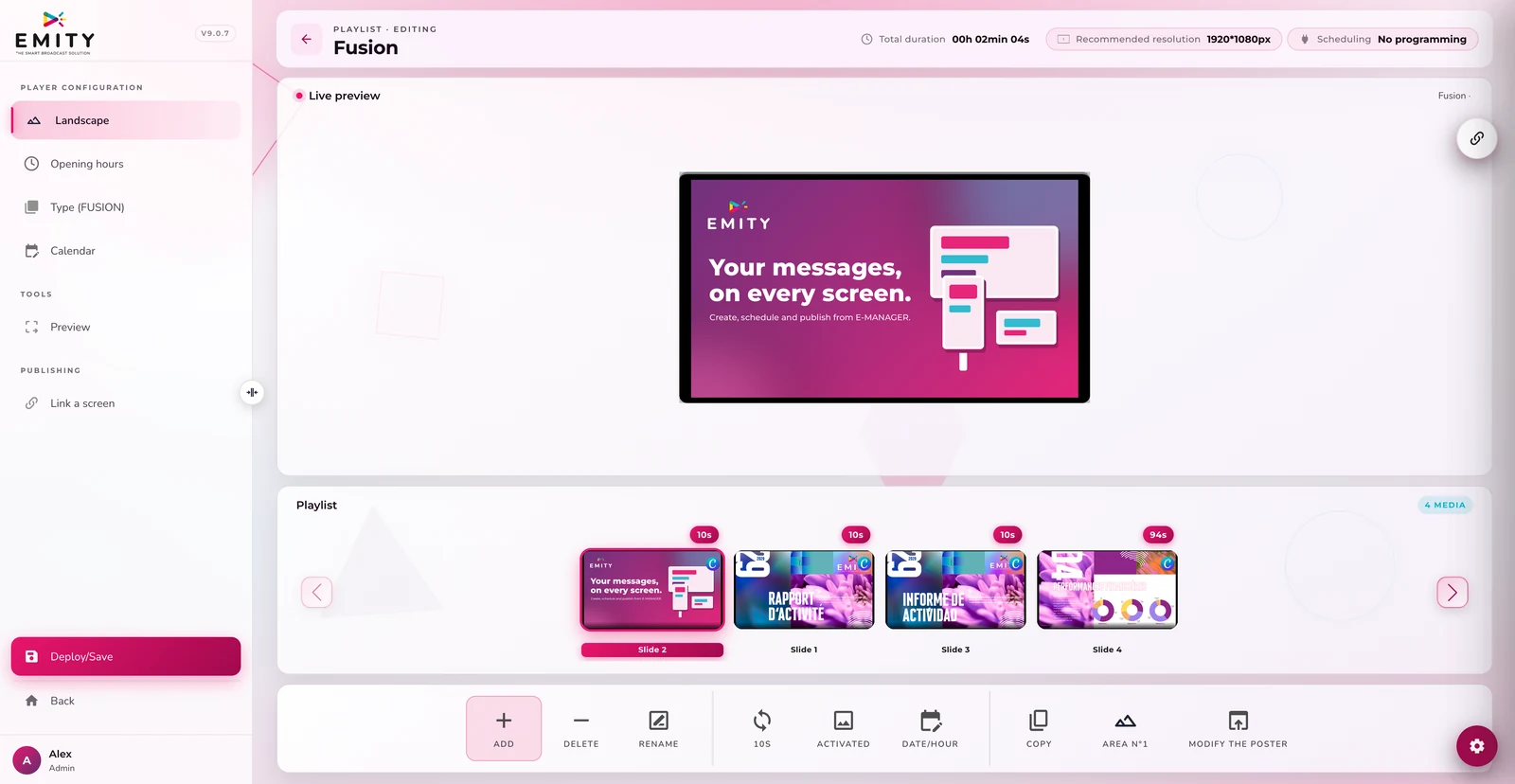
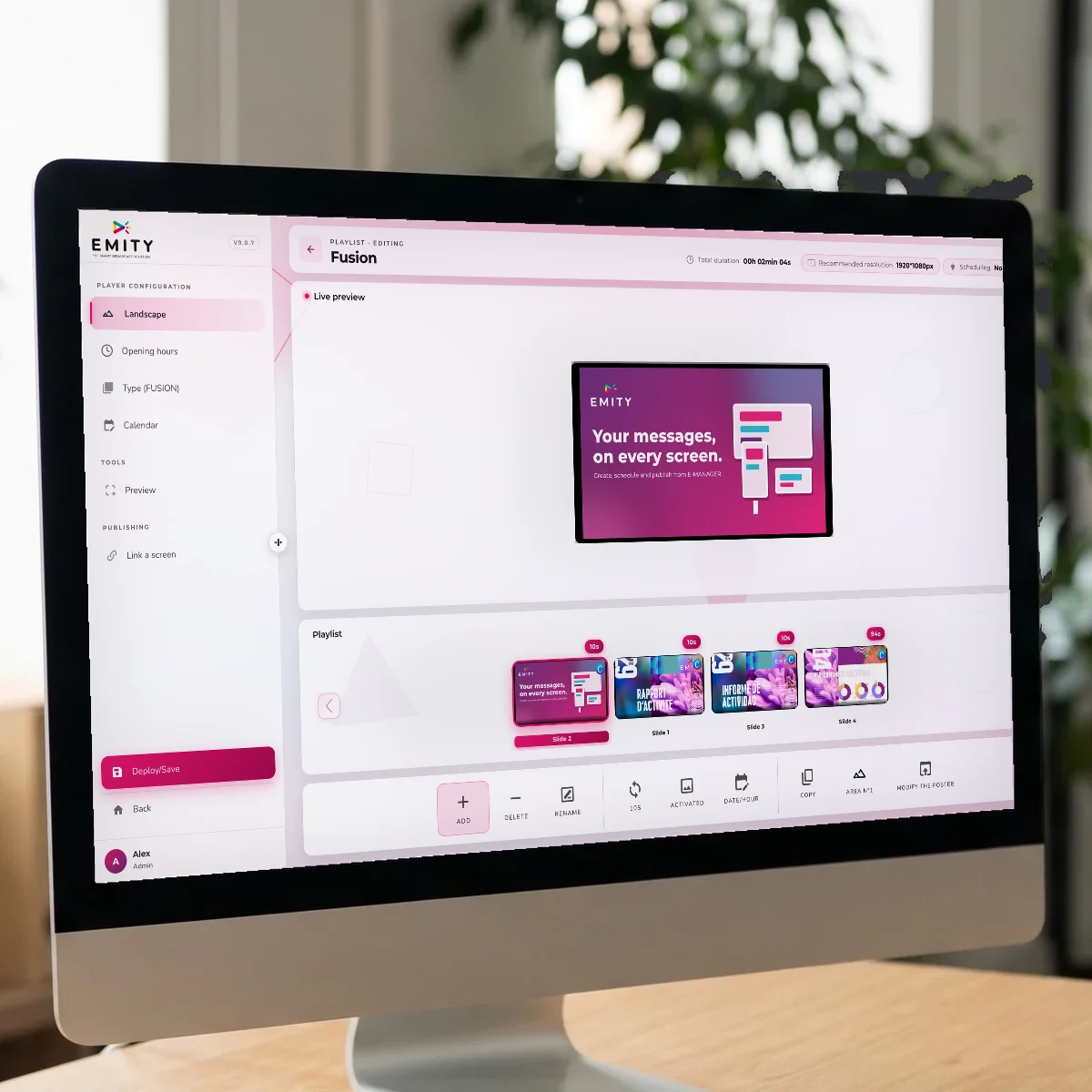
E-MANAGER interface: the “Fusion” playlist with a live preview of the poster and its slidesDigital signageBuild a visual, schedule a broadcast, drive one screen or a whole network remotely. The foundation.
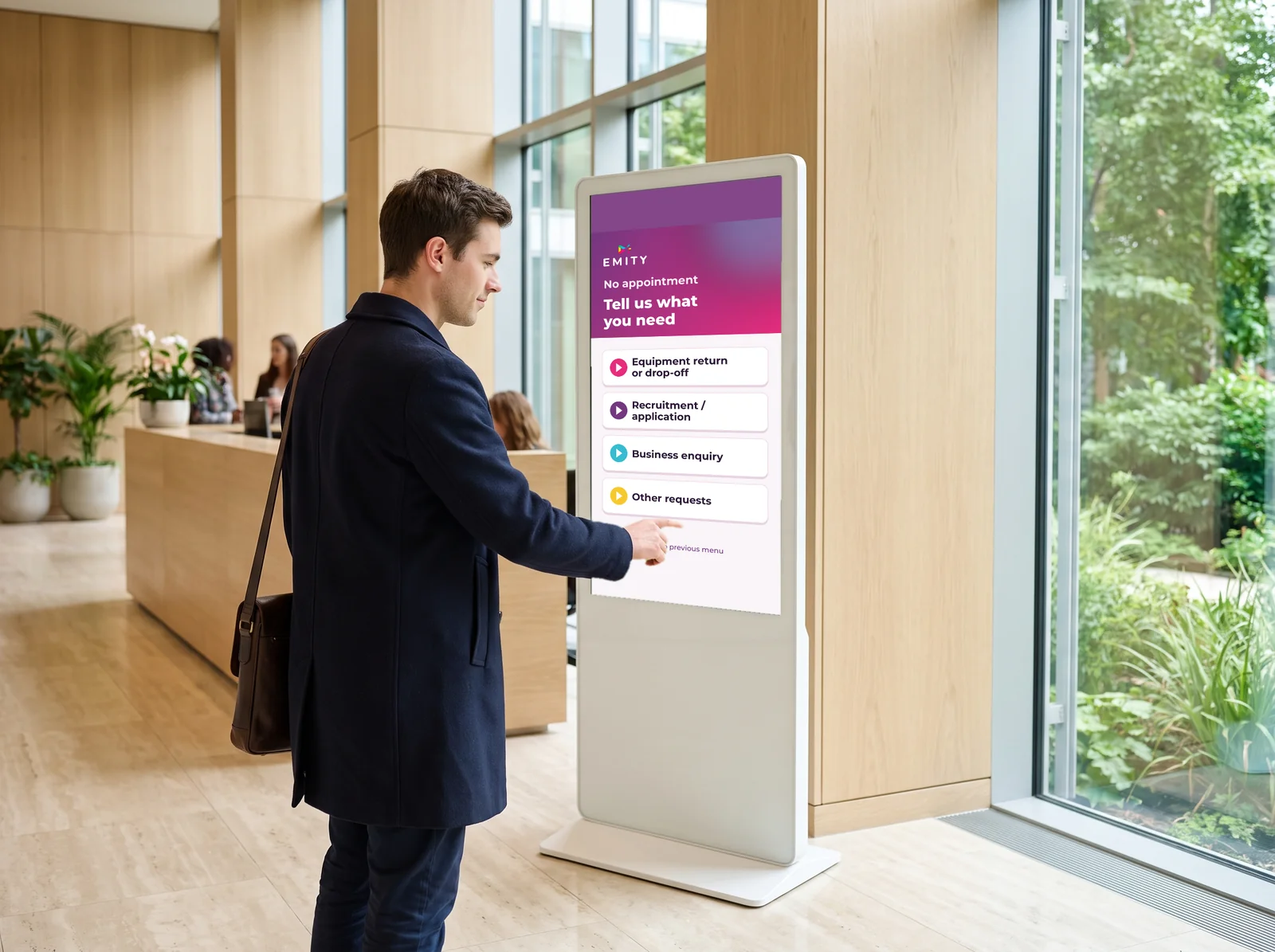
Visitor specifying their request on an E-CLICK touchscreen kiosk in a bright hallInteractive displayThe touch journey: full catalogue, availability, side-by-side comparison. Included from the Excellence plan upwards.
Employee taking sheets down from a cork board, next to the screen that replaces themRegulatory displayThe required notices meant for staff, digitised and updated without reprinting. This is the module deployed at INTERMARCHÉ.
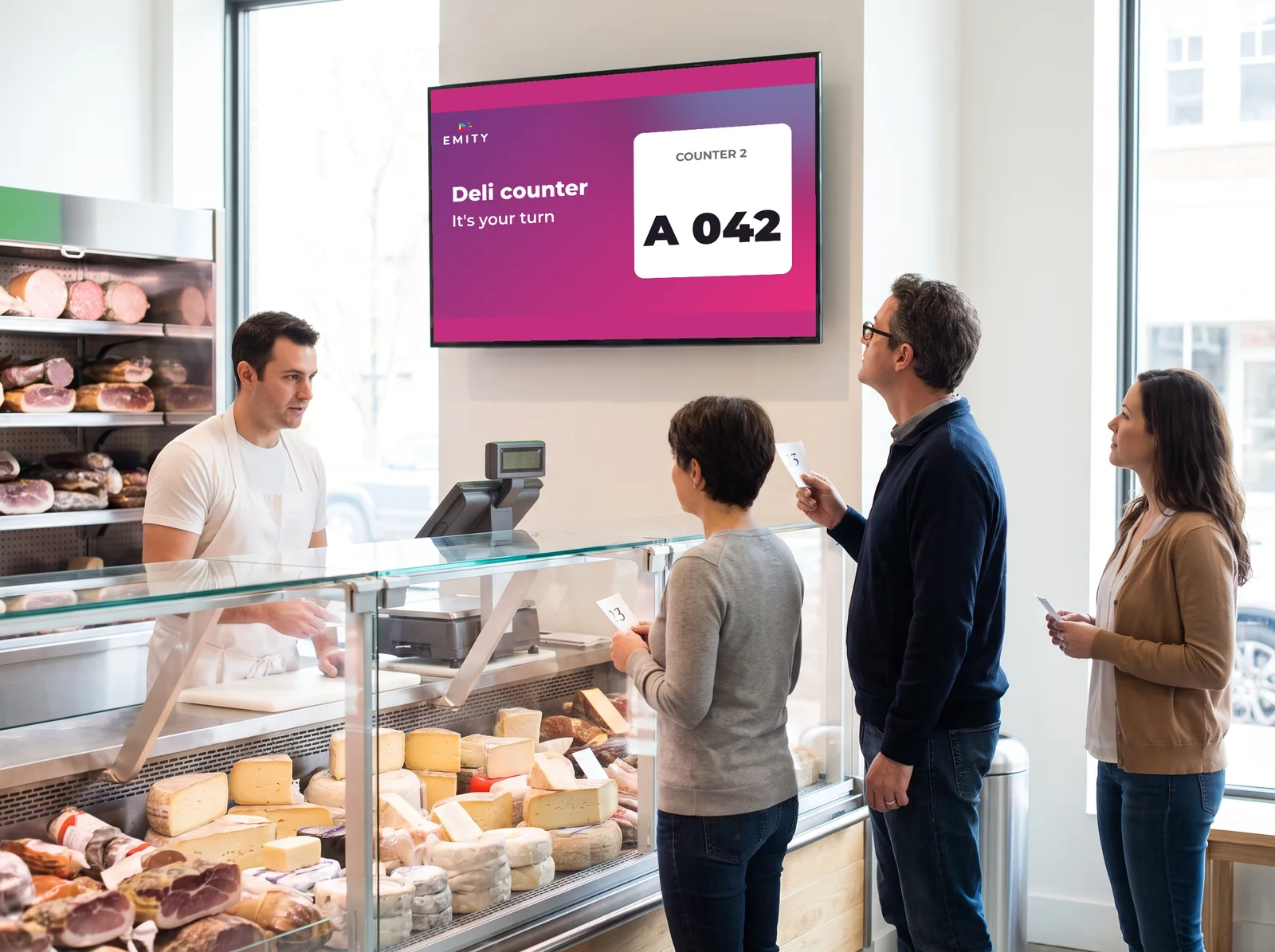
Deli counter: customers holding their tickets watch the call screen above the counterQueue managementTickets and an on-screen call to smooth the service desk, click and collect and alterations counters.

06Our references

Two rollouts,
two scales.

Logo ORCHESTRA

ORCHESTRA

950 screens in every store, in France and across Europe, since 2023: E-MANAGER and its Checkout module.
Logo Intermarché

INTERMARCHÉ

30 screens in selected stores in France, from 2019 to 2022: E-MANAGER and regulatory display.

From 30 to950screens, one platform

Two very different scales, one platform.

That is the point of taking over an existing estate (our Replay scheme) and of working with screens from every manufacturer.

07The demonstration

Retail digital signage, on film

08Getting started

From the order to the first broadcast
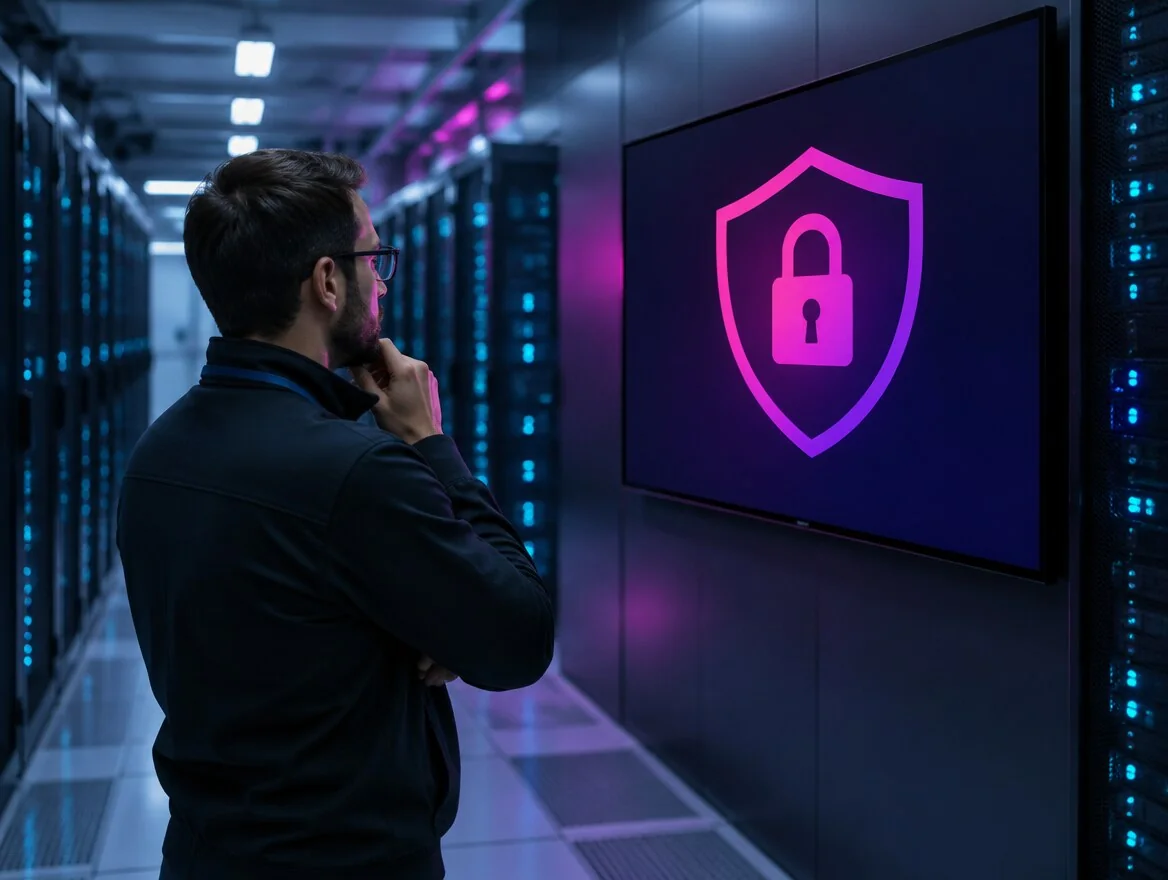
Security engineer in a data centre, in front of a screen showing a padlock inside a shieldStep 1A connection that leaves your systems aloneThe screen reaches the internet without sitting inside the network of your till or your stock system. Everything is driven from a browser.
Employee starting the EMITY app on a screenStep 2The screen, with or without a playerA screen running Android, Tizen (Samsung) or webOS (LG) takes the E-SOFT application directly. Otherwise an E-BOX player sits behind any screen.
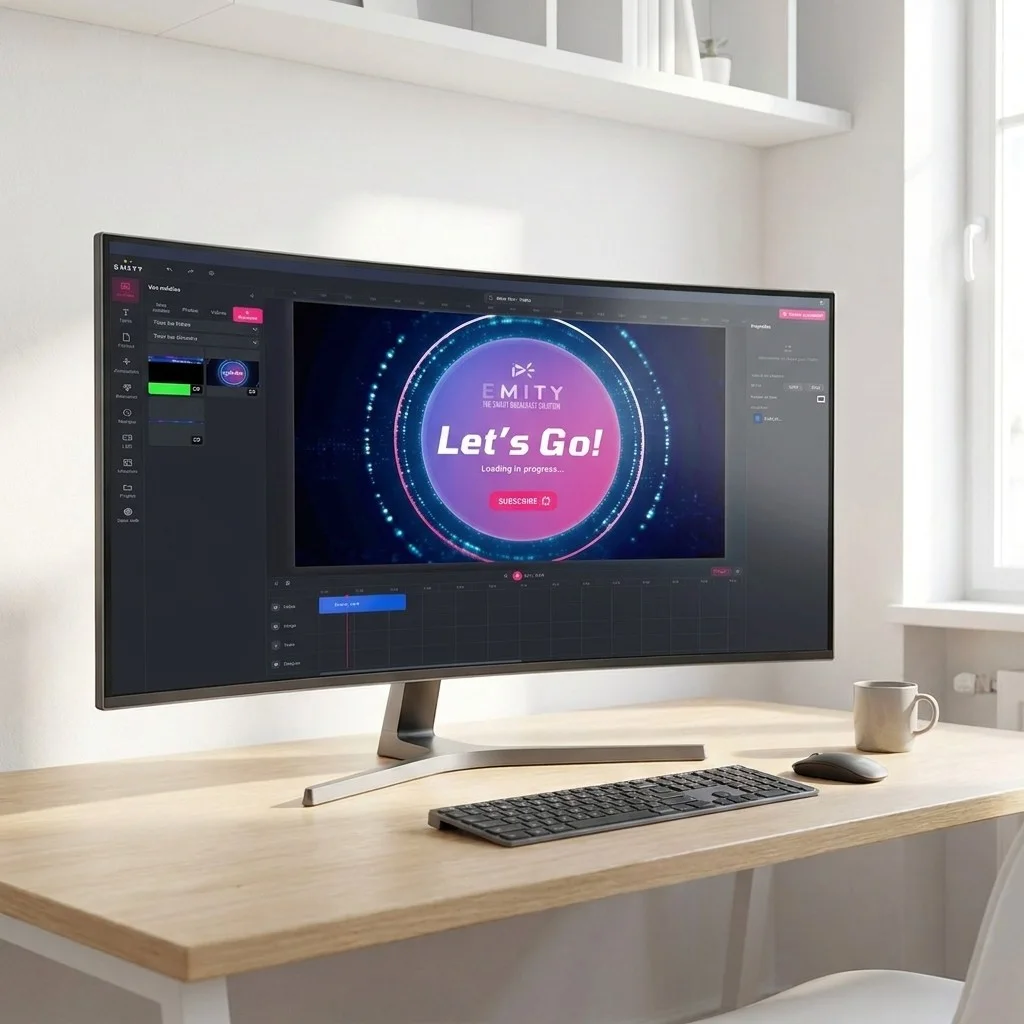
EMITY's built-in editor open on a large monitor, with a poster being designedStep 3Your first visuals, without a designerEMITY’s built-in editor composes a poster inside the platform — and if your teams already work in them, Canva and Adobe Express connect too.
E-MANAGER playlist open on an iMac, with a live preview of the posterStep 4Screen groups, set up onceWindows in one group, checkouts in another, stockrooms apart. Once the groups exist, choosing where a broadcast goes takes two clicks.

09The wider picture

An established platform, and a network to fit it

EMITY equips independent shops and retailers running several hundred screens alike. On the hardware side, EMITY publishes the software and works through a network of certified resellers who quote and install.

+7,000

screens connected worldwide

+1,000

customer accounts

+130

certified resellers

+20

countries

Estate takeoverReplayrather than replace

An estate already installed and driven by another platform?

It can often be taken over (our Replay scheme) rather than replaced while still in good order. See our offers and our subscriptions.

10Common questions

What retailers ask before they fit anything

In E-MANAGER a screen is never driven on its own: it belongs to a group. You might create a « windows » group, a « checkouts » group and a « stockrooms » group, then push content to the whole group in two clicks. It reaches every display within seconds, whether there are three or three hundred. All from a browser, with no software to install and without going through each store.

Four criteria matter for a network: group management of screens, rights per user (so that head office and the store do not publish the same thing), scheduling per store around its own hours, and hardware compatibility with the estate you already own. E-MANAGER covers all four and works with screens from every manufacturer, which avoids replacing hardware that is still sound. For scale: ORCHESTRA drives 950 screens across its stores in France and Europe.

No. Updates happen in a web interface: your team builds a visual in the built-in editor, picks the screen group and schedules the broadcast. No installation, no code, nobody from outside needed day to day. If your teams already work in Canva or Adobe Express, those connect too. The hardware installation itself is done by your EMITY reseller.

The budget splits in two. The hardware — screen, mount or totem, installation — is quoted by a certified reseller and depends on size, on the brightness the position needs and on how many screens you are fitting. The software is an E-MANAGER subscription; the plans are set out on our subscriptions. A single shop and a fifty-store network are not the same project, so a quote on your own case is the only useful number.

In the window, brightness decides ahead of resolution: the commercial market sits between 2,500 and 5,000 cd/m² for a sunlit frontage, where a consumer television peaks around 300 to 400 cd/m² and turns grey behind the glass. Inside — aisle, shelf, checkout, stockroom — 350 to 700 cd/m² is enough, but the panel still needs to be a commercial one: it is built for 12 to 16 hours a day where a consumer model is rated for 4 to 6. See compatible screens.

In most cases, yes. E-MANAGER works with screens from every manufacturer: the E-SOFT application installs directly onto an Android, Tizen (Samsung) or webOS (LG) screen; otherwise an E-BOX player goes behind it. An estate driven by another platform can often be taken over under our Replay scheme. One limit worth checking: a living-room panel placed in a sunlit window will stay hard to read whatever the software.

Yes, that is what the regulatory display module is for, and it is the one deployed at INTERMARCHÉ. The documents an employer must keep available are gathered on a screen in the break area or the stockroom, readable and updated from the same platform as the customer-facing screens — with no reprinting, no drawing pins, and no sheet covering another. Customer screens and staff screens stay in separate groups, so there is no risk of broadcasting one in place of the other.

It is the one place in the store where the customer is standing still and available, often for one to three minutes, looking up. E-MANAGER’s Checkout module is built for that zone: add-on product, loyalty scheme, next promotion, service information. It is the module running on ORCHESTRA’s 950 screens.

11Nearby

Three pages that go further

The window screen, in detail

Frontage hardware, brightness and formats: digital window displays.

Regulatory display, digitised

The documents meant for staff, without reprinting: legal digital signage.

The platform in detail

What E-MANAGER does beyond the store: the E-MANAGER.

Let’s make it concrete

Try it on one screen before equipping the network

The trial opens the full platform for 3 months, with every feature included, on one screen, with no card details and no commitment. Enough to create a group, schedule a promotion and judge it on the evidence.