
DOOH screens: what they are, and how they differ from professional digital signage
DOOH and digital signage are used as if they meant the same thing. They do not, and the difference is not academic: it decides who owns the content, who pays for it, and which rules apply to your screen. This page draws the line — and tells you which side your own project sits on.
Definition
What is a DOOH screen?
Three acronyms keep crossing paths in this field. Sorting them out, from the broadest to the most specific, is the first useful step.
DOOH: digital advertising, outside the home
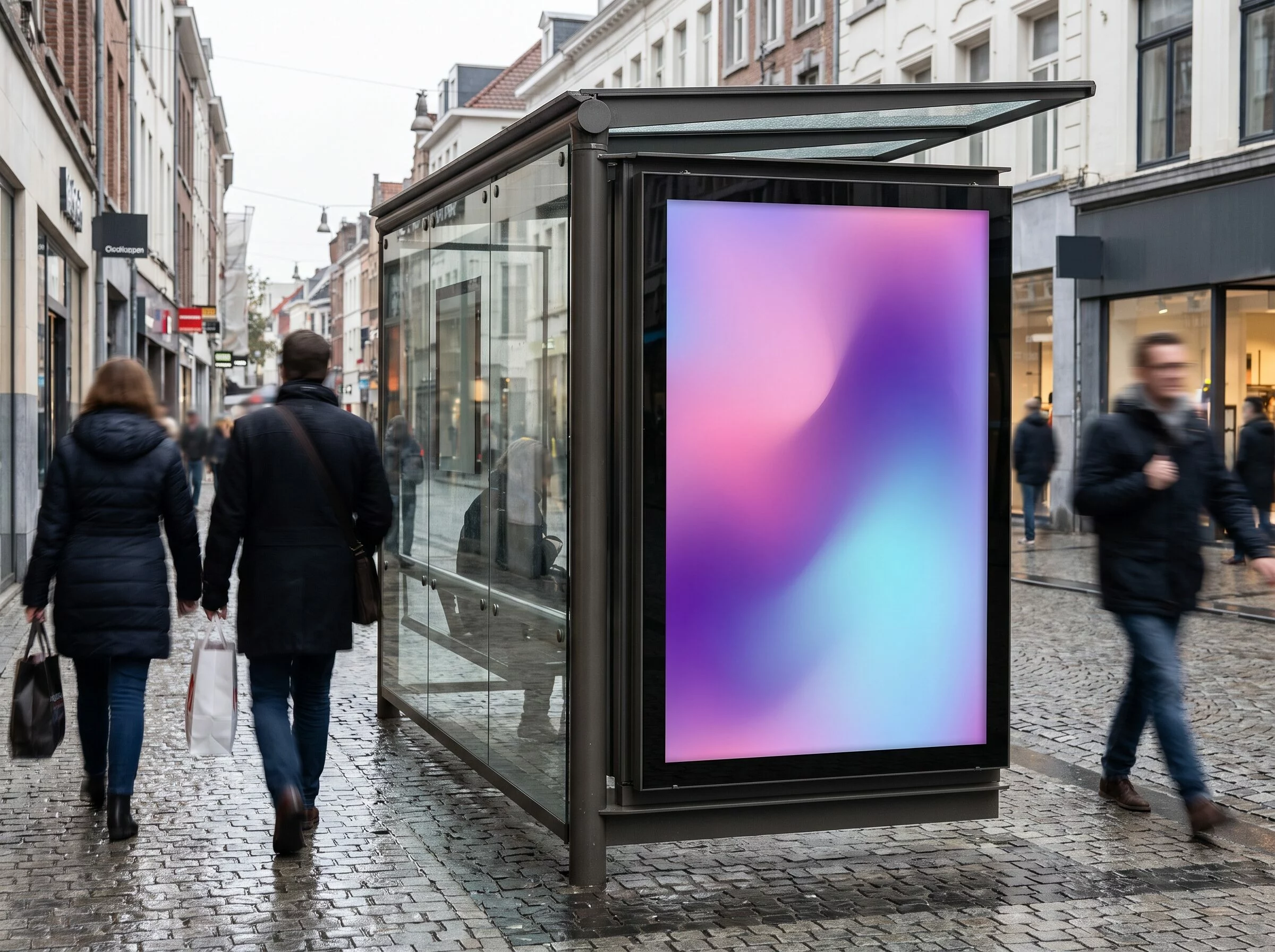
DOOH stands for digital out of home. It describes advertising shown on connected screens installed where people pass by: streets, transport hubs, shopping centres, stores. Unlike a printed poster, a DOOH screen receives its content remotely, through software connected to a media owner or to an automated buying platform.
The usual arrangement: an advertiser or an agency buys display time on a network of screens it does not own, to reach passers-by or shoppers. The term DOOH media refers to that same inventory seen from the buyer’s side. This is a specific use — and that is what matters next, because it decides whether the rules written for advertising apply to your own screen.
DOOH or OOH: the medium, not the purpose
OOH (out of home) covers all outdoor advertising, printed posters included. DOOH is its digital branch: a screen replaces the printed sheet. The difference is the medium, not the marketing intent — where a paper panel has to be reprinted for every campaign, a screen updates in seconds.
DOOH is one branch of digital signage
Digital signage is the parent category: any screen whose content is managed remotely, whatever it is used for. DOOH occupies one branch of it — paid advertising for third parties. A reception screen, an information board or a menu board are digital signage too, but never DOOH in the strict sense.
Who owns and who funds the content?
This is the reliable test. In DOOH, an external advertiser pays to occupy a screen it does not own, and the screen owner recovers the investment by selling display time. In professional digital signage the company owns the screen and shows its own content, with no space to resell.
The comparison
DOOH advertising or professional digital signage?
Six lines are enough to separate the two worlds. Whichever column describes you settles everything else, from the applicable rules to the way you are billed.
| Criterion | DOOH advertising | Professional digital signage |
|---|---|---|
| Purpose | Show advertising on behalf of a third party | Communicate on your own behalf |
| Content owner | A media owner or an external advertiser | The company itself |
| Commercial model | Space rental, automated buying at play-out | Software licence, on a screen you already own |
| Audience | A broad, anonymous audience caught in passing | Your customers, visitors and staff |
| Typical example | Roadside digital panel, bus shelter, window screen rented to a brand | Reception, waiting room, internal communication, restaurant menu board |
| Applicable rules | Regulated as outdoor advertising — and the rules differ country by country | No advertising regulation of its own |
How it works
How does a DOOH screen work?
Three building blocks, and a technical setup shared by every remotely managed screen — whether it shows advertising or your own content.
The screen, the network and the software
A DOOH screen combines the panel itself, a network connection and content management software that schedules the play-out. The software lets you build a playlist, schedule it by time or by location, then send it remotely — with nobody touching the screen.
Automated space buying
A platform matches advertisers with screen owners, and the purchase is triggered by targeting criteria: location, time of day, weather, intended audience. A campaign can reach dozens of sites without negotiating with each owner, and every advertiser gets a play-out report.
Central control
Advertising or company content, the principle is the same: one dashboard updates an entire estate in a few clicks. No more travelling to change a poster — the change propagates in real time to every screen concerned, wherever it is installed.
Places and formats
Where are DOOH screens installed?
Two families of locations, two audience logics: indoors, close to the point of purchase; outdoors, in a far wider flow of passers-by.


Three formats, from the roadside panel to the indoor kiosk
The choice of format depends mostly on the intended reading distance and on ambient light. Panels built for outdoor use reach very high brightness so they stay readable in direct sunlight, while an indoor screen can afford a softer output.
The large-format urban panel
Several square metres, roadside or on a building gable. Read from a distance, so the message has to be very short.
The window display screen
On the shop front, facing the pavement, to catch passers-by. It needs high brightness to hold up against daylight — our digital window display page covers this case in detail.
The indoor totem, or DOOH kiosk
Fixed or on castors, in stores and lobbies. It is the most versatile format, and it becomes an interactive kiosk as soon as it gets a touch panel — which is where wayfinding, catalogues and self-service start.
Times Square, the global shop window of DOOH
Times Square, in New York, remains the reference: a junction saturated with giant advertising screens, crossed every year by millions of people. Major international campaigns launch there, at an intensity few other places in the world reach. It is also what keeps the confusion alive — that spectacular image has become the symbol of digital display as a whole, when it actually shows one single use of it, the most advertising-driven of them all.
Fleet management
Monitoring a screen estate remotely
A screen that has gone dark shows nothing, and nobody tells you. Once you run more than a handful of screens, the real question stops being « what do I show ? » and becomes « how do I know it is actually showing ? »
Connectivity
Every screen needs a route to the internet: wired, Wi-Fi, or a 4G router when there is no network on site — a common case for roadside panels and pop-up locations. The player, not the screen, is what carries the connection.
connectivity
Telemetry and health monitoring
The dashboard reports what each screen is really doing: whether it is online, which playlist is running, when it last checked in. That is what turns a silent failure into an alert you can act on.
telemetry
Remote control
Scheduling on and off hours, pushing a content change, restarting a player from the dashboard: the point of a managed estate is that none of it requires a site visit.
remote control
With EMITY this comes from the platform itself: E-MANAGER holds the dashboard, E-BOX is the player for any screen with an HDMI input, and E-SOFT is the application that installs directly on a connected screen — Samsung (Tizen), LG (webOS) or Android — with no external box at all. Existing screens can stay: see the compatible screens page.
The line, in pictures
Two screens, two logics
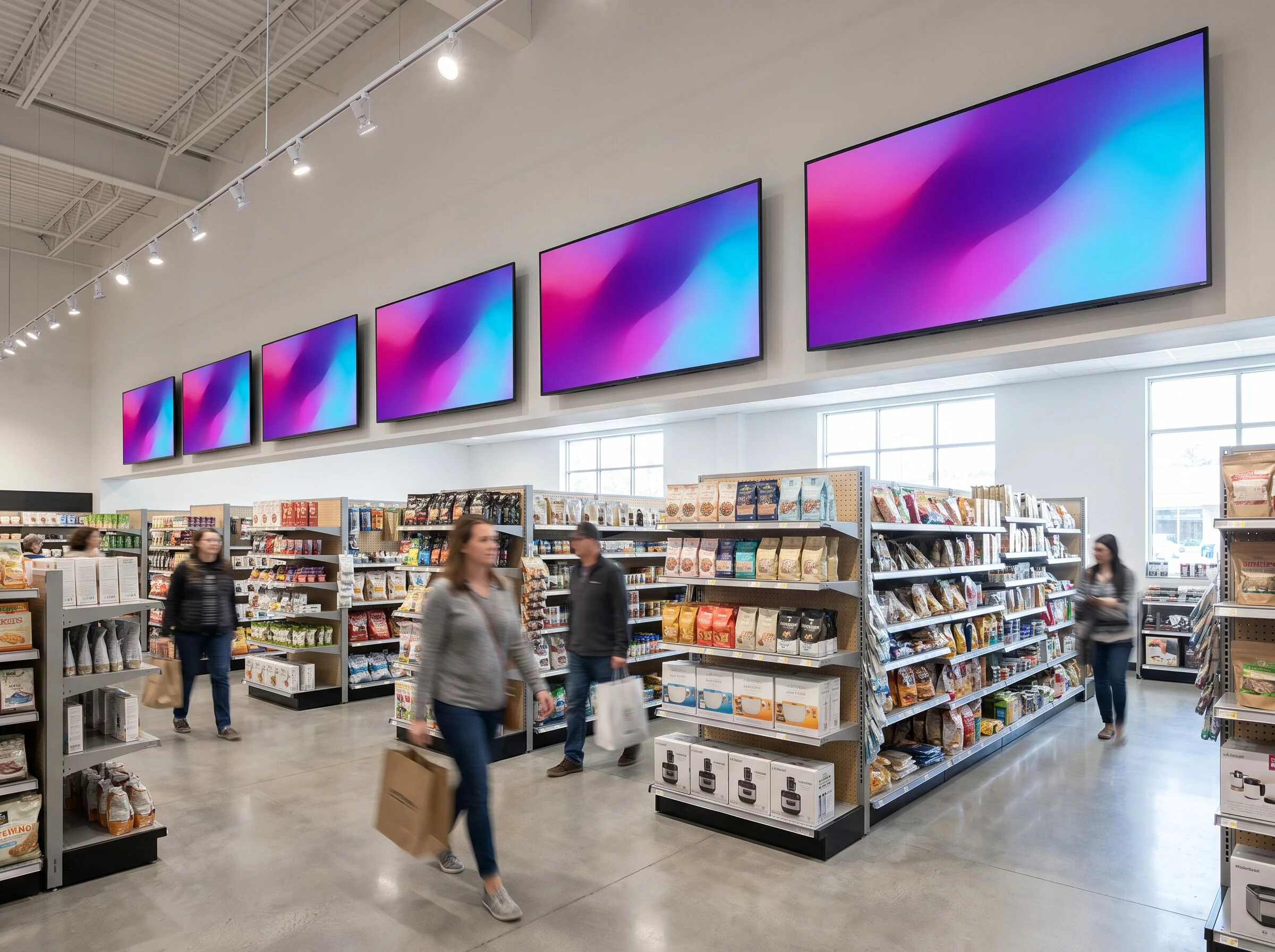
Same technology, same remote control — and yet two different businesses. The distinction is invisible on the panel: it is written in who pays, and for whom.

The test
Is your screen DOOH, or digital signage?
After that tour of locations and formats, one question is left: what about your own screen? Thirty seconds are enough to find out.
DOOH or digital signage?
Four questions to qualify your project in 30 seconds.
1. Who owns the screen?
2. Who funds the content shown on it?
3. Who is the message for?
4. Is the screen in a place you operate?
Yours is a professional digital signage project
Your screen shows your own content, to your own customers or staff. This is not DOOH advertising: it is exactly what E-MANAGER covers, EMITY’s software for managing professional screens.
Try it freeYours is a DOOH advertising project
Your screen shows content funded by a third party to reach the general public. That makes it DOOH advertising, governed by the outdoor advertising rules of the country it stands in — not the professional digital signage described on this page.
For advertising agenciesRules
Is a DOOH screen regulated?
Yes — and this is where the distinction drawn on this page starts to cost money if you get it wrong.
What is regulated, and what is not
- ✓What the rules target is advertising shown in public space, or in places open to the public. Not the technology, and not the screen itself.
- ✓Two requirements come up in most European countries: a permit before installing an illuminated advertising screen, and a night switch-off window.
- ✓A screen you own, in premises you operate, showing only your own messages, generally falls outside that regime — it is not advertising for a third party.
- ✓The moment you sell display time to a local advertiser, your screen changes category. That is the line worth checking before you sign anything.
Where to check, in practice
The detail is national, and sometimes municipal: thresholds, surface limits, switch-off hours and penalties all differ from one country to the next. Anyone claiming a single European rule is overselling it.
In France, where EMITY is based, illuminated advertising screens need prior authorisation and must be switched off between 1 a.m. and 6 a.m., under the Code de l’environnement. Elsewhere, the safe move is the same one: ask the local authority that issues signage permits, before ordering the screen rather than after.
The EMITY answer
Not a DOOH advertising project?
Here is what professional digital signage covers: the same remote control, with no media owner, no space to buy and no advertising rules to satisfy.
E-MANAGER, the software that runs your screen estate
Built by EMITY, E-MANAGER runs an estate of professional screens from a single interface: you build your playlist, you push it to your screens, and you keep control of every piece of content. Creation, scheduling, play-out and monitoring all live in the same dashboard.
It scales from a single screen in one shop to an estate spread across many sites, with the same level of control and support based in France. The E-MANAGER page goes through the features, and the subscription plans are set out line by line.
- ✓Welcoming visitors, with messages that change by time of day
- ✓Internal communication for your teams, without email or paper notices
- ✓An informative window display in store, with different offers per location
- ✓A multi-site information board, with content that is either identical everywhere or adapted to each place
Frequently asked questions
Your questions about DOOH screens
You will find more answers about digital display in our digital signage FAQ.


