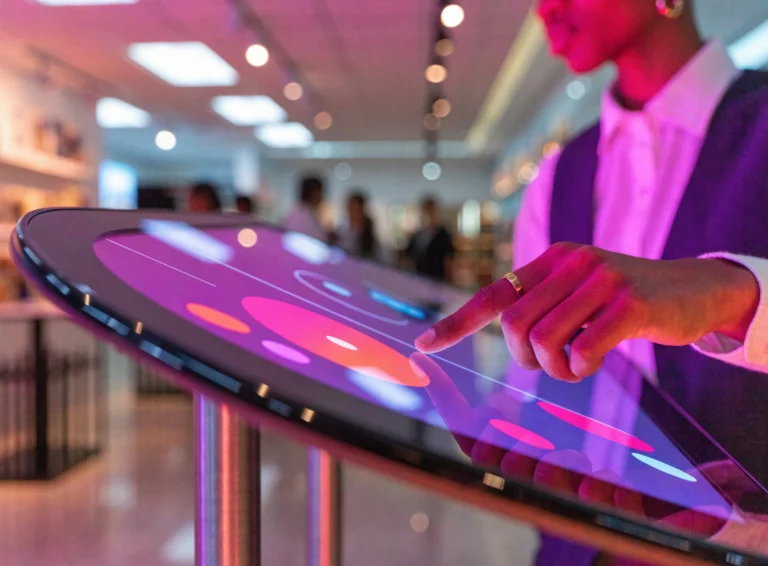
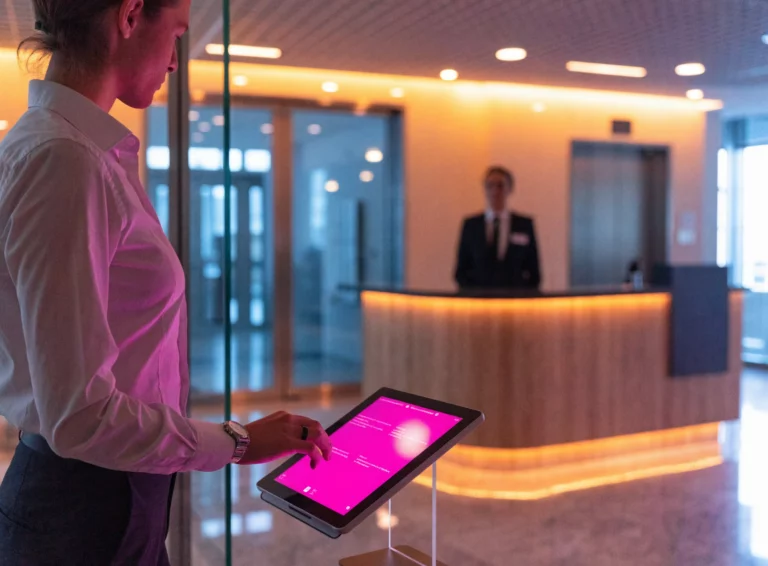
Digital signage for internal communications

Digital signage for internal communications: reach every team, on every site

Email reaches the people who sit at a desk. Screens reach everyone else — the workshop, the warehouse, the break room, the reception hall. With EMITY, you write a message once and it appears wherever it matters, on one site or a hundred.

1,000+customer accounts
7,000+connected screens
20+countries covered

Definition

What is digital signage for internal communications?

Digital signage is a network of connected screens driven remotely from a single piece of software. Used for internal communications, those screens carry the information that email and intranets never quite reach: shop-floor teams, field staff, and everyone without a company mailbox.

Three things change compared with a printed notice or a screen fed from a USB stick:

  • Content updates remotely, from a browser — nobody drives to site.
  • Each screen can show its own message: the hall, the workshop and the break room do not need to say the same thing.
  • Publishing is scheduled ahead: a safety reminder every morning, monthly figures every Friday.
The journey

Where do screens earn their place in a company?

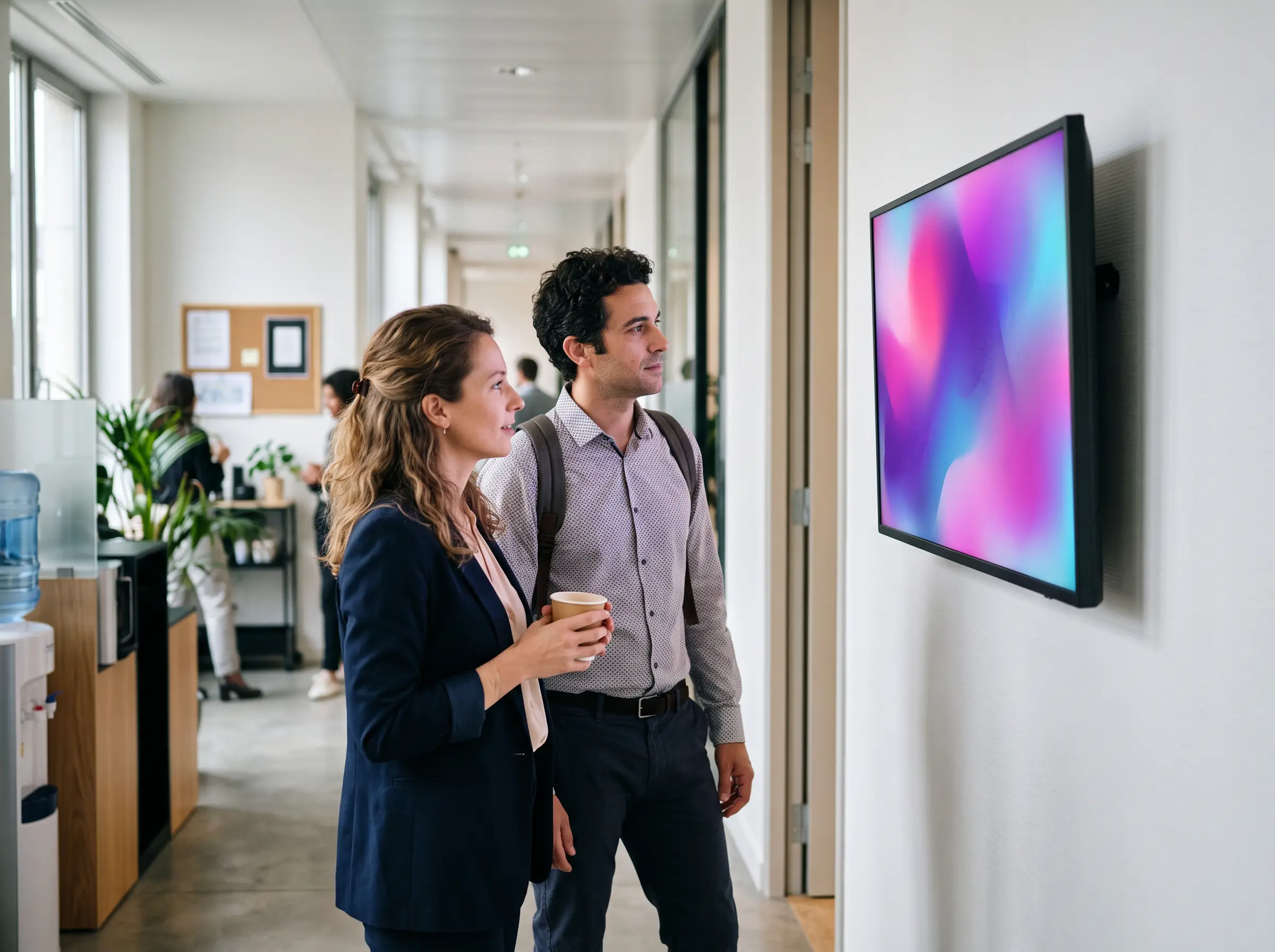
The simplest way to see it is to follow an ordinary day, from the street to the break room. Six moments, six screens — and one piece of software behind them. Notice the last one: it no longer speaks to visitors, but to your teams.
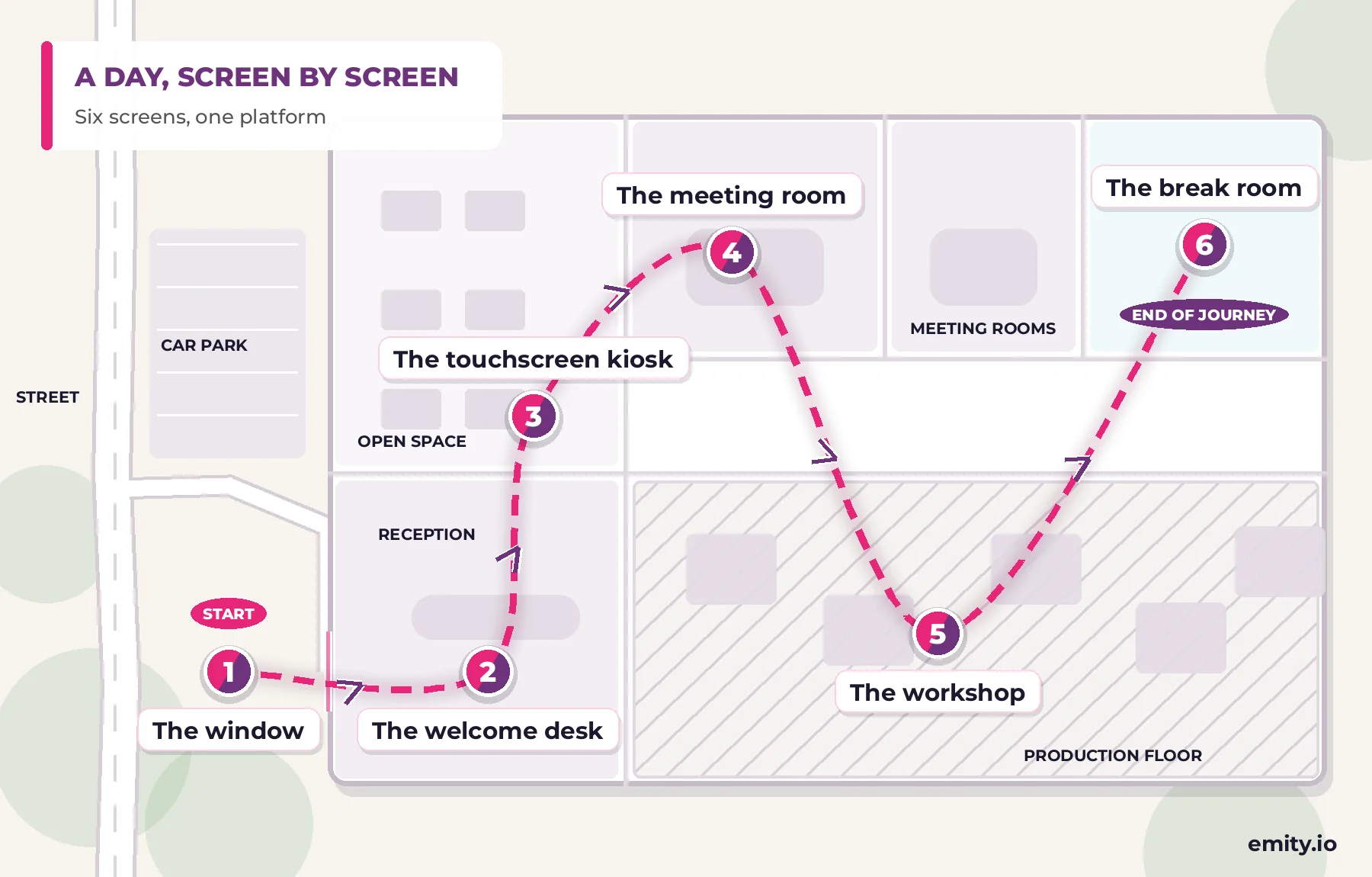
Floor plan of a company site showing a day’s journey in six steps: the window, the welcome desk, the touchscreen kiosk, the meeting room, the workshop and the break room

Internal communications

Digital signage for internal communications: reaching every team

Among the digital screen solutions used for internal communications, digital signage holds a place of its own: it replaces neither email nor the intranet, it picks up what they miss — urgent messages, teams with no computer, and the attention of the places people walk through. HR teams gain a channel that never gets closed.

Examples

A few examples of internal communications on screen

Four situations built with EMITY widgets: the content comes from a source that is already live — safety, weather, sport, business data — and the screen stays current without anyone touching it.

Digital signage screen in a workshop showing the days-without-accident counter

Safety on the shop floor

The days-without-accident counter updates on its own, at the workshop entrance. The widget comes straight from the EMITY library: nothing to re-enter.

Internal communication screen in a break room showing the EMITY weather widget

Weather and daily life

In the break room, the local forecast paces the playlist between two internal announcements — the screen stays alive even when there is no news to publish.

Digital signage screen in a lounge area showing live football standings

Sport and common ground

Standings and latest results in the lounge area: the screen becomes a team meeting point the morning after a match.

Screen in an open space showing a live SharePoint chart through EMITY

Live business data

Your SharePoint, Power BI or SAP data appears in real time: the open space follows activity without anyone opening a spreadsheet.

The 20 widgets in the Excellence plan also cover the clock, air quality, countdowns and news feeds — enough to build a playlist that lives all day long.

What to look for

What to expect from a corporate digital signage platform

Comparing signage software quickly turns into comparing feature lists. These six criteria are the ones that matter once the network is installed and live.

Criterion The question to ask What EMITY answers
Estate size How many screens does the platform follow? From 1 to 1,000 screens per account, in the same interface.
Existing screens Do we have to replace what is installed? Compatible with every manufacturer. Taking over an estate installed by a competitor is covered by the Replay programme.
Geographic coverage Who installs and supports each site? More than 130 certified reseller partners across France and Europe.
Scope One contract per need? One suite: signage, visitor book, room booking, queue management, live sports scoring.
Places with no power What about spots with no socket? E-PAPER digital ink: no power draw on a static image, five years of battery, readable in direct sunlight.
Video walls How do you stop several panels drifting apart? Master-slave synchronisation, for one continuous image.

How it works

Software, player, screens: how a screen network fits together

A screen network rests on three pieces. The softwareE-MANAGER — is the dashboard everything is driven from, in a plain browser. The player feeds the screen: either the E-BOX box over HDMI, or the E-SOFT application installed inside the screen itself when it allows it (Samsung Tizen, LG webOS or Android). Then the screen: a monitor, an LED wall, a totem, a touch kiosk, or an E-PAPER digital-ink panel.

You keep control of the message; EMITY takes care of the plumbing.
The suite

One suite for every screen in the company

One contract, one training session, one point of contact — where most platforms cover a single job at a time.

EMITY built-in content editor shown on a large curved monitor

The built-in editor

Compose your visuals in the platform, with no third-party tool and no export.

Professional screens from several manufacturers running EMITY content

E-SOFT

The application embedded in the screen: Samsung Tizen, LG webOS, Android.

EMITY E-BOX player connected over HDMI behind an existing screen

E-BOX

The HD, 4K or 8K player when the screen cannot host the application.

Customers

Groups already running hundreds of screens

From a single-site company to a national network, support scales with the size of the estate and the sector.

300

screens at Colissimo (from 30 to 300)

360

screens at Europcar branches

100

sites equipped at Schindler (E-BOX players)

FAQ

Digital signage for internal communications: FAQ

It is a network of connected screens, driven remotely from a single piece of software, that carries company information where people actually are: reception halls, break rooms, workshops, meeting rooms, warehouses. Content is updated from a browser, with no site visit and nothing to reprint.

Because a large share of any workforce has no company mailbox, or no time to read one: production operators, drivers, field and retail staff. A screen reaches them without asking them to log in, and the same message can be tailored per site or per zone.

It puts one version of the information in front of everyone, at the same time, and keeps it current. Targets, news, schedules and safety notices are published centrally, so teams stop relying on printed notices that nobody replaces and mailboxes nobody reads.

Company news and milestones, team targets and results, schedules and shift information, safety and quality reminders, new joiners, canteen menus, and live feeds such as weather, transport or social media. Short items, rotated often, work better than dense slides.

In most cases, yes. EMITY supports every manufacturer: if the screen runs Tizen, webOS or Android, the E-SOFT application installs directly on it; otherwise an E-BOX player connects over HDMI. Taking over an estate installed by a competitor is covered by the Replay programme.

Every screen reports into the same dashboard, wherever it stands. One group-wide message is published once and reaches everywhere, while each site keeps control of its local content. Monitoring shows in real time which screen is on and what it is showing.

From 1 to 1,000 screens per account, in the same interface. A pilot site often starts with two or three screens, then the estate grows without changing tools or retraining anyone.

It depends on the number of screens, the plan and the hardware already in place. The three plans — Standard, Premium and Excellence — are set out on our subscriptions page. A three-month free trial lets you price the project on your own estate before committing.

Yes. EMITY runs networks in more than 20 countries and relies on more than 130 certified reseller partners across France and Europe for local installation and support. Interface and content are handled per language.

Company news, new joiners, safety instructions, activity indicators, internal events or the staff restaurant menu. Widgets — weather, air quality, news feeds, countdowns, sports results — fill out the playlist so the screen stays alive between two announcements.

This is one of the first uses of internal signage: screens in the break room, the workshop or the warehouse reach teams with no workstation and no company email address. A touch kiosk adds self-service browsing — HR documents, floor plans, forms.

No. The EMITY built-in editor composes posters and announcements directly in the platform, from templates you adjust. And if your teams already work with Canva or Adobe Express, both connect to E-MANAGER.

Let us look at what your screens could be saying

A 30-minute walkthrough on your own case, or three months free on the Excellence plan, up to three screens. No card required.