
The EMITY editor: create your digital signage posters and videos
Putting a visual on your screens used to mean a design tool, an export, then an import back into the platform. EMITY’s built-in editor folds those three steps into one: you compose inside E-MANAGER, you publish, your screens show it.
How it works
A built-in creative tool, not another piece of software
The EMITY editor is new for 2026. It lives inside E-MANAGER, the dashboard you already use to run your screens: no switching between tools, and no export to redo every time something needs changing.
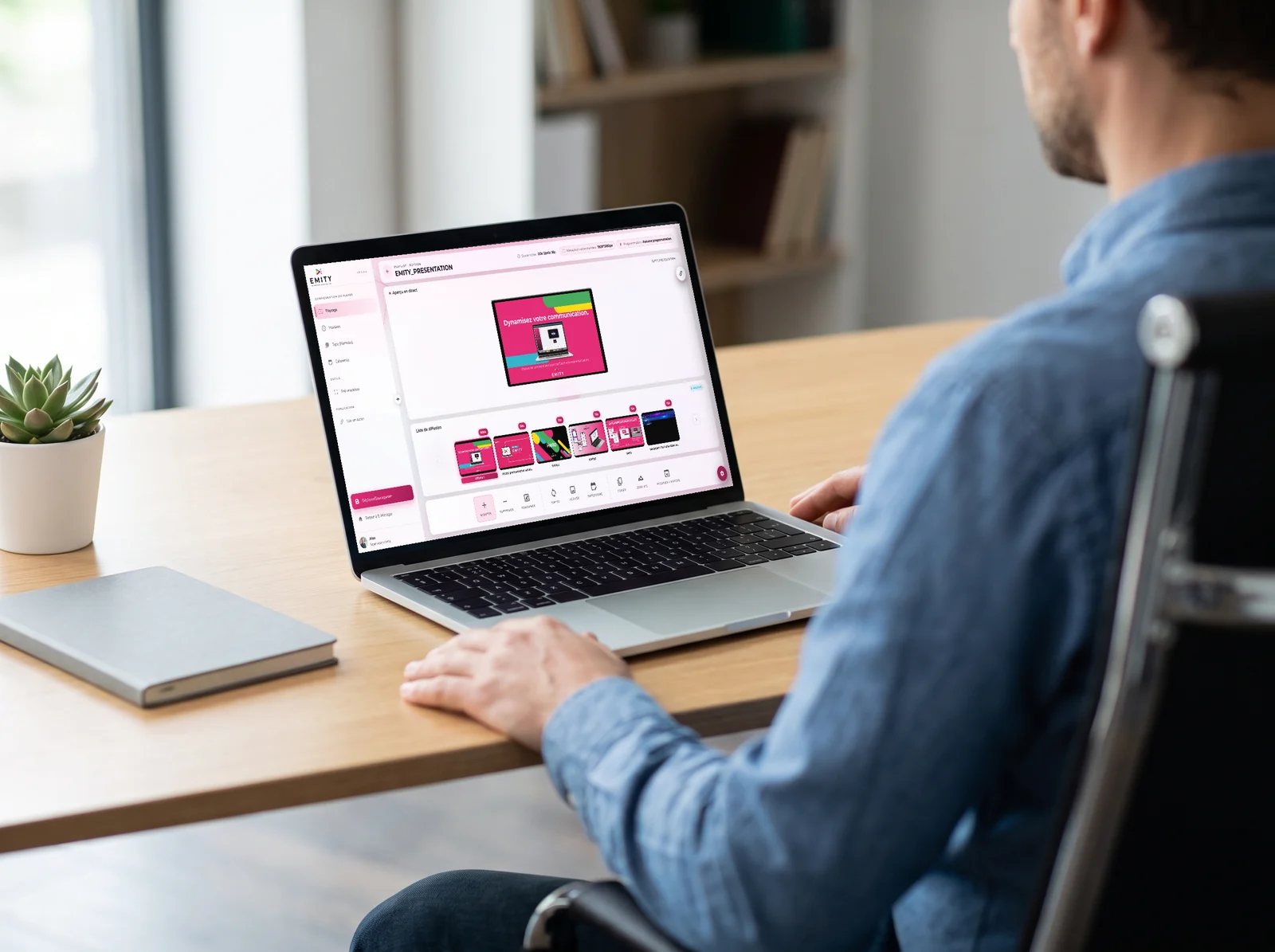
In practice, you open the editor from any playlist and any screen — a playlist being the sequence of content that plays on a display. Your media are there, your colours too, and the result reaches your screens without leaving the page.
Whether you run a small business or an organisation with several hundred sites, you get the same interface and the same templates.
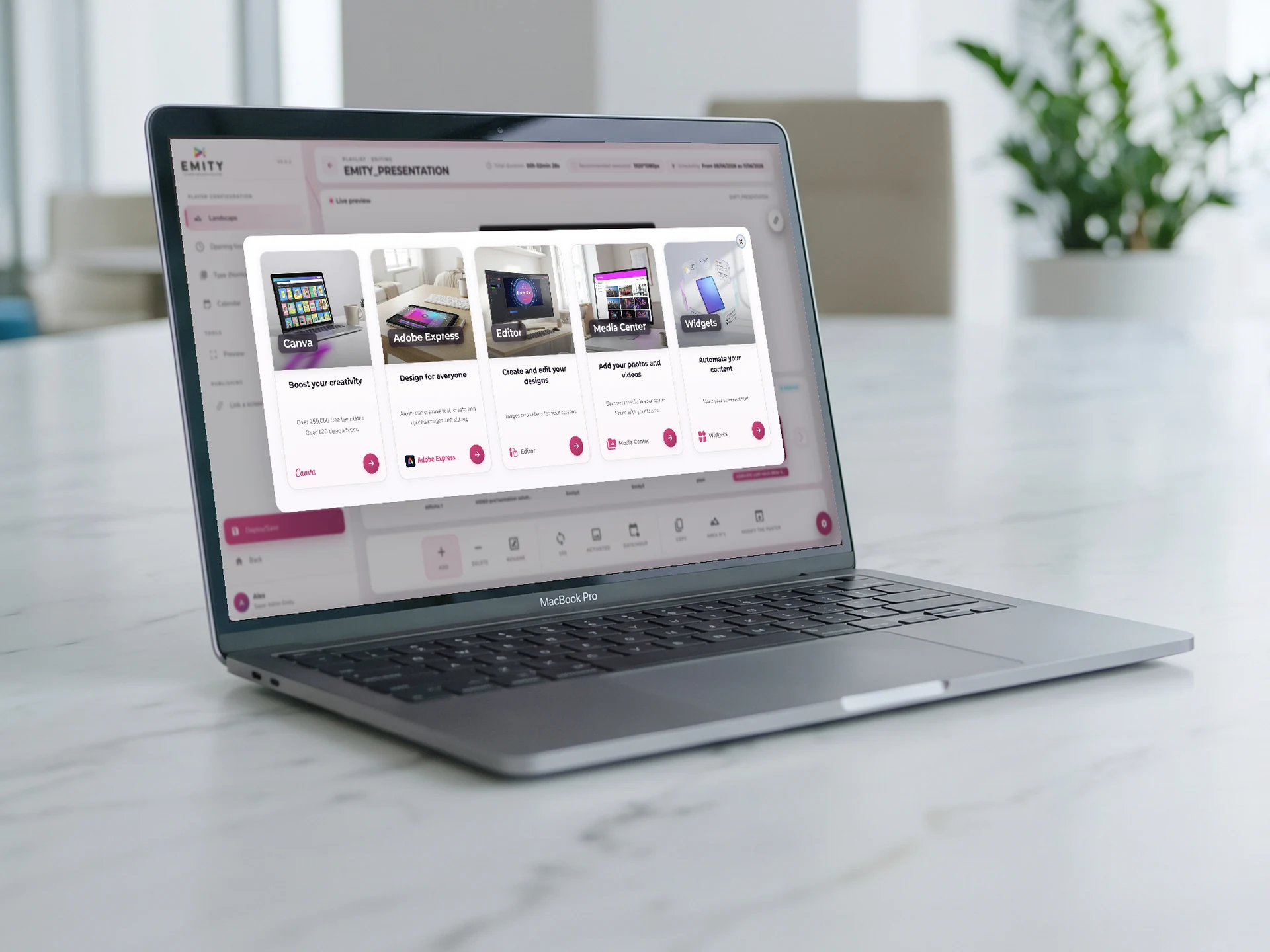
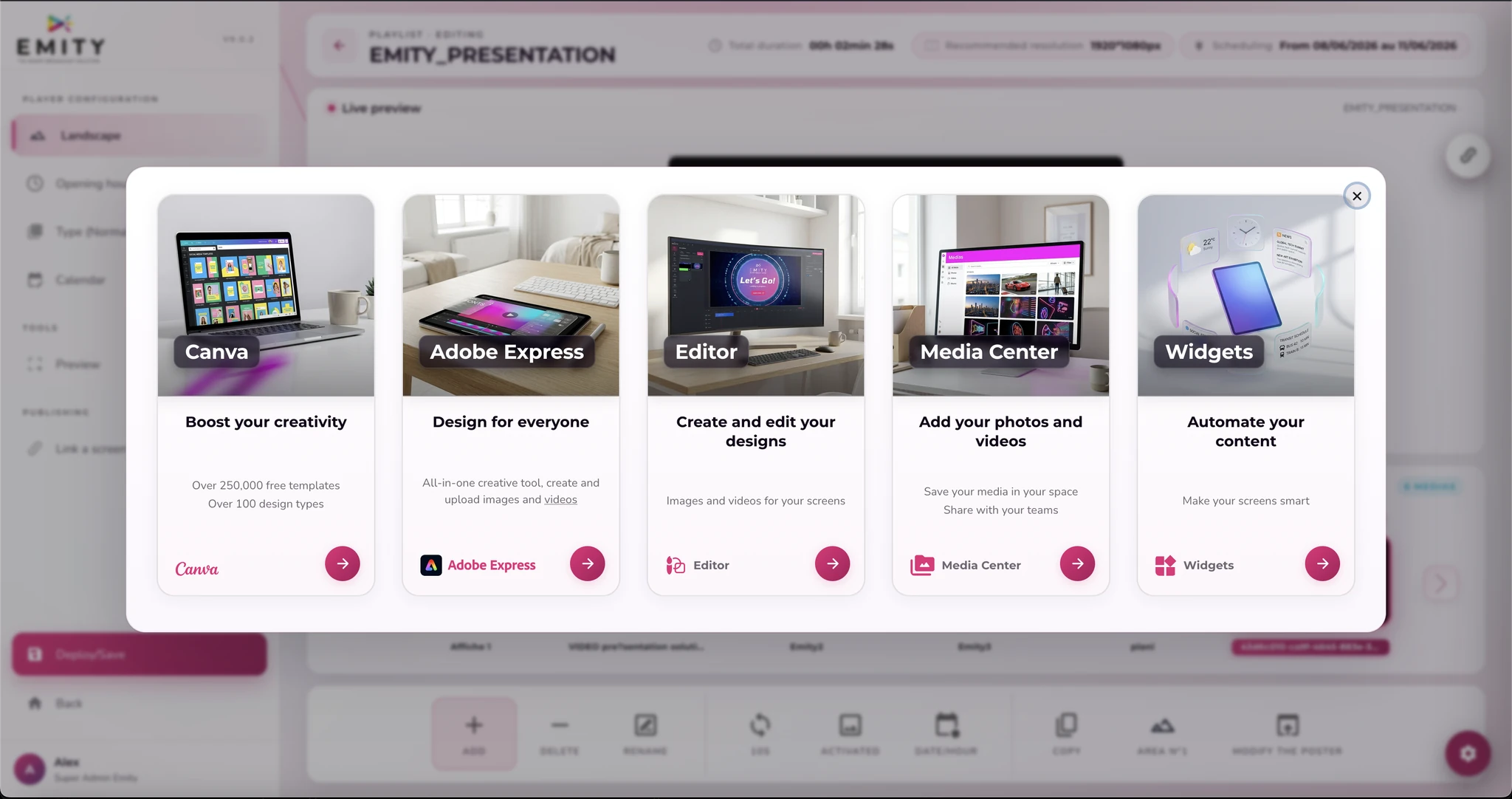
When it is time to create, E-MANAGER offers you several starting points. EMITY’s built-in editor covers the great majority of cases; and if your teams already work with Canva or Adobe Express, those two integrations stay one click away.
- ✓Your media: straight into your EMITY media library, with no download in between
- ✓A library included: royalty-free images and videos come with the editor
- ✓One-click publishing: the design joins the playlist you selected
- ✓Instant re-editing: a correction takes moments, with no source file to hunt down
In pictures
The editor, at a glance
Two screens are enough to follow the route: choosing where to start, then the space where you compose.
 Canva and Adobe Express” style=”width:100%;height:auto;display:block;border-bottom:1px solid #eee;” />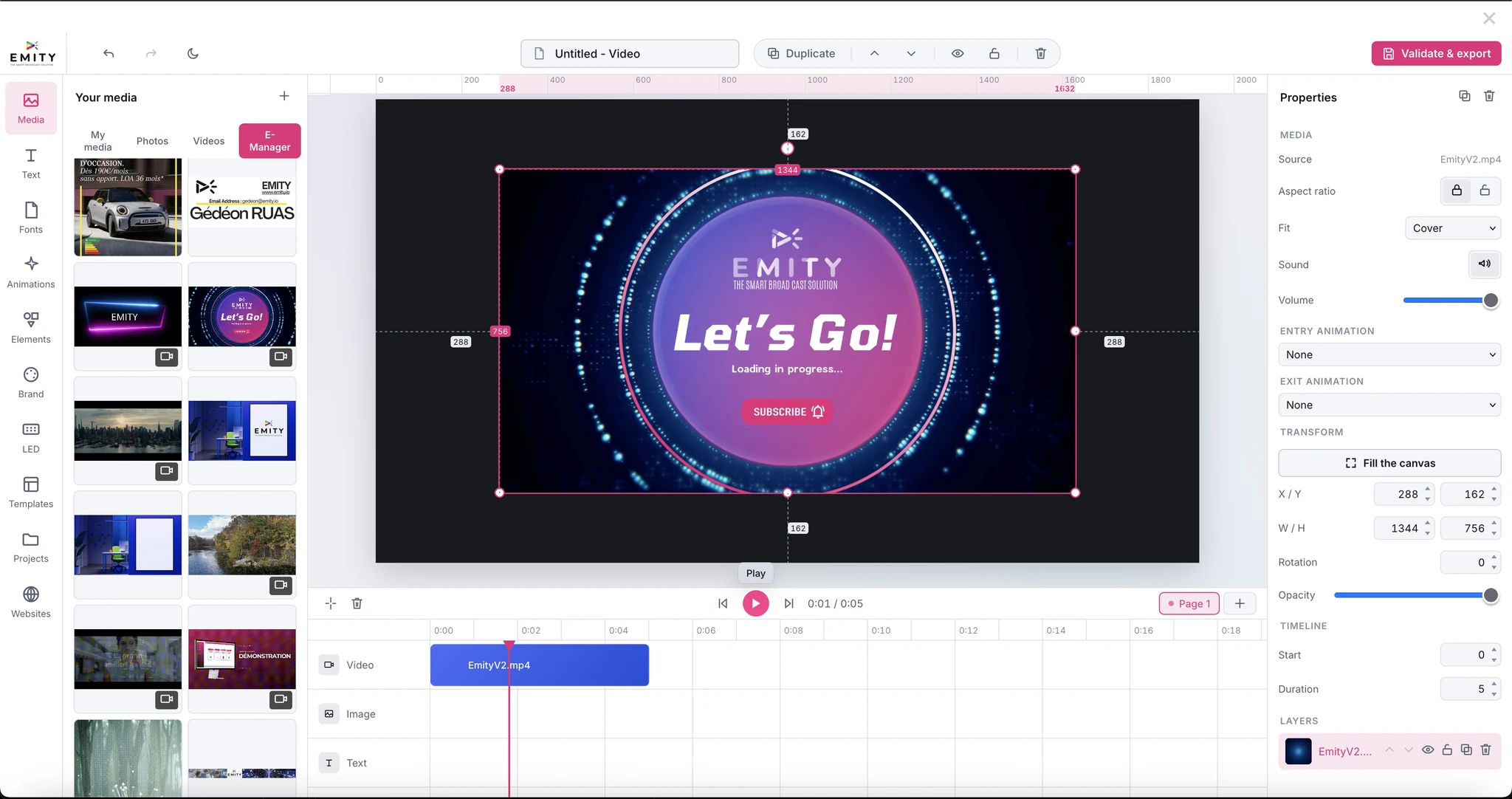
Uses
What you create with the editor
A welcome poster, a presentation video, a strip for an LED wall: the same interface covers all four cases below.
LED mode
A mode built for LED screens
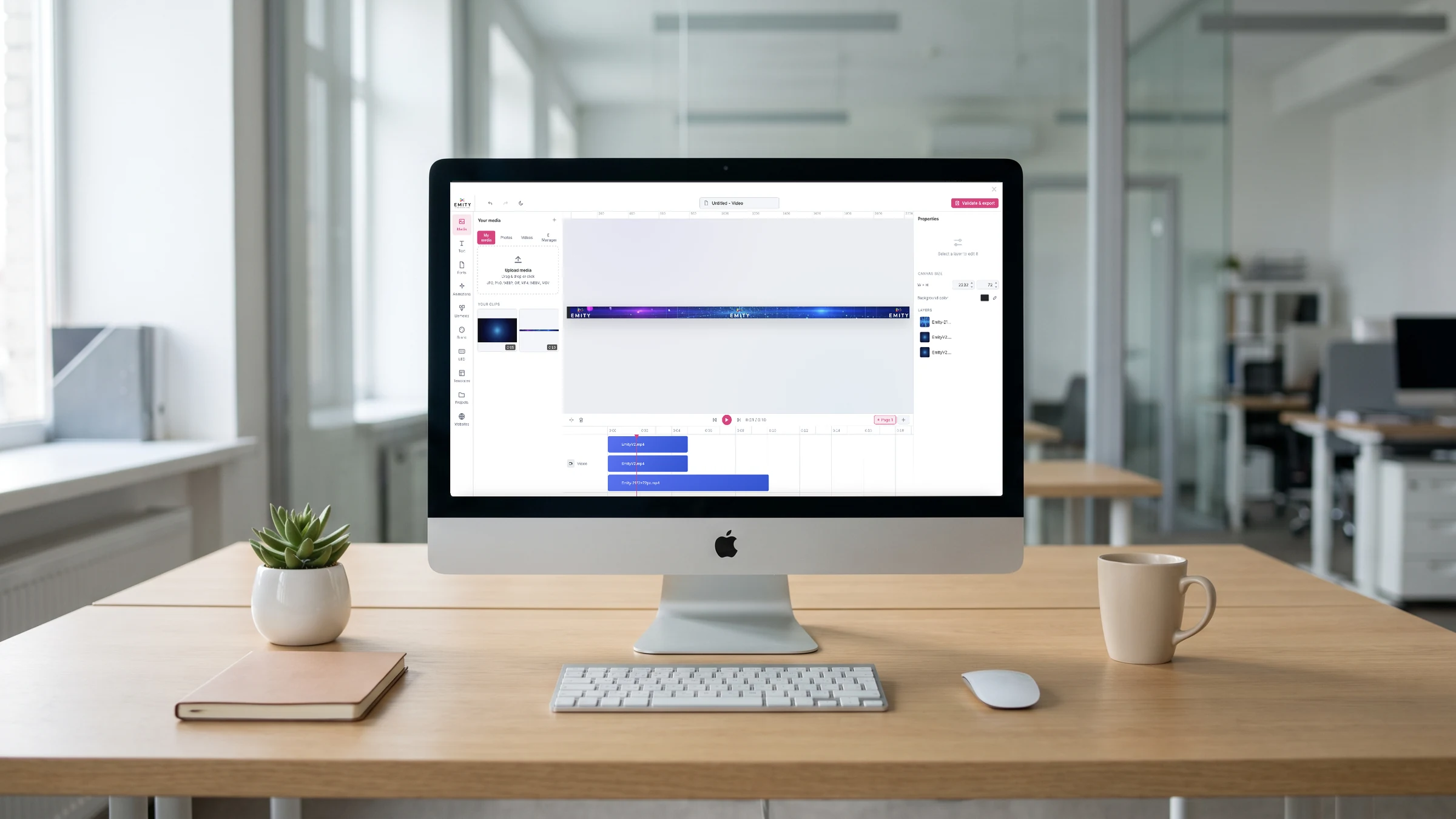
An LED wall is not measured in inches. It is assembled module by module, and its final resolution is almost never that of a television. The editor’s LED mode starts from that reality instead of working around it.
- ✓Size declared by modules or by dimensions
- ✓Values in pixels, or in millimetres with the pixel pitch
- ✓Total size worked out for you: 31 modules of 72 px make a strip of 2,232 × 72 px
- ✓Video export in Full HD or 4K
- ✓Automatic cutting into stacked bands, reassembled by the controller
- ✓The mode switches off in one click, back to an ordinary screen
Features
What saves time day to day
Four mechanisms carry most of the comfort of using the editor.
Drag and drop
You pick an element up and put it where it belongs. It is the gesture of every consumer design tool, so there is nothing to relearn — and nothing standing between you and a first design.
Every format
Each design is set against the screen that will carry it: a portrait totem, a landscape screen in a lobby, a very long LED strip. The same message follows, without being rebuilt.
Templates
Short of inspiration? 1,000 templates come with your subscription, sorted by sector, in portrait and in landscape, still, animated or video. Adapt one and publish.
Layers and timeline
Layers stack text, images, shapes and video; the timeline decides when each one appears. The playhead is your reference for placing a sharp cut or a gentle transition.
Why an in-house editor
One account, one place to look
An outside design tool means one more account to manage, one more set of permissions, and files travelling back and forth with every change. Here is what having it built in changes day to day.
- ✓One login: the E-MANAGER one your teams already have
- ✓One round of training to plan, for publishing as well as for creating
- ✓No intermediate export, so no file version to track down six months later
- ✓Custom templates in your own colours, shared with your users
- ✓One point of contact when a question comes up, including while you find your feet
Templates
Templates built for your sector
Retail, healthcare, corporate, events, property… Each template starts from a real use rather than a blank page. You adapt it to your message, and it fits itself to your screen.
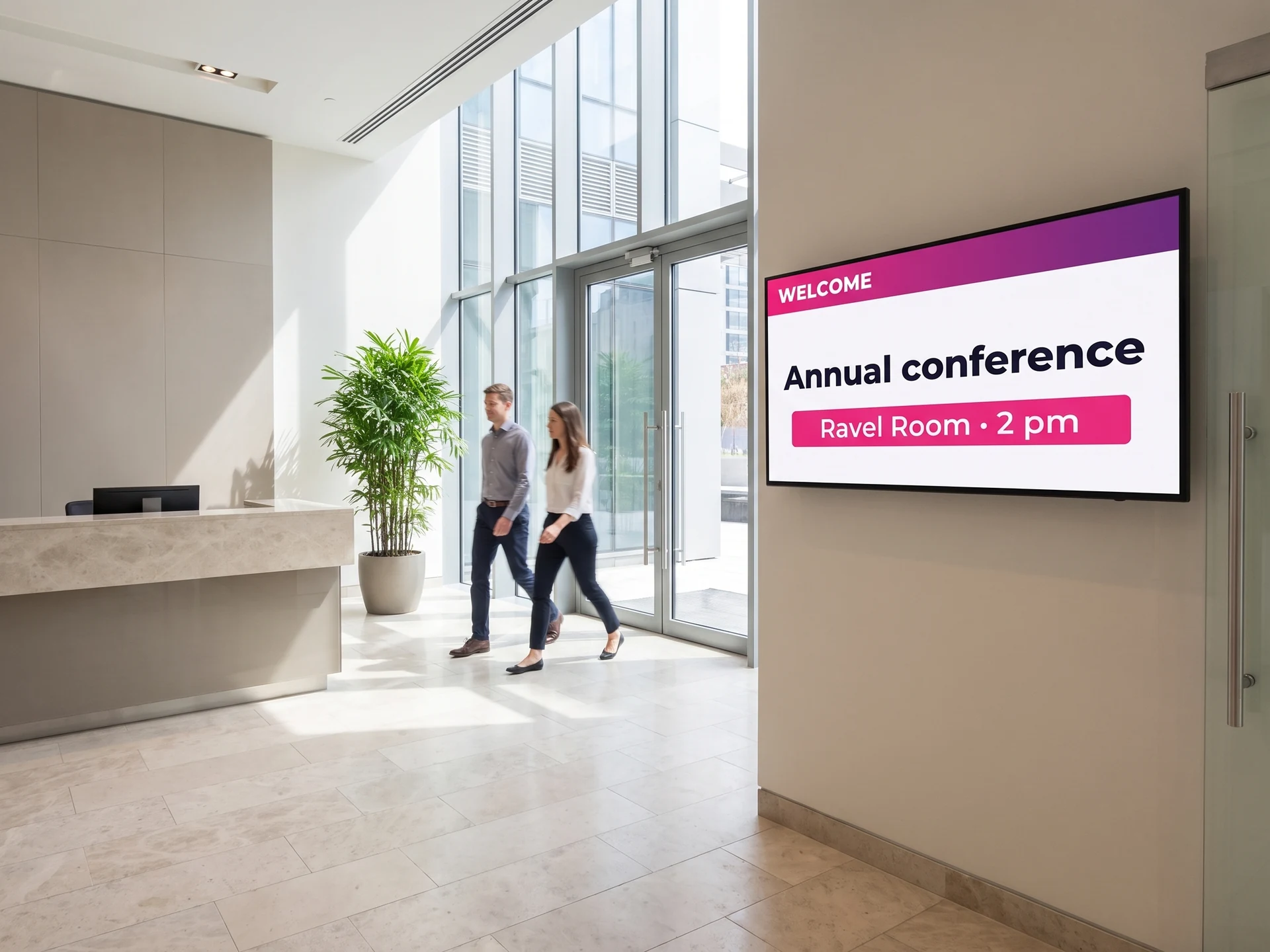
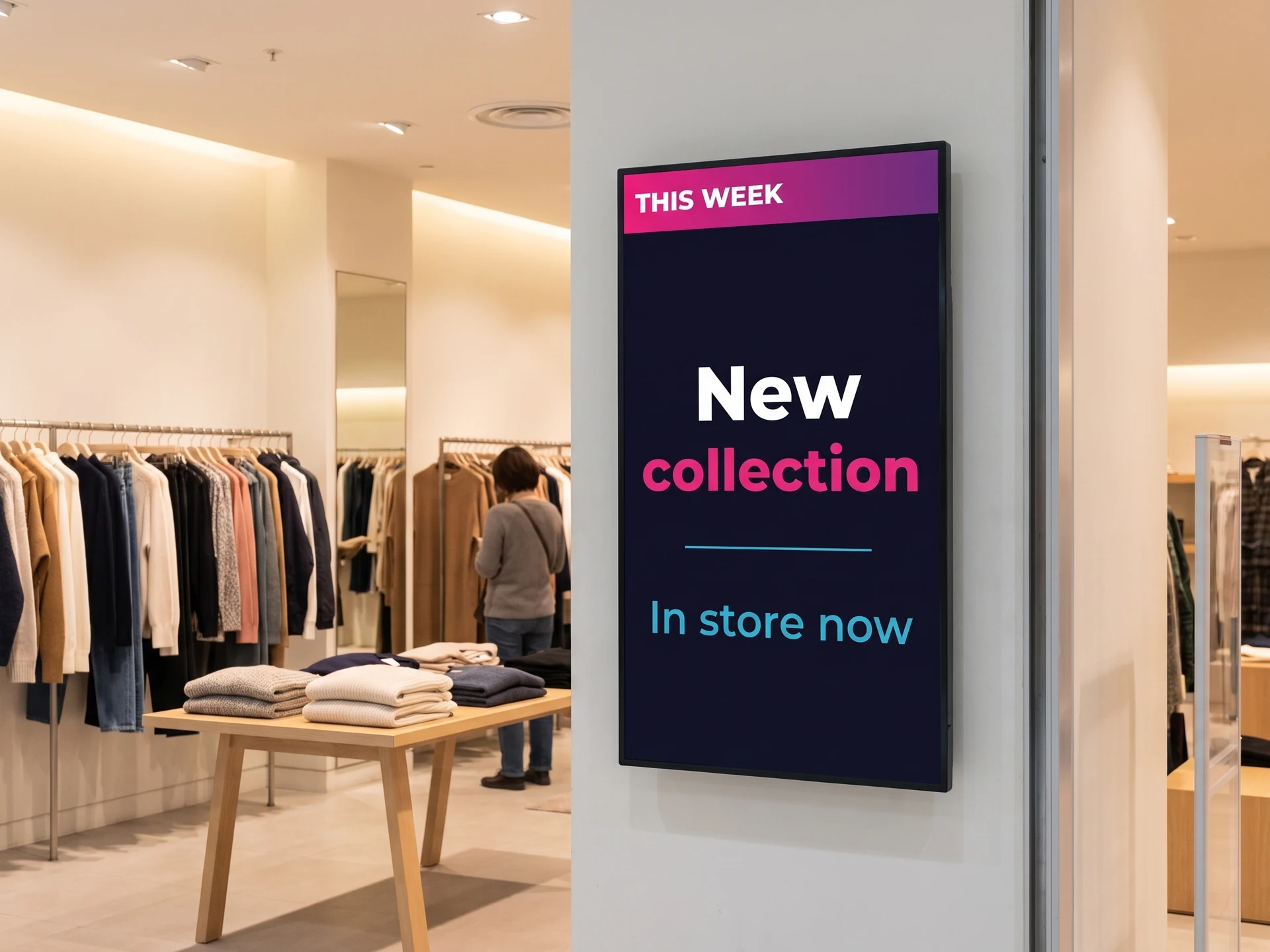
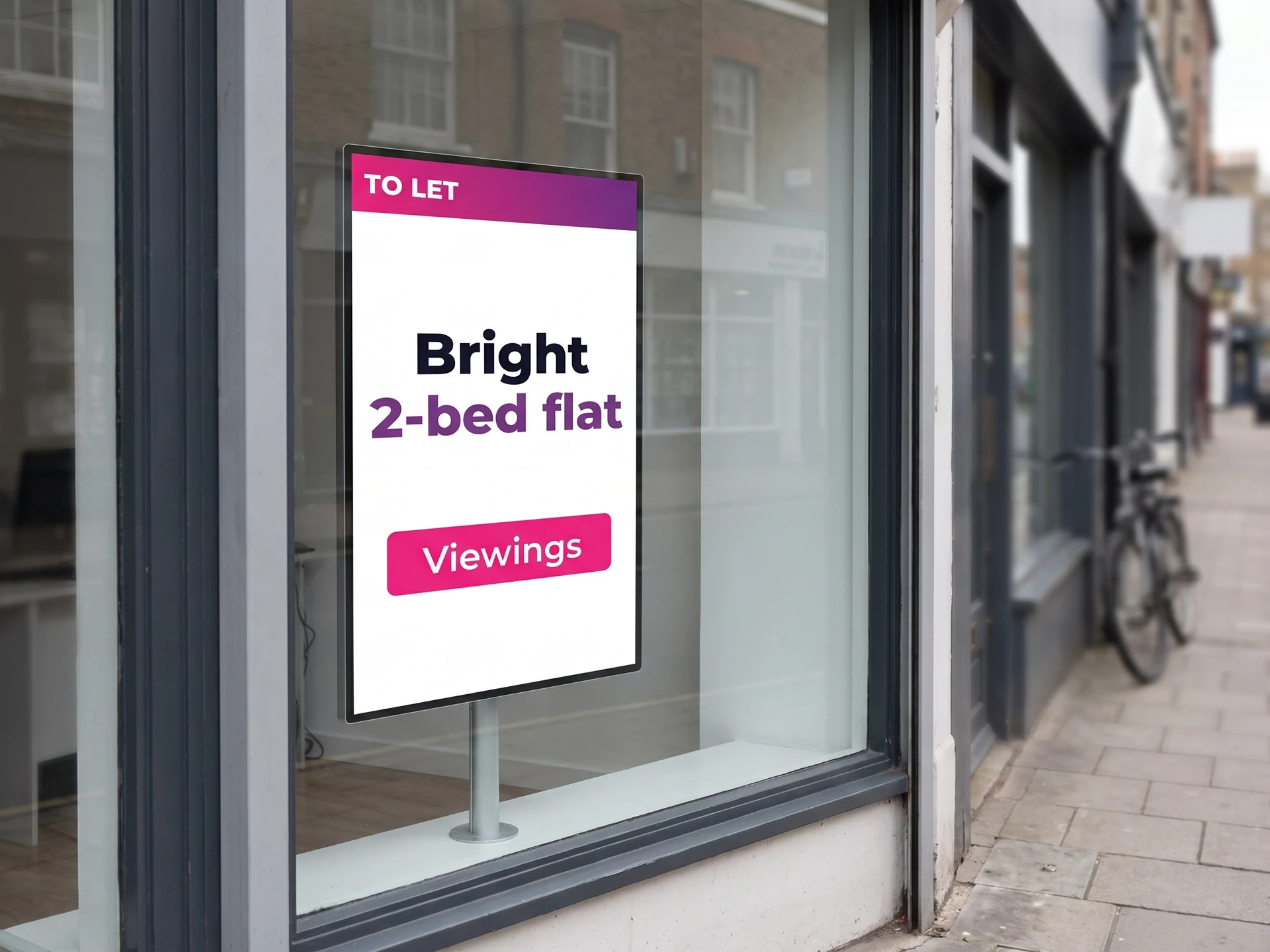
The same holds for every sector we work with: companies, shops, education, and the others set out in our customer cases.
Several sites, several brands
Your own templates, shared with your teams
Once communication runs across dozens of sites or franchises, consistency becomes the real question: everyone needs to create quickly without drifting away from the brand.
You build your own templates, in your brand’s colours and typefaces, then make them available to your users and your partners. Each one fills in the local message; the frame itself does not move.
Sensitive elements — the logo, statutory notices, a brand banner — can be locked so that nobody moves or deletes them by accident.
- ✓In-house templates, built once and reused everywhere
- ✓Brand elements locked in place
- ✓Local publishing without going back through head office each time
- ✓One estate, run from the same dashboard
Frequently asked questions
What teams ask before they start
Another question? The general digital signage FAQ covers hardware, publishing and subscriptions.


