
Booking · rooms, desks, parking
Meeting room booking software: a free room shows from the corridor
On the door, on the floor plan and in the calendar.
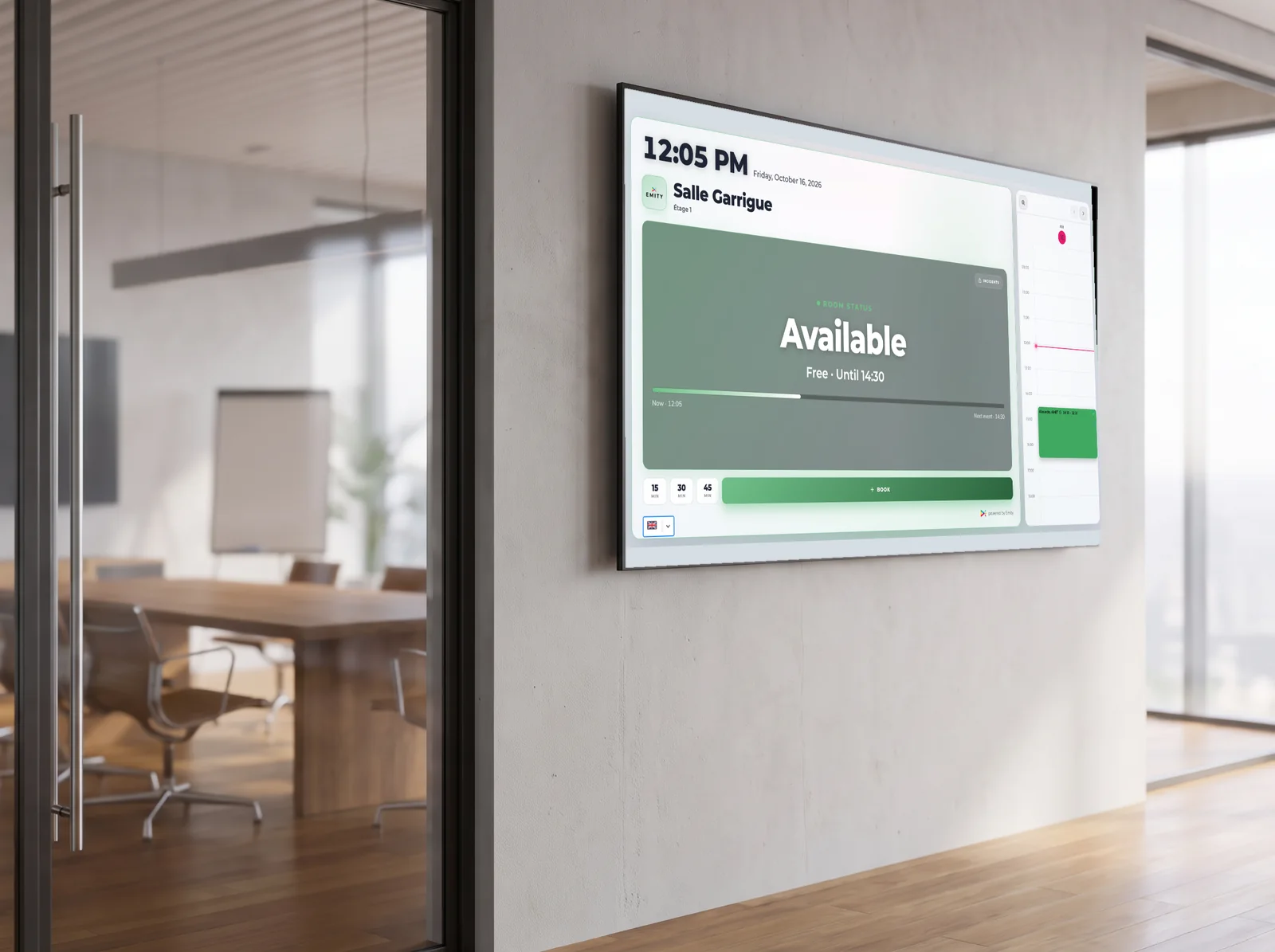
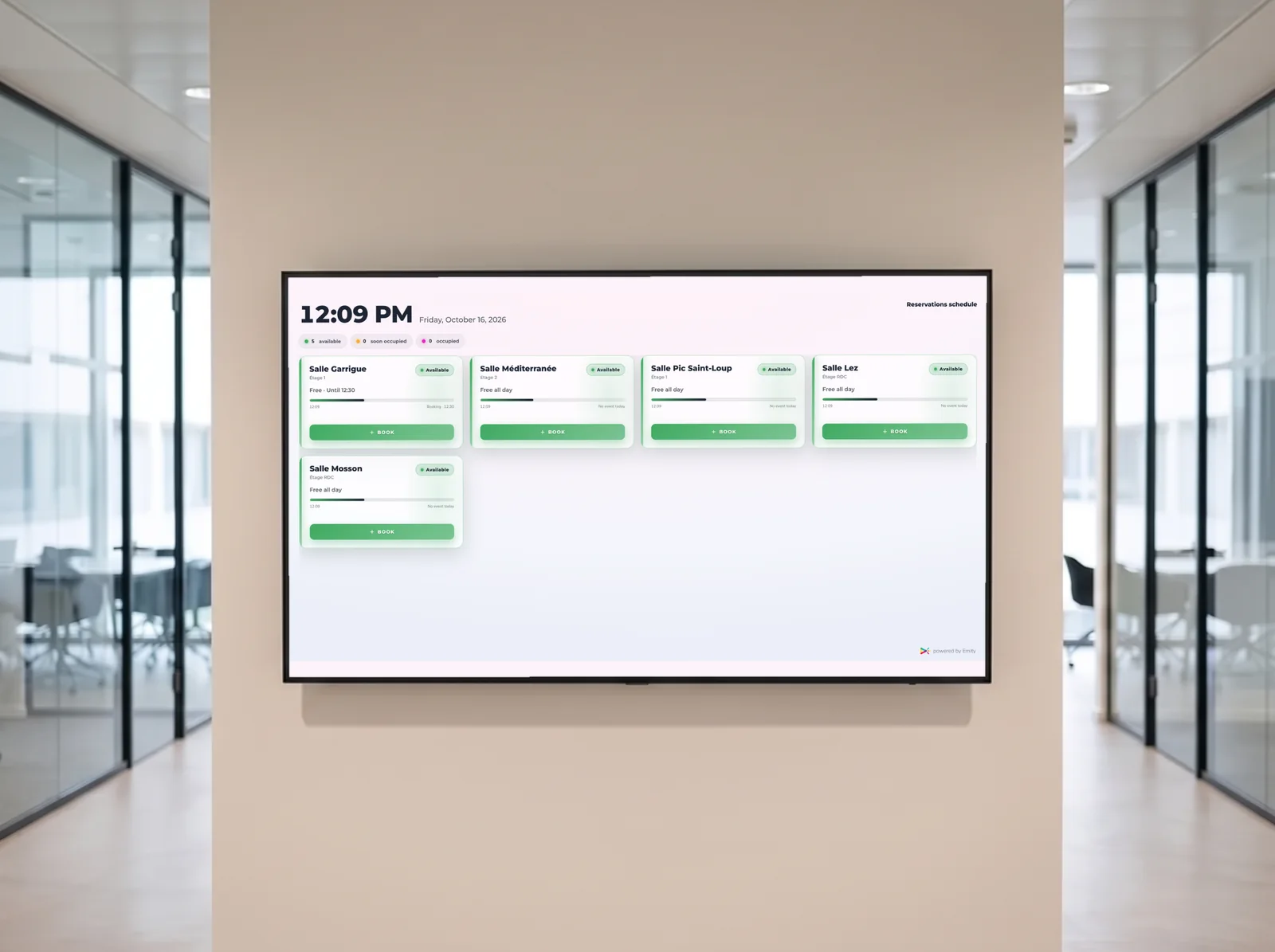
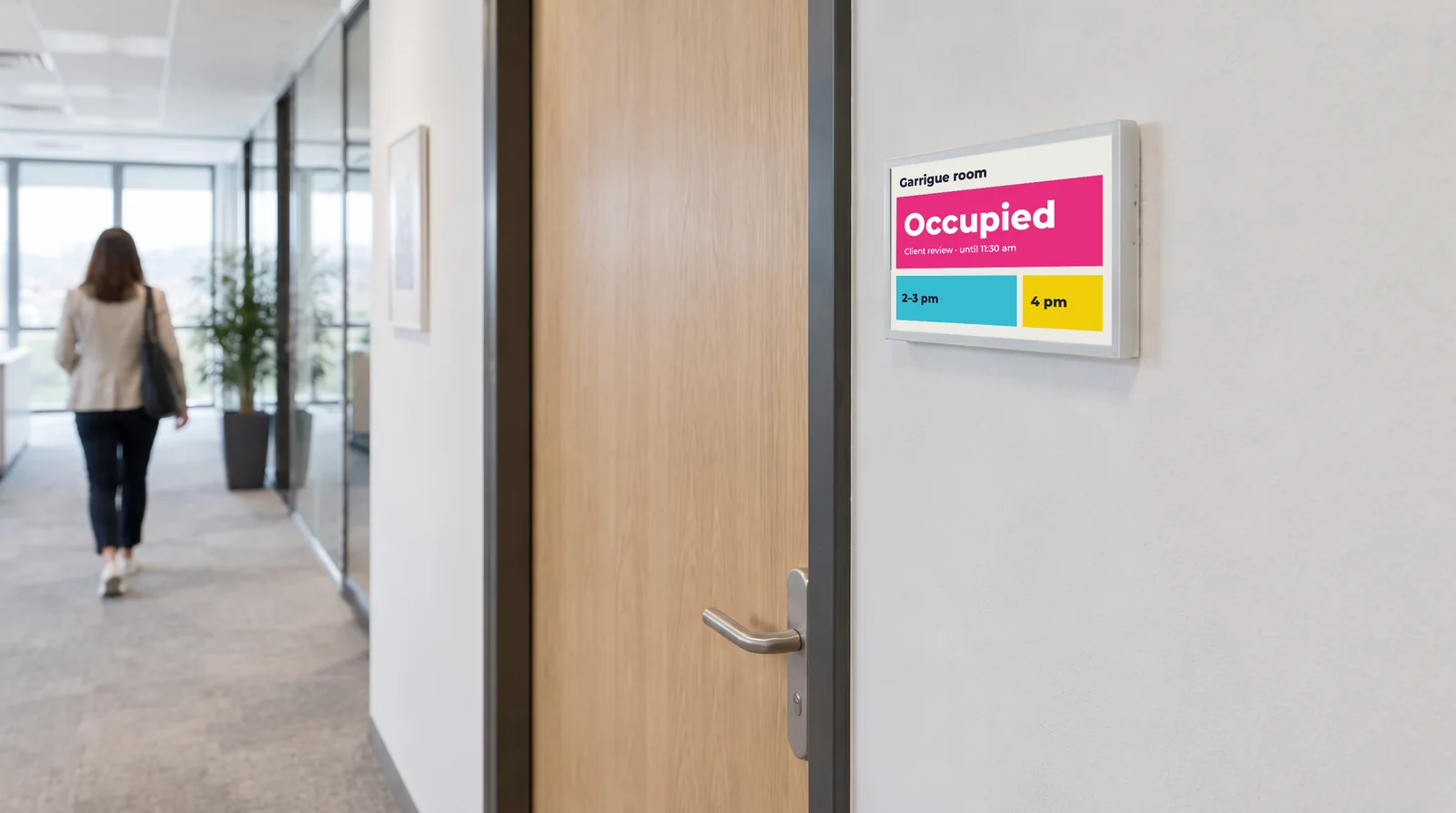
The E-CLICK booking module shows each room’s status at its door, the day’s bookings in the corridor and availability on the building plan. Microsoft and Google calendars remain the reference: the booking follows them.
Booking · rooms, desks, parking
Find a free room
without walking the whole floor.
Time lost looking for a room never shows up in a budget. It shows up in meetings that start late.
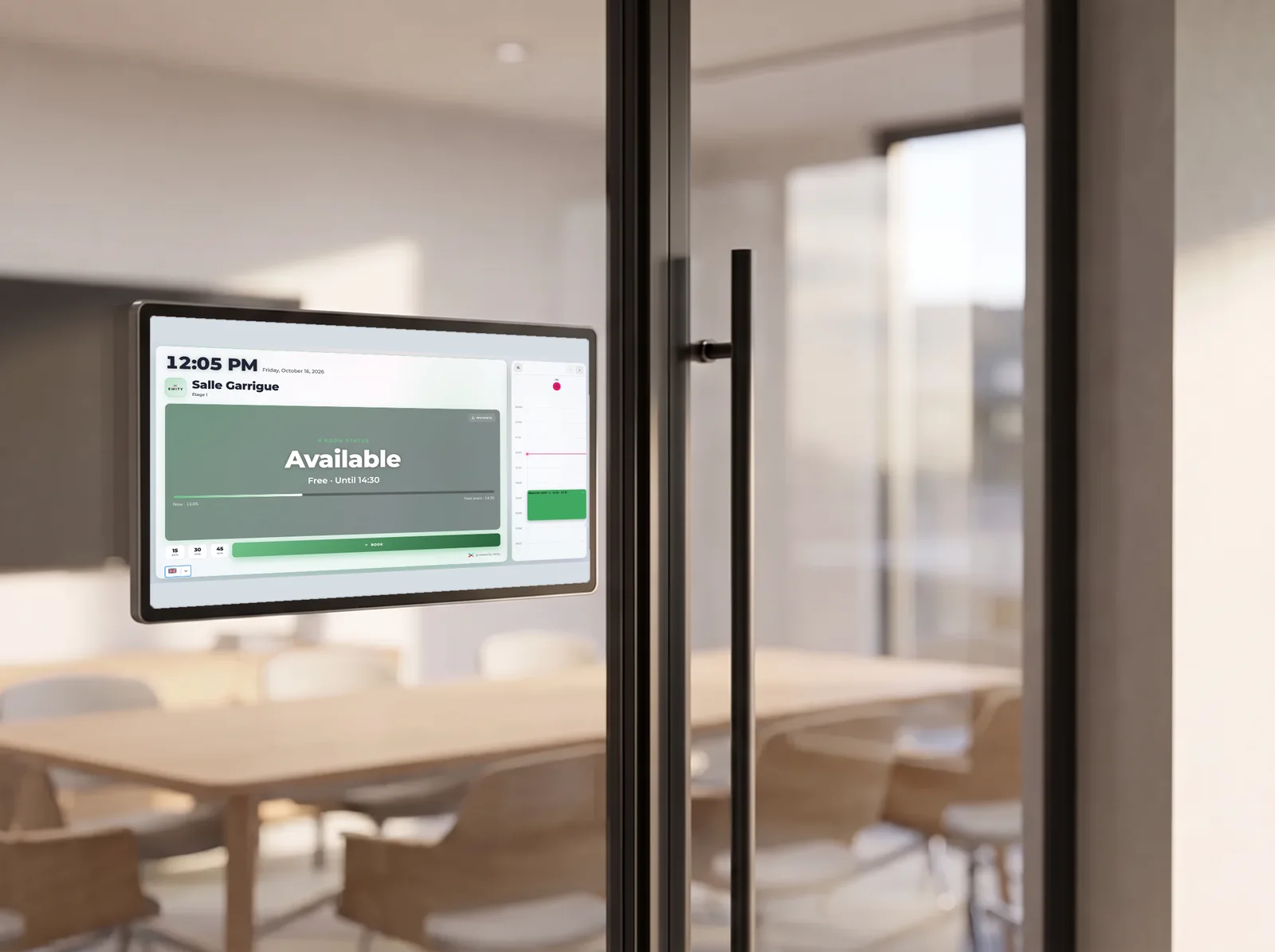
Occupancy shows on the door, on the plan and in the calendar
The hard part is not booking: it is knowing what is free, right now.
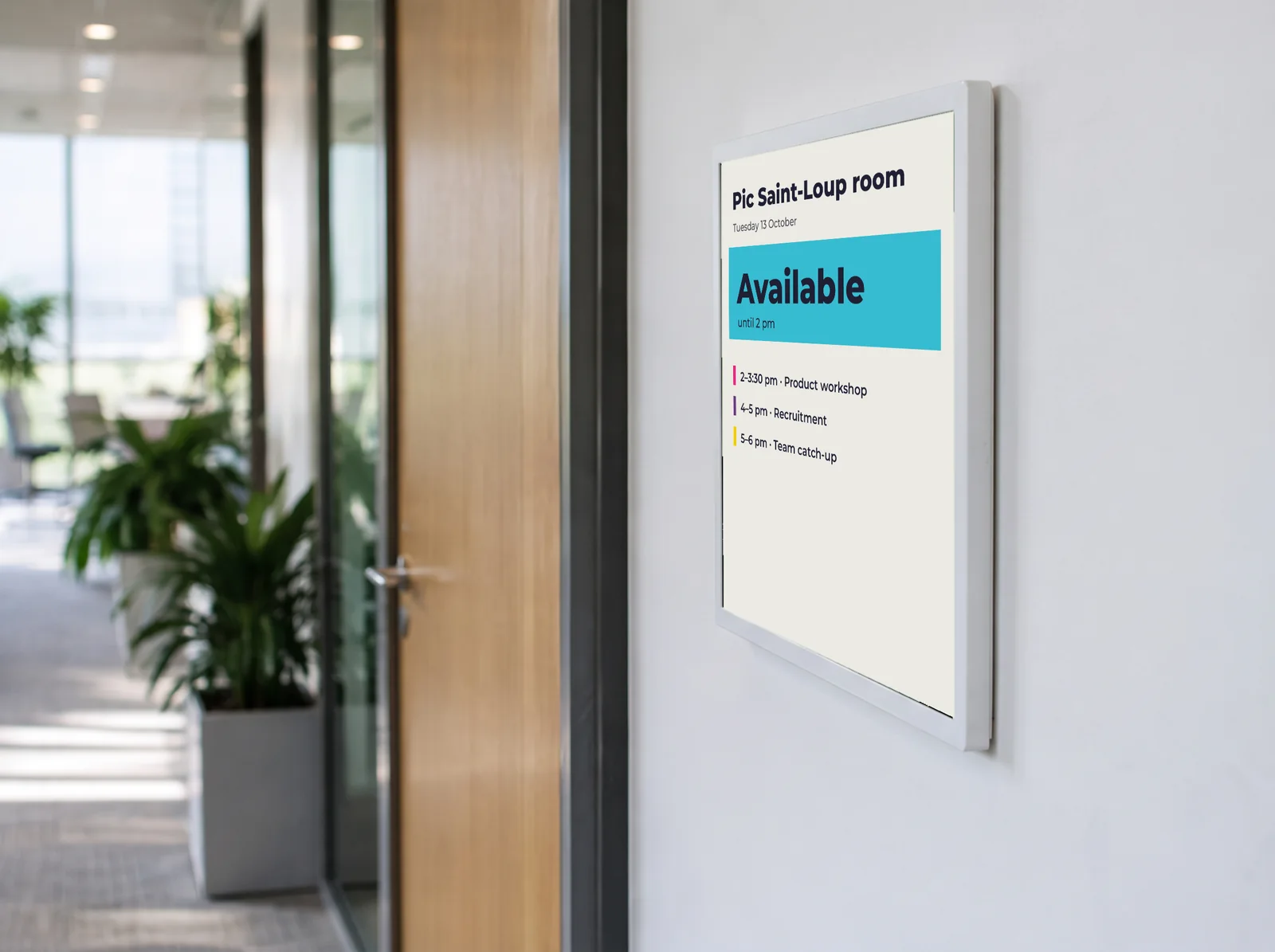
The module shows occupancy where the question comes up: outside the room, at the entrance to the floor or the building, and in everyone’s calendar.
Meeting rooms, shared desks and parking spaces are booked the same way.
- ✓Microsoft or Google sync : the booking follows the existing calendar
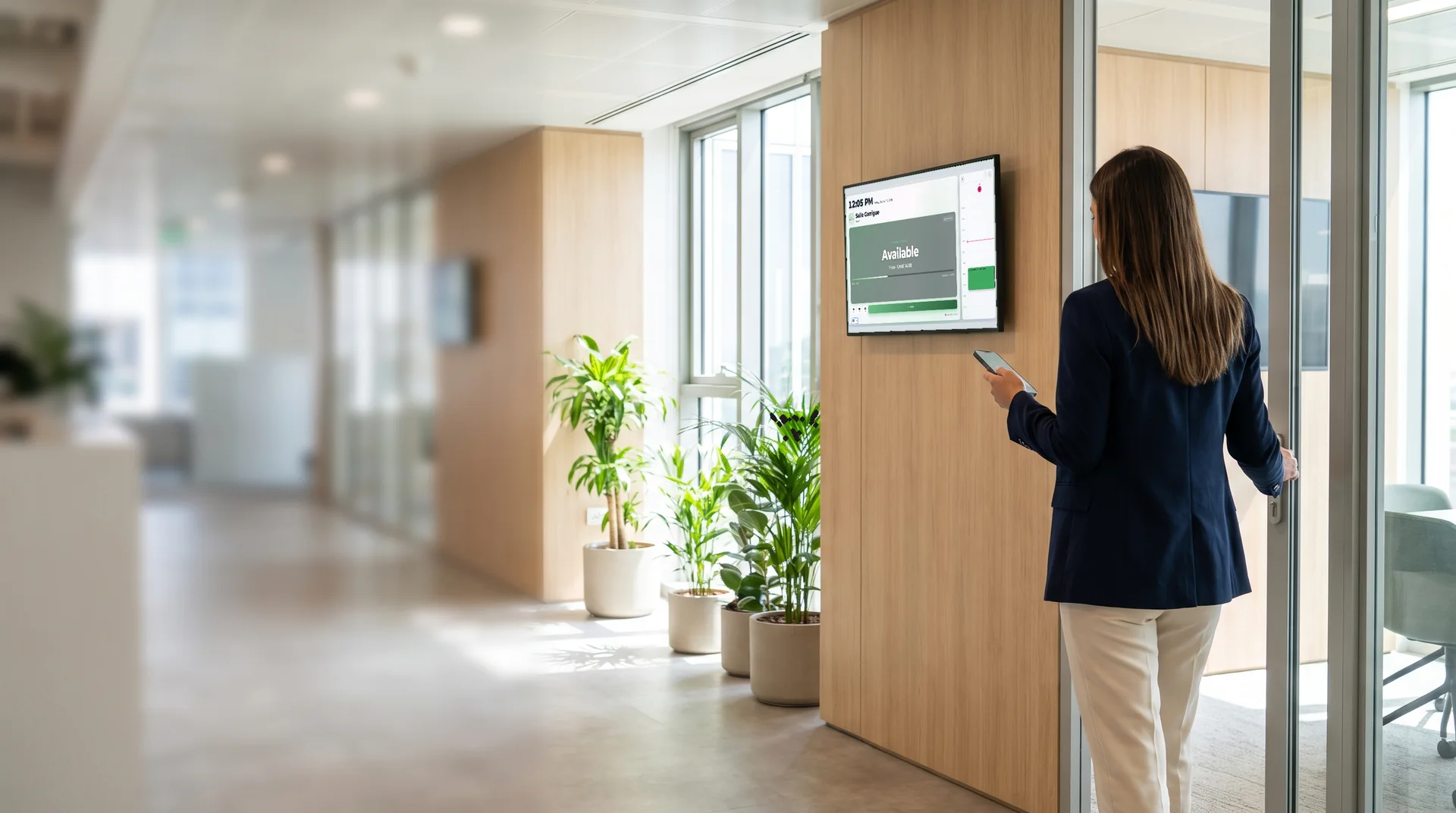
- ✓A touch screen outside every room : status at a glance, booking on the spot
- ✓2D building mapping : availability is shown on a floor plan
- ✓Validation code to secure time slots
- ✓Incident reporting : breakdown, damage, cleanliness
- ✓Individual desks and parking spaces : flexible working in the same module
Room and space booking
A free room
shows from the corridor.
Managing room, desk and parking bookings simply is part of the employee experience at work.
Understanding
Why switch to room booking software?
What is room booking software?
Meeting and conference room booking software is a SaaS service that centralises the scheduling of time slots and checking availability. It replaces spreadsheets and email chains, lets every employee see in real time which spaces are free, syncs with the company’s calendars and removes double bookings. It suits large and small organisations alike.
- ✓Centralised SaaS: online, nothing to install
- ✓Calendar sync: Outlook and Google Calendar
- ✓Automatic release: room freed if unused
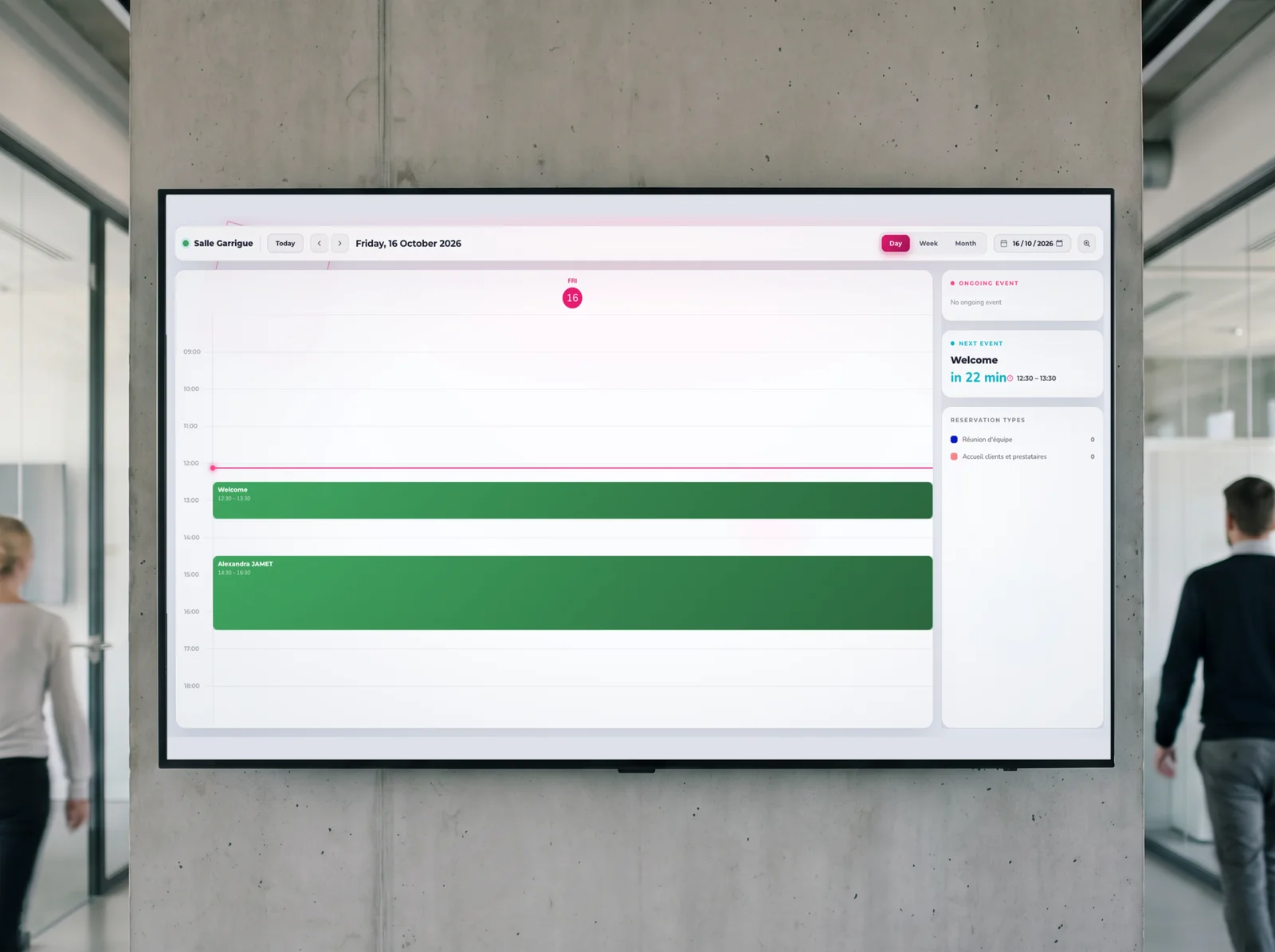
The module as it appears
One booking,
visible on every screen.
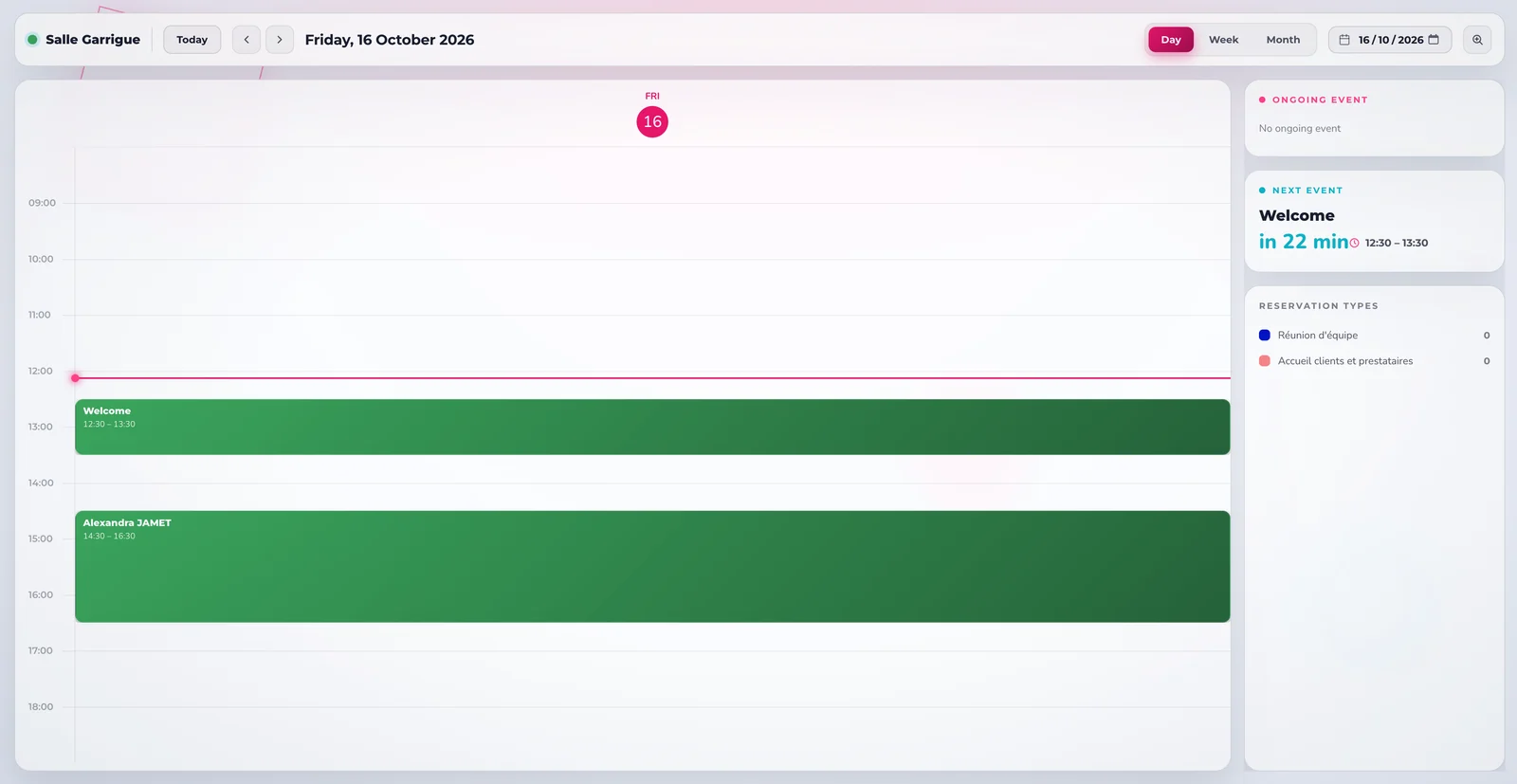
The views below are untouched screenshots of the platform: what your employees see outside the room, at the entrance to the floor and in the corridor.
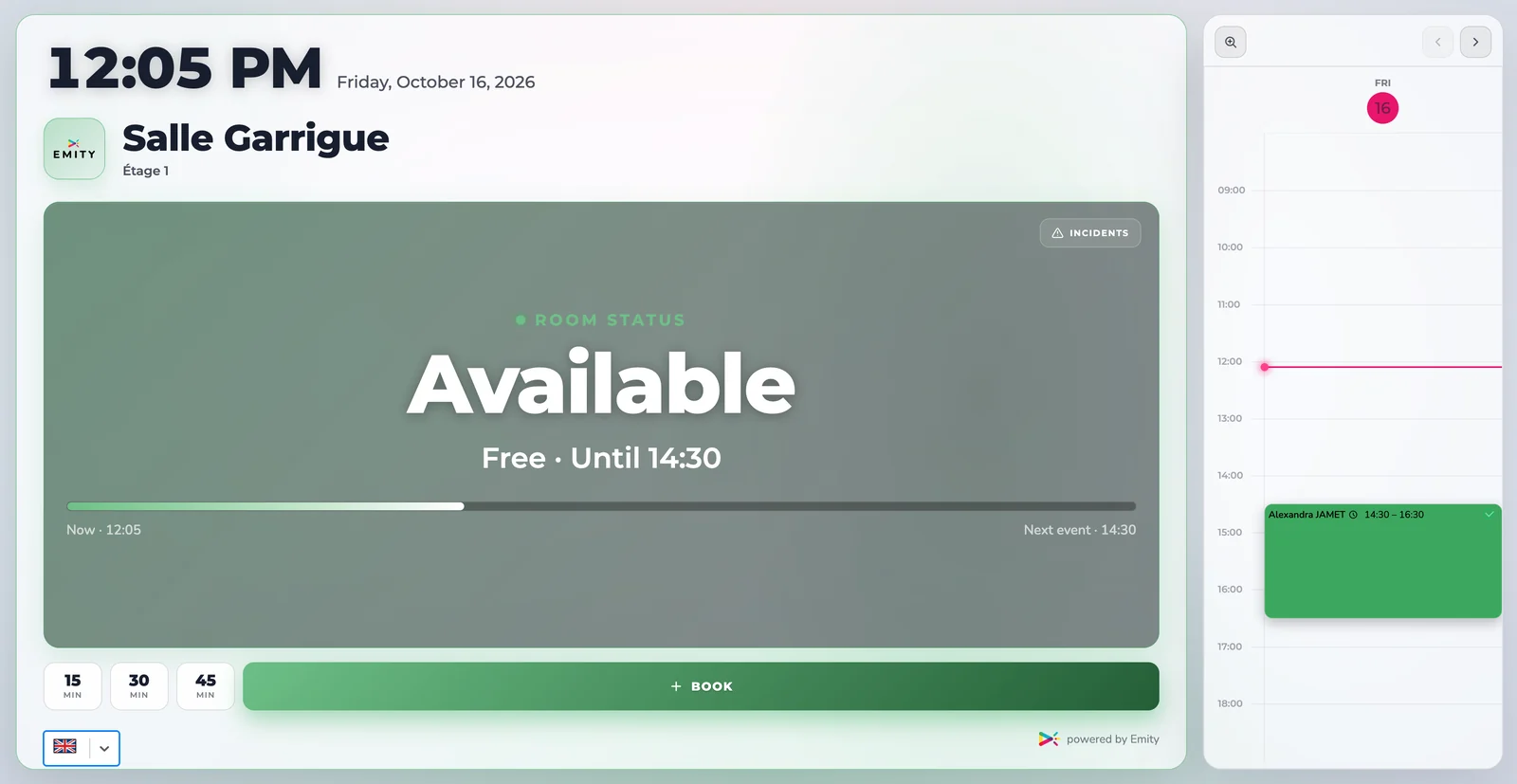
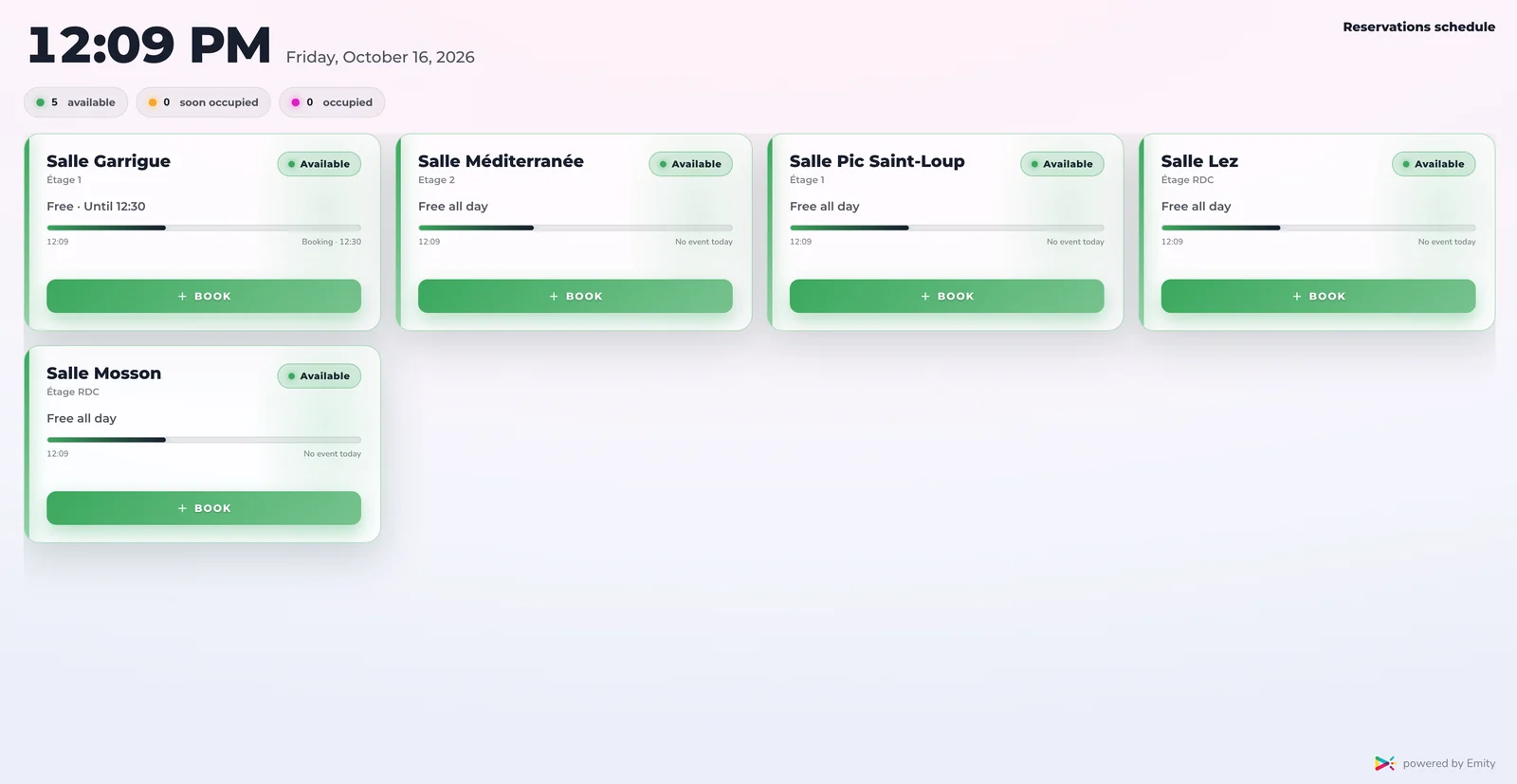
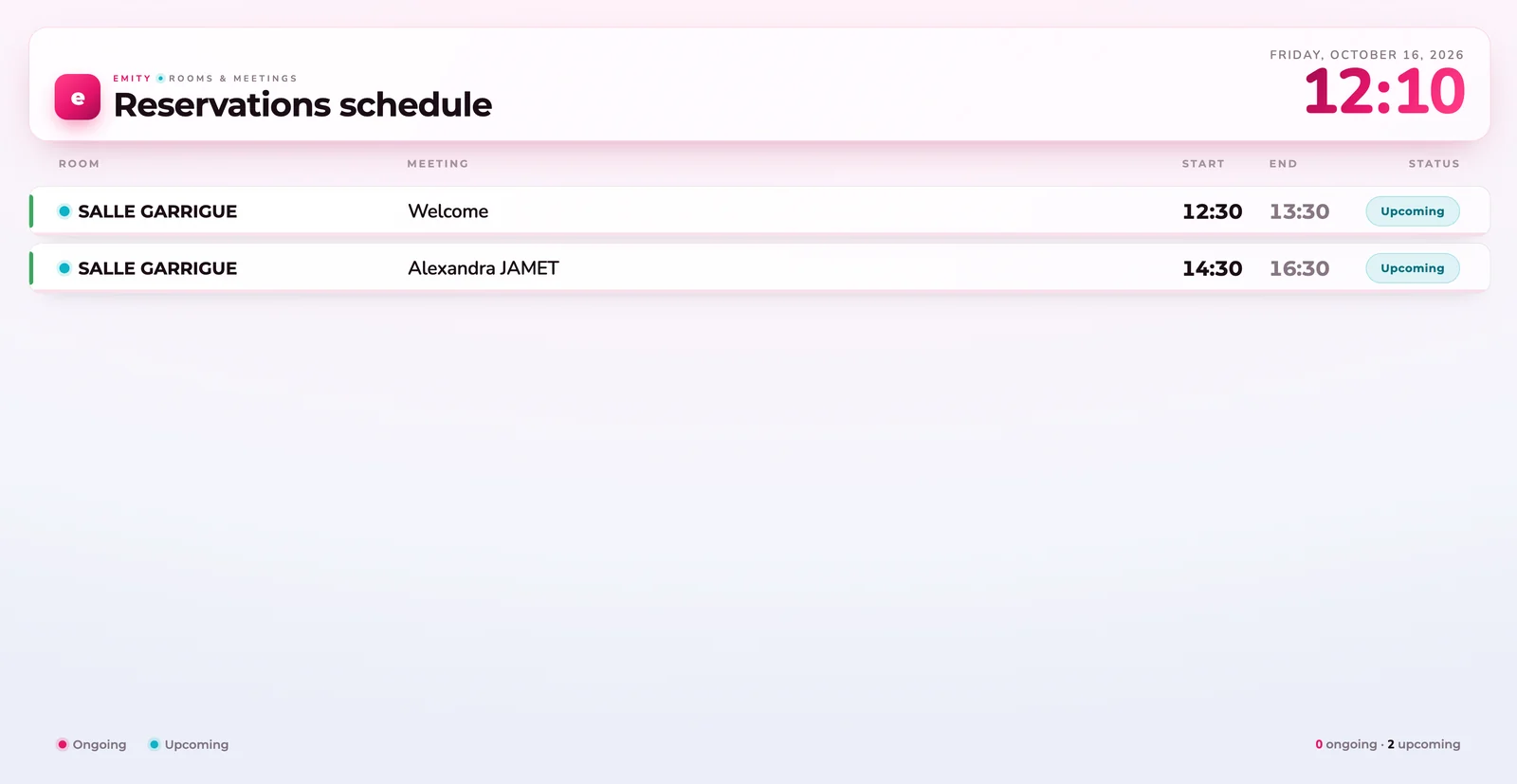
2D mapping
The building plan,
as an availability board.
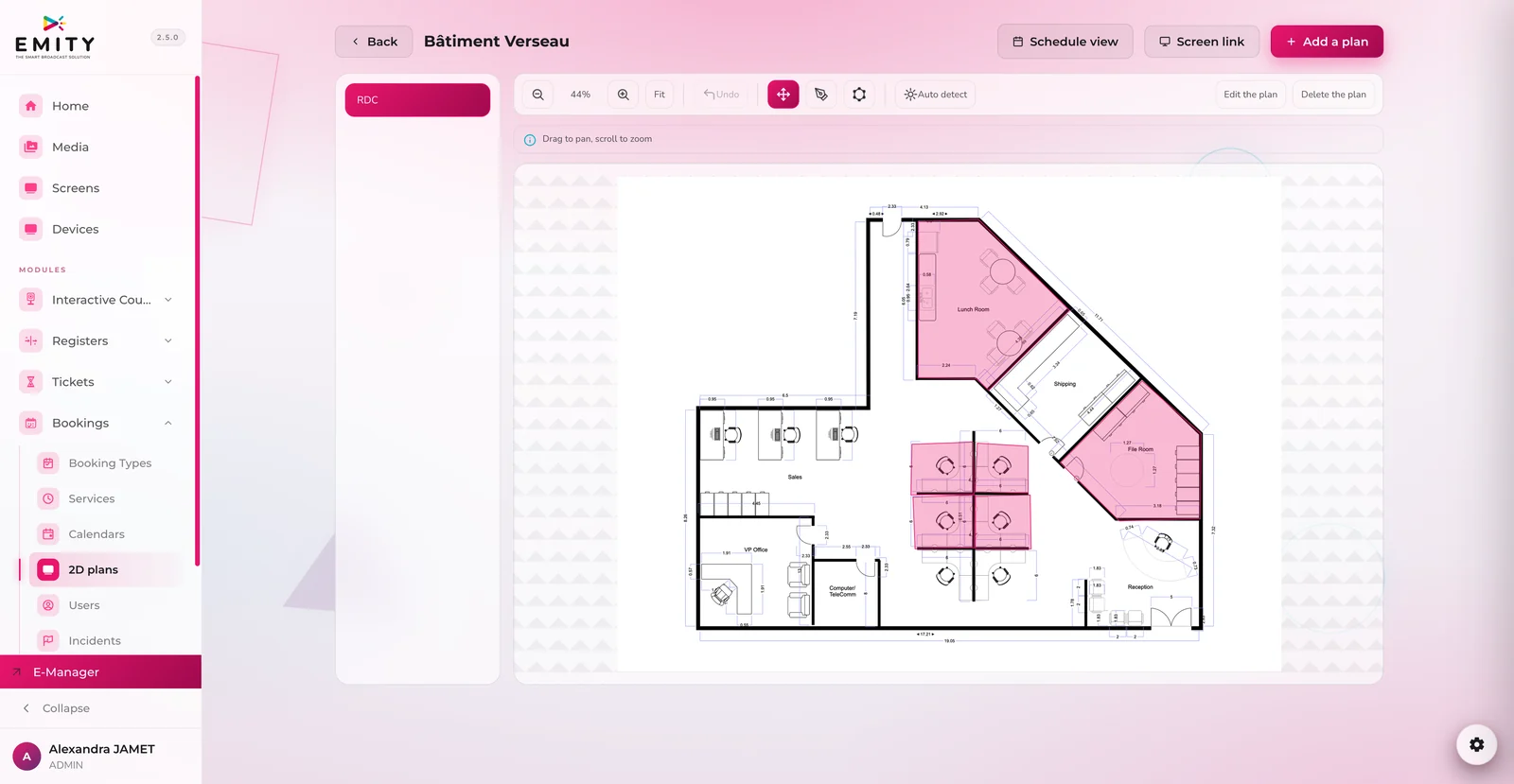
A visitor or a new employee does not know the room names: they know the floor. The plan shows them what is free, where they are.
The building on a plan, availability on top
Import the plan of each floor and draw the bookable rooms, desks and areas: their status appears on the plan. Automatic detection finds the rooms, and the screen link publishes the view on the lobby screen.
- ✓One plan per floor, organised by building
- ✓Automatic detection of the rooms on the plan
- ✓Screen link : the plan shown at the entrance to the floor
- ✓Schedule view one click from the plan
Integrations
Connected to your calendars:
Outlook, Google Calendar and Teams.
Booking software only gets adopted if it talks to your teams’ calendars. So booking happens where they already work, and shows up everywhere else.
Your employees stay in their calendar
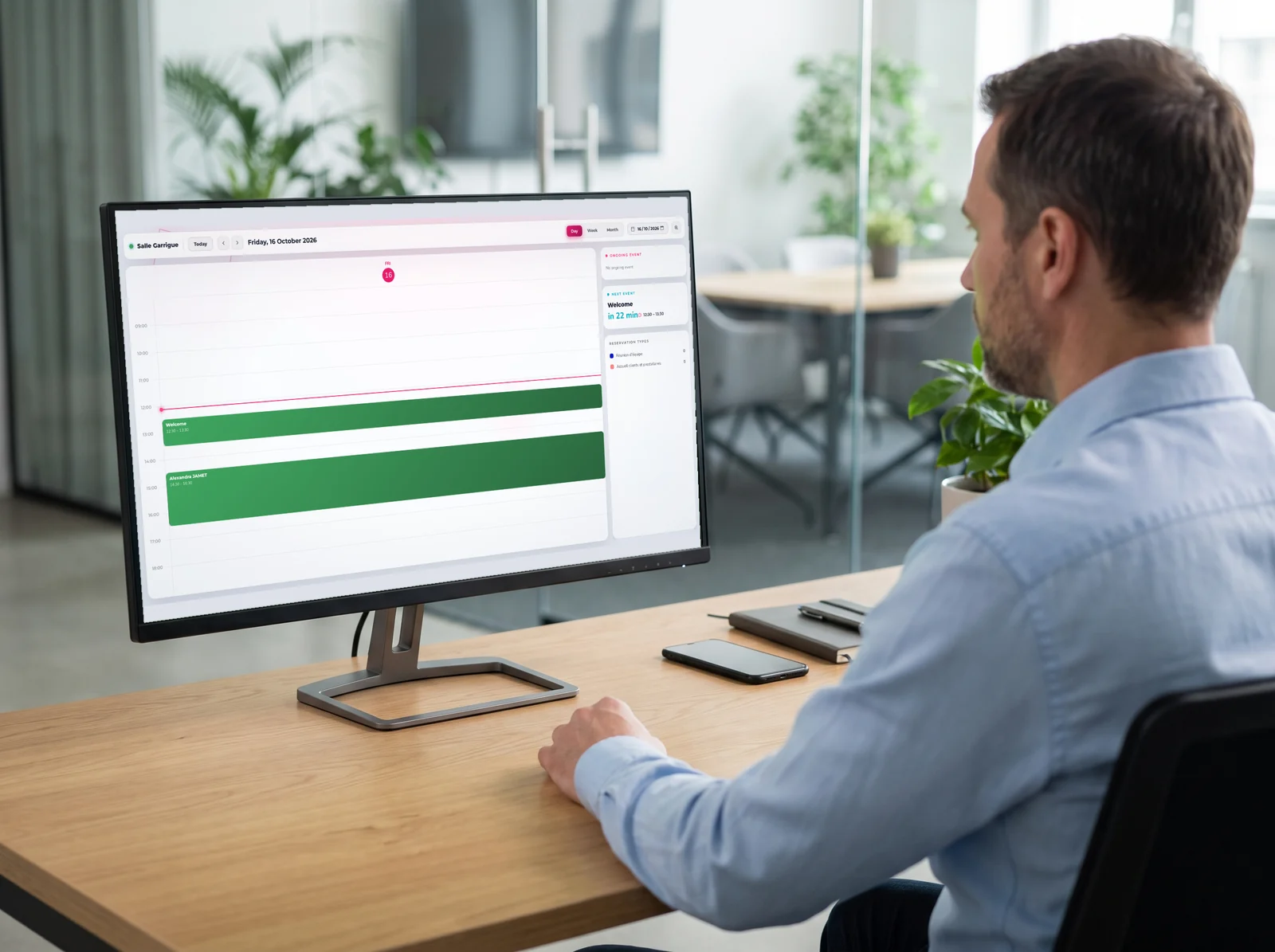
The E-CLICK booking module syncs with Microsoft Outlook and Google Calendar: your employees keep working in the calendar they know, and the booked room follows the meeting all the way into Microsoft Teams. Every request sends an automatic invitation to participants; cancellations are reflected in real time, in calendars and on the door screen.
- ✓Microsoft Outlook : work and personal accounts, via Microsoft 365 or Exchange
- ✓Google Calendar : connection through the API, both ways
- ✓Microsoft Teams : the meeting and its room in the Teams calendar
- ✓A QR code on confirmation to add the slot to your personal calendar
- ✓Recurrences weekly and monthly, built in
 Microsoft OutlookWork and personal accounts, via Microsoft 365 or Exchange. The booked slot appears straight in the employee’s calendar.Two-way sync
 Google CalendarThe connection runs through the Google Calendar API: what is created on one side appears on the other, with no double entry.Two-way API
 Microsoft TeamsThe Teams calendar is the Microsoft 365 calendar: the meeting and its room appear there, alongside the rest of the day.Synced calendar
 E-MANAGER by EMITYThe dashboard that connects your rooms, door screens and calendars in one interface, however many sites you have.Central hub


Comparison
Which booking method should your team choose?
There are several ways to book a space. This table compares the five most common methods against six operational criteria.
How it works
How does room booking software work?
Booking with the E-CLICK booking module follows a simple end-to-end flow. The timeline below shows the five steps, from the request to the room being released.
From request to released room: the process in 5 steps
A complete cycle, from request to released room
Step 1
Identifying the need
The employee needs a room: a project meeting, an interview, a short training session. They check availability from their mobile app, their computer or directly on the door screen.
From any device
Step 2
Checking availability in real time
The module shows every available room with its equipment (capacity, video, video conferencing). No duplicate listings, no possible conflict: sync with Microsoft Outlook and Google Calendar is instant.
Outlook / Google Calendar sync
Step 3
Booking confirmed in one click
The employee picks the slot, selects the participants and confirms. The booking is saved at the same time in the employee's calendar and in the room management system.
In a few clicks
Step 4
Digital signage on the door screen
The screen outside the room shows in real time: room occupied, next booking, time remaining. No more sticky notes or last-minute conflicts on site.
Multiple locations, digital signage
Step 5
Automatic release if the room is unused
Nobody turned up? The module releases the room automatically after the configured delay. The space is immediately available again for another employee. Ghost bookings are a thing of the past.
No no-shows, no blocked rooms
Automatic release returns booked but unused slots to the shared pool: that is what puts an end to ghost bookings.
Journey · company, head office, office site
A day
in your offices.
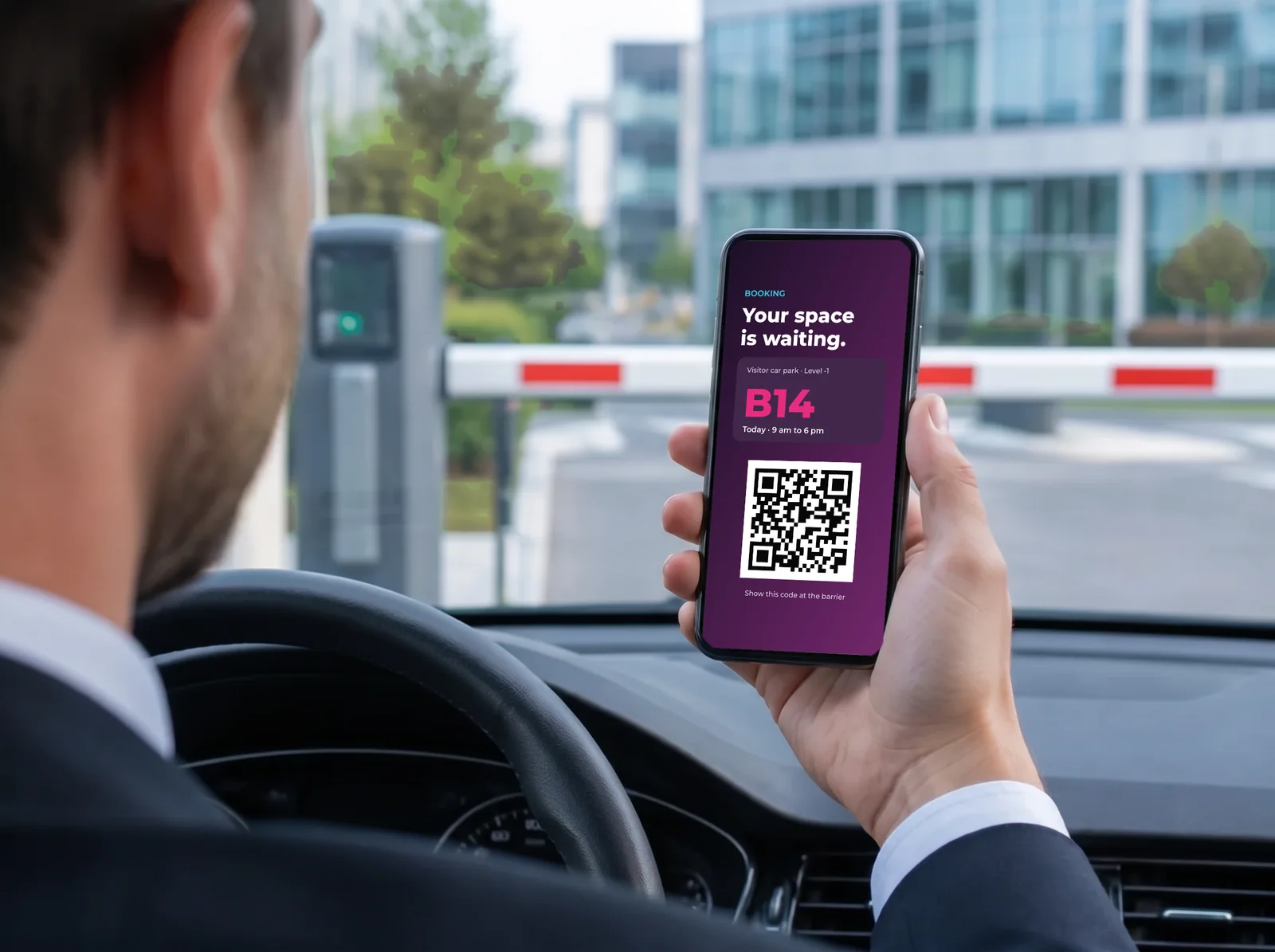
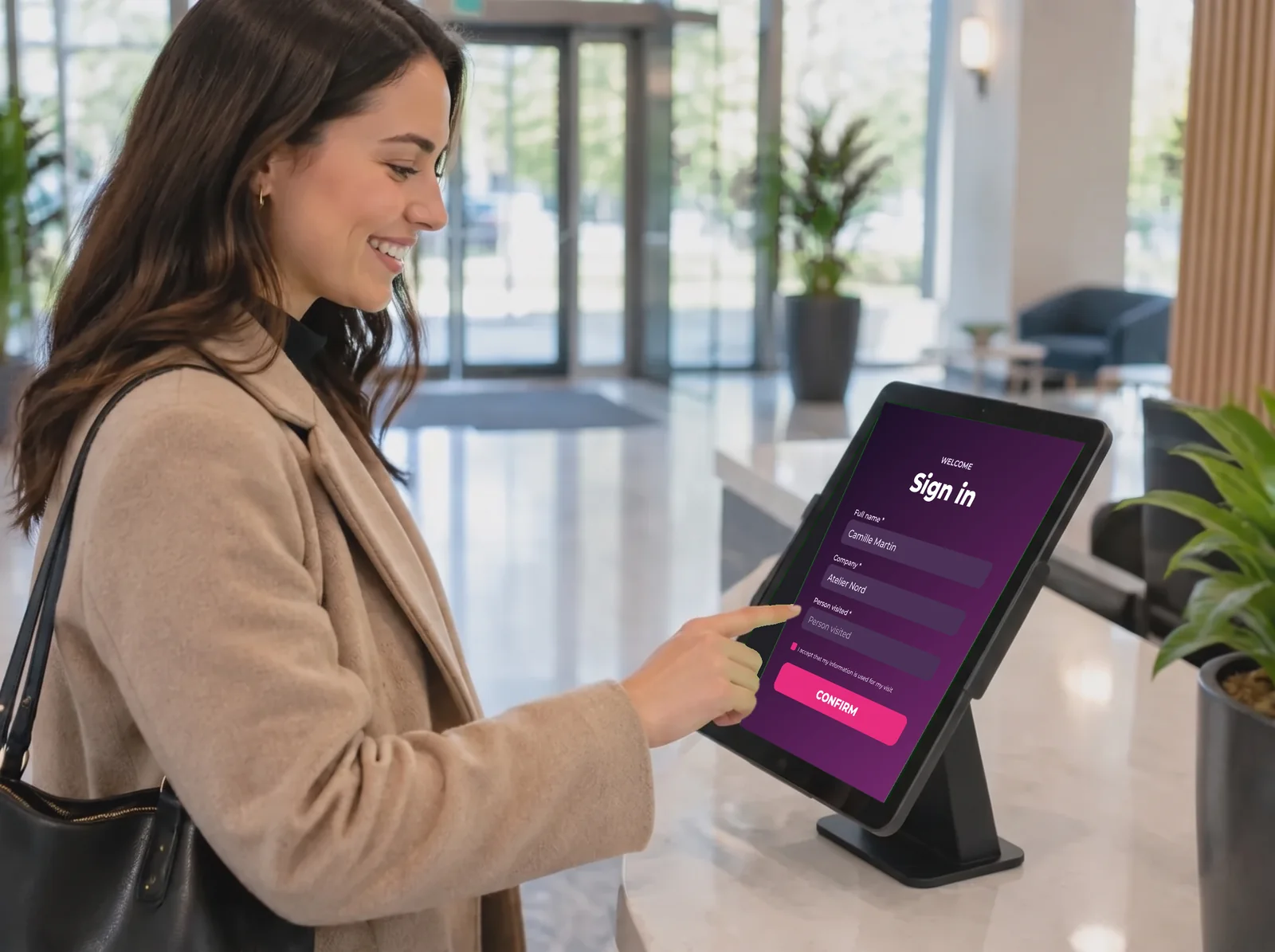
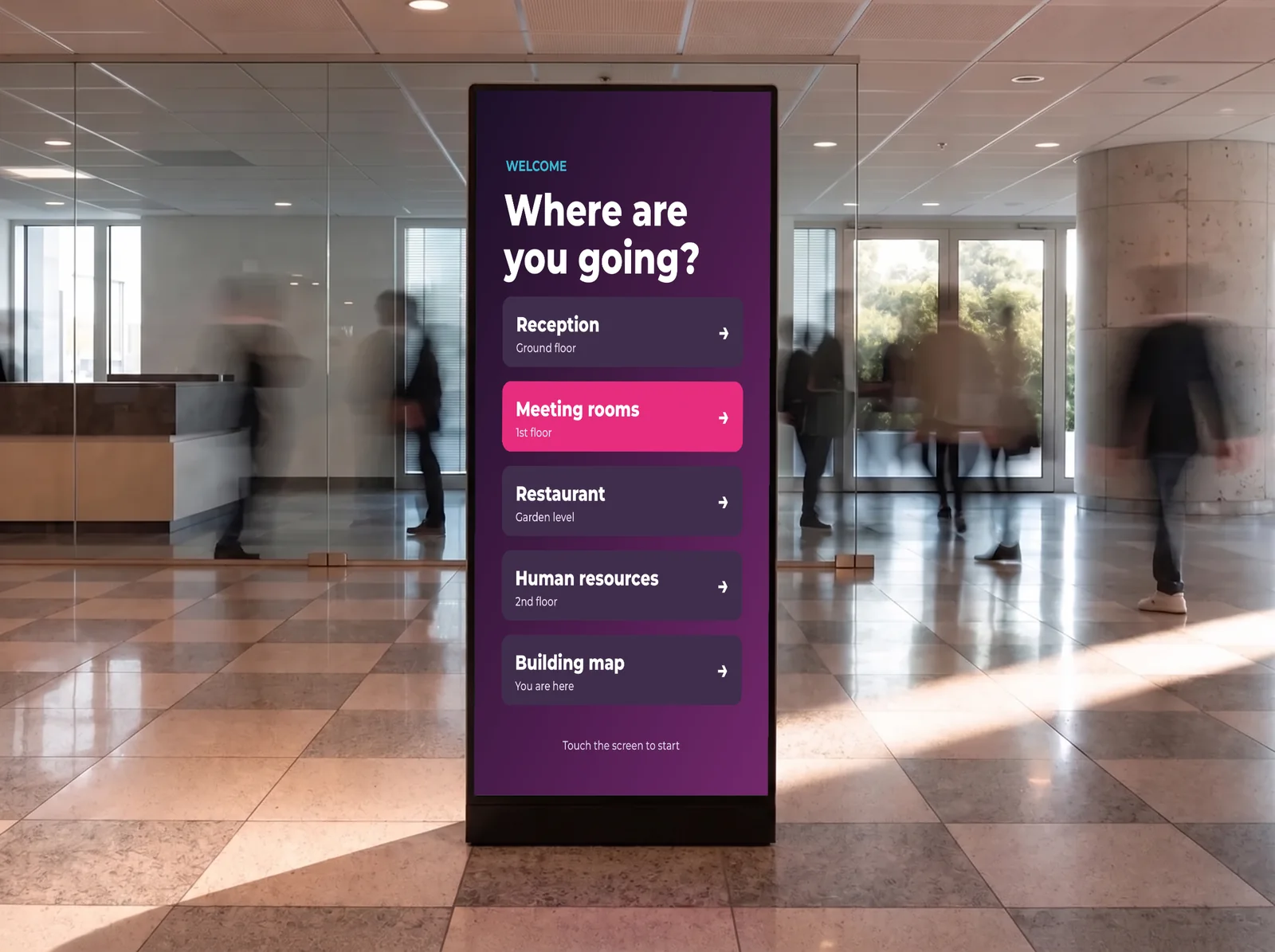
From the car park to the common area, every step has its screen, and they are all managed from the same account.
Calculator
Calculate your return on investment
FAQ


