
Experience · E-CLICK
E-CLICK interactive kiosk software: a touchscreen journey your visitors follow on their own
Give access to the content, and let visitors find their own way.
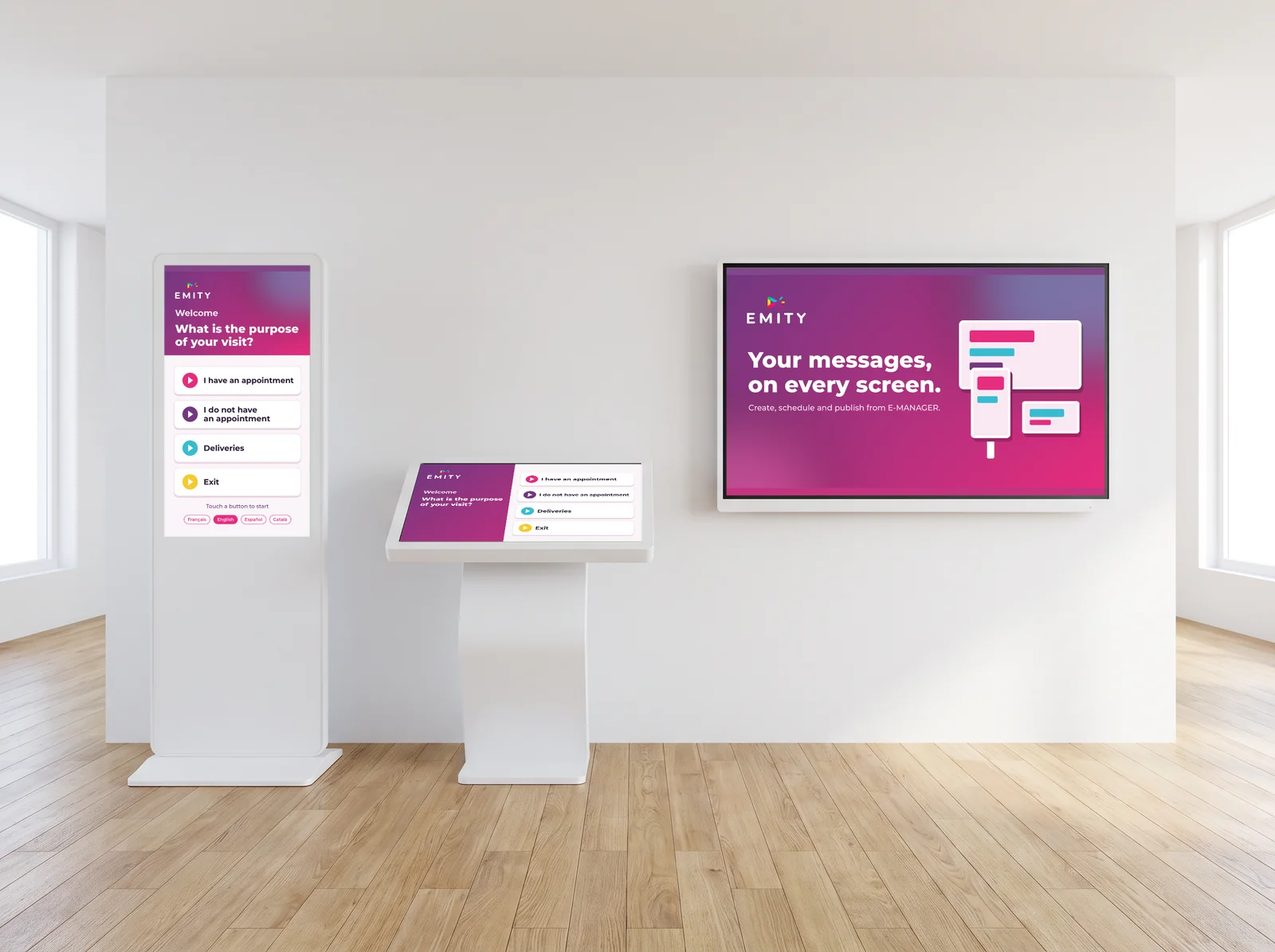
E-CLICK turns a screen into a service. You build the journey in E-MANAGER; visitors tap, browse and find what they need, with no app to install.
E-CLICK · interactive journeys
A journey you build,
and change whenever you like.
Interactivity is not a nice-to-have: it is what lets visitors get information without tying up someone at reception.
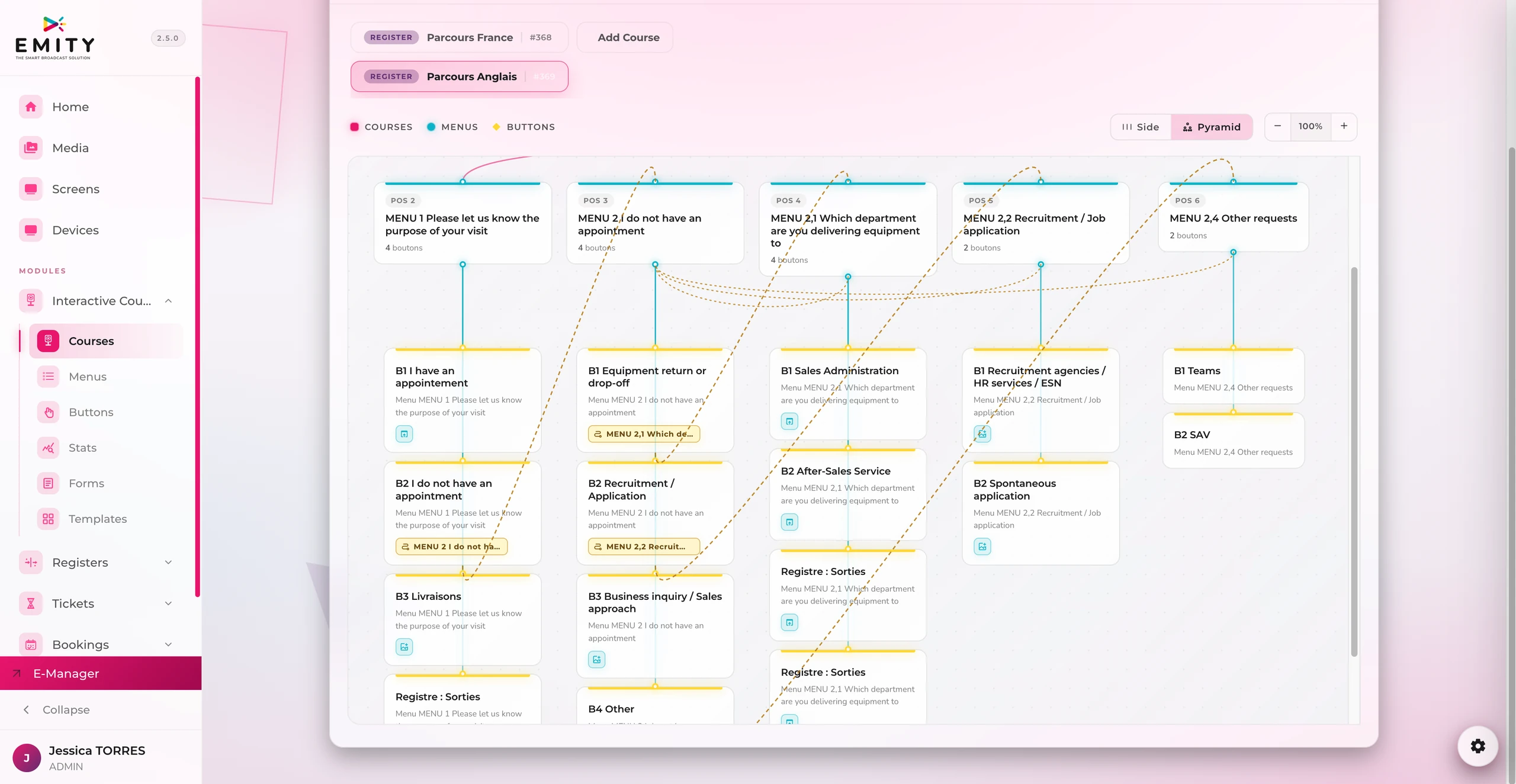
E-CLICK turns a screen into a service
Visitors tap, browse and find what they need, with nobody to guide them and no app to install. The journey is built in E-MANAGER, and can be changed the next day if the information has moved on.
The statistics come back to you: what gets viewed, and what never does.
- ✓On your own: menus, buttons and navigation are created in E-MANAGER
- ✓No code, no contractor: edit the journey as you see fit, on the day the information changes
- ✓Web pages, images, PDFs and videos: visitors open them with a single tap on the kiosk
- ✓The touch side of the other modules: signing in a visitor, taking a queue ticket, booking a room
- ✓Digital signage when idle: as long as nobody touches the kiosk, it shows your communications
How it works
Three steps,
and the kiosk becomes a service.
On one side, the team building the journey from a web browser; on the other, the visitor following it alone. In between, what the statistics teach you.
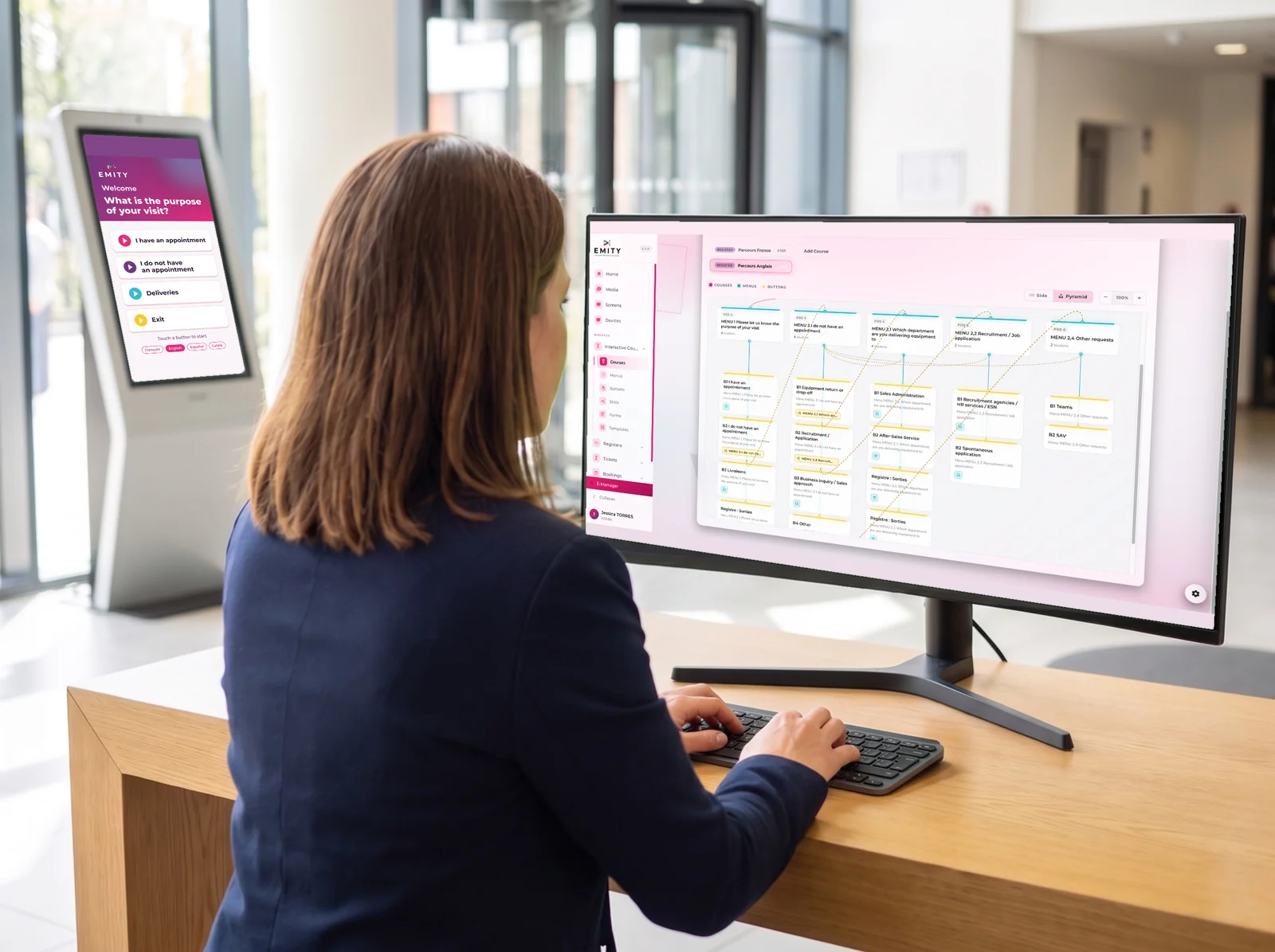
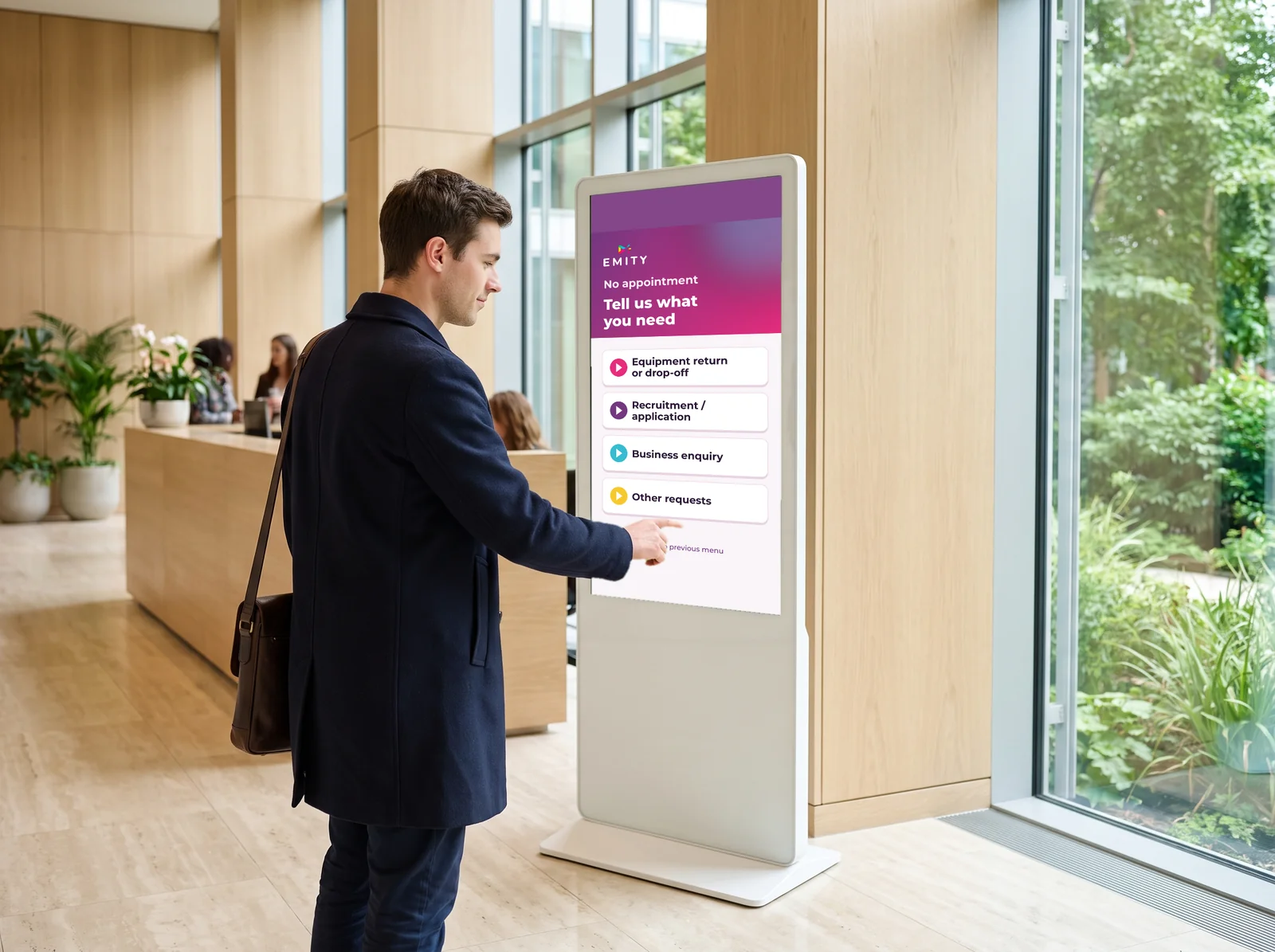
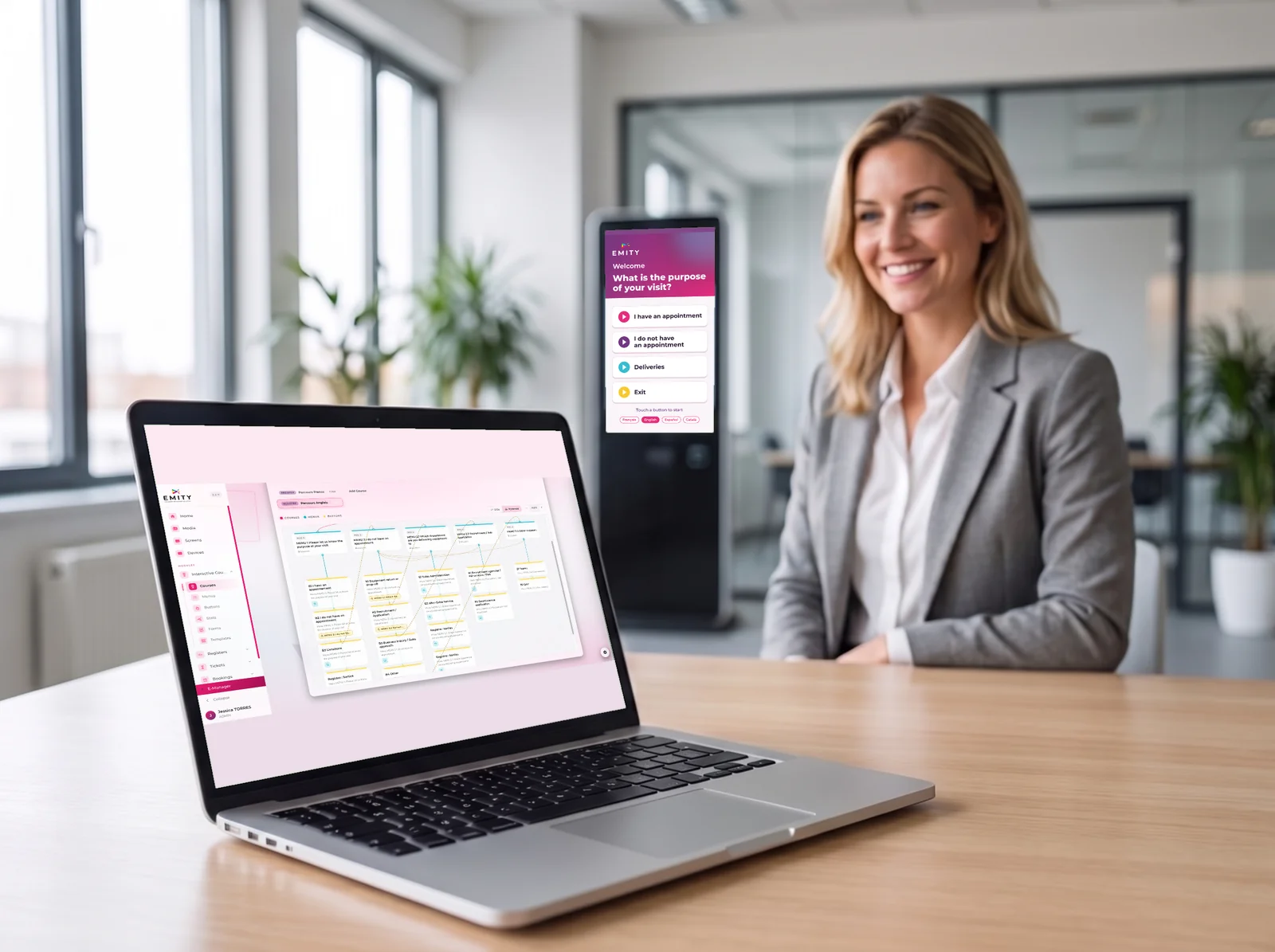
The kiosk is still a screen.
As long as nobody touches it, it plays your digital signage: your messages, your videos, your widgets. At the first touch, the journey takes over. See digital signage
The touch layer of the suite
One kiosk,
and your whole reception experience.
The E-CLICK journey also sets up the touch side of the other modules: the same screen informs, then becomes a service.
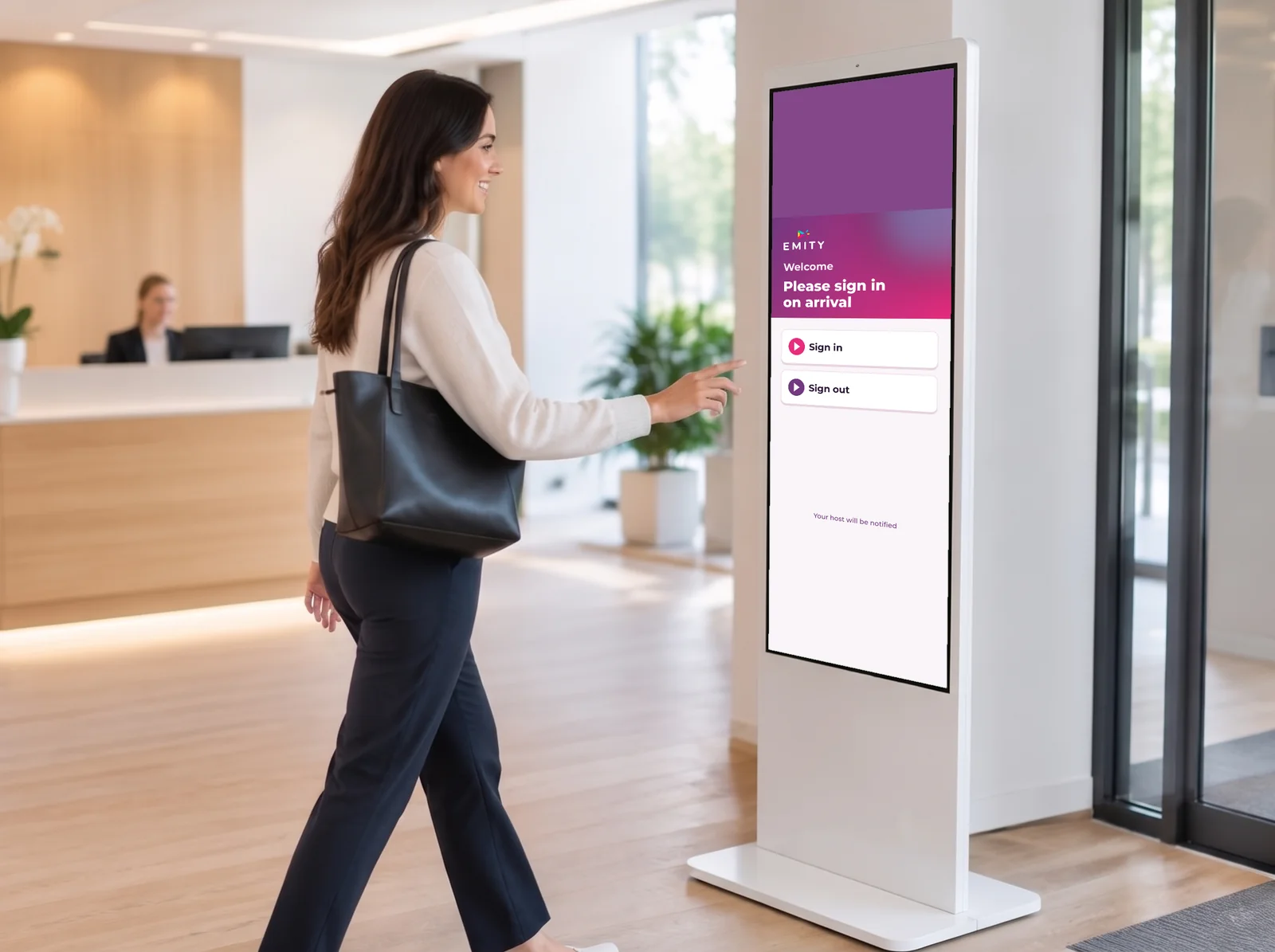
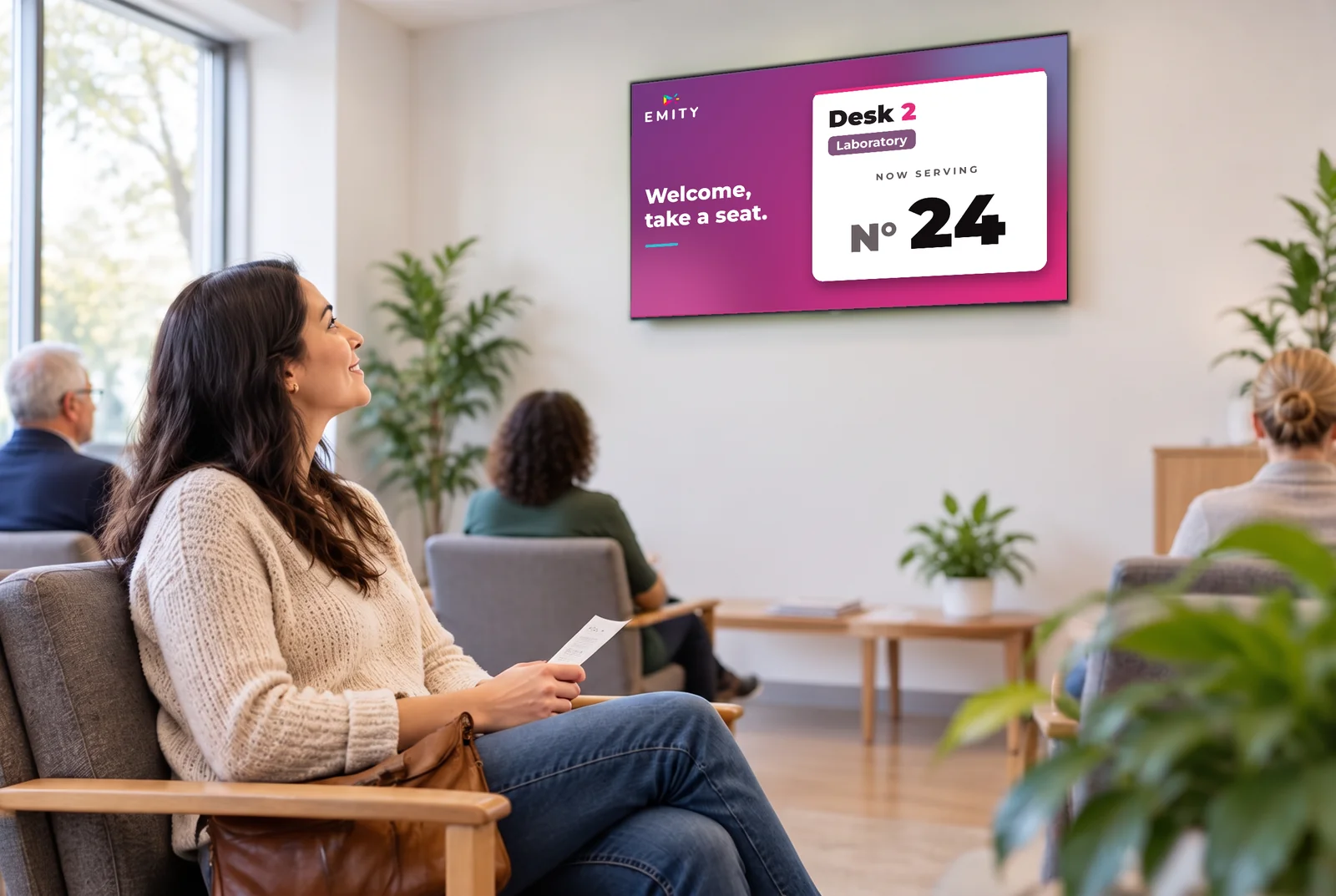
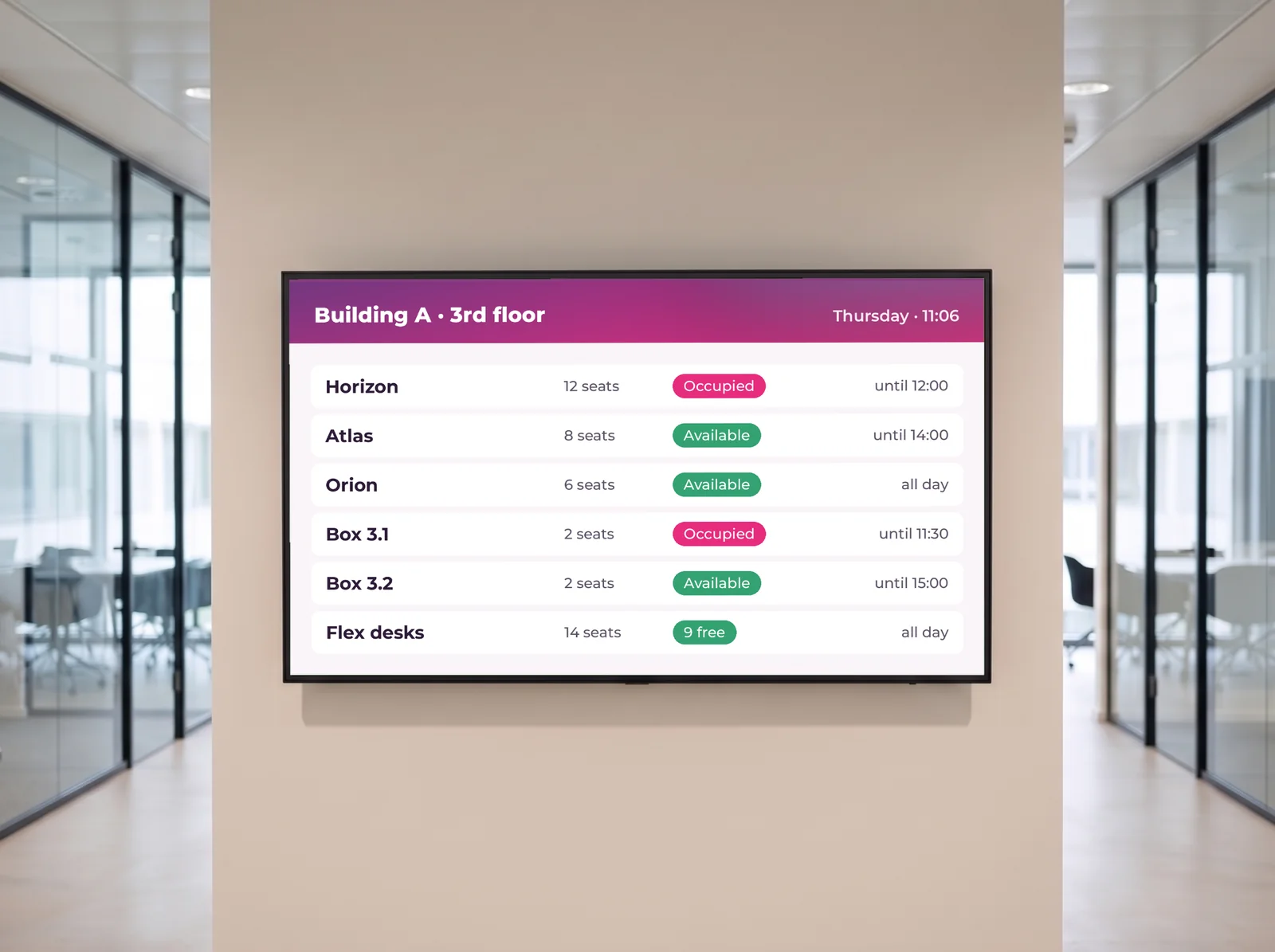
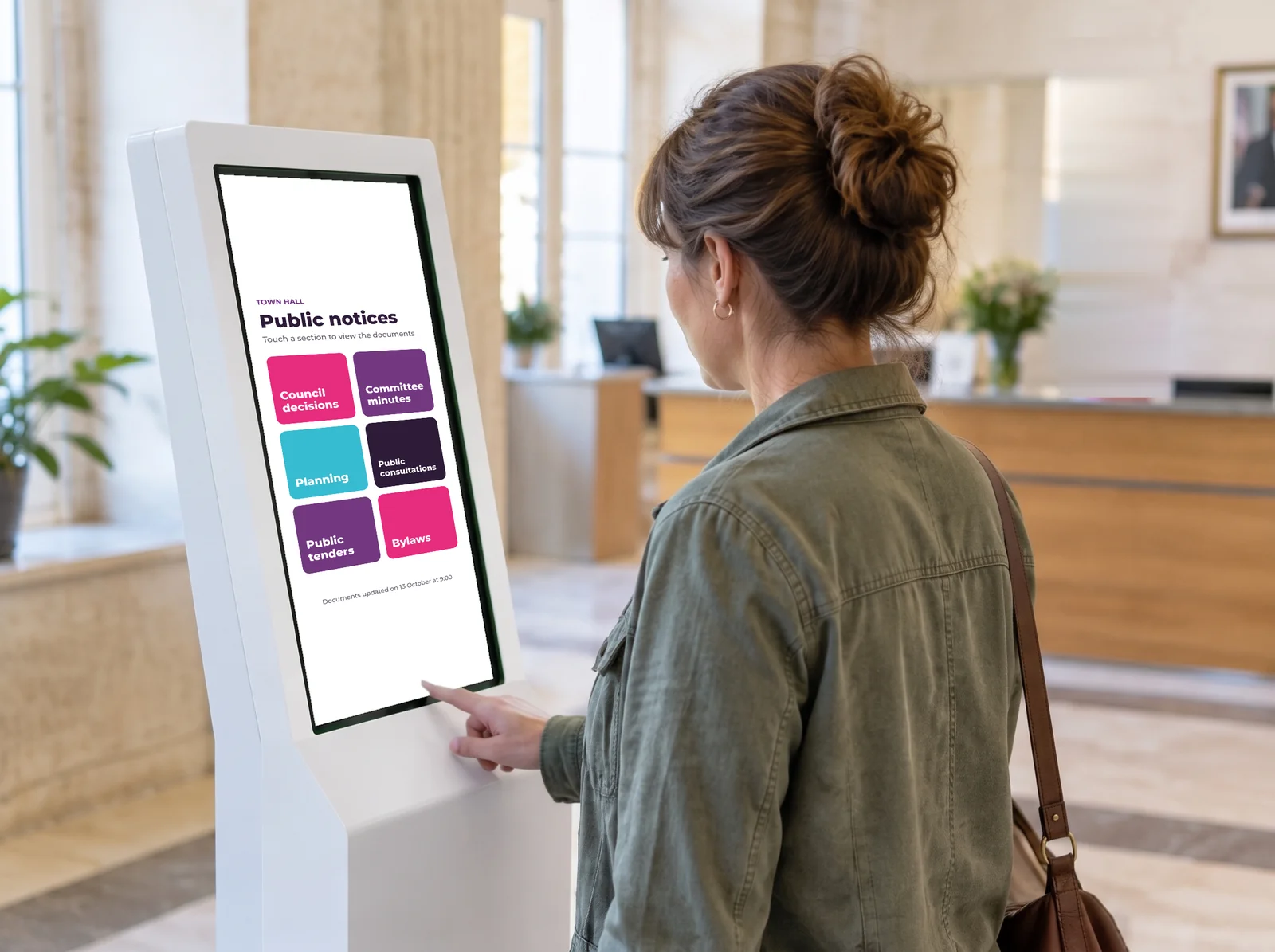
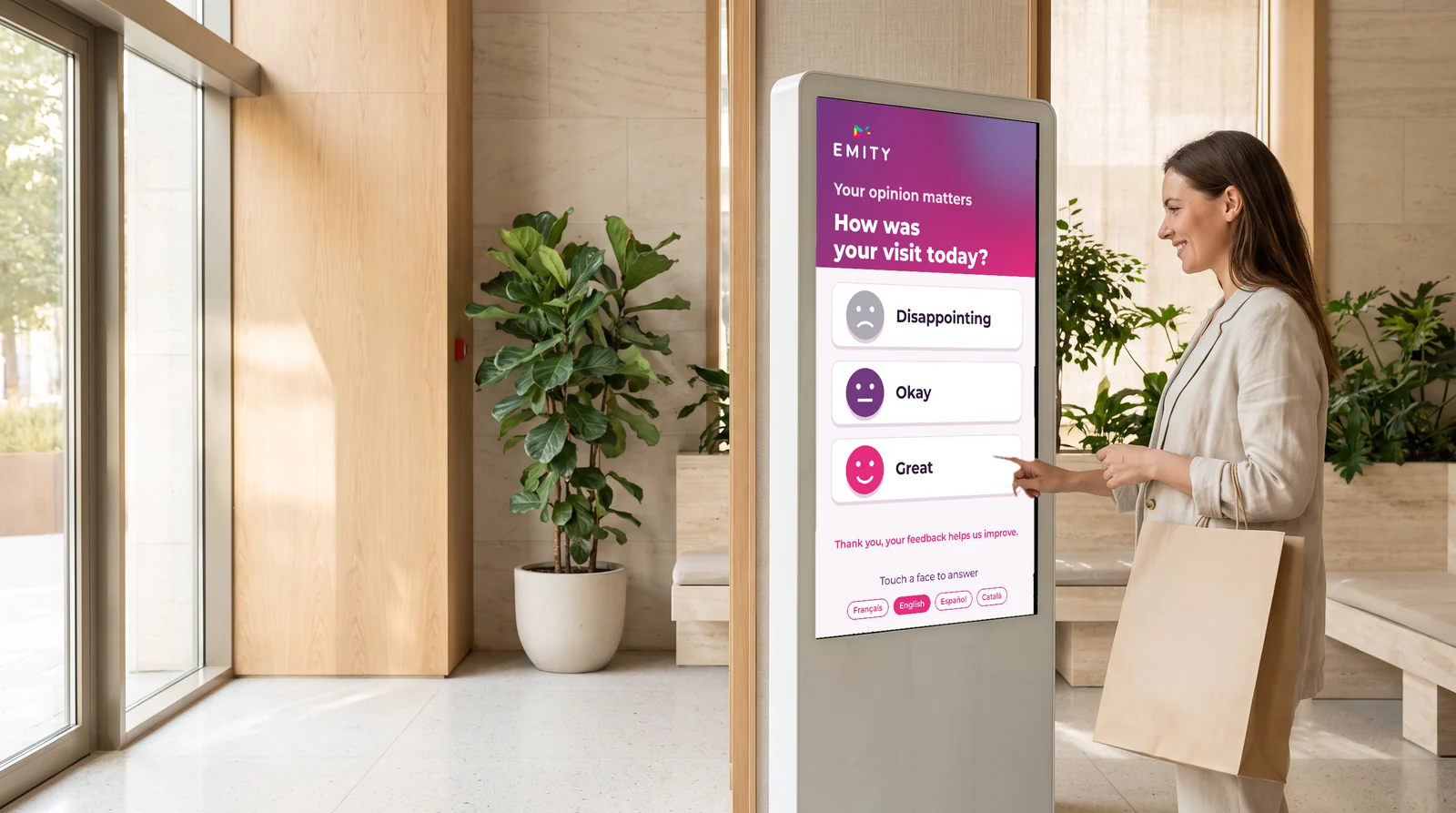
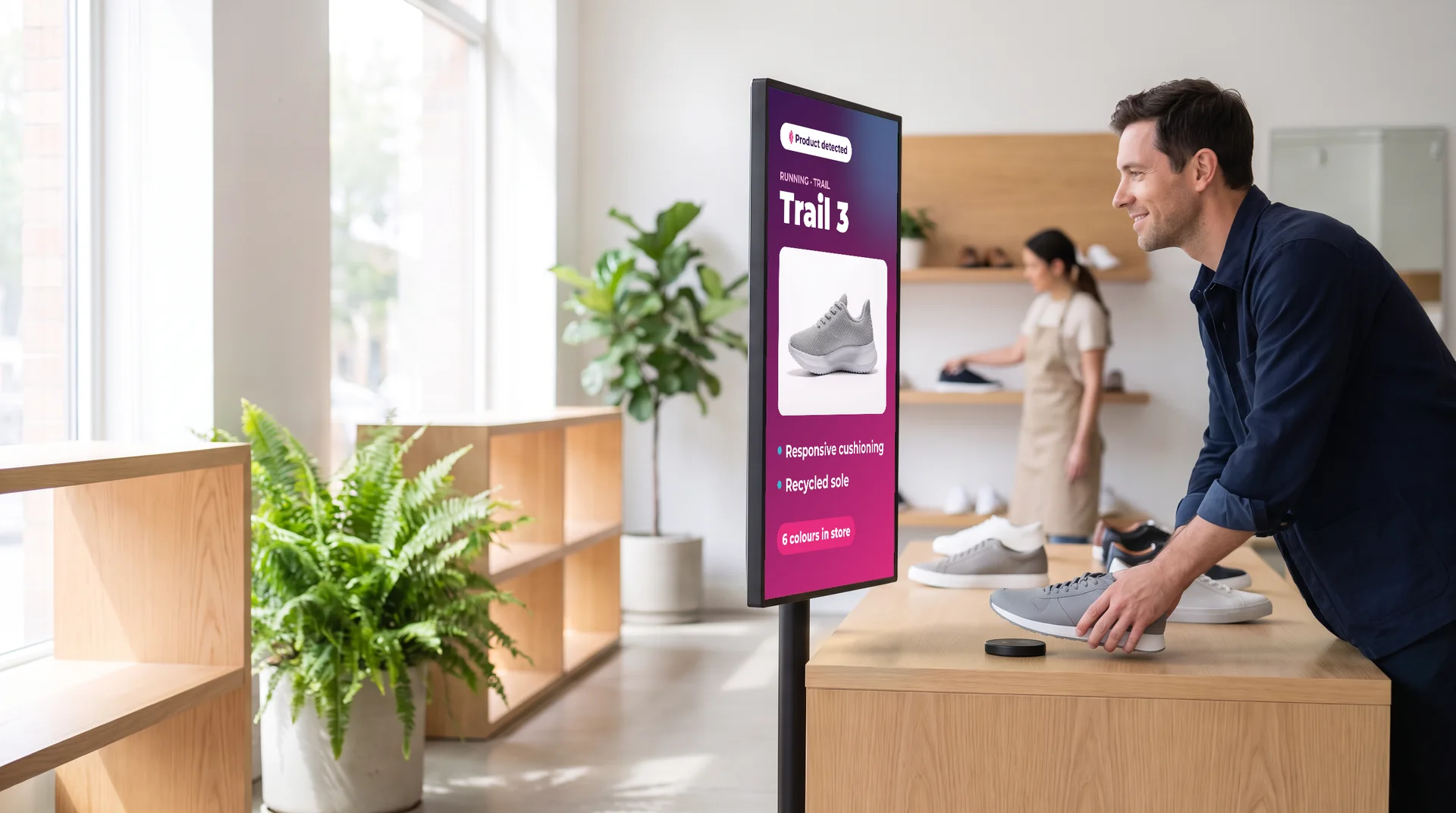
Right where the question comes up
A journey for every place,
from the lobby to the shop floor.
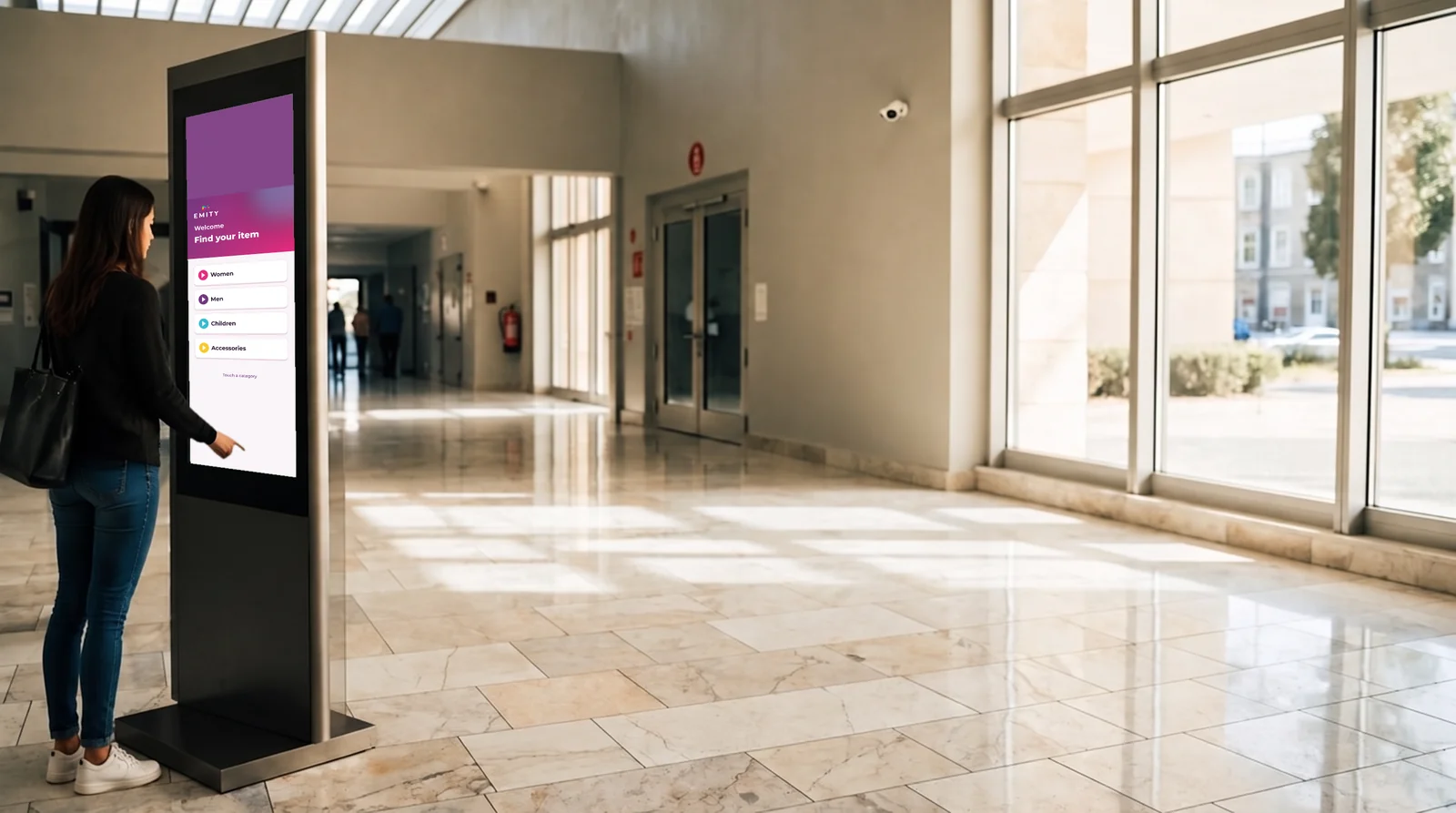
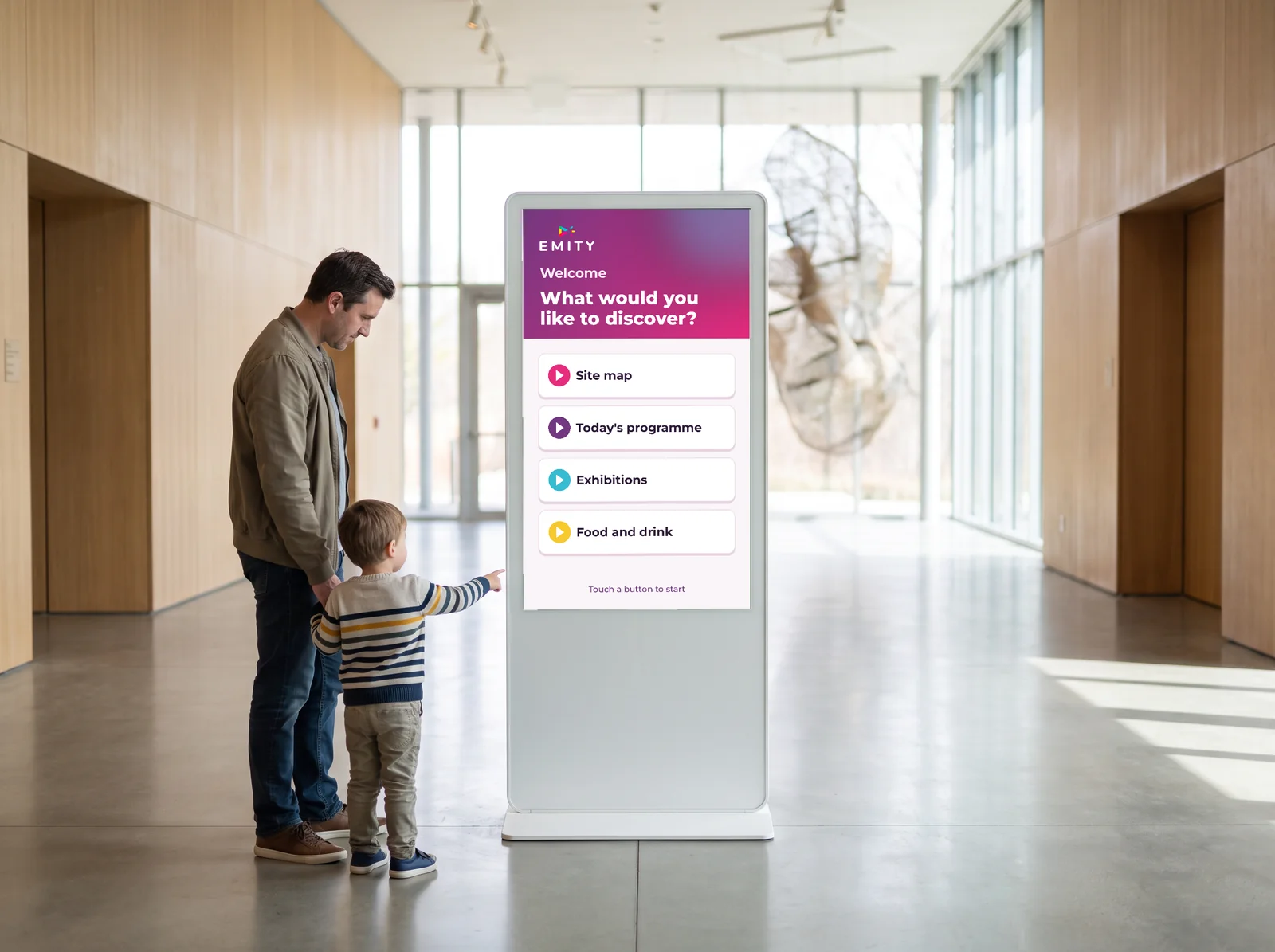
The kiosk goes exactly where a visitor looks for information. Four places, four journeys.
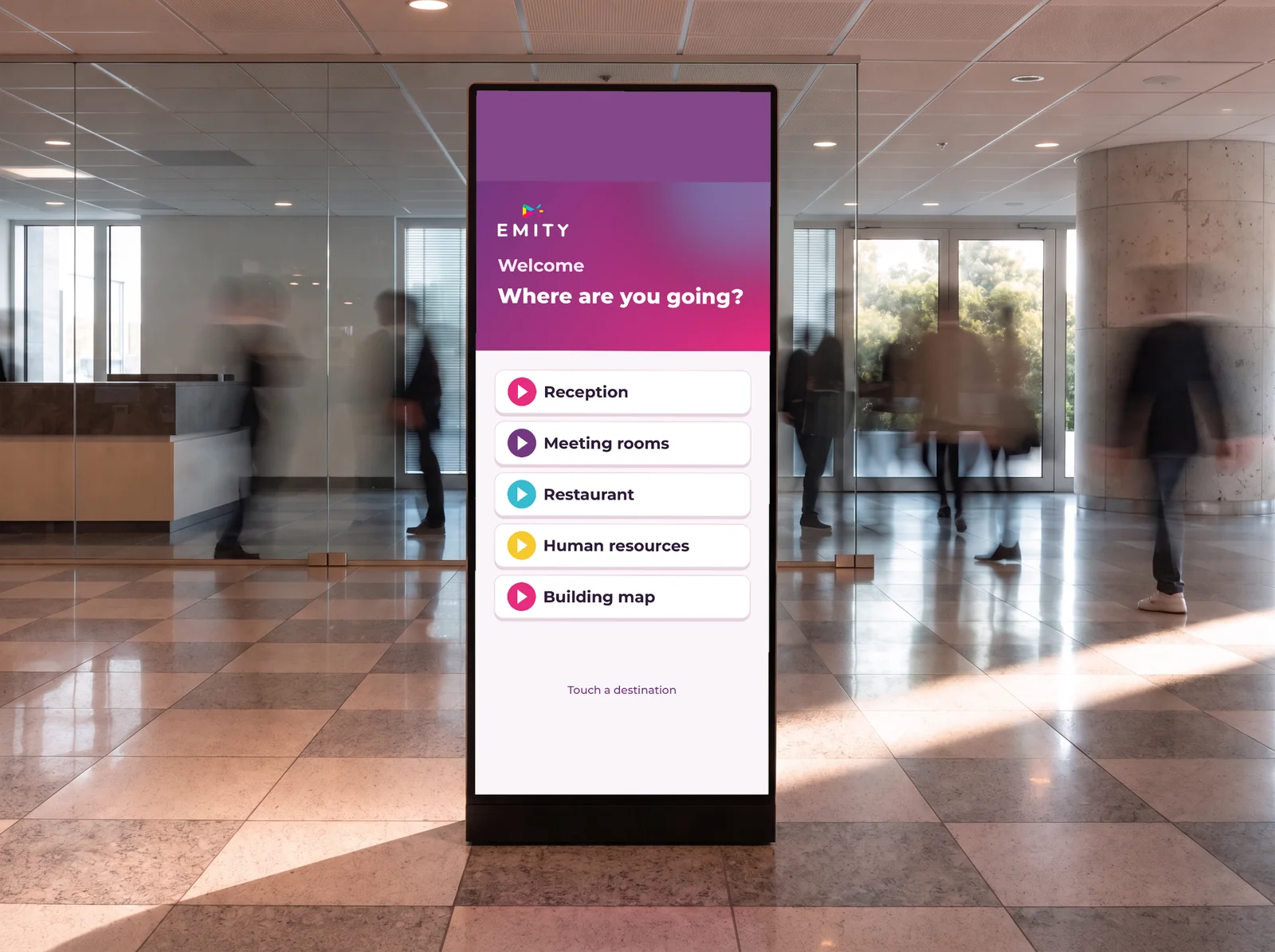
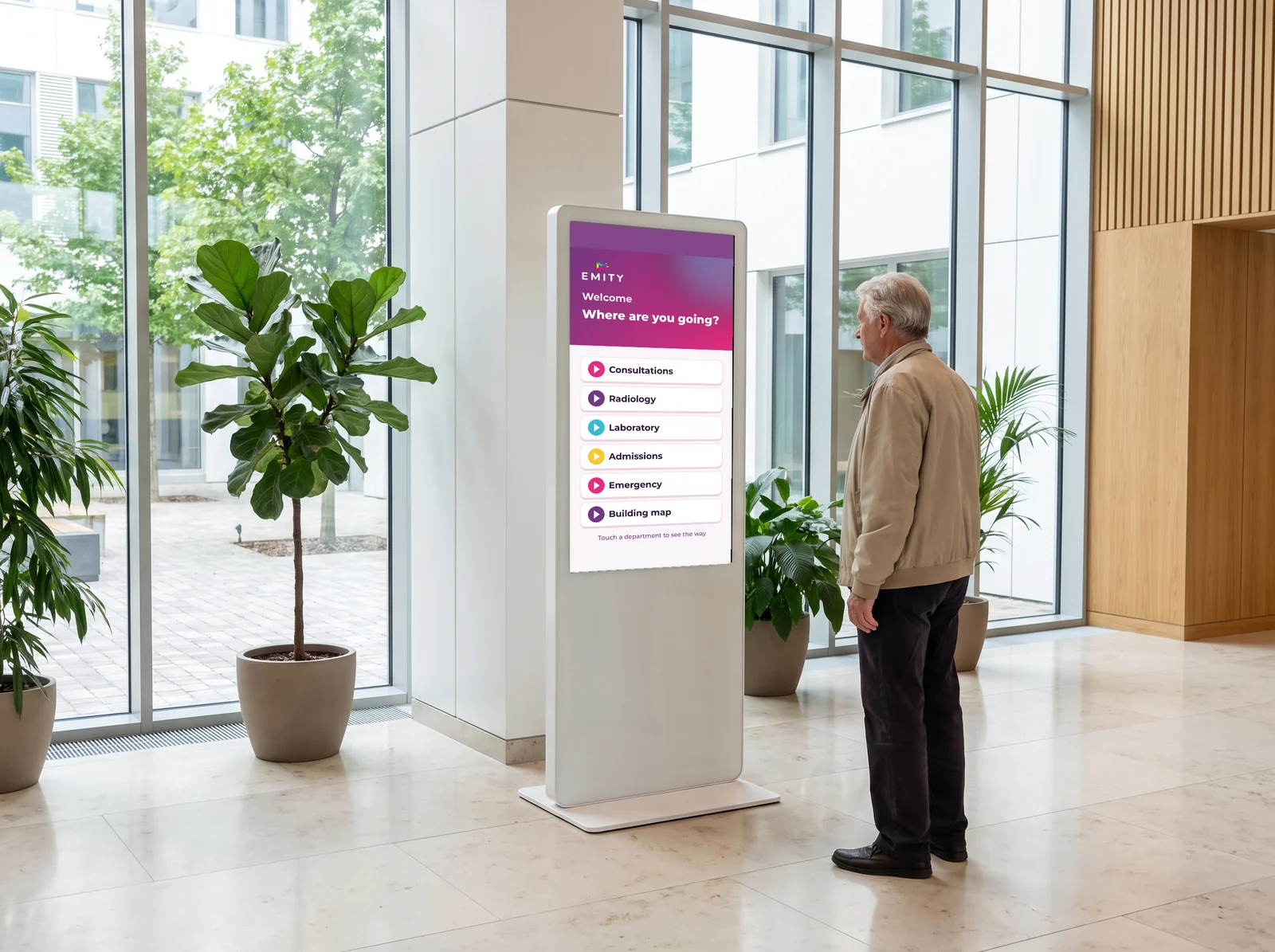
Accessibility mode
A kiosk everyone can use
Accessibility mode: inclusion built into your kiosk
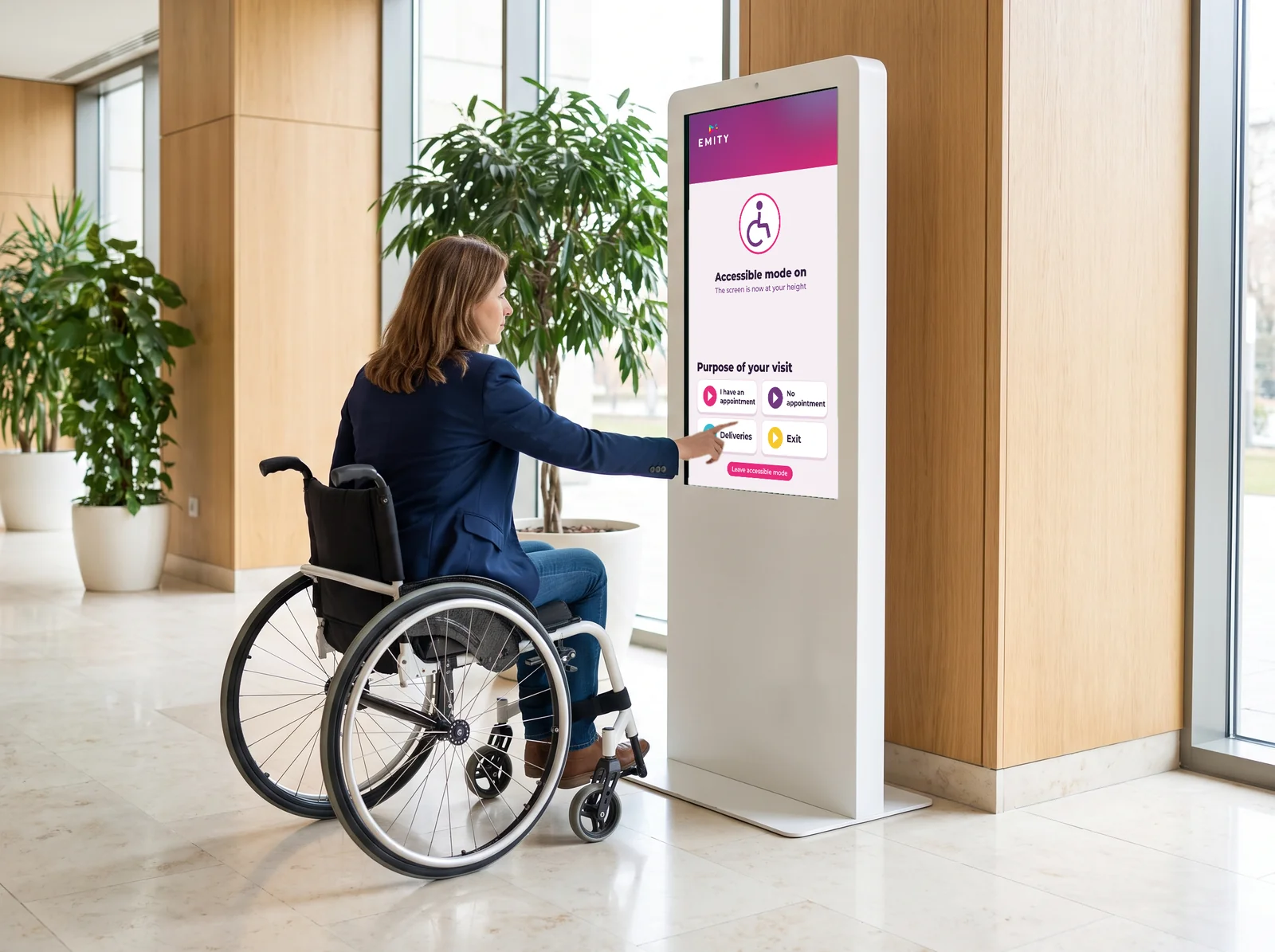
A kiosk only fully serves your reception if everyone can reach it. E-CLICK’s accessibility mode (for people with reduced mobility) answers that need: one tap on the screen lowers the whole interface to wheelchair height.
- ✓Switched on in one gesture: a dedicated button, visible at all times.
- ✓Automatic exit after a few seconds of inactivity.
- ✓Compliant with the requirements for public-access buildings.
- ✓No extra hardware: built natively into E-CLICK.
It is a strong signal of inclusion.
Turn accessibility mode on by default for kiosks installed in local government, care homes, healthcare facilities, public transport, museums and office buildings.
Showroom option
One button to bring your showroom to life
Demonstration option: control your screens from a tablet
Launch a visual or a playlist on any screen, with one tap on a virtual button from a tablet. Placed at reception or next to a product island, it turns your showroom into an interactive demonstration space.
- ✓One button, one piece of content: poster, video or playlist on the screen of your choice.
- ✓Interface customizable in your own brand colors.
- ✓Automatic return to the idle loop once playback ends.
- ✓Content always up to date from E-MANAGER, remotely.
- ✓Usage statistics to fine-tune your merchandising.
Optional: triggered by RFID badge, NFC sensor or QR code.
Compatibility
Your existing touchscreens
are all you need.
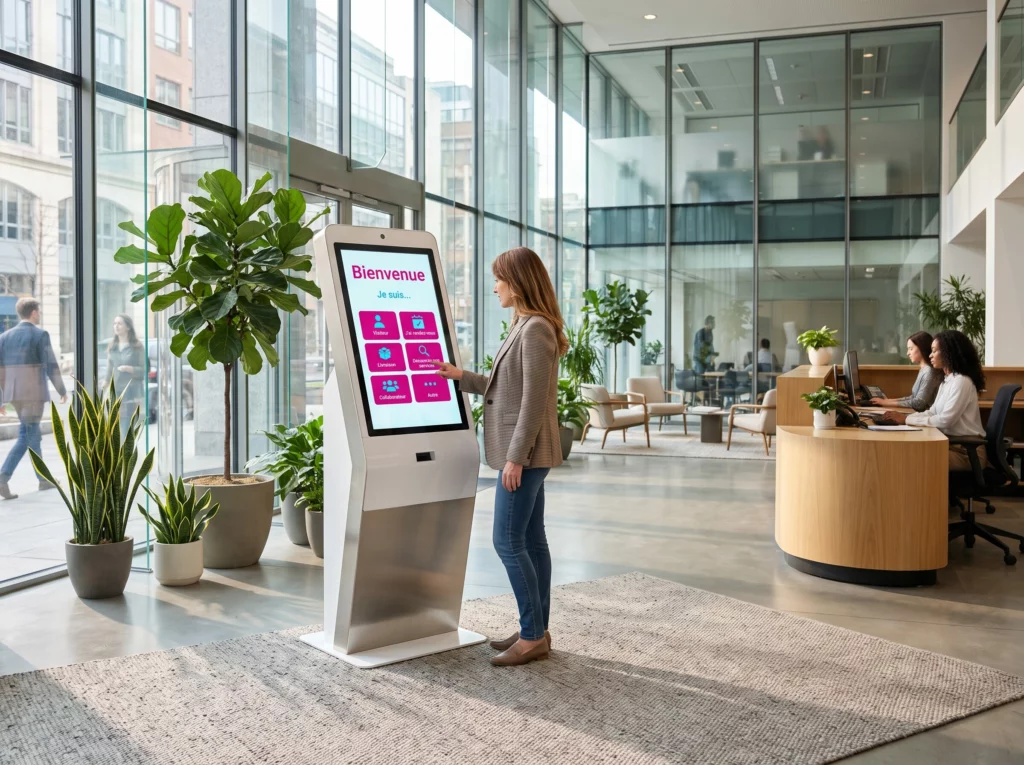
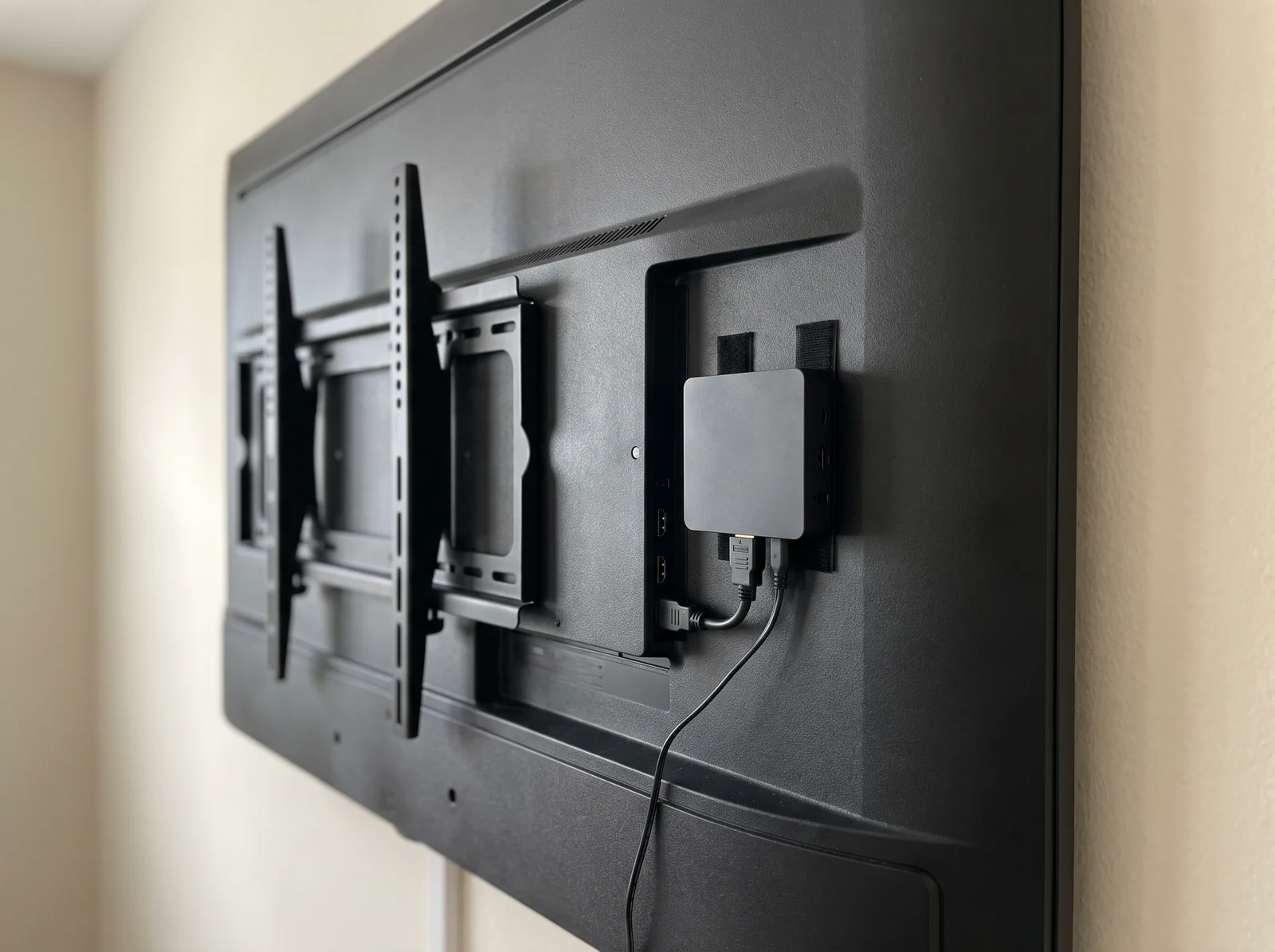
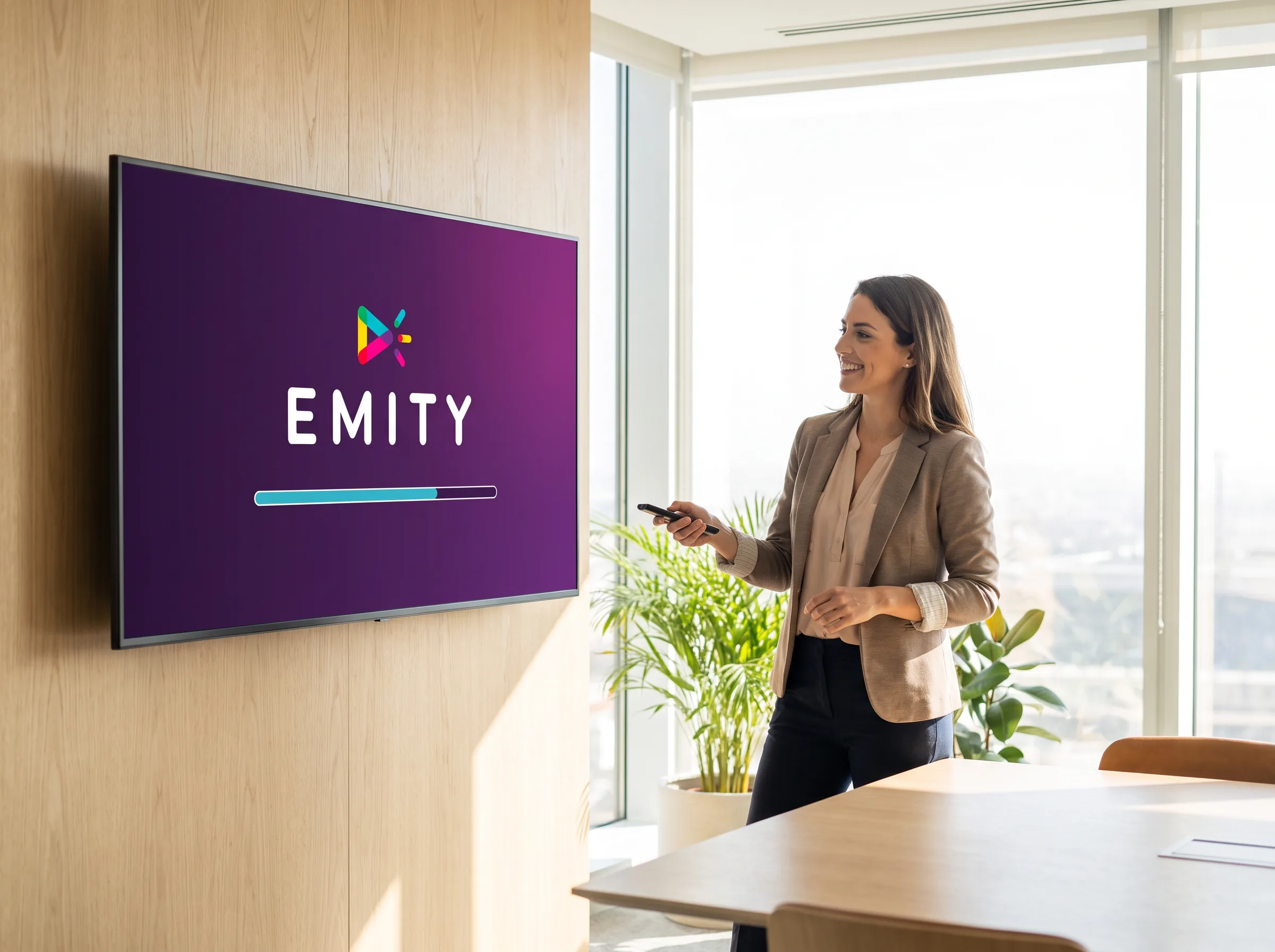
No need to buy everything again to go interactive: E-CLICK builds on the hardware you already have and adds only what is missing.
The multi-tool approach
- ✓3 to 5 separate pieces of software, as many interfaces to learn
- ✓3 to 5 invoices and training sessions a year
- ✓Several support contacts depending on the module
- ✓Development work required to connect the data
- ✓Updates handled platform by platform
EMITY all in one
- ✓1 platform, 1 single interface
- ✓1 subscription, 1 training session
- ✓1 EMITY team in support
- ✓Native data integration, zero code
- ✓Simultaneous updates across the whole estate
Estimate your savings in a few clicks
How much does a multi-tool approach cost compared with the EMITY all-in-one suite? Our simulator gives you an estimate in 30 seconds.
Subscription
Three tiers, one single plan for interactivity
EMITY subscriptions come in Standard, Premium and Excellence. E-CLICK and its modules are unlocked with the Excellence plan, which also includes all the E-MANAGER widgets and SSO. The 3-month free trial runs directly on the Excellence version, for up to 3 kiosks.
They trust us
More than 1,000 customer accounts,
in more than 20 countries.
From the corner bakery to the international key account, E-CLICK adapts to one kiosk or a thousand, backed by 130+ certified partners in France and across Europe.
Colissimo (La Poste)
300 screens deployed since 2020 for logistics communication across the whole network.
Europcar
360 screens and tablets managed in branches across France and its overseas territories for real-time customer information.
Schindler
Brings its lift cars to life. “It performs!” — Rahim, digital project manager.
Your data, protected
IT security
is our priority.
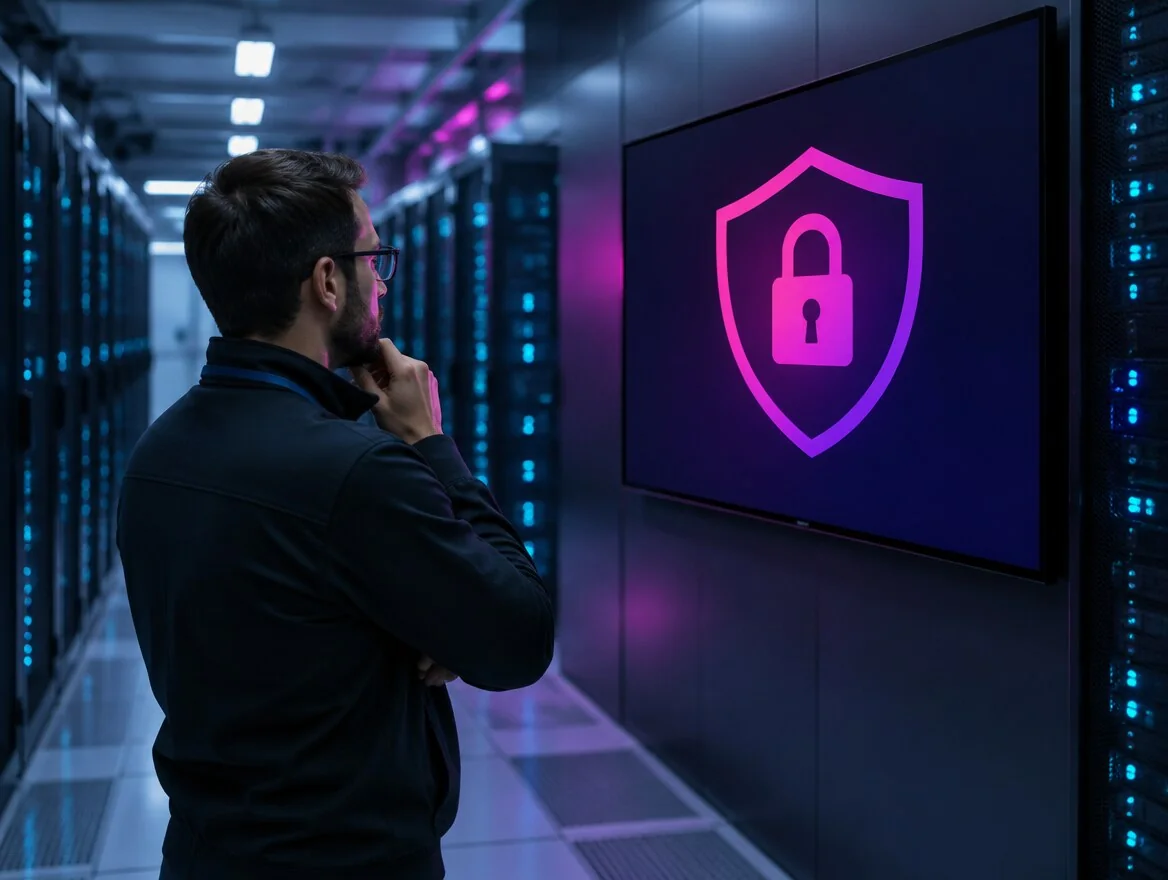
For a public-sector buyer as for an IT department, it is often the first question asked. Here is the answer, measure by measure, and the deployment option that suits you.
More than 10,000 hours of development devoted to security
Data from your kiosks, your visitors and your users stays in France, on infrastructure we control. Development is done in-house: no critical component is outsourced.
- Hosting in France (OVH) and GDPR compliance across all modules
- ISO 27001 compliant, certification targeted in 2026
- Two-factor authentication (MFA) from the Premium plan, SSO on the Excellence plan
- Regular penetration tests: anticipating threats rather than discovering them
- Security assurance and business continuity plans: security, service continuity, playback maintained without internet
Three ways to deploy the platform:
- As SaaS, hosted by us;
- On your own servers (on-premise) when your policy requires it;
- Or hybrid, with management on our side and data on yours.
FAQ


