
Digital signage for advertising agencies: one screen network, as many advertisers as you need
Selling screen time takes three things: campaigns ready to run, screens that play them at the right moment, and advertisers who keep control of their own artwork without touching anyone else’s. E-MANAGER brings the three together in a single interface, and your screens are managed remotely, wherever they are.
Definition
What a digital signage advertising network is
A digital advertising network is a set of connected screens made available to advertisers. The owner of the network — a retail chain, a shopping centre, a local authority, a sports club — offers screen time; advertisers run their messages on it. Where a paper poster used to occupy one site for a week, a screen carries as many messages as there are slots in the day. That is what DOOH stands for: Digital Out Of Home, advertising shown on screens outside the home.
A network, not a screen
From 1 to 1,000 screens per account, spread across as many sites as you need. A campaign is built once, then sent to the screens you choose.
Time slots, not fixed sites
The same screen carries the morning offer, a partner’s announcement at midday and practical information in the evening. The calendar takes care of the rest.
Advertisers, each in their own lane
Every advertiser uploads and edits their own artwork. The slides placed by the network administrator stay out of reach.
E-MANAGER
Build a campaign, pick the screens, schedule it
The whole operation fits into a playlist and a calendar. Here is what that looks like in practice.
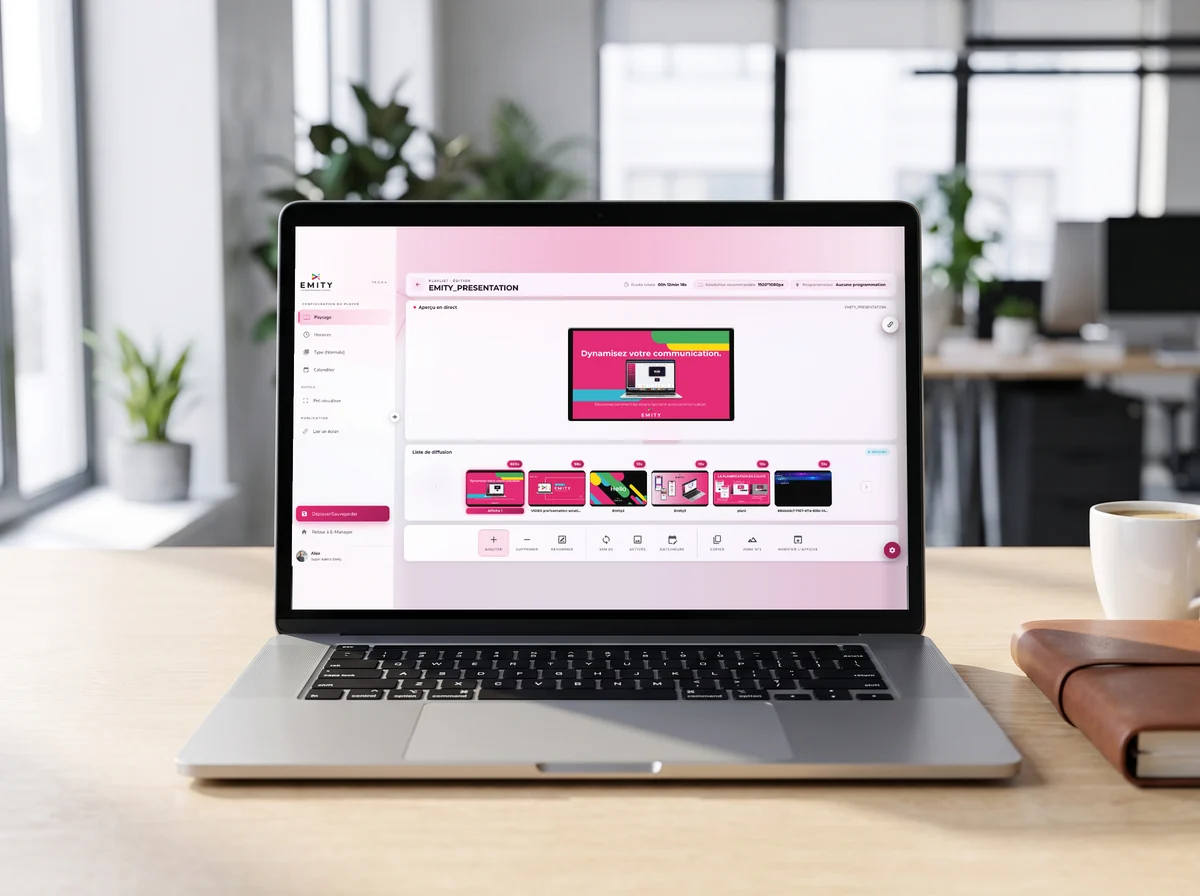
Everything starts in a playlist
An image, a video, a message: each item goes into the playlist with its own display duration. Reorder them by dragging the thumbnails.
- ✓Scheduling sets the days, the hours and the screens concerned — the campaign then follows the calendar on its own.
- ✓One change reaches every screen concerned in a single move, whichever site it sits on.
- ✓Each player is monitored and updated remotely, with no site visit.
- ✓Widgets add weather, an RSS feed, an IPTV stream or social networks between two adverts.
Advertisers
Every advertiser builds their own artwork, and never touches yours
This is the question that stalls most advertising-network projects: how do you open the platform to third parties without one of them wiping another one’s work?
Separate access, separate rights
One login per advertiser, and a clear boundary for each. The network keeps control of the grid; the advertiser works inside their own lane.
- ✓An advertiser uploads and edits their own artwork; the slides belonging to the network administrator stay out of reach.
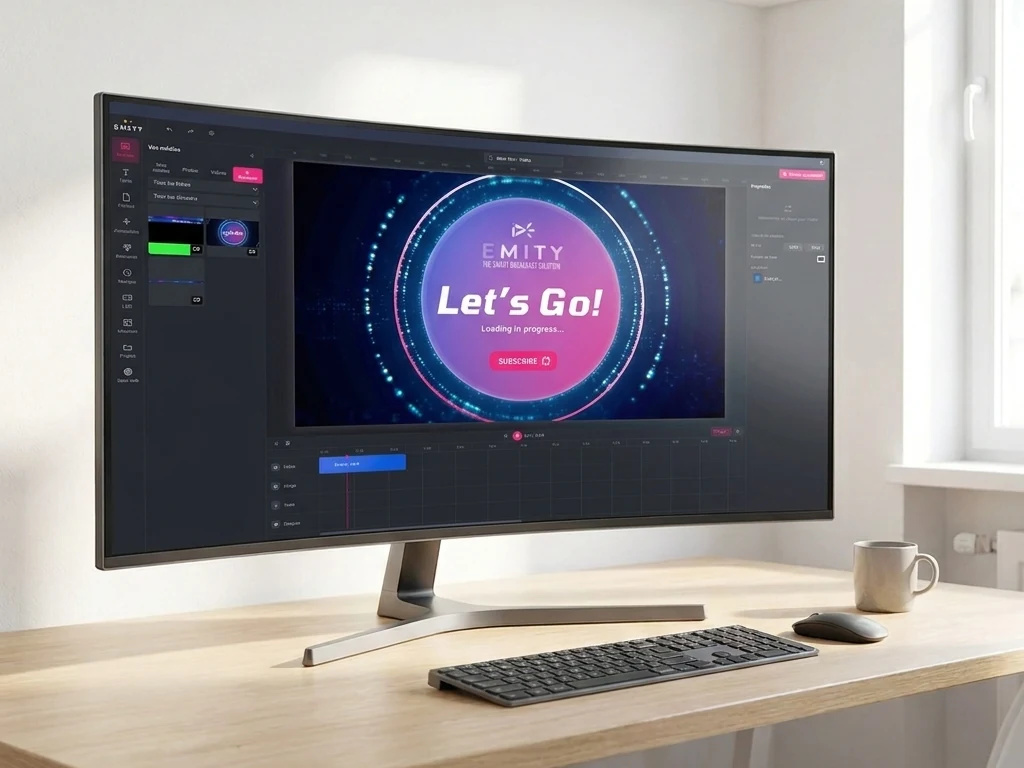
- ✓EMITY’s built-in editor is there to compose a poster directly inside the platform — no third-party software, no export, no extra account.
- ✓And if your teams already use Canva or Adobe Express, both plug straight in.
Placement
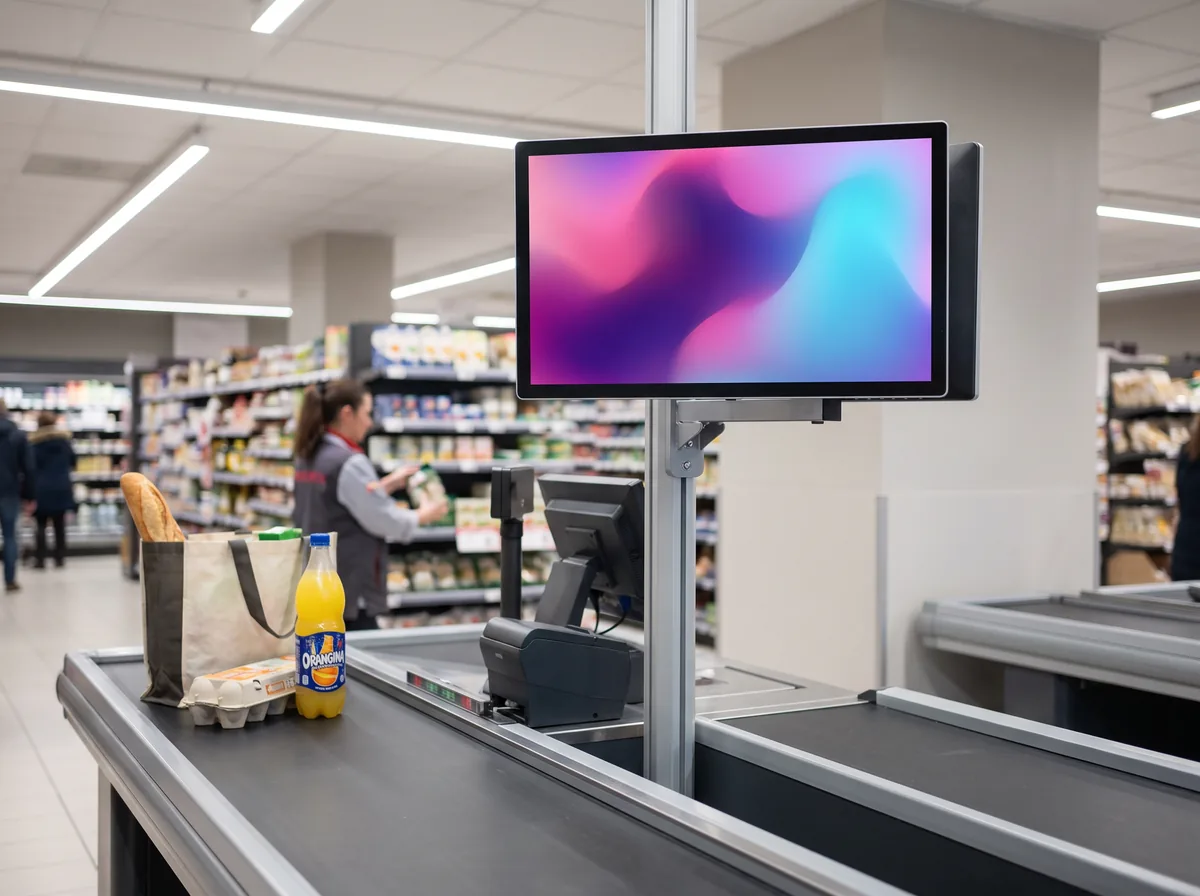
Where to put an advertising screen
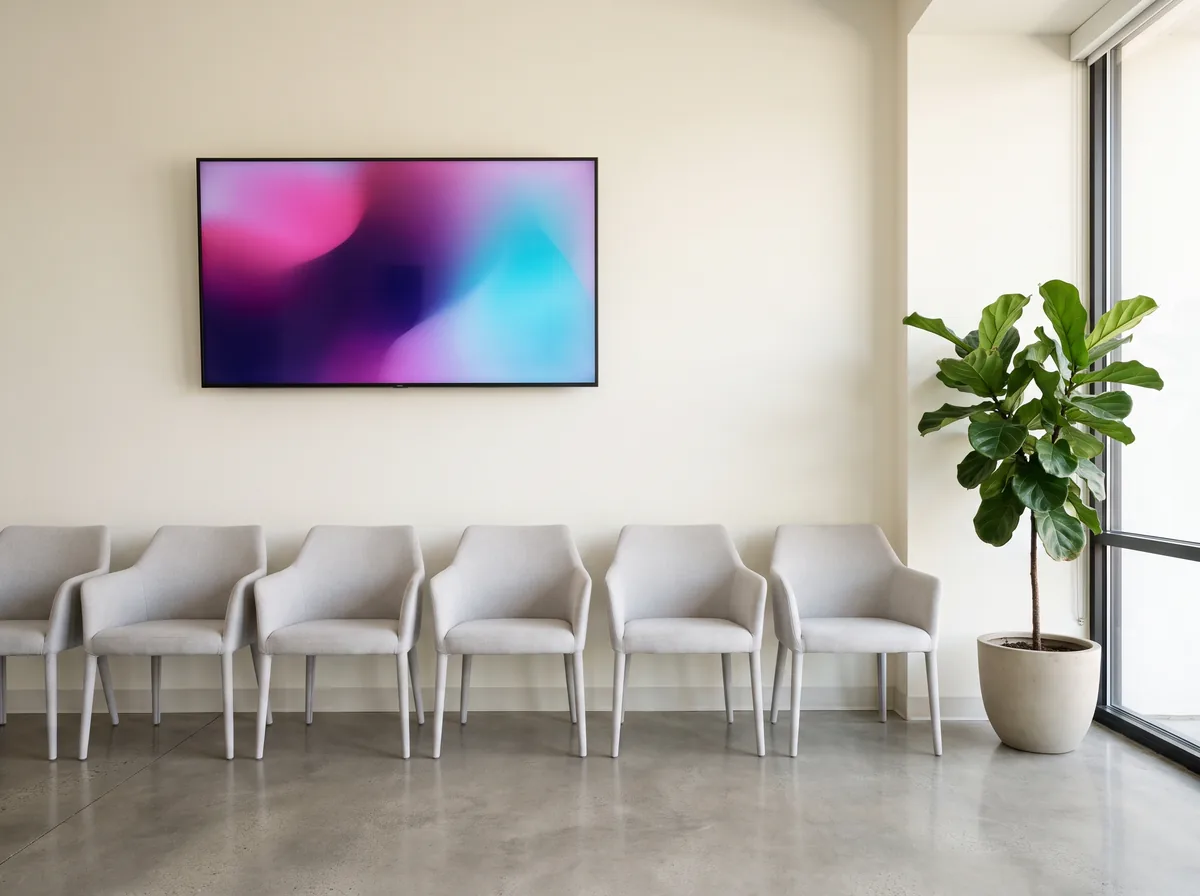
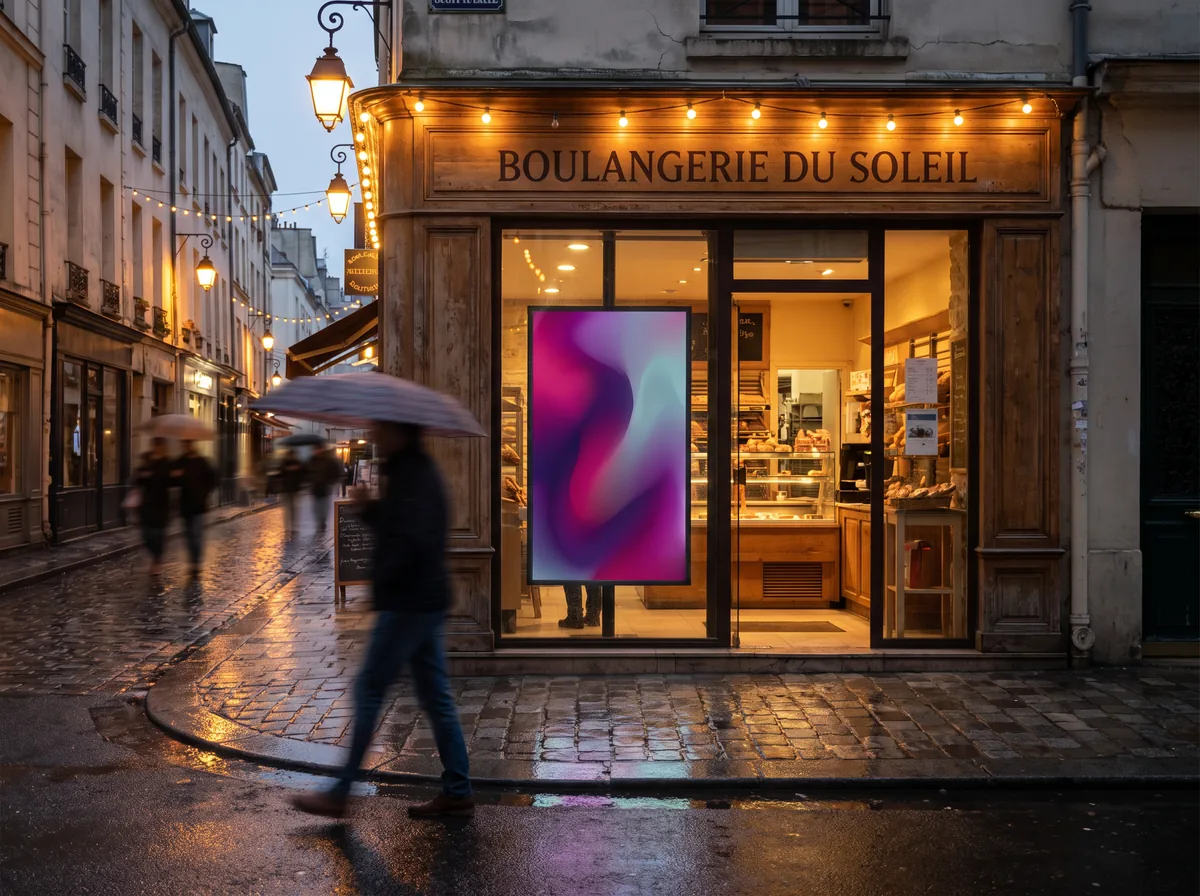
Content, audience and placement are decided together. The same message does not land the same way in front of a queue and in a corridor: the time available is different, so the message has to be too.
Hardware
Which screens, which player
Universal compatibility is one of our commitments: EMITY works with screens from every manufacturer. An existing estate can be taken over, a new screen simply added. And there is no need to rent advertising panels: the screens go where you already have control.
E-BOX
EMITY’s digital signage player: compact, sturdy, HD, 4K or 8K. It plugs into a monitor, a TV, a projector or a totem over HDMI.
E-SOFT
The embedded app installs straight onto professional screens: Tizen on Samsung, webOS on LG, Android TV and SOC. No extra player needed.
LCD, LED or totem
An LCD screen indoors, an LED panel where ambient light is strong, a totem for a free-standing installation in a walkway.
E-PAPER
Digital ink draws no power while showing a static image, runs five years on battery and stays readable in direct sunlight. EMITY is the first French vendor to support it.
Getting started
How an advertising network is set up
Four steps, in this order. The first one takes the longest, and it decides everything else.
The estate and the placements
We list the sites, the zones and the number of screens with you. One well-placed screen in a waiting area beats three in a corridor.
The screen and the playback method
Each placement gets its screen and its playback method: an E-BOX over HDMI, or E-SOFT installed directly on the professional screen.
Advertiser access
Each advertiser gets their own login. They build their artwork in the built-in editor and drop it into the slots reserved for them.
Scheduling
The playlist and the calendar decide what plays, when and on which screens. After that the network runs, and you adjust it remotely.
EMITY
A French software vendor, a network of resellers
EMITY has been building its software suite since 2018, from Montpellier and Paris, and distributes it through a network of certified resellers across France and Europe.
+7,000
connected screens
+1,000
client accounts
+130
distribution partners
+20
countries
A bakery chain running its own screens
The Atelier Banette case shows what a multi-site rollout looks like day to day: read the customer case → · find a reseller →
Frequently asked questions

