
Case study · Grocery retail
Digital signage in a supermarket:
the Intermarché Juvignac case study
About twenty screens, installed since 2019 in a store near Montpellier, in southern France. Here is what was fitted, where the screens went, what they show through the week, and how much time the store team actually spends on them.
The rollout
One store, about twenty screens, six years of hindsight

Intermarché Super, Juvignac
Grocery retail · Hérault, France
An EMITY customer since 2019
The Intermarché store in Juvignac, on the edge of Montpellier in southern France, was fitted in 2019. It now runs about twenty screens, spread across the aisles, the fresh food counters, the checkout area, the drive-through and the service station. All of them are driven from E-MANAGER, the dashboard the store opens in a web browser.
The store sits about fifteen minutes from EMITY’s head office in Jacou. That proximity mattered when the screen positions were chosen: they were picked on site, aisle by aisle, rather than on a floor plan.
~20
screens installed across the store
2019
year the store went live
1
player can drive several screens
15
minutes from the EMITY head office
Before the screens
What the store spent its time printing, trimming and putting up
In grocery retail, prices and offers change every week. Before the screens, the Juvignac store worked with paper — and paper meant a print run, a trim and a walk down the aisle, every single time. Three situations kept coming back.
The installation
Three parts, and nothing to install on the store’s computers
The store had no software to install on its machines: the platform opens in a browser, from the back office or from a phone.
On the floor
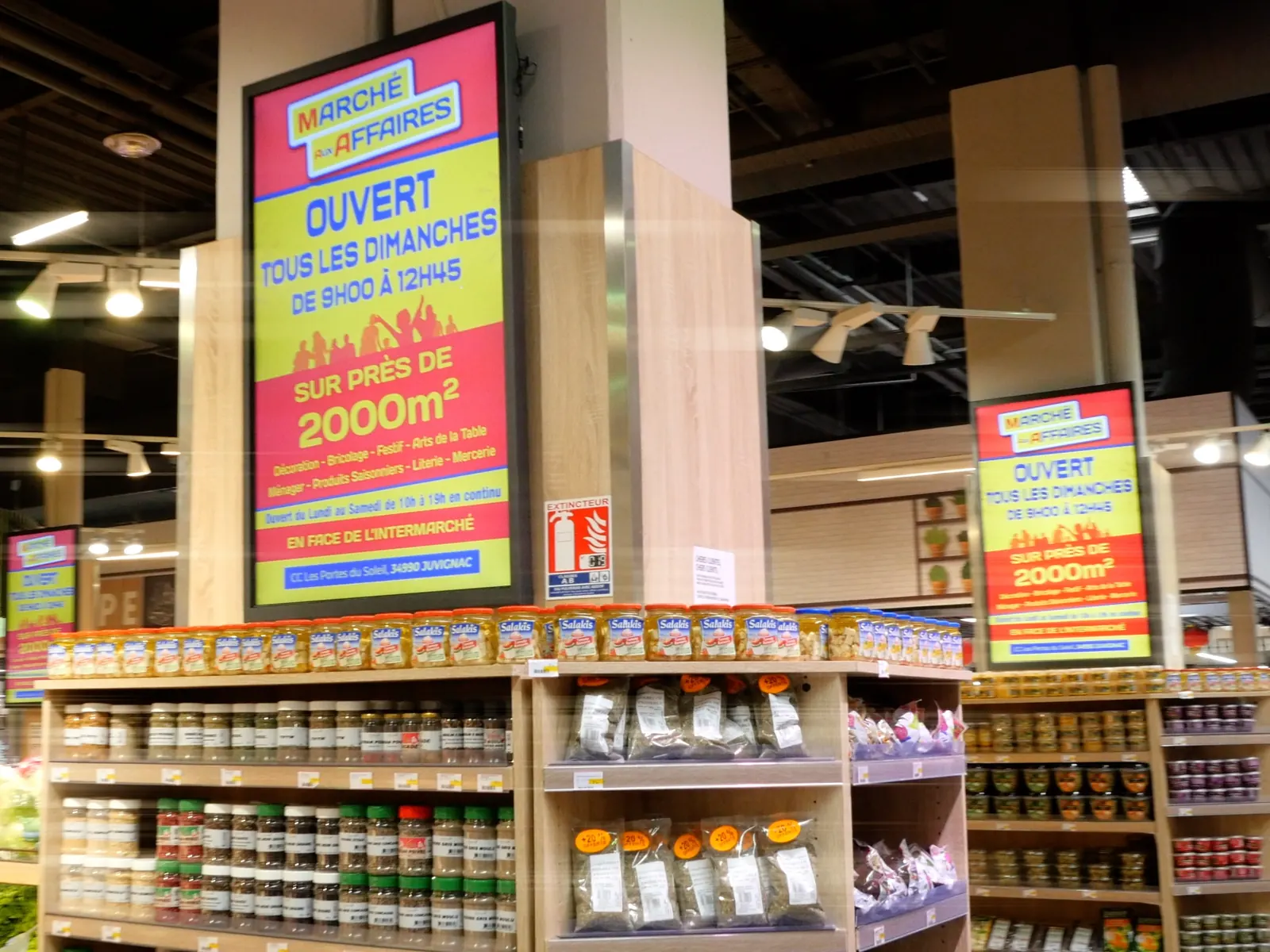
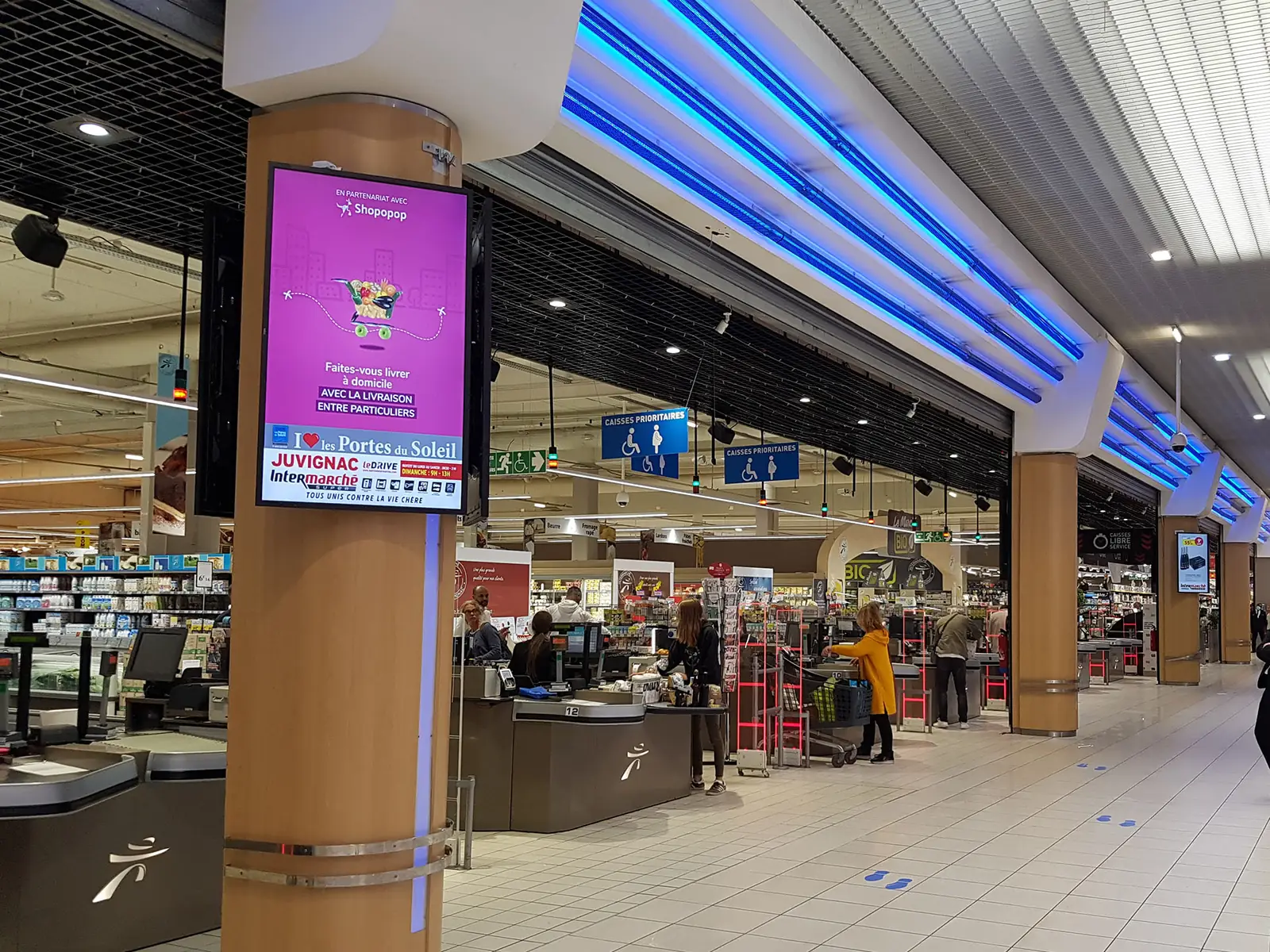
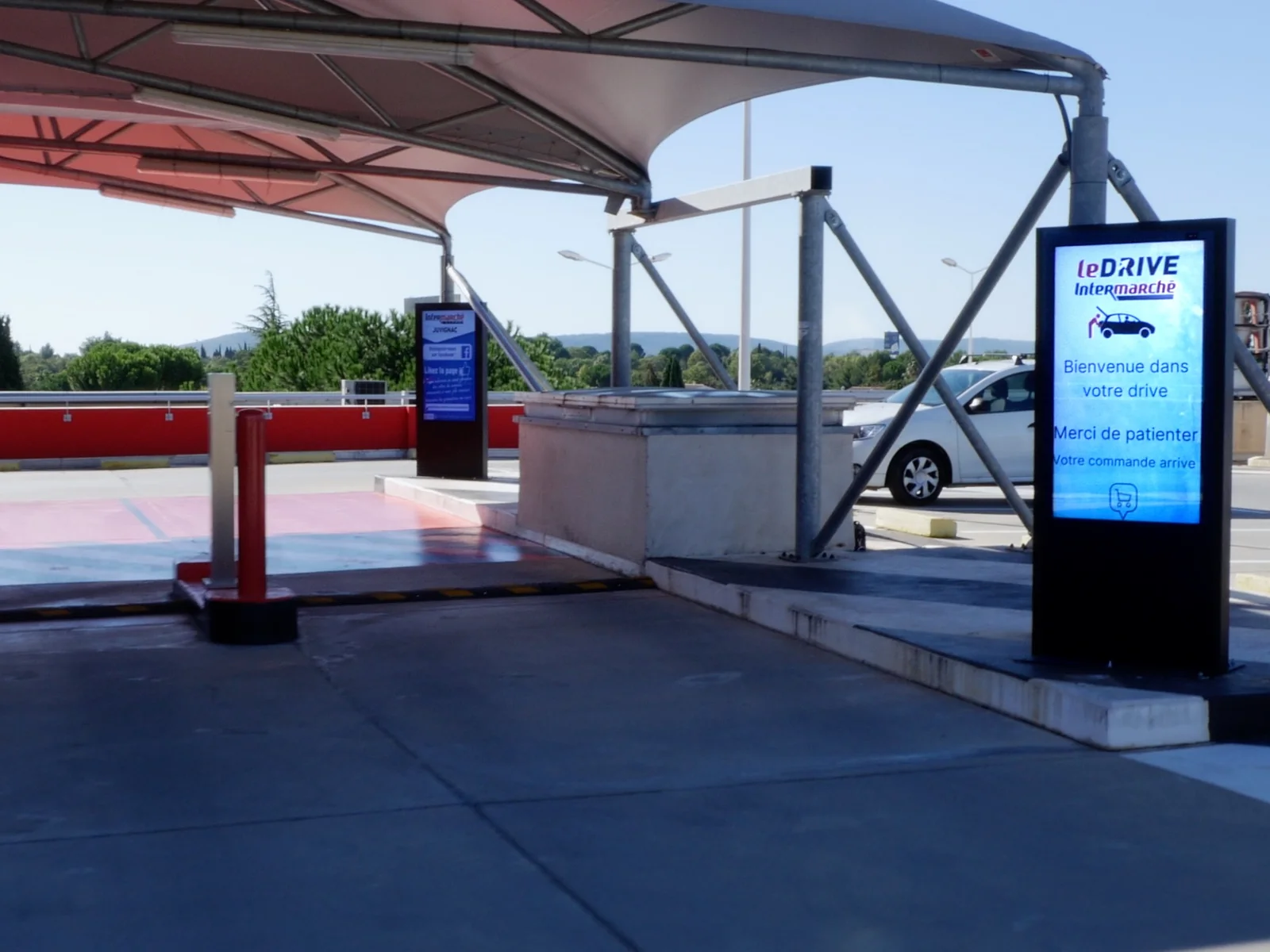
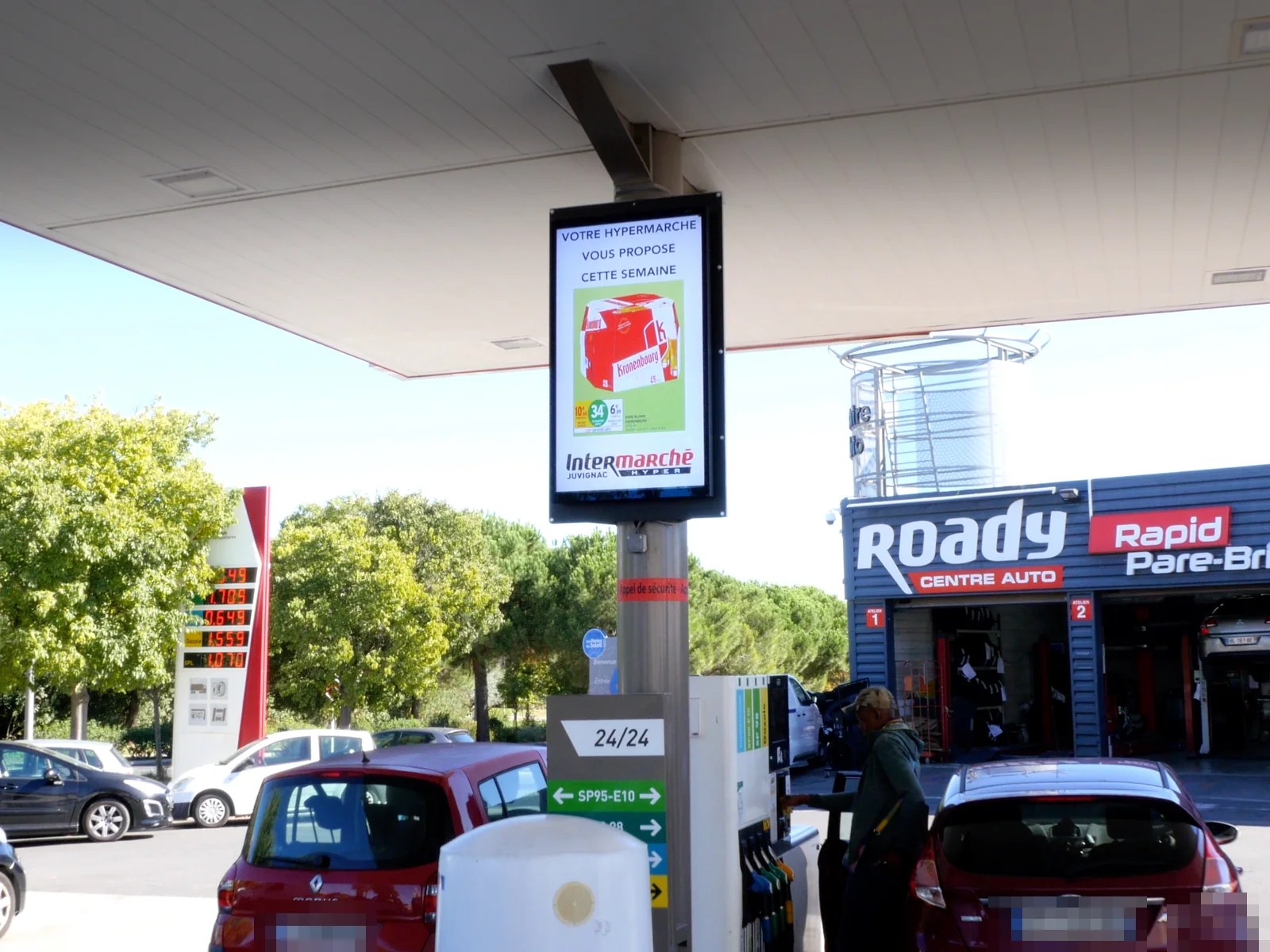
Four positions, four different messages
A screen in the aisle does not say the same thing as a screen at the drive-through. The position decides the content, and the scheduling does the rest.
Day to day
What the store team actually gains
The benefit is not measured in bold claims. It is counted in small chores that drop out of the week.
The offer shows on the day it starts
Scheduling is set in advance, with a start date and an end date. The screen switches over on its own at the right moment, and drops the finished offer without anyone having to remember.
A visual gets built without a designer
EMITY’s built-in editor offers templates to fill in: a headline, a photo, a price. Someone on the store team builds the visual and publishes it straight away.
An urgent notice goes out in minutes
An aisle closed for a delivery, opening hours changed for a public holiday: the message leaves the back office and lands on the screens concerned, without a walk down the aisle.
The team finds out at the same time as the customers
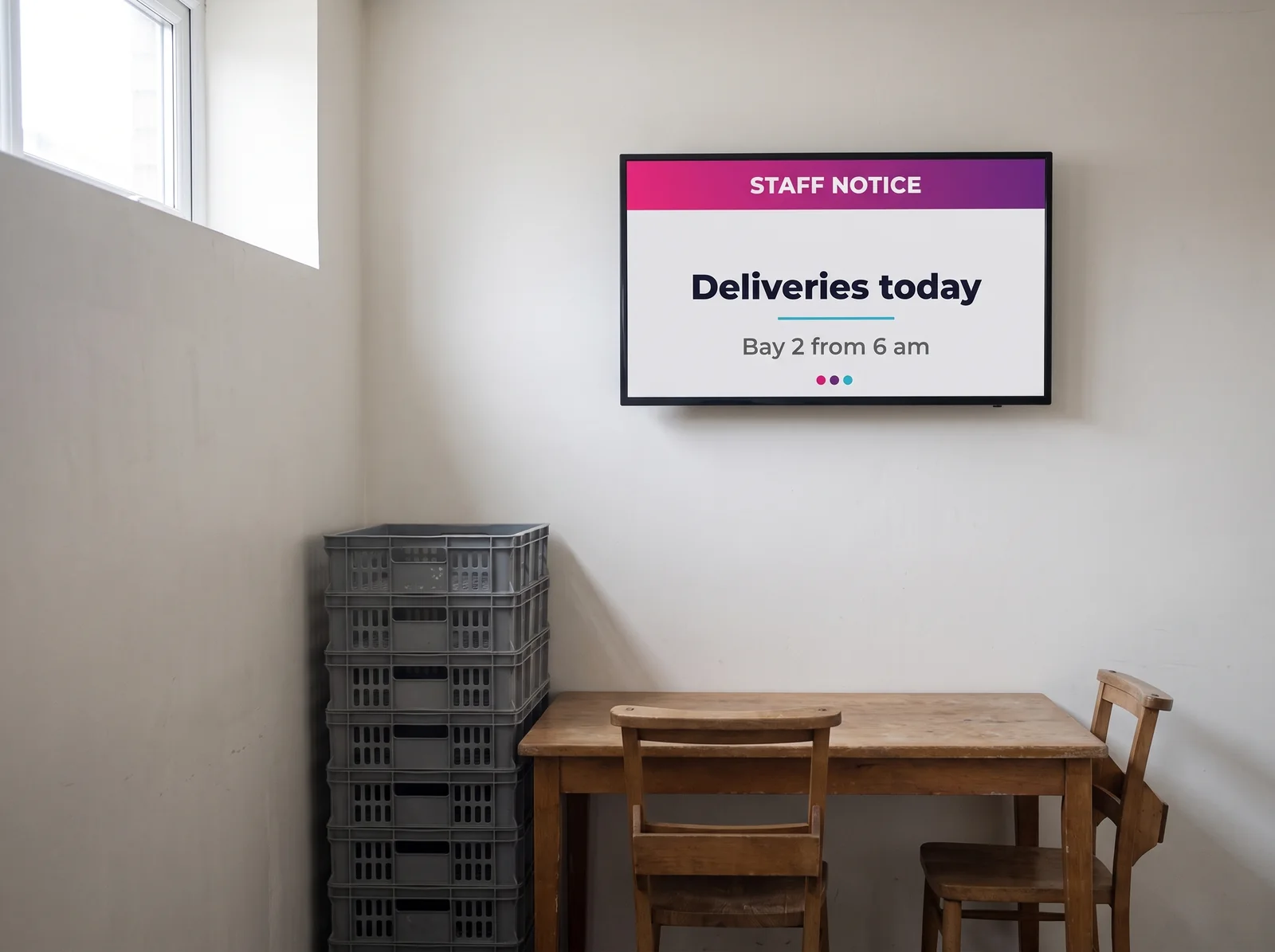
A screen in the stockroom or the break room carries the briefings, the delivery schedule and the operations coming up. Same platform, a different group of screens.
Step by step
From the first visit to the first broadcast
A walk round, aisle by aisle
The EMITY engineering team walks the store and notes, aisle by aisle, where customers already stop and look. That walk decides how many screens are needed, in which format and at what height.
Fitting and wiring
Screens mounted, players wired, power and network checked. The screens are then registered in the platform and grouped by zone: aisles, fresh food, checkouts, drive-through, service station.
Handover, in one session
Someone on the store team learns to build a visual, schedule it and send it to a group of screens. The rest is picked up by doing, with the EMITY team on hand.
The first week on air
The first schedules are laid out in advance across the whole week. The store then tunes the display durations against what it sees happening in the aisles.
One platform, groups of screens
Everything is scheduled from E-MANAGER: the list of the store’s screens, their status, what is playing and the calendar for the weeks ahead. The screens are handled in groups, which is what makes the break room screen no harder to run than the twenty on the sales floor. A store with twenty screens works in the same interface as a chain running a thousand.
- ✓Groups of screens by zone: aisles, fresh food, checkouts, drive-through
- ✓Scheduling set in advance, with start and end dates
- ✓The status of every screen, visible from the back office
- ✓The same content reused from one week to the next
The questions that keep coming up
What stores ask before they fit screens
Going further


