Sector · Care homes, nursing homes, senior living
Digital signage for care homes, nursing homes and senior living
The link between the home, its residents and their families.
What day is it, what’s for lunch, who is coming this afternoon? These are the questions that come back most often in a care home, and the ones that wear a team down. A screen in the right place answers them all day, in large type, without anyone reprinting a thing.
The experiences involved
Five EMITY experiences, one platform for the whole home.
01The starting point
The same information,
asked for twenty times a day
In a care home, information travels mostly by word of mouth. A resident asks what day it is, a family looks for visiting hours, a carer sticks a notice back on the wall. None of it matters much on its own — but added together it takes hours away from the time spent with residents.
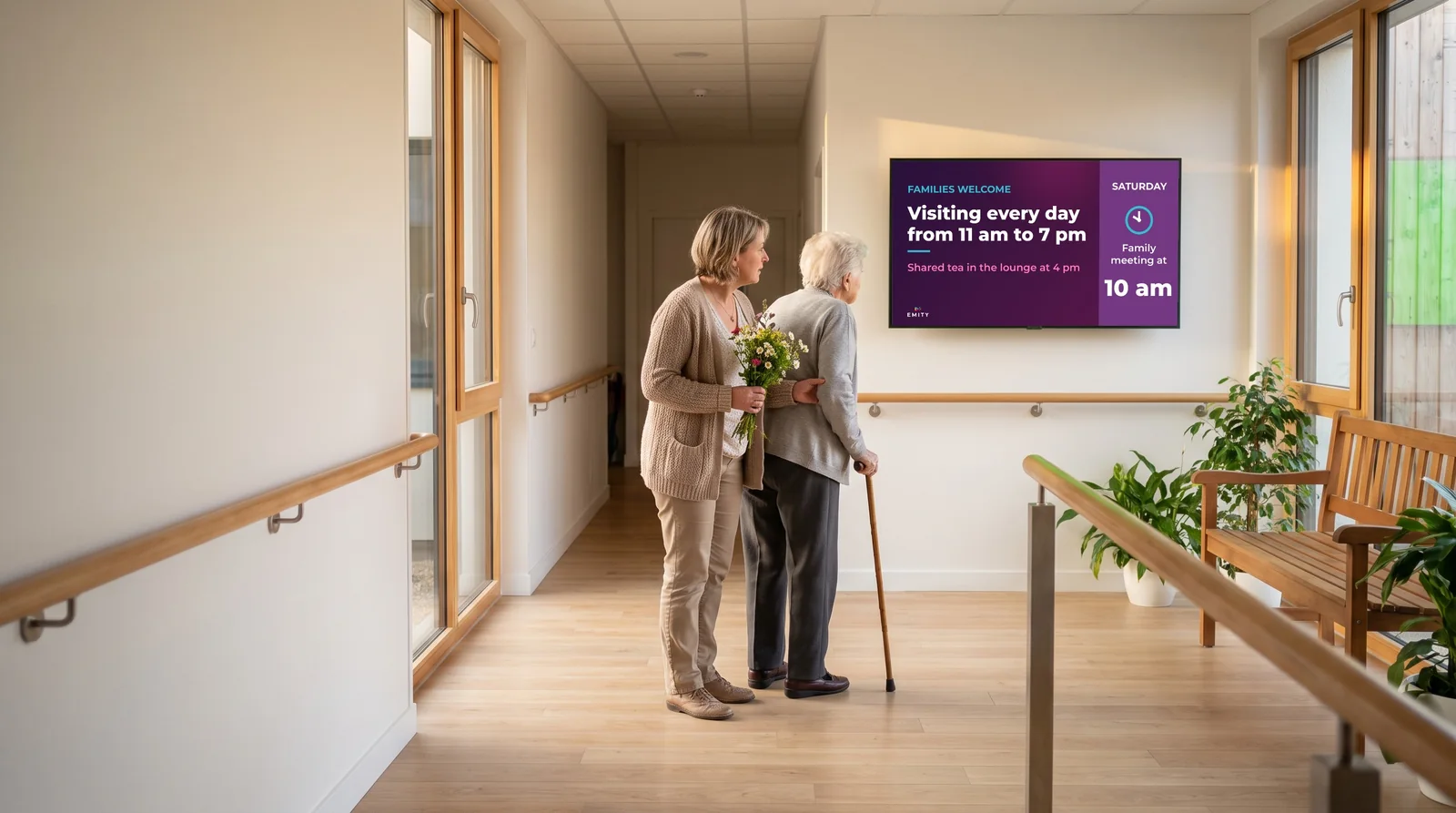
A screen in the right place answers before the question is asked.
The day, visiting hours, activities: the information is shown where people look for it, and it updates without a poster to stick back up.
- ✓The sense of the day slips away: The date, the season, the time of day: these markers fade with cognitive decline. Giving them back calmly, all day long, is part of good care.
- ✓Paper goes out of date fast: The activities programme, the week’s menu, visiting hours: everything changes, and the out-of-date notice stays on the wall long afterwards.
- ✓Families are left guessing: A relative who visits once a week wants to know what has happened and what is coming. Without a display, the answer rests entirely on the team.
02The journey
A day in the home,
room by room
A care home does not need screens everywhere. Here are the six places where a screen does something real — for the resident, for the family and for the team. All six run from the same platform.
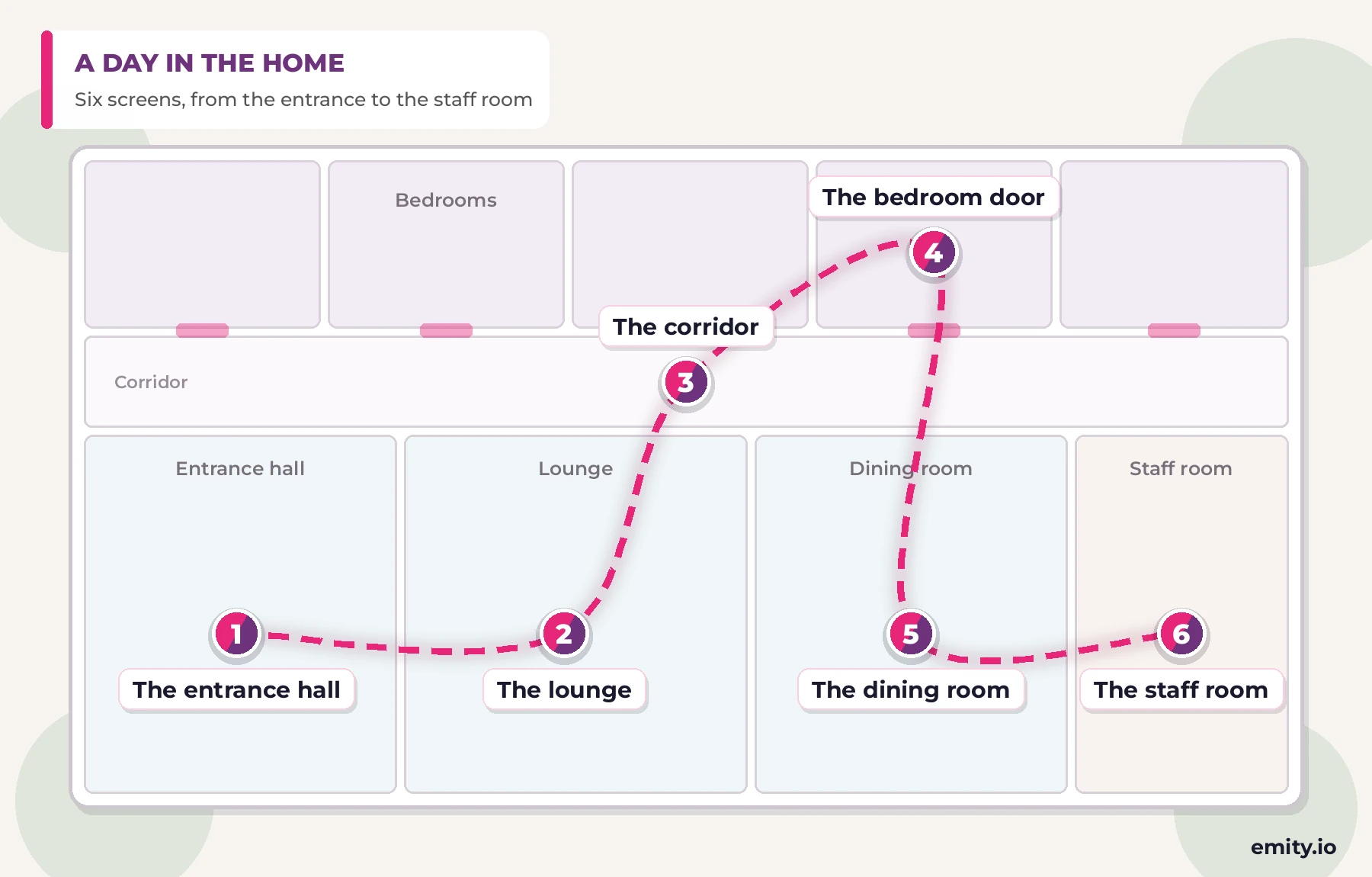
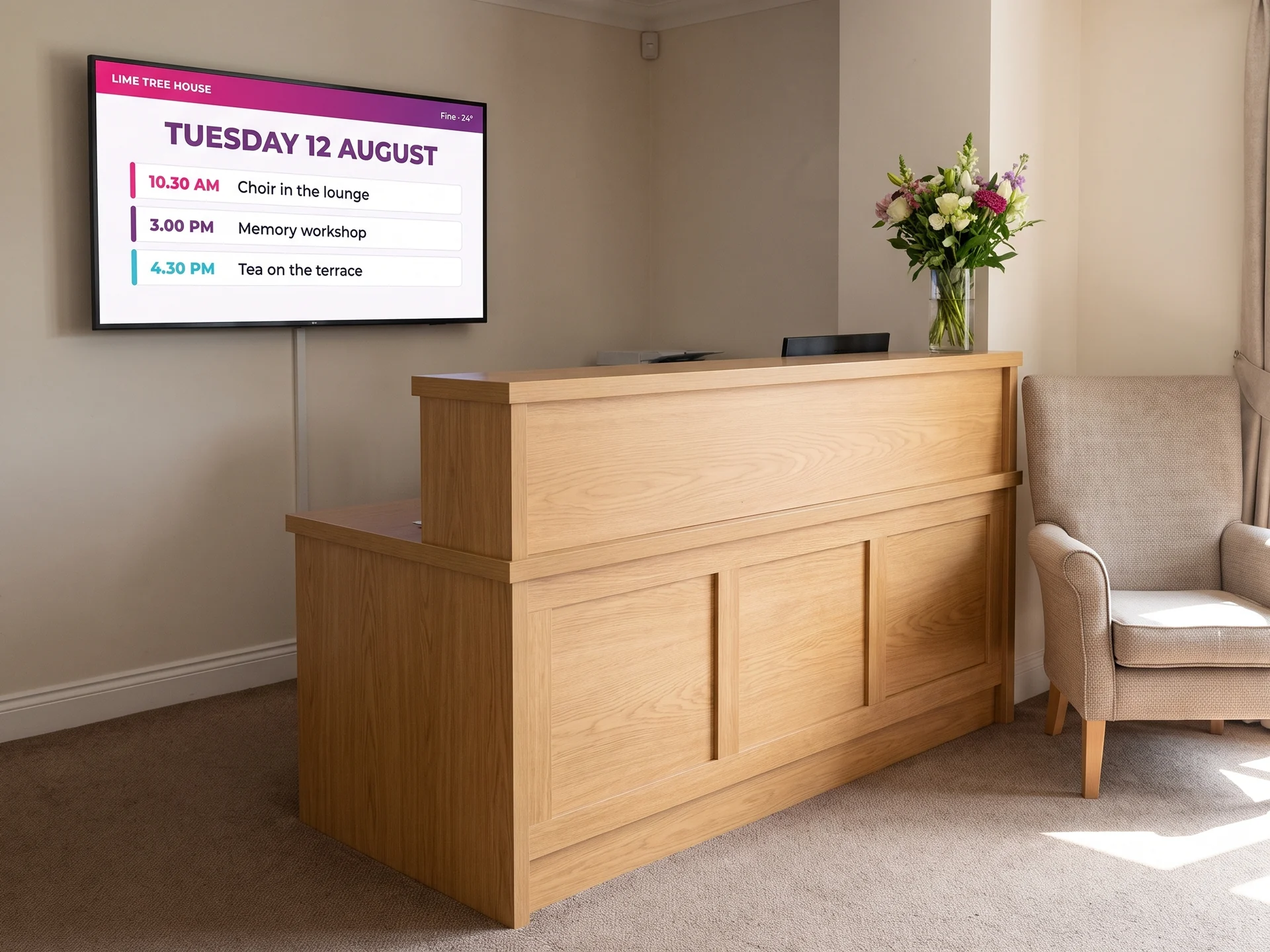
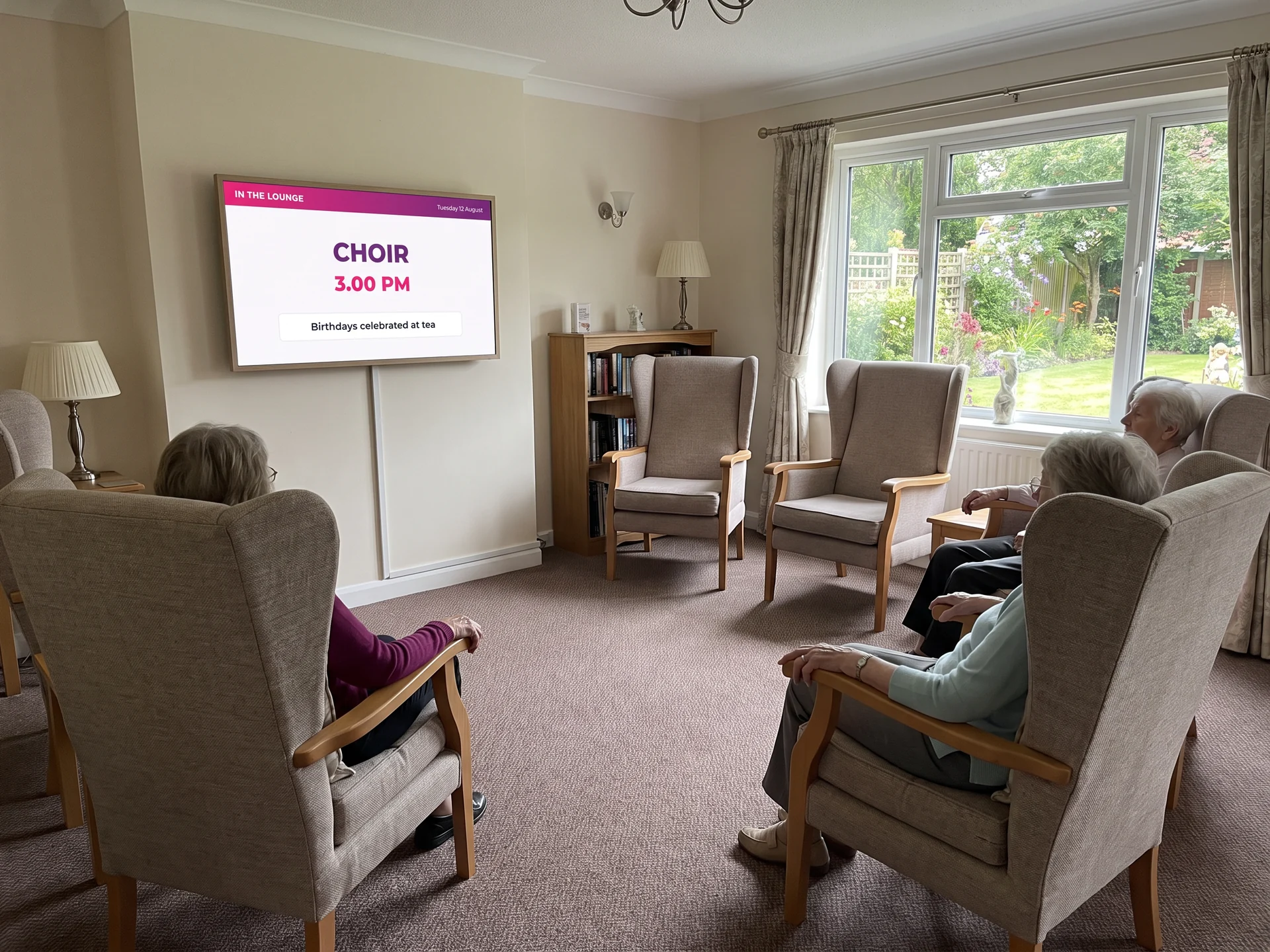
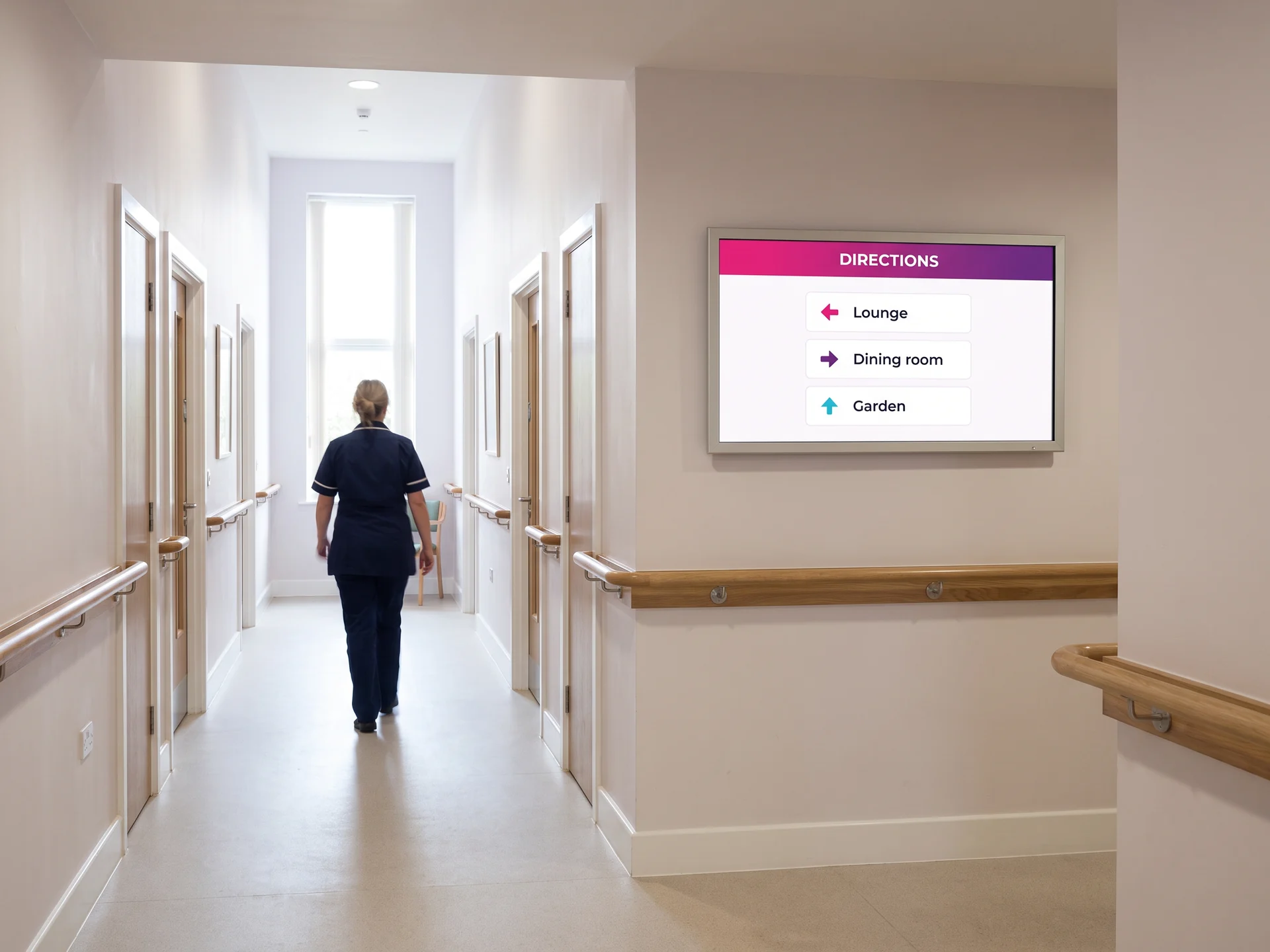
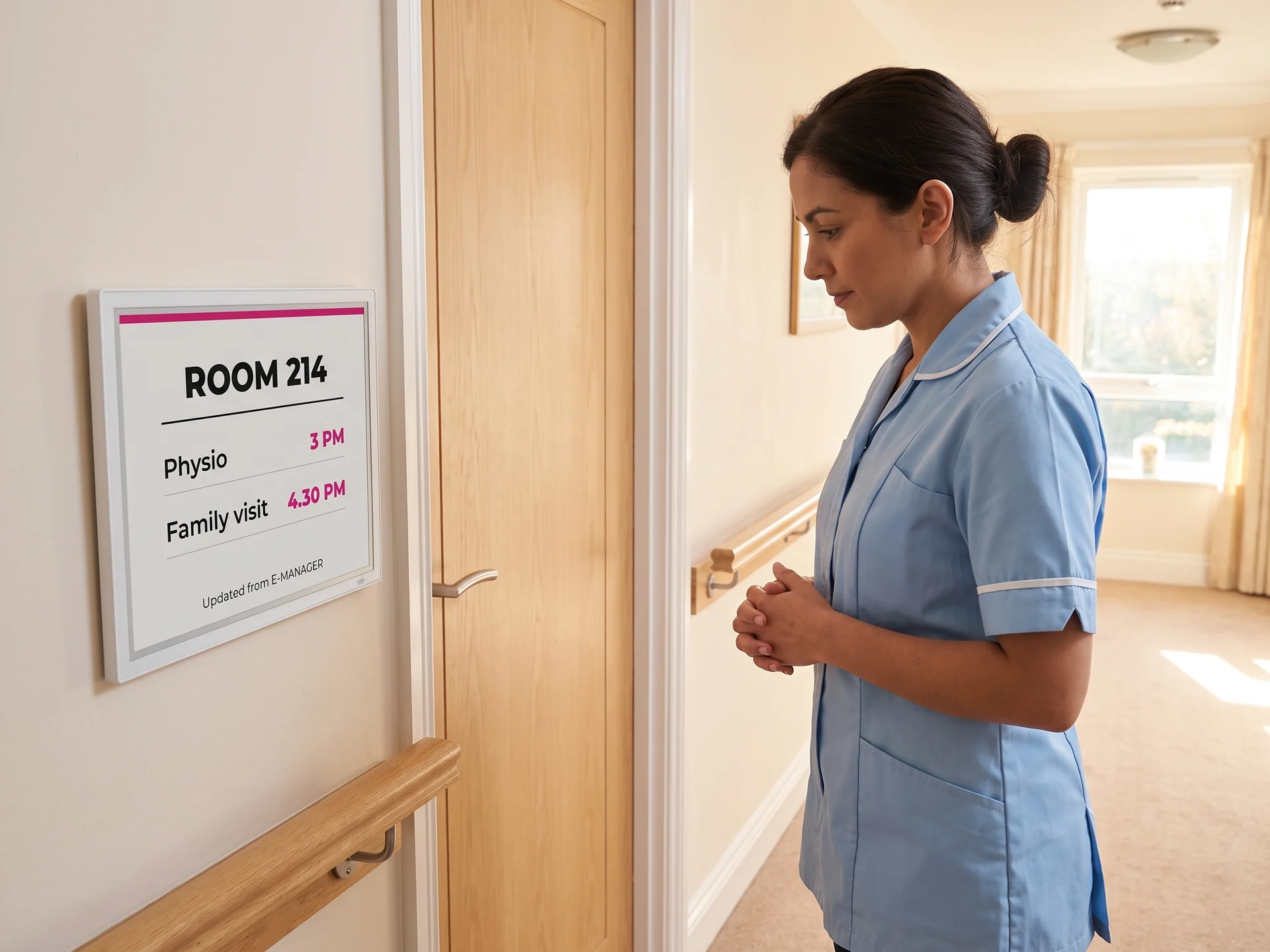
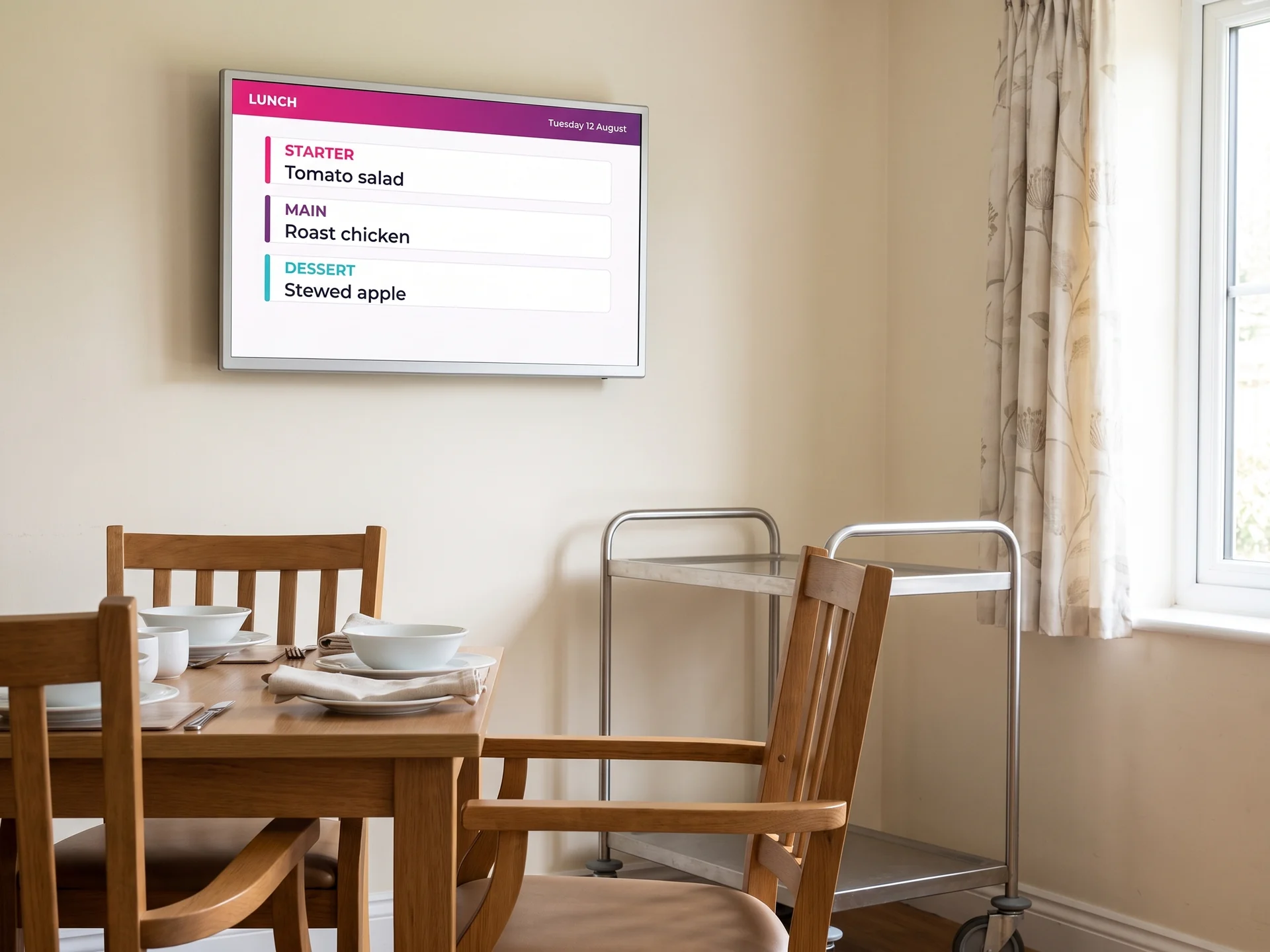
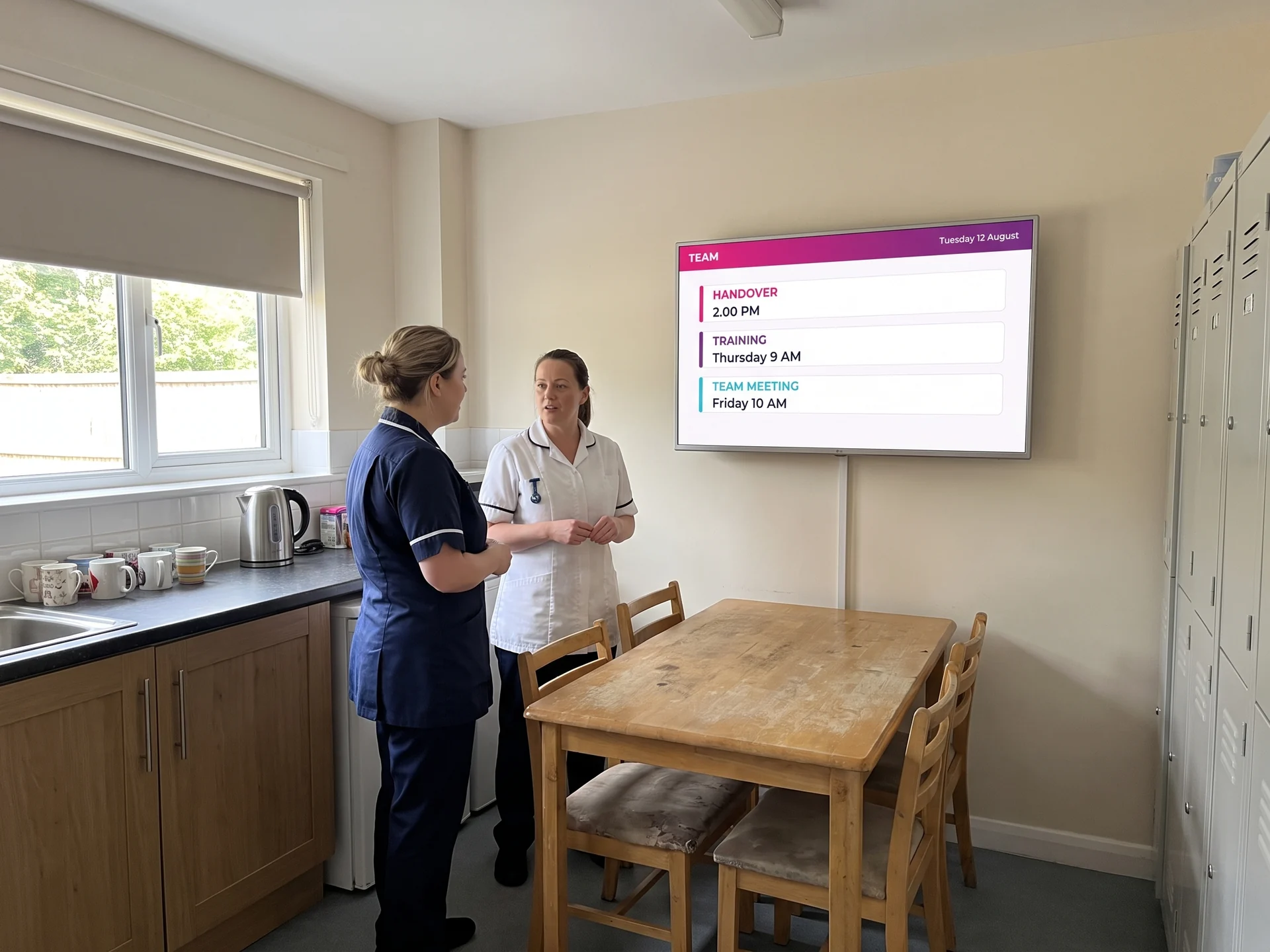
Six screens, one entry
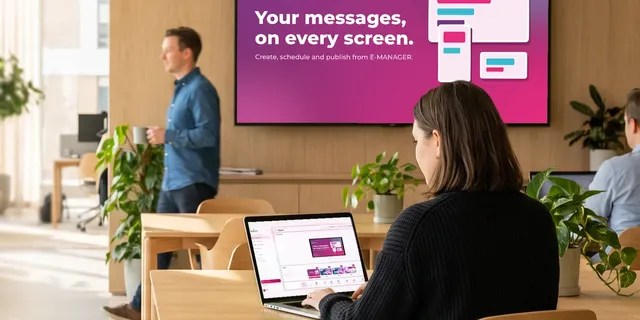
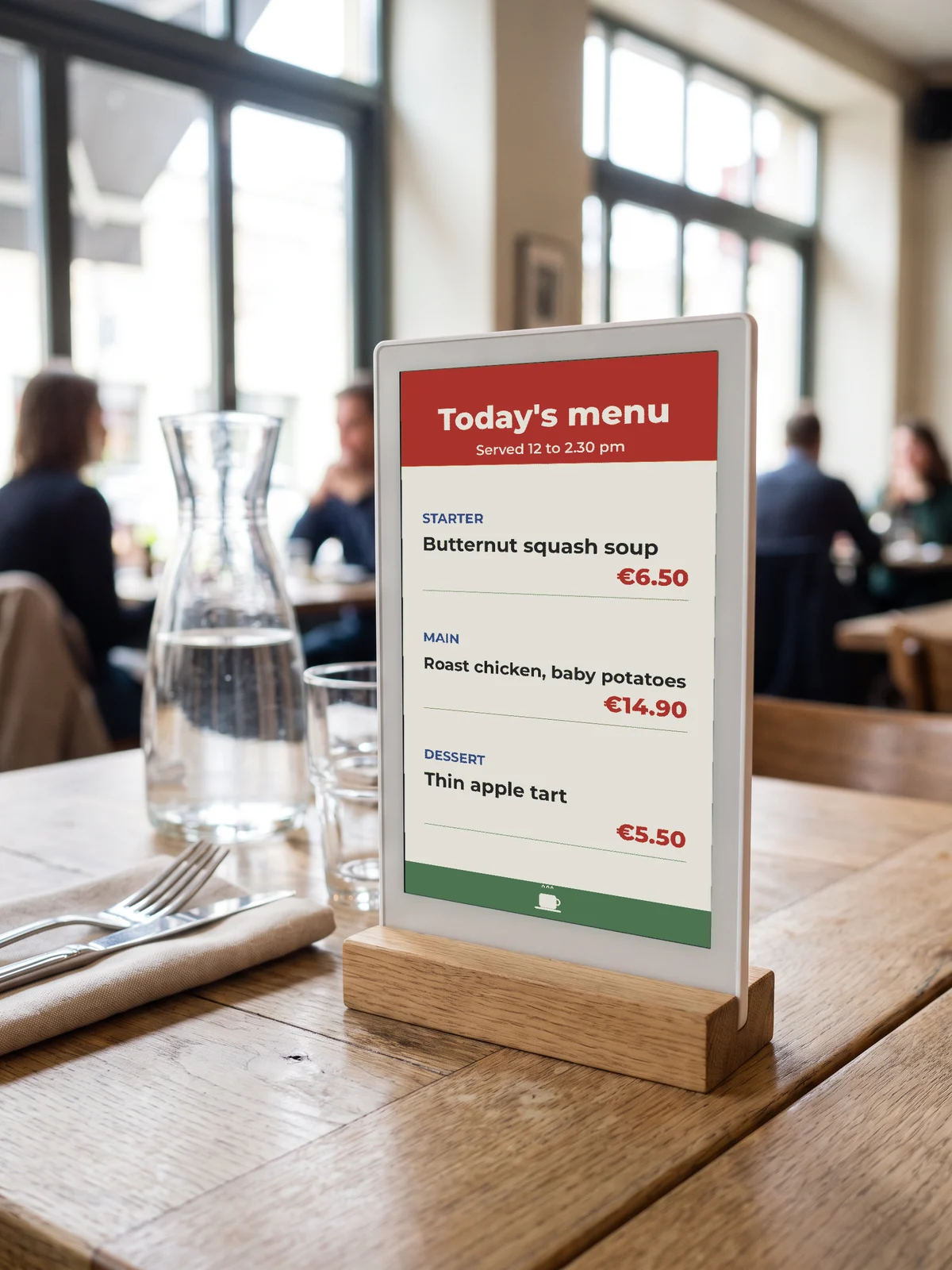
The menu typed once goes to the dining room and to the hall; the activity goes to the lounge and to the door of the resident concerned. That is the principle of digital signage run from E-MANAGER.
03The day’s reference point
The date, the menu, the activity: what everyone asks about
What a screen does first: give people the date
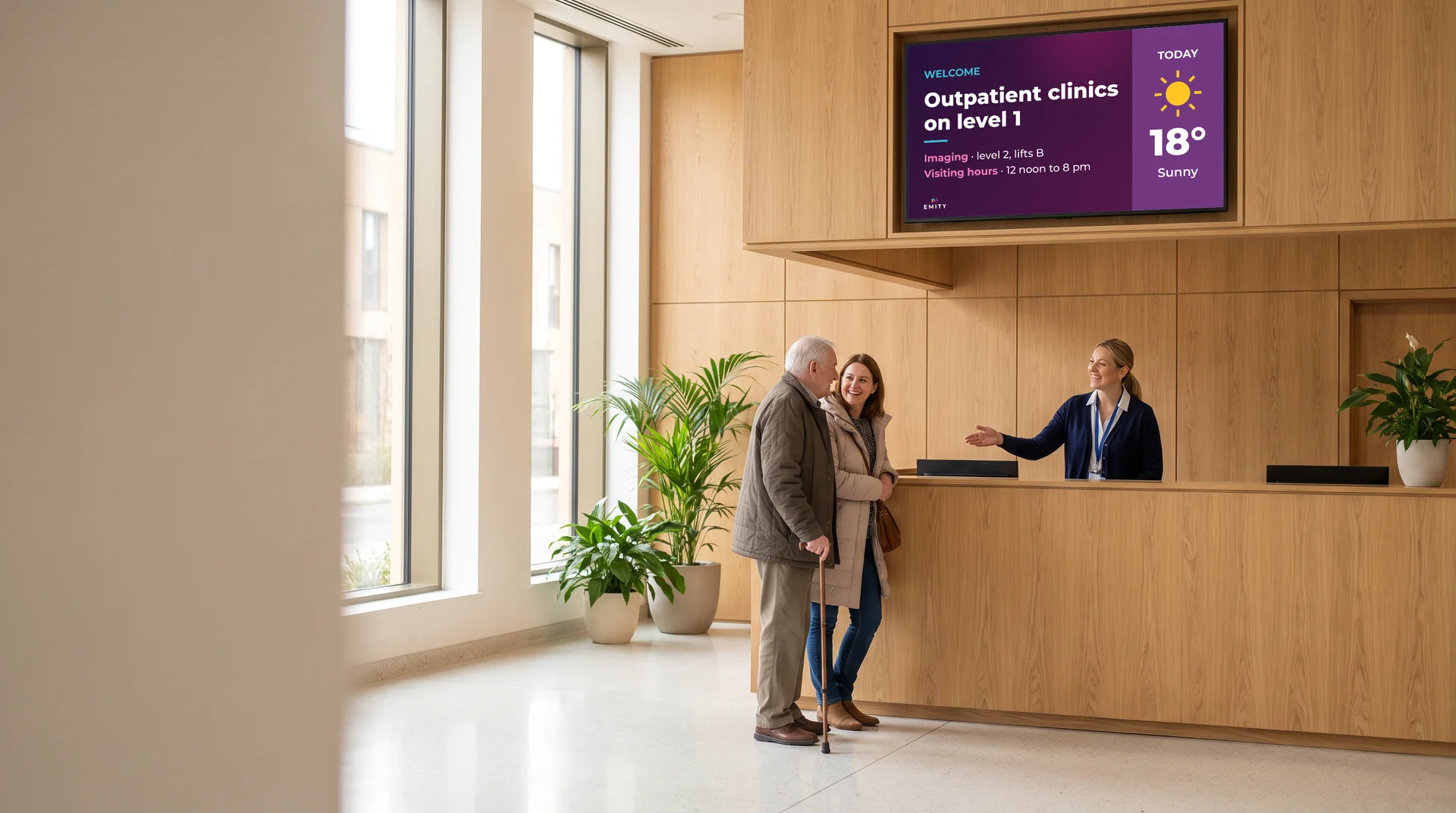
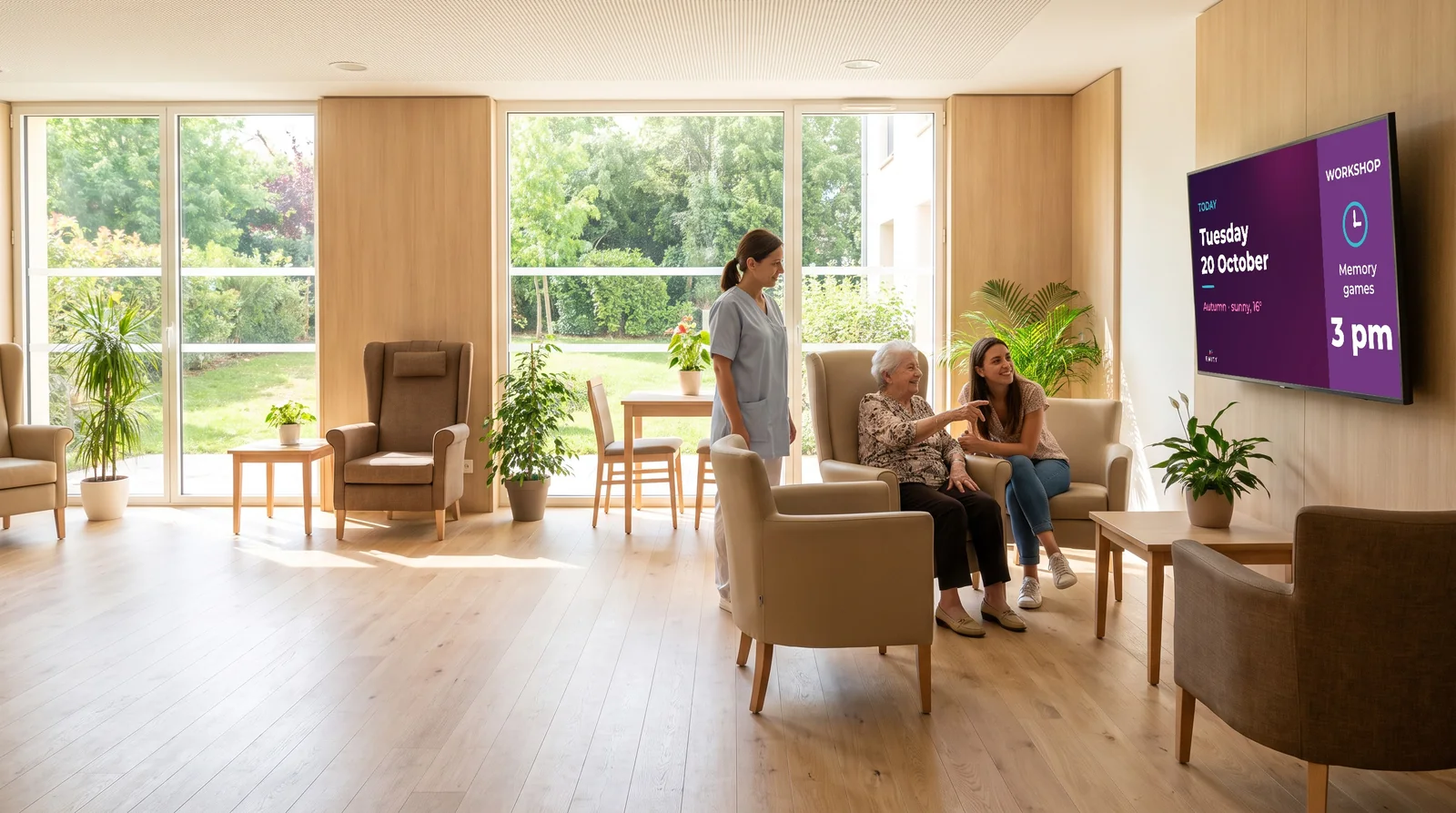
In the entrance hall and in the day rooms, the screen shows the date in very large type first, then the weather and the day’s activities. This is not a layout detail: for someone who is disoriented, a permanent time marker means never having to ask, and so never feeling awkward.
- ✓The day, date and season, readable from several metres away
- ✓The activities programme for the day and for the week
- ✓The weather, which helps with choosing clothes and going out
- ✓Photographs of past activities, which families and residents stop to look at
- ✓Service information: hairdresser, chiropodist, chaplaincy, shop trip
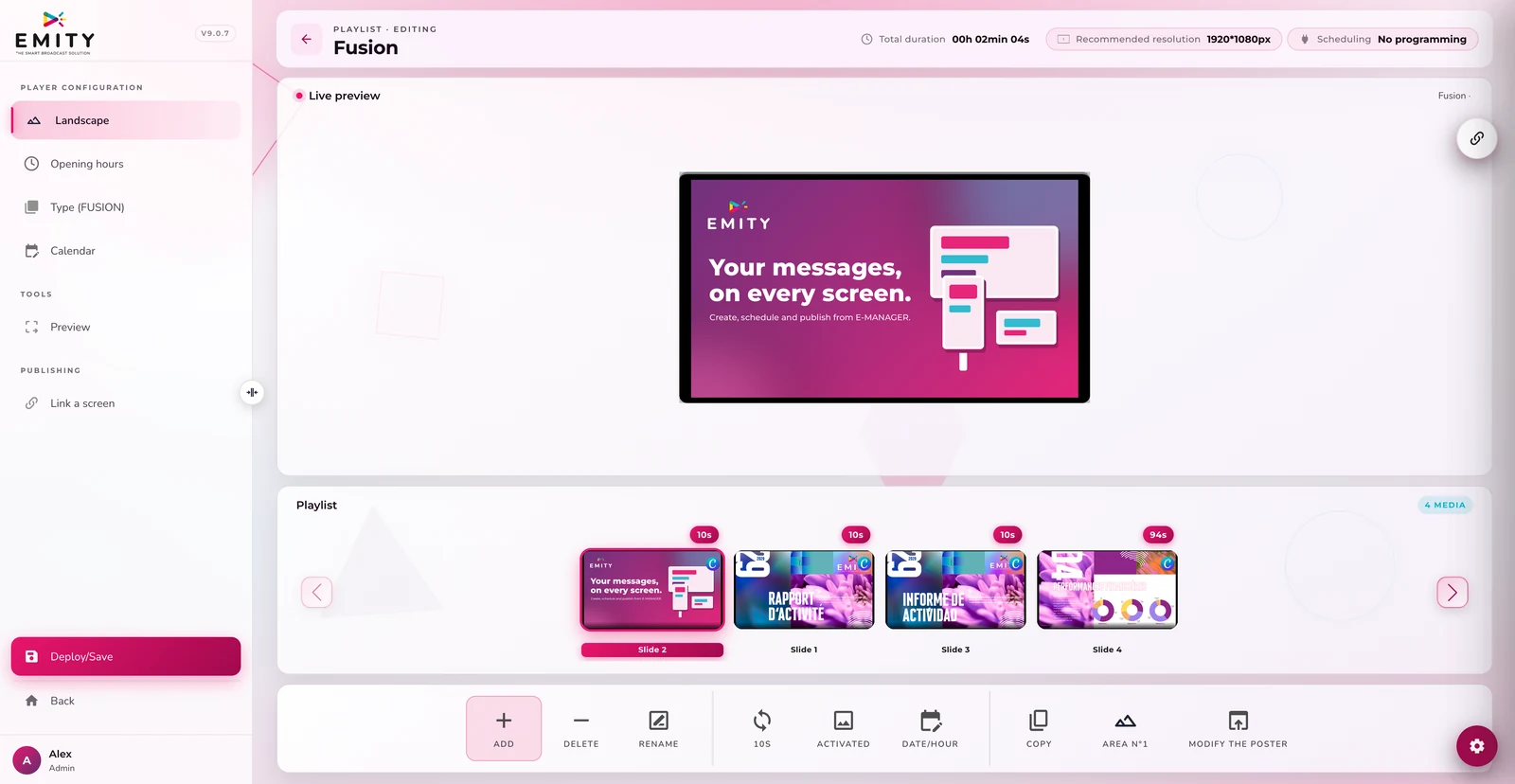
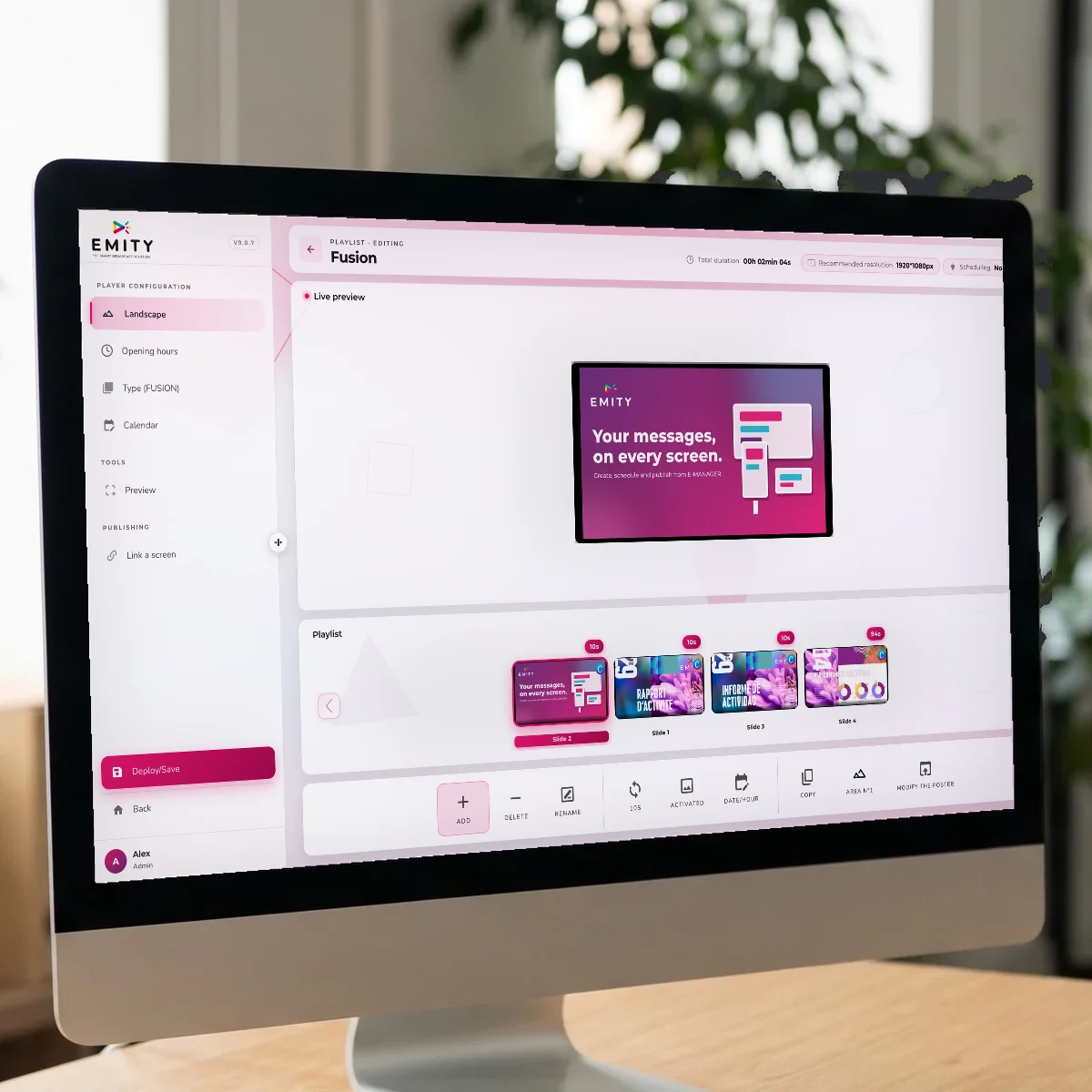
The activities coordinator prepares the week once, from a browser. The screen moves from one day to the next on its own: no notice to redo on Monday morning.
04Readability
A screen for older eyes
is not set up like any other
This is where a badly thought-out screen fails: it shows a lot, quickly, and too high up. Here is what changes when your audience is 85.
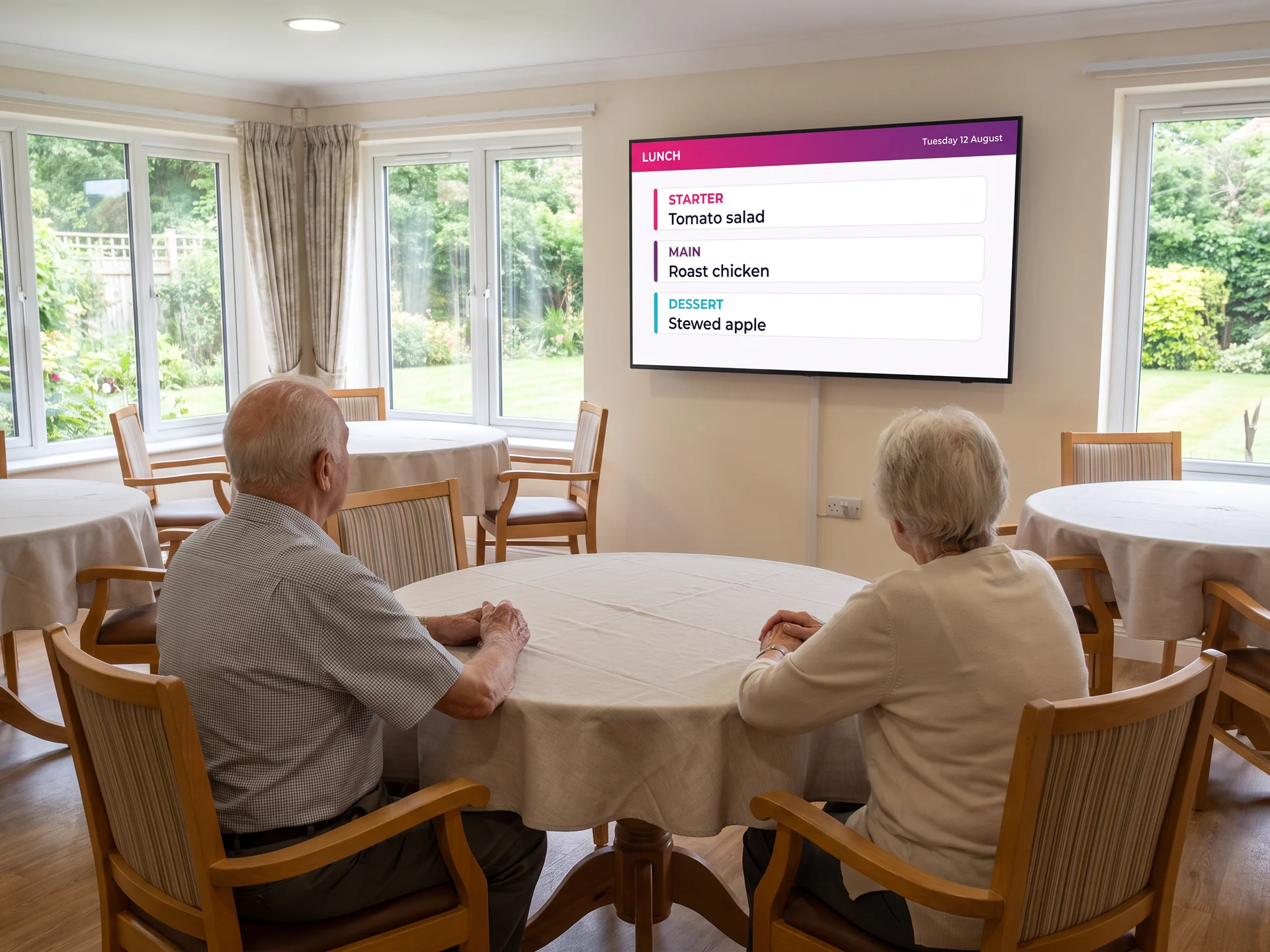
Six settings that make the difference when the audience is 85.
They are decided once, in the home’s templates, and apply to every screen.
- ✓Large type, and few words: A line of text has to be readable from three metres. In practice: a handful of words per screen, never a dense table.
- ✓Contrast, not shades: Dark text on a light background, or the other way round. Mid greys and pale colours disappear for an ageing eye.
- ✓A slow rhythm: A piece of information stays on screen long enough to be read twice. Fast transitions tire people and lose them.
- ✓At eye level, seated: A screen hung too high is not read by someone in a wheelchair. The height is decided from a chair, not standing up.
- ✓No sound imposed on anyone: Background sound is intrusive and masks conversation. The screen informs in silence; sound stays reserved for a chosen use.
- ✓Pictures that say something: A photograph of last week’s outing starts more conversations than a paragraph. It is also a memory prompt.
05The bedroom
An e-paper panel at the door, updated remotely
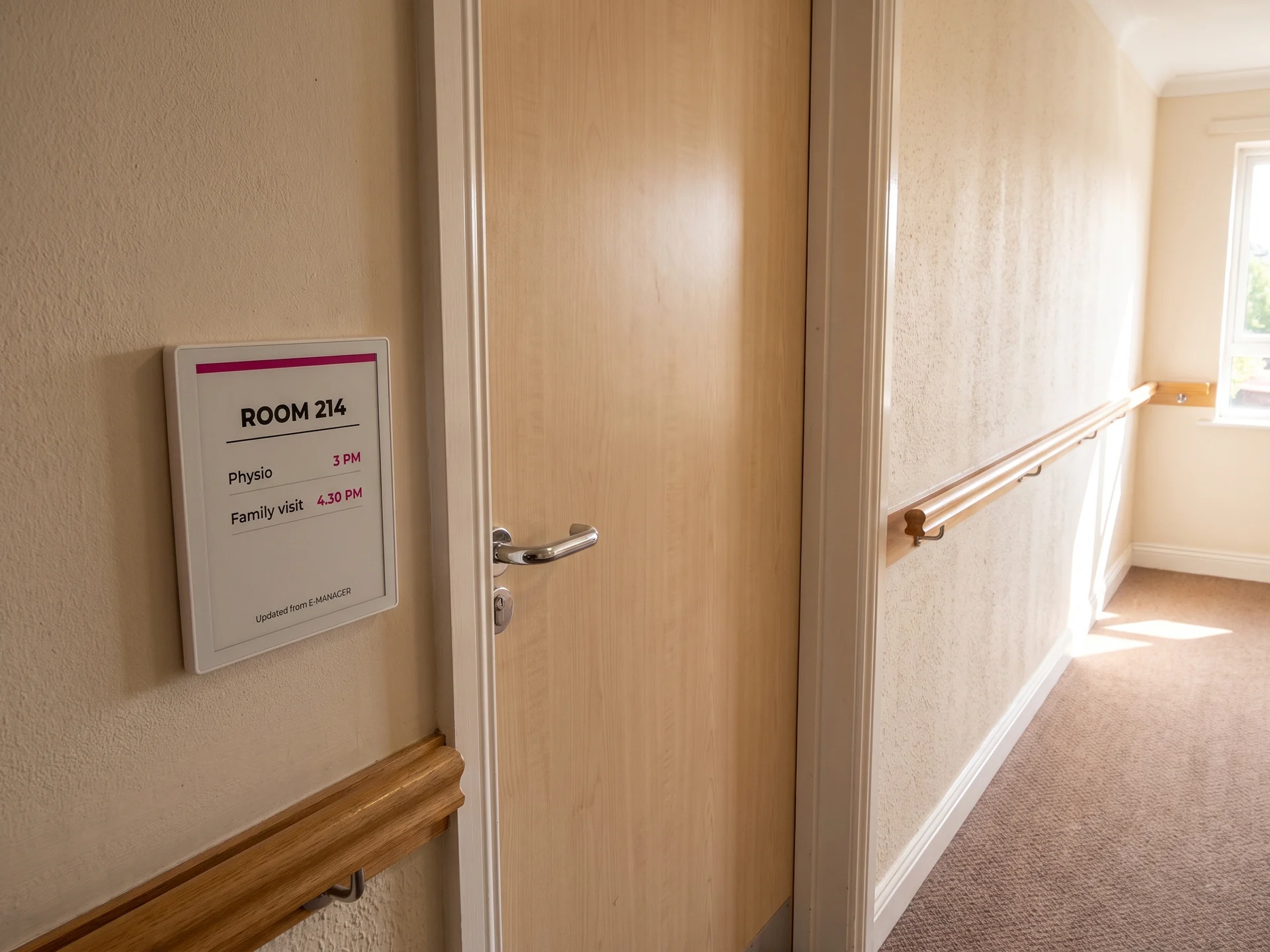
The bedroom door, with no cable and no battery to change
An electronic paper panel draws no power as long as the display does not change. Fixed beside a door, it lasts several years on a battery and updates remotely, from the same dashboard as every other screen.
- ✓The room number and the unit
- ✓The day’s appointments: physio, hairdresser, an expected visit
- ✓A precaution symbol where your protocol calls for one
- ✓No cable to run: fitted in minutes, with no building work
- ✓Readable without a backlight, so no light in the corridor at night
What the panel shows stays your decision: many homes prefer the room number and the appointments to the resident’s name, out of respect for their privacy. The technology is covered in detail on the e-paper page.
06Around the resident
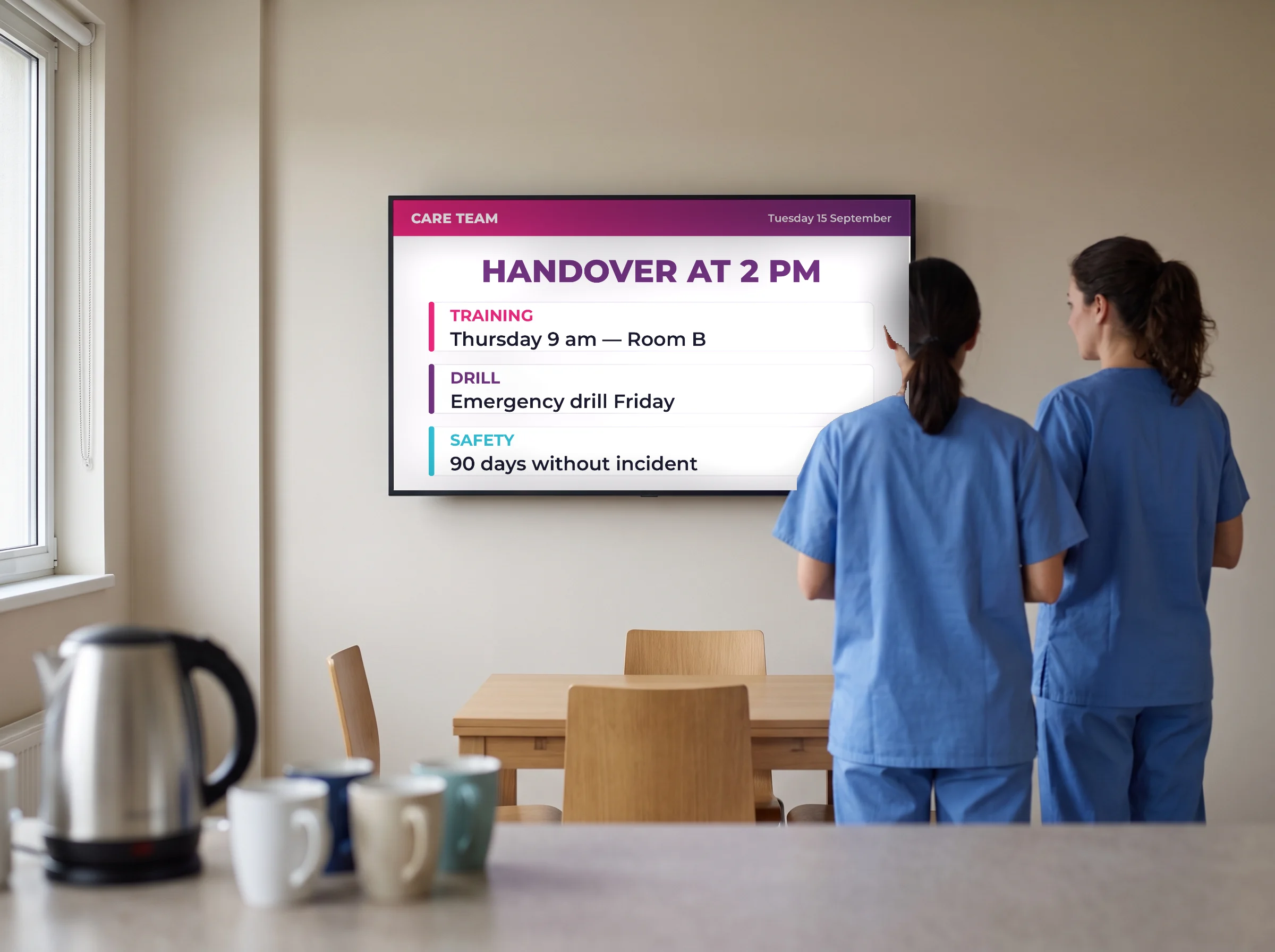
Families and teams gain from it too



07In practice
How a home gets set up
Four steps, and the first screen is showing something the same day.
EMITY at a glance
A French software house, with a reseller network across France and Europe
+7,000
connected screens
+1,000
customer accounts
+130
reseller partners
+20
countries
EMITY writes its software suite in Montpellier and distributes it through a network of certified resellers. One account runs anything from a single screen to a thousand: a standalone home as easily as a group.
08Frequently asked questions
What managers ask before they fit anything
09Nearby