
Manufacturing · Construction · Logistics
Industrial digital signage: the right instruction at every workstation
On a factory floor or a construction site, a notice pinned to the wall is out of date within days and a printed rota is stale before the week is out. Screens connected to one platform carry the same information at the gatehouse, in the changing room, on the shop floor and at the loading bay — and you change it in minutes, across every site at once.
The problem
Why paper cannot keep up with an industrial site
On a production site or a construction project, the information changes daily: an area is closed off, a delivery slot moves, a safety instruction is revised. The medium does not move at all.
Printed notices go stale
Pinned up in the mess room, a notice is read once and then ignored. Nobody is sure whether it is current, and reprinting it takes longer than writing it did.
The message never reaches the workstation
It leaves head office or the site office, then stops at the canteen noticeboard. On the shop floor, at the bay, in the changing room, it never arrives at the same moment.
Instructions are repeated by word of mouth
Reminding people of the PPE required, the emergency numbers or today’s restricted area takes up a supervisor’s morning, and depends on what they remember.
The people on site keep changing
Agency staff, subcontractors, hauliers, visitors: some of the people on your site are seeing it for the first time that day, with no history of your instructions.
The journey
From the gatehouse to the site office: six moments worth a screen
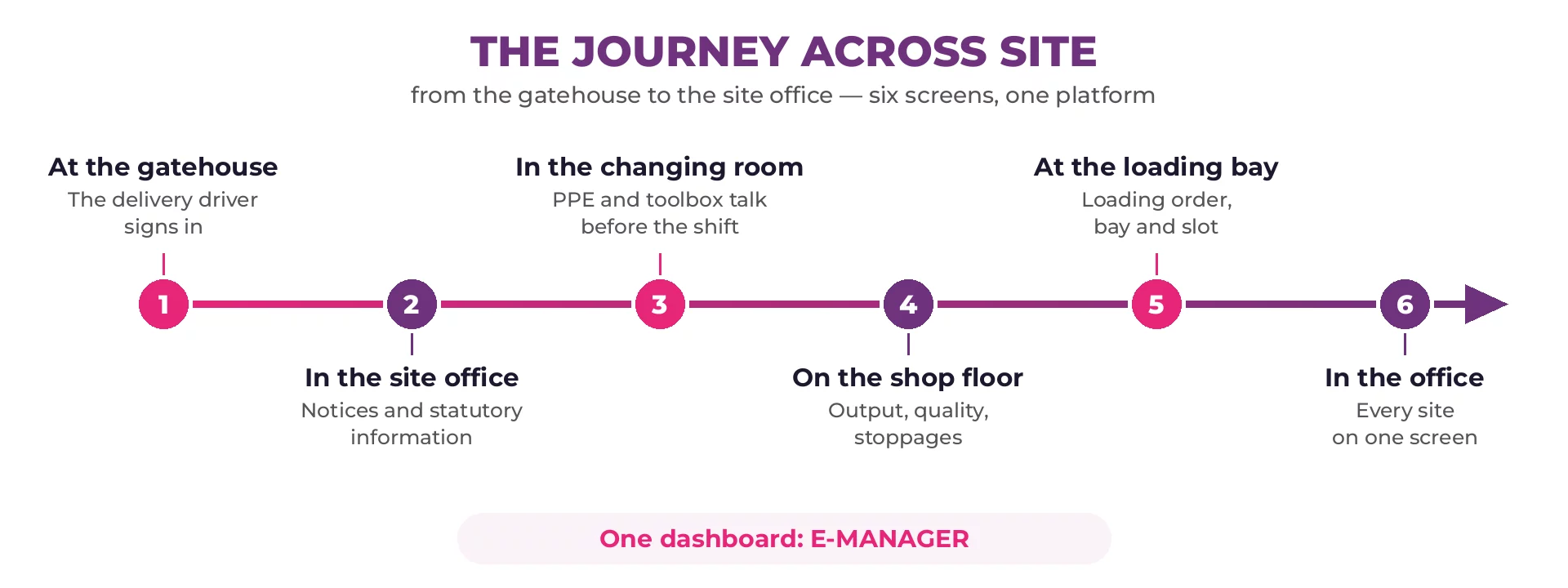
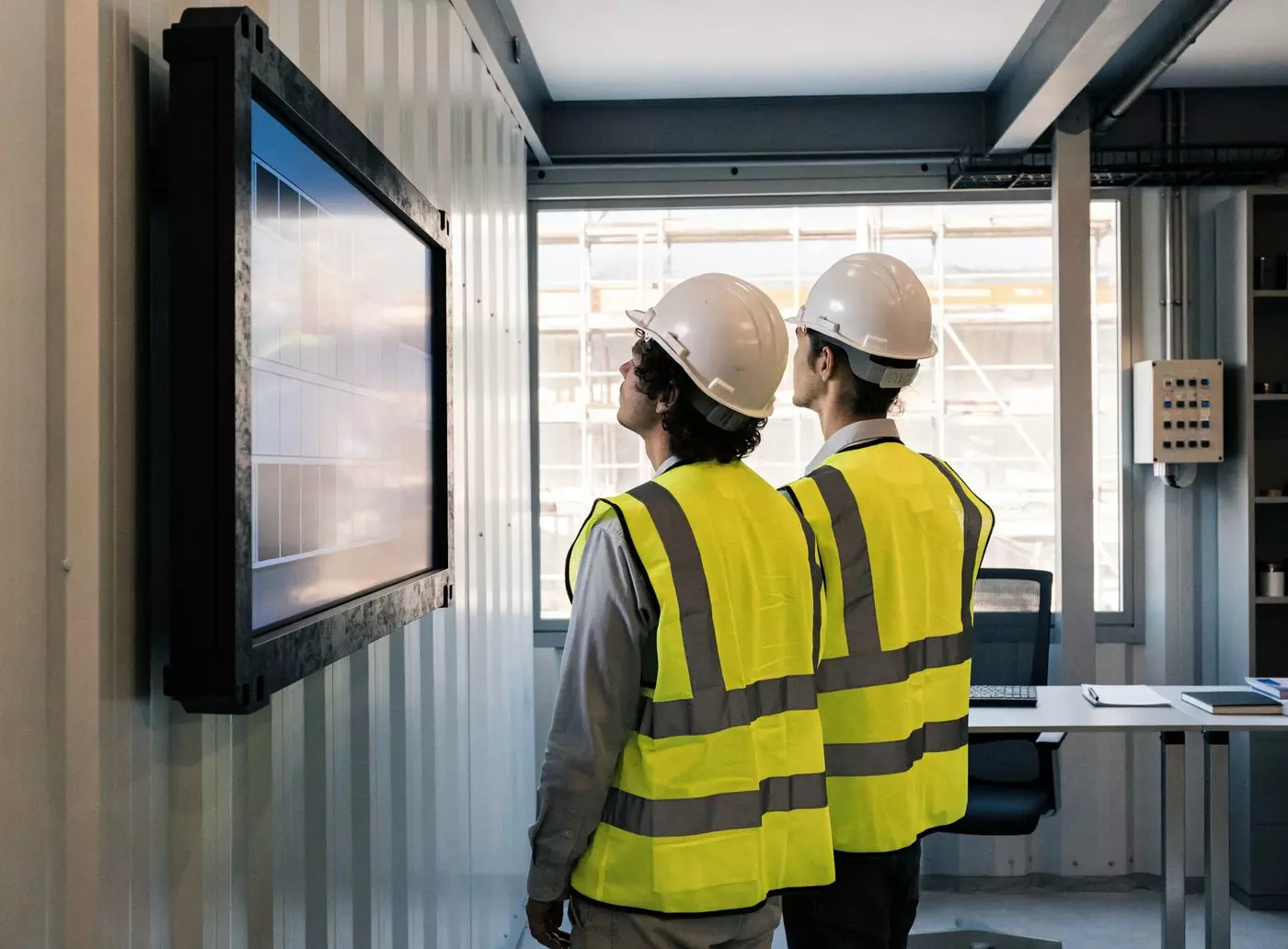
Here is a day on an equipped site, followed as the people who walk into it experience it: a driver signing in, an agency worker starting a shift, a site manager checking three projects. At each point the screen answers a different question — and all of them run from the same dashboard.



The proof
Industrial, construction and logistics groups already equipped
The video below was filmed at one of the most recent GLS logistics hubs: screens installed along the conveyors, run from E-MANAGER.
The content
What your screens actually show
Three families of message cover most of what an industrial site or a construction project needs. They share the same screen, in rotation.
Safety and prevention
- ✓PPE required, area by area
- ✓Emergency numbers and evacuation routes
- ✓Weather warnings and restricted areas
- ✓Toolbox talks and safety reminders
- ✓The notices you are required to display
Production and quality
- ✓Line output and target for the shift
- ✓Performance figures and reject rates
- ✓Stoppages and downtime in progress
- ✓Shift rotas and handovers
- ✓Delivery slots and loading bay order
Site life and people
- ✓Progress on the works, site photographs
- ✓Starters, leavers, vacancies
- ✓HR announcements and staff notices
- ✓Canteen menu, day-to-day site news
- ✓Messages from head office to every site
On the ground
A factory floor is not an office
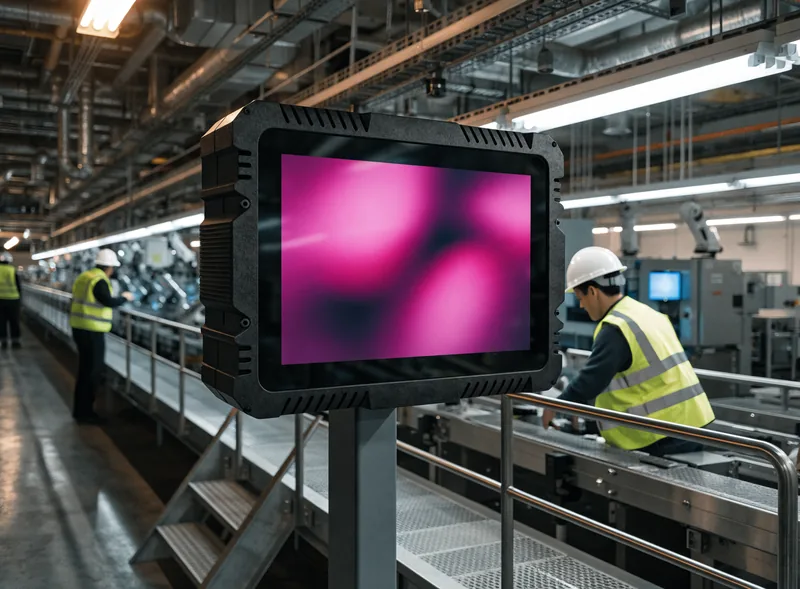
This is where most signage projects come unstuck: the place you need to equip has neither the light, nor the cleanliness, nor sometimes the power supply of a head-office corridor.
Dust, knocks and temperature
Screens built for industrial use come with protective glass and a wider temperature range. We point you towards the hardware that suits the area, rather than a consumer television.
Direct sunlight and outdoor sites
Under a roof light, on a yard or at a depot entrance, an ordinary screen is hard to read. High-brightness panels and weatherproof totems settle the question — see the compatible equipment list.
A point with no power supply
A site office that moves, an isolated gate, area signage: electronic paper (e-paper) draws no power while the image stays the same, runs for up to five years on battery and stays readable in full sun.
A patchy network
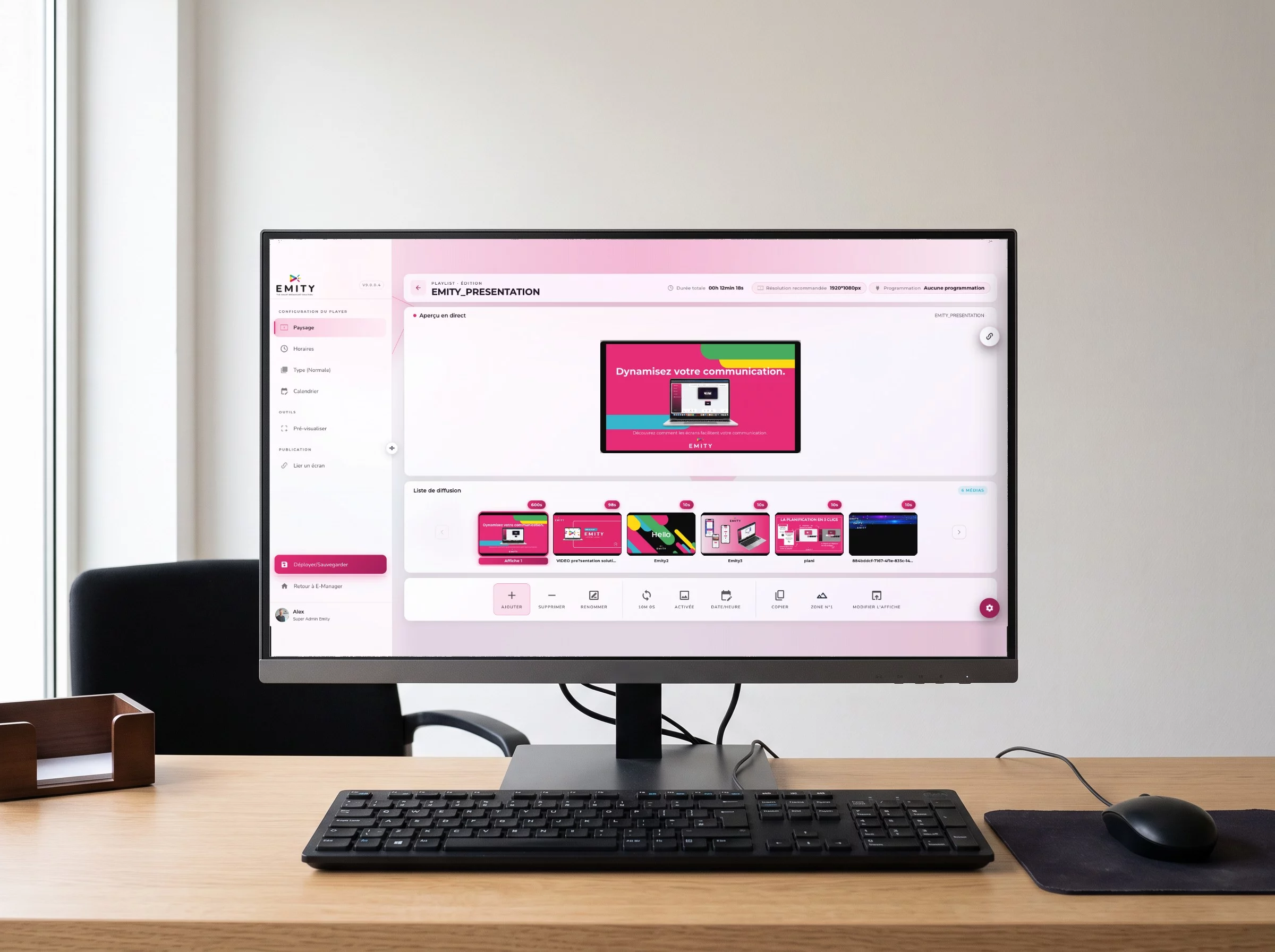
The E-BOX player downloads the content and then plays it locally: losing the network does not blank the screen, it carries on with the last schedule it received.
Screens you already own
EMITY works with every manufacturer. A fleet installed by another vendor can be taken over: either with an E-BOX, or with E-SOFT, the app embedded on professional screens running Android, Tizen (Samsung) and webOS (LG).
A video wall in reception
Master-slave synchronisation drives several panels as a single image, with no lag — useful for a reception area or a control room.
Several sites, several projects, one dashboard
A construction business opens and closes projects constantly; a manufacturer spreads its teams across several buildings, sometimes several countries. So the question is not only how to display something, it is how not to have to do it site by site.
- ✓Screen groups: one message goes to “all changing rooms” or “the northern sites” in a single action.
- ✓A shared base with local exceptions: the group-wide safety notice shows everywhere, while each site keeps its own rota.
- ✓Permissions per user: head office publishes safety, the site manager handles their own project and nothing else.
- ✓The state of the fleet, live: you can see which screen is on, which player received the schedule, and which one has stopped answering.
- ✓From 1 to 1,000 screens per account: the platform does not change as the fleet grows.
OUR REFERENCIES










How it works
How a screen starts showing your instructions
Four steps, and no IT skills needed. Getting the first screen live usually takes less than half a day.
You build the content
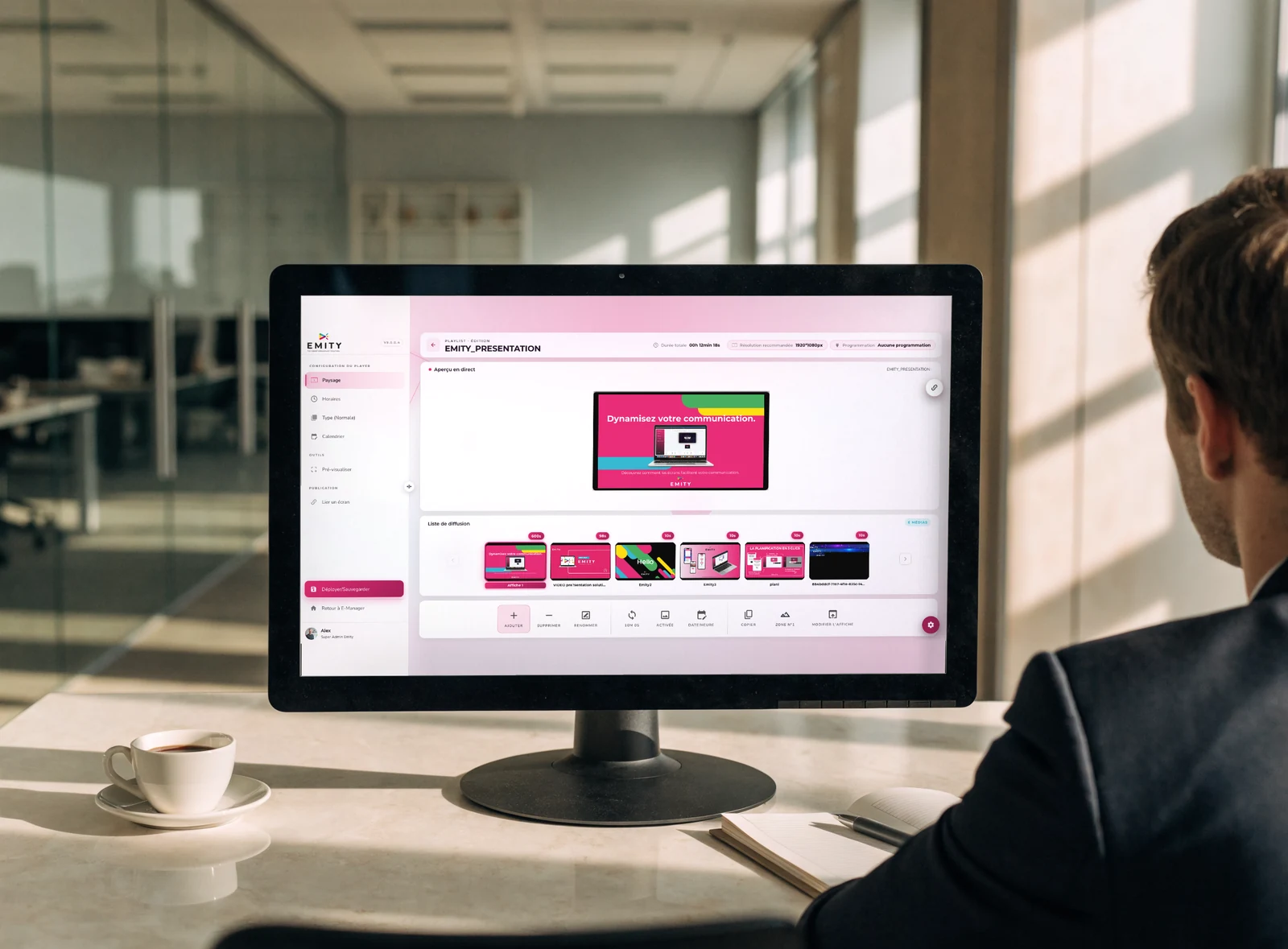
In EMITY’s built-in editor you put together an instruction or a rota from a template, straight inside the platform — nothing to install. If your teams already use Canva or Adobe Express, both connect as well.
You schedule it
You choose where and when: that screen, that group of changing rooms, 6am to 2pm, Monday to Friday. A weather warning can jump ahead of everything else without touching the usual schedule.
The screen plays it
An E-BOX player plugs in behind the screen, or E-SOFT installs directly on screens running Android, Tizen or webOS. Playback is local, so it carries on even if the network drops.
You check it
E-MANAGER shows the state of every screen and what it is playing. You know the instruction arrived without ringing the site.
EMITY is sold through a network of certified resellers, so your usual installer can carry the project from choosing the screens to mounting them. You can also read more about the digital signage platform itself.
Frequently asked questions
What manufacturers and construction firms ask before they commit
Nearby
Four pages that go with this one
Kiosks and interactivity
Looking up a plan or a procedure on an interactive kiosk, and triggering content with an NFC tag.


