E-CLICK Module

Interactive screen surveys: collect real-time feedback

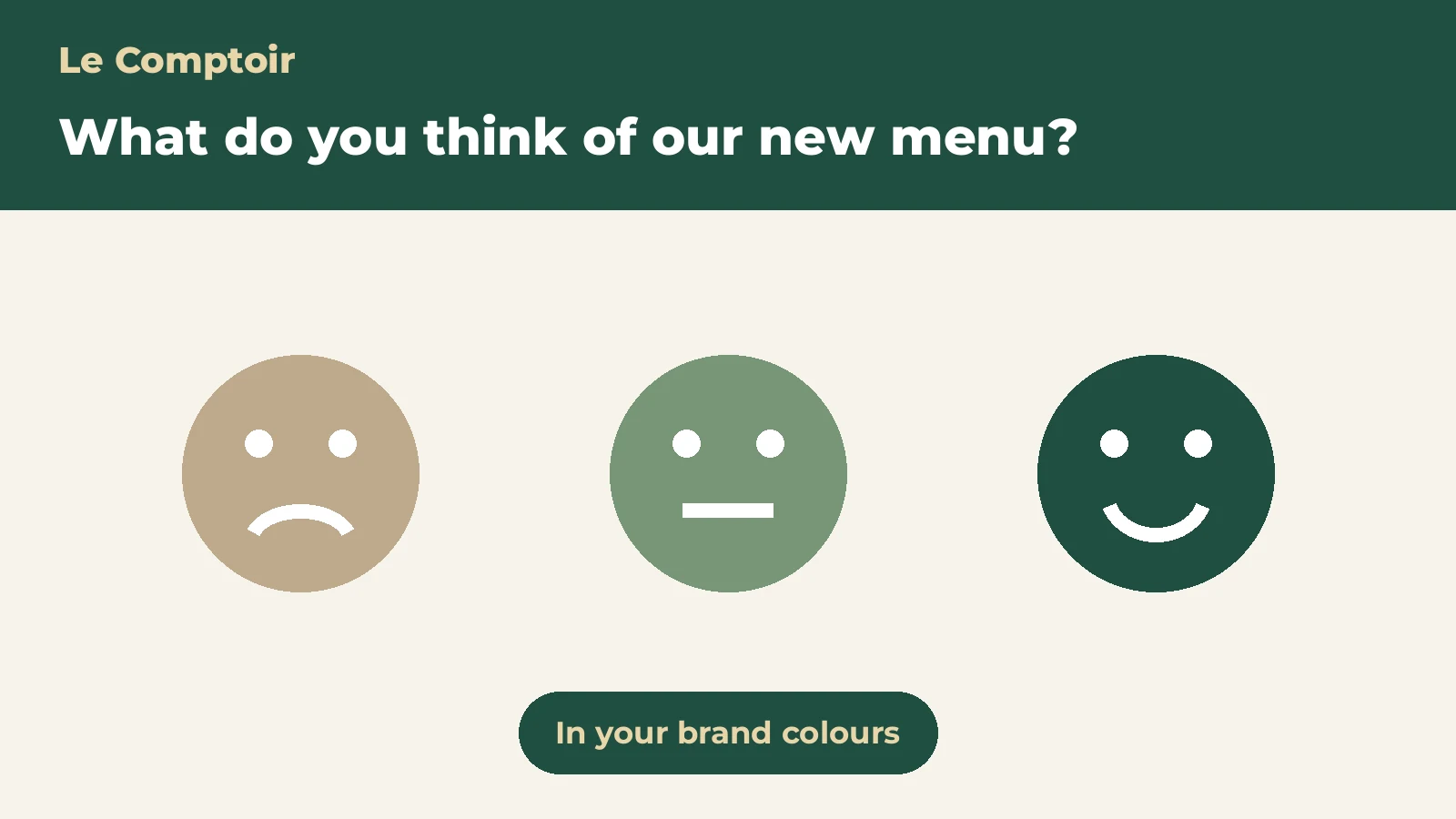
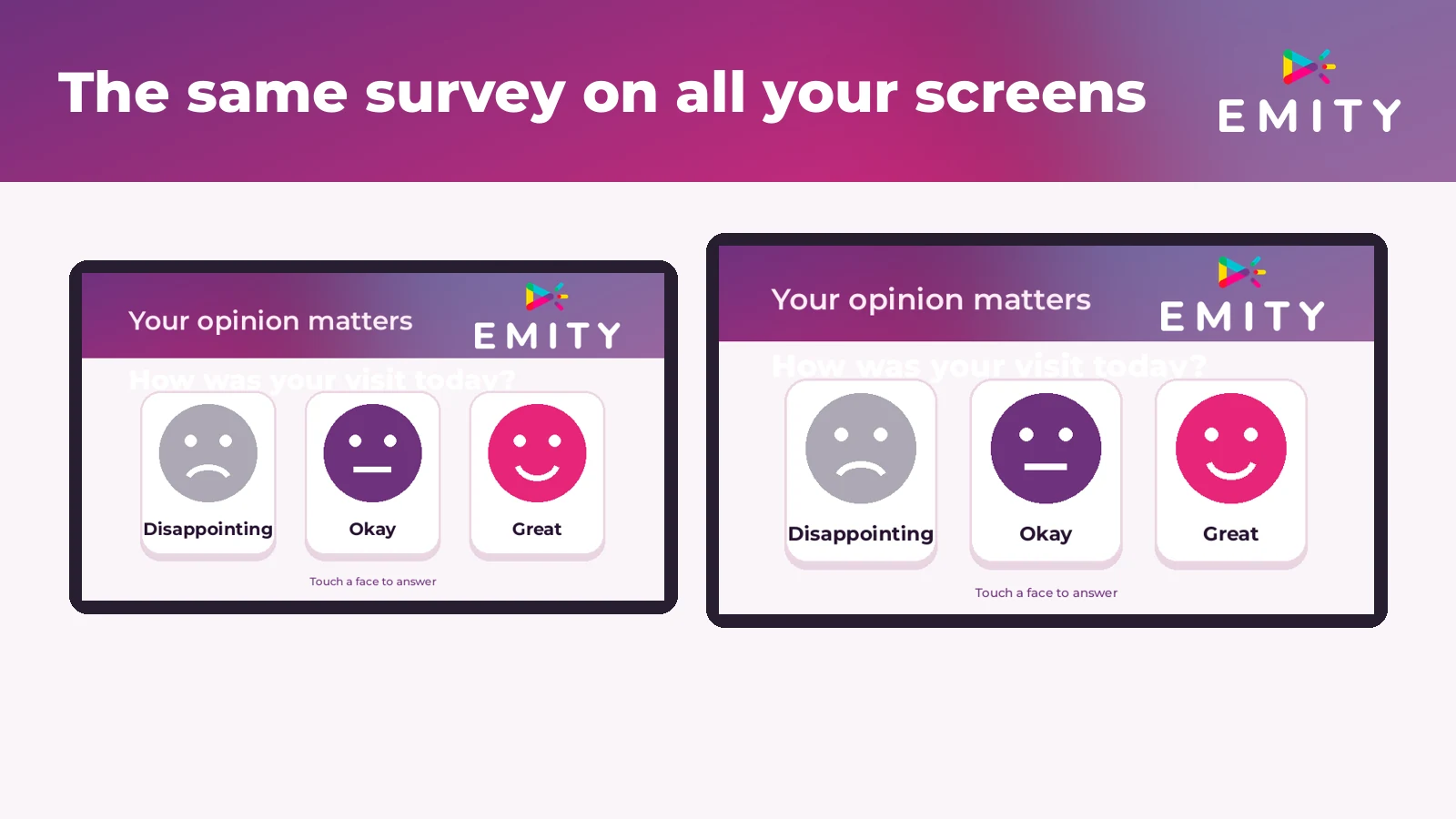
The Surveys module of our E-CLICK platform transforms every kiosk and connected screen into an instant listening tool. Stars, smileys, multiple-choice questions, free text, live quizzes, word clouds... you choose the format that fits your needs and collect responses in real time on your dashboard.

30%+
response
rate
6+
question
formats
Anonymous
mode available
natively
RÉSULTATS LIVE LIVE 247 SCANNEZ POUR RÉPONDRE +30 % participation Synchronisation E-MANAGER en cours
Surveys in a nutshell

Simple, comprehensive, targeted

Hover over each tile to discover the details.

SIMPLE

SimpleCreate a survey in minutes from E-CLICK. Broadcast instantly to all selected kiosks, with no technical skills required.

🎯
COMPLETE

ComprehensiveStars, emoticons, MCQs (single or multiple choice), free text, live quizzes with rankings, word clouds for brainstorming. 6+ ready-to-use formats.

🎯
TARGETED

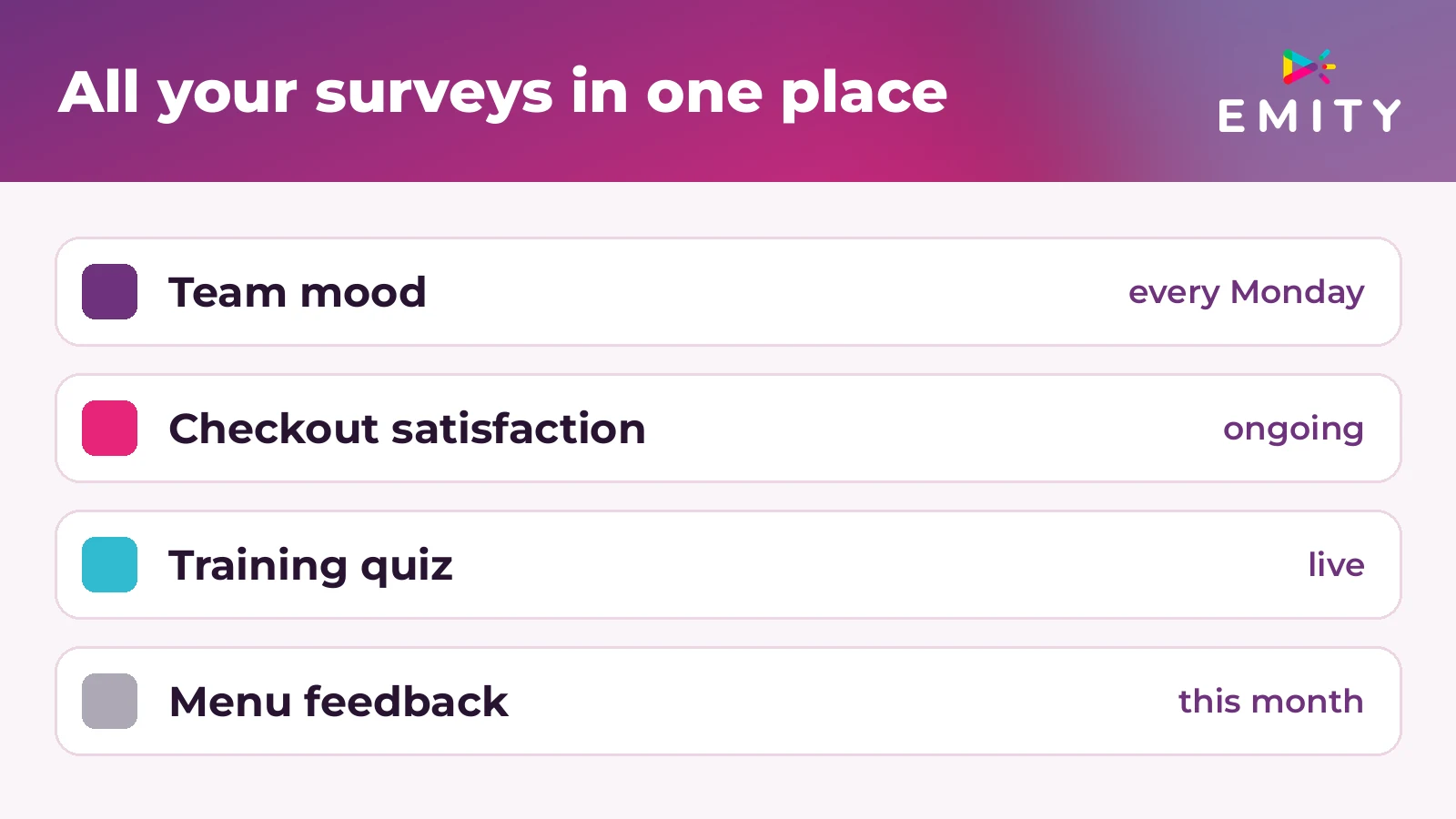
TargetedChoose the relevant kiosks, schedule broadcast slots, and automatically alternate with your other content.

👥
FOR WHOM

Who it's forFor all professionals who want to receive direct feedback from their visitors: retail, hospitality, nursing homes, healthcare, HR, training, events, local authorities.

📱
HOW

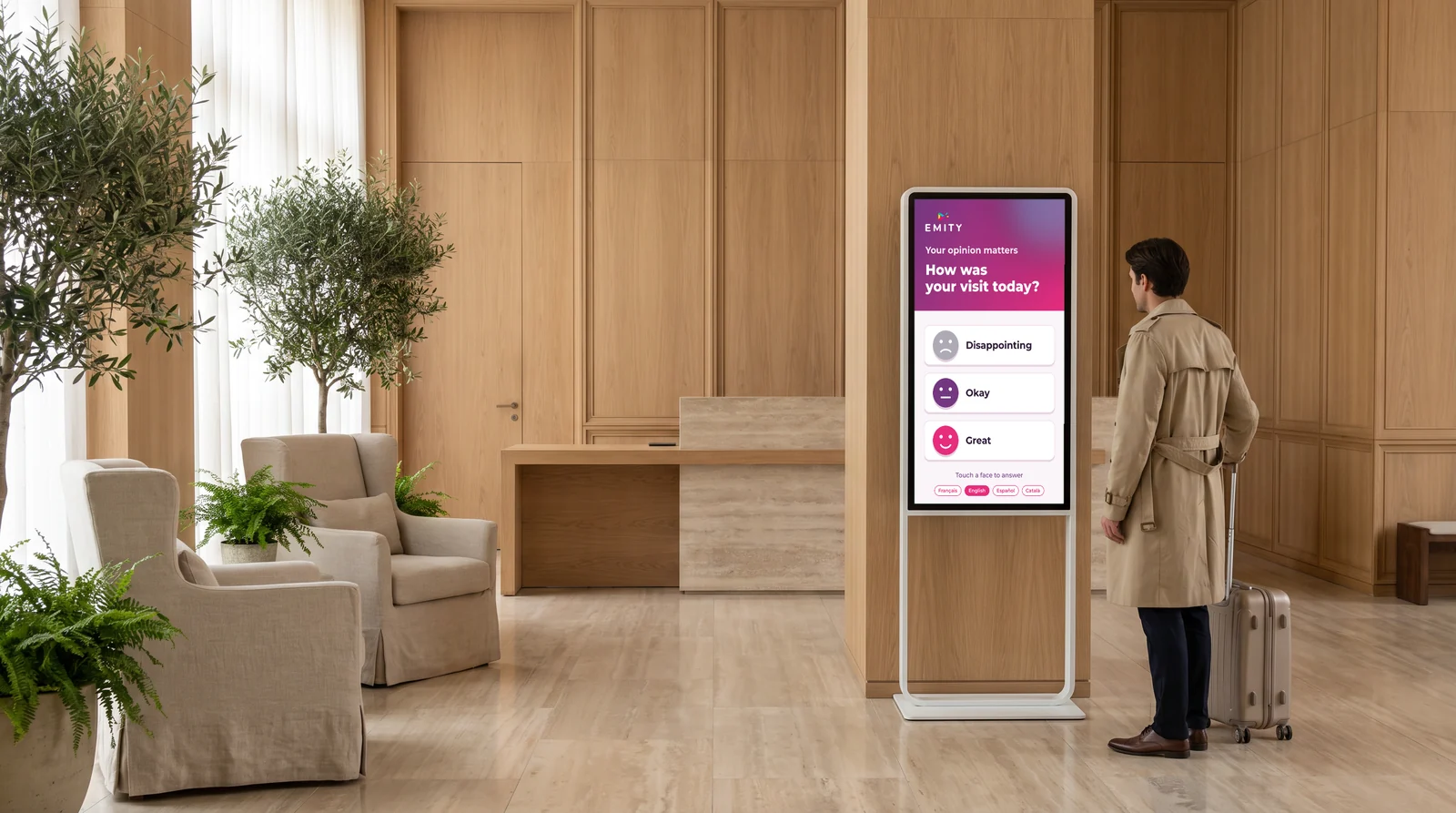
HowOn touchscreens, totems, tablets, or via QR code for visitors who prefer to respond from their smartphone. No app to install.

📊
WHY

WhyBecause a kiosk at the right time and place achieves a 30% response rate, whereas an email peaks below 15%. Your decisions are based on fresh data.

DEFINITION

What is an interactive screen survey?

Definition and operating principle

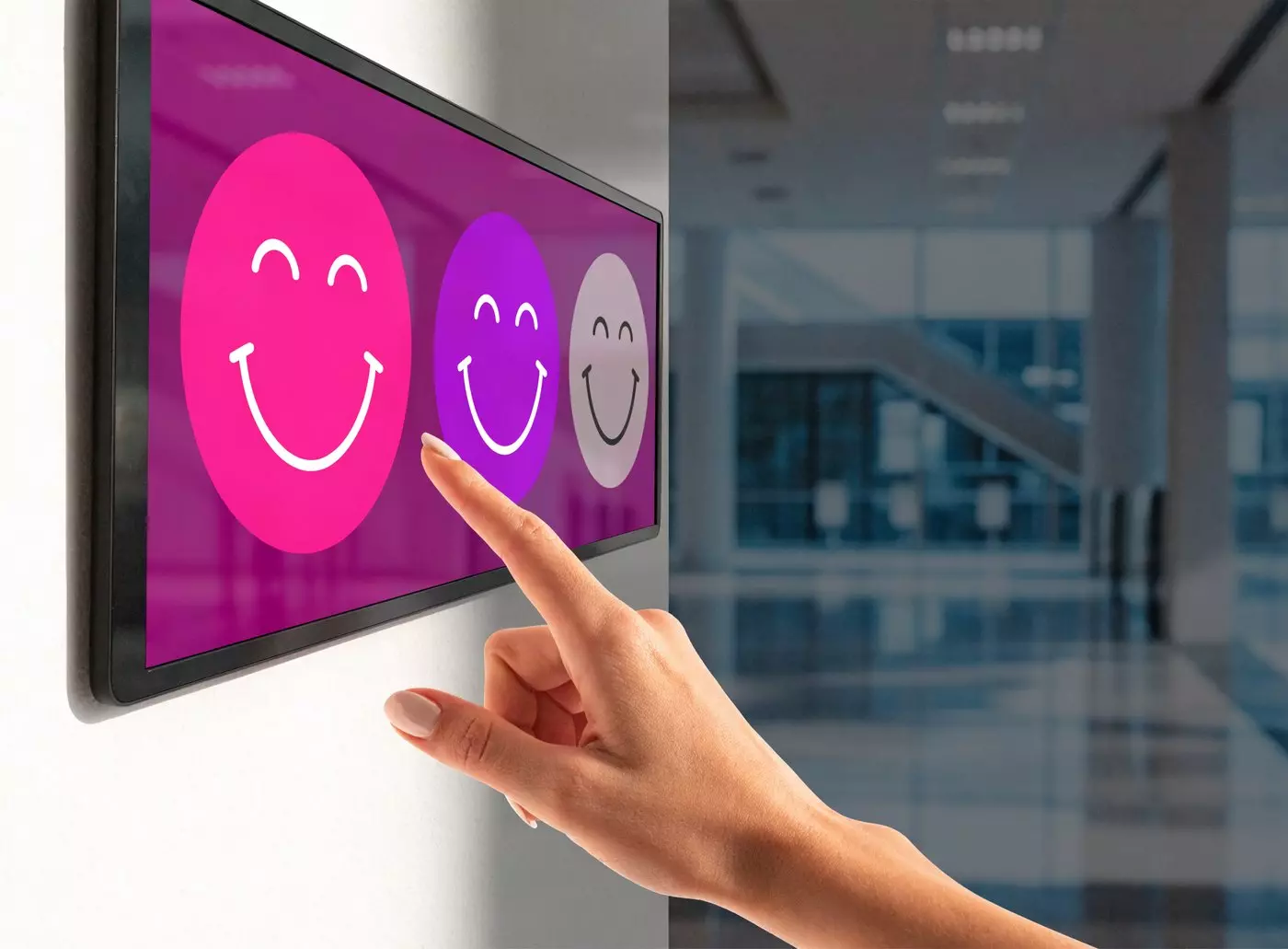
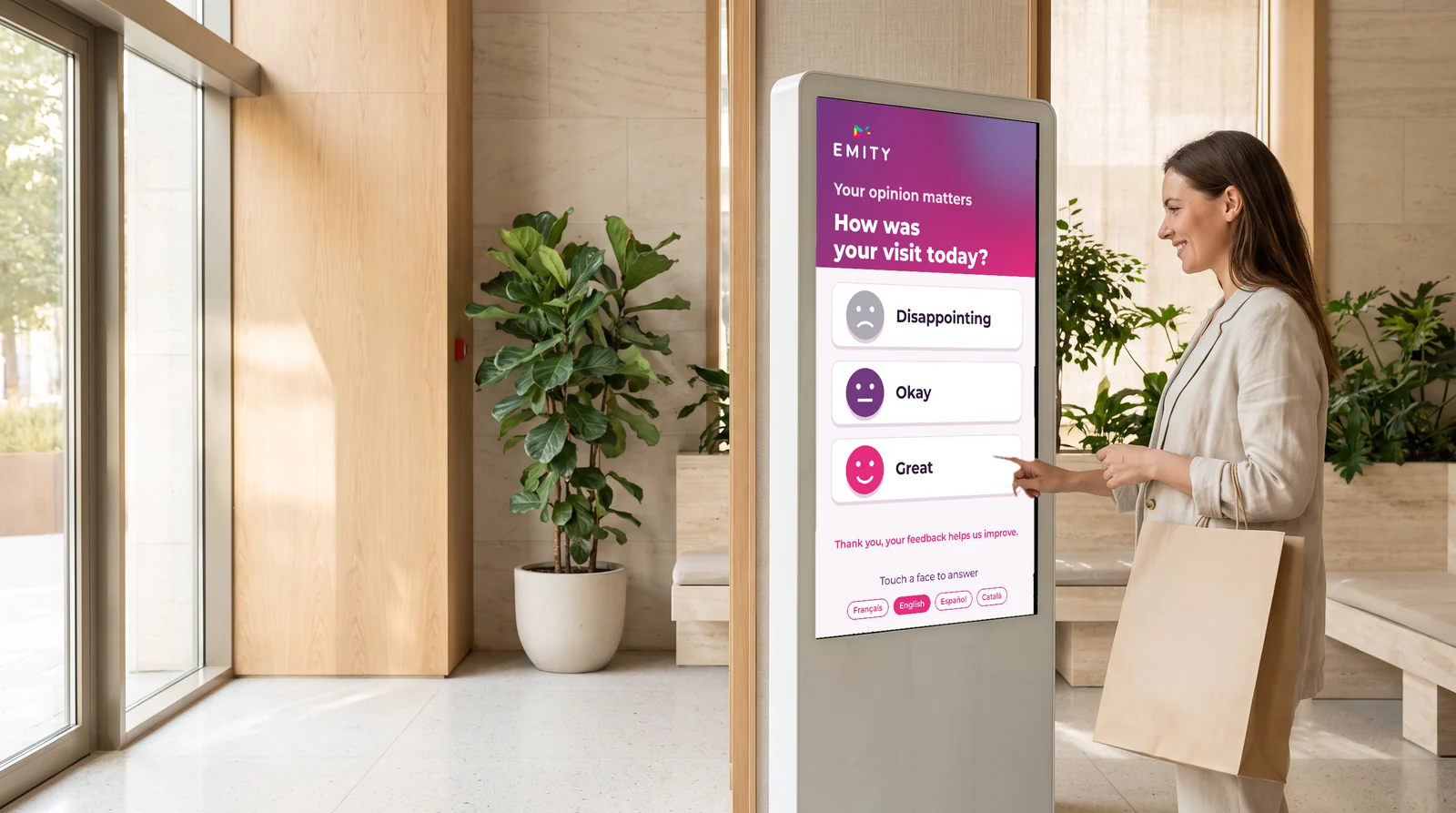
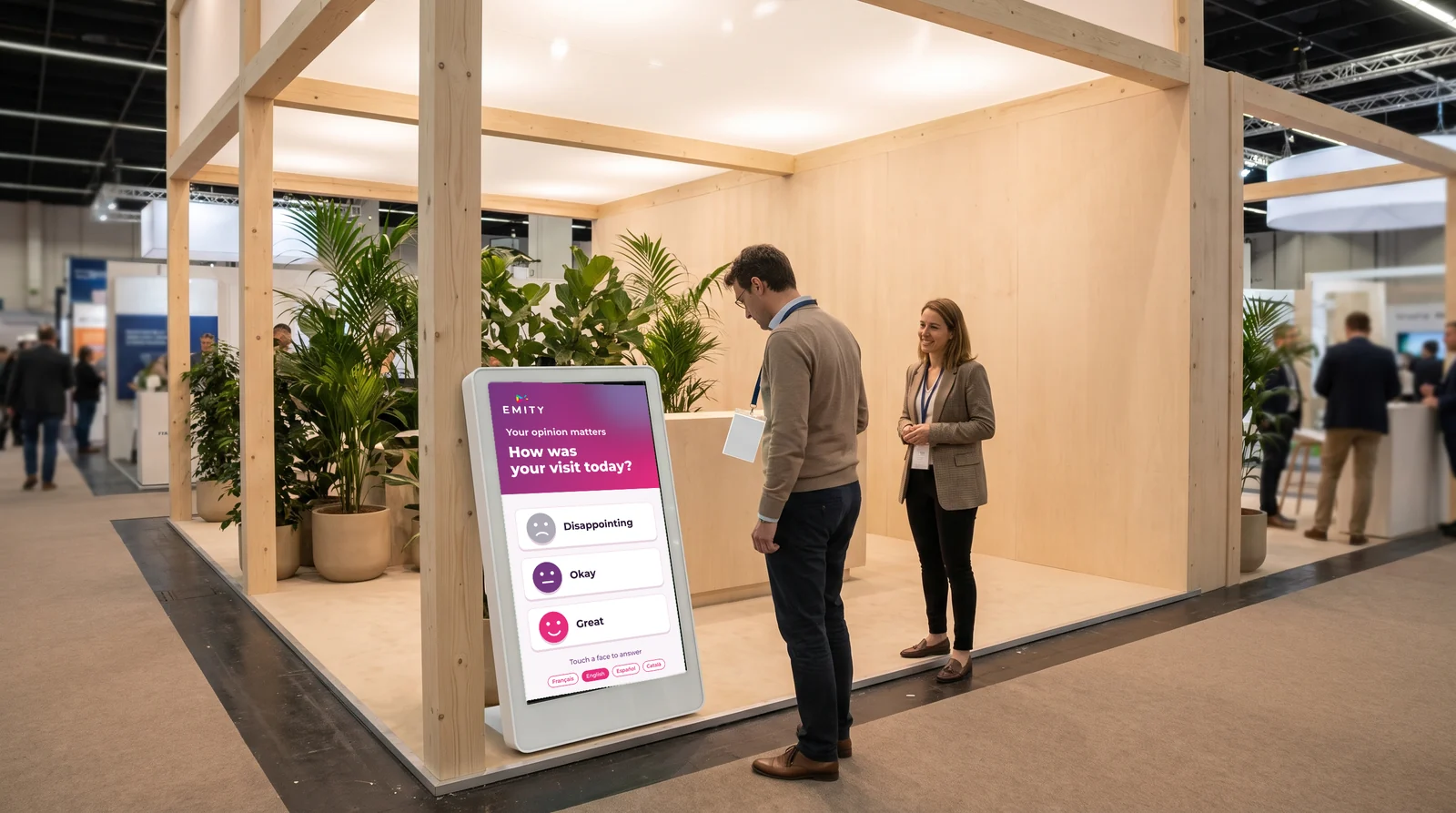
An interactive screen survey is an interactive questionnaire displayed directly on a touch kiosk or connected equipment installed in your space. Unlike an online questionnaire sent by email or shared via a link, it requires no prior invitation. Participants respond on-site—at the very moment of their experience.

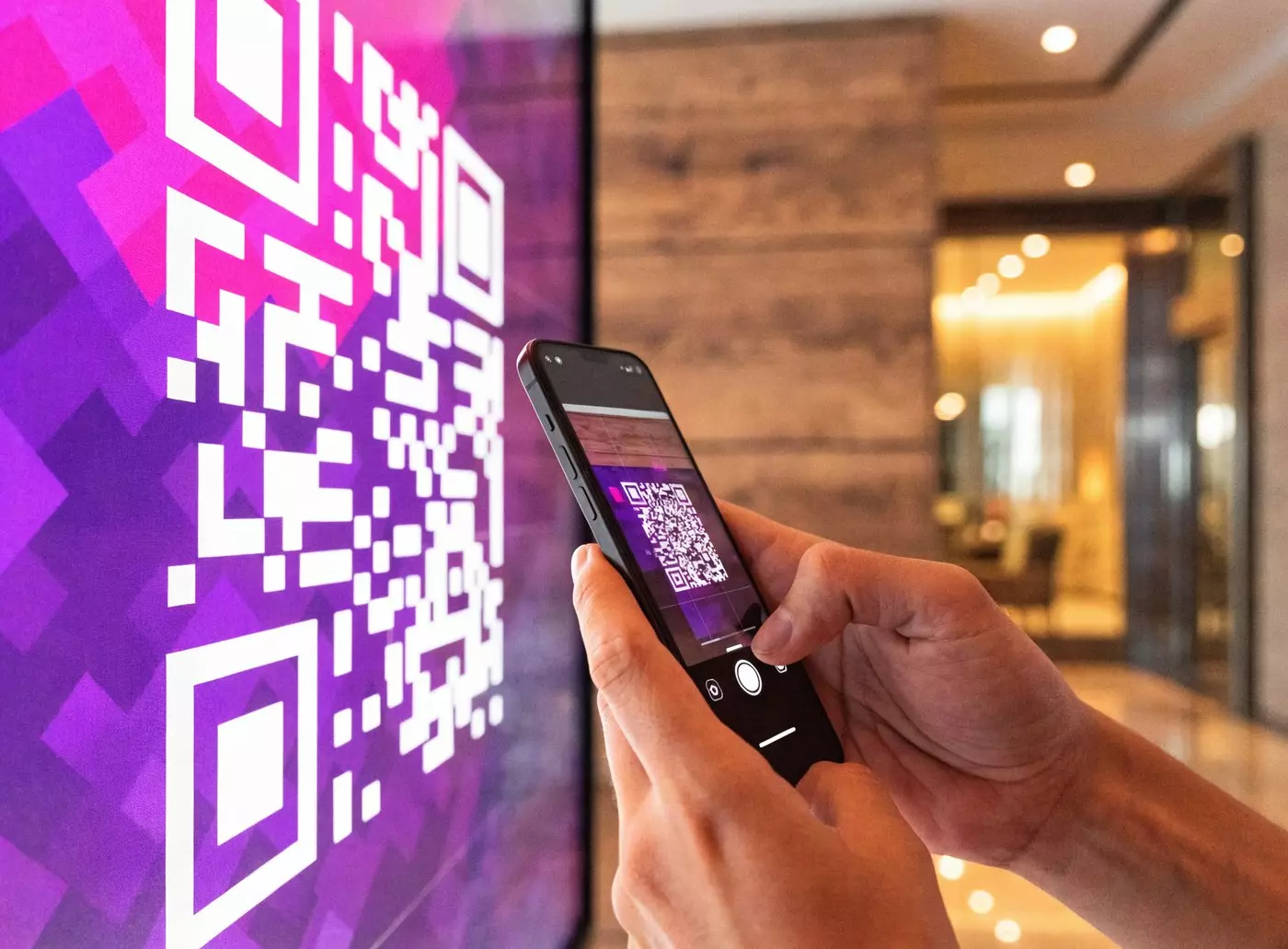
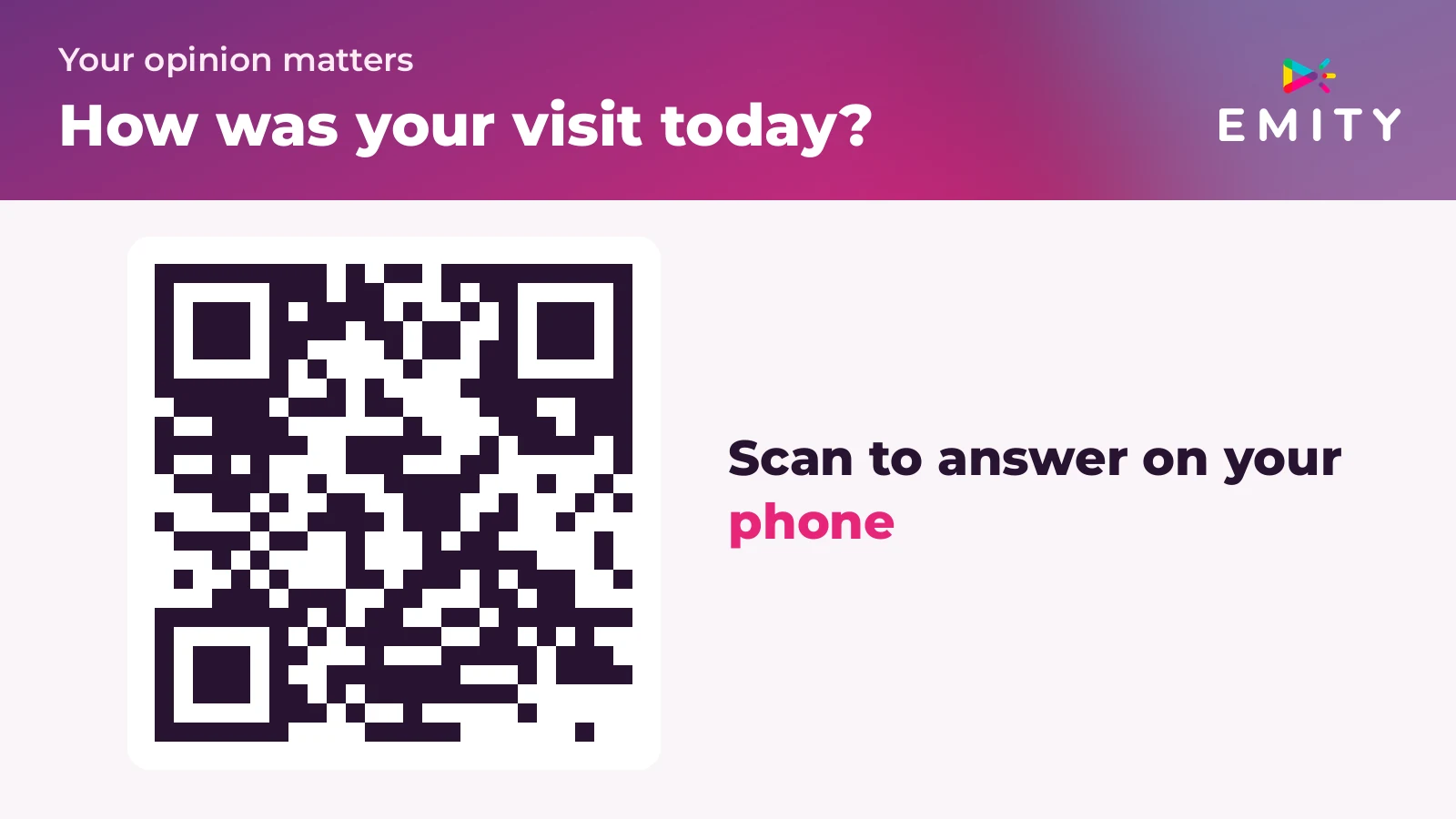
The principle is simple. Questions are displayed on the kiosk or equipment. The participant touches the screen to give their answer or uses their phone to scan a QR code. Results are recorded automatically and available in real time on your dashboard.

Touchscreen Direct touch response
QR Code Mobile access without app
Real-time results E-Manager Dashboard
Satisfaction (stars/smileys) 1 gesture, 1 answer
MCQ / Multiple choice Preferences and evaluations
Live quiz / Word cloud Group animation

Types of interactive on-screen surveys

Depending on your objective, several formats are available:

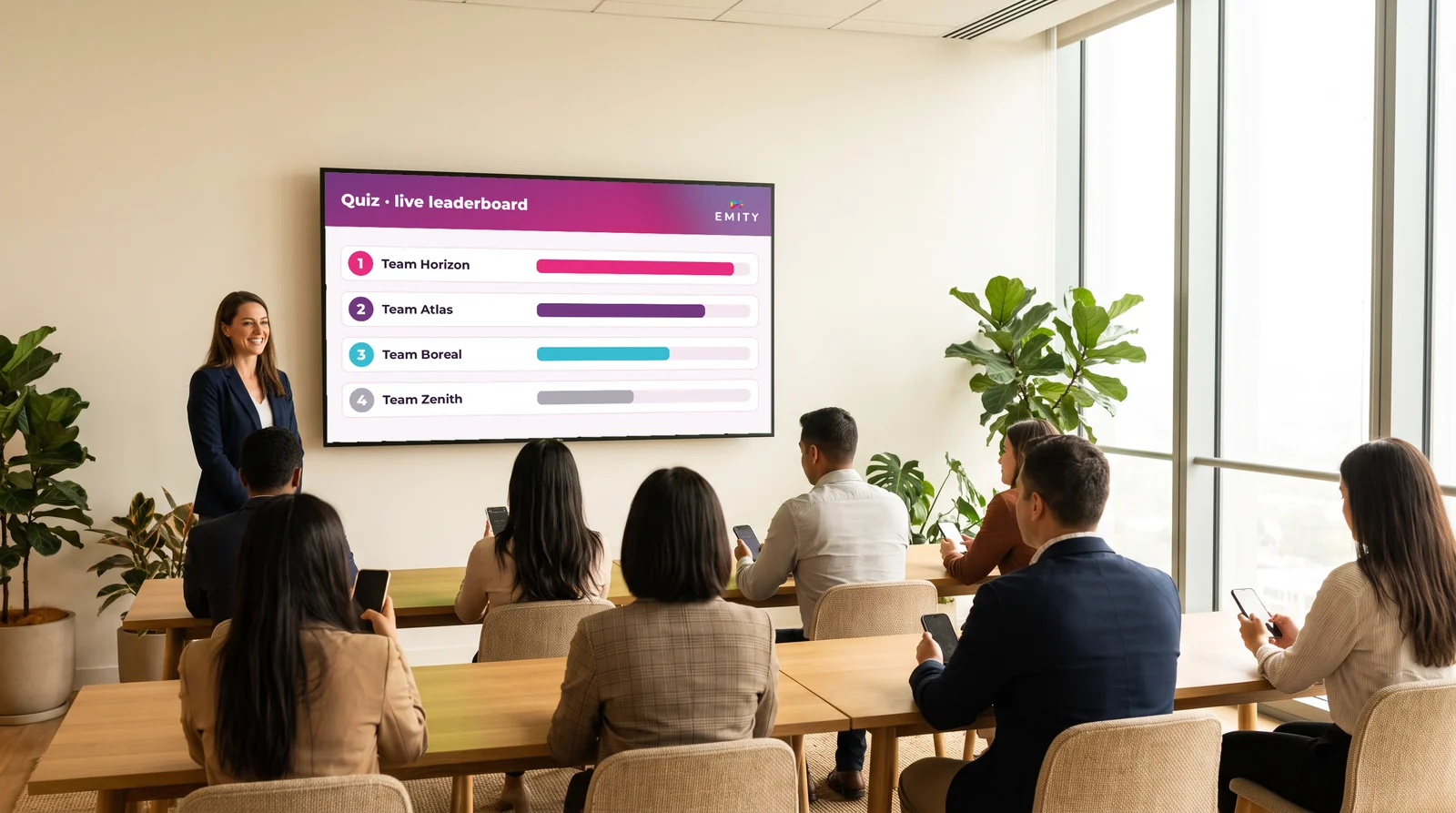
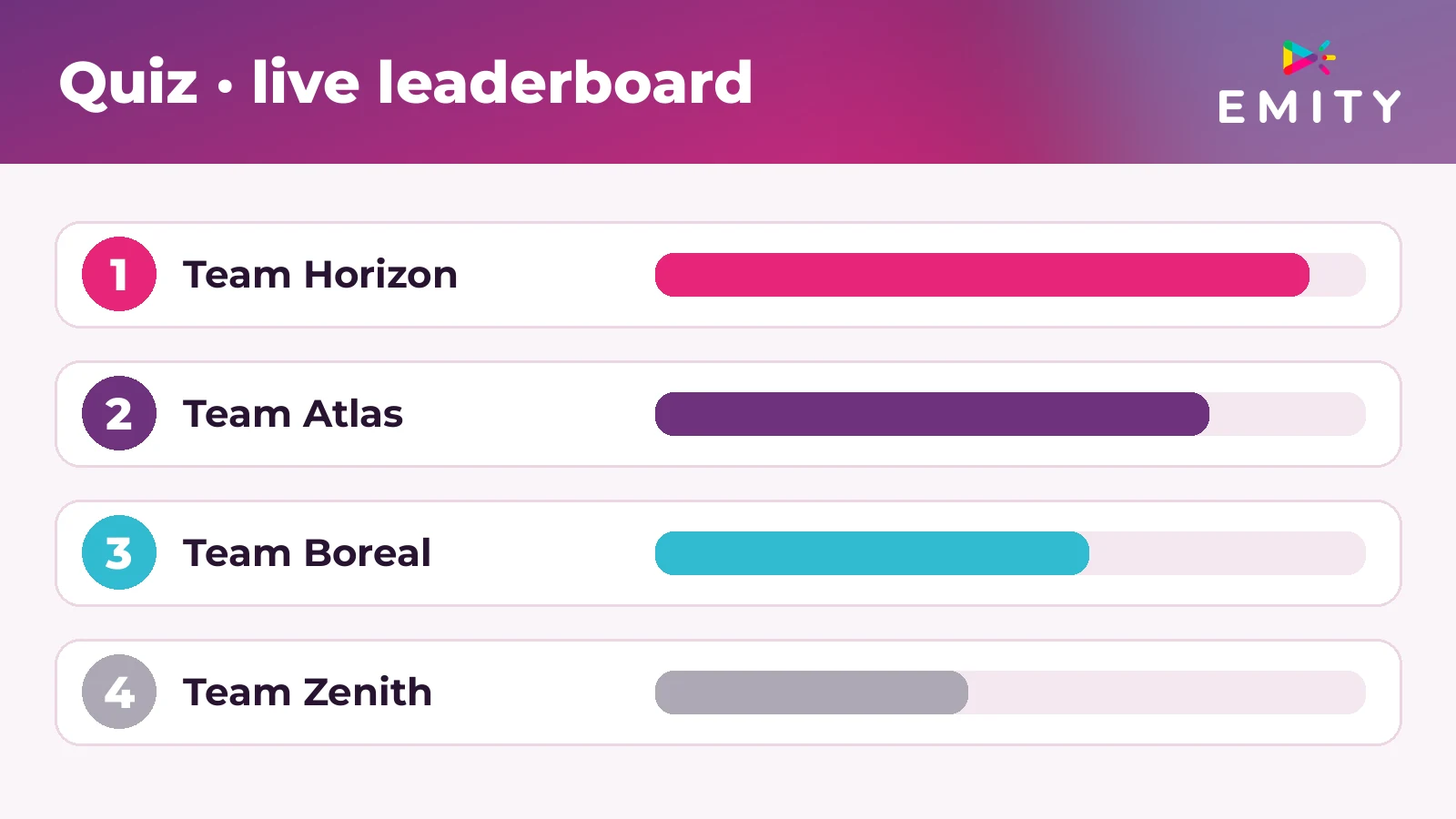
  • Interactive quiz with live ranking: ideal for meetings or training sessions led by a trainer
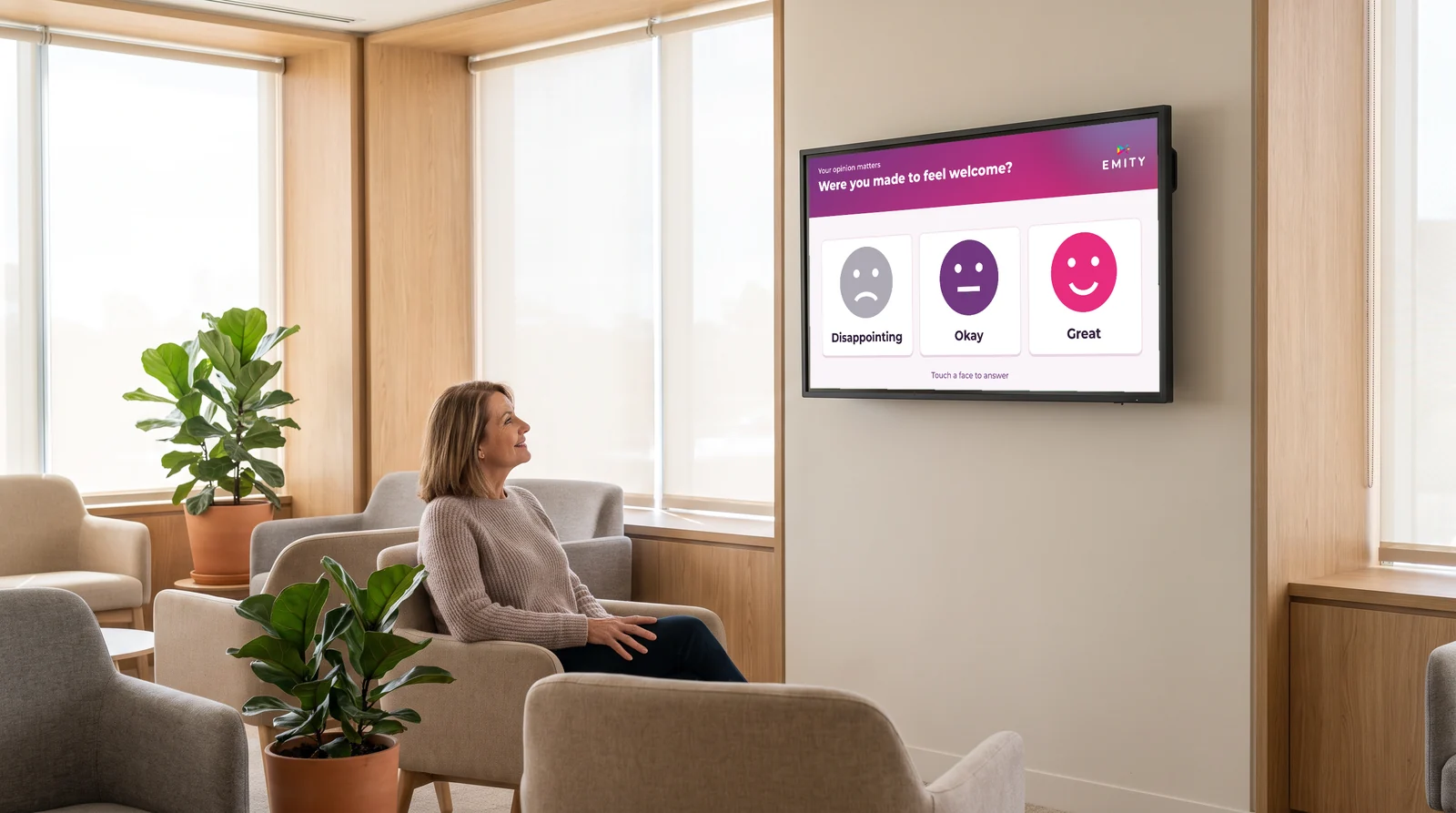
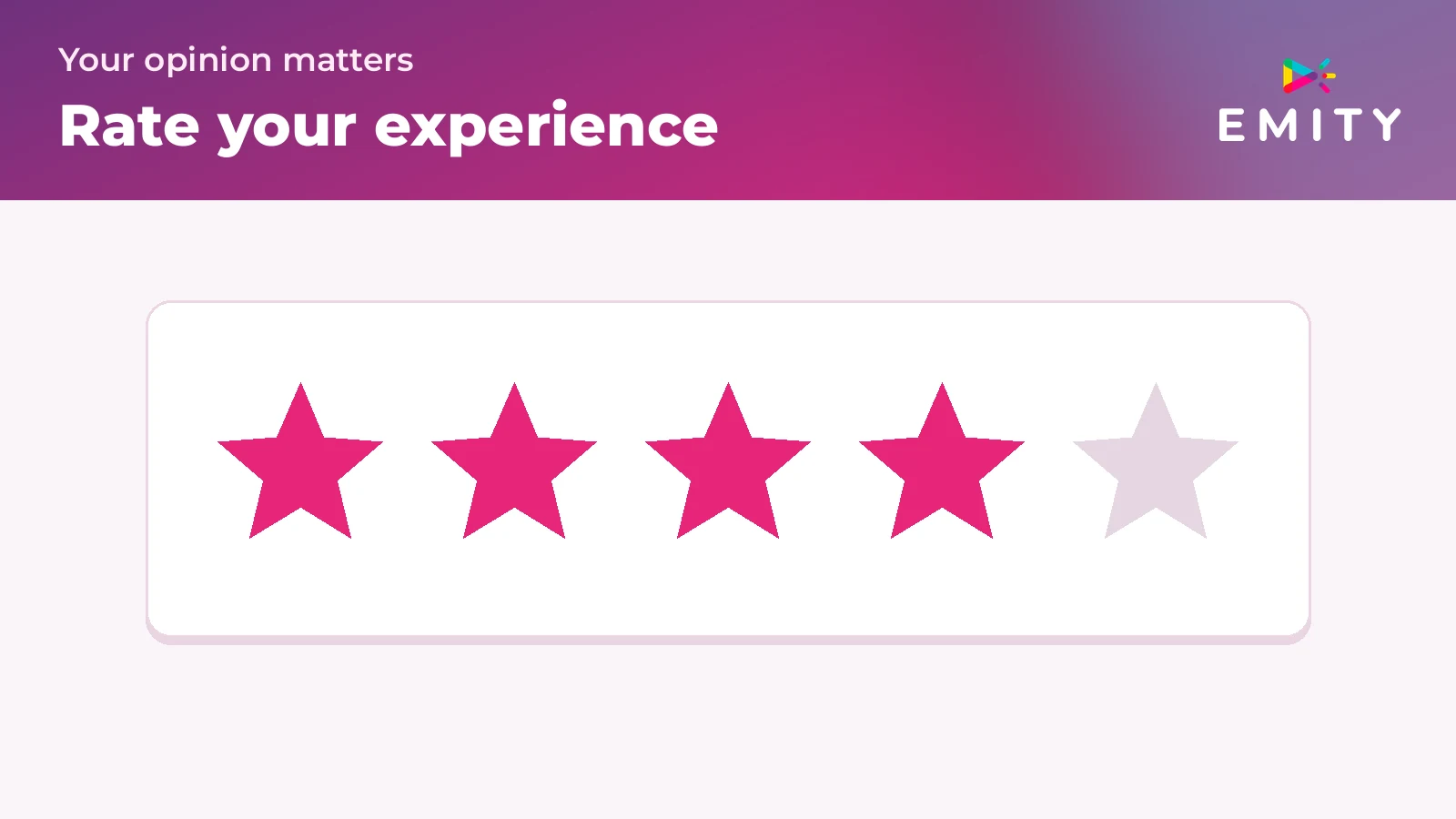
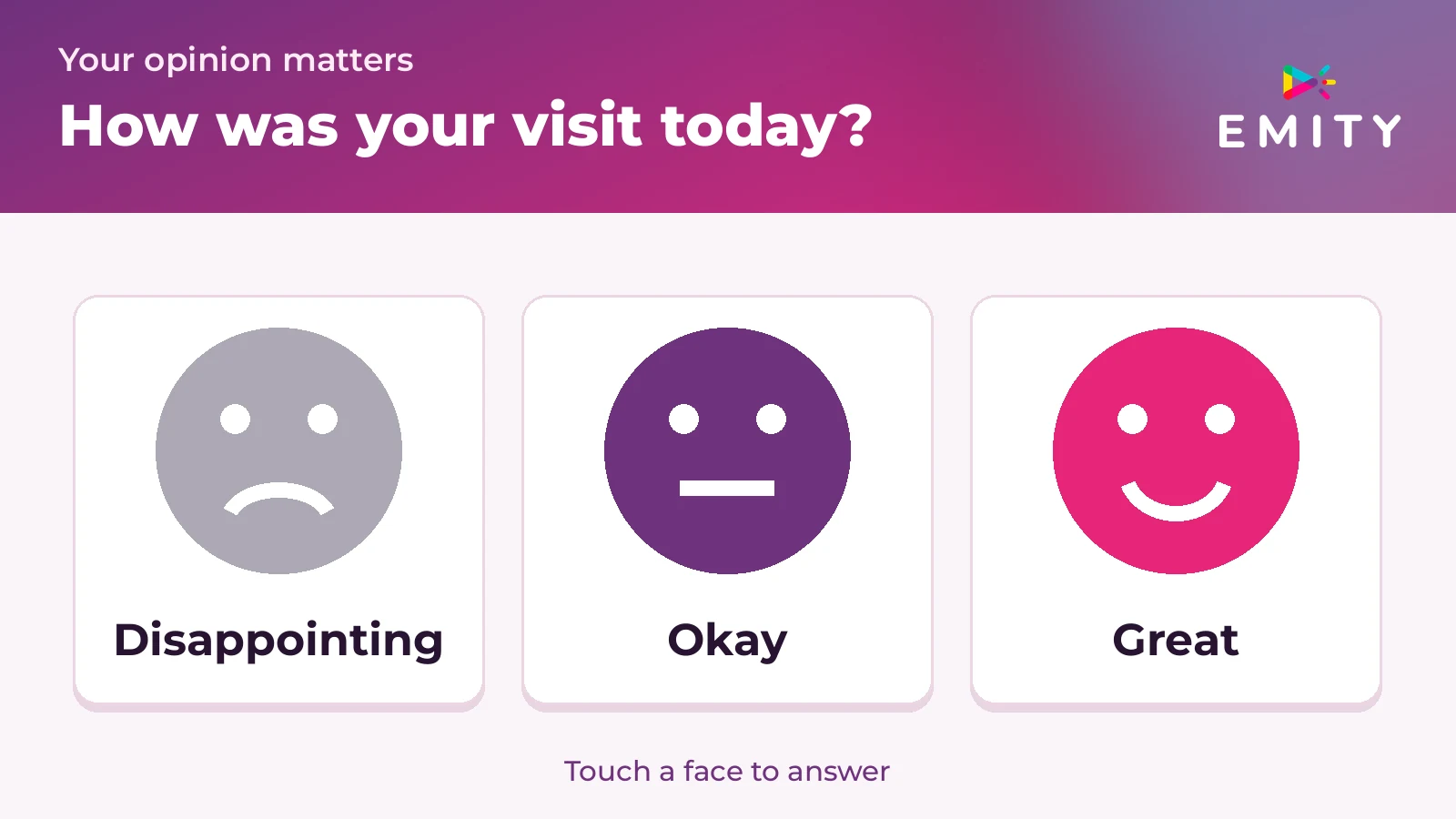
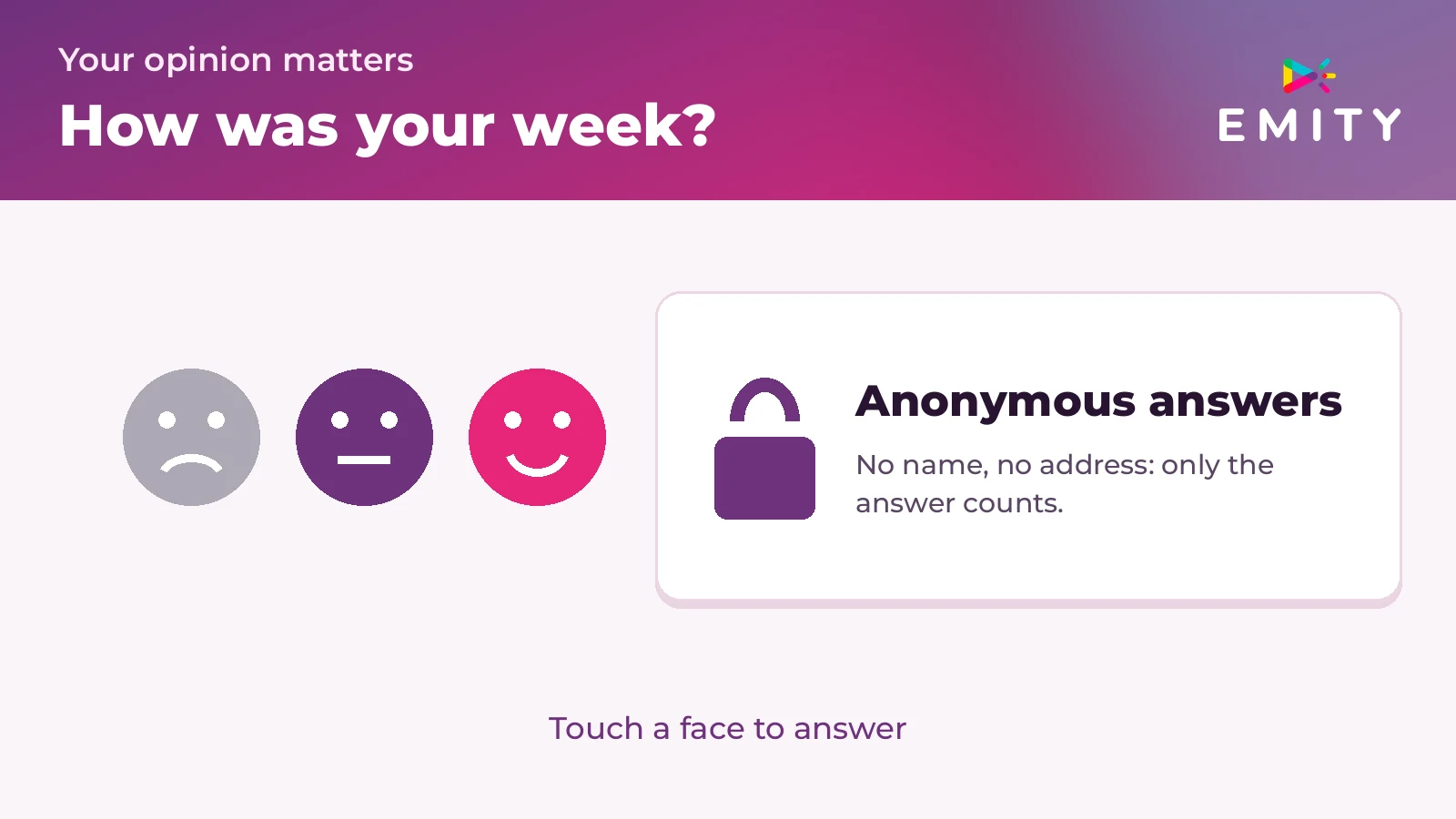
  • Satisfaction survey (stars or smileys): a single response with one gesture to measure customer experience
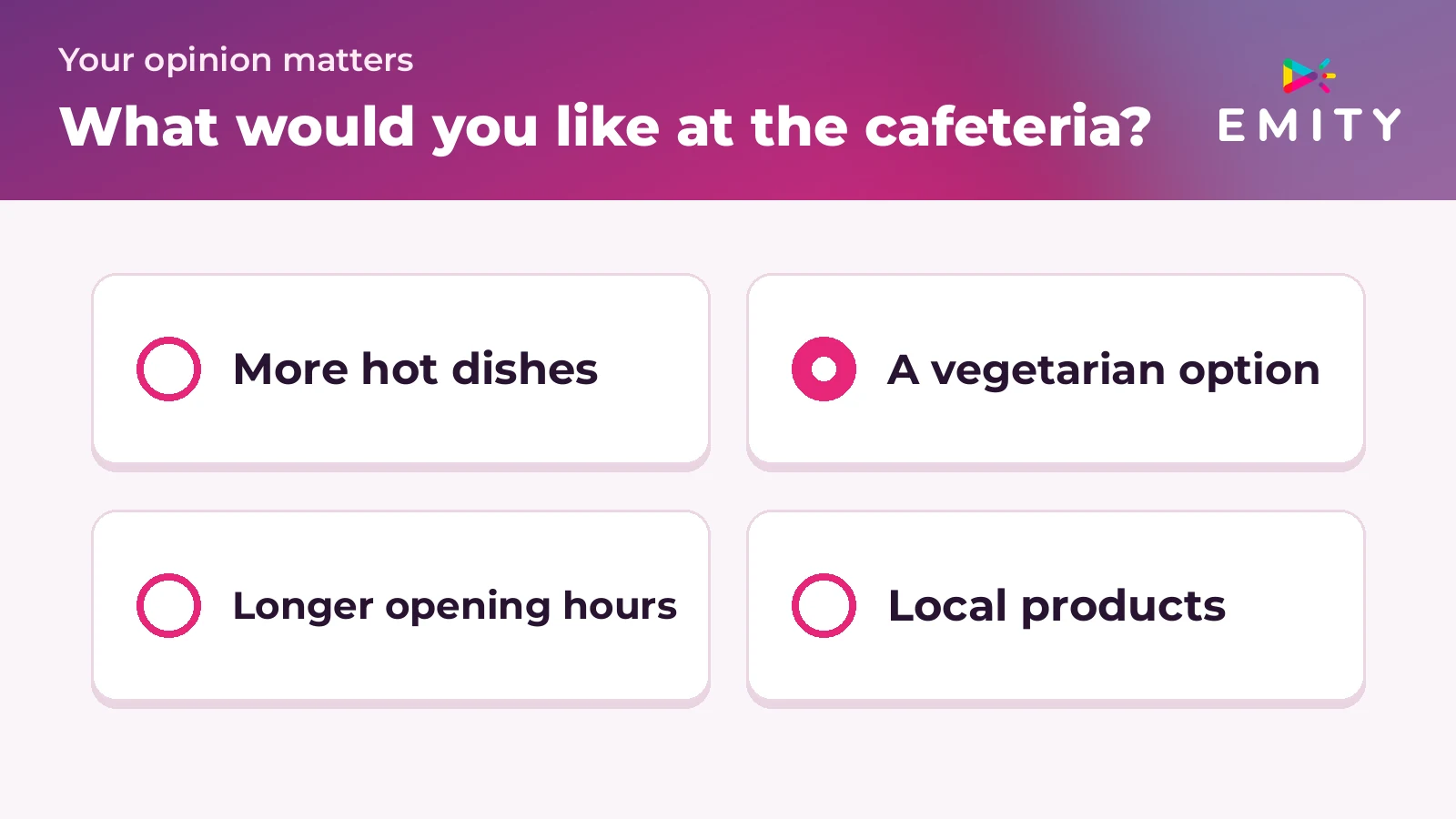
  • Single or multiple choice MCQ: to collect preferences or assess knowledge
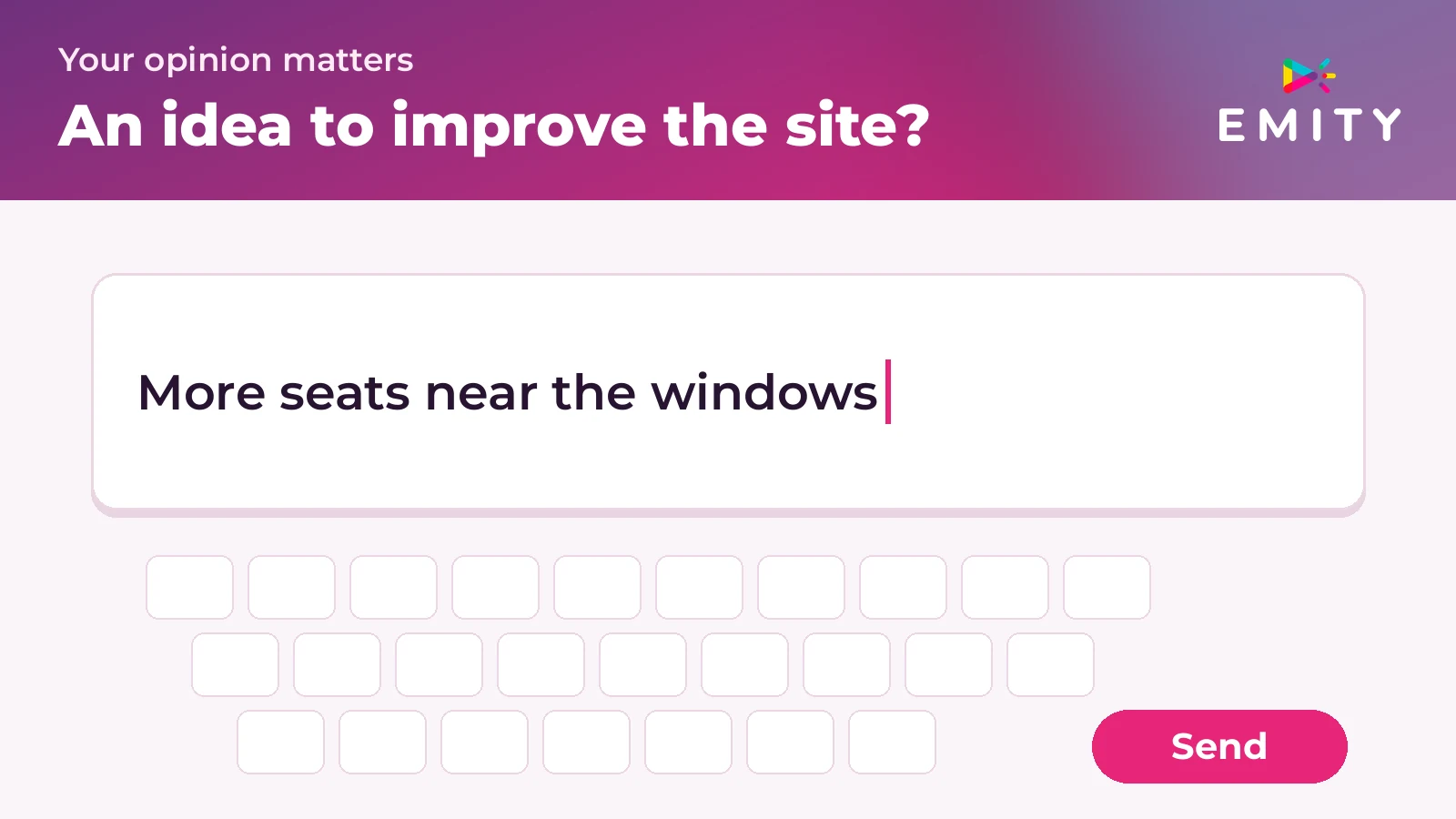
  • Open questionnaire (free text): to gather suggestions or detailed comments
  • Live voting and live quiz with instant participation: among the most effective animation tools for any collective event
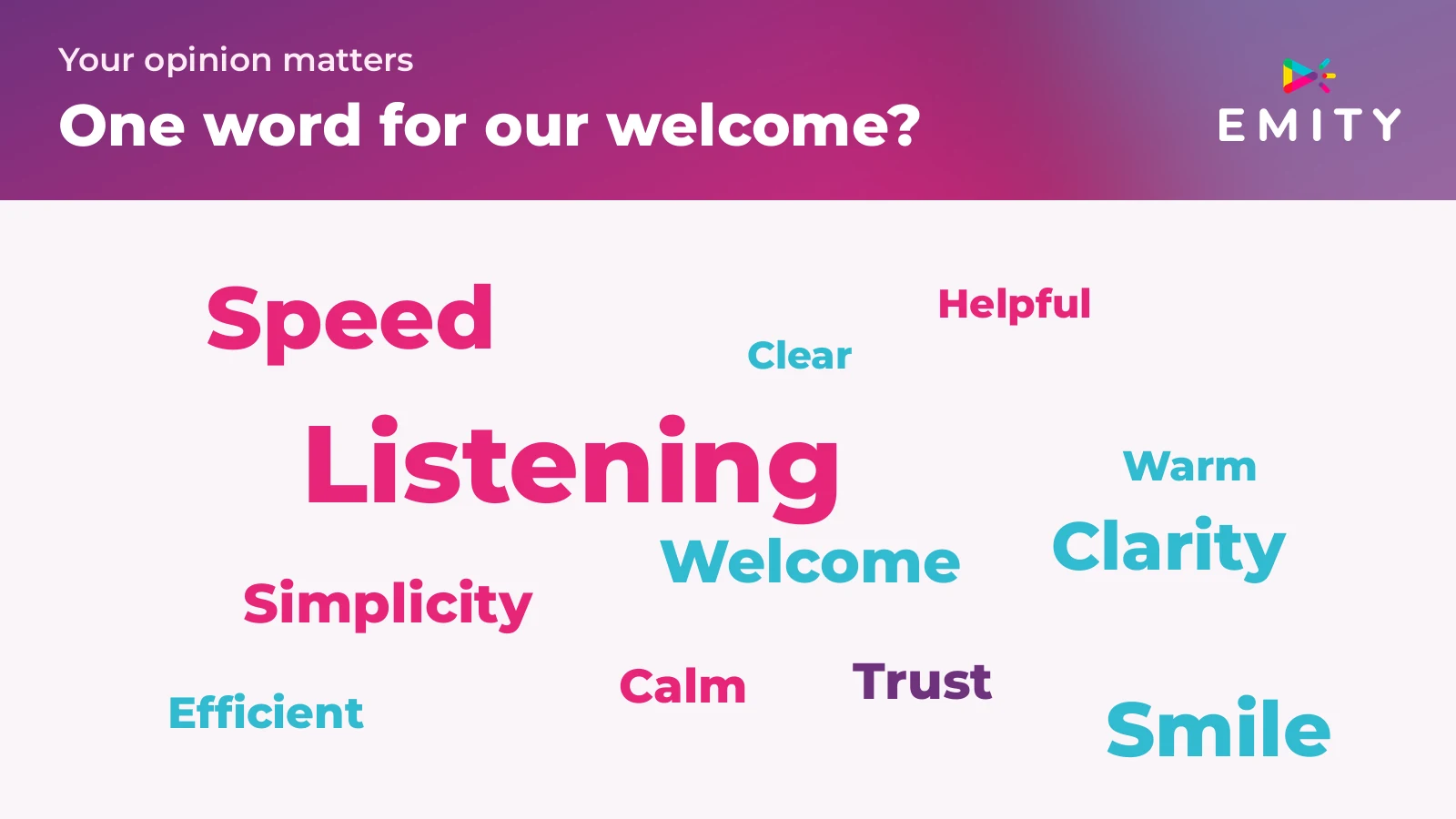
  • Word cloud: visualize the most frequently cited words during each session – ideal for a brainstorming questionnaire or group interactive quizzes

Physical kiosk survey vs. classic online questionnaire

Generic online questionnaires are evaluation software integrated into a presentation or shared via a web link. They are designed for in-room or remote use – participants access the questionnaire from their phone or computer.

The interactive survey on a physical kiosk or interactive screen is aimed at a flow of people passing by equipment installed in your space. No prior application is required. Participation is spontaneous – at the right time and in the right place.

Did you know?

A questionnaire sent by email typically receives less than a 15% response rate. An interactive survey offered directly on a kiosk at the time of passage can exceed 30%. (CX sectoral studies 2024-2025)

Physical kiosk Response rate 30%+
Email questionnaire Response rate < 15%
No app required Spontaneous participation
BENEFITS

Why deploy interactive surveys in companies?

Measure customer satisfaction directly at the point of contact

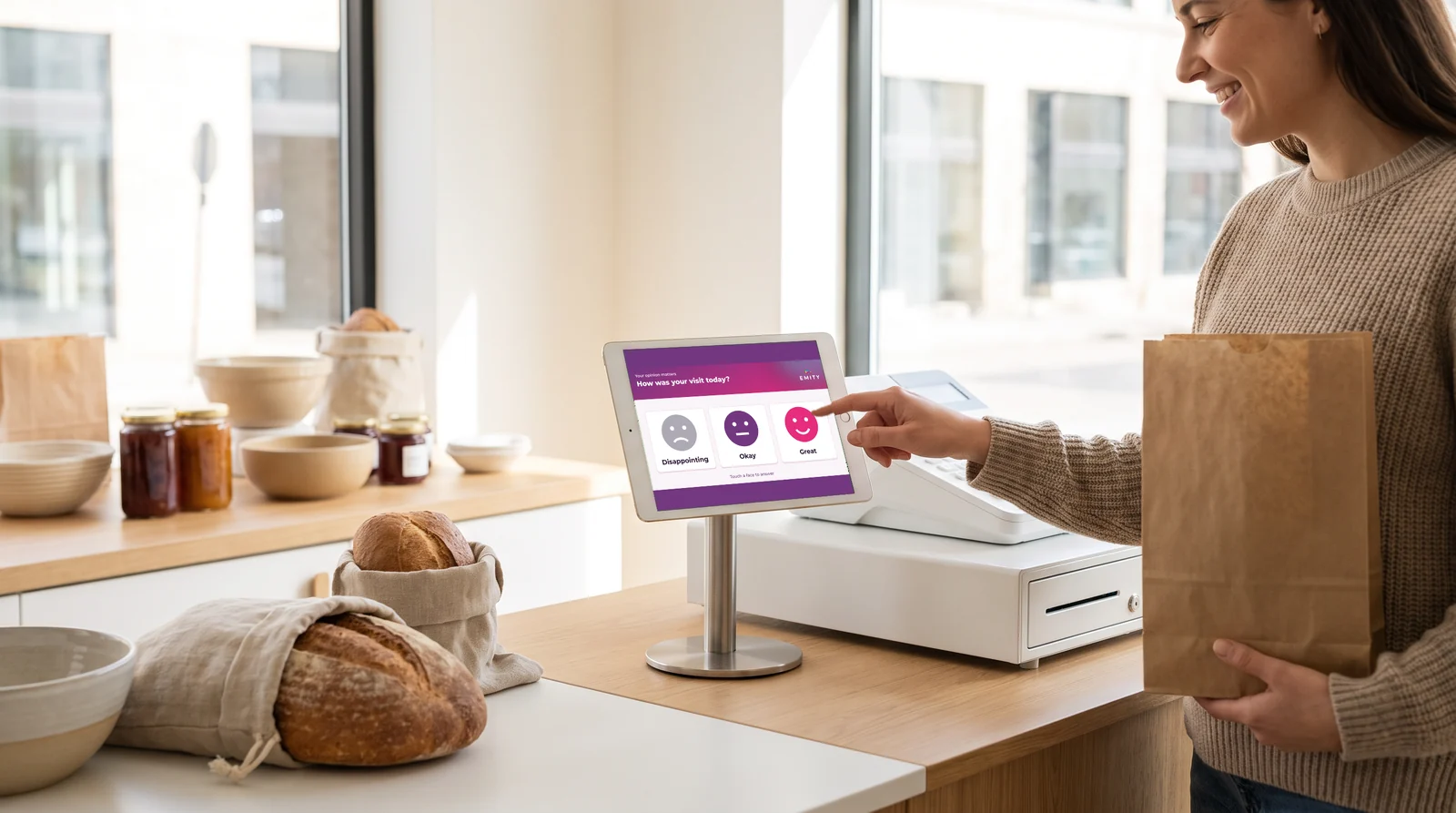
Placing a kiosk at the checkout, at a hotel reception, or at the end of a visitor's journey allows you to collect reactions and opinions from customers while the experience is still fresh. The involvement rate is much higher than for a survey received 48 hours later.

Live surveys also allow for quickly identifying dissatisfaction and intervening before it becomes a public negative review.

Did you know?

A kiosk at the point of sale can reduce perceived waiting time by 30% and contribute to a sales increase of up to 33% through increased engagement. (commerce and retail studies 2024)

Assess the well-being and engagement of your employees

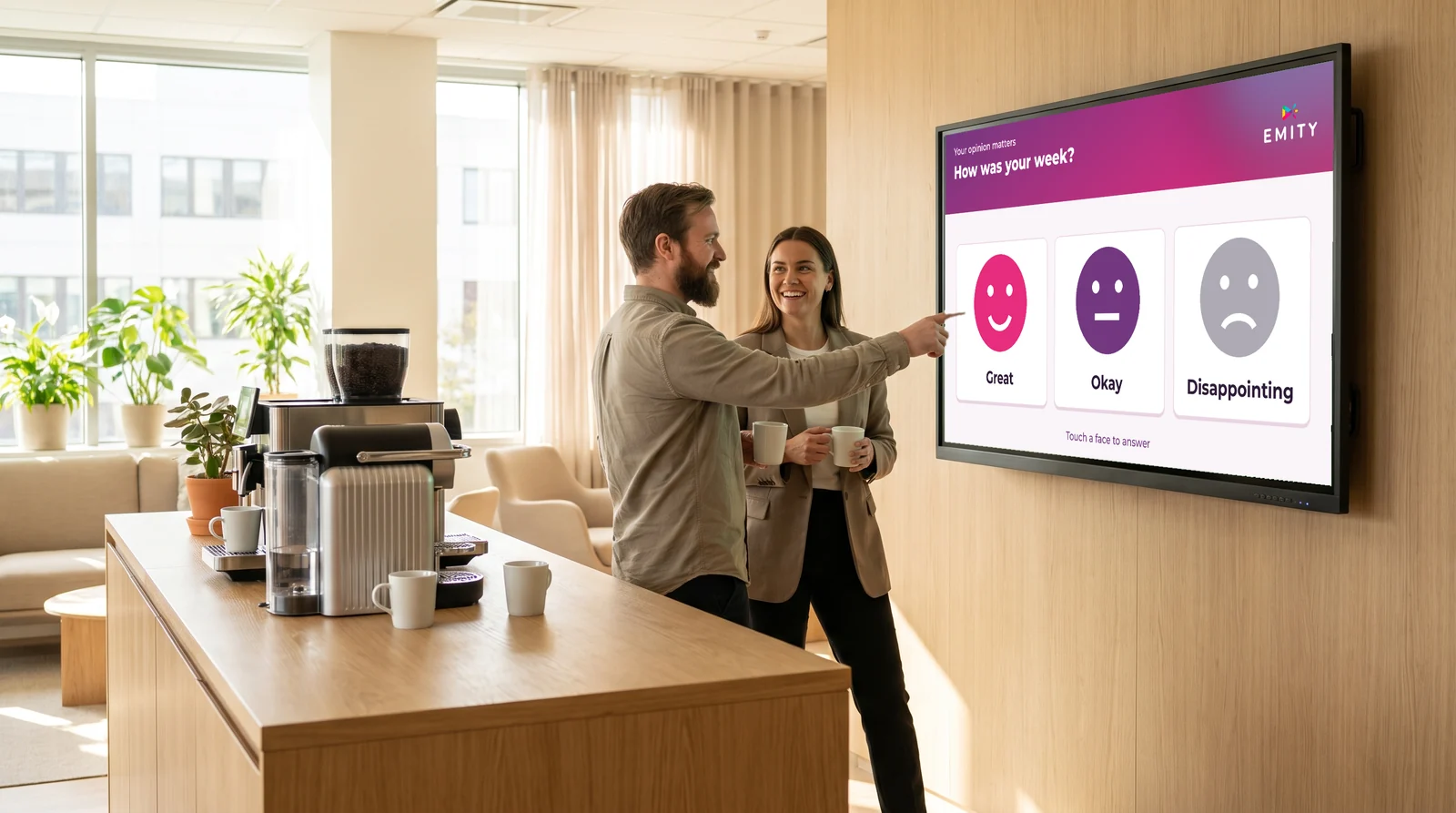
Interactive surveys are not limited to customer relations. Internally, equipment installed in the break room or at the end of a training line becomes a powerful HR tool. Whether you are a trainer, manager, or HR manager, it simplifies the collection of regular feedback.

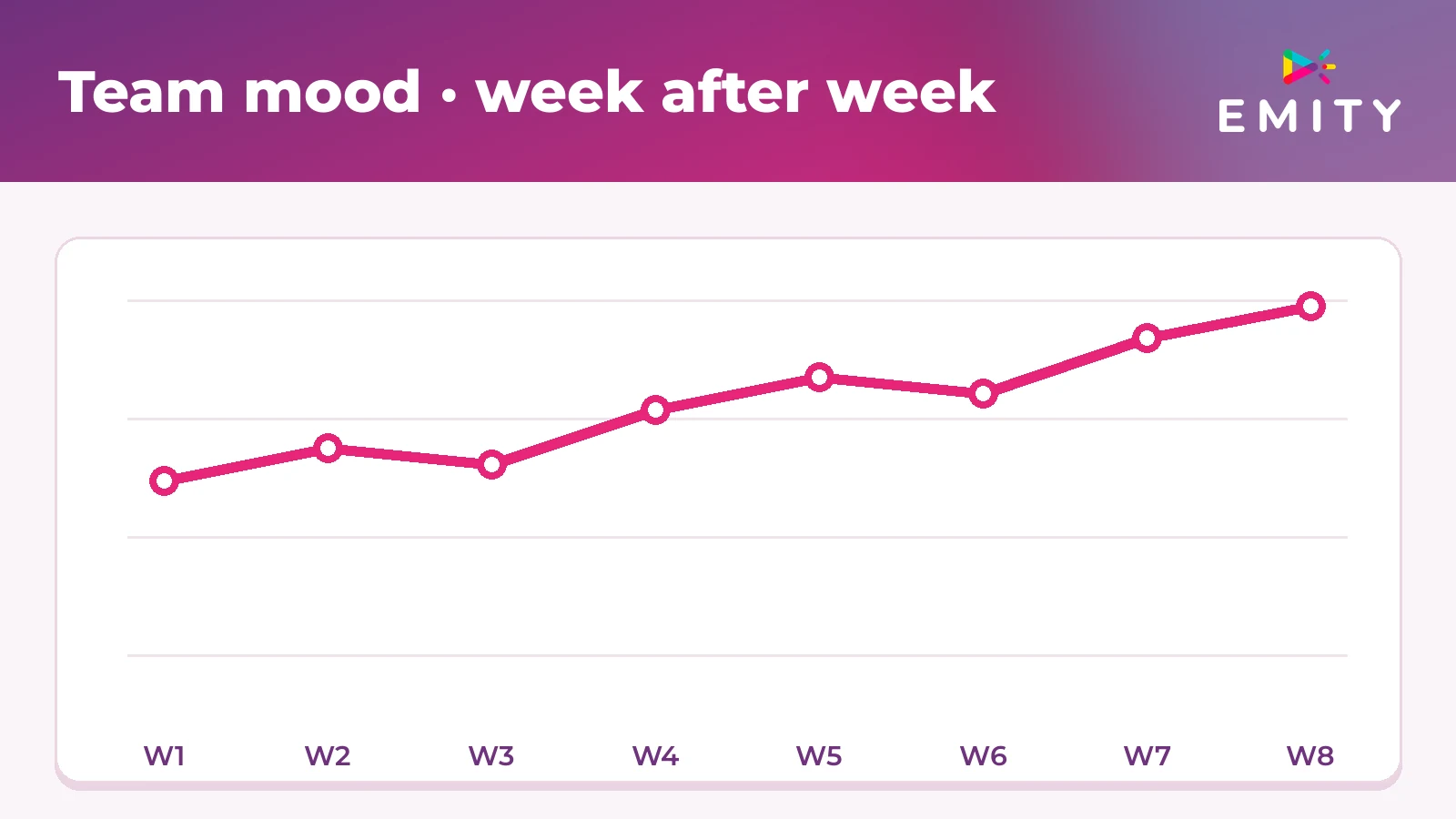
You can evaluate meeting satisfaction, measure team engagement weekly, or collect feedback after each training session. Questions are automatically displayed according to a schedule defined in E-Manager. The survey adapts to your internal cycles.

This weekly ritual strengthens trust within the team. For learning or training sessions, a survey at the end of the session measures the actual progress of each participant. The anonymous mode guarantees sincere feedback – without social desirability bias.

Manage quality with real-time data collection

Nearly 50% of consumers cite speed of resolution as the primary criterion for satisfaction. (sectoral observations 2024) To address this, you must identify problems before they accumulate.

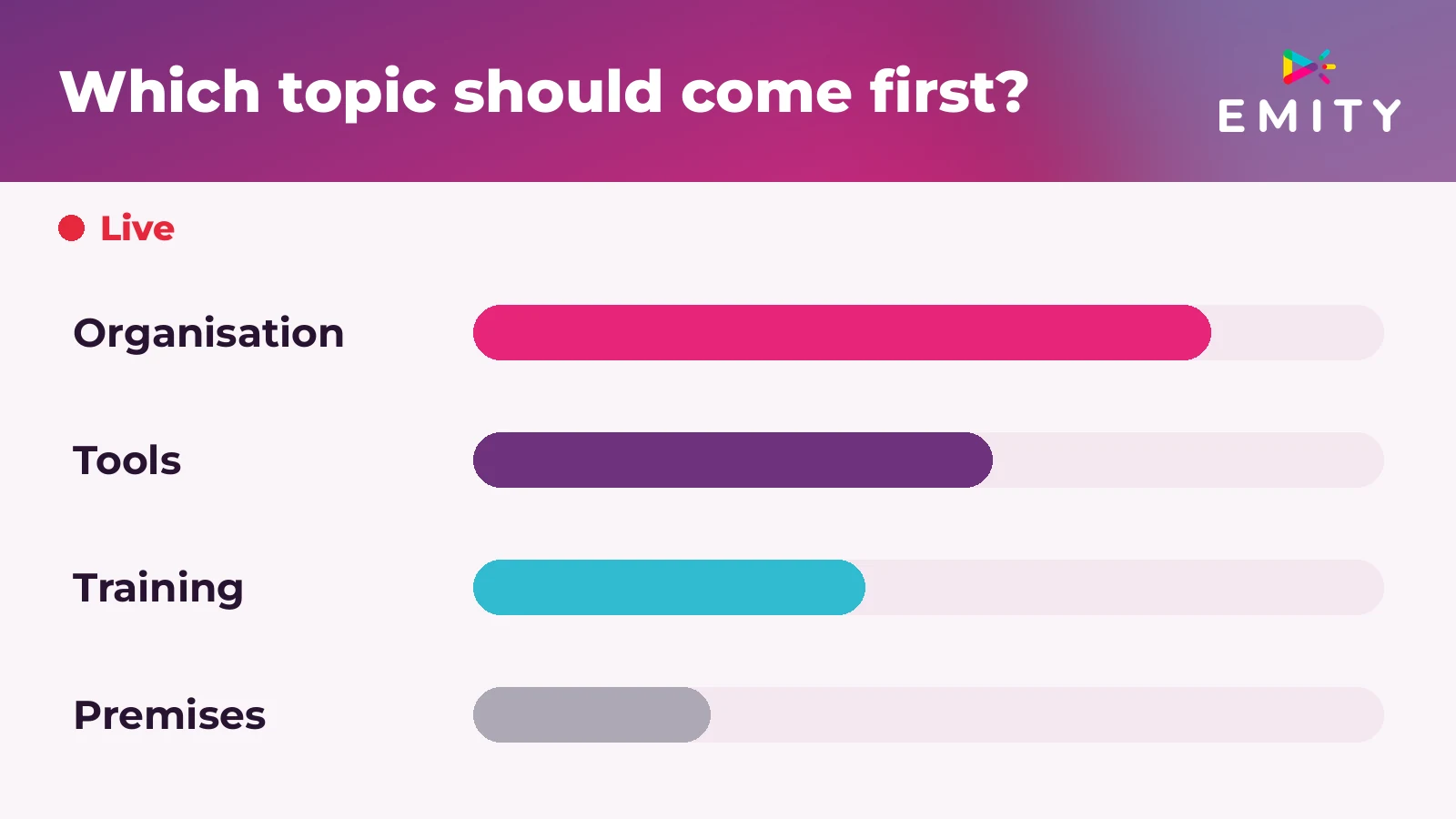
Real-time results from a live survey offer a short feedback loop. As soon as a trend appears in your data – a drop in rating for a service or a peak in dissatisfaction – you can act within the day.

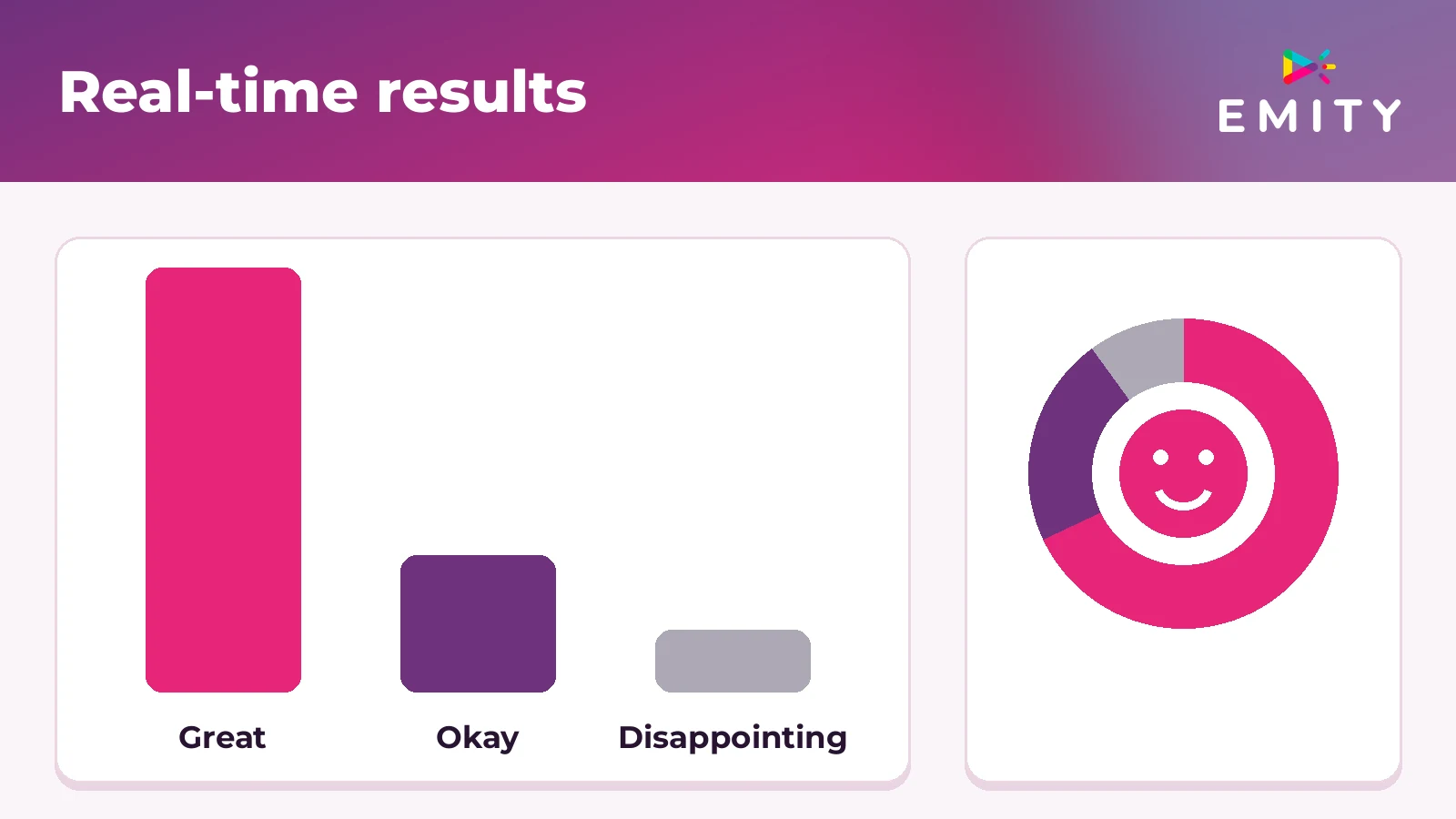
Survey statistics are available as graphs in your E-Manager dashboard. Collecting feedback from your customers and employees has never been so immediate.

Expert tip

Schedule a short survey (2 to 3 questions maximum) every Monday morning to gauge the pulse of your teams. Regularity improves participation and encourages open communication. Opt for anonymous mode to foster sincere feedback.

IMPLEMENTATION

How to create and distribute an interactive survey on your screens?

Choose the types of questions adapted to your objective

Before creating a survey, choose the most suitable format from the available list for your marketing objectives or your data collection project:

Stars (1 to 5)

Quick satisfaction in 1 gesture

Smileys

Friendly and general public contexts

Single / multiple choice

Preferences and evaluations

Free text

Suggestions and qualitative comments

Interactive quiz

Live participant ranking

Word cloud

Visual collective brainstorming

Configure display on touch kiosk or connected equipment

With Surveys, deployment on your equipment is easy in a few steps. Easy to use from the E-Manager interface – whether you are a trainer, facilitator, or communications manager:

1

Creation

Start creating your questionnaire (questions, options, display duration)

2

Targeting

Choose the target equipment in your fleet

3

Planning

Schedule distribution (immediate or programmed)

4

Collection

Activate response collection – your participants answer directly on the touch kiosk

Emity's dynamic display allows you to automatically alternate your survey with other communication content on the same equipment. An integrated interactive survey in your content flow – without interrupting the visitor journey.

SCANNEZ-MOI

Maximize participation with QR code and mobile access

Some participants prefer to answer from their phone. Surveys natively integrate a QR code displayed on the screen to offer them this access.

Participation is not conditional on owning a smartphone. Access is dual – on the kiosk or via the QR code – to maximize the response rate from your audience.

Comparison of feedback collection devices

Kiosk survey, online questionnaire, and smiley kiosk – which tool for your context?

Criterion Emity kiosk survey Online questionnaire
(web formats)
Simple smiley kiosk
Average response rate 30% and above 10 - 15% ~40% (1 single question)
Data richness High (multi-question) High Very low
Device required (participants) No - direct touch ~ Yes (smartphone or PC) No
Real-time results Yes Yes ~ Partial
Question types 6+ formats (stars, quiz, free text, etc.) 6+ formats 1 format (smiley or button)
Ideal context Retail, visitor reception, corporate space Meeting, in-room training, remote Checkout, quick exit
Dynamic display integration Native (Emity suite) No No

Which solution to choose depending on your context?

Before choosing your solution, evaluate the three available feedback collection devices: kiosk survey, online questionnaire, and smiley kiosk. The table above helps you identify the most suitable for your new objectives.

This kiosk-based evaluation software combines the spontaneity of a smiley kiosk with the richness of an interactive online questionnaire. It is the most complete alternative for running a questionnaire in a company without friction for your participants. The system adapts to all professional contexts – from point of sale to HR space.

In the business world, creating, organizing, and distributing your surveys from a single interface is a decisive advantage. Whatever type of survey is chosen – customer satisfaction, training evaluation, or voting during an event in a shopping center or corporate space – E-Manager also allows you to distribute informative content between two survey sequences. Result: maximized audience participation on each piece of equipment.

ANALYSIS

Analyze and utilize the results of your interactive surveys

Read and interpret your survey statistics

As soon as a participant completes their survey, the data synchronizes in your E-Manager space. You can consult your survey statistics in the form of graphs by question, by period, or by equipment. The collected information gives you a precise view of each session.

The interface presents the completion rate, the distribution of responses, and trends over time. Monitoring the evolution of your satisfaction score week after week becomes a management reflex.

Graphs by question Distribution of responses
Temporal trends Week-over-week evolution
Completion rate Real-time monitoring
Trend detection Real-time alerts
Corrective action Same-day intervention

Transform data into concrete actions for your business

Figures are only valuable if you derive concrete actions from them. A drop in rating on a specific criterion – quality of reception, service delay, or clarity of a marketing offer – immediately points to the area to be corrected.

Nearly 50% of consumers cite speed of resolution as a key criterion for customer satisfaction. (sectoral observations 2024) With real-time results, you intervene the same day – not the following week.

Surveys Module

Emity Surveys: the complete solution for your on-screen surveys

A survey module adapted to all professional sectors

Surveys is the interactive questionnaire module integrated into the Emity suite. Whatever your activity – commerce, services, distribution, local authorities, or industry – you collect customer feedback and evaluate the well-being of your employees from your connected equipment.

+1,000 client accounts trust us to manage their communication on their equipment. A specialist in dynamic display since 2018, Emity is labeled French Tech Montpellier and a Réseau Entreprendre 2019 Laureate. A free 3-month trial of the full Excellence Pro version is available – without commitment – to test all Surveys features in real conditions.

Customizable features for each type of survey

Surveys integrates numerous features adapted to each need:

Star or smiley rating · Single choice or multiple choice · Long answers (free text) · Interactive quiz with live results display · Anonymous mode for open communication · Collective brainstorming with word cloud · Predefined question templates

Our survey creator relies on native integration with Canva to customize the appearance of your surveys. Our technical team supports you at every step.

Results synchronized in real-time in your E-Manager space

Your participants' responses are instantly synchronized in your E-Manager account. As the creator of your survey, you access your survey statistics in graph form – completion rate, distribution of responses, and evolution over time.

No waiting. No manual export. Collection information is available immediately after each session.

Compatible with kiosks, tablets, connected equipment, and QR code

Surveys works on all Emity equipment. Each equipment class is supported:

Connected dynamic display equipment · Interactive kiosks and touch totems · Wall-mounted or counter tablets · QR code (access via smartphone without application to install) · Compatible with your internal confidentiality procedures and your data collection policy

Surveys by Emity - Why do they trust us?

+1 000
companies use the Emity suite daily
3 months
free trial of the full Excellence version
2015
dynamic display specialist since 2018
6+
question types in Surveys (stars, quiz, free text...)
Module Features

Everything the Surveys module can do

Star or smiley rating

1 gesture, 1 answer. For customer satisfaction at the end of the experience.

Single or multiple choice (MCQ)

To collect preferences or assess knowledge.

Free text response

To gather suggestions and qualitative feedback.

Interactive quiz with live leaderboard

Ideal for training, event engagement, seminars.

Anonymous mode

To encourage honest feedback without bias. Particularly suited for employee feedback.

Integrated QR code

Dual access via touch + smartphone, to maximize response rate.

Canva customization

Brand your survey with your company colors.

Simultaneous multi-kiosk deployment

Deploy the same survey to 1 or 100 screens with one click.

Real-time statistics

Charts by question, by period, by device, in E-MANAGER.

Not a standalone tool: a building block of your EMITY ecosystem

SURVEYS is one of the 5 modules in the E-CLICK suite. You can also manage from the same platform:

🎧
Queue management Tickets, counters
📅
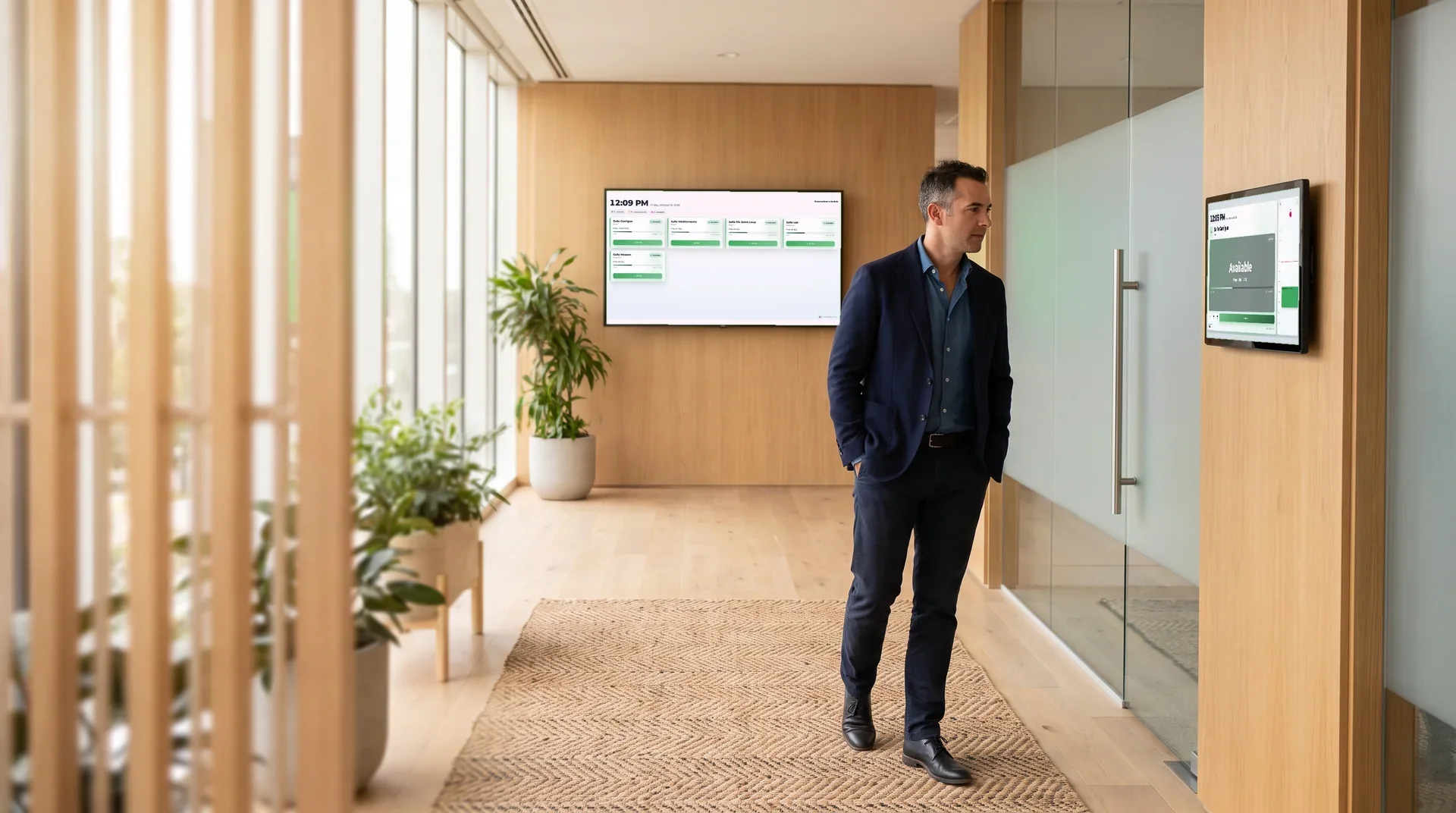
Room booking Outlook / Google sync
👤
Visitor register GDPR check-in/out
📰
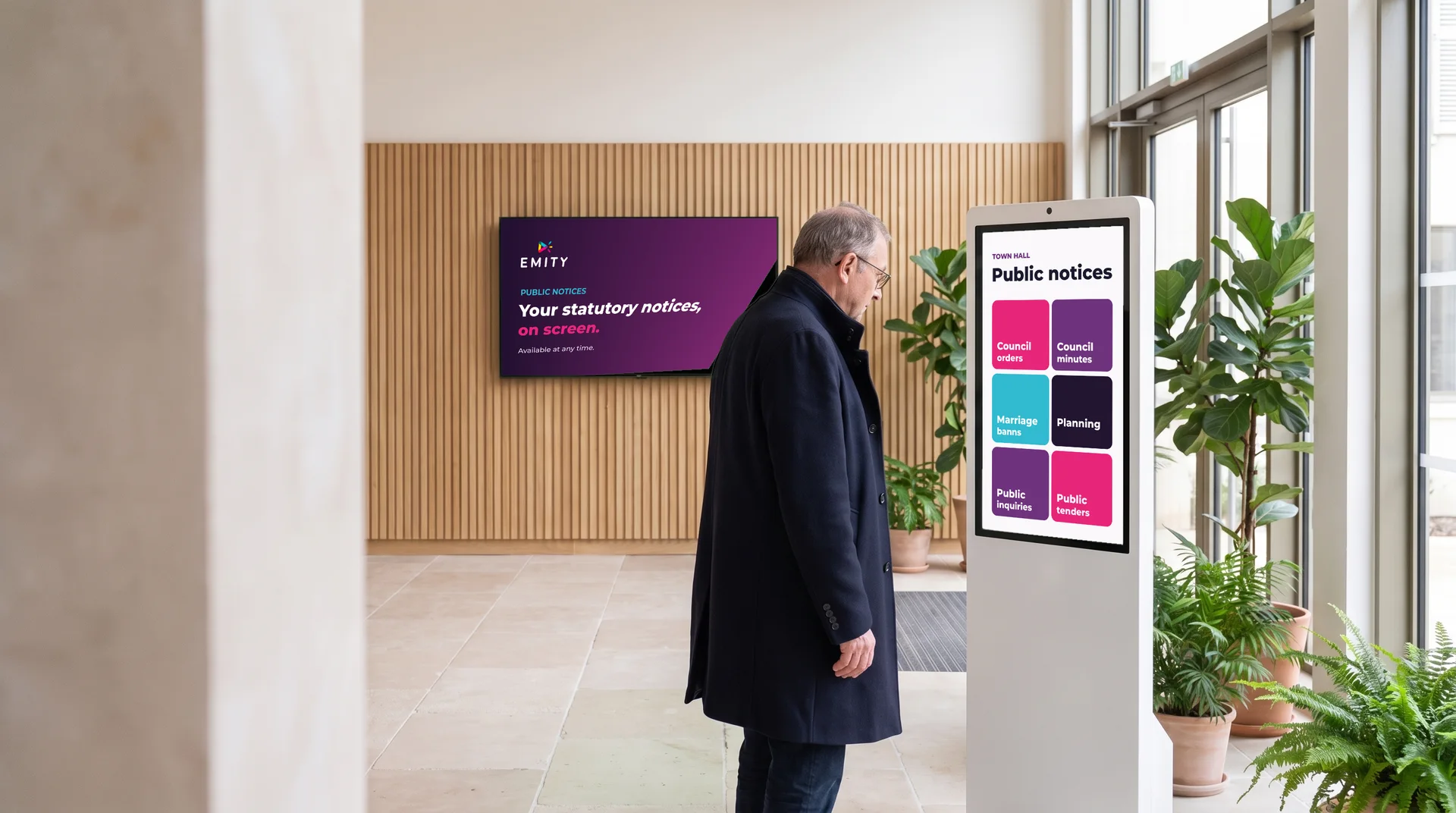
Legal notices Mandatory documents
🏆
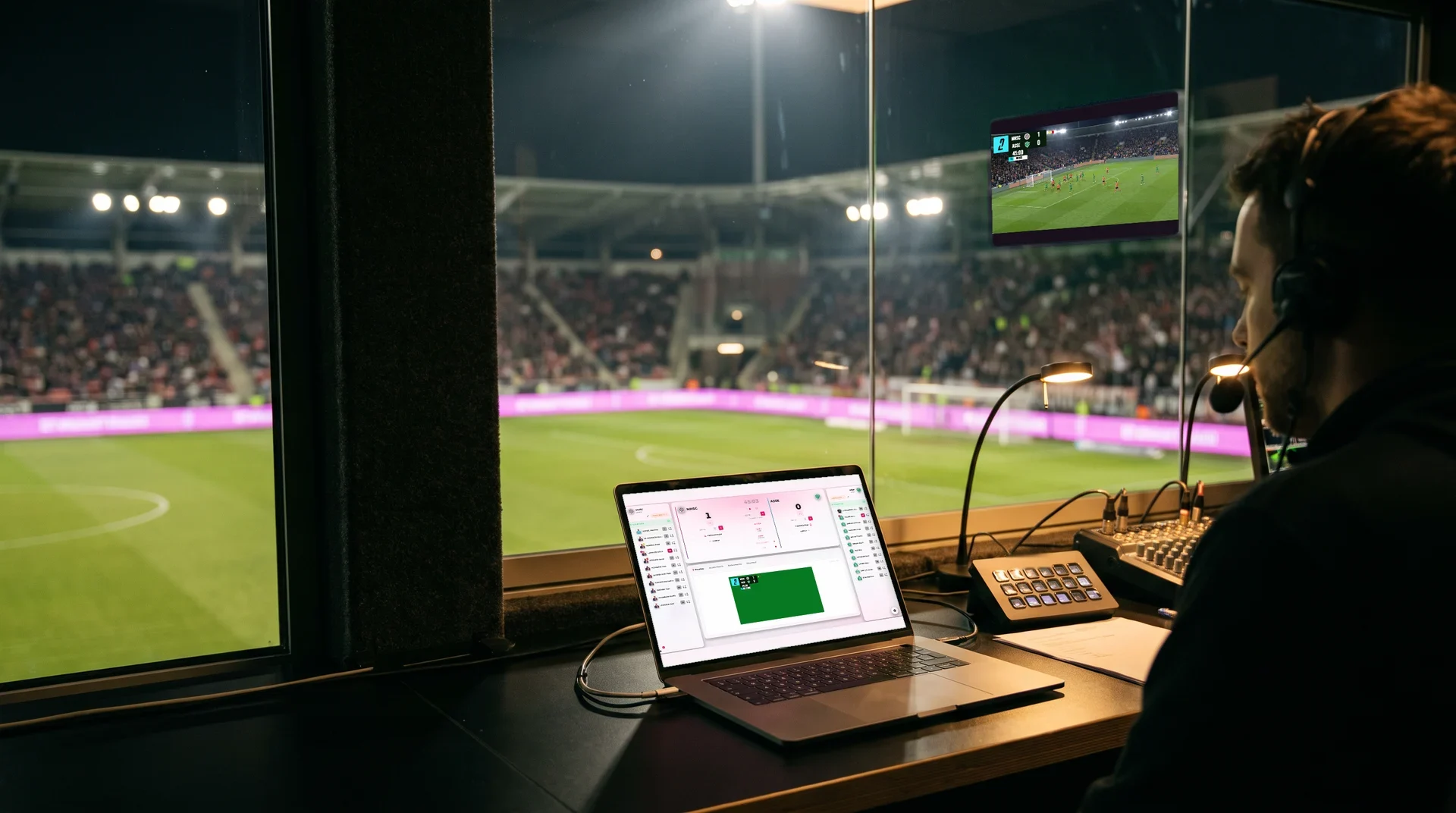
Scoring Sports events
FREQUENTLY ASKED QUESTIONS

FAQ – Everything you need to know about interactive screen surveys

What is an interactive screen survey?

An interactive survey on connected equipment is a questionnaire displayed on a touch kiosk or totem. Participants respond directly by touch or via a QR code. Results are collected in real time in a centralized dashboard. Each user in your space can express their opinion with ease.

How do you create an interactive survey for your customers or employees?

From E-Manager, you create your questionnaire by choosing the type of questions (stars, MCQ, free text), configure the display, and deploy it to your target devices. You can edit or add new questions at any time—without any special technical skills or experienced trainer training. Setup takes just a few minutes to enable interaction with your customers or teams from day one.

What types of questions can be included in a screen survey?

Surveys offers star or smiley ratings, single choice, multiple choice, free text, and interactive quizzes. Whatever the topic of your survey, each response format is tailored to a specific objective—satisfaction, engagement, or assessment. Explore the new formats available: the word cloud is particularly suited for group brainstorming sessions.

How do you retrieve survey results in real time?

Responses sync instantly to your E-Manager space as soon as a participant submits their survey. You view your survey statistics as charts available anytime from your account.

What's the difference between a screen survey and a standard online questionnaire?

A generic online questionnaire requires a connected device and a link shared via a slide or presentation. A survey on a physical kiosk targets on-site visitor traffic—without prior setup. Participation is spontaneous.

Does an interactive survey work without participants having their smartphone?

Yes. Participants respond directly on the touch kiosk. The QR code is an additional option for those who prefer their phone—but it's not required. This accessibility builds trust among participants in the system. Access is designed for all profiles.

How do you deploy a survey to multiple screens simultaneously?

From E-Manager, select the target devices in your fleet and launch simultaneous deployment. The centralized management application lets you control all your surveys remotely—across as many devices as you need, whether for a one-time event or ongoing management. You control every part of the collection system.

Collect your first feedback in under 10 minutes

Deploy Surveys on your screens and kiosks. Free 3-month trial - full Excellence version - no commitment.

Request a free demo!

+1,000 customer accounts trust us - French Tech Montpellier