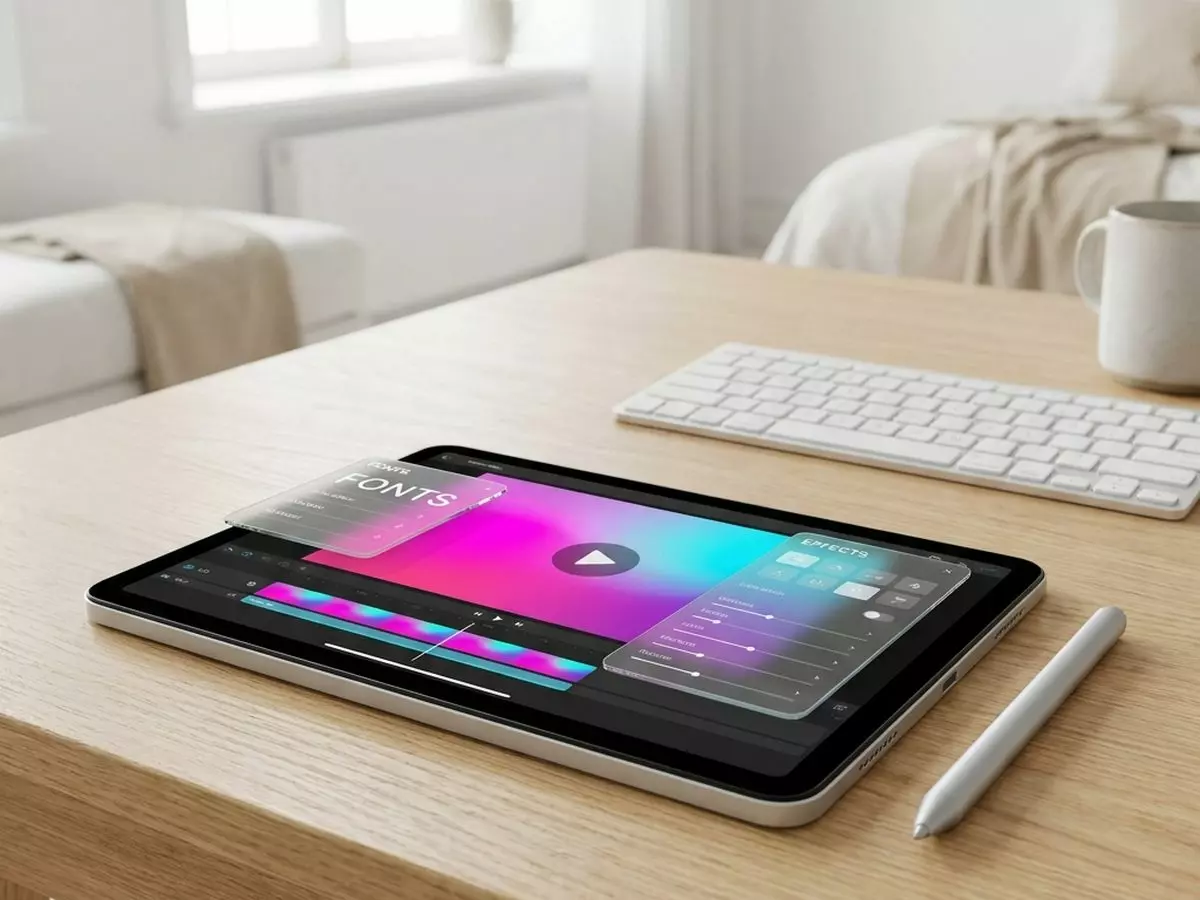
Digital signage · E-MANAGER

E-MANAGER digital signage software: create, schedule and publish on all your screens

One screen or a thousand, one single dashboard.

E-MANAGER is the digital signage software designed by EMITY. From a web browser, with nothing to install, you manage your entire screen network, whatever the brand or size.

7,000+connected screens
1,000+customer accounts
15 minto work on your own
1 minto connect an E-BOX

E-MANAGER, the dashboard

Four steps,
and your content is on screen.

What a communications manager expects from a signage tool comes down to four verbs. Nothing to install: a web browser is enough, on a computer, tablet or smartphone.
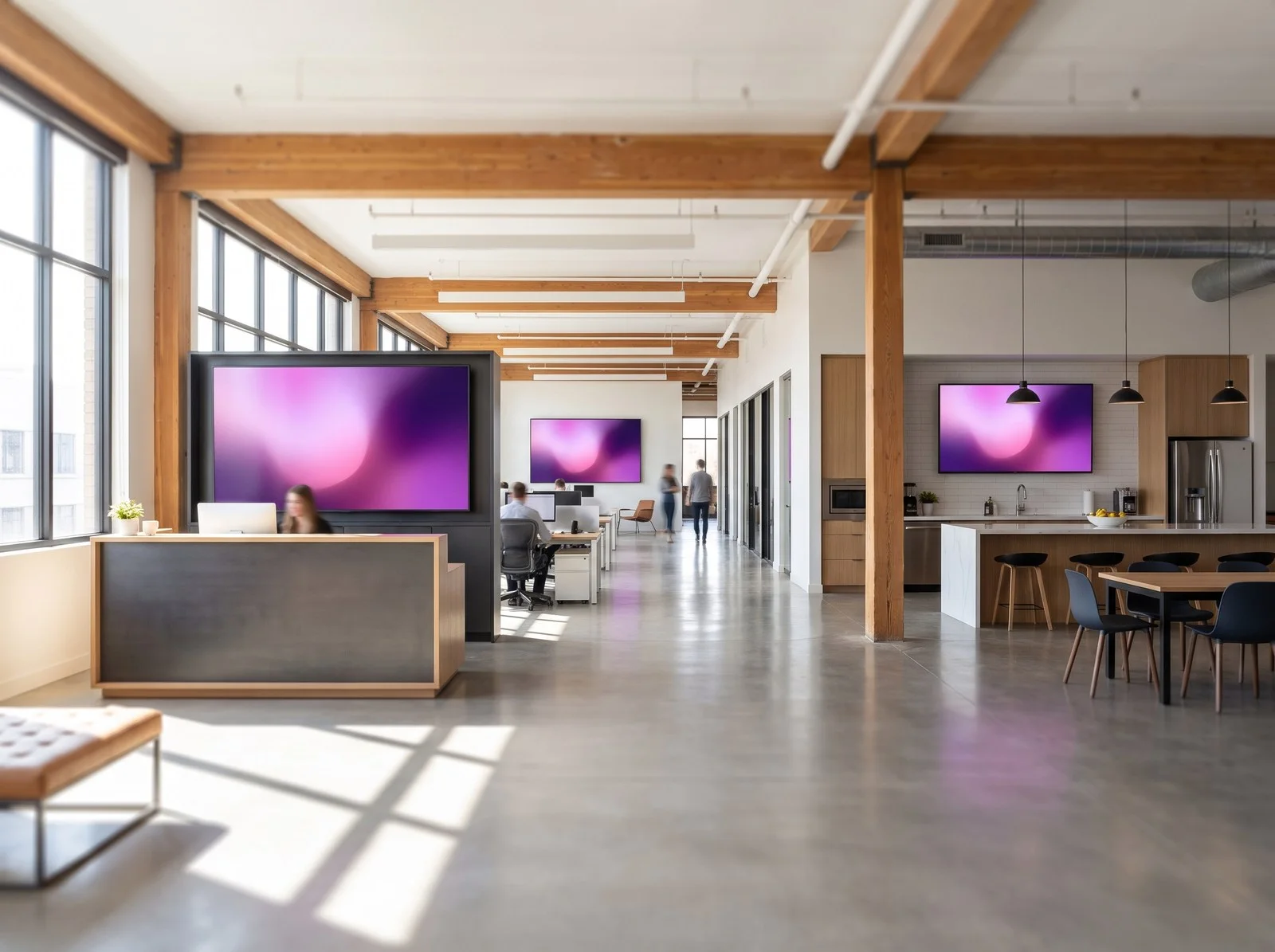
Light-wood open-plan office where several screens show coordinated contentShareOne screen, a group or the whole networkContent goes to one screen, a group of screens or an entire site, in a single action.
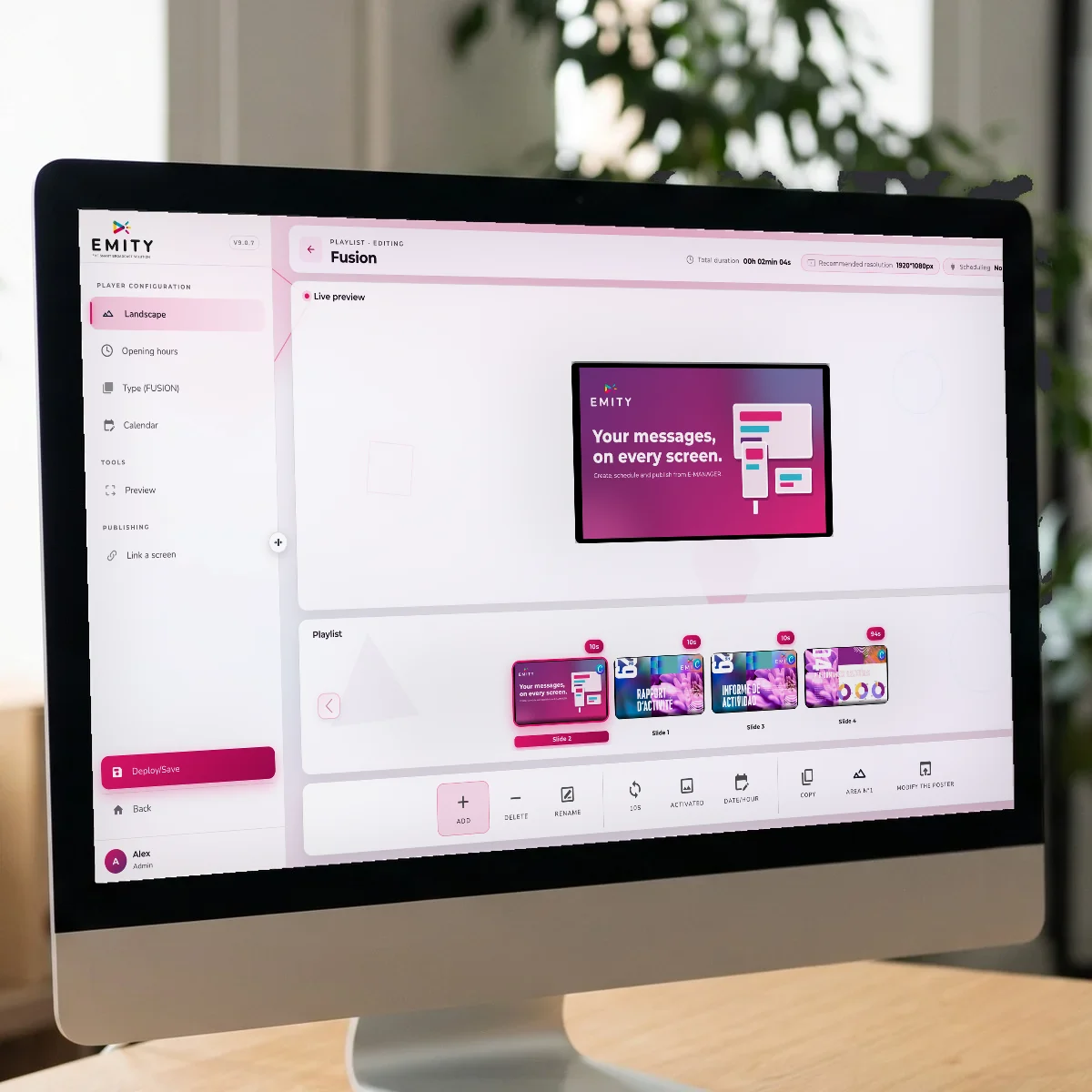
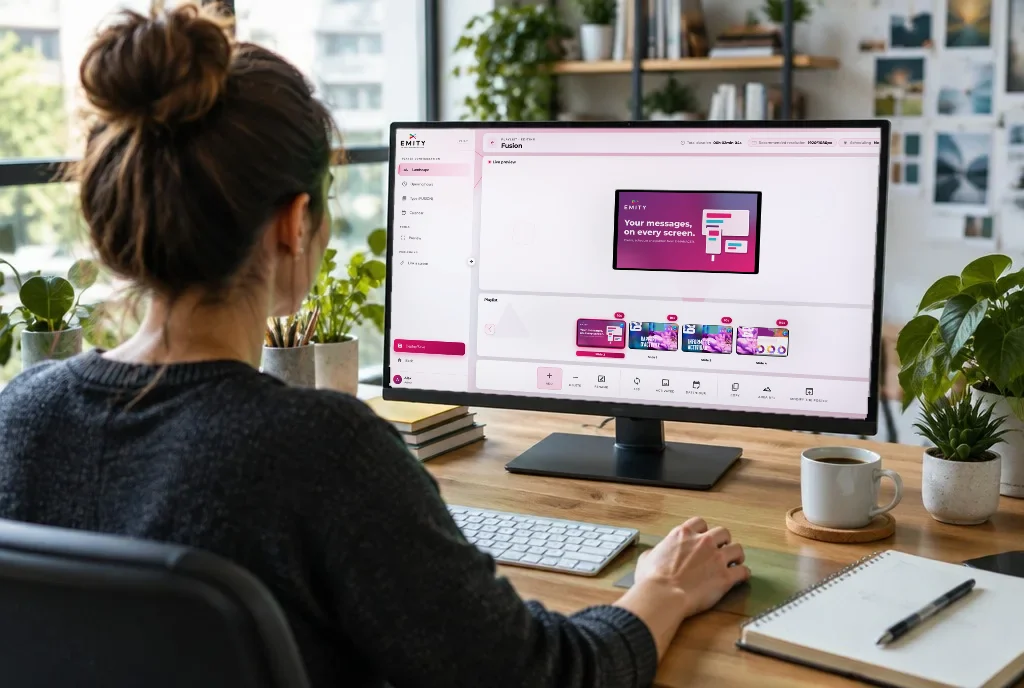
E-MANAGER playlist open on an iMac, with a live preview of the posterScheduleBy the hour, the day, the seasonTimes, days, periods and campaigns are set once: after that, the loop runs on its own.
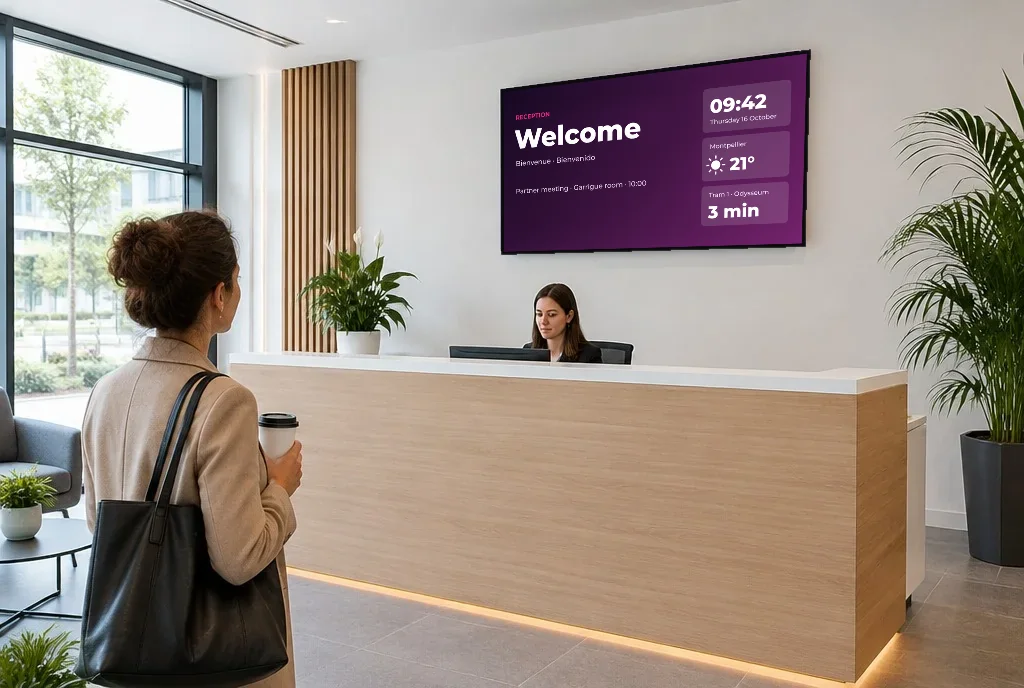
Reception hall where a wall screen shows an updated welcome message above the front deskAdaptA correction shows up straight awayA replaced visual or a corrected piece of information reaches the screen without redoing everything.

What goes on your screens

Five ways
to feed your screens.

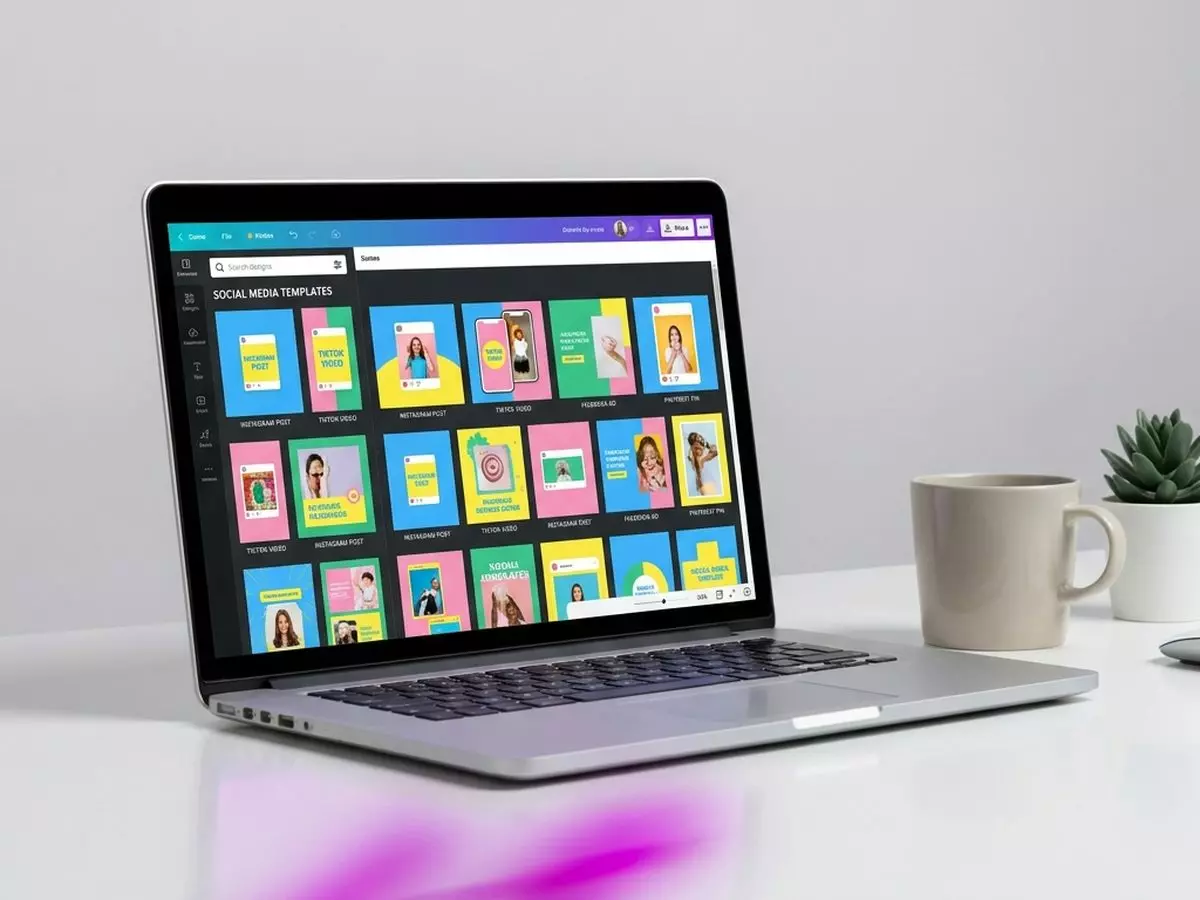
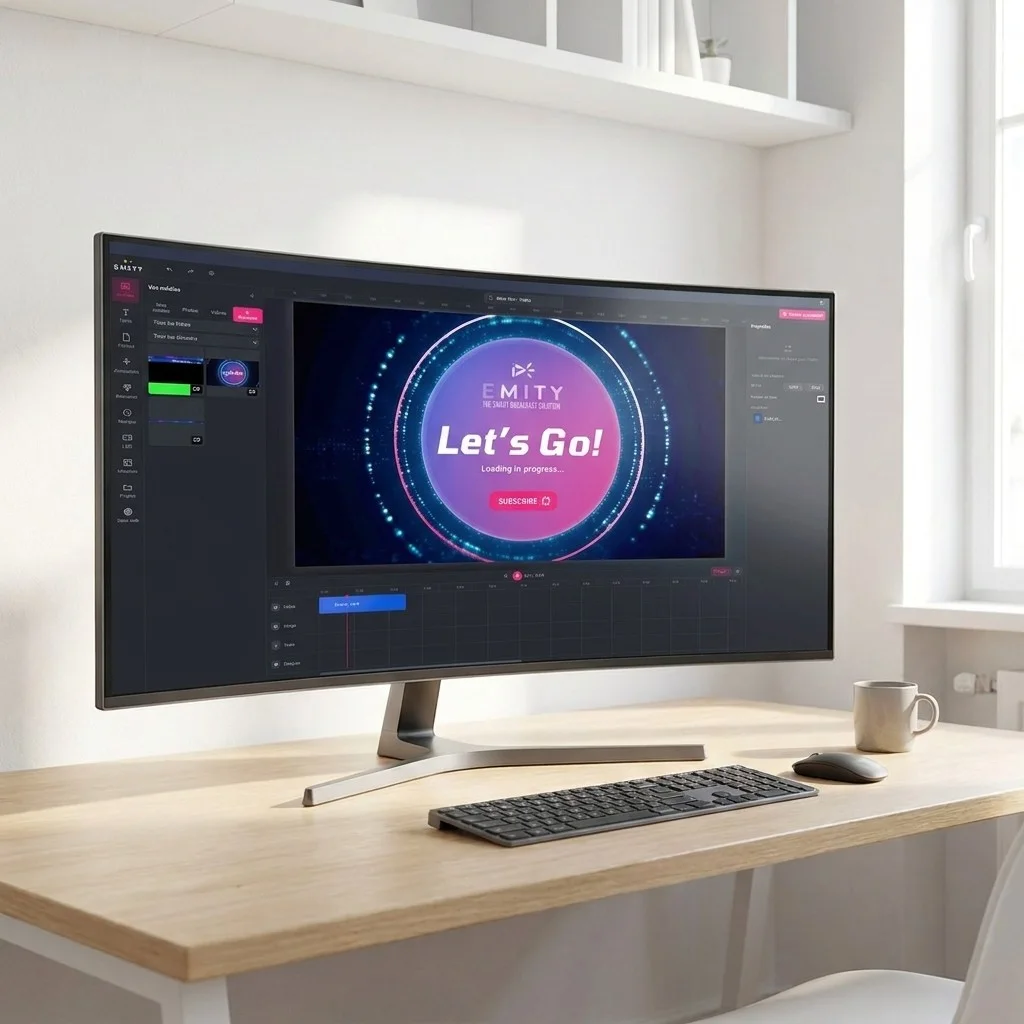
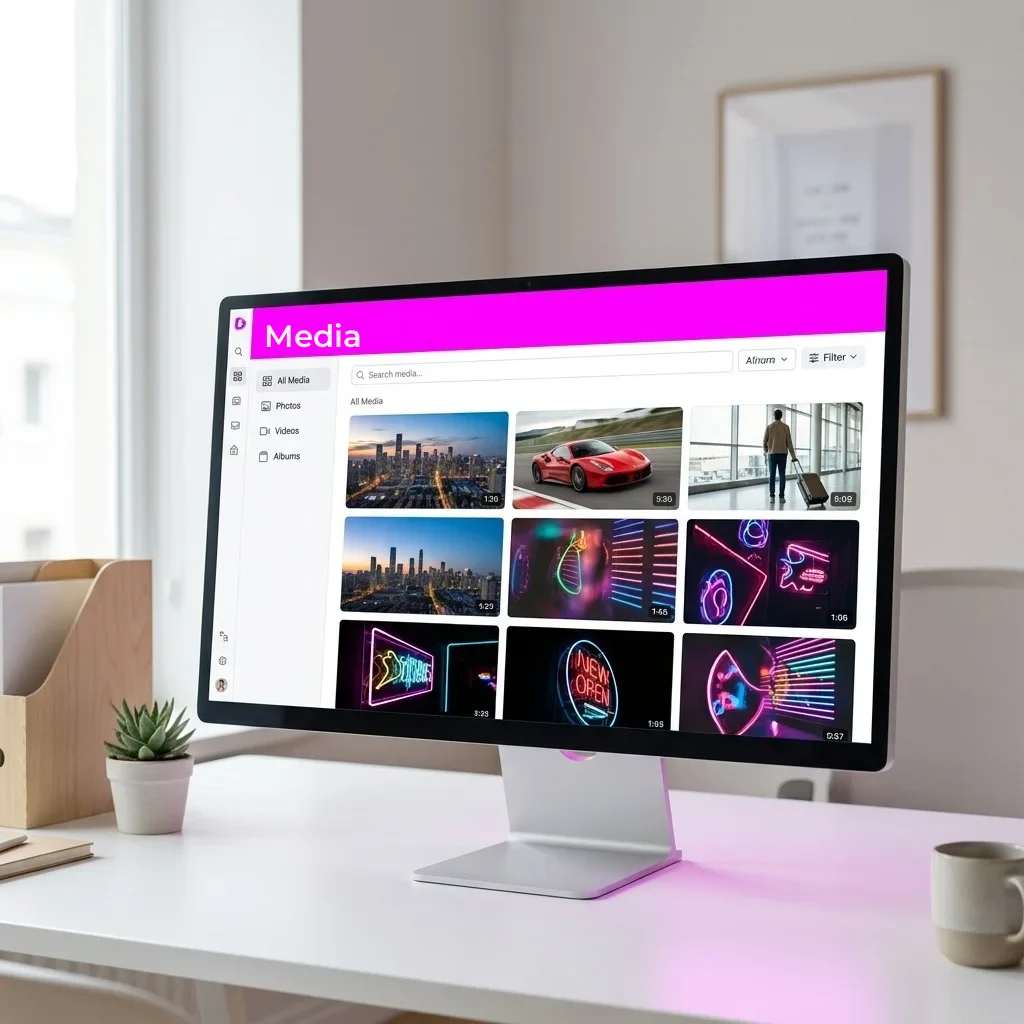
The EMITY editor covers the vast majority of needs: it is already in E-MANAGER, alongside the media library and widgets. Canva and Adobe Express come on top, for teams who already use them.
Automated content

Around twenty widgets,
for communication that matters.

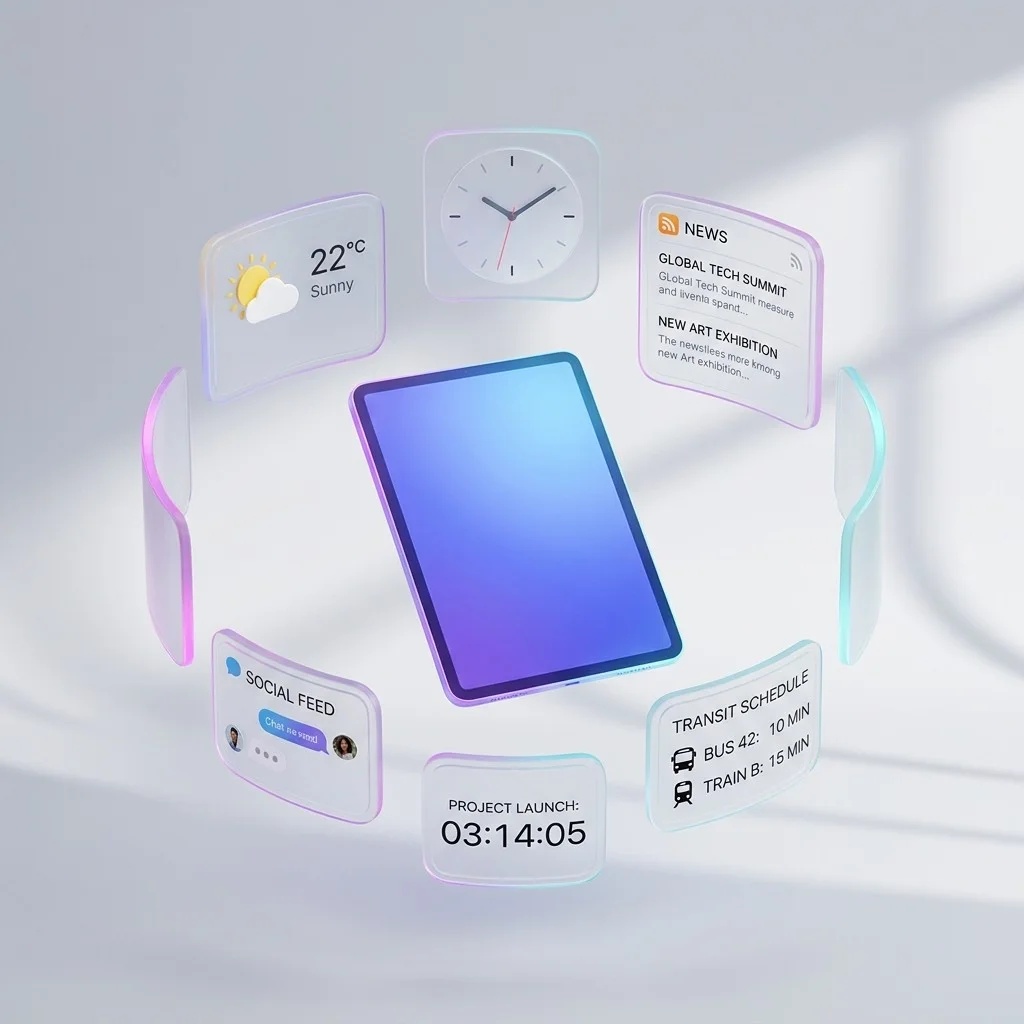
A widget fetches its data online and refreshes it without you lifting a finger: it goes into a playlist just like an image or a video.
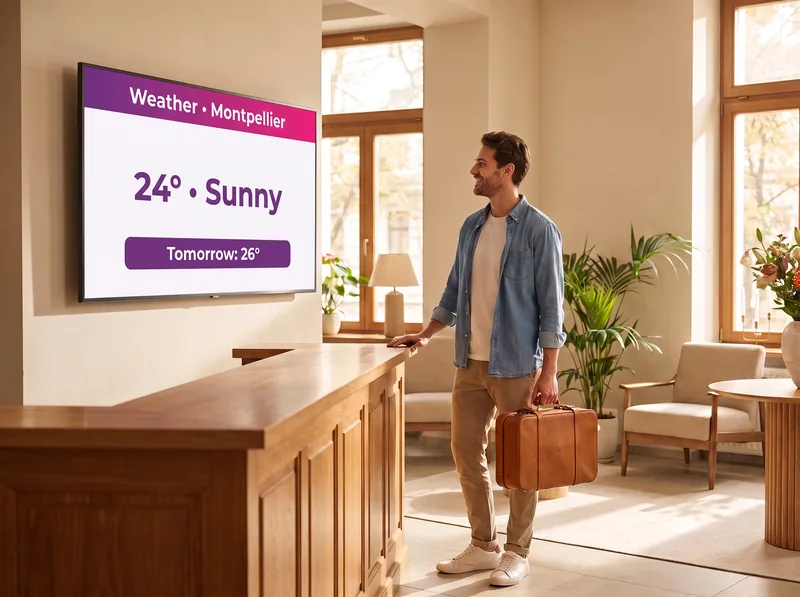
Hotel lobby: today's weather screen for MontpellierWeatherThe local forecast, from a glance to the whole week.
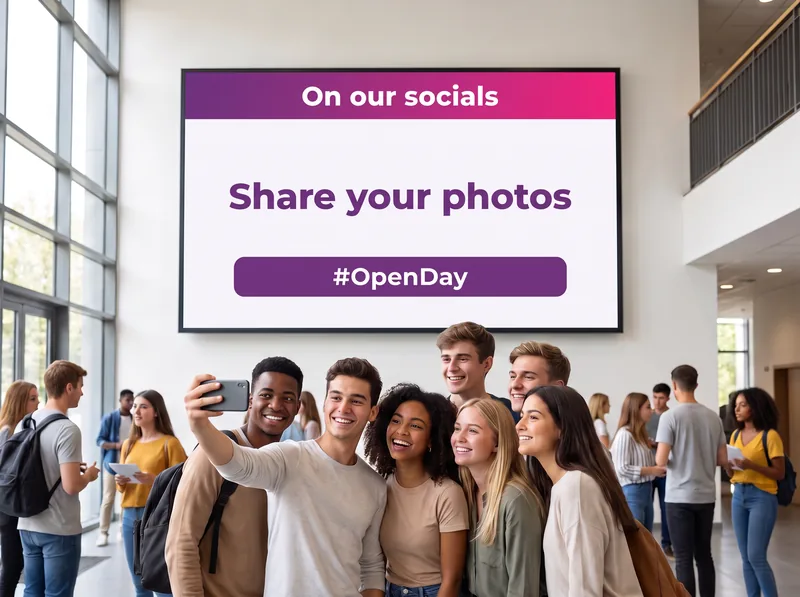
Students taking a selfie in front of a screen inviting them to share their photos on social mediaSocial mediaYour Instagram, LinkedIn or TikTok posts on screen.
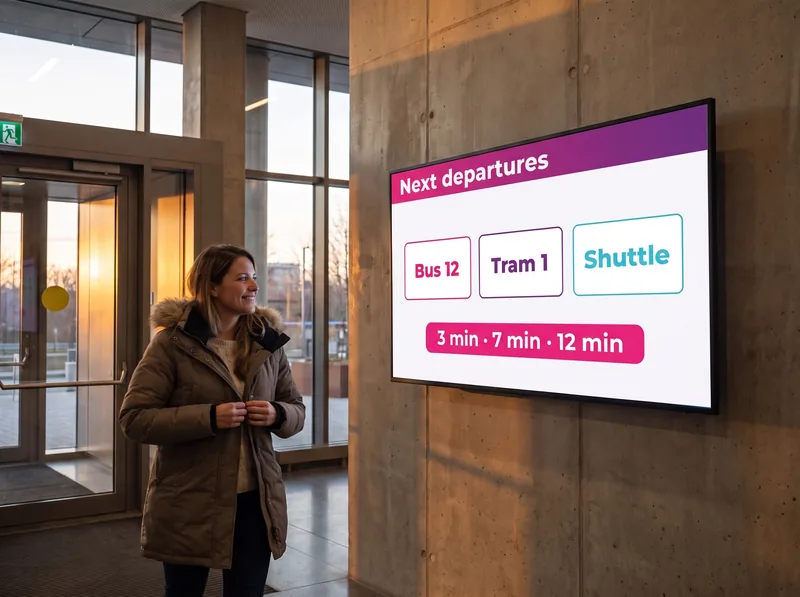
Office exit: screen showing the next bus, tram and shuttle departuresTransportThe next departures, at reception or in branch.
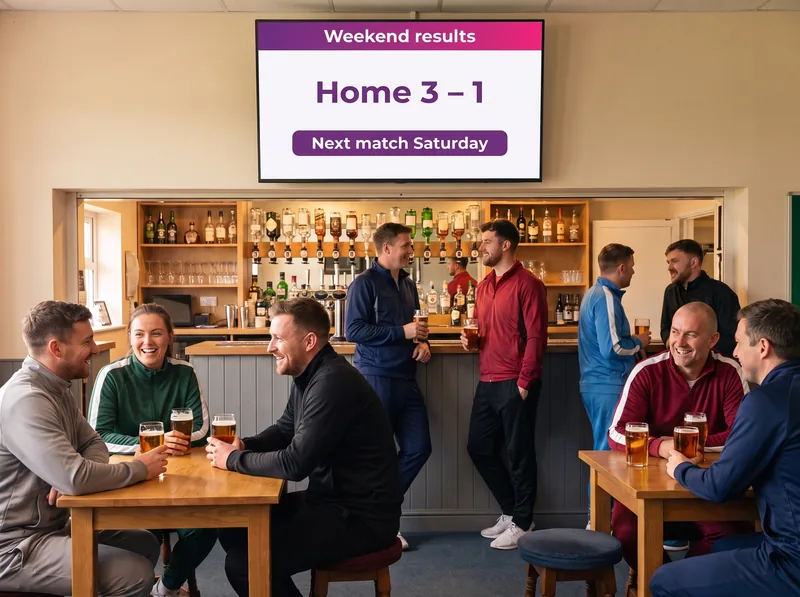
Sports clubhouse: weekend results screenSports scoresResults and competitions, for clubs and venues.
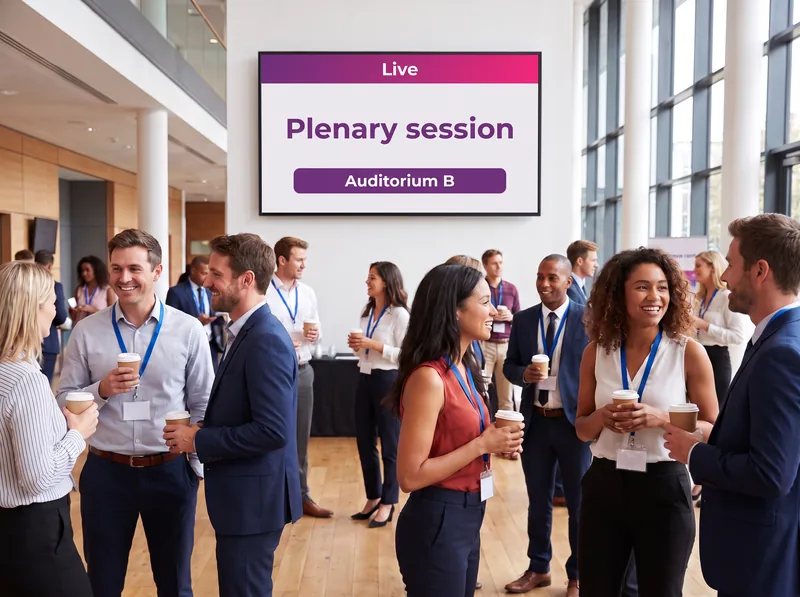
Conference centre foyer: screen announcing the live plenary sessionLive streamsA video stream shown on all your screens, without interruption.
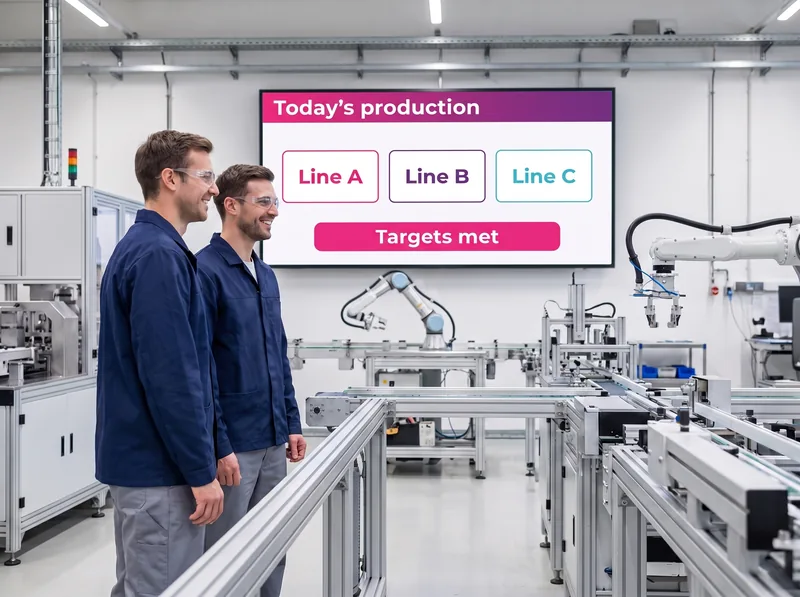
Production floor: screen showing today's indicators by linePower BIYour Microsoft dashboards, updated as often as the report.
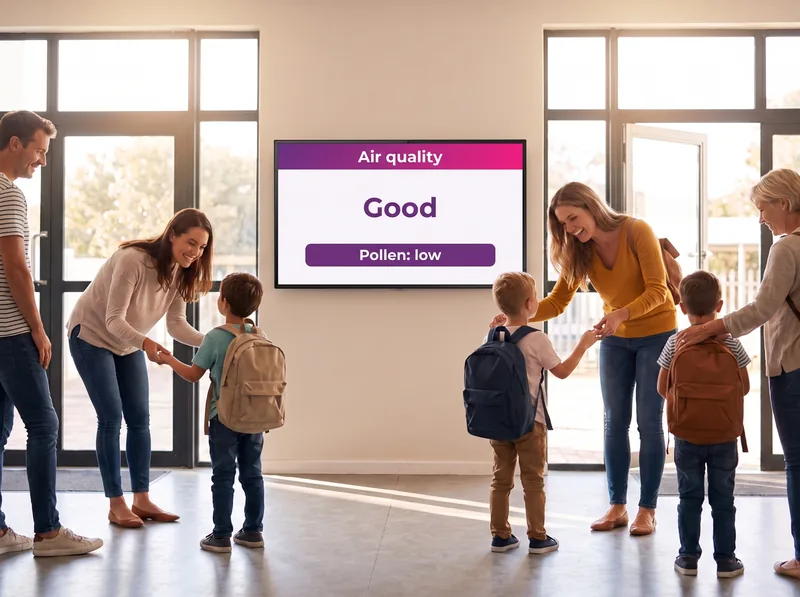
School entrance hall: air quality and pollen level screenAir qualityParticulates, ozone, pollen: the air you breathe, in real time.
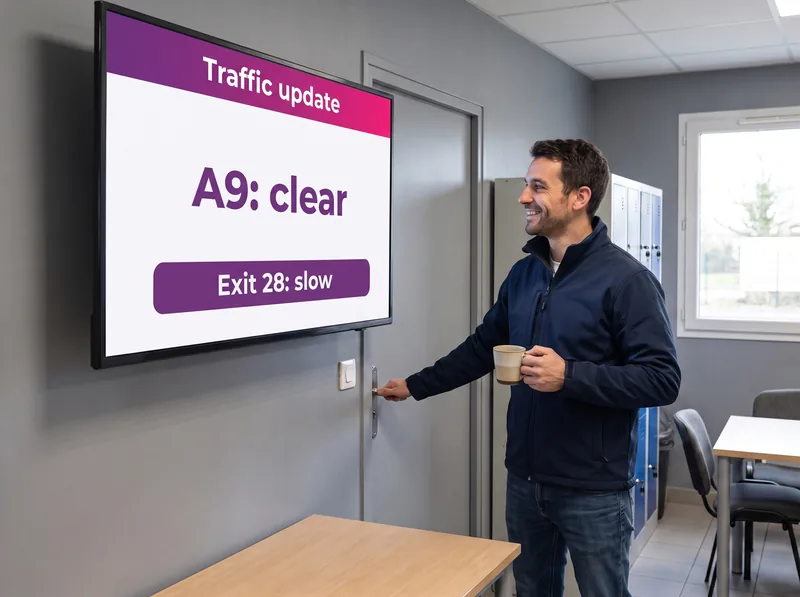
Drivers' break room: traffic update screen for the A9Road networkTraffic and alerts, to plan your journeys.

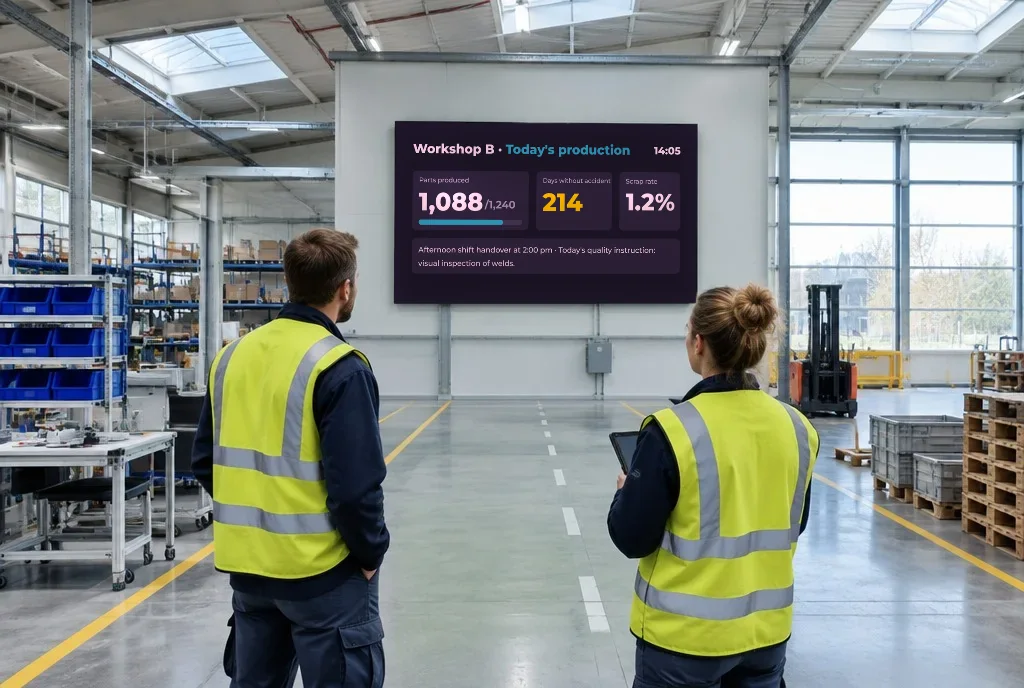
Production workshop where a screen shows today's indicators to two technicians

Your operational data reaches your screens on its own

What your systems already know does not need re-entering: widgets fetch the data and refresh it automatically. And if a connector is missing, our design office adds it.

  • ✓Power BI : your dashboards, just as your teams know them
  • ✓SAP : ERP figures displayed at the workstation, with no double entry
  • ✓SharePoint : intranet lists and documents, readable in a corridor
  • ✓Public transport : timetables refreshed automatically, the source stays with the operator

Widgets available depending on the subscription plan.
IPTV & live

One single screen
for all your events.

Live broadcasting is not a separate channel: it is one line in the schedule, managed from E-MANAGER like everything else.

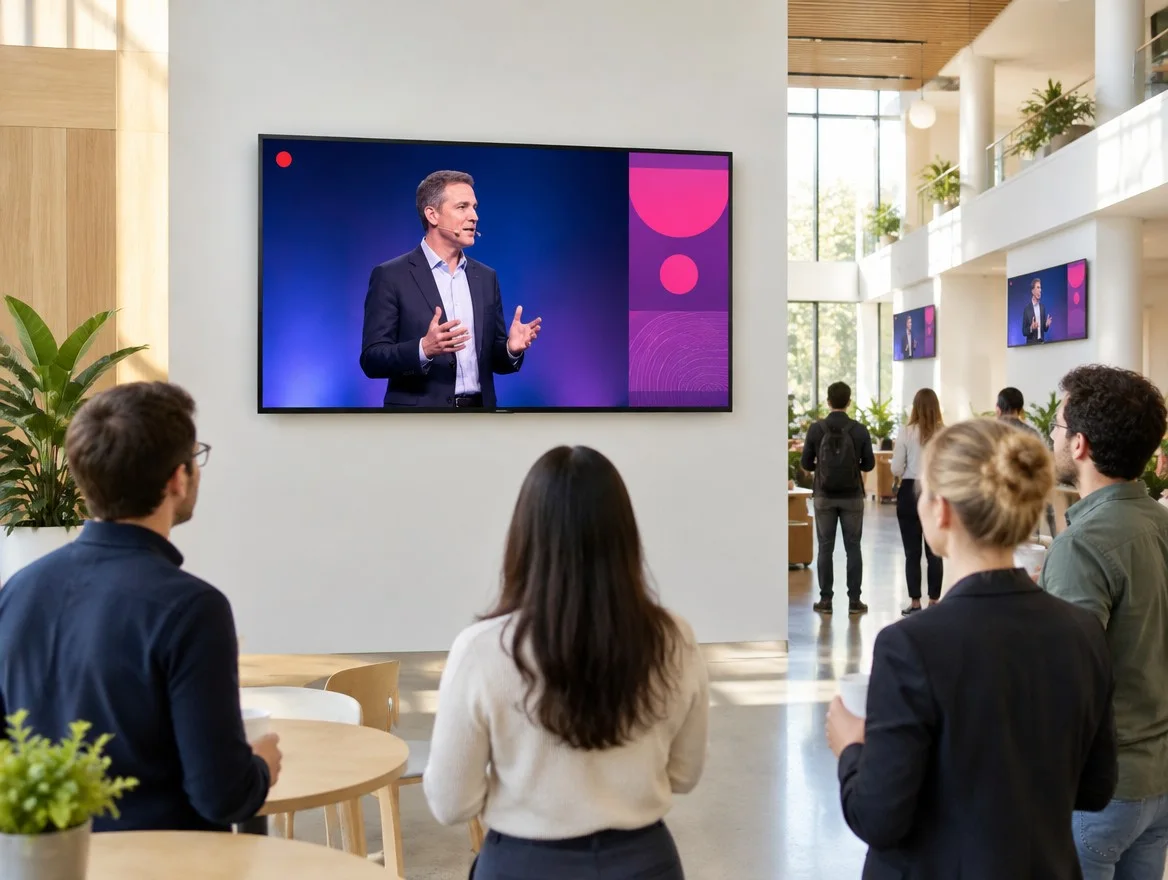
Employees following a talk broadcast live on a large screen in a bright atriumLive broadcastingA conference, a general meeting, a match: the signal is sent once and reaches the whole network, with no dedicated control room. Afterwards, the screen returns to its loop.
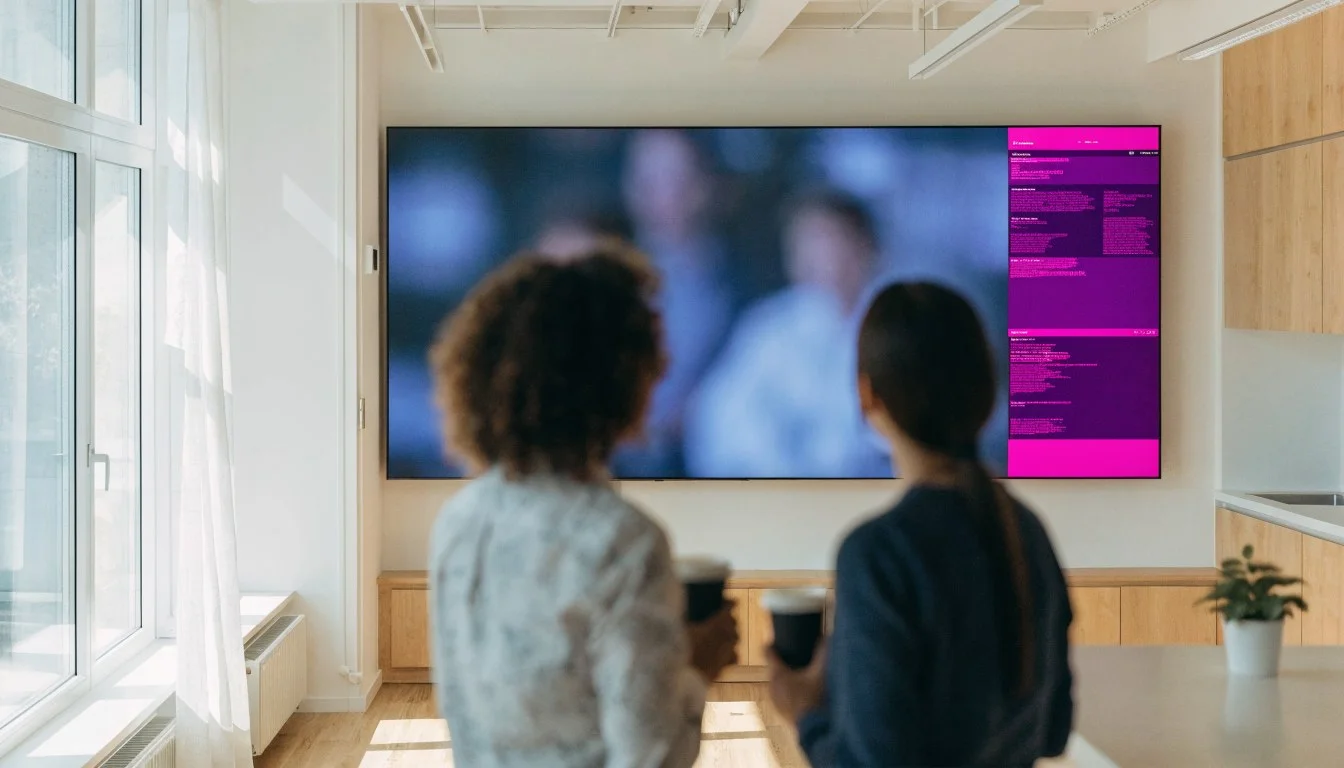
Wall screen split into zones: a video on one side, information on the otherScreen splittingThe display is split into simultaneous zones: live content in one, your information in the others.
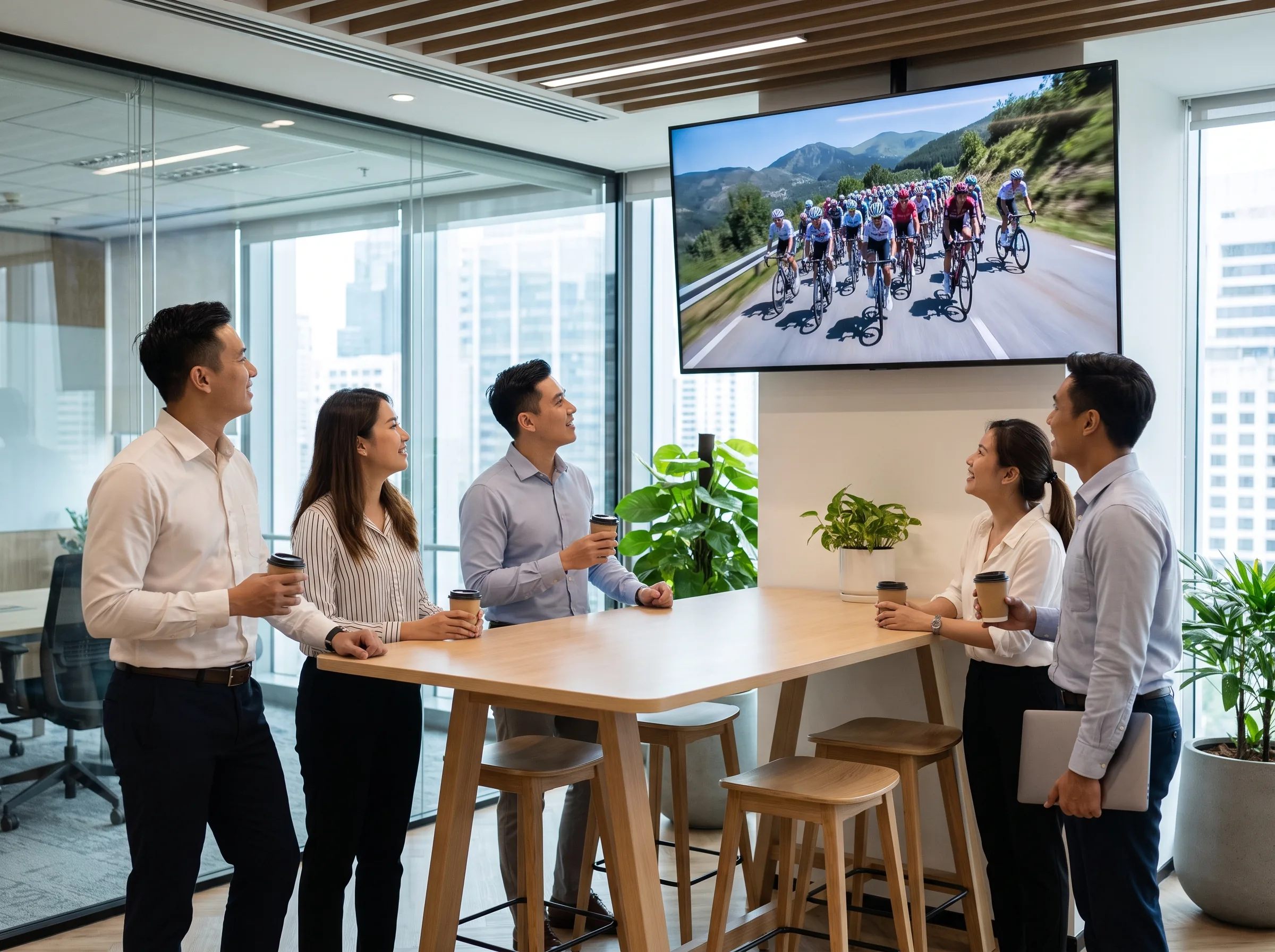
Break area in an open-plan office where employees watch a cycling race broadcast live on the wall screenTV channelsTV programmes are added to the playlist with our partner Ever Media, who also handles billing: no set-top box or satellite dish to install.

Universal compatibility

Every device,
the same account.

A buyer’s first question is rarely about the software: it is about what will need replacing. The answer is: nothing.
Office manager installing the EMITY app on a wall-mounted smart TV with the remote control

The box behind the display, or the app inside it

A screen that is already installed does not need replacing to join the platform: your current network becomes the starting point.

  • ✓E-BOX : the HD, 4K or 8K player, connected behind the screen in one minute
  • ✓E-SOFT : the embedded app for Android TV, Tizen and webOS, with no extra box or cable
  • ✓Replay label : takeover of existing networks, whatever the original software vendor
  • ✓Automated updates : less maintenance and fewer site visits
Screen brands compatible with EMITY: Samsung, LG, Philips, Sony, iiyama, TCL, ViewSonic, MAXHUB, Vestel, Allsee and SimplyTab
Screen manufacturers
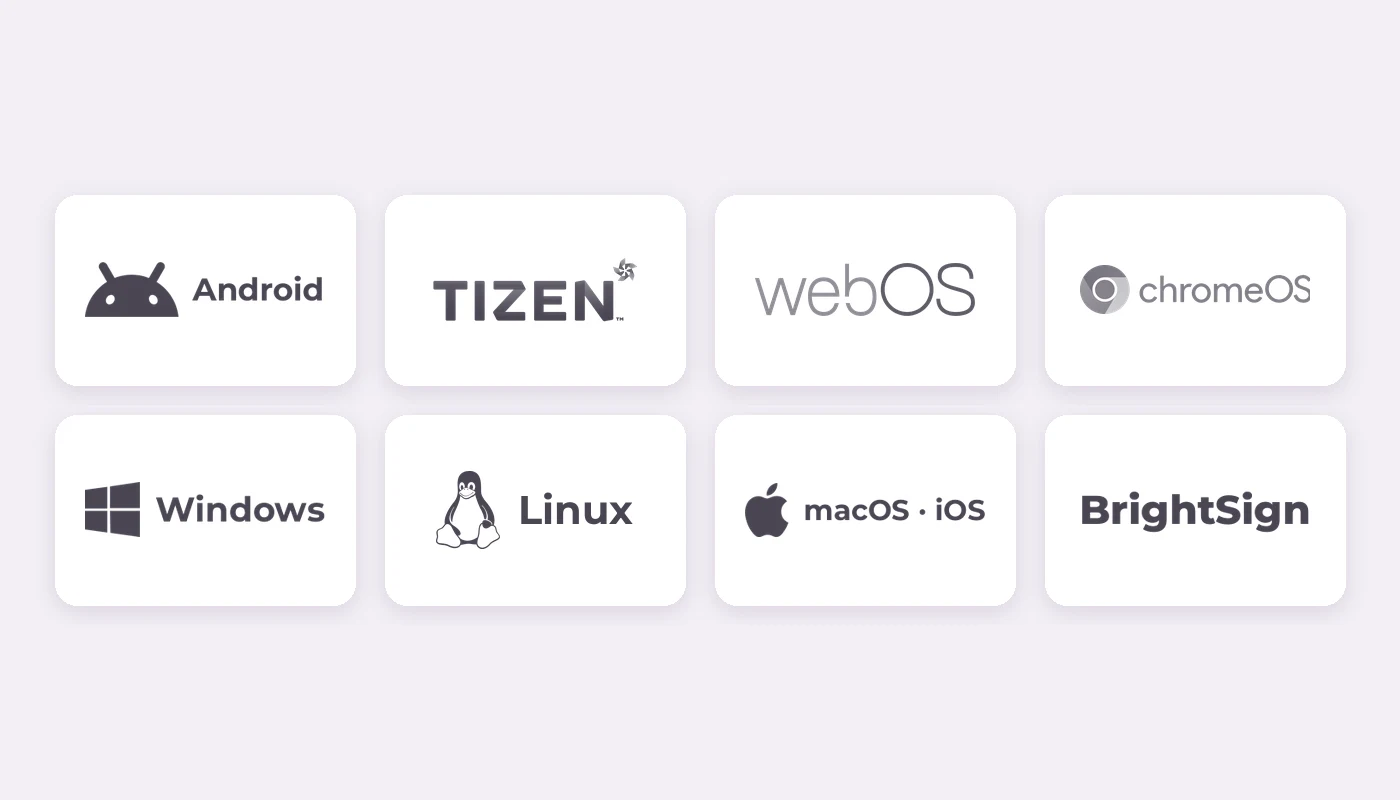
Systems and players compatible with EMITY: Android, Tizen, webOS, ChromeOS, Windows, Linux, macOS, iOS and BrightSign
Systems and players

Governance

One single account,
but not the same rights.

Rights are set user by user, screen by screen: one account is shared between several sites without one encroaching on another.
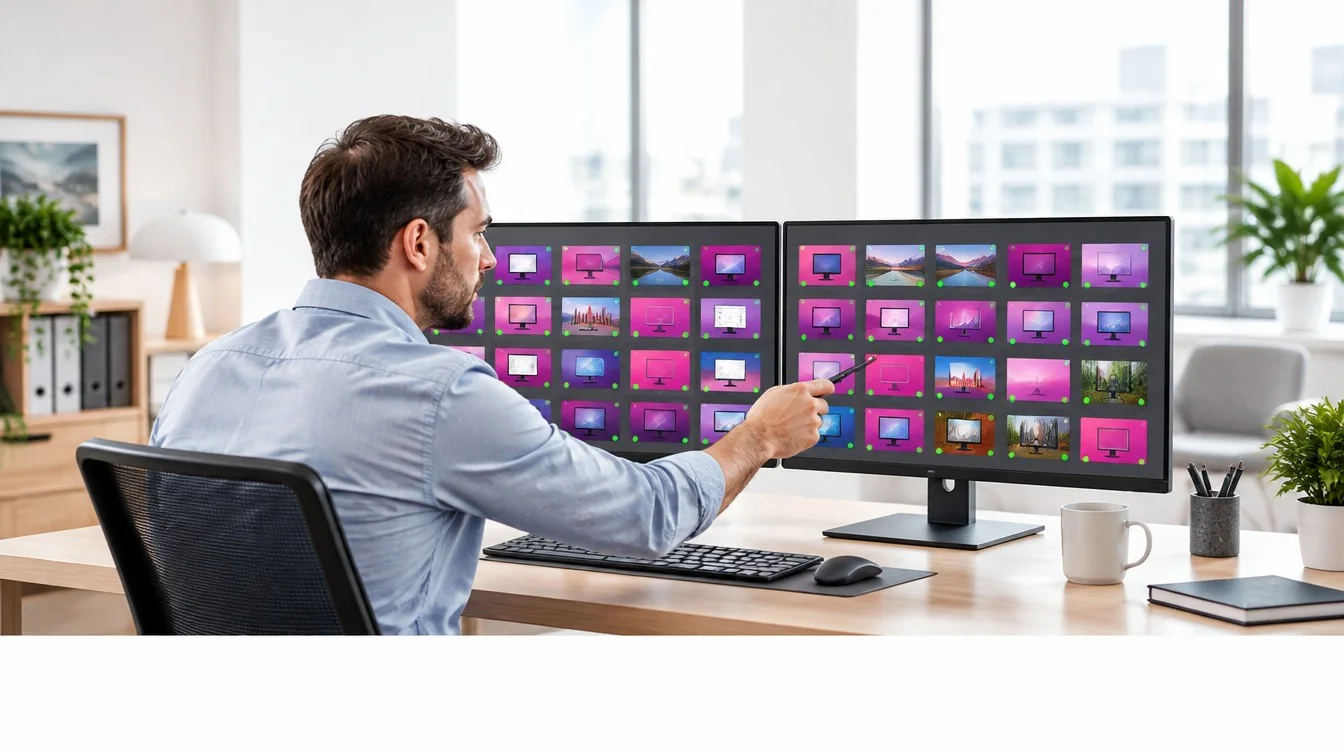
Administrator monitoring the status of every screen in the network on two monitorsAdministrator · ITThe one who sets things up: IT, facilities, network management.What they can do : create accounts, divide up the network, enable modules.What they see : the status of every screen and the publishing history.
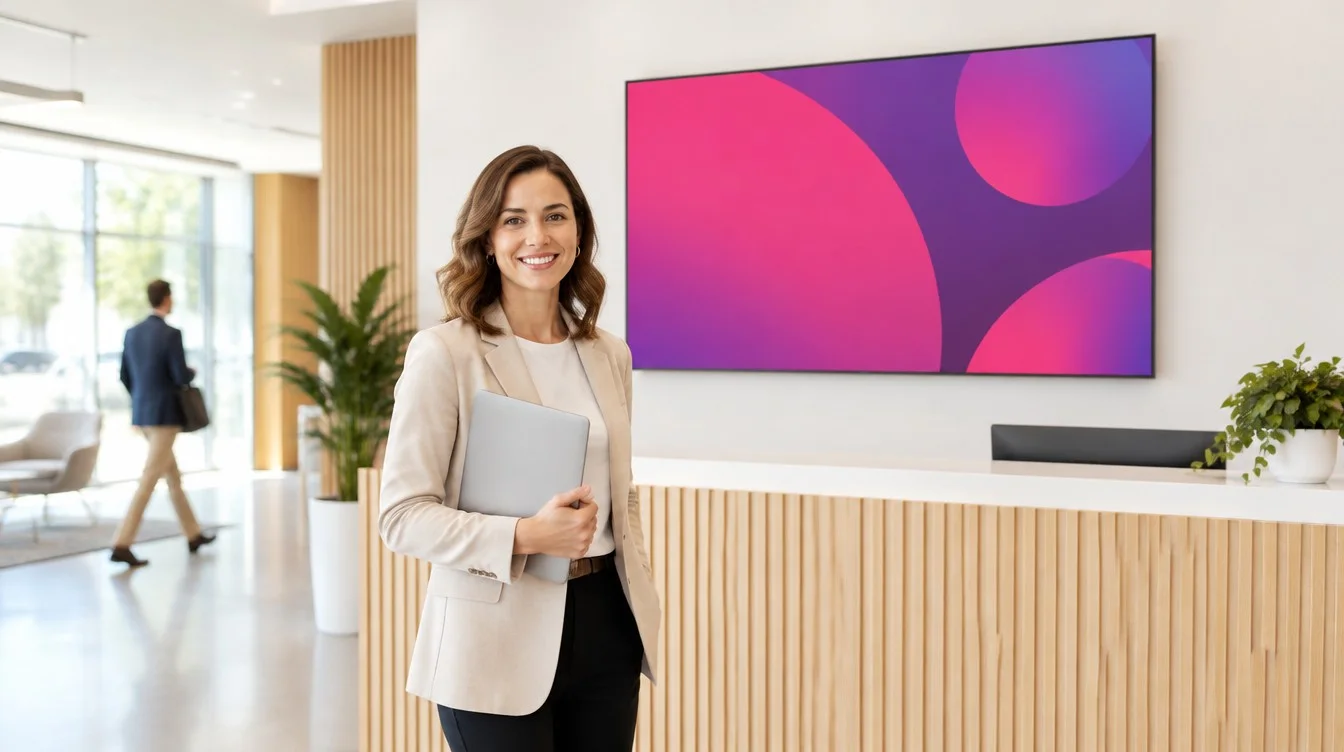
Communications officer in front of a reception screen whose content she publishesUser · communicationsThe one who publishes: receptionist, site manager, communications officer.What they can do : publish on the screens assigned to them.What they cannot do : change the network, the accounts or other sites.
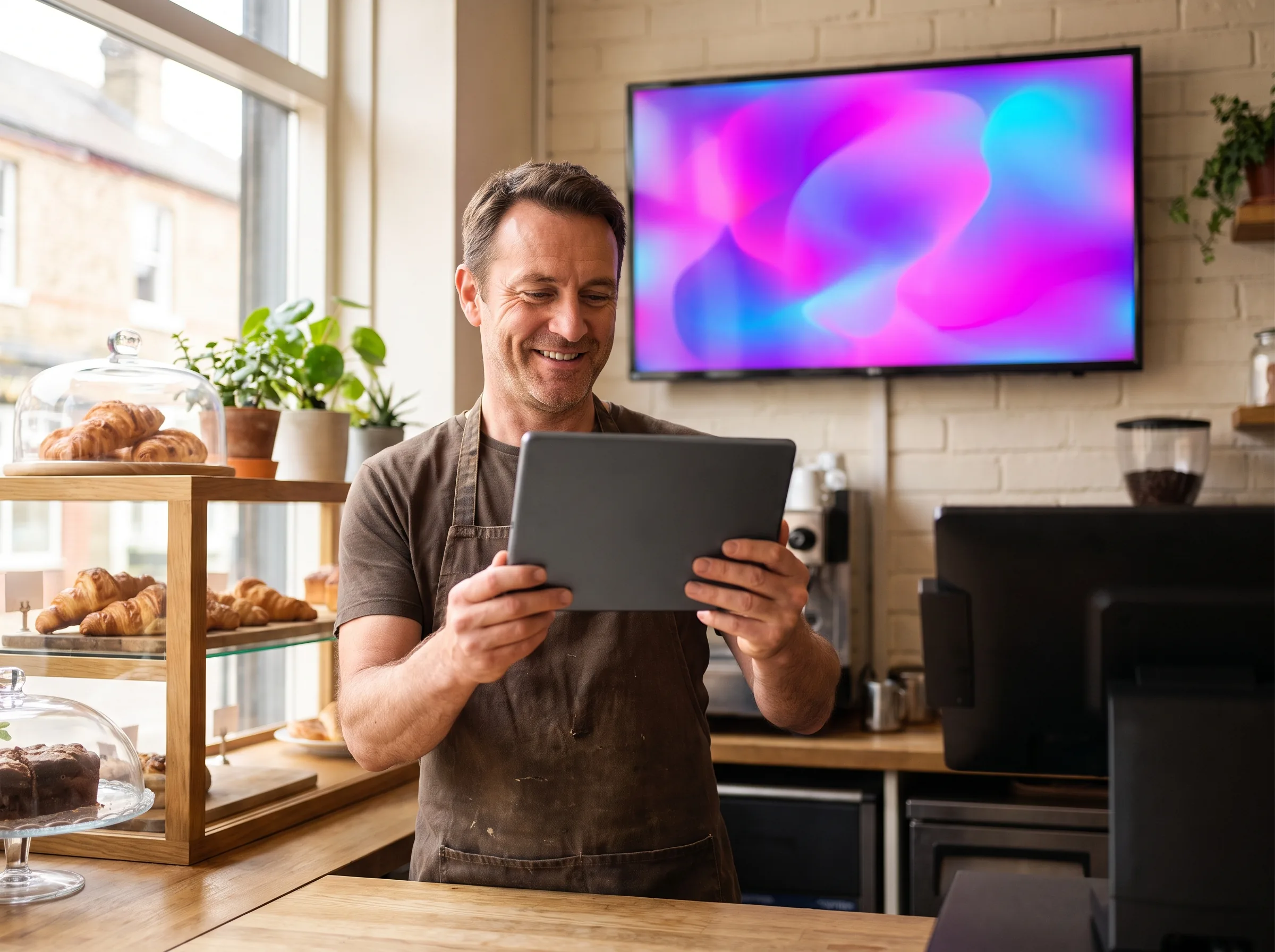
Manager of a franchised bakery publishing from his tablet to his shop's screenGuest · partnerAn agency, a subsidiary, a franchisee, a contractor.What they can do : upload content, within a limited scope and for a set time.What they do not see : the rest of the network, or other people’s content.
Super-adminFor a head office, a group or a reseller managing several accounts: it assigns each one its plan and its screens, from a single login.

Why EMITY rather than another

Four reasons,
including the innovation that sets us apart.

Compatibility, innovation, events, an integrated suite: what makes the difference when it is time to choose.

01Compatibility with every manufacturerNo screen to replace to get started: an E-BOX player behind the display, or the E-SOFT app inside it.
02Innovation, starting with digital inkEMITY is the first French software vendor to manage e-paper screens, and the same platform handles NFC interaction and real-time scoring.
03Managing your live eventsIPTV, live broadcasting, screen splitting: an event is shown across the whole network with no dedicated control room, then the screen returns to its loop.
04An integrated suite, one subscriptionSignage, interactivity, queue management, room booking, visitor management, Stadium Experience: one contract, one training course, one contact.

They run their screens with E-MANAGER

More than 1,000 customer accounts,
in more than 20 countries.
Colissimo logo

Colissimo (La Poste)

300 screens deployed since 2020 for logistics communication across the whole network.
Europcar logo

Europcar

360 screens and tablets managed in branches across France and its overseas territories for real-time customer information.
Schindler logo

Schindler

Brings its lift cars to life. “It performs!” — Rahim, digital project manager.

Your data, protected

IT security
is our priority.

For a public-sector buyer as for an IT department, it is often the first question asked. Here is the answer, measure by measure, and the deployment option that suits you.

More than 10,000 hours of development devoted to security

The data from your screens, your visitors and your users stays in France, on infrastructure we control. Development is done in-house: no critical component is outsourced.

  • Hosting in France (OVH) and GDPR compliance across all modules
  • ISO 27001 compliant, certification targeted in 2026
  • Two-factor authentication (MFA) from the Premium plan, SSO on the Excellence plan
  • Regular penetration tests : anticipating threats rather than discovering them
  • Security assurance and business continuity plans : security, service continuity, playback maintained without internet

Three ways to deploy the platform:

  • As SaaS, hosted by us;
  • On your own servers (on-premise) when your policy requires it;
  • Or hybrid, with management on our side and data on yours.
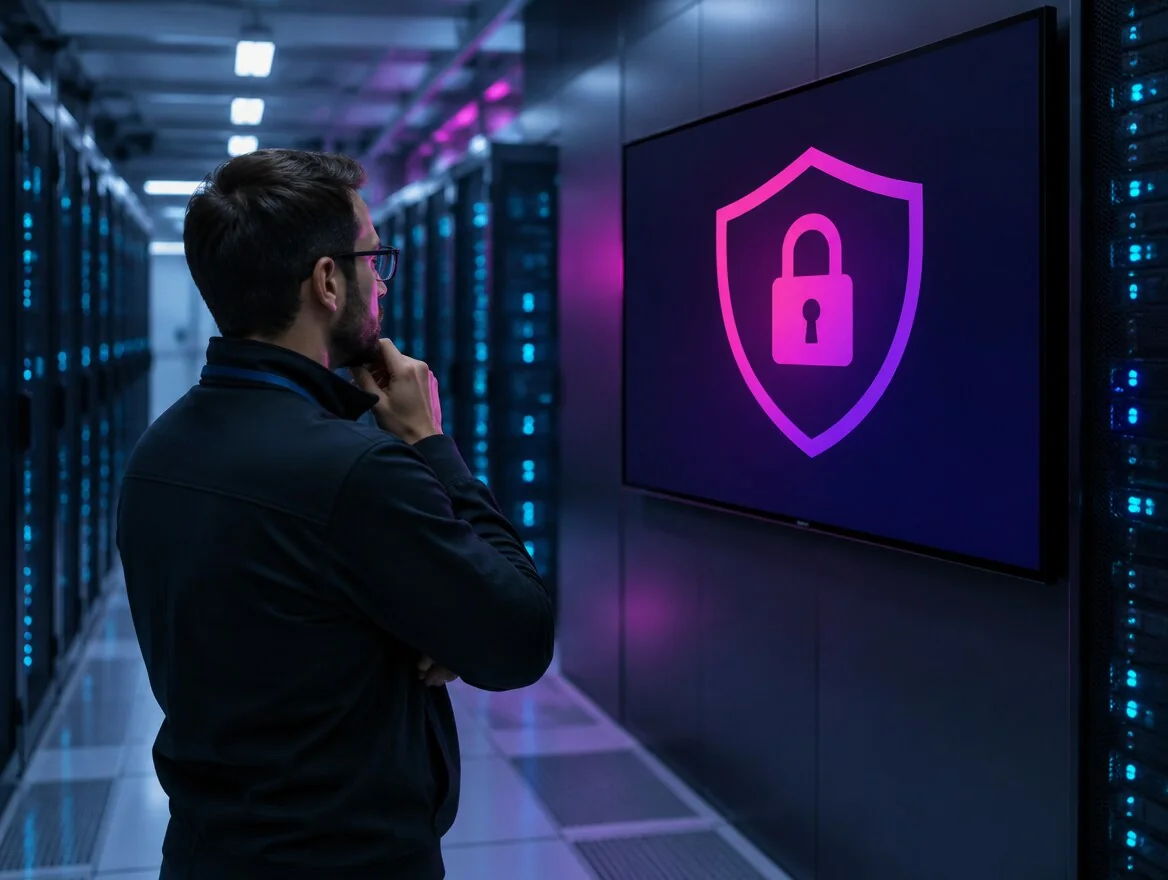
Security engineer in a data centre, in front of a screen showing a padlock in a shield

Standard, Premium or Excellence: three plans per screen, per month, that grow with your estate.

YOUR MOST FREQUENT QUESTIONS

FAQ — E-MANAGER

Most probably yes. The platform is compatible with Samsung, LG, iiyama, Philips, Sony, Vestel, ViewSonic, and with every Android and Google ChromeOS screen. For your older or unconnected screens, the E-BOX (our own player) plugs in over HDMI.

From 1 to more than 1,000 per account. The platform is built to grow with your estate, with no major change of subscription.

Yes. The drag-and-drop editor and the built-in Canva and Adobe Express templates let any colleague create a clean visual, with no design background. Our wiki and our video tutorials round out the learning.

Yes. Hosting with OVH in France, GDPR, two-factor authentication (MFA), SSO on the Excellence plan, regular penetration tests, a business continuity plan, and ISO 27001 compliance under way (2026 roadmap).

Three plans per screen, per month: Standard, Premium, Excellence. Exact pricing depends on the number of screens and the plan you choose; your EMITY partner will prepare a tailored quote. The 3-month free trial on the Excellence version lets you measure the value before committing.

Yes! 3 months on the Excellence plan, up to 3 screens, with no credit card and no commitment.

Bring your screens to life with E-MANAGER

Ask for a tailored demonstration, or start straight away with a 3-month free trial. Our team and our 130-plus certified partners across France and Europe support you at every step.