
Digital signage at the service of emergency communication
A siren tells people that something is happening. It does not tell them what, where, or what to do. A screen network does — the nature of the event, the instruction to follow and the direction to take, in seconds, across every site, and including for people who cannot hear the alarm.
for emergency evacuation
into national law
must be (Annex VII)
THE PROBLEM
A siren says something is happening. Not what to do.
An acoustic signal is designed to be heard everywhere and to be impossible to confuse with anything else. It is not designed to carry information — the EU definition is explicit: a coded sound released by a device, without the use of a human or artificial voice. Yet in the first seconds, the question that matters is not « is something wrong? » but « what exactly, and what should I do from where I am standing? »
| Alert channel | Who can trigger it | What it carries | Perceived without sound | Perceived without a phone | Targeting granularity |
|---|---|---|---|---|---|
| Siren / fire alarm system | The operator, or automatic detection | A signal, carrying no information | No | Not applicable | The whole building |
| Public warning (cell broadcast) | Government only — in France, the Prime Minister or a prefect | A generic civil-protection instruction | Yes | No | A geographic area around cell towers |
| Email, intranet, internal SMS | Depends on internal organisation | Detailed text, read later | Yes | No | Distribution lists |
| Digital signage | Any authorised person in the software | Nature of the event + instruction + direction, as images | Yes | Yes | Per screen, zone, building or site |
Sources: Council Directive 92/58/EEC, Annex VII (acoustic signals). Public warning systems are required of every EU Member State by Article 110 of the European Electronic Communications Code (Directive (EU) 2018/1972); in France the system is FR-Alert, live since June 2022, and only the Prime Minister or a prefect can activate it.
DEFINITION
What is emergency communication?
Emergency communication covers every means of delivering, within seconds of a serious event, both information and an instruction to everyone present in a building or on a site: employees, visitors, contractors, students, patients or customers. It is distinct from crisis communication, which faces outwards — media, customers, authorities — and plays out over hours or days.
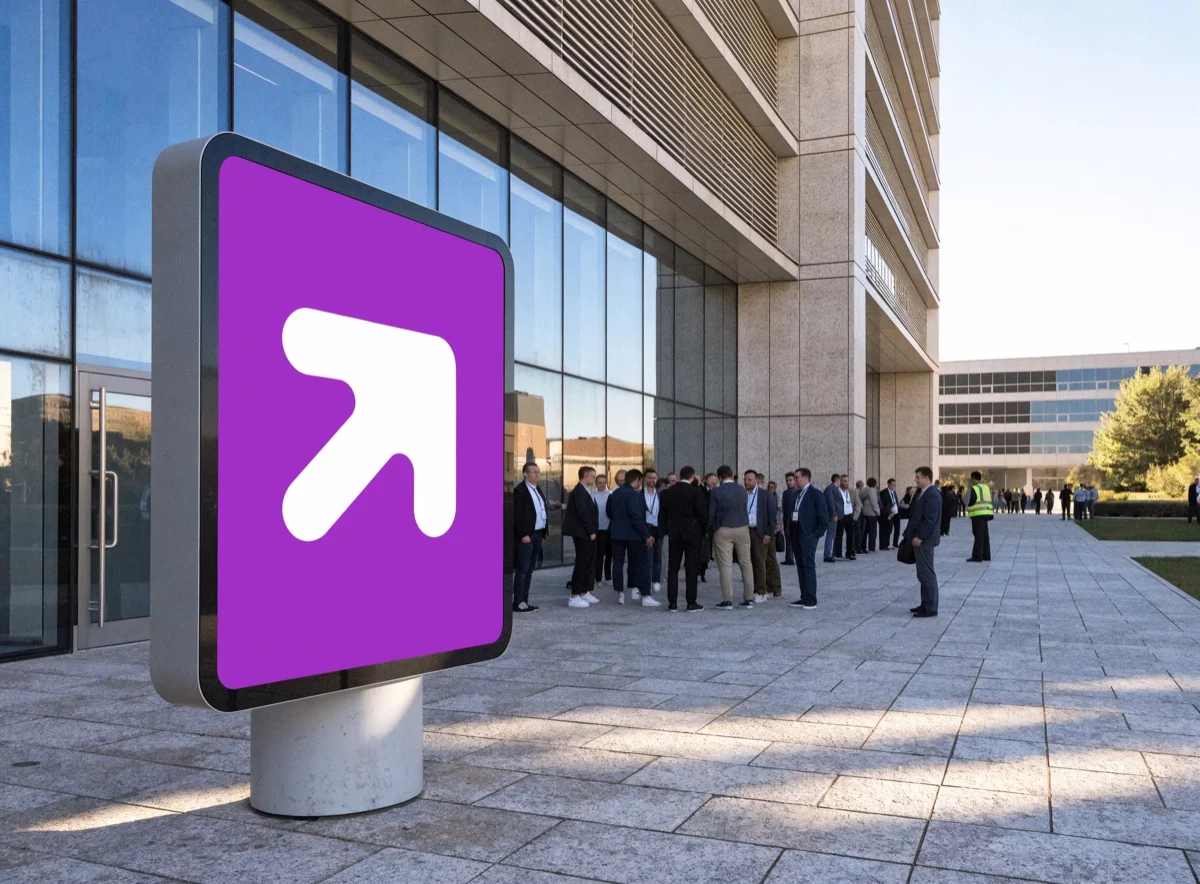
The four postures you need to be able to broadcast
- ✓Evacuate — leave the building along a defined route towards an assembly point.
- ✓Shelter in place — stay inside, move to an enclosed room, close openings, shut down ventilation.
- ✓Enhanced shelter — seal the room, in the event of a toxic cloud or chemical release.
- ✓Run or hide — in an intrusion, escape if escape is possible, barricade if it is not.
The four postures of the French unified PPMS — French Ministry of Education, Modèle de PPMS unifié, explanatory note, February 2024. Two of them are strictly opposite instructions: broadcasting the wrong one costs more than broadcasting nothing at all.
Where to place the screens
Lobbies and reception areas
The one point every visitor passes through, including those who do not know the building.
Corridors and stairwells
Where the decision about which way to go is actually made, at the moment it is made.
Workshops and production areas
Where noise drowns out the voice and phones stay in the locker room.
Break rooms and canteens
Gathering areas, often far from the workstations.
Meeting rooms and classrooms
Enclosed spaces that outside information does not reach.
Outdoors and assembly points
To direct people, count them, and announce the all-clear.
THE LEGAL FRAME
What the law expects from an alerting system
European law does not mandate digital signage. It does something more useful for anyone building a case: it names illuminated signs and spoken messages as means of emergency evacuation, and it requires signs to be supplemented whenever hearing or sight is impaired — including by the PPE your own procedures make compulsory.
Informative summary, current as of 7 August 2026. Directive 92/58/EEC has been transposed into national law in every EU Member State (European Commission, SWD(2017) 10 final), and two thirds of them apply stricter requirements — so check what applies to you. This page replaces neither the legal texts nor the opinion of your safety authority.
Illuminated signs are named for evacuation
Council Directive 92/58/EEC of 24 June 1992 on safety and health signs at work is explicit (Annex I, 2.2.1): « Illuminated signs, acoustic signals and/or verbal communication must be used where the occasion requires… to signal danger, to call persons to take a specific course of action and for the emergency evacuation of persons. » Annex VII adds that « the signal for evacuation must be continuous ».
When hearing or sight is impaired, signs must be supplemented
Same directive, Annex I, point 11: « If the hearing or the sight of the workers concerned is impaired, including impairment caused by the wearing of personal protective equipment, measures must be taken to supplement or replace the signs concerned. » This covers far more than disability — ear defenders on a production line put every operator in scope.
Evacuation, alarm systems and emergency power
The framework Directive 89/391/EEC (Article 8) requires employers to take the necessary measures for evacuation and to « inform all workers who are, or may be, exposed to serious and imminent danger of the risk involved ». Directive 89/654/EEC requires workplaces to be equipped with fire detectors and alarm systems as necessary. And 92/58/EEC, Annex I point 8: signs requiring power must have a guaranteed emergency supply in the event of a power cut.
France, as a worked example
French law goes further and shows what implementation looks like: fire drills « at least every six months », recorded in a register open to the labour inspectorate (art. R4227-39); an alarm that must be « made perceptible » whatever the disability of people who may be alone in a room (art. MS 64 §3); and, for every school, « at least two alert methods, known, audible to all and everywhere, and distinct from the fire alarm » (unified PPMS, February 2024).
HOW IT WORKS
One button, one alert, one message: how triggering actually works
It all rests on one principle: pre-configuration. In an emergency nobody writes a message — the message already exists, and all that remains is to launch it.
Prepare
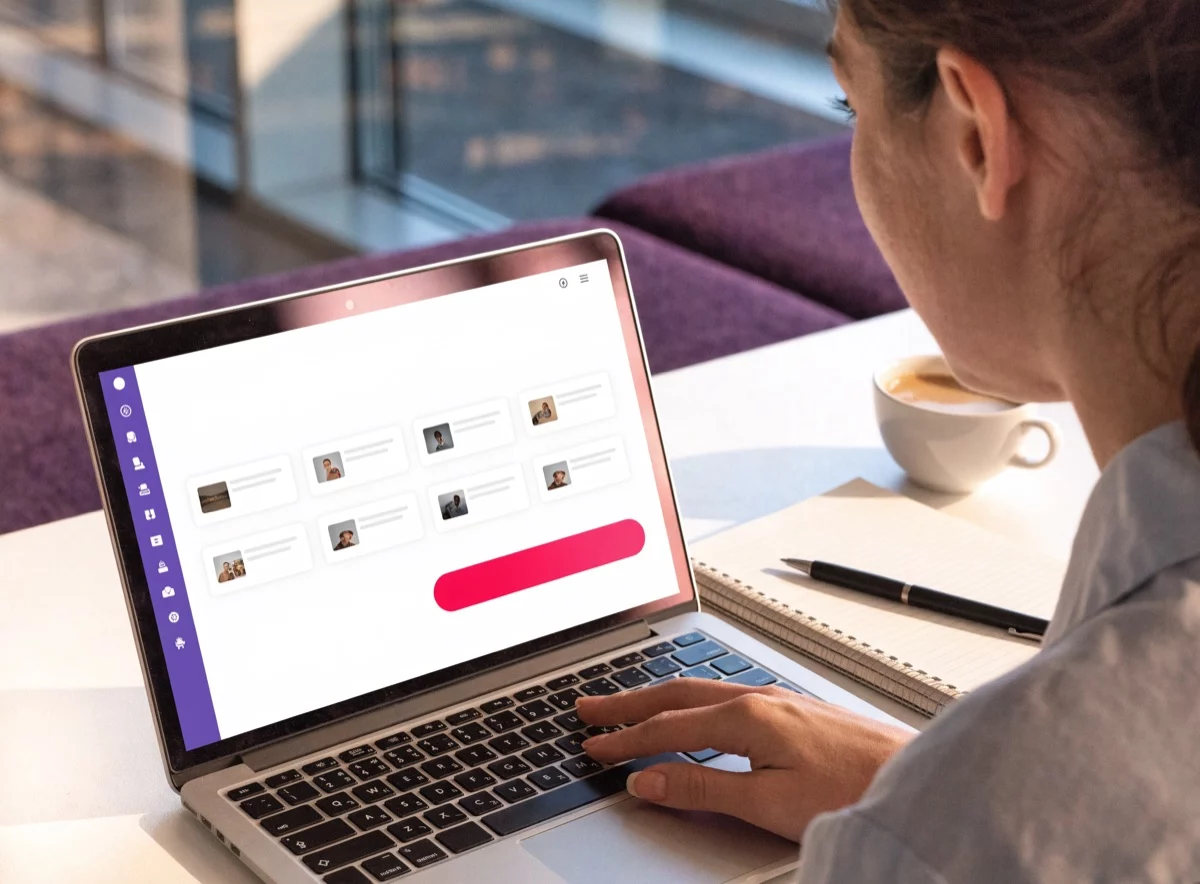
Messages, visuals and instructions are built in advance in E-Manager and signed off by management or the safety officer: one version per event type, per site and, where needed, per language.
Authorise
E-Manager manages user rights individually. Every authorised person knows what they may trigger, and on which screens. Two-factor authentication protects account access.
Trigger
One click from E-Manager, on a computer, tablet or phone. Content prioritisation takes over the running playlist on the targeted screens — a building, a floor, a production line, or the entire estate.
Return to normal
When the broadcast ends, the regular schedule resumes. An all-clear message can follow immediately — something no siren can do.
USE CASES
Twelve situations where the screen changes the outcome
Fire is the best-documented scenario, and far from the only one. Each situation below calls for a different instruction — often the opposite of the last one.
Fire and evacuation
The siren starts the movement; the screen names the affected zone, the route to take and the assembly point.
Intrusion, attack
The opposite posture to evacuation: escape, or hide and barricade. A single sound signal cannot make that distinction.
Shelter in place
Move to an enclosed room, close the openings, shut down ventilation and air conditioning, and wait for the all-clear.
Chemical incident, Seveso site
Alerting your own teams, but also the contractors and visitors on site, whom public warning systems cannot target building by building.
Severe weather
Relay the official warning level for your area alongside the employer’s own instruction: early closure, remote working, heatwave plan.
Infrastructure failure
Lifts out of service, water or power cut, an area made inaccessible: service information that prevents dozens of calls to reception.
Cyberattack and fallback procedure
In a ransomware event, email and the intranet go down. A screen network on separate infrastructure can remain the last internal channel still standing.
Health alert
Restricted access to a room, reinforced hygiene measures, a service temporarily closed: instructions that change fast and have to be seen.
Medical emergency and defibrillator
Point to the nearest defibrillator, call the trained first-aiders by name, guide the emergency services to the right floor.
People who cannot hear the alarm
Deaf and hard-of-hearing colleagues — and everyone wearing ear defenders, which EU law puts in exactly the same category. The screen is the only channel that carries them an instruction rather than just a flash.
Visitors, contractors, non-native speakers
People who know neither the building, nor the procedures, nor sometimes the language. A pictogram and an arrow work for everyone.
Statutory drills
Announce the drill, run it in real time, publish the debrief. A drill nobody understood is a drill wasted.
ENVIRONMENTS
One system, adapted to each environment
The constraints differ from place to place: noise on the shop floor, the age of the audience at school, continuity of care in a hospital.


HONESTY
What digital signage does not replace
A credible alerting system starts by saying what it does not do.
GETTING STARTED
Setting up emergency communication with EMITY
EMITY is a French digital signage software vendor: more than 7,000 connected screens, over 1,000 customer accounts, in more than 20 countries. Here is what an alerting setup actually rests on.
Scheduling and prioritisation
E-Manager schedules content and prioritises it: an alert broadcast takes over the playlist currently running.
Multi-screen, multi-site
A single dashboard for the whole estate, with targeting per screen, group, building or site.
Individual user rights
Rights are managed user by user, so you decide who can trigger what. Two-factor authentication on the Premium plan, SSO on Excellence.
Spoken and sound messages
Sound on top of image: stream a radio feed from the software, or add sound messages through the RadioShop partnership.
Master–slave synchronisation
Several screens coordinated with no perceptible lag: the same message, at the same instant, across a video wall or a display chain.
Playback continues if the internet drops
The E-Box player keeps showing the content stored locally when offline. An optional 4G key secures the link.
Hosted in France, and secured
OVH servers hosted in France, GDPR compliance, regular penetration testing and 99.9% guaranteed uptime on the SaaS platform.
Connectors and feeds
API, database, RSS, weather, traffic: alert content can be fed automatically. See our integrations.
Knowing who is on site
An evacuation assumes you know who is in the building. The guest book keeps the list of people checked in up to date.
Emergency communication is only one use of the same screen network: the rest of the year it carries your internal communication, your indicators and your service information. Discover the E-Manager digital signage platform.
FAQ
Emergency communication: your questions
The ten questions that come up most often, with the underlying legal texts.

