
Experience · IPTV & live
Digital signage with IPTV: live TV and your content on the same screen
One screen for all your events.
IPTV is managed from E-MANAGER, in the same place as everything else: live TV is not a separate channel, it is one line of the schedule.
IPTV & live
One single screen
for all your events.
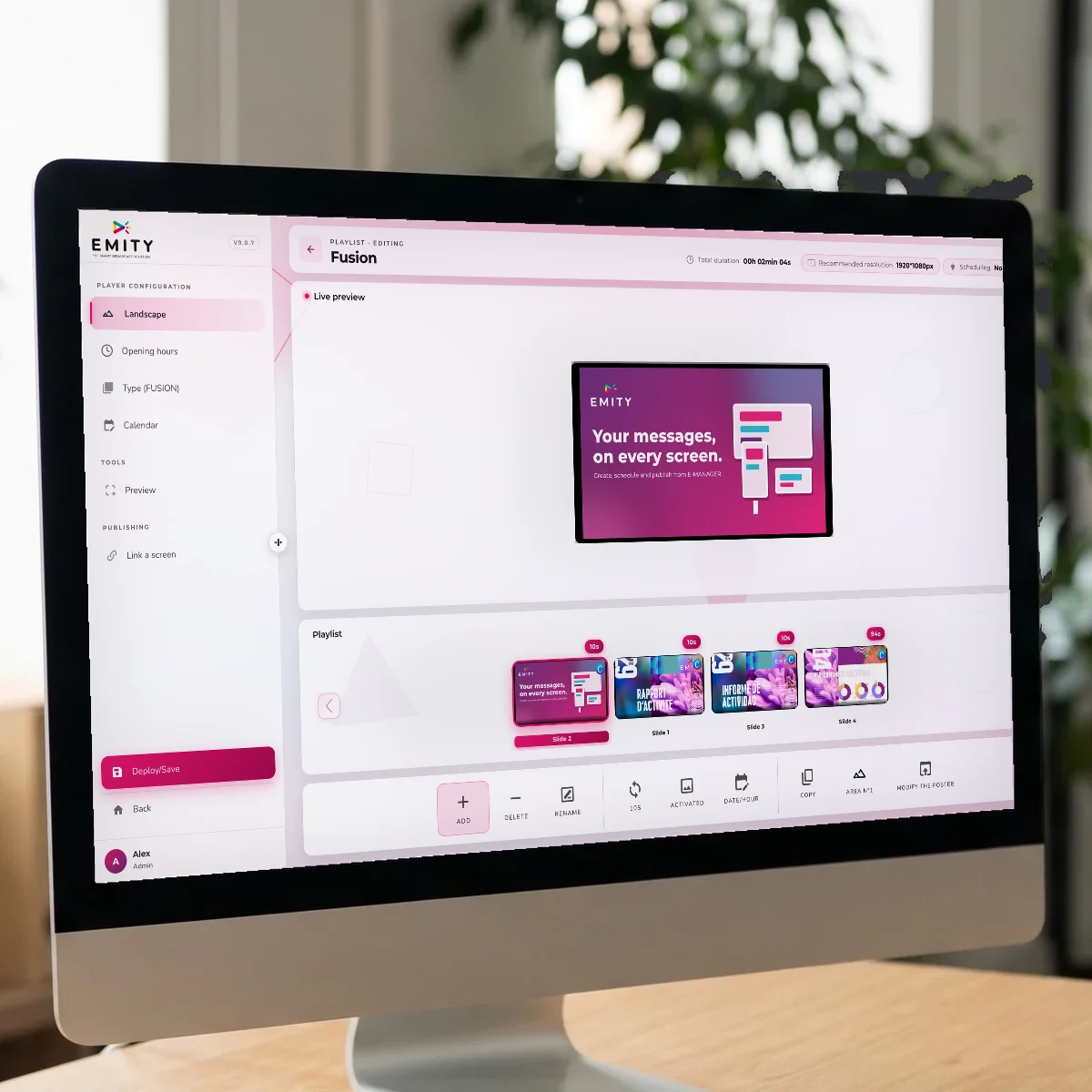
Scheduling a screen and splitting it are two different things: E-MANAGER does both, and live TV takes its place in the loop.
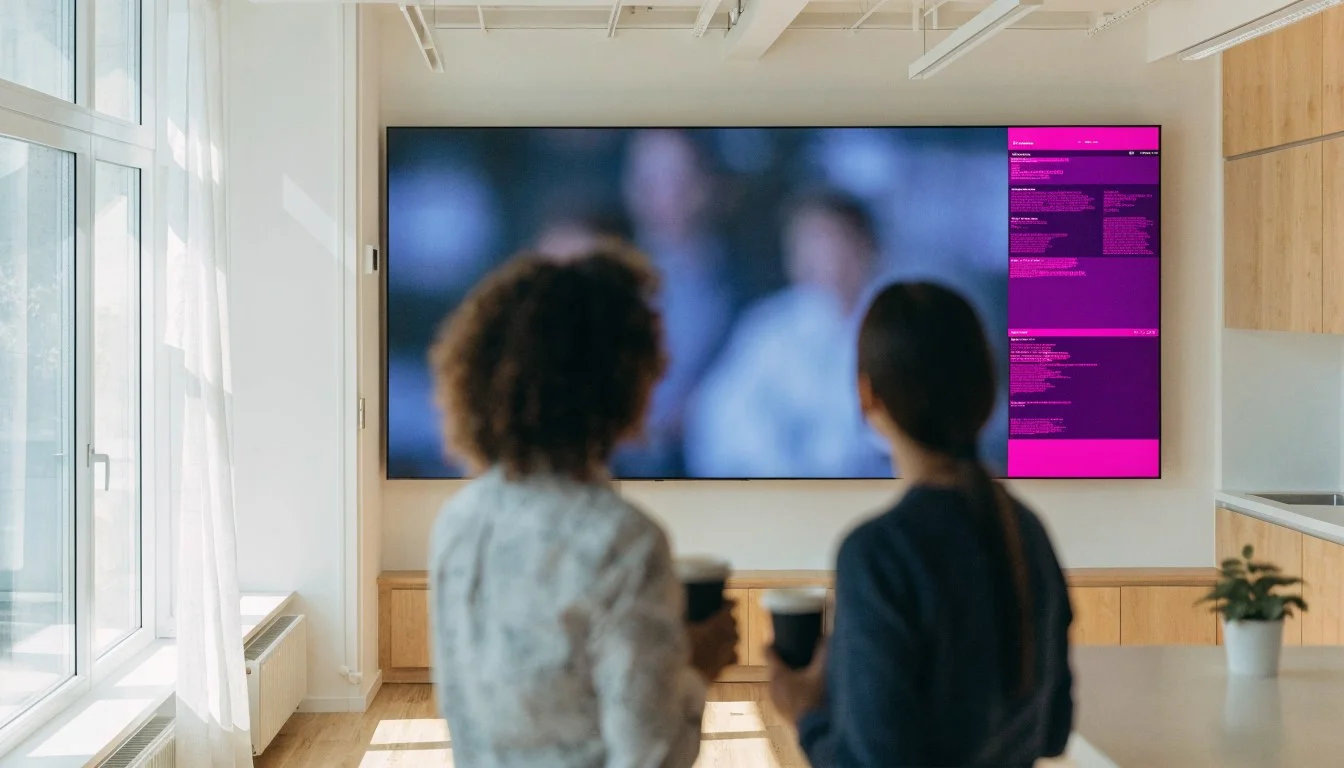
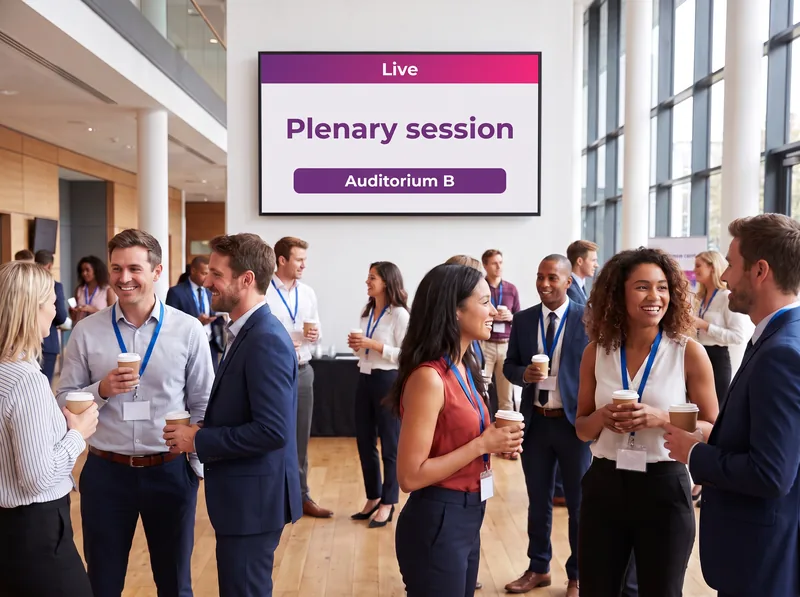
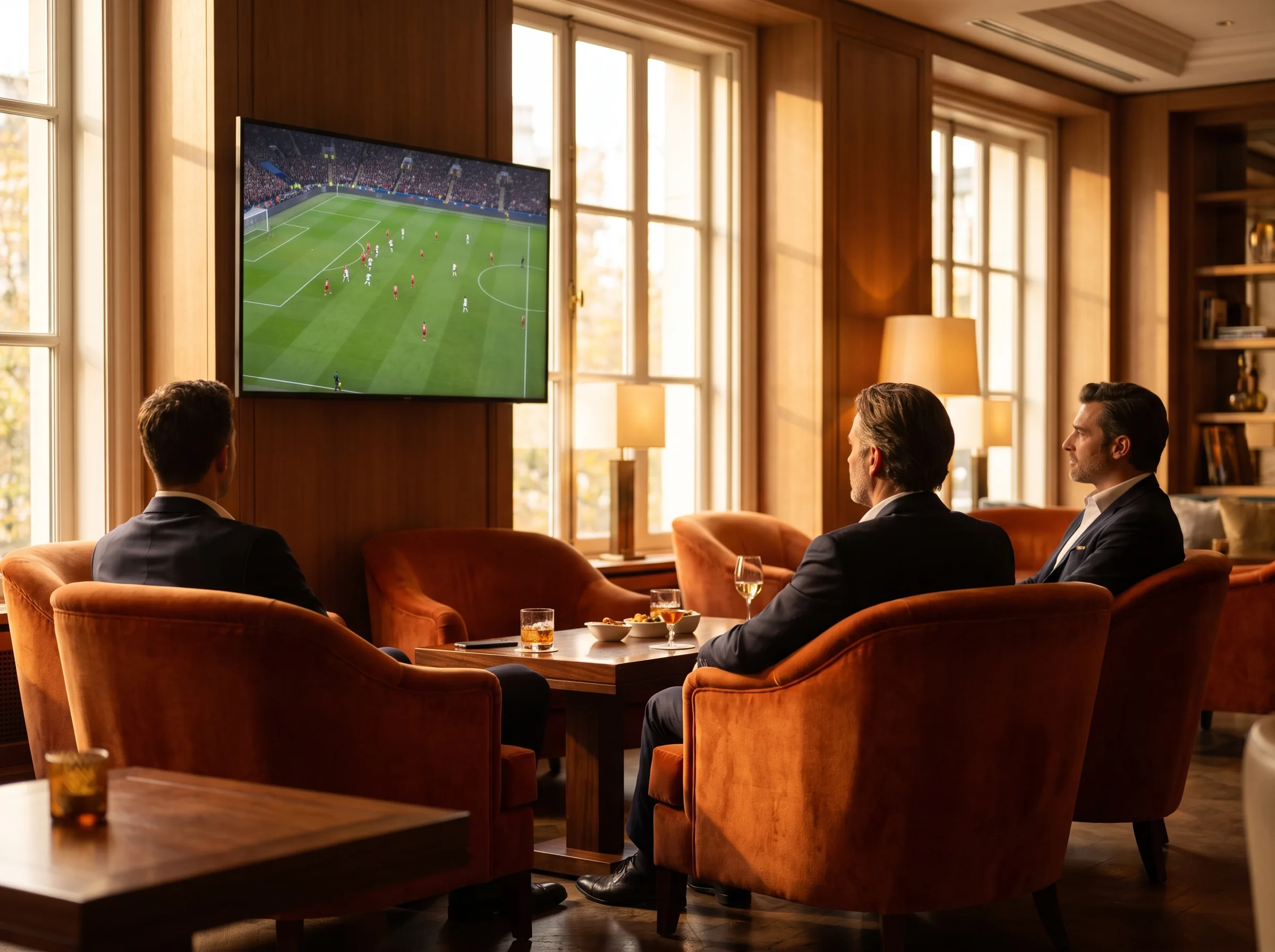
 Ever Media, our partner for TV channels: you choose the pack, and it arrives in E-MANAGER as one more piece of content. No heavy equipment, and simplified billing handled by our partner, not channel by channel.
Definition
What exactly is IPTV?
IPTV stands for Internet Protocol Television — television carried over a computer network rather than by cable, satellite or aerial. The programme arrives as a stream that any connected screen can play, including a digital signage screen.
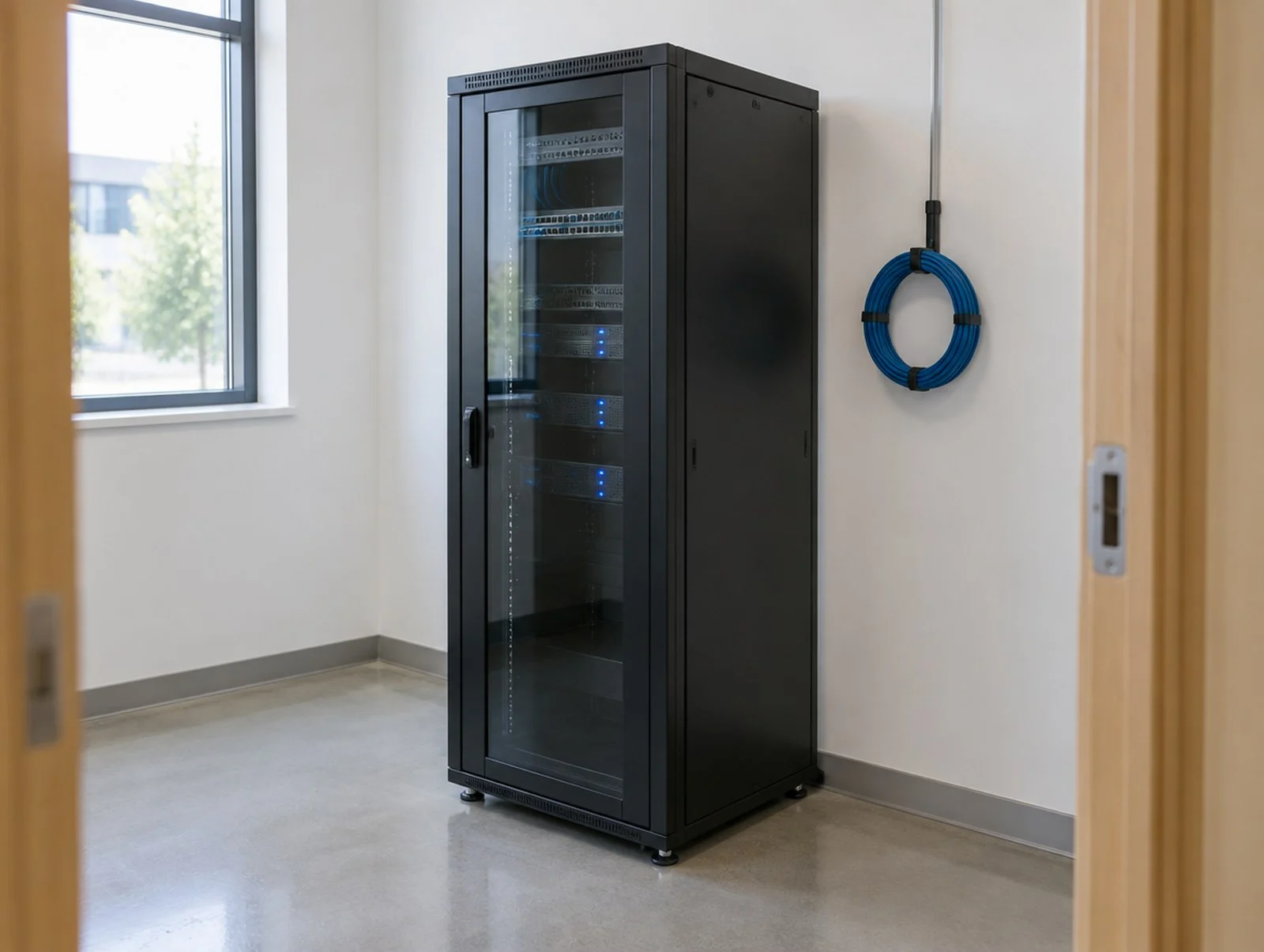
A TV channel becomes an address on your network
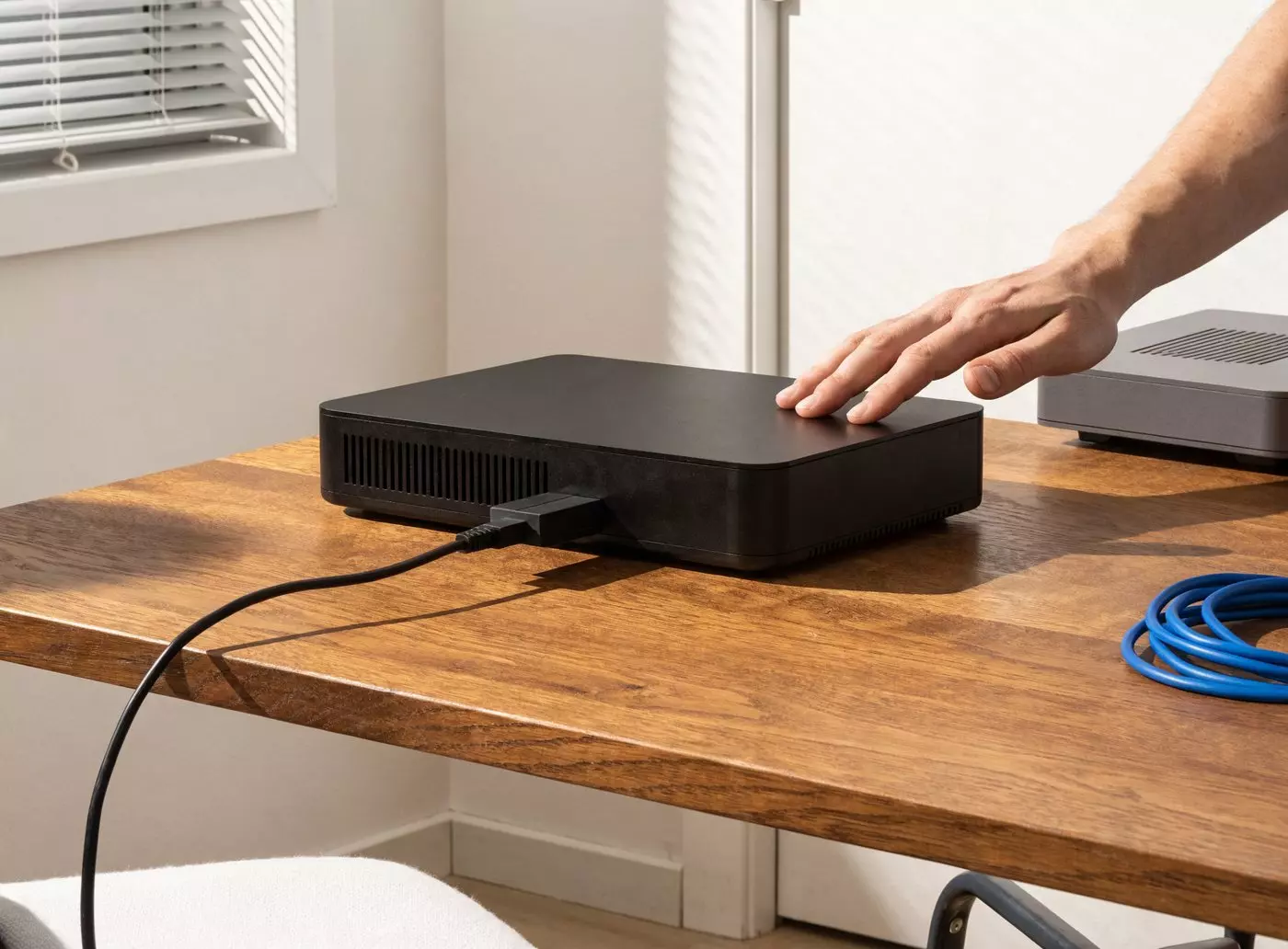
In practice, an IPTV encoder takes a video signal in (the HDMI output of a set-top box, a control room, a camera) and turns it into a stream your local network can carry. That stream has an address. Paste the address into E-MANAGER and the channel appears on the screen of your choice.
What this changes for communication: TV stops being an island. It becomes one piece of content among others, scheduled just like a poster or a video.
- ✓Carried over your local network or your internet connection
- ✓Several channels on a single site, one channel per screen or per zone
- ✓HD or 4K quality, with the bitrate matched to each screen
- ✓No coaxial cabling to run out to the screens
Sources & streams
Where does the stream you are going to broadcast come from?
This is the first thing to settle, and it is a hardware question before it is a software one. Three cases cover almost every installation.
Three ways to obtain a stream
1. You start from an HDMI source. An operator set-top box, a player, a control room. The IPTV encoder plugs into it and publishes the stream on the network. Models such as the Aver SB 520 or the Triax encoders do this job.
2. Your building already has an IPTV network. This is common in hotels and hospitals: the streams already exist, you simply need their addresses.
3. Your provider gives you stream addresses directly. In that case there is no extra hardware: you enter them in E-MANAGER.
Getting started
Broadcasting a channel on your screens, step by step
Allow half a day for a first site, encoder included. No video expertise is required.
1. Make the stream available
Plug the encoder into your HDMI source, or collect the stream addresses already in service in the building.
2. Add the stream in E-MANAGER
In the platform you create a stream-type content item and paste its address into it. It joins your library, just like an image or a video.
3. Build the playlist
You place the channel in the screen layout: full frame, alternating with your posters, or in a zone if you split the screen.
4. Send it to the screens
The broadcast goes to an IPTV-compatible screen or to an E-BOX player connected over HDMI. The result is visible straight away.
Scheduling
Switching between TV and your content at the right time
A screen does not play the same role at 8 am and at 7 pm. Time-based scheduling handles that switch for you.
The channel becomes a playlist item
In E-MANAGER a TV stream behaves like any other medium. You slot it between two posters, give it a time slot, decide which days it applies to. The rest happens on its own.
A telling example: in the morning the lobby screen shows company news and the weather. At lunchtime it switches to the news channel during the break. Late in the afternoon it returns to internal messages. Nobody has touched a remote control.
- ✓Time slots and a calendar for each content item
- ✓Automatic switching between TV and scheduled content
- ✓Different scenarios per screen, per zone or per site
- ✓Remote control from a web browser, on a computer, tablet or smartphone
Comparison
Standalone TV set, IPTV alone, IPTV + digital signage
All three approaches broadcast television. They give you very different control over what your visitors actually see.
| Criterion | Standalone TV set | IPTV alone | IPTV + EMITY digital signage |
|---|---|---|---|
| Updating a message | Impossible without walking up to the screen | Impossible: the stream is fixed | In a few minutes, remotely |
| Content other than TV | None | None | Posters, videos, weather, indicators, menus |
| Several channels on one site | One set-top box per screen | Yes, depending on the installation | One channel per screen or per zone, across the whole network |
| TV and information at the same time | No | No | Yes, through screen split |
| Time-based scheduling | Manual | Depends on the equipment | Time slots and a calendar per screen |
| Multi-site control | Screen by screen | Site by site | Centralised in E-MANAGER |
| Cabling | Coaxial or aerial out to every screen | IP network | Your existing IP network |
Functional comparison based on the scope of E-MANAGER’s IPTV module (Excellence plan). What an IPTV-only installation can do varies with the hardware in place.
Where live TV belongs
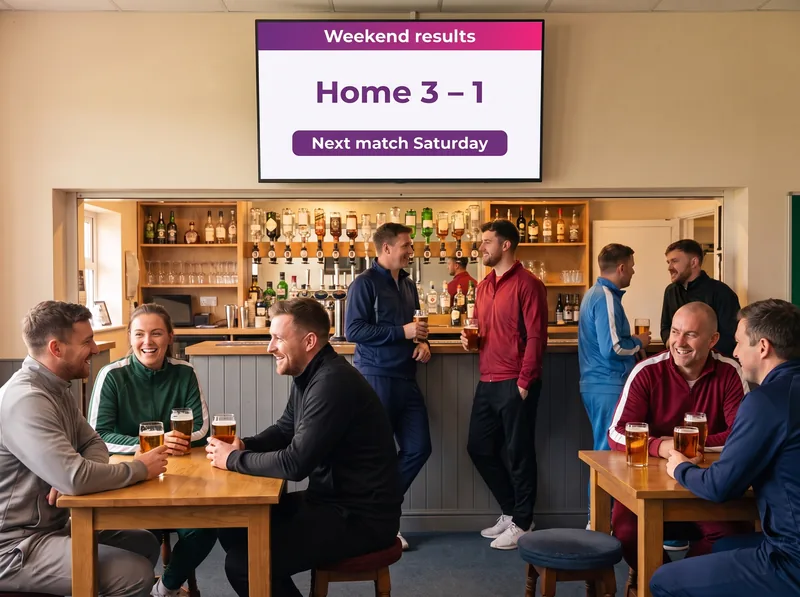
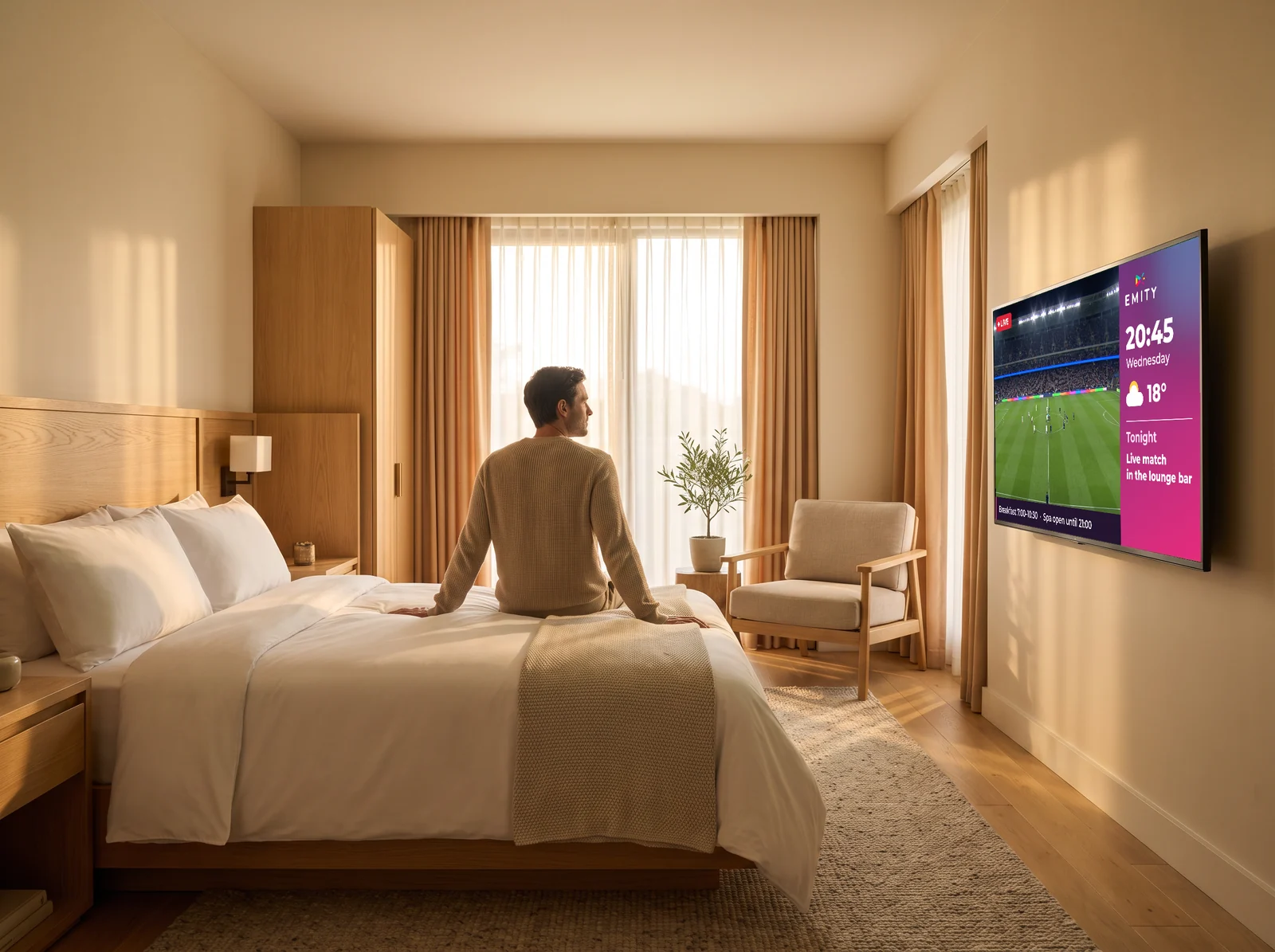
Four places,
four ways to use it.
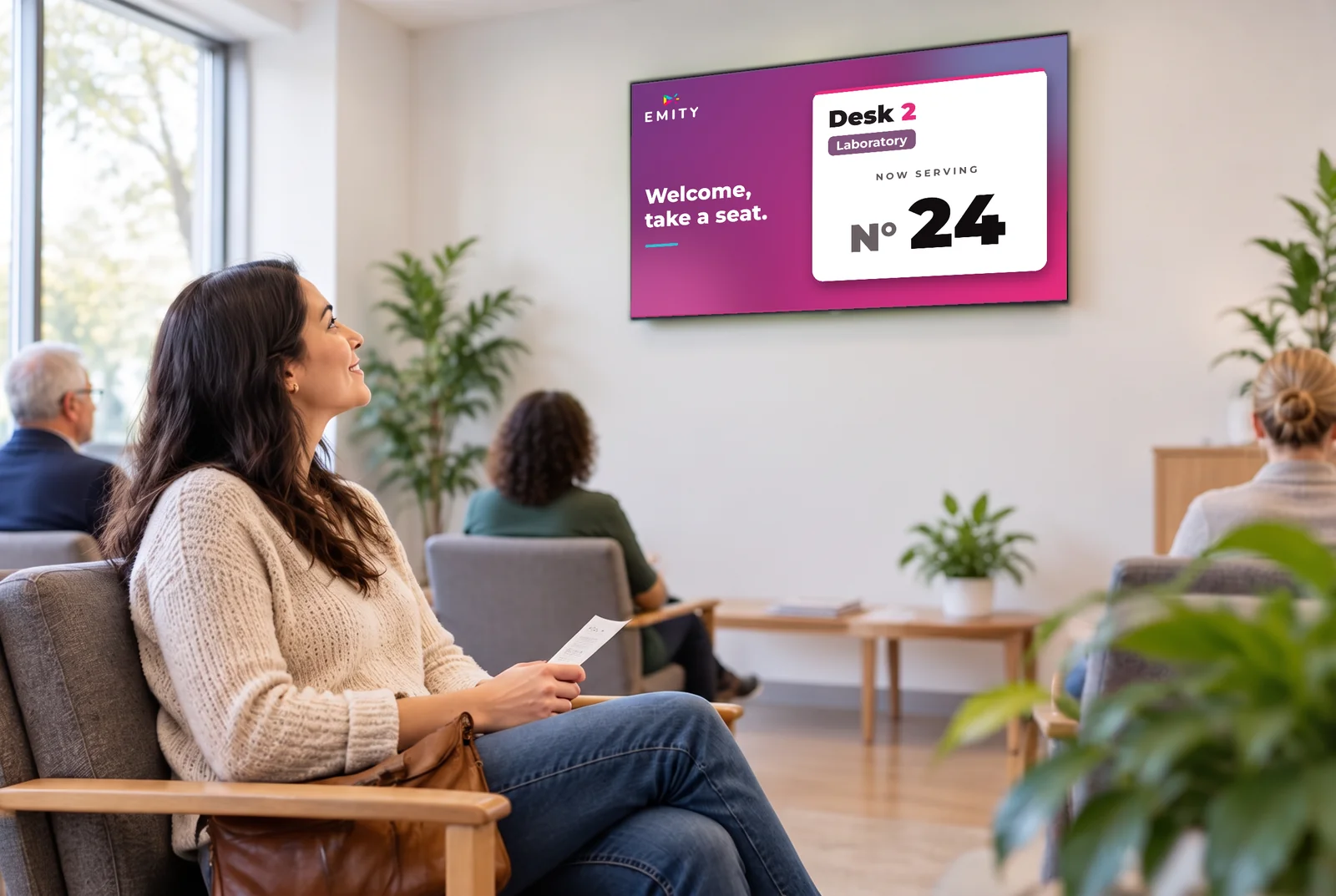
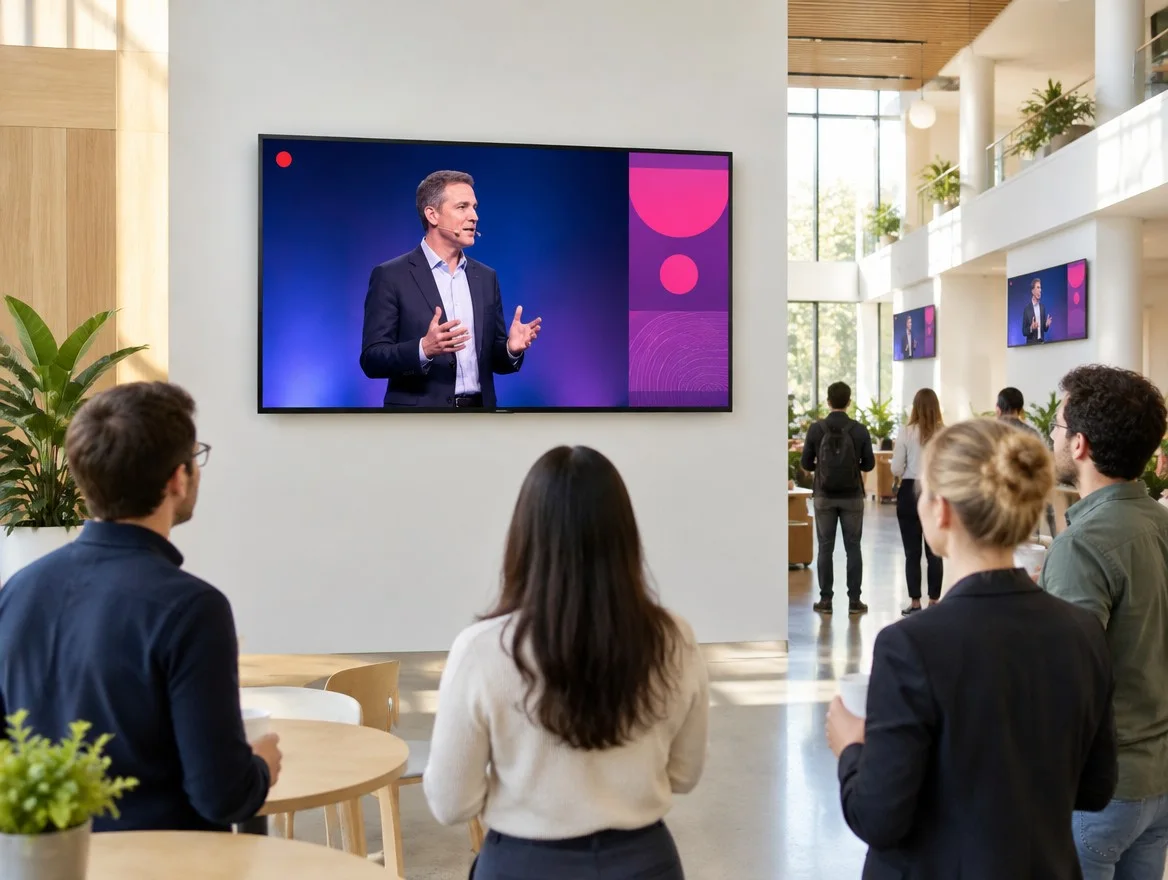
The same module, very different uses: here are the settings where it is most in demand.
Hardware
Your current screens
are all you need.
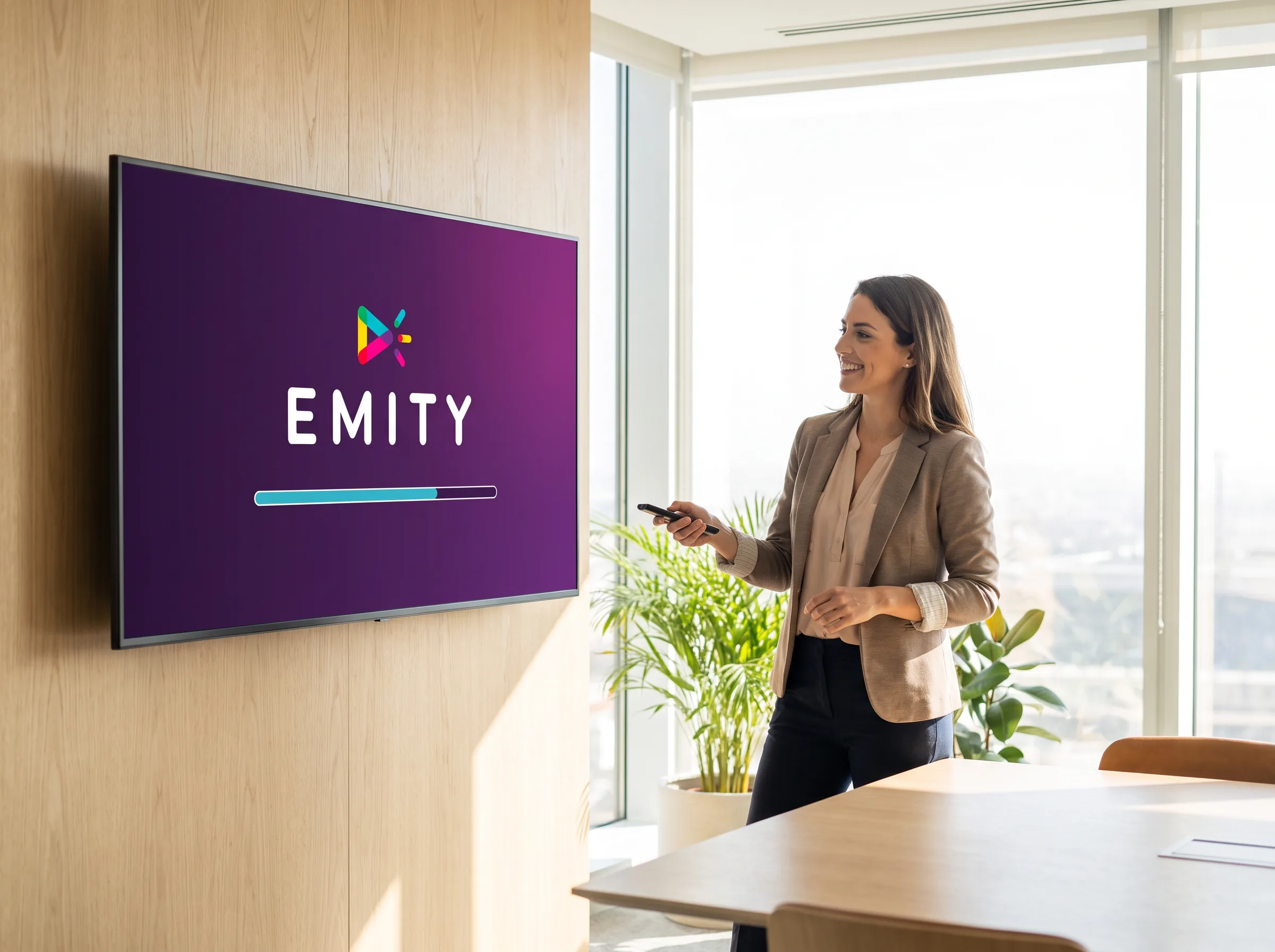
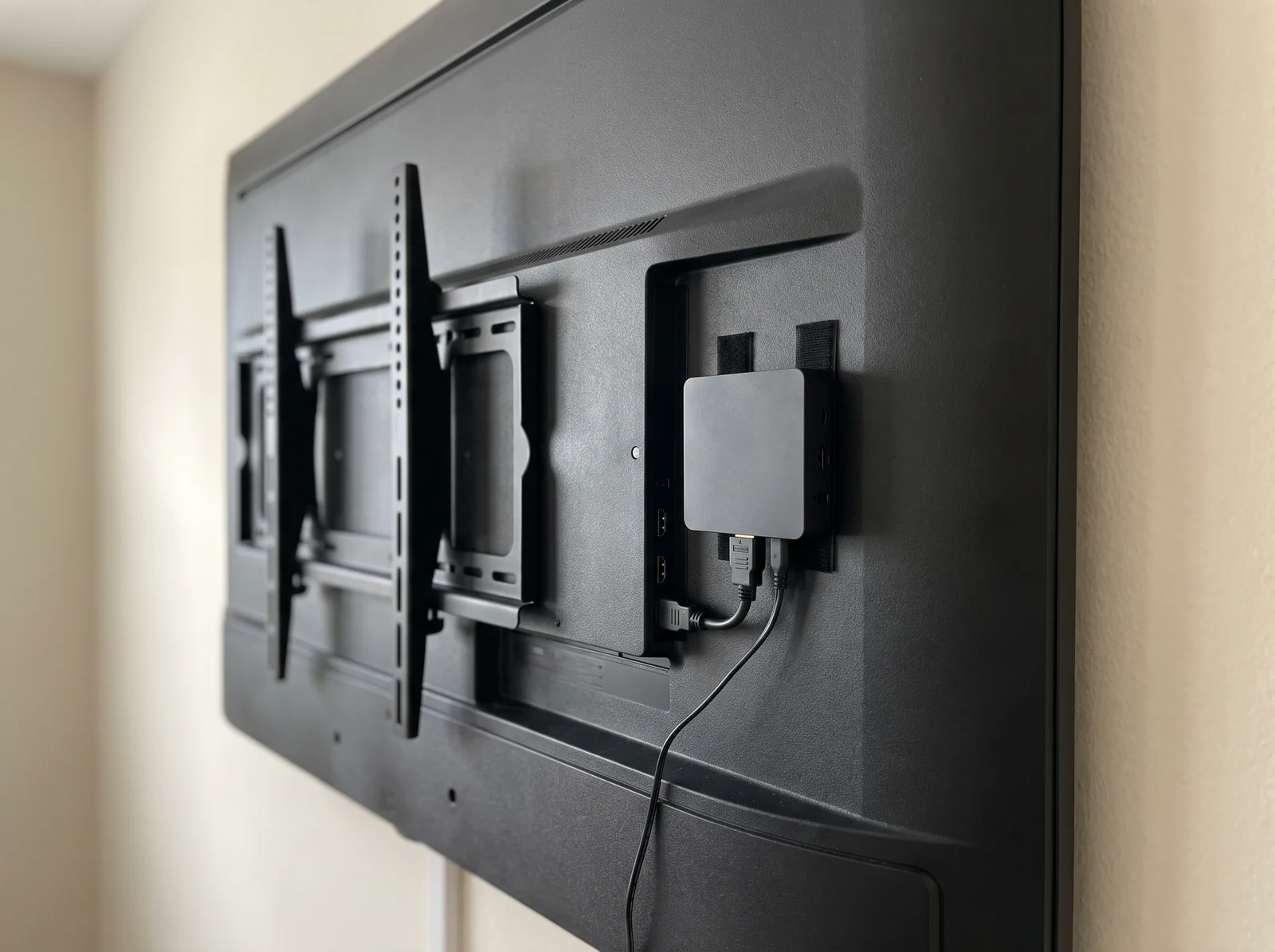
The IPTV module does not need dedicated screens: a network socket, or a player behind the screen.
In the offer
IPTV is not a separate product,
it is an E-MANAGER feature.
The module is unlocked by the Excellence plan. Here are the building blocks involved.
They trust us
More than 1,000 customer accounts,
in more than 20 countries.
From the corner bakery to the international key account, EMITY adapts to one screen or a thousand, backed by 130+ certified partners in France and across Europe.

Colissimo (La Poste)
300 screens deployed since 2020 for logistics communication across the whole network.

Europcar
360 screens and tablets managed in branches across France and its overseas territories for real-time customer information.
Schindler
Brings its lift cars to life. “It performs!” — Rahim, digital project manager.
Frequently asked questions


