
Digital signage for public transport
A passenger who knows when the next bus leaves waits more easily. Digital signage — screens whose content updates on its own, from a browser — carries timetables, disruptions and connections at the station, at the stop and on board. You write the message once; it goes out across the whole network.
The need
What your passengers expect from a screen
On a transport network, a screen is not there to decorate a concourse. It answers three questions that every person on the platform is asking, and it answers them in seconds.
The journey
One passenger’s morning, screen by screen
Here is the trip of someone taking the bus and then the train on a weekday morning. Six moments, six different screens — and one place to manage them all.
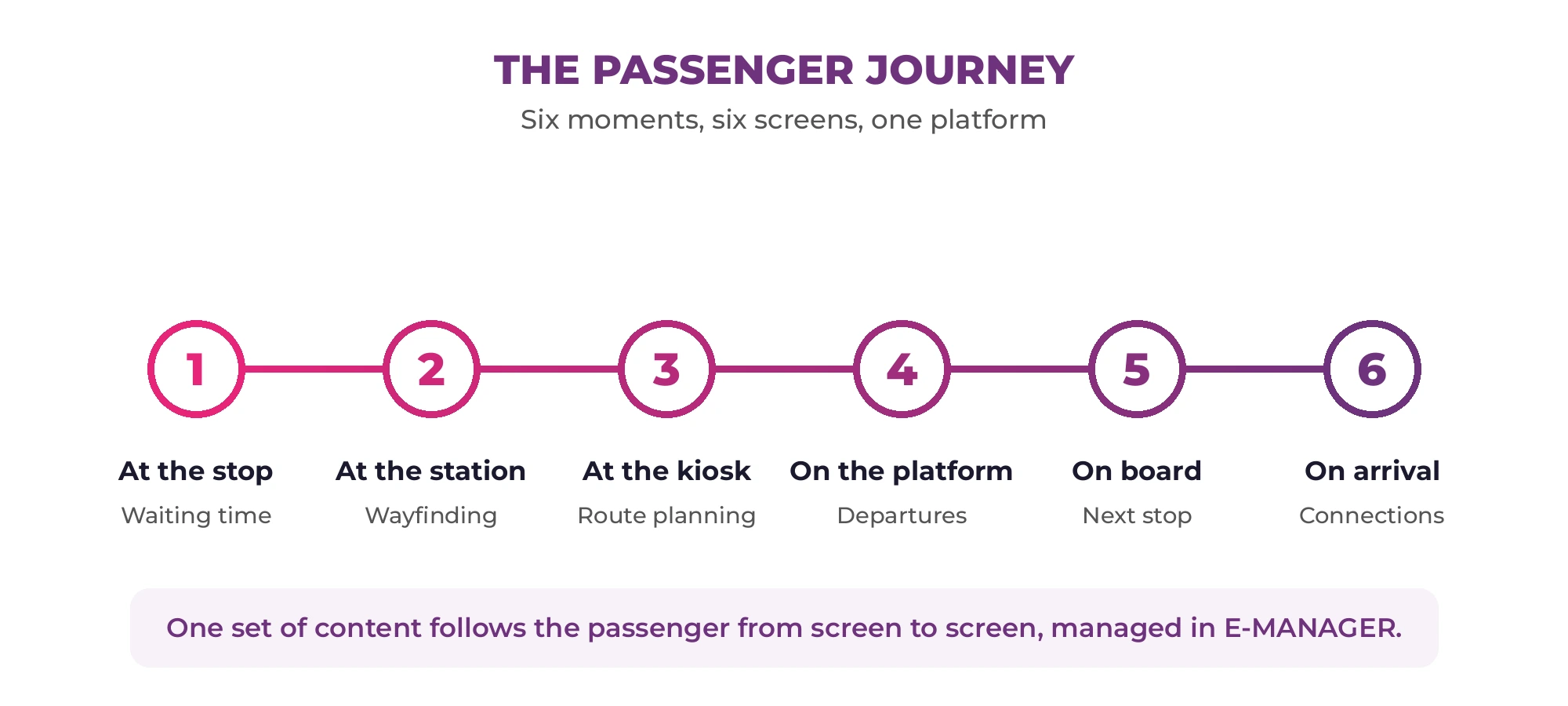
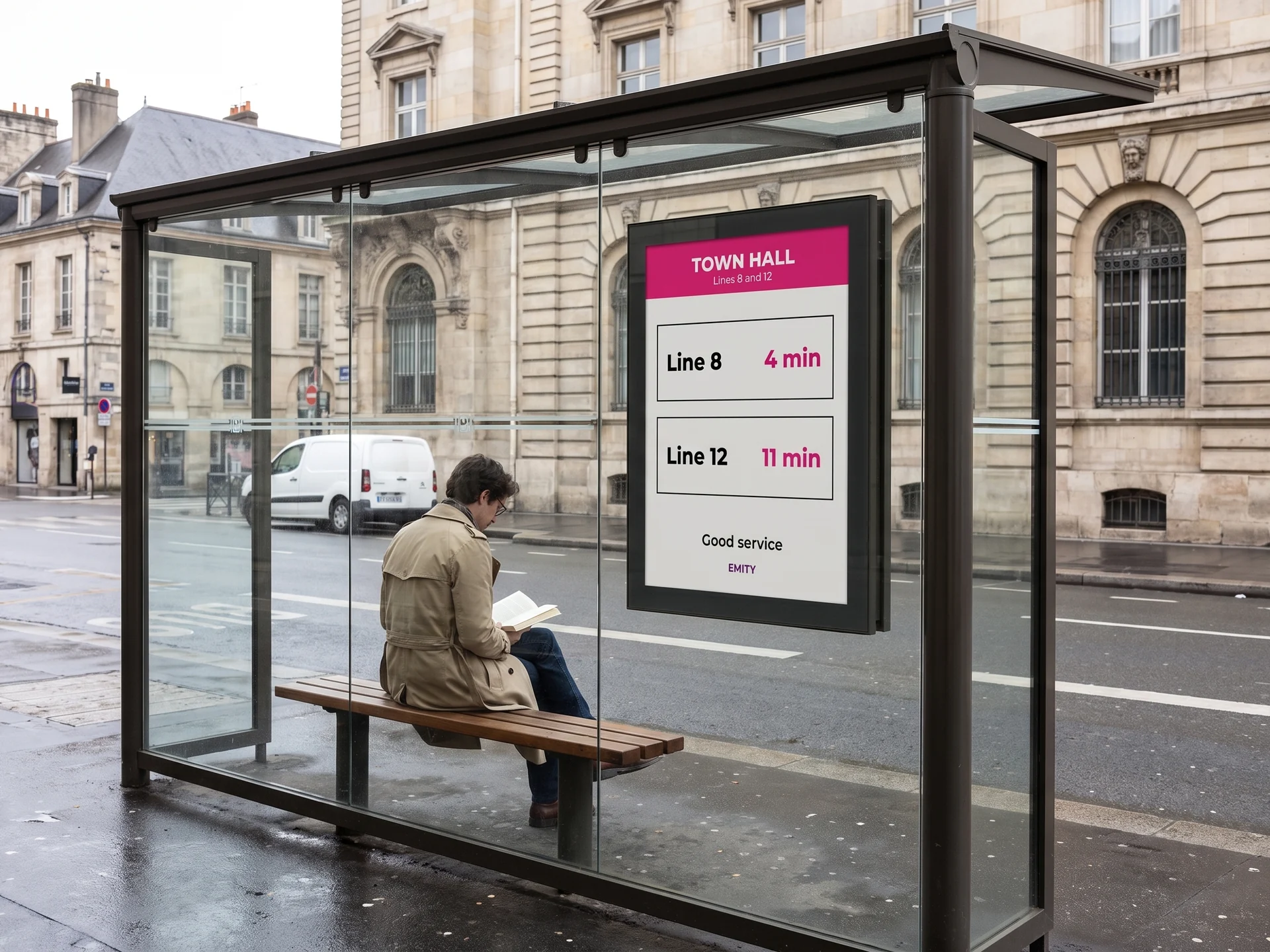
At the stop, before boarding
Amelia reaches the bus shelter. An electronic-paper panel reads “Line 8 — 4 min”. No power cable to run out to the kerb: e-paper only draws power when the image changes.
At the station entrance
The concourse shows departures, the weather and a service message. An incident on line 3? The banner changes on every screen across the network at once.
At the kiosk, planning ahead
Amelia looks up her connection on a touch screen kiosk: network map, route, times. She moves on without queuing at the ticket office.
On the platform, while waiting
The platform screen gives the time remaining and the formation of the next train. Between services it runs safety messages and advertising that helps fund the system.
On board, during the journey
The on-board screen announces the next stop and the connections. Even out of coverage, the player keeps its schedule in memory and carries on.
On arrival, moving on
Stepping off, Amelia sees which exit to take and when her connecting service is due. The journey closes where it began.
In the field
Four locations, four sets of constraints
A concourse screen, an on-board screen and a bus shelter panel do not raise the same problems. Here is what each one demands, and what it gives back.



The content
What runs on your screens
A transport screen never shows just one thing. Here are the six families of content that share the day between them.
Timetables and waiting times
Next services, platforms, delays. Data from your passenger information system feeds the screens automatically.
Disruption and alerts
Incident, strike, diversion, evacuation. A priority message interrupts playback on the screens you choose, within seconds.
Safety and prevention
What to do in an incident, reminders of the rules, warnings about theft. These messages are scheduled for the hours when they matter.
Advertising and revenue
Advertising slots sit between two pieces of service information. The same estate provides a service and helps pay for its upkeep.
Statutory notices
Fares, conditions of carriage, emergency numbers, accessibility: what has to be displayed is displayed, and stays current.
Staff communication at the depot
The same screens serve the operations side: driver rotas, daily briefings, punctuality figures.
Getting started
How your screens are managed
Four steps, and nothing to install on your team’s computers.
Your screens, whatever they are
Screens already in place or brand new, from any manufacturer. That is one of our differences: we do not tie you to a single brand.
A player, or nothing at all
E-BOX plugs in behind the screen. If your screen is a connected model (Android, Samsung Tizen, LG webOS), E-SOFT installs directly on it, with no box at all.
The content, in the built-in editor
You compose your visuals in EMITY’s own editor, with no third-party software. And — if your teams already use them — Canva and Adobe Express connect to it.
The playout, from E-MANAGER
You choose which content goes to which screen, and at what time. A browser is all you need; two-factor authentication protects access.
One dashboard, the whole network
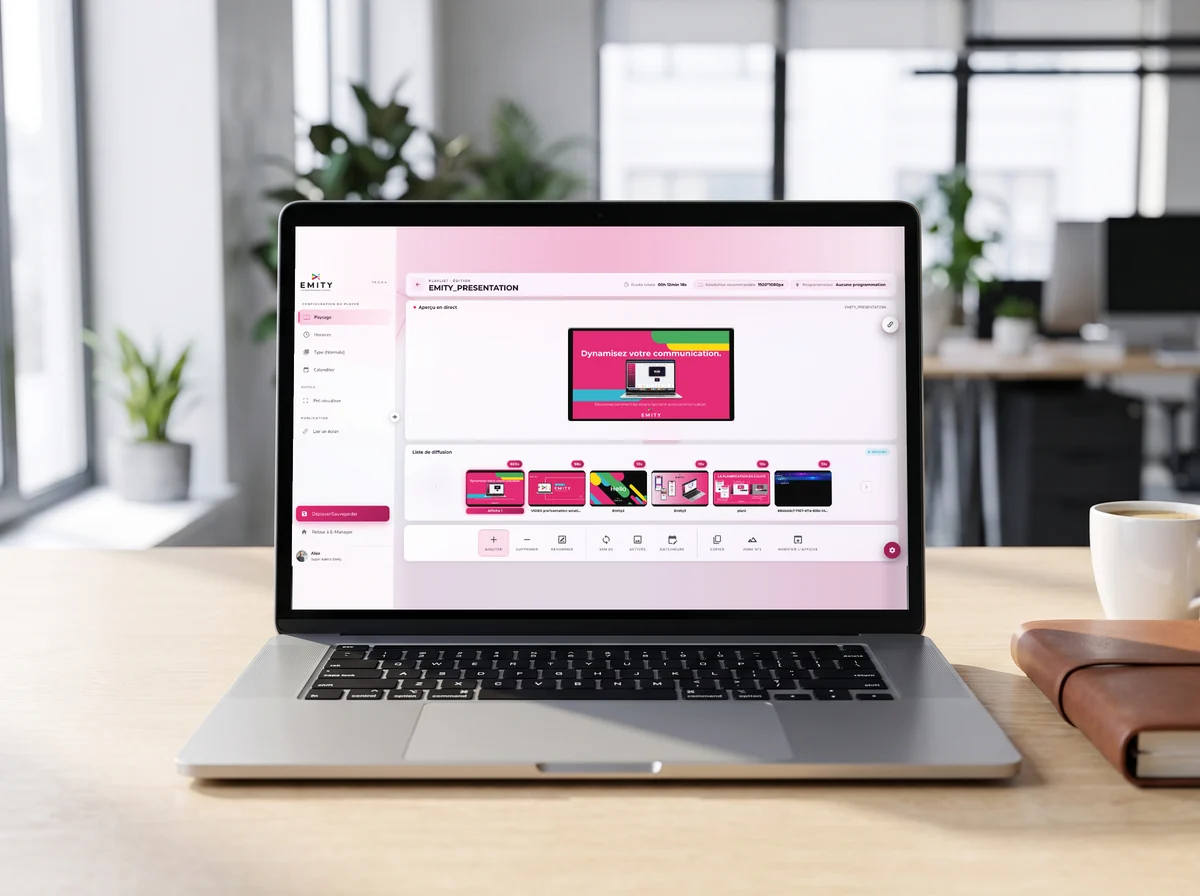
A transport network is not managed screen by screen. In E-MANAGER your screens are grouped — a line, a depot, a station, the entire estate — and one send covers the whole group.
- ✓Screen groups by line, by site or by type
- ✓Scheduling by time of day and by day of week
- ✓Priority message that interrupts whatever is playing
- ✓Status of every screen, remotely
- ✓Two-factor authentication at sign-in
The constraints
What transport demands of a screen
A transport network is a hard environment: outdoors, in motion, open to everyone and rarely connected. Here are the six difficulties we meet most often.
Full sun and glazing
A south-facing platform washes out an ordinary screen. High-brightness panels stay readable, and e-paper is not troubled by sunlight at all.
Outdoors
No power, no fibre
Many stops have no connection of any kind. A battery-powered electronic-paper panel and a mobile data link are enough.
Remote sites
Vibration and temperature
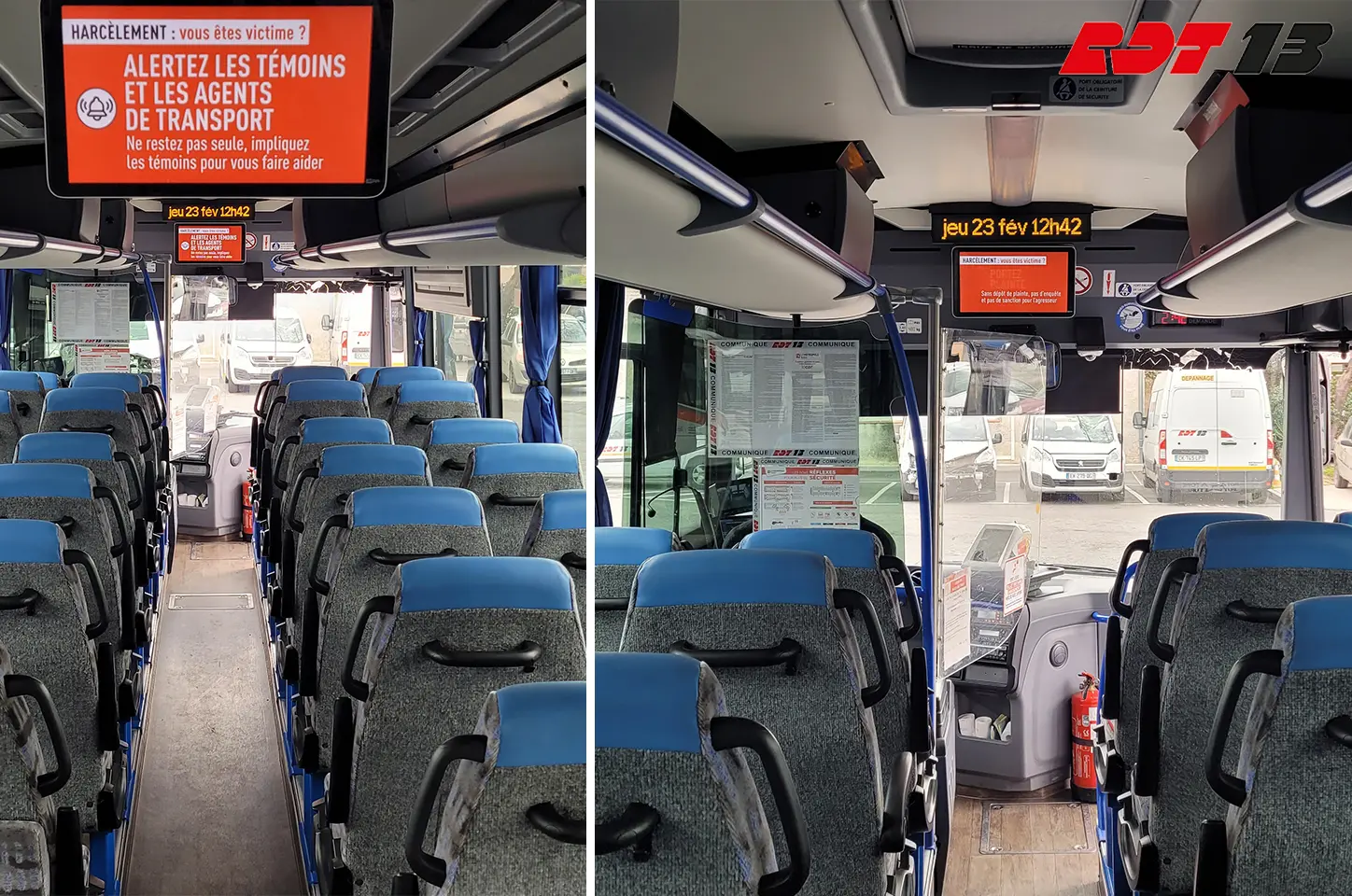
On board a vehicle, a screen takes the road and the temperature swings. The hardware is chosen accordingly.
On board
Video walls with no drift
Several panels side by side in a concourse? Master-slave synchronisation keeps them in step, with no visible drift.
Large concourses
When the link drops
The player keeps its schedule in memory. If the connection is lost, the screen carries on playing what was planned.
Continuity
A mixed estate
Your screens come from several procurement rounds and several brands. Universal compatibility means you do not replace everything just to change software.
Estate takeover
Going further
The pages that complete this one
E-paper screens
Electronic ink: no power draw when the image is static, and readable in broad daylight.
Frequently asked questions


