
Home › The articles › Digital signage
The guide · EMITY articles
Digital signage: definition, how it works and examples
What a digital signage display is, what it is used for, how it works, what content to show on it — and real-world examples, sector by sector.
Updated on October 29, 20268 chaptersBy the EMITY team
What is digital signage?
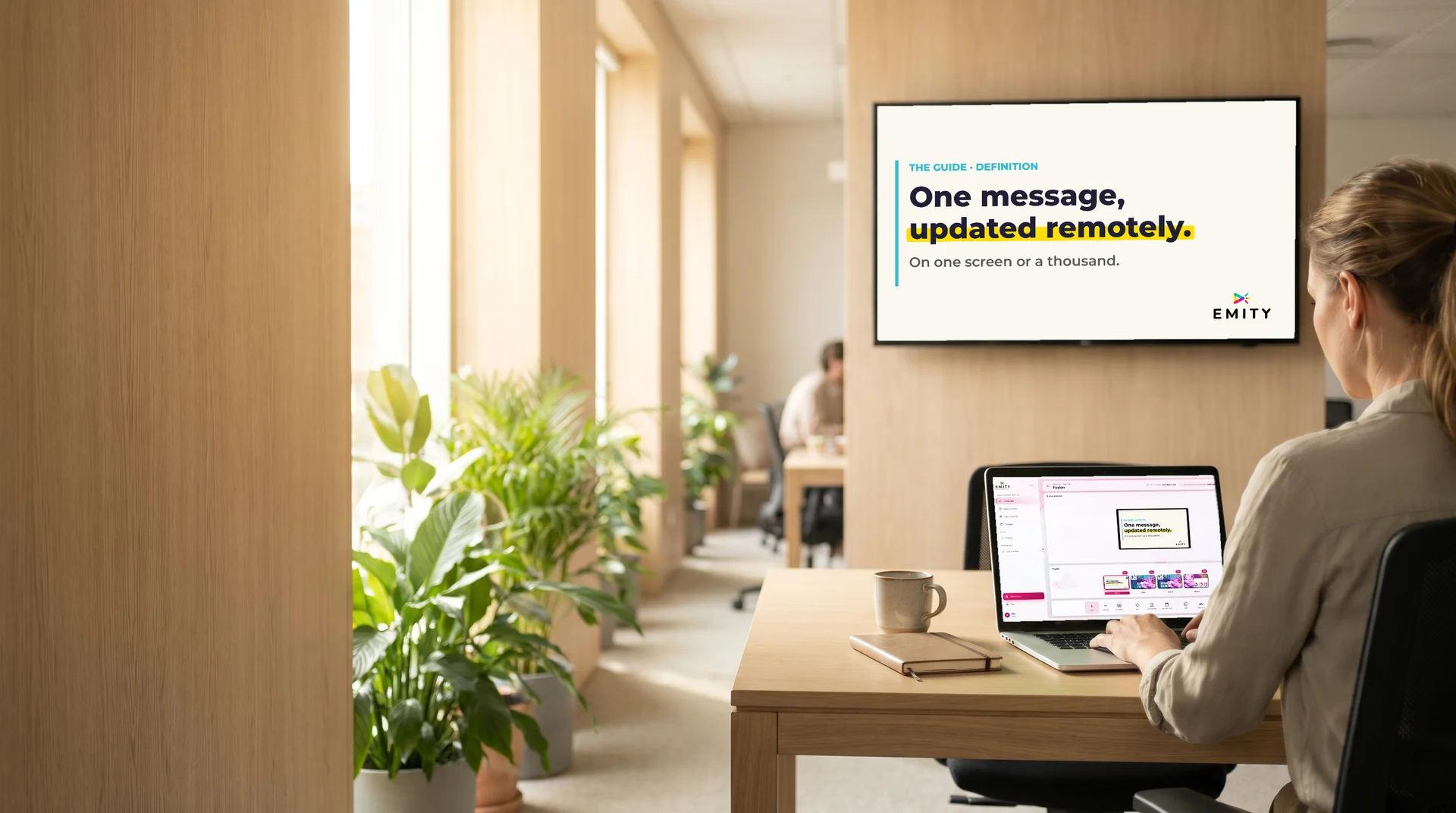
In short — Digital signage shows visual, animated messages on digital displays managed remotely from software. It speaks to staff as well as to customers, visitors and passers-by.
It is the editable version of the printed poster: the message changes in a few clicks, with no reprinting and no trip on site. A digital signage display can rotate several pieces of content, change its message depending on the time of day, and receive information that updates on its own.
Several words describe the same thing: digital signage, digital displays, electronic signage, dynamic signage, digital information display, or DOOH when the screen is installed in a public space. The format varies too: wall-mounted screen, totem, LED wall, menu board, window display, touch screen kiosk, e-paper display.
- A screen managed remotely from software.
- The message changes without reprinting.
- Digital signage, digital displays, electronic signage: the same thing.
« Your visuals and your messages, on one screen or a thousand. »EMITY brochure, “The vocabulary, once and for all”
What is digital signage used for?
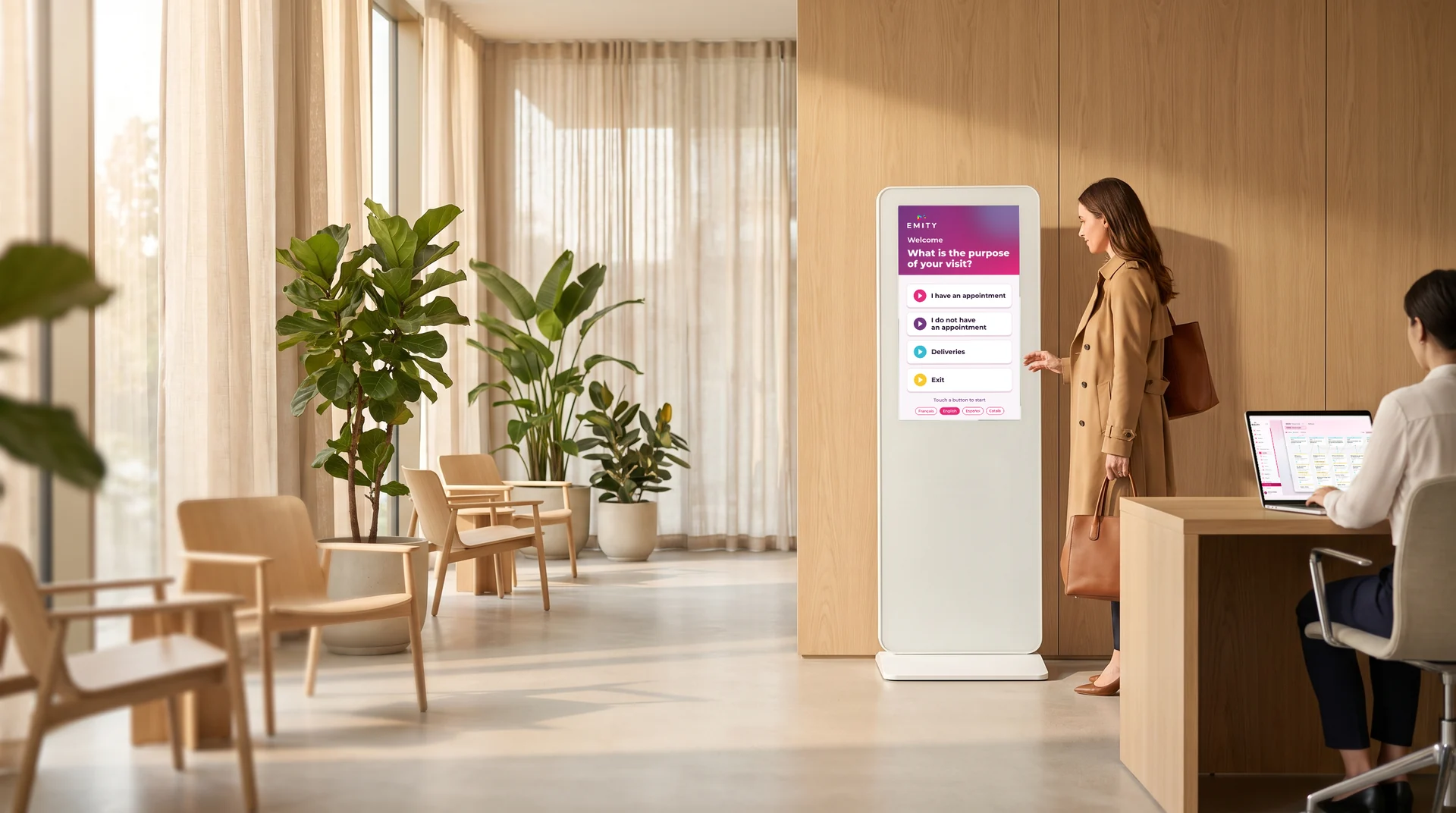
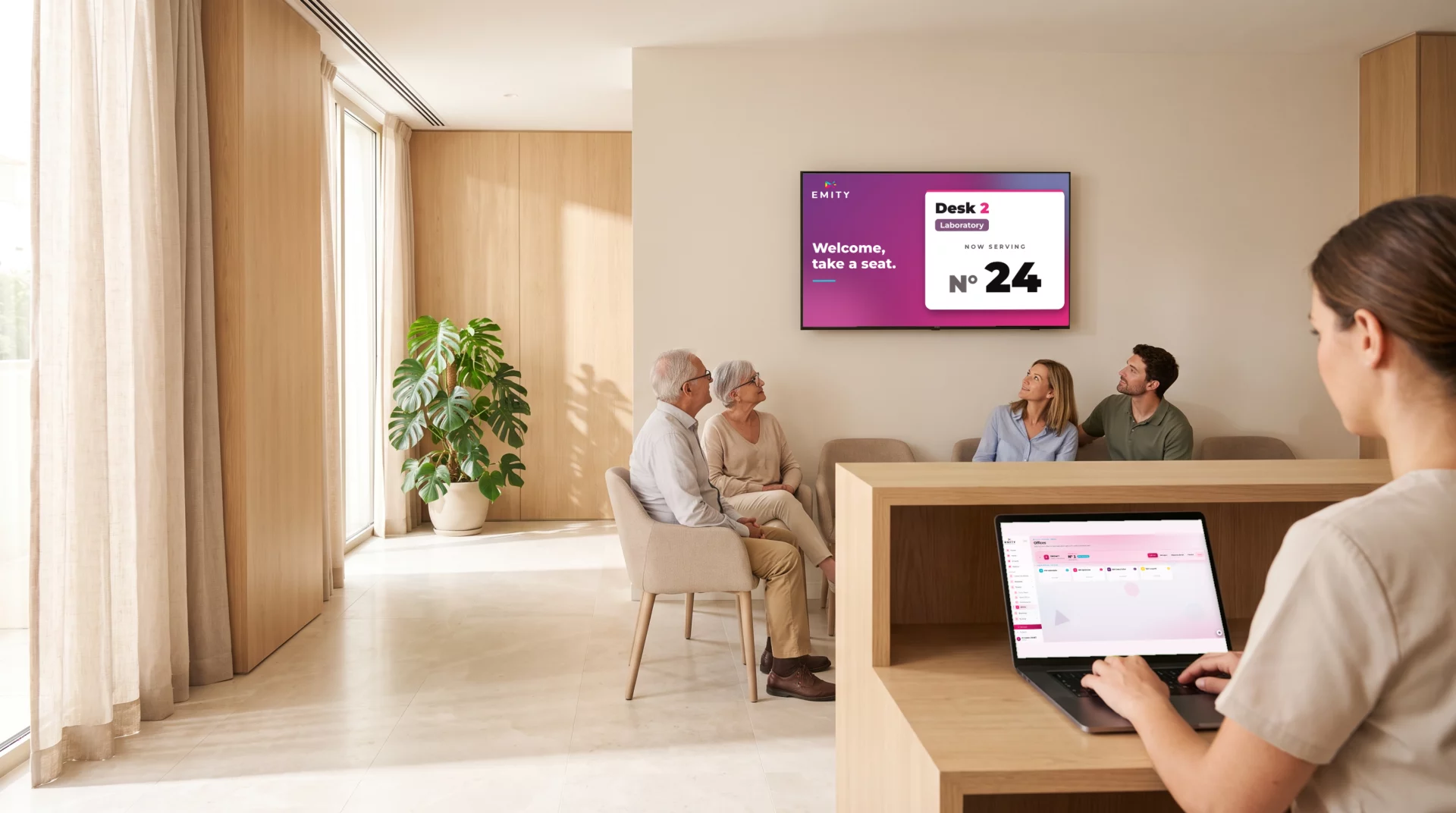
In short — It is used to inform, engage, create an event and improve the experience in your spaces — often with the same screen, at different times of day.
The value of a digital signage display shows in what it replaces: posters to reprint, instructions repeated at the front desk, a wait that feels long. For internal communication as well as for customers, it delivers information at the moment it is useful, and bringing a place to life no longer depends on a print run.
How does digital signage work?
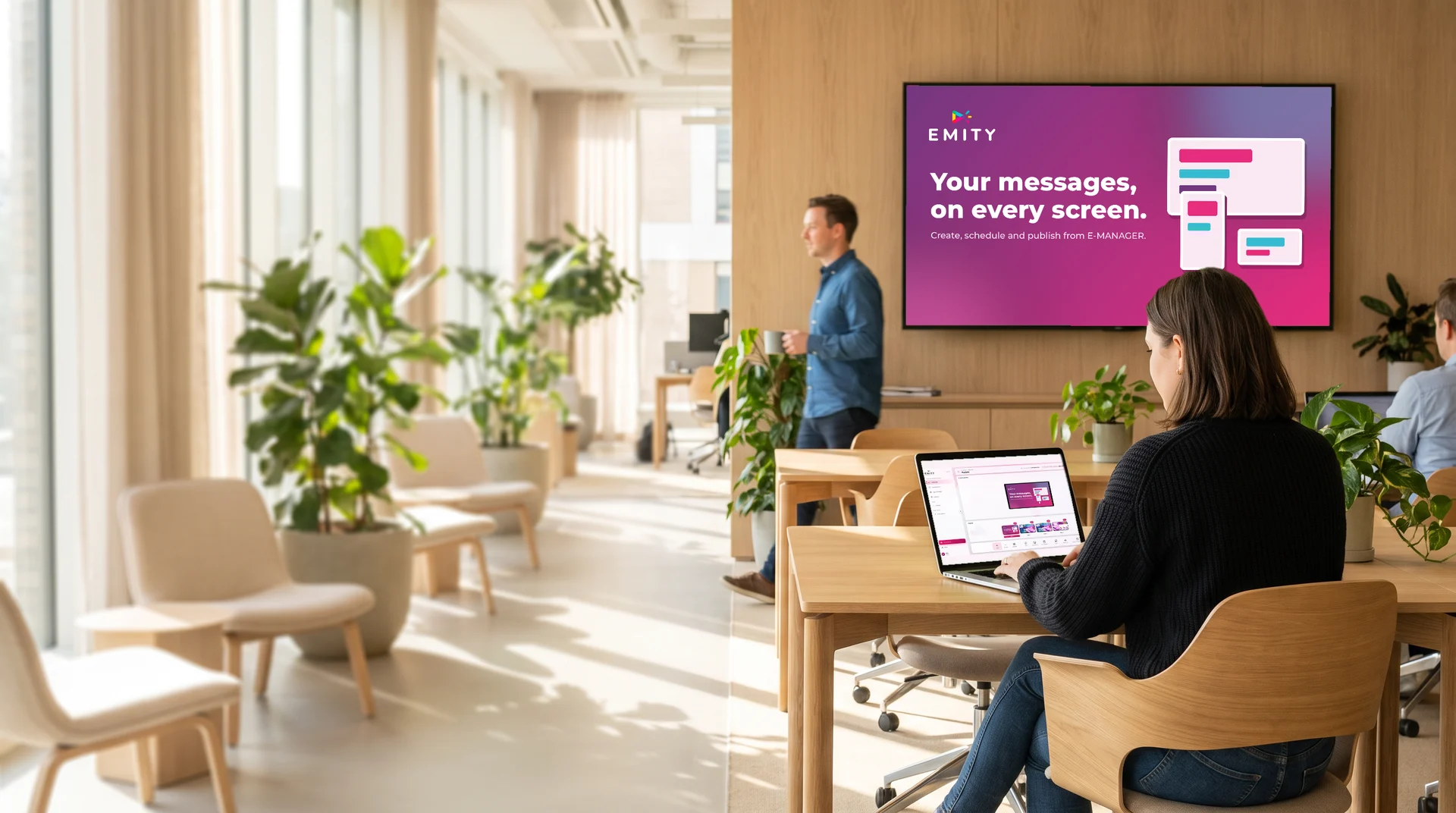
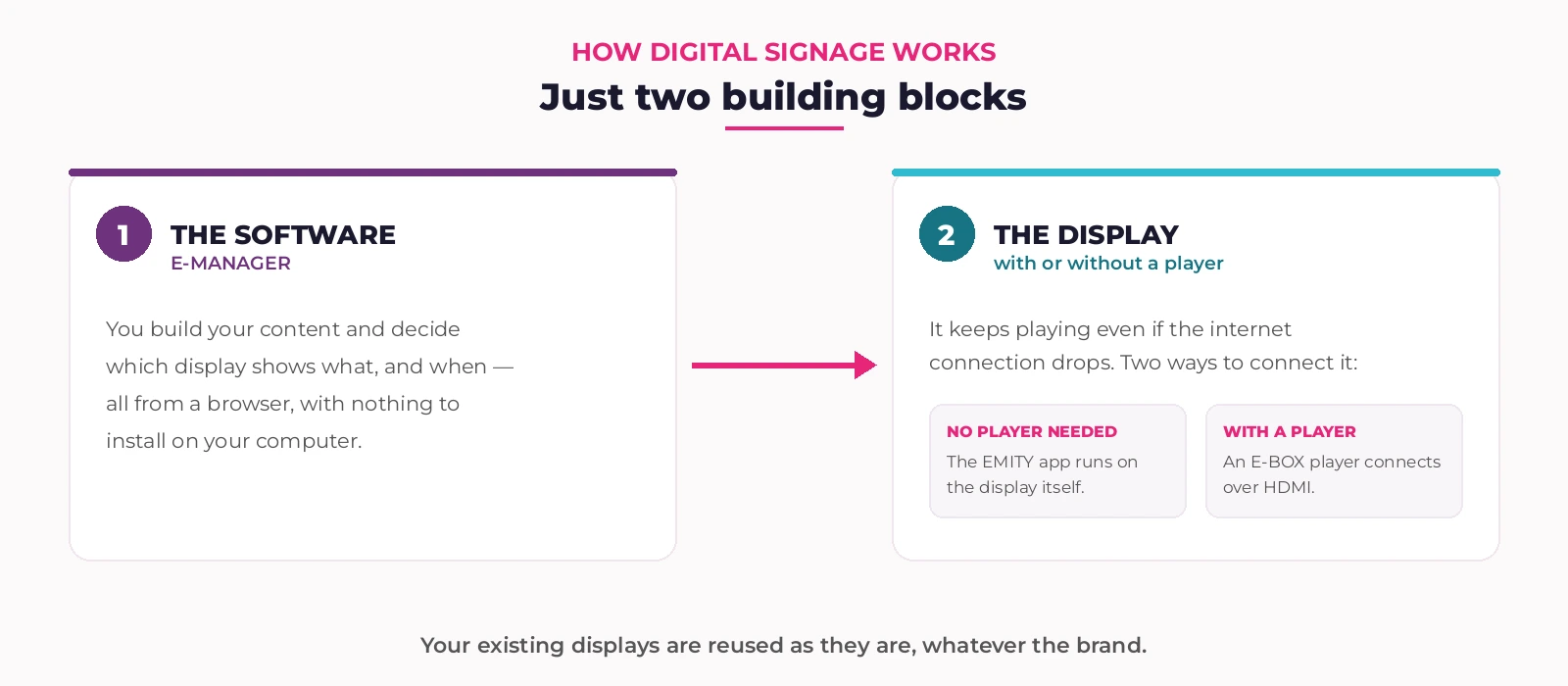
In short — A digital signage system comes down to two building blocks: you create in the software, the screen displays.
That leaves the question of connection, which is solved in one of two ways. Either the screen can run on its own: the E-SOFT app installs directly on it, which is the case for professional Android TV, Tizen (Samsung) and webOS (LG) displays. Or it needs a box, the E-BOX player, which connects over HDMI and does the work for it. The box is therefore not an extra building block: it is one of the two ways to connect the screen.
In both cases, content is stored locally. If the internet connection drops, the screen keeps showing what it last received. From HD to 8K, the player range matches the size of the screen.
THREE STEPS BEFORE THE FIRST BROADCAST
- Two building blocks: the software and the screen.
- E-SOFT inside the screen, or E-BOX behind it.
- Content stored locally: playback continues without a network.
What content should a digital signage screen show?
In short — Visuals created in the editor, your photos and videos, and content that updates on its own. The software then decides which screen shows what, and when.
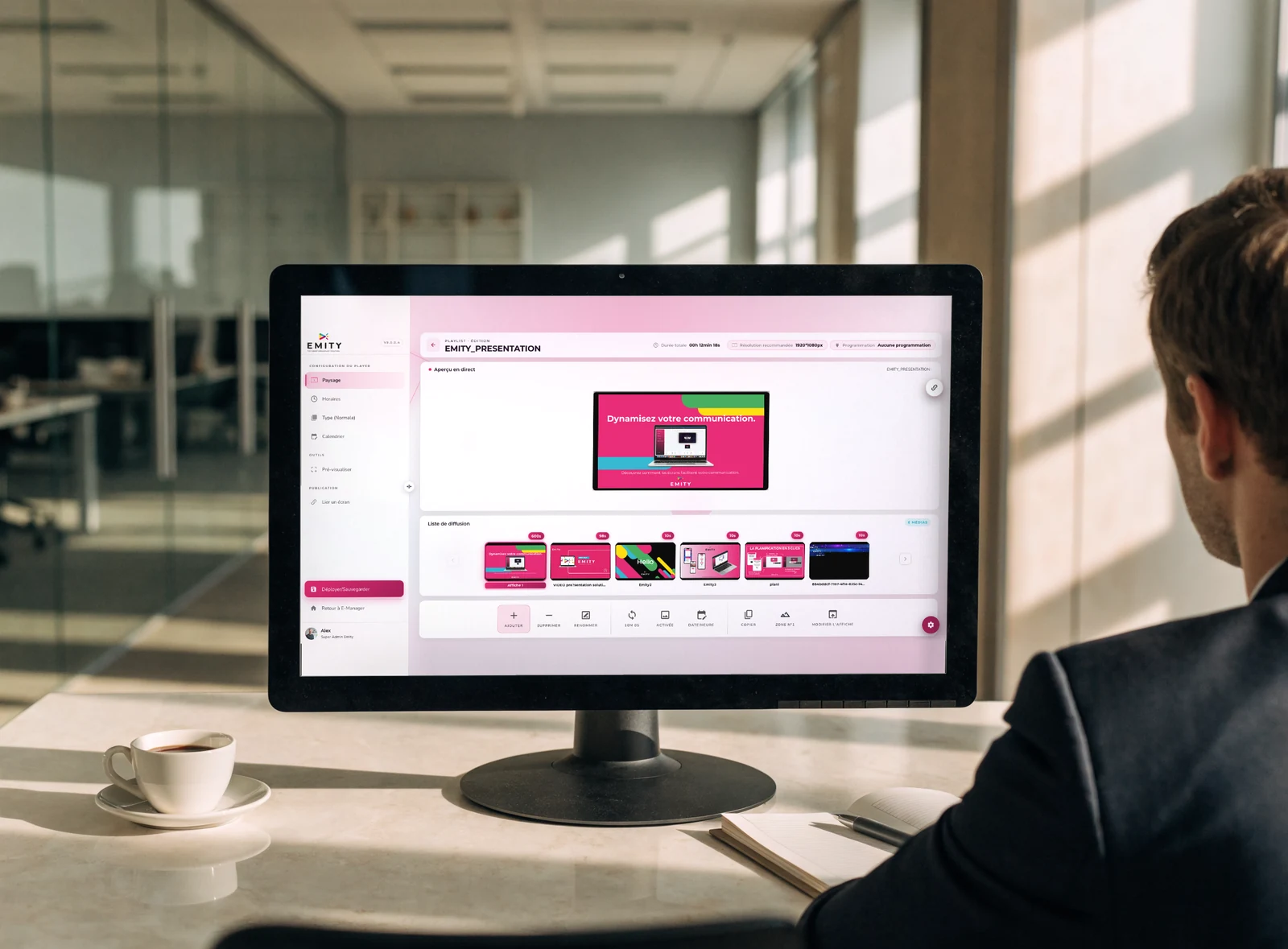
What the software does has a name: digital content management. It covers three simple steps: gather files in a media library, arrange them in playlists, then schedule each screen or group of screens.
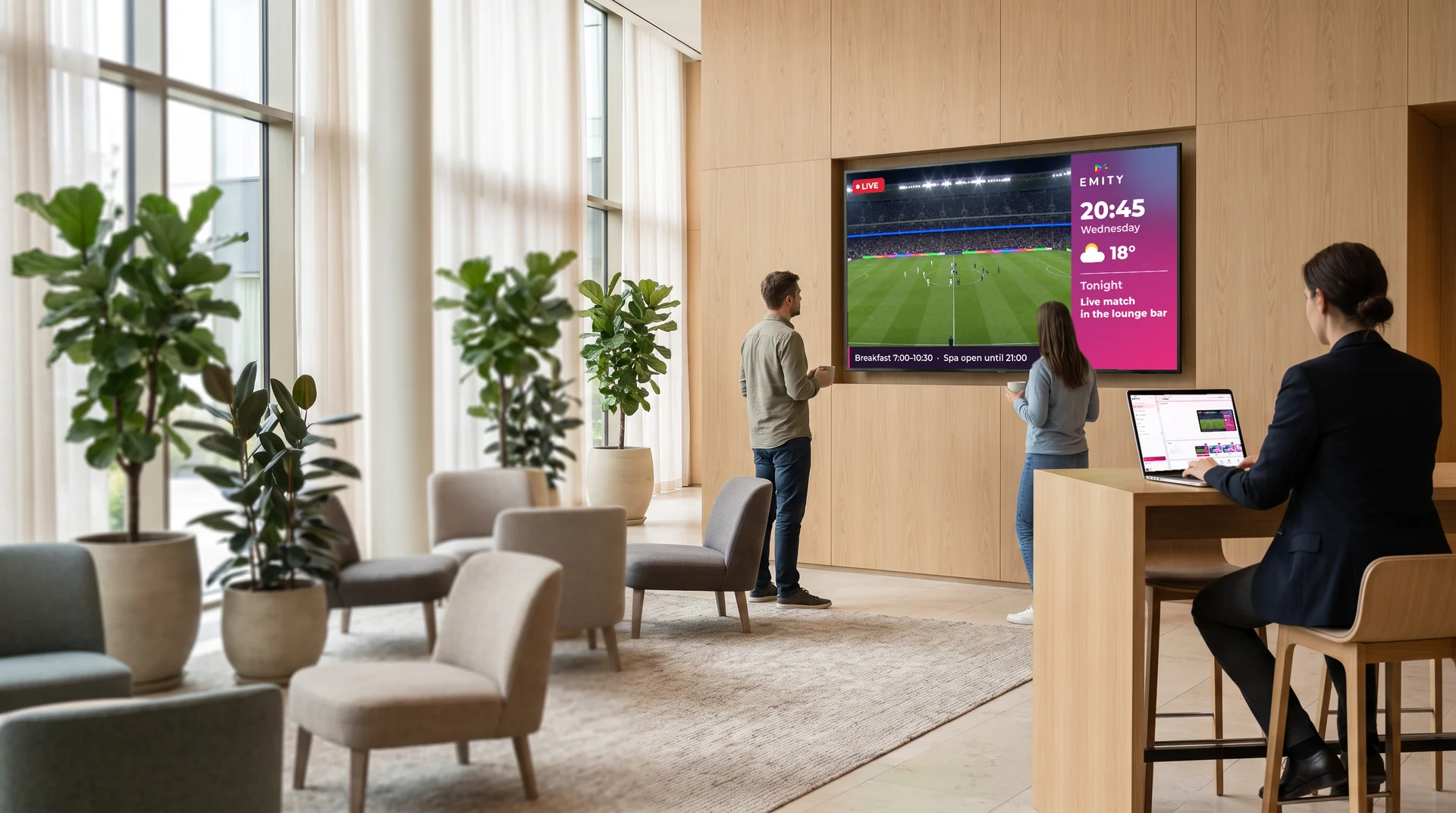
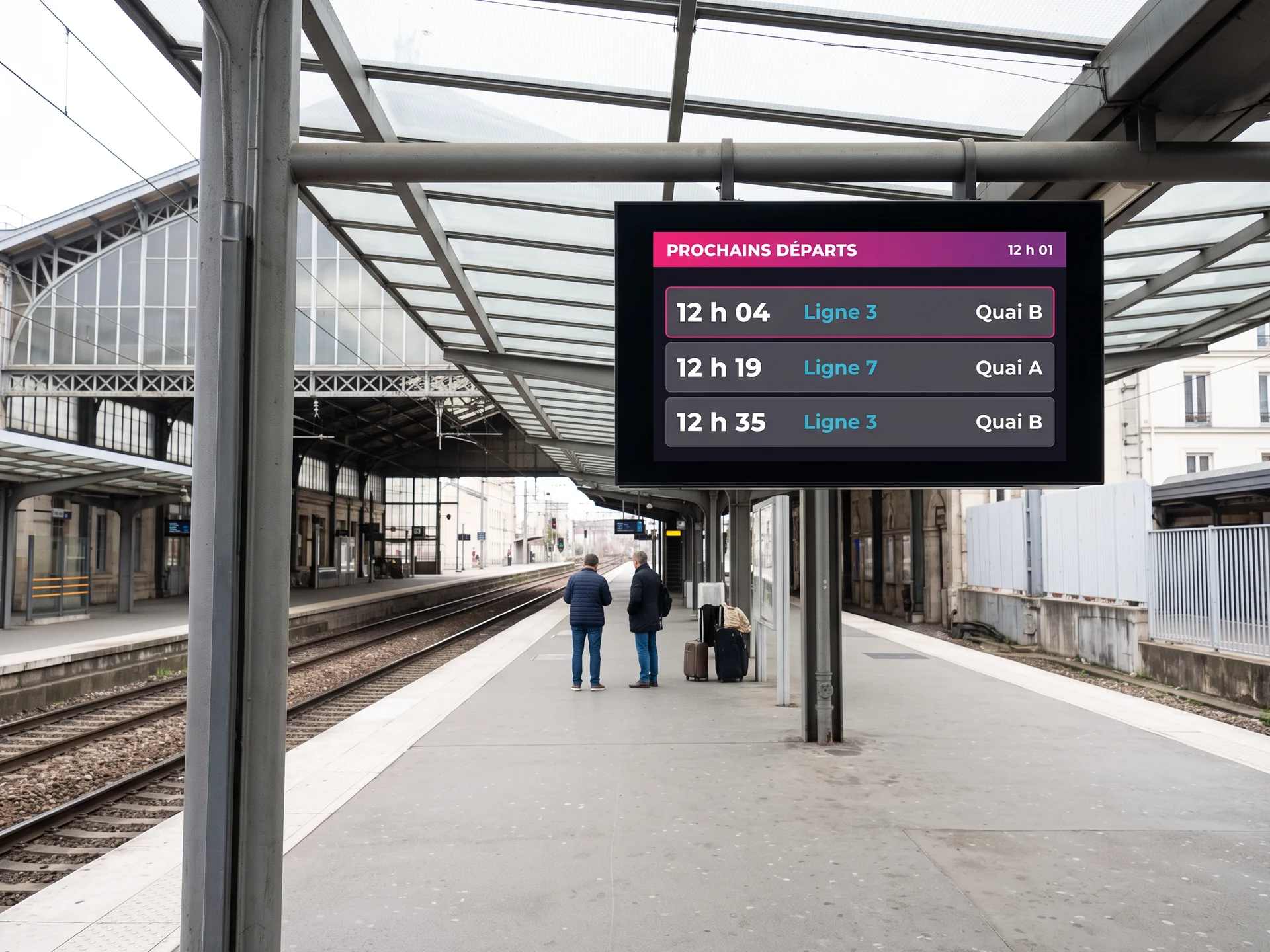
The difference between a fixed visual and truly dynamic content lies in the update: the latter refreshes on its own. Weather, a news feed, a dashboard, a schedule pulled from your calendar, the next departures of a transit network — once connected, they run without anyone touching them.
FIVE WAYS TO FEED YOUR SCREENS
- The EMITY editor covers the vast majority of needs.
- Widgets keep the screen up to date without anyone stepping in.
- Canva and Adobe Express come as a complement.
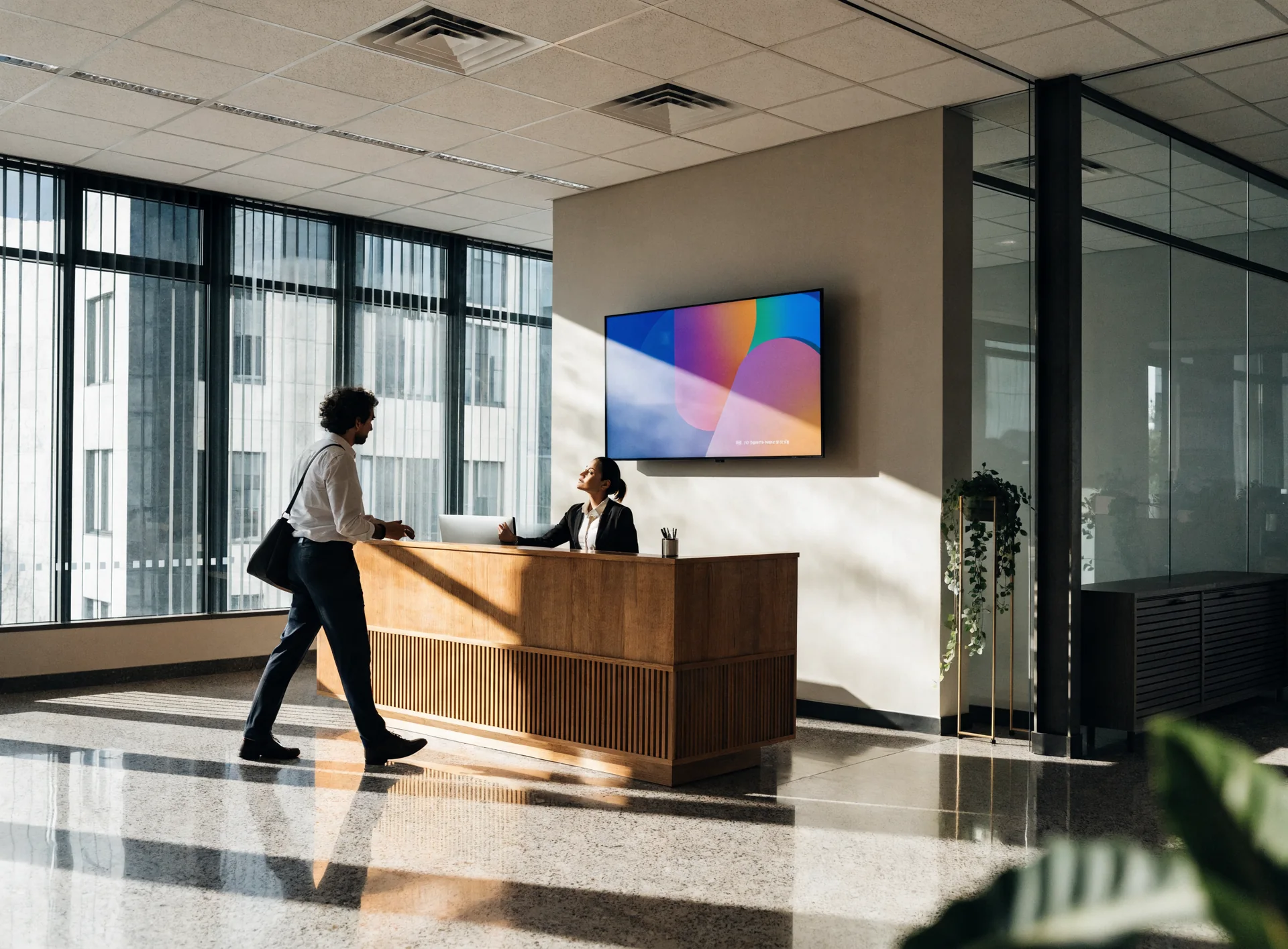
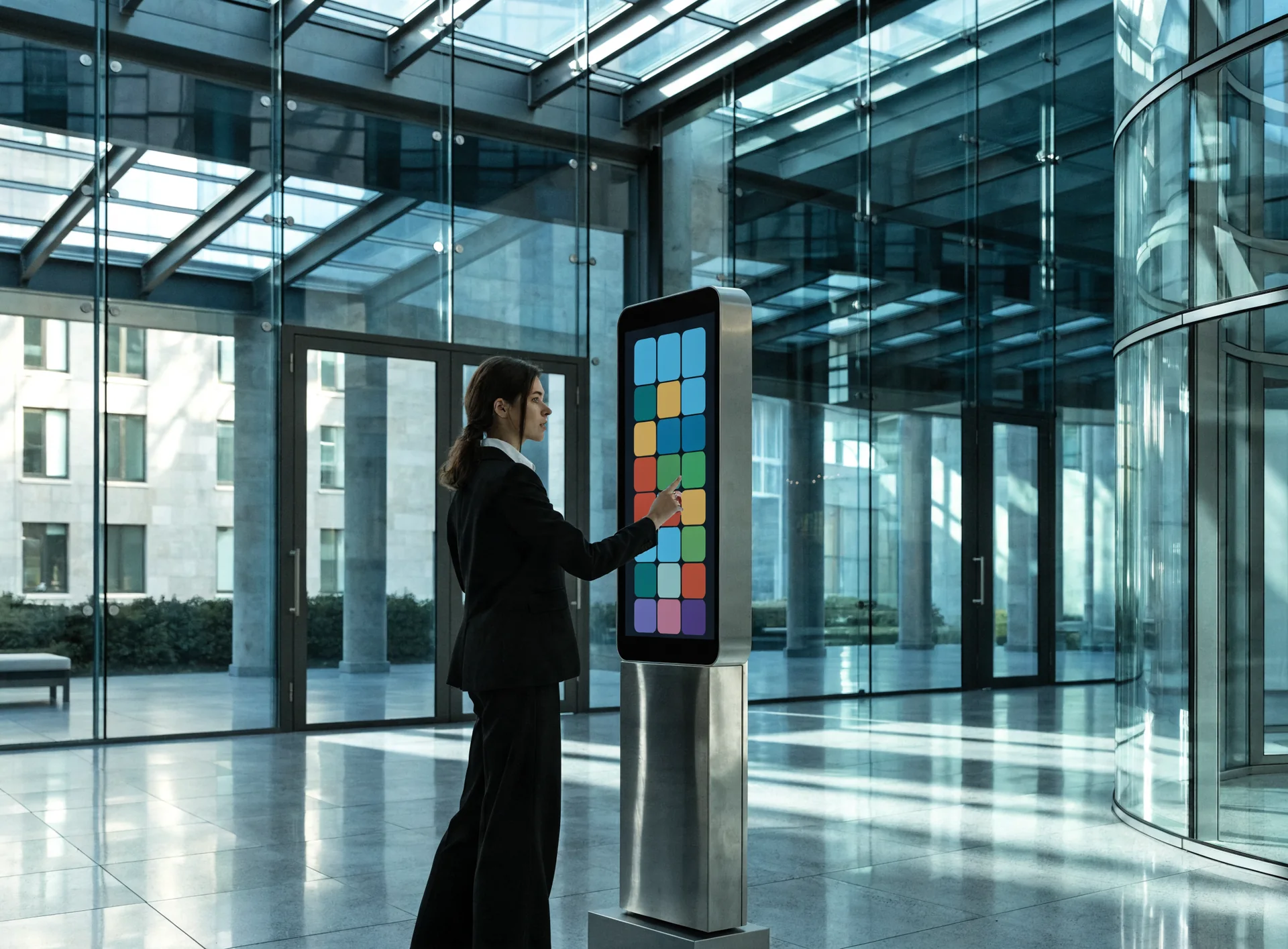
Six digital signage examples
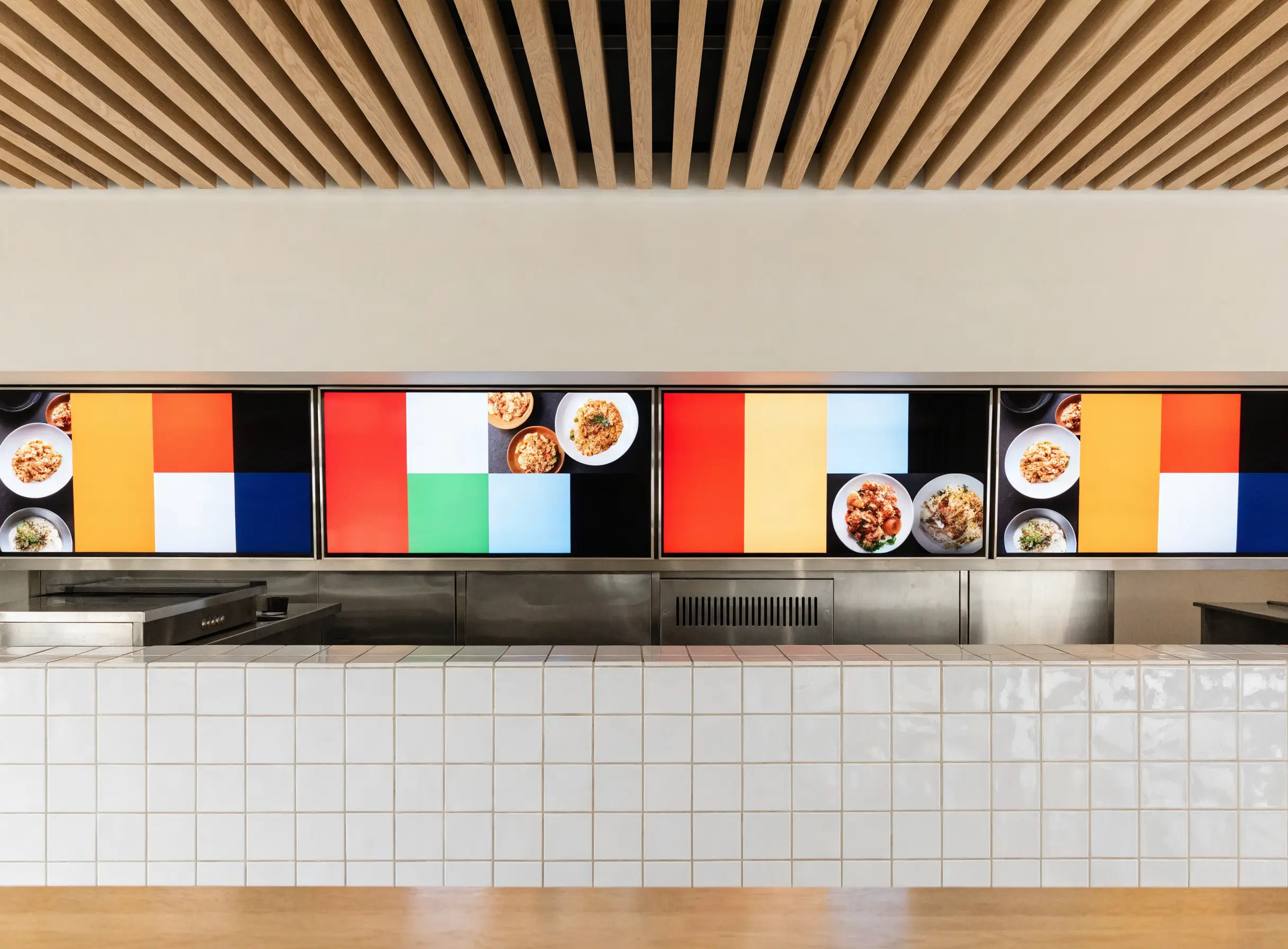
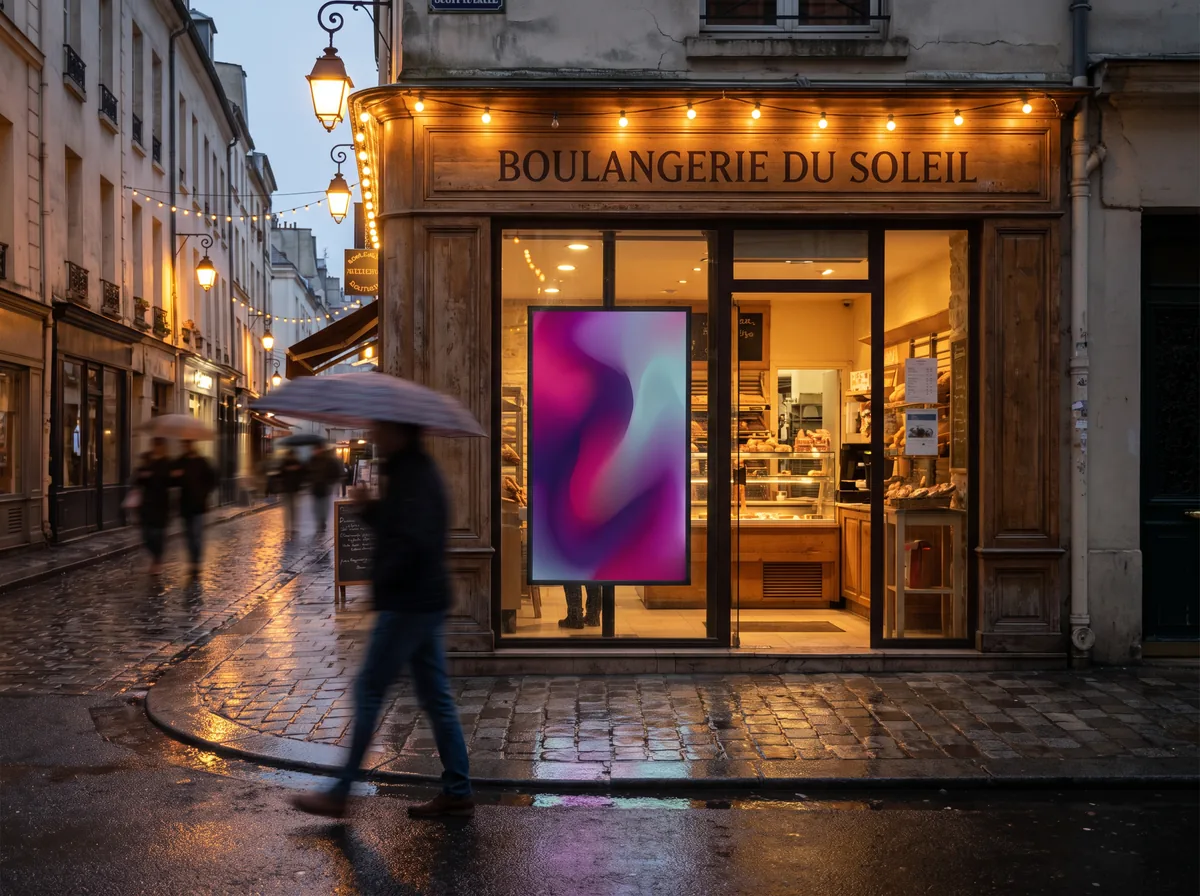
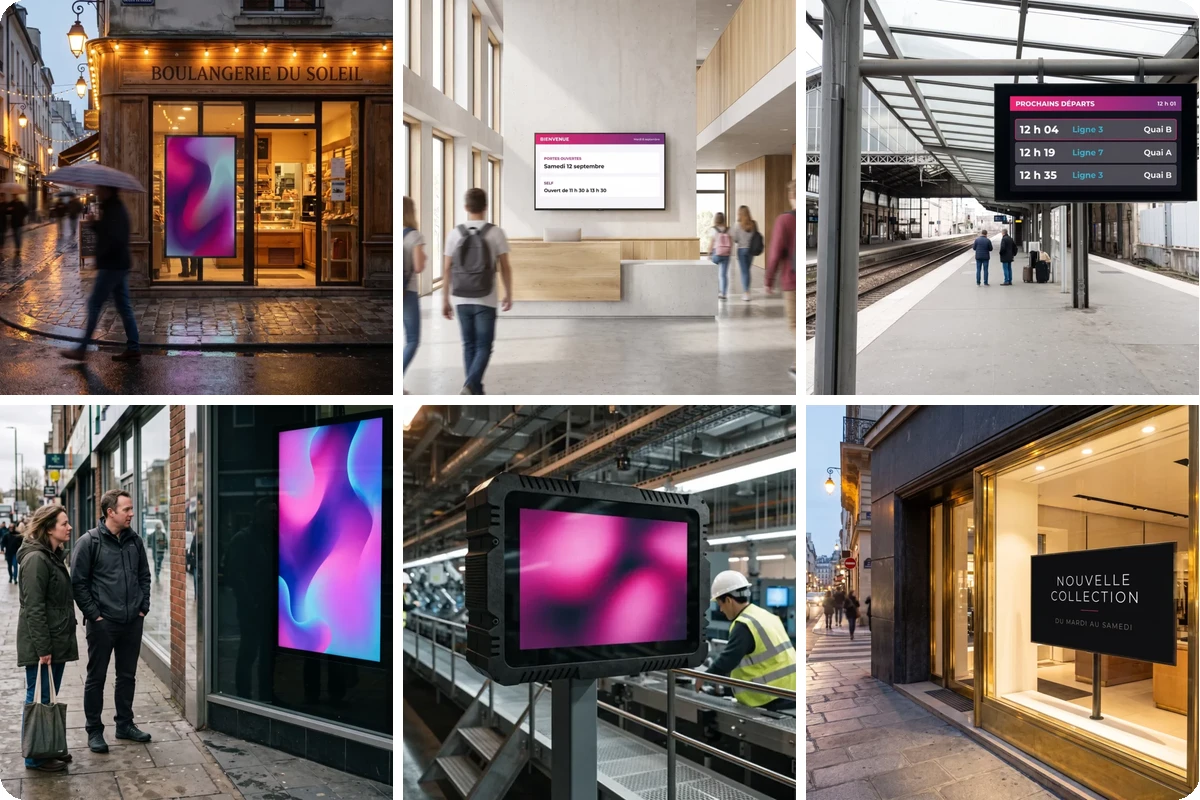
In short — The best way to understand is to look: here are six digital signage examples, taken from six different settings.
Digital signage or printed signage: which one?
In short — Printed signage still has its uses. The choice comes down to one question: how often does the message change?
Print suits a stable message shown in a single place. As soon as the message changes every week, targets several sites or has to vary with the time of day, the screen becomes simpler — and cheaper.
Digital signage in your sector
In short — Uses change from one place to another. Each page covers those of its sector, with its own examples.
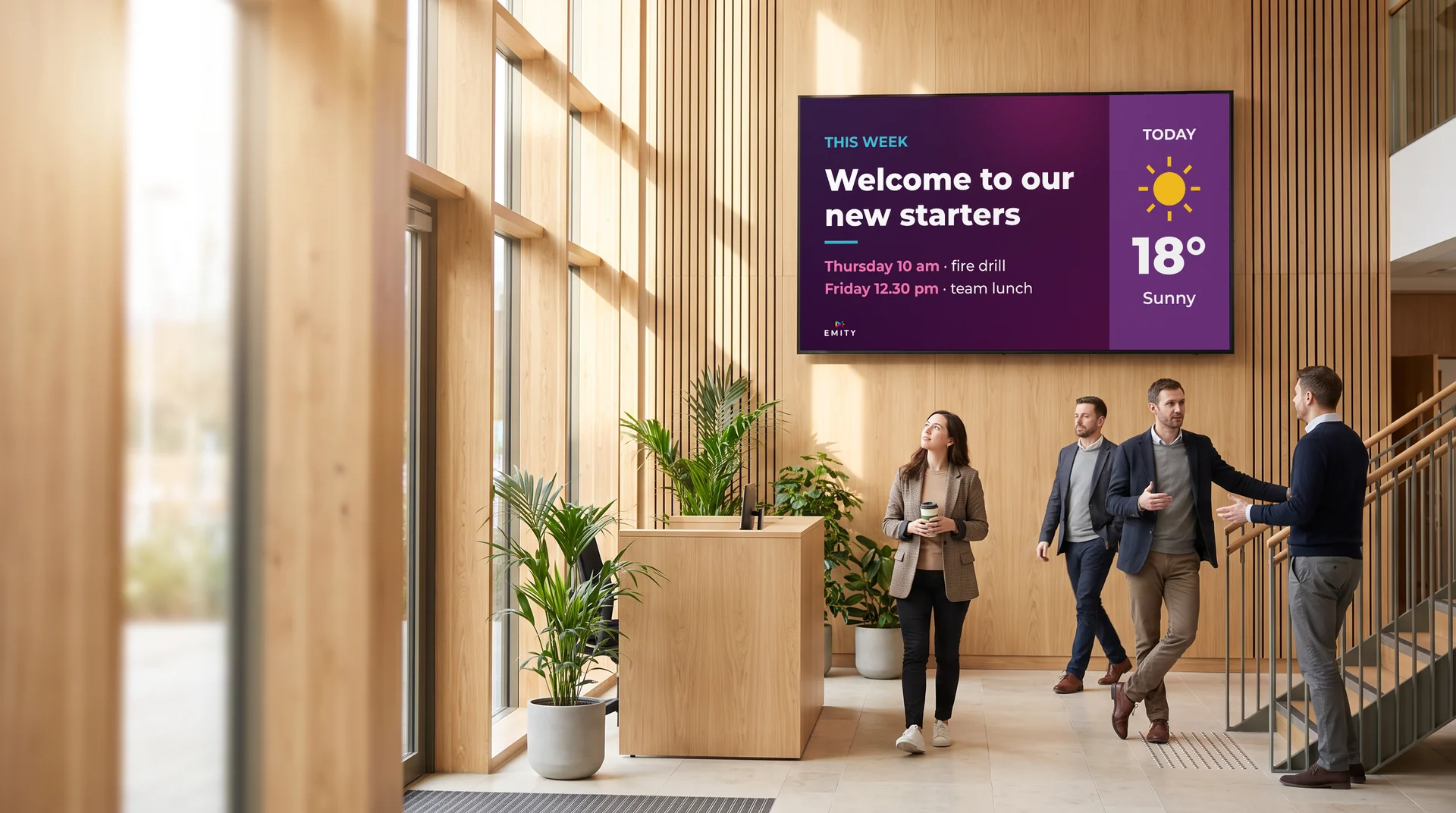
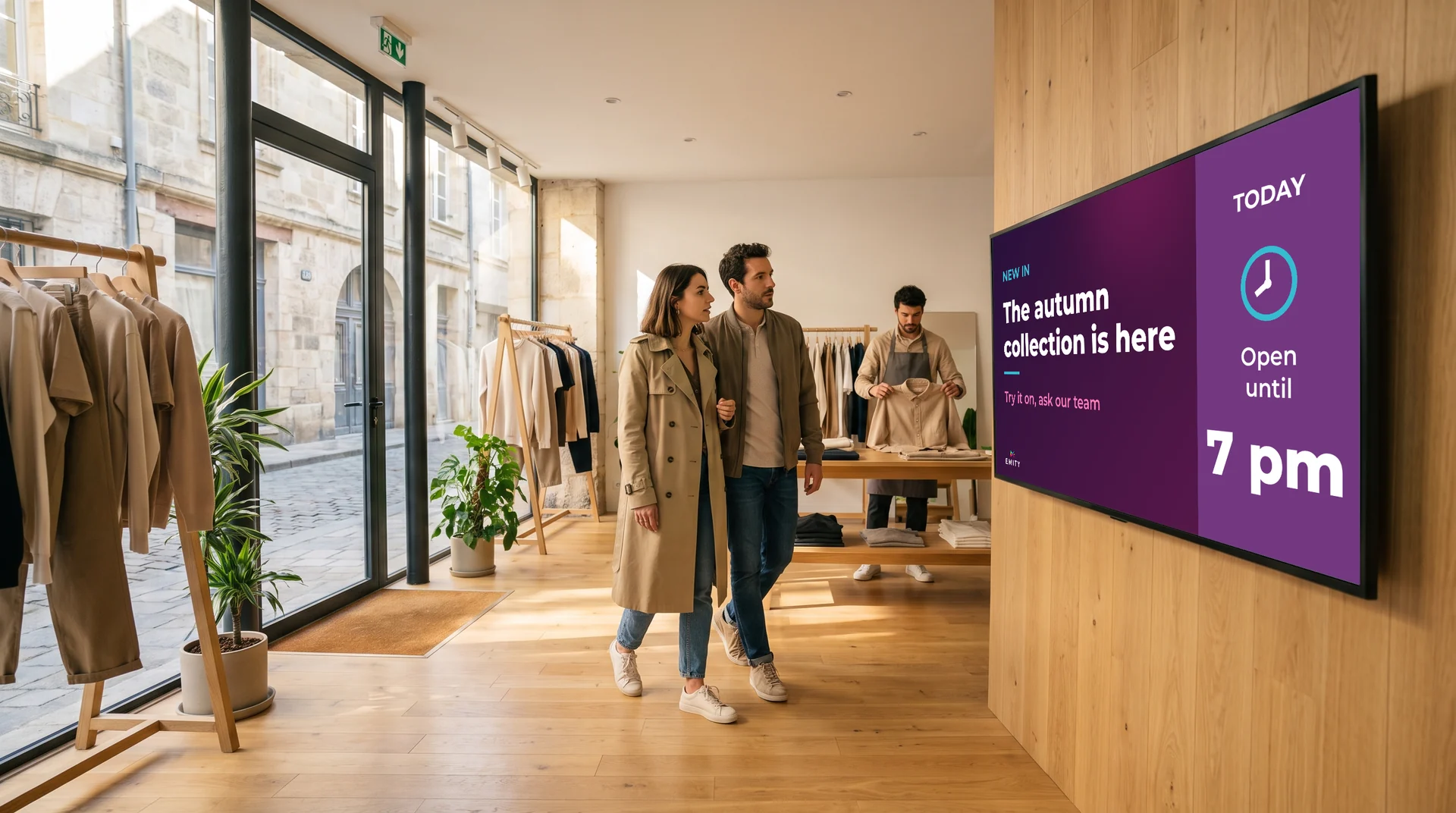
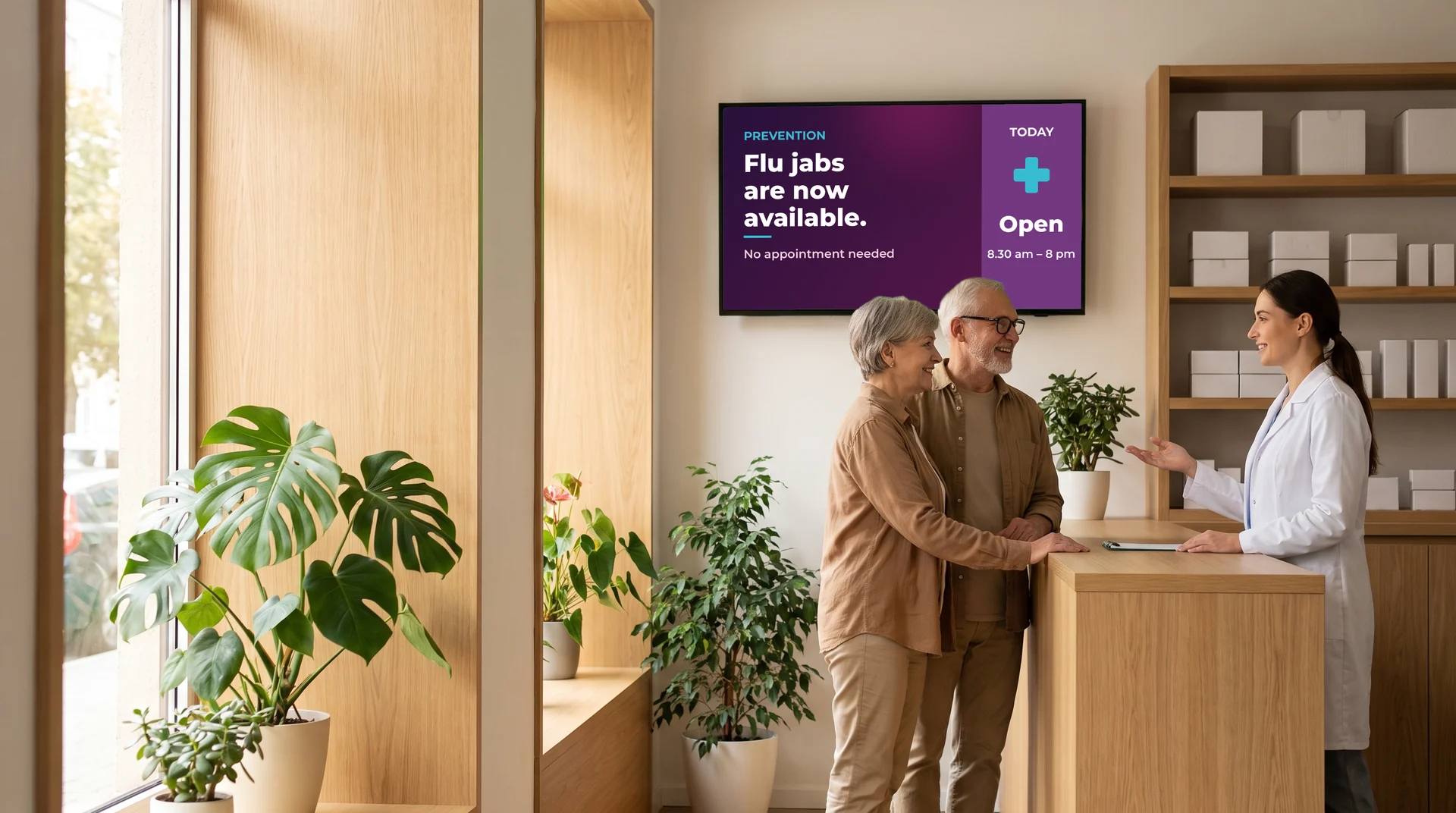
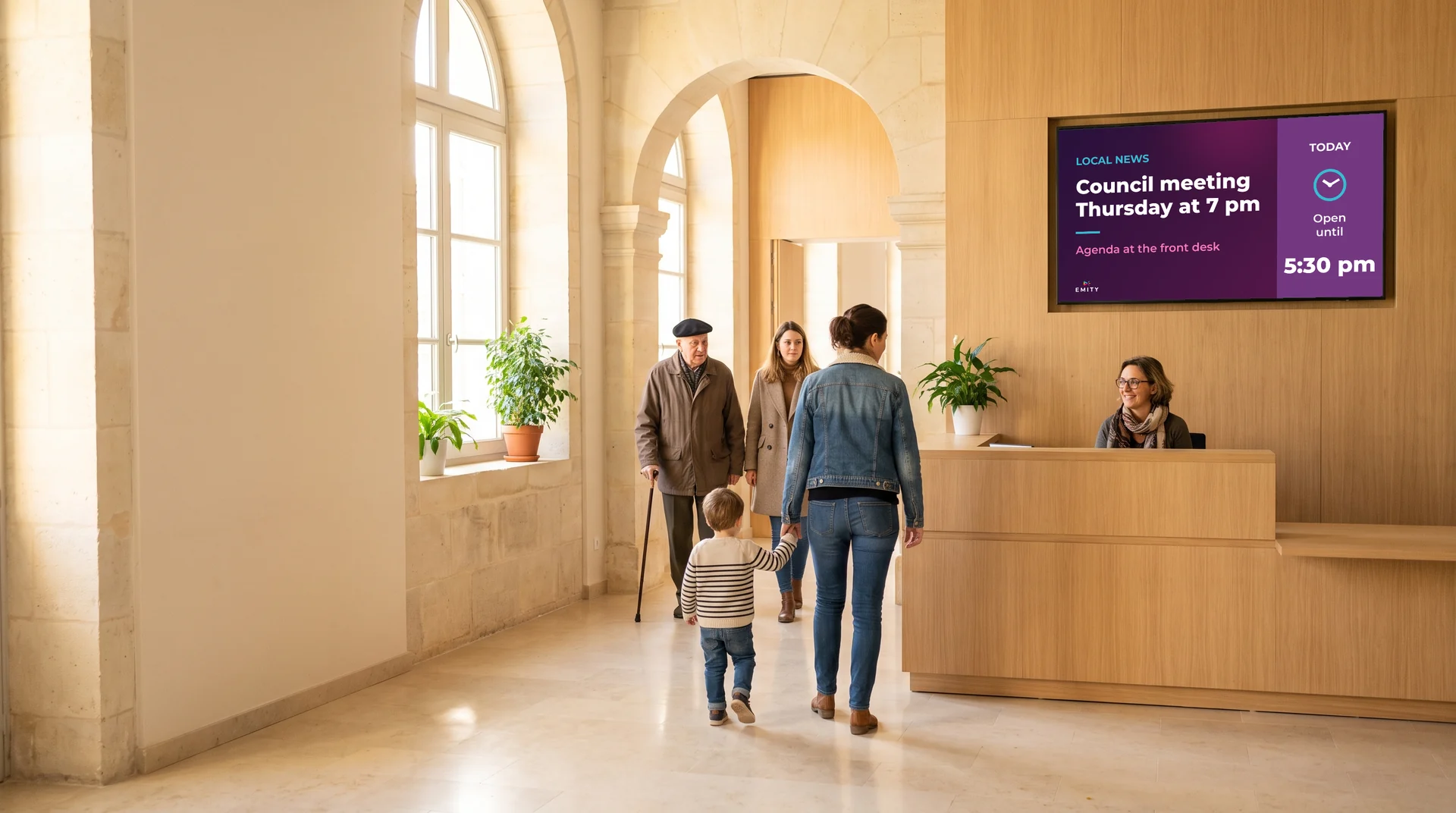
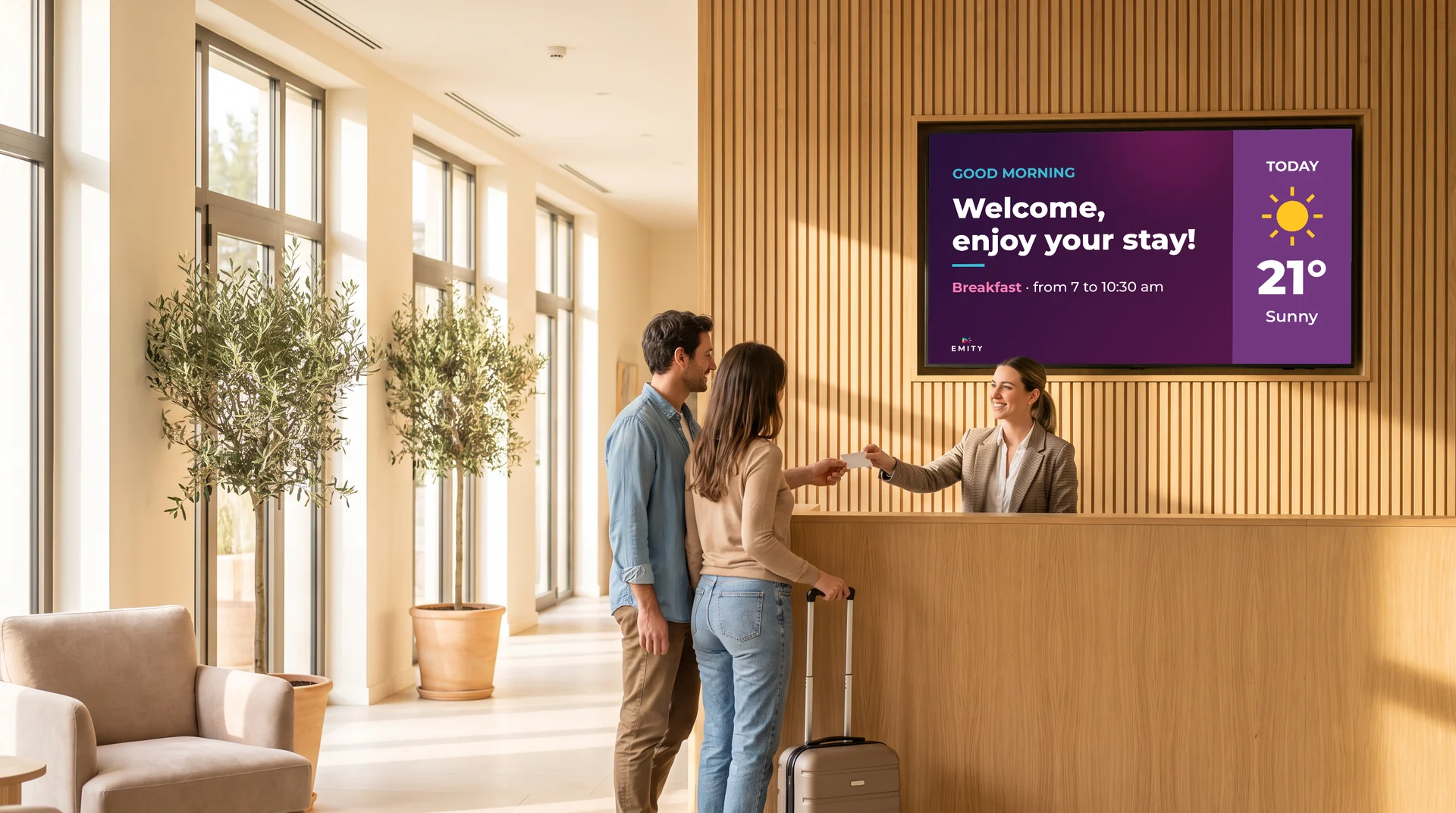
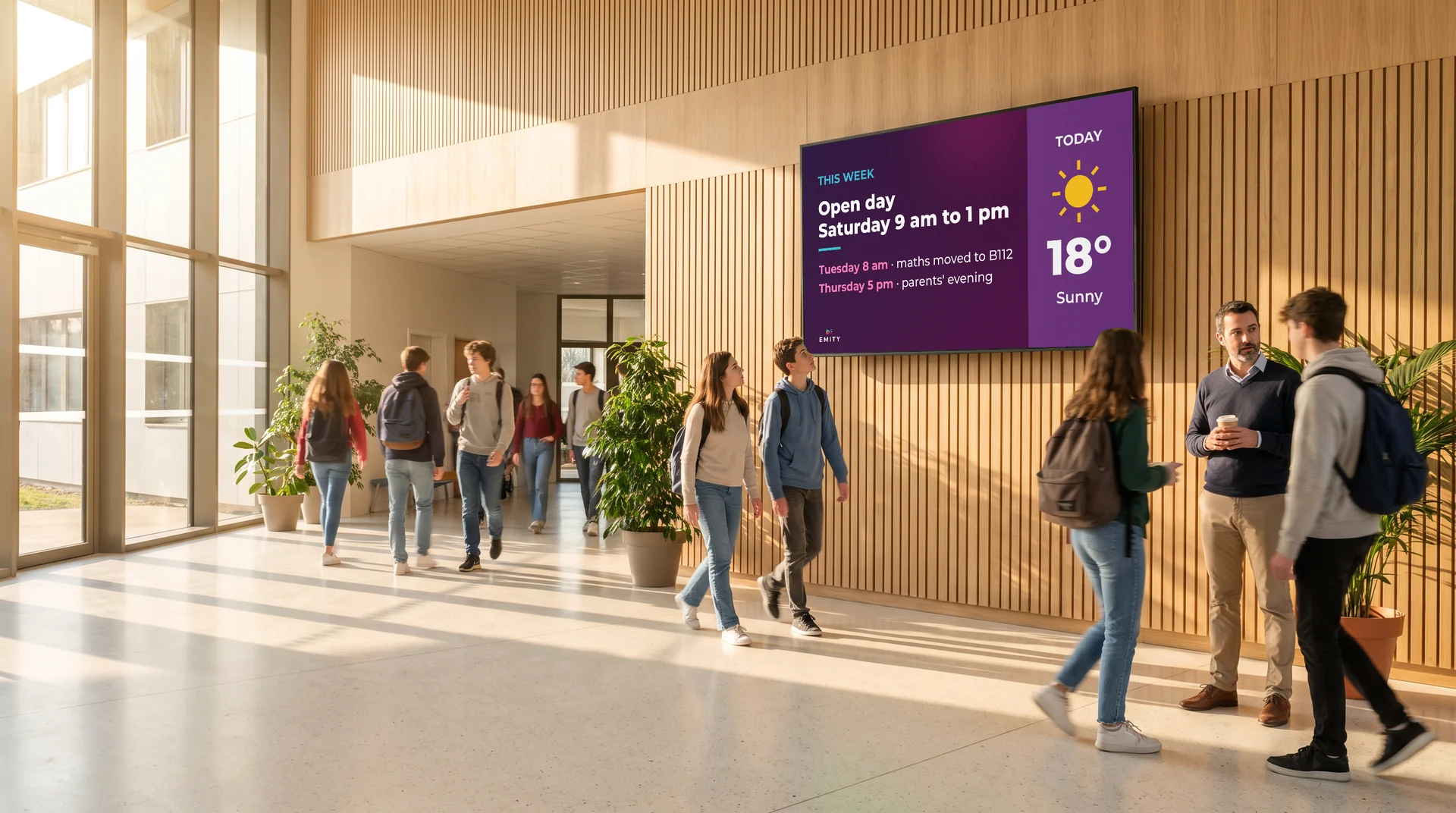
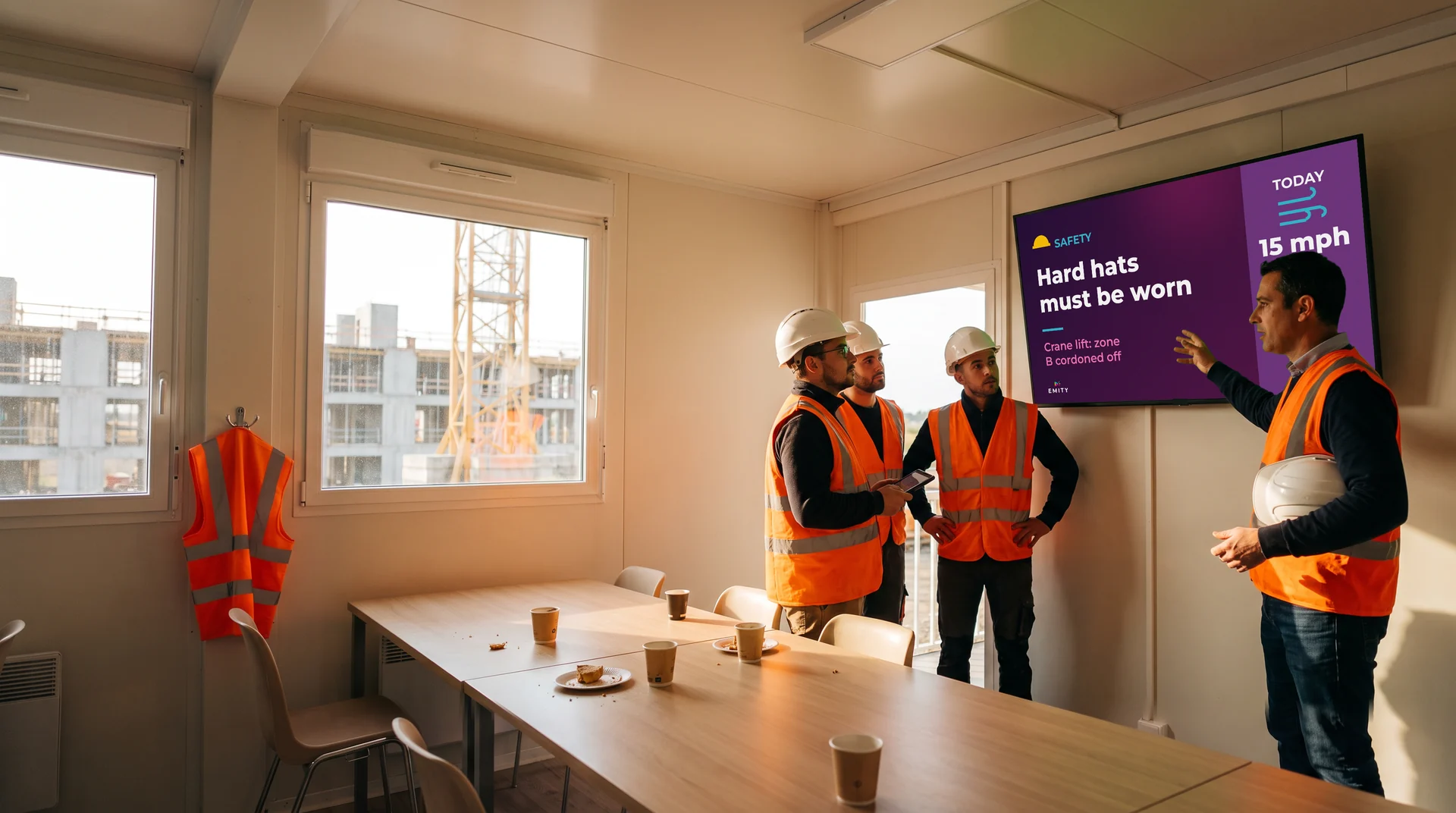
And also: digital signage in museums, digital signage in transport, and the dynamic menu board for restaurants.
What readers ask most
TRY IT
The best way to understand is to try it.
The free trial account opens the platform for 3 months, with every feature, on one screen and with no commitment. With your content, on your screen.


