Experience · E-MANAGER widgets

Digital signage widgets: your data up to date on every screen

Your data reaches your screens on its own.

Weather, timetables, social media, dashboards: picked from the E-MANAGER catalogue, widgets fetch the information and keep it up to date, with nobody having to type it in again.

7,000+connected screens
1,000+customer accounts
130+certified partners
3 monthsfree trial

What goes on your screens

Five ways
to feed your screens.

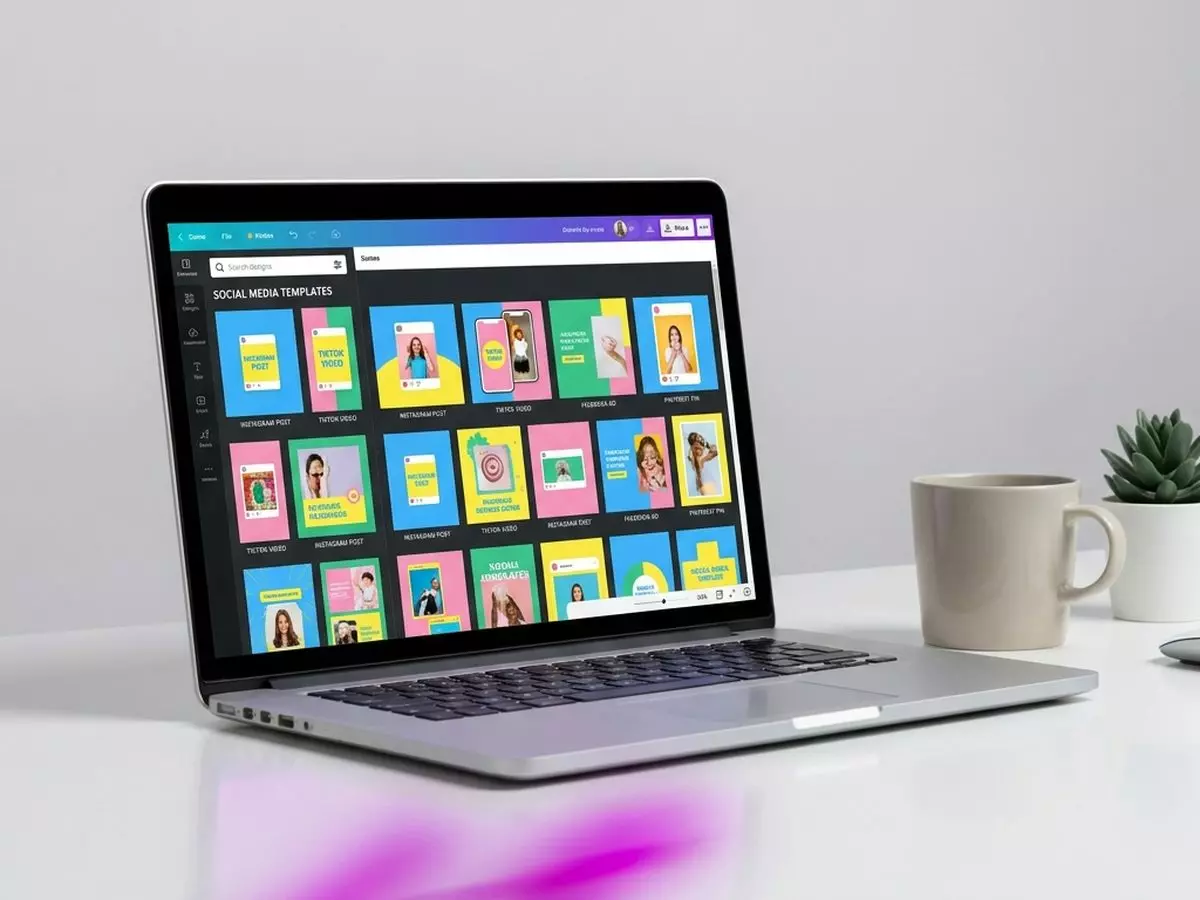
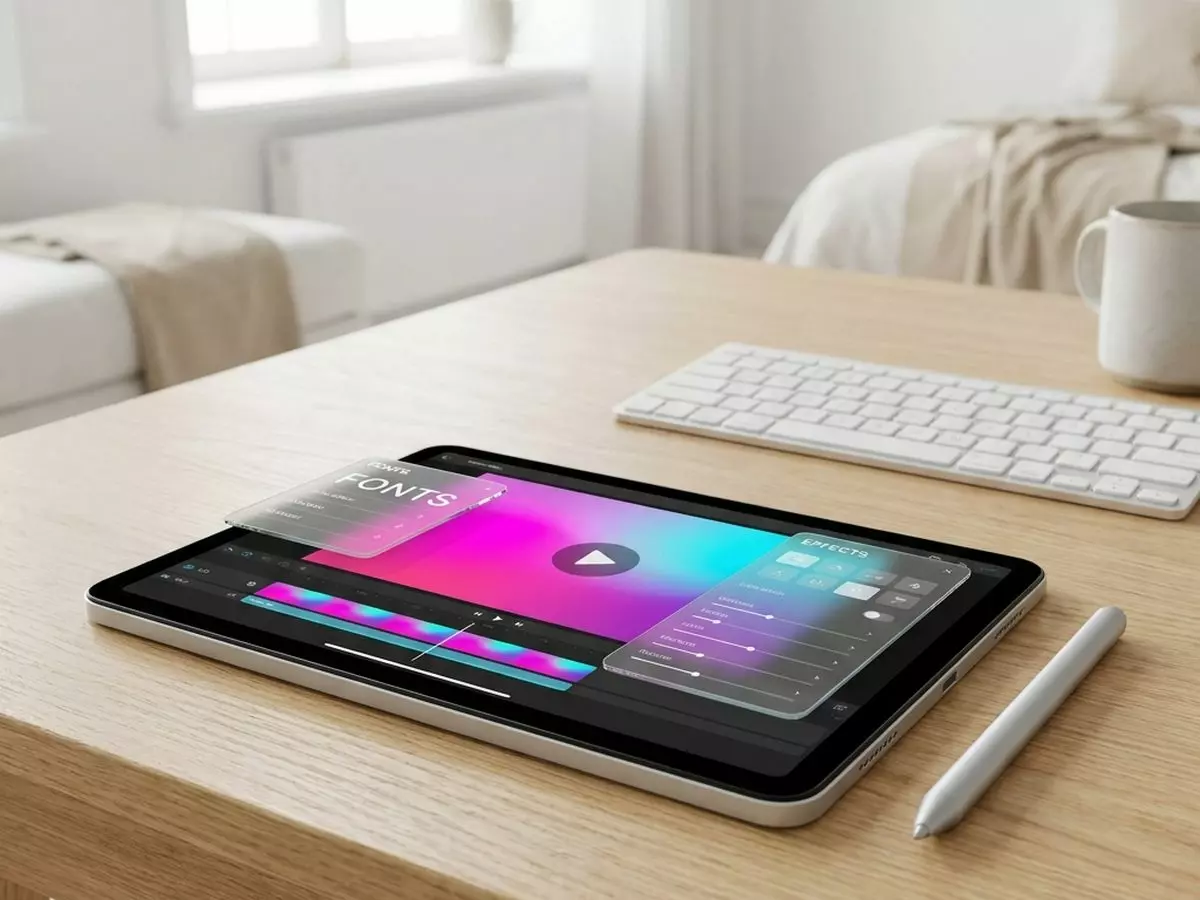
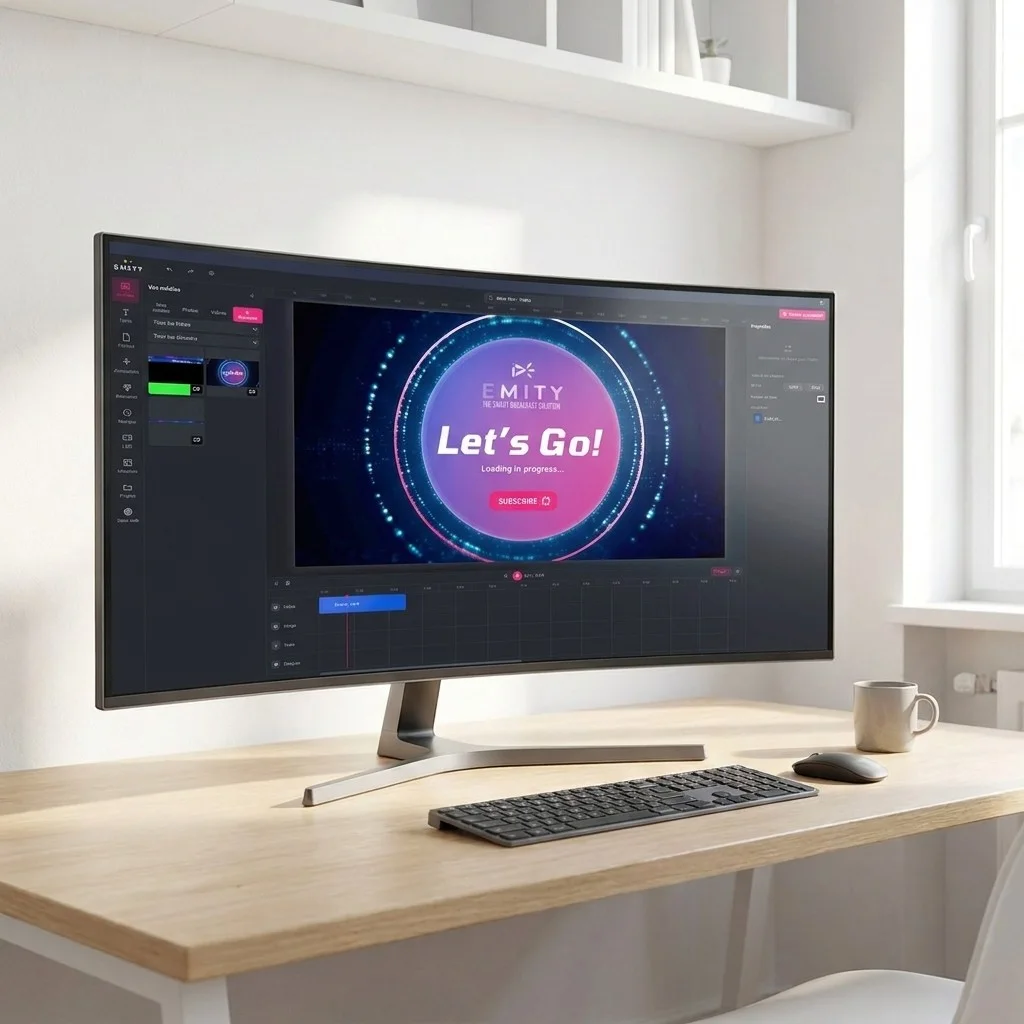
The EMITY editor covers the vast majority of needs: it is already in E-MANAGER, alongside the media library and widgets. Canva and Adobe Express come on top, for teams who already use them.
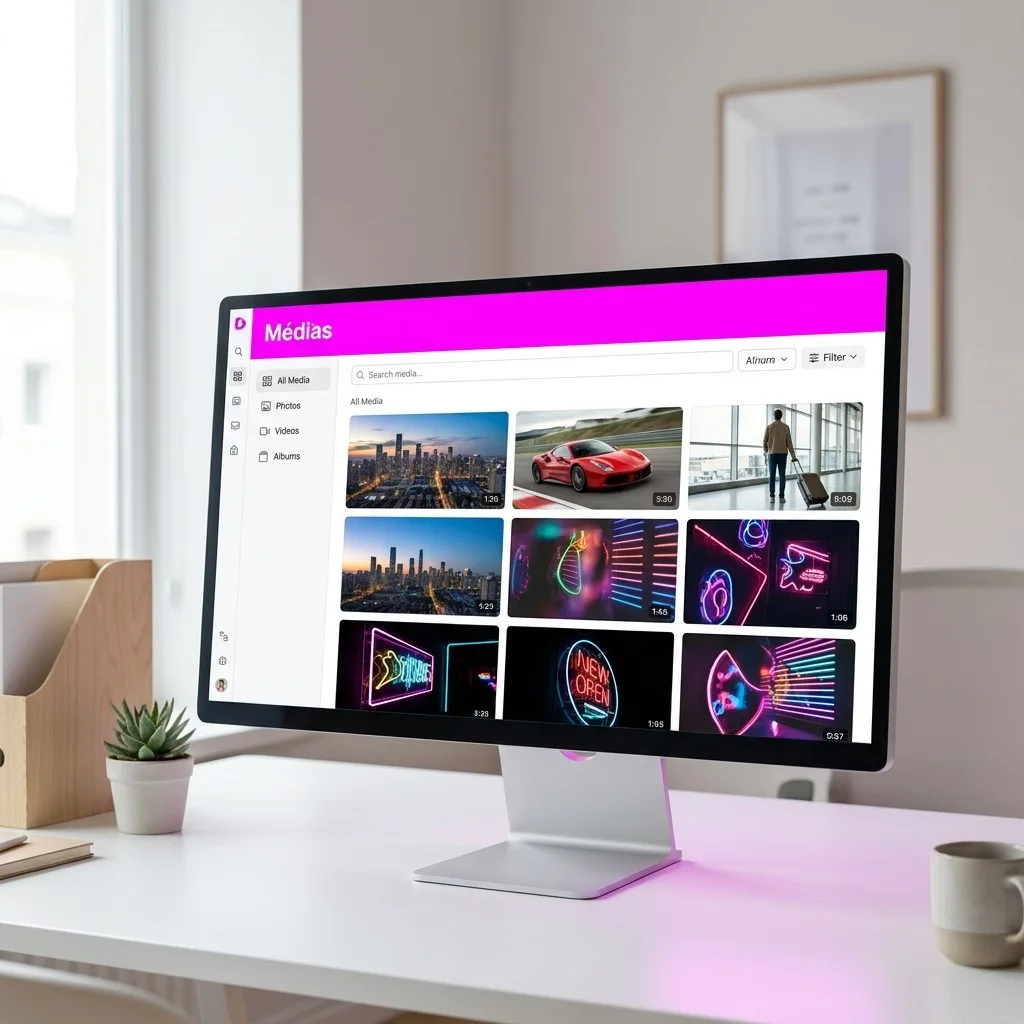
The catalogue

Around twenty widgets,
for communication that matters.

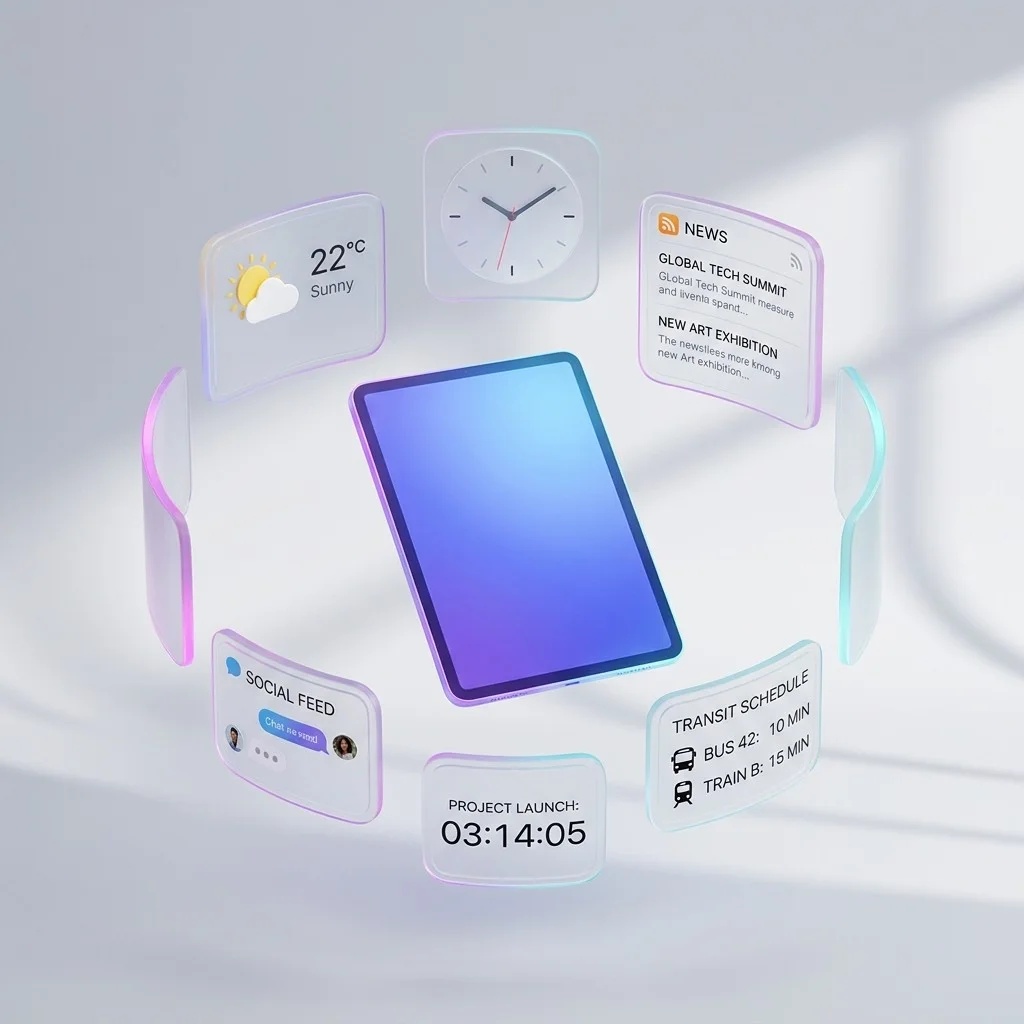
A widget is content that fetches its data online and refreshes it without any action on your part. It goes into a playlist like an image or a video. Here is the catalogue, organised as in E-MANAGER.

Practical information

What everyone glances at in passing.
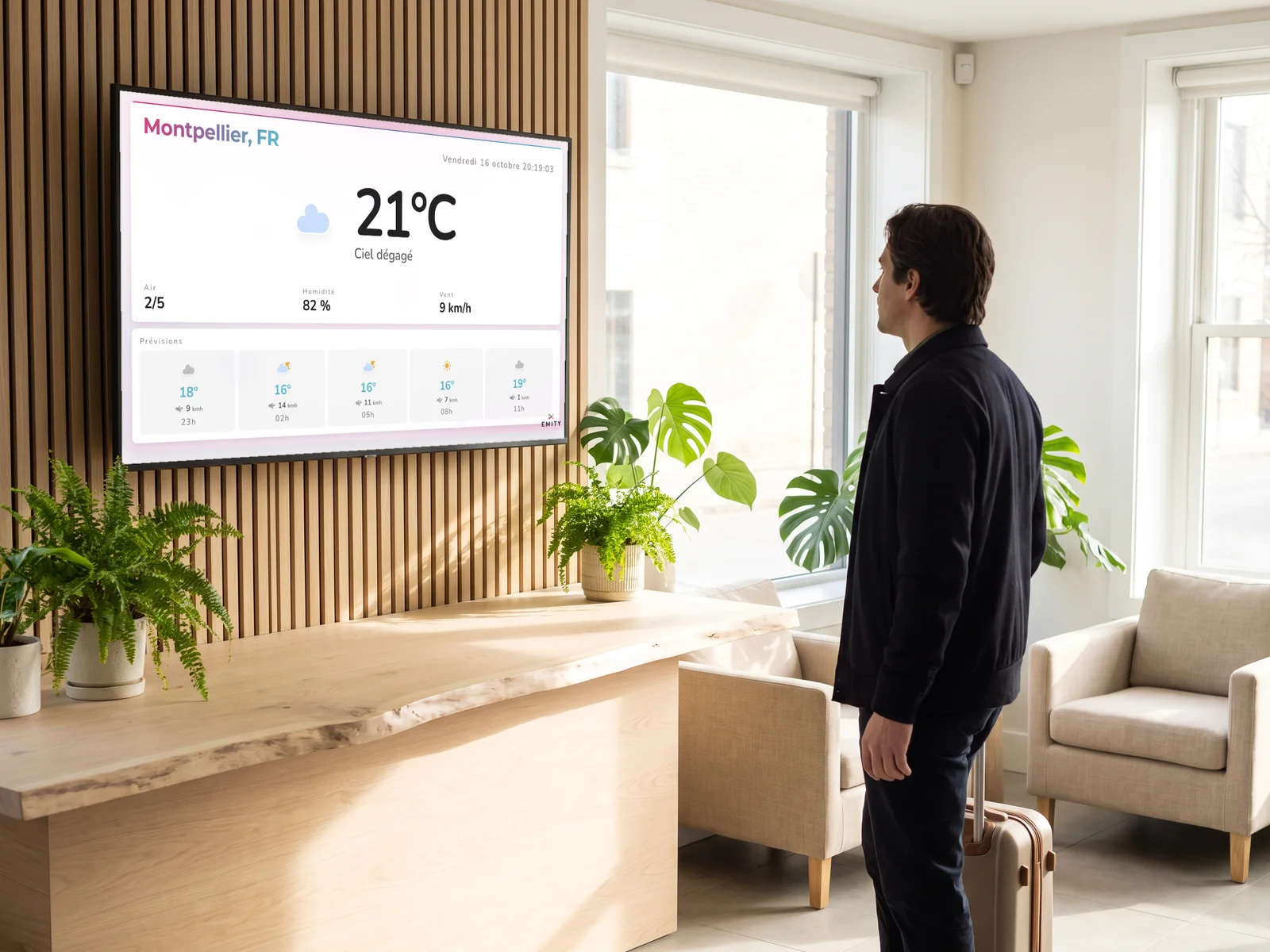
Hotel reception: a traveller checks the Montpellier weather and forecast before heading outWeatherThe weather for the city of your choice, from today to the week ahead.
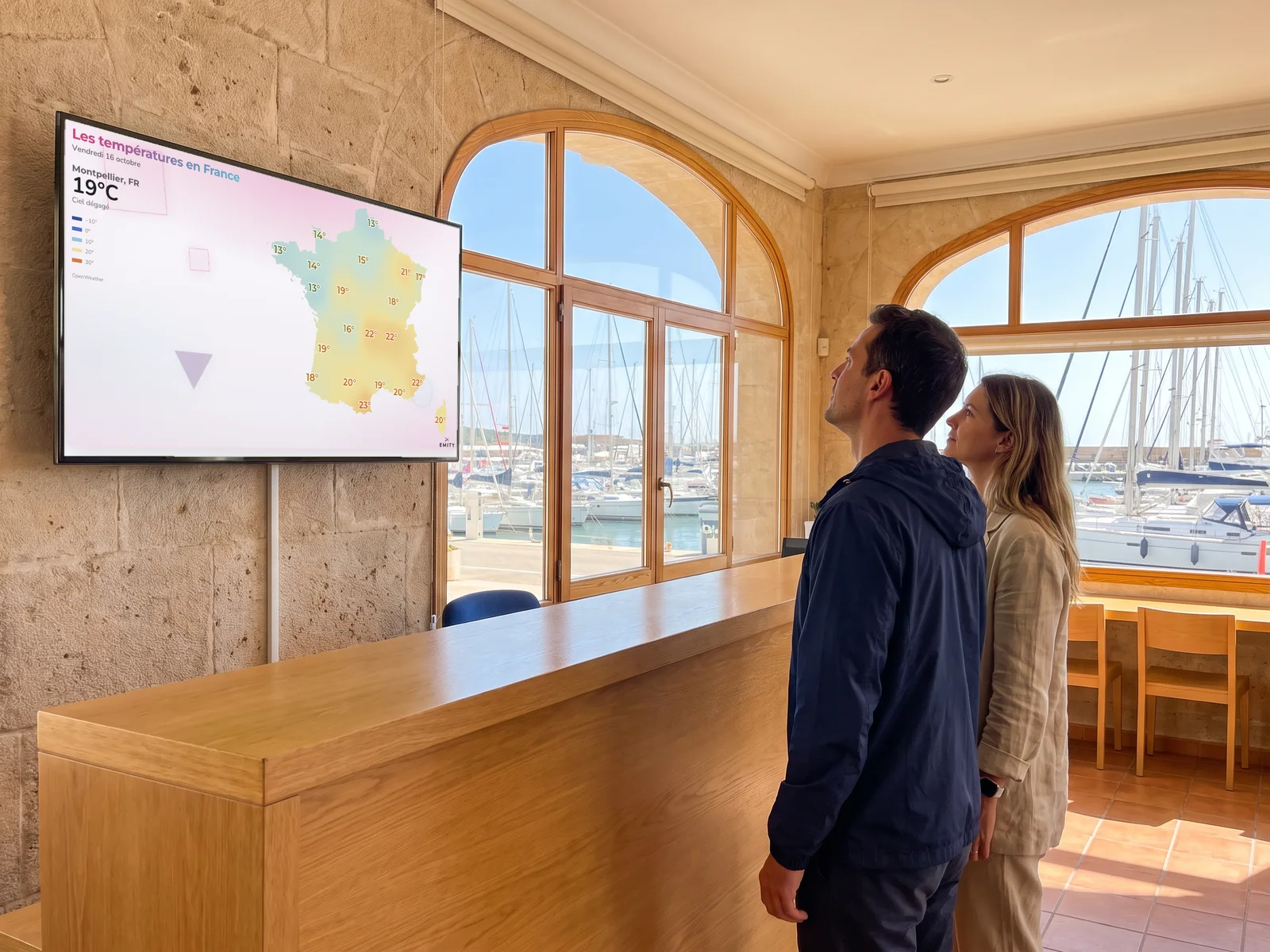
Marina harbour office: two sailors check the map of temperatures across France before setting out to seaSpecialised weatherWeather warnings, wind, sea temperature, wildfires, avalanches.
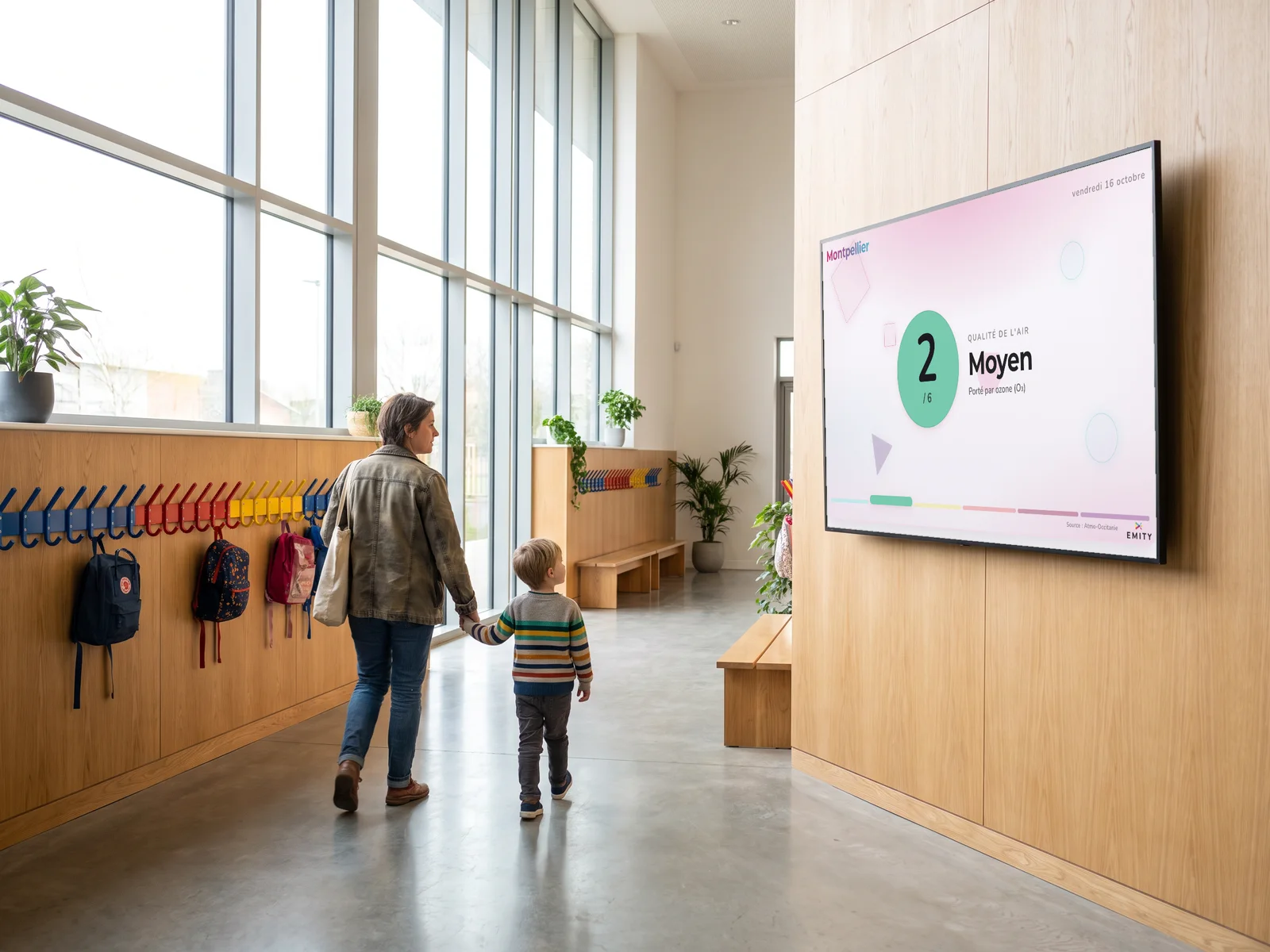
School entrance hall: the screen shows today's air quality index in MontpellierAir qualityToday’s pollution levels, in the city of your choice.
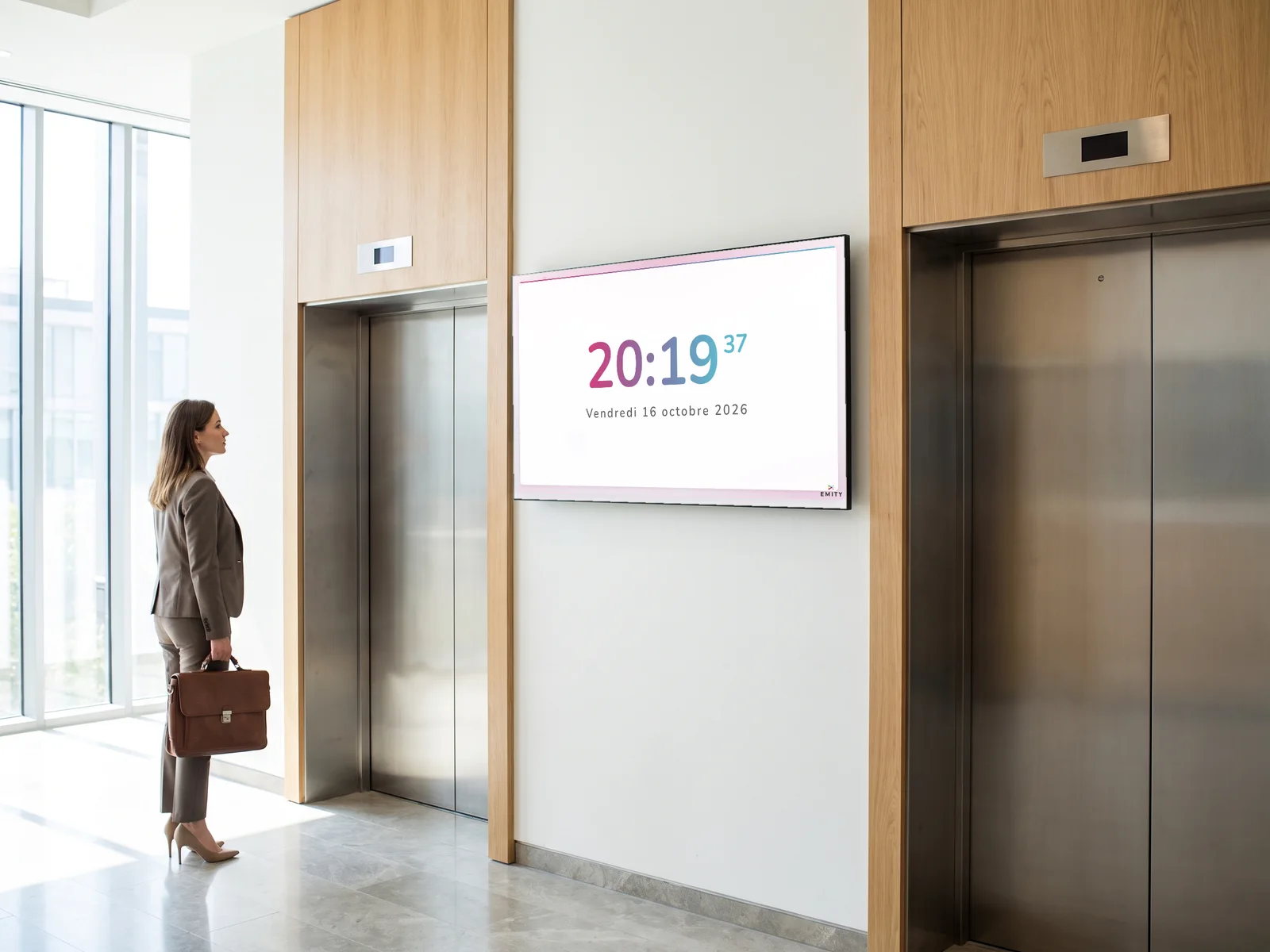
Office lift lobby: the screen shows the time and today's dateHourThe time, the date and the day, on the background of your choice.
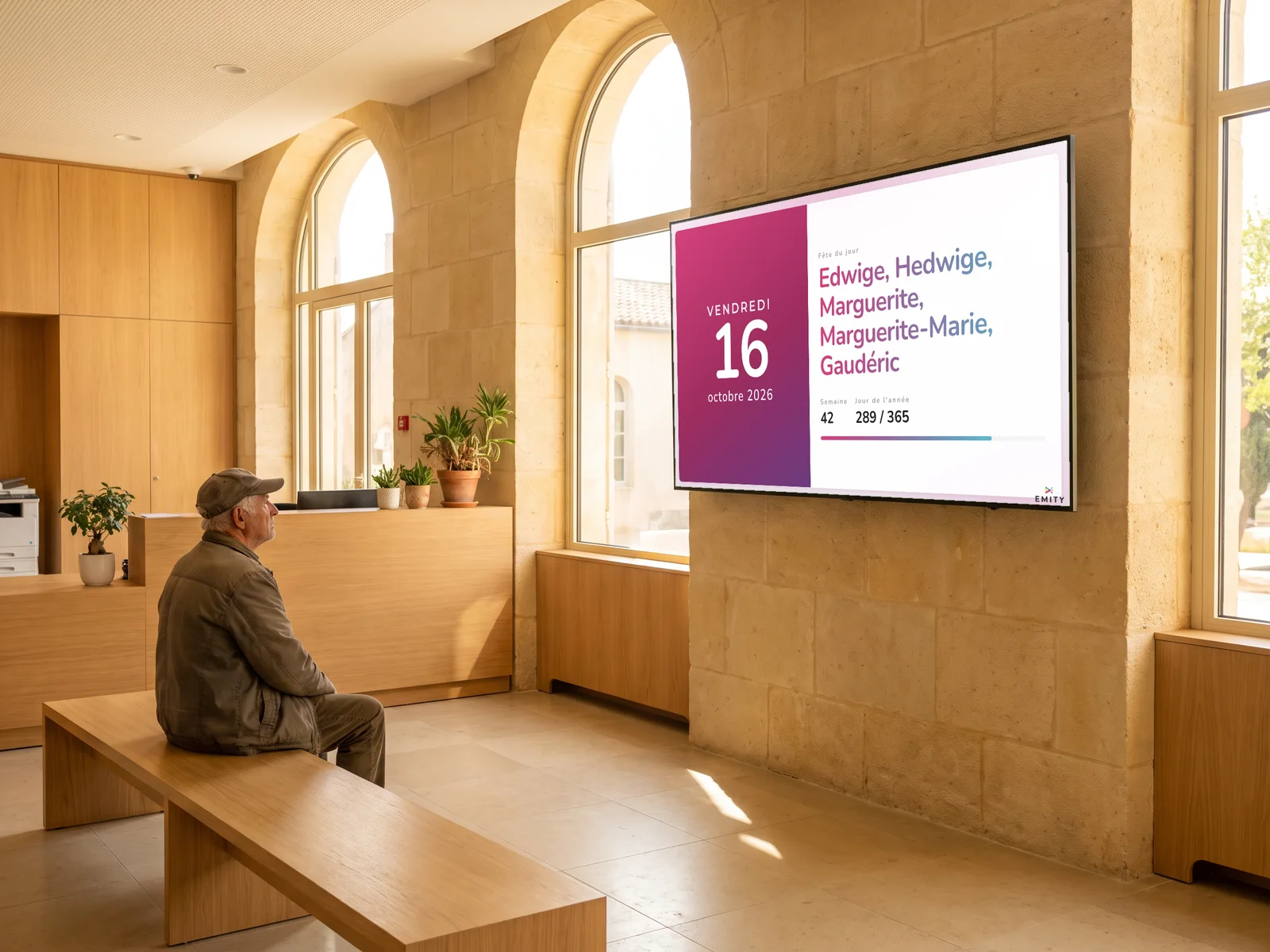
Town hall reception: a resident looks at today's ephemeris, the name day and the week numberEphemerisToday’s name day, the saint, the proverb.
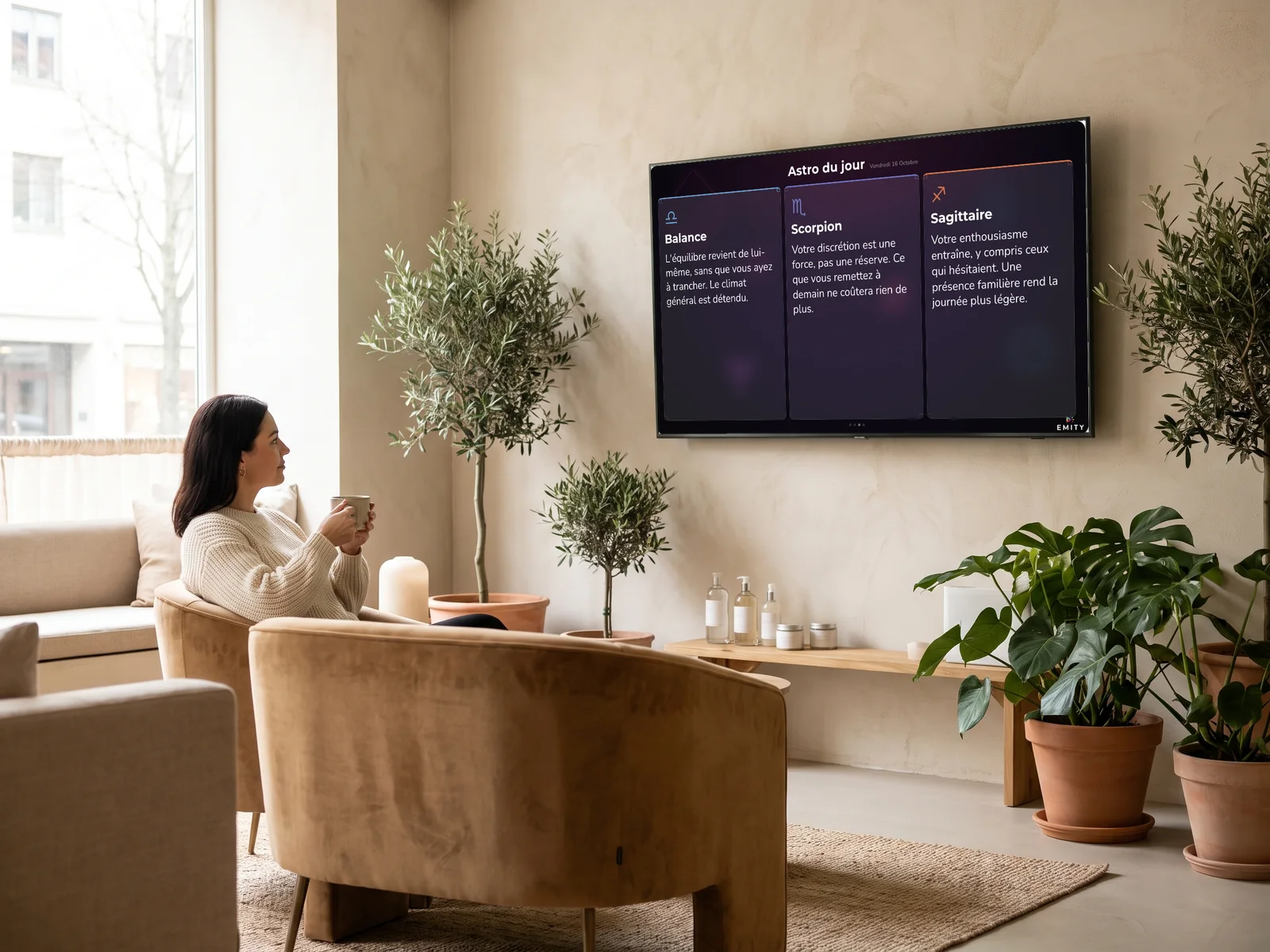
Hair salon waiting area: a client reads the daily horoscope on the screenDaily astroThe twelve signs, renewed every day.
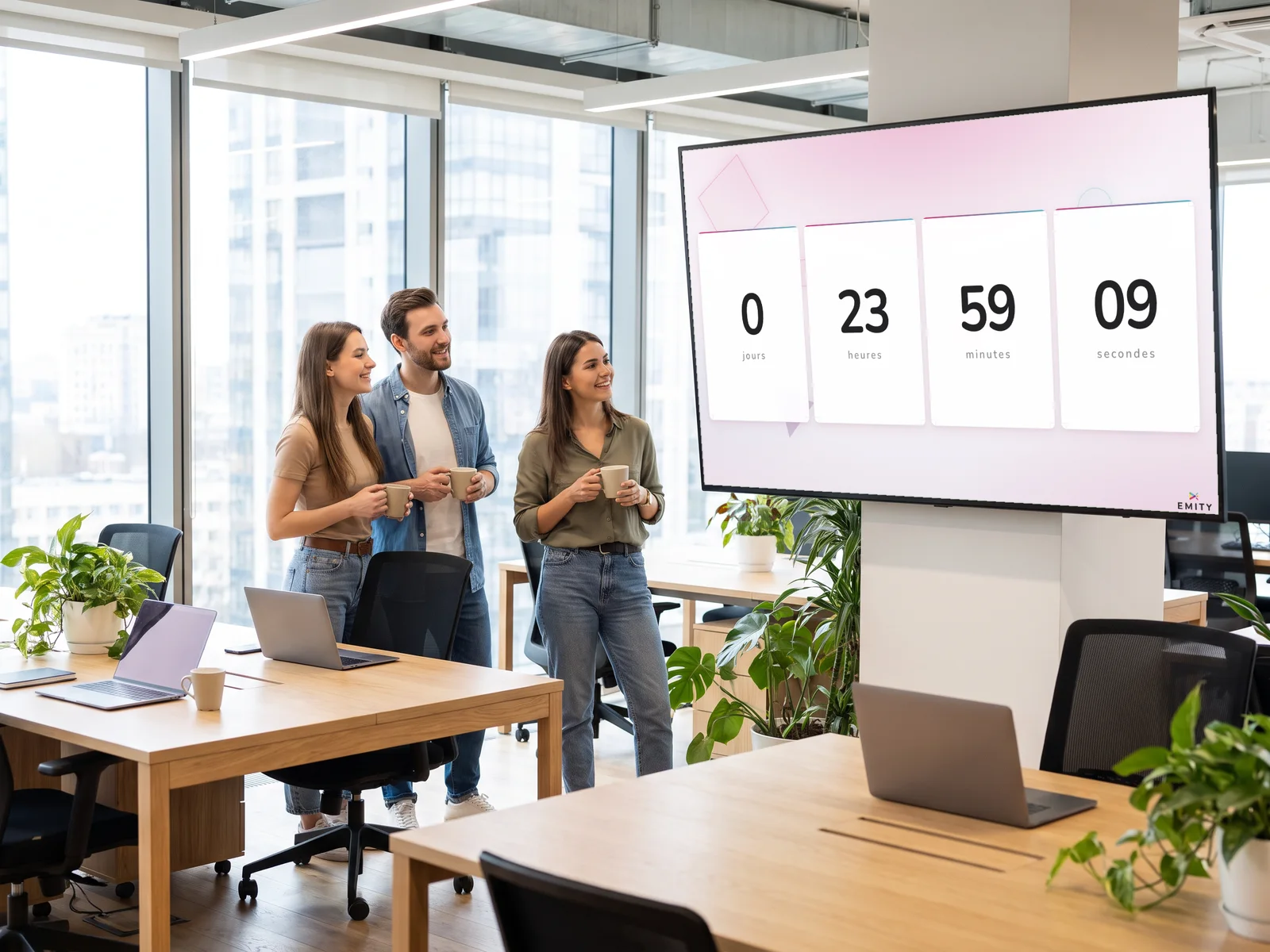
Open-plan office: three colleagues watch a countdown in days, hours, minutes and secondsCounterA countdown to a date, or a custom counter.
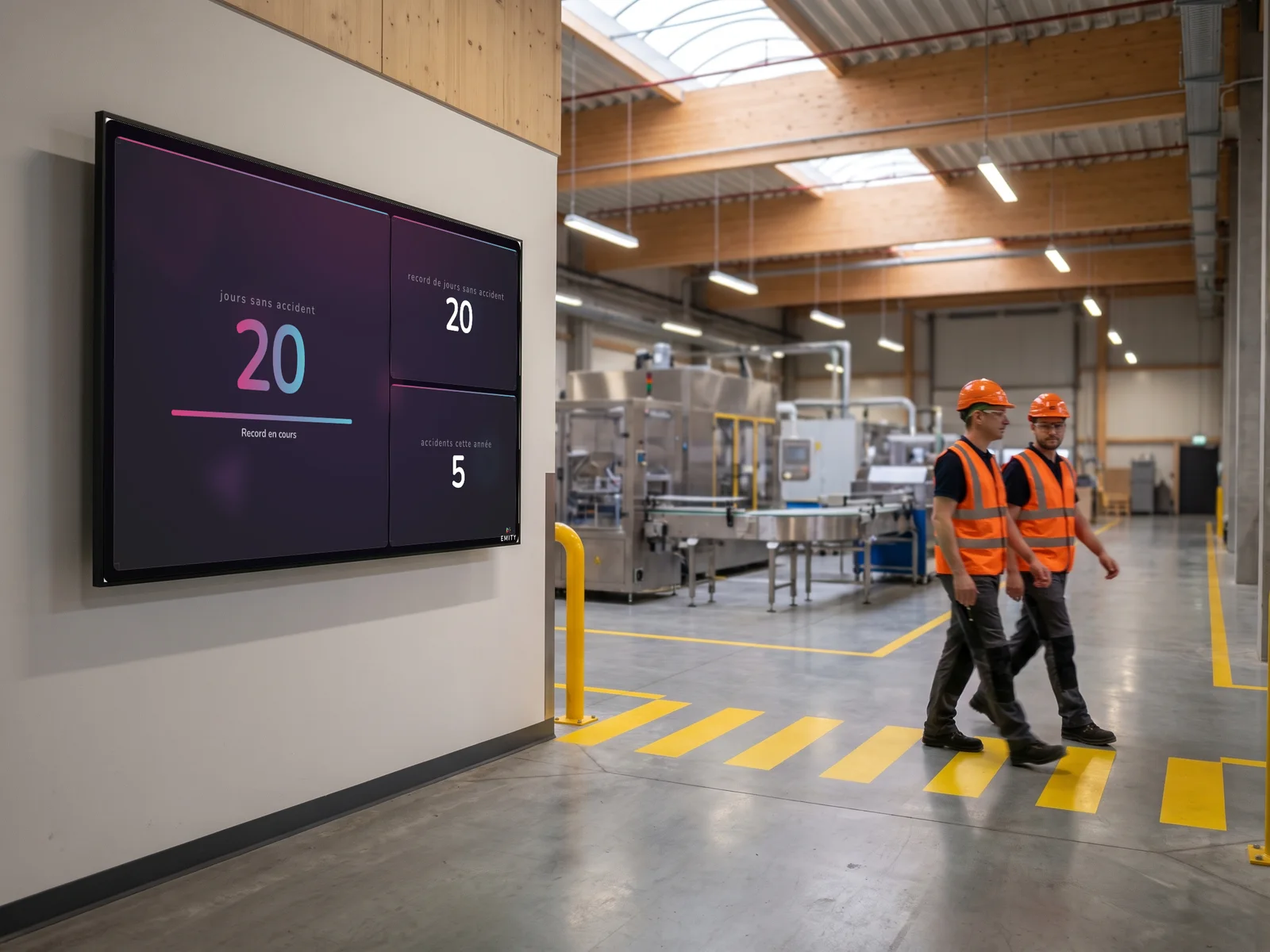
Workshop corridor: two operators in hi-vis vests walk past the screen showing days without an accident and the recordAccidentDays without an accident, and the record.
Scrolling text widget in E-MANAGERTextYour message, scrolling or in full.

Mobility

To leave at the right time.
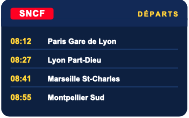
Public transport widget in E-MANAGERPublic transportThe next departures from your station or stop.
Road traffic widget in E-MANAGERRoad networkTraffic and incidents around the screen.

Web and social media

Your online channels, on screen.

Website widget in E-MANAGERWebsiteThe web page of your choice.
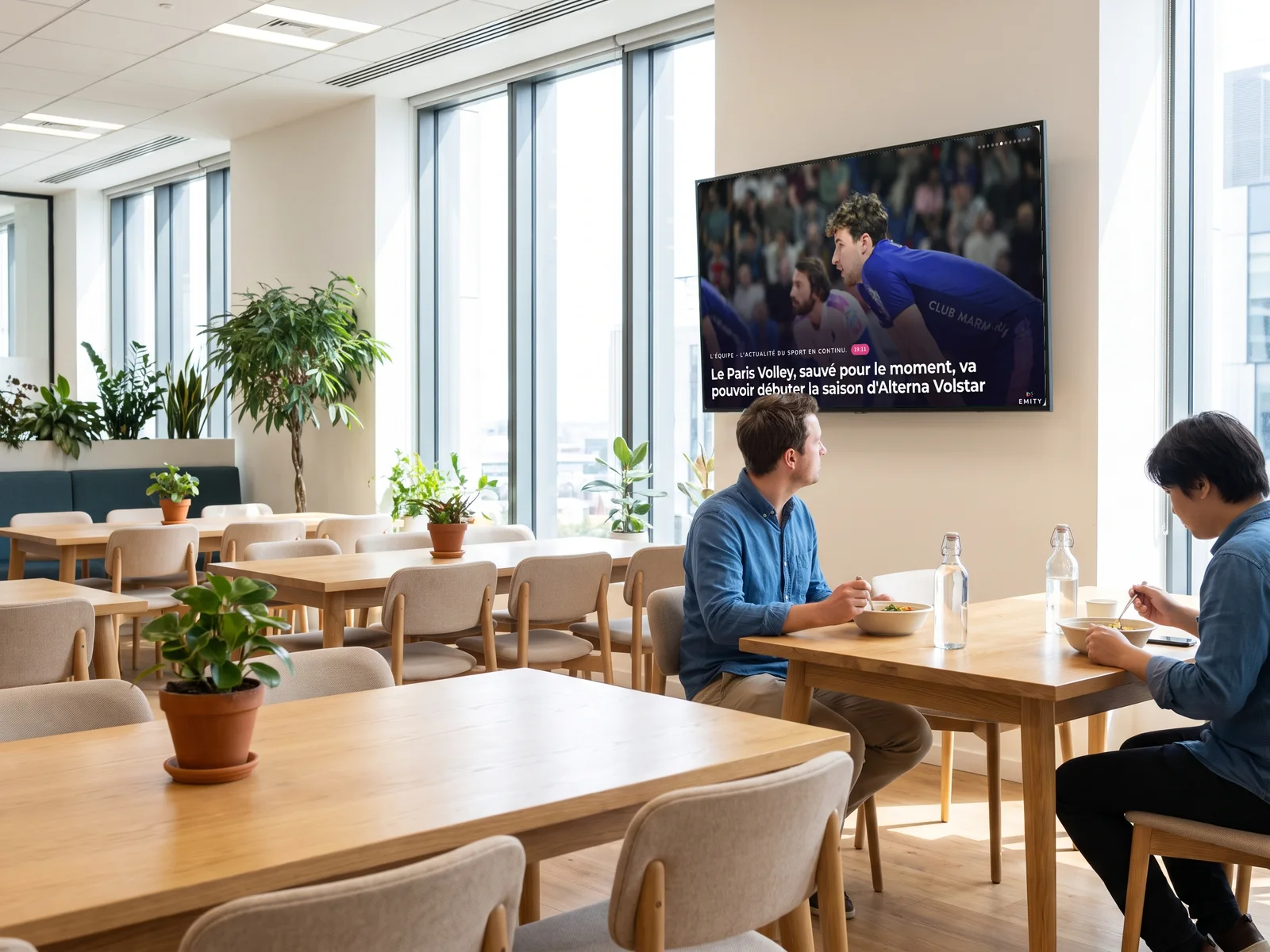
Staff restaurant: the screen shows a news headline from a sports RSS feedRSS feedThe news headlines from a website.
Social networks widget in E-MANAGERSocial mediaYour Instagram, LinkedIn, X and TikTok posts.
Live feed widget in E-MANAGERLive streamsA live video stream, continuously.

Business data

The figures from your systems, without entering them twice.
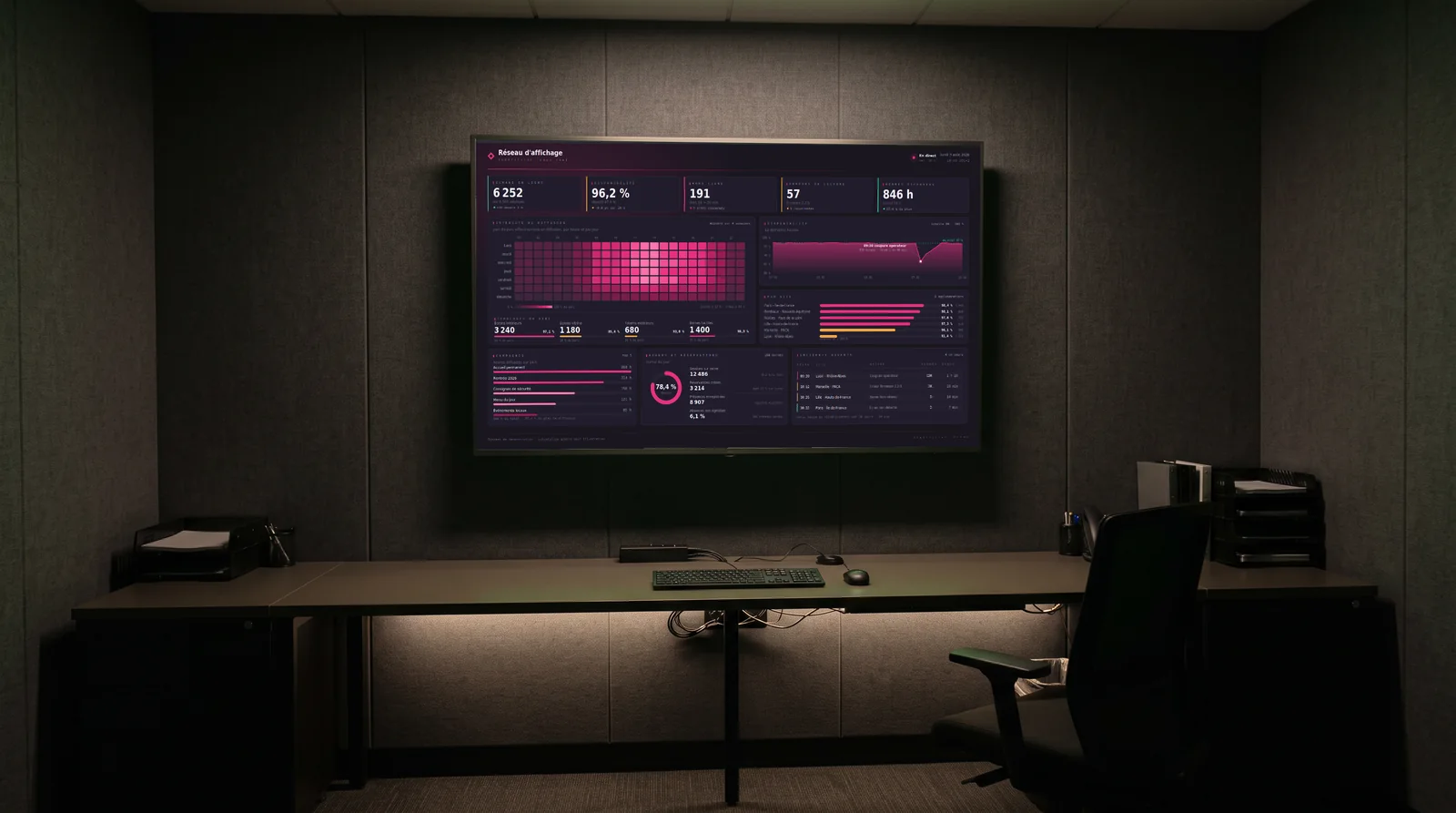
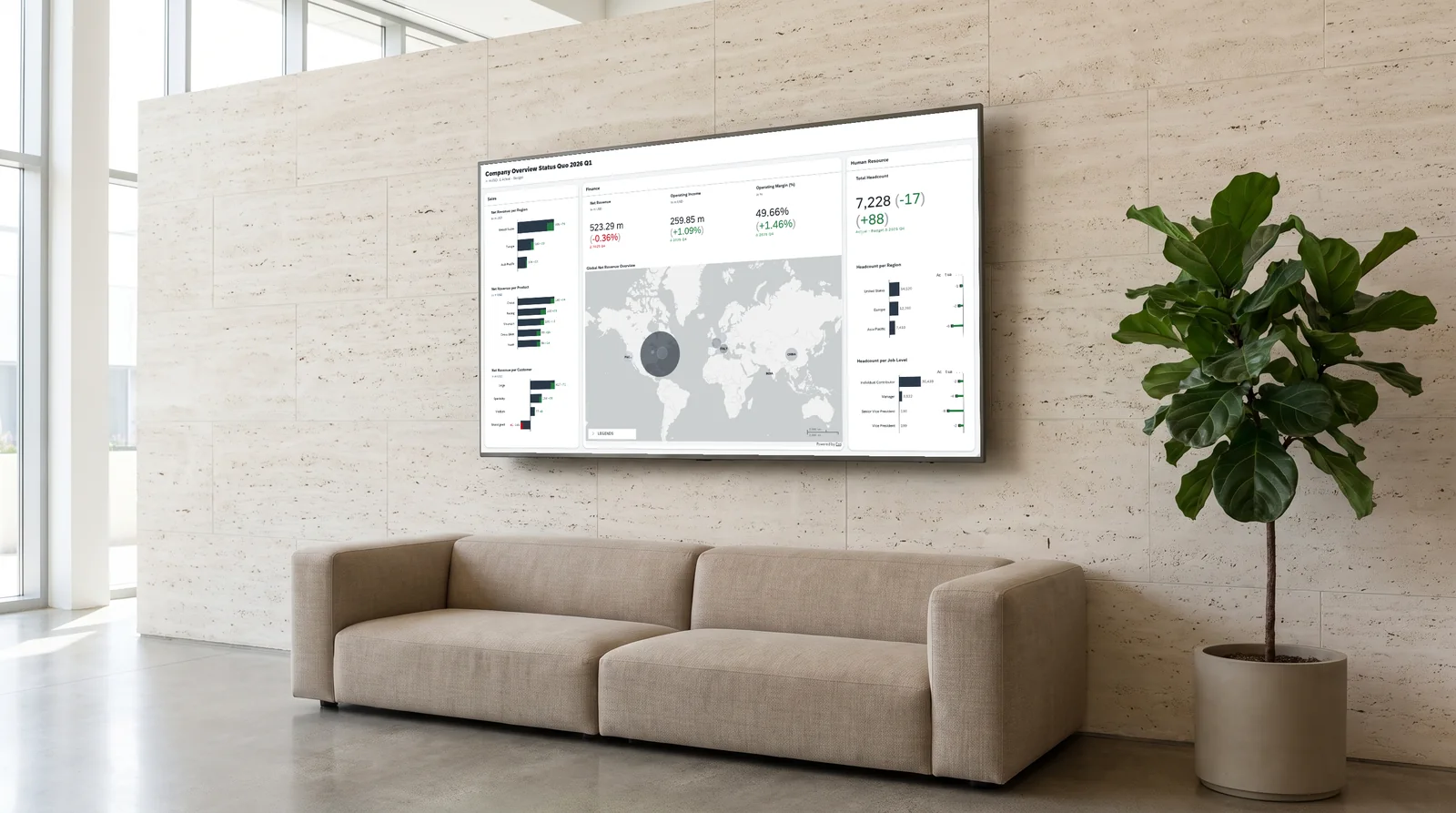
Control room screen showing a Power BI dashboardPower BIYour Power BI dashboards.
Reception hall screen showing an SAP dashboardSAP / SACYour SAP Analytics Cloud dashboards.
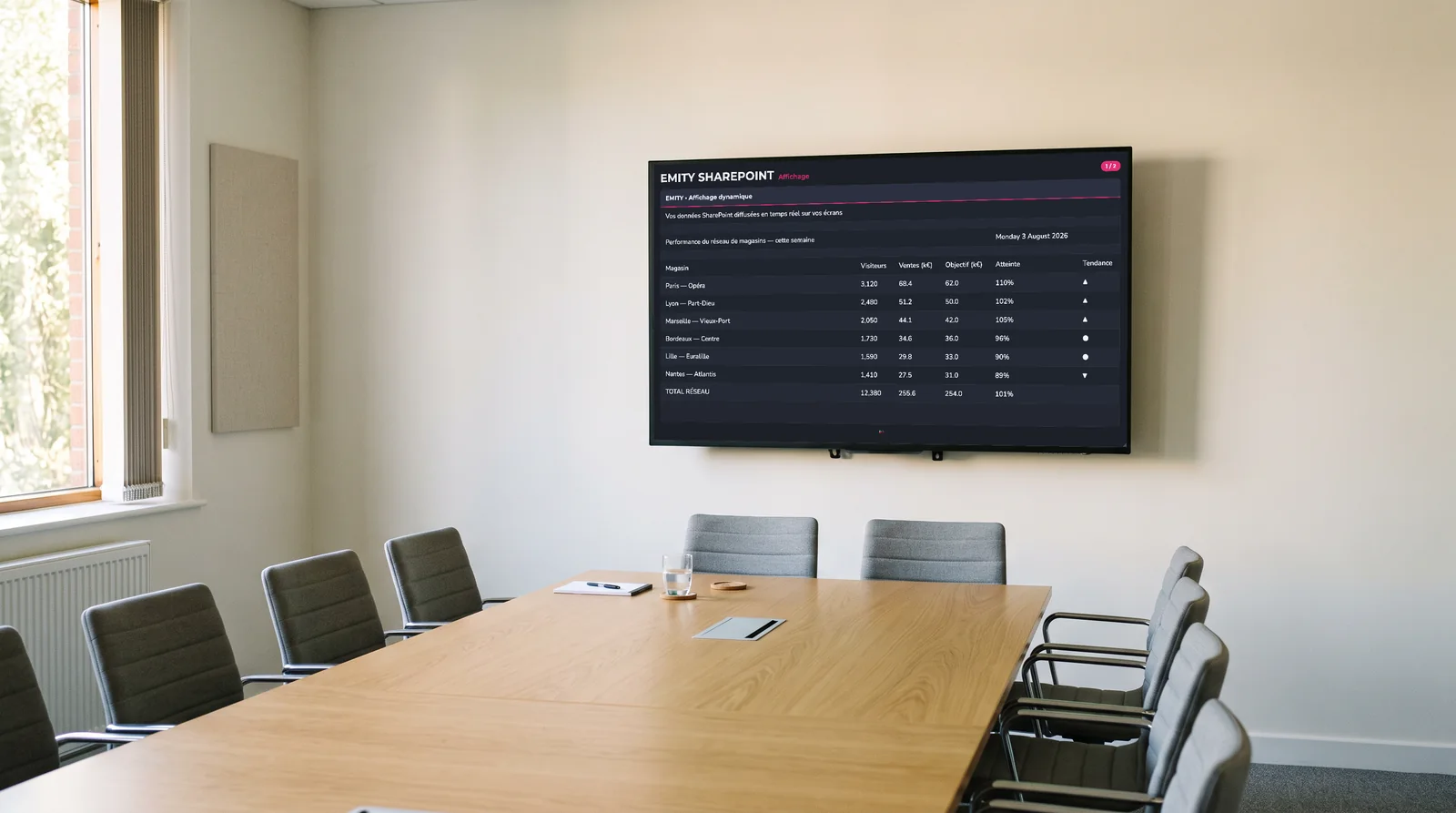
Meeting room screen showing a SharePoint data tableSharePoint ExcelAn Excel file or a SharePoint list, updated live.

Themed content

Ready-made content, depending on your venue.
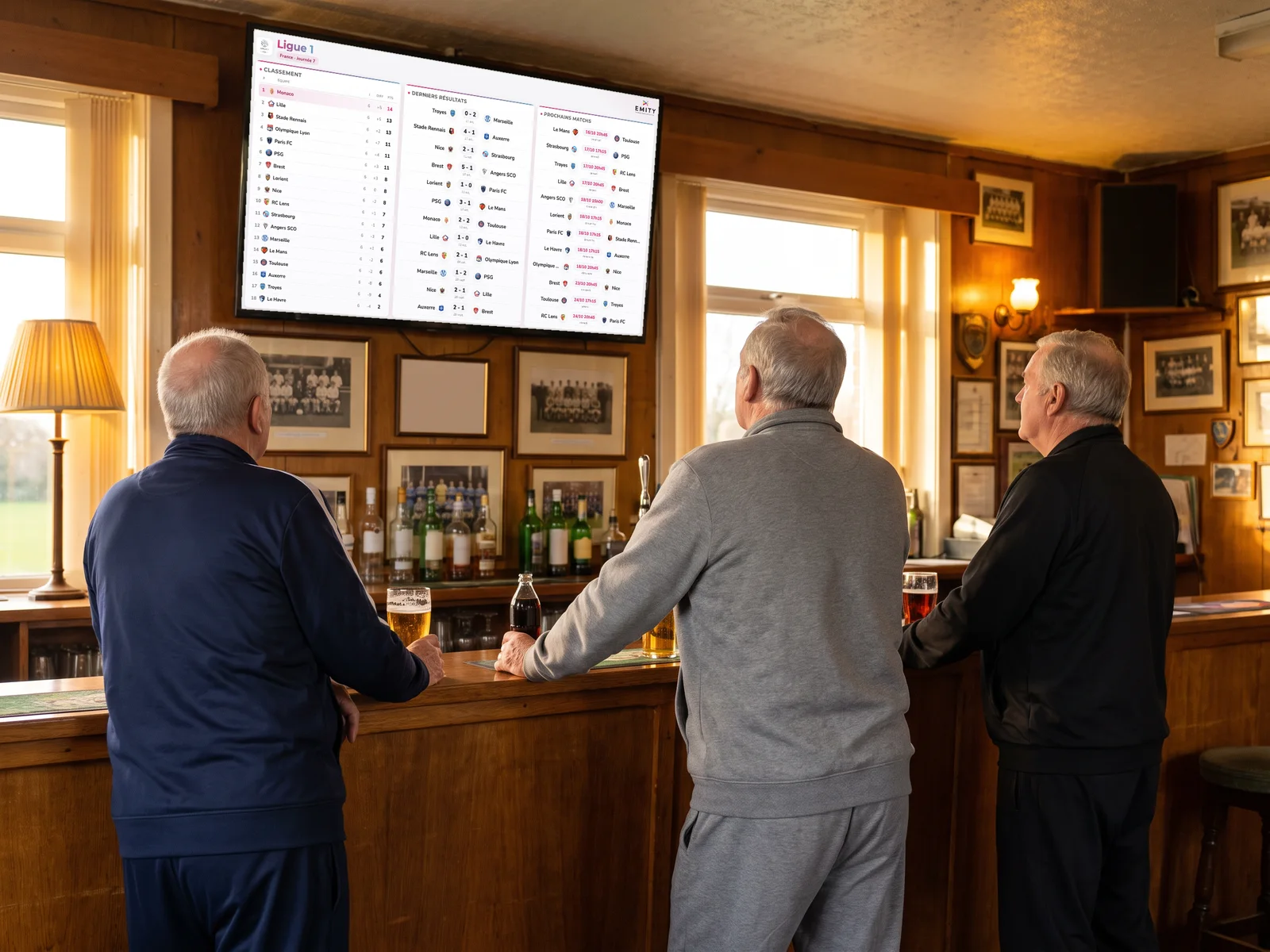
Football club clubhouse: the screen shows the Ligue 1 table, results and upcoming fixturesFootballResults, standings and upcoming matches.
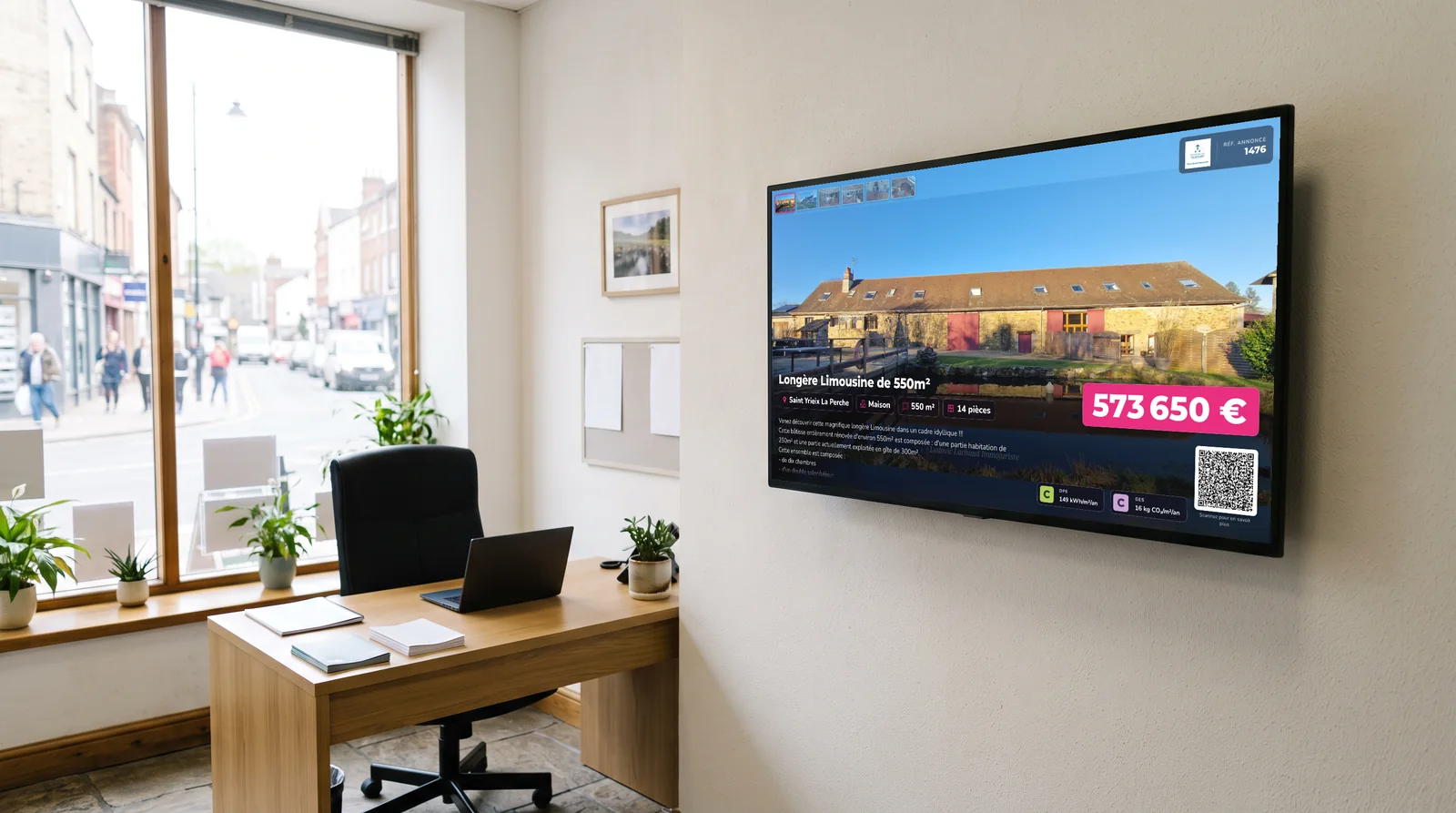
Screen in an estate agency showing a property listing with its priceReal estateYour property listings, to let and for sale.
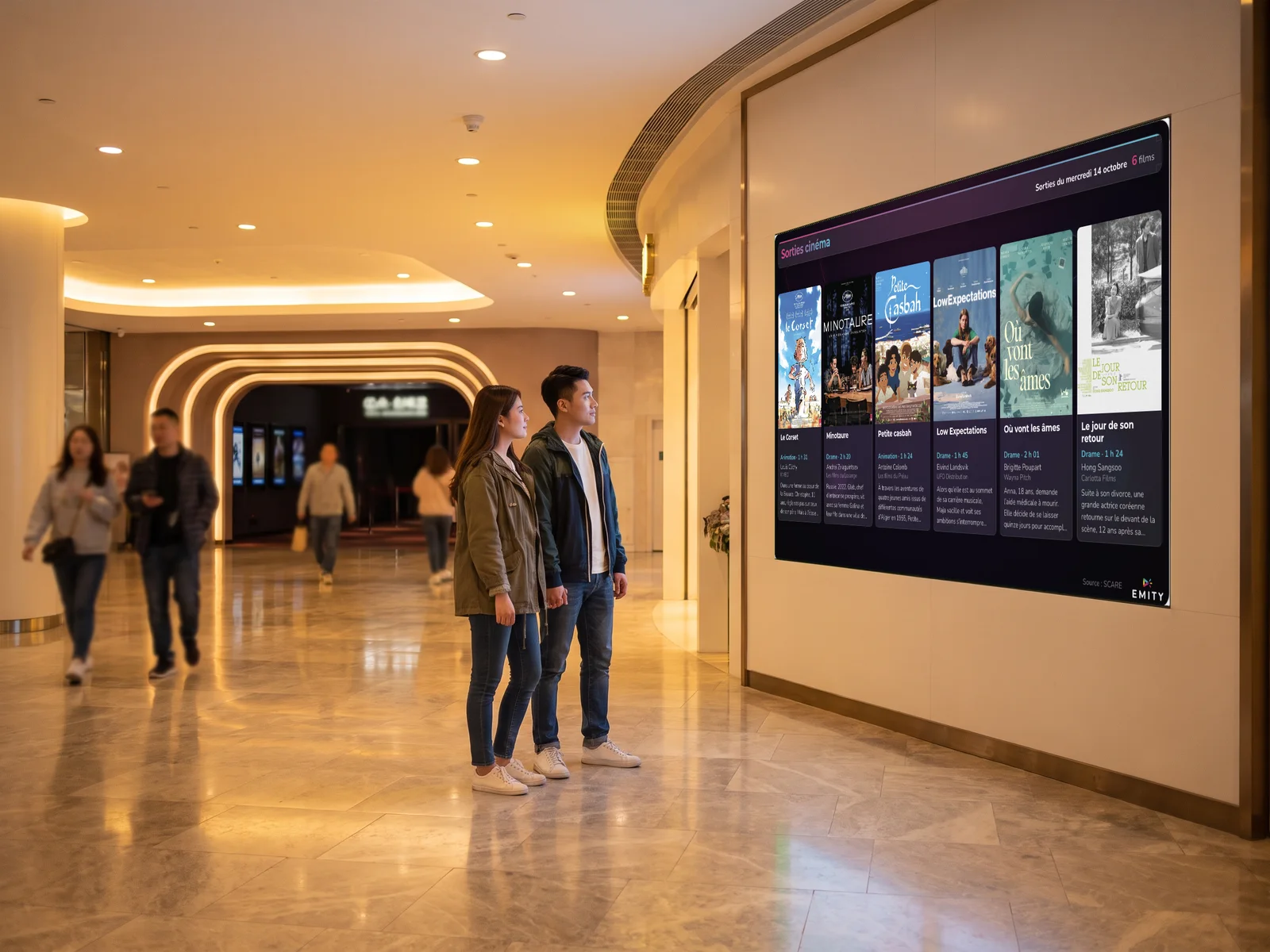
Shopping centre near a cinema: a couple looks at the screen showing this week's film releasesCinema & Series ReleasesThis week’s films and the series that are starting.
Intramuros widget in E-MANAGERIntramurosNews and information from the municipality (France).
Apidae widget in E-MANAGERApidaeTourist sites and local events (France).
VeolysVeolysEvents and information for the building (France).

Widgets available depending on the subscription plan.

Data widgets

Your business data
reaches your screens on its own.

What your systems already know does not need typing in again: widgets fetch the data and refresh it automatically. And if a connector is missing, our design office adds it.

Public transport widget in E-MANAGERPublic transportThe next departures, at the station, in a branch or in a hotel lobby.

  • ✓Timetables refreshed automatically
  • ✓No data entry: the source stays with the operator
  • ✓The same widget for trains, the underground or buses

Control room screen showing a Power BI dashboardPower BIYour Microsoft dashboards, just as your teams know them.

  • ✓Production, sales and quality indicators
  • ✓Updated at the pace of the source report
  • ✓Readable from a distance, in the screen’s format

Reception hall screen showing an SAP dashboardSAP CloudERP figures shown at the workstation, without entering them twice.

  • ✓The source of truth stays in SAP
  • ✓Stock, orders, indicators by site
  • ✓One screen per workshop, warehouse or branch

Meeting room screen showing a SharePoint data tableSharePointIntranet lists and documents, readable in a corridor.

  • ✓Instructions, rotas, news
  • ✓SharePoint permissions stay those of the intranet
  • ✓A list changed, a screen up to date

How it works

Three steps,
then nothing more to type in.

Adding a widget takes the time to choose it: the rest happens on its own.
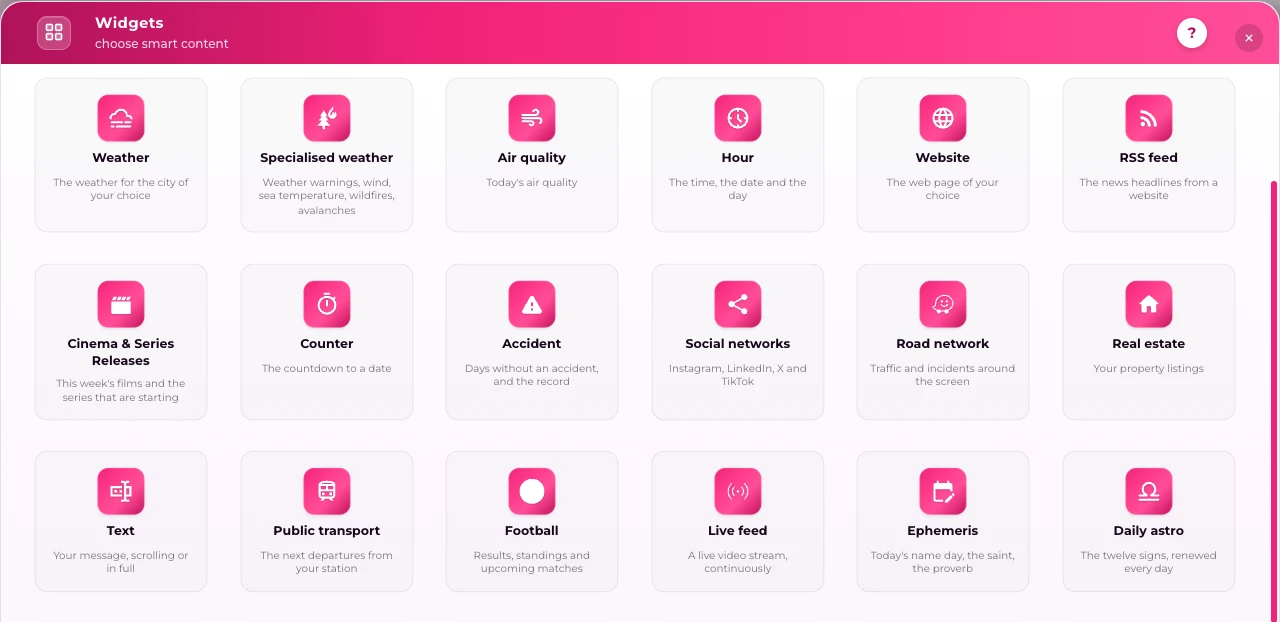
E-MANAGER “Widgets” window: the widget catalogue in English

1You choose from the catalogueIn E-MANAGER, the “Widgets” window shows the whole catalogue, each widget with its name and a one-line description: weather, RSS, transport…
2You set it up onceThe city, the data source or the access key, the refresh interval: the setting is done when you add it, then there is nothing more to touch.
3It goes into a playlistLike an image or a video, in one zone of the screen or full screen. The widget refreshes itself; if the internet goes down, the screen keeps playing.

Our subscriptions

Three plans,
one account to grow.

A plan opens up when the need arises, on the same account and without starting over: the widgets already in place stay where they are.
To get startedStandardDigital signage and the media library, on one site or across the whole network: the foundation for scheduling your content.
To get organisedPremiumThe essential widgets: time, weather, countdown, scrolling text, RSS feed, with the built-in EMITY editor.
To go all the wayExcellenceThe whole widget catalogue, including Power BI, SAP, SharePoint, social media and transport, with E-CLICK and SSO.

E-MANAGER

The software that runs
all your screens.

E-MANAGER is the SaaS digital signage software designed and developed by EMITY. From a simple browser, you run your whole screen network, every brand and every size, with nothing to install.

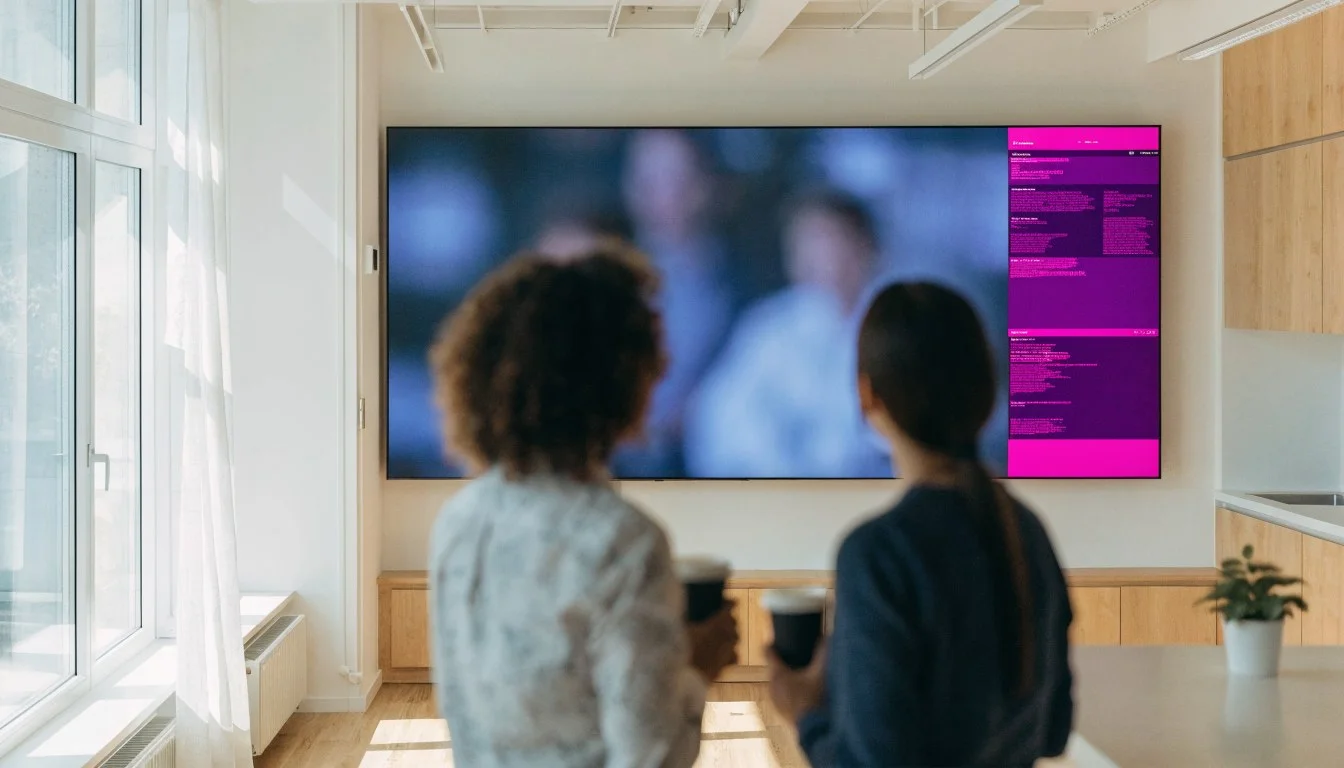
Wall screen split into zones: a video on one side, information on the otherSplit screenThe widget in one zone, your content in the others: the screen splits into 2, 3 or 4 parts.
Communications officer at reception, in front of the wall screen she managesMulti-userWho can access content, who can change it: permissions are set per user and per screen.
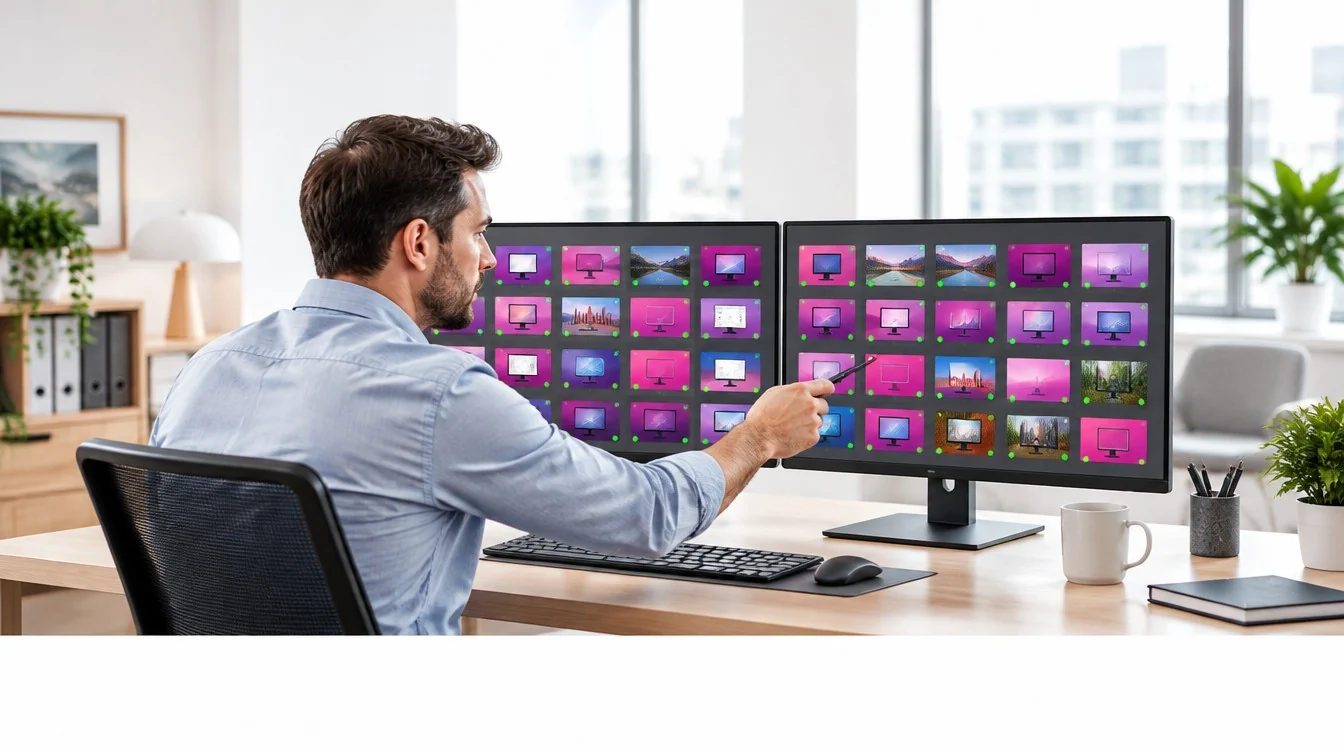
Administrator in front of two monitors showing the status of the whole screen networkMonitoringAn alert goes out as soon as a screen disconnects, without waiting for someone to report it.
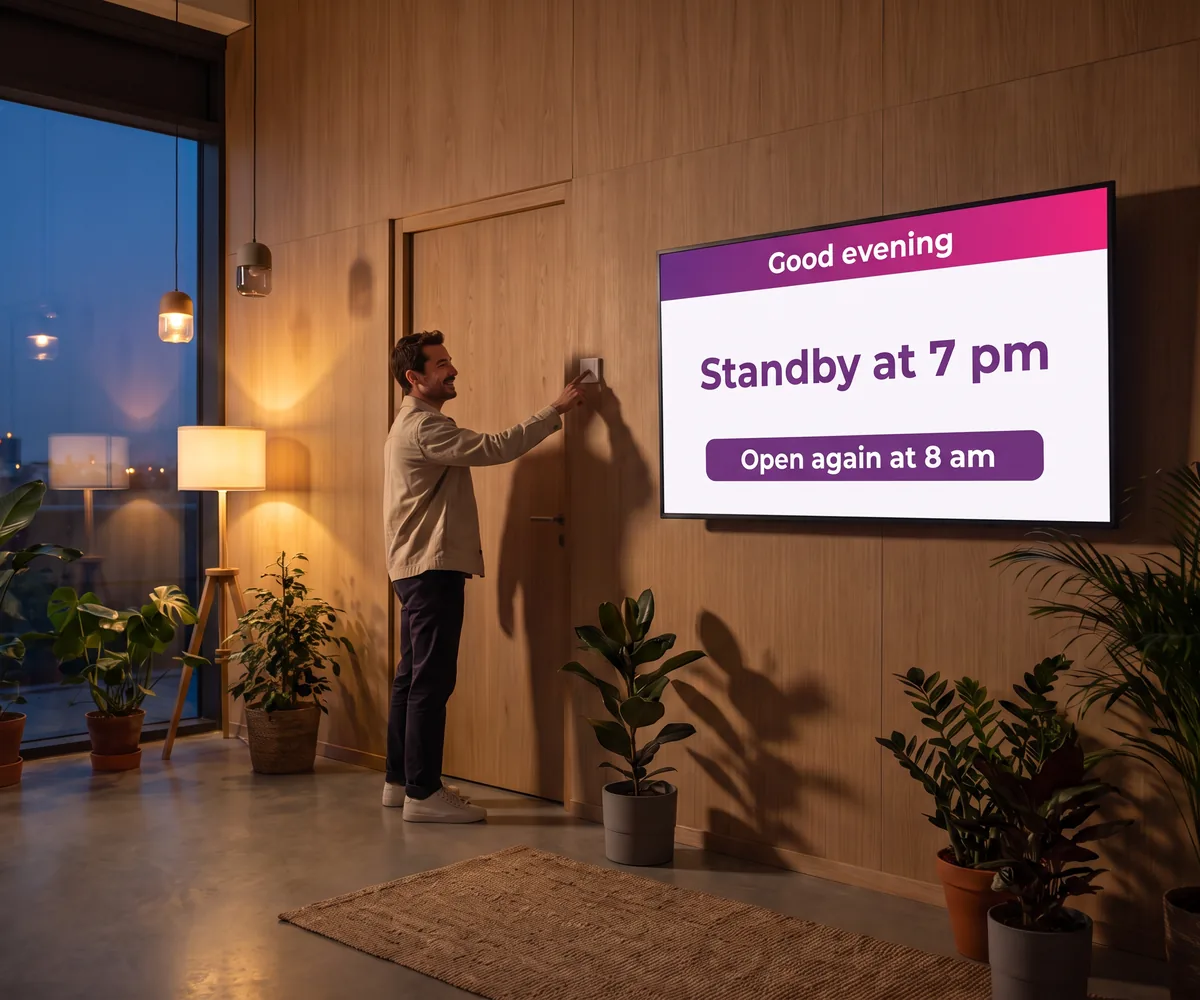
Eco-designed hall at the end of the day: an employee switches off the lights while the screen announces it will go to standby at 7 pmSwitching on and offScreens switch on and off by themselves, at set times.
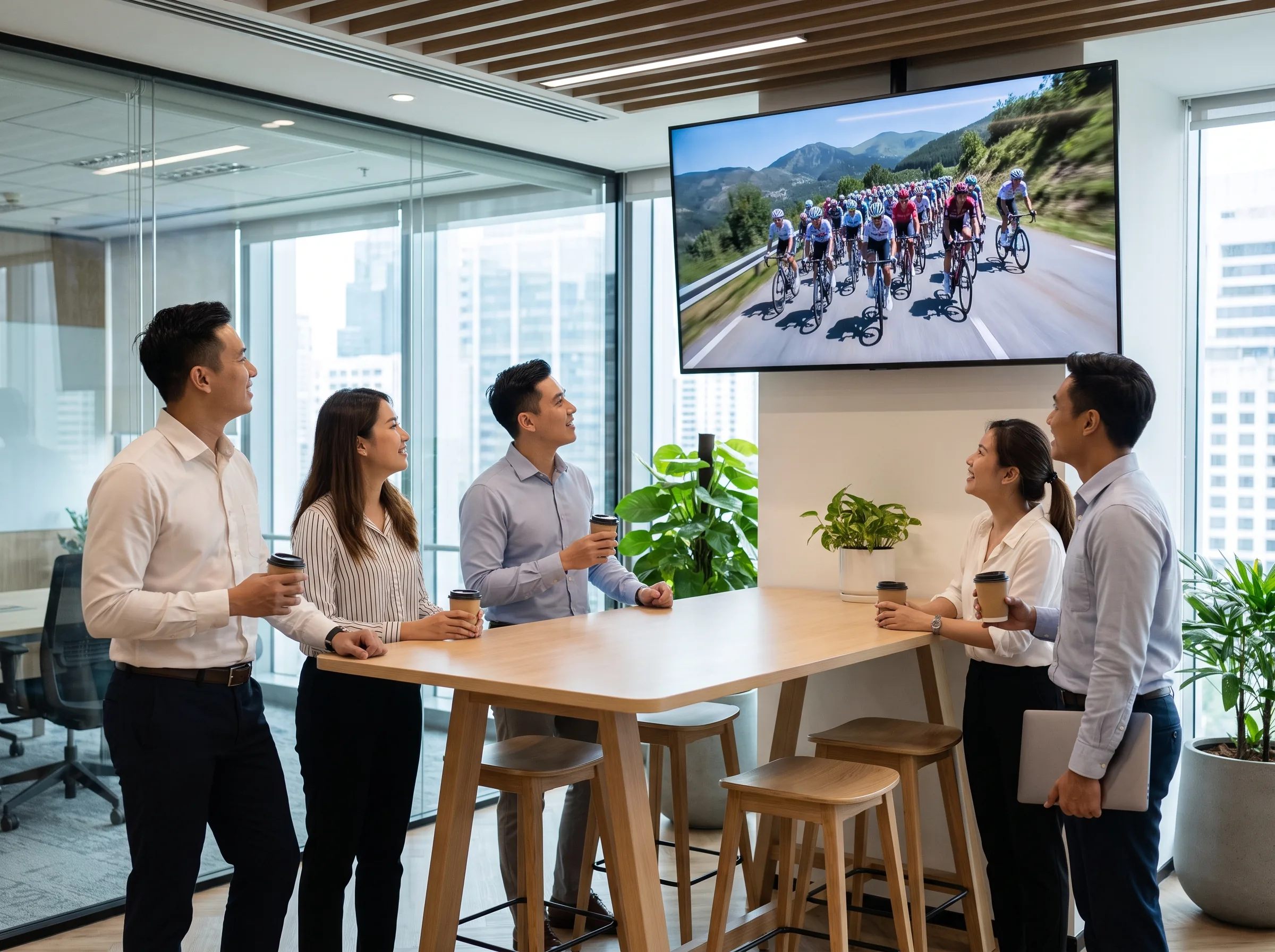
Break area in an open-plan office where employees watch a cycling race broadcast live on the wall screenIPTVA live channel next to your content, on the same display.
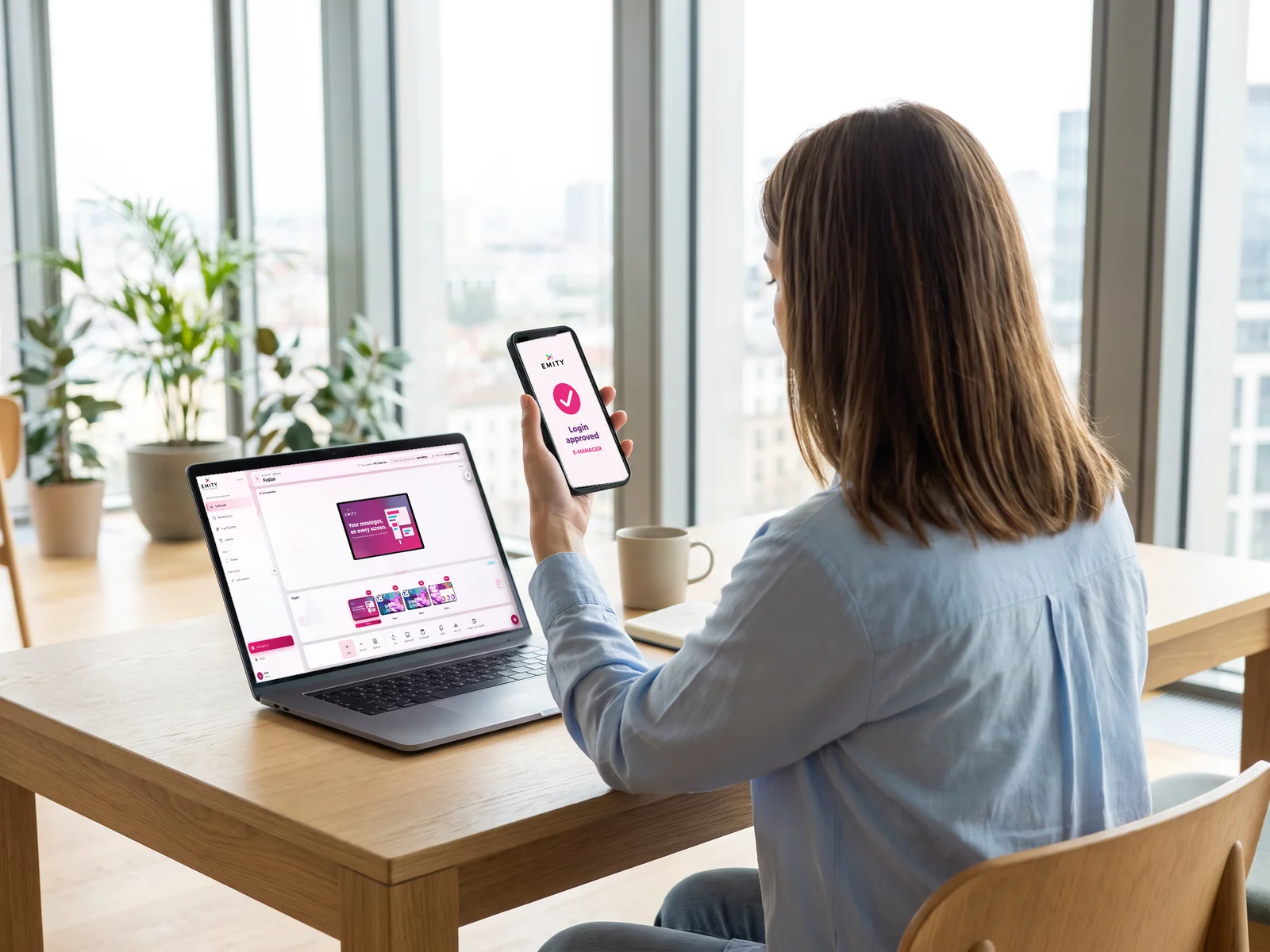
Employee approving her E-MANAGER login on her smartphone, with the software open on her laptopSSO and two-factor authenticationA single sign-on with your directory, and MFA two-factor authentication.

Custom development

A widget missing? Our design office adds it.

  • ✓ API, database, RSS feed: the connector fetches the data wherever it is
  • ✓ No more double entry: the source of truth stays with you
  • ✓ Software developed in-house, in the Hérault in the south of France: your request goes straight to the team

They trust us

More than 1,000 customer accounts,
in more than 20 countries.

From the corner bakery to the international key account, EMITY adapts to one screen or a thousand, backed by 130+ certified partners in France and across Europe.

Colissimo logo

Colissimo (La Poste)

300 screens deployed since 2020 for logistics communication across the whole network.

Europcar logo

Europcar

360 screens and tablets managed in branches across France and its overseas territories for real-time customer information.

Schindler logo

Schindler

Brings its lift cars to life. “It performs!” — Rahim, digital project manager.

YOUR MOST FREQUENT QUESTIONS

FAQ — E-MANAGER widgets

A widget is content that fetches its data online and refreshes it without any action on your part: the weather, the time, the next departures, a dashboard. It goes into an E-MANAGER playlist like an image or a video.

Around twenty, grouped into five families: practical information, mobility, web and social media, business data and themed content. The catalogue opens from the “Widgets” window in E-MANAGER.

Yes. The widget is set up once (city, data source, refresh interval), then it updates itself: nobody has to type the information in again.

The Premium plan gives access to the essential widgets: time, weather, countdown, scrolling text, RSS feed. The Excellence plan opens the whole catalogue, including Power BI, SAP, SharePoint, social media and transport. The details are on the subscriptions page.

Yes, with the Excellence plan. The widget reads the report or the list at the source: the data stays in your system, and the permissions stay the ones you set there. The screen updates at the pace of the source.

Yes. With split screen, the widget takes one zone (the weather, the time, an RSS ticker) while your visuals and videos play in the others.

The screen keeps playing its schedule. Widgets start refreshing again as soon as the connection is back.

Our design office adds it. API, database, RSS feed: the connector fetches the data wherever it is. EMITY software is developed in-house, in the Hérault in the south of France: your request goes straight to the team.

Yes: the free trial lasts 3 months, on one screen and with no commitment, with every feature, widgets included.

Let’s connect your first data feed to your screens

Tell us which information you want on screen: we show you the widget on your own set-up, then you try it for 3 months.