
NFC interaction and digital signage: trigger the right content at the right time
Every visitor already carries the remote control for your screens in their pocket. With E-MANAGER, a simple tap on an NFC tag displays the intended content — product video, presentation, local information — on the nearest screen. No app to install.
NFC in plain English
Have you seen “NFC tag detected” on your phone?
The short answer first; the rest of this page explains how companies use it to bring their screens to life.
“NFC tag detected”: what does this message mean?
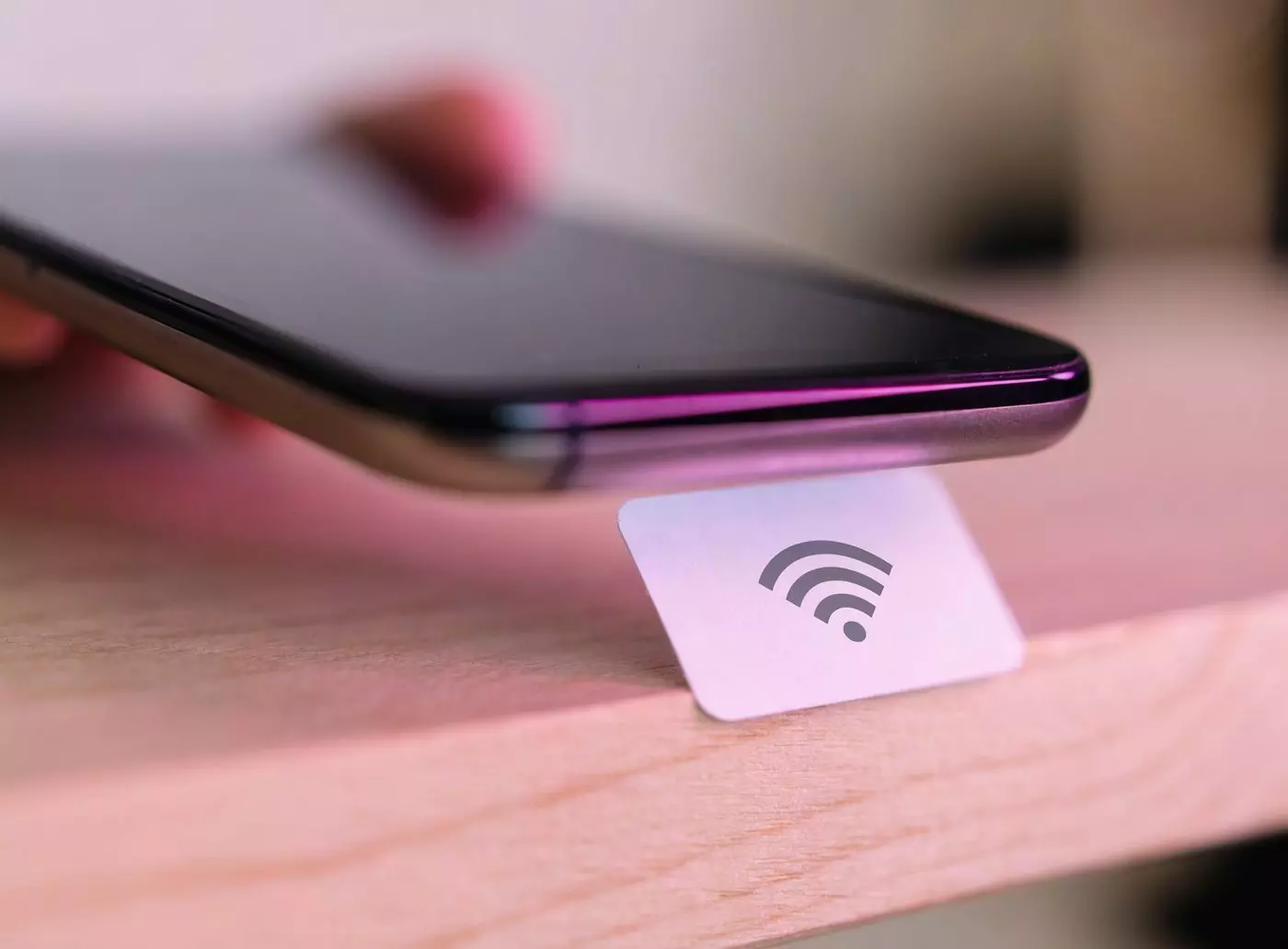
If your phone displays “NFC tag detected” (or “New tag collected”), its contactless antenna has just passed within 4 centimeters of an NFC chip: a shelf label, a badge, a transit card, an equipped poster. The message is simply a notification: nothing has been installed on your device and no personal data has been read.
- ✓The phone read an identifier, not your data
- ✓Reading requires near-physical contact (less than 4 cm)
- ✓You remain free to open or ignore the content offered
- ✓NFC can be turned off in your phone settings
It is this same, very simple mechanism that companies use to trigger content on a screen: the tag holds nothing but an identifier, and the software decides what to display.
Technology
NFC technology in the service of digital signage
How near-field communication works
Near-field communication (Near Field Communication) is a wireless technology that works over a range of less than 4 centimeters. Two compatible devices exchange information without prior pairing: the connection happens simply by bringing them close together.
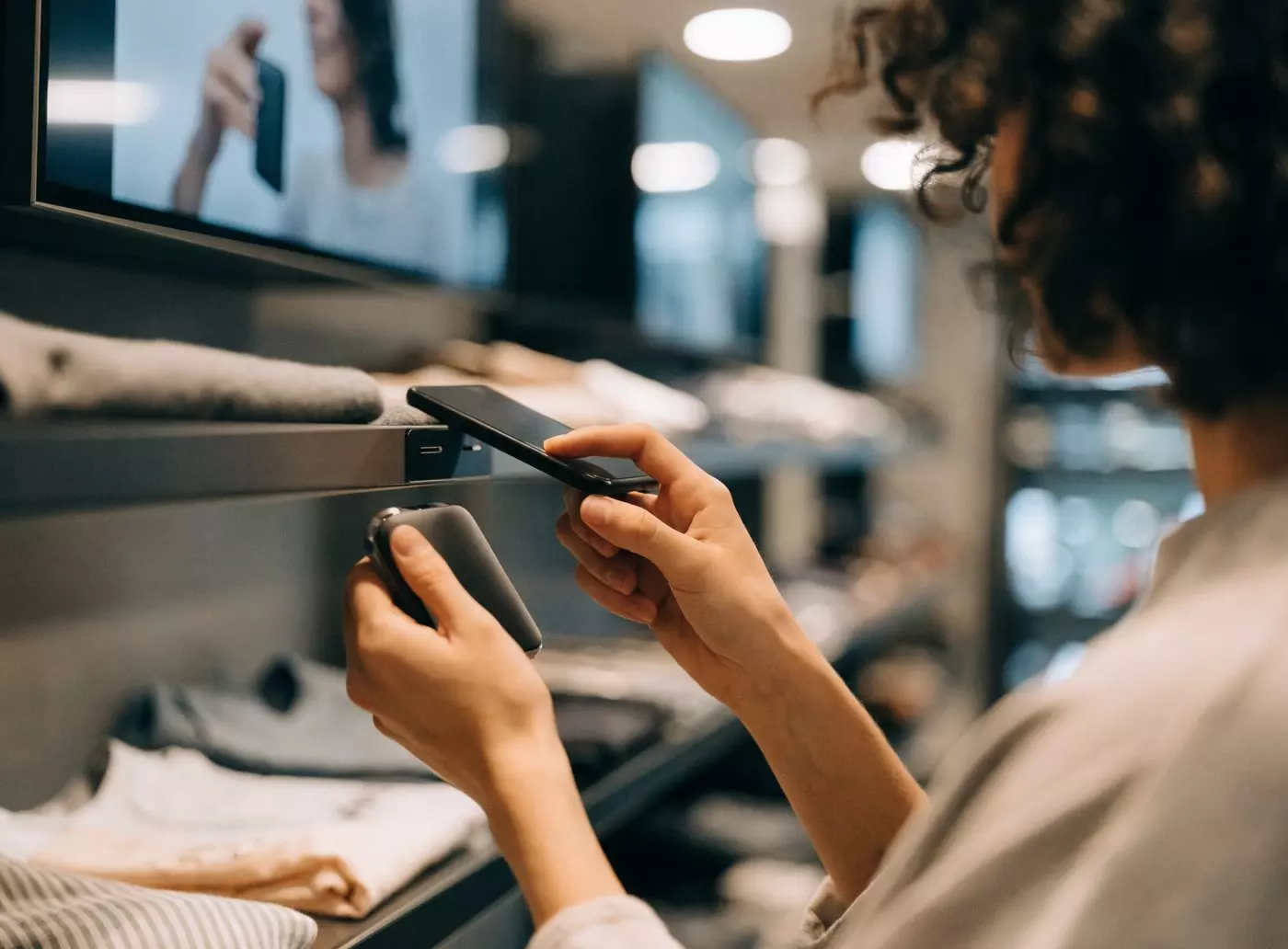
That is what makes NFC so well suited to busy places — point of sale, branch office, reception area, museum: one gesture is enough to bring the right information onto the nearest screen, where digital signage used to play the same loop for everyone.
Reader mode
The smartphone reads a passive tag (a label or a chip stuck onto an object). This is the mode used in digital signage.
Digital signage
Card emulation mode
The phone behaves like a contactless card: this is mobile payment.
Payment
Peer-to-peer mode
Two NFC devices exchange data directly, for quick sharing between colleagues.
Sharing
How it works
From smartphone to tag: how the content reaches the screen
The path is short — that is what makes the difference with a QR code you have to scan and then wait to load.
The tag is scanned
The visitor holds their smartphone near the tag placed on a product, a kiosk or a piece of furniture. No pairing, no app.
The identifier travels to E-MANAGER
The tag sends an identifier. The platform recognizes the scenario linked to that tag and to that moment of the day.
The content appears
The intended media goes out to the targeted screen: video, image or interactive page. Less than two seconds, then back to the schedule.
Benefits
Why choose NFC for your screens?
Four concrete reasons, from visitor convenience to engagement measurement.
Instant trigger
No download: the visitor holds their phone close and the content appears in less than two seconds. Consumers are up to 12 times more likely to interact with an NFC tag than with a QR code on the shelf (ROI Advisers).
Content matched to the context
Each tag carries its own scenario: the same screen shows a spec sheet for product A and a demo video for product B. Changes are made remotely, with no on-site intervention.
Measurable engagement
Every interaction leaves a usable trace: time of the scan, tag triggered, content displayed, viewing time. Enough to finally know what interests your visitors.
Security through range
Four centimeters: at that distance no passive interception is possible, unlike Bluetooth (10 meters). It is the visitor who decides to trigger the interaction.
Comparison
NFC, QR code or Bluetooth: which interaction technology?
Three technologies compete to trigger content on screen. The right choice depends above all on the distance and on the gesture you expect from the visitor.
| Criterion | NFC | QR code | Bluetooth LE |
|---|---|---|---|
| Trigger speed | < 2 seconds | 5 to 10 s (scan + loading) | Variable (pairing required) |
| App required | No | Yes (camera) | Yes (dedicated app) |
| Range | Less than 4 cm | Unlimited (line of sight) | Up to 10 m |
| Cost per tag | €0.10 to €0.50 | Free (printing) | €5 to €15 (beacon) |
| Engagement rate | ×12 vs. QR (ROI Advisers) | Baseline | Low (app friction) |
| Security | High (physical contact) | Medium (code can be duplicated) | Medium (extended range) |
Sources: ROI Advisers, NFC Forum, 2025 market data.
NFC takes the lead in stores and showrooms for its speed and its engagement rate. QR codes remain relevant on printed material or at a distance. Bluetooth suits wayfinding scenarios inside a large building. For a screen driven by the visitor’s gesture, NFC offers the best simplicity-to-engagement ratio.
Use cases
Six situations where NFC changes the experience
From the shop aisle to the museum, the same mechanism serves very different goals.


Deployment
Deploying NFC on your screens: the right habits
Four points to settle once and for all, before the first tags go up.
Built-in security
- ✓Range limited to 4 cm
- ✓No remote interception possible
- ✓Deliberate contact from the visitor required
GDPR compliance
- ✓The tags collect no personal data
- ✓Interaction metadata to anonymize
- ✓Clear signage to inform people
Choosing your tags
- ✓NTAG213 for a simple identifier
- ✓NTAG216 to store more data
- ✓Hardened models for demanding environments
Placement and content
- ✓Tag at eye or hand height
- ✓NFC pictogram clearly visible
- ✓Short videos, 15 to 30 seconds
- ✓Fallback still image in case of latency
EMITY solution
How EMITY integrates NFC into its digital signage suite
Three building blocks are enough: the event playlist, centralized configuration and automatic return to the schedule.
No technical skills are required: configuration is done from the E-MANAGER web interface, and a pilot deployment can be set up in less than 48 hours.
Configurator
Find your ideal NFC scenario
Every sector has its own uses. Tell us yours and the type of interaction you want: we will suggest the matching scenario.
Find the NFC scenario that fits your sector
Two clicks are enough: your environment, then the type of interaction you want.
Pilot deployment via the E-MANAGER event playlist in under 48 hours.
Request a demoFAQ

