
Showroom kiosk: control every screen from one tablet
In a showroom, the right image rarely shows up at the right moment: someone hunts for the remote, wakes a screen back up, scrolls through a folder. With a showroom kiosk, one tap on the tablet sends the chosen visual to the chosen screen — and the room returns to its idle loop on its own afterwards.
The definition
What is a showroom kiosk?
A showroom kiosk is a touch screen — most often a plain tablet on a stand or fixed to a wall — used to trigger content on the other screens in the room. Each button on the tablet is tied in advance to a piece of media: a still, a video, a playlist. The visitor or the salesperson taps, the target screen switches to that content, then goes back to its idle loop. That is what E-CLICK, EMITY’s interactive application, does — on top of the digital signage already in place.
What it actually replaces
- ✓the remote control nobody can ever find;
- ✓the USB stick that has to be updated screen by screen;
- ✓the laptop plugged in over HDMI in front of the customer;
- ✓the salesperson walking across the room to start the right video.
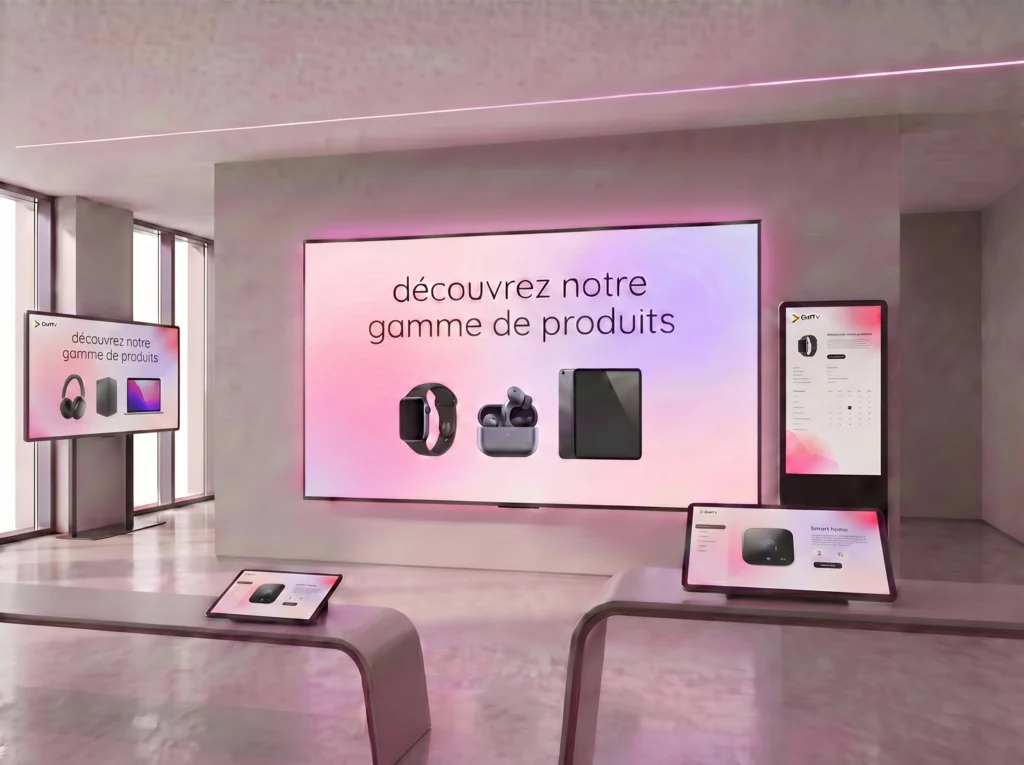
Not to be confused with an information kiosk
An information kiosk tells visitors about the venue itself: a map, a directory, an appointment. A showroom kiosk shows almost nothing on its own screen — it acts as the controller for the large screens around it. The two can sit side by side, and run on the same platform.
In practice
How does a showroom kiosk work?
Four moments, three of which happen without you. The set-up is done once, from E-MANAGER.
The visitor picks up the tablet
It shows your demonstration path: one button per product, per range or per theme. The interface follows your brand guidelines, not ours.
They tap a button
Each button was tied in advance to a piece of content in E-MANAGER, EMITY’s dashboard. Nothing technical to do during the visit itself.
The target screen plays the content
Wall screen, window display, totem next to the product, video wall: the media goes to the screen you chose. One button can also light up several at once.
The room returns to standby
When playback ends, the screen picks its loop back up. The showroom is ready for the next visitor, with nobody having to step in.
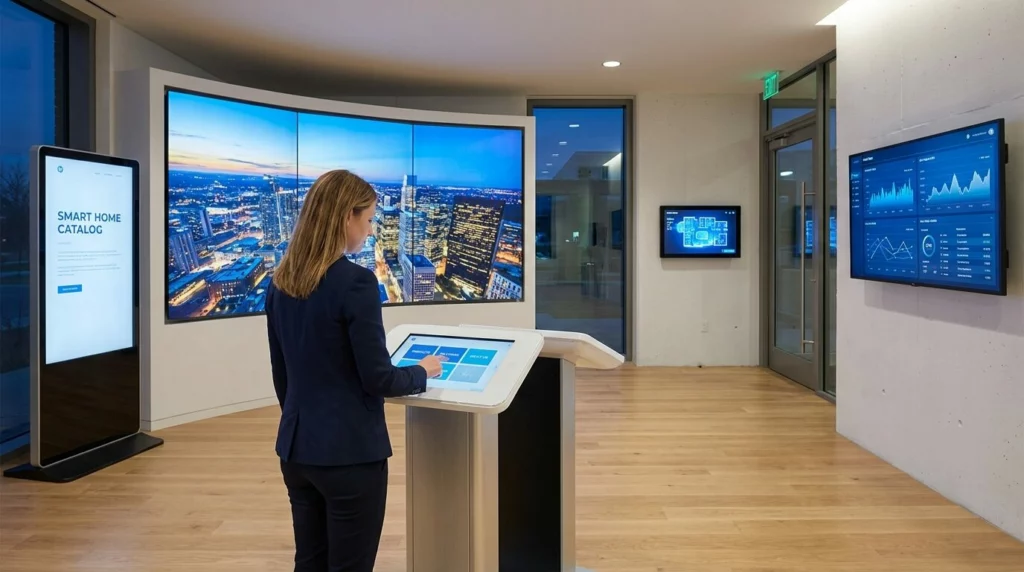
One kiosk within arm’s reach, and the three surfaces it drives: the video wall, the entrance totem and the wall screen.
The benefits
What it changes on the floor
A well-equipped showroom goes unnoticed: it simply makes everything feel like it arrives at the right time.
A visit shaped around each customer
You pick the content the moment the question comes up. The demonstration follows the conversation instead of running a generic loop.
A salesperson who stays with the customer
No more walking across the room to start a video. The gesture fits in one hand, and the conversation is not interrupted.
Content updated remotely
New range, promotion, corrected pitch: the change is made in E-MANAGER and the tablet follows, with no site visit.
What holds your visitors
E-MANAGER records which buttons get triggered most. Enough to rearrange the room from observed behaviour rather than from impressions.
The use cases
Where do you put a showroom kiosk?
Anywhere you show a product the customer cannot take home: it is easier to bring the image to the customer than the customer to the image.


Every sector has its own habits: see also digital signage in car dealerships and in shops.
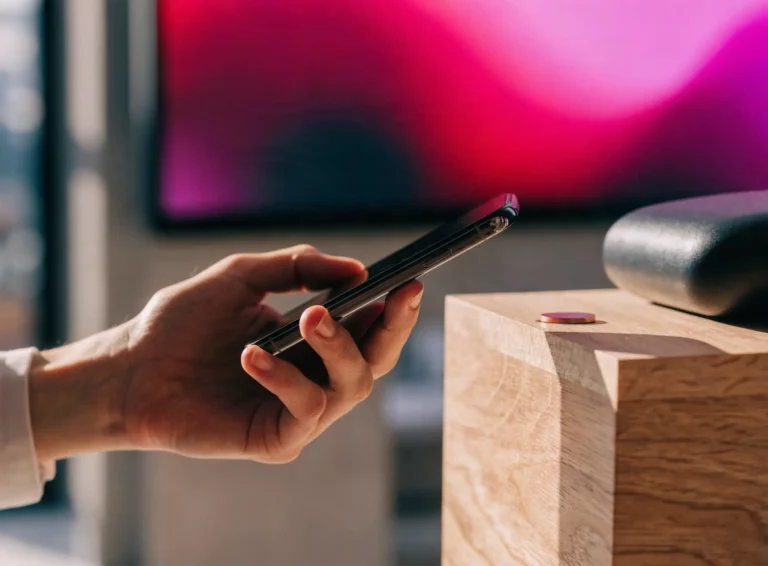
Without a touch screen
Trigger it without a tablet, right at the product
A tablet is not always the right answer: too visible on a stand, too fragile in a workshop, badly placed at the far end of an aisle. The trigger can then sit on the product itself. The visitor brings a phone close, or the salesperson taps a badge, and the nearest screen lights up on the right content.
The possible triggers
- ✓an NFC tag stuck under a product plinth;
- ✓an RFID badge presented by the salesperson;
- ✓a QR code printed on the label;
- ✓a barcode reader, reusing the reference already used in stock.
Getting started
What you need to put together
Nothing exotic: in most rooms the screens are already there, and it is the tablet that is missing.
The essentials
- ✓A touch tablet, Android or iOS, on a stand, at the counter or fixed to a wall;
- ✓an Excellence subscription, the plan that unlocks E-CLICK;
- ✓one or more screens: LCD, LED, window display, totem, E-PAPER — any manufacturer;
- ✓your content: stills, videos, PDFs, imported or created inside the platform with Canva and Adobe Express.
Depending on your needs
- ✓An E-BOX player if your screen has no Android on board: it is the one that plays the content;
- ✓NFC tags or RFID badges to trigger content without a tablet;
- ✓scenes tied to the room itself — lighting, sound — through building management connectors;
- ✓E-PAPER labels next to the product, where a backlit screen would be too much.
The plans are set out on the Our offers page.
Around the kiosk
The rest of the platform
A showroom kiosk does not live alone: it commands screens that are already running. Everything is driven from the same dashboard.
E-CLICK
The full interactive application: welcome kiosks, touch journeys, browsable catalogues. The showroom kiosk is one use among several.
Digital signage
The foundation: what runs on your screens when nobody is tapping anything. Playlists, widgets, time-slot scheduling.
NFC interaction
Contactless triggering in detail: tags, badges, range, and what it is good for right at the product.
E-PAPER
Digital ink for labels and fixed signage: readable in broad daylight, drawing no power while it holds an image.
Frequently asked

