
The short answer
Adobe Express, what is it exactly?
It is Adobe’s online design application. It is used to put together visuals — posters, social posts, short videos — starting from templates, in a browser or on a mobile, without installing Creative Cloud and without design training. It is the accessible entry point to Adobe.
Templates first
You rarely start from a blank page. You pick a layout, replace the images and the words, and the result already looks composed.
How it works
In the browser
Nothing to install, nothing to update. The same file can be picked up from a desktop in the morning and from a mobile in the afternoon.
Where it runs
Part of Adobe
Express sits alongside Photoshop and Illustrator, and shares their fonts, stock library and generative features — without their learning curve.
Where it sits
What is Adobe Express used for?
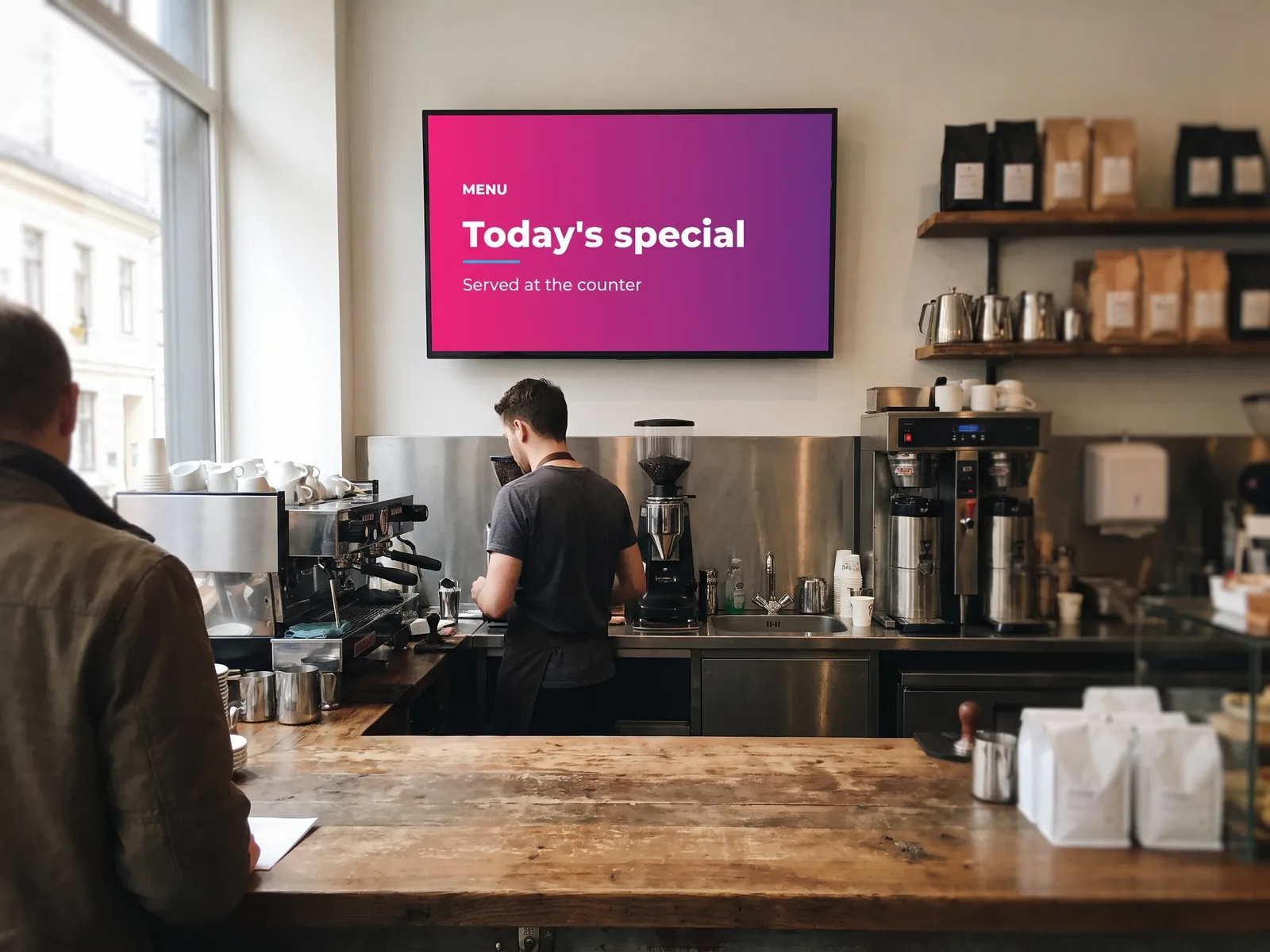
For producing, quickly, the things a screen consumes. A screen lives on short content that is renewed often — an announcement, an offer, a welcome message. These are exactly the formats Express was built for.
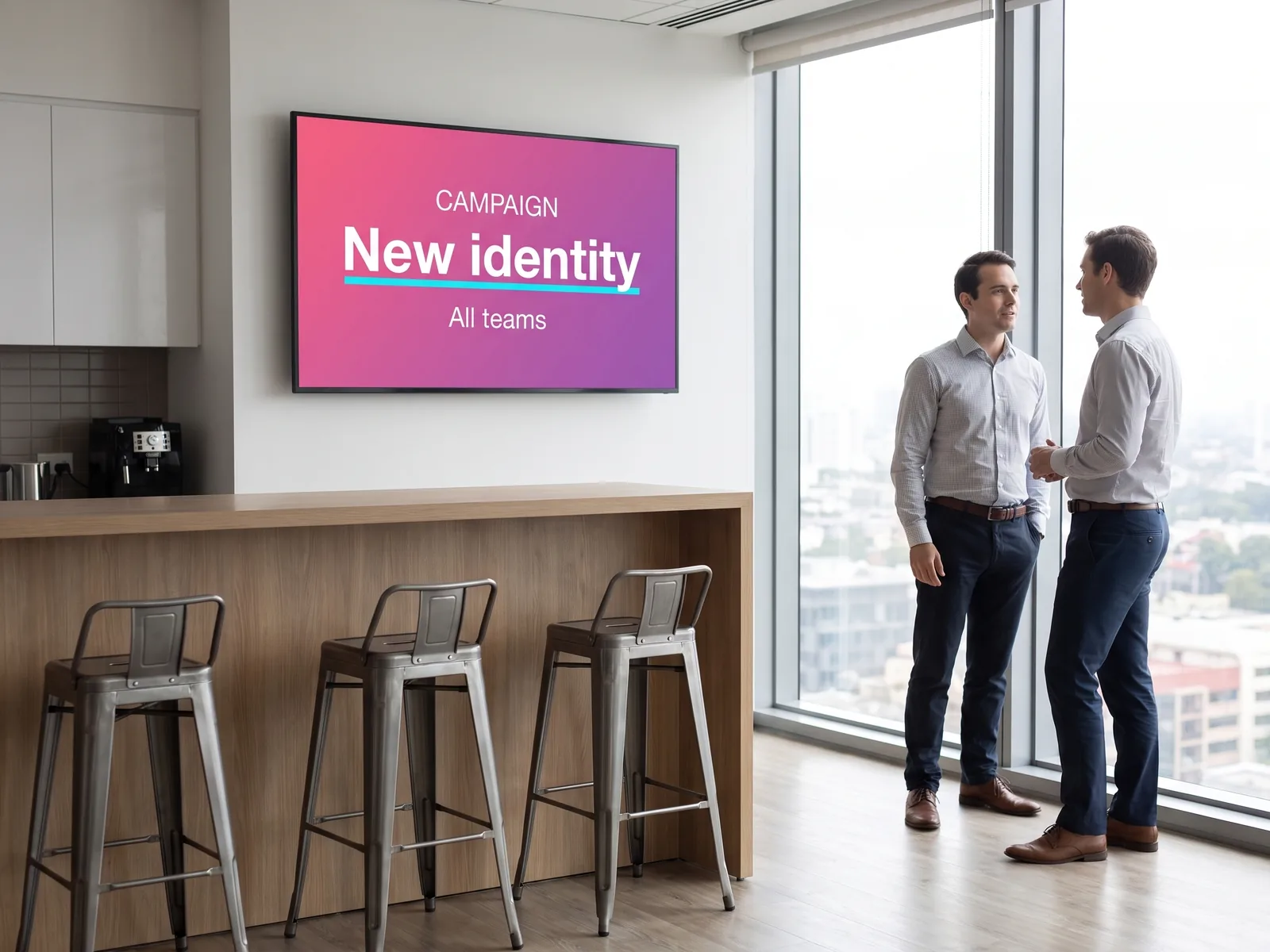
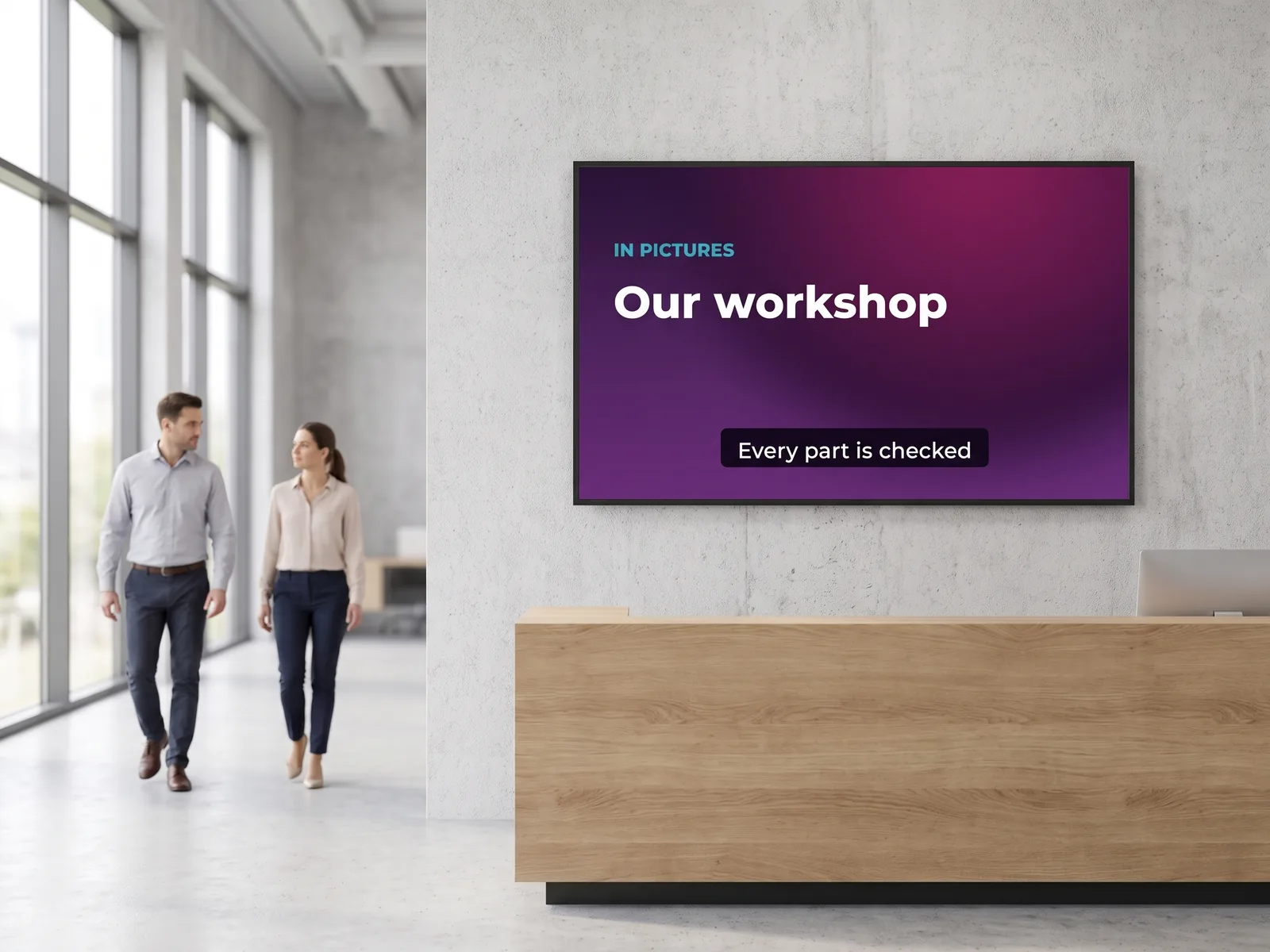
- ✓Posters and announcements for a hall, a corridor, a shop floor
- ✓Photo editing: cut out a background, crop, fix the light
- ✓Short video: a few seconds, subtitled, in the right format
- ✓Brand kits so every visual carries the same colours
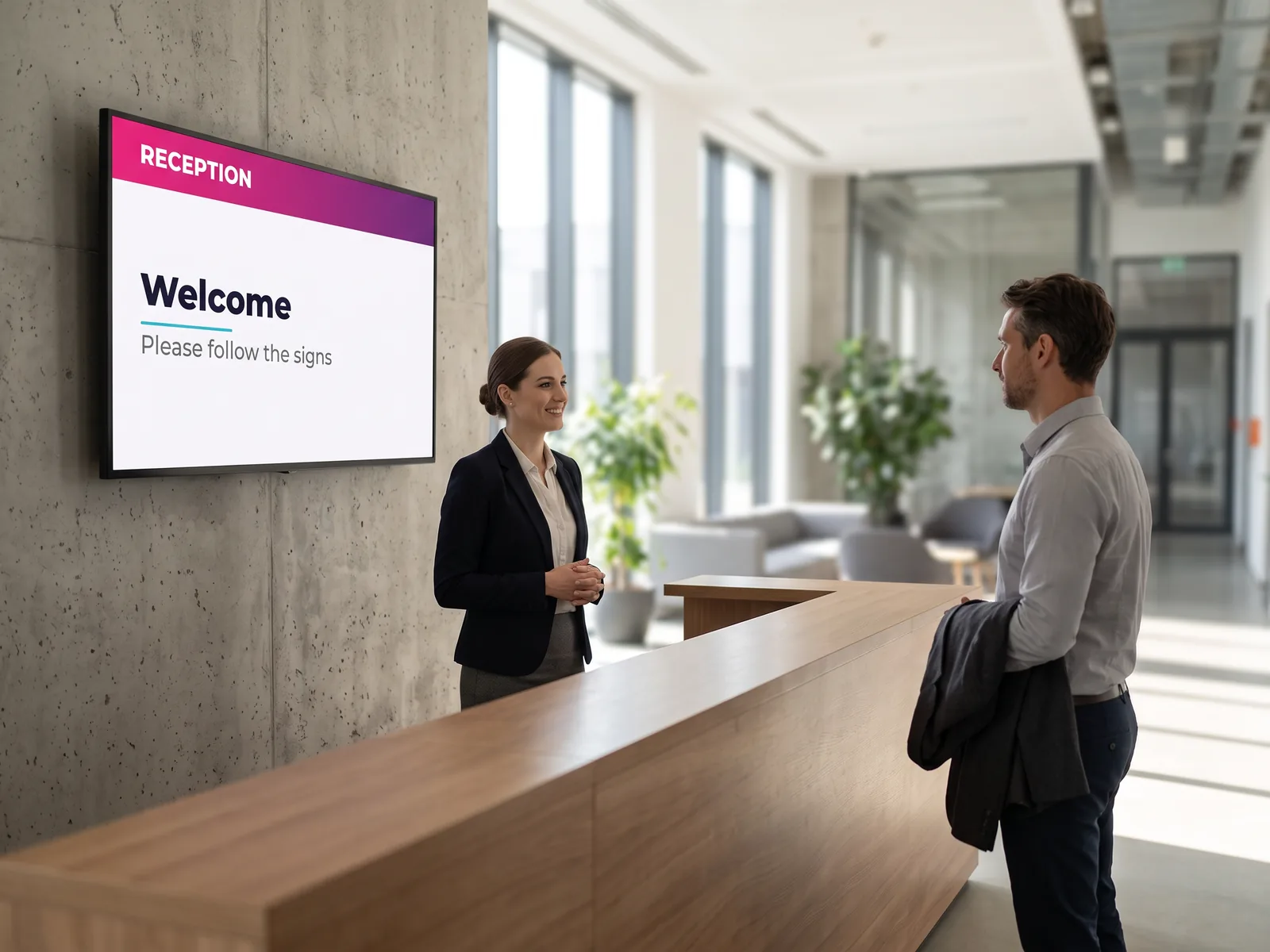
Before going further
An editor is already included in E-MANAGER
To put together a poster, a card or a message, you need no third-party tool at all: the built-in EMITY editor covers most cases, inside the platform, with no export and no extra account.
The EMITY editor
Built into E-MANAGER. You compose, you publish: the visual is on screen without leaving the platform. This is the tool that covers the everyday.
Canva
If your teams already work in Canva, their visuals join the playlist without a download in between.
Complementary integration
Adobe Express
The complement when you need Adobe resources: fonts, Adobe Stock, advanced editing, short video, generative AI.
Complementary integration
The link with your screens
What you design ends up on a screen
That is the whole point of the connection: the visual does not stay in a folder. Once the design is linked to E-MANAGER it joins a playlist and goes out to the screens you choose — a shop window, a reception screen, a totem, or a whole estate at once.
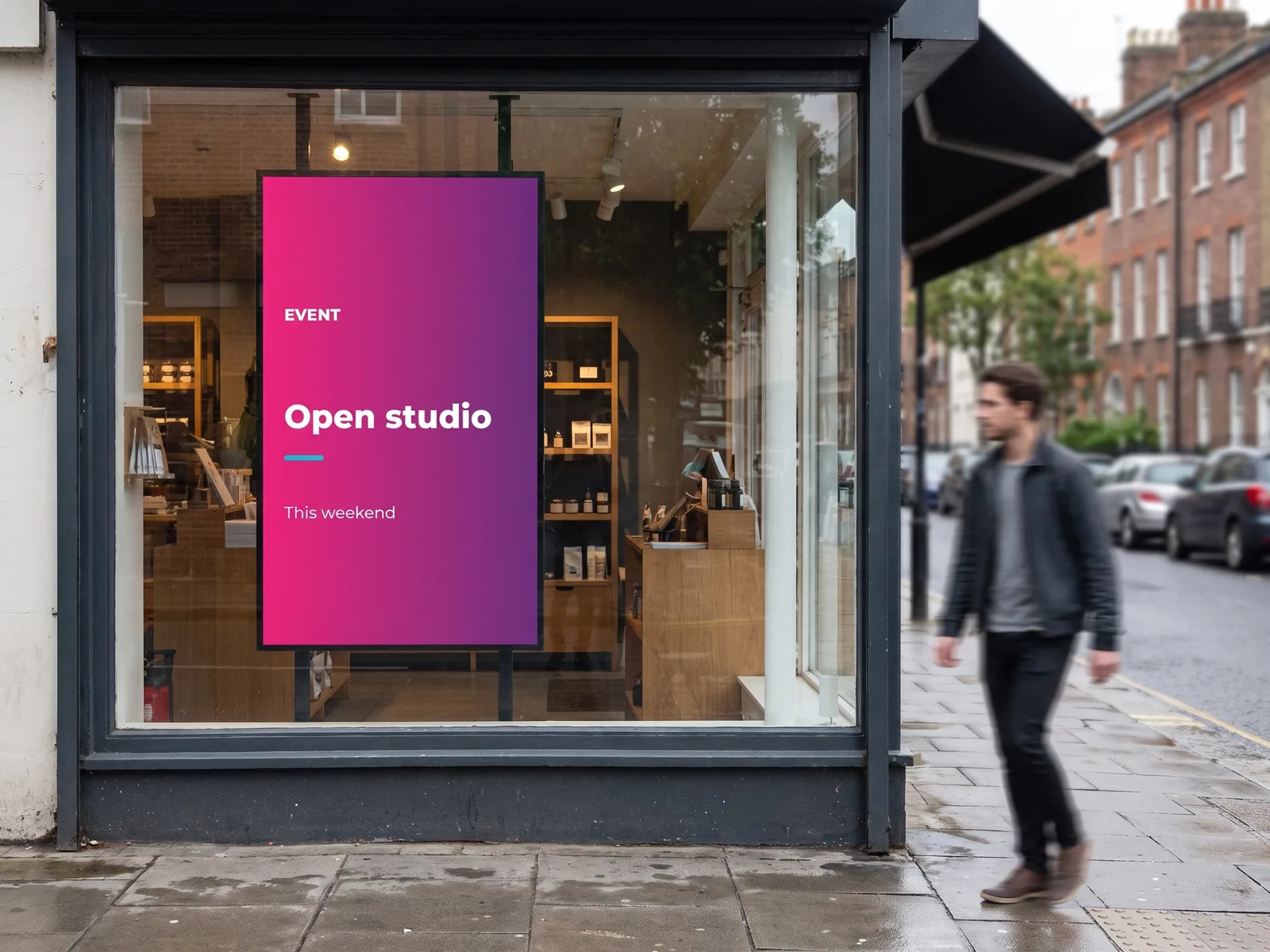
The same visual, several places
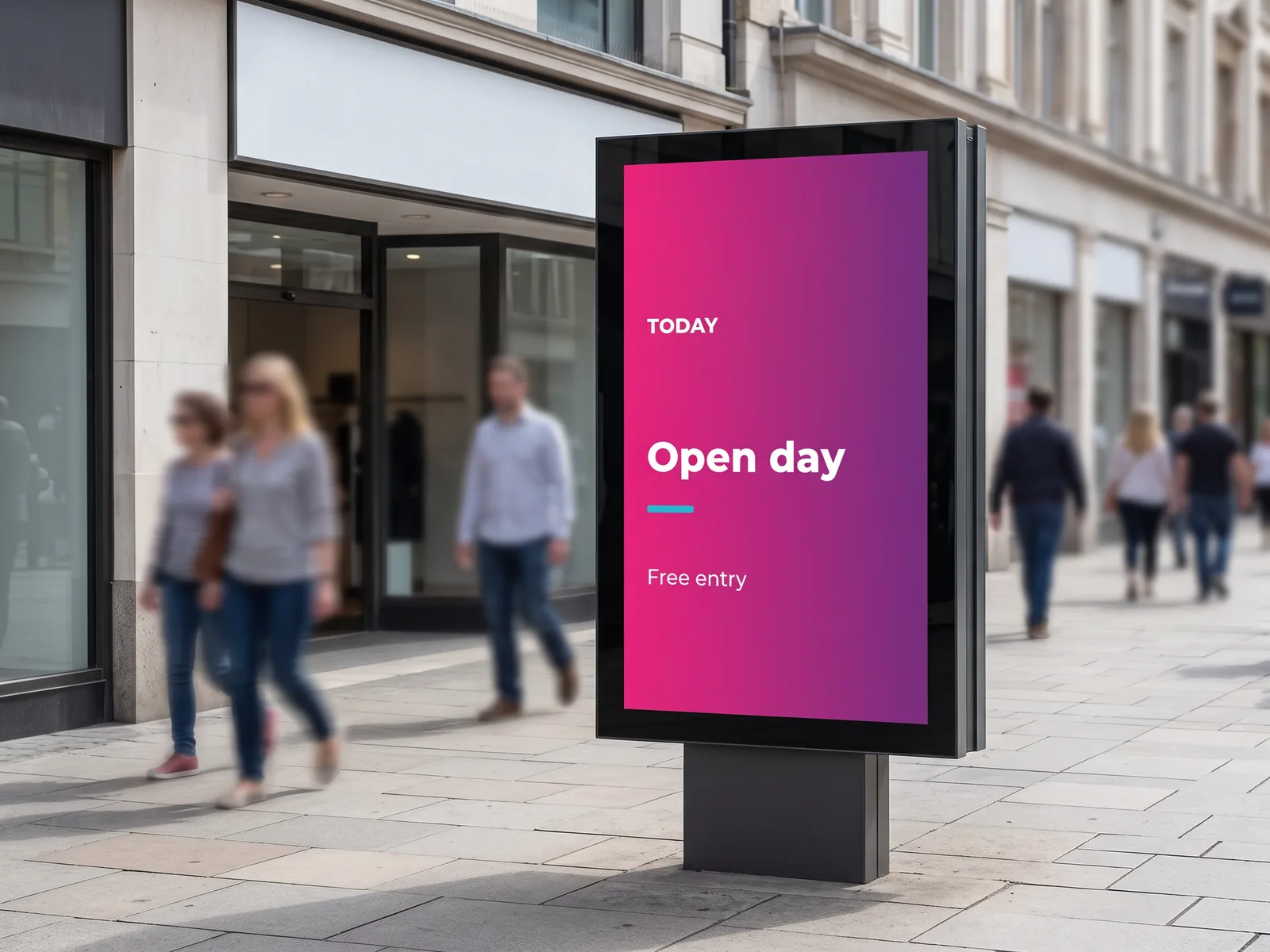
A shop window is not the same shape as a reception screen, and it is not read for the same length of time. Resizing by format saves recomposing every version by hand.
- ✓One visual output in landscape, portrait and totem format
- ✓An update to the source visual that carries through to playout
- ✓Templates in your colours, reusable across the team
- ✓Playout by screen, by site or by group of screens
For internal communications too
Screens inside the building run on the same material: short visuals, redone often. That is precisely what these design tools produce without tying up a designer.
- ✓Team announcements, internal events, reminders
- ✓Brand campaigns rolled out across every site
- ✓Safety or service messages, updated quickly
- ✓A brand held by templates rather than by everyone’s vigilance
The features that make the difference
What Adobe Express adds on top
These are Adobe’s features: they do not replace the EMITY editor, they widen what can be designed before playout.
Templates and fonts
Thousands of layouts ready to personalise, and the Adobe fonts — many of them exclusive. Enough to make a visual produced in a hurry look considered.
Library
Brand kits
Your logos, colours and fonts held in one place: every visual leaves with the right brand, without anyone having to remember it.
Consistency
Firefly generative AI
Image generation from a description, generative fill, background removal, text effects. Adobe presents it as trained on licensed content, so it can be used in a professional setting.
Assisted design
Instant resizing
One visual adapted from one format to another without recomposing it: essential when the estate mixes landscape screens, portrait screens and totems.
Multi-format
Adobe Stock and media
A library of images and video reachable from the editor, according to the Adobe plan you hold.
Resources
Short video
Simple editing, animation, subtitles: a format that holds attention on a walk-past screen better than a still image.
Animated
The useful formats
What you can design for your screens
Adobe Express is used to produce images, short videos, posters and social visuals. Here is what that looks like once it is on a screen.
Video
Making a short video for your screens
A still image informs; a few seconds of animation stop the eye. Adobe Express handles the editing in the browser, with no post-production software. What changes here is the destination: the video does not go to a sharing platform, it goes to your screens.
What the editing gives you
The features that matter to a screen come down to a handful of moves, all available from the browser:
- ✓Trim and reorder the shots, set how long each one runs
- ✓Animate the text: a title that appears holds the eye better than a title that sits there
- ✓Add subtitles — the feature that changes the most here, see below
- ✓Play with speed: condense a long edit, slow a gesture down to make a point
- ✓Work together on the same project, through a share link
In practice
From the first frame to the screen
The design path looks like that of any short video. It is the last step that is not the same.
Start from a template or your own footage
Adobe Express opens in a browser, with nothing to install. You bring in your own clips, or start from an existing layout and adapt it.
Edit the sequence
Trim the slack, reorder the shots, set the duration, speed a passage up. On a walk-past screen a few seconds is enough: that is how long a glance lasts.
Dress it for the screen
Animated text in large type, subtitles, your colours. A screen is read from three metres away and at an angle: what is fine online becomes unreadable on a wall.
4. Send it to your screens
This is where the path differs from a video meant for a public platform. The video joins your EMITY media library, then a playlist: it goes out to the screens you name, at the times you choose, and is replaced the day the message changes. Nothing to find again in a downloads folder, nothing to upload twice. See the digital signage platform.
The question of cost
Is Adobe Express free?
Yes, there is a free version, and that is often where teams start. The paid plans mainly open up the Adobe resources and working as a group. Adobe offers a trial before any commitment.
| Adobe plan | What it unlocks | When it is worth it |
|---|---|---|
| Adobe Express Free | Templates, photo editing, basic formats | To try it, or for an occasional need |
| Adobe Express Premium | Wider Adobe fonts, Adobe Stock, broader AI features | For designing visuals regularly |
| Adobe Express Teams / Enterprise | Shared brand kits, collaboration, access management | When several people design for the same estate |
On the EMITY side, the connection is one of the platform’s integrations. What your Adobe plan decides is what you can reach while designing — fonts, stock library, AI features. And if you would rather add nothing at all: the built-in EMITY editor comes with the platform.
Frequently asked questions
What visitors ask about Adobe Express
From design to screen
Whether your teams design in the EMITY editor, in Canva or in Adobe Express, playout is managed in the same place. Our teams can walk you through the whole path, from design to screen.

