Digital signage for gyms and fitness clubs

A class schedule that keeps changing, an offer to get across, a score to follow live: in a gym, information never sits still. With screens driven from a single platform, you update it in minutes — from the front desk to the cardio floor — without reprinting a poster.

7,000+connected screens
1,000+customer accounts
3 monthsfree trial

Gyms & fitness

What screens change in a gym

A club runs on its timetable, its offers and its members. Digital signage puts that information in front of the right people, in the right part of the building — without another trip to the printer.
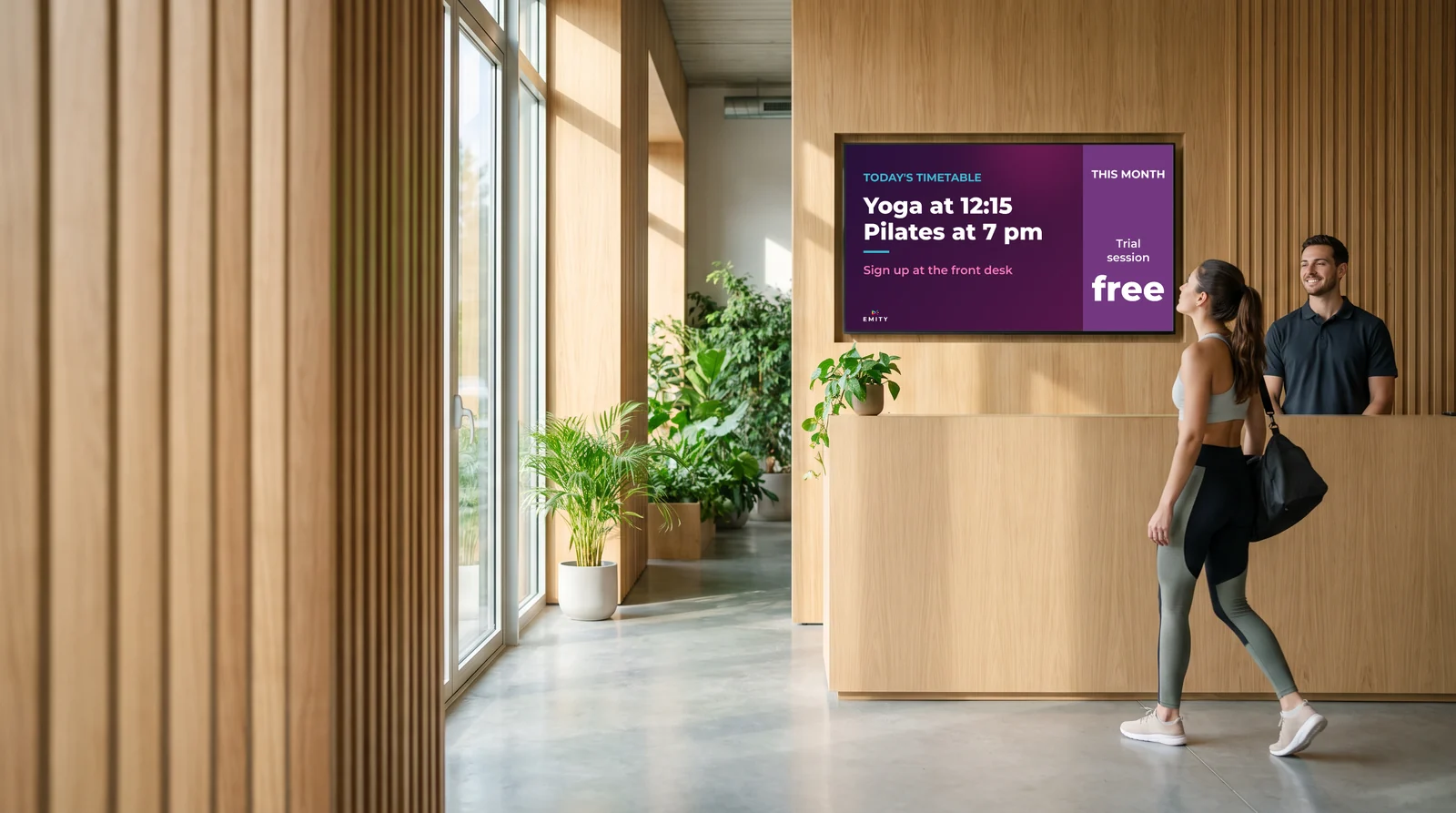
Digital signage in two sentences

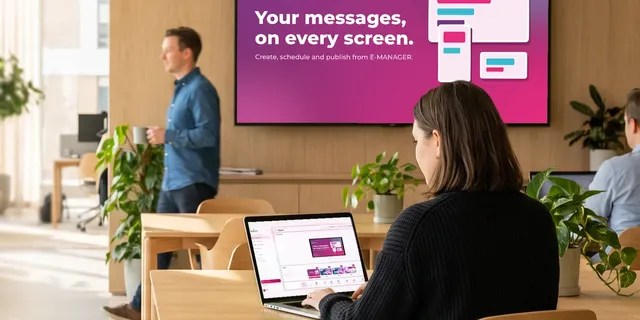
Digital signage means broadcasting content — visuals, video, schedules, figures — on screens connected to an online platform. You prepare the content once from your browser, pick the screens it goes to, and the display updates remotely.

  • The group class schedule, minutes after an instructor swap
  • Offers, new arrivals and club events
  • Safety rules and correct use of equipment, on a loop
  • A score or a clock followed live during a match

In short: the laminated poster in the lobby becomes content your team changes in a few clicks, from the front desk or from the back office.

Examples

Digital signage examples in gyms and fitness centres

Every zone of a club has its own information need. These are the uses our customers put in place most often — in gyms, fitness centers, pilates and cycling studios alike.

Class schedules

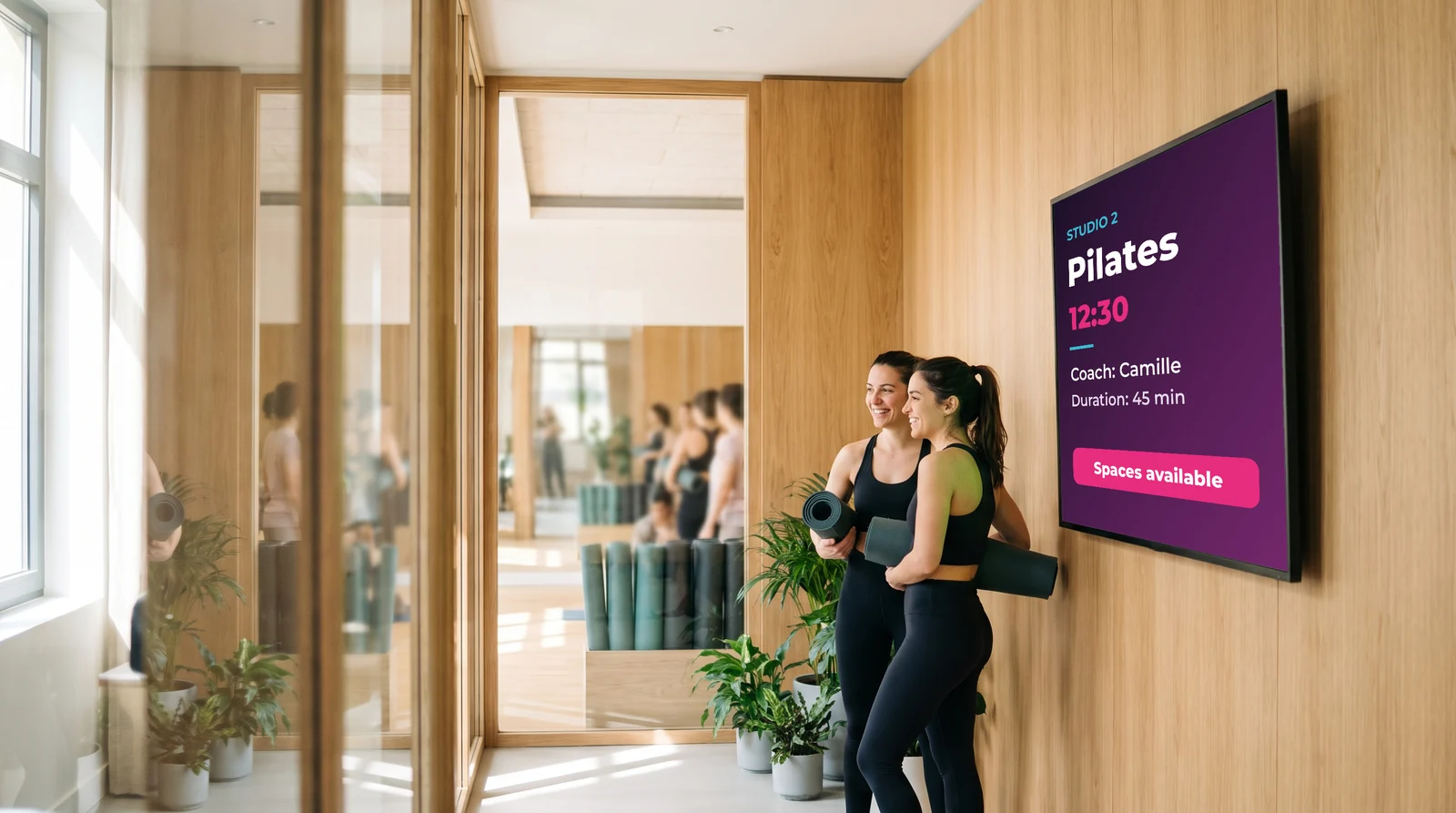
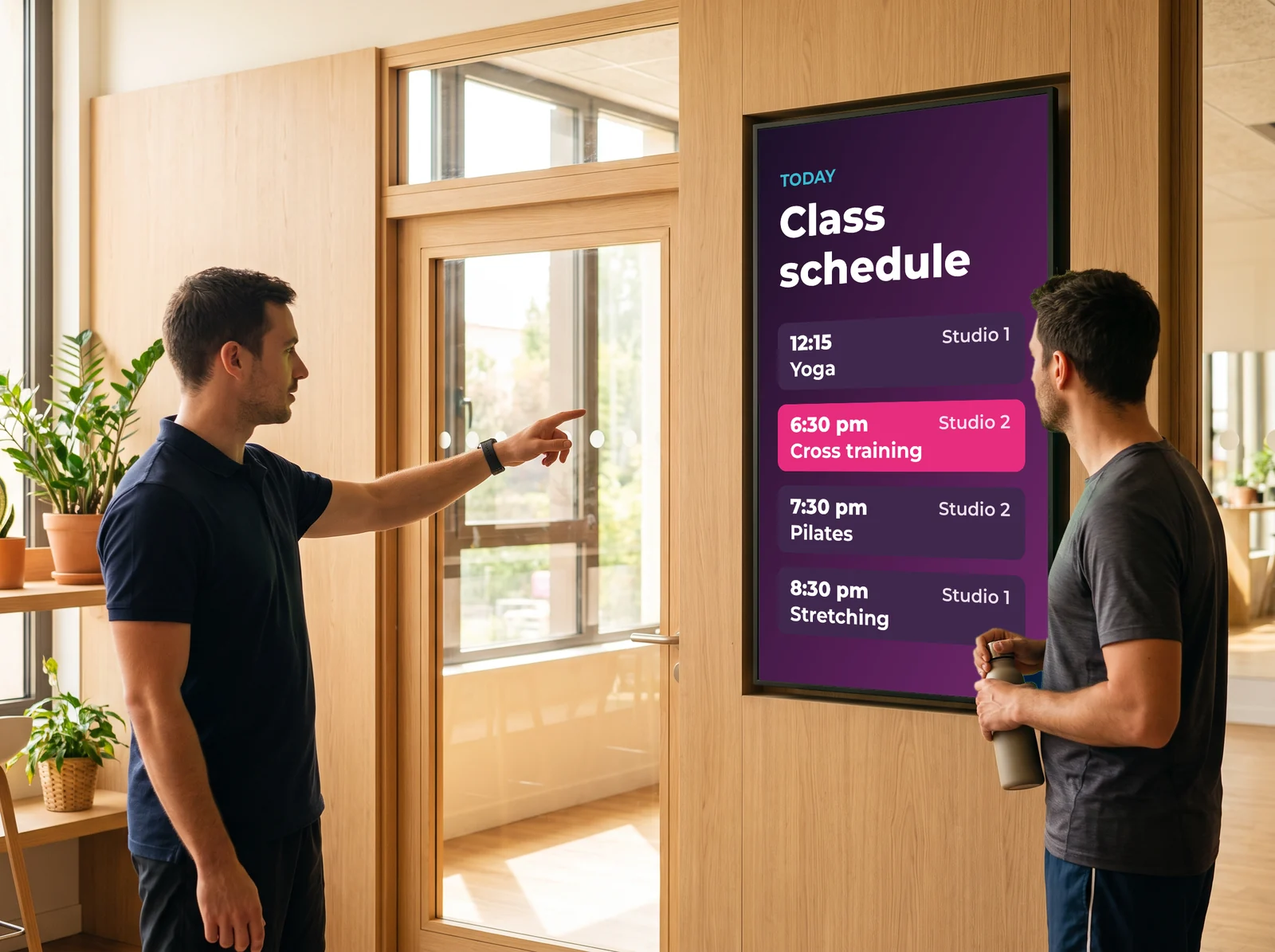
Group classes, instructor of the day, studios in use: the timetable shows at the front desk and outside each studio, and it changes when reality does.

Offers and memberships

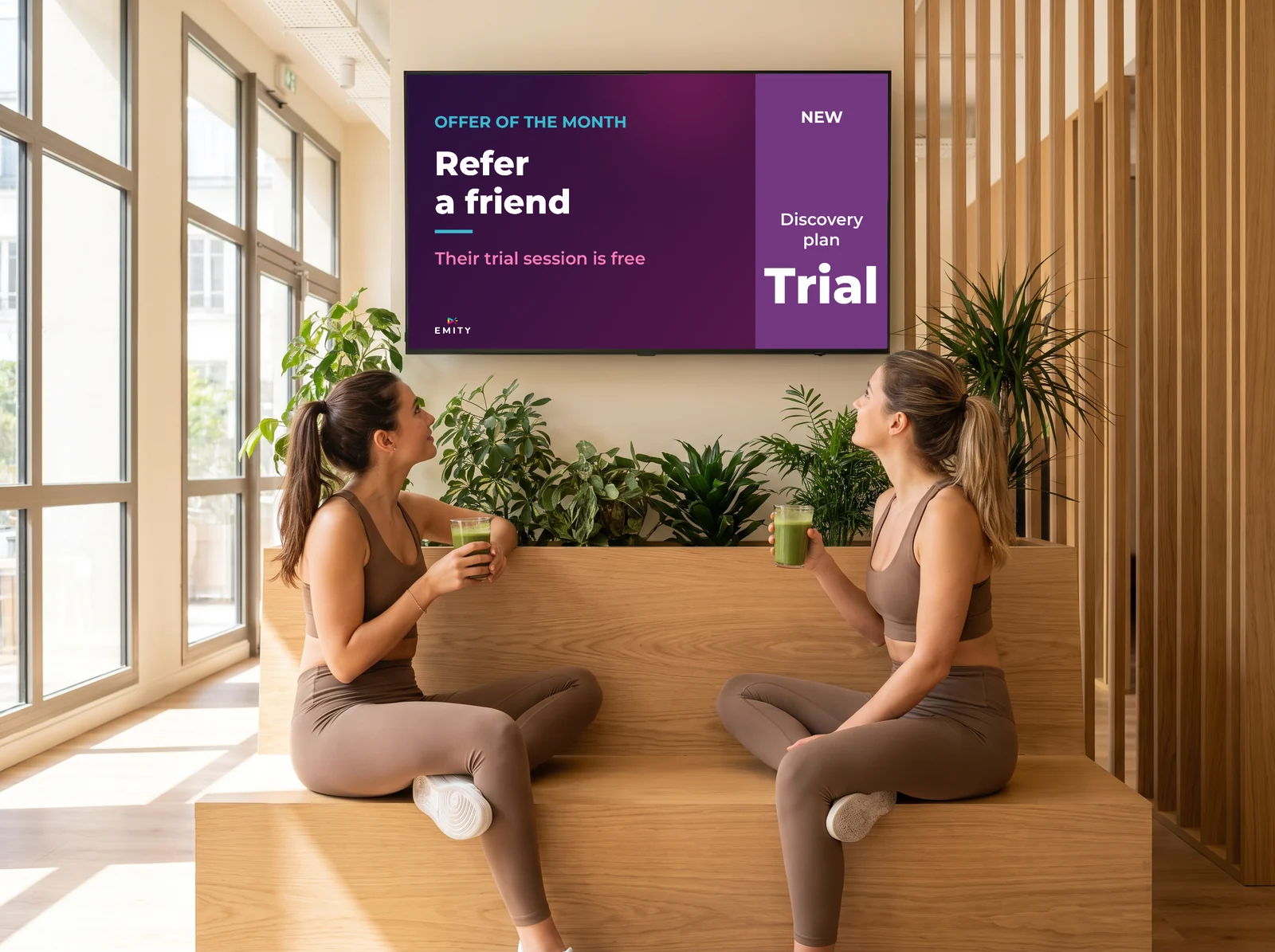
A trial week, a referral deal, a guest pass: the offer appears as the member walks past it, not in an email nobody opens.

Live score and clock

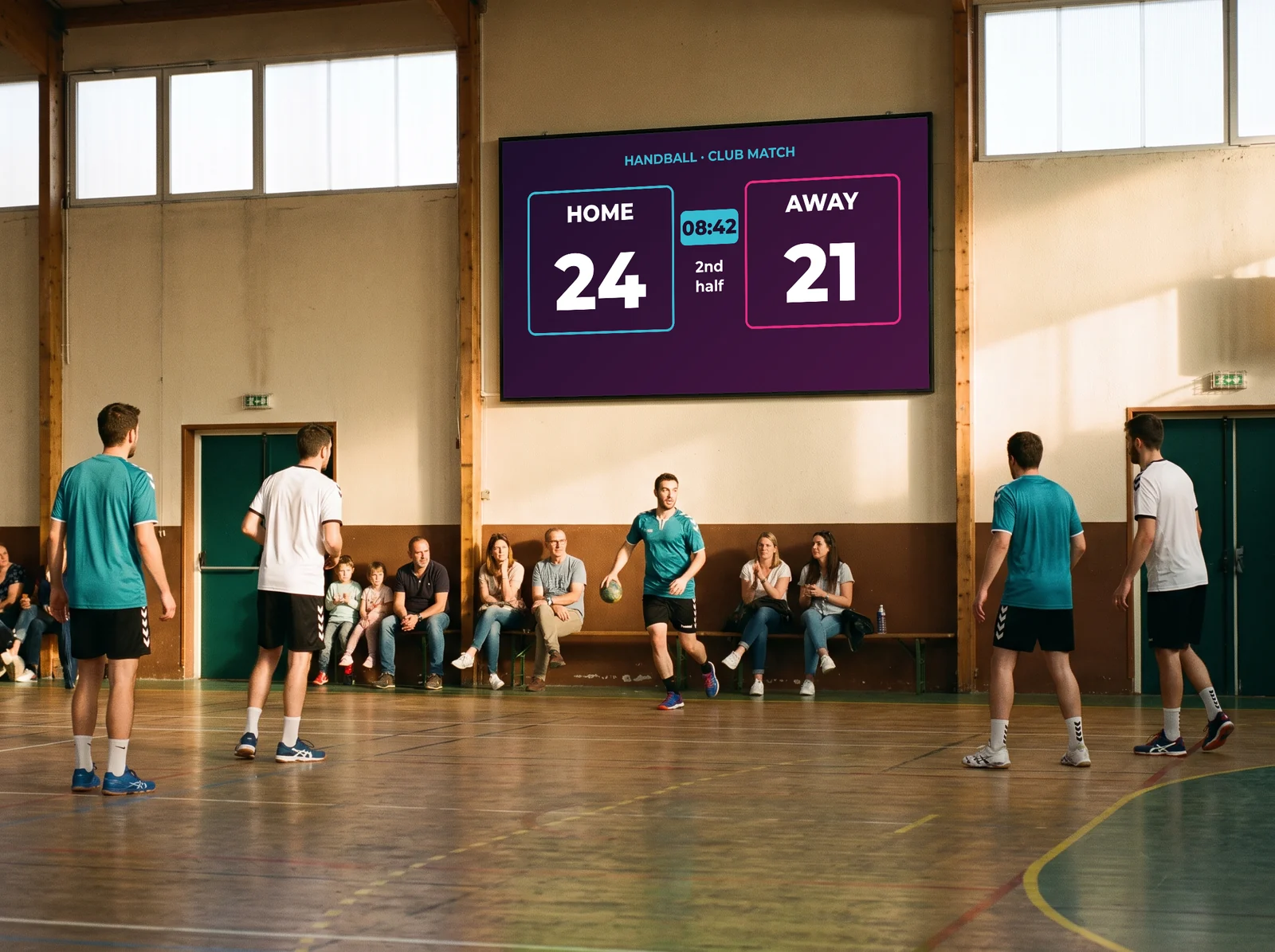
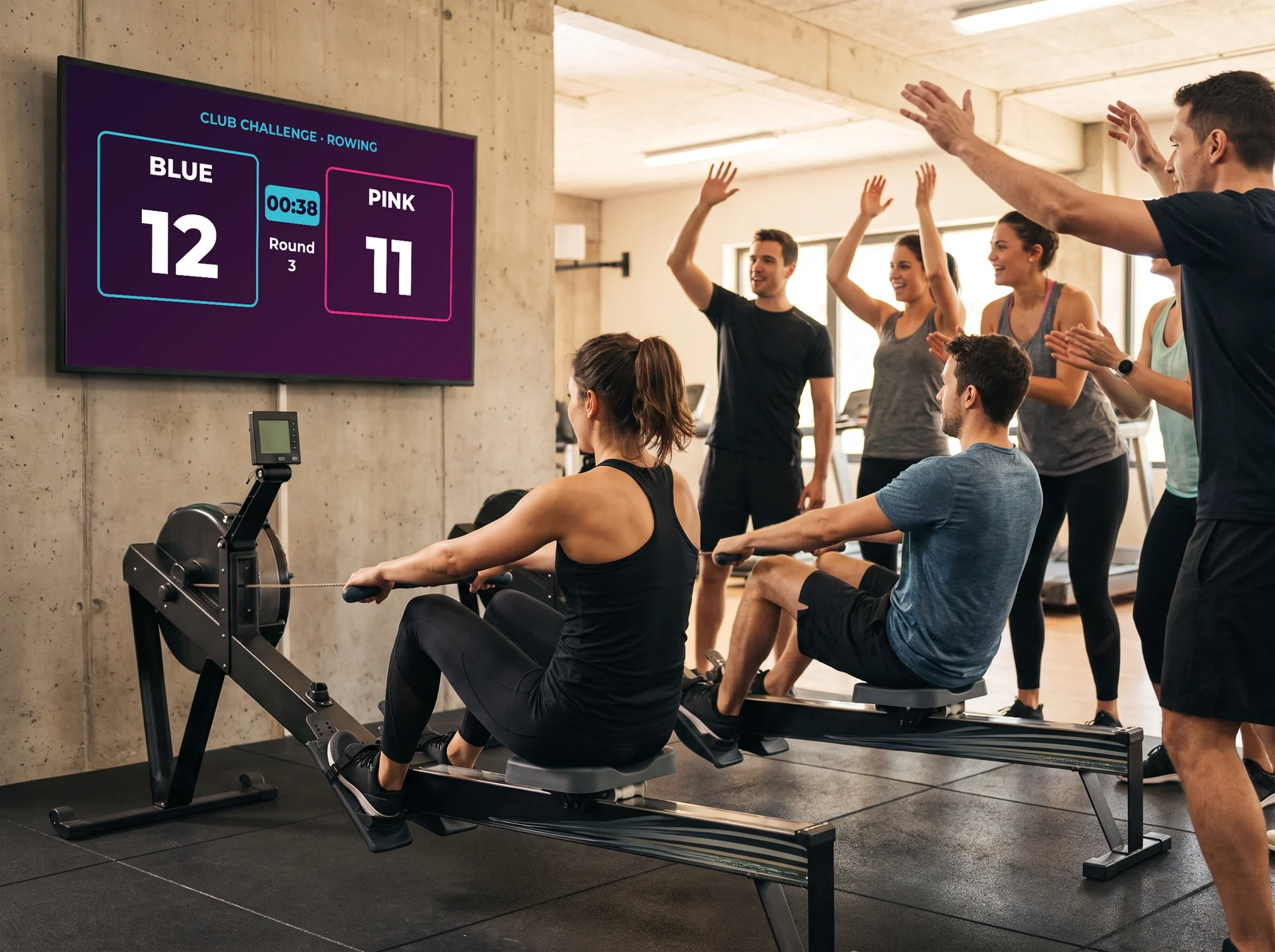
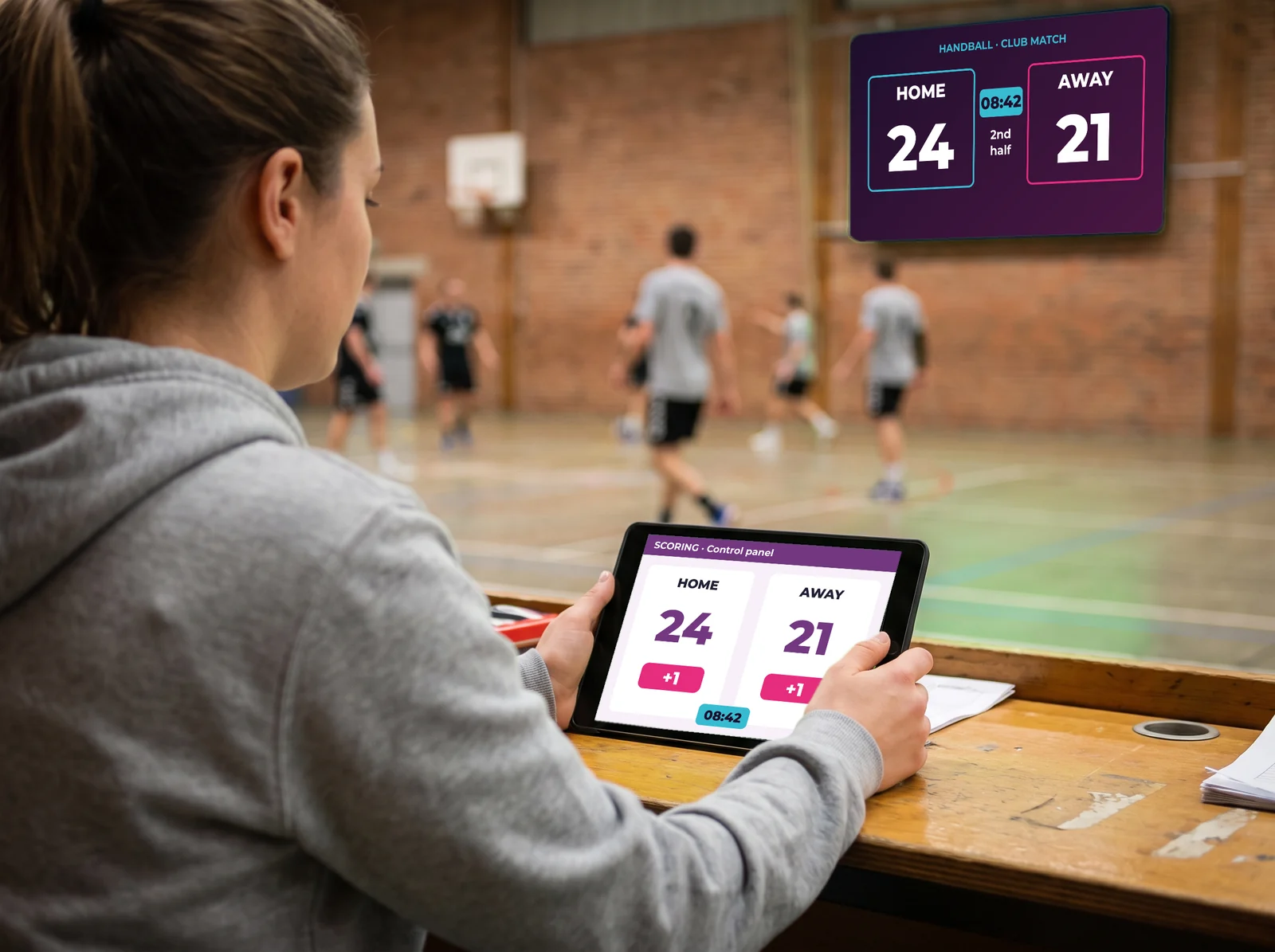
In-house tournament, club match, team challenge: the score climbs on screen point by point, and spectators follow without looking away from the court.

Safety and house rules

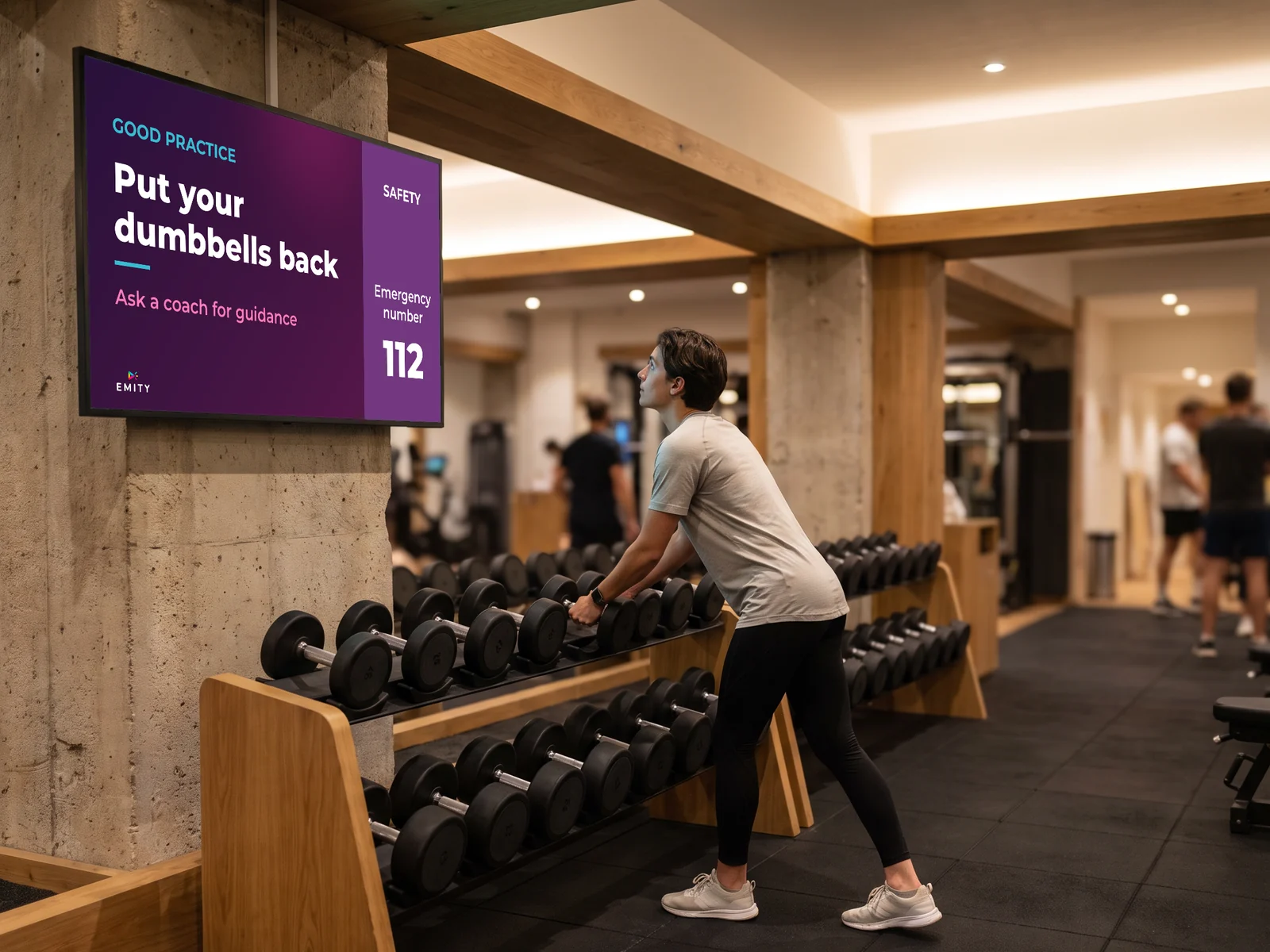
Club rules, correct technique, emergency numbers, mandatory notices: the information stays visible without covering a wall in printed signs.

Coaching and motivation

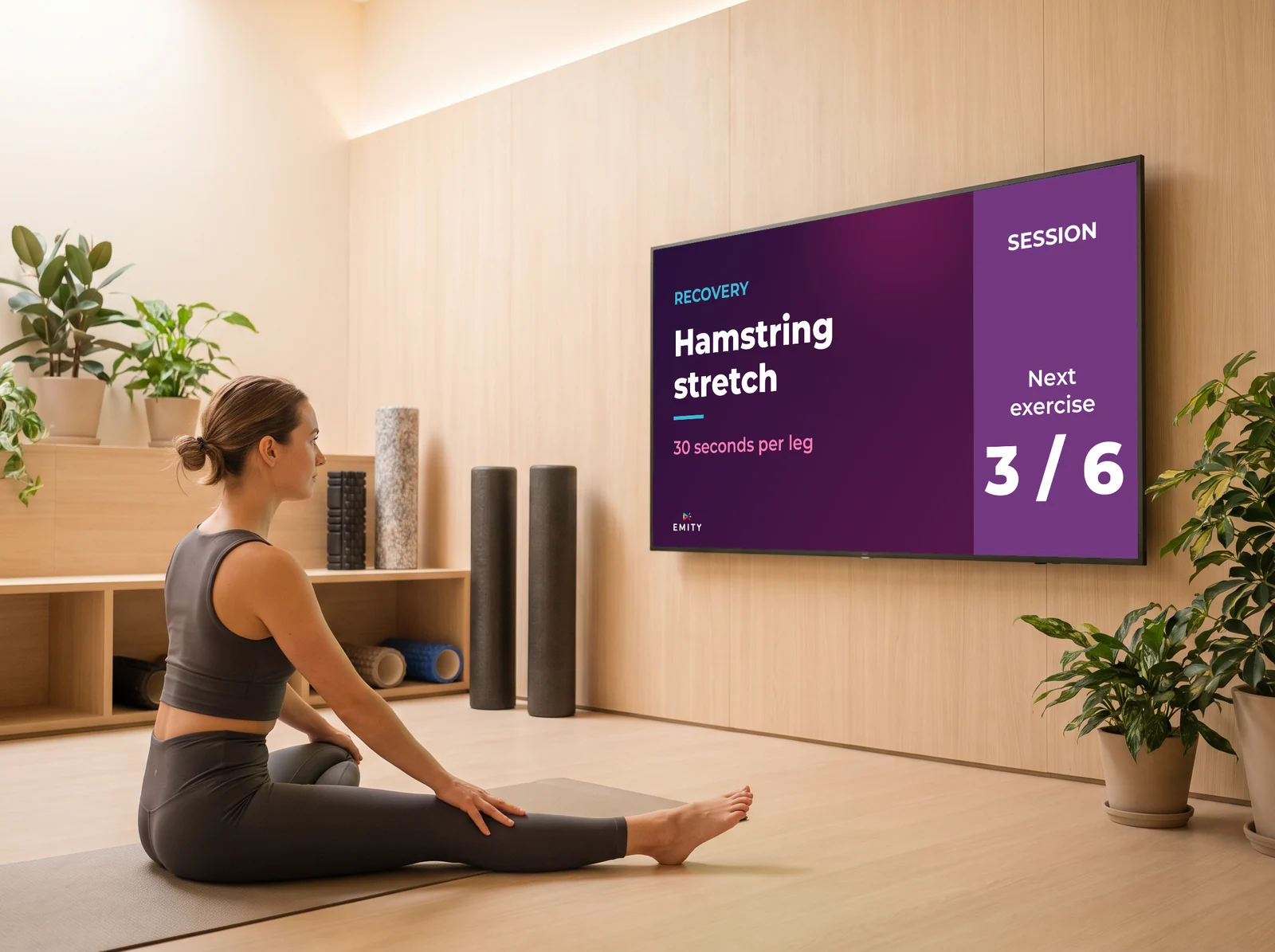
A warm-up looping on the gym floor, a recovery tip in the changing rooms: the screen carries on the coaches’ work between sessions.

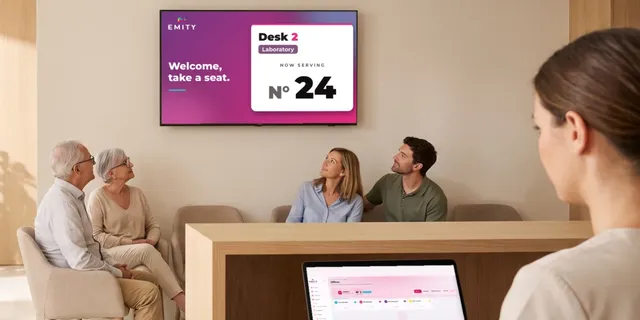
Busy hours and waiting

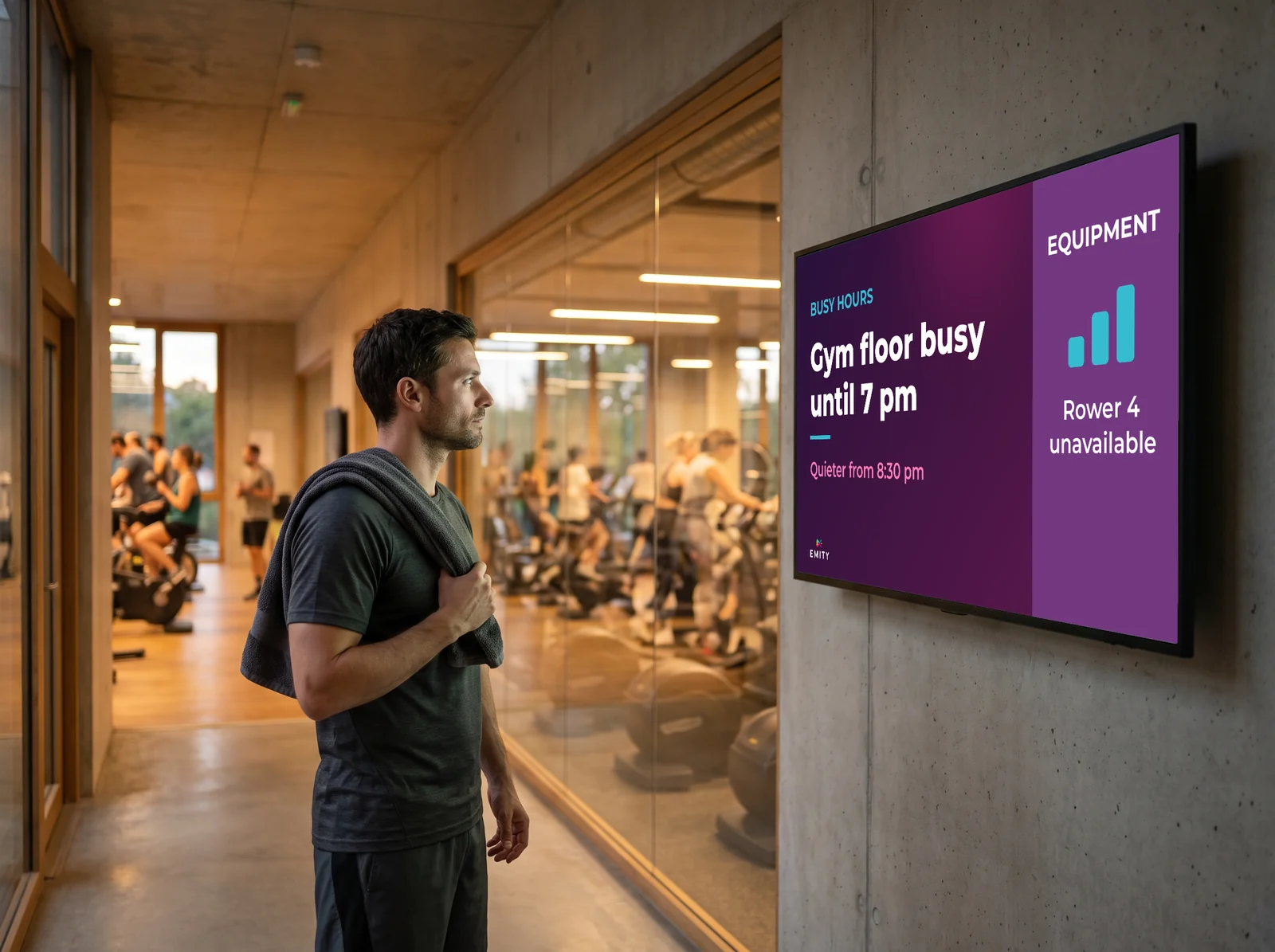
Peak slots, machines under maintenance, waiting time at a station: members plan around it instead of queueing.

The journey

From the front door to the gym floor: six moments worth equipping

Here is a member’s journey, followed as they live it: they come through the door, they get changed, they settle on a machine, they go on to a class, they watch a match on Saturday. At every step the screen answers one precise question — and the last one is no longer for them, but for your own staff.
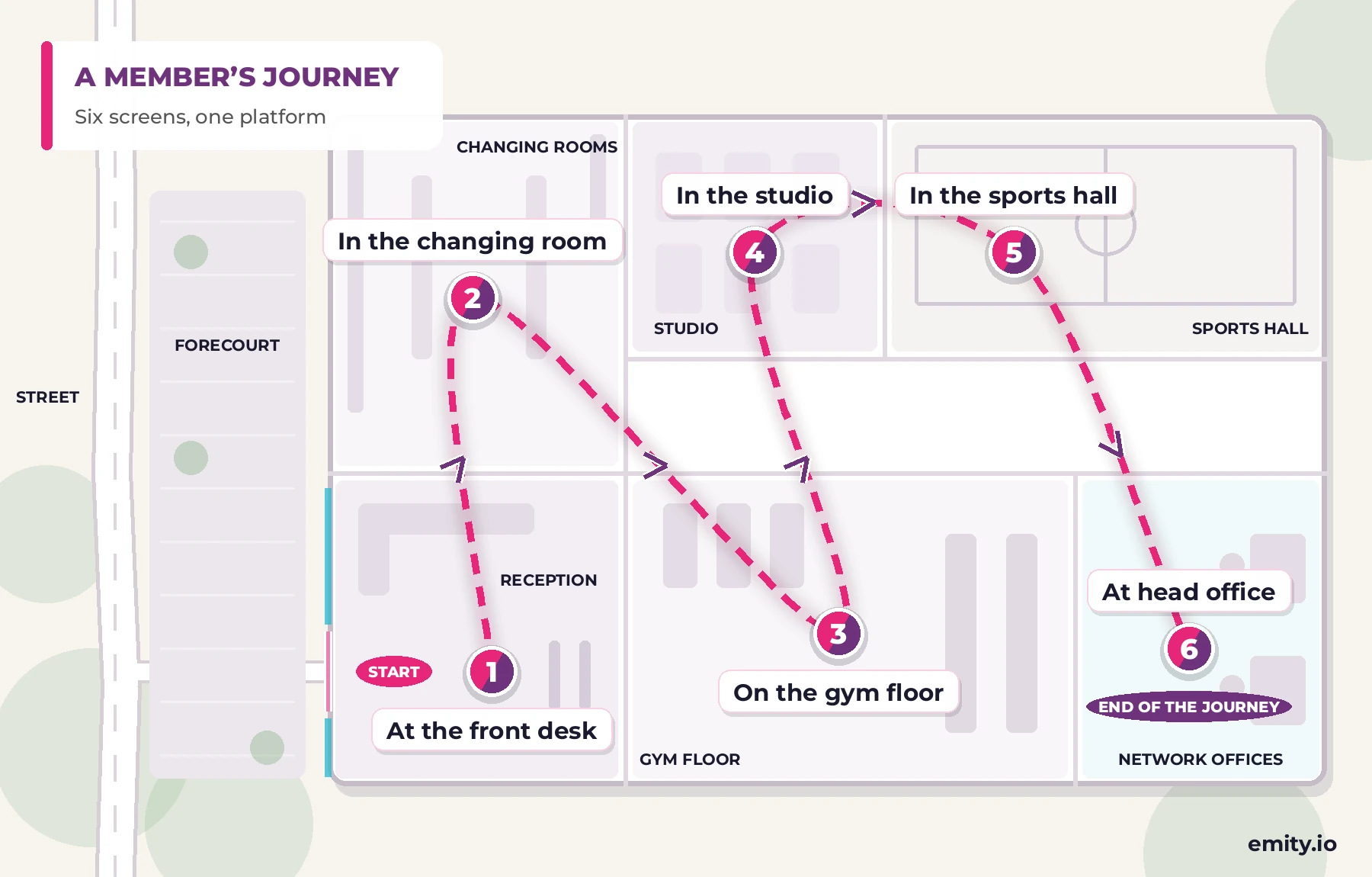
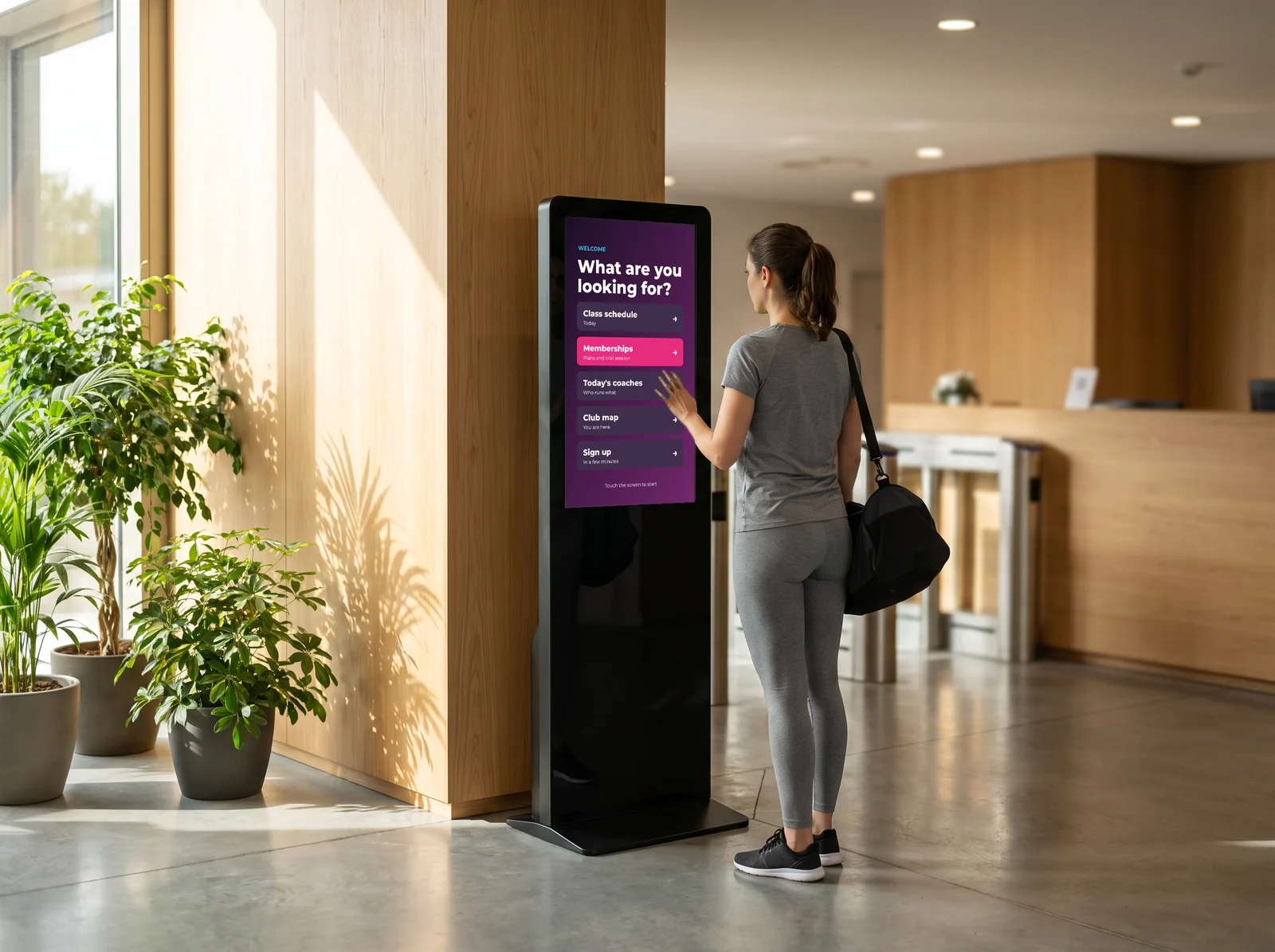
Diagram of a member’s journey in six linked steps: front desk, changing room, gym floor, studio, sports hall and head office

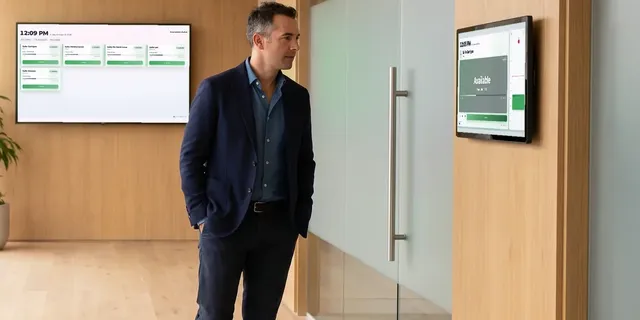
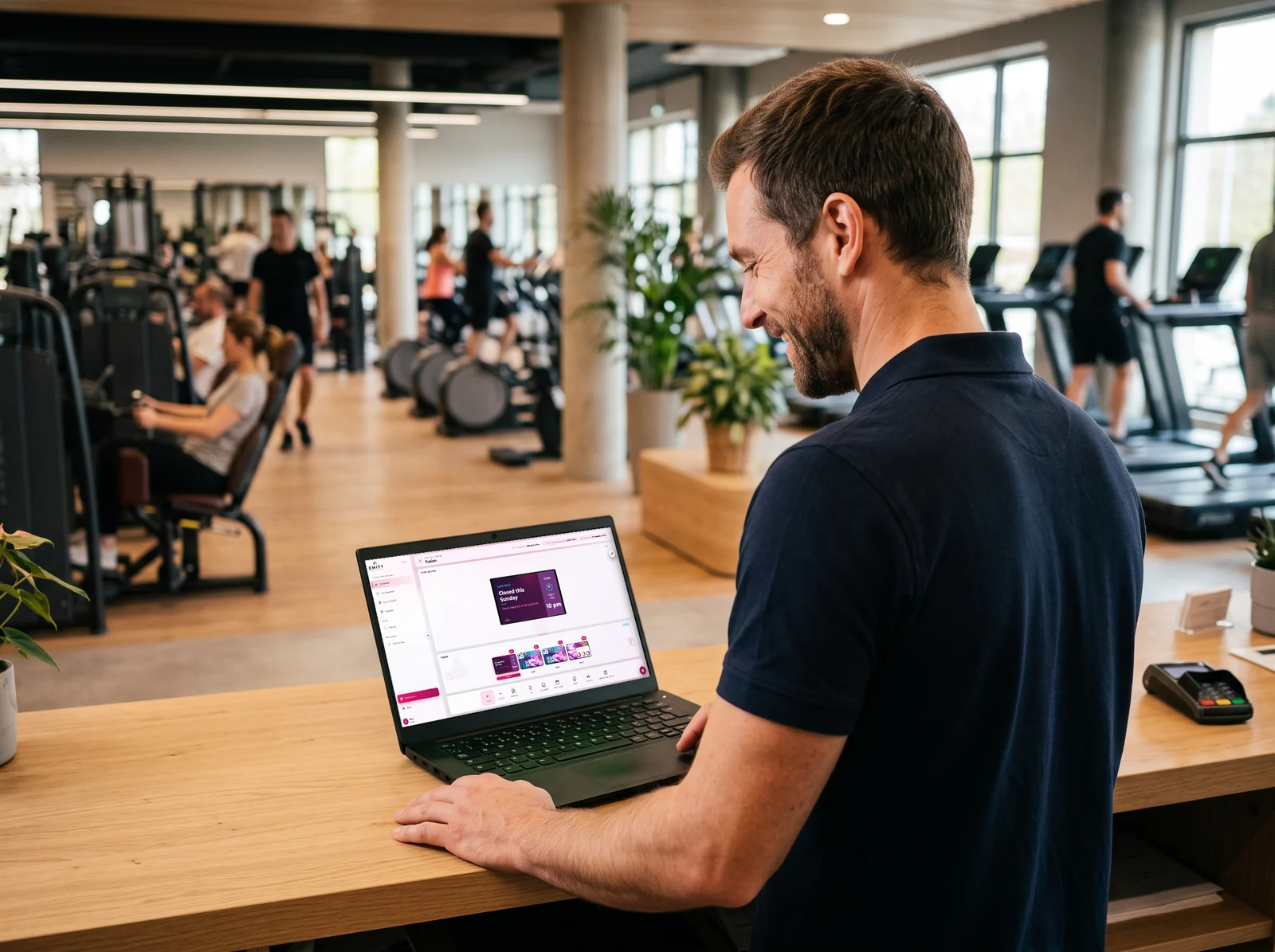
Screen and touch kiosk at the front desk of a fitness club

1 · At the front desk

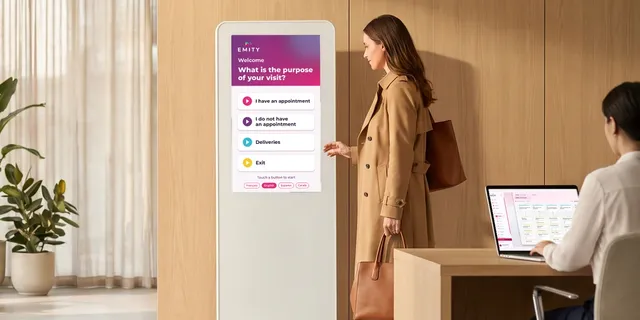
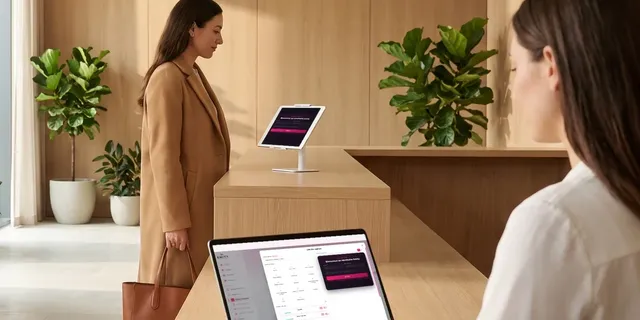
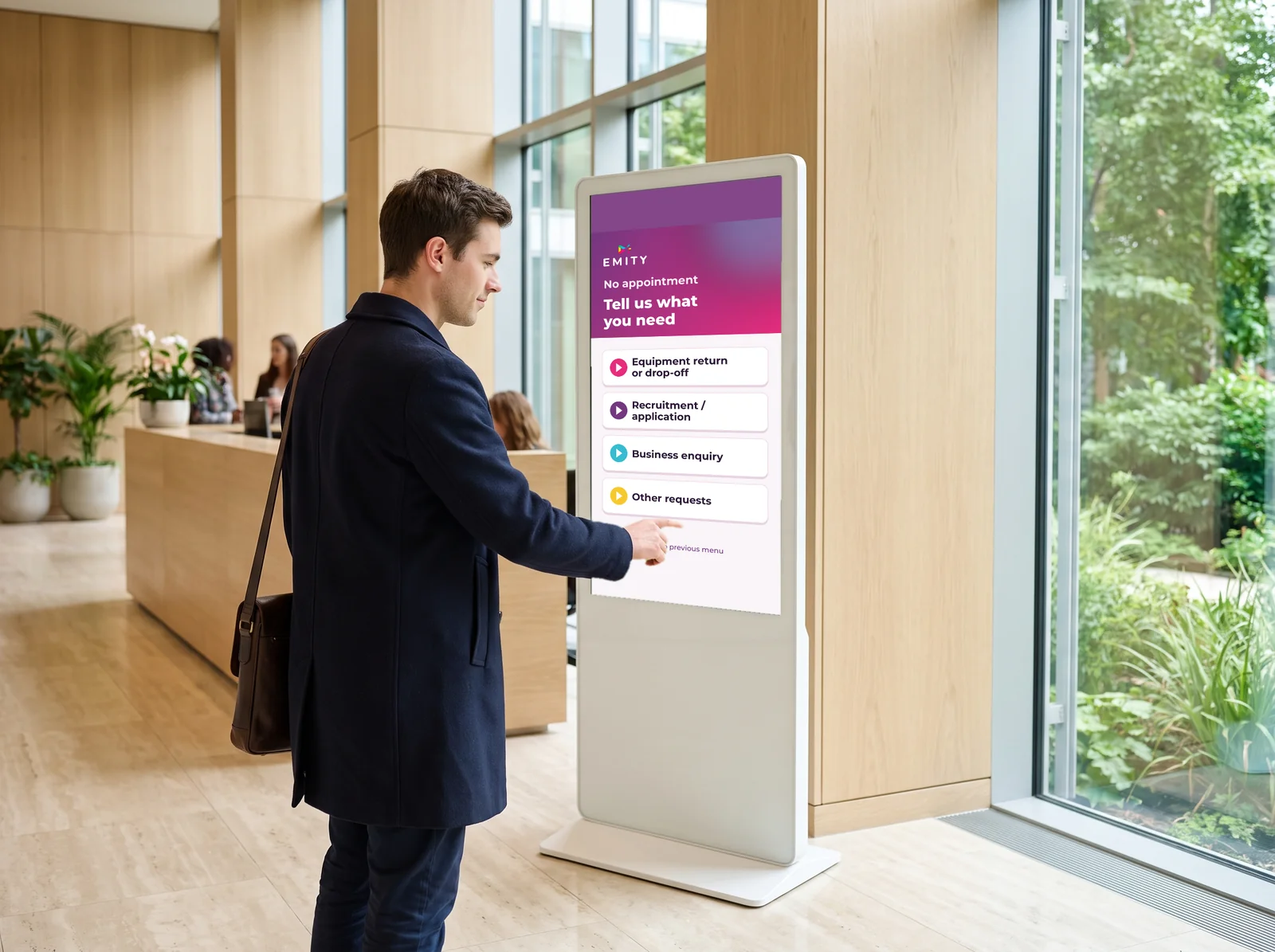
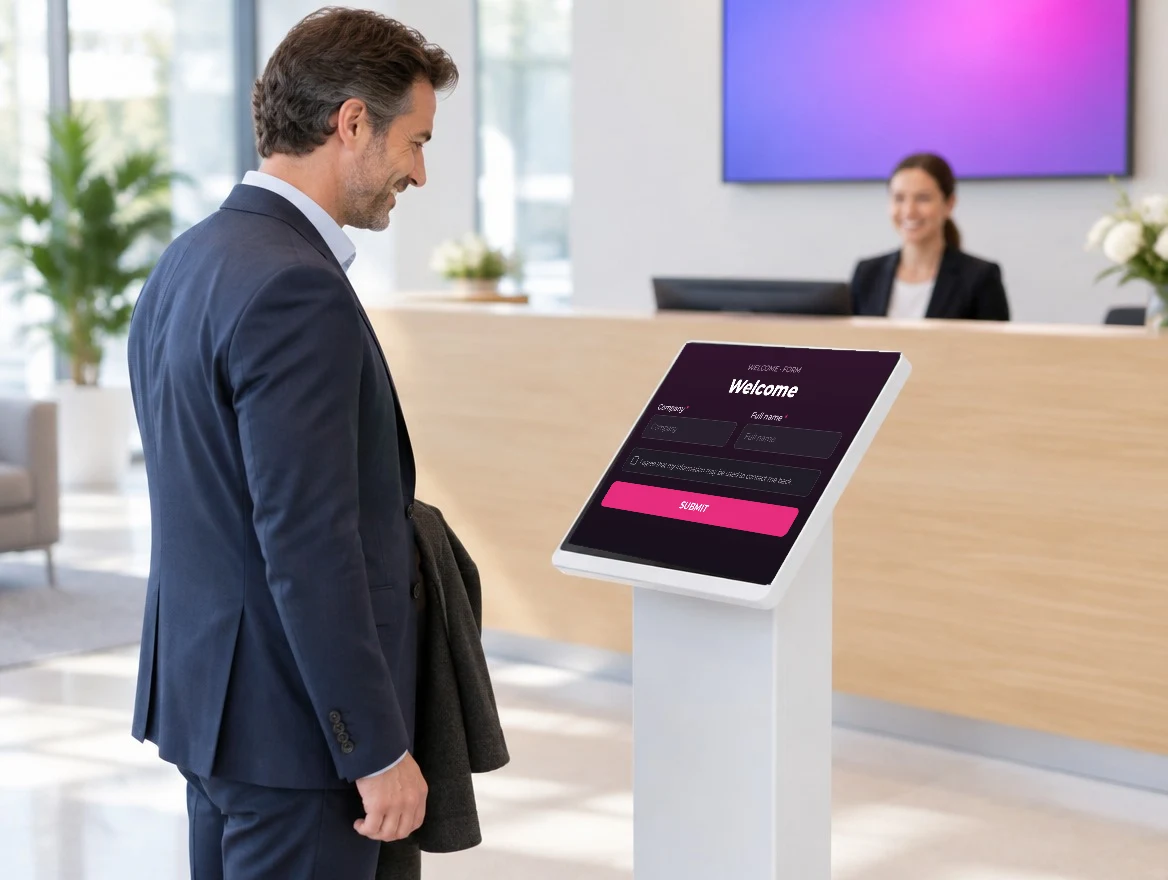
A member walking in wants to know what is on today. The reception screen shows the day’s classes and the places left, and a touch kiosk lets people look through the memberships without tying up someone on the desk.

Welcome

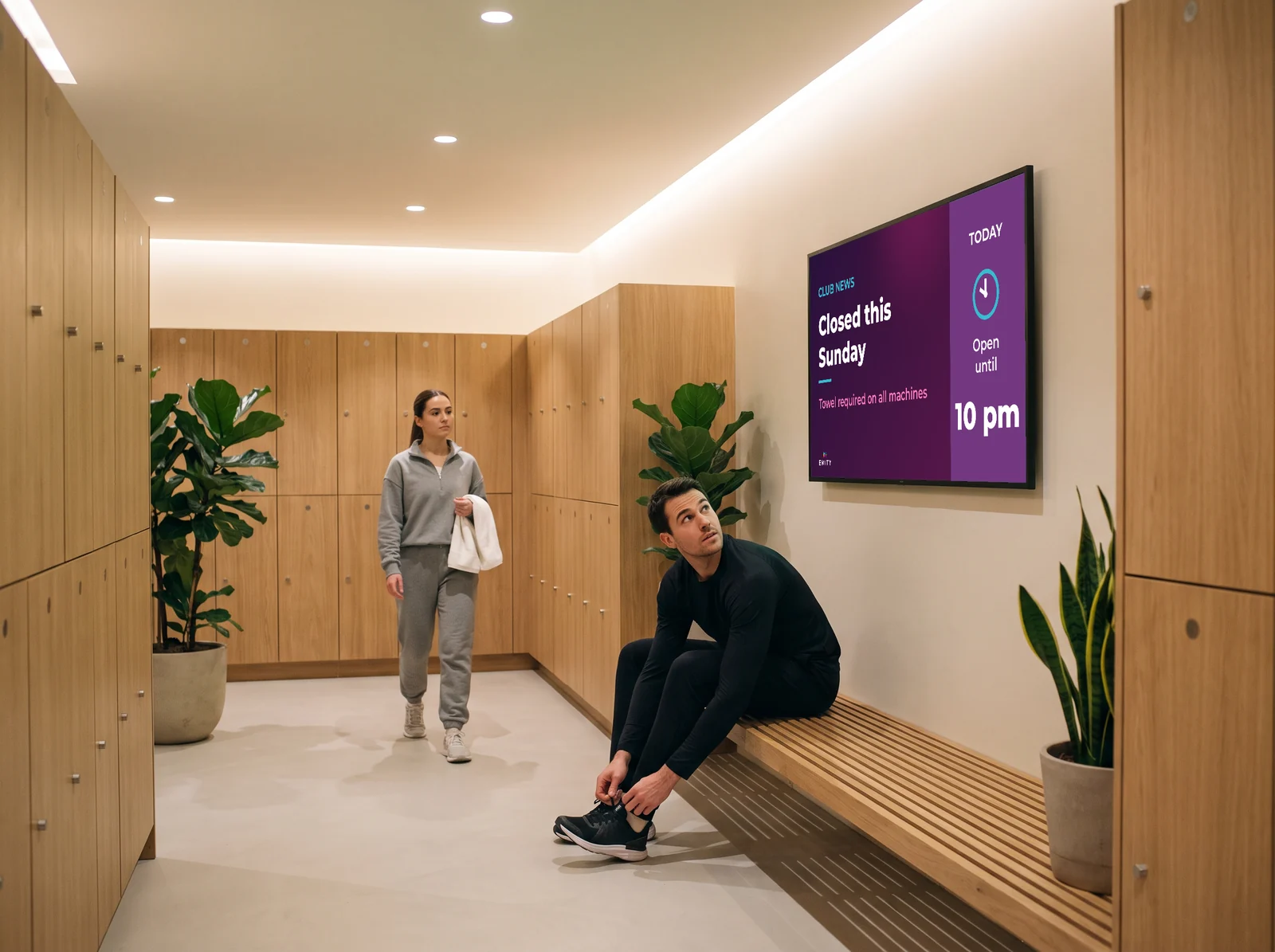
Information screen in the changing room of a gym

2 · In the changing room

It is the one place everybody passes through, and where nobody is looking at their phone. Opening hours, hygiene rules, the Sunday closure: it gets read without effort.

Inform

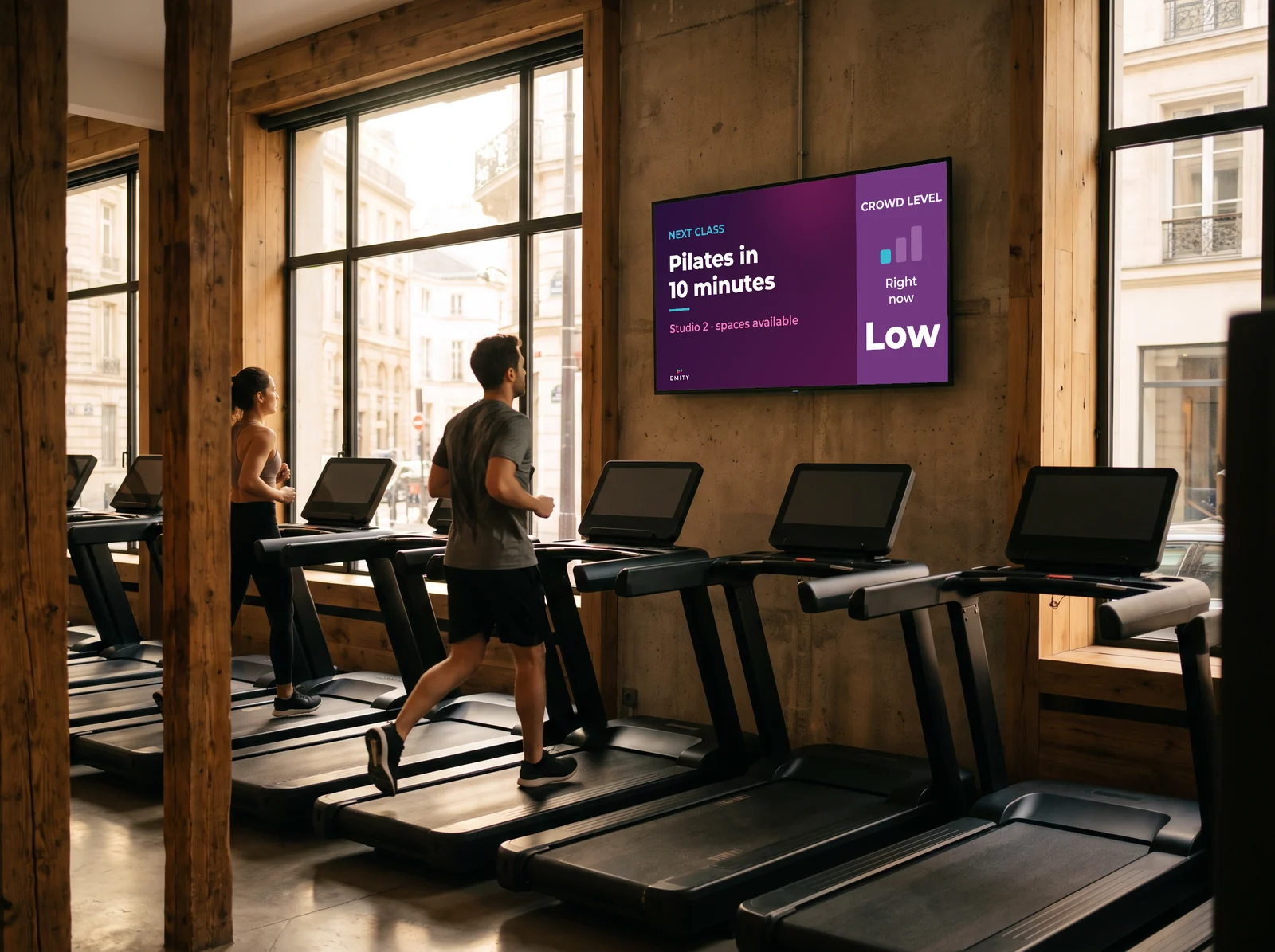
Screen facing the cardio machines in a gym

3 · On the gym floor

Facing the treadmills, the screen fills time that would otherwise be lost: a form tip, how busy the club is right now, the next class starting in ten minutes. This is where an offer is looked at the longest.

Coach

Timetable screen outside a group exercise studio

4 · In the studio

By the studio door, the screen confirms the class, the instructor and the time. A change to the timetable reaches every screen at once, so no out-of-date poster contradicts what your staff are saying.

Schedule

Scoreboard displayed in a sports hall during a match

5 · In the sports hall

On Saturday the hall becomes a match venue. SCORING shows the live score and clock from a tablet, on the very screen that carried the timetable the day before.

Bring to life

Running several clubs from a single dashboard

6 · At head office

The one screen that is not for members. A national offer goes out to every club in a single move, and each site keeps control of its own timetable and local notices.

Run the estate

The six screens do not all arrive at once. Most clubs start with reception and the gym floor — where information is seen most — then add the rest. The platform is the same from the first screen to the last.

Live scoring

Live scores, in the sports hall and on the court

An in-house tournament, a club match, a members’ challenge: the result has to be readable at a glance, from the stands as much as from the floor.

A scoreboard driven from a tablet

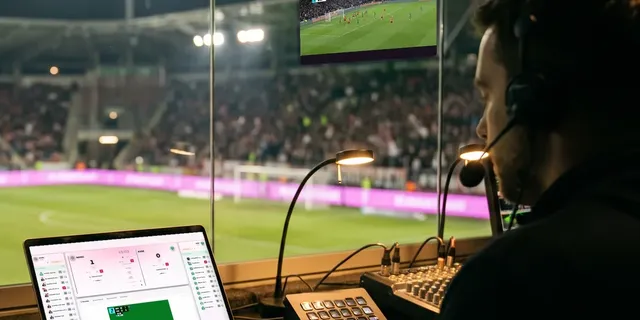
The SCORING module turns one of your screens into a scoreboard. Someone follows the game from a tablet or a laptop, and every point entered appears on screen straight away. The rest of the time, that same screen goes back to signage.

  • Several sports supported, each with its own scoring rules
  • Clock, periods, fouls and team names shown together
  • Entered remotely, with no dedicated hardware courtside
  • One screen serves the score and then the club’s communication

A traditional electronic scoreboard only ever shows a score. Here, you reuse a screen you already own.
Franchises & chains

Many clubs, one hand on the screens

A gym chain has two needs that pull against each other: pushing the same campaign everywhere, and letting each club talk about its own classes. The platform handles both.
Head office and local, on the same screens

In E-MANAGER, screens are grouped by club, by area or by use. Head office pushes a campaign across the whole network; each club manager keeps control of the local timetable and local information.

  • Screen groups by club, by city or by zone of the building
  • Per-user rights: what each team may change, and nothing more
  • One campaign published across every club concerned in a single move
  • From 1 to 1,000 screens on the same account

A club that opens joins the existing account: same interface, same templates, nothing to rebuild.

Getting started

How it works, in practice

Four pieces, and nothing else. In most clubs, whoever runs the front desk is the person who ends up running the screens.

1

An internet connection

The screen connects to your internet line, with no intrusion into your IT network. Nothing to install on a server in the club.

2

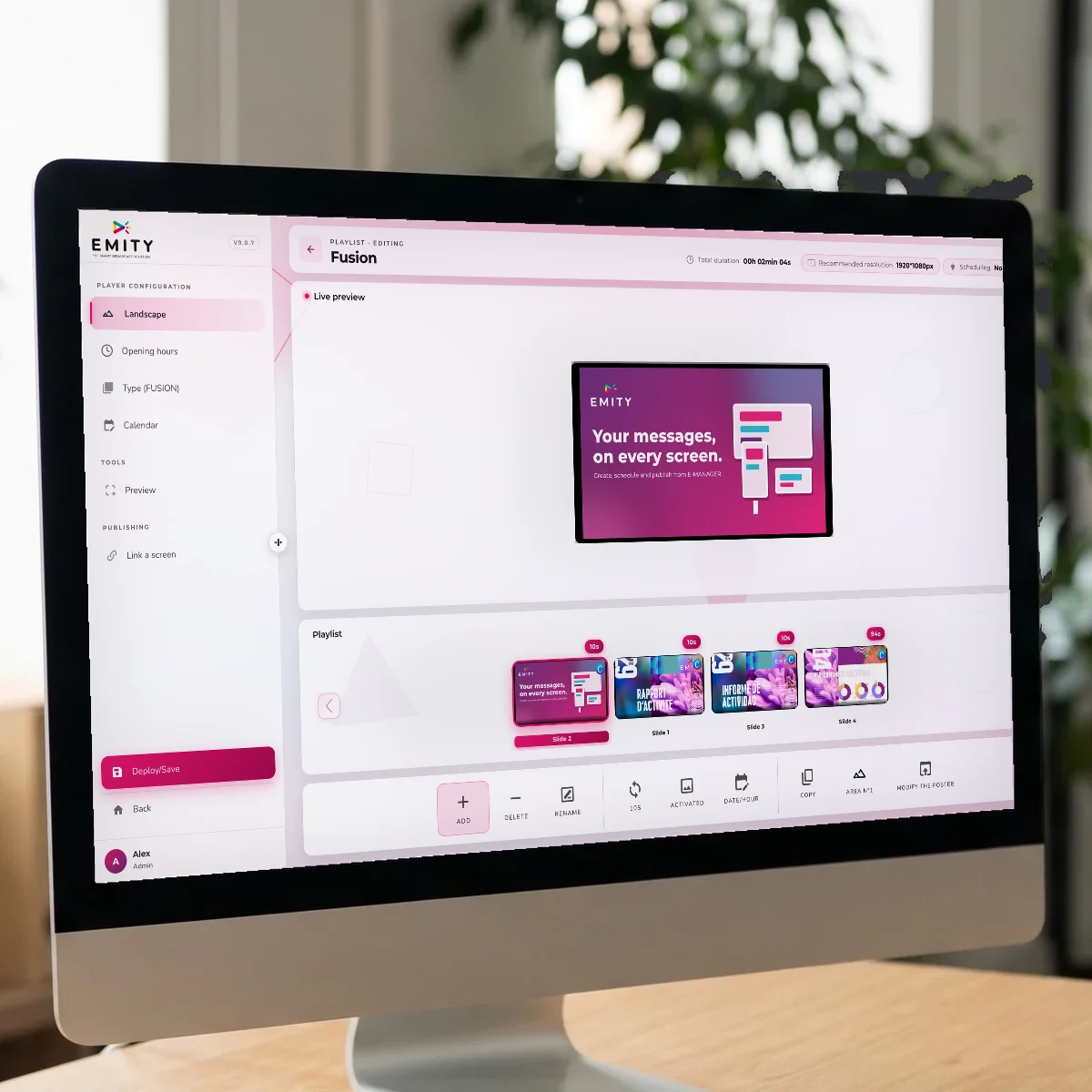
E-MANAGER, the dashboard

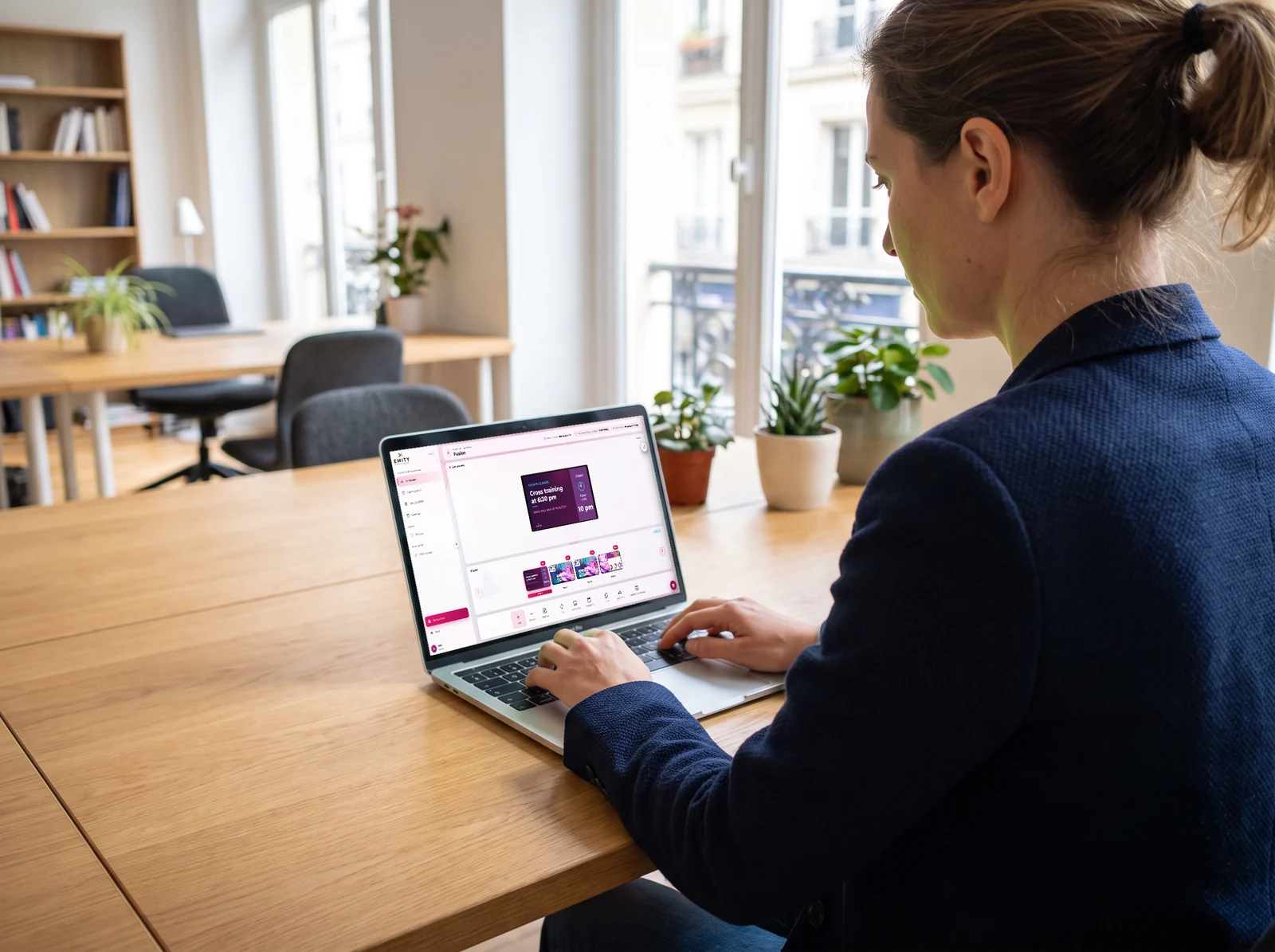
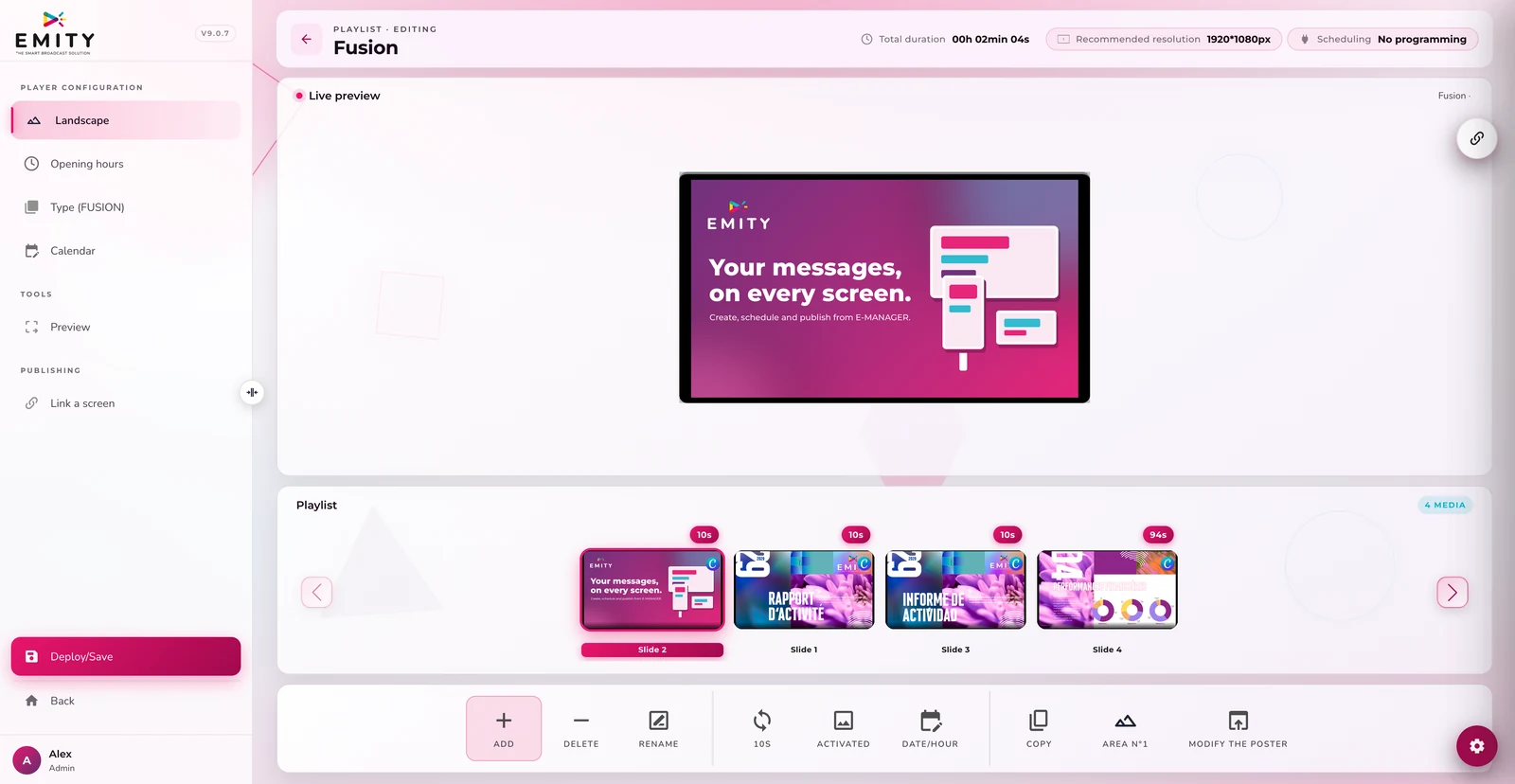
A website where you compose content, choose screens and schedule broadcast times. Reachable from any browser.

3

The screen, with or without a player

The E-BOX player makes any screen compatible. If yours is a connected model — Android TV, Samsung Tizen, LG webOS — E-SOFT installs straight onto it.

4

The EMITY editor

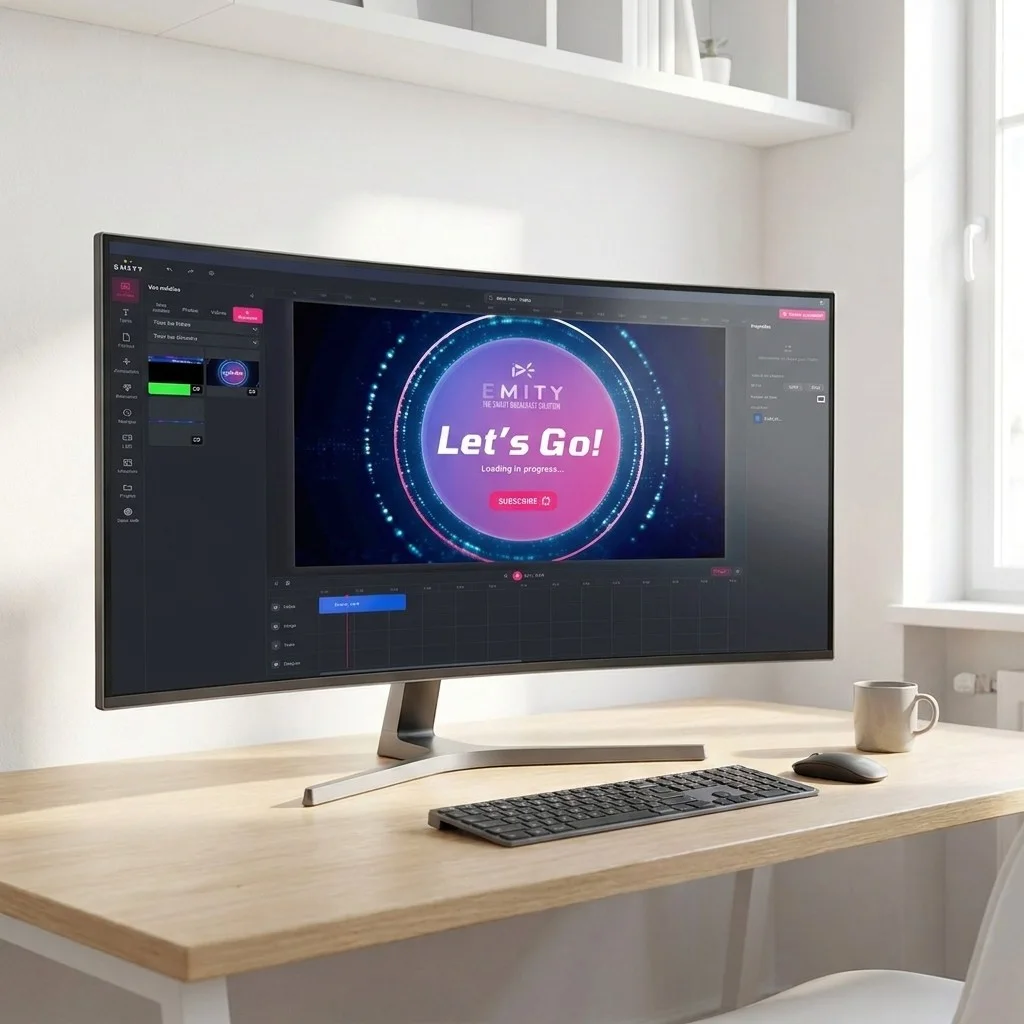
You build posters, schedules and visuals inside the platform, with no third-party software. And if your team already works in Canva or Adobe Express, those are integrated too.

EMITY

A French software vendor, a reseller near you

EMITY has designed its software suite in Montpellier since 2018 and distributes it through a network of certified resellers. For a club, that means a contact you can reach — and who can come on site.

7,000+

connected screens

1,000+

customer accounts

130+

certified resellers

20+

countries

A club can start with a single screen at the front desk and grow to 1,000 screens on the same account. Screens you already own connect as they are, whatever the brand.

FAQ

Frequently asked questions about gym digital signage

Three things, mainly. Information that is always current: class schedules, instructor of the day, machines under maintenance, with no poster to reprint. Communication seen at the right moment: offers, new arrivals and events appear where members walk. And time given back to the front desk team, who answer the same questions less often.

From E-MANAGER you compose the timetable — or pull it from an existing file — then broadcast it to the screens you choose: front desk, studio entrances, changing rooms. When an instructor or a time changes, you update once and it lands on every screen concerned.

The deciding factor is being able to separate what comes from head office from what comes from each club. In E-MANAGER, screens group by club, by city or by zone, and rights are set per user: head office publishes a campaign across the network while each manager keeps the local timetable. One account takes from 1 to 1,000 screens, and a new club joins without rebuilding anything.

Yes. EMITY supports screens from every manufacturer. Either the E-BOX player plugs in behind your existing screen, or the screen is a connected model — Android TV, Samsung Tizen, LG webOS — and the E-SOFT app installs directly onto it. Taking over an estate already running another vendor’s software is possible too.

It depends on the zones you want to cover, not on floor area. Clubs often start with one screen at the front desk, then add one outside the group studio and one on the cardio floor. Changing rooms come next. Starting small is the sensible route: the free trial covers up to three screens, enough to see which ones are actually watched.

The SCORING module shows score, clock, periods and fouls on a screen in the hall. Someone enters the points from a tablet or laptop and the screen follows live. Several sports are supported with their own rules. Outside matches, the screen returns to signage — unlike a dedicated electronic scoreboard, which only ever shows a score.

No. E-MANAGER runs in a browser, like a webmail: you open a template, change the text or the photo, and publish. In most clubs the person on the front desk runs the screens day to day. Your reseller handles the hand-over, and the built-in editor means nobody has to master graphic design software.

Yes. Club screens can carry messages from local partners — a dietitian, a physiotherapist, a neighbourhood business — between two pieces of club content. Scheduling is set per time slot and per screen, so you can reserve certain slots for those messages and measure how often they played.

It earns its place at peak hours. On a kiosk, members look up their own class, the instructor on duty, the floor plan, or fill in a sign-up form — without tying up the front desk. The E-CLICK module turns a touchscreen into a kiosk, and the same screen goes back to standard signage when nobody touches it.

Cost has two parts: the software subscription, per screen, and hardware if screens are missing. Three plans exist — Standard, Premium and Excellence — set out on the subscriptions page. The reliable route is to talk it through with your reseller: they price it on the number of screens and the modules you keep, and the free three-month trial lets you decide before committing.

Is your venue a different kind of place — a pool, a sports complex, a club association? The other sectors of activity set out their own uses.

Test it on your own screens, not in a demo

Three months to put your real timetables on your real screens, with the person who will look after them day to day. Full version, no card details, no commitment.

✓ 90 days on the Excellence plan   ✓ Up to 3 screens   ✓ No card details   ✓ A reseller near you