
Public notices · E-CLICK
Digital public notices: your statutory notices on screen
Paperless, time-stamped, readable at any time.
A council still gives public notice by posting it where people will see it, and every employer has notices to keep on display. The Public notices module of E-CLICK puts these documents on a screen, a touchscreen kiosk or a totem, at the town hall, at work and in residential buildings.
Councils · town halls · public services
Your statutory notices,
without the cork board
Notices you publish, date and take down from a browser, and that stay readable even when the doors are closed.
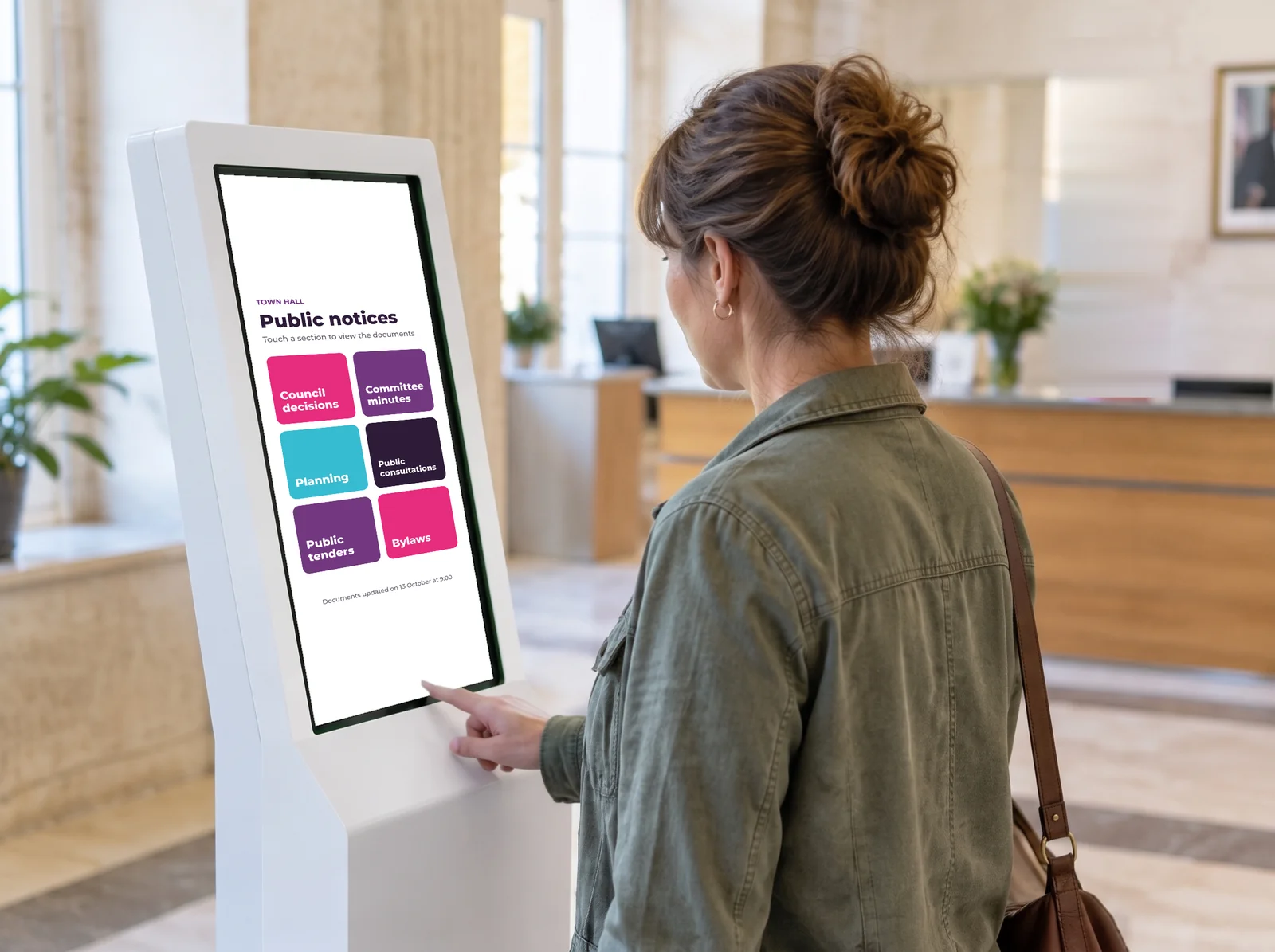
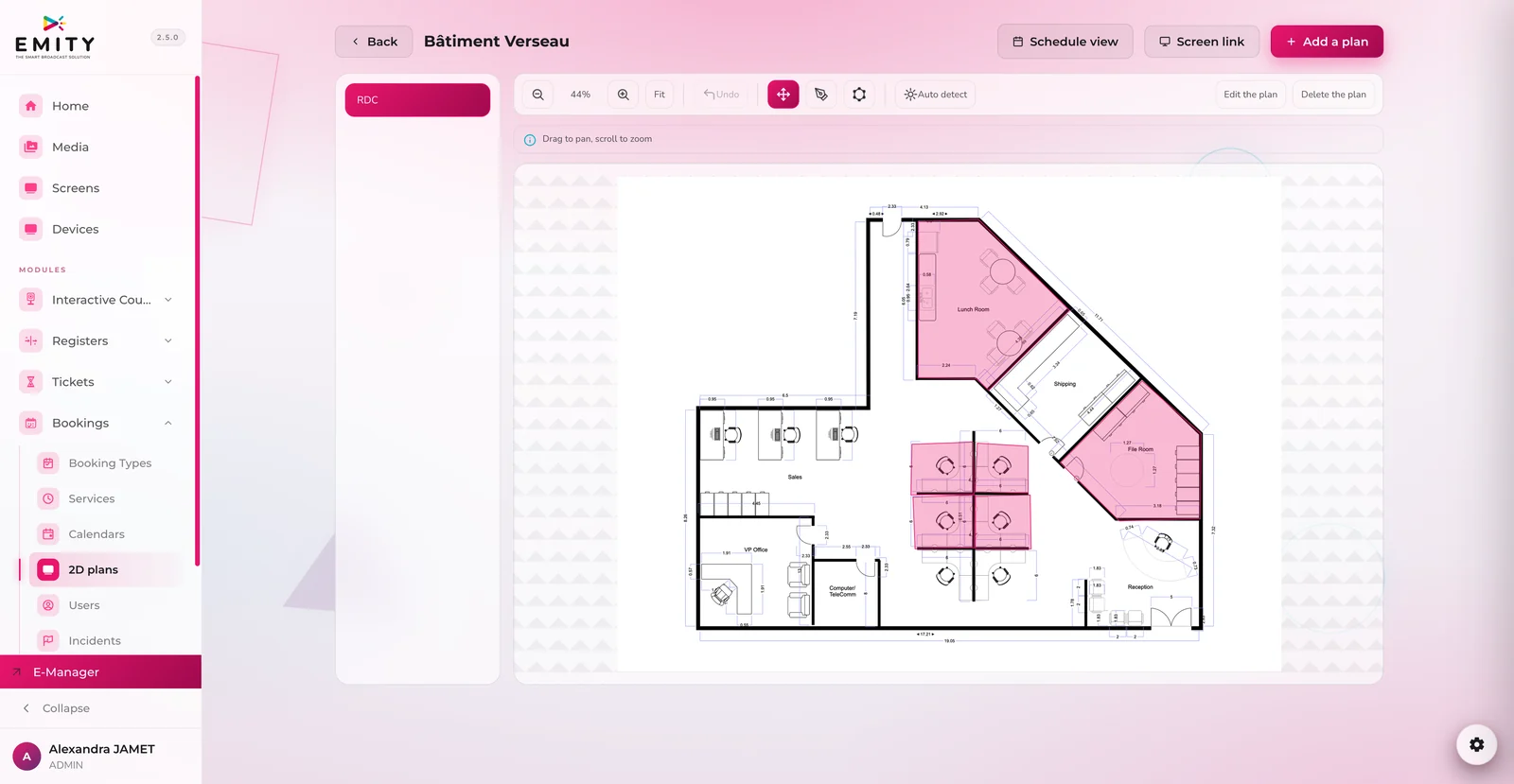
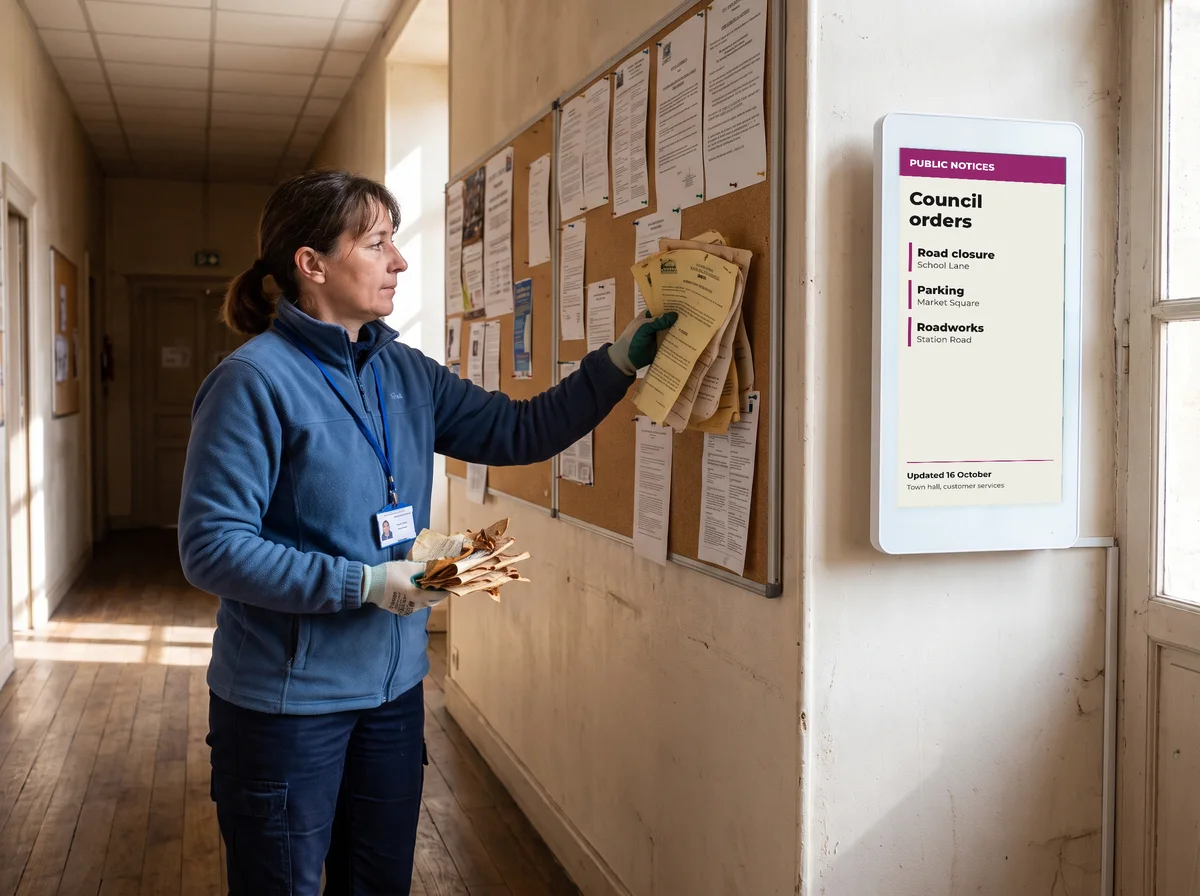
The town hall foyer becomes the official notice board
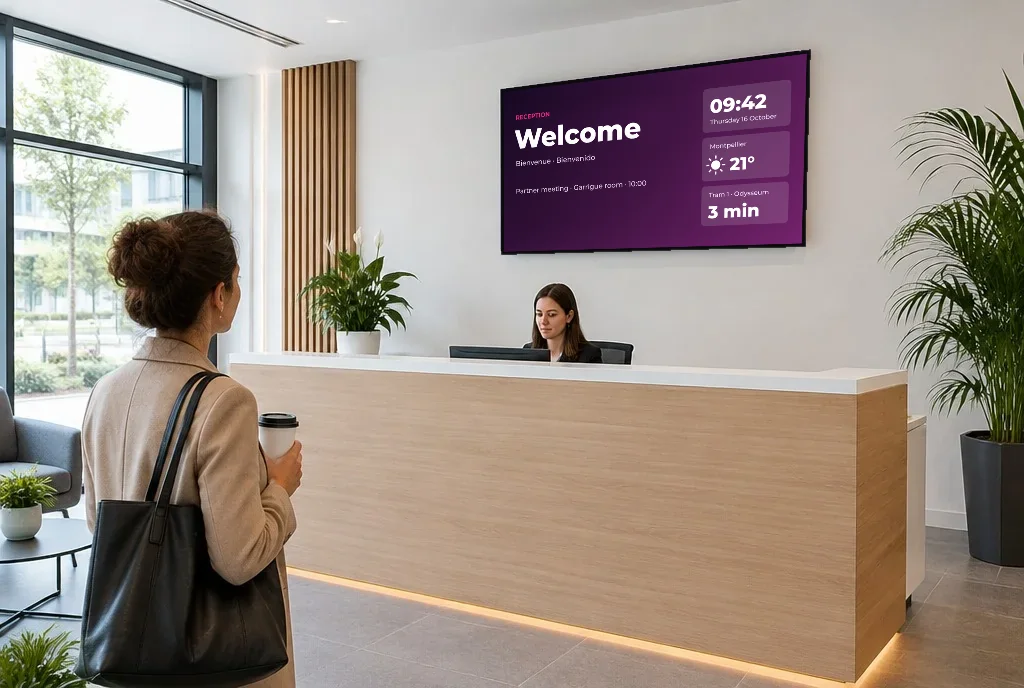
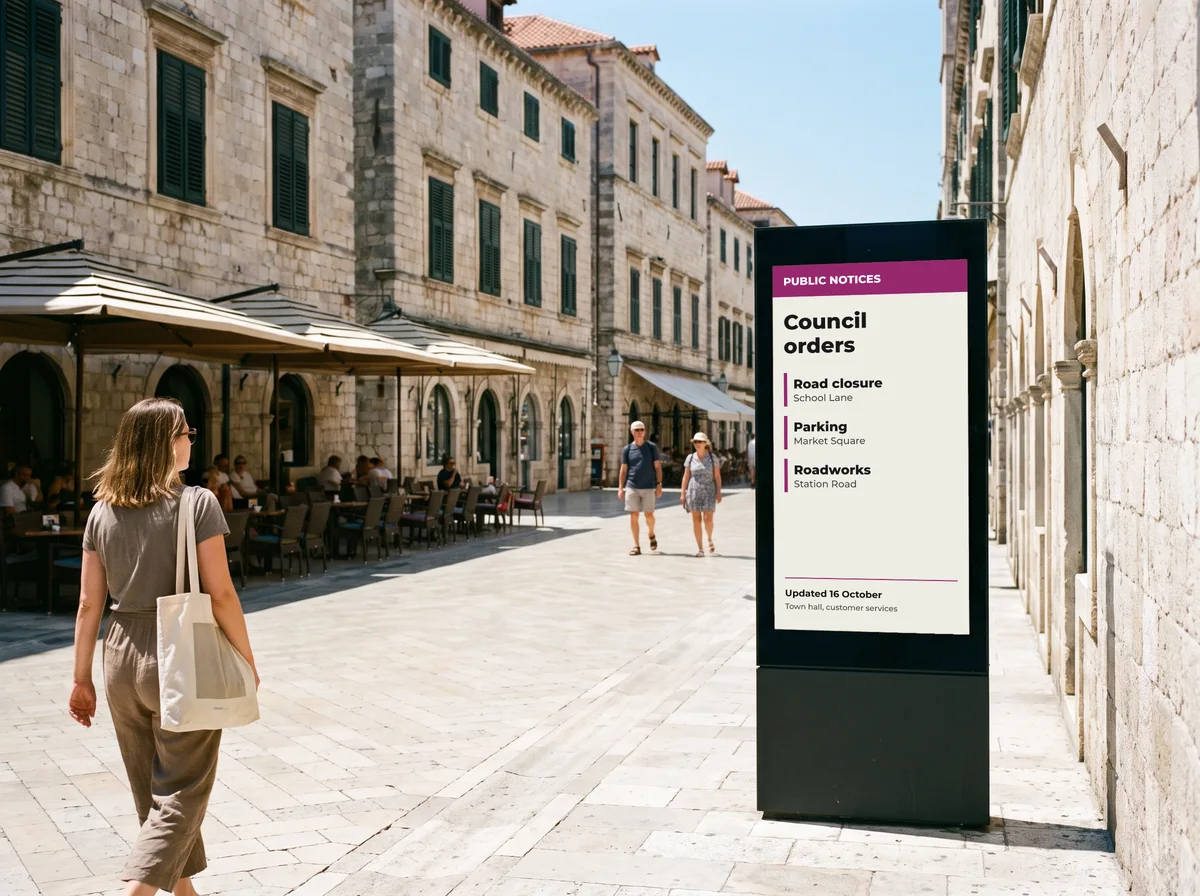
Councils, combined authorities and public services post their notices where residents actually pass: at reception, on the front of the building, in waiting areas. The Public notices module of E-CLICK keeps that board up to date for them.
- ✓Paperless : agendas, minutes and notices move from the cork board to the screen, the kiosk or the totem, as PDFs.
- ✓Time-stamped : every document keeps its publication date, visible to residents.
- ✓Scheduled : a start date, an end date. The notice appears, then comes down on its own.
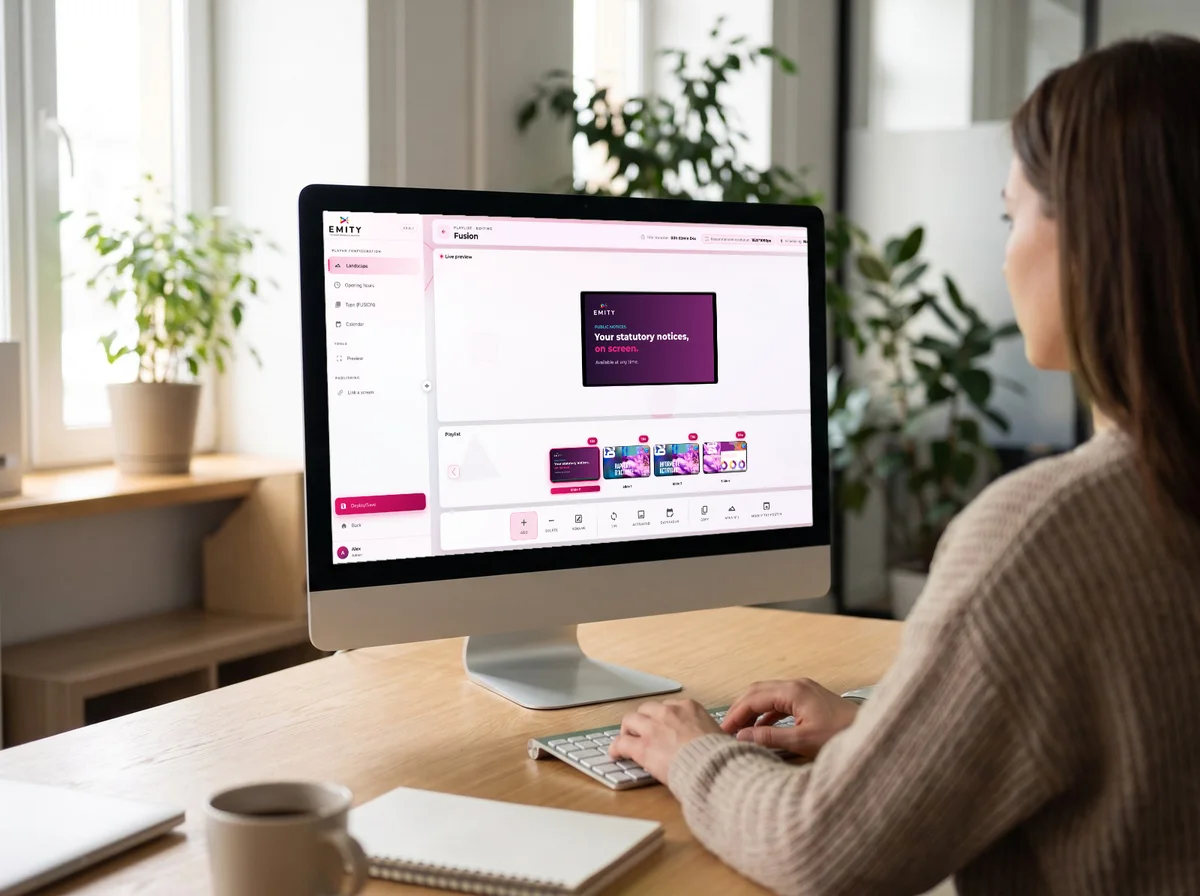
- ✓Updated remotely : one correction from the dashboard and every screen across the council follows.
- ✓Viewing statistics : you see which documents people actually read, and which deserve a better spot.
The whole suite
Beyond public notices,
a complete public reception
The same EMITY account runs the other experiences of a town hall or public service.
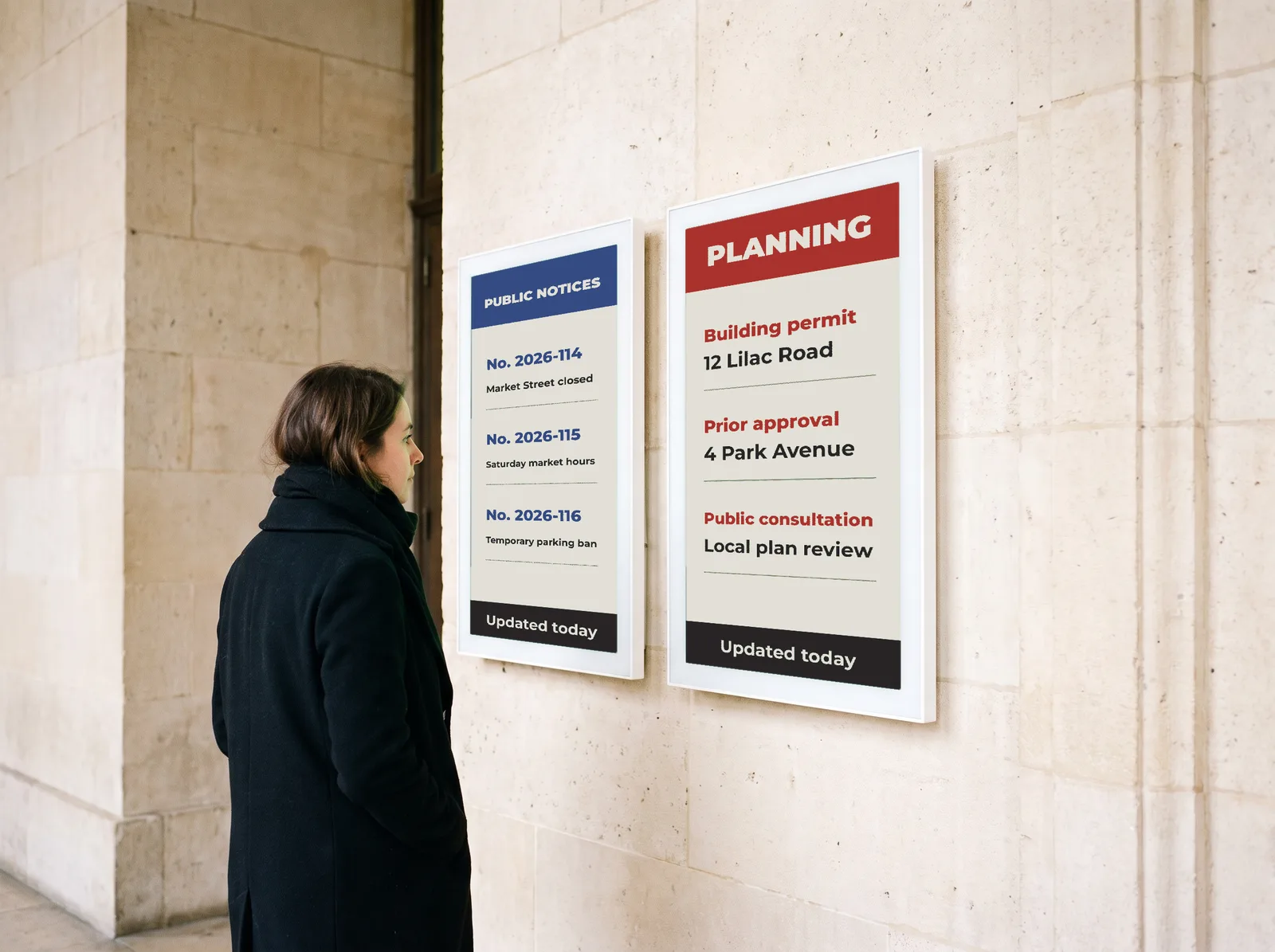
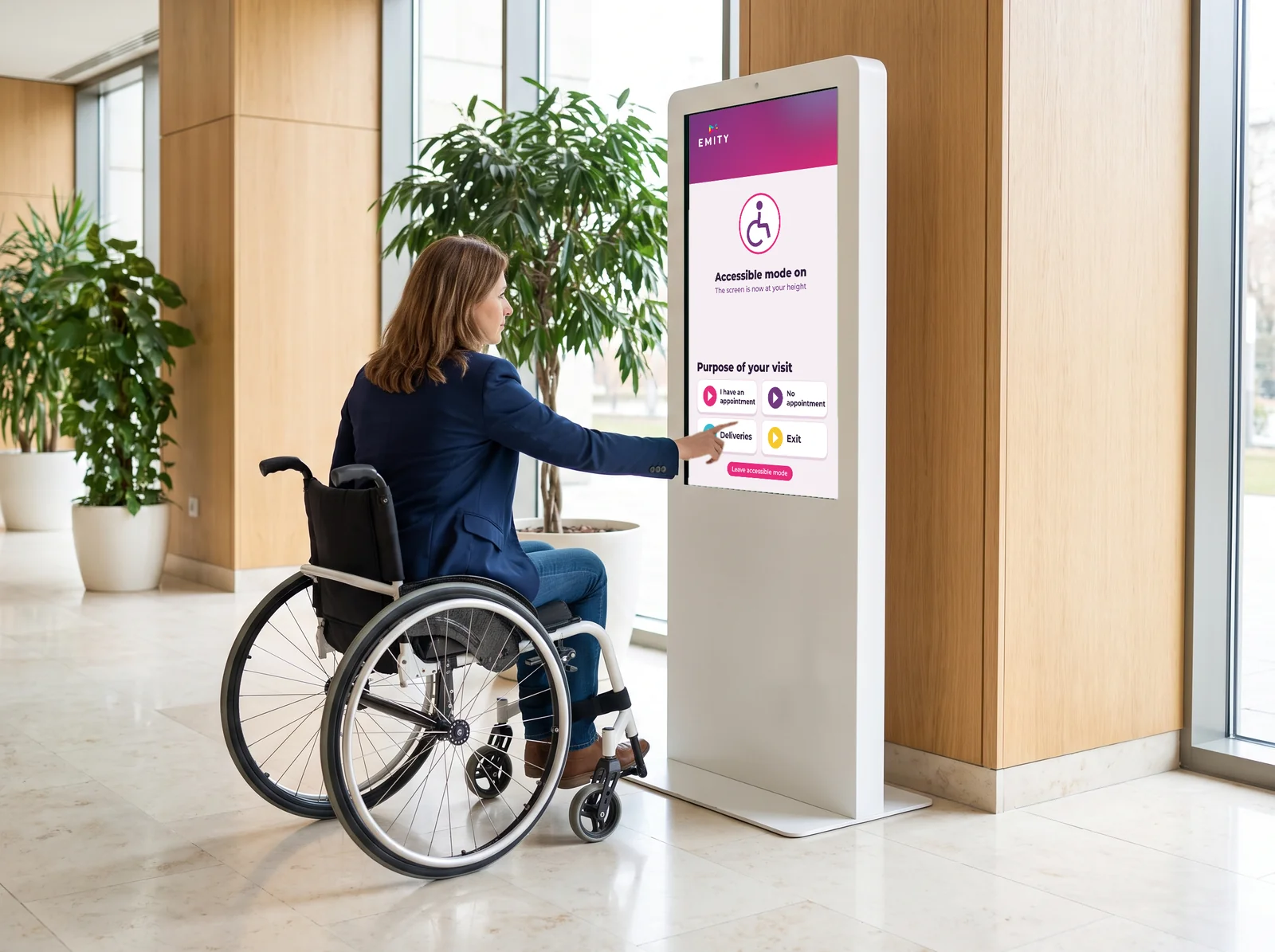
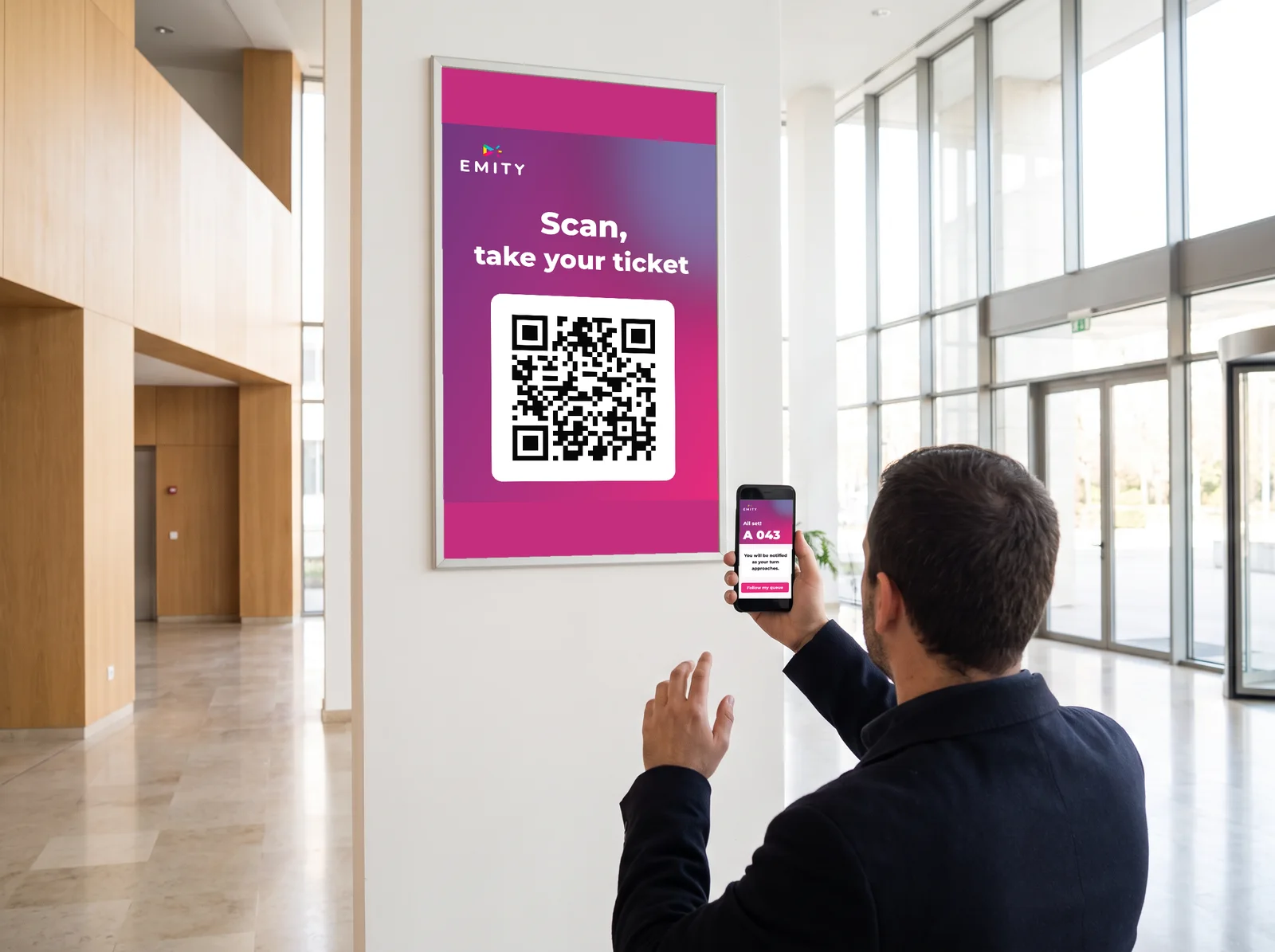
Hosted in France, with OVH. The council’s documents and viewing data stay on French servers.
UNDERSTANDING
Digital public notices, simply defined
Before talking about equipment, let’s be clear on terms. The subject concerns three very different audiences, with obligations that have little in common.
What are digital public notices?
Digital public notices mean putting on an electronic display the information an organisation is required to make public: notices and agendas for a council, workplace notices for an employer, management and safety information for a residential building. In other words, what used to be pinned to a cork board now appears on a screen, a touchscreen kiosk or a totem.
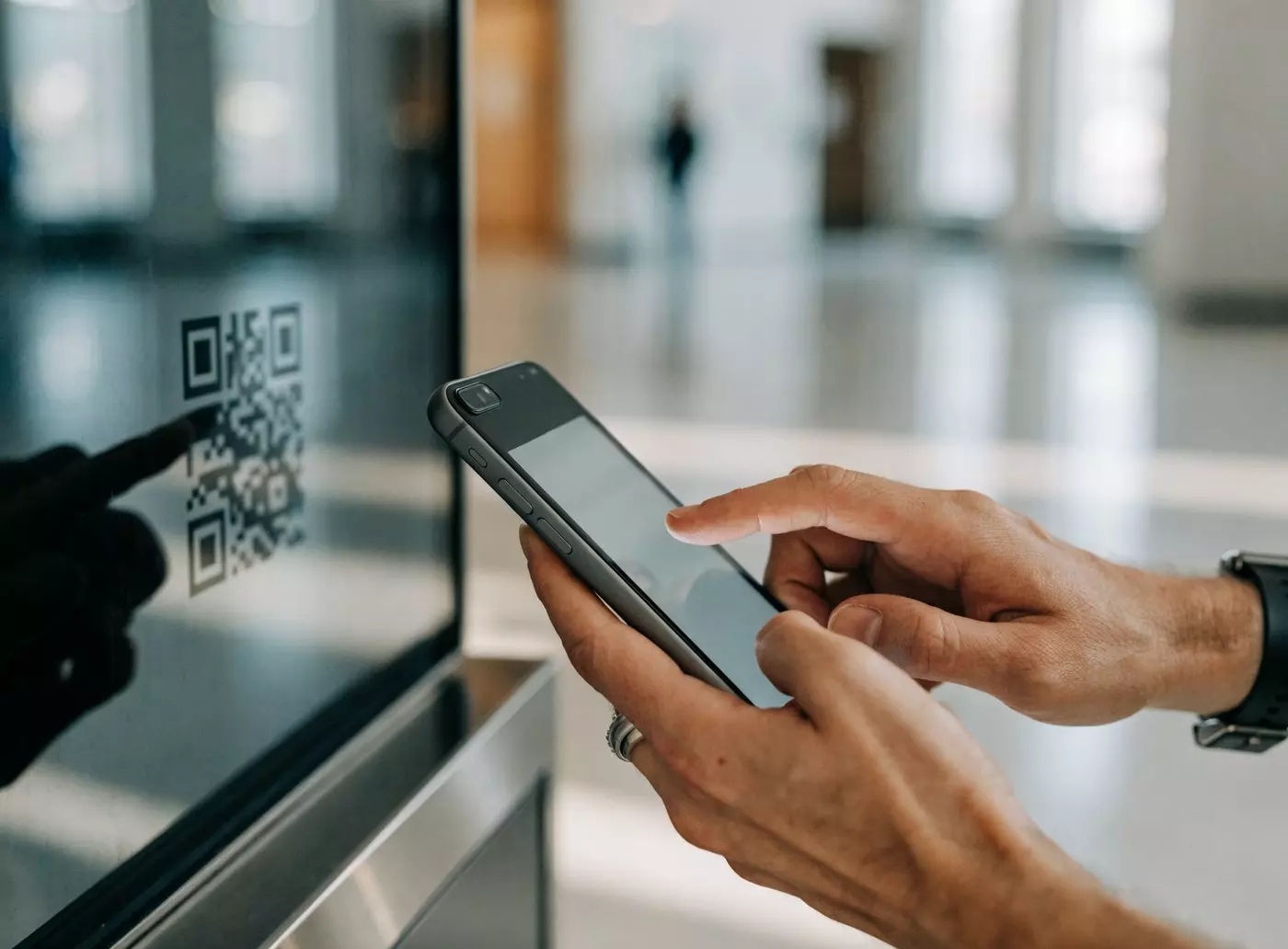
The benefit goes beyond easier reading: a digital document is updated from a dashboard, downloaded by QR code and stays available when the offices are closed.
- ✓On site — reception, break areas, communal areas
- ✓On the move — QR code on the screen, document saved to the phone
- ✓Up to date — one change, one click, every screen follows
- ✓Accessible — wheelchair-friendly height, adjustable contrast and text size
LEGAL FRAMEWORK
What the law says for councils
Online publication has grown, but the notice board has not gone away. Four points to keep in mind before choosing equipment.
Public notices, in conspicuous places
Under section 232 of the Local Government Act 1972, a public notice required of a council in England and Wales is given by posting it in one or more conspicuous places in its area, plus any other publicity the council considers desirable.
Five clear days’ notice
Before a meeting of a principal council, public notice of its time and place is posted at the council’s offices at least five clear days in advance, and the agenda is open to inspection from the same date (Part VA of the 1972 Act).
Electronic publication, on top
In Wales, community councils must also publish their public notices electronically, in addition to posting them (Local Government (Democracy) (Wales) Act 2013). Elsewhere, the website usually complements the notice board.
Three clear days, on the notice board
Parish and town councils post notice of their meetings at least three clear days beforehand in a conspicuous place, usually the parish notice board, often the only place many residents will see it. A screen keeps that notice readable and up to date.
AT THE TOWN HALL
The notices residents need to see
Agendas, minutes, planning: going digital starts with knowing what has to be published.

Which documents should a council publish?
The list depends on the life of the area, but the same families of documents come up almost every time. An inventory made at the start avoids omissions and sizes the equipment to real volumes.
- ✓Agendas and minutes of council and committee meetings
- ✓Traffic regulation orders and highway notices
- ✓Planning: Local Plan consultations, planning applications, site notices
- ✓Public consultation and inquiry notices, with their deadlines
- ✓Notices of elections, licensing notices and service information
Every document remains available as a PDF, downloadable in one gesture from the screen thanks to the QR code.
AT WORK
Workplace notice screen: nine things to keep visible
A yellowed board in the corridor or a readable screen in the break area: the obligation is the same, the result is not.
What employers must display or make available
Several health and safety rules require information to be displayed, or easily accessible, to every employee at work. A screen at reception or in the break area brings it all together in one place, and is corrected in seconds when a contact changes.
- 1The approved poster, Health and safety law: what you need to know (or the leaflet)
- 2Employers’ liability insurance certificate, displayed or accessible electronically
- 3Emergency numbers and the fire action notice
- 4Bullying and harassment policy, with how to raise a concern
- 5Health and safety policy statement
- 6Fire evacuation plan and assembly point
- 7First-aid arrangements: first-aiders and kit location
- 8Contacts for employee and trade union representatives
- 9Where to find the risk assessment findings

MULTI-SITE
When notices have to follow the teams
A required notice is only worth something if it is up to date everywhere, including the most remote sites.

Construction sites, workshops, multiple sites
In construction and industry, the difficulty is not knowing what to display: it is keeping the same notices up to date on sites that open, move and close. Running the screens remotely saves update rounds.
- ✓Welfare cabin equipped: the notices fill in from head office
- ✓Safety instructions and emergency numbers specific to each site
- ✓Shared documents sent out once across the whole estate
- ✓Rugged screens for workshops, warehouses and site offices
IN RESIDENTIAL BUILDINGS
Notices in blocks of flats
Managing agents and housing associations often run dozens of entrance halls. The glazed board on the ground floor can be managed remotely too.
What goes up in the communal areas
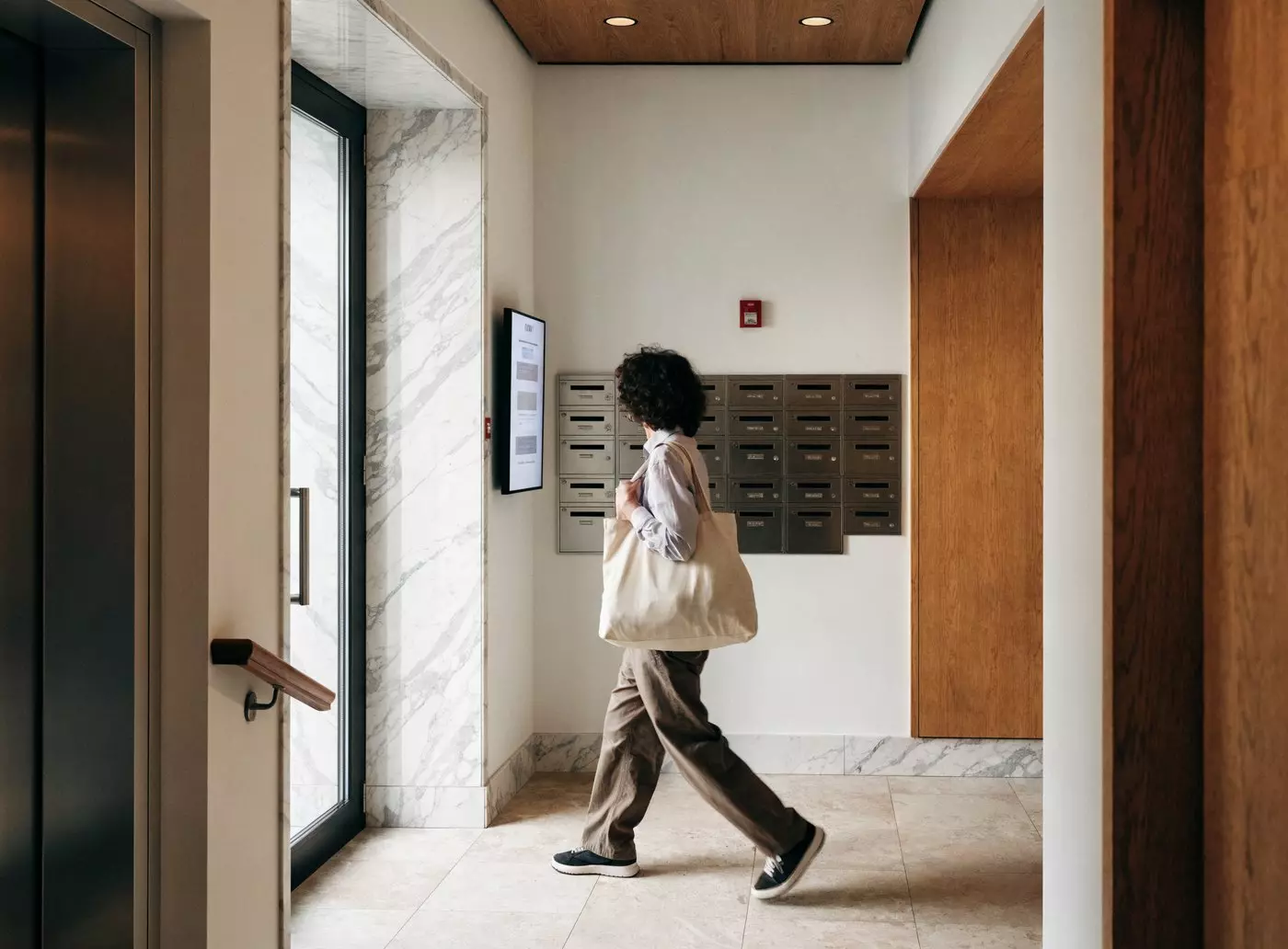
The entrance hall remains the place where information really reaches residents. Some of it even has a legal basis: under theFire Safety (England) Regulations 2022, the responsible person for a building with two or more sets of flats must give residents fire safety instructions: how to report a fire and what to do, based on the building’s evacuation strategy.
- ✓Fire safety instructions and the building’s evacuation strategy
- ✓Managing agent contacts, office hours and out-of-hours number
- ✓House rules and recycling instructions
- ✓Works in progress, water or power cuts, bulky waste collections
- ✓Information on fire doors and emergency numbers
Good to know: the instructions must be given to new residents and re-issued to everyone at least every 12 months. A screen in the hall keeps them in front of residents all year round.
BENEFITS
What moving to screens changes
Beyond compliance, three effects show within the first weeks.

COMPARISON
Website, dedicated kiosk or multi-purpose screen?
Each medium meets a different need. The table below puts them in their place.
Read before comparing. These three columns do not play the same role. Publishing on the council website reaches people online, while public notices are still posted in conspicuous places. A kiosk or totem does not replace the website: it completes the set-up, making the information available on site to people who would not look it up online.
So the question is not “website or kiosk?” but “how do we also reach the residents who never visit the website?”
| Criterion | Website only | Single-purpose kiosk | Screen + E-CLICK |
|---|---|---|---|
| Role under the law | Online publication, while notices are still posted in conspicuous places | Notice on site, where people pass | Notice on site, where people pass |
| Residents without internet access | ✗ Out of reach | ✓ Free access in the foyer | ✓ In the foyer and outdoors |
| Wheelchair accessibility | Depends on the resident’s own device | ✓ Suitable screen height | ✓ Suitable height, adjustable contrast |
| Availability after hours | ✓ If the person is online | Depends on location (indoors) | ✓ Outdoor totem, day and night |
| Council communication | ✗ Another channel needed | ✗ Notices only | ✓ Digital signage included |
| Indicative cost | Website hosting and maintenance | Dedicated equipment budget | Subscription + screen, 3-month free trial |
| Time to get started | A few hours if the site exists | Several weeks (installation) | A few days, certified reseller on site |


FUNDING
Where a council can look for funding
A digital notices project can fit several funding frameworks. Criteria and rates change: confirm them with the funding body before you apply.
Capital programme: the council’s own investment budget
Equipment that replaces printing and update rounds is often funded from the capital budget, alongside digital transformation projects.
Councils
Digital transformation budgets
Projects that modernise local public services through digital tools often have a dedicated budget line or programme.
Public services
Net zero and sustainability funds
Relevant to projects that combine digital modernisation with a lower environmental footprint.
Sustainability
Local grants: county, combined authority, community funds
Additional schemes exist depending on the area. Your funding officer remains the most reliable source for the criteria in force.
Check locally
OUR ANSWER
The Public notices module of E-CLICK
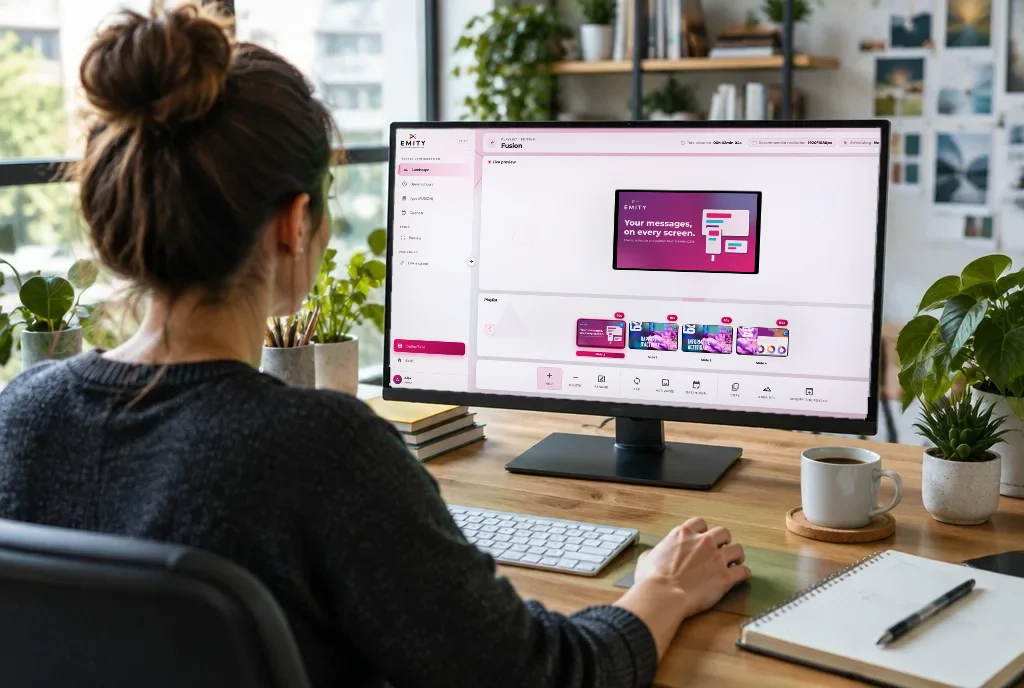
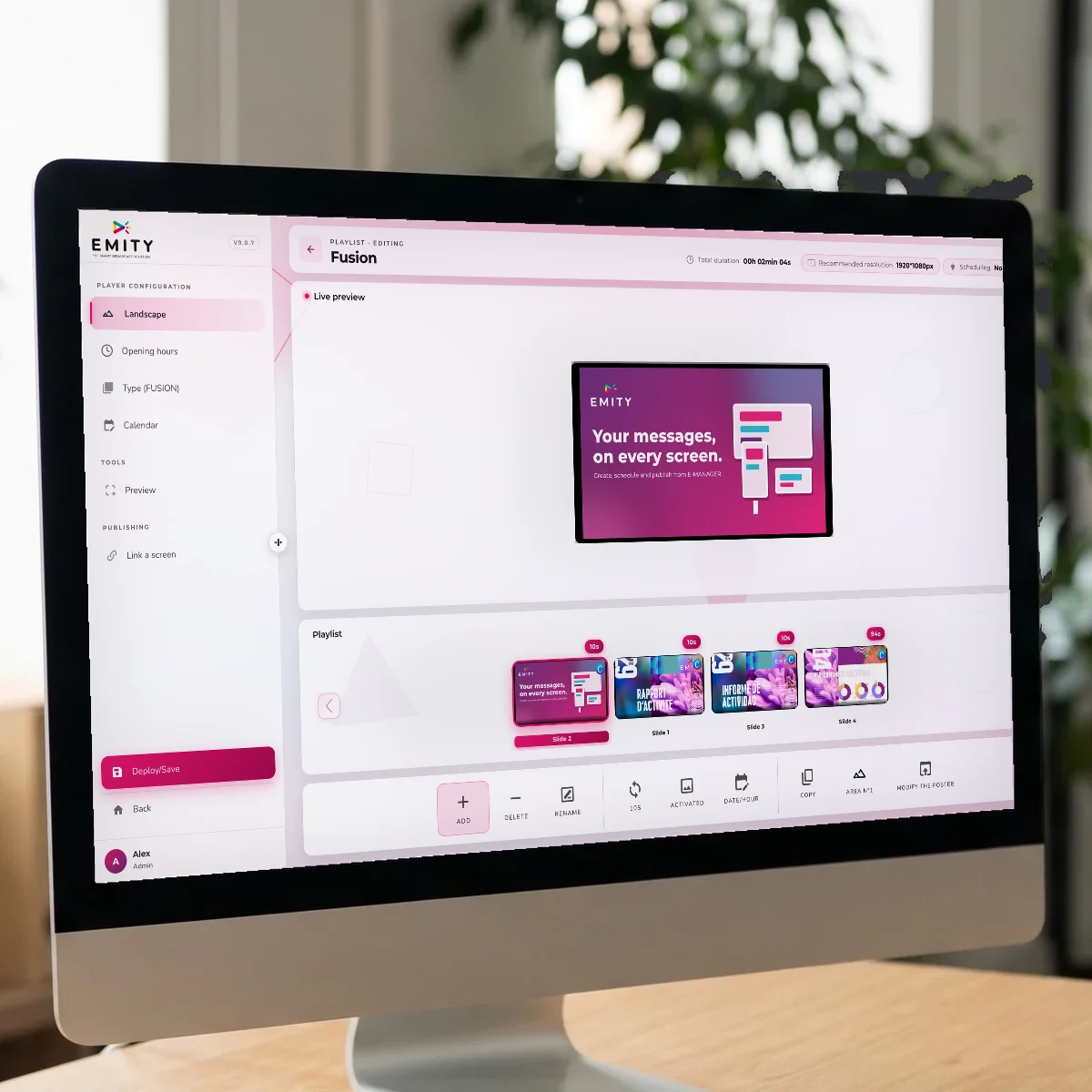
E-CLICK is EMITY’s software for interactive kiosks and screens. Its Public notices module brings together the documents to publish, the screens that carry them and the scheduling that keeps them running.
EMITY has more than 1,000 customer accounts in France and Europe, with a network of more than 130 distribution partners who handle installation and support close to the ground. It is this network that supports councils, from the first kiosk to the full estate.



DUAL USE
One screen, two jobs
This is what sets a multi-purpose screen apart from a dedicated kiosk: the same equipment carries public notices when they matter, then council communication the rest of the time. The switch follows your schedule, with no manual intervention.
Public notices mode
- ✓Opening hours — council minutes as PDFs, with a QR code
- ✓All the time — orders, consultation notices, statutory notices
- ✓Outside — documents available even when the town hall is closed
Communication mode
- ✓In the evening — local news, events listings
- ✓At the weekend — activities, open services, weather warnings
- ✓During the holidays — duty services, useful contacts, emergency numbers
SUSTAINABILITY
Public notices and E-PAPER: the right match
For content that rarely changes, digital ink changes the energy equation, and adds weight to a sustainability case.
Going further with digital ink
A statutory document rarely changes from one hour to the next: it stays up for days, sometimes weeks. That is exactly whereE-PAPER comes in, digital ink: the screen only uses power when the image changes. The Public notices module of E-CLICK works with this technology, supported by EMITY.
- ✓0 W to keep a document on display
- ✓No power cable on battery models, placed wherever the notice is needed
- ✓Readable in full sunlight, with no glare or backlight
GOING FURTHER
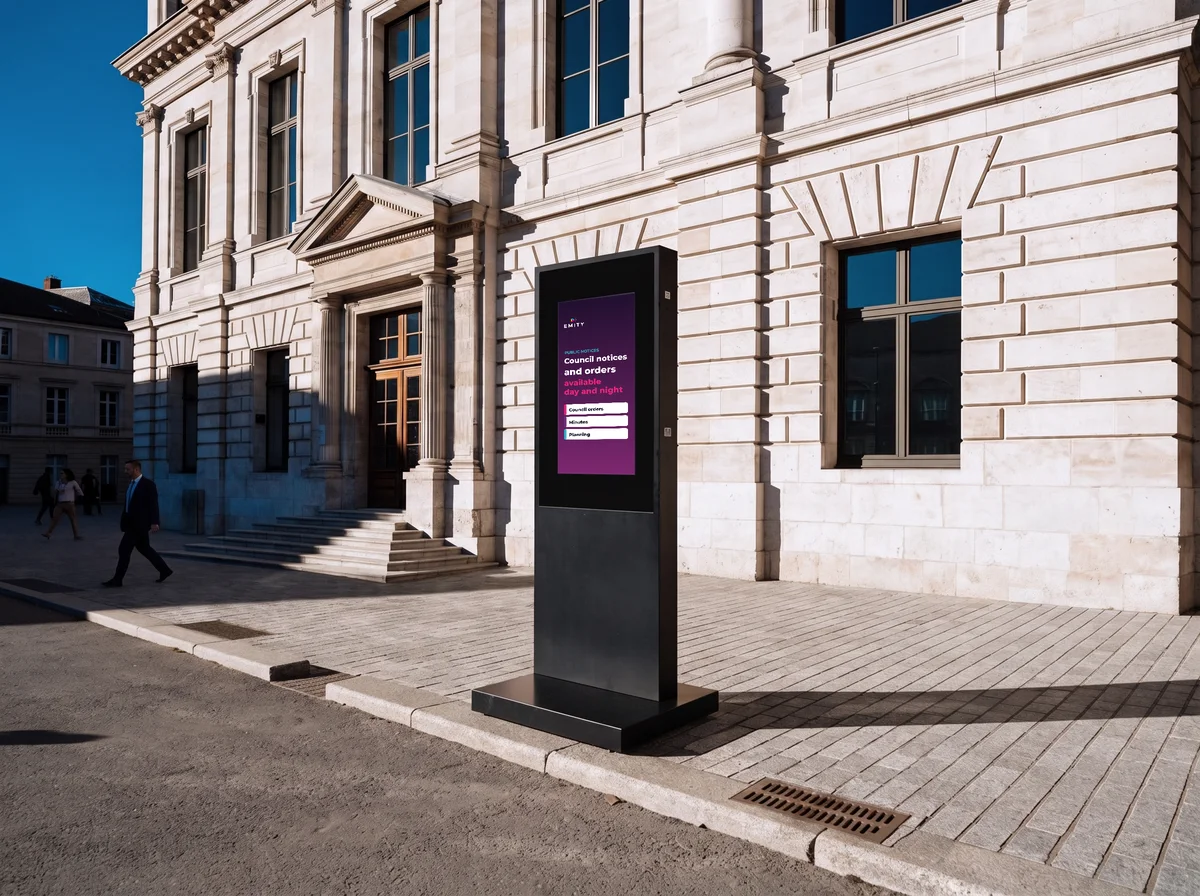
A totem outside, for the hours when everything is closed
People often look for official information in the evening or at the weekend. An outdoor totem takes over when the doors are shut.
The E-CLICK brochure
Detailed features, available hardware, subscription plans and customer feedback: the brochure covers it all, enough to prepare a committee paper or a funding bid.
- ✓The hardware: kiosk, indoor and outdoor totem, wall screen
- ✓The Standard, Premium and Excellence plans
- ✓The installation steps with a certified reseller
FAQ
Frequently asked questions about digital public notices
The points councils, employers and managing agents ask us about most often.


